Customer Ratings & Reviews


- Model:
- 80LY0010US
- SKU:
- 5206800
to a friend
Customers are saying
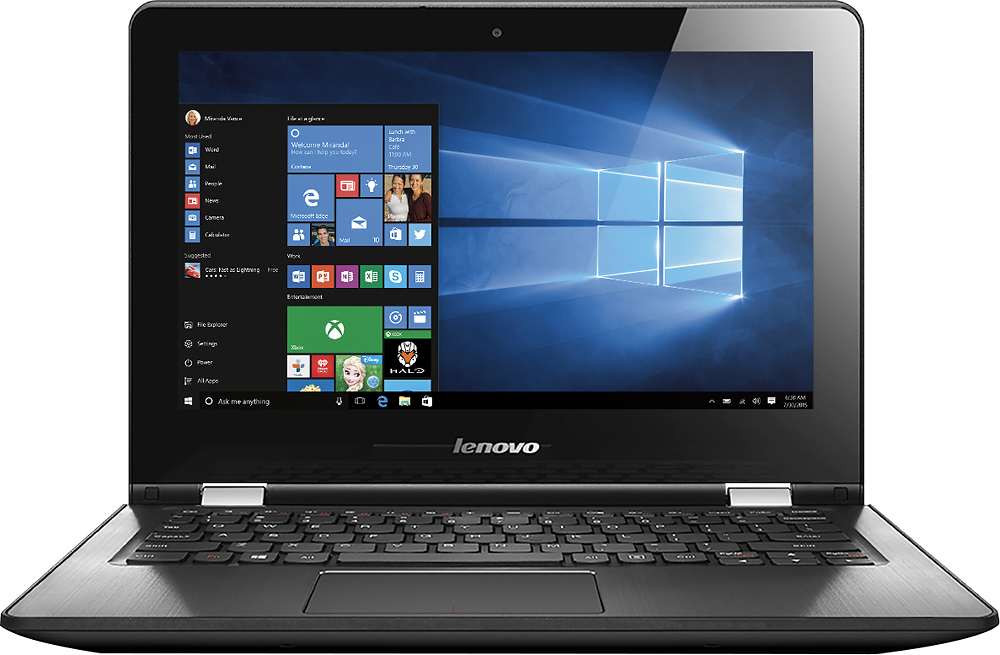
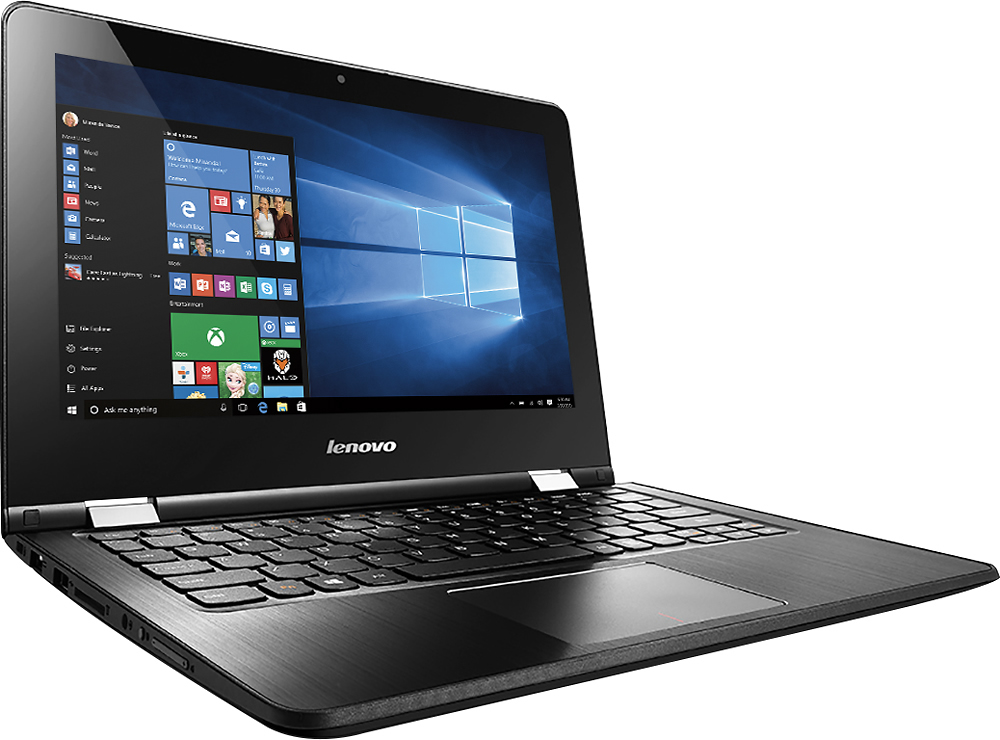
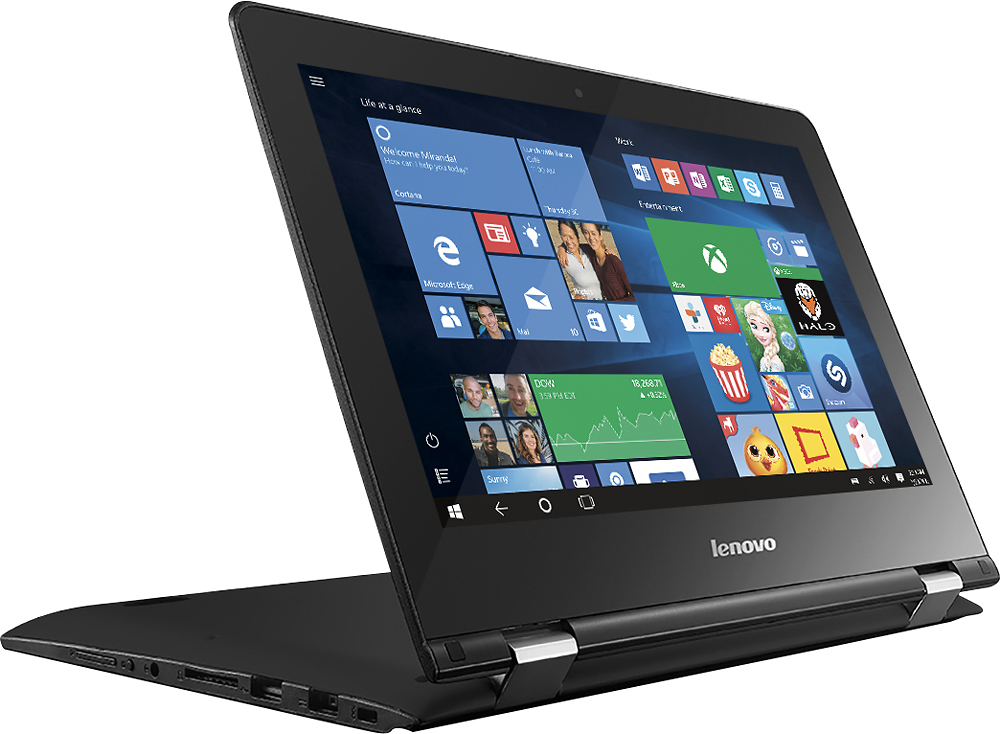
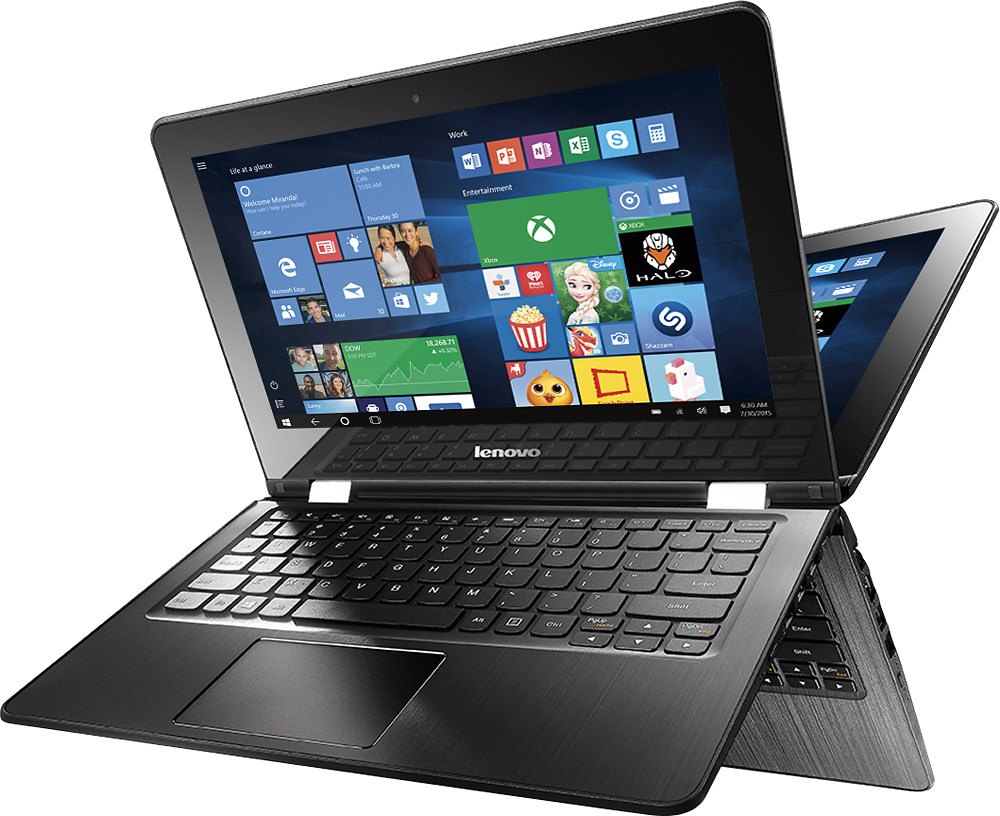
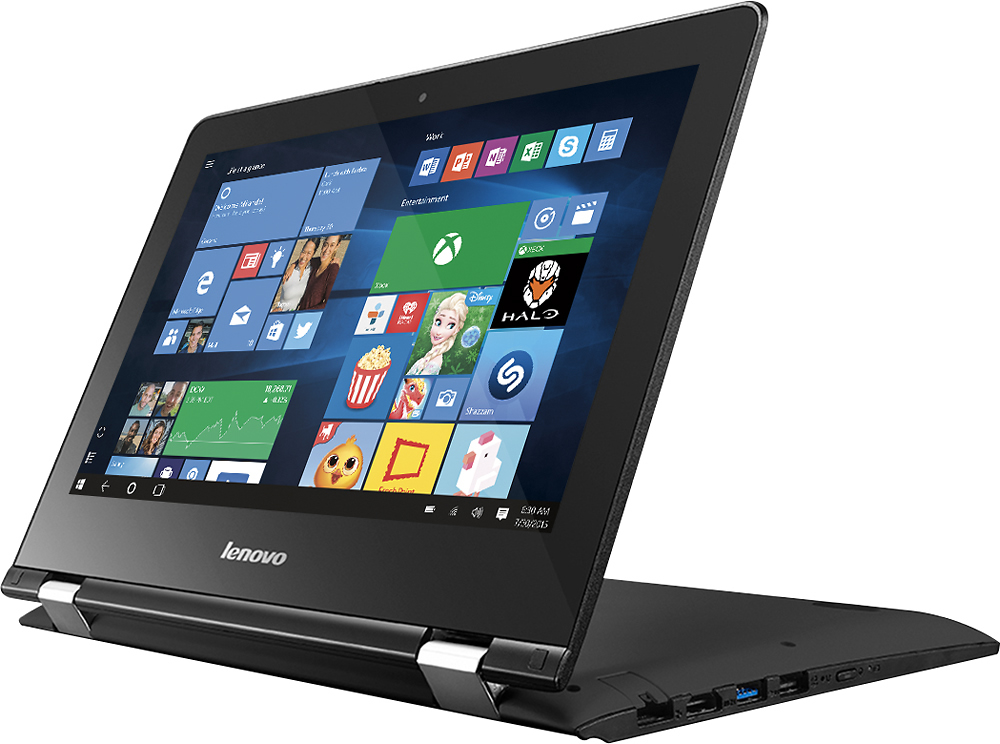
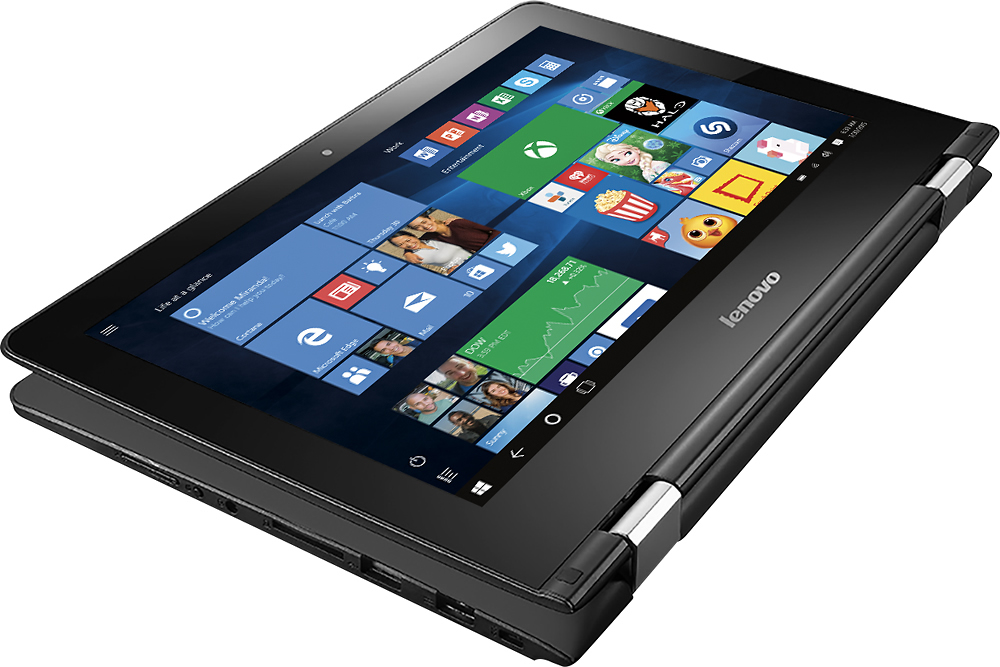
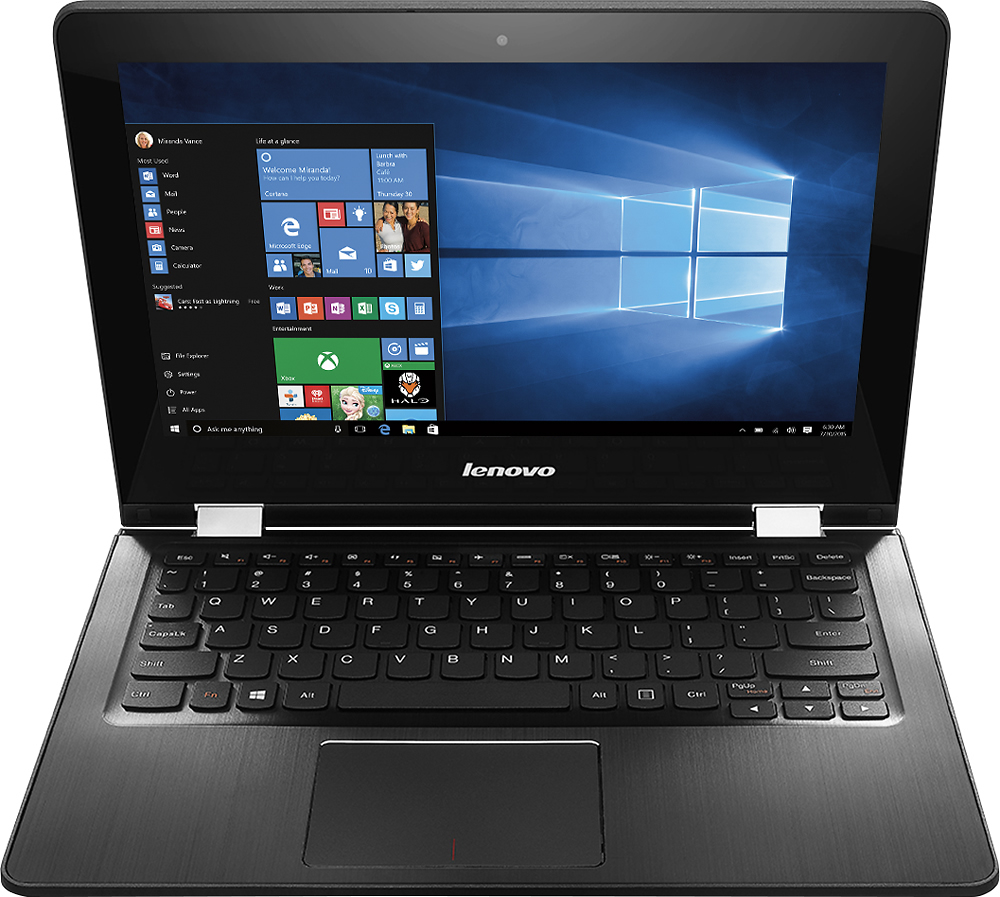
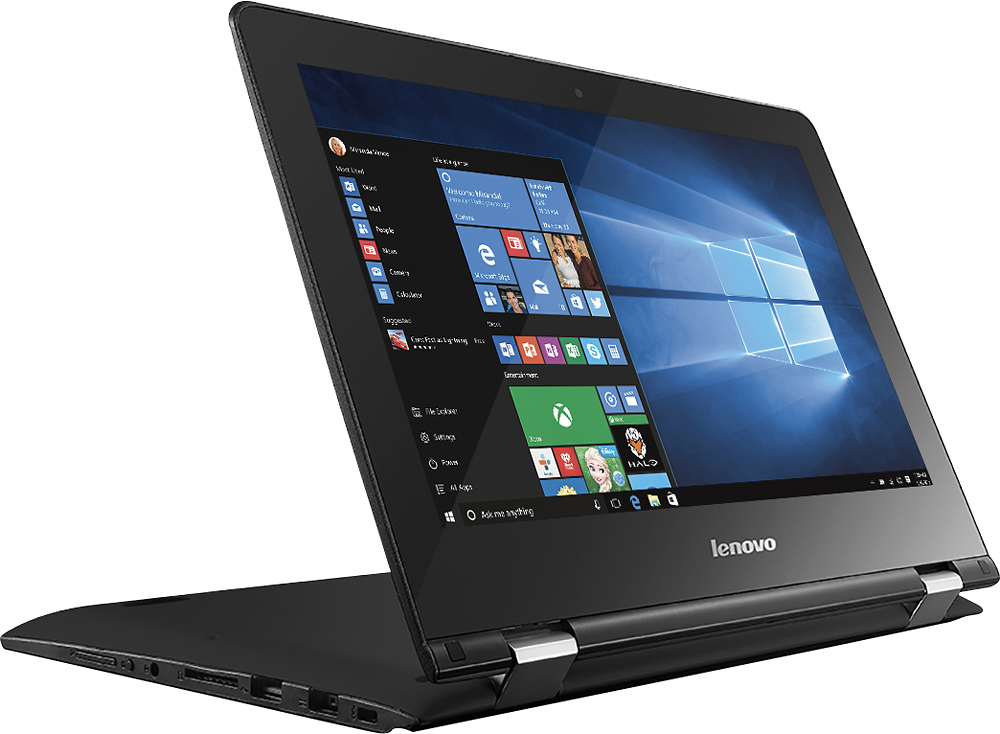
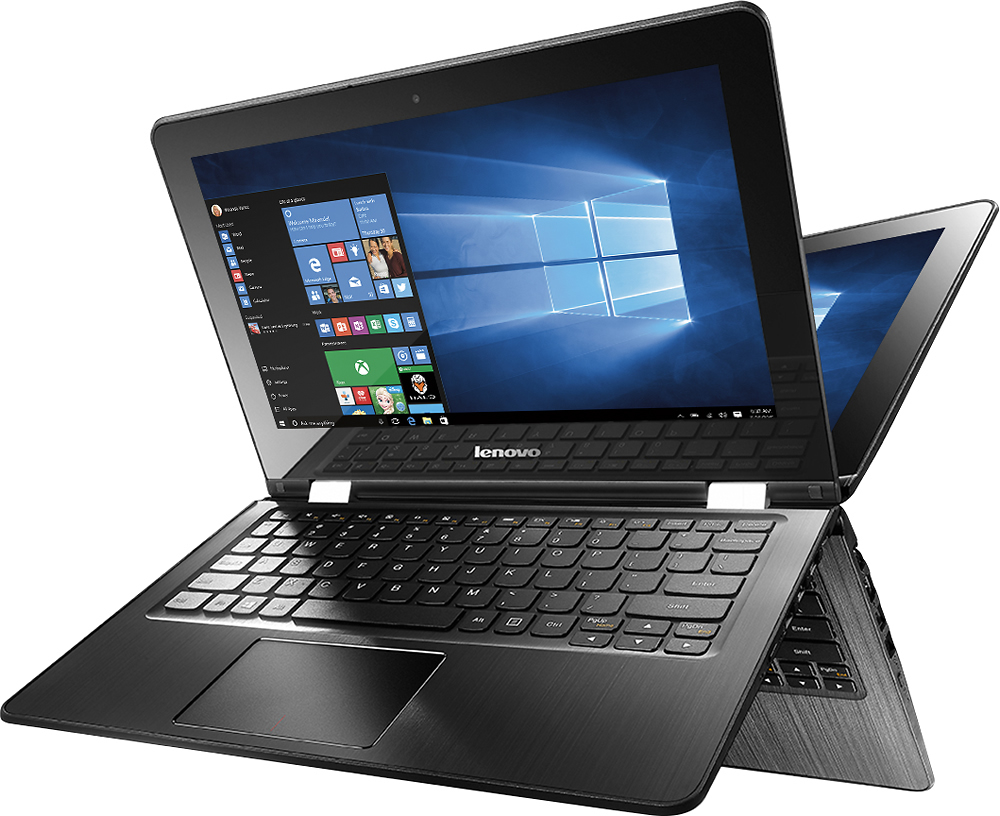
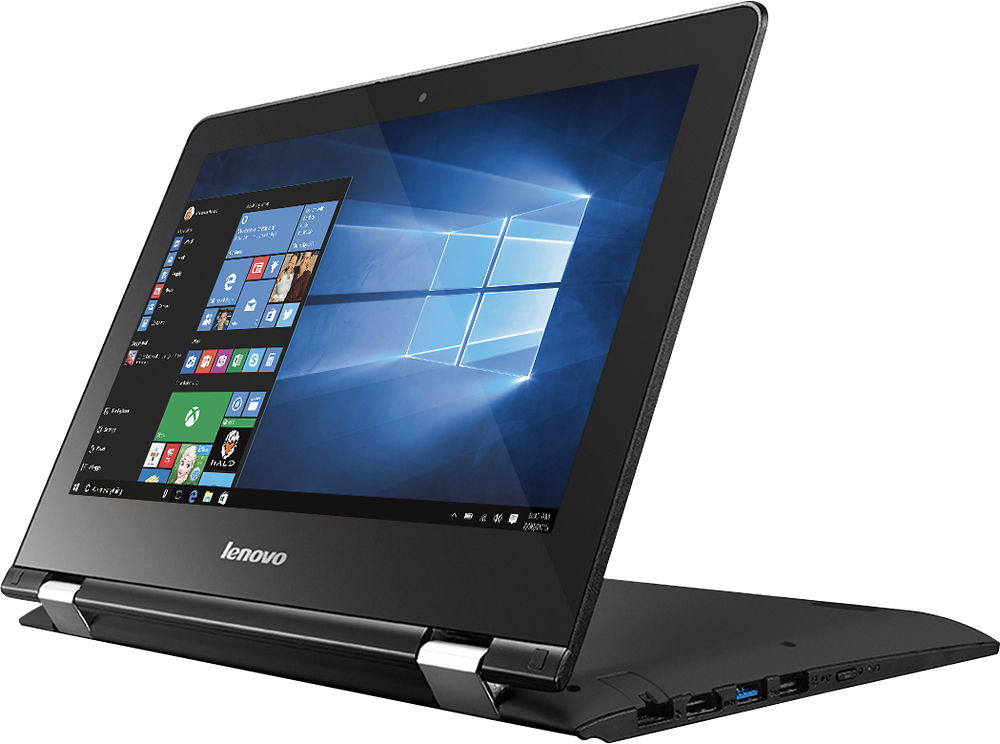
Customers enjoy the Flex 3 1130 2-in-1 laptop for its portability, touchscreen capabilities, and long battery life, making it suitable for schoolwork and everyday tasks. However, some users have expressed concerns about its slow performance, limited RAM and storage capacity, which can affect multitasking and overall performance.
This summary was generated by AI based on customer reviews.
- Pros mentioned:Touch screen
Excellent Laptop that can double as a tablet
||Posted .This reviewer received promo considerations or sweepstakes entry for writing a review.This laptop has a touchscreen and folds as a tablet
I would recommend this to a friendBrand response from Lenovo Product Expert
Posted .Thank you for choosing the Lenovo Flex 3-11. We are pleased to hear that the features and performance of the Flex 3-11 meets your computing needs so well.

What I expected
||Posted .This reviewer received promo considerations or sweepstakes entry for writing a review.This laptop/tablet is exactly as advertised. Don't buy it if you are exp citing a full functional laptop or need a ton of memory. It is small and flexible and affordable.
No, I would not recommend this to a friend- Pros mentioned:Touch screen
Very wide screen to see everything
||Posted .This reviewer received promo considerations or sweepstakes entry for writing a review.My niece is over the moon with this new touch screen
I would recommend this to a friendBrand response from Lenovo Product Expert
Posted .Thank you for choosing the Lenovo Flex 3-11 for your niece. We are pleased to hear that the Flex 3-11 is meeting your niece's computing needs so well.
- Pros mentioned:Easy to use
Great computer
||Posted .This reviewer received promo considerations or sweepstakes entry for writing a review.easy to use,not expensive for everyday normal use!!
I would recommend this to a friendBrand response from Lenovo Product Expert
Posted .Thank you for choosing the Lenovo Flex 3-11. We are pleased to hear that the value and performance of the Flex 3-11 meets your computing needs so well.
Great for student
||Posted .This reviewer received promo considerations or sweepstakes entry for writing a review.Product is great for high school student. He uses it everyday for school purposes.
I would recommend this to a friendMD
||Posted .This reviewer received promo considerations or sweepstakes entry for writing a review.good product for money and I like using it. I will surely recommend it to a friend
I would recommend this to a friendBrand response from Lenovo Product Expert
Posted .Thank you for choosing the Lenovo Flex 3-11. We are pleased to hear that the value and performance of the Flex 3-11 is working out so well for you.
Great for college student
||Posted .This reviewer received promo considerations or sweepstakes entry for writing a review.Affordable choice good enough for research, looking up articles and taking notes
I would recommend this to a friendGreat laptop
||Posted .This reviewer received promo considerations or sweepstakes entry for writing a review.Has many features I didn't know about till I tried even my 7 year old Loves it
I would recommend this to a friendIt is just okay
||Posted .This reviewer received promo considerations or sweepstakes entry for writing a review.The Microsoft updates deleted my wifi driver within a week of purchase. Frustrating. Customer service helped but that cannot happen Plus this is my second one had to returm first one the touch screen did not work.
No, I would not recommend this to a friendBrand response from Lenovo Product Expert
Posted .You can turn off automatic Windows updates. You will get an alert when there is an update for your system. You will be able to choose when the update occurs. This will give you an opportunity to create a restore point on your device. This way you can revert back to the old settings if something goes wrong - Like conflicting with an older driver. If you should need to update drivers for your system in the future, follow the link below to look for new driver updates for your specific system. You can also run diagnostics from the Lenovo site as well. As always, be sure to create a restore point on your system before you make any changes. Here is the link:
http://support.lenovo.com/us/en/products/Laptops-and-netbooks/Flex-Series/flex-3-1130/80LY/0010US?linkTrack=Caps%253ABody_SearchProduct&tabName=downloads&beta=false
Really good for no more than I need
||Posted .This reviewer received promo considerations or sweepstakes entry for writing a review.Happy with this purchase and the assistance I received at Best Buy was awesome
I would recommend this to a friendGood for kid
||Posted .This reviewer received promo considerations or sweepstakes entry for writing a review.I bought this for my 1st grade grandchild to do online reading homework. The family really likes it because it is the right size for small hands and wifi makes it convenient for them to sit in a comfortable spot.
I would recommend this to a friendWorks great
||Posted .This reviewer received promo considerations or sweepstakes entry for writing a review.Works great, would recommend it to others. Great product for cheap money.
I would recommend this to a friendGood inexpensive starter pc.
||Posted .This reviewer received promo considerations or sweepstakes entry for writing a review.I bought 2 of these for my kids for Christmas. They are happy with them.
I would recommend this to a friendBrand response from Lenovo Product Expert
Posted .Thank you for choosing the Lenovo Flex 3-11 for your children. We are pleased to hear that the Flex 3-11 is working out so well for your children.
Trouble setting up with unwanted pop-ups/upgrades
||Posted .This reviewer received promo considerations or sweepstakes entry for writing a review.For a first time user of laptop format and usage it seems to be somewhat difficult to initiate a smooth entry into the laptop world. I am hoping for some guidance from staff at store when I go for some help.
No, I would not recommend this to a friendBrand response from Lenovo Product Expert
Posted .Thank you for choosing the Lenovo Flex 3-11. With regard to learning your way around Windows 10, you may want to take a look at YouTube.com. They have many instructional videos there on how to use Windows 10 and all the videos are free. Also here is the link to the User's Guide for your system:
https://download.lenovo.com/consumer/mobiles_pub/lenovo_flex_3_1130_ug_en_201509.pdf
And here is the link to the maintenance manual for your system:
https://download.lenovo.com/consumer/mobiles_pub/lenovo_flex_3_1120_flex_3_1130_hmm_201503.pdf
Good basic laptop
||Posted .This reviewer received promo considerations or sweepstakes entry for writing a review.Good basic laptop with good battery life. Can also be used as a tablet.
I would recommend this to a friendBrand response from Lenovo Product Expert
Posted .Thank you for choosing the Lenovo Flex 3-11. We are pleased to hear that the Flex 3-11 meets your computing needs so well.
New to PC
||Posted .This reviewer received promo considerations or sweepstakes entry for writing a review.I am a MAC lover it took me awhile to catch onto windows. The laptop is working well, I really like it turns into a tablet. However when in tablet mode the onscreen keyboard is in the way. Very good price!
I would recommend this to a friendBrand response from Lenovo Product Expert
Posted .Thank you for choosing the Flex 3-11. With regard to the onscreen keyboard in tablet mode, you can adjust the settings for the onscreen keyboard in "Settings". Just go to the Cortana search window and type or say "On-screen Keyboard". Click on On-Screen Keyboard Settings and make adjustments per your needs.
Good pad for good price
||Posted .This reviewer received promo considerations or sweepstakes entry for writing a review.Is easy to operate and have had very little trouble learning Windows 10.
I would recommend this to a friendBrand response from Lenovo Product Expert
Posted .Thank you for choosing the Lenovo Flex 3-11. We are pleased to hear that the ease of use and performance of the Flex 3-11 meets your computing needs.
Works really good
||Posted .This reviewer received promo considerations or sweepstakes entry for writing a review.I use this for hime use and a little work use. It does the job.
I would recommend this to a friendSuits our purpose
||Posted .This reviewer received promo considerations or sweepstakes entry for writing a review.I needed a couple small form-factor laptops for our warehouse scanning operations. Needed something small, flexible and reasonably responsive. This laptop seems to be meeting the requirements of the job.
I would recommend this to a friendBrand response from Lenovo Product Expert
Posted .Thank you for choosing the Lenovo Flex 3-11. We are pleased to hear that the performance of the Flex 3-11 meets your business computing needs.
- Cons mentioned:Slow
Too slow :(
||Posted .This reviewer received promo considerations or sweepstakes entry for writing a review.I love that it can be a tablet or laptop. I hate that it has 2GB of memory that is NOT expandable making this computer painfully slow and useless. :(
No, I would not recommend this to a friend