Customer Ratings & Reviews
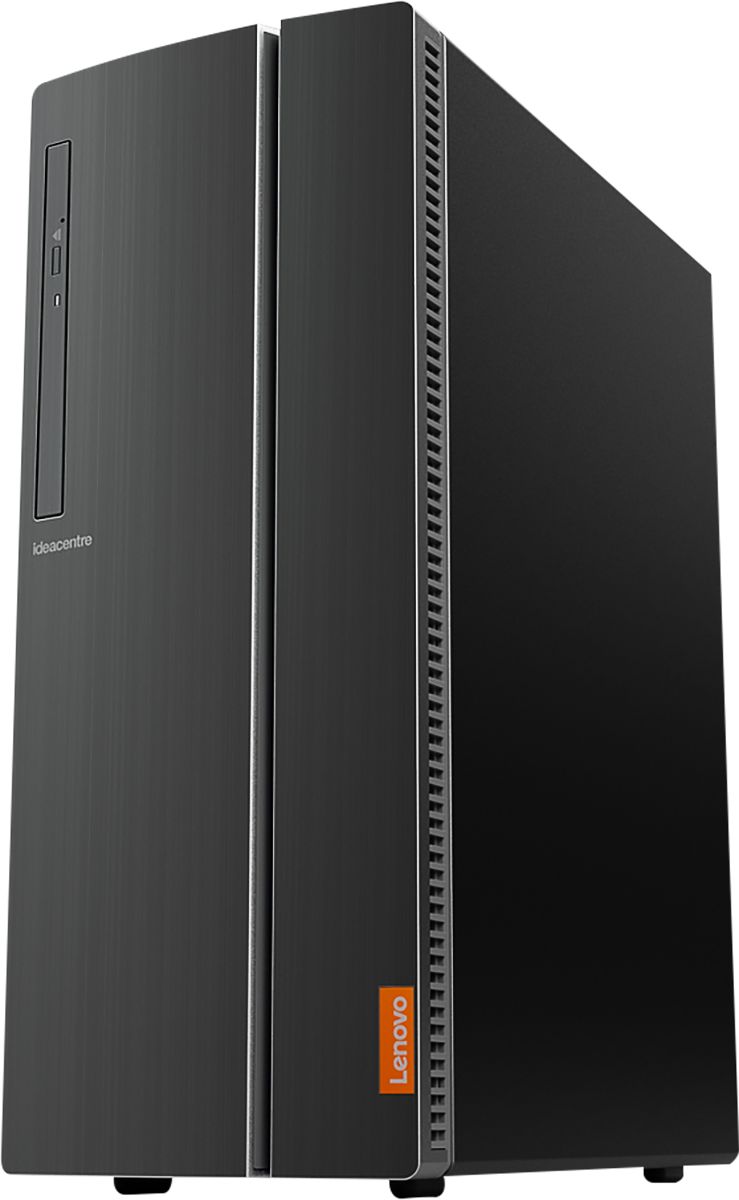
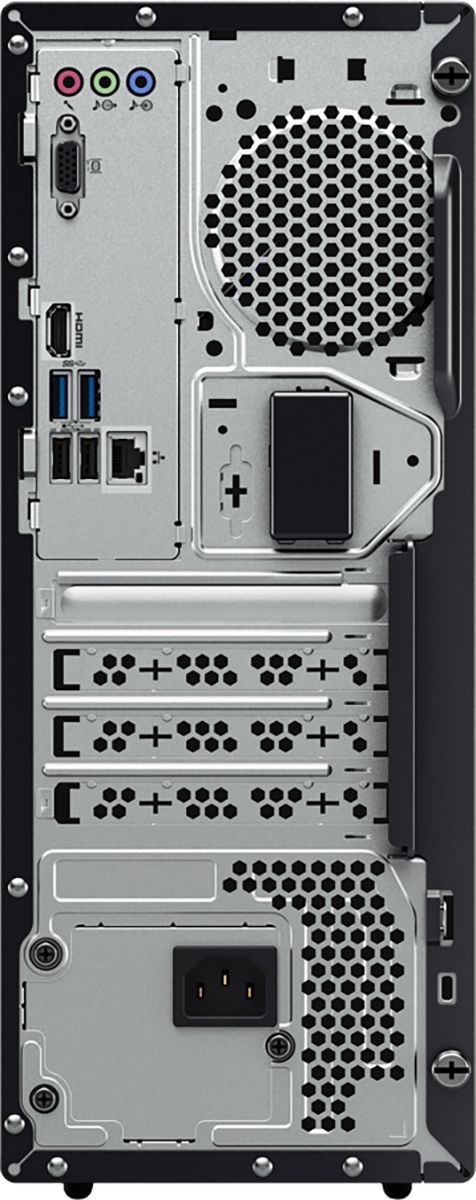
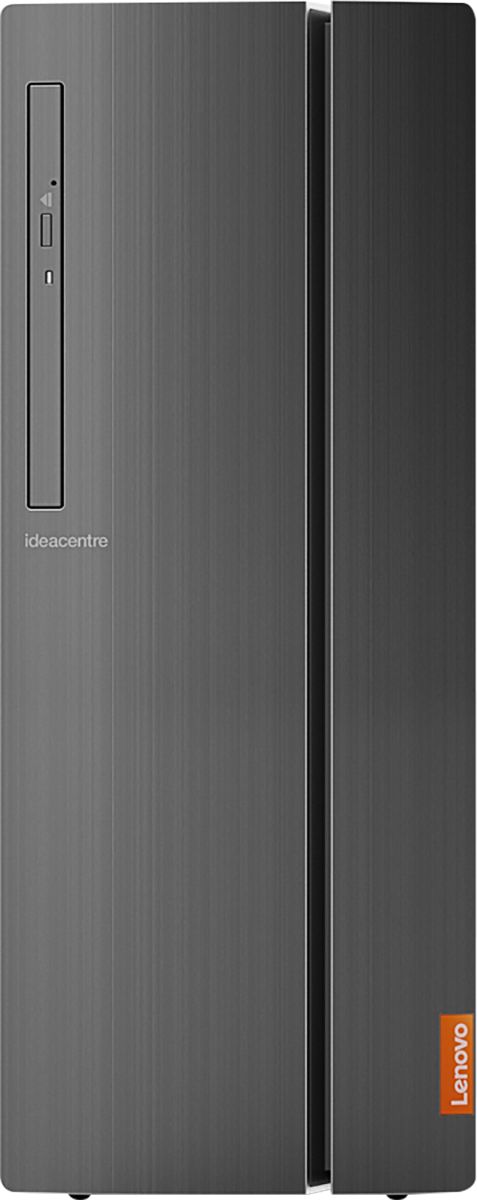
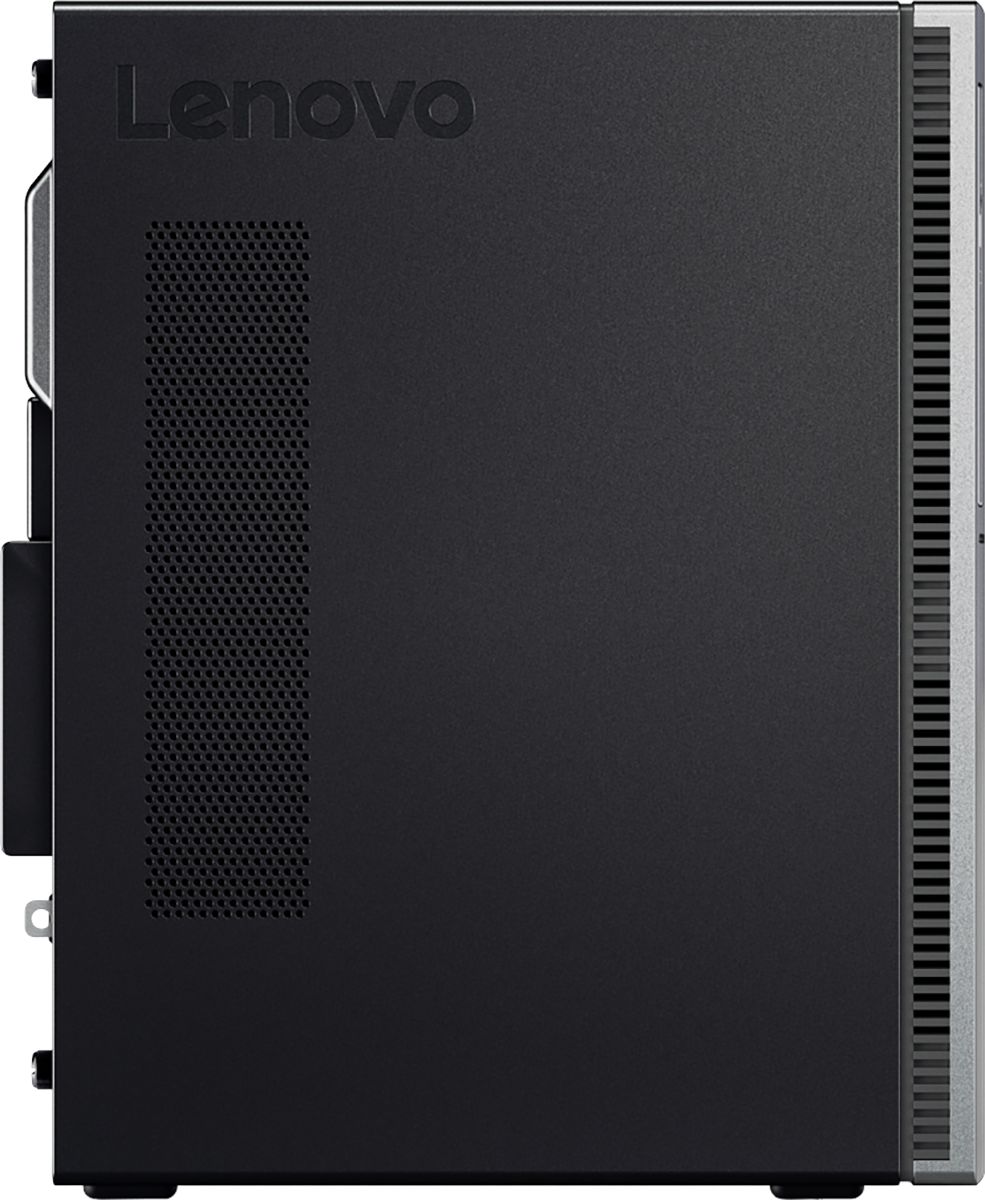
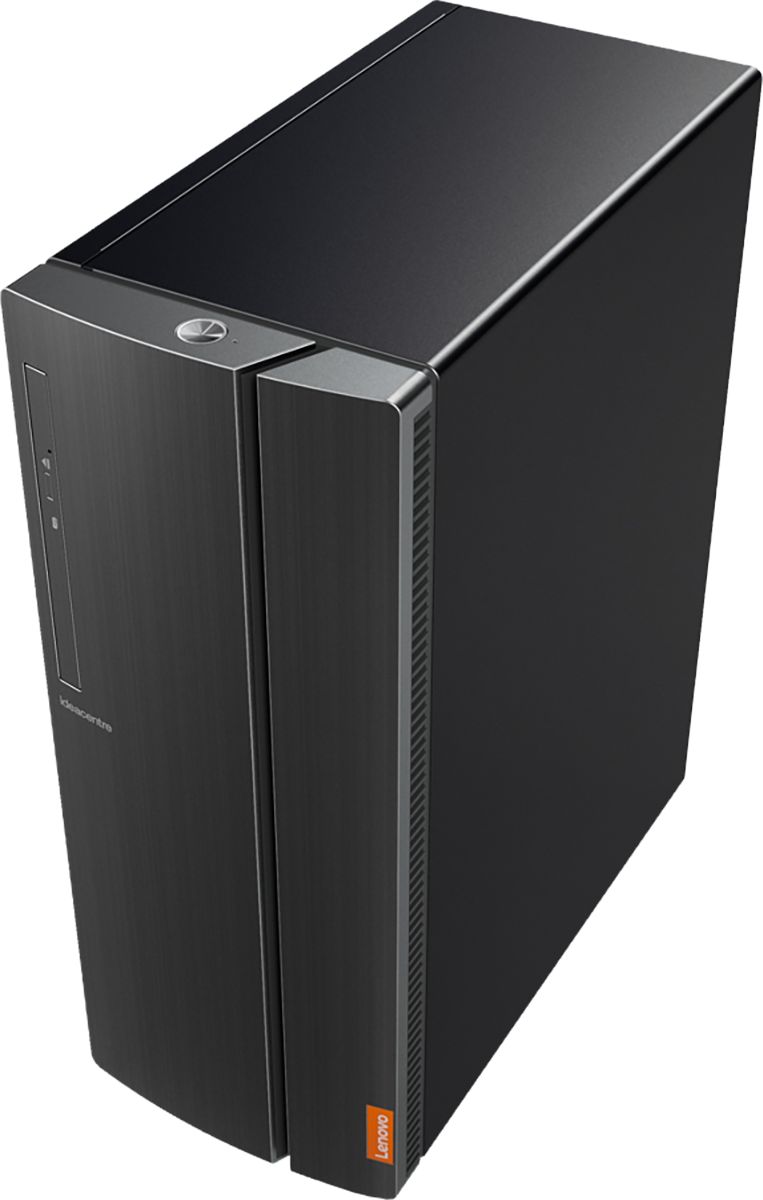

- Model:
- 90HV0003US
- SKU:
- 6203016
Rating by feature
- Value
Rating 4.4 out of 5 stars
- Quality
Rating 4.4 out of 5 stars
- Ease of Use
Rating 4.4 out of 5 stars
Customers are saying
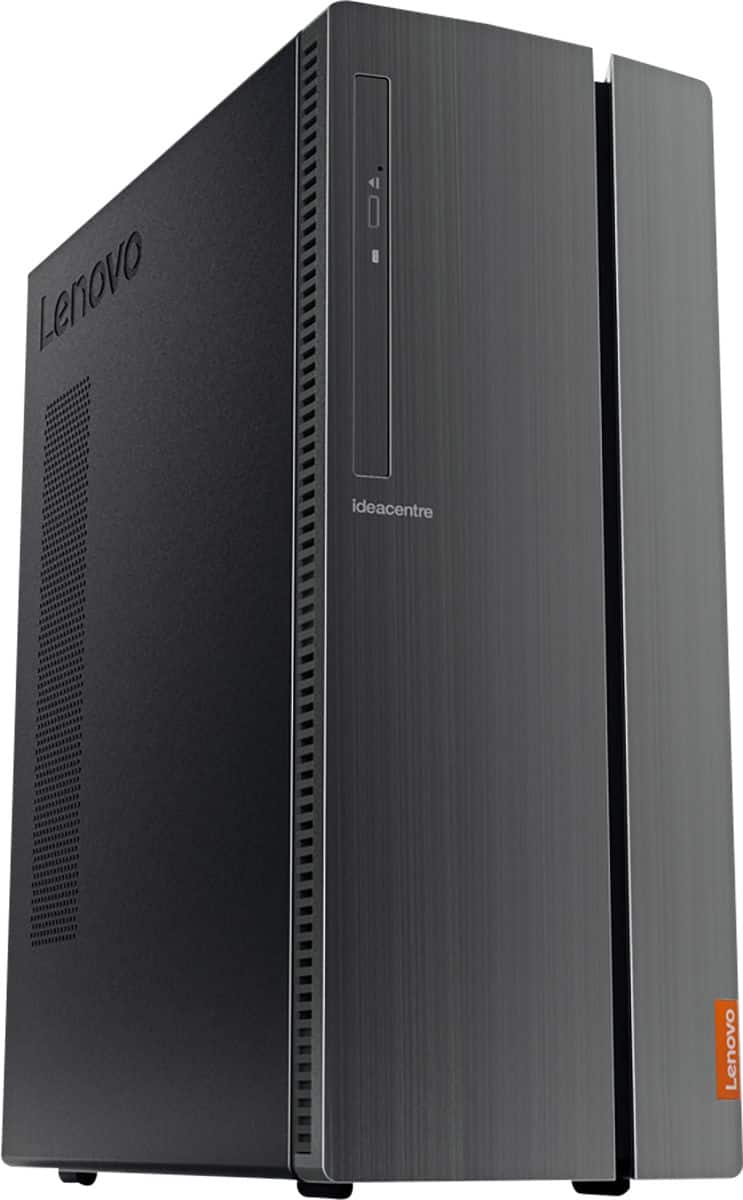
Customers have good things to say about the IdeaCentre 510A's performance, ease of use, and price. Many appreciate its ample storage and quiet operation, finding it easy to set up and use. While some users noted limitations with the integrated graphics card for demanding applications, the overall experience appears positive.
This summary was generated by AI based on customer reviews.
Good computer
||Posted .This reviewer received promo considerations or sweepstakes entry for writing a review.Nice computer, not too happy with Windows 10 and some of the other loaded programs such as McAfee.
I would recommend this to a friendBrand response from Lenovo Product Expert
Posted .You can uninstall the 30-day trial of McAfee. Here is a link to instructions for uninstalling McAfee from Windows 10: https://www.thewindowsclub.com/uninstall-mcafee-internet-security-windows. With regard to the touchpad, you can make adjustments to the touchpad in your system settings. You can get there by clicking on the magnifying glass at the bottom left of your Windows 10 screen. Type "touchpad" in the search window. Select "Mouse & touchpad settings" from the list of choices. You can make general adjustments to the touchpad there. You can also select "Additional mouse options" for more detailed adjustments to the touchpad sensitivity by increasing the delay of the touchpad.

- Pros mentioned:Performance
Great Desktop for the price
||Posted . Owned for 1.5 years when reviewed.This reviewer received promo considerations or sweepstakes entry for writing a review.This monster of a machine is great for the office. It was perfect for what we needed!
I would recommend this to a friendBrand response from Lenovo Product Expert
Posted .Thank you for choosing the Lenovo IdeaCentre 510A Desktop, model number 90HV0003US. We are pleased to hear that the performance of the IdeaCentre 510A Desktop meets your computing needs so well. The Lenovo IdeaCentre 510A Desktop, model number 90HV0003US ships with the powerful Six-Core Intel Core i5-8400 processor, with a base speed of 2.8GHz and a Turbo Boost Speed of up to 4.0GHz. This processor is supported by 8GB DDR4-2666MHz RAM. This configuration is good for many of today's most demanding programs, browsing the internet with multiple tabs open. If this describes your computing needs, the Lenovo IdeaCentre 510A Desktop, model number 90HV0003US is a great choice.
- Pros mentioned:Performance
Lenovo computer
||Posted . Owned for 3 weeks when reviewed.This reviewer received promo considerations or sweepstakes entry for writing a review.This new Lenovo computer really works well, this is my second one and I really like using them.
I would recommend this to a friendBrand response from Lenovo Product Expert
Posted .Thank you for choosing the Lenovo IdeaCentre 510A desktop. We are pleased to hear that the performance of the IdeaCentre 510A is working out so well for you. We appreciate your loyalty to the Lenovo Brand.
- Pros mentioned:Ease of use
Easy to use
||Posted .This reviewer received promo considerations or sweepstakes entry for writing a review.I found it easy to hook up. I'm a novice but figured things out easily including how to install webroot.
I would recommend this to a friendBrand response from Lenovo Product Expert
Posted .Thank you for choosing the Lenovo IdeaCentre 510A desktop. We are pleased to hear that the easy setup and performance of the IdeaCentre 510A meets your computing needs so well.

- Pros mentioned:Performance
Great computer.
||Posted . Owned for 1 month when reviewed.This reviewer received promo considerations or sweepstakes entry for writing a review.As a amateur photographer running Photoshop and Lightroom this computer is perfect.
I would recommend this to a friendBrand response from Lenovo Product Expert
Posted .Once again, thank you for choosing the Lenovo IdeaCentre 510A Desktop. You can keep your computer running at its best by keeping the Windows 10 Operating System and all supporting BIOS files and drivers up to date. You can easily accomplish this by scanning the computer with the Lenovo Utility software available on this computer. This system has Lenovo utilities installed to help maintain the health of the device and keep the operating system software up to date. Type "Lenovo Vantage" in the Cortana Search window (if Lenovo Vantage is not installed on your device, you can download the APP and install it now). Select Lenovo Vantage from the list. In the window that opens, click on "Health and Support". In the expanded menu, select "Hardware Scan" In the window that opens, select "Run Quick Tests". This will scan your entire system for errors. Follow any directions that may pop up. If the problem continues after this scan, now click on "System Update". First select Windows update from the menu. Scan your system to be sure you have the latest version of Windows 10. Once that scan is complete, select "Additional Updates". This will scan your device to be sure there are no new BIOS/Driver updates needed. Follow any instructions that may pop up. If you ever need additional help with your Lenovo computer, we recommend you call Lenovo Tech Support at: 877-453-6686 for additional help.
- Pros mentioned:Price
Great Price
||Posted .This reviewer received promo considerations or sweepstakes entry for writing a review.This unit was purchased as a gift for my son. I bought because the price was right and had good specs.
I would recommend this to a friendBrand response from Lenovo Product Expert
Posted .Thank you for choosing the lenovo IdeaCentre 510A desktop for your son. We are pleased to know that the value and features of the IdeaCentre 510A met your requirements for a new computer for your son so well.
Quiet and responsive
||Posted .This reviewer received promo considerations or sweepstakes entry for writing a review.An excellent computer that works smoothly and is very very quiet
I would recommend this to a friendBrand response from Lenovo Product Expert
Posted .Thank you for choosing the Lenovo IdeaCentre 510A desktop. We are pleased to hear that the IdeaCentre 510A is working out so well for you.
- Pros mentioned:Price
Great proce
||Posted . Owned for 2 months when reviewed.This reviewer received promo considerations or sweepstakes entry for writing a review.This is a great computer for the price. I’ve had no problems and have had it two months
I would recommend this to a friendBrand response from Lenovo Product Expert
Posted .Thank you for choosing the Lenovo IdeaCentre 510A Desktop, model number 90HV0003US. The Lenovo IdeaCentre 510A Desktop, model number 90HV0003US ships with the powerful Six-Core Intel Core i5-8400 processor, with a base speed of 2.8GHz and a Turbo Boost Speed of up to 4.0GHz. This processor is supported by 8GB DDR4-2666MHz RAM. This configuration is good for many of today's most demanding programs, browsing the internet with multiple tabs open. If this describes your computing needs, the Lenovo IdeaCentre 510A Desktop, model number 90HV0003US is a great choice.
- Pros mentioned:Price
Easy To Install
||Posted . Owned for 1 month when reviewed.This reviewer received promo considerations or sweepstakes entry for writing a review.Work great and I am happy with all I can do on it. Price was just what I wanted to pay.
I would recommend this to a friendBrand response from Lenovo Product Expert
Posted .Thank you for choosing the Lenovo IdeaCentre 510A Desktop, model number 90HV0003US. The Lenovo IdeaCentre 510A Desktop, model number 90HV0003US ships with the powerful Six-Core Intel Core i5-8400 processor, with a base speed of 2.8GHz and a Turbo Boost Speed of up to 4.0GHz. This processor is supported by 8GB DDR4-2666MHz RAM. This configuration is good for many of today's most demanding programs, browsing the internet with multiple tabs open. If this describes your computing needs, the Lenovo IdeaCentre 510A Desktop, model number 90HV0003US is a great choice.
decent if bought at discount
||Posted .This reviewer received promo considerations or sweepstakes entry for writing a review.Bought as open box, decent price for the machine if bought at discount. Month later Win took a dump, recovery does not work, it did not come with the recovery disk, so you have to send it back to Lenovo and pay for shipping, can't use local repair place. Will NOT buy Lenovo again because of that. Decent machine but customer service/warranty sucks.
No, I would not recommend this to a friendBrand response from Lenovo Product Expert
Posted .We are sorry to hear that you had issues with restoring Windows 10 to your Lenovo IdeaCentre 510A desktop. Windows 10 does not ship with recovery media. You need to create your own Windows 10 recovery Media right after the initial setup of your computer. Here is a link to instructions for creating Windows 10 Recovery Media: https://www.pcmag.com/feature/362167/how-to-revive-windows-10-with-a-recovery-drive
- Pros mentioned:Ease of use
excellant computer for home office
||Posted . Owned for 3 weeks when reviewed.This reviewer received promo considerations or sweepstakes entry for writing a review.ease of use super quiet and a really good deal for this amount of computing power
I would recommend this to a friendBrand response from Lenovo Product Expert
Posted .Once again, thank you for choosing the Lenovo IdeaCentre 510A Desktop. You can keep your computer running at its best by keeping the Windows 10 Operating System and all supporting BIOS files and drivers up to date. You can easily accomplish this by scanning the computer with the Lenovo Utility software available on this computer. Just type "Lenovo Vantage" in the Cortana Search window (if Lenovo Vantage is not installed on your device, you can download the APP and install it now). Select Lenovo Vantage from the list. In the window that opens, click on "Health and Support". In the expanded menu, select "Hardware Scan" In the window that opens, select "Run Quick Tests". This will scan your entire system for errors. Follow any directions that may pop up. If the problem continues after this scan, now click on "System Update". First select Windows update from the menu. Scan your system to be sure you have the latest version of Windows 10. Once that scan is complete, select "Additional Updates". This will scan your device to be sure there are no new BIOS/Driver updates needed. Follow any instructions that may pop up. If you ever need additional help with your Lenovo computer, we recommend you call Lenovo Tech Support at: 877-453-6686 for additional help.
- Pros mentioned:Performance
working great
||Posted . Owned for 1 month when reviewed.This reviewer received promo considerations or sweepstakes entry for writing a review.working great so far, have had now for just over a month with no issues.
I would recommend this to a friendBrand response from Lenovo Product Expert
Posted .Thanks for choosing the Lenovo IdeaCentre 510A Desktop. We are so happy to hear the features, performance, and user-friendly design of the IdeaCentre 510A Desktop is meeting your computing needs so well!
- Pros mentioned:Speed
Awesome desktops for computer lab.
||Posted . Owned for 1 month when reviewed.This reviewer received promo considerations or sweepstakes entry for writing a review.These units were bought to upgrade old units in the computer lab. Very fast and effective.
I would recommend this to a friendBrand response from Lenovo Product Expert
Posted .Thank you for choosing the Lenovo IdeaCentre 510A desktop, model number 90HV0003US. This model ships with the Six-Core Intel Core i5-8400 processor, with a base speed of 2.8GHz and a Turbo Boost speed of up to 4.0GHz. This processor is supported by 8GB DDR4-2666MHz RAM. This configuration can handle many of today's most demanding programs and is good with multi-tasking. If this describes the kind of computing you do, the Lenovo IdeaCentre 510A desktop, model number 90HV0003US will be a great choice for you.
- Pros mentioned:Speed
Awesome Product
||Posted .This reviewer received promo considerations or sweepstakes entry for writing a review.This desktop pc is wonderful. The processor is really fast.
I would recommend this to a friendBrand response from Lenovo Product Expert
Posted .Thank you for choosing the Lenovo IdeaCentre 510A desktop. We are pleased to hear that the performance of the IdeaCentre 510A meets your computing needs so well.
- Pros mentioned:Price
Lenovo desktop
||Posted . Owned for 1 month when reviewed.This reviewer received promo considerations or sweepstakes entry for writing a review.For the price it just what I needed and the specs are right on time.
I would recommend this to a friendBrand response from Lenovo Product Expert
Posted .Thanks for choosing the Lenovo IdeaCentre 510A Desktop. We are so happy to hear the features, performance, and user-friendly design of the IdeaCentre 510A Desktop is meeting your computing needs so well!
- Pros mentioned:Price
Great Computer!
||Posted . Owned for 3 weeks when reviewed.This reviewer received promo considerations or sweepstakes entry for writing a review.Best computer for the price!!! Needed a new computer for my business and this works great!!!
I would recommend this to a friendBrand response from Lenovo Product Expert
Posted .Thank you for choosing the Lenovo IdeaCentre 510A desktop for your business. We are pleased to hear that the performance of the IdeaCentre 510A meets your business computing needs so well. Lenovo is the number #1 manufacturer of computers in the World:
https://venturebeat.com/2019/01/10/gartner-and-idc-hp-and-lenovo-shipped-the-most-pcs-in-2018-but-total-numbers-fell/
- Pros mentioned:Speed
Very Fast
||Posted . Owned for 1 month when reviewed.This reviewer received promo considerations or sweepstakes entry for writing a review.Computer is very fast, love it for my cricut design space for crafting!
I would recommend this to a friendBrand response from Lenovo Product Expert
Posted .Thank you for choosing the Lenovo IdeaCentre 510A Desktop Computer. We are pleased to hear that the IdeaCentre 510A meets your computing needs so well.
- Pros mentioned:Performance
Great
||Posted . Owned for 6 months when reviewed.This reviewer received promo considerations or sweepstakes entry for writing a review.I love my new desktop computer I really needed it great for all my projects at home
I would recommend this to a friendBrand response from Lenovo Product Expert
Posted .Once again, thank you for choosing the Lenovo IdeaCentre 510A Desktop. You can keep your computer running at its best by keeping the Windows 10 Operating System and all supporting BIOS files and drivers up to date. You can easily accomplish this by scanning the computer with the Lenovo Utility software available on this computer. This system has Lenovo utilities installed to help maintain the health of the device and keep the operating system software up to date. Type "Lenovo Vantage" in the Cortana Search window (if Lenovo Vantage is not installed on your device, you can download the APP and install it now). Select Lenovo Vantage from the list. In the window that opens, click on "Health and Support". In the expanded menu, select "Hardware Scan" In the window that opens, select "Run Quick Tests". This will scan your entire system for errors. Follow any directions that may pop up. If the problem continues after this scan, now click on "System Update". First select Windows update from the menu. Scan your system to be sure you have the latest version of Windows 10. Once that scan is complete, select "Additional Updates". This will scan your device to be sure there are no new BIOS/Driver updates needed. Follow any instructions that may pop up. If you ever need additional help with your Lenovo computer, we recommend you call Lenovo Tech Support at: 877-453-6686 for additional help.
- Pros mentioned:Performance
Nice Budget PC
||Posted . Owned for 3 weeks when reviewed.This reviewer received promo considerations or sweepstakes entry for writing a review.Got this PC for my middle schooler to last a couple years. So far, she loves it.
I would recommend this to a friendBrand response from Lenovo Product Expert
Posted .Thank you for choosing the Lenovo IdeaCentre 510A Desktop, model number 90HV0003US. The Lenovo IdeaCentre 510A Desktop, model number 90HV0003US ships with the powerful Six-Core Intel Core i5-8400 processor, with a base speed of 2.8GHz and a Turbo Boost Speed of up to 4.0GHz. This processor is supported by 8GB DDR4-2666MHz RAM. This configuration is good for many of today's most demanding programs, browsing the internet with multiple tabs open. If this describes your computing needs, the Lenovo IdeaCentre 510A Desktop, model number 90HV0003US is a great choice.
- Pros mentioned:Ease of use
?????
||Posted . Owned for 1 month when reviewed.This reviewer received promo considerations or sweepstakes entry for writing a review.Good product It's easy to use and makes the job easier and effective.
I would recommend this to a friend