Customer Ratings & Reviews

- Model:
- F0DY001XUS
- SKU:
- 6325576
to a friend
Customers are saying
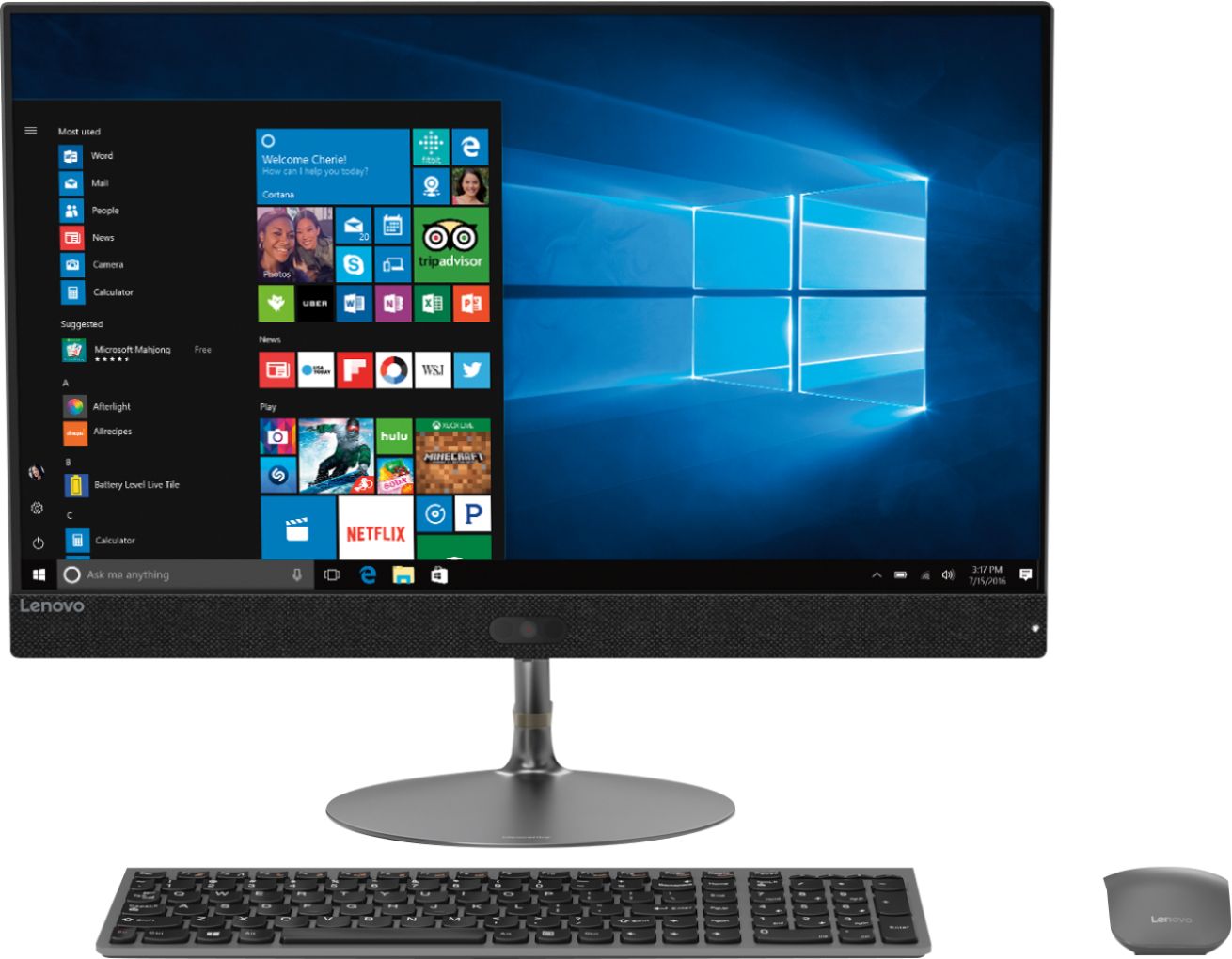
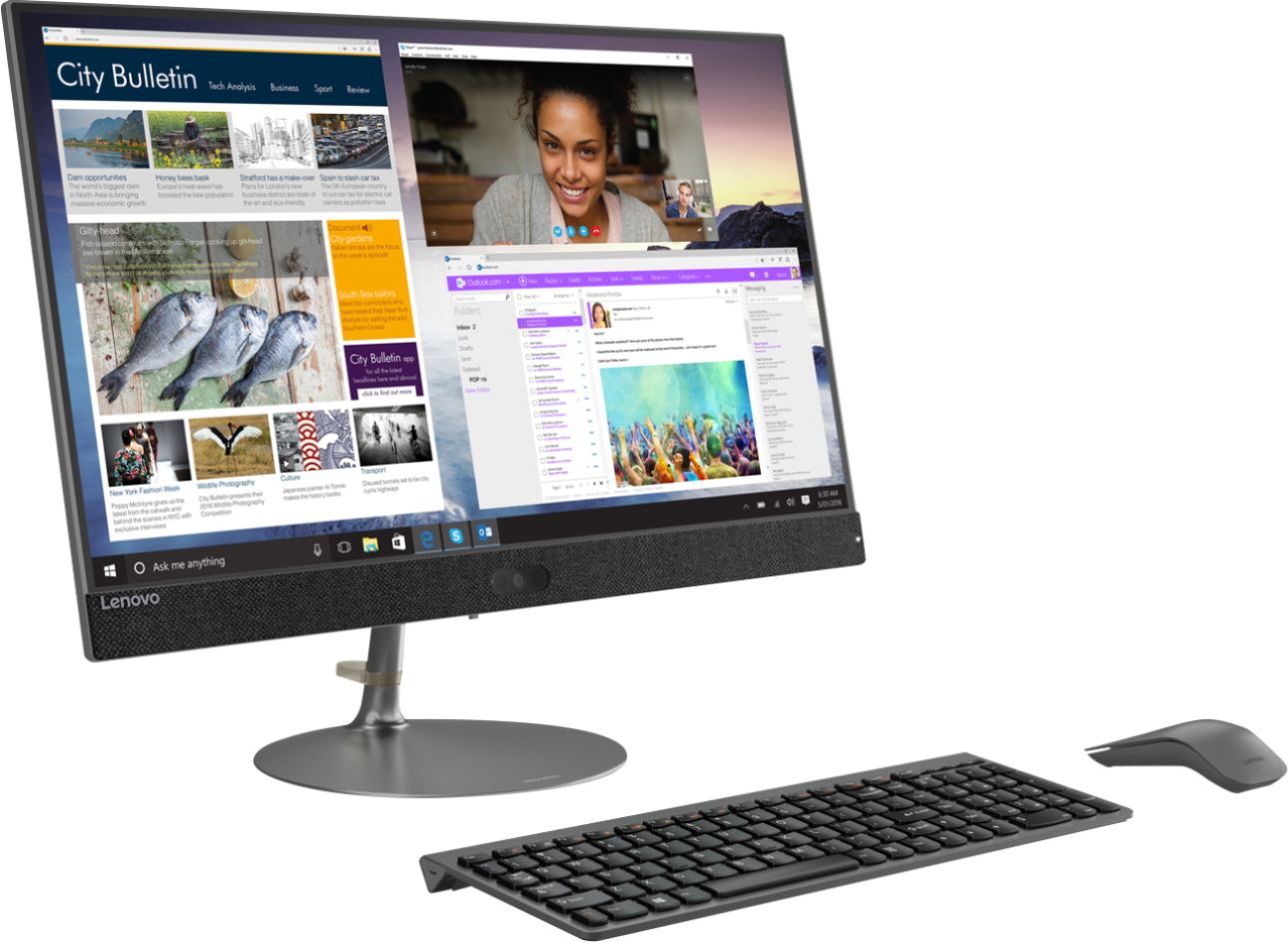
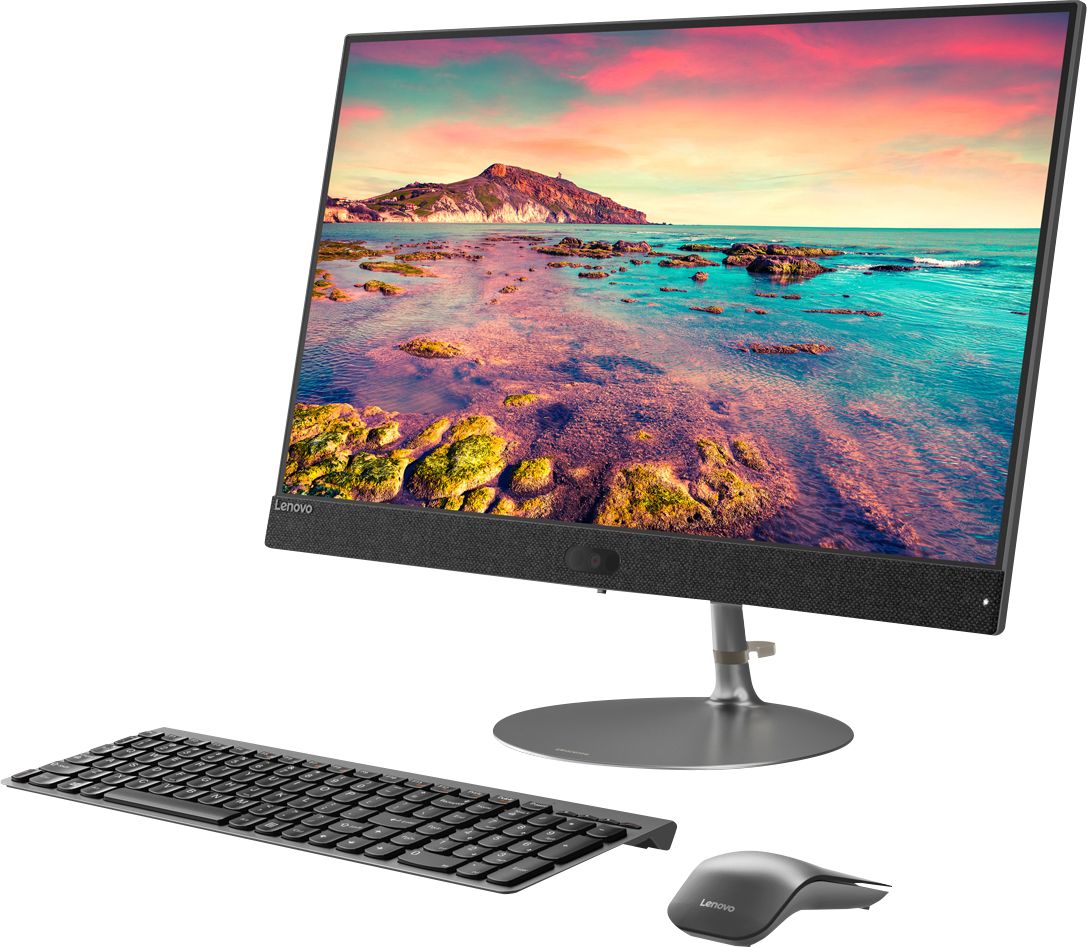
Customers praise the IdeaCentre 730S for its ease of use, large screen size, and strong performance. Many appreciate its sleek design and consider it a good value for the price. A few users mentioned a limited number of USB ports as a drawback. The lack of a CD/DVD drive was also noted by some customers.
This summary was generated by AI based on customer reviews.
- Cons mentioned:Usb ports
I wanted to punch the keyboard in it’s stupid face
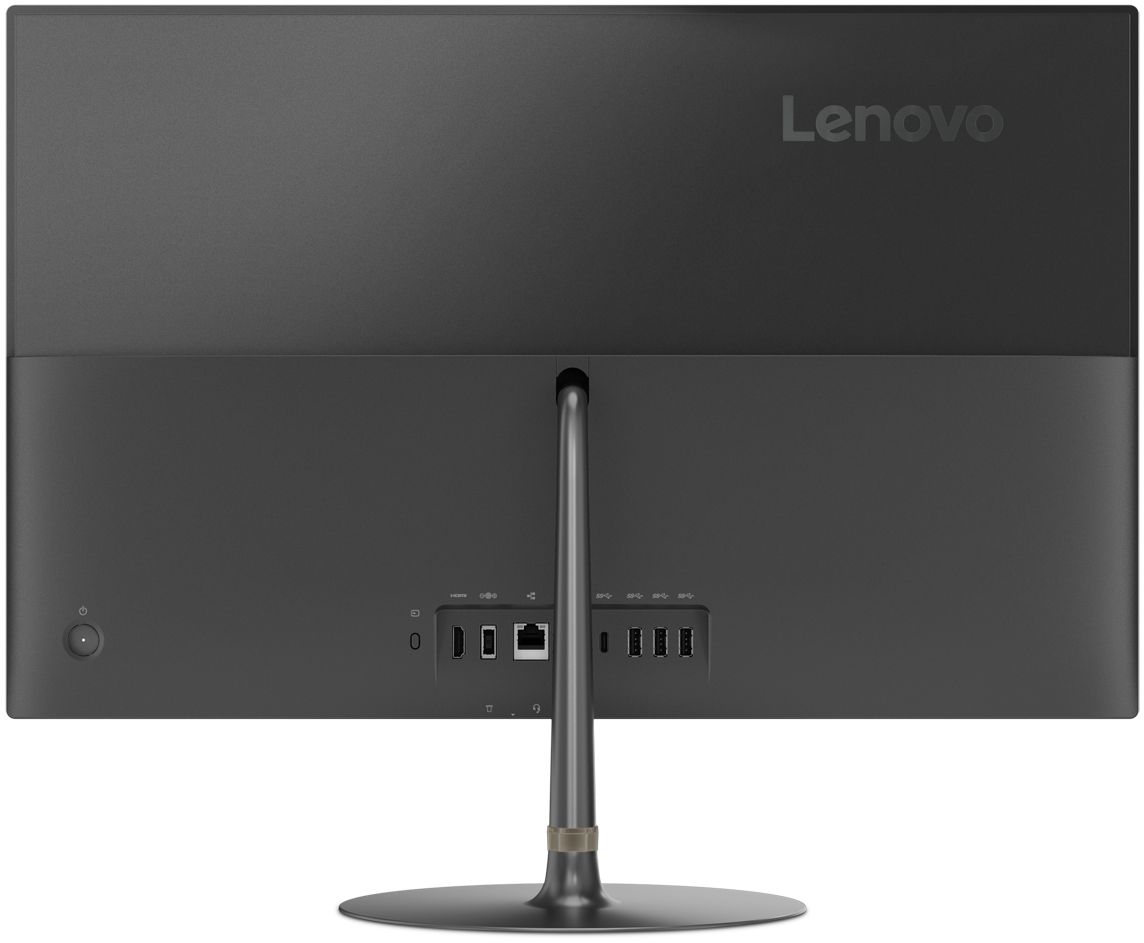
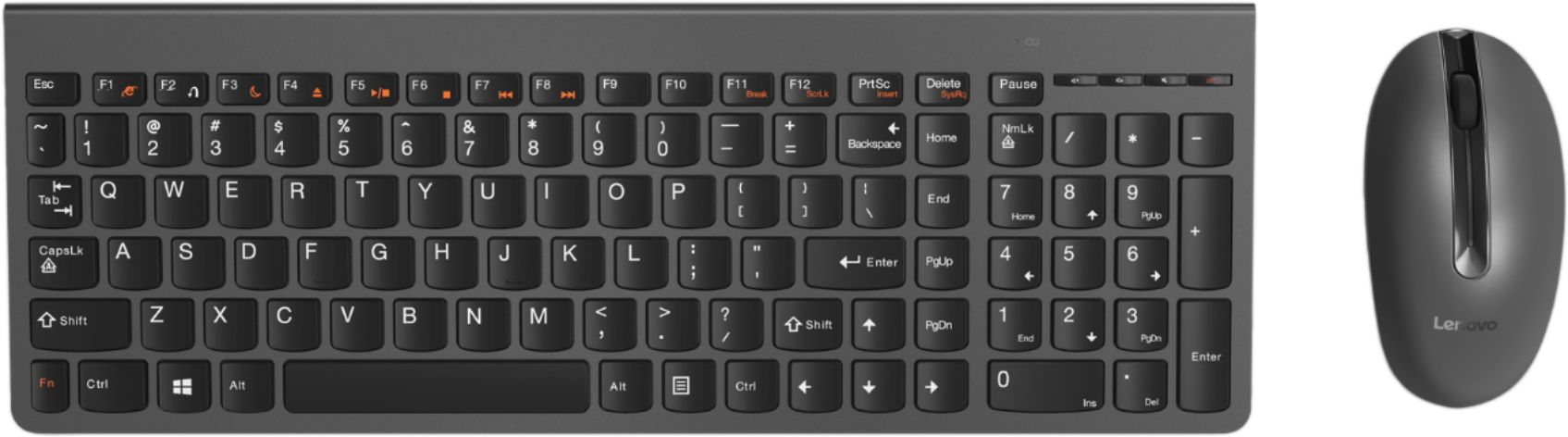
||Posted . Owned for 8 months when reviewed.This reviewer received promo considerations or sweepstakes entry for writing a review.I am a teacher and use a computer constantly, especially in the wake of COVID-19, but I purchased this one before the crisis exploded since my last one was on its last legs. This computer is stylish and fast, but there are two big issues I have with it. First, I’ve never dealt with a more obnoxious keyboard in all my life. I would type something, press every button, and it would only register some of the keystrokes. Granted, the majority of the letters would appear, but there was no rhyme or reason in what it would omit and how many times it would do so. When it was really bad, I would press a key 3-4 times firmly before it would actually appear on the screen. I wanted to murder it. Ultimately, I went out and bought a new wireless keyboard and now my blood pressure is back in a normal, less murder-y range. Second, it has minimal USB ports—three, I believe. By the time I had the nub for the keyboard and mouse plugged in, as well as the connector to the printer, there was only one port left. With a cell phone charger, a FitBit charger, the charger for my ear buds, and my flash drive, it became a constant game of rotation...until I bought a multi-port USB hub. Long story short: I had to supplement the computer with some additional equipment in order to make it work for me, but now all is good.
No, I would not recommend this to a friendBrand response from Lenovo Product Expert
Posted .We are sorry to hear that you are having issues with data entry on your lenovo IdeaCentre 730s-23 All-In-One system, using the included wireless keyboard. First, be sure the batteries in the keyboard are fresh. Then, be sure you have the latest version of Windows 10 on the computer, then update all of the BIOS files and drivers up to that latest version of Windows 10. You can easily accomplish this by scanning the computer with the Lenovo Utility software available on this computer. This system has Lenovo utilities installed to help maintain the health of the device and keep the operating system software up to date. Type "Lenovo Vantage" in the Cortana Search window (if Lenovo Vantage is not installed on your device, you can download the APP and install it now). Select Lenovo Vantage from the list. In the window that opens, click on "Health and Support". In the expanded menu, select "Hardware Scan" In the window that opens, select "Run Quick Tests". This will scan your entire system for errors. Follow any directions that may pop up. If the problem continues after this scan, now click on "System Update". First select Windows update from the menu. Scan your system to be sure you have the latest version of Windows 10. Once that scan is complete, select "Additional Updates". This will scan your device to be sure there are no new BIOS/Driver updates needed. Follow any instructions that may pop up. If this doesn't correct the lag issue, be sure any software you installed is compatible with Windows 10. There is no need to install Microsoft Office software. The software is already part of the operating system, you just need to activate the software with a purchased product key. If you have installed a copy of Microsoft Office, this is conflicting with the existing copy on the system and this will slow your system down. If you have installed a 3rd party anti-virus program, be sure that Windows Defender is turned off and that the trial version of McAfee Anti-Virus software is uninstalled. There can only be one anti-virus program on the system. You may need to restore your system to original factory default settings if any of the programming errors have occurred. You can do that by typing "restore" in the Cortana search window. Just click on the magnifying glass icon at the bottom left of your Windows 10 Desktop. Click on "Reset This PC" Then click on "Get Started" and follow the on screen directions to restore to factory defaults. If the problem persists, we recommend you contact Lenovo Tech Support at: 877-453-6686.

- Pros mentioned:Screen size
Lenovo desktop
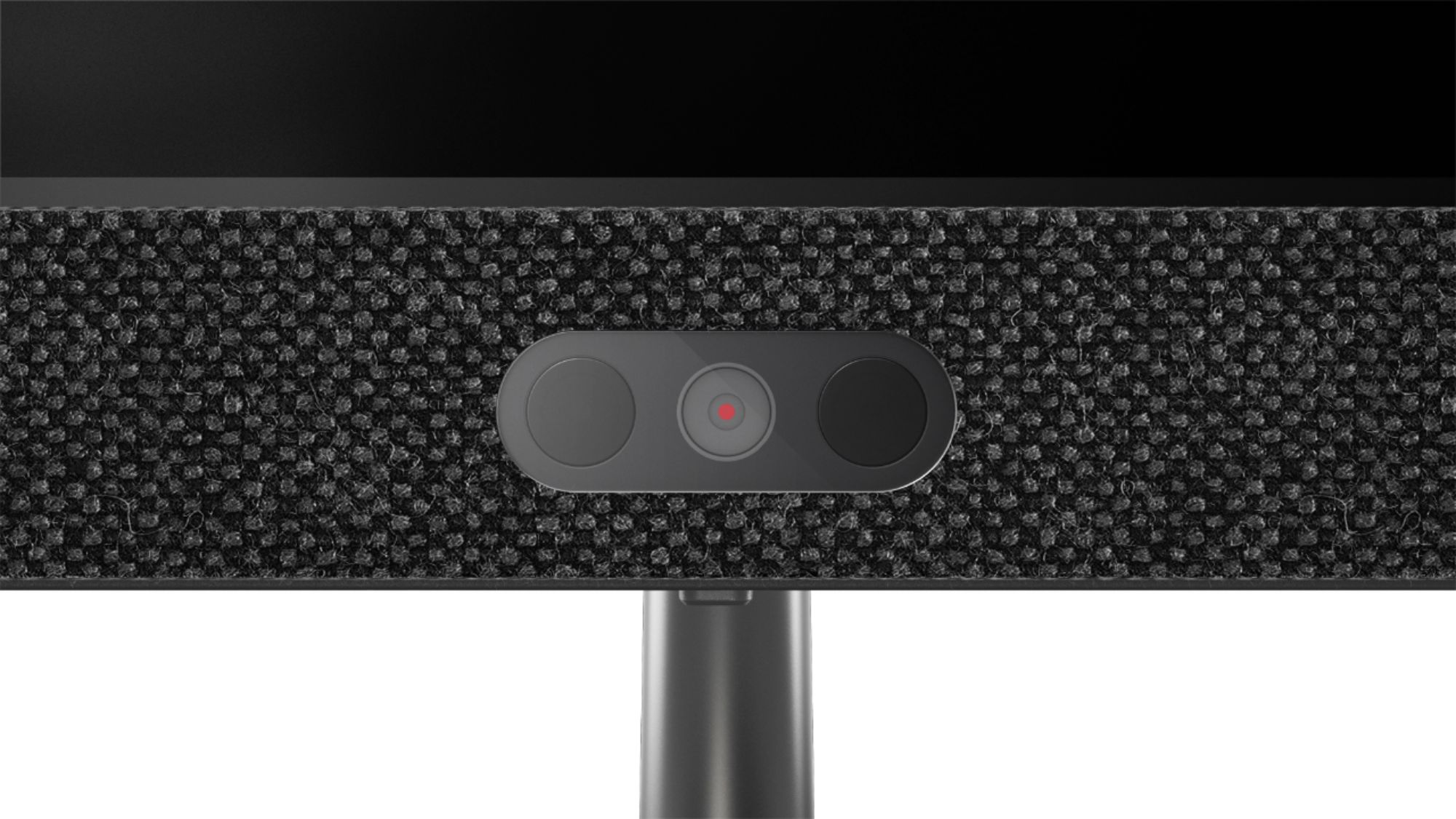
||Posted . Owned for 1 year when reviewed.This reviewer received promo considerations or sweepstakes entry for writing a review.This has been a great computer so far. I bought it for my wife as she prefers a desktop in the office. This has a nice size screen and it's nice not having a CPU on the floor with wires going everywhere. The camera is not the best for Zoom calls. Picture is grainy.
I would recommend this to a friend - Pros mentioned:Screen size, Speed
Great computer
||Posted . Owned for 1 month when reviewed.This reviewer received promo considerations or sweepstakes entry for writing a review.Needed to upgrade computer, this one is great. speed is good, size is good.
I would recommend this to a friendBrand response from Lenovo Product Expert
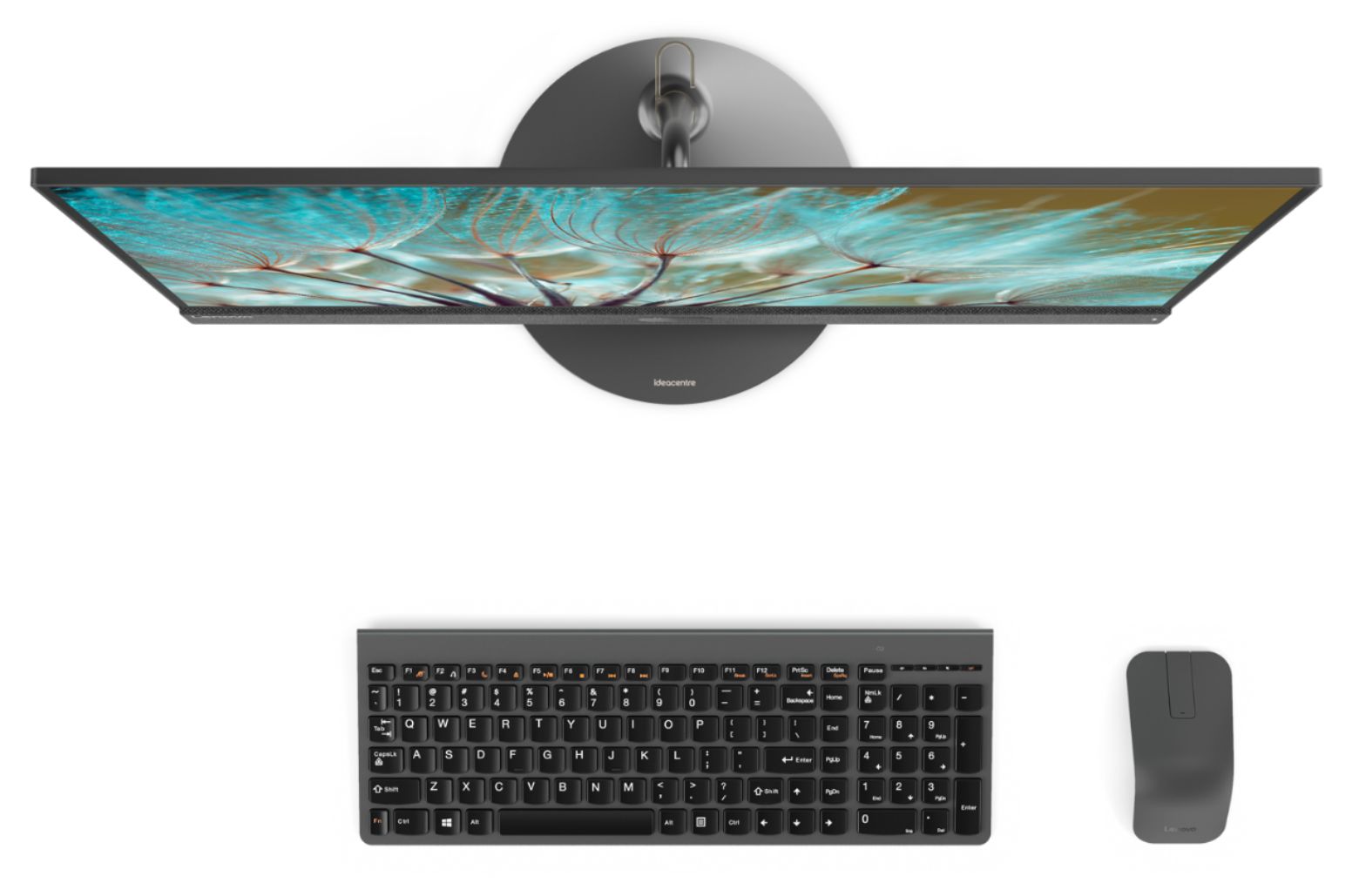
Posted .Thank you for choosing the Lenovo IdeaCentre 730s-24 All-In-One system. We are pleased to hear that the features and performance of the IdeaCentre 730s-24 AIO meets your computing needs so well. With Intel Core i7-8550U processing, this super slim all-in-one PC can handle almost any task. Maximize your entertainment with a nearly edgeless 23.8" display and powerful Optane memory. Best of all, the stylish Ideacentre AIO 730s will look great on your desk — without crowding it.
- Pros mentioned:Screen size
Love It!
||Posted . Owned for 3 weeks when reviewed.This reviewer received promo considerations or sweepstakes entry for writing a review.The Lenovo all in one is fantastic! The keyboard and the mouse are wireless. The feel of the keyboard is great and very responsive. The monitor is huge! It seems like Im watching a small HD tv. Not many All in ones have a i7 processor. The touch screen is nice also. I've only had it for 3 weeks, but I love everything except the ports in the back of the machine.
I would recommend this to a friendBrand response from Lenovo Product Expert
Posted .Thank you for choosing the Lenovo IdeaCentre 730s-24 All-In-One system. We are pleased to hear that the features and performance of the IdeaCentre 730s-24 AIO meets your computing needs so well. This model ships with a IPS LED Panel screen, with a resolution of 1920x1080 (FHD). Regarding ports on the back of the system and frequent access, if you find you are using ports frequently and need more convenient access, you may want to consider using a portable USB hub with an extension cable. This will allow you to position the USB Hub for easier access. Here is a link to one example of a portable USB Hub with extension cable, there are many varieties: https://www.bestbuy.com/site/insignia-4-port-usb-3-0-hub-black/4333600.p?skuId=4333600
- Pros mentioned:SpeedCons mentioned:Usb ports
Good computer at great price
||Posted . Owned for 1 month when reviewed.This reviewer received promo considerations or sweepstakes entry for writing a review.Really good computer. Got it on sale, so great price for an i7. Would be 5 stars if it had a CD rom.
No, I would not recommend this to a friendBrand response from Lenovo Product Expert
Posted .Once again, thank you for choosing the Lenovo IdeaCentre 730s-24 All-In-One system. You can keep your computer running at its best by keeping the Windows 10 Operating System and all supporting BIOS files and drivers up to date. You can easily accomplish this by scanning the computer with the Lenovo Utility software available on this computer. This system has Lenovo utilities installed to help maintain the health of the device and keep the operating system software up to date. Type "Lenovo Vantage" in the Cortana Search window (if Lenovo Vantage is not installed on your device, you can download the APP and install it now). Select Lenovo Vantage from the list. In the window that opens, click on "Health and Support". In the expanded menu, select "Hardware Scan" In the window that opens, select "Run Quick Tests". This will scan your entire system for errors. Follow any directions that may pop up. If the problem continues after this scan, now click on "System Update". First select Windows update from the menu. Scan your system to be sure you have the latest version of Windows 10. Once that scan is complete, select "Additional Updates". This will scan your device to be sure there are no new BIOS/Driver updates needed. Follow any instructions that may pop up. If you ever need additional help with your Lenovo computer, we recommend you call Lenovo Tech Support at: 877-453-6686 for additional help.
- Pros mentioned:Speed
Computer is very fast, starts quickly
||Posted . Owned for less than 1 week when reviewed.This reviewer received promo considerations or sweepstakes entry for writing a review.This is a superfast computer compared to the Dell that I had before. Within 15 seconds, I am ready to start working on this computer, long gone are the days when I waited 2 to 3 minutes, seems eternal, for my old computer to start and get ready. The instructions on setting up the keyboard and mouse could have been better as it took me some time to figure it out.
I would recommend this to a friendBrand response from Lenovo Product Expert
Posted .Thank you for choosing the Lenovo IdeaCentre 730s-24 All-In-One system. This model ships with a wireless keyboard and mouse. Just install the included batteries into the keyboard and mouse, remove the USB receiver that is stored in the battery compartment of the mouse, plug the USB receiver into the USB port on the computer, turn the mouse and keyboard on and then turn the computer on and you are ready to use the keyboard and mouse. Here is a link to the Setup Guide: https://usermanual.wiki/Lenovo/aio730ssetup20180329.515667952/view
- Pros mentioned:Speed
Very nice all in one.
||Posted . Owned for 1 month when reviewed.This reviewer received promo considerations or sweepstakes entry for writing a review.Fast and touchscreen very responsive. Looks great also. With the graphics card was better though.
I would recommend this to a friendBrand response from Lenovo Product Expert
Posted .The Lenovo IdeaCentre 730s-24 All-In-One system, model number F0DY001XUS, ships with integrated graphics processing within the Intel Core i7-8550U processor. It is the Intel UHD Graphics 620 version.
- Pros mentioned:Ease of use, Speed
Easy to use all in one
||Posted . Owned for 3 weeks when reviewed.This reviewer received promo considerations or sweepstakes entry for writing a review.The Lenovo is a very fast and easy to use all in one computer.
I would recommend this to a friendBrand response from Lenovo Product Expert
Posted .Thank you for choosing the lenovo IdeaCentre 730s-24 All-In-One system. We are pleased to hear that the ease of use and performance of the IdeaCentre 730s-24 AIO meets your computing needs so well. With Intel Core i7 processing, this super slim all-in-one PC can handle almost any task. Maximize your entertainment with a nearly edgeless 23.8-inch display. Best of all, the stylish Ideacentre AIO 730s will look great on your desk — without crowding it.
- Pros mentioned:Ease of use, Price
great computer
||Posted . Owned for 3 weeks when reviewed.This reviewer received promo considerations or sweepstakes entry for writing a review.good price and good value . use for business and easy to use
I would recommend this to a friendBrand response from Lenovo Product Expert
Posted .Thank you for choosing the Lenovo IdeaCentre 730s-24 All-In-One system. We are pleased to hear that the value and performance of the IdeaCentre 730s-24 AIO meets your computing needs so well. With Intel Core i7 processing, this super slim all-in-one PC can handle almost any task. Maximize your entertainment with a nearly edgeless 23.8-inch display. Best of all, the stylish Ideacentre AIO 730s will look great on your desk — without crowding it.
- Pros mentioned:Screen size
Love this PC
||Posted . Owned for 2 weeks when reviewed.This reviewer received promo considerations or sweepstakes entry for writing a review.Ok, I could talk about the 8 gigs of ram, the color quality of the display, the responsiveness of the touchscreen with a matte finish, or how great it looks on my desk. But I’ll just say that the included migration software from Lenovo works great and I was able to get the files transferred over from my old pc with very little effort
I would recommend this to a friendBrand response from Lenovo Product Expert
Posted .Thank you for choosing the Lenovo IdeaCentre 730s-24 All-In-One. We are pleased to hear that the Lenovo Migration APP was of help to you. Here is a link to Lenovo Migration Assistant software to help you easily transfer files from your old computer to your new one: https://www.lenovo.com/us/en/software/lenovomigrationassistant/
- Pros mentioned:Speed
Great All in one
||Posted . Owned for less than 1 week when reviewed.This reviewer received promo considerations or sweepstakes entry for writing a review.First all in one computer ive owned. Extremely fast and load quickly. A bit loud though
I would recommend this to a friendBrand response from Lenovo Product Expert
Posted .The Lenovo IdeaCentre 730s-24 All-In-One system is a powerful configuration with its Quad-Core/Eight-Thread Intel Core i7-8550U processor, supported by 8GB DDR4-2400MHz RAM and a 256GB solid state hard drive. It will generate heat whenever it is turned on, even at idle, this is normal. The onboard fan will maintain the proper operating temperature for the device. You will hear the fan whenever it runs, this too is normal.
- Pros mentioned:Performance
GREAT unit
||Posted . Owned for 1 month when reviewed.This reviewer received promo considerations or sweepstakes entry for writing a review.We had a different brand 2 different unit in 2 weeks they had problems right out of the box The Lenovo has been a fantastic unit right from the start ,I would recommend this unit to anyone looking for a reliable computer AAAAA+++++++
I would recommend this to a friendBrand response from Lenovo Product Expert
Posted .Thank you for choosing the Lenovo IdeaCentre 730s-24 All-In-One system. We are pleased to hear that the performance of the IdeaCentre 730s-24 AIO meets your computing needs so well. With Intel Core i7 processing, this super slim all-in-one PC can handle almost any task. Maximize your entertainment with a nearly edgeless 23.8-inch display and powerful Optane memory. Best of all, the stylish Ideacentre AIO 730s will look great on your desk — without crowding it.
- Pros mentioned:Screen size
Nice computer and fast
||Posted .This reviewer received promo considerations or sweepstakes entry for writing a review.After looking a many desktop computers this one was the best. Nice screen, SSD drive, wireless keyboard and mouse. Like it so much we bought 2 more! No problems and you can upgrade this computer later should you like to.
I would recommend this to a friendBrand response from Lenovo Product Expert
Posted .Thank you for choosing the Lenovo IdeaCentre 730s-24 All-In-One system. We are pleased to hear that the features and performance of the IdeaCentre 730s-24 AIO meets your computing needs so well, that you purchased two additional IdeaCentre 730s-24 AIOs. Please keep in mind, this model is not user upgradable. A certified technician must do all of the work, so as to not void the warranty. Lenovo is the number #1 manufacturer of computers in the World:
https://venturebeat.com/2019/01/10/gartner-and-idc-hp-and-lenovo-shipped-the-most-pcs-in-2018-but-total-numbers-fell/
- Pros mentioned:Screen size
Perfect to work from home
||Posted . Owned for 2 months when reviewed.This reviewer received promo considerations or sweepstakes entry for writing a review.I had to get a PC to be able to work and home and this was a great purchase. I’m able to split my screen when working on projects. I love that when it’s more comfortable I can use the touch screen feature.
I would recommend this to a friendBrand response from Lenovo Product Expert
Posted .Thank you for choosing the Lenovo IdeaCentre 730s-24 All-In-One system. We are pleased to hear that the features and performance of the IdeaCentre 730s-24 AIO meets your computing needs so well.
- Pros mentioned:Screen size
Great, Powerful All in One PC
||Posted . Owned for 2 weeks when reviewed.This reviewer received promo considerations or sweepstakes entry for writing a review.I bought this with the desire to replace an outdated laptop that was never moved from the office we had it in (for security reasons). This offers a much larger screen with a smaller footprint.
I would recommend this to a friendBrand response from Lenovo Product Expert
Posted .Thank you for choosing the Lenovo IdeaCentre 730s-24 All-In-One system. We are pleased to hear that the features and performance of the IdeaCentre 730s-24 AIO meets your computing needs so well. With Intel Core i7 processing, this super slim all-in-one PC can handle almost any task. Maximize your entertainment with a nearly edgeless 23.8" display. Best of all, the stylish Ideacentre AIO 730s will look great on your desk — without crowding it.
- Pros mentioned:Ease of use
Great computer
||Posted . Owned for 1 year when reviewed.This reviewer received promo considerations or sweepstakes entry for writing a review.My sister in law needed an all in one computer especially for her job. We purchased this computer which she took abroad. She loves her computer and so easy to work with.
I would recommend this to a friendBrand response from Lenovo Product Expert
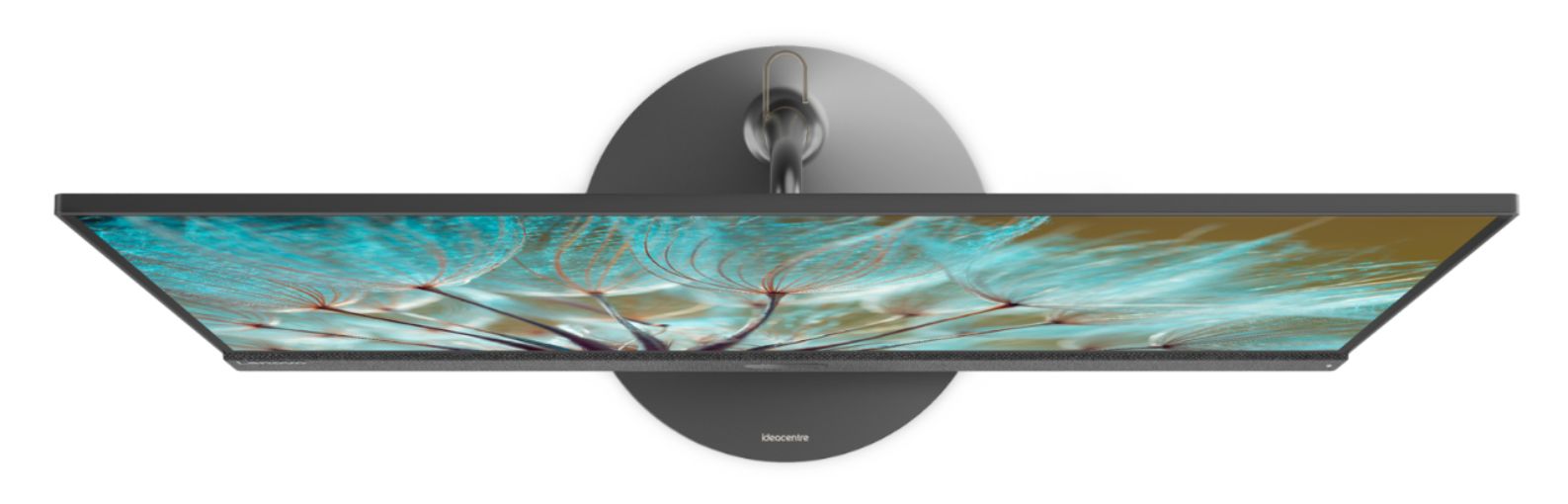
Posted .Thank you for choosing the lenovo IdeaCentre 730s-24 All-In-One system. We are pleased to hear that the features and performance od the IdeaCentre 730s-24 AIO are working out so well. Balanced on a sleek, sturdy stand and finished in Iron Grey, the Ideacentre AIO 730s creates a perfect accent that fits anywhere within your home workspace. With its surprisingly thin display measuring only 7 mm, it leaves plenty of room on your desk or counter.
- Pros mentioned:Price
Good open box product.
||Posted . Owned for 3 weeks when reviewed.This reviewer received promo considerations or sweepstakes entry for writing a review.Great computer but for home use. Save a lot of money for this open box item. Got the last one from the Arlington Heights store and not too far from home.
I would recommend this to a friend - Pros mentioned:Speed
Product is worth the price.
||Posted . Owned for 1 month when reviewed.This reviewer received promo considerations or sweepstakes entry for writing a review.Needed to replace an All in one PC and the BestBuy person showed us ones that would meet our needs . Of course being newer it is a lot faster than the one we replaced.
I would recommend this to a friendBrand response from Lenovo Product Expert
Posted .Thank you for choosing the Lenovo IdeaCentre 730s-24 All-In-One system. We are pleased to hear that the IdeaCentre 730s-24 AIO is working out so well for you. Open the box to everything you need! With just one cord, setup couldn't be easier—just plug it in and your PC is ready. No fuss, no muss and reduce the cable clutter. The all-in-one Ideacentre 730s even includes a wireless network card, keyboard, and mouse for all the tools you need in one simple package.
Lenovo All-In-One
||Posted . Owned for 1 month when reviewed.This reviewer received promo considerations or sweepstakes entry for writing a review.Excellent computer...easy set-up. Takes up so little space. Beautiful design. I have owned this computer since 2/8/2020 and have no complaints. Love it!
I would recommend this to a friendBrand response from Lenovo Product Expert
Posted .Thank you for choosing the Lenovo IdeaCentre 730s-24 All-In-One system. We are pleased to hear that the ease of use, features and performance of the IdeaCentre 730s-24 AIO meets your computing needs so well. The Ideacentre AIO 730s delivers premium 8th Generation Intel Core i7 processing, with 4-Cores/8-Threads for intelligent, ultra-fast responsiveness. You can multi-task easily and load programs instantaneously. You'll have more than enough room to build your collection of photos, movies, and files on this robust AIO.
Great computer overall!
||Posted . Owned for 1 month when reviewed.This reviewer received promo considerations or sweepstakes entry for writing a review.The computer was easy to put together as it only required a few steps and the onboard system made for easy system setup. I love the fact that the CPU "tower" is built right within the unit for space saving purposes, which allows for me to place it in the area available within my house and stretch out with additional camera equipment. The computer has great graphics and run fairly fast for me to edit imagery. The only downfall was the instruction manual didn't really explain to turn on the computer to begin and that you didn't have to program your keyboard and mouse.
I would recommend this to a friendBrand response from Lenovo Product Expert
Posted .Thank you for choosing the Lenovo IdeaCentre 730s-24 All-In-One system. There is a Quick Start User Manual inside the box this model comes in. Additionally, Windows 10 provides both audio and on screen step by step instructions for the initial setup and activation of Windows 10.