Customer Ratings & Reviews
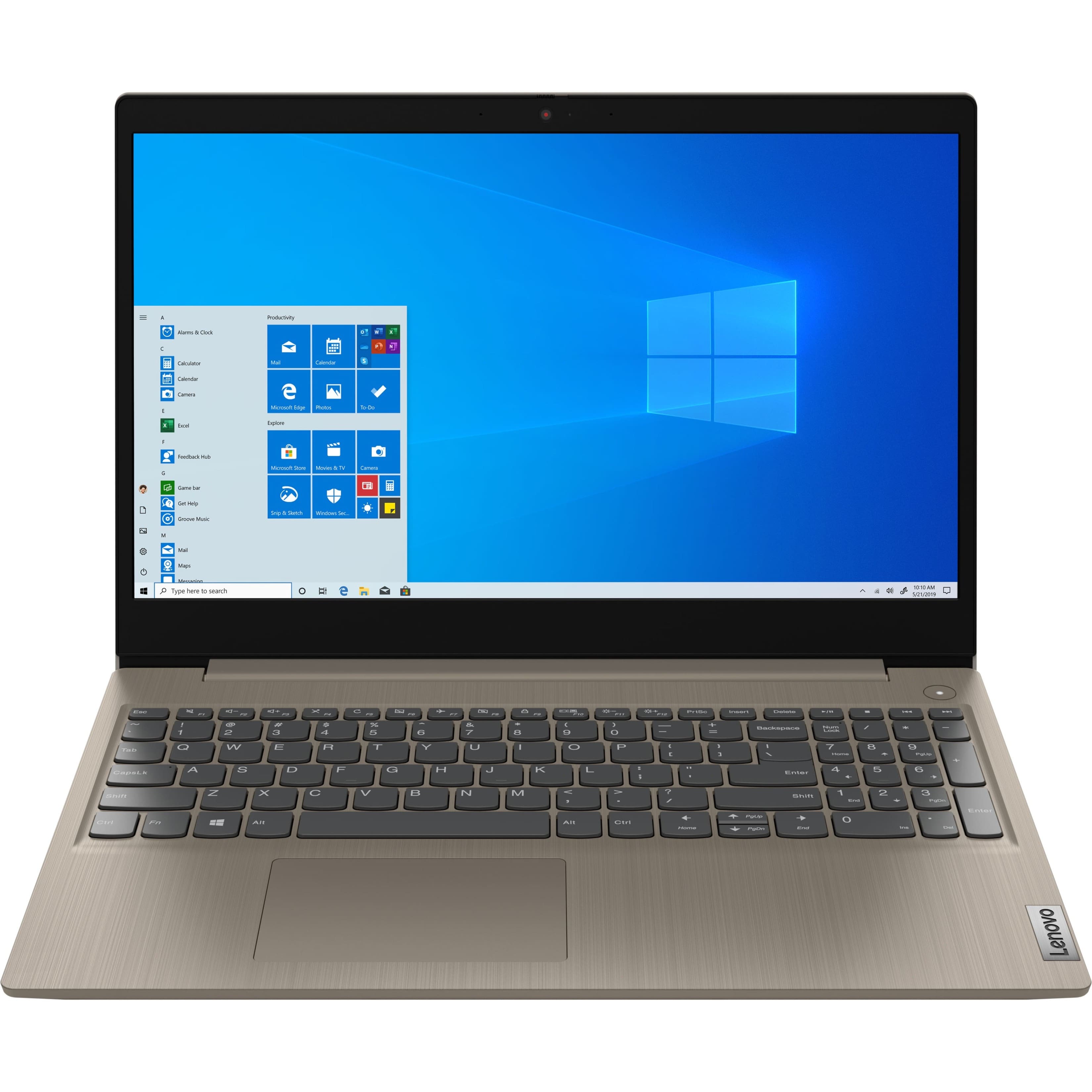
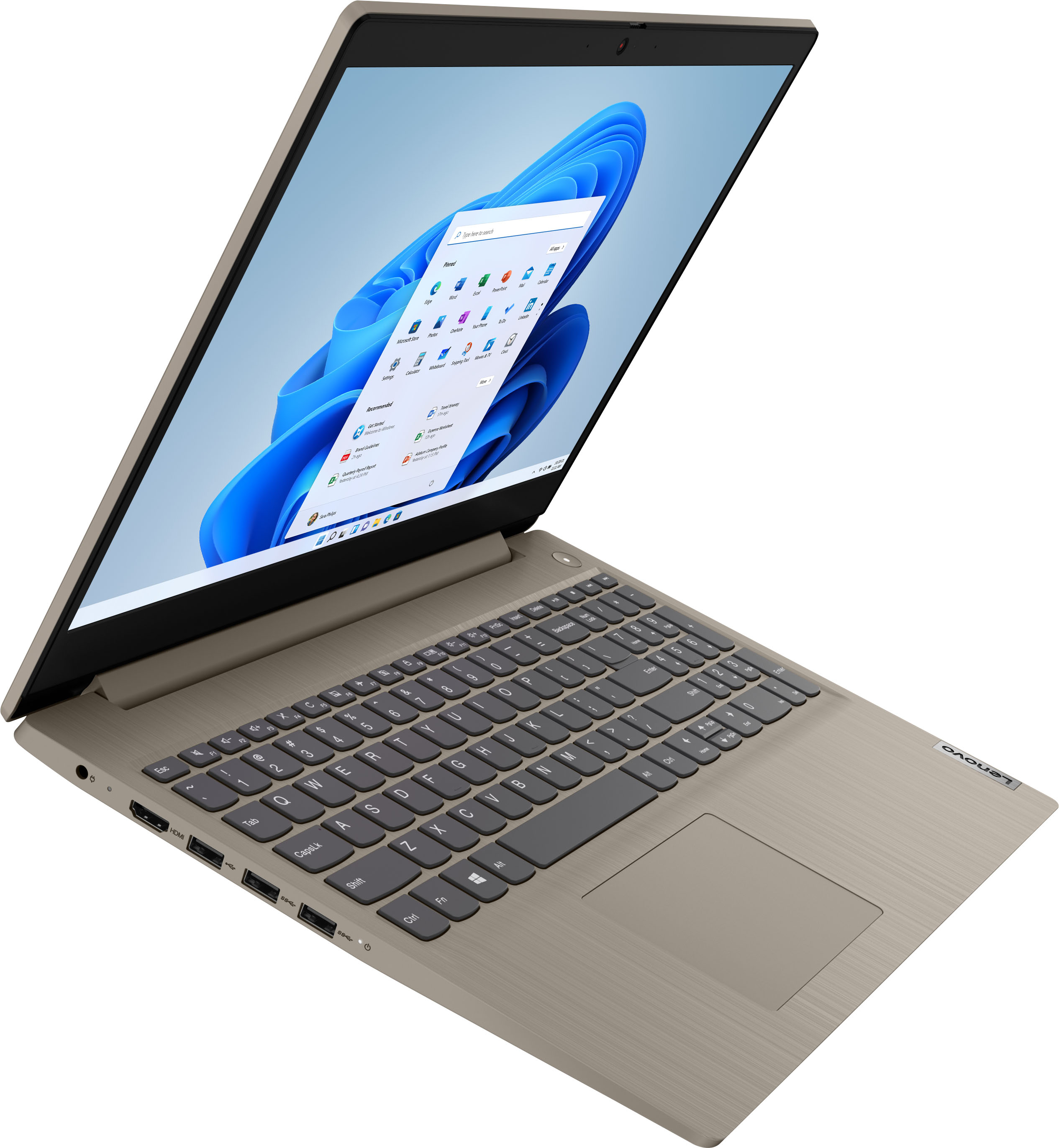
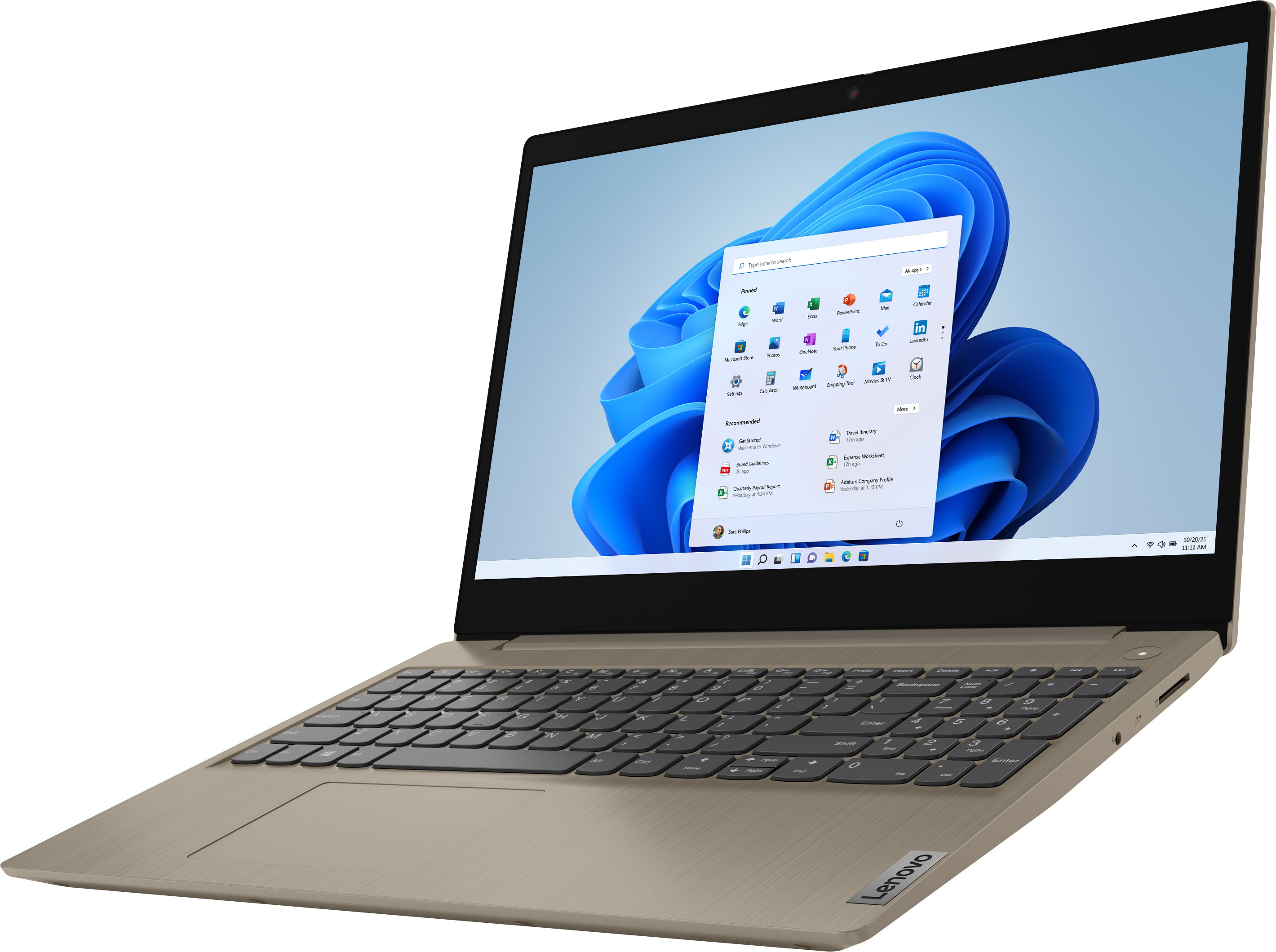
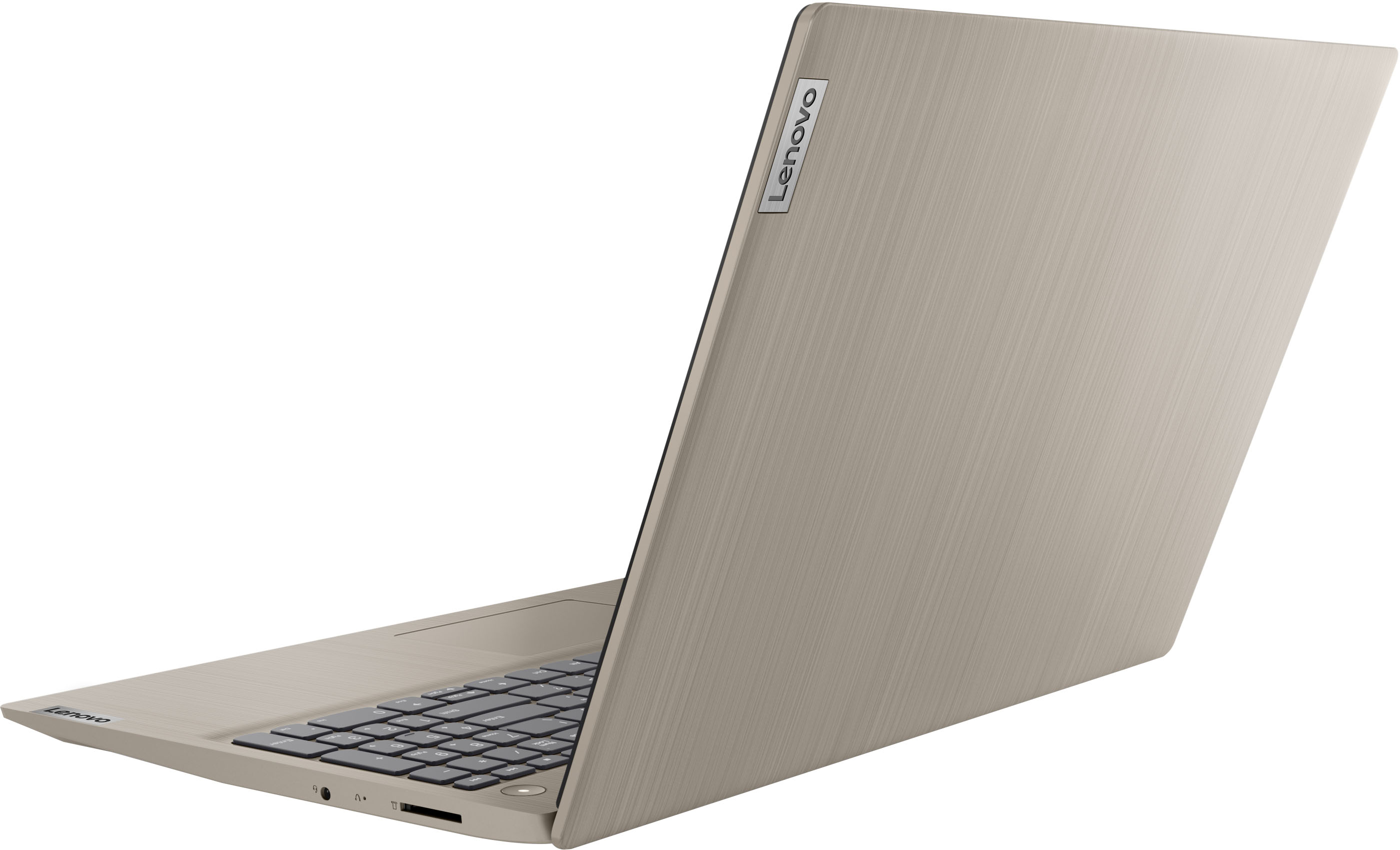
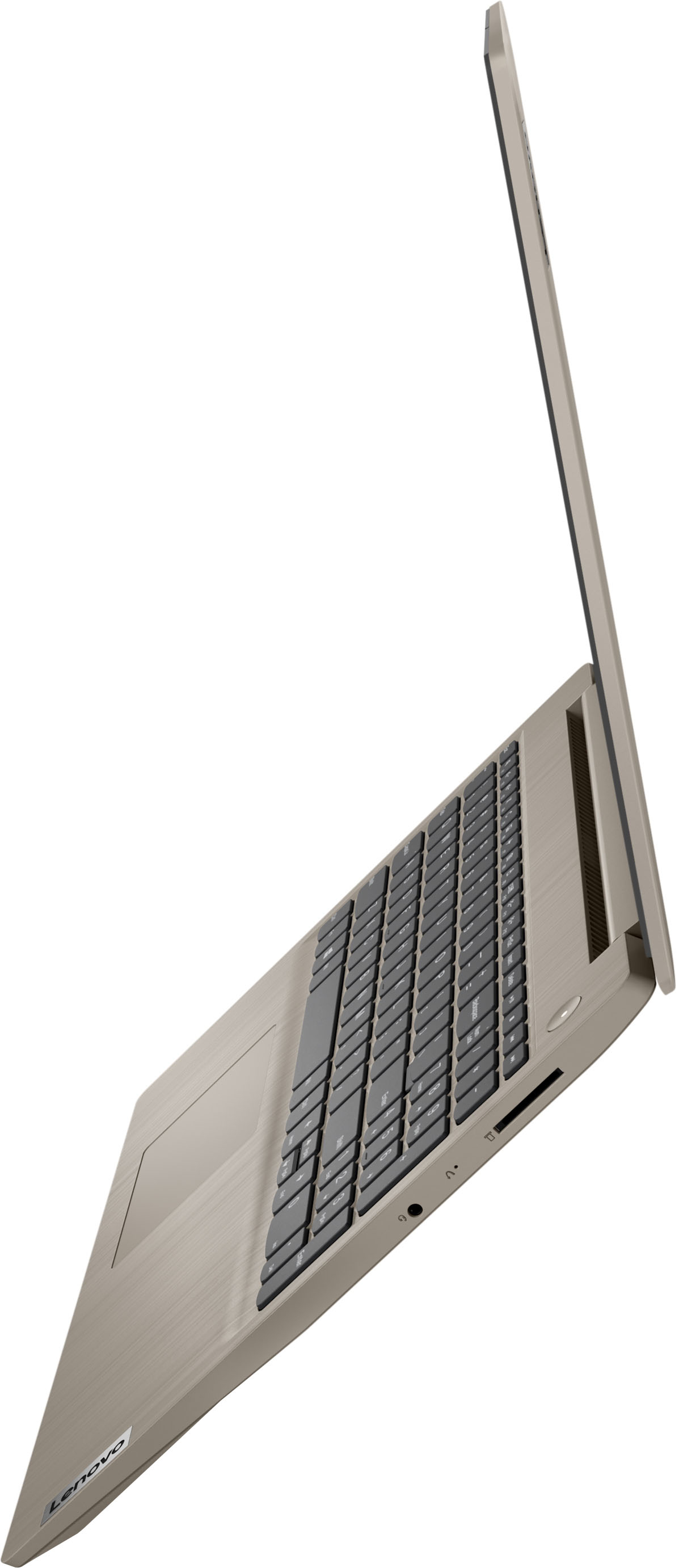
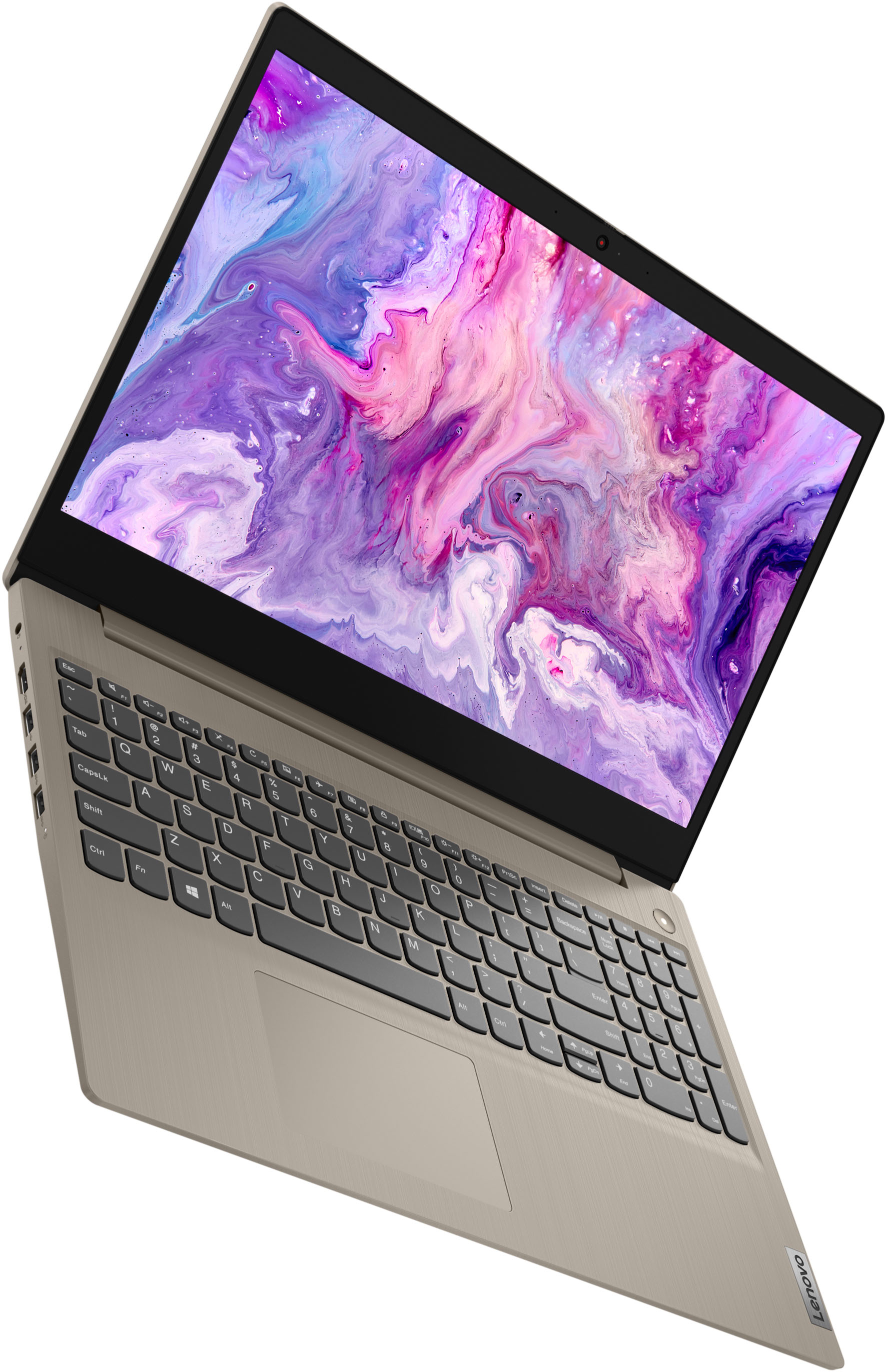
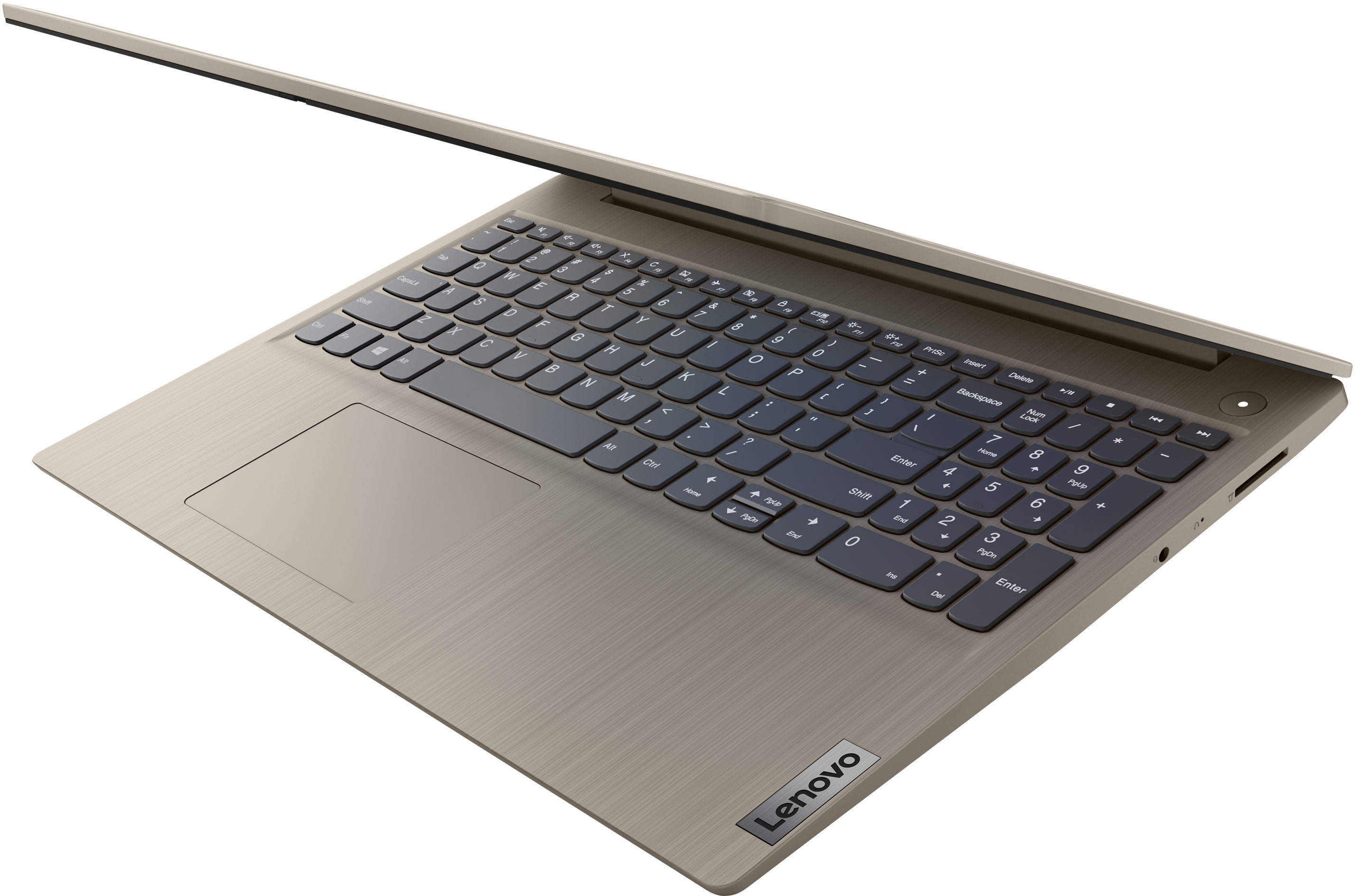
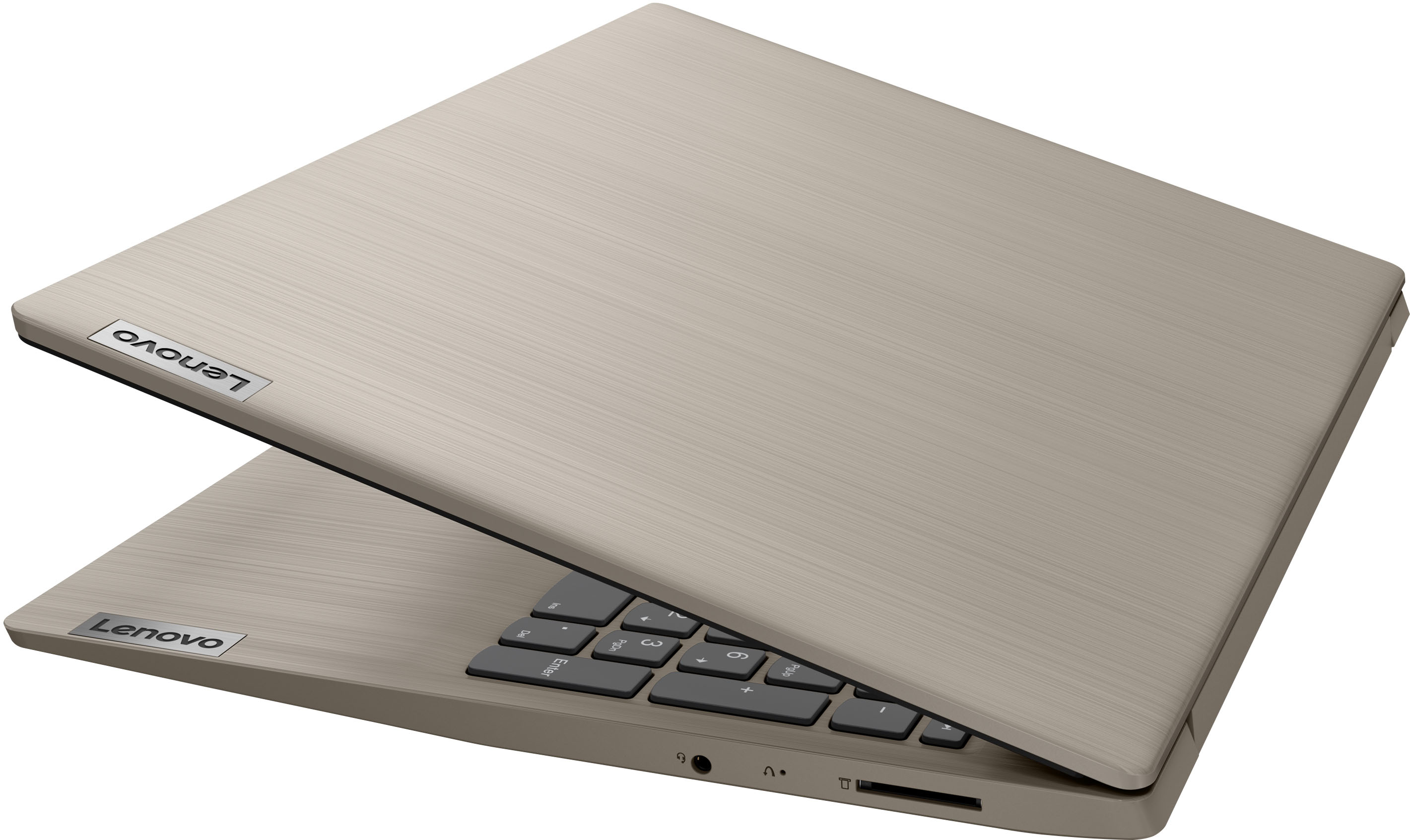
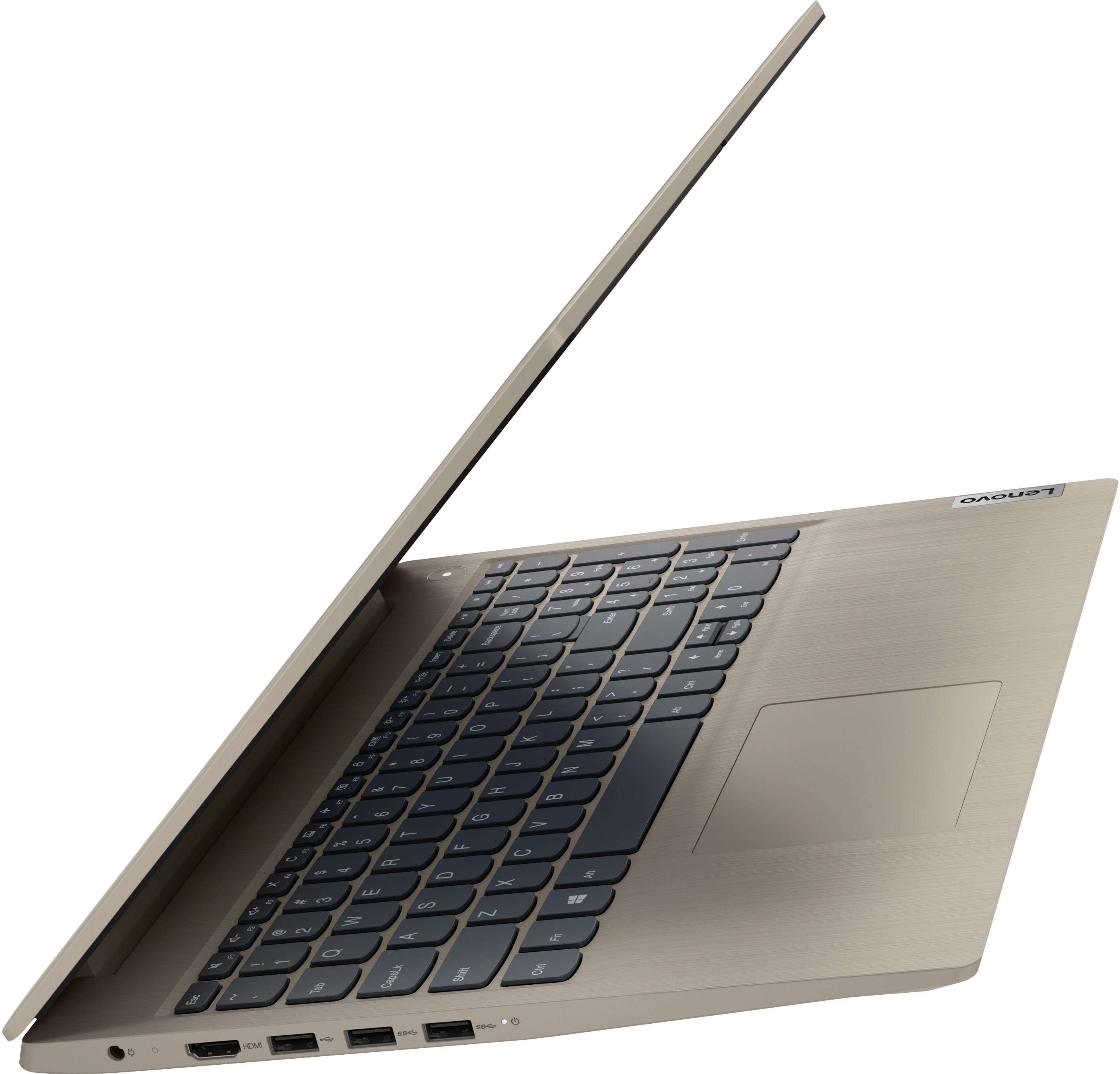
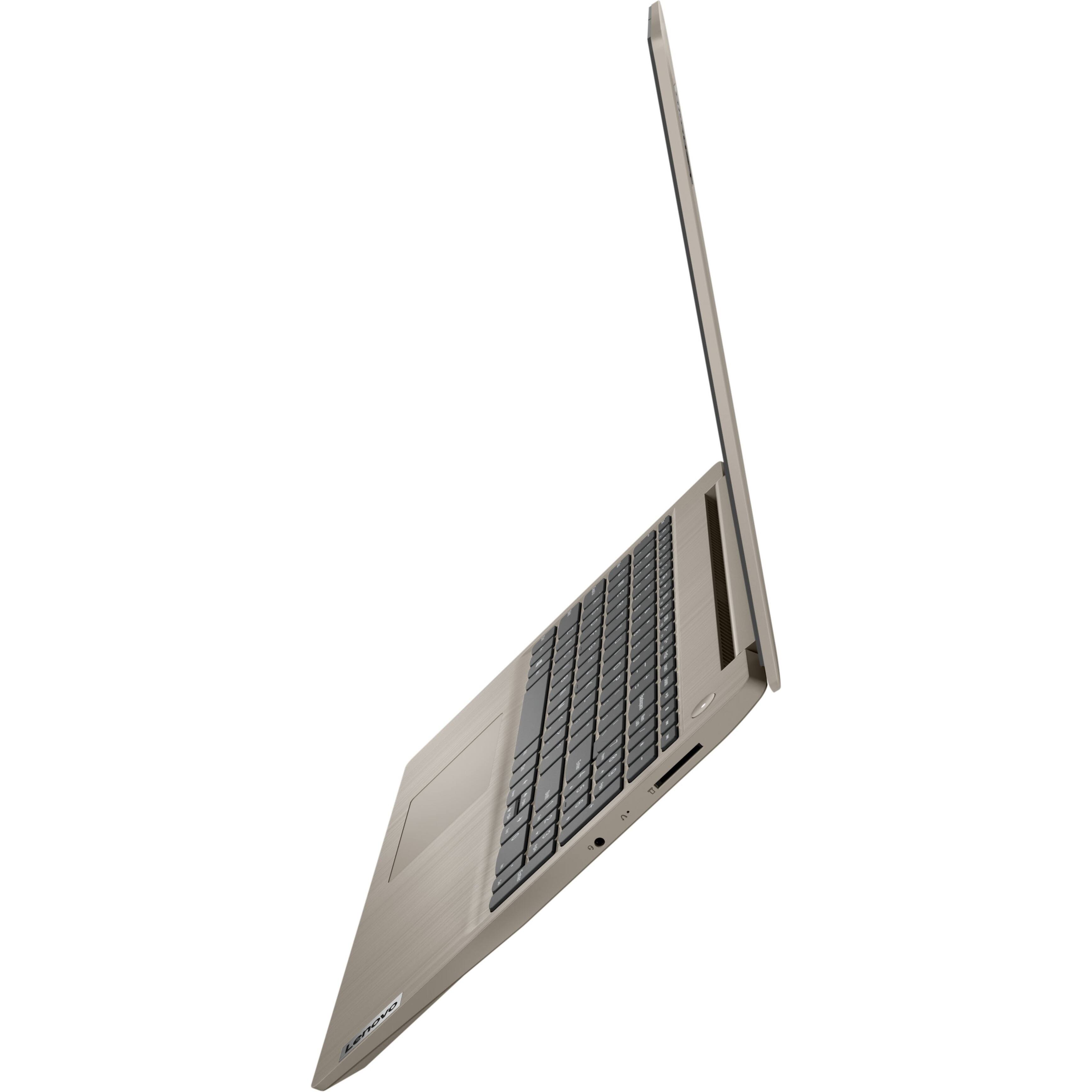
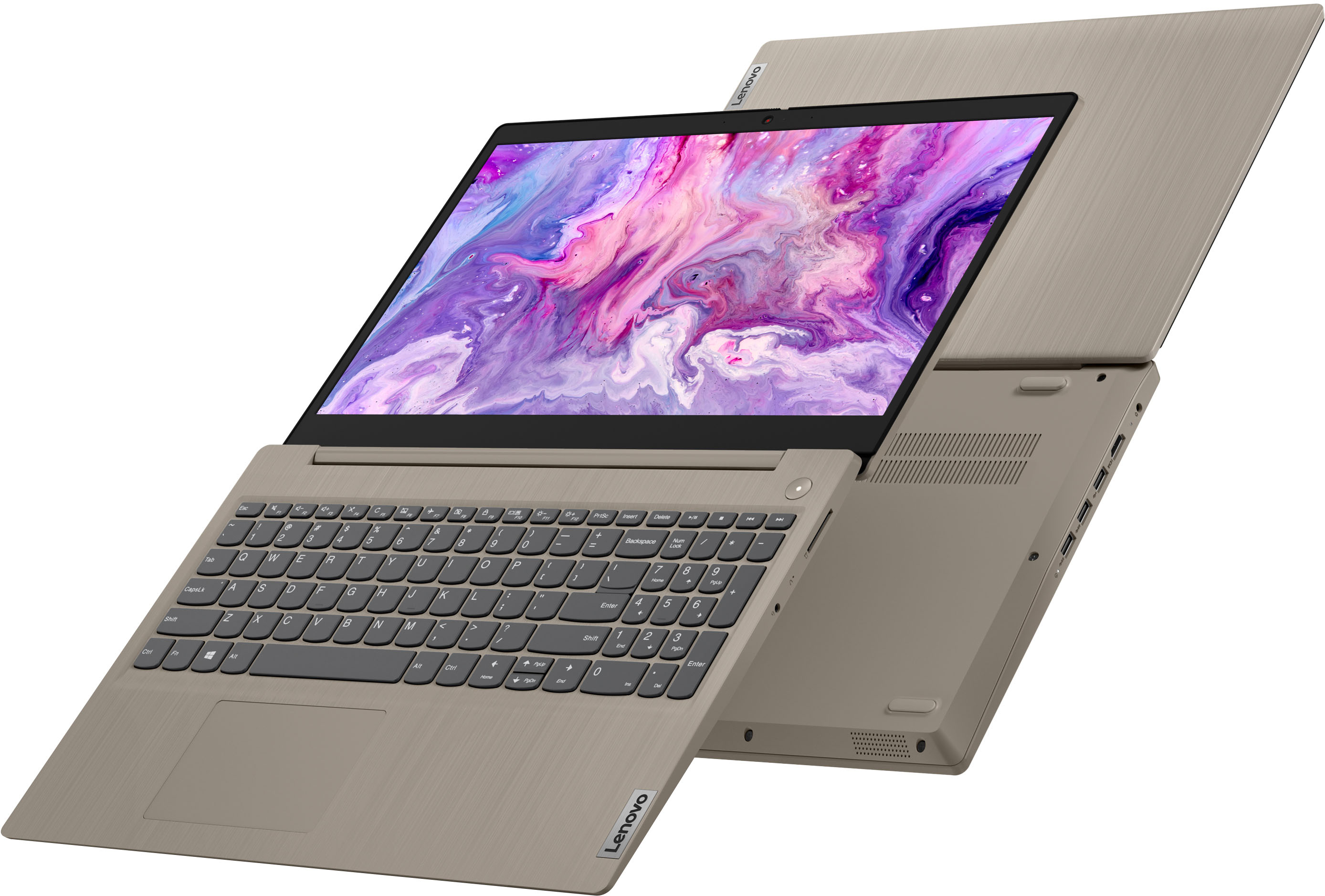
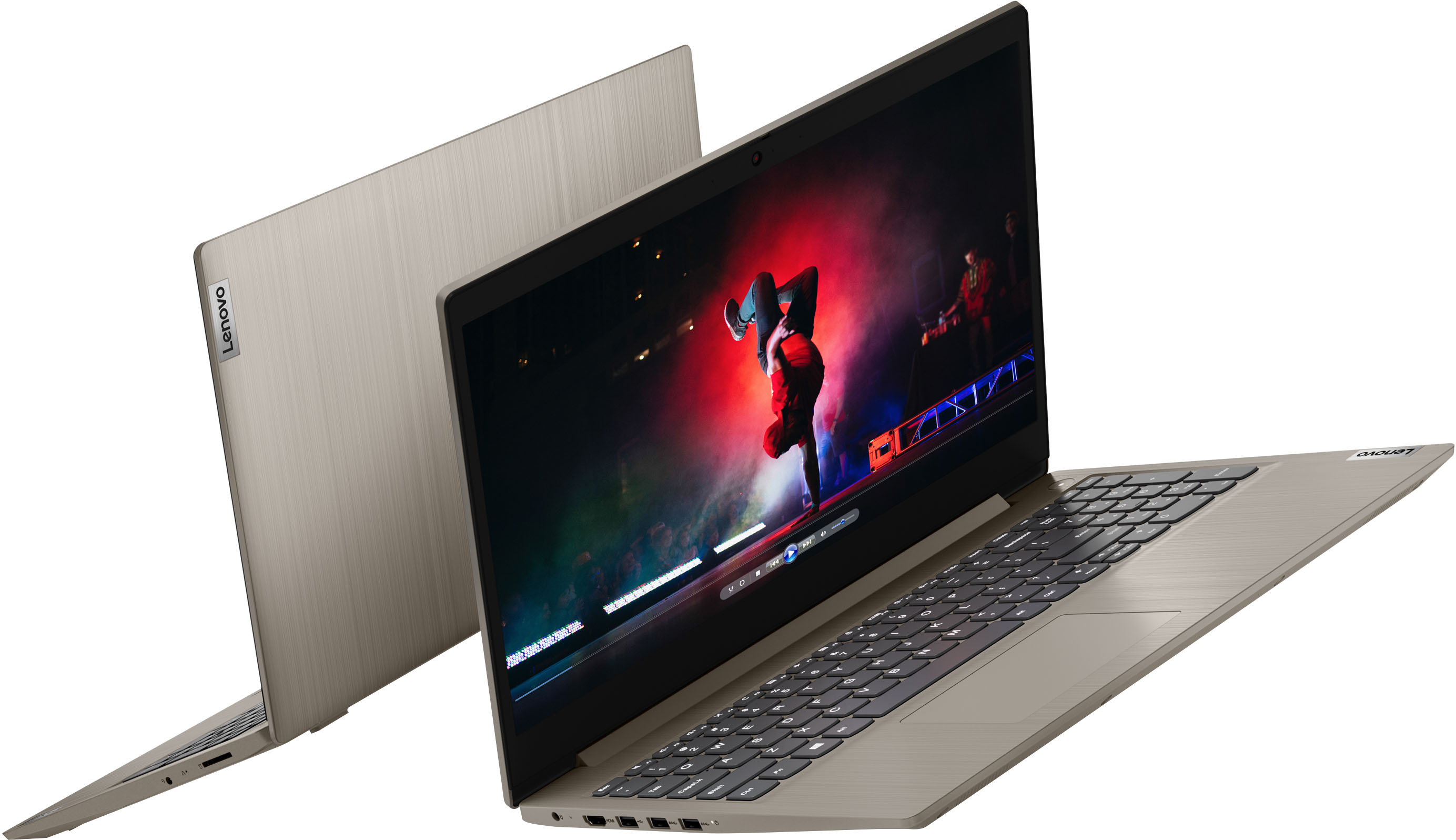
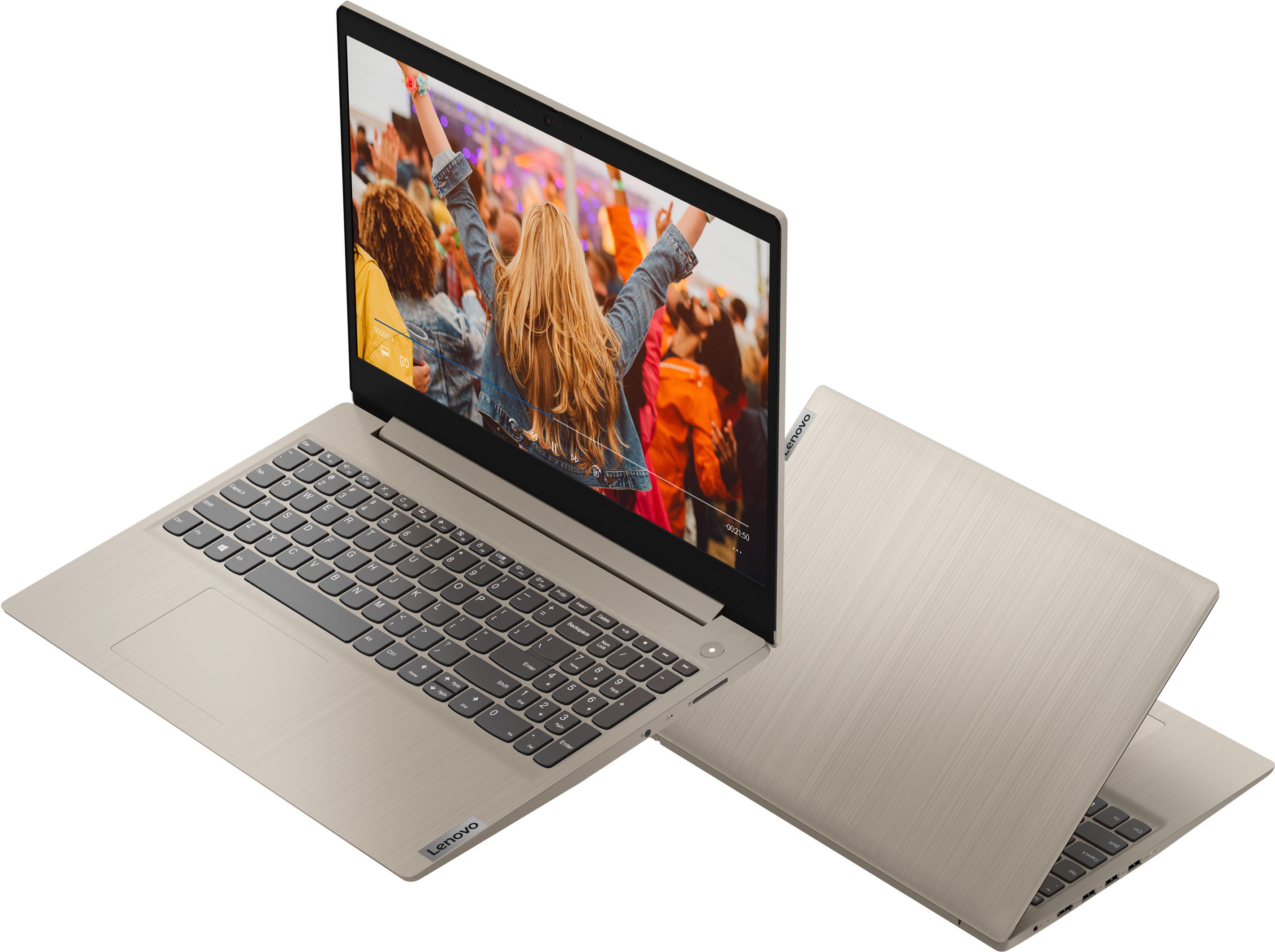

- Model:
- 81X800ECUS
- SKU:
- 6461981
Rating by feature
- Battery Life
Rating 4.3 out of 5 stars
- Speed
Rating 4.5 out of 5 stars
- Display
Rating 4.5 out of 5 stars
Customers are saying
Customers are pleased with the IdeaPad 3 15ITL05 laptop's price, performance, and fast speed. Many users appreciate the touch screen feature and lightweight design, while some find the color particularly appealing. However, the battery life has been a point of dissatisfaction for some customers.
This summary was generated by AI based on customer reviews.
- Pros mentioned:Touch screen, Weight
A Must Have
||Posted . Owned for 1 month when reviewed.This reviewer received promo considerations or sweepstakes entry for writing a review.Incredibly light weight, with a great durable feel/look. Many upgrades; SSD card reader, multiple USB ports and touch screen that is very responsive.
I would recommend this to a friendBrand response from Lenovo Product Expert
Posted .Thank you for choosing the Lenovo IdeaPad 3 15 Laptop, model number 81X800ECUS. We are pleased to hear that the features and performance of the IdeaPad 3 15 meets your computing needs so well.

Perfect home laptop!
||Posted . Owned for 2 months when reviewed.This reviewer received promo considerations or sweepstakes entry for writing a review.I’m really pleased with my purchase of this laptop. It works great for my needs, is super light weight and I love the color.
I would recommend this to a friendBrand response from Lenovo Product Expert
Posted .Thank you for choosing the Lenovo Ideapad 3 15 laptop. We are pleased to hear that the features and performance of the Ideapad 3 15 meets your computing needs so well.
- Pros mentioned:Fast, Performance
Great Laptop/ Easy to use
||Posted . Owned for 1.5 years when reviewed.This reviewer received promo considerations or sweepstakes entry for writing a review.I have had this laptop for almost 3 years now. Honestly I have not had any complications or problems while using this system. Everything runs smoothly and quickly. No lagging has ever occurred.
I would recommend this to a friend - Pros mentioned:Touch screenCons mentioned:Battery life
Computer
||Posted . Owned for 1.5 years when reviewed.This reviewer received promo considerations or sweepstakes entry for writing a review.I’ve had this computer for the past 2 years and I will say it is amazing. Does what I need and I don’t have any complains. The touch screen is amazing and always works. Just wish the battery life was better.
I would recommend this to a friend - Pros mentioned:Fast, Price
Great laptop
||Posted . Owned for 3 weeks when reviewed.This reviewer received promo considerations or sweepstakes entry for writing a review.Just what i was looking for and very fast for work at home and navigate through the internet love the color i will buy again also sound is good and video is decent. The price was really good after all love this computer if you looking for at home computer this is just great
I would recommend this to a friendBrand response from Lenovo Product Expert
Posted .Thank you for choosing the Lenovo IdeaPad 3 15 laptop, model number 81X800ECUS. We are pleased to hear that the IdeaPad 3 15 meets your computing needs so well.
Reliable and easy
||Posted .This reviewer received promo considerations or sweepstakes entry for writing a review.As an IT tech for a small company, reliability is key when looking at purchasing new products and Lenovo's Ideapad 3 does not disappoint. Naturally being a fan of Lenovo helped choosing, but there were some key features that sold me. For starters, the SSD is always a plus, and being NVMe, gives me piece of mind that the hard drive is better protected as there is not a large area vulnerable to impact that can damage the drive. NVMe drives usually have extra protection around them as they look like RAM chips, and being Solid State allows for quick access of files. When it comes to speed, the processor is top notch. The speed is a bit overkill for my needs, but I could not pass it up based on price. If I had one thing that I could change about it, I would like more cores, but that is a personal choice, not a complaint. Everything opens lightning fast between the processor and the 8gig of RAM. I have not looked into upgrading with more as 8 is plenty, but I have been able to with my past Lenovo products. The only real downside I had with this model was that Windows 10 came in S mode. I knew this going in so I was not surprised and it is very easy to get out of S mode. After taking it out of S mode, the rest of the set up for what I needed was fast as well as getting it up to date with Windows updates before deploying.
I would recommend this to a friendBrand response from Lenovo Product Expert
Posted .Thank you for choosing the Lenovo IdeaPad 3 15 laptop. We appreciate your loyalty to the Lenovo Brand and we are pleased to hear that this IdeaPad 3 15 meets your computing needs so well.
- Pros mentioned:Fast, Touch screenCons mentioned:Battery life
Good basic computer, short battery life
||Posted . Owned for 1 month when reviewed.This reviewer received promo considerations or sweepstakes entry for writing a review.Good basic computer and it has touch screen. It’s fast and does everything I need for my trade school and safety training. Only downfall is the battery doesn’t last very long but it’s a good computer
I would recommend this to a friendBrand response from Lenovo Product Expert
Posted .Thank you for choosing the Lenovo IdeaPad 3 15 laptop, model number 81X800ECUS. This model ships with a Integrated 35Wh, Lithium-Polymer Battery, which within this configuration, has a battery life of up to 7 hours, depending on the work the device is performing. If you are getting substantially less battery life, first, set your screen brightness at less than 100-percent - try 80-percent to start with. Then, be sure Battery conservation Mode is turned off. This power management setting should only be used when the laptop is plugged in all the time. It will prolong overall battery life by only charging the battery to 60-percent of capacity. Here is a link to instructions for turning off Battery Conservation Mode: https://support.lenovo.com/us/en/solutions/ht103159. Also check what programs are running in the background on the computer. Be sure only the programs you want running in the background are. These programs will drain the battery. Here is a link to information about how to find out what programs are running in the background on your Windows 10 computer and how to manage them for better system performance: https://www.windowscentral.com/how-prevent-apps-running-background-windows-10. Then, finally, be sure any software you installed is compatible with Windows 10. Incompatible software will drain the battery at a faster rate. There is no need to install Microsoft Office software. The software is already part of the operating system, you just need to activate the software with a purchased product key. If you have installed a copy of Microsoft Office, this is conflicting with the existing copy on the system and this will slow your system down. If you have installed a 3rd party anti-virus program, be sure that Windows Defender is turned off and that the trial version of McAfee Anti-Virus software is uninstalled. There can only be one anti-virus program on the system. You may need to restore your system to original factory default settings if any of the programming errors have occurred. You can do that by typing "restore" in the Cortana search window. Just click on the magnifying glass icon at the bottom left of your Windows 10 Desktop. Click on "Reset This PC" Then click on "Get Started" and follow the on screen directions to restore to factory defaults. If the problem persists, we recommend you contact Lenovo Tech Support at: 877-453-6686.
- Pros mentioned:Fast, Touch screen
Very good laptop!
||Posted . Owned for 3 weeks when reviewed.This reviewer received promo considerations or sweepstakes entry for writing a review.I am very pleased with my new Lenovo Touch Screen Ideapad. As with any new laptop, it took a little while to get comfortable with it. But I was able to set up quickly, without any tech help. The only part I found tricky was the tape covering the camera screen - it took me a little while (and some googling) to realize that removing the previously unnoticed tape was how to get my camera to show me! I have had no problems using this laptop for email, watching videos, and using online programs. (I have not used it for gaming.) So, I would recommend it to a friend looking for a relatively inexpensive Windows-based laptop.
I would recommend this to a friendBrand response from Lenovo Product Expert
Posted .Thank you for choosing the Lenovo IdeaPad 3 15 laptop. We are pleased to hear that the features and performance of the IdeaPad 3 15 laptop meets your computing needs so well. This IdeaPad 3 15 Laptop ships with an HD (720p) webcam with Privacy Shutter and Dual Array Microphones, built in. This webcam has a protective film/tape placed over the lens. This protective film/tape is installed at the factory, to protect the webcam lens during transient and needs to be removed prior to using the webcam.
I like it! Sleek & a nice upgrade for our cnc.
||Posted . Owned for 3 weeks when reviewed.This reviewer received promo considerations or sweepstakes entry for writing a review.My husband & I got this new Lenovo when we made a previous purchase on a used one a little different from this one, it worked well.. for 1 week then the screen blacked out so luckily it was within the 14 day return timeline & decided to go with a brand new one mainly because the sales lady but over all we are very happy with our choice to upgrade & have not had any issues thus far.. with this laptop. fast. tons of storage & a great display. I got it on sale and because I bought total tech i also got a 100$ discount on it.. that was pretty cool ! We live in the country so we have (limited) unlimited speed once gb are ate up on satellite internet but havent noticed any lag with the new Lenovo and it came with the windows 11 upgrade & I just love the almond color ! We bought a cnc machine a shapeoko XXL & that’s the primary use for this new one. So far, so good. Thx BB !
I would recommend this to a friendBrand response from Lenovo Product Expert
Posted .Thank you for choosing the Lenovo IdeaPad 3 15 Laptop. We are pleased to hear that the features and performance of the IdeaPad 3 15 meets the computing needs of you and your husband so well.
- Pros mentioned:Price
Review
||Posted . Owned for more than 2 years when reviewed.This reviewer received promo considerations or sweepstakes entry for writing a review.Great computer for the price, the color looks a little bit like bronze and kind of pink. Mouse works great and the camera quality is pretty average
I would recommend this to a friend - Pros mentioned:Touch screen
slick product!
||Posted . Owned for 1.5 years when reviewed.This reviewer received promo considerations or sweepstakes entry for writing a review.my kids and I love how easy this computer is to use.. it's fast and of course TOUCH SCREEN
I would recommend this to a friend - Pros mentioned:Touch screen
Once you go SSD you'll never go back!
||Posted . Owned for 3 weeks when reviewed.This reviewer received promo considerations or sweepstakes entry for writing a review.Had a fairly identical IdeaPad but at half the drive size. It was my first SSD, and it was so much faster than a hard drive. But it didn't take me long to fill up the drive. So I got this one and it will take a while to fill it up. Also: it was not advertised as a touch screen, but it is. Bonus!
I would recommend this to a friendBrand response from Lenovo Product Expert
Posted .Thank you for choosing the Lenovo IdeaPad 3 15ITL05 15.6in. Laptop. We are very pleased to hear that the specifications and features of the Lenovo IdeaPad 3 15ITL05 15.6in. Laptop meet your computing needs so well.
- Pros mentioned:Touch screen
It's a computer
||Posted . Owned for 1 month when reviewed.This reviewer received promo considerations or sweepstakes entry for writing a review.My computer crashed so I needed a laptop. I usually buy a used one from the computer store down the road every couple of years for a little over two hundred bucks. This time I spent alot more money than I would normally spend thinking it would be faster. It is a little bit. Plus I bought the only one Best Buy had in stock for under $600.00. It does not have a CD/DVD drive and for that kind of money it should. It also has that OS system so I was not able to use some of the websites I use until I took it off. I could not use Chrome only Edge. I ended up taking the OS off which I have Mcafee so I am not real worried about a virus . I think the OS thing is just so you use the microsoft store for apps and not the google play store or Chrome. I'm not used to a touch screen so that's kind of nice to have to zoom in on print or photos. I don't like how I'm typing along and then my screen goes larger or smaller. I need to see if there's a way to lock the screen so that doesn't happen. The speakers are loud enough. Good I would say. Oh the one thing you need to know, the SD card slot and flash drive slots are very tight. And your SD card doesn't go in all the way.. I would give it 3 stars actually because that sd card hangs out the side. I'm afraid it's going to break off when I set the computer down if I'm taking a break from it. Overall I've had it about a month and it's a computer. Nothing fancy nothing special but it works.
I would recommend this to a friendBrand response from Lenovo Product Expert
Posted .Thank you for choosing the Lenovo IdeaPad 3 15 Laptop, model number 81X800ECUS. This model ships with Windows 10 S-Mode 64-bit Operating System. Windows 10 S-Mode provides added security by only allowing APPs available ( and therefore certified by Microsoft) at the Microsoft Store. If you don't need the added security or you need to install APPs not available at the Microsoft Store, you can switch to standard Windows 10 Home 64-bit Operating System, at no additional cost. Regarding controlling the zoom feature, be sure that you are not inadvertently making contact with the touchpad and causing the screen to zoom in. You can make adjustments to the touchpad in your system settings. You can get there by clicking on the magnifying glass at the bottom left of your Windows 10 screen. Type touchpad in the search window. Select "Mouse & touchpad settings from the list of choices. You can make general adjustments to the touchpad there. You can also select Additional mouse options for more detailed adjustments to the touchpad sensitivity by increasing the delay of the touchpad. Increasing the delay of the touchpad will decrease the sensitivity of the touchpad, hopefully lessening the inadvertent contacts issues.
- Pros mentioned:Fast, Touch screen, Weight
Lenovo ideapad
||Posted . Owned for 1 month when reviewed.This reviewer received promo considerations or sweepstakes entry for writing a review.Veryy good laptop with touch screen and faster and not havy at all
I would recommend this to a friendBrand response from Lenovo Product Expert
Posted .Thank you for choosing the Lenovo IdeaPad 3 15 laptop. We are pleased to hear that the features and performance of the IdeaPad 3 15 meets your computing needs so well.
- Pros mentioned:Touch screenCons mentioned:Battery life
Battery life is the only issue.
||Posted . Owned for 6 months when reviewed.This reviewer received promo considerations or sweepstakes entry for writing a review.I bought this for my 15 year old. She loves it. The screen is perfect and she loves that it has a touch screen. The only issue is the battery life is short. She has to keep it plugged in most of the time or it will die within about two hours. We plan to replace the battery which hopefully will fix that issue.
I would recommend this to a friendBrand response from Lenovo Product Expert
Posted .Thank you for choosing the Lenovo IdeaPad 3 15 Laptop, model number 81X800ECUS. This model configuration ships with a Integrated 35Wh, Lithium-Polymer Battery, which within this model configuration, has a battery life of up to 6 hours, depending on the work the device is performing. If you are getting substantially less battery life, first, set your screen brightness at less than 100-percent - try 80-percent to start with. Then, be sure Battery Charge Threshold is turned off. This power management setting should only be used when the laptop is plugged in all the time. It will prolong overall battery life by only charging the battery to 60-percent of capacity. You can turn off Battery Charge Threshold within the Lenovo Vantage APP installed on this computer. In Vantage select Battery Settings and turn off Battery Charge Threshold, if turned on. Also check what programs are running in the background on the computer. Be sure only the programs you want running in the background are. These programs will drain the battery. Here is a link to information about how to find out what programs are running in the background on your Windows 11 computer and how to manage them for better system performance: https://websiteforstudents.com/how-to-find-what-is-running-in-windows-11/. Then, finally, be sure any software you installed is compatible with Windows 11. Incompatible software will drain the battery at a faster rate. There is no need to install Microsoft Office software. The software is already part of the operating system, you just need to activate the software with a purchased product key. If you have installed a copy of Microsoft Office, this is conflicting with the existing copy on the system and this will slow your system down. If you have installed a 3rd party anti-virus program, be sure that Windows Defender is turned off and that the trial version of McAfee Anti-Virus software is uninstalled. There can only be one anti-virus program on the system. You may need to restore your system to original factory default settings if any of the programming errors have occurred. You can do that by typing "restore" in the Cortana search window. Just click on the magnifying glass icon at the bottom of your Windows 11 Desktop. Click on "Reset This PC" Then click on "Get Started" and follow the on screen directions to restore to factory defaults. If the problem persists, we recommend you contact Lenovo Tech Support at: 877-453-6686.
- Pros mentioned:Fast, Touch screen
Laptop
||Posted . Owned for 3 weeks when reviewed.This reviewer received promo considerations or sweepstakes entry for writing a review.So far, this laptop is everything I need it for. Fast and easy to use. I also really like the touch screen. I am super satisfied and will definitely go with something like this in the future!
I would recommend this to a friendBrand response from Lenovo Product Expert
Posted .Thank you for choosing the Lenovo IdeaPad 3 15 Laptop. We are pleased to hear that the ease of use, features and performance of the IdeaPad 3 15 meets your computing needs so well.
Great laptop for basic use
||Posted . Owned for more than 2 years when reviewed.This reviewer received promo considerations or sweepstakes entry for writing a review.It does exactly what we need it to. This is primarily used for schoolwork by our kids. Over 2 years old and still works like the first day we got it. Great machine and have had no issues.
I would recommend this to a friendLight to carry around, complete work using Office
||Posted . Owned for 3 weeks when reviewed.This reviewer received promo considerations or sweepstakes entry for writing a review.Good size screen, sufficient memory for most tasks, including Office and MS Teams. Fast response with 256SSD and 8 GB memory. Internet access and viewing movies is reliable. SSD storage makes it light to carry around to work or school.
I would recommend this to a friendBrand response from Lenovo Product Expert
Posted .Thank you for choosing the Lenovo IdeaPad 3 15 Laptop, model number 81X800ECUS. We are pleased to hear that the IdeaPad 3 15 is working out so well for you.
- Pros mentioned:Fast
Just what I needed!
||Posted . Owned for 1 month when reviewed.This reviewer received promo considerations or sweepstakes entry for writing a review.Not a computer expert, but I'm very happy with this one I purchased from Best Buy last Christmas. I shopped around at different places and sites. I got what I wanted and needed. It is fast ,reliable and plenty of storage.
I would recommend this to a friendBrand response from Lenovo Product Expert
Posted .Thank you for choosing the Lenovo IdeaPad 3 15ITL05 15.6in. Laptop. We are very pleased to hear that the specifications and features of the Lenovo IdeaPad 3 15ITL05 15.6in. Laptop meet your computing needs so well.
- Pros mentioned:Touch screen
It’s All Mines
||Posted . Owned for 3 weeks when reviewed.This reviewer received promo considerations or sweepstakes entry for writing a review.I love my lab top and the color of it plus the touchscreen is awesome I also brought the external CD/DVD player the cooling pad and I am loving the set up this my 1st time buying a lab top for me not for my children.
I would recommend this to a friendBrand response from Lenovo Product Expert
Posted .Thank you for choosing the Lenovo IdeaPad 3 15 laptop. We are pleased to hear that the IdeaPad 3 15 meets your computing needs so well.