Customer Ratings & Reviews
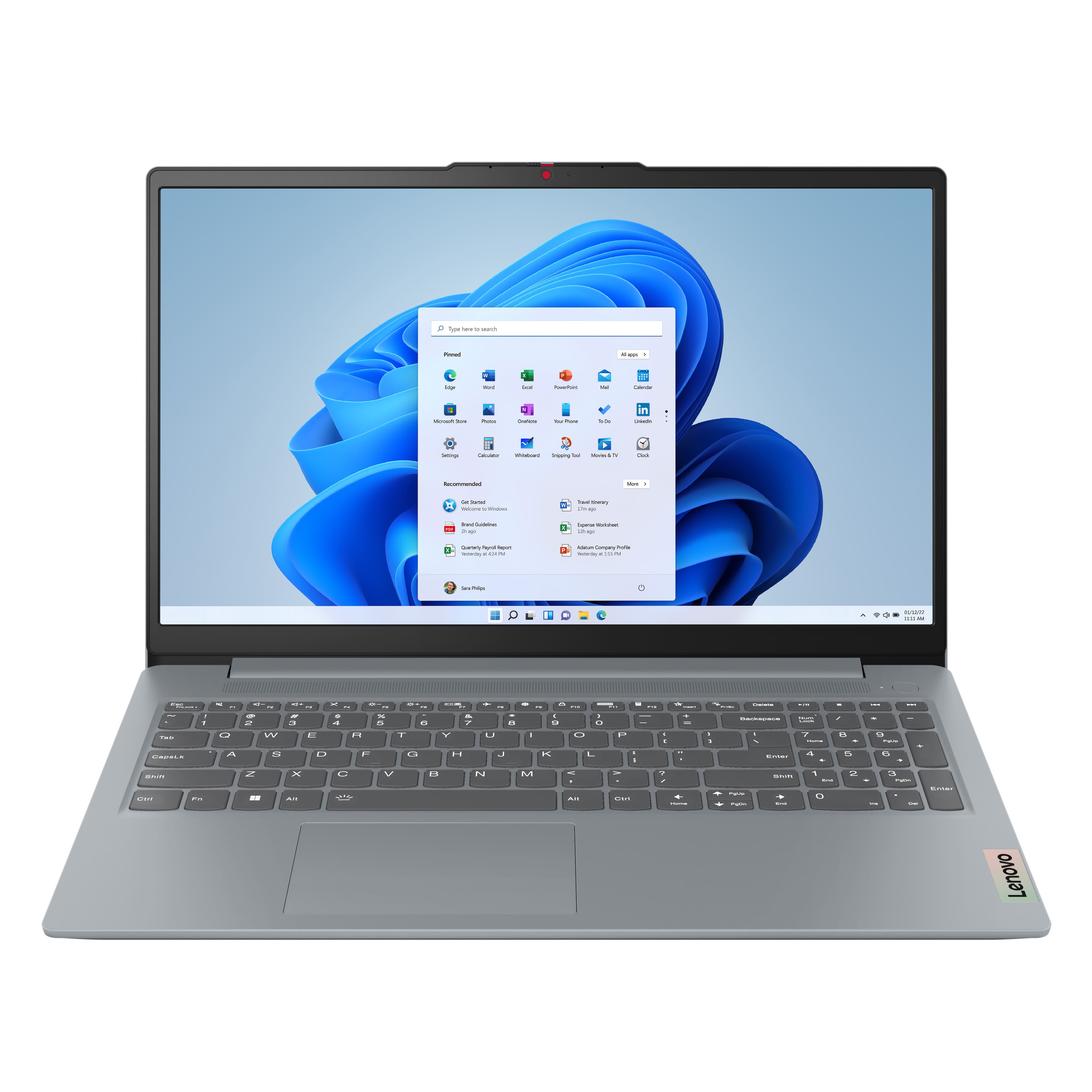


![Sure, here is the corrected and grouped text from the image:
---
**Top Row:**
- Esc
- Fn
- F1
- F2
- F3
- F4
- F5
- F6
- F7
- F8
- F9
- F10
- F11
- F12
**Number Row:**
- 1
- 2
- 3
- 4
- 5
- 6
- 7
- 8
- 9
- 0
- -
- =
- Backspace
**Letter Row:**
- Tab
- Q
- W
- E
- R
- T
- Y
- U
- I
- O
- P
- [
- ]
- \
- Delete
**Letter Row:**
- Caps Lock
- A
- S
- D
- F
- G
- H
- J
- K
- L
- ;
- '
- Enter
**Letter Row:**
- Shift
- Z
- X
- C
- V
- B
- N
- M
- ,
- .
- /
- Shift](https://pisces.bbystatic.com/image2/BestBuy_US/images/products/f79b3ed3-e46f-4e66-923f-76d4538361a2.jpg)
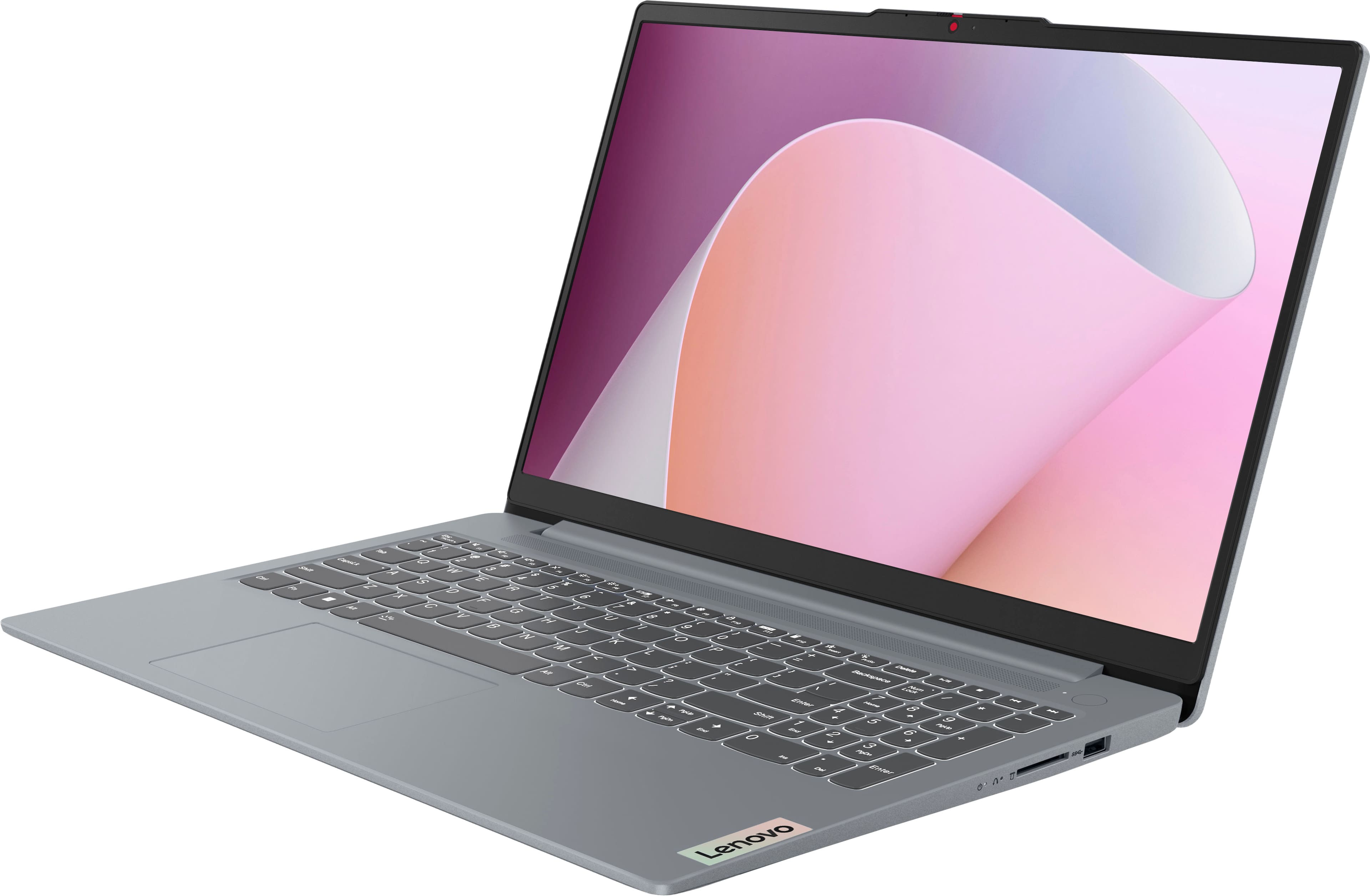
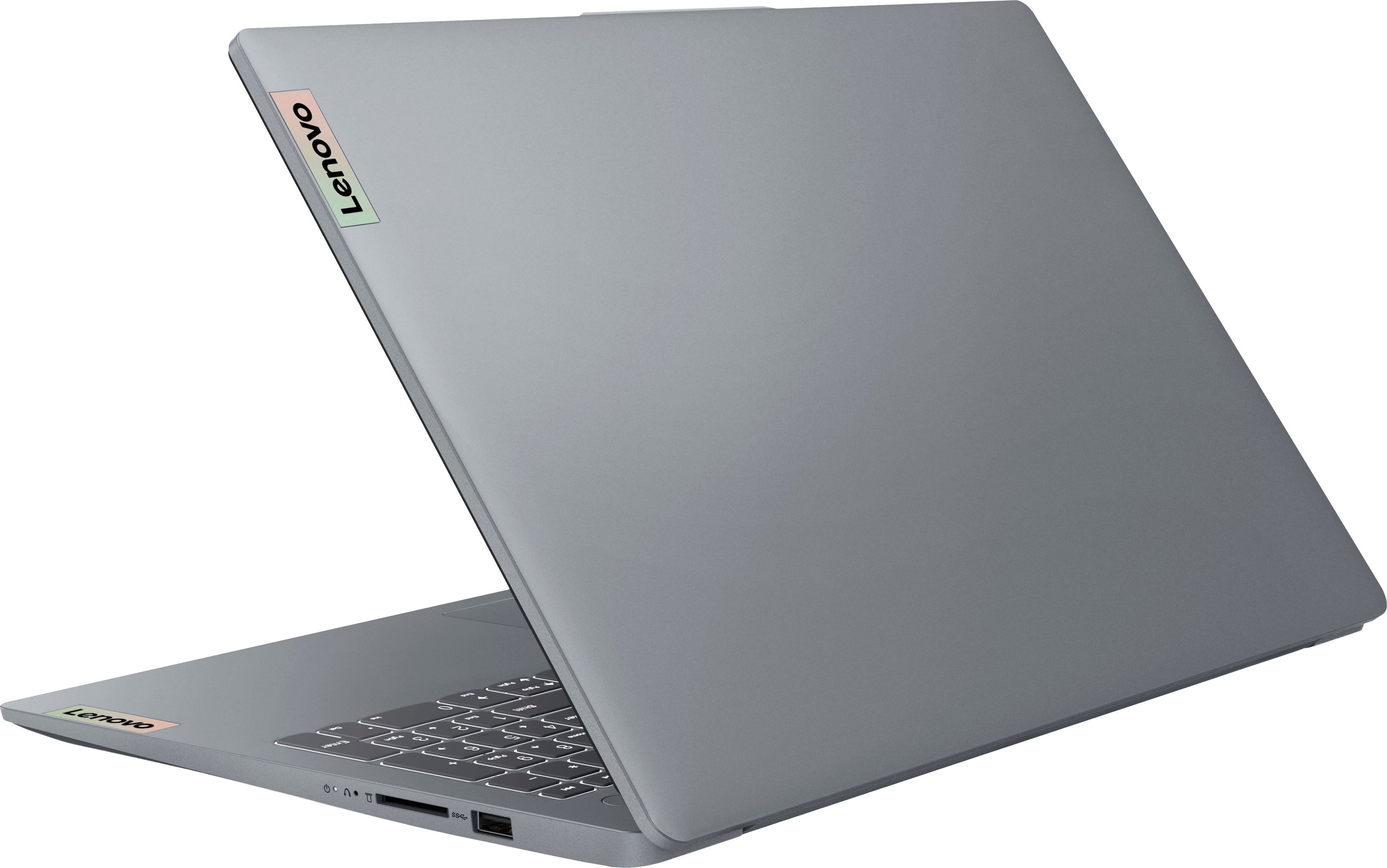
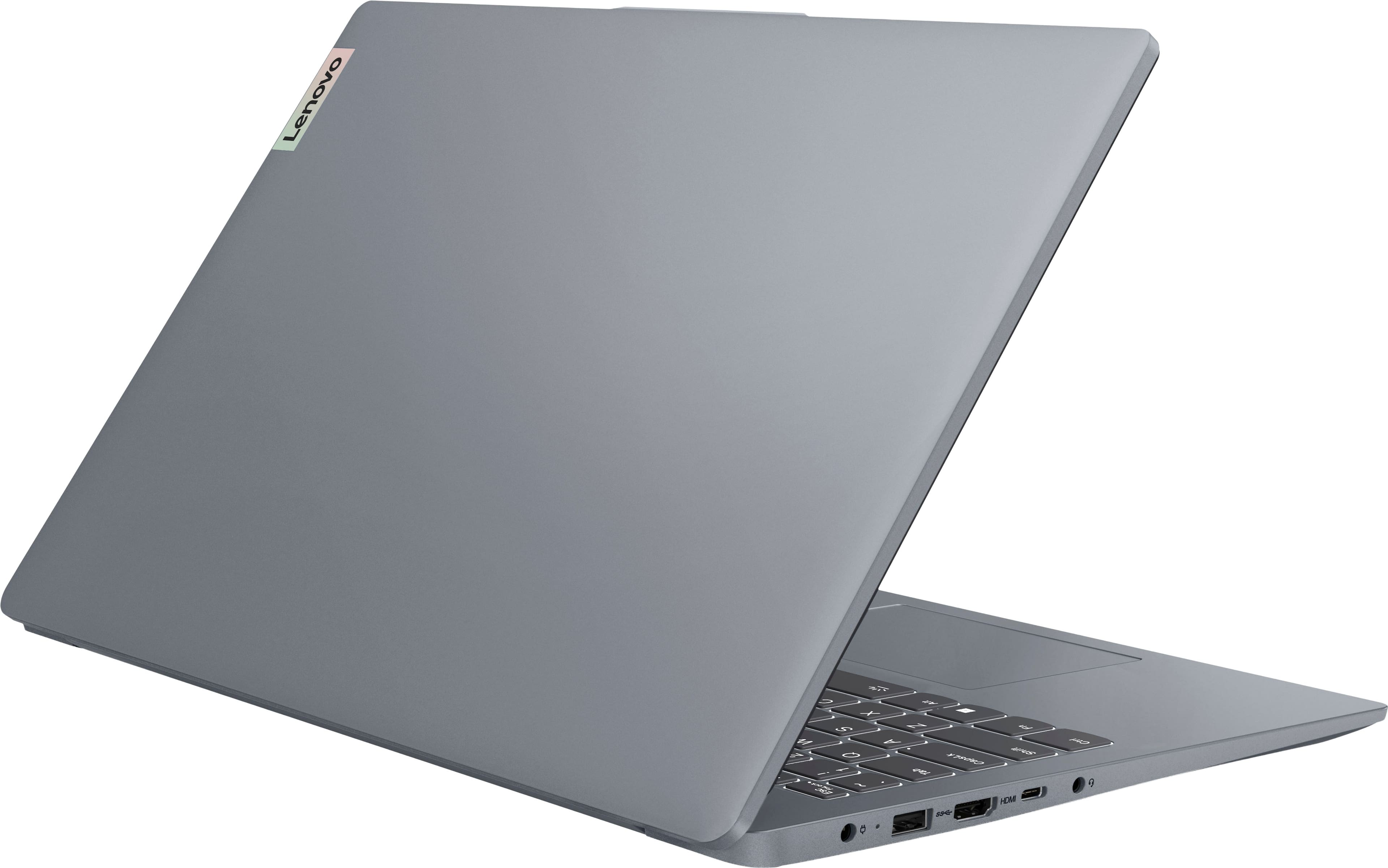
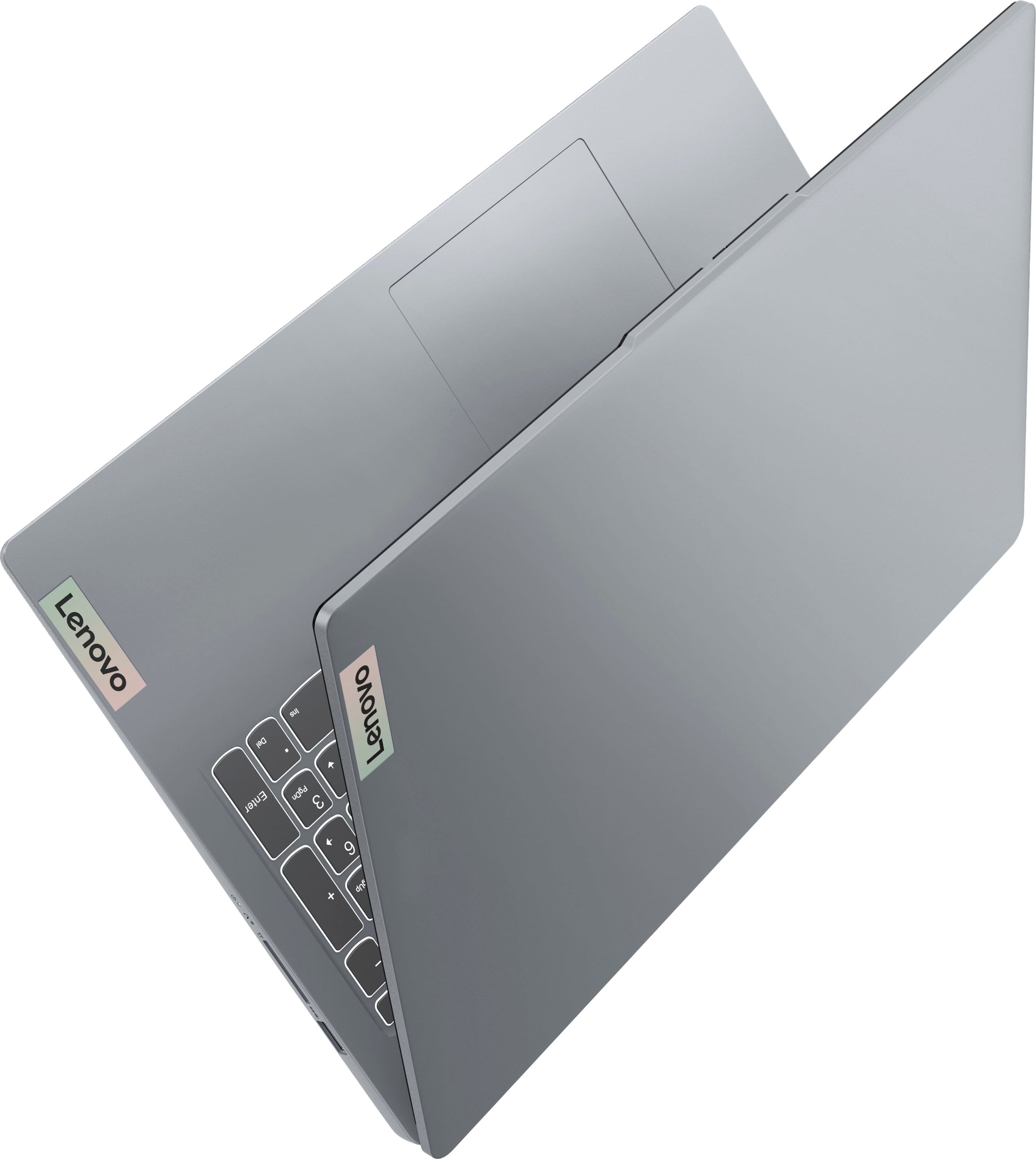


- Model:
- 82XM00LMUS
- SKU:
- 11629910
Rating by feature
- Battery Life
Rating 4.7 out of 5 stars
- Speed
Rating 4.7 out of 5 stars
- Display
Rating 4.7 out of 5 stars
Good option for the price.
||Posted . Owned for 1 week when reviewed.This reviewer received promo considerations or sweepstakes entry for writing a review.Like that it is full Microsoft capable and not S mode for the price.
I would recommend this to a friendBrand response from Lenovo Product Expert
Posted .Hi Meto,
Thank you for choosing Lenovo and for sharing your feedback with us!
We are glad to hear that your IdeaPad Slim 3 is a good fit for you.
Please feel free to reach out to us should you have any questions.
Best regards,
Lenovo
Laptop
||Posted . Owned for 3 weeks when reviewed.This reviewer received promo considerations or sweepstakes entry for writing a review.Purchased this for a gift for my son. He absolutely loved it!!!!
I would recommend this to a friendBrand response from Lenovo Product Expert
Posted .Hey MariaB,
Thank you for choosing Lenovo and for sharing your feedback with us!
We are glad to hear that your son is loving this IdeaPad Slim 3.
Please feel free to reach out to us should you have any questions.
Best,
Lenovo
Good product for a good price
||Posted . Owned for 1 week when reviewed.This reviewer received promo considerations or sweepstakes entry for writing a review.Nice laptop. Good price for a good product. Like the full size number pad.
I would recommend this to a friendBrand response from Lenovo Product Expert
Posted .Hi Brian,
Thanks for choosing Lenovo!
We are glad to hear that your IdeaPad Slim 3 is working nicely for you.
We appreciate you taking the time to share your experience with us.
Game Changer
||Posted . Owned for 1 month when reviewed.This reviewer received promo considerations or sweepstakes entry for writing a review.Very easy to purchase and set was super easy and fast!!
I would recommend this to a friendBrand response from Lenovo Product Expert
Posted .Hey GeorgeH,
Thank you for choosing Lenovo and for sharing your feedback with us!
We are glad to hear that your IdeaPad Slim 3 is working out seamlessly for you.
Please feel free to reach out to us should you have any questions.
Best,
Lenovo
Driver
||Posted . Owned for 1 month when reviewed.This reviewer received promo considerations or sweepstakes entry for writing a review.Great computer, it use about time and for the price.
I would recommend this to a friendBrand response from Lenovo Product Expert
Posted .Hey DarrellH,
Thank you for choosing Lenovo and for sharing your feedback with us!
We are glad to hear that your IdeaPad Slim 3 has been great for you.
Please feel free to reach out to us should you have any questions.
Best,
Lenovo
Lenovo Review
||Posted . Owned for 1 month when reviewed.This reviewer received promo considerations or sweepstakes entry for writing a review.It works well, however one day it went into Safe Mode and I had to figure out how to restore it so I could reconnect to the internet.
I would recommend this to a friendBrand response from Lenovo Product Expert
Posted .Hey ElizabethL,
Thank you for choosing Lenovo and for sharing your feedback with us!
We are glad to hear that your IdeaPad Slim 3 is now working well for you.
Please feel free to reach out to us should you have any questions.
Best,
Lenovo
So Far So Good
||Posted .This reviewer received promo considerations or sweepstakes entry for writing a review.Only had for a few weeks but it is doing it's job.
I would recommend this to a friendBrand response from Lenovo Product Expert
Posted .Hey Daddyo13,
Thank you for choosing Lenovo and for sharing your feedback with us!
We are glad to hear that your IdeaPad Slim 3 is meeting your needs so far.
Please feel free to reach out to us should you have any questions.
Best,
Lenovo
It's just ok
||Posted . Owned for 3 weeks when reviewed.This reviewer received promo considerations or sweepstakes entry for writing a review.If you're looking for something that can do the bare minimum or something that is just good enough, then this is the right laptop for you.
No, I would not recommend this to a friendBrand response from Lenovo Product Expert
Posted .Hey David,
Thanks for choosing Lenovo and for sharing your feedback with us. It seems that the system may have been underwhelming for you in some way(s). We wish to provide the best experience possible, so if you'd like to, we want to work with you to learn what we can do to try to improve your satisfactions with your IdeaPad Slim 3.
Please feel free to reach out to us via the Q&A section of the product page to continue our conversation.
We look forward to hearing more from you.
Best regards,
Lenovo
Wonder product
||Posted . Owned for 1 week when reviewed.This reviewer received promo considerations or sweepstakes entry for writing a review.It works great for what i need it for. Would definitely recommend
I would recommend this to a friendBrand response from Lenovo Product Expert
Posted .Hi JamesH,
Thanks for choosing Lenovo!
We are glad to hear that your IdeaPad Slim 3 works great for your needs, and we appreciate you taking the time to share your perspective with us.
Best,
Lenovo
Computer
||Posted .This reviewer received promo considerations or sweepstakes entry for writing a review.Came quickly. Easy to set up. Easy access. . Love it.
I would recommend this to a friendBrand response from Lenovo Product Expert
Posted .Hey user630904,
Thank you for choosing Lenovo and for sharing your feedback with us!
We are glad to hear that you love your IdeaPad Slim 3.
Please feel free to reach out to us should you have any questions.
Best,
Lenovo
Laptop for the family
||Posted . Owned for 1 week when reviewed.This reviewer received promo considerations or sweepstakes entry for writing a review.Great customer service and support. Thank you Best Buy staff.
I would recommend this to a friendBrand response from Lenovo Product Expert
Posted .Hi RoderickB,
Thanks for choosing Lenovo!
We are glad to hear that the service and support you received was great, and we appreciate you taking the time to share your perspective with us.
Best,
Lenovo
Dead after 7 mos, repair center unreachable
||Posted .This reviewer received promo considerations or sweepstakes entry for writing a review.7 mos after purchase the screen went black. Took it to Best Buy only to be told by Best Buy that we had to contact Lenovo ourselves and ship it to Kentucky to be repaired, which will cost 89.00 shipping. Best Buy did not offer us any way to contact Lenovo, no phone numbers, nothing helpful, and finding information to contact Lenovo and getting through on any phone number we found ourselves, is next to impossible. However, if you enjoy having a non-working computer, sitting on the phone listening to elevator music for hours, this is the computer for you.
No, I would not recommend this to a friendGreat opportunity
||Posted . Owned for 1 month when reviewed.This reviewer received promo considerations or sweepstakes entry for writing a review.Great experience, easy way to use and amazing price
I would recommend this to a friendBrand response from Lenovo Product Expert
Posted .Hey RamMor,
Thank you for choosing Lenovo and for sharing your feedback with us!
We are glad to hear that your experience with your IdeaPad Slim 3 has been great.
Please feel free to reach out to us should you have any questions.
Best,
Lenovo
Laptop
||Posted . Owned for 3 weeks when reviewed.This reviewer received promo considerations or sweepstakes entry for writing a review.I love it, runs great bright screen and it's perfect for me
I would recommend this to a friendBrand response from Lenovo Product Expert
Posted .Hello KimW,
Thanks for choosing Lenovo and for sharing your feedback with us!
We are glad to hear that you love your IdeaPad Slim 3 and that it is perfect for you.
Please feel free to reach out to us should you have any questions.
Best,
Lenovo
Very good Lenovo
||Posted . Owned for 1 week when reviewed.This reviewer received promo considerations or sweepstakes entry for writing a review.I bought this for my son and he likes it . And also i like it
I would recommend this to a friendBrand response from Lenovo Product Expert
Posted .Hey MugeG,
Thanks for choosing Lenovo!
We are glad to hear that you both are liking it, and we appreciate you taking the time to share your perspective with us.
Best,
Lenovo
Lenovo computer
||Posted .This reviewer received promo considerations or sweepstakes entry for writing a review.Very happy with this computer and got a great deal
I would recommend this to a friendBrand response from Lenovo Product Expert
Posted .Hey user452488,
Thank you for choosing Lenovo and for sharing your feedback with us!
We are glad to hear that you are very happy with your IdeaPad Slim 3.
Please feel free to reach out to us should you have any questions.
Best,
Lenovo
So far, so good
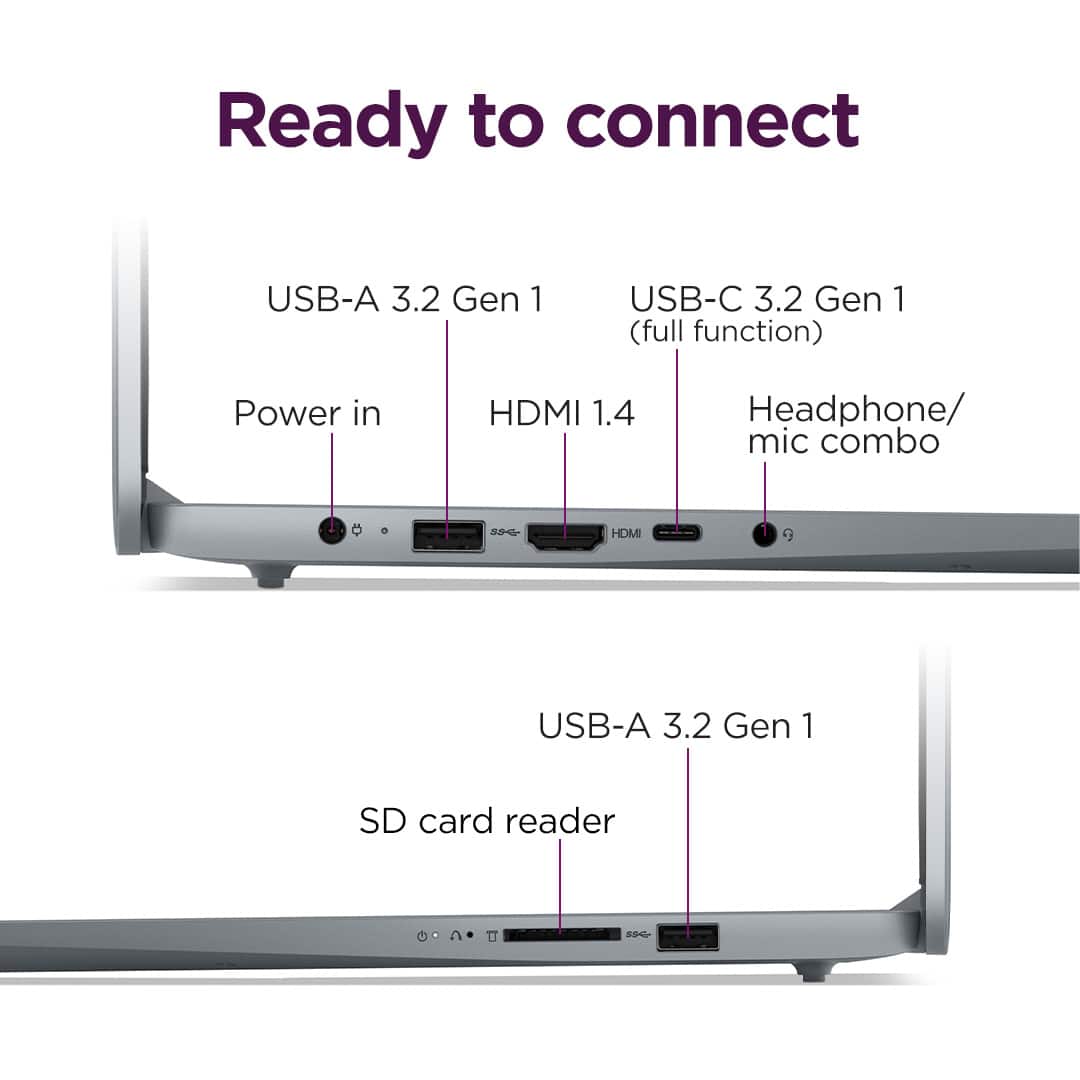
||Posted .This reviewer received promo considerations or sweepstakes entry for writing a review.I have been pleased with my purchase. I have only had it a little over a month. I would like it better if it had another USB port.
I would recommend this to a friendBrand response from Lenovo Product Expert
Posted .Hey JonB,
Thank you for choosing Lenovo and for sharing your feedback with us!
We are glad to hear that you are pleased with your IdeaPad Slim 3. We appreciate your comments regarding the number of USB ports, and we will consider this for future improvements.
Please feel free to reach out to us should you have any questions.
Best,
Lenovo
Good for work
||Posted . Owned for 3 weeks when reviewed.This reviewer received promo considerations or sweepstakes entry for writing a review.It is a nice machine for the work I need to do. I prefer a metal housing but I had to have a computer that day, the availability and price was right.
I would recommend this to a friendBrand response from Lenovo Product Expert
Posted .Hey,
Thank you for choosing Lenovo and for sharing your feedback with us!
We are glad to hear that your IdeaPad Slim 3 is a good fit for your needs.
Please feel free to reach out to us should you have any questions.
Best,
Lenovo
Very good
||Posted . Owned for 2 weeks when reviewed.This reviewer received promo considerations or sweepstakes entry for writing a review.Good one but i think i need it more faster than this one
I would recommend this to a friendBrand response from Lenovo Product Expert
Posted .Hey AldaT,
Thank you for choosing Lenovo and for sharing your feedback with us!
We are glad to hear that your IdeaPad Slim 3 meets your needs.
Please feel free to reach out to us should you have any questions.
Best,
Lenovo
Poor screen quality
||Posted .This reviewer received promo considerations or sweepstakes entry for writing a review.No issues with it running so far. I will say that the screen quality is not the best. Everything has a slight blur to it, which is very unfortunate for the price I paid.
No, I would not recommend this to a friendBrand response from Lenovo Product Expert
Posted .Hi Trav-
Thank you for choosing Lenovo and sharing your feedback with us. We are sorry to hear that you are experiencing issues with the quality of the display. We would like to work with you to correct this issue.
We suggest that you check for software and drivers updates through Lenovo Vantage and Windows Update Settings. These updates are crucial to your device’s health and may address the issue you are having with your display quality. To check for updates in Lenovo Vantage, start by launching the Lenovo Vantage app and selecting the “Check for updates” button on the right-hand side of the homepage. To check for Windows Updates, start by launching the Settings app, then selecting the Windows Update tab on the left-hand side of the page, finally select the “Check for updates’ button located in the top right of the page.
If these issues persist, please reach out to us through the Q & A section of this product page if you have any questions or need assistance.
Best wishes,
Lenovo