Customer Ratings & Reviews

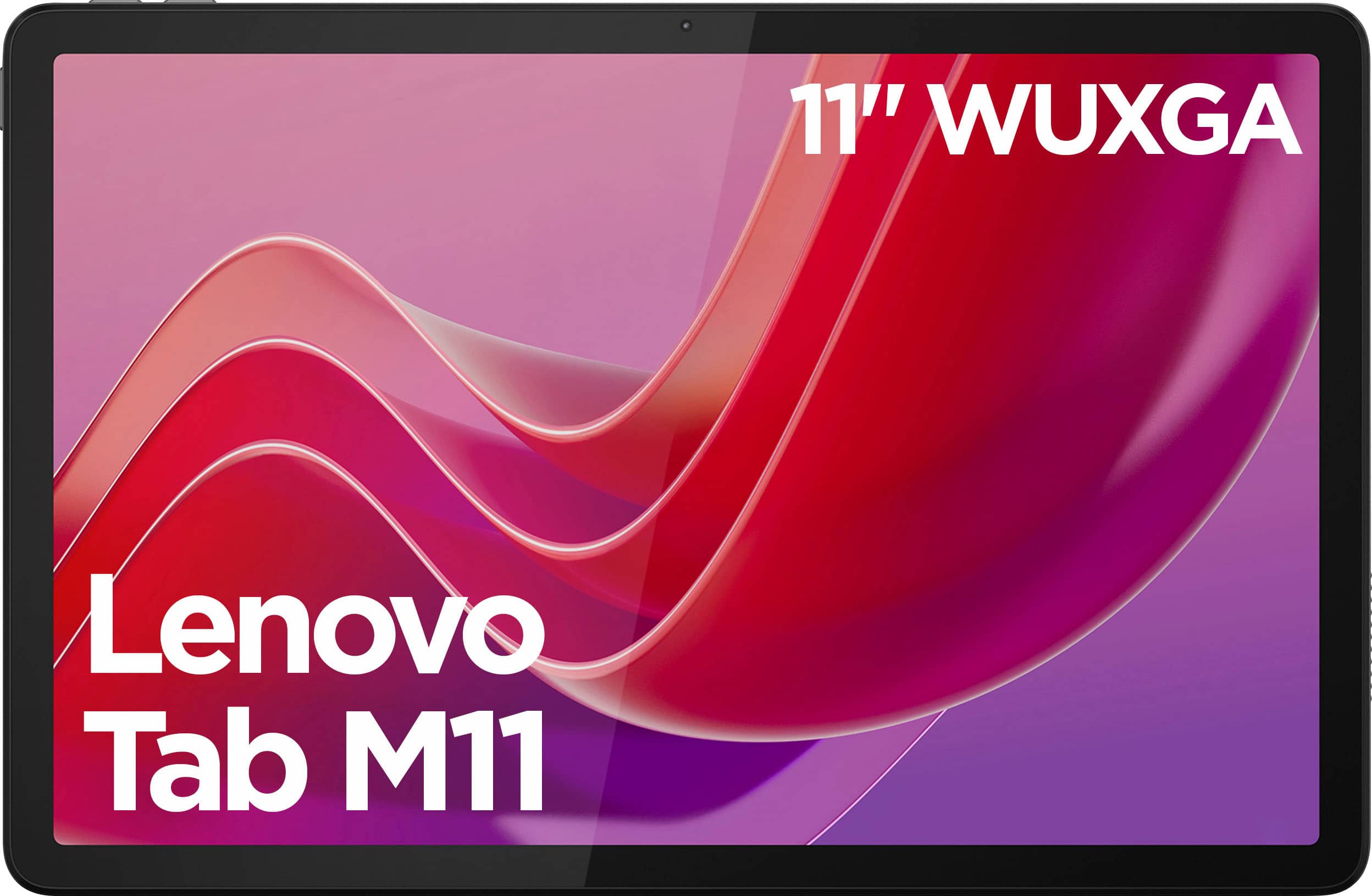




- Model:
- ZADA0047US
- SKU:
- 10774625
Rating by feature
- Battery Life
Rating 4.6 out of 5 stars
- Durability
Rating 4.6 out of 5 stars
- Display
Rating 4.7 out of 5 stars
Mr.
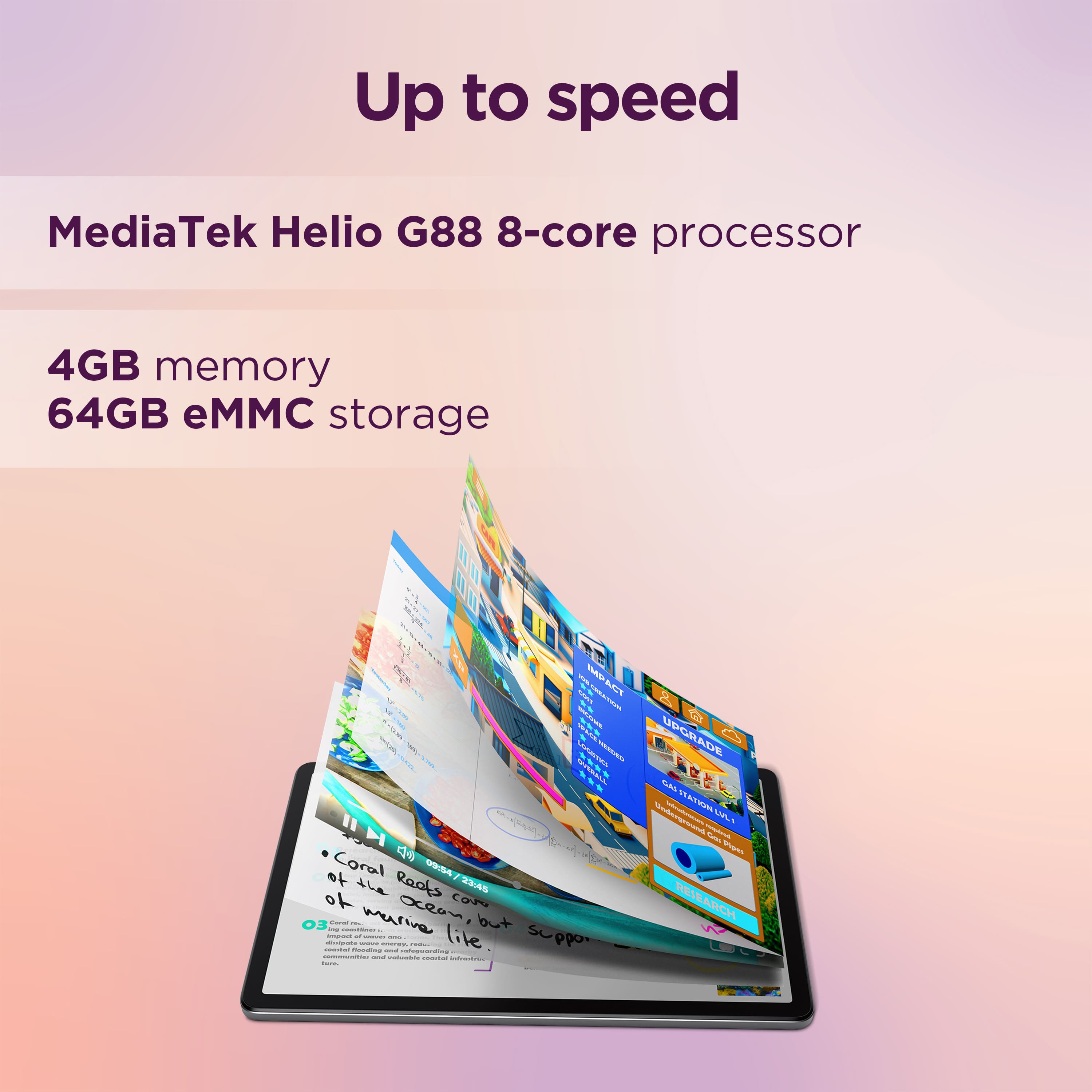
||Posted . Owned for 3 weeks when reviewed.This reviewer received promo considerations or sweepstakes entry for writing a review.It was very Slow, It was Slower than my 2019 M10 Lenovo Tablet. Returned the Tablet. I'm looking for a 10 - 10.1 Inch Android Tablet. That is Fast, Responsive, 64 Gig Memory or better. I'm also wanting a Tablet that is not overly expensive.
No, I would not recommend this to a friendBrand response from Lenovo Product Expert
Posted .Hi, Buster. We are sorry to hear that your Tab M11 fell short of your expectations, leading to you returning it. We strive to improve our devices every generation, and the performance and overall responsiveness for the Tab M11 over the Tab M10 has been well received by most users. If we may ask, could you possibly comment with some information around when your device would become "very slow". Also, for guidance in finding the right computing solution, we recommend going into Best Buy stores and working with an advisor to get expert help or you can virtually shop with an expert online via this Best Buy online link: https://www.bestbuy.com/services/triage/shopping?cat=cnt&subcat=comp

Not worth it.
||Posted . Owned for less than 1 week when reviewed.This reviewer received promo considerations or sweepstakes entry for writing a review.It does not have a 13mgp rear camera. It is slow and lags a lot. Performance is poor. What a waste of money.
No, I would not recommend this to a friendBrand response from Lenovo Product Expert
Posted .Hello, we are sorry to hear that you encountered an issue with your Tab M11 and for the confusion regarding the camera resolution. If we may ask, could you possibly comment with some information around when your device would become "slow". in the meantime, we recommend ensuring that your apps and system software are up to date to help your Tab perform optimally. If after attempts to resolve this issue, it persists, we then recommend reaching out to Lenovo Support at this number: 877-453-6686, to work with a representative who may help by providing a solution for you. We appreciate you sharing your experience so that we may use it to continue to better our products and services for yourself and others.
.piece of junk
||Posted .This reviewer received promo considerations or sweepstakes entry for writing a review.It either won't turn on or work when it is on. I tried to get help but no luck.
No, I would not recommend this to a friendBrand response from Lenovo Product Expert
Posted .Hey JoyC,
Thank you for sharing your feedback with us. We are sorry to hear that you ran into this issue with your Tab M11. We apologize for the inconvenience that this may be causing you, and we'd like to work with you to try to resolve this problem.
To start, you may need to reset the device, as problematic software is likely the problem. Please try to follow these steps below to see if this helps:
1. Power off the tablet completely.
2. Press and hold the Power and Volume Up buttons simultaneously until the Lenovo logo appears.
3. Release the Power button but continue to hold the Volume Up button until you see the Android Recovery screen.
4. Use the Volume Down button to navigate to Wipe data/factory reset and press the Power button to select it.
5. Confirm the action by selecting Yes and press the Power button again.
If you cannot complete this process, next, please try these steps:
1. Power off the tablet completely.
2. Connect a charging cable to a turned-on computer, but do not plug it into the tablet's USB-C port yet.
3. Press and hold both the Volume Up and Volume Down buttons simultaneously.
4. While holding both buttons, insert the USB-C cable into the tablet's USB port. Keep holding the keys until the tablet powers on and enters the Android reset menu.
5. Once the tablet enters the reset menu, you can release the keys and unplug the cable.
6. Navigate through the menu using the Volume Up and Volume Down buttons to select Wipe data/factory reset. Confirm the selection by pressing the Power button.
Please update us when you can regarding this, and feel free to reach out to us via the Q&A section of the product page to share any questions you may have or need further assistance.
Best regards,
Lenovo
I wish I would not have bought it
||Posted . Owned for 3 months when reviewed.This reviewer received promo considerations or sweepstakes entry for writing a review.I went for the least expensive tablet, and I regret it. You get what you pay for.
No, I would not recommend this to a friendBrand response from Lenovo Product Expert
Posted .Hi, JoanneB. We're sorry to hear that your experience with your M11 was poor. If we can help you with your tablet, please reach out to Lenovo Support for assistance. We appreciate you taking the time to share your perspective.
Disappointing
||Posted . Owned for 1 month when reviewed.This reviewer received promo considerations or sweepstakes entry for writing a review.Returned it. Froze when booting up. Had to let battery die and recharge. Could not get it to boot up.
No, I would not recommend this to a friendBrand response from Lenovo Product Expert
Posted .Hey AlmaB,
Thank you for sharing your feedback with us. We are sorry to hear that you had trouble with your Tab M11, leading to you returning it. We apologize for the disappointment that this has caused you.
We have noted your comments, and they will be referenced as we investigate the matter to make the necessary changes. We hope that you choose our products again in the future, and please feel free to reach out us with any questions or request that you may have.
Best regards,
Lenovo
do not recommend
||Posted . Owned for 3 weeks when reviewed.This reviewer received promo considerations or sweepstakes entry for writing a review.super slow the software lags very badly, have to wait like its 1995 for loading
No, I would not recommend this to a friendBrand response from Lenovo Product Expert
Posted .Hi RashadK,
Thank you for sharing your feedback with us. We are sorry to hear that your Tab M11 is performing sluggishly for you. We apologize for the inconvenience that this may be causing you, and we'd like to work with you to try to resolve this issue.
To start, we recommend checking for updates in Settings or the Lenovo Vantage app on your Tab. To do so, open Vantage and select 'System update' from the list of options on the Vantage home page, following on screen instructions to ensure updates are applied.
If this does not resolve this issue, next we recommend restoring your device through Rescue Assistant. (https://support.lenovo.com/us/en/downloads/ds101291-rescue-and-smart-assistant-lmsa). This software can back up and restore your Tab to factory setting, which may resolve your software issues. If this does not address the issue as well, please feel reach out to Lenovo Support via support.lenovo.com or at: 877-453-6686, for further assistance.
Please update us when you can regarding this.
Best regards,
Lenovo
Freezing Up
||Posted . Owned for 3 weeks when reviewed.This reviewer received promo considerations or sweepstakes entry for writing a review.This product was returned because it was freezing up.
No, I would not recommend this to a friendBrand response from Lenovo Product Expert
Posted .Hey Cynthia,
Thank you for sharing your feedback with us. We are sorry to hear that you had trouble with your Tab M11, leading to you returning it. We apologize for any inconvenience that this may have caused you.
Your comments will be considered for future improvements. We hope that you consider our products again, and please feel free to reach out us with any questions or further comments that you may have.
Best regards,
Lenovo
Trash
||Posted .This reviewer received promo considerations or sweepstakes entry for writing a review.Never buy open box from Best Buy again product all damaged
No, I would not recommend this to a friendDelayed screen
||Posted . Owned for 1 month when reviewed.This reviewer received promo considerations or sweepstakes entry for writing a review.The performance was so bad that simple games couldn’t be played on it without delay. Returned it
No, I would not recommend this to a friendBrand response from Lenovo Product Expert
Posted .Hey SusanG,
We are sorry to hear that you had trouble with your Tab M11, leading to you returning it. We apologize for the inconvenience that this may have caused you.
We hope that you choose our products again in the future, and that you reach out to us with any questions, concerns, or request that you may have so that we can assist you.
Best regards,
Lenovo
Not great
||Posted . Owned for 1 week when reviewed.This reviewer received promo considerations or sweepstakes entry for writing a review.Not good service. Ups lost my order and didnt update it. Best buy wouldnt match it when i went to get a replacement.
No, I would not recommend this to a friendtablet
||Posted .This reviewer received promo considerations or sweepstakes entry for writing a review.not good , don't waste your money ................
No, I would not recommend this to a friendBrand response from Lenovo Product Expert
Posted .Hey valentin,
Thank you for sharing your feedback with us. We are sorry to hear that you are dissatisfied with your Tab M11. We'd like to work with you to try to improve your experience.
To start, please share with us on what is not going well with your M11 in the form of a request in the Q&A section of this product's page so that we can be notified to then assist you, or you can contact Lenovo Support at: 877-453-6686, and work with our team there.
We look forward to hearing from you.
Best regards,
Lenovo
Good android tablet.
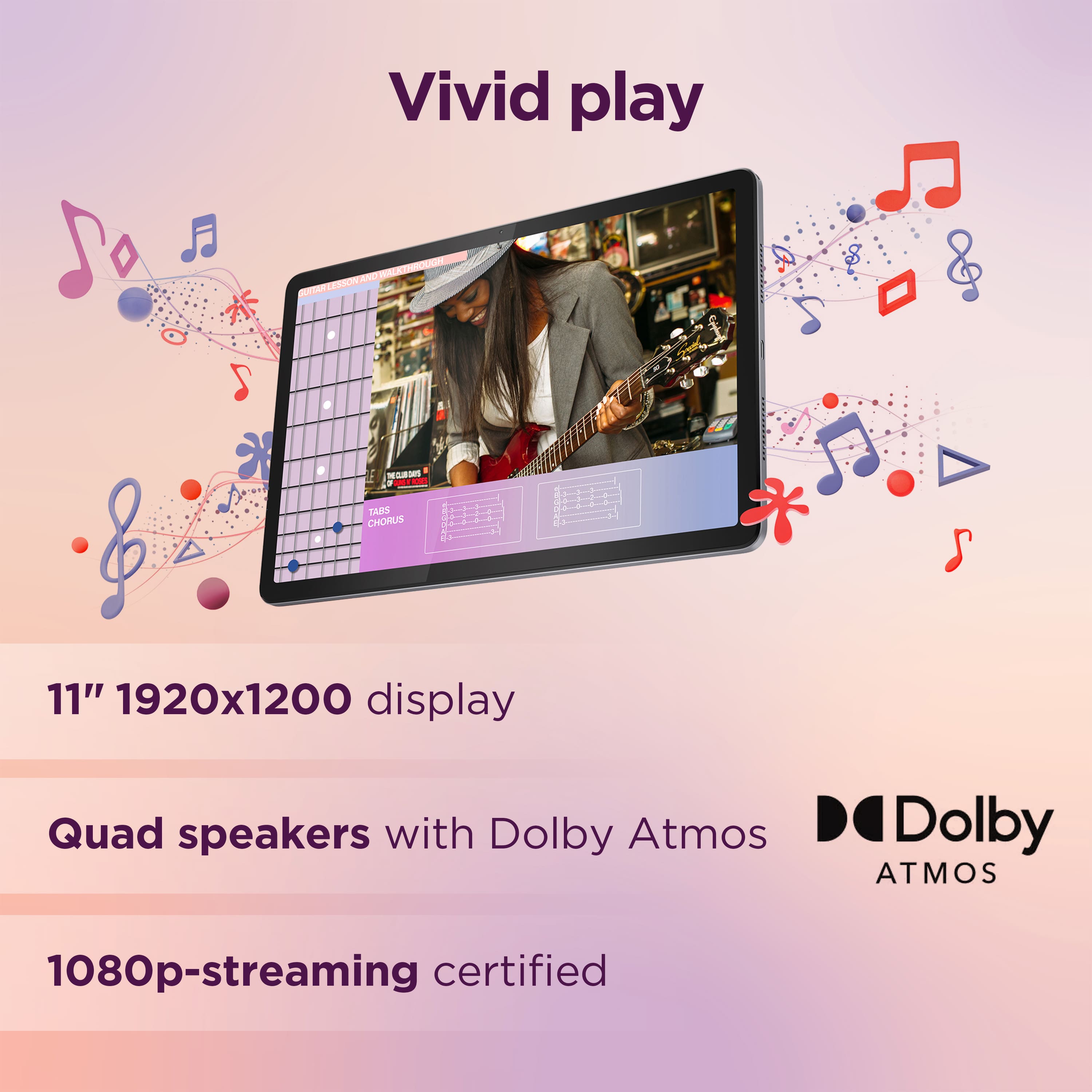
Posted .This reviewer received promo considerations or sweepstakes entry for writing a review.This is my first Levnovo tablet and let me tell you this is one of the best I have ever owned. This tablet is fast and has good screen quality, colors are vibrant. I was debating between this Lenovo and a Samsung, but I ended up picking the Lenovo and I think it was a good choice.
I would recommend this to a friendBrand response from Lenovo Product Expert
Posted .Hi LuisM, thanks for choosing Lenovo! We're thrilled to hear that your Tab M11 is one of the best tablets you've ever owned, and we appreciate you sharing your experience and feedback with us.
Hefty lefty.
Posted .This reviewer received promo considerations or sweepstakes entry for writing a review.So far so good. I like the larger screen and choice of apps.
I would recommend this to a friendBrand response from Lenovo Product Expert
Posted .Hi,
Thanks for choosing Lenovo and for sharing your feedback with us!
We are glad to read that you are satisfied with your purchase.
Please don't hesitate to reach out to us via the Q& A section of this product page or contact Lenovo Support should you have any questions or need assistance.
Regards,
Lenovo
A nice tablet
Posted .This reviewer received promo considerations or sweepstakes entry for writing a review.I purchased this product before or should I say this brand for my grandchildren and it seemed to work OK so that’s why I’m getting them another one I think coloring could be stronger and brighter. That’s why I only give it a good review.
I would recommend this to a friendBrand response from Lenovo Product Expert
Posted .Hi,
Thanks for choosing Lenovo again and for sharing your feedback with us!
We are pleased to read that the Tab M11 is working nicely for your grandchildren. We appreciate your comment regarding the display brightness and color contrast, as this has been noted to be considered for future improvements.
Please feel free to reach out to us via the Q& A section of this product page should you have any questions or need assistance.
Best,
Lenovo
A good bargen, but keyboard n mouse issues
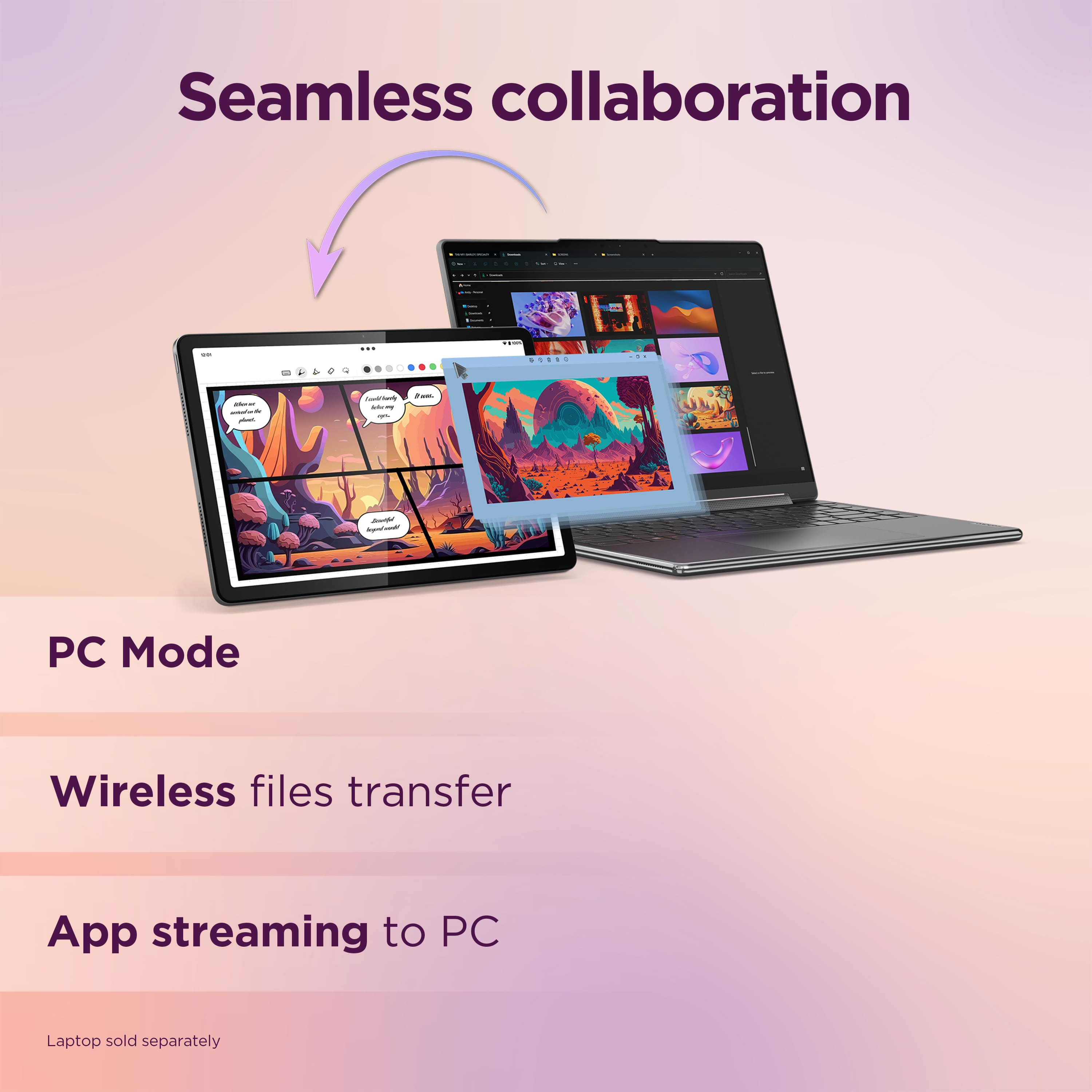
Posted .This reviewer received promo considerations or sweepstakes entry for writing a review.A good budget friendly Android tablet. My only gripe is that this tablet is only compatible with bluetooth keyboards. I have a very nice wireless keyboard and mouse combo with a USB adapter, but the M11 won't recognize it when it's connected. The PC mode is a very nice touch. Being able to connect whatever keyboard and mouse one wants would make the M11 a real productivity powerhouse.
No, I would not recommend this to a friendBrand response from Lenovo Product Expert
Posted .Hey Todd, thanks for choosing Lenovo!
The Android OS currently supports Bluetooth keyboards and wired keyboards. The system cannot load the necessary drivers to use wireless peripherals with a USB adapter.
We are glad to hear that your Tab M11 offers good value to you and has been otherwise working nicely for you. We appreciate you taking the time to share this with us.
Super good
Posted .This reviewer received promo considerations or sweepstakes entry for writing a review.Better than i expected works great higly recommend it
I would recommend this to a friendBrand response from Lenovo Product Expert
Posted .Hey Tinky0129,
Thank you for choosing Lenovo and for sharing your feedback with us!
We are glad to hear that your Tab M11 has exceeded your expectations.
Please feel free to reach out to us should you have any questions.
Best,
Lenovo
Bummer no FB Dark Mode
Posted .This reviewer received promo considerations or sweepstakes entry for writing a review.May seem like a silly reason to return it but, while the Tablet itself has a Dark Mode' when in Facebook settings/preferences there is NO Dark Mode ootion. Dark Mode it easy on my eyes and also extends battery run time. Other than that it was an ok Tablet.
I would recommend this to a friendBrand response from Lenovo Product Expert
Posted .Hey, hmdwn. We are sorry to hear that you ran into an issue with your M11, leading to you returning it. With apps on the Google Play Store, app developers have control over system UI setting preferences and features, like dark mode. In the future, should you choose to give the Tab another shot, a workaround would be creating a Progressive Web App (PWA) via Google Chrome. Should you have dark mode activated in Google Chrome, by creating a Facebook PWA, it launches as its own app, sourcing data like app preferences from Chrome, giving you dark mode Facebook. We appreciate you taking the time to share your thoughts with us.
ok
Posted .This reviewer received promo considerations or sweepstakes entry for writing a review.ok.........................................................................
I would recommend this to a friendEveryday use tablet
Posted .This reviewer received promo considerations or sweepstakes entry for writing a review.Reasonably good tablet for everyday use. The tab pen plus is the only stylus that can be adjusted to work with which is kind oc the downside. In all good value for money
I would recommend this to a friendBrand response from Lenovo Product Expert
Posted .Hi, OrenS. Thank you for choosing Lenovo! We are glad to hear that your Tab M11 is working well for you, and we appreciate you taking the time to share your experience with us.
Great Tablet
Posted .This reviewer received promo considerations or sweepstakes entry for writing a review.Tablet is perfect for everyday use. WiFi used on it is great! Glad I made the purchase highly recommended to other users.
I would recommend this to a friendBrand response from Lenovo Product Expert
Posted .Hey BarbaraS, thanks for choosing Lenovo! We are glad to hear that your Tab M11 is perfect for your use, and we appreciate you taking the time to share your feedback with us.