Customer Ratings & Reviews
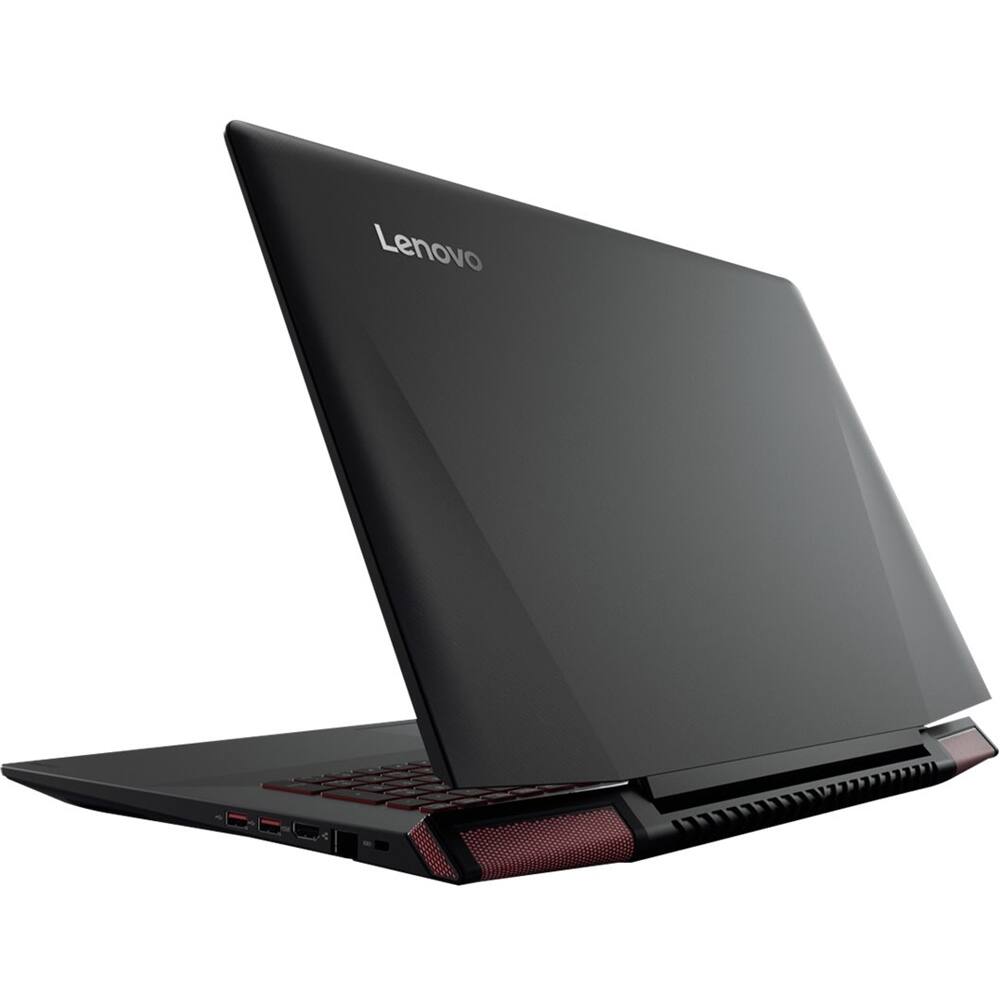
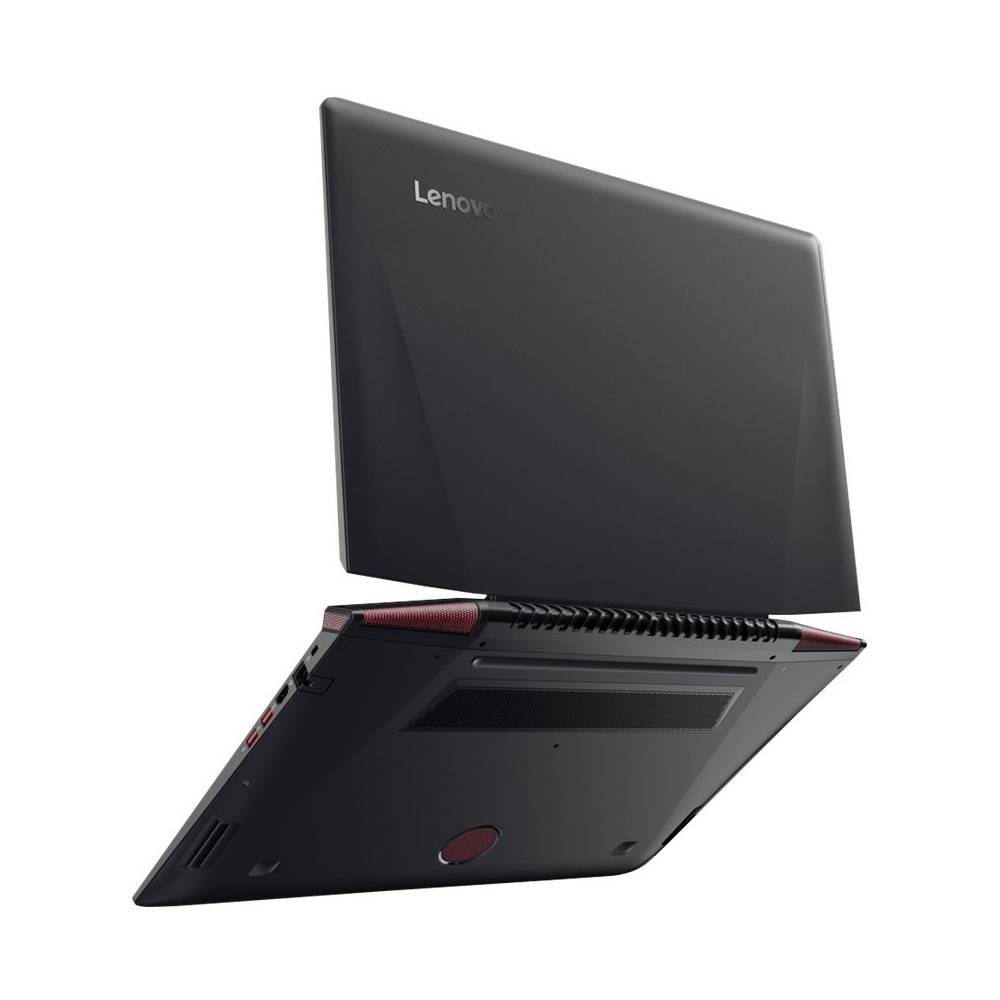
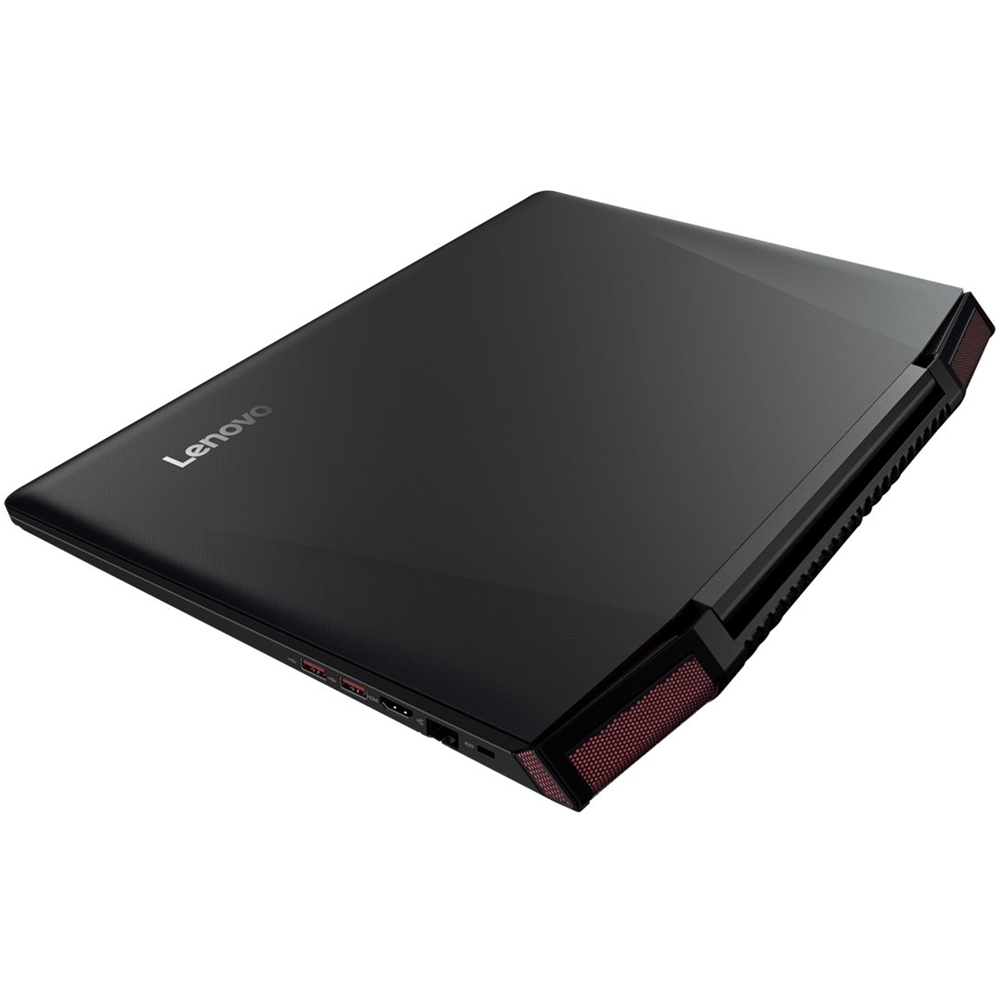
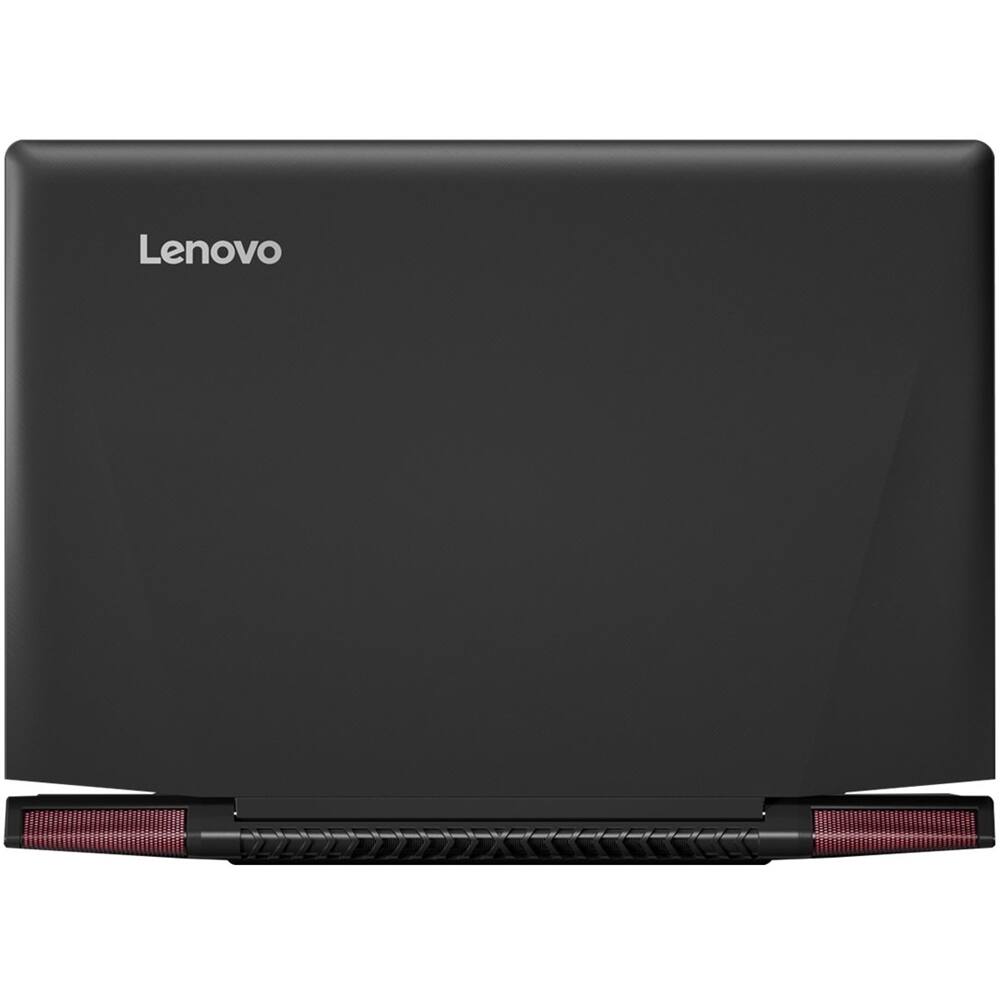
- Model:
- 80Q000C1US
- SKU:
- 5623599
to a friend
Computer good for about a year
Posted .This reviewer received promo considerations or sweepstakes entry for writing a review.Bought this thing to play one game, a Moba, and handle some simple Internet browsing and work related things with Microsoft. Handled everything above and beyond my expectations for about a year, and then the whole system started failing. About 10 months into my purchase, I started getting the blue screen of death at least once a week, random out of nowhere reboots, and a frozen system that won't shut off or restart when I actually have control of the thing. I've checked for updating drivers, bought a new cooling pad to go underneath the laptop, uninstalled and reinstalled the game, etc. Nothing works and I'm so frustrated that I seriously would love nothing more than to throw the thing off a cliff just to make me feel better. The only suggestion I can find is to open up the laptop and completely remove the battery. I'm sorry, but is this not 2017? My solution to a problem from ONLY a 1 year old computer is removing the battery? I've been gaming for close to 20 years now and I've never run into such ridiculous problems. Over this product....
No, I would not recommend this to a friendBrand response from Lenovo Product Expert
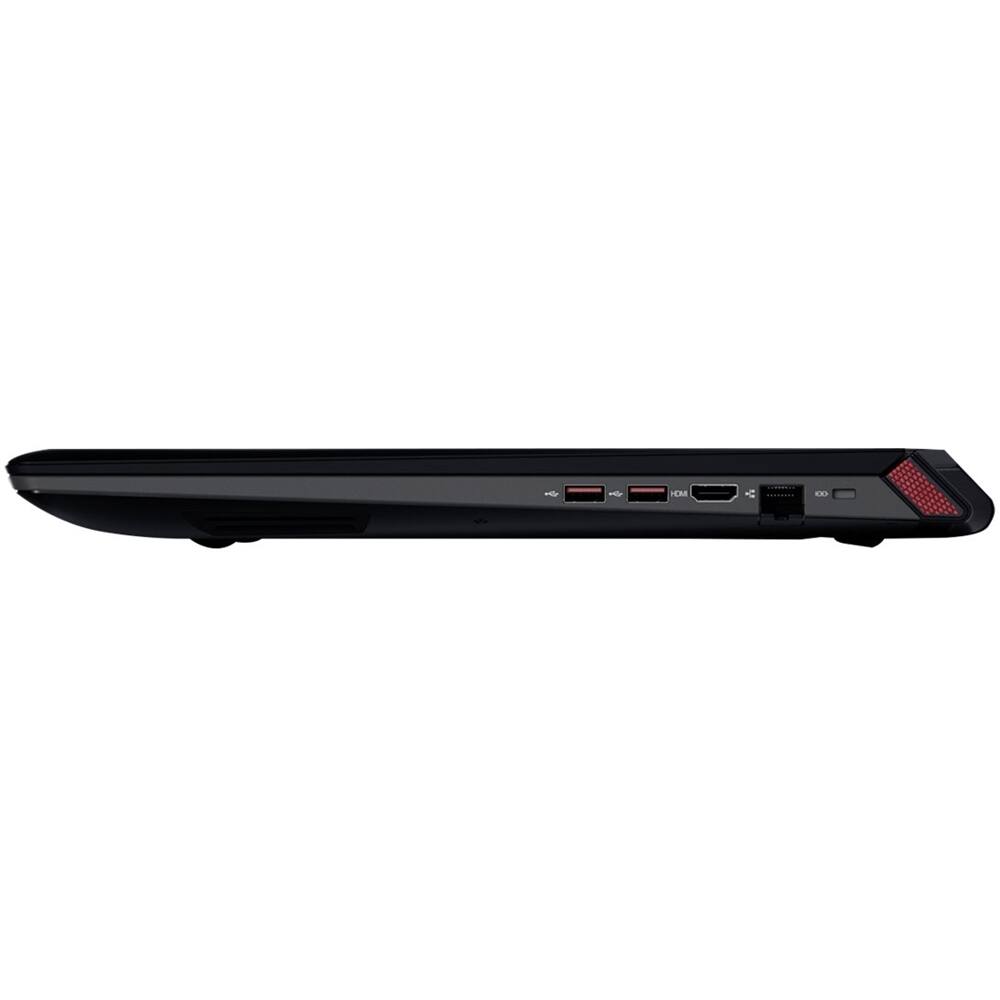
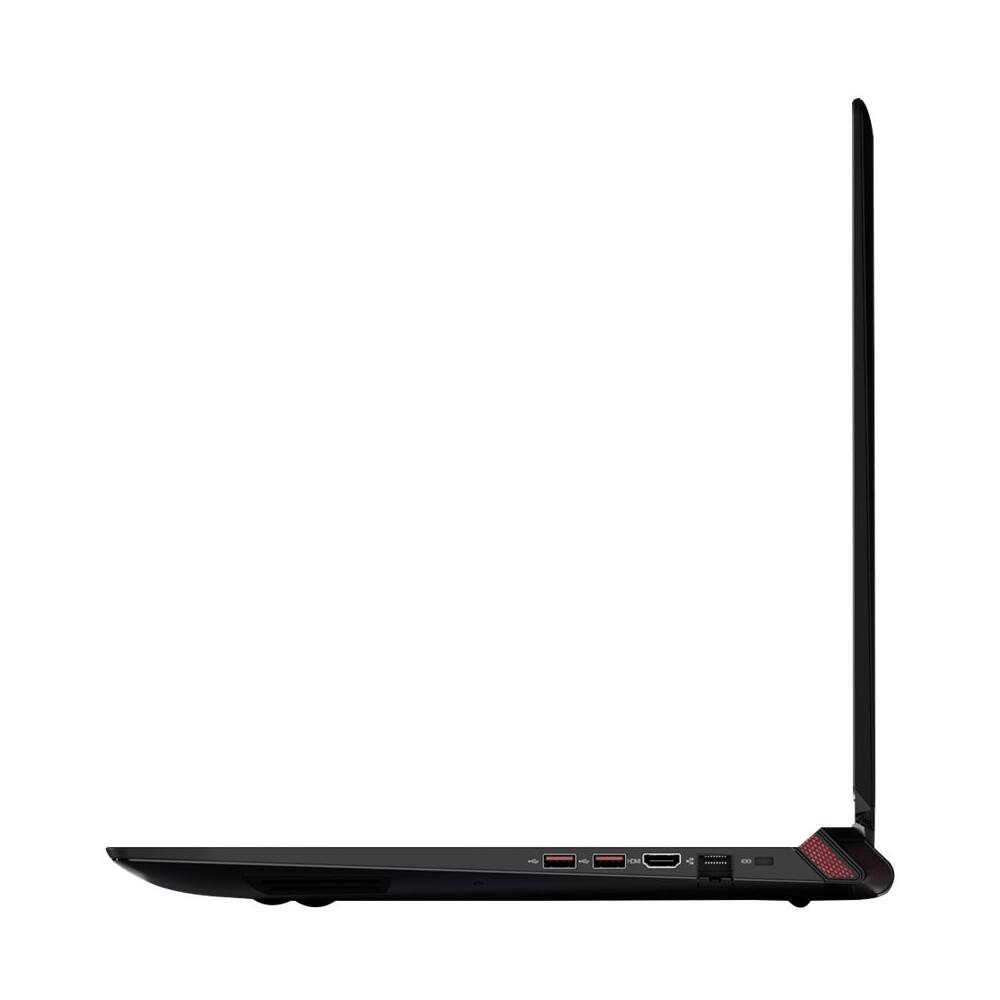
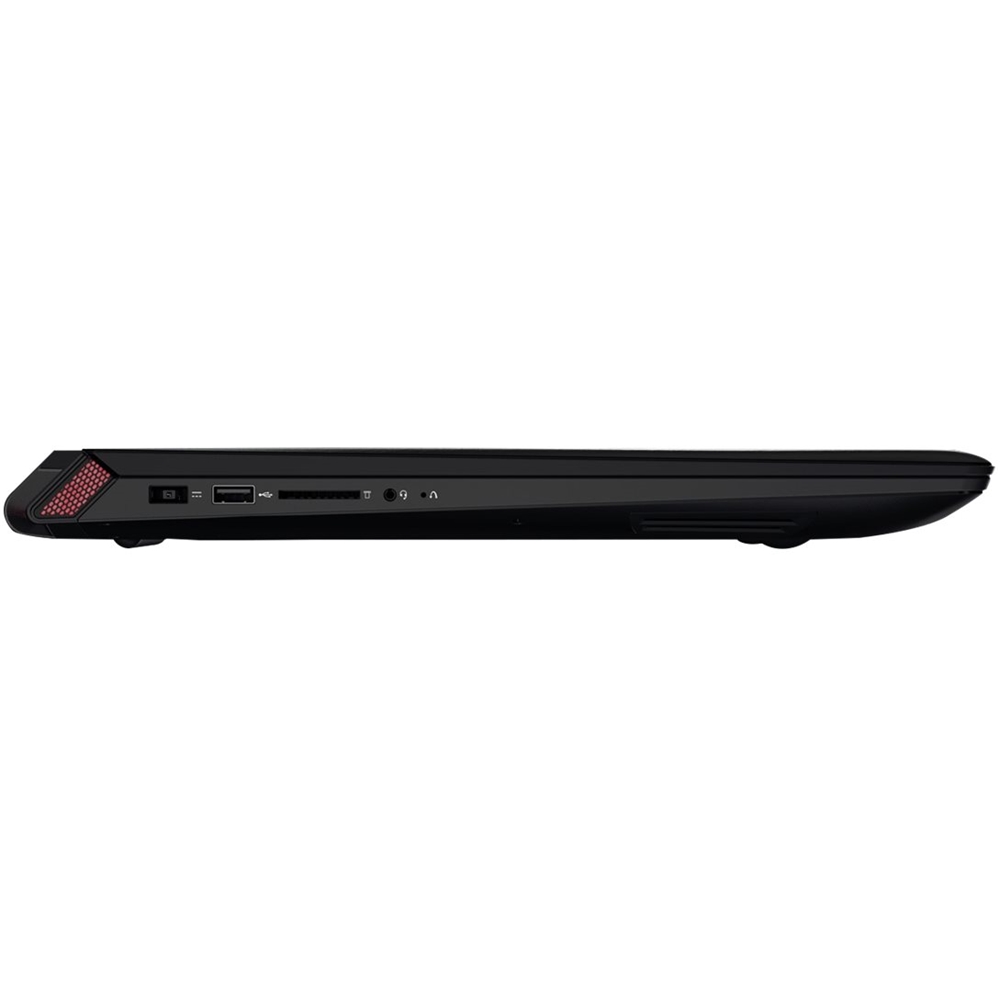
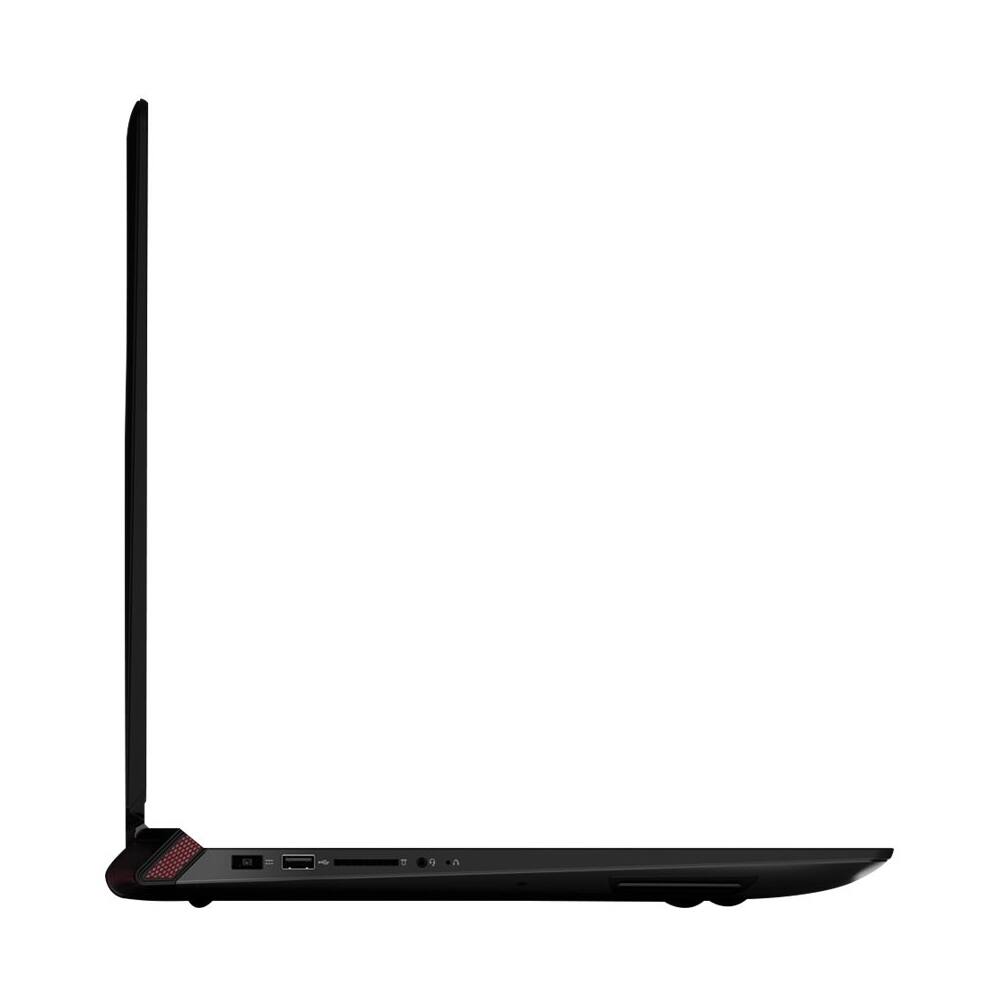
Posted .This system is equipped with OneKey Recovery System. There is a very small pin hole on the left side of the device, right near the headphone jack on the device. You will need a pin to push this reset button. Plug the device in. Let the battery charge for about 15 minutes. Push the reset button. The system should boot to a choice screen where you can choose "Restore To Factory Default". Select this. You can select to either keep your programs and files and just restore to factory default or if you think there may be a conflict with a program you installed, you can have the restore clean the programs and files off and only restore the operating system. If you don't have copies of the files, try to make one before you restore by selecting "Boot to desktop" and trying to back up your files.

Great Laptop
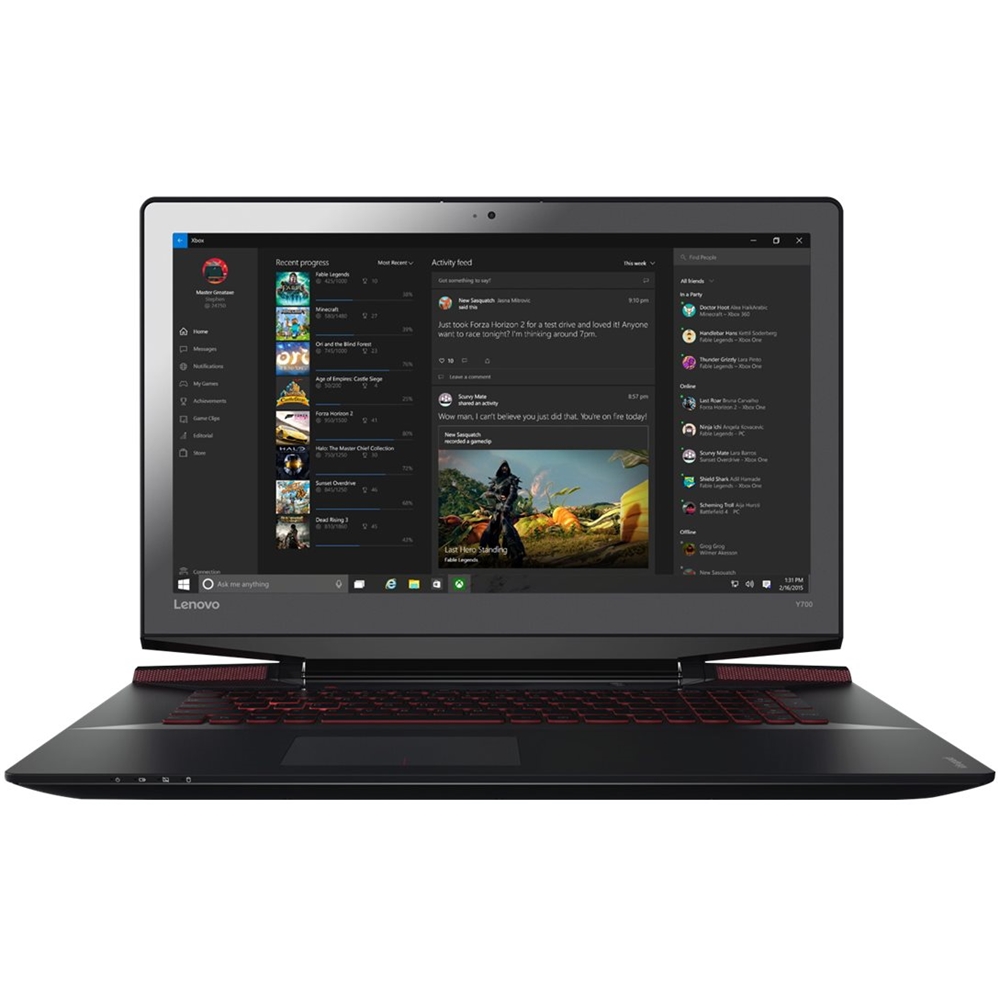
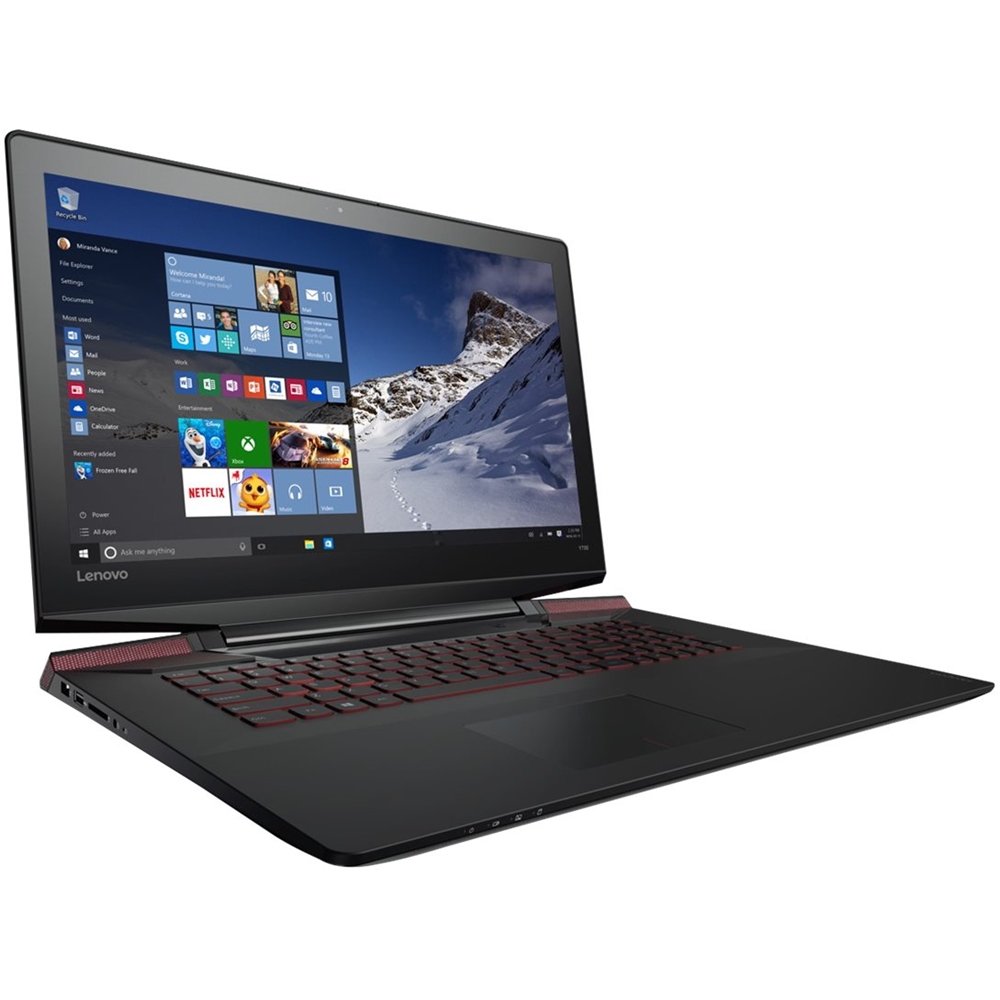
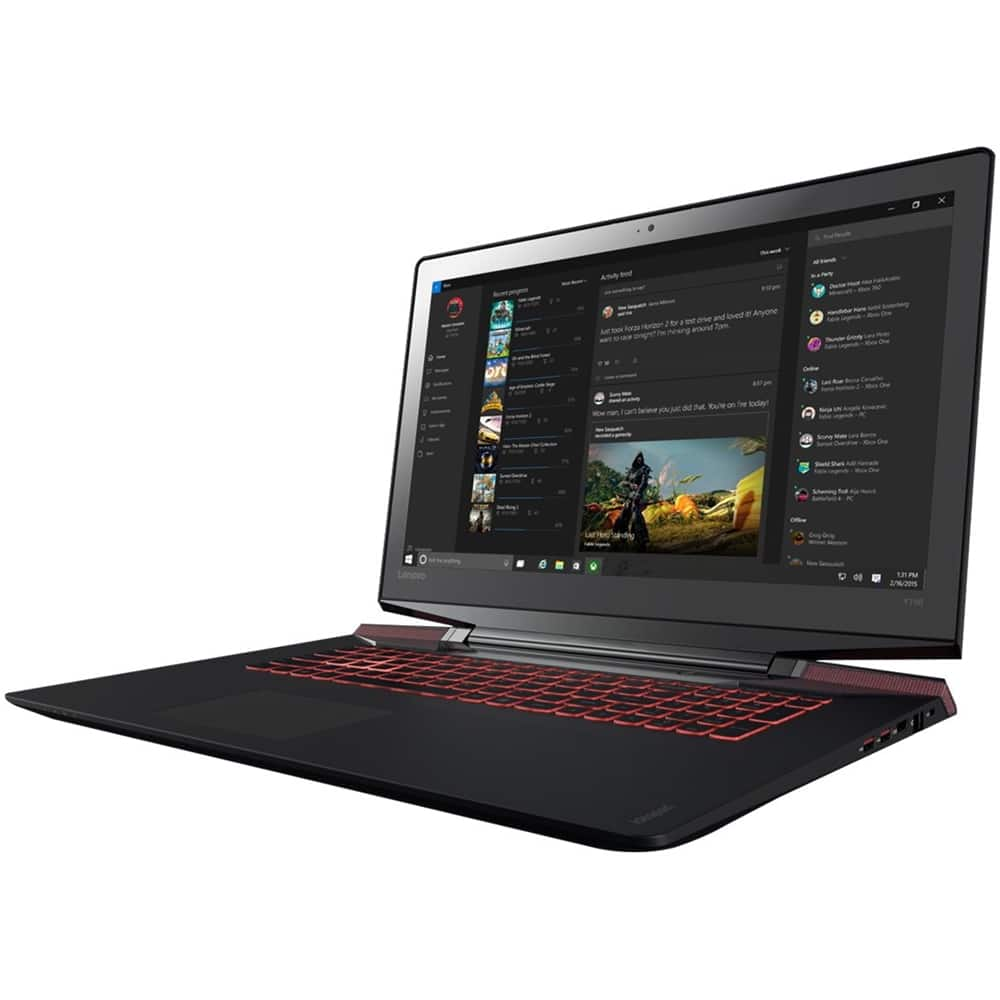
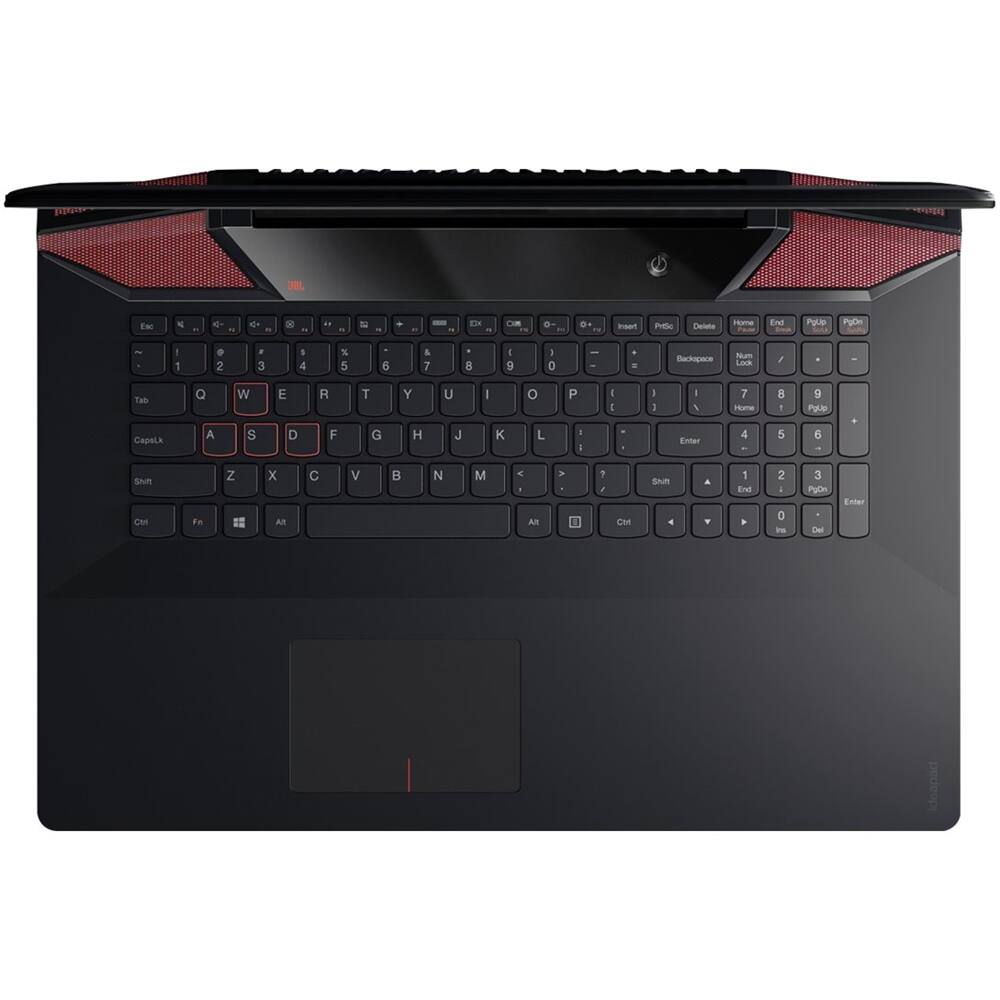
Posted .This reviewer received promo considerations or sweepstakes entry for writing a review.This laptop was on a great special around Christmas. Really fantastic deal! The graphics card is amazing and meets my video and photo editing needs. The 128GB solid state drive boots up very quickly. I love the red backlit keyboard. Very awesome laptop!
I would recommend this to a friendBrand response from Lenovo Product Expert
Posted .Thank you for choosing the Lenovo Y700 laptop. We are pleased to hear that the value and features and performance of the Y700 meets your computing needs so well.