Customer Ratings & Reviews







- Model:
- 80VF00FRUS
- SKU:
- 5723427
to a friend
Customers are saying
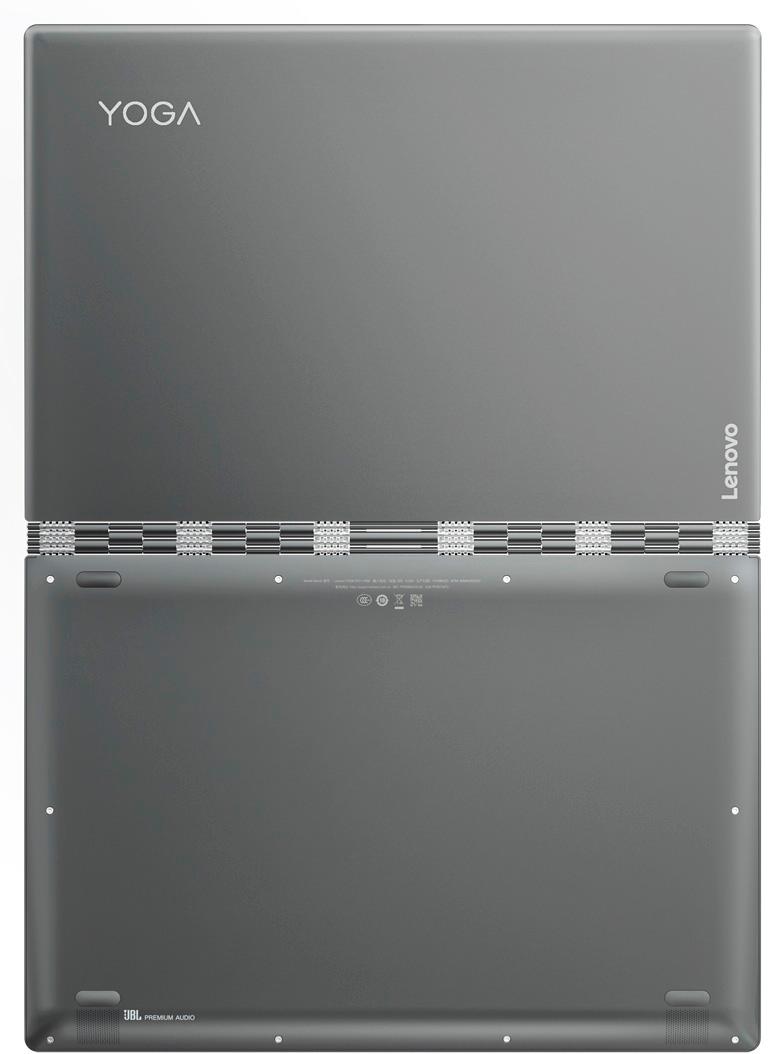
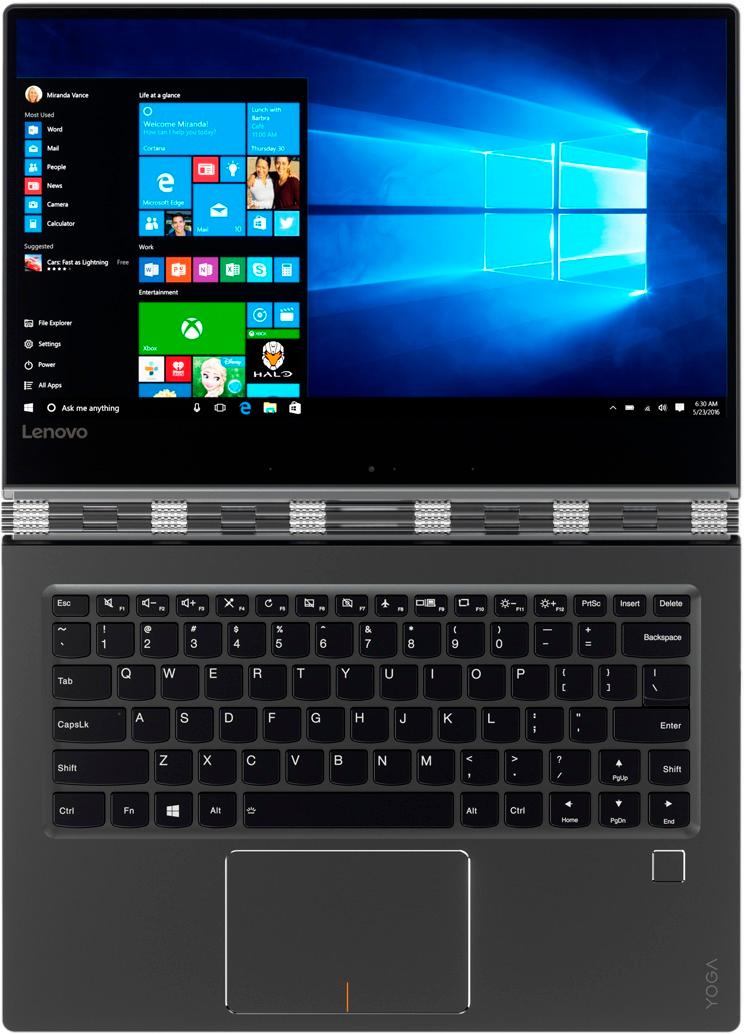
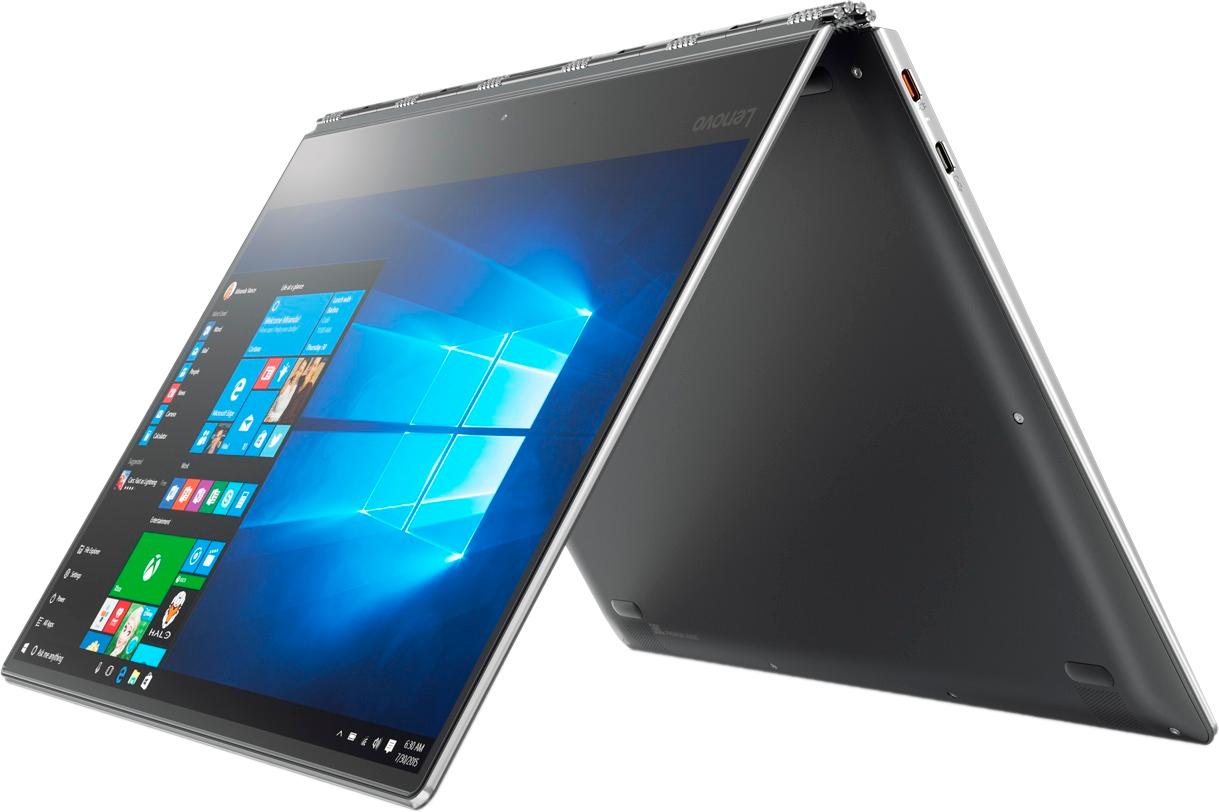
Customers appreciate the Yoga 910's fast performance, lightweight design, and long battery life. They also value the high-quality 4K touch screen and the large 1TB SSD storage. However, some customers have expressed concerns about the fan noise, the placement of the right Shift key, and the limited number of ports.
This summary was generated by AI based on customer reviews.
- Pros mentioned:Fast
Great laptop and value for money
||Posted .This reviewer received promo considerations or sweepstakes entry for writing a review.Excellent laptop , its 1 TB of disc space and SSD, which make it a great laptop, just love it
I would recommend this to a friendBrand response from Lenovo Product Expert
Posted .Thank you for choosing the Lenovo Yoga 910-14. We are pleased to hear that the features and performance of the Yoga 910-14 meets your computing needs so well.

- Pros mentioned:Fast
The new computer is a big step up for us.
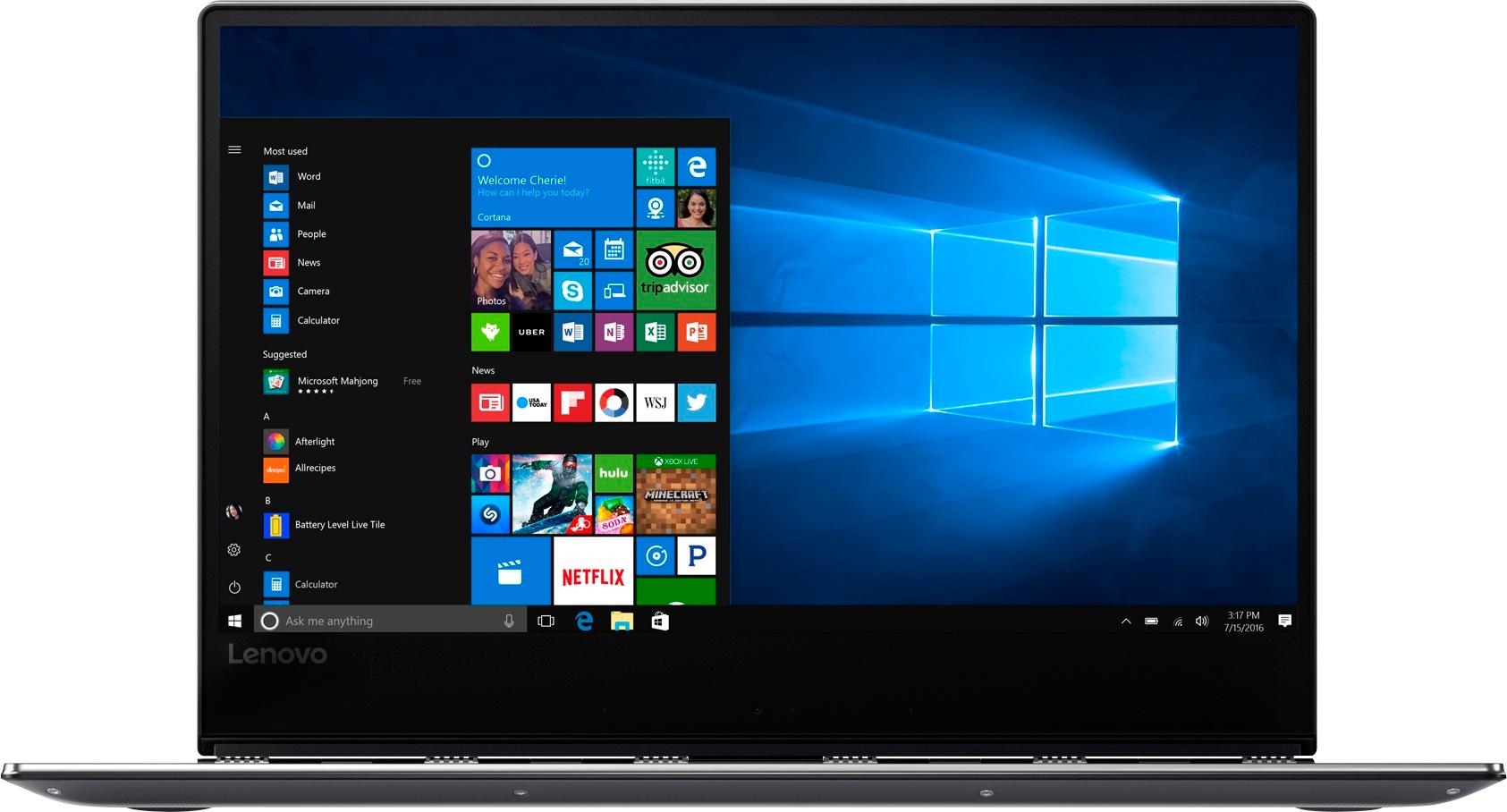
||Posted .This reviewer received promo considerations or sweepstakes entry for writing a review.The Yoga 910 is very fast and light with a huge digital HD and 16GB so it is powerful. It is thin and visually appealing. My only complaint is, although the display is very clear, it is a bit odd in that what appears to be the bottom inch or so is not really display but a non-functional area. This may have to do with the units ability to fold like a wallet so this area is probably necessary for rigidity and support.
I would recommend this to a friendBrand response from Lenovo Product Expert
Posted .Thank you for choosing the Lenovo Yoga 910-14. The bottom of the display holds the hinge and the web cam. That is the reason for it being larger than the other edges of the screen.
- Pros mentioned:Battery life, Screen
Awesome laptop
||Posted .This reviewer received promo considerations or sweepstakes entry for writing a review.I love the screen and color. Battery life is phenomenal and the touch screen as well as the keyboard make it very versatile. Fast working downloads. Perfect for everyday general use
I would recommend this to a friendBrand response from Lenovo Product Expert
Posted .Thank you for choosing the Lenovo Yoga 910-14. We are pleased to hear that the features and performance of the Yoga 910-14 meets your computing needs so well.
- Pros mentioned:Fast
Best Ultrabook on offer today.
||Posted .This reviewer received promo considerations or sweepstakes entry for writing a review.Light, sleek, fast. But best of all is the video quality. I stream in 4k, and it is amazing.
I would recommend this to a friendBrand response from Lenovo Product Expert
Posted .Thank you for choosing the Lenovo Yoga 910-14. We are pleased to hear that the Yoga 910-14 meets your computing needs so well.
Outstanding Laptop
||Posted .This reviewer received promo considerations or sweepstakes entry for writing a review.Outstanding, use it for presentations, also great for streaming video. Haven't had any issues with it. My only suggestion would be if you wanted to use a pen, the Yogo 910 isn't compatible. But I feel it's pros outweigh the cons. Would purchase another Lenovo product.
I would recommend this to a friend- Pros mentioned:Fast, Screen
Superb computer
||Posted .This reviewer received promo considerations or sweepstakes entry for writing a review.After using a Mac for 10 years, I switched back to this after doing some research. Superb, even like using the touch screen. Highly recommend, fast and so far, so good.
I would recommend this to a friendBrand response from Lenovo Product Expert
Posted .Thank you for choosing the Lenovo Yoga 910-14. We are pleased to hear that the features and performance of the Yoga 910-14 meets your computing needs so well.
- Pros mentioned:FastCons mentioned:Ports
Expensive but high quality
||Posted .This reviewer received promo considerations or sweepstakes entry for writing a review.I wish it had at least a micro SD card reader and maybe a few more ports but all in all its a very fast machine and works great. The hinge system is super high quality.
I would recommend this to a friendBrand response from Lenovo Product Expert
Posted .Thank you for choosing the Lenovo Yoga 910-14. With regard to an SD card reader, you can easily add an external SD card reader to this device by just plugging in to a USB port on the device. If you need more USB ports, you might consider using a USB hub with this device.
Excellent computer. Just one flaw.
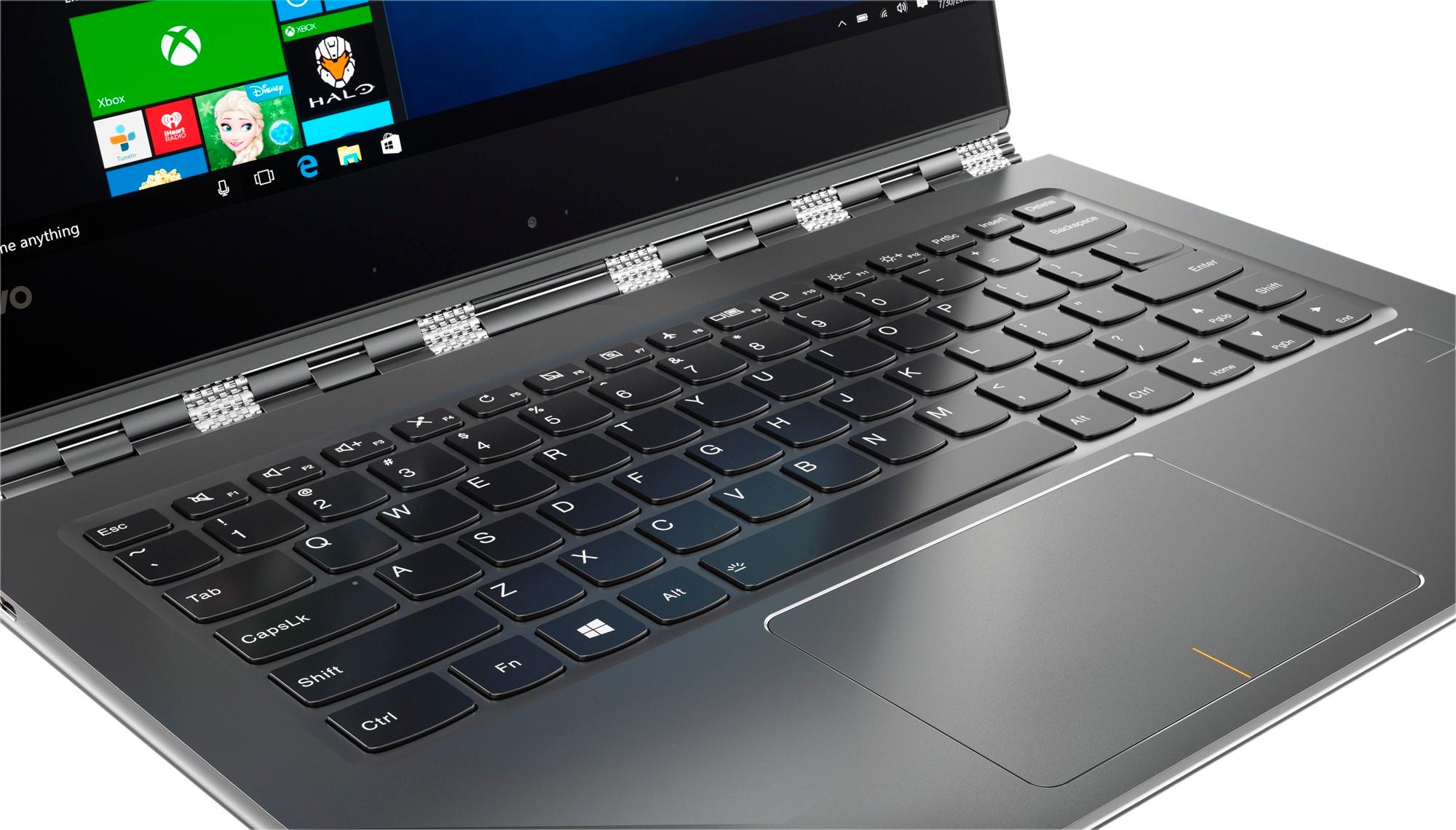
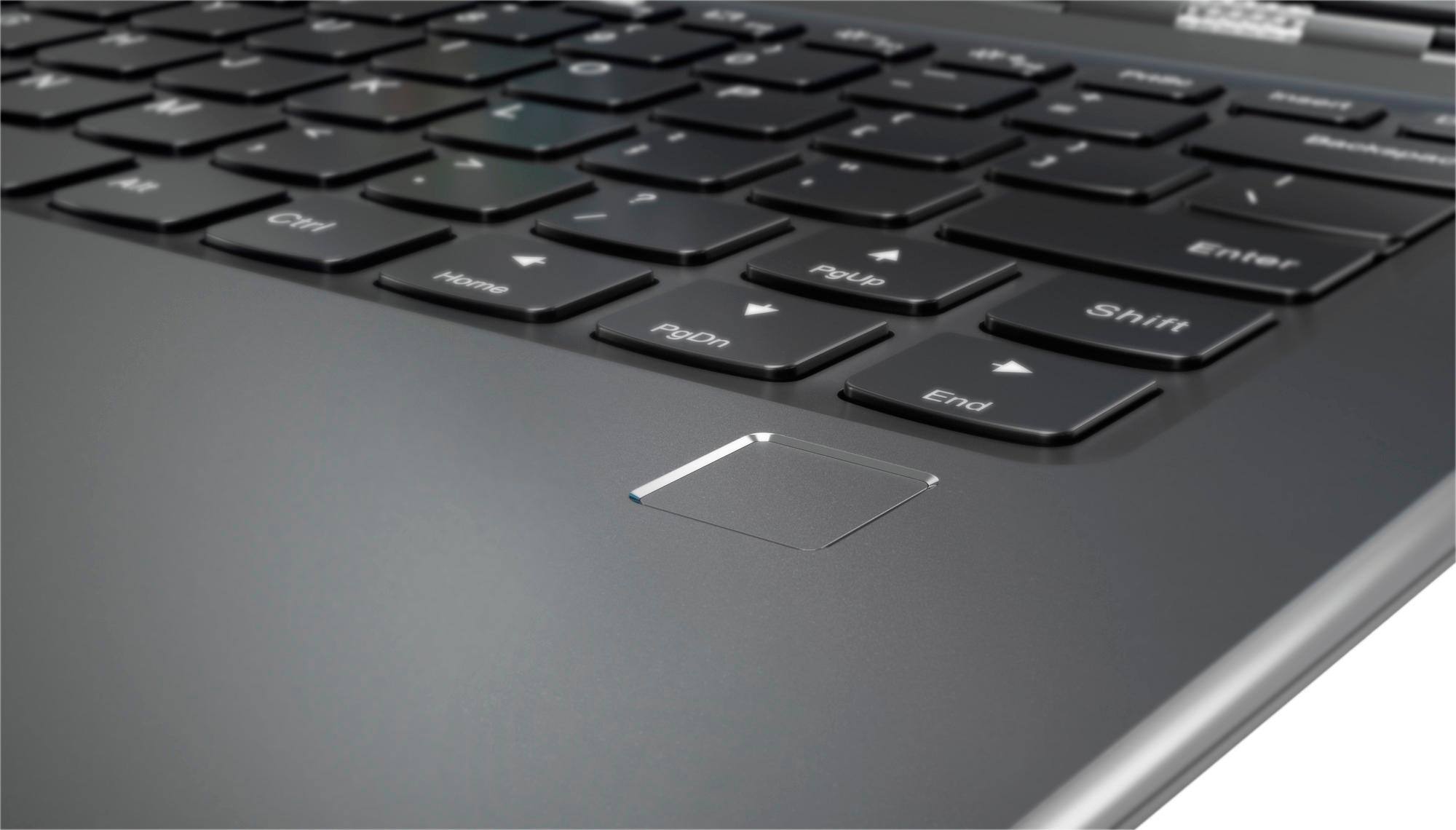
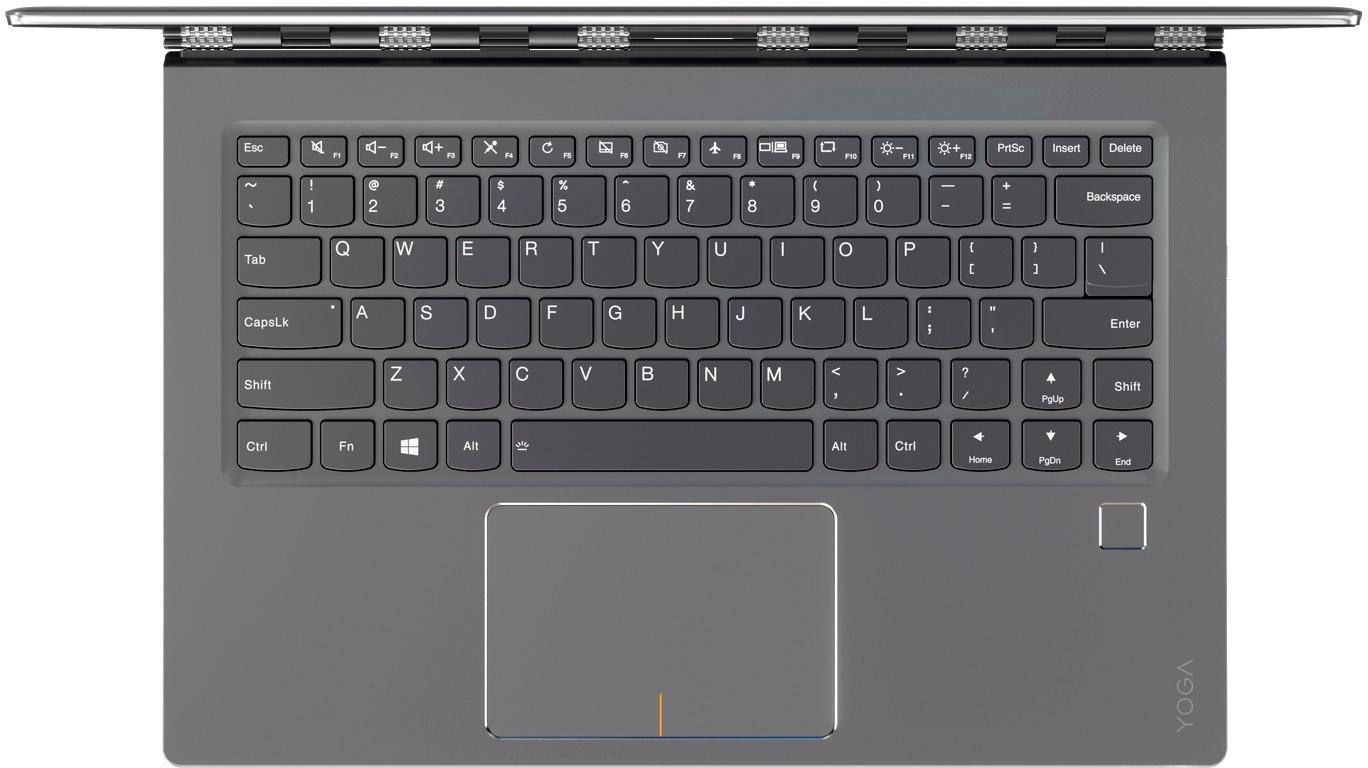
||Posted .This reviewer received promo considerations or sweepstakes entry for writing a review.I upgraded to this power house computer from a 3-year old Yoga2. Everything was as expected except one thing. The right shift key is misplaced - it is too far to the right. I didn't think this was a big deal so I kept the computer for a while to see if I'd get used to it. The key that Lenovo put where the right shift key should be was the "cursor up" key. So as a touch-typer, what kept happening was each time I thought I was capitalizing a letter using the right shift key, I was actually moving the cursor up one row. And of course I was continuing to type so you can imagine how quickly everything I was typing became a jumbled mess. I tried for almost two weeks but could not retrain my brain. Sadly, I returned an excellent computer for one tiny design flaw. If you're a hunt-and-peck typer, you should have no problem with this solid device.
I would recommend this to a friendBrand response from Lenovo Product Expert
Posted .With regard to the right shift key issue you mention, there is a free software APP called KeyTweak that may help you. You can switch the key functions of specific keys on your keyboard with this software, so you could change the right shift key with the key you hit in its place. Just Google search "KeyTweak" and you will find articles about what the software does and you will find the download location for this free APP.
Not thrilled
||Posted .This reviewer received promo considerations or sweepstakes entry for writing a review.I upgraded from an older version of the lenova yoga so I figured I'd love this one with a faster processing speed and 1 TB memory. I'm having difficulties adjusting to the keyboard since the page up is where the shift key used to be. Also, I'm experiencing the same issues in MS Excel not responding that I had hoped would go away since getting office 365. Overall great resolution & quick start up, but otherwise it wasn't worth the higher price tag.
No, I would not recommend this to a friendBrand response from Lenovo Product Expert
Posted .You mention a continuing issue with Excel on this new Yoga 910-14. It sounds like it is an issue within the program and on the device itself. We recommend you check with Microsoft about the Excel issue. With regard to the right shift key issue you mention, there is a free software APP called KeyTweak that may help you. You can switch the key functions of specific keys on your keyboard with this software, so you could change the right shift key with the key you hit in its place. Just Google search "KeyTweak" and you will find articles about what the software does and you will find the download location for this free APP.
needed new laptop
||Posted .This reviewer received promo considerations or sweepstakes entry for writing a review.My old laptop was recalled and I decided to get a new one with a solid state hard drive. I have been pleased with my new lenovo 2-1 laptop.
I would recommend this to a friend- Pros mentioned:Fast, Lightweight
Awesome product
||Posted .This reviewer received promo considerations or sweepstakes entry for writing a review.Love the sleekness about it. flexible, lightweight, fast. the touchscreen is wonderful cannot complain about a thing very reliable great investment :)
I would recommend this to a friendBrand response from Lenovo Product Expert
Posted .Thank you for choosing the Lenovo Yoga 910-14. We are pleased to hear that the features and performance of the Yoga 910-14 meets your computing needs so well.
- Pros mentioned:Battery life
Great Laptop
||Posted .This reviewer received promo considerations or sweepstakes entry for writing a review.This is my third laptop. I own two other laptops an apple, and a surface pro 4. This by far is the fastest, and lasts charged longer than my surface pro 4 but not as long as the apple. The processing speed is much faster than both the apple and surface pro 4. My only complaint is that the base seems to be a bit crooked, but it doesn't affect function.
I would recommend this to a friend - Pros mentioned:Weight
i love the monitors, there're light and work well
||Posted .This reviewer received promo considerations or sweepstakes entry for writing a review.its light kinda fast works pretty well it doesnt have many usb ports and doesnt come with a pen
I would recommend this to a friendBrand response from Lenovo Product Expert
Posted .The Yoga 910-14 has one standard USB 3.0 port. The Yoga 910-14 does not support any active/digital pen.
Wish I could use a pen to draw on screen
||Posted .This reviewer received promo considerations or sweepstakes entry for writing a review.LOVE this computer! Sad to find out that no electronic/wireless pens (IE, Bamboo stylus) would work with this computer. (The hardware just isn't there) Nor does it have a camera that will work with Window's Hello. Still, I love this computer! I'd say it's the best portable computer on the market. Side note, the right shift key is smaller than usual. One will find themselves hitting the up arrow button instead of the shift key frequently.
I would recommend this to a friendBrand response from Lenovo Product Expert
Posted .Thank you for choosing the Lenovo Yoga 910-14. With regard to the right shift key issue you mention, there is a free software APP called KeyTweak that may help you. You can switch the key functions of specific keys on your keyboard with this software, so you could change the right shift key with the key you hit in its place. Just Google search "KeyTweak" and you will find articles about what the software does and you will find the download location for this free APP.
Elegant Laptop
||Posted .This reviewer received promo considerations or sweepstakes entry for writing a review.This laptop has everything I wanted. It has a generous amount of memory and all the features I wanted in a 2 in 1 laptop. The screen size is more than adequate and the keyboard is comfortable to use. The small shift key on the right takes getting used to but was not a deal breaker for me. This is the most elegant laptop I have ever owned and a joy to use. Of course, it is pricey but I feel I bought the best one available.
I would recommend this to a friendGood laptop
||Posted .This reviewer received promo considerations or sweepstakes entry for writing a review.doesnt have alot of problems, runs very smoothly and fast. the ssd helps alot. although downside is thagt there is no pn
No, I would not recommend this to a friend- Cons mentioned:Shift key
Outstanding purchase
||Posted .This reviewer received promo considerations or sweepstakes entry for writing a review.I am thoroughly satisfied with one annoying caveat. This is a wonderful device, but they put the right side "shift" key too far away from regular hand position and also made it as small as a standard letter key rather than the over-sized key found on most keyboards. I am CONSTANTLY missing the "shift", hitting the wrong key, and thus forced to stop, back up, and make corrections. I must pay very annoyingly close attention to find the silly thing. Everything else is great but that shift key is a serious bummer.
I would recommend this to a friendBrand response from Lenovo Product Expert
Posted .Thank you for choosing the Lenovo Yoga 910-14. With regard to the right shift key issue you mention, there is a free software APP called KeyTweak that may help you. You can switch the key functions of specific keys on your keyboard with this software, so you could change the right shift key with the key you hit in its place. Just Google search "KeyTweak" and you will find articles about what the software does and you will find the download location for this free APP.
- Pros mentioned:Fast
Excellent Travelling Laptop
||Posted .This reviewer received promo considerations or sweepstakes entry for writing a review.Fast, lots of SSD storage space and light to carry for travelling. Easily fits in that front pull-out-excuse-for-a-table on planes.
I would recommend this to a friendBrand response from Lenovo Product Expert
Posted .Thank you for choosing the Lenovo Yoga 910-14. We are pleased to hear that the features and performance of the Yoga 910-14 meets your computing needs so well.
- Pros mentioned:Fast, Lightweight
All we could ask for in a laptop
||Posted .This reviewer received promo considerations or sweepstakes entry for writing a review.This computer is fast, easy to use, and lightweight. It accommodates all of the programs we wanted and more. Really enjoying it.
I would recommend this to a friendBrand response from Lenovo Product Expert
Posted .Thank you for choosing the Lenovo Yoga 910-14. We are pleased to hear that the performance of the Yoga 910-14 meets your computing needs so well.
Love this computer
||Posted .This reviewer received promo considerations or sweepstakes entry for writing a review.I have been a Mac user for the past 10 years and this computer could switch me back to a PC. I love this computer. A little touchy on the track pad, but other than that I can do everything I want with this!
I would recommend this to a friendBrand response from Lenovo Product Expert
Posted .Thank you for choosing the Lenovo Yoga 910-14. With regard to the touchpad, you can make adjustments to the touchpad in your system settings. You can get there by clicking on the magnifying glass at the bottom left of your Windows 10 screen. Type "touchpad" in the search window. Select "Mouse & touchpad settings" from the list of choices. You can make general adjustments to the touchpad there. You can also select "Additional mouse options" for more detailed adjustments to the touchpad sensitivity by increasing the delay of the touchpad.