Customer Ratings & Reviews





- Model:
- ZA3S0136US
- SKU:
- 6296005
Rating by feature
- Value
Rating 3.6 out of 5 stars
- Quality
Rating 4.2 out of 5 stars
- Ease of Use
Rating 3.6 out of 5 stars
to a friend
Awesome device that seems too expensive
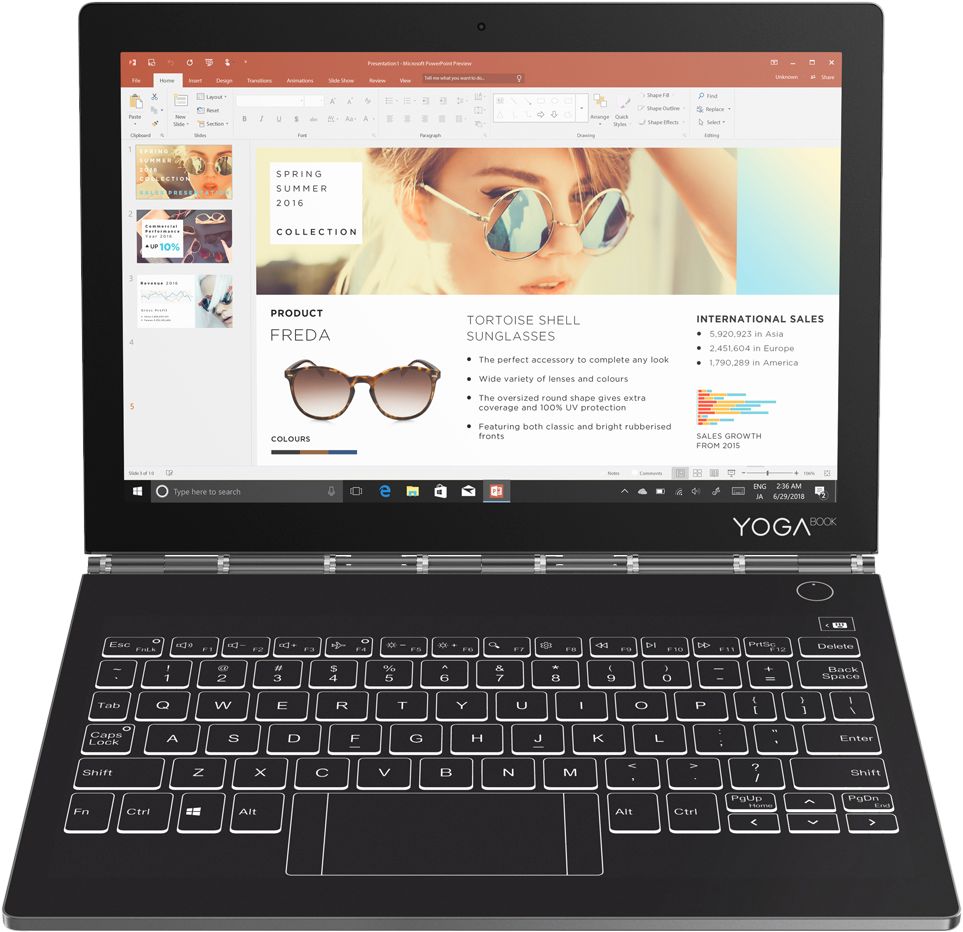
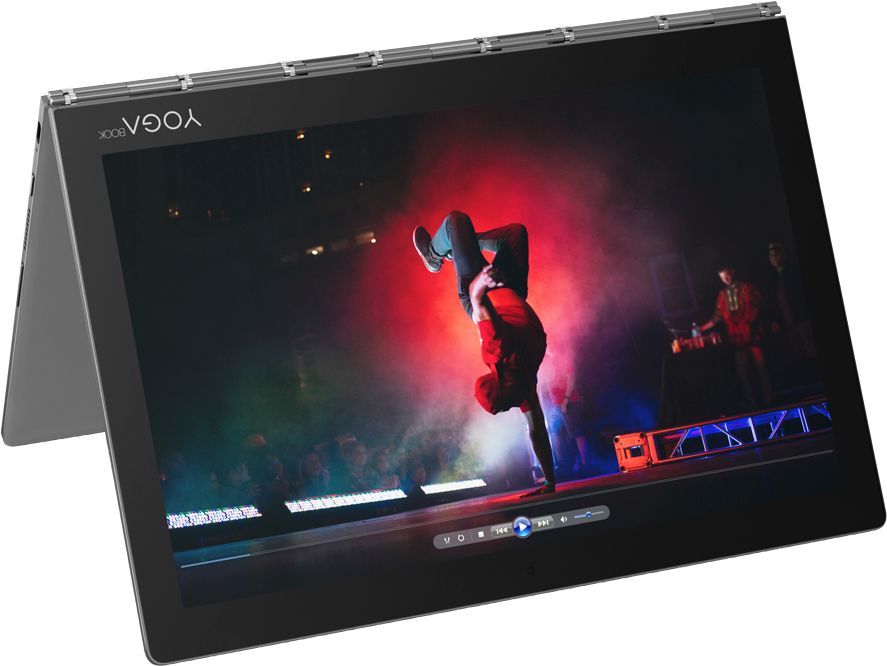
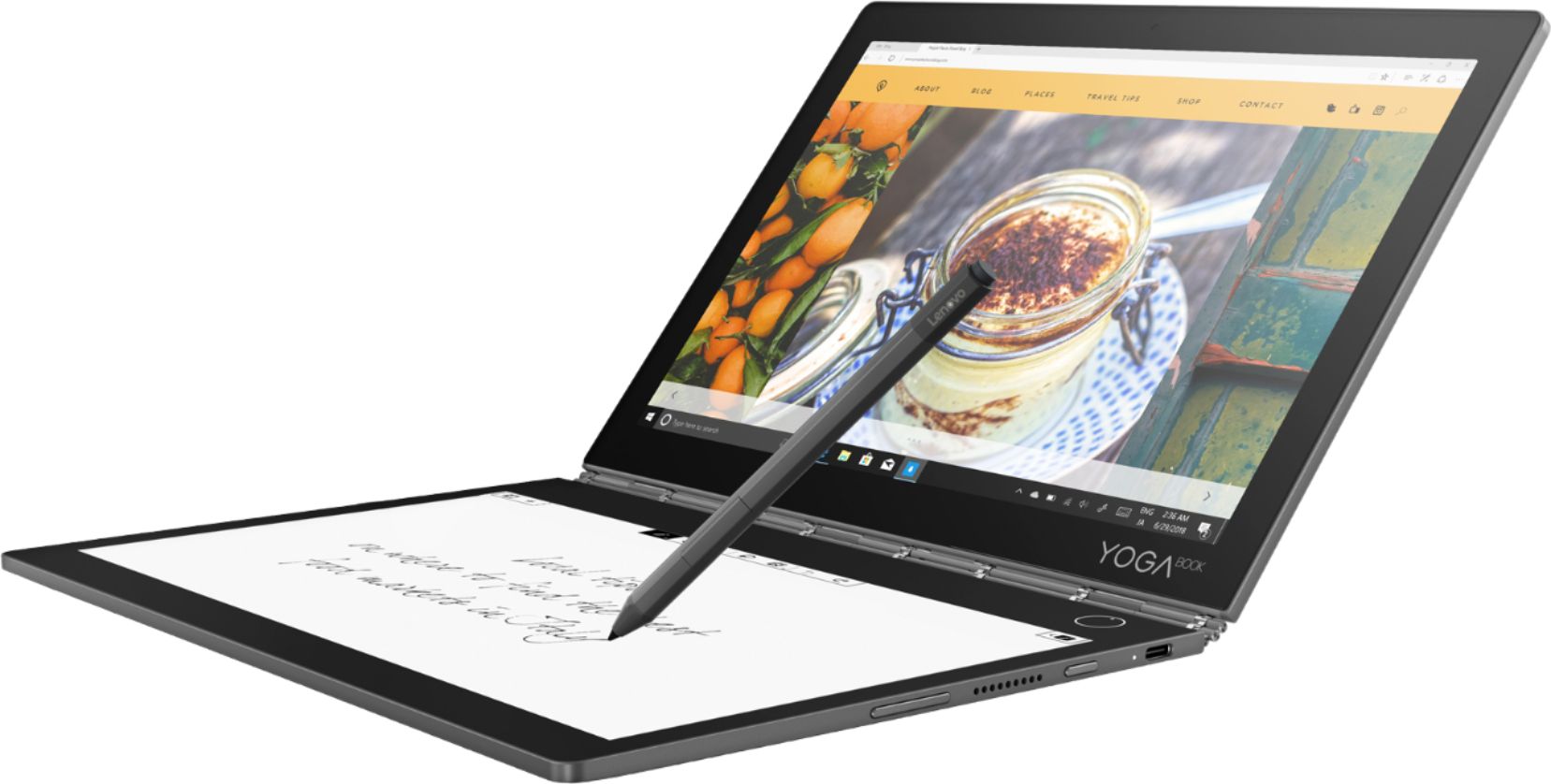
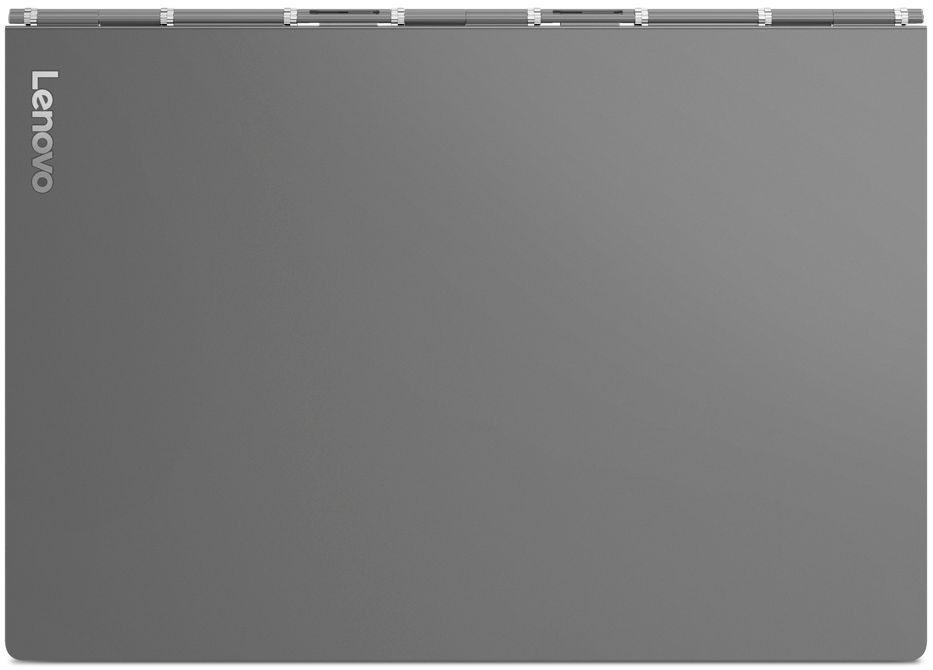
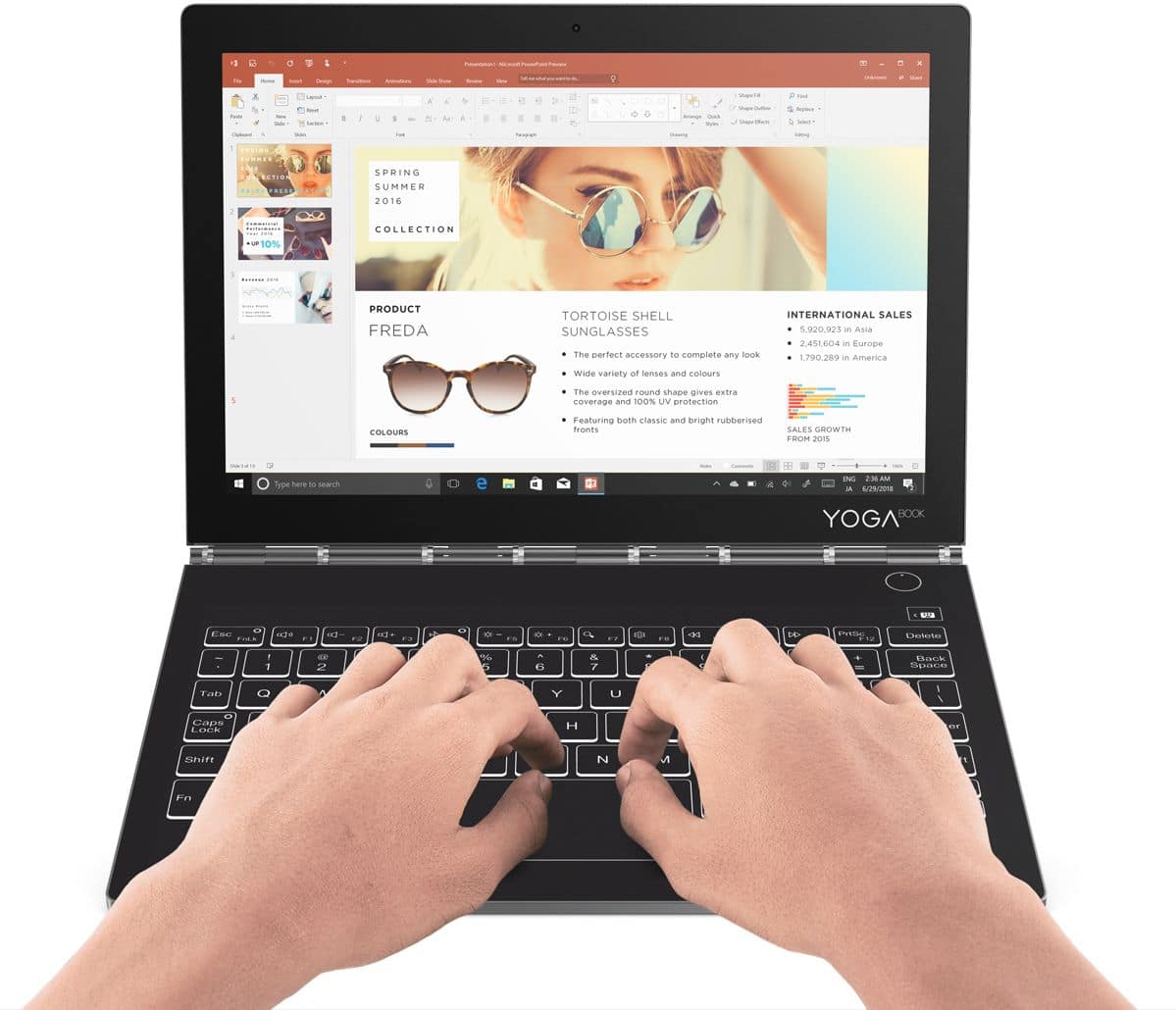
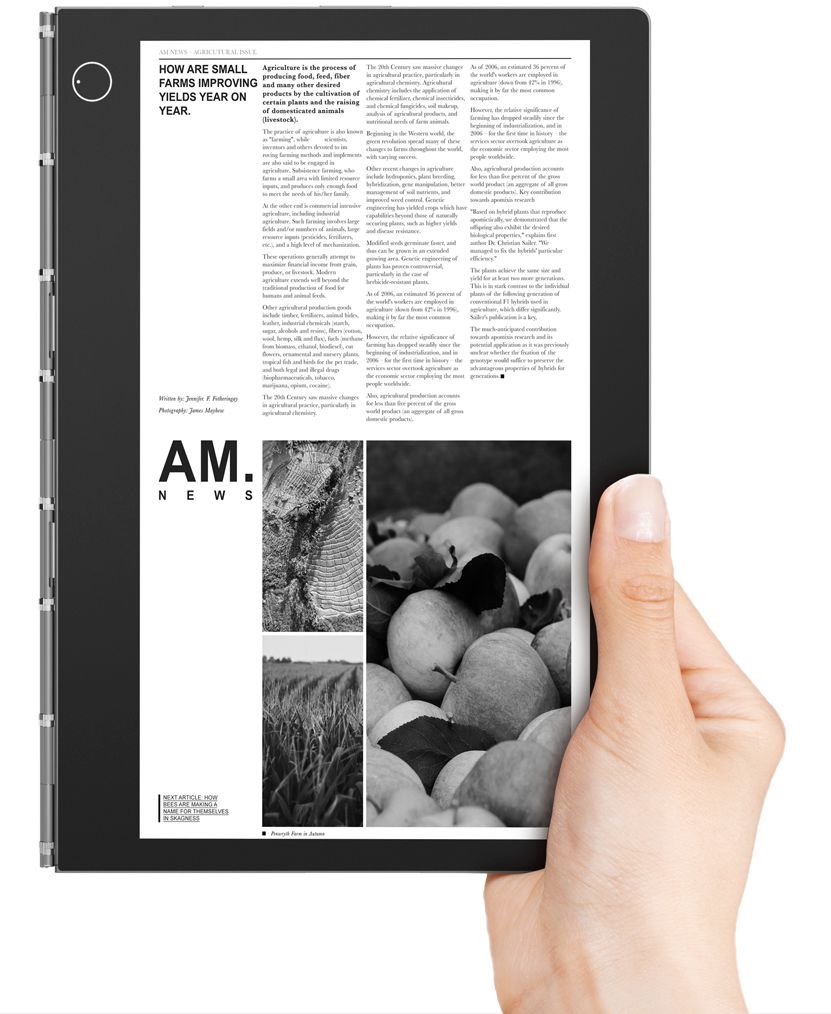
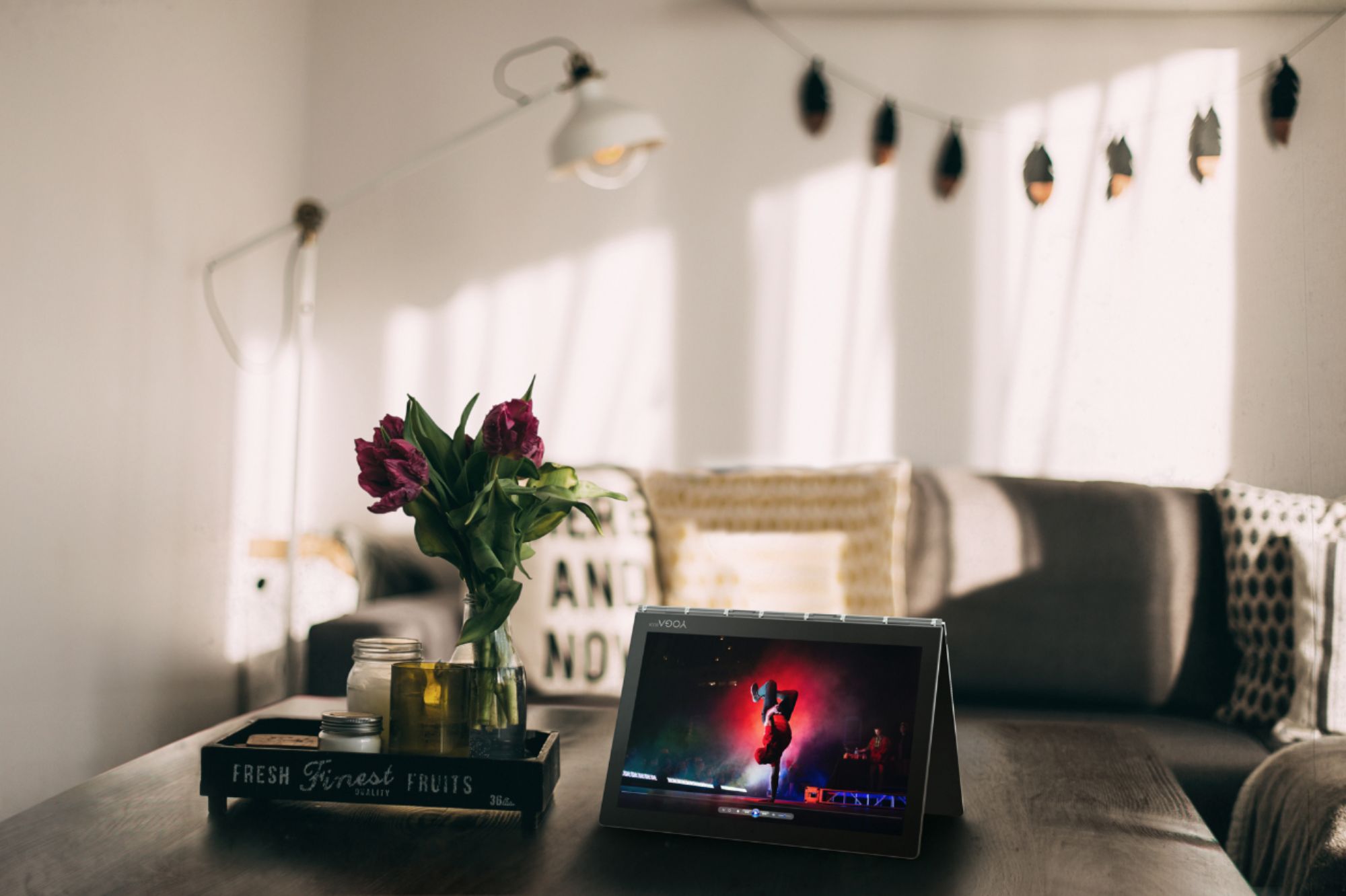
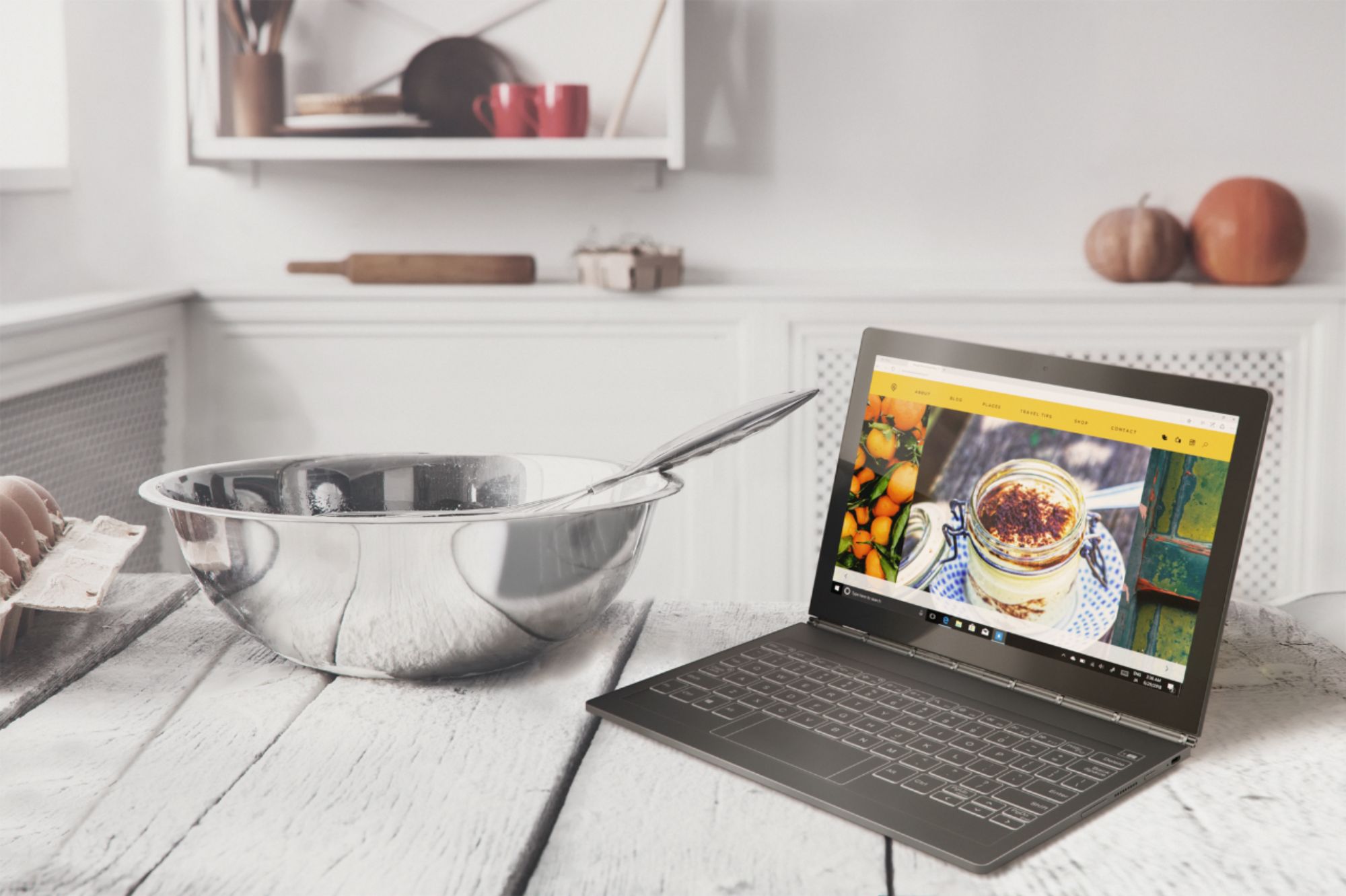
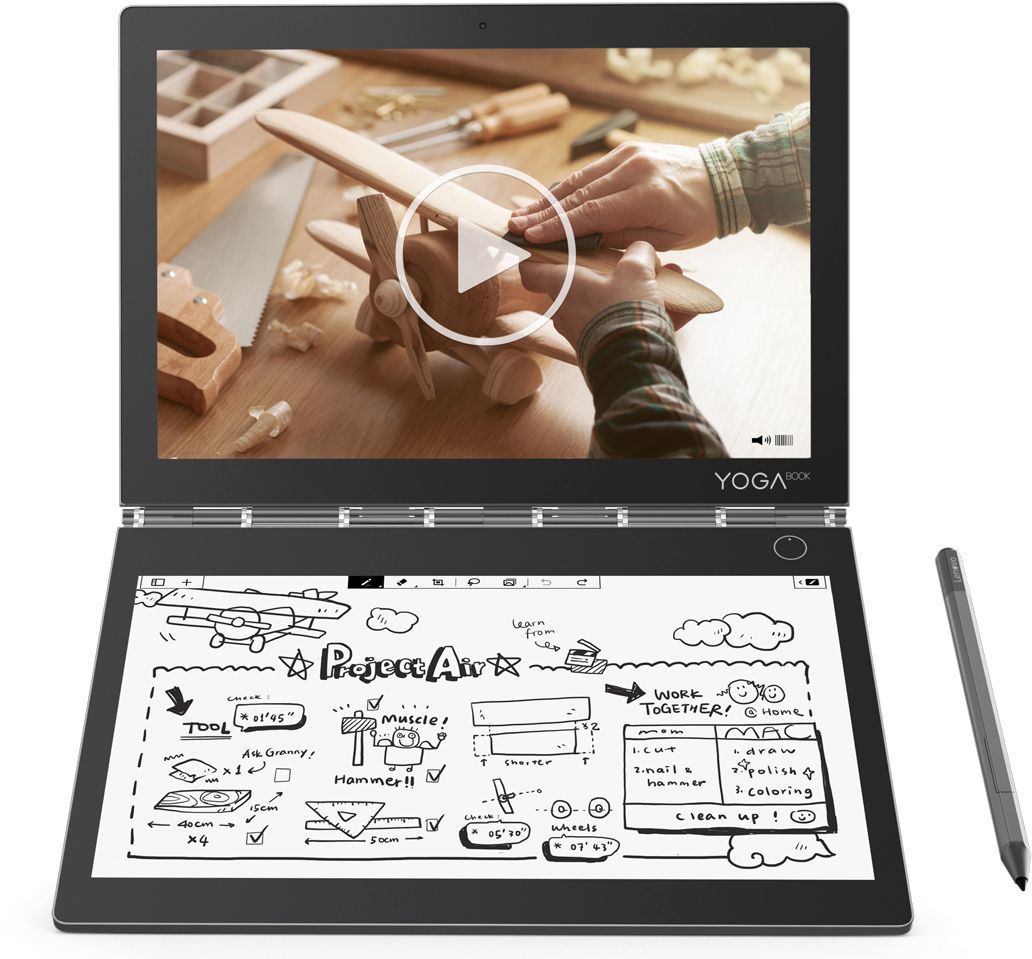
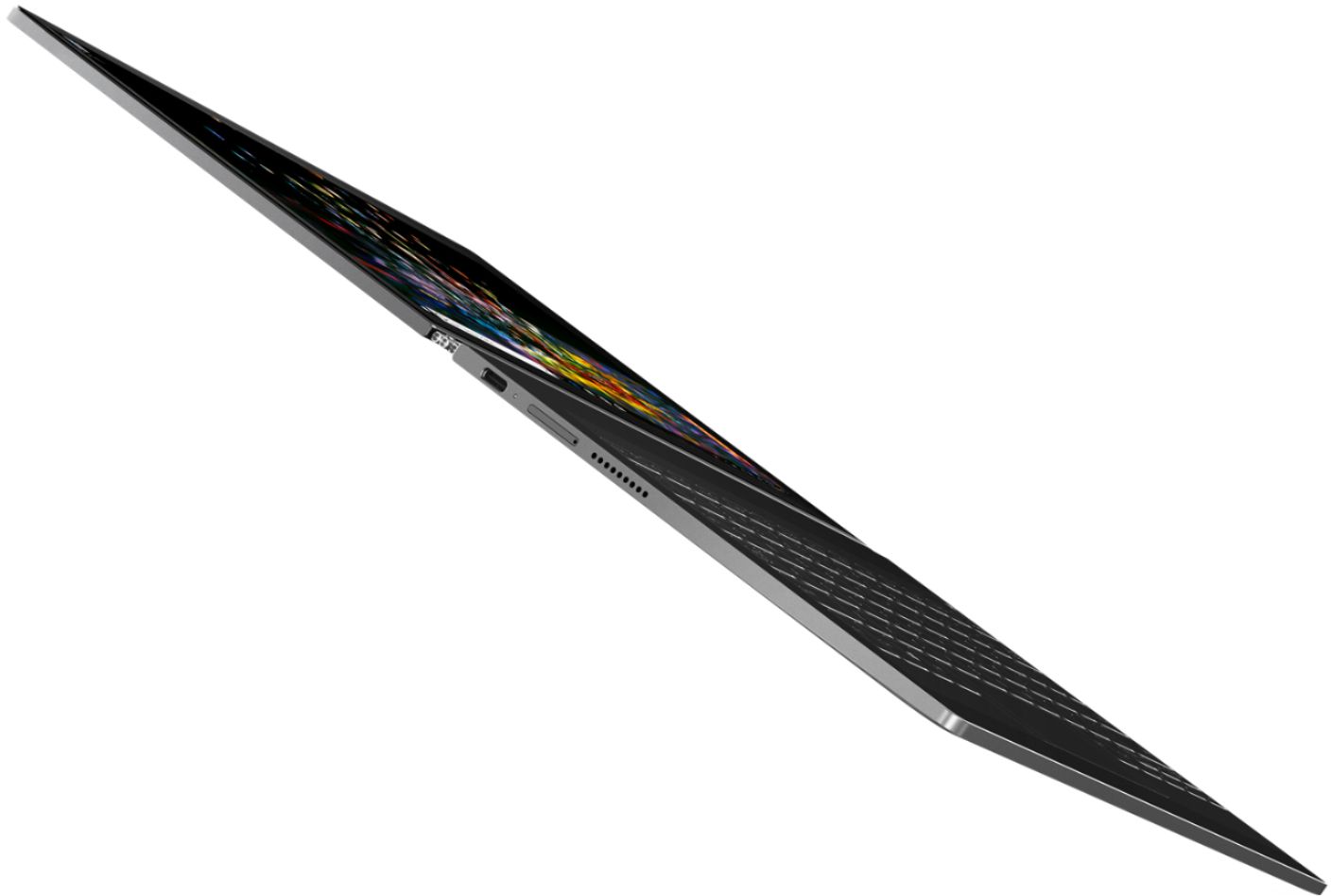
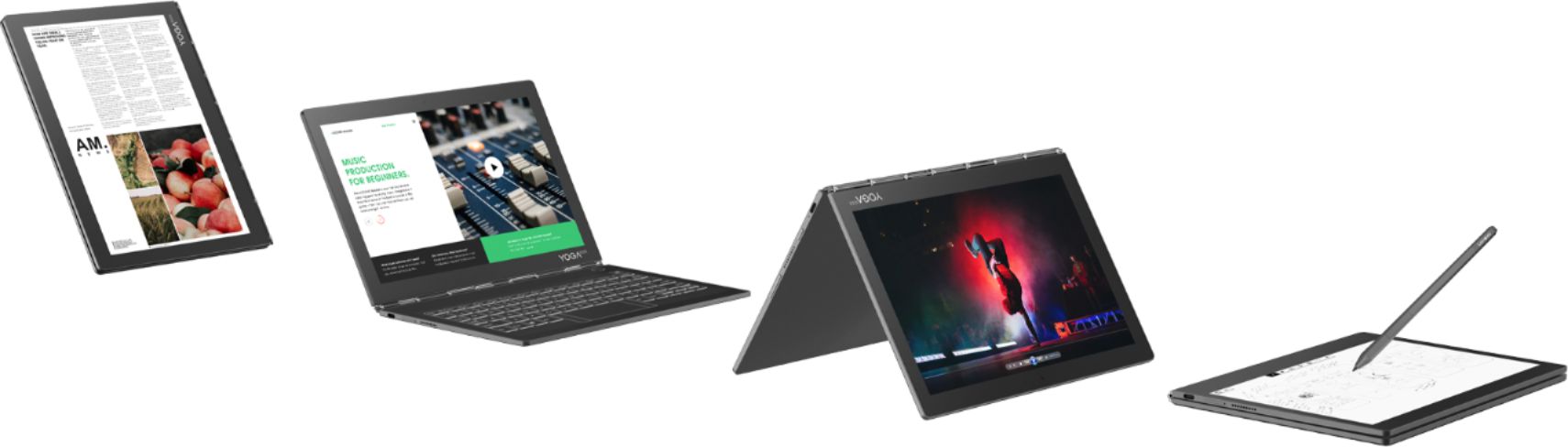
Posted .This reviewer received promo considerations or sweepstakes entry for writing a review.Part of this review is being typed up on my Yoga Book C930 (aka the Yoga Book 2), on a flight, in a dimly lit cabin, with some turbulence. I've got to say I've really enjoyed traveling with this thing. It's very thin and light, has no fans, is unique, and has some cool little features. It fits perfectly on the seat tray and can be set to various positions - the usual laptop way, as a tent, fully opened like a tablet, both screens held sideways like a book, or with the e-ink screen(keyboard) laying upside down (which is the best for watching movies). The outside of the device looks great and clean with nice edges. The e-ink screen is nice in the light, but can't be seen well in the dark. It's not backlit. To be able to type in a dark plane I changed the keyboard keys to white and am using the light from the regular screen, and my limited typing and memory skills. My fingers can't sit on the keys without them registering a key swipe, so they have to hover just over the keyboard. The responsiveness is quite amazing for this type of keyboard. Even though I type slower and make mistakes with this keyboard, it's still pretty fun. That said, typing several pages of a report could probably get annoying after a while. The keys move or signal visually when pressed, along with feeling haptic feedback (which sounds like an old Macintosh computer reading a disk). There's also supposed to be another sound (not the haptic feedback sound), but I have yet to here it. The settings that allow this sound's volume to be changed seem to make no difference. The included pen and e-ink screen are impressive and feel great when drawing or writing, but the menu buttons on the e-reader can feel a bit slow when pressed. E-books aren't compatible yet, but I heard that feature will be added in early 2019. By the way, the regular screen looks really good and bright, even if it could use less bezels. I've typed this much in a half hour, after watching Netflix with a dim screen and no Wi-Fi for an hour and a half, and the battery has drained 20%. That's pretty good, but with wifi on and a brighter screen I can't get a good estimate on how long the battery should last. Somewhere between five and eight hours I guess. Reviewers have said it can last up to 10 hours with normal use of browsing and typing. Along with an e-ink screen the Yoga Book features a magnetic lid (opens with two knocks or the volume button), two dolby speakers, two USB-C ports, and a USB-C fast charger. There's a fingerprint sensor but I've only gotten it to work three times out of about twenty. It doesn't even activate for use half the time, so I use a code instead. Lenovo included it's own software, but some of the functions don't allow me to change stuff and sometimes they switch back to original settings on their own. This little laptop has lower specs, but it's pretty fast. Menus and websites pop up or load quickly. As incredible as it is for how much is packed inside this little device, it's understandable that compromises had to be made. However, I have to mention the price. I got this on sale, but the hardware specs don't reflect the $900 and up price tag. I wanted to give this computer five stars, but for the price there should be more ram and/or storage. I can think of compactness, weight, the pen and Wacom technology, and the second screen as possible reasons for the cost. Aside from that, I'm happy with this laptop/tablet/e-reader.
I would recommend this to a friendAnd now for something completely different
||Posted . Owned for 2 weeks when reviewed.This reviewer received promo considerations or sweepstakes entry for writing a review.Initial impressions of this device are simple to talk about. Its THIN, extremely portable and most of all, different. The processor (i5 model) seems ample for the daily tasks I'm using it for as is the RAM (only 4 but enough for basics). The device seems to get warm with heavier loads but that is expected. It does make me worry about battery longevity... speaking of which, the battery isn't very impressive... don't believe the 8-10 hour quote... its likely you MIGHT get 4-5. The e-ink display is a delight for reading under the right circumstances (no backlight though - and it is fidgety) and I personally have no major issues with typing on it (I'm fairly used to typing on glass). Hand note taking and basic drawing with the included pen is quick and accurate IMO and I use it daily. Battery shortcomings aside, I very much enjoy my purchase. People interested in this device need to buy it for WHAT IT IS (a basic laptop with productivity in mind, a supplemental device, a device that combines several in one - laptop, note taker, e-reader, media player/streamer) and NOT for what they WANT IT TO BE (not a gaming machine - Intel 615 - configurable or older steam games are just fine though - this is not a powerhouse). I enjoy mine, as I went in with an idea of what I was buying, and I was correct. There are now several software / firmware updates and I recommend you read about these prior to making final judgement and a purchase. Just a note, this is a copy paste from my review on the Lenovo website, with a couple of tweeks and an addition below: I also began to use this device for productivity apps such as MS office and it's fantastic. Remember I'm used to typing on glass. I purchased a 400gb sdxc for the device and it works perfectly. My Xbox controller links well via Bluetooth and I've played games from Xbox game pass such as slay the spire without issue (loads a tad slow). I have NOT tried higher end games. I check the minimum specs for the game to avoid disappointment. I also purchased an external usb-c hub (made by UNI), and the official Lenovo yogabook sleeve that was made for the previous edition (it fits perfectly). I will close with the statement that these additions opened the device vastly. I very very much enjoy my purchase. Also of note, I purchased this product on sale at bestbuy when it was 649.99. At full price, My review stay about the same but would definitely re think my value rating as I compared it to similarly priced products.
I would recommend this to a friendC930, not quite ready for prime-time, But like it.
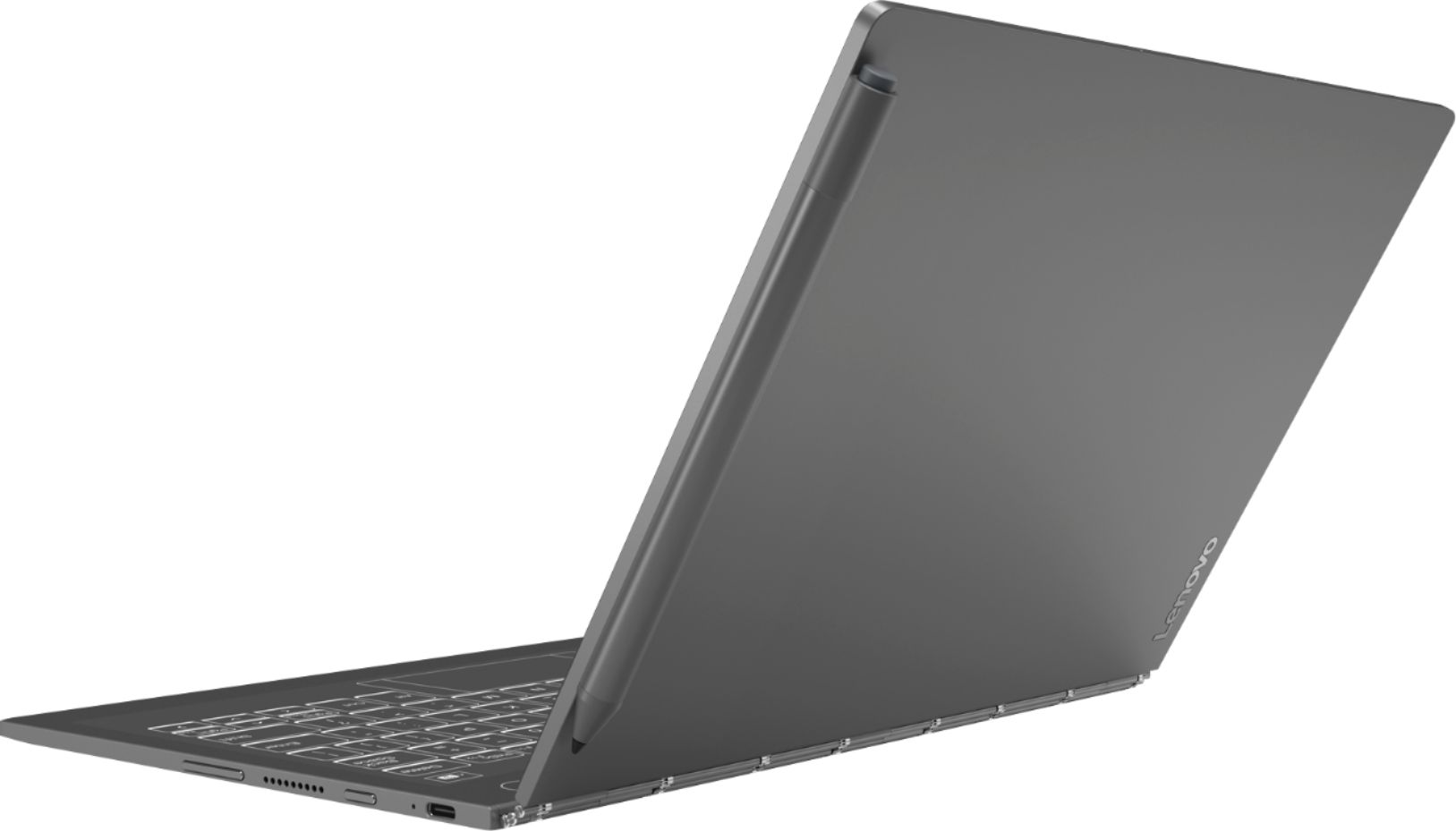
||Posted . Owned for less than 1 week when reviewed.This reviewer received promo considerations or sweepstakes entry for writing a review.Form Factor I love the form factor of the Yoga Book C930. It is very light, lighter than some of my paper bound notebooks I've carried around at work for years. I plan on using this for taking notes, using MS OneNote and the built-in elink as needed. This 10in, thin yoga book will fit easily in a folio bag or my back pack. Performance Using a I5-Y54 processor cpu @1.2 GHZ on W10 Home, it is fine for intended use. It does seem a bit snappy, for casual use, not necessarily for heavyweight programs. Browsing, office apps and email are fine. Memory My first thought/question: Is this a real computer with only 4 GB memory? 90's flasback! It seems sufficient for this device, if barely. Given the price point of the purchase for the c930 ($750 at BB), I would have preferred to see at least 8Gb of memory. Although I might have succumbed to an upsale for an upgrade to 8GB, if it were offered. It was not...!) Seems to me it could have helped the device -even the elink hardware performance, as it seems a bit laggy in switching modes with the 4GB memory config. Display Display @ 2560x1600 IPS, seems fairly sharp and bright. Bezels are a bit wide, but i can live with that. The display is already small, but bigger than my mobile phone. So there is that. Keyboard I actually kinda like the haptic feedback for the elink keyboard. I'm not the greatist typist, but for the intended use of this device, I'm good with it. I type better on this keyboard, than i do on my Macbook Pro 15in keyboard. This review is being typed on the C930 elink keyboard. I do seem to have a lazy left-hand pinky finger, that likes to add 'a's and 's',s inadvertantly on this elink keyboard. I'm cleaning those up as I type in this review. E-link I'm still getting familiar with the elink. It seems to work as advertized, per my initial understanding. The drawing on the elink screen is good. I haven't tested the ereader, as I plan on using Kindle on windows for my ereader, if I decide to use the device for extended reading. Switching between the elink modes (keyboard, big touchpad, drawing pad, and ereader does seem to be a bit laggy, but performs fine when using the modes. Pen I like the pen with 4096 levels of pressure. About the same as the MS Surface pen for heft. Not as good as wacom pens, and marginally less than apple pencil. It does stick to edges of the lid magnetically, but don't expect the pen to be secured for safe travel. Dgital Art I do amatueur digital art. As the Yoga book c930 is not a power house, I knew it wouldn't be able to support the large memory heavyweight art/photo apps, like photoshop or corel painter. However, I did install SketchBook Pro, as it is a bit lighter on memory and was pleasantly surprised. The digital pen and the sketchbook pro app, performed awesomely: smooth lines, no jitter, pressure worked fine, and no lag at just a few layers. The brushes i used had little or no lag. Power Consumption Ok. Hmmmm.... I started with 100% battery at 7am this morning, and at 12:30 PM it says I have 25% left or 1 hour of battery remaining. 6.5 hours of battery life on first extended usage. I'm used to the boasts of manufacturers on battery life being more than actual experience. However, with the minimal hardware config on this device, I expected to get nearer 8+. Granted I turned all power/sleep options to "Never", but I've also been using the device continuously this morning without interruption, except for a bio break and a coffee refill. Meh! My HP Specter x360 with 4K display gets 8 hours of battery. iPads, usually all day and into the next day. The C930 won't make it thru a work day without a supplemental charge. Discouraging. Finger Printer Sensor <Insert Funeral Dirge musical clip>. Absolutely, awful. I can't set it up! One finger press, lift.....2nd attempt, "cannot recognize your finger, please try again!" Multiple attempts, same result. I'm not crazy. It is not a deal breaker, unless, Lenovo or BB will tell me I have a defective device. Still the youtube reviews, and online reviews all speak about even when setup, Lenovo C930 fingerprint reader is NOT dependable. I'll check with Lenovo about it, I guess. But not expecting miracles. I can live without it, as compared to trying to live with a undependable finger print reader. Warranty OK. I'm still trying to decide if this a deal-breaker. After setting up this new Yoga book, purchased from BB yesterday (Sep 2019), I logged onto the Lenovo site, only to discover the device warranty period had already started ticking at Feb 2019. This is Sep 2019, and I only have 192 days left on the warranty. I tried chatting with a Lenovo Support agent, but I was 25th in the support queue and 30 minutes later 22nd in line. I left the chat and will chase this down later. I have bought many computers and the initial warranties for 1 year usually doesn't start ticking until initial user registration. If Lenovo cannot give me at least 1 year of warrantied support at time of purchase, then I'm at risk, wouldn't you say? This is my first Lenovo: Is this normal for them to start the warranty period consumption shortly after manufacture, but before purchase by consumer ? I'll call BB today. If warranty cannot get resolved, i'll update this review, and probably return the device. Overall, I wanted to like this device ALOT! If they had added a config with 8GB memory or at a bit lower price point, I would have had fewer doubts about this purchase. Don't get me wrong, there is much I do like about the Yoga book with elink. If Lenovo or BB will do me right on the warranty period, I will probably keep this device and maybe even provide a 3 mo. update on the actual extended usage. If not, MS Surface book may be my next option, after sending the Lenovo Yoga Book C930 back. Sorry.
No, I would not recommend this to a friendExcellent, Ultra Portable 3-in-1 PC
||Posted .This reviewer received promo considerations or sweepstakes entry for writing a review.I can appreciate the fact that this innovative little 3-in-1 PC can be intimidating to some people. But as an “Out Of The Box” thinker like myself I applaud Lenovo for releasing the very unique, Yoga Book C930. Yes, it is expensive in relation to other devices in this ultra slim notebook category. Like anything made in limited quantities, the lack of economies of scale keep the production costs high. Folks, we think nothing of dropping $1000.00 + for the latest iPhone / Galaxy but complain endlessly about a really cool device like the YB C930. I have traveled extensively with the Yoga Book C930 over the past 2 months and it has been an valued companion. Below are the Pros and Cons. Pros: 1.) Great battery life. 8 1/2 hours (Supplemented by an external portable USB-C battery back up pack. Adds an an additional 6 hours of power.) 2.) I really like the convenience of the Eink keyboard/ writing pad/ Reader. I don’t have to worry about crumbs, dirt etc getting lodged in a physical keyboard. The surface is easily cleanable. 3.) I took advantage of the extra $100.00 student discount deal which helped reduced the price. 4.) LCD touch screen is absolutely brilliant! Outstanding detail with crisp, clear images. Great video feedback. 5.) Insanely light and thin. 6) Comes with Digital pen and keyboard at no additional cost when compared to MS Surface. Cons: 1.) Lack of backlit keyboard 2.) Battery takes a little too long to charge completely. Over came this issue by adding external power pack. 3.) A bit of a learning curve for typing on the E-Ink Screen. 4.) Lack of Kindle, B&N, Kobo ebook support. (Once this function is added I can imagine these YB C930 will be jumping off the shelf!) 5.) Lack of headphone jack. (Easily resolved by purchasing USB-C to Headphone Jack) Lenovo should have included one with this package. 6.) i5 processor is not quick when multiple windows are open. 7.) Yes, I agree, there is no reason in this day and age that this product does not have 8gb of RAM memory. 4GB is ridiculous. 8.) Lack of cases, sleeves etc. on the Lenovo website store. Bottom line: The Yoga Book C930 3-in-1 is not for everyone. If you like a beautifully built, minimalist travel PC and can live with some of the limitations then this is for you. This should not be thought of as your one and only PC but instead as an awesome supplemental travel PC. Go for it! You won’t be disappointed if you understand it’s position in your connected life. Enjoy!
I would recommend this to a friend3-5 Stars for varying reasons....
||Posted .This reviewer received promo considerations or sweepstakes entry for writing a review.So this laptop is super cool. It is small, light and very crisp screen. It's a little too small for my eyes but I want to love it. The keyboard is super cool too but not without it's problems. 1). The trackpad is slow to respond and smaller then it should be - you can read a lot of comments about this online but I'd like more flexibility/customization for it. 2). As cool as the keyboard is, it has NO backlight. Of Course it doesn't because it's E-Ink - but they should let the brightness go very high on it so you can use in the dark and it taps out too early and the laptop is unusable in the night - especially since you can't touch type since you can't feel any keys! Over all I like it a lot of think many people will but there are some show stoppers for others. The pen is great, the battery life very good and again, it fits into any little bag easily.
I would recommend this to a friendIt’s electric notebook
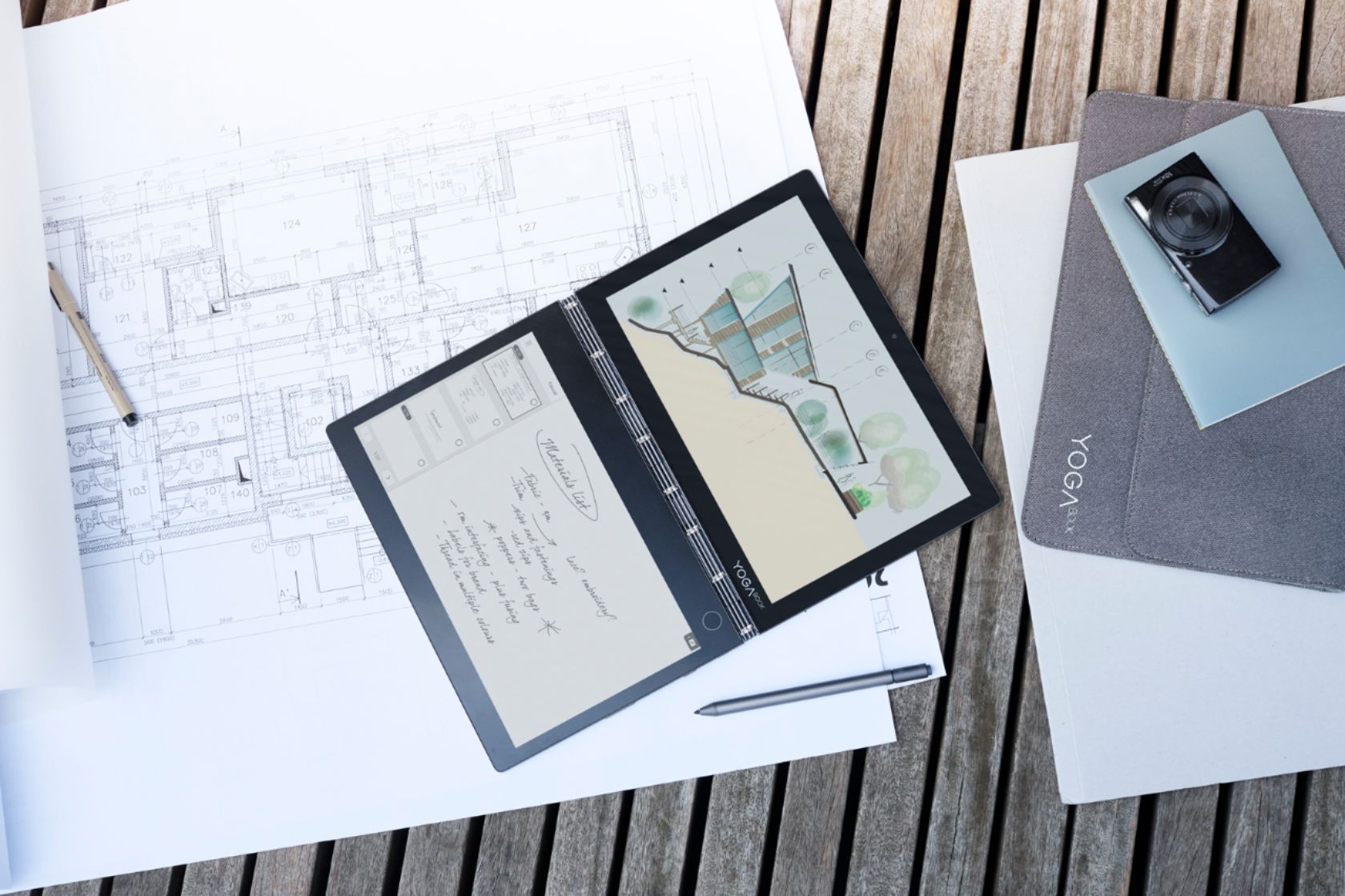
||Posted .This reviewer received promo considerations or sweepstakes entry for writing a review.If you’re strongly considering purchasing this device, read all the reviews, and look at the videos on the Internet to make your final decision Lenovo’s yoga book c930 is not the typical laptop and should not be categorized as one. It’s a digital notebook. If you open it in a certain orientation, it looks just like a regular paper notebook. The yoga book c 930 Based upon an Intel prototype. You cannot compare this device with an iPad Pro, Surface Pro, because it is neither. Based upon other reviews the asking price expensive. But if we look at what the device offers this price might be a legitimate expense. The yoga book provides a writing experience that only smartpens can offer. This device also provides the Windows tablet experience, with Windows Ink built into it. The yoga book also is in E-ink device that delivers an e-book, and E-ink writing on its screen. These devices tend to be also expensive roughly. When looking what the Lenovo yoga book can do have to say I understand Lenovo’s reasoning for the price. I don’t believe yoga book does works perfectly, but I am satisfied with what it can do now. I bought this device because I’m in search of the ultimate notetaking computer. I value the pencil and paper approach to taking notes what the yoga book offers an experience, of almost writing on paper. Using the yoga book, I can write a note with the E-ink half of the computer, then copy and paste into any app, for example, OneNote and it picks up my handwriting and print very accurately. Also, I have installed software like Dragon Dictation, which is very responsive to this device. Lenovo yoga book C930 might be in a young state, and updates could potentially fix complaints that I have read in other reviews. Even though it’s in the juvenile state it’s a device that I can use as a digital notebook. And if you were to purchase this device, please keep in mind the keyboard might be frustrating to someone who is not used to typing on a glass surface. Finally, I don’t think Lenovo as missed the mark on this device, I purchased this device for a particular reason, notetaking and I believe this device will fulfill that purpose. Pro’s it does many things has an i5 Intel processor USB-c charging Cons battery life price I want Lenovo to continue to produce devices like this!!
I would recommend this to a friendAwesome Concept that Works; Bad Battery Life
||Posted . Owned for 2 weeks when reviewed.This reviewer received promo considerations or sweepstakes entry for writing a review.I wanted a laptop for traveling and this laptop met my requirements - it is extremely thin, weighs close to nothing, comes with a stylus so that I can write notes or sketch things in OneNote, charges via USB-C (so no need to carry a special charger), and it looks awesome and it is different from all other laptops out there. With that said, I had to unfortunately return the laptop since the battery life was pretty bad - although I only kept a browser open (Chrome), Word, Mail, and OneNote; the battery life with really dimming the screen was always under 6 hours. If I were streaming music or a YouTube/Netflix video it was usually between 4-5 hours. Aside from the battery problem, I loved this little system - the keyboard was easy to get used to, I could sketch on the screen or on the ePaper (keyboard area), I could use the keyboard area to read documents without straining my eyes, and several other cool features. If a newer generation of this computer, with Windows, is released I would love to get it if Lenovo improves the battery life. I’d also love to them add 4G/LTE (or maybe even 5G) capabilities to this computer. As long as you’re ok with an on-screen keyboard experience, really use the stylus, and don’t mind the short battery life that this system offers, I would highly recommend getting it. The machine is really well built, and will likely draw attention from you classmates/co-workers, or where ever you use it - so be prepared for small random conversations.
I would recommend this to a friendNice machine for online school
||Posted . Owned for 3 weeks when reviewed.This reviewer received promo considerations or sweepstakes entry for writing a review.I use it to tutor in math with zoom for college. It puts everything I need typically for a lesson into one compact spot, and the e-ink is brilliant for writing out equations to show online--but it did take some effort with options and features to get it streamlined. The keyboard is tricky at first, but a good trade-off for compactness; although, I wouldn't try to write a long paper with it. The screen has an issue with transient image persistence, and it has me a bit worried, but it tends to go away fast enough, so I'm not giving up on this machine. It gets hot pretty quick, and I wouldn't feel okay using it outdoors on a summer day, but the e-ink would probably look nice on cooler days. I installed Adobe Photoshop and Illustrator, and while they don't really work with the e-ink, they work just fine with the pen on the color touch screen, and the GPU does a pretty good job of making them practical and fast; although, I'm not a serious artist and I would suspect that the 4GB memory becomes an issue for big plans in illustrator. It does what I need it to do. I run Mathematica 12 on it for my lessons, and it works great. The screen also, incidentally, is a nicely vivid color screen. The e-ink makes a nice sketch pad, and you have to put the thing on a book or tray or something because putting it in the lap confuses the touch screen into thinking you want to keep using the other side. I'm happy with this purchase in every way except one for my special case--the warranty. I bought it open-box at discount, and the geek squad extra price would have pushed the price back up to that of the new machines, so I didn't get it. However, I really did not expect the manufacture's warranty already to have been expired by the time I first got the computer. I can't even extend it. I tell myself that Best Buy just had the thing in a warehouse somewhere collecting dust after someone purchased it and returned it over a year or so ago, and such a customer happened to activate the warranty before returning it. I'm worried about something going wrong, but if nothing does, then it is a great machine.
I would recommend this to a friendThis is GREAT for musicians and note takers
||Posted . Owned for 1 week when reviewed.This reviewer received promo considerations or sweepstakes entry for writing a review.I have been using tablets of all for sheet music for as long as the category has existed. This is one of the best machines for this purpose as it runs Windows so it supports apps like Musicnotes, Mobilesheets, and MuseScore, plus standard desktop apps like Finale and others. I can have an app on the LCD and a PDF of another song on the e-Ink screen. I LOVE this ability. I can also have a book or slide show on the LCD and take notes on the e-ink screen during classes and seminars. This is great as well. I don't have to carry a pen-enabled e-reader like my Onyx Note and a tablet or a full-sized laptop and a pen-enabled phone like my Galaxy Note8 to take notes and have access to desktop apps. To me, this is the heart and soul of this device. Don't buy this to type. Buy this to read sheet music, take notes, draw, or do one of those things while doing something else. It's just great for that and I highly recommend it to people who want a better experience for those scenarios. BTW, the keyboard isn't that bad but you probably won't ever be able to type without looking. If that bothers you, don't buy this machine; it will just annoy you. My main complaints are I wish it had more RAM and built-in LTE like the European version. Also, buy it when it is on sale; don't pay full price. It is expensive, but you are getting 2 very good screens. Compare it to buying 2 devices. My 10-inch Onyx Note e-reader cost $500 new and my Galaxy Tab S4 with LTE cost $700 new on contract.
I would recommend this to a friendLove it, not comparible to laptop
||Posted .This reviewer received promo considerations or sweepstakes entry for writing a review.I love this for what i bought it for. Stil some glitches and trying to figure this out. The manual doesnt really problem solve. And if youre a fast typer, the e-ink halo keyboard does not replace a real one. So not the best thing to write an essay on. But for emaild and social media it is great. The usbc inputs are interesting to get used too. Either have to get and adapter to make a flash drive work or buy one speficially for a usbc instead of usb3. Overall, im very pleased with this product. Very small, unusual size so hard to find a well fitting case for it.
I would recommend this to a friendClever idea, just needs some upgrades
||Posted .This reviewer received promo considerations or sweepstakes entry for writing a review.This is a clever, small and sleek machine. The screen is outstanding. The idea of an e-ink 2nd screen/keyboard is novel. It takes some time to get use to the e-ink keyboard, but when you try, it is pretty good. Taking notes is very good. Needs to have better sharing with third party clouds or one note. BUT even without that, IF it could read KINDLE books, that by itself would push it over the edge WITH a backlit reader/keyboard area. Fingerprint password is hit and miss. You really need to be an early adopter for this device.
I would recommend this to a friendUsing Eink display for Music
||Posted . Owned for 3 weeks when reviewed.This reviewer received promo considerations or sweepstakes entry for writing a review.As a pianist, I was looking at ereaders to use for music then I found this. I figured the yoga book would be more versatile than things like the Kindle. So far it's been working well. The aspect ratio of the Eink display is not the best for full screen 8.5x11 files but I've worked around that by cropping and making scans closer to the page margins. There was some confusion in other reviews about whether or not the Eink display was backlit. I can confirm that it is not unfortunately. Over all I enjoy how versatile and portable the yoga book is. Also the battery life is great especially when I'm only using the Eink portion
I would recommend this to a friendUnbelievably thin, unique capabilities for writing
||Posted . Owned for 1 month when reviewed.This reviewer received promo considerations or sweepstakes entry for writing a review.Although not for everyone this Lenovo offering has some really great features you wouldn’t find on most laptops The thinness strikes you first, once you tap 2x’s to open it. The watch and hinge is very cool, the e ink keyboard takes a little getting used to. But the screen is beautiful and being touch can easily be used in any of the traditional yoga positions. Battery life is ok, usb c, and micro SD only physical inputs. Bluetooth and WiFi were very good. The weight and versatility are excellent especially for writers as the keyboard turns into a writing surface. All in all, a very unique and good sounding laptop.
I would recommend this to a friendToo expensive for what it is
||Posted .This reviewer received promo considerations or sweepstakes entry for writing a review.The unit itself is very impressive. The Knock to open feature is very useful. The ereader based keyboard is innovative but really needs to be backlit as this unit is great for reading or doing light work when in bed without disturbing others. The biggest drawback is the cost of the unit. $900 dollars is just too much for this unit. It should really be about $600 at most. Also charging this much money for a Windows 10 device with just 4GBs of memory is not a good value. Lenovo almost hit it out the park with this unit but just missed a few critical marks.
No, I would not recommend this to a friendSign of things to come...
||Posted .This reviewer received promo considerations or sweepstakes entry for writing a review.I got this as a Kindle reader which unfortunately is not supported in native form for now. The keyboard is not backlit either. These were negatives for me in those instances when you need that feature otherwise this is an incredible device for people on the go. Even when folded it feels only as big as an iPad which could've been the original idea. Design, built and feel definitely beats anything from Apple hands down. USB-c is an added bonus but should have been a Thunderbolt 3. This Yoga is pretty fast for a mobile chip which just came to fore even more with W10 v.1903 spring edition.
I would recommend this to a friendAwesome as a normal laptop for light travel use
||Posted . Owned for 11 months when reviewed.This reviewer received promo considerations or sweepstakes entry for writing a review.Best laptop I have ever owned. No, really! I've always been a fan of the quirky and experimental, I admit. And that was a big part of the draw here. But it turns out that this is also the lightest, most convenient, most reliable Windows laptop I've ever owned. It boots right up, has surprisingly good battery life given it's size, and is plenty fast for light work (mostly Outlook, Word, and Chrome). Yes, the e-ink keyboard takes some getting used to. But it is surprisingly usable once you adapt. Use a light, quick touch and it works great. I do carry a Bluetooth Thinkpad keyboard for longer use, but I rarely pull it out. Just one big complaint: using it as an e-reader sucks. That was another major draw for me, but it is poorly implemented. The keyboard acts as its own device with no Windows integration, can only read PDFs (I think) and worst of all, the device is constantly switching screens when it thinks it picks up a double-tap on the unused screen just from holding it. Disappointing. A simple hardware switch for screen selection would have saved it. Still, the weight and the wow factor as a laptop make it still very worth it to me. Not sure if we will see another version of this soon, so I'm glad I grabbed one.
I would recommend this to a friendGood small and compact computer
||Posted . Owned for 1 month when reviewed.This reviewer received promo considerations or sweepstakes entry for writing a review.It is av very good small and compact computer and it can handle pretty much anything. The only drawback is that the finger print button sometimes won't recognize the finger print ama it won't allow you to turn it back on. Only if you like log on differently through Windows Hello. That annoys me but everything else is great.
I would recommend this to a friendBrand response from Lenovo Product Expert
Posted .We are sorry to hear that you are having issues with the fingerprint reader on your Lenovo Yoga C930-14. Be sure you have the latest version of Windows 10 on the computer and that all of the supporting BIOS files and drivers are also up to date. You can easily accomplish this by scanning the computer with the Lenovo Utility software installed on the computer. This system has Lenovo utilities installed to help maintain the health of the device and keep the operating system software up to date. Type "Lenovo Vantage" in the Cortana Search window (if Lenovo Vantage is not installed on your device, you can download the APP and install it now). Select Lenovo Vantage from the list. In the window that opens, click on "Health and Support". In the expanded menu, select "Hardware Scan" In the window that opens, select "Run Quick Tests". This will scan your entire system for errors. Follow any directions that may pop up. If the problem continues after this scan, now click on "System Update". First select Windows update from the menu. Scan your system to be sure you have the latest version of Windows 10. Once that scan is complete, select "Additional Updates". This will scan your device to be sure there are no new BIOS/Driver updates needed. Follow any instructions that may pop up. Here is a link to instructions for setting up a fingerprint reader within Windows 10: https://www.laptopmag.com/articles/set-windows-hello-fingerprint-login. If the issue still continues after these updates, we recommend you call Lenovo Tech Support at: 877-453-6686 for additional help. For 2018, Lenovo retained its place for a second year as the best laptop vendor:
https://www.laptopmag.com/articles/laptop-brand-ratings
It's fun device
||Posted . Owned for 4 months when reviewed.This reviewer received promo considerations or sweepstakes entry for writing a review.Obviously don't buy it as your main computer. But if you already have a stronger computer, and you need a very portable mini laptop/Tablet/ebook reader combo, This is it. The wow factor is defensively there, and you would take this out more than you do with other computers. I have a Surface Pro tablet computer, and I feel more comfortable to take this one when going out. Performance for very light browsing and basic word/excel usage is fine, but if you want to open 100 tabs, this is not the device. I have used it to edit photos in Lightroom on the go, and it works fine. But again, when I'm back home I want a stronger computer. At times, when I'm not at my desk, I use yoga book as my external monitor to the main laptop. You can use (Project to this device) function in windows 10 for that.
I would recommend this to a friendSuper Portable
||Posted . Owned for 1 month when reviewed.This reviewer received promo considerations or sweepstakes entry for writing a review.This YogaBook is super slim and light and easy to carry around and use on the go. When you fold the keyboard behind and use this thing like a tablet, it’s easy to forget that it’s actually a laptop at all. It works so well as a tablet. It’s also great that Lenovo includes a stylus/pen in the box, it works great and saves you from having to go and buy one if you like using your computer with a pen. The only problem I have with this computer is the keyboard/trackpad. The e-ink (digital) keyboard just isn’t as good as a real keyboard and I type a lot slower. It’s a lot like typing on the ipad’s on-screen keyboard. I wouldn’t call this a deal-breaker though. The keyboard gets the job done most of the time and I hook up an external Bluetooth keyboard when I need to type faster.
I would recommend this to a friend4 gigs and a backlight short of excellent.
||Posted . Owned for 3 months when reviewed.This reviewer received promo considerations or sweepstakes entry for writing a review.The screen is very nice. The tap-to-open feature is smart for the design. The hinge is solid, not a lot of screen wobble. It's thin and light. It needs 8 gigs of ram. With a touch keyboard and no haptic feedback, you can't quite be sure if it is you missing a key or if the OS slowing down. The keyboard is surprisingly comfortable. It needs to be backlit (Indiglo?). The picture makes it look backlit. It would look very nice. The keyboard needs more layout options. The arrow keys cannot be pressed simultaneously (other key combos work).
No, I would not recommend this to a friendBrand response from Lenovo Product Expert
Posted .The Lenovo Yoga Book is a unique dual screen device. A dynamic E Ink screen morphs between keyboard, sketchpad and e-reader—and sits side by side with a vibrant QHD display. Featuring visual and haptic feedback that mimic a “real” keyboard, the E-Ink screen offers a 22 percent increase in typing productivity from our previous Yoga Book. It’s powered by AI, which means the more you use it, the more accurate it becomes. Plus, you’ll be able to customize the keyboard depending on your preferred language and format. The keys on the AI keyboard are created by light so there is no need for backlighting. You can use the E-Ink screen as a drawing tablet. Sketch, write, develop formulas, and more on the Yoga Book C930 with E Ink Note. Then digitize the image or text with a few clicks, and effortlessly add it to Microsoft Word or other programs on the main display. E Ink Note works seamlessly with Windows 10 apps, syncing with One Note so you won’t lose a single thought. Here is a link to the online User Guide and manual for the Yoga Book C930 for more information: https://pcsupport.lenovo.com/us/en/products/tablets/yoga-series/yoga-book-c930/documentation