Customer Ratings & Reviews
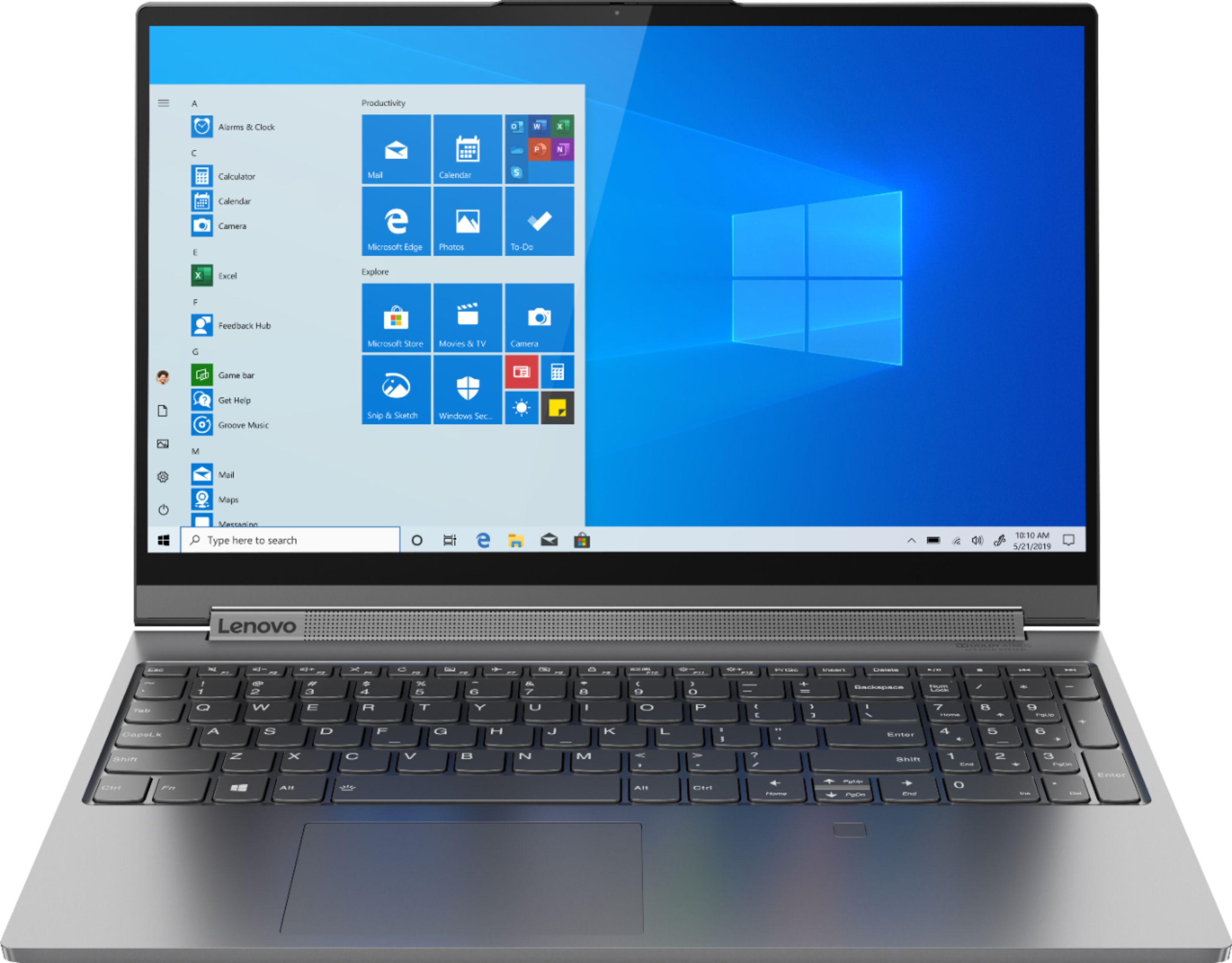

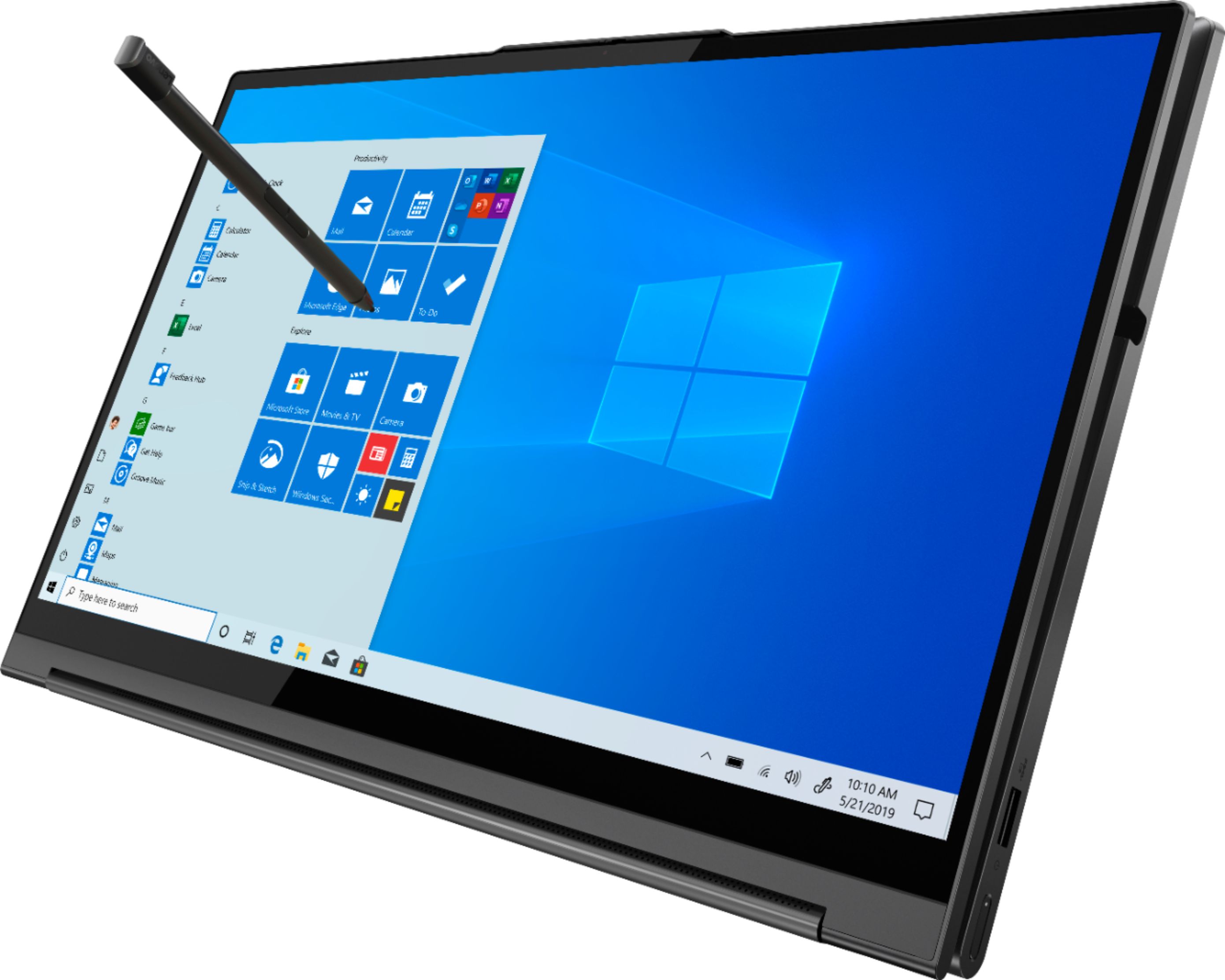

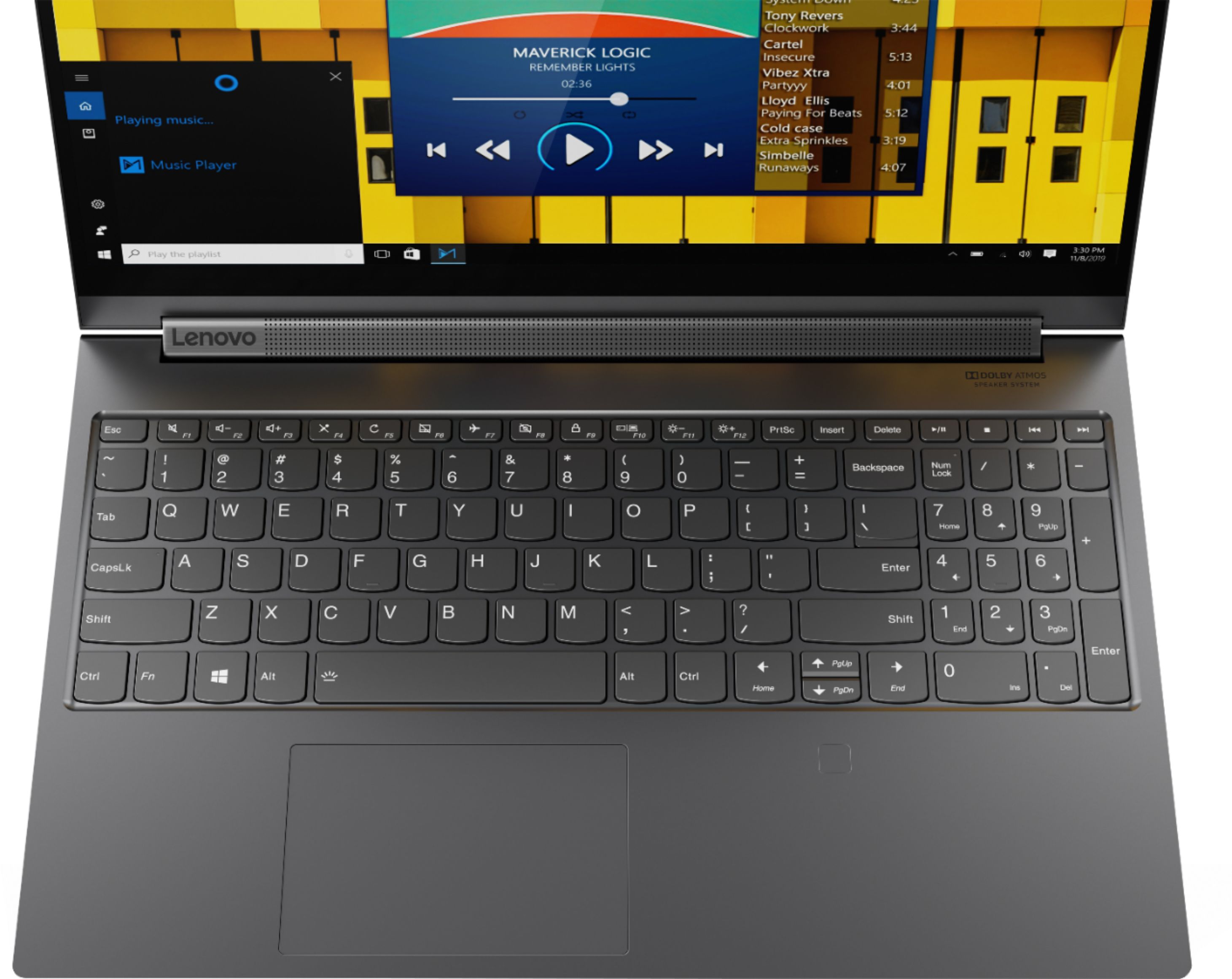
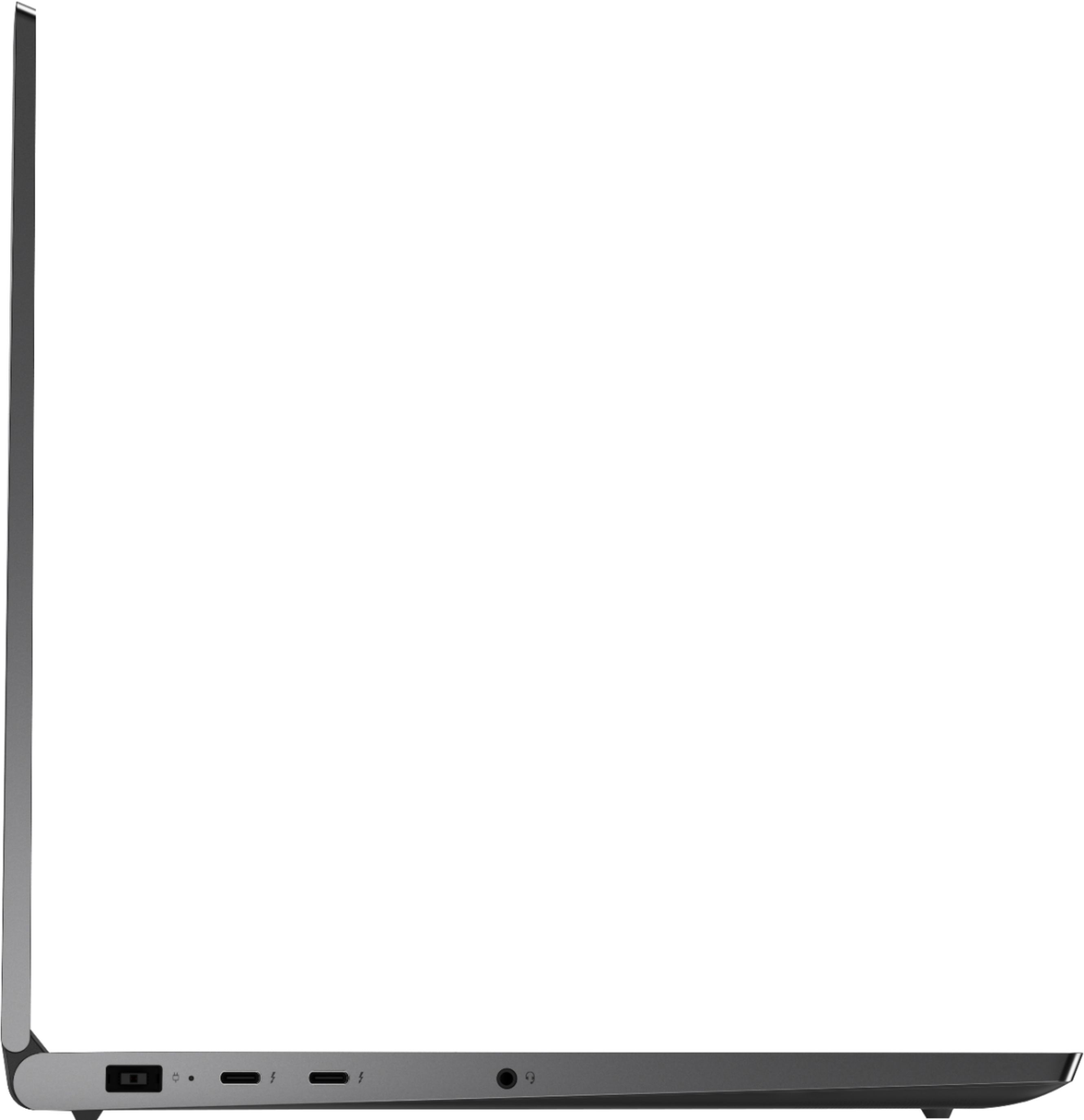






- Model:
- 81TE0000US
- SKU:
- 6367793
Rating by feature
- Battery Life
Rating 3.7 out of 5 stars
- Speed
Rating 4.3 out of 5 stars
- Display
Rating 4.3 out of 5 stars
Customers are saying
Customers consistently note the Yoga C940's powerful performance, excellent build quality, and responsive touch screen. Many users also appreciate its great price, easy-to-use interface, and impressive multitasking capabilities. However, some users have expressed concerns about its short battery life, loud fan noise, and tendency to overheat.
This summary was generated by AI based on customer reviews.
- Cons mentioned:Loud fan
great laptop with nice build quality
||Posted .This reviewer received promo considerations or sweepstakes entry for writing a review.This laptop has great specs but the fan is to loud without any applications running.
I would recommend this to a friendBrand response from Lenovo Product Expert
Posted .Once again, thank you for choosing the Lenovo Yoga C940-15. You can use Lenovo Q-Control to manually control fan performance: ( Fn + Q ) option to change the fan by undervolting the processor. You can also keep your computer running at its best by keeping the Windows 10 Operating System and all supporting BIOS files and drivers up to date. You can easily accomplish this by scanning the computer with the Lenovo Utility software available on this computer. This system has Lenovo utilities installed to help maintain the health of the device and keep the operating system software up to date. Type "Lenovo Vantage" in the Cortana Search window (if Lenovo Vantage is not installed on your device, you can download the APP and install it now). Select Lenovo Vantage from the list. In the window that opens, click on "Health and Support". In the expanded menu, select "Hardware Scan" In the window that opens, select "Run Quick Tests". This will scan your entire system for errors. Follow any directions that may pop up. If the problem continues after this scan, now click on "System Update". First select Windows update from the menu. Scan your system to be sure you have the latest version of Windows 10. Once that scan is complete, select "Additional Updates". This will scan your device to be sure there are no new BIOS/Driver updates needed. Follow any instructions that may pop up. If you ever need additional help with your Lenovo computer, we recommend you call Lenovo Tech Support at: 877-453-6686 for additional help.

Light and Easy
||Posted . Owned for 3 weeks when reviewed.This reviewer received promo considerations or sweepstakes entry for writing a review.We haven't been using the laptop much yet, but I am a computer expert. This machine's specs are very good. Setup via Lenovo was very easy. Also, the warranties Lenovo offers are better and cost less (for more time) than Best Buy's warranties.
I would recommend this to a friendBrand response from Lenovo Product Expert
Posted .Thank you for choosing the Lenovo Yoga C940-15. We are pleased to hear that the Yoga C940-15 meets your computing needs so well. Every component of Yoga C940 was engineered with your experience in mind. That’s why the Yoga C940 offers the brilliant color and clarity with ultra-narrow bezels, with 500 nits brightness, it’s 50-percent brighter than standard SDR displays. You’ll enjoy amazing realism that's vivid, nuanced, and powerful. Capture your ideas the moment inspiration hits with a garaged digital pen. Featuring an in-body charging compartment, the Yoga C940 ensures you’ll never lose a thought—or your digital pen—again. The convertible hinge hides a powerful Dolby Atmos Speaker System that immerses you in 3D sound in every mode. Combined with two sets of speakers featuring powerful subwoofers, custom tweeters, and unique vibration buffers that reduce unwanted noise, your audio will sound bigger, deeper, and more accurate. Experience how the Yoga C940 embodies world-class craftsmanship, innovative solutions, and elevated design. Log into your Yoga C940 in less than two seconds with an integrated fingerprint reader. That’s three times faster than the average time it takes to type a password. Forget your password.
Great PC for beginners!
||Posted . Owned for 3 weeks when reviewed.This reviewer received promo considerations or sweepstakes entry for writing a review.Great PC for me to start exploring employment and educational possibilities.
I would recommend this to a friendBrand response from Lenovo Product Expert
Posted .Every component of Yoga C940 was engineered with your experience in mind. That’s why the Yoga C940 offers the brilliant color and clarity with ultra-narrow bezels, with 500 nits brightness, it’s 50-percent brighter than standard SDR displays. You’ll enjoy amazing realism that's vivid, nuanced, and powerful. Capture your ideas the moment inspiration hits with a garaged digital pen. Featuring an in-body charging compartment, the Yoga C940 ensures you’ll never lose a thought—or your digital pen—again. The convertible hinge hides a powerful Dolby Atmos Speaker System that immerses you in 3D sound in every mode. Combined with two sets of speakers featuring powerful subwoofers, custom tweeters, and unique vibration buffers that reduce unwanted noise, your audio will sound bigger, deeper, and more accurate. Experience how the Yoga C940 embodies world-class craftsmanship, innovative solutions, and elevated design. Log into your Yoga C940 in less than two seconds with an integrated fingerprint reader. That’s three times faster than the average time it takes to type a password. Forget your password.
Love the laptop!
||Posted . Owned for 2 weeks when reviewed.This reviewer received promo considerations or sweepstakes entry for writing a review.Have used Lenovo for work for years. Got a yoga version for my personal. Got it for normal personal use (internet surfing, basic computing and tablet viewing) and occasional Microsoft use. The computer was easy to set up and boots up fast!
I would recommend this to a friendBrand response from Lenovo Product Expert
Posted .Once again, thank you for choosing the Lenovo Yoga C940-15. You can keep your computer running at its best by keeping the Windows 10 Operating System and all supporting BIOS files and drivers up to date. You can easily accomplish this by scanning the computer with the Lenovo Utility software available on this computer. This system has Lenovo utilities installed to help maintain the health of the device and keep the operating system software up to date. Type "Lenovo Vantage" in the Cortana Search window (if Lenovo Vantage is not installed on your device, you can download the APP and install it now). Select Lenovo Vantage from the list. In the window that opens, click on "Health and Support". In the expanded menu, select "Hardware Scan" In the window that opens, select "Run Quick Tests". This will scan your entire system for errors. Follow any directions that may pop up. If the problem continues after this scan, now click on "System Update". First select Windows update from the menu. Scan your system to be sure you have the latest version of Windows 10. Once that scan is complete, select "Additional Updates". This will scan your device to be sure there are no new BIOS/Driver updates needed. Follow any instructions that may pop up. If you ever need additional help with your Lenovo computer, we recommend you call Lenovo Tech Support at: 877-453-6686 for additional help.
Wonderful gaming laptop
||Posted . Owned for 1 month when reviewed.This reviewer received promo considerations or sweepstakes entry for writing a review.I am very happy with this purchase. I bought it to play civilization VI and it runs it well along with the dozens of tabs I have open. I really like the bullet in number pad too I've had it almost a month and would buy again.
I would recommend this to a friendBrand response from Lenovo Product Expert
Posted .Thank you for choosing the Lenovo Yoga C940-15. We are pleased to hear that the performance of the Yoga C940-15 meets your computing needs so well. Every component of Yoga C940 was engineered with your experience in mind. That’s why the Yoga C940 offers the brilliant color and clarity with ultra-narrow bezels, with 500 nits brightness, it’s 50-percent brighter than standard SDR displays. You’ll enjoy amazing realism that's vivid, nuanced, and powerful. Capture your ideas the moment inspiration hits with a garaged digital pen. Featuring an in-body charging compartment, the Yoga C940 ensures you’ll never lose a thought—or your digital pen—again. The convertible hinge hides a powerful Dolby Atmos Speaker System that immerses you in 3D sound in every mode. Combined with two sets of speakers featuring powerful subwoofers, custom tweeters, and unique vibration buffers that reduce unwanted noise, your audio will sound bigger, deeper, and more accurate. Experience how the Yoga C940 embodies world-class craftsmanship, innovative solutions, and elevated design. Log into your Yoga C940 in less than two seconds with an integrated fingerprint reader. That’s three times faster than the average time it takes to type a password. Forget your password. We always recommend you check the requirements and compatibility of any software you will be installing on your new computer, before you invest in any computer. Be sure your new computer can support the software you will need to use.
Nice performace, good price
||Posted . Owned for 9 months when reviewed.This reviewer received promo considerations or sweepstakes entry for writing a review.My son's previous laptop died. He needed something for school and would certainly like solid gaming performance. This laptop not only has very good battery life and portability for school but does darn good at gaming.
I would recommend this to a friendBrand response from Lenovo Product Expert
Posted .Hello. Thanks for choosing the Lenovo Yoga C940 Laptop. We are pleased to hear the features, performance, and design of the Yoga C940 are meeting your computing needs so well!
High speed and easy to use
||Posted .This reviewer received promo considerations or sweepstakes entry for writing a review.I got this computer to use for college and it has done an amazing job. Very quick internet speeds and can handle everything I need it to do. Built in graphics card will help with my design classes in the future as well.
I would recommend this to a friendBrand response from Lenovo Product Expert
Posted .Thank you for choosing the Lenovo Yoga C940-15. We are pleased to hear that the performance of the Yoga C940-15 meets your computing needs so well. Every component of Yoga C940 was engineered with your experience in mind. That’s why the Yoga C940 offers the brilliant color and clarity with ultra-narrow bezels, with 500 nits brightness, it’s 50-percent brighter than standard SDR displays. You’ll enjoy amazing realism that's vivid, nuanced, and powerful. Capture your ideas the moment inspiration hits with a garaged digital pen. Featuring an in-body charging compartment, the Yoga C940 ensures you’ll never lose a thought—or your digital pen—again. The convertible hinge hides a powerful Dolby Atmos Speaker System that immerses you in 3D sound in every mode. Combined with two sets of speakers featuring powerful subwoofers, custom tweeters, and unique vibration buffers that reduce unwanted noise, your audio will sound bigger, deeper, and more accurate. Experience how the Yoga C940 embodies world-class craftsmanship, innovative solutions, and elevated design. Log into your Yoga C940 in less than two seconds with an integrated fingerprint reader. That’s three times faster than the average time it takes to type a password. Forget your password.
Lenovo review
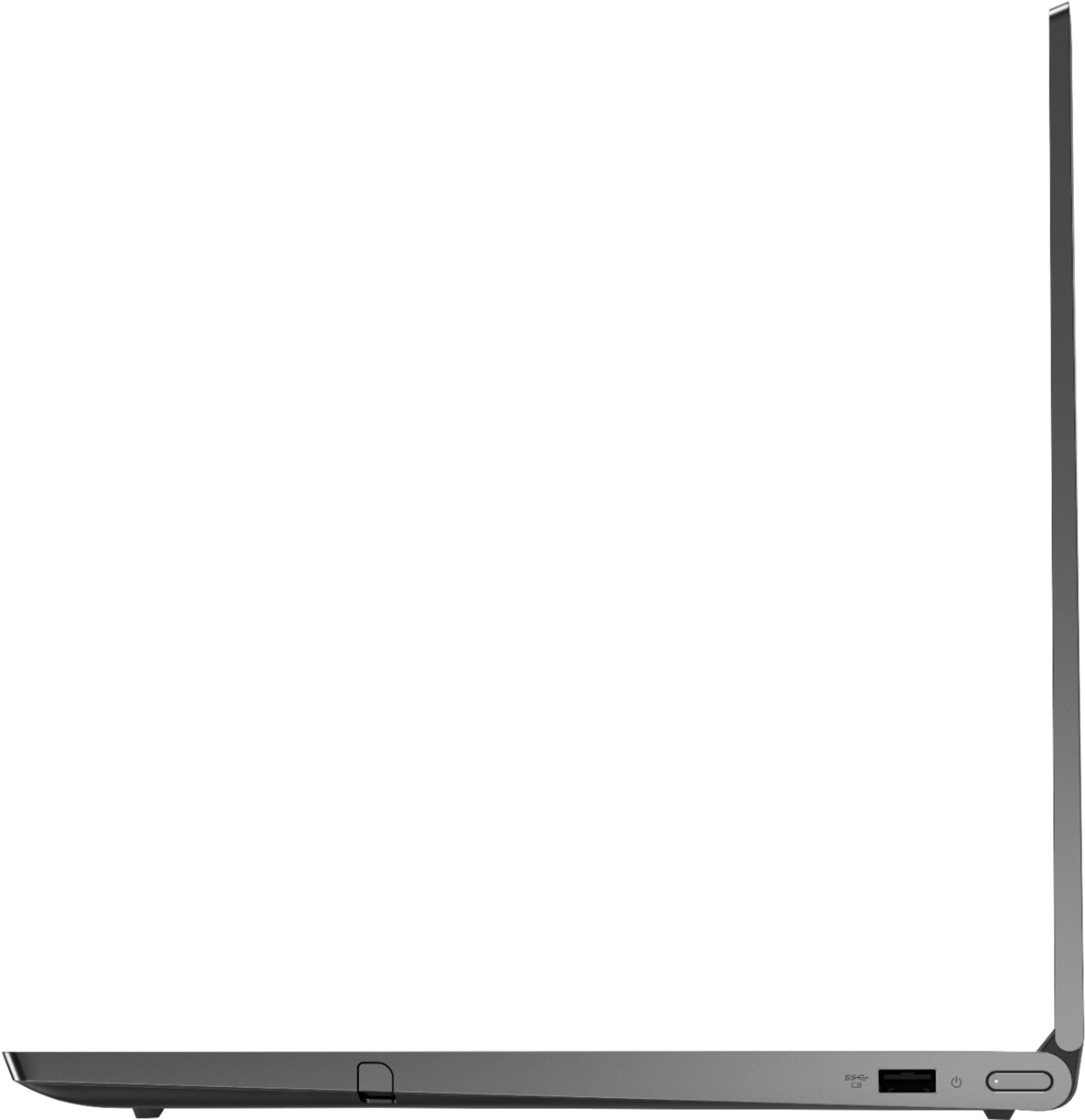
||Posted . Owned for 1 month when reviewed.This reviewer received promo considerations or sweepstakes entry for writing a review.It works great overall by not happy about having only 1 USB port when I need to plug in multiple things.
I would recommend this to a friendBrand response from Lenovo Product Expert
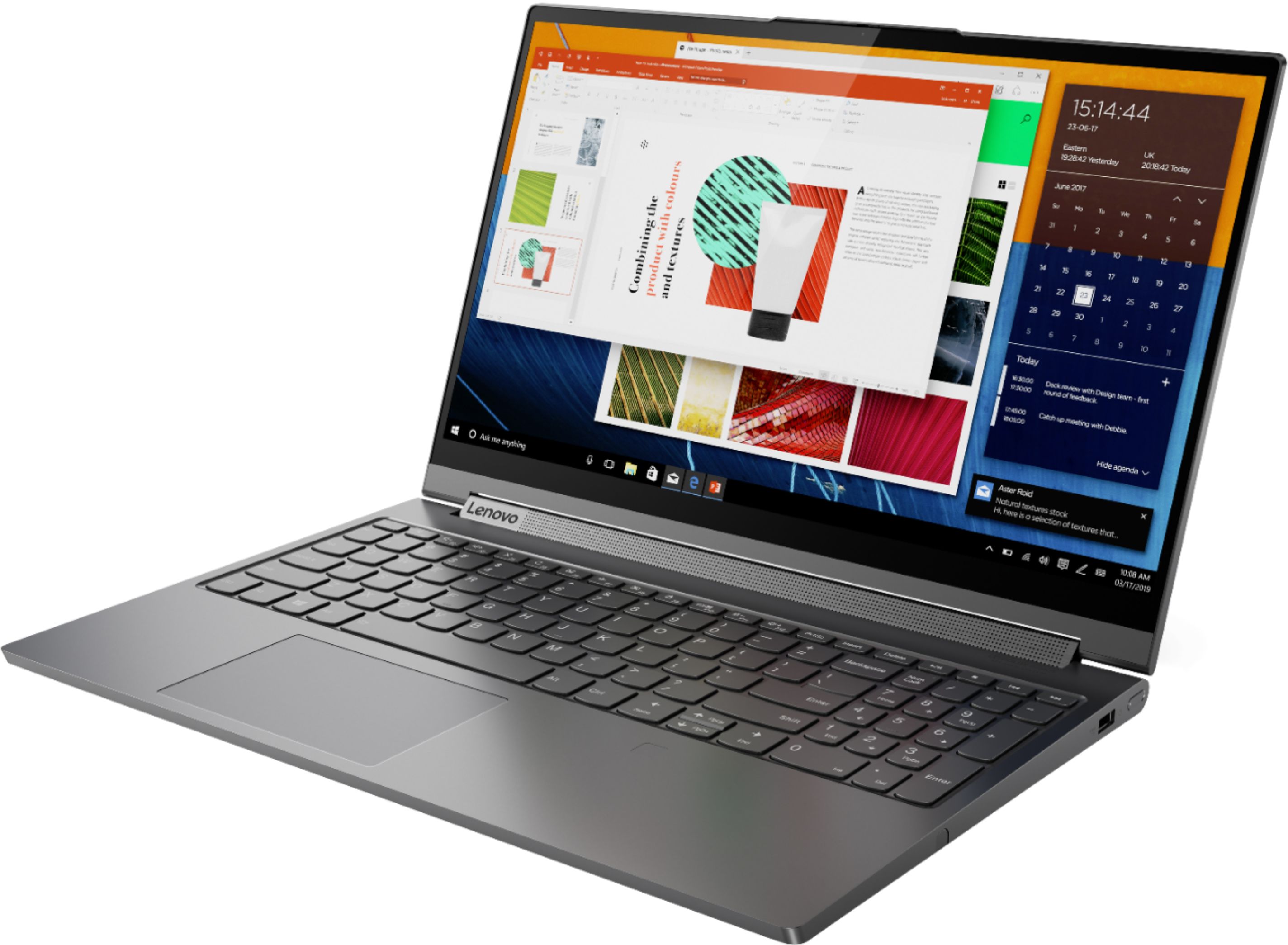
Posted .Thank you for choosing the Lenovo Yoga C940-15. This configuration is an ultra portable, 2 in 1 system. It delivers high performance computing power in a light-weight 2 in 1 format, for on the go computing. If you need more standard USB ports for the Yoga C940-15, you might want to consider using a portable USB Hub with the Yoga C940-15 like this one: https://www.bestbuy.com/site/insignia-4-port-usb-3-0-hub-black/4333600.p?skuId=4333600
Good 2 in 1
||Posted . Owned for 3 weeks when reviewed.This reviewer received promo considerations or sweepstakes entry for writing a review.I haven't used it all that much and this may be overkill for my needs. But at some point I'll start video editing which is why I purchased to begin with. It's pretty solid and I love the finger print login. Well done!
I would recommend this to a friendBrand response from Lenovo Product Expert
Posted .Thank you for choosing the Lenovo Yoga C940-15. We are pleased to hear that the features and performance of the Yoga C940-15 meets your computing needs so well.
Well equiped.
||Posted . Owned for 3 weeks when reviewed.This reviewer received promo considerations or sweepstakes entry for writing a review.Strong performer . Nvidia gtx1650 512 SSD 16G memory Intel i7 I prefer the larger 15.6 screen vs 14, which seems not that much larger than tablets anymore. Since I don't travel with it the little extra weight is not a problem.
I would recommend this to a friendBrand response from Lenovo Product Expert
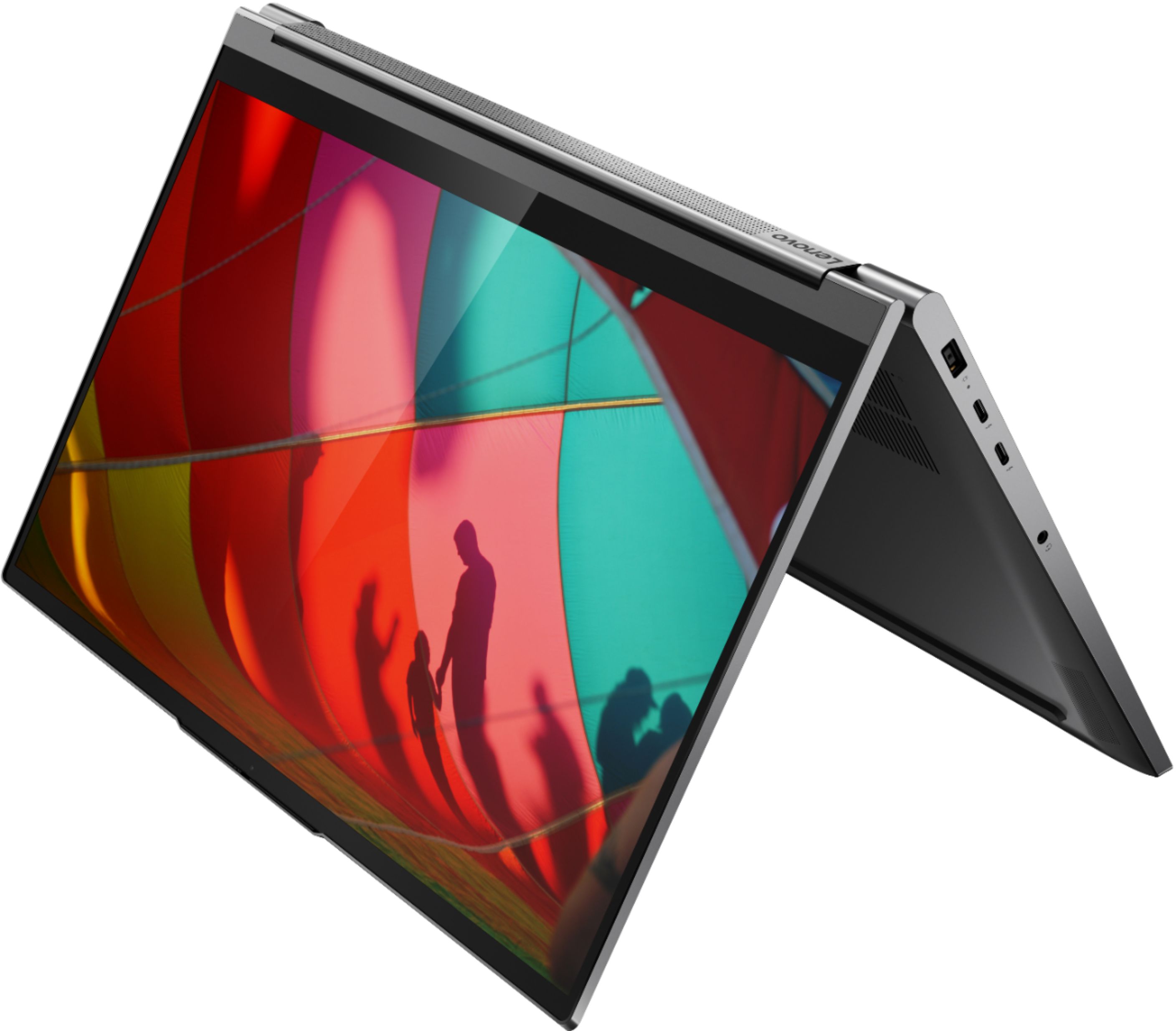
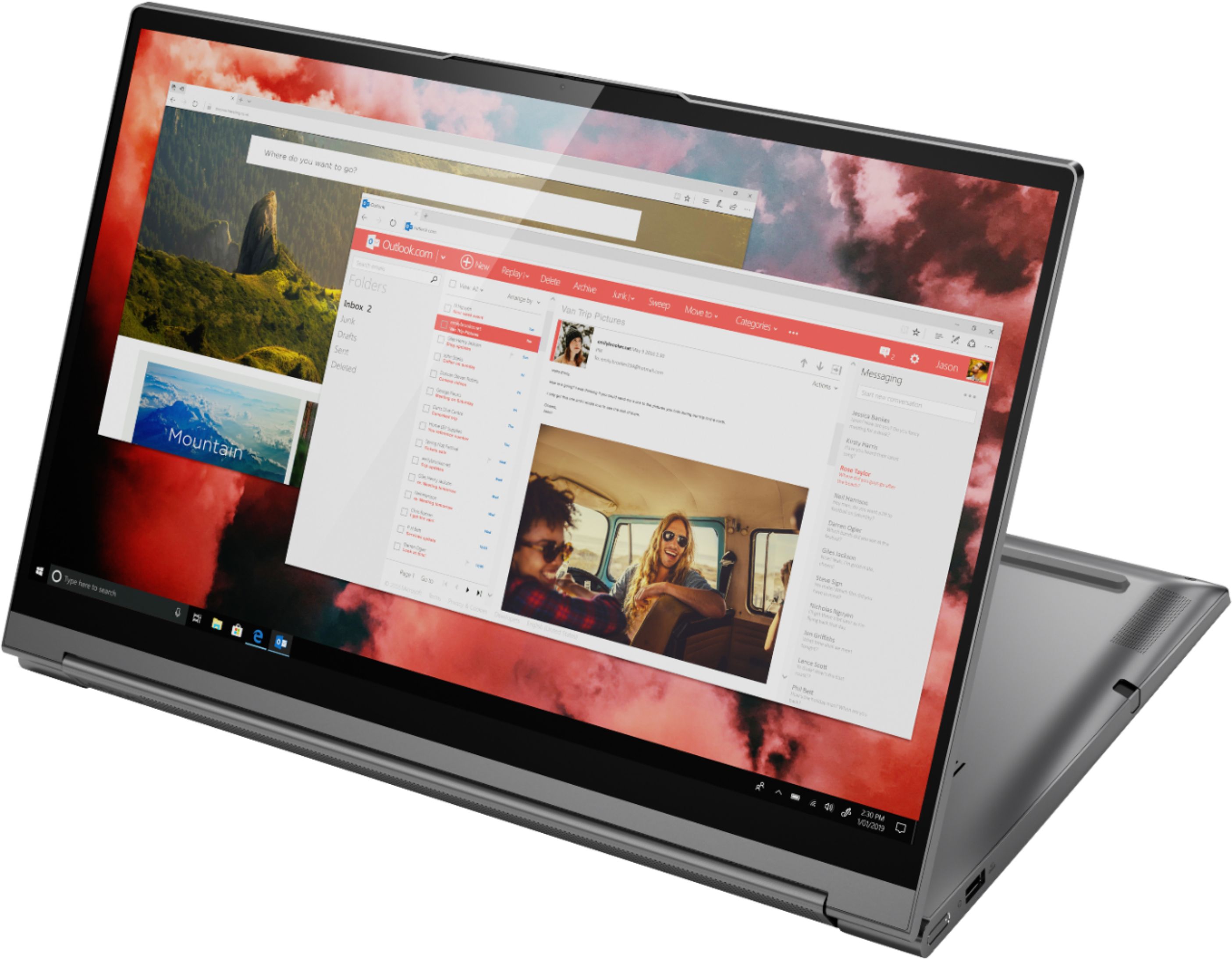
Posted .Thank you for choosing the Lenovo Yoga C940-15, model number 81TE0000US. This model ship with a full size, 15.6-inch screen (screen size measured diagonally), but only measures a total of 13.98 x 9.39 x 0.78 inches. Every component of Yoga C940 was engineered with your experience in mind. That’s why the Yoga C940 offers the brilliant color and clarity with ultra-narrow bezels, with 500 nits brightness, it’s 50-percent brighter than standard SDR displays. You’ll enjoy amazing realism that's vivid, nuanced, and powerful. Capture your ideas the moment inspiration hits with a garaged digital pen. Featuring an in-body charging compartment, the Yoga C940 ensures you’ll never lose a thought—or your digital pen—again. The convertible hinge hides a powerful Dolby Atmos Speaker System that immerses you in 3D sound in every mode. Combined with two sets of speakers featuring powerful subwoofers, custom tweeters, and unique vibration buffers that reduce unwanted noise, your audio will sound bigger, deeper, and more accurate. Experience how the Yoga C940 embodies world-class craftsmanship, innovative solutions, and elevated design. Log into your Yoga C940 in less than two seconds with an integrated fingerprint reader. That’s three times faster than the average time it takes to type a password. Forget your password.
- Cons mentioned:Loud fan
The worst
||Posted . Owned for 2 months when reviewed.This reviewer received promo considerations or sweepstakes entry for writing a review.the worst machine ever, the most expensive the I ever bought and I'm so unhappy with it. very loud fan, even when there is software running, very weak WiFi and Lenovo customer service is the worst. I don't recommend buying this laptop at all. it looks attractive but its efficiency is really bad. is not worth the money at all.
No, I would not recommend this to a friendBrand response from Lenovo Product Expert
Posted .We are sorry to hear that you are having issues with your Lenovo Yoga C940-15. Be sure any software you installed is compatible with Windows 10. There is no need to install Microsoft Office software. The software is already part of the operating system, you just need to activate the software with a purchased product key. If you have installed a copy of Microsoft Office, this is conflicting with the existing copy on the system and this will slow your system down. If you have installed a 3rd party anti-virus program, be sure that Windows Defender is turned off and that the trial version of McAfee Anti-Virus software is uninstalled. There can only be one anti-virus program on the system. You may need to restore your system to original factory default settings if any of the programming errors have occurred. You can do that by typing "restore" in the Cortana search window. Just click on the magnifying glass icon at the bottom left of your Windows 10 Desktop. Click on "Reset This PC" Then click on "Get Started" and follow the on screen directions to restore to factory defaults. If the problem persists, we recommend you contact Lenovo Tech Support at: 877-453-6686.
The best laptop in the market
||Posted . Owned for 1 month when reviewed.This reviewer received promo considerations or sweepstakes entry for writing a review.This is one of the fastest laptops in the market, the size of the screen is huge and works great. In addition to everything, there is a numeric keyboard attached. The mouse is something great A state of the Art machine.
I would recommend this to a friendBrand response from Lenovo Product Expert
Posted .Once again, thank you for choosing the Lenovo Yoga C940-15. You can keep your computer running at its best by keeping the Windows 10 Operating System and all supporting BIOS files and drivers up to date. You can easily accomplish this by scanning the computer with the Lenovo Utility software available on this computer. This system has Lenovo utilities installed to help maintain the health of the device and keep the operating system software up to date. Type "Lenovo Vantage" in the Cortana Search window (if Lenovo Vantage is not installed on your device, you can download the APP and install it now). Select Lenovo Vantage from the list. In the window that opens, click on "Health and Support". In the expanded menu, select "Hardware Scan" In the window that opens, select "Run Quick Tests". This will scan your entire system for errors. Follow any directions that may pop up. If the problem continues after this scan, now click on "System Update". First select Windows update from the menu. Scan your system to be sure you have the latest version of Windows 10. Once that scan is complete, select "Additional Updates". This will scan your device to be sure there are no new BIOS/Driver updates needed. Follow any instructions that may pop up. If you ever need additional help with your Lenovo computer, we recommend you call Lenovo Tech Support at: 877-453-6686 for additional help.
New equipment yeah
||Posted . Owned for 1 month when reviewed.This reviewer received promo considerations or sweepstakes entry for writing a review.So far I like it. Too new to tell all. Would like you to come up with a device that would enable moving pics and videos from apple I phone onto the computer more successfully. Find a way to make it compatible
I would recommend this to a friendgood deal as an open box
||Posted . Owned for 10 months when reviewed.This reviewer received promo considerations or sweepstakes entry for writing a review.heavily discounted open box. did not have stylus but orderable online.
I would recommend this to a friendLove it.
||Posted . Owned for 1 year when reviewed.This reviewer received promo considerations or sweepstakes entry for writing a review.I love this laptop it looks great and feels great. The only thing that I don't like about this laptop is the fact that I can't upgrade the ram on it. Besides that great laptop. No regrets!
I would recommend this to a friendGood laptop but a bit too expensive
||Posted . Owned for 1 month when reviewed.This reviewer received promo considerations or sweepstakes entry for writing a review.Bought this for my grandson for high school. It’s a great laptop but it was a bit pricey!
I would recommend this to a friendLenovo C940 15.6”
||Posted . Owned for 1 month when reviewed.This reviewer received promo considerations or sweepstakes entry for writing a review.Solidly built, open and run multiple programs at once. Screen size is great for drawing and watching shows. Impressive laptop at a great price.
I would recommend this to a friendgood laptop.
||Posted . Owned for 1 month when reviewed.This reviewer received promo considerations or sweepstakes entry for writing a review.Good laptop overpriced at Best buy, went to Lenovo and paid 30% less for the same unit.
I would recommend this to a friendGreat travel clmputer
||Posted . Owned for 3 weeks when reviewed.This reviewer received promo considerations or sweepstakes entry for writing a review.Light, quick and does everything needed. The stylus is an added bonus for taking notes.
I would recommend this to a friendBrand response from Lenovo Product Expert
Posted .Thank you for choosing the Lenovo Yoga C940-15. Every component of Yoga C940 was engineered with your experience in mind. That’s why the Yoga C940 offers the brilliant color and clarity with ultra-narrow bezels, with 500 nits brightness, it’s 50-percent brighter than standard SDR displays. You’ll enjoy amazing realism that's vivid, nuanced, and powerful. Capture your ideas the moment inspiration hits with a garaged digital pen. Featuring an in-body charging compartment, the Yoga C940 ensures you’ll never lose a thought—or your digital pen—again. The convertible hinge hides a powerful Dolby Atmos Speaker System that immerses you in 3D sound in every mode. Combined with two sets of speakers featuring powerful subwoofers, custom tweeters, and unique vibration buffers that reduce unwanted noise, your audio will sound bigger, deeper, and more accurate. Experience how the Yoga C940 embodies world-class craftsmanship, innovative solutions, and elevated design. Log into your Yoga C940 in less than two seconds with an integrated fingerprint reader. That’s three times faster than the average time it takes to type a password. Forget your password.
thermal issue
||Posted . Owned for less than 1 week when reviewed.This reviewer received promo considerations or sweepstakes entry for writing a review.The product is a solid build and best quality machine, however, it comes with a fatal flaw. apparently 9750h is too much for this chassis. The fan ramps us very easily despite not doing anything and become a jet engine under load. I think lenovo need to either provide options for adjusting fan curve, CPU voltage, etc. or push bios update for more aggressive CPU and fan profile. I`m sorry but this laptop goes back to bestbuy.
No, I would not recommend this to a friendBrand response from Lenovo Product Expert
Posted .The Lenovo C940-15 ships with Intelligent Cooling software that allows the cooling fan to adjust to the workload the system is currently supporting. The cooling system within the Yoga C940-15 is customized to maintain the proper operating temperature of the Yoga C940-15. If you feel your Yoga C940-15 is running too hot, we recommend you have your local Best Buy Geek Squad check the device to assure proper operation. You can call Lenovo Tech Support if you have additional questions at: 877-453-6686.