Customer Ratings & Reviews
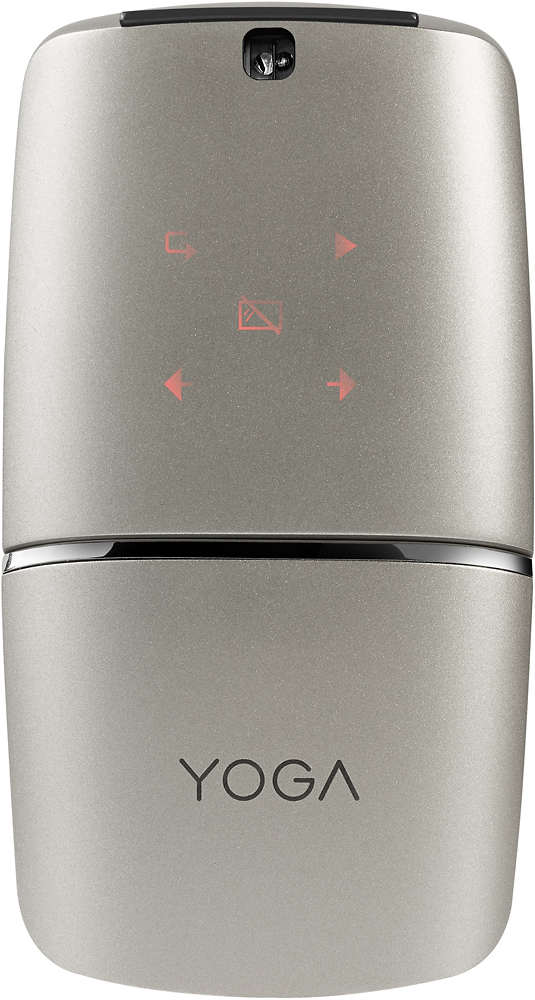
- Model:
- YOGA MOUSE-SILVER - GX30K69568
- SKU:
- 5624468
Rating by feature
- Value
Rating 4.1 out of 5 stars
- Quality
Rating 4.4 out of 5 stars
- Ease of Use
Rating 4.3 out of 5 stars
Customers are saying
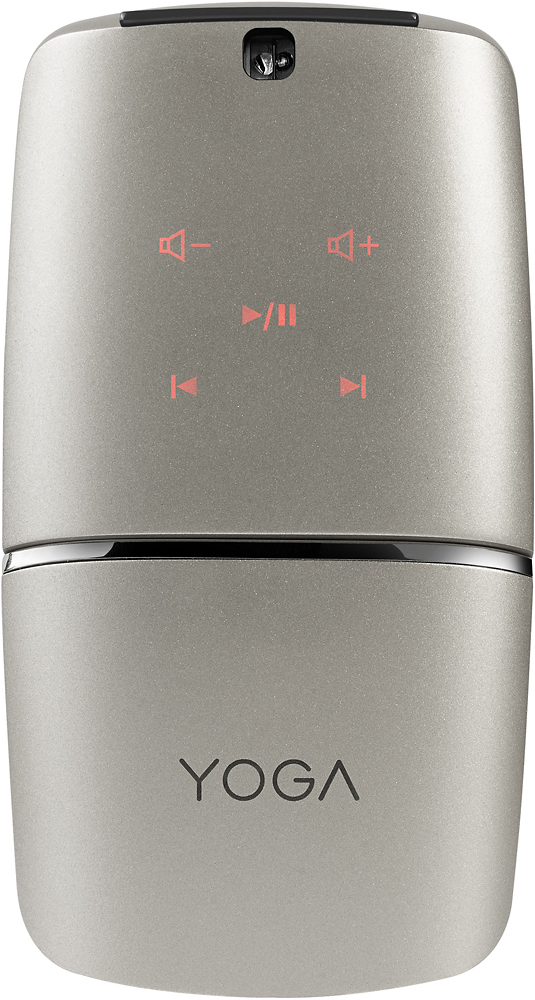
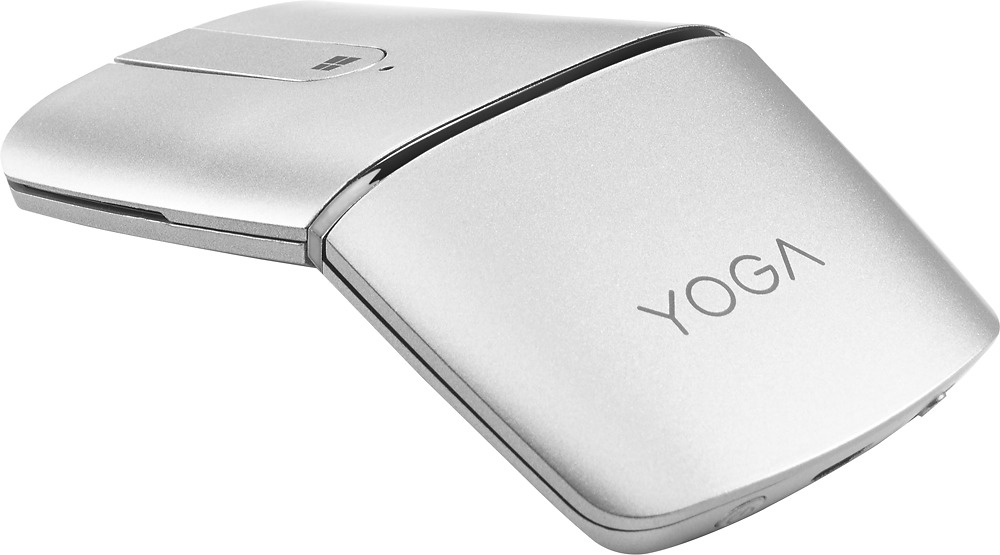
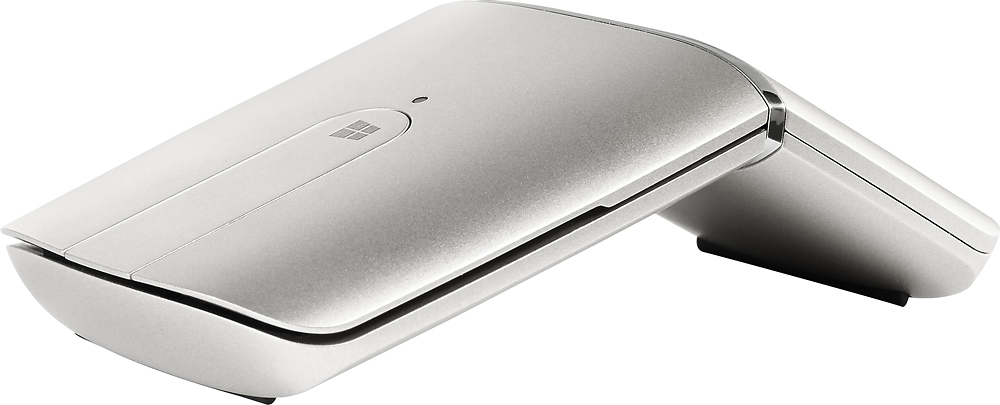
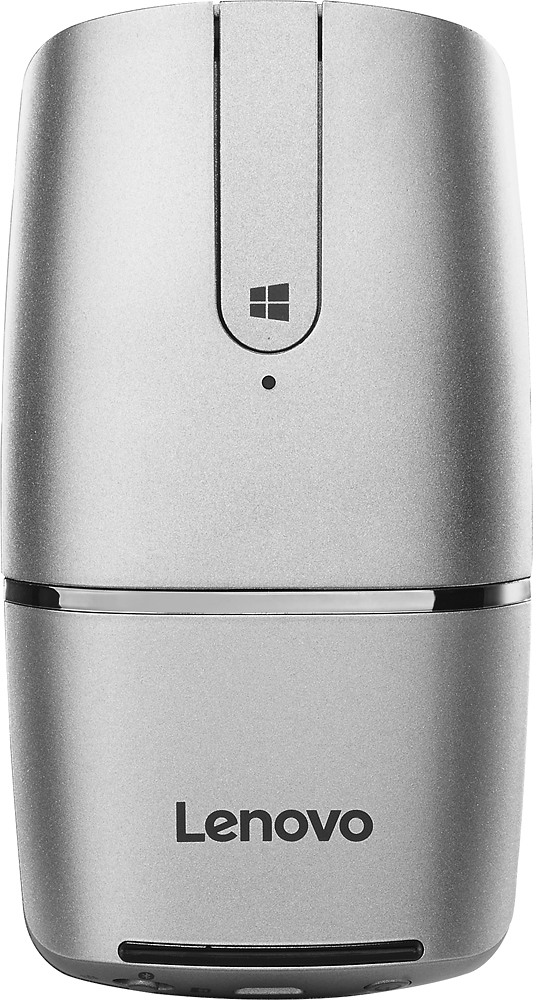
Customers have good things to say about the YOGA Wireless Optical Mouse's ease of use, Bluetooth connectivity, and excellent battery life. Many appreciate its design, size, and lightweight nature, with some also highlighting its foldable design and functionality as a remote control. However, some customers expressed concerns about the scroll wheel's smoothness and the price point. A few also mentioned connection issues and the mouse's feel.
This summary was generated by AI based on customer reviews.
- Pros mentioned:Battery life, Design
Sick mouse
||Posted .This reviewer received promo considerations or sweepstakes entry for writing a review.This mouse is very straight forward and doesn’t drain the battery, it’s bluetooth or wireless USB and it’s very sleek
I would recommend this to a friend - Pros mentioned:Design, Portable
this is the best mouse i have owned
||Posted .This reviewer received promo considerations or sweepstakes entry for writing a review.very ergonomic, battery is good and i love that i can use it for presentations. Easy to carry around while traveling
I would recommend this to a friendBrand response from Lenovo Product Expert
Posted .Thank you for choosing the Lenovo YOGA mouse. We are pleased to hear that the YOGA mouse is working out so well for you.

Smooth and Steady
||Posted .This reviewer received promo considerations or sweepstakes entry for writing a review.I use the Lenovo Yoga Wireless Optical Mouse for photo editing on my laptop and I find it extremely easy to use as it is very easy to move and it remains steady which is necessary when outlining and drawing.
I would recommend this to a friend- Pros mentioned:Design
Very modern looking, comfortable, scrolling not so
||Posted .This reviewer received promo considerations or sweepstakes entry for writing a review.The mouse is very chic and feels comfortable to use. The buttons are very responsive, the connection via bluetooth excellent, and long lasting battery. The scrolling is not as responsive unfortunately and the finger touch functionality makes scrolling jumpy and at times not at all. Overall for usage as just a mouse, very good. If you use scrolling functionality, I would look for something else.
I would recommend this to a friend - Pros mentioned:Battery life, ComfortableCons mentioned:Defective
The Mouse
||Posted .This reviewer received promo considerations or sweepstakes entry for writing a review.Like the feel and weight. Holds a charge okay and easy to use. Unfortunately. The back cover that holds the usb device inside will not stay closed after only 6 weeks of light use. Not sure the issue but its going back tomorrow.
No, I would not recommend this to a friend - Pros mentioned:Design
Great for travel, but not without issues
||Posted .This reviewer received promo considerations or sweepstakes entry for writing a review.I love the "folding" gimmick. This is by far the best travel mouse I have owned. But, Bluetooth devices on Windows continue to be flaky (even my Lenovo Yoga laptop with Win 10 cannot maintain a reliable Bluetooth connection with the mouse). And I find it is overly sensitive compared to the touchpads and other mice I have. Even with those issues, I love this little guy.
I would recommend this to a friendBrand response from Lenovo Product Expert
Posted .Thank you for choosing the Lenovo Yoga wireless mouse. With regard adjusting the mouse sensitivity, you can make adjustments to the mouse in your system settings. You can get there by clicking on the magnifying glass at the bottom left of your Windows 10 screen. Type "mouse" in the search window. Select "Mouse & touchpad settings" from the list of choices. You can make general adjustments to the touchpad there. You can also select "Additional mouse options" for more detailed adjustments to the mouse sensitivity by increasing the delay of the mouse. If the Bluetooth connection is not working for you, you can plug in the USB wireless receiver into the computer and use wireless connectivity via the USB receiver.
- Pros mentioned:Portable
Great 'yoga' mouse
||Posted .This reviewer received promo considerations or sweepstakes entry for writing a review.I'm a public speaker and I travel a lot, so this is a great mouse as far as portability. I don't need to carry additional batteries. The Bluetooth connects as soon as I turn on my laptop; then I can use it as a mouse and/or to drive my powerpoint slides or to control my media (i.e. audio). The downside is that it takes a while to get used to the scroll mouse; since there is no scroll wheel as such. Otherwise a thumbs up for me.
I would recommend this to a friendBrand response from Lenovo Product Expert
Posted .Thank you for choosing the Lenovo YOGA mouse. We are pleased to hear that the features and performance of the YOGA mouse meets your needs so well.
- Cons mentioned:Laser pointer
Good upgrade
||Posted .This reviewer received promo considerations or sweepstakes entry for writing a review.I got this mouse as an upgrade to the N700. I do miss the laser pointer of the N700, but the tendency to use screens instead of projectors makes a laser pointer impractical. The new mouse is also nice since is is thinner and now has a battery that can be recharged via micro USB. All in all, a good upgrade. I have to say I got tired of waiting for an arc touch 2 from Microsoft. At least Lenovo listens to its customers.
I would recommend this to a friend Performs as advertised
||Posted .This reviewer received promo considerations or sweepstakes entry for writing a review.Fan of Lenovo products and wanted to give this mouse a try. So far, it performs well. And it works as well or better than similar products.
I would recommend this to a friend- Pros mentioned:Portable
Folds flat for easy storage
||Posted .This reviewer received promo considerations or sweepstakes entry for writing a review.Love how this folds flat and then by turning it horizontally it turns into a mouse. Just wish it was a little bigger as I have small hands and I couldn't imagine how it would fit with bigger hands.
I would recommend this to a friend - Pros mentioned:Battery life, Comfortable
Great mouse/presenter
||Posted . Owned for 3 weeks when reviewed.This reviewer received promo considerations or sweepstakes entry for writing a review.This mouse is comfortable and easy to use and has a great battery life.
I would recommend this to a friend - Pros mentioned:Portable
Fantastic Mouse
||Posted .This reviewer received promo considerations or sweepstakes entry for writing a review.Great wireless mouse--light weight, portable, highly responsive, PPT controller
I would recommend this to a friend - Pros mentioned:Portable
Great mouse and presentation remote
||Posted .This reviewer received promo considerations or sweepstakes entry for writing a review.Purchase this for my father and he likes it. It is a great mouse for portablility, although for extended use it is not the most comfortable mouse. It doesnt have anywhere to put your thumb on the mouse since it is so thin
I would recommend this to a friend - Pros mentioned:Design
cool design, not great usability
||Posted .This reviewer received promo considerations or sweepstakes entry for writing a review.The design of this mouse is very appealing, but it doesn't track that well on hard surfaces, and doesn't point with the accuracy I require for my laptop work. Wouldn't recommend for any kind of detailed work like design or music notation.
No, I would not recommend this to a friendBrand response from Lenovo Product Expert
Posted .With regard to the sensitivity of the mouse, you can make adjustments to the mouse in your system settings. You can get there by clicking on the magnifying glass at the bottom left of your Windows 10 screen. Type "mouse" in the search window. Select "Mouse & touchpad settings" from the list of choices. You can make general adjustments to the touchpad there. You can also select "Additional mouse options" for more detailed adjustments to the touchpad sensitivity by increasing the delay of the mouse.
- Pros mentioned:Design, Portable
Great feel to this mouse
||Posted .This reviewer received promo considerations or sweepstakes entry for writing a review.Sleek...multifuntional everyone who tries it wants one
I would recommend this to a friendBrand response from Lenovo Product Expert
Posted .Thank you for choosing the Lenovo YOGA Wireless Optical Mouse. We are pleased to hear that the YOGA mouse is working out so well for you.
- Pros mentioned:Portable
Works great
||Posted .This reviewer received promo considerations or sweepstakes entry for writing a review.Needed a wireless mouse that would work with a security system in Froopyland. This mouse is super handy and works flawlessly through two walls and across a room. Also love that it can be folded and stored easily. If you're using this for its actual intended use (i.e. with a computer), I doubt you'll be disappointed.
I would recommend this to a friend - Pros mentioned:Portable
Lenovo Mouse for my HP
||Posted .This reviewer received promo considerations or sweepstakes entry for writing a review.The Lenovo mouse works well. It connects right away. The mouse is accurate and what I love is that it folds flat. I have used the remote feature too and it works well. The price was a little high but when I think of all it does, I think it was worth it.
I would recommend this to a friendBrand response from Lenovo Product Expert
Posted .Thank you for choosing the Lenovo YOGA mouse. We are pleased to hear that the YOGA mouse is working out so well for you.
- Cons mentioned:Price
Awesome
||Posted .This reviewer received promo considerations or sweepstakes entry for writing a review.Don't know that I would pay $70-$80 for a mouse but it was on sale for $40.00 and I had $10 in certificates. It is a very nice mouse with a lot of awesome features. Works on every surface I have used it on. Paired easily with my Lenovo Yoga laptop.
I would recommend this to a friend - Pros mentioned:Battery life
Slim, lightweight profile, EXCELLENT battery life
||Posted .This reviewer received promo considerations or sweepstakes entry for writing a review.I have enjoyed angled and curved computer mice for 5 years or so, and now a USB charged one makes life even better. Using it as a remote control for presentations is effortless, and my first full charge lasted a month. Well worth 40.00 dollars
I would recommend this to a friend - Pros mentioned:Design
The best wireless mouse ever.
||Posted .This reviewer received promo considerations or sweepstakes entry for writing a review.I have the lenovo all in one computer and the mouse that came with it isn't bad but I was shopping for a better one. I came across the yoga mouse and read about it, I had a problem with my first one it kept saying technical problem, so I bought it back to best buy and exchanged it. I absolutely love it.
I would recommend this to a friend