Customer Ratings & Reviews
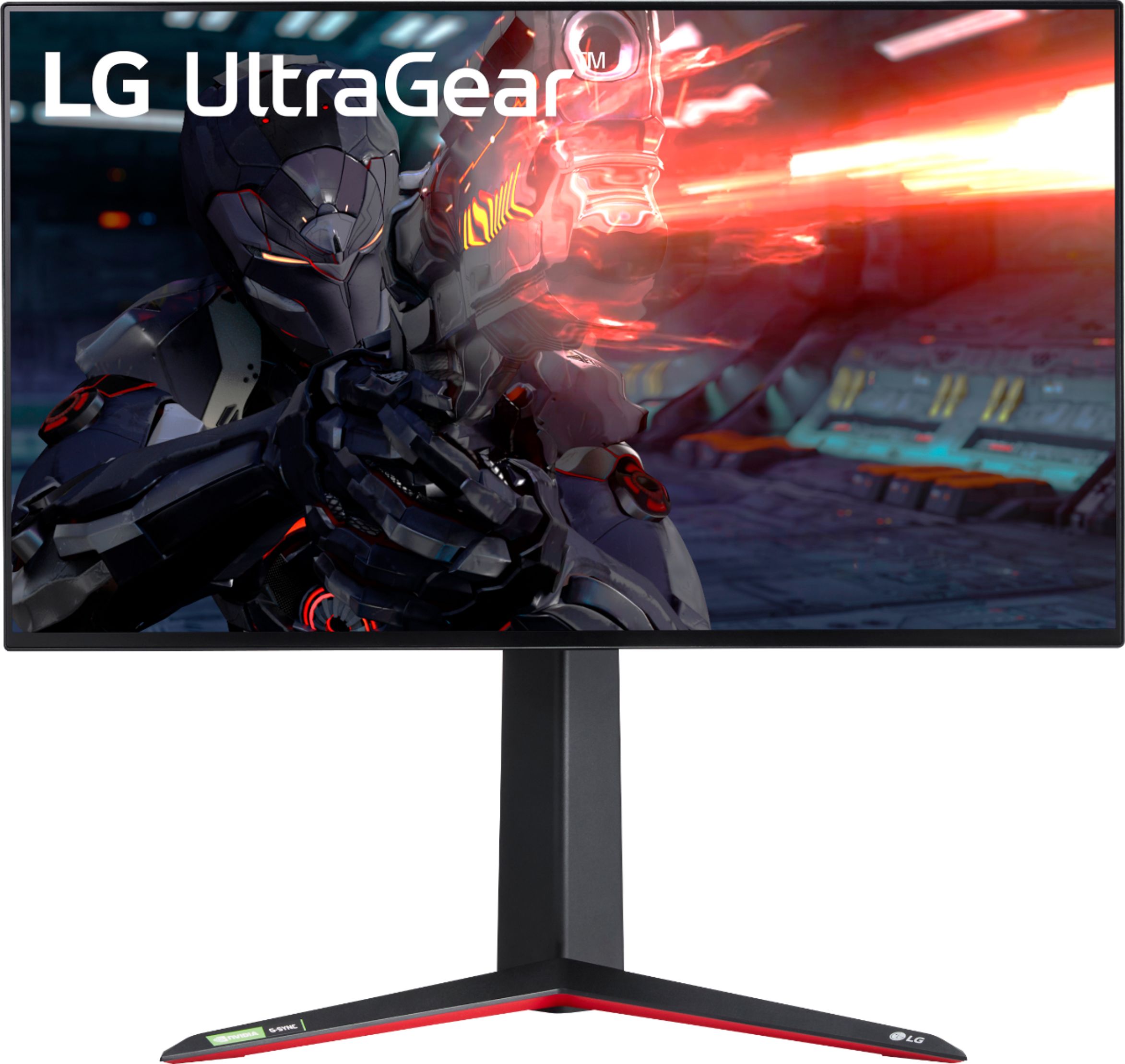
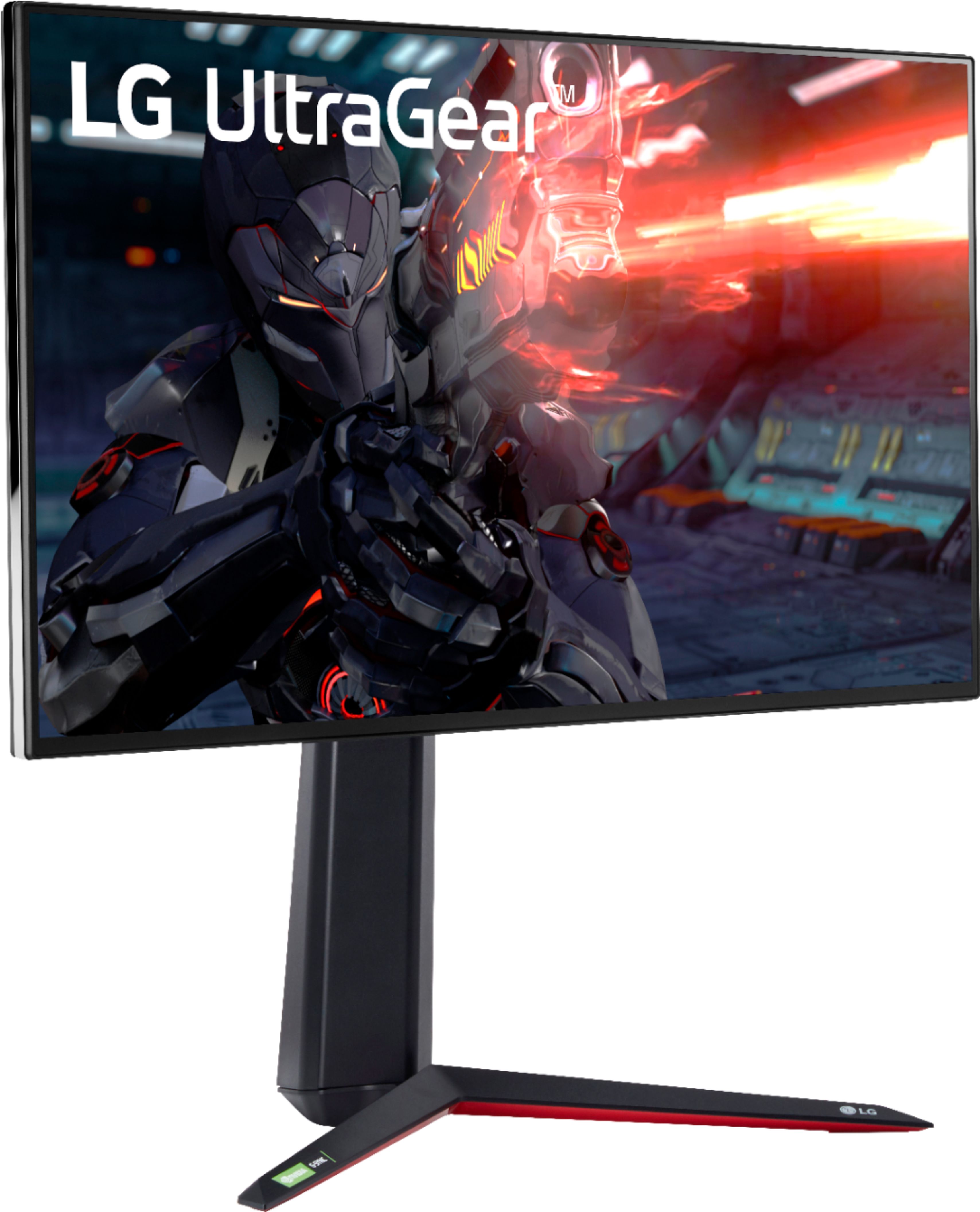
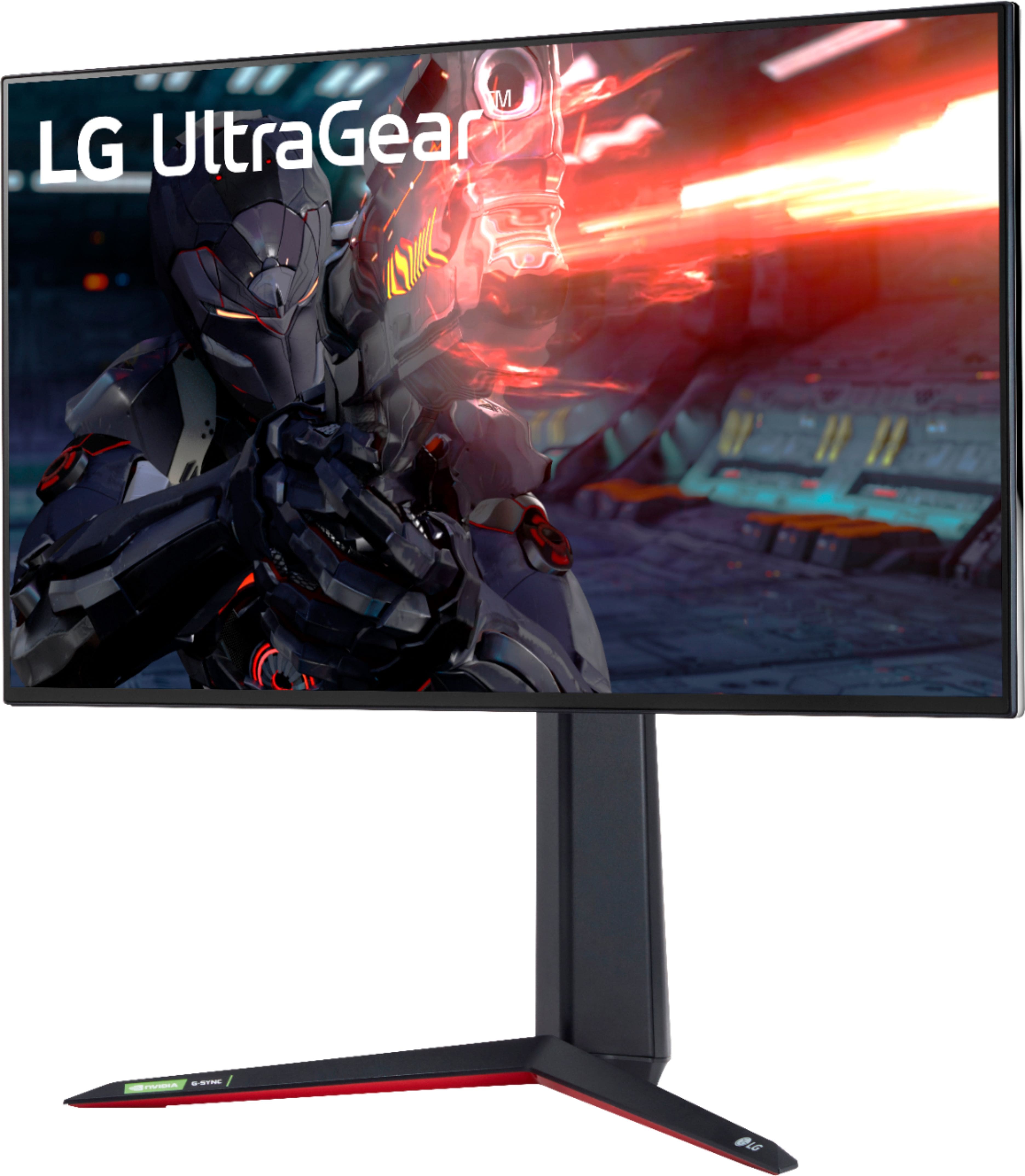
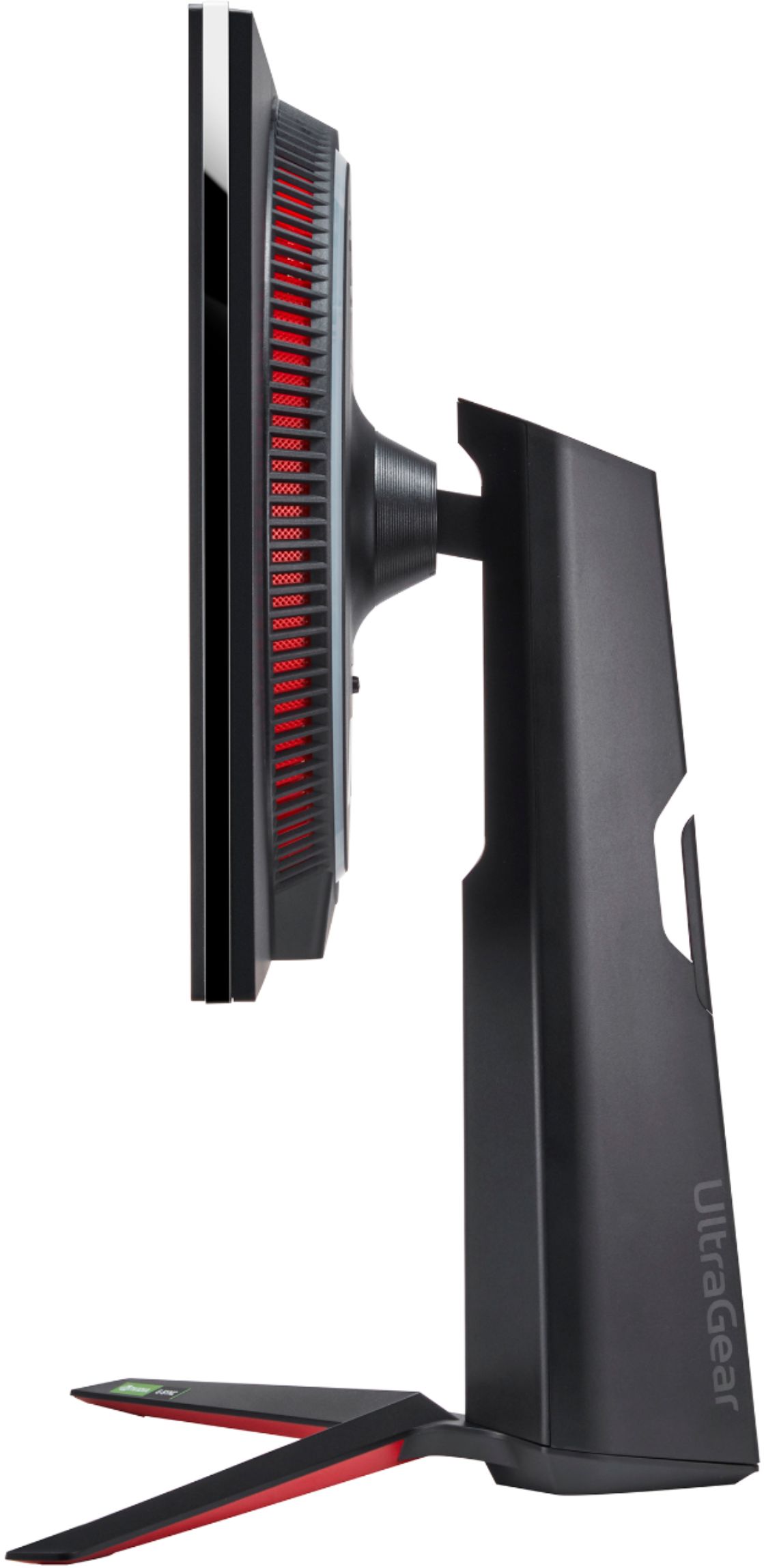
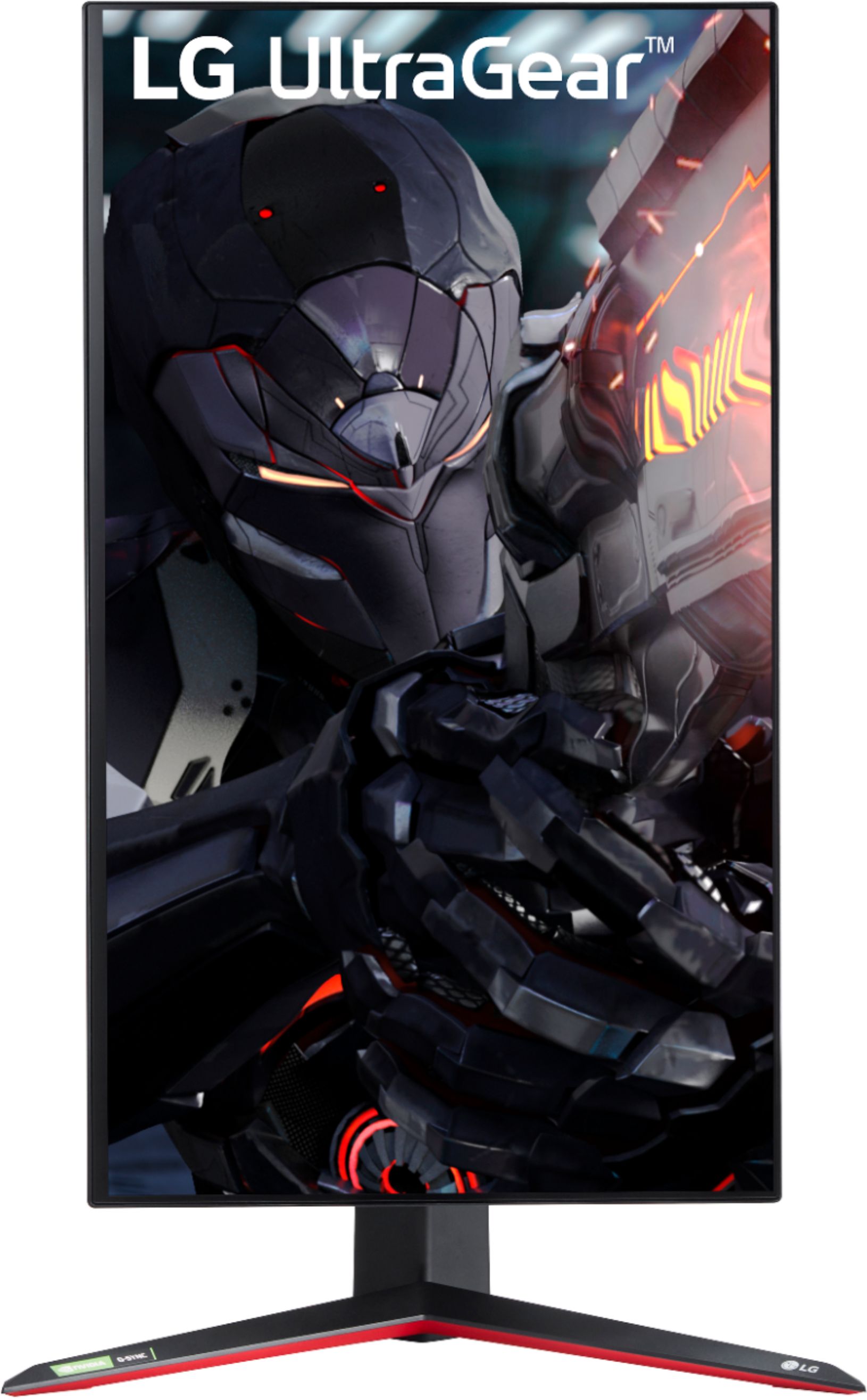
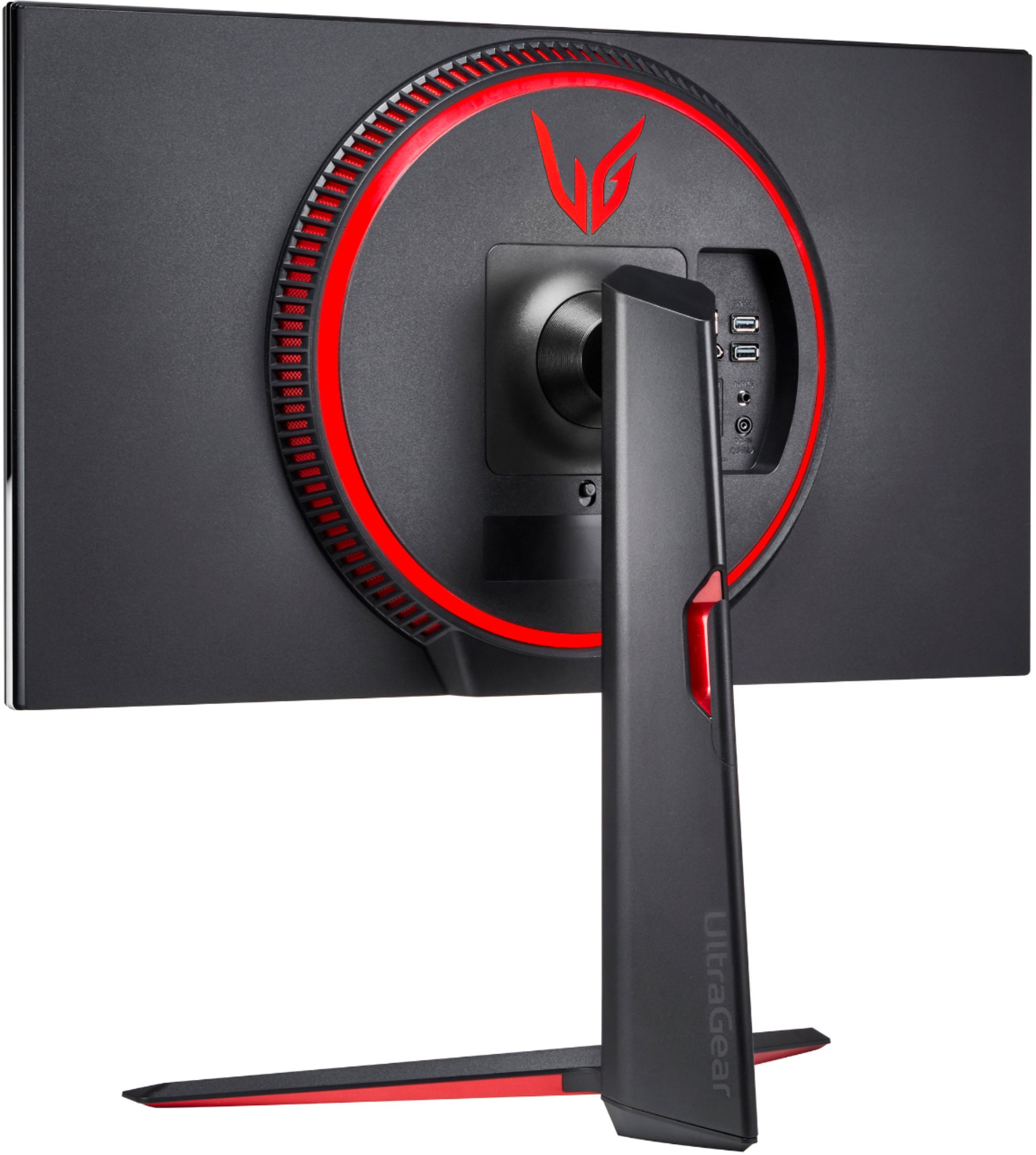
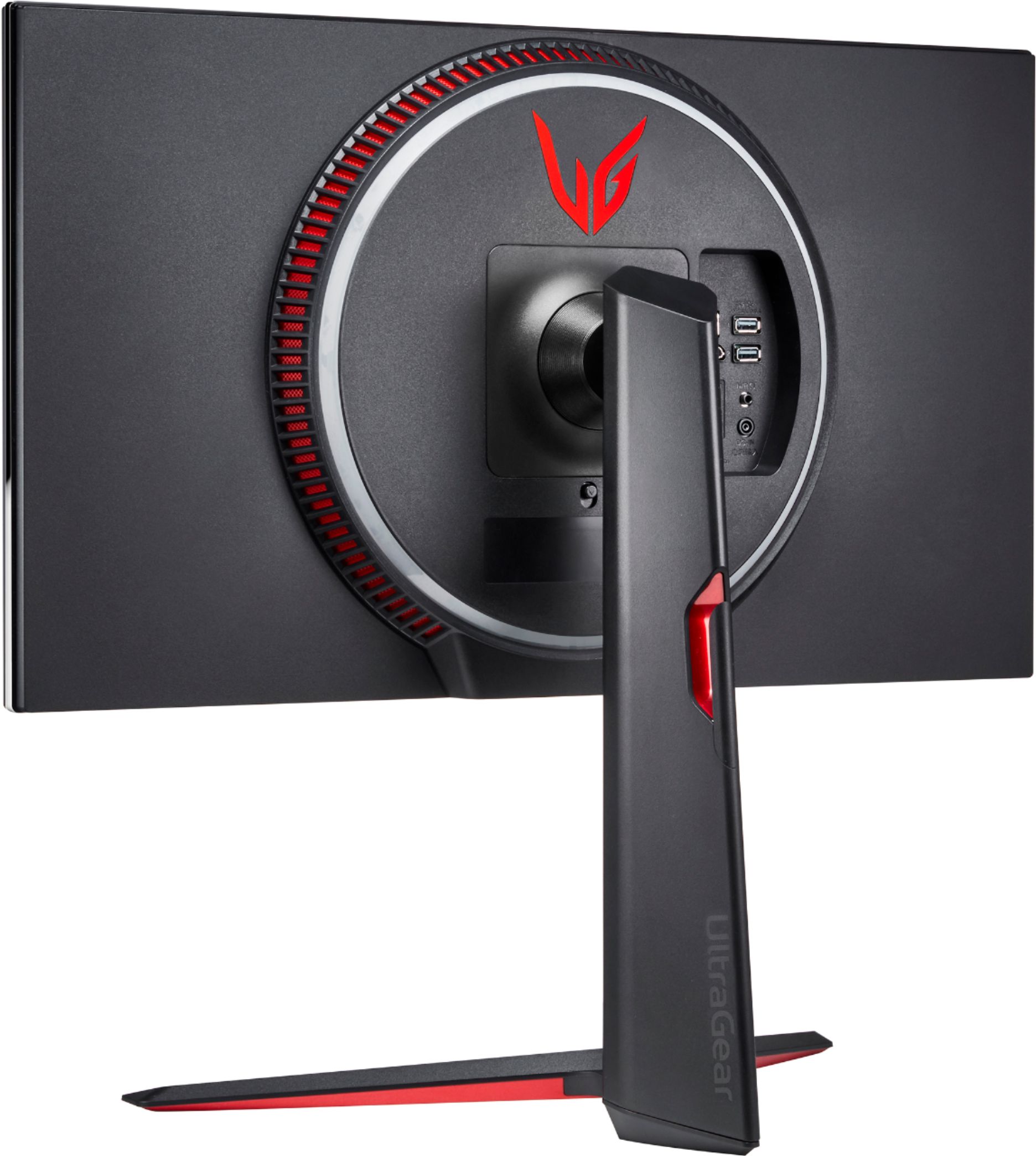
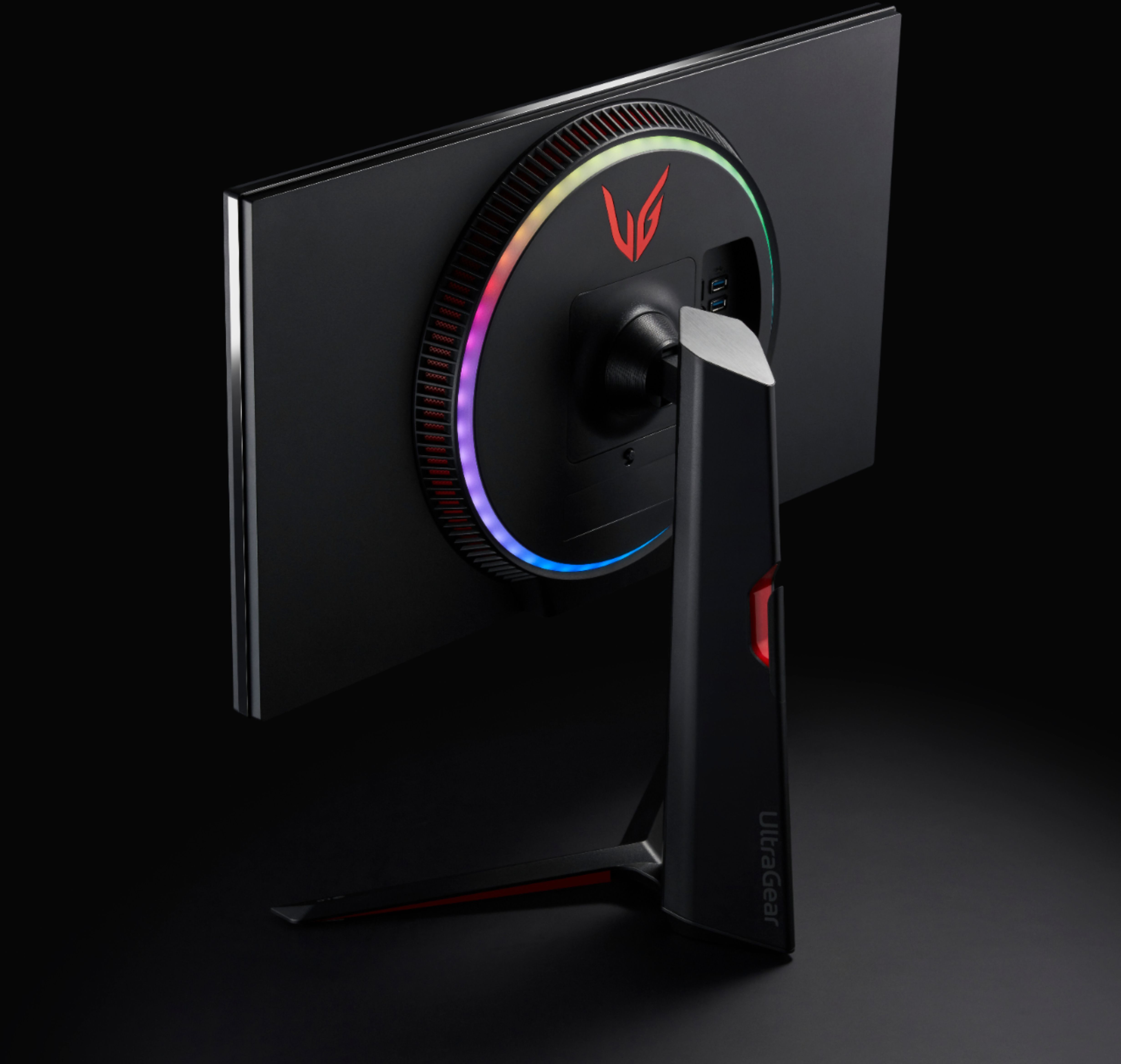
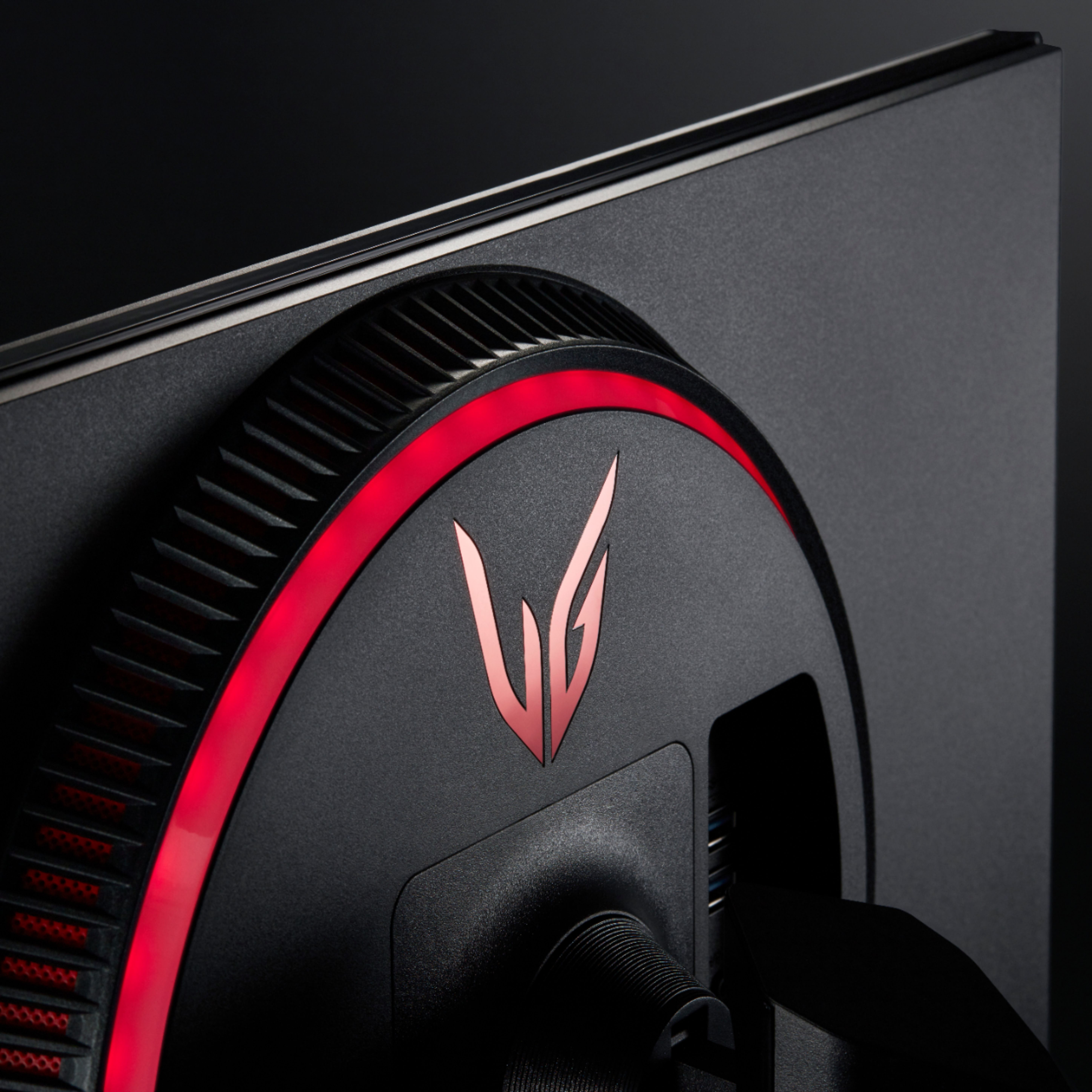
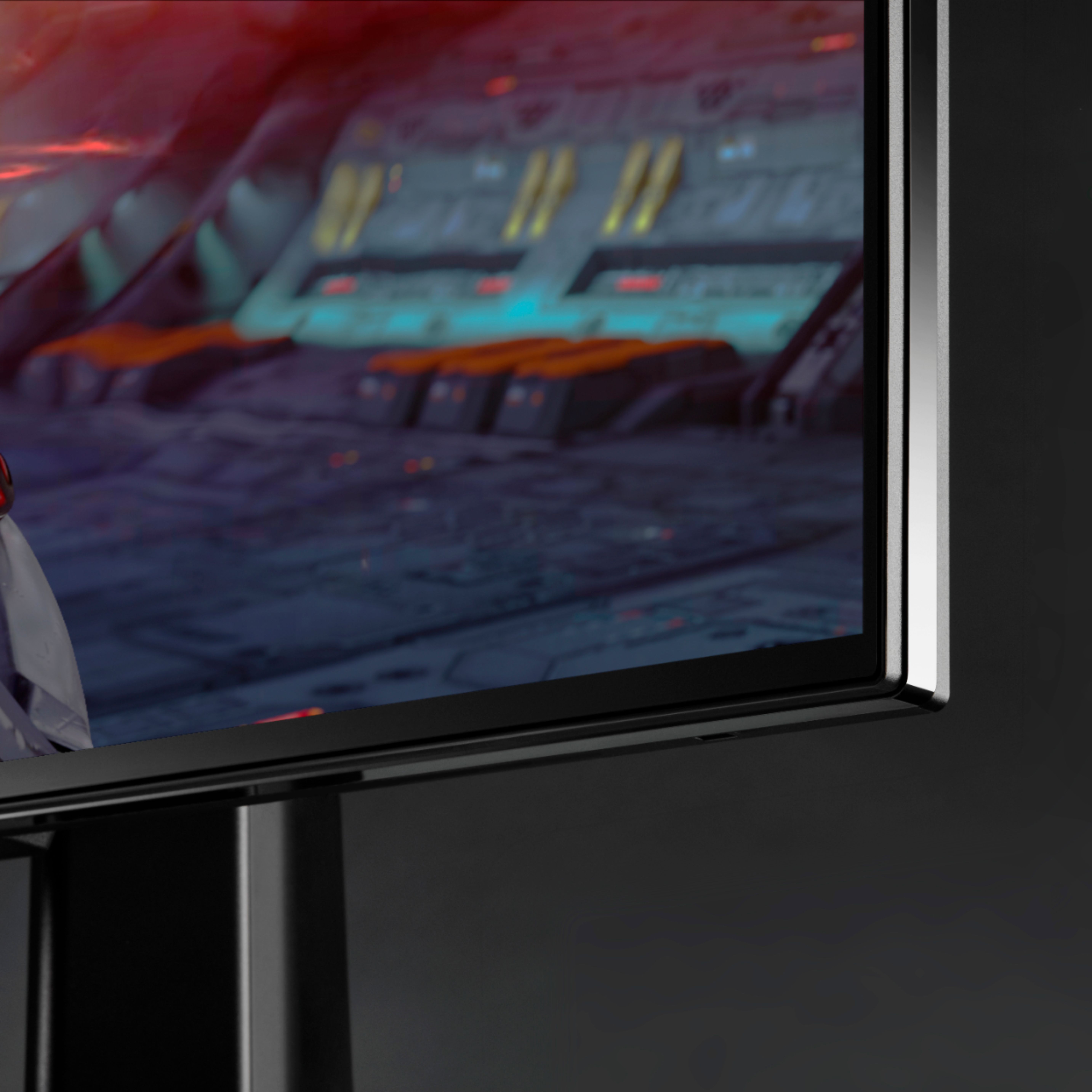
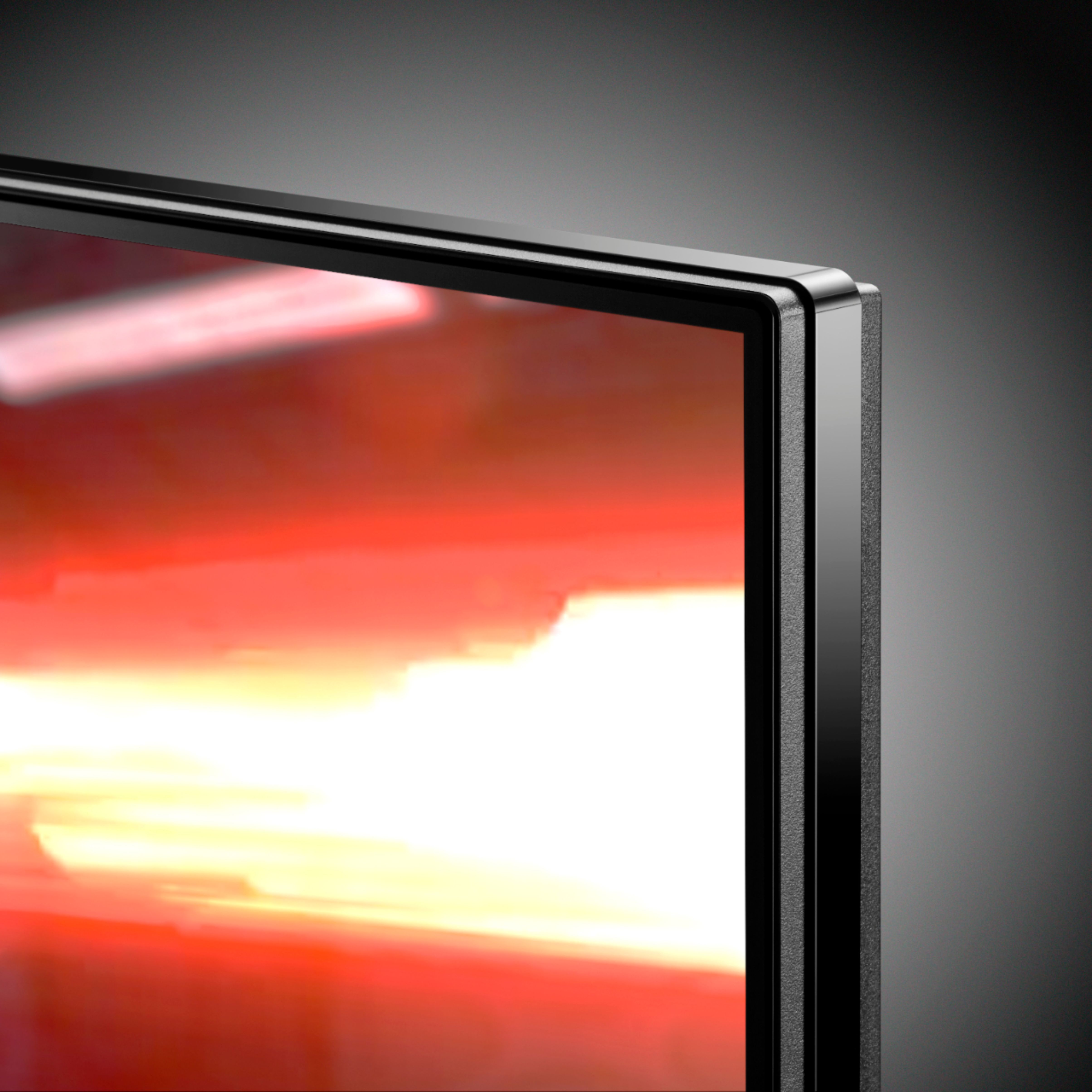
- Model:
- 27GN950-B
- SKU:
- 6423550
Rating by feature
- Display Quality
Rating 4.8 out of 5 stars
- Ease of Use
Rating 4.6 out of 5 stars
- Features
Rating 4.6 out of 5 stars
Customers are saying
Customers are delighted by the exceptional picture quality, impressive refresh rate, and vibrant colors of this monitor. Many appreciate the HDR capabilities and find the monitor to be a great value for its price, especially considering its G-Sync compatibility. However, some users have noted issues with IPS glow, while others have reported experiencing dead pixels. Overall, the positive feedback on image quality and performance outweighs the concerns regarding these less frequent issues.
This summary was generated by AI based on customer reviews.
Glad I Got It
||Posted . Owned for 1 month when reviewed.This reviewer received promo considerations or sweepstakes entry for writing a review.The product was excellent and was easy to put together. Also shipping was relatively fast and it arrived within 3 days. Overall its a fairly good product. I mean 800 bucks for a 144hz 4k monitor is a pretty good deal!
I would recommend this to a friendBest 4K Gaming monitor period
||Posted . Owned for 3 weeks when reviewed.This reviewer received promo considerations or sweepstakes entry for writing a review.Best gaming monitor! I paired this with a EVGA FTW 3090 ultra. Man, was I blow away. My goodness, it’s crip and sexy. No borders or lips. No bezels. 5 star I LUV LG UG brand and monitors
I would recommend this to a friendAwesome monitor
||Posted . Owned for less than 1 week when reviewed.This reviewer received promo considerations or sweepstakes entry for writing a review.Awesome display, pretty cool to be able to play cod at 4K you’ll see maps on a totally different level since everything is so clean. Only thing I would wish it had was hdmi 2.1
I would recommend this to a friend- Cons mentioned:Dead pixels
LG - 27 UltraGear UHD Nano IPS 1ms 144hz NOT WORTH
||Posted . Owned for 1.5 years when reviewed.This reviewer received promo considerations or sweepstakes entry for writing a review.Hello, Had these monitors for almost 2 years. Got them on January 2021 and have just been having so many issues with them. Got 3 of these and nothing but problems. They were working fine for a good 6 months then started to get dead pixels and lines on them just randomly. I had to replace all of them to get them to work. Then 6 months later the same thing happened to 1 of the monitors. Replaced it. And now October 2022 all 3 monitors died. I haven't had any issues with other monitors I have owned in the past and my GF is using my Acer monitors and they work great. Going to Cosco now to get myself some Acer monitors. I wouldn't recommend getting these monitors for the price and having all these issues. It's a pain. I just want to play games.
No, I would not recommend this to a friendBrand response from LGAnswers
Posted .We are sorry to hear that your unit did not meet your needs/expectations. This is not the quality we expect from our products. We are continuously working to improve the quality of our products and anticipate market demands that drive customer satisfaction. If you ever have any questions please reach out to our support team on Facebook at @LGUSSupport and use #VOC in your first message to our social media support team.. To speak with an agent via phone, you can call 800.243.0000 We apologize for any inconvenience this caused. ^Venette

Great monitor
||Posted . Owned for 1 year when reviewed.This reviewer received promo considerations or sweepstakes entry for writing a review.Great monitor, with a great picture, and all around great quality.
I would recommend this to a friendCompatible with PS5 and Xbox Series X
||Posted . Owned for 2 weeks when reviewed.This reviewer received promo considerations or sweepstakes entry for writing a review.I owe both console and I owe two of these monitors. They're amazing and will work with both consoles. True black, great HDR quality
I would recommend this to a friendGreat monitor
||Posted . Owned for 6 months when reviewed.This reviewer received promo considerations or sweepstakes entry for writing a review.Amazing. I love the 4k display. Definitely one of the better priced 4k monitors.
I would recommend this to a friendExcellent monitor
||Posted . Owned for 1 week when reviewed.This reviewer received promo considerations or sweepstakes entry for writing a review.Excellent picture quality and very fast panel. Minimal backlight bleed too.
I would recommend this to a friendOne of the best 4k gaming monitors!
||Posted . Owned for 1.5 years when reviewed.This reviewer received promo considerations or sweepstakes entry for writing a review.An amazing 4k experience! 160 refresh rate and low input!
I would recommend this to a friendWorth every penny.
||Posted . Owned for 1 month when reviewed.This reviewer received promo considerations or sweepstakes entry for writing a review.Great monitor for the price, awsome HDR and FPS. Runing a Asus 3070 strix 8gb OC and no issues.
I would recommend this to a friendGorgeous monitor
||Posted . Owned for 3 weeks when reviewed.This reviewer received promo considerations or sweepstakes entry for writing a review.So far a am lining it pairs well with my RTX 3090.
I would recommend this to a friendLast LG Monitor I’ll Ever Purchase
||Posted .This reviewer received promo considerations or sweepstakes entry for writing a review.I’ve had 2 LG Ultragear monitors, this 4K purchased yesterday for over $700 and a 1440p. BOTH have issues displaying Bios splash screen and bios. The bios splash screen doesn’t pop up apart from some graphical glitches, when I go into the bios, the pic I attached to this review is what displays. This happened on 2 different monitors. I returned the 1440p and received a replacement that was fine. I’m returning this one today and replacing with a Samsung. I’m DONE with LG monitors. They’re premium priced crap. Save your money. Purchase something from a brand that gets it right. And in case you were wondering, I used these monitors with 2 different computers and motherboard brands (Aorus and MSI), 3 different DisplayPort cables including the ones packaged with the monitor and premium aftermarket cables, and 2 different GPU’s (3090 Ti, 3080). It’s not the bios or Vbios giving me issues. The only thing this problem has in common are these LG monitors.
No, I would not recommend this to a friendBrand response from LGAnswers
Posted .We hate to hear you are dissatisfied with your unit's performance. If you'd like to discuss more, please reach out to our support team on Facebook at @LGUSSupport and use #VOC in your first message to our social media support team.. To speak with an agent via phone, you can call 800.243.0000 We apologize for any inconvenience this caused. ^Venette
Livid
||Posted . Owned for 1 year when reviewed.This reviewer received promo considerations or sweepstakes entry for writing a review.Don't me wrong. This would be a 5 star review as I absolutely loved this monitor... WHEN IT WORKED. It's also dying after having it exactly one year and 9 days. Vertical lines all of sudden after 5-30 minutes of gaming. The only way to clear it is to completely shut everything down and unplug any power sources for at least a minute. Start game again and rinse, repeat. Now several purple vertical lines have appeared and aren't going away. The good news is I paid extra for the protection plan... On the monitor that is never in stock. After paying $800 for anything, this should not be an issue.
No, I would not recommend this to a friendBrand response from LGAnswers
Posted .We hate to hear you are dissatisfied with your unit's performance. If you'd like to discuss more, please reach out to our support team on Facebook at @LGUSSupport and use #VOC in your first message to our social media support team.. To speak with an agent via phone, you can call 800.243.0000 We apologize for any inconvenience this caused. ^Venette
Got a bad display. Out of stock so I'm out of luck
||Posted . Owned for less than 1 week when reviewed.This reviewer received promo considerations or sweepstakes entry for writing a review.Vertical black line runs along monitor, all inputs, different peripherals, including osd screen. I thought I was lucky to catch it in stock, instead I have to go return the screen...not waiting for another one to be in stock. So disappointed.
No, I would not recommend this to a friendBrand response from LGAnswers
Posted .We are sorry for the delayed availability of products. We are working as quickly as possible to make our products available. We appreciate your commitment to the LG brand. Please bear with us as we navigate uncharted waters to resolve the delay. Again, we apologize for the delay and any inconvenience it has caused. ^Daphane
Arrived broken
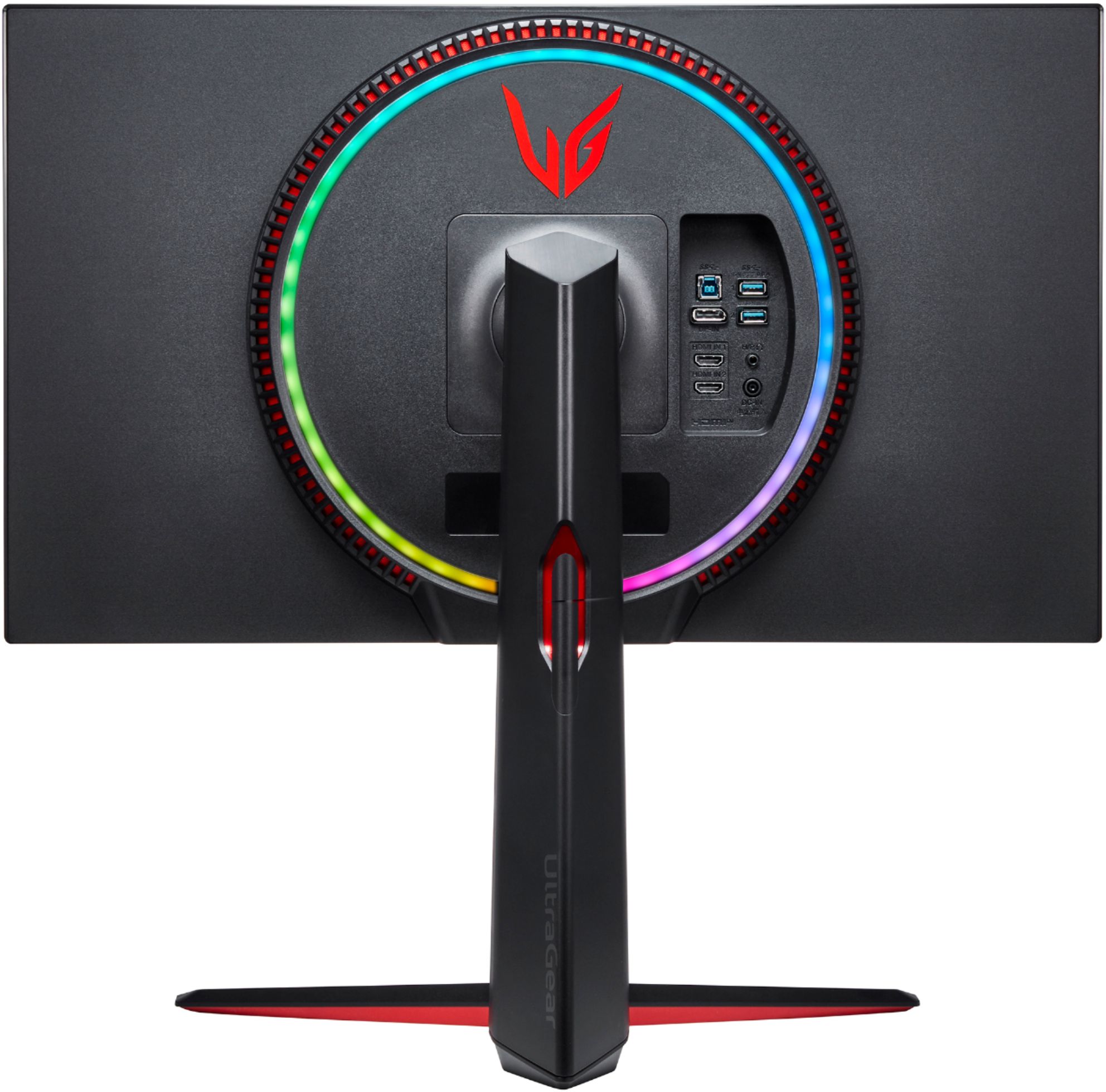
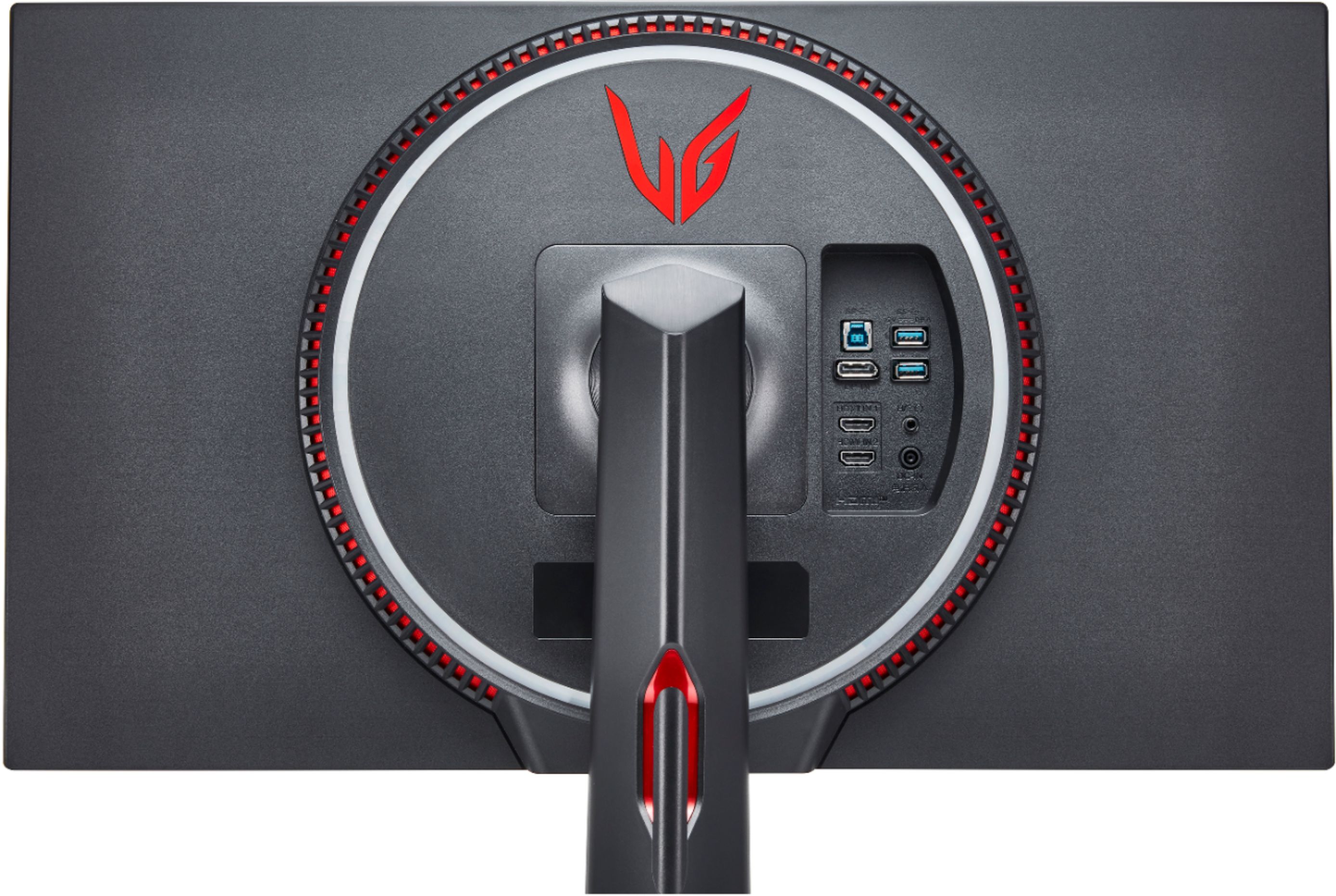
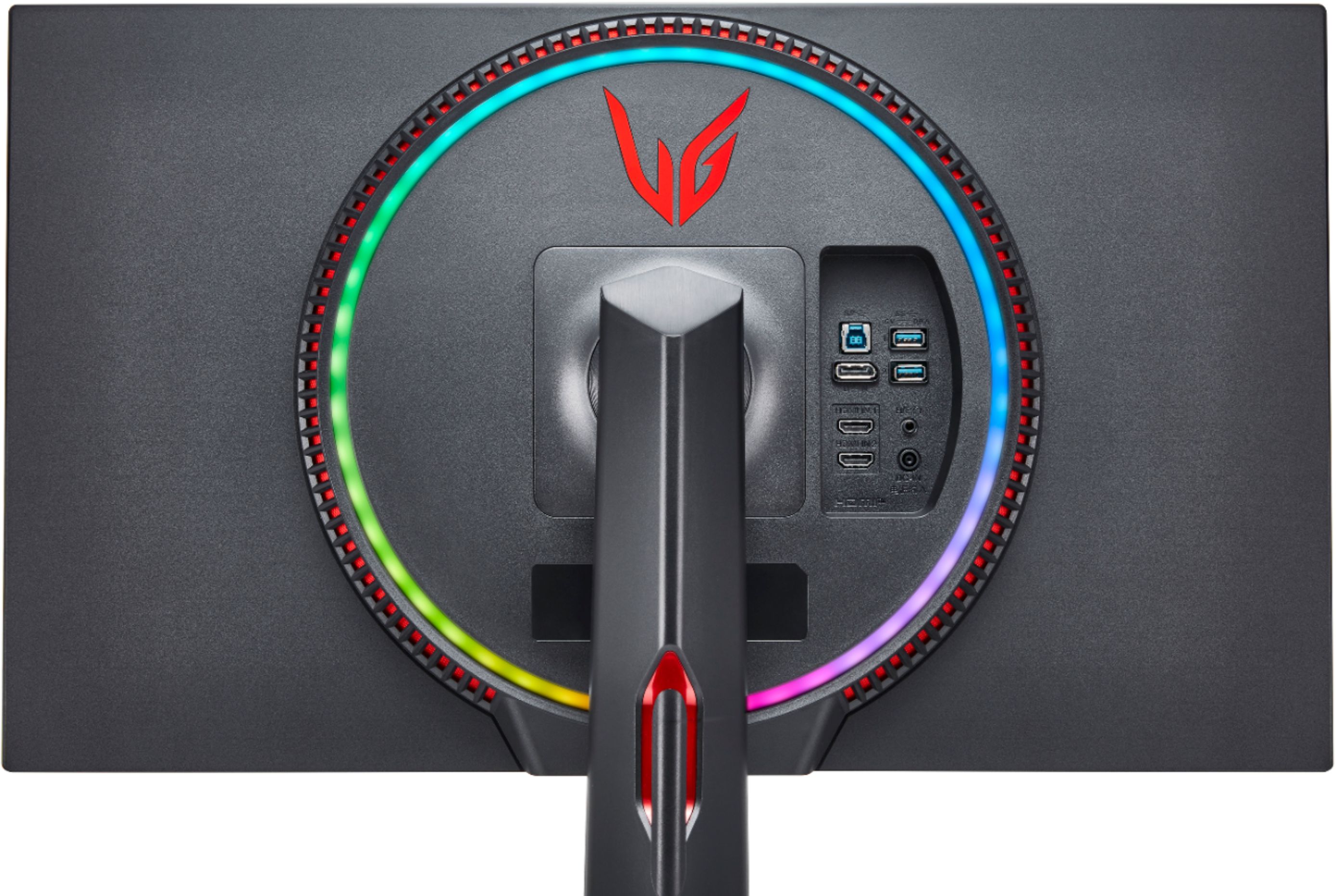
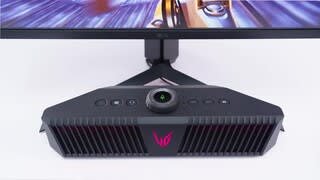
||Posted . Owned for 3 weeks when reviewed.This reviewer received promo considerations or sweepstakes entry for writing a review.The monitor came in broken, it would take about 1 hour of it receiving a single until the screen actually decided to turn on. When it finally turned on the colors were great and looked amazing, rear RGB was nice, overall really wished this monitor worked. Returned it and got a predator monitor instead
No, I would not recommend this to a friendBrand response from LGAnswers
Posted .Thank you for taking the time to review our product. Your feedback is important to
us and your concerns will be shared with our product team. If you have further questions or
concerns, please contact LG Customer Support by direct message via Twitter (@LGUSSupport)
or Facebook Messenger (https://www.facebook.com/LGUSA/). You can also call us at 800-243-
0000. We apologize for any inconvenience this caused.^Venette
Avoid this monitor.
||Posted . Owned for 1 year when reviewed.This reviewer received promo considerations or sweepstakes entry for writing a review.Look elsewhere. Everything was great until 1.5 years later and I have a purple vertical line on monitor. Conveniently 6 months after warranty. Don’t buy this monitor.
No, I would not recommend this to a friendBrand response from LGAnswers
Posted .We are continuously working to improve the quality of our products and anticipate market demands that drive customer satisfaction. Your feedback is especially important to us and your concerns will be shared with our product team. If you have questions or further concerns, please reach out to our support team on Facebook at @LGUSSupport and use #VOC in your first message to our social media support team. We apologize for any inconvenience this caused. ^Venette
Dead after 3 weeks
||Posted . Owned for 1 month when reviewed.This reviewer received promo considerations or sweepstakes entry for writing a review.Half of the screen went bad in less than 3 weeks. Had to return for a full refund as no similar monitor was available. Disappointing for an $800 monitor. My success level with any LG product has not been a good one.
No, I would not recommend this to a friendBrand response from LGAnswers
Posted .We are sorry to hear that your unit is not working properly. This feedback will be shared with our product team. We apologize for any inconvenience.^Venette
- Pros mentioned:Refresh rate, ResolutionCons mentioned:Ips glow
Excellent 4k Monitor for gaming
||Posted . Owned for less than 1 week when reviewed.This reviewer received promo considerations or sweepstakes entry for writing a review.This is an excellent monitor, but perhaps not an essential purchase unless you simply want the latest and greatest. I am coming from a Dell 2K 144hz TN monitor, so this is a nice upgrade in both resolution and panel quality for me. In my opinion, you should be considering this monitor if you: 1. Are a gamer (perhaps productivity, but there are better monitors for that) 2. Have an Nvidia 3080/3090 or AMD 6800XT/6900XT with a gaming processor from AMD/Intel 3. Don't mind IPS glow or poor contrast levels (i.e. All black screens don't look all black, black levels are poor). 4. Can live without HDR - HDR 600 doesn't really cut it, but still - Why would you want to stare at that brightness up close? On a TV, sure, it's fine, but a monitor is within a couple feet. I have the brightness set at 18 on this monitor, and it is plenty bright. Granted, I don't have a tremendously bright room to deal with, so if you need a lot of brightness this monitor will deliver. Pros: 4K at 144hz over a single Displayport Cable Excellent color reproduction Excellent response time for an IPS monitor Easy to access menus G-Sync compatible/Freesync Cons: IPS Glow in dark screens - My unit has pretty good uniformity at close examination (no light leakage or banding), but the IPS glow sort of ruins it from normal viewing distance. Today's video cards won't be able to push the frame rate to the max. For instance, I was getting about 100 FPS average in Outer Worlds with my 3080 on High Settings, and around 110-120 FPS average on Death Stranding (I have an AMD 5800X). Not bad, but more demanding games will get less FPS, probably closer to 70-80FPS or so. Tiny fonts in some games that rely on text based UI's. This can usually be increased in the game, but it often makes the text much less crisp. For instance, Civ 6 fonts are hard to read at the normal level. Windows needs to be at 150% UI to have readable fonts for me. This reduces the useable space on the desktop. So, unless you have fantastic eyesight or plan on being really close, you will not benefit from an increase in useable desktop space from a 2K monitor. Overall, it is worth the price, considering that an affordable 4k 144hz OLED monitor probably will not be available in the near future (though I could be proven wrong on this). Even if those monitors came out next year, I would still be glad to have this monitor for the next several years until the market for OLED monitors becomes developed and standardized, especially with the risk for burn-in on OLED panels. I hope they come out with a monitor that has an OLED on one side, then flips over with an LCD on the other, so you can use the OLED for gaming and the LCD for productivity, to reduce the risk of burn-in. Just a thought!
I would recommend this to a friend - Pros mentioned:Color, Refresh rate
So far so good
||Posted . Owned for 1 week when reviewed.This reviewer received promo considerations or sweepstakes entry for writing a review.I am really liking this monitor so far. The colors are more vibrant than my previous 4K monitor and the big reason I wanted to jump to this monitor is because of the 144 refresh rate (currently at 120 with my 1080 TI until I can grab a 3080 or 3070) and that is working as it should. Was able to activate G-Sync right away without any hiccups and all the games I have played so far have been very smooth. The video sync is a pretty cool feature but honestly doesn't really add much immersion for me personally. I have it setup on a desk mount so I can't speak much about the stand and any pros or cons but I can say it was easy to get installed on the desk mount. My only con so far is that the HDR falls flat for me. It could be my monitor, it could be my graphics card but when I turn HDR on and try to play or watch HDR content the whites/brights are way too high and nothing I have tried can rectify it other than turning down the brightness and then it just becomes too dark and/or looks like non HDR content. I didn't really buy it for the HDR aspect of it but would have been nice to take advantage of it. Having said that the colors still look amazing even with it off, just wish I could see what the difference could be. If the problem continues with my new card I am going to reach out to LG and see if it is just bad HDR on this monitor and needs replacing.
I would recommend this to a friend - Pros mentioned:Color
A Solid Monitor with Some Flaws
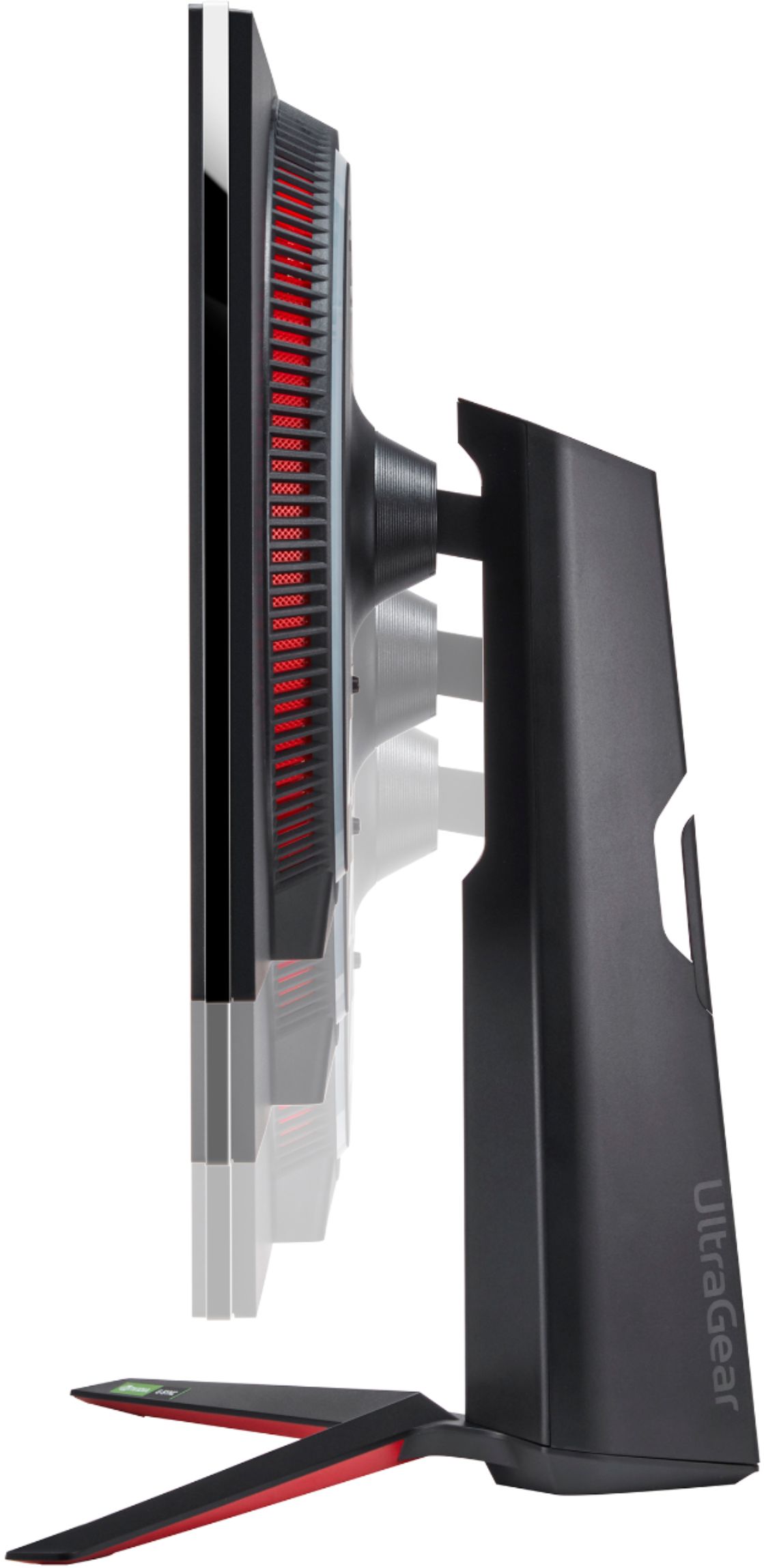
||Posted . Owned for 1 month when reviewed.This reviewer received promo considerations or sweepstakes entry for writing a review.***Update #3*** - Handshake issues again with DP, in dual head display configuration, it will get to where it no longer functions, turning it off will not resolve the connection, nor will restarting the computer, you have to disconnect the power. Three times in the past few days this has happened, only happens when in dual display, otherwise I haven't had the issue. - Ghost of Tsushima looks better in SDR, that's where this monitor really shines is in SDR, the colors for games like Age of Empires, Iron Harvest, Total War series etc., is second to none, very deep saturated colors, looks great. In HDR, under certain conditions it can look great, the brightness is there, though the IPS glow is too much IMO, much more manageable when you disable local dimming. IMO, local dimming is a disaster on the LG 27GN950, it's a smaller panel with twice the zones of the Samsung G7 32 inch and I've not had a single issue with the local dimming on it, the LG as soon as you start up Netflix you immediately see the zones mishandling the content. - In a lot of ways, the LG 32UD99 is a superior monitor to the 27GN950, outside of the response times, refresh rate and a bit on the color, everything else, it surpasses the 950. HDR on it looks more saturate and normalized. The 99 has over a 1,700-contrast ratio which is VERY HIGH for an IPS, it has great blacks and shows details in the darkest of areas. The 950 at times can look incredible in HDR, especially in Ubisoft games during day light scenes, HDR really pops as do the colors, though when playing game in a night environment it can at times appear to mishandle the content creating a lot of black areas where there's minimal discernible detail. almost like black crush, hard to explain though at times it's there. The 950 really comes down to what you want to use it for, a number of games look amazing on it, it's the ultimate monitor if you have it paired with another monitor to offset its weaknesses, though I'm having a difficult time seeing it worth it over my 32UD99. Update #2 - My first major issue, maybe a fluke though the monitor over DP just would not come out of hibernation, wouldn't handshake to display the desktop, restarted the PC, unplugged DP etc., finally unplugged it and the fixed the problem. This is definitely something I'm going to watch for again, had a Dell that did this many years ago and it was an absolute pain. - Some asked what watching HDR movies were like on this, I tried a number of shows via Amazon Prime, Netflix and YouTube. - Anime, it's a BEAST, with 98% DCI-P3, excellent panel uniformity, brightness and overall pixel density, it's sensational for basically any colorful and bright content. - Darker content, The Witcher and other similar shows, not that good, HDR and more importantly the poor layout of local dimming is overly pronounced, found disabling local dimming helps with dark content. On a number of shows it looks great, any day time scenes are very illuminated, colorful and have a very natural overall look to them, though dark scenes really expose IPS displays. In a lot of ways, the LG 32UD99 is superior to the 27GN950 in its overall use of HDR and blacks, it's still the king in a lot of ways for IPS displays. FIXED - It was the software not syncing with the monitor, works as it should now, everything plays in 4K, regarding below: ----Sometimes games see this monitor as 2560x1440, a number of games actually, which can be a pain at times. AOE I, II DE and Halo 2 Wars all see the monitor as 2k vice 4K. Some you can change the settings, others not. Updated: 9/9/2020 - Figured out how to fix the HDR in dark scenes issue, you have to unlock the GUI, just a click in the settings and turn brightness down from its HDR default of 100 to 50 or so, immediately fixed the problem of IPS glow. It's still a bit noticeable at 50, though you really have to look for it. - Adaptive Sync works great, very smooth and not a single issue so far after playing a number of games, you can leave it enabled and it doesn't carry over to your HDMI etc., which is a plus. - Still trying to see how to enable HDMI Ultra Deep Color, it's always grayed out on HDMI, not sure if I need to select another setting or what, though I'll figure it out. This feature is not accessible when using say a PS4 Pro or Xbox One X over HDMI. - You're able to change the lighting once you download the software from LG to enable to you to change everything from your desktop vice going into the monitor's GUI. - Samsung REALLY NEEDS to focus on how LG makes stands, the G7 stand takes up way too much space and really borders on being a nuisance, and it still wobbles a bit, this stand is half the size and much more stable. - Huge difference between how the monitor interprets gamma 2.2 vs 2.4, I prefer the later, though it's probably pushing 2.5/2.6, it's way too much compared to most 2.4 gamma settings. - You can have up to five color profiles saved for your various inputs, very handy if you want your HDMI to be set completely different and independent of your settings for DP. This is something that is unforgivable on the Samsung G7, why they force one setting all three inputs will always remain a great mystery (other than being cheap and not wanting to do it the right way)! - Sometimes games see this monitor as 2560x1440, a number of games actually, which can be a pain at times. AOE I, II DE and Halo 2 Wars all see the monitor as 2k vice 4K. Some you can change the settings, others not. I wanted to give a quick rundown, for reference, I also have a Samsung G7 32-inch, LG 32UD99, BenQ EX2780Q and I've worked in the professional graphics industry for many years, mostly with Eizo, Apple and other similar professional grade monitors. I bought the 27GN950 more so for daily use and gaming. - First thing I noticed was the excellent build quality, the stand is compact and sturdy, much better than the other monitors I own, sans the 32UD99. - AG coating is great, this was something I always thought the 32UD99 had, extremely clear, this is the same for this LG, definitely much clearer and cleaner than the G7. - Colors and pixel density are great, I find the colors of the 27GN950 as good as any consumer monitor one can get. The colors are exceptional, not overly blown, pure, yet accurate and natural in appearance. - Adaptive Sync works exactly as it should, waiting to get a 3080, currently using a 1080Ti at 4K 10bit 95hz, so I'll be able to run the same specs though at 144hz using DSC. Adaptive Sync on the G7 is a nightmare, causes all kinds of issues, here smooth. No G7 like flickering! - Able to have many independent settings for HDMI or DP, for the G7, this is a huge issue, everything has to be the same for every input. Also, if you have Adaptive Sync on DP, it carries over to the HDMI signal and forces game consoles to operate at 1080p, here, it works as it should. I have Adaptive Sync enabled on DP and just played my PS4 Pro in 4K HDR on the HDMI, no issues. No color banding present over HDMI. - LG really hasn't really changed much in their approach, GUI and image alteration options since I bought my 32UD99, it's basically identical. - HDR on this monitor looks fantastic, in day time scenes, during dark scenes it borders on being unusable, the IPS glow which is not prevalent during normal non-HDR uses comes into full affect when in HDR. The glow eats 25% or more of the corners, all the way into the core image, as soon you disable HDR, there's no discernible BLB, flash-lighting or glow. Very strange, this is where the G7 naturally being a VA panel excels though when playing a game that's not focused on night time gameplay, the 27GN950 blows the G7 away, not even close! - Minimal changes possible when in HDR mode, somewhat disappointing, you can change the basics, though, not much. - Port accessibility, horizontal vice vertical, why all manufactures don't do this is beyond me, so easy to change things, vice going up underneath. - The 27GN950 is fantastic for daily use. I ran it through the online Eizo and Lagom tests and it passed both easily. There are always panel lotteries, I got lucky, mine has fantastic black, gray and overall panel uniformity, one of the first things I check for. No dead pixels, BLB or any discernible issues throughout the display.
I would recommend this to a friendBrand response from LGAnswers
Posted .Thank you for taking time to review this product. We are continuously working to improve the quality of our products and anticipate market demands that drive customer satisfaction. Your feedback is especially important to us and your concerns will be shared with our product team. We apologize for any inconvenience this caused. ^Venette