Customer Ratings & Reviews
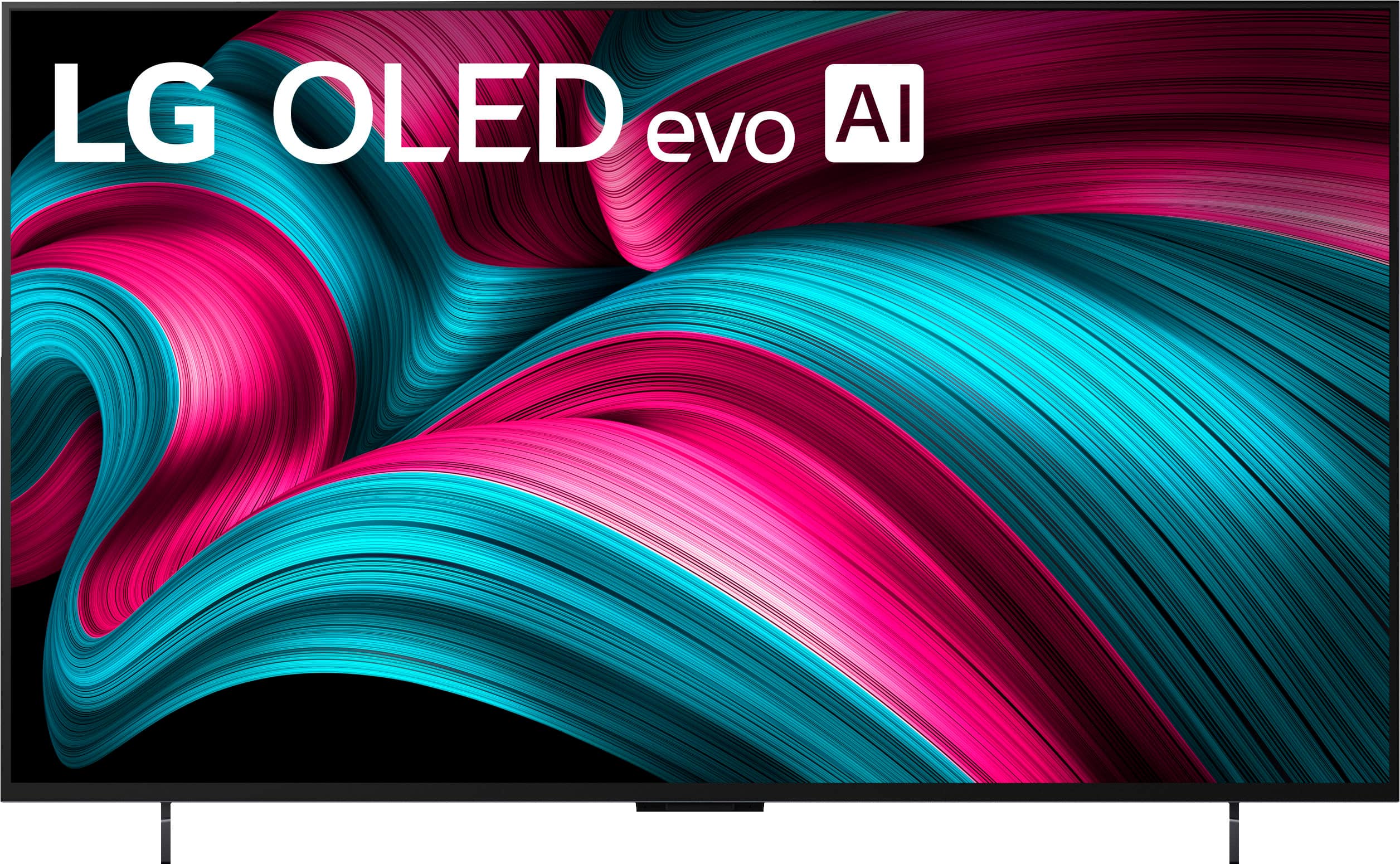
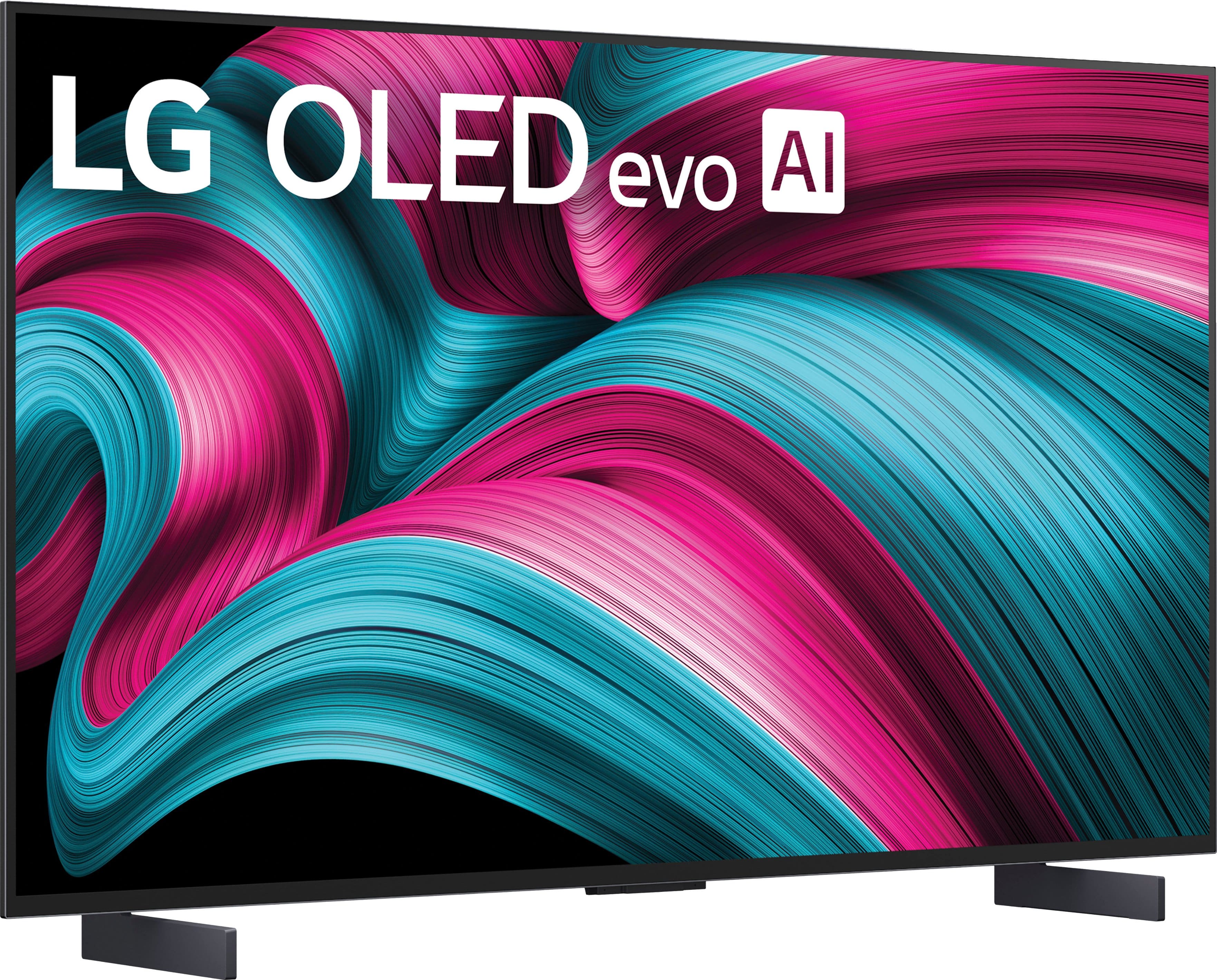


. Independently Tested for Quality and Workmanship CheckPlus: 100 % Color Volume to DCI-P3 oi PSSEANE Intertek [www.IntertekCheck.com](http://www.IntertekCheck.com). 100% Color Fidelity and '100% Color Volume to DCI-P3' applies to 2025 OLED TVs. *LG OLED Display is verified by UL for Perfect Color measured to IDMS 11.5 Ring-light Reflection standards. *100% Color Volume is defined as the performance of display which is equal or greater than the size of DCI-P3 standard color volume as verified independently by Intertek. *The LG OLED Panel is certified by Intertek for 100% Color Fidelity, measured to IDMS 11.5 Ring-light Reflection standards.](https://pisces.bbystatic.com/image2/BestBuy_US/images/products/3661ed5e-8d92-47a9-baef-65aa6eb5dcb9.jpg)








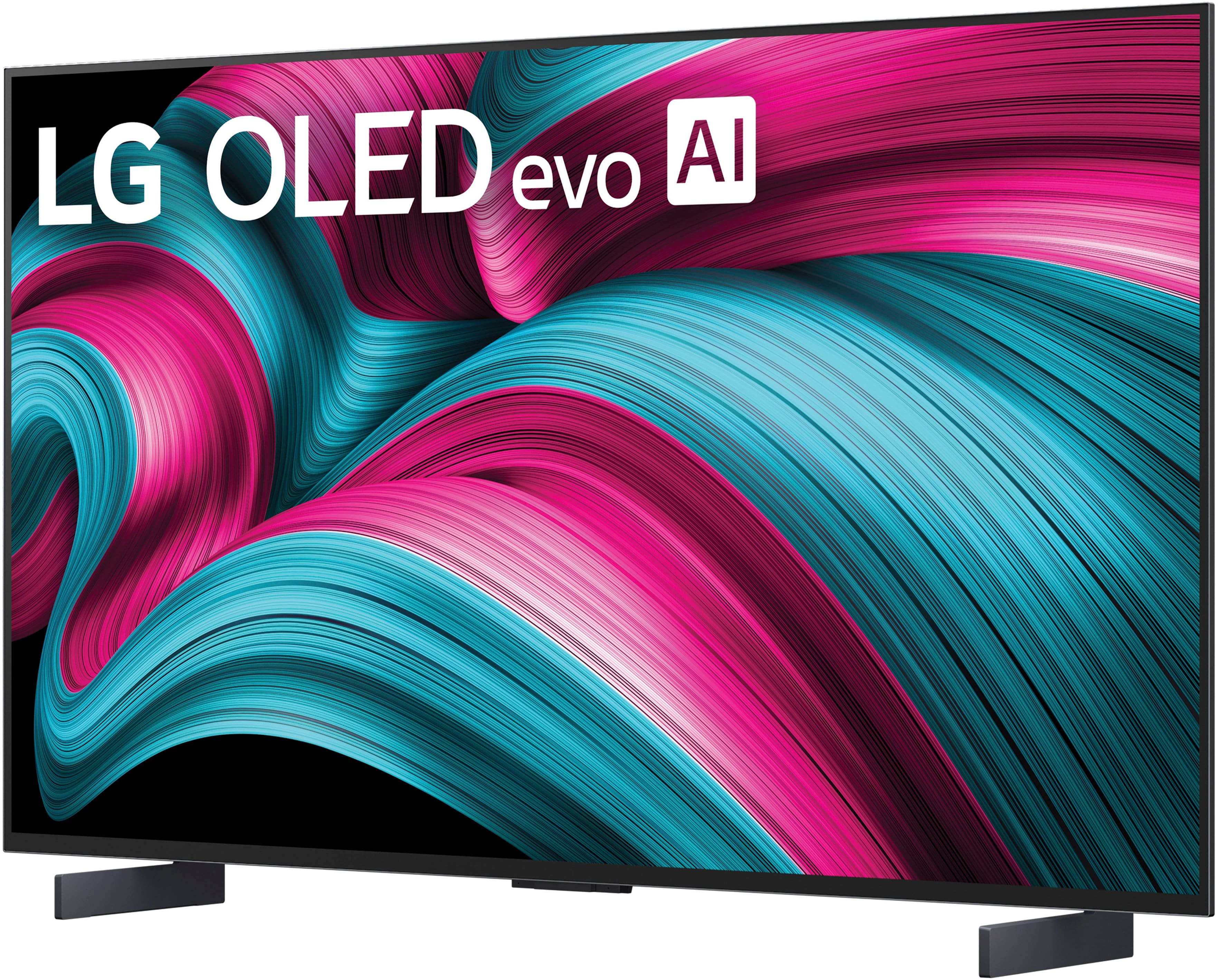






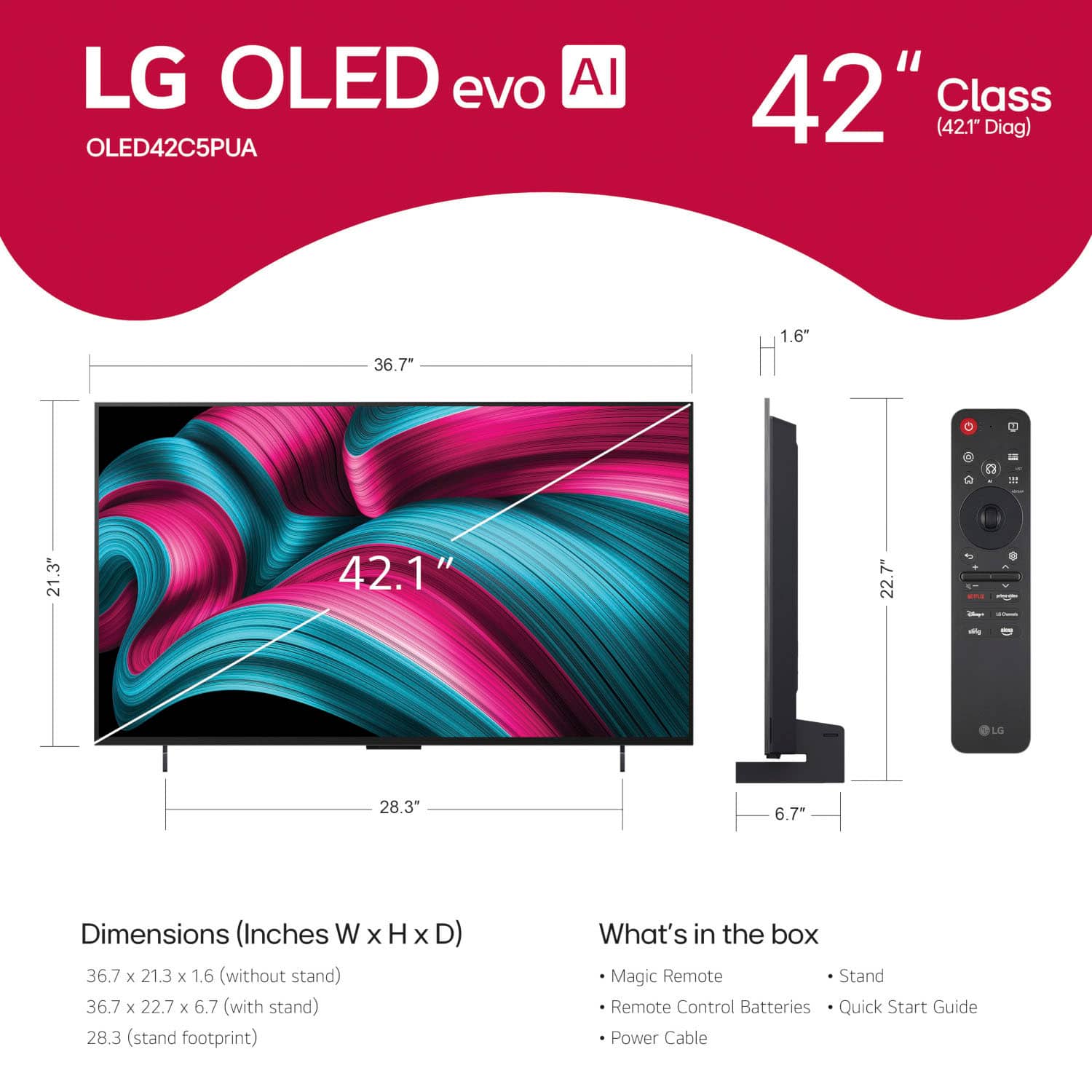
- Model:
- OLED42C5PUA
- |
- SKU:
- 10732453
Customer reviews
Rating 4.7 out of 5 stars with 190 reviews
(190 customer reviews)Rating by feature
- Picture Quality4.9
Rating 4.9 out of 5 stars
- Sound Quality4.4
Rating 4.4 out of 5 stars
- Brightness4.9
Rating 4.9 out of 5 stars
Rated 5 out of 5 stars
Great TV!
||Posted . Owned for 1 week when reviewed.This reviewer received promo considerations or sweepstakes entry for writing a review.Excellent picture quality. Lots of features and the new WebOS is easy to use. Highly recommended!
This review is from LG - 42" Class C5 Series OLED evo AI 4K UHD Smart webOS TV (2025)
I would recommend this to a friendRated 5 out of 5 stars
Better than Samsung
||Posted .This reviewer received promo considerations or sweepstakes entry for writing a review.Literally the best looking TV for gaming .... graphics are amazing... slightly better than Samsung and sony in my opinion
This review is from LG - 42" Class C5 Series OLED evo AI 4K UHD Smart webOS TV (2025)
I would recommend this to a friendRated 5 out of 5 stars
Big TV
||Posted . Owned for 1 week when reviewed.This reviewer received promo considerations or sweepstakes entry for writing a review.Great picture quality! Very happy with the easy menus and navigation to set up the tv.
This review is from LG - 42" Class C5 Series OLED evo AI 4K UHD Smart webOS TV (2025)
I would recommend this to a friendRated 5 out of 5 stars
Great tv
||Posted . Owned for 2 weeks when reviewed.This reviewer received promo considerations or sweepstakes entry for writing a review.It was great, looked so beautiful made everyone happy
This review is from LG - 42" Class C5 Series OLED evo AI 4K UHD Smart webOS TV (2025)
I would recommend this to a friendRated 5 out of 5 stars
Amazing Picture
||Posted . Owned for 3 weeks when reviewed.This reviewer received promo considerations or sweepstakes entry for writing a review.Exceptional picture . Performs very well for demanding games.
This review is from LG - 42" Class C5 Series OLED evo AI 4K UHD Smart webOS TV (2025)
I would recommend this to a friendRated 5 out of 5 stars
Beautiful picture
||Posted . Owned for 3 weeks when reviewed.This reviewer received promo considerations or sweepstakes entry for writing a review.Great TV. I thoroughly enjoy it. Tons of features
This review is from LG - 42" Class C5 Series OLED evo AI 4K UHD Smart webOS TV (2025)
I would recommend this to a friendRated 4 out of 5 stars
C5 offered a good value when on sale
||Posted . Owned for 1 week when reviewed.This reviewer received promo considerations or sweepstakes entry for writing a review.The C4 on sale, offered reasonable value. The picture quality is very good and the software capabilities of the tv were also very good.
This review is from LG - 42" Class C5 Series OLED evo AI 4K UHD Smart webOS TV (2025)
I would recommend this to a friendRated 5 out of 5 stars
Crispy
||Posted . Owned for less than 1 week when reviewed.This reviewer received promo considerations or sweepstakes entry for writing a review.Deep blacks, great brightness, can’t go wrong with this tv
This review is from LG - 42" Class C5 Series OLED evo AI 4K UHD Smart webOS TV (2025)
I would recommend this to a friendRated 5 out of 5 stars
Lg c5
||Posted .This reviewer received promo considerations or sweepstakes entry for writing a review.Great tv for ps5 pro! The 42 inch screen is also good for watching tv…
This review is from LG - 42" Class C5 Series OLED evo AI 4K UHD Smart webOS TV (2025)
I would recommend this to a friendRated 5 out of 5 stars
Perfect
||Posted . Owned for 2 weeks when reviewed.This reviewer received promo considerations or sweepstakes entry for writing a review.Great picture. It's the perfect upgrade coming from LG CX.
This review is from LG - 42" Class C5 Series OLED evo AI 4K UHD Smart webOS TV (2025)
I would recommend this to a friendRated 3 out of 5 stars
buyer beware
||Posted . Owned for 3 weeks when reviewed.This reviewer received promo considerations or sweepstakes entry for writing a review.this tv does not come with a manual. trying to start it up you have to answer a huge number of questions some totally irrelevant to set up. right now I am stuck with a bunch of apps can't connect my cable remote and all it shows are old reruns and strange shows. unless you really understand setting up pick a different tv!
This review is from LG - 42" Class C5 Series OLED evo AI 4K UHD Smart webOS TV (2025)
No, I would not recommend this to a friendRated 5 out of 5 stars
Great TV
||Posted . Owned for 1 month when reviewed.This reviewer received promo considerations or sweepstakes entry for writing a review.Bought this television for my son. It’s exactly what the salesperson said it would be. The clarity is amazing!
This review is from LG - 42" Class C5 Series OLED evo AI 4K UHD Smart webOS TV (2025)
I would recommend this to a friendRated 5 out of 5 stars
Perfect for work, games and movies
||Posted . Owned for 1 week when reviewed.This reviewer received promo considerations or sweepstakes entry for writing a review.Husband really love it. The picture is really crisp
This review is from LG - 42" Class C5 Series OLED evo AI 4K UHD Smart webOS TV (2025)
I would recommend this to a friendRated 4 out of 5 stars
OLED TV
||Posted . Owned for 1 week when reviewed.This reviewer received promo considerations or sweepstakes entry for writing a review.Amazing picture quality, the slight issue is the buzzing
This review is from LG - 42" Class C5 Series OLED evo AI 4K UHD Smart webOS TV (2025)
I would recommend this to a friendRated 5 out of 5 stars
best OLED for monitor
||Posted . Owned for 2 weeks when reviewed.This reviewer received promo considerations or sweepstakes entry for writing a review.excellent for using as computer monitor bought it for apple studio
This review is from LG - 42" Class C5 Series OLED evo AI 4K UHD Smart webOS TV (2025)
I would recommend this to a friendRated 4 out of 5 stars
Clear Picture for Bedroom TV
||Posted . Owned for 1 week when reviewed.This reviewer received promo considerations or sweepstakes entry for writing a review.expensive TV for 42 inch but great picture with easy to control remote
This review is from LG - 42" Class C5 Series OLED evo AI 4K UHD Smart webOS TV (2025)
I would recommend this to a friendRated 5 out of 5 stars
L G C5 OLED
||Posted . Owned for less than 1 week when reviewed.This reviewer received promo considerations or sweepstakes entry for writing a review.Wonderful TV for a great price. I actually bought two.
This review is from LG - 42" Class C5 Series OLED evo AI 4K UHD Smart webOS TV (2025)
I would recommend this to a friendRated 5 out of 5 stars
Nice TV
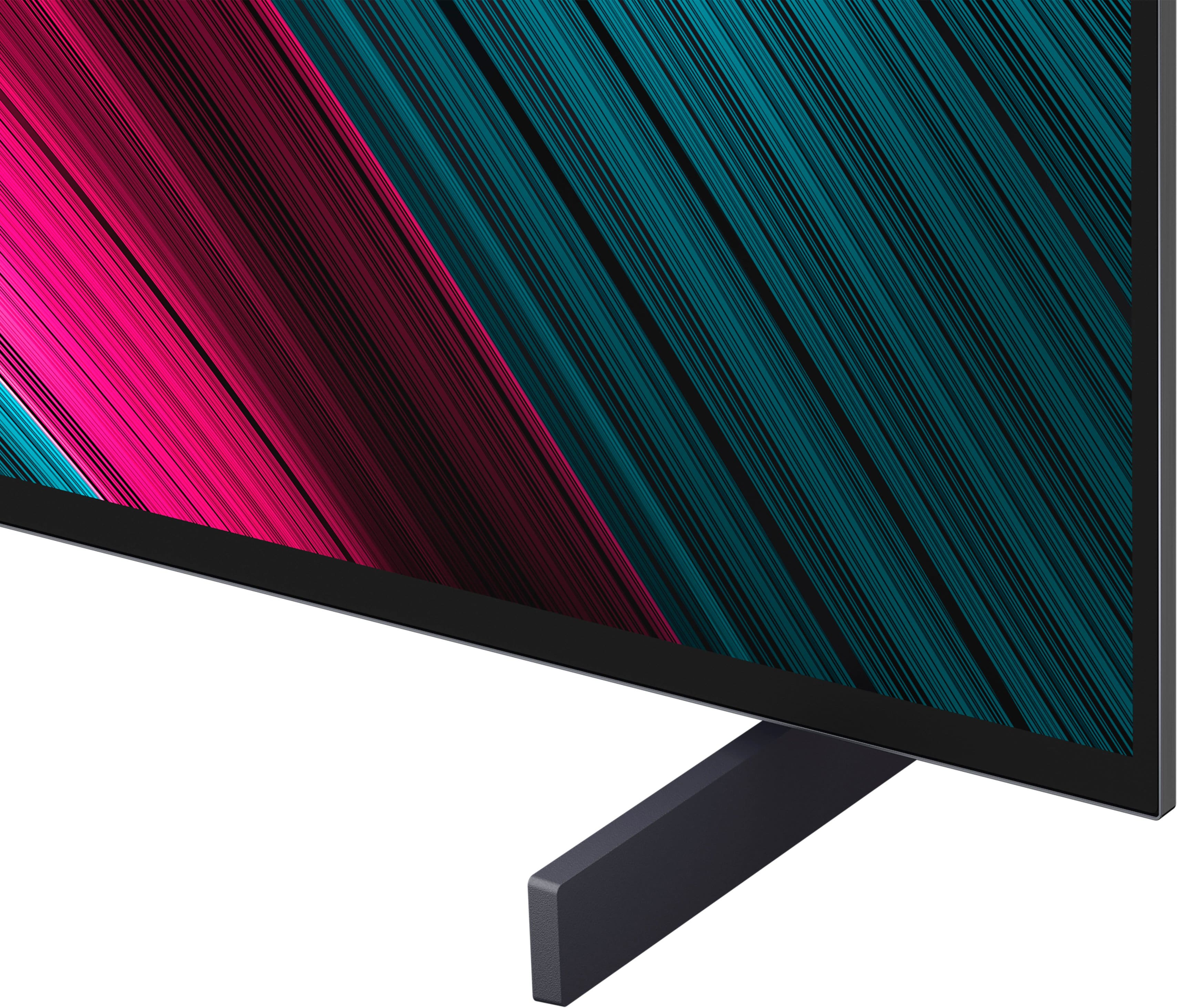
||Posted . Owned for 1 month when reviewed.This reviewer received promo considerations or sweepstakes entry for writing a review.I returned this TV in exchange for the next larger model. But I like the feet it stands on. If it had been the right size for my space, I would have had no regrets buying this TV.
This review is from LG - 42" Class C5 Series OLED evo AI 4K UHD Smart webOS TV (2025)
I would recommend this to a friendRated 5 out of 5 stars
Go OLED or just read a book.
||Posted . Owned for 2 weeks when reviewed.This reviewer received promo considerations or sweepstakes entry for writing a review.An amazing tv that blows me away every time I turn it on.
This review is from LG - 42" Class C5 Series OLED evo AI 4K UHD Smart webOS TV (2025)
I would recommend this to a friendRated 5 out of 5 stars
Quality products and top-notch associate recommend
||Posted . Owned for 2 weeks when reviewed.This reviewer received promo considerations or sweepstakes entry for writing a review.I did my homework and upon arrival in the store was quickly served by a knowledgeable associate.
This review is from LG - 42" Class C5 Series OLED evo AI 4K UHD Smart webOS TV (2025)
I would recommend this to a friend