Customer Ratings & Reviews
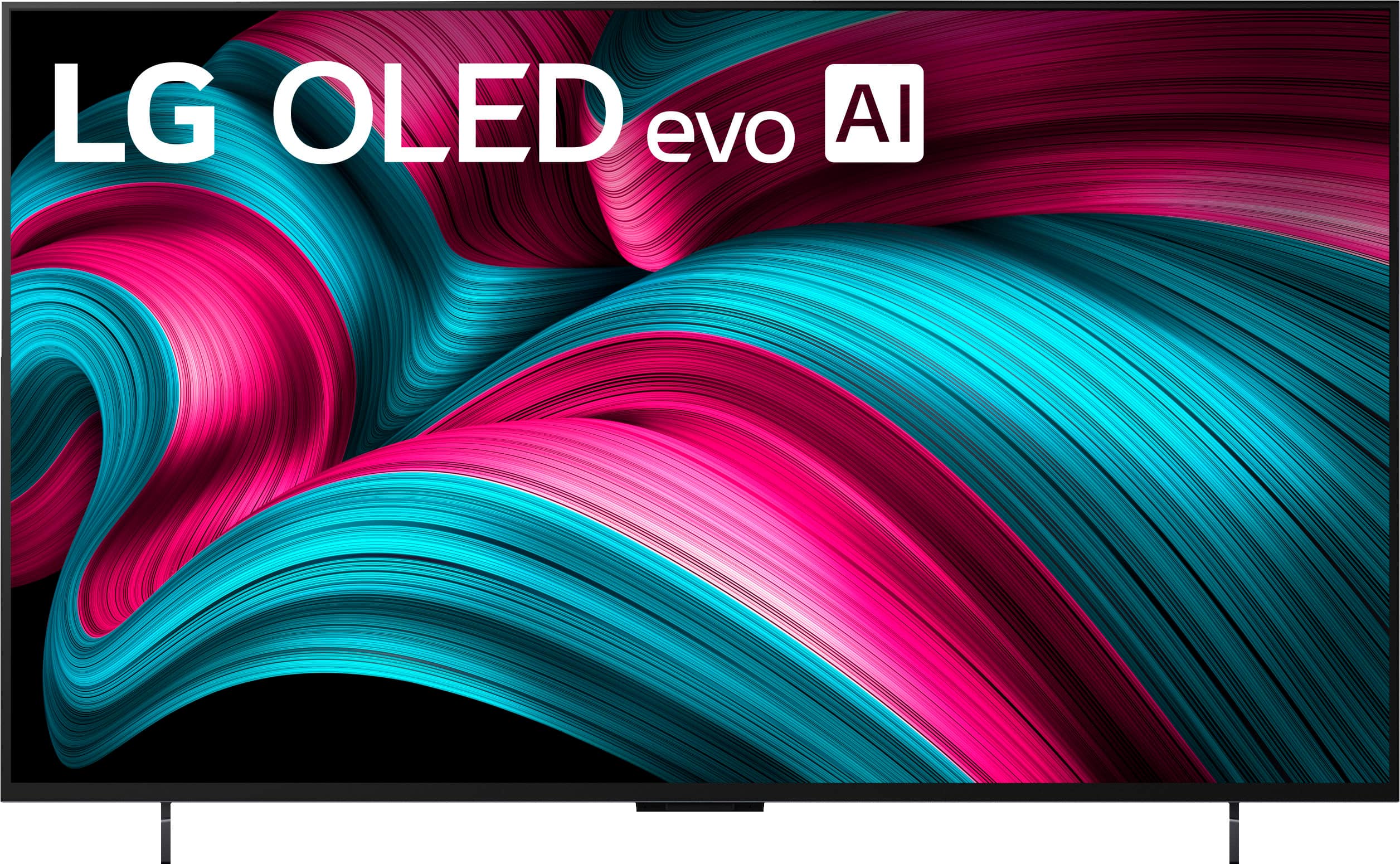


. Independently Tested for Quality and Workmanship CheckPlus: 100 % Color Volume to DCI-P3 oi PSSEANE Intertek [www.IntertekCheck.com](http://www.IntertekCheck.com). 100% Color Fidelity and '100% Color Volume to DCI-P3' applies to 2025 OLED TVs. *LG OLED Display is verified by UL for Perfect Color measured to IDMS 11.5 Ring-light Reflection standards. *100% Color Volume is defined as the performance of display which is equal or greater than the size of DCI-P3 standard color volume as verified independently by Intertek. *The LG OLED Panel is certified by Intertek for 100% Color Fidelity, measured to IDMS 11.5 Ring-light Reflection standards.](https://pisces.bbystatic.com/image2/BestBuy_US/images/products/3661ed5e-8d92-47a9-baef-65aa6eb5dcb9.jpg)







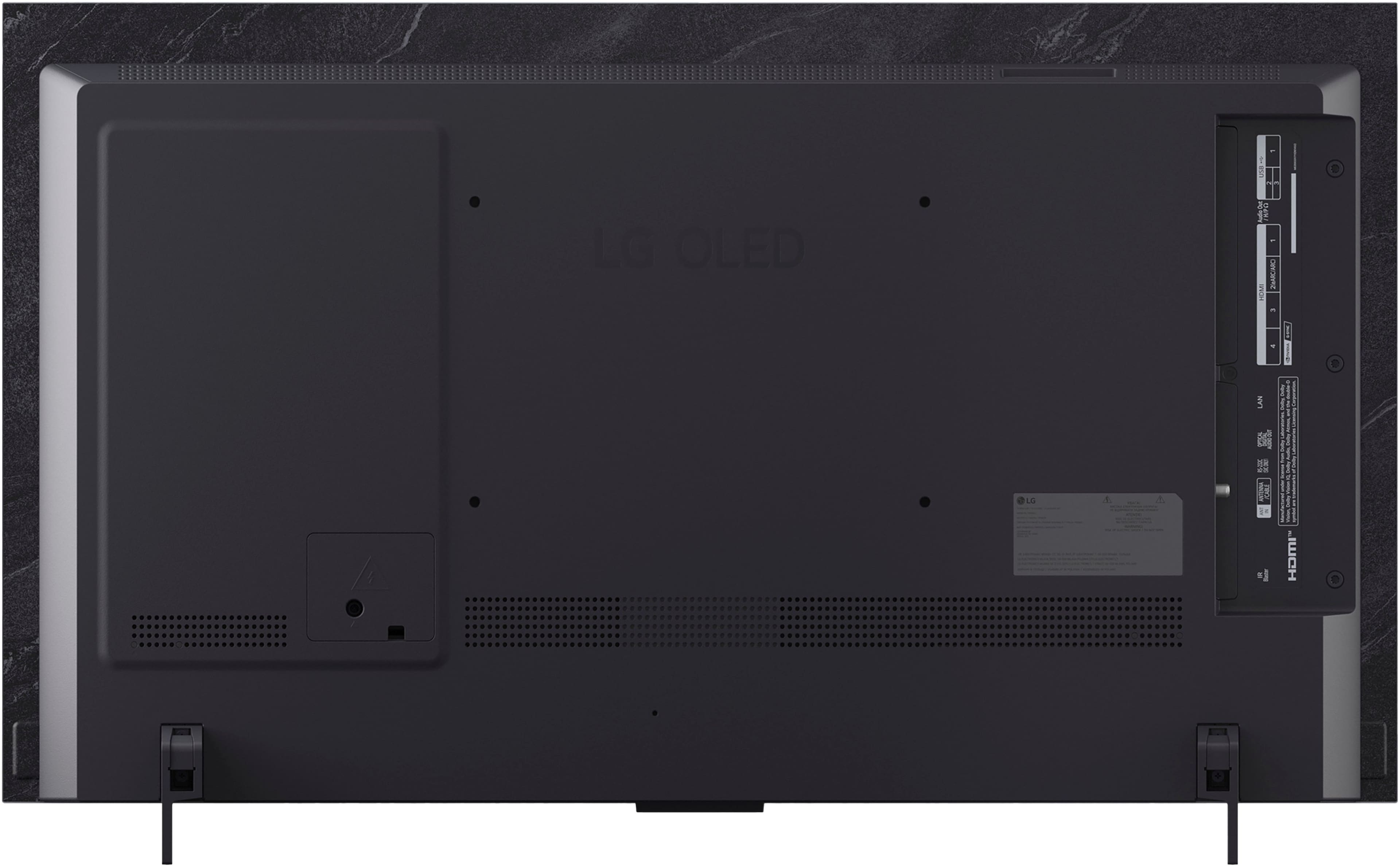

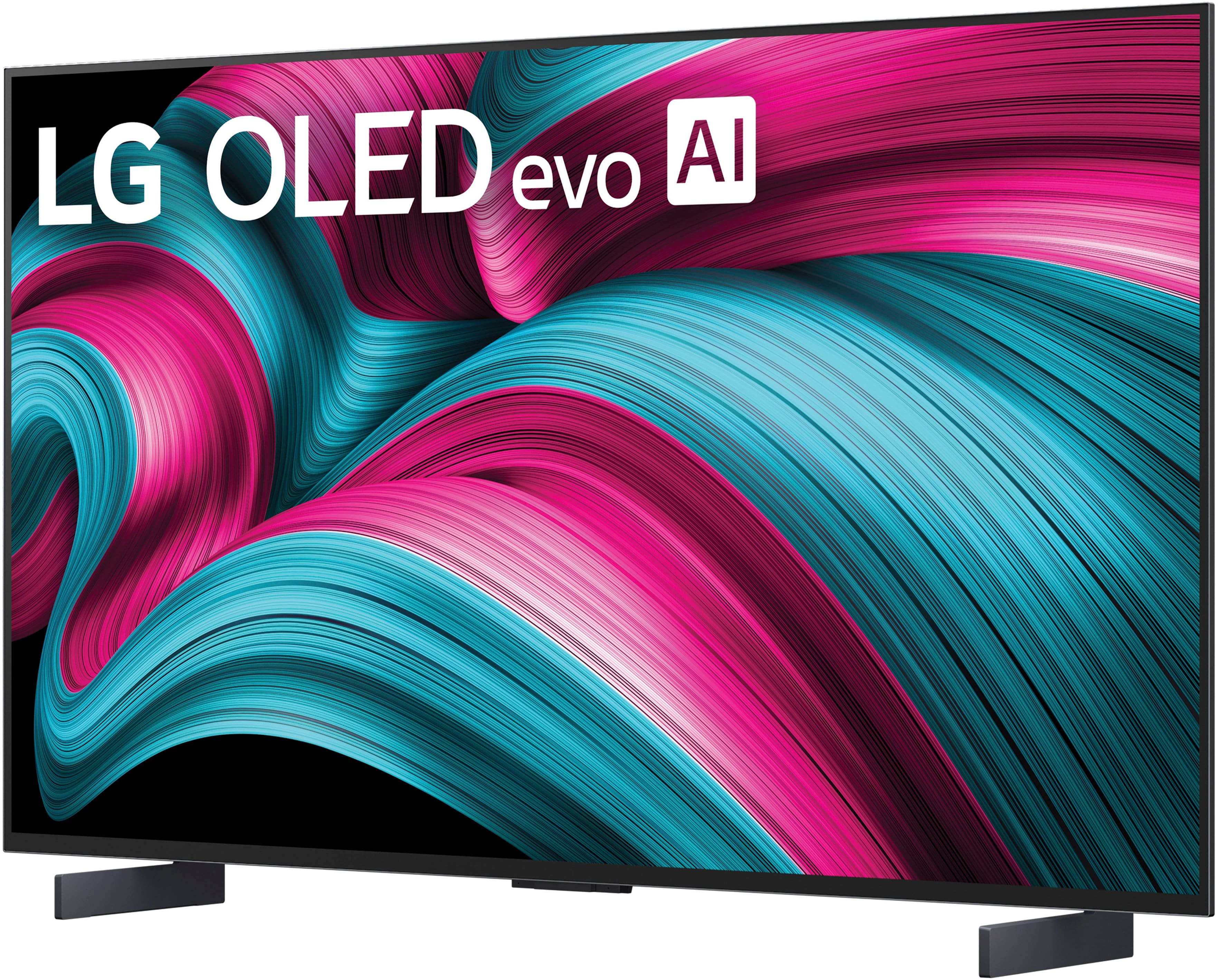
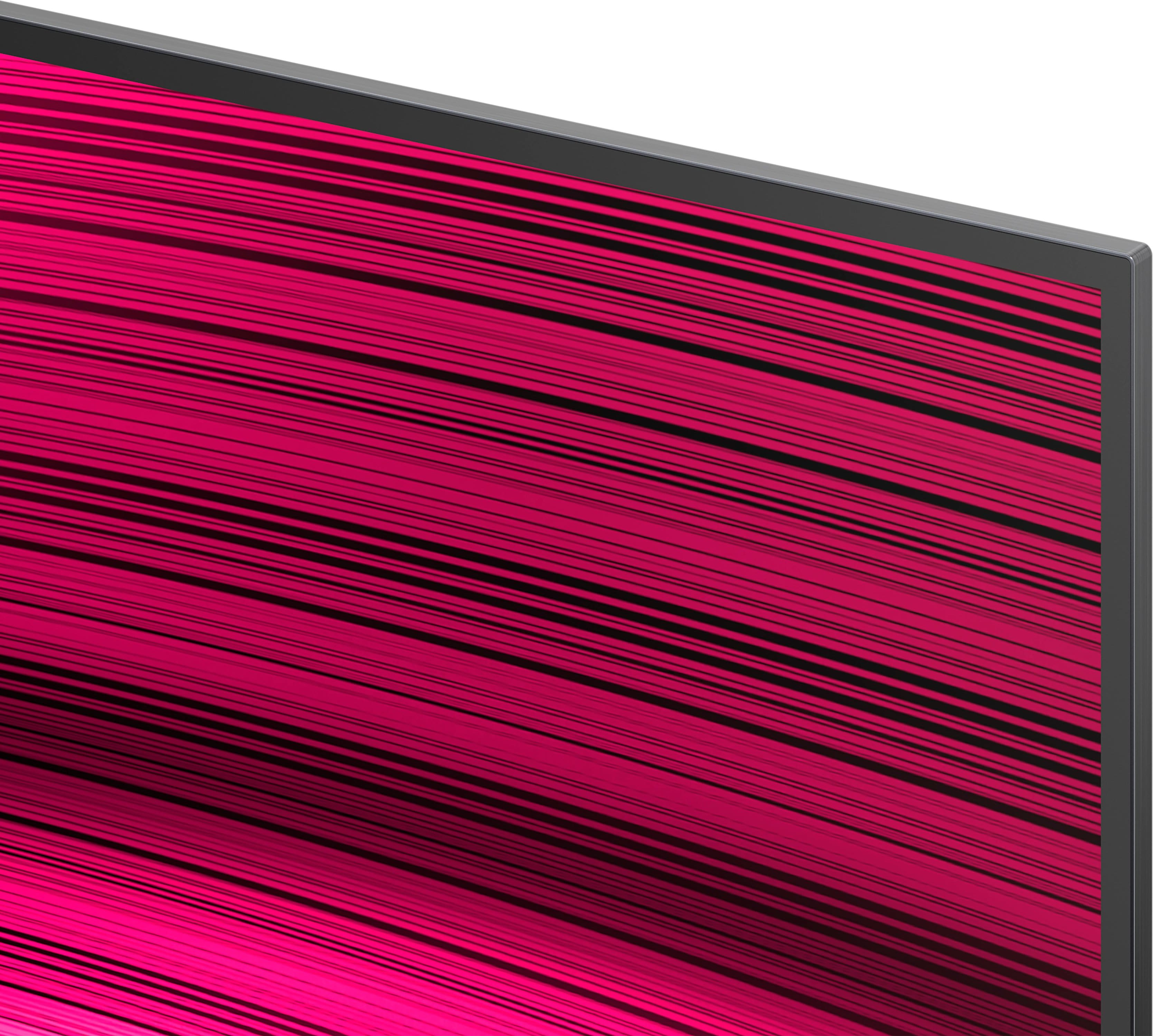
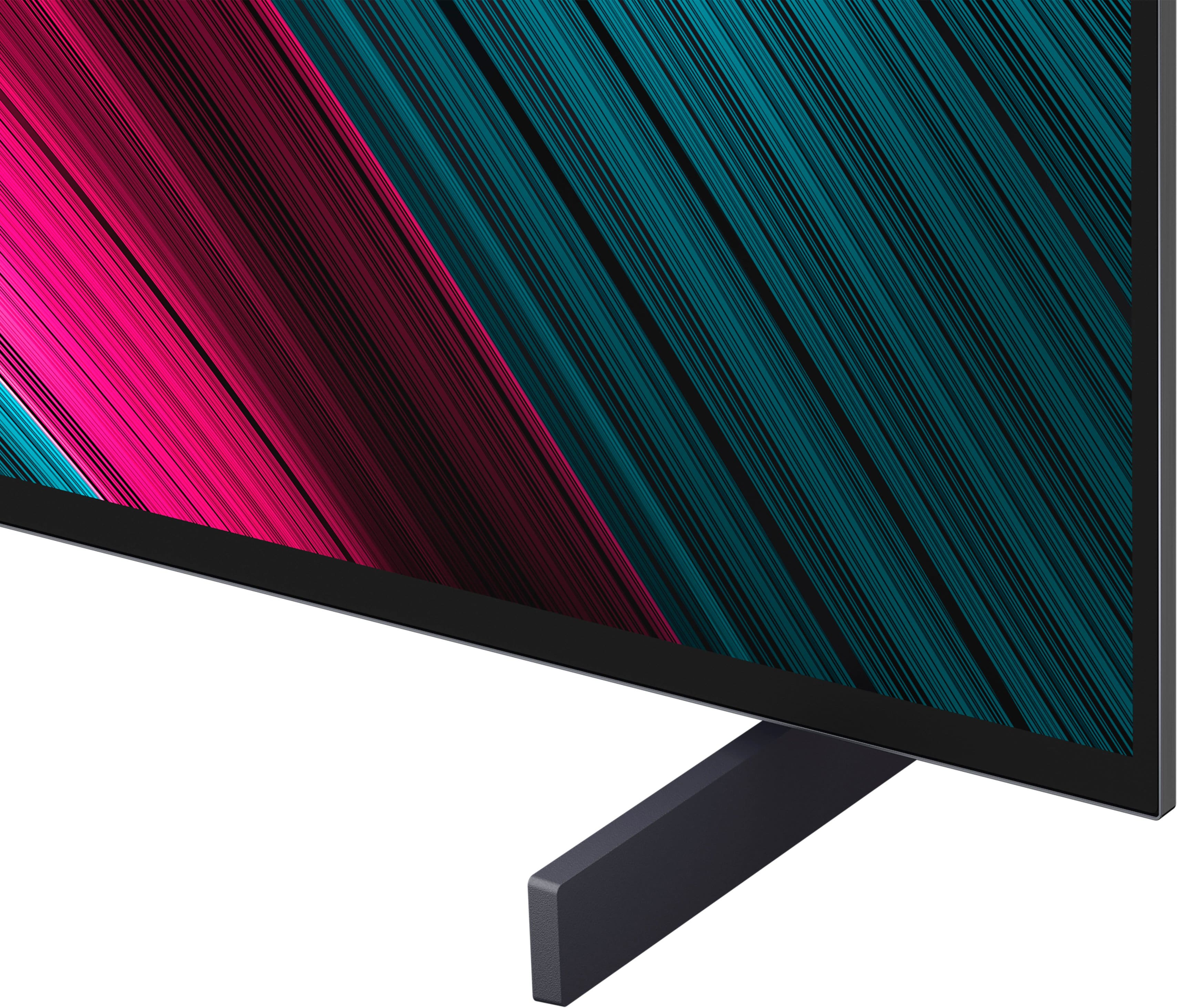





- Model:
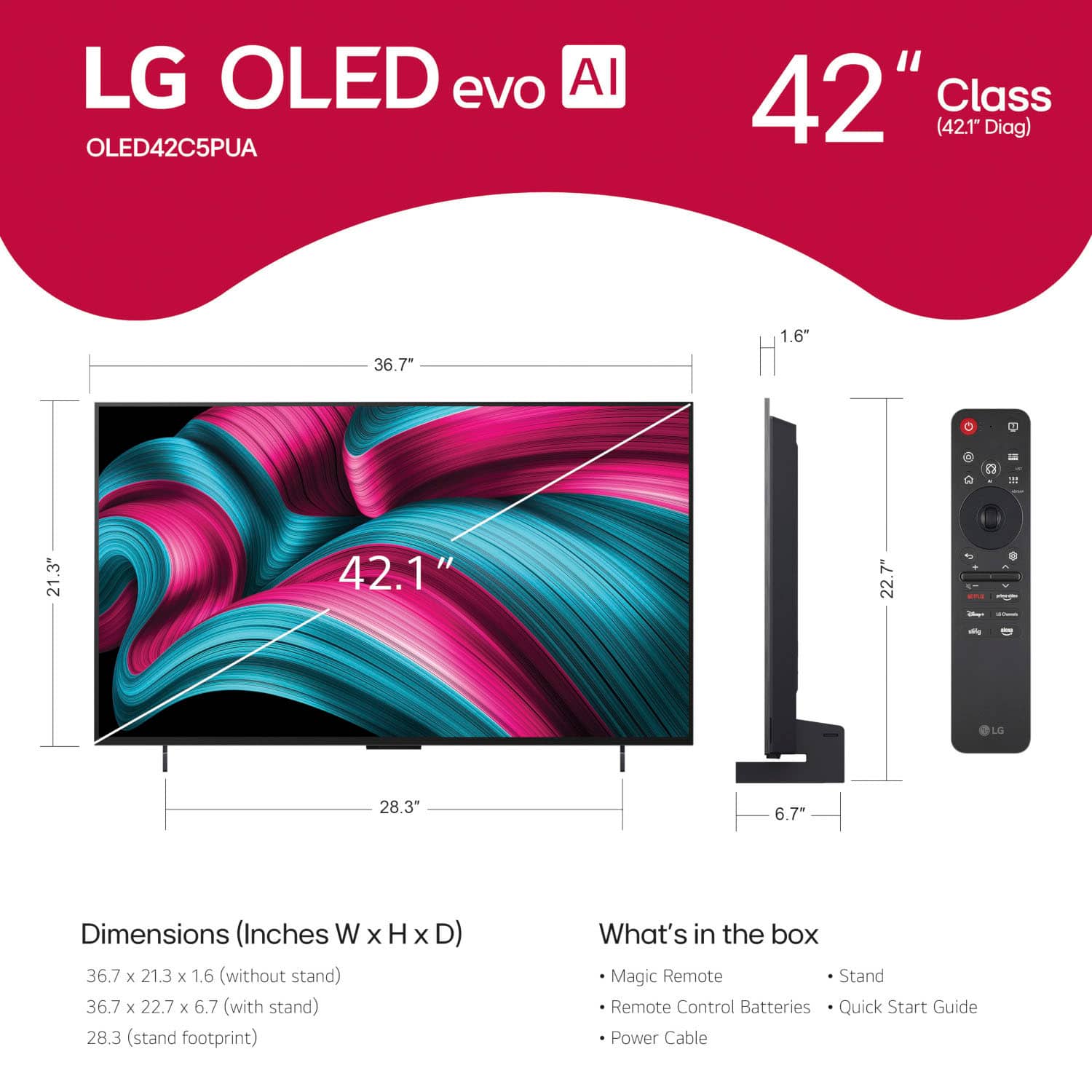
- OLED42C5PUA
- SKU:
- 10732453
Rating by feature
- Picture Quality
Rating 4.9 out of 5 stars
- Sound Quality
Rating 4.4 out of 5 stars
- Brightness
Rating 4.9 out of 5 stars
Here’s to LG
||Posted .This reviewer received promo considerations or sweepstakes entry for writing a review.I love my LG TV. Communicates well with my other LG devices. Easy to setup and select my apps. My smart tv is clear and manageable.
I would recommend this to a friendExcellent tv if you are techy.
||Posted . Owned for 2 weeks when reviewed.This reviewer received promo considerations or sweepstakes entry for writing a review.I have a LG C1 that is great. I bought this for my sister but the arrow cursor is a little much for some people, I wish I could have turned it off for good. She just wasn't able to use it so I returned it.
I would recommend this to a friendGreat product
||Posted . Owned for 1 month when reviewed.This reviewer received promo considerations or sweepstakes entry for writing a review.Got a great price and price match with 60 day window with Beat Buy membership. Great all around TV. Kids use it for gaming mostly
I would recommend this to a friendgood oled tv for gaming
||Posted . Owned for 2 weeks when reviewed.This reviewer received promo considerations or sweepstakes entry for writing a review.It is a fantastic tv monitor. Perfect for pc and gaming console.
I would recommend this to a friendGood Product - Horrible Customer Service
||Posted . Owned for 2 weeks when reviewed.This reviewer received promo considerations or sweepstakes entry for writing a review.The TV itself is good...however the customer service from Best Buy and LG is the worst I have ever experienced. This TV is somewhat complicated to setup and learn how to use. I contacted Best Buy and LG numerous times for help but got absolutely none!
I would recommend this to a friend
Best Tv For Gaming
|Posted .This reviewer received promo considerations or sweepstakes entry for writing a review.Amazing Tv has a lot of custom brightness settings. Definitely recommended if you’re looking for a gaming option.
I would recommend this to a friendAmazing tv
||Posted .This reviewer received promo considerations or sweepstakes entry for writing a review.Excellent high quality screen. Works wonderfully with the ps5
I would recommend this to a friendEndless problems and annoyances
||Posted .This reviewer received promo considerations or sweepstakes entry for writing a review.The remote is absolutely awful. If you have ever had tendinitis simply don't get this TV. Getting an app is a forever project if it's not already on the screen. Absolutely terrible compared to using a Roku. The online user guide is useless and mostly about putting the TV on your wall. Despite claiming otherwise, the only sort of complete guide is on the TV. In small writing. Every day I think about returning this TV.
No, I would not recommend this to a friendBrand response from LG Digital Customer Care
Posted .Hello there, CarolW. Thank you for sharing your experience with us. We understand your inquiry regarding the remote and navigation of your LG - 42" Class C5 Series OLED evo AI 4K UHD Smart webOS TV (2025). We understand that the unit didn't meet your expectations, and your feedback is important to us.
https://www.bestbuy.com/product/lg-42-class-c5-series-oled-evo-ai-4k-uhd-smart-webos-tv-2025/JJ8VPZTHLJ
To make accessing your favorite apps faster, we recommend using the "Quick Access" feature by long-pressing the "0" key on your remote to customize shortcuts for your most-used applications. For further assistance and any specific concerns you may have, please contact us on [email protected]. We appreciate your patience. —Renzo
Great for gaming
||Posted .This reviewer received promo considerations or sweepstakes entry for writing a review.Looks great! Loving the picture quality. No complaints.
I would recommend this to a friendLove this TV!
||Posted .This reviewer received promo considerations or sweepstakes entry for writing a review.I absolutely LOVE this TV. It’s the perfect size for my Ensuite.
I would recommend this to a friend42” C5
||Posted . Owned for 1 week when reviewed.This reviewer received promo considerations or sweepstakes entry for writing a review.Beautiful display and the OS is fast. The remote is cool as it has a pointer function
I would recommend this to a friendGreat experience!
||Posted .This reviewer received promo considerations or sweepstakes entry for writing a review.Great TV, and the installers were topnotch! On time and very friendly and mannerly.
I would recommend this to a friendPoor remote control
||Posted . Owned for 2 weeks when reviewed.This reviewer received promo considerations or sweepstakes entry for writing a review.Worst remote control I have ever used. You have to roll a thumb dial and most the the time it doesn't work well
No, I would not recommend this to a friendBrand response from LG Digital Customer Care
Posted .Hi, William. Thank you for reaching out about your LG TV (OLED42C5PUA) model. We understand the importance of having a remote that feels intuitive and responsive.
One helpful step you can try is resetting the remote’s Bluetooth connection by holding the Home and Back buttons together for a few seconds, then pairing it again when prompted on the TV. This can improve responsiveness if the scroll or pointer feels inconsistent. You can also adjust or disable the pointer settings under Settings > General > AI Service > Pointer Options, which may give you a smoother experience depending on how you prefer to navigate. For more guidance, visit https://www.lg.com/us/support/help-library/lg-tv-how-to-troubleshoot-your-lg-magic-remote--1427121727809OLT. We’d be glad to take a closer look into this with you. Please send us an email at [email protected] so we can continue assisting you. ^Juvy
Looking at OLED just feels so futuristic
||Posted .This reviewer received promo considerations or sweepstakes entry for writing a review.Love the tv love the OLED love everything about it. But too many settings, almost too many!
I would recommend this to a friend42 inch LG OLED
||Posted .This reviewer received promo considerations or sweepstakes entry for writing a review.This LG TV is the exact one that ive been looking for. The visual quality is outstanding.
I would recommend this to a friendNo issues so far
||Posted . Owned for 2 weeks when reviewed.This reviewer received promo considerations or sweepstakes entry for writing a review.I had this for 2 weeks now and I havent has the green tint issues or hdr countour issues in game mode mentioned by reviews.
I would recommend this to a friendThe best
||Posted . Owned for 3 weeks when reviewed.This reviewer received promo considerations or sweepstakes entry for writing a review.Great stuff and awesome customer service. Love it
I would recommend this to a friendGreat
||Posted . Owned for 2 weeks when reviewed.This reviewer received promo considerations or sweepstakes entry for writing a review.Good but not the best for this price. Samsung is better
No, I would not recommend this to a friendDisappointment
||Posted . Owned for 1 month when reviewed.This reviewer received promo considerations or sweepstakes entry for writing a review.Tv is fine. Trying to get a price match has been trying to say the least. I was told to call and check for a price drop but they did not du tell me you can only take one price match and the price dropped again!!
I would recommend this to a friendStick with Samsung
||Posted .This reviewer received promo considerations or sweepstakes entry for writing a review.Tv worked a day then the screen kept shorting out and resetting ! Had previous issues with another g5 ! I wanted to give it one more try but had to switch back to Samsung! Maybe it’s just my luck but while it and the 77in G5 worked they were clear !
No, I would not recommend this to a friendBrand response from LG Digital Customer Care
Posted .Hi, Sam. Thank you for sharing what happened with your LG TV (OLED42C5PUA) model. We understand the importance of having a TV that performs consistently. For symptoms like screen resets or power cycling, one helpful step is to run a power reset by unplugging the TV for 60 seconds and reconnecting it directly to a wall outlet, bypassing any surge protectors or power strips. This helps rule out power‑delivery interruptions that can cause repeated restarts. For more guidance, visit https://www.lg.com/us/support/help-library/lg-tv-screen-cuts-out-and-freezes--20154859965707. We’d be glad to take a closer look from our end. Please send us an email at [email protected] with your model number and a brief description of the behavior so our team can assist you further. ^Juvy