Customer Ratings & Reviews
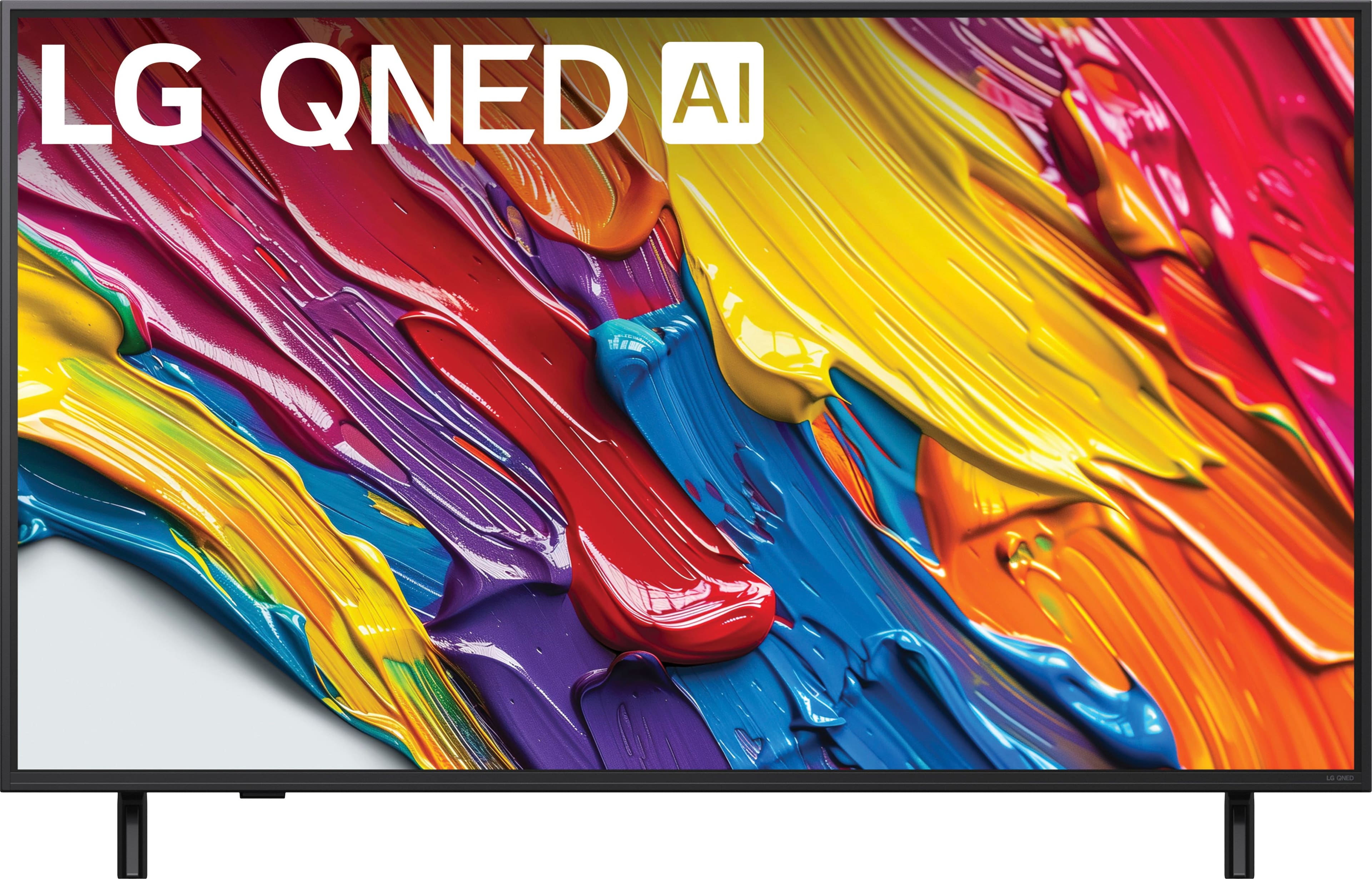
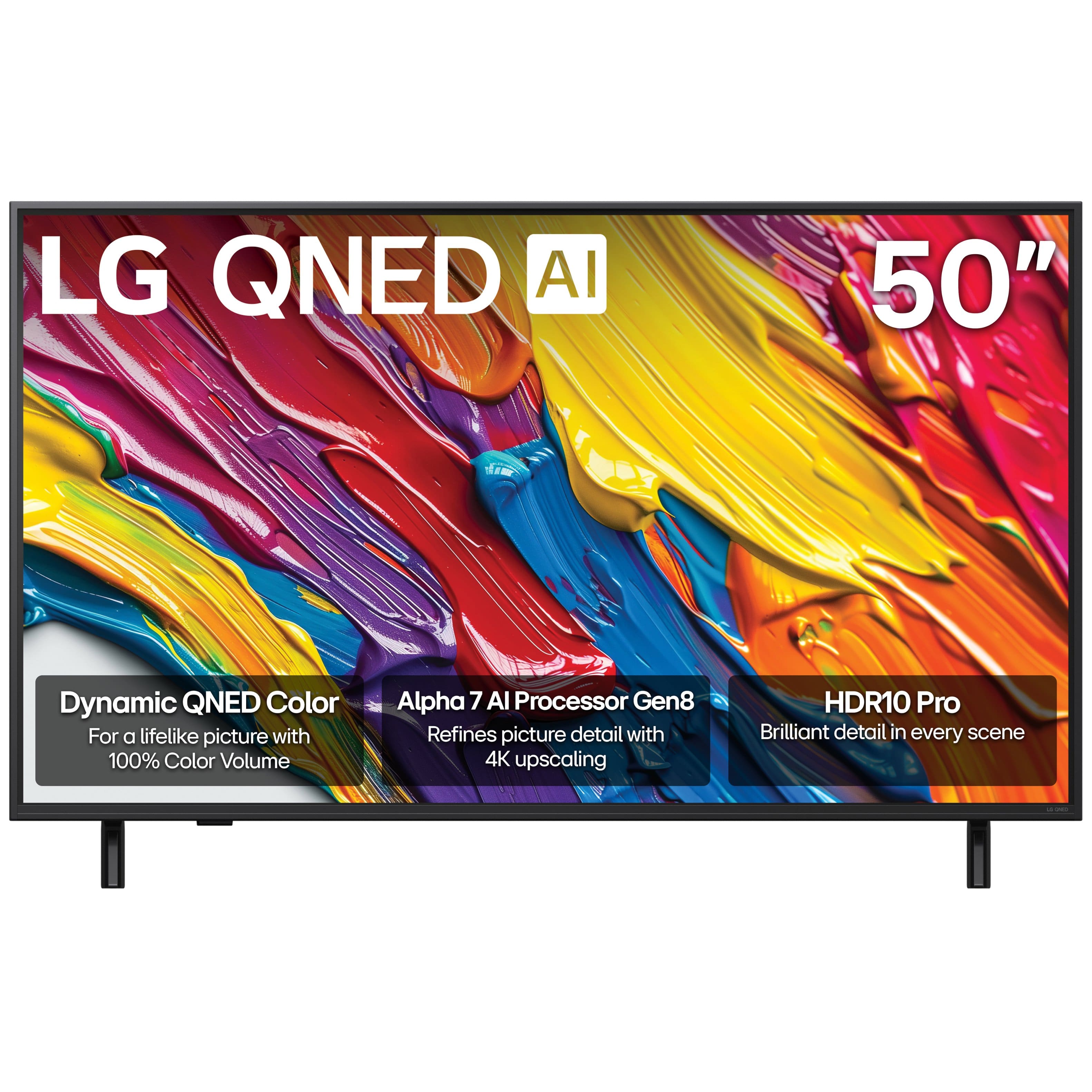
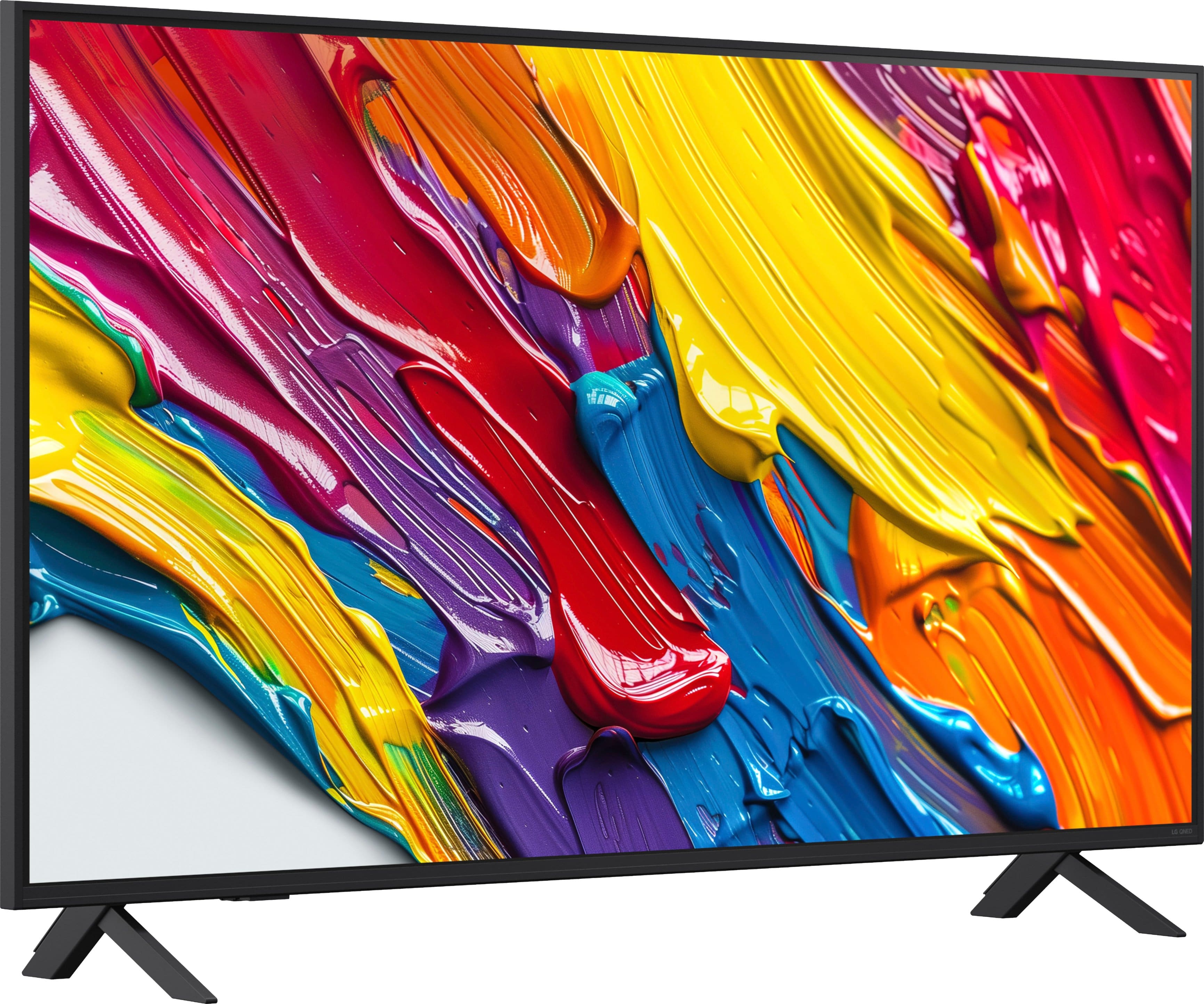


- Model:
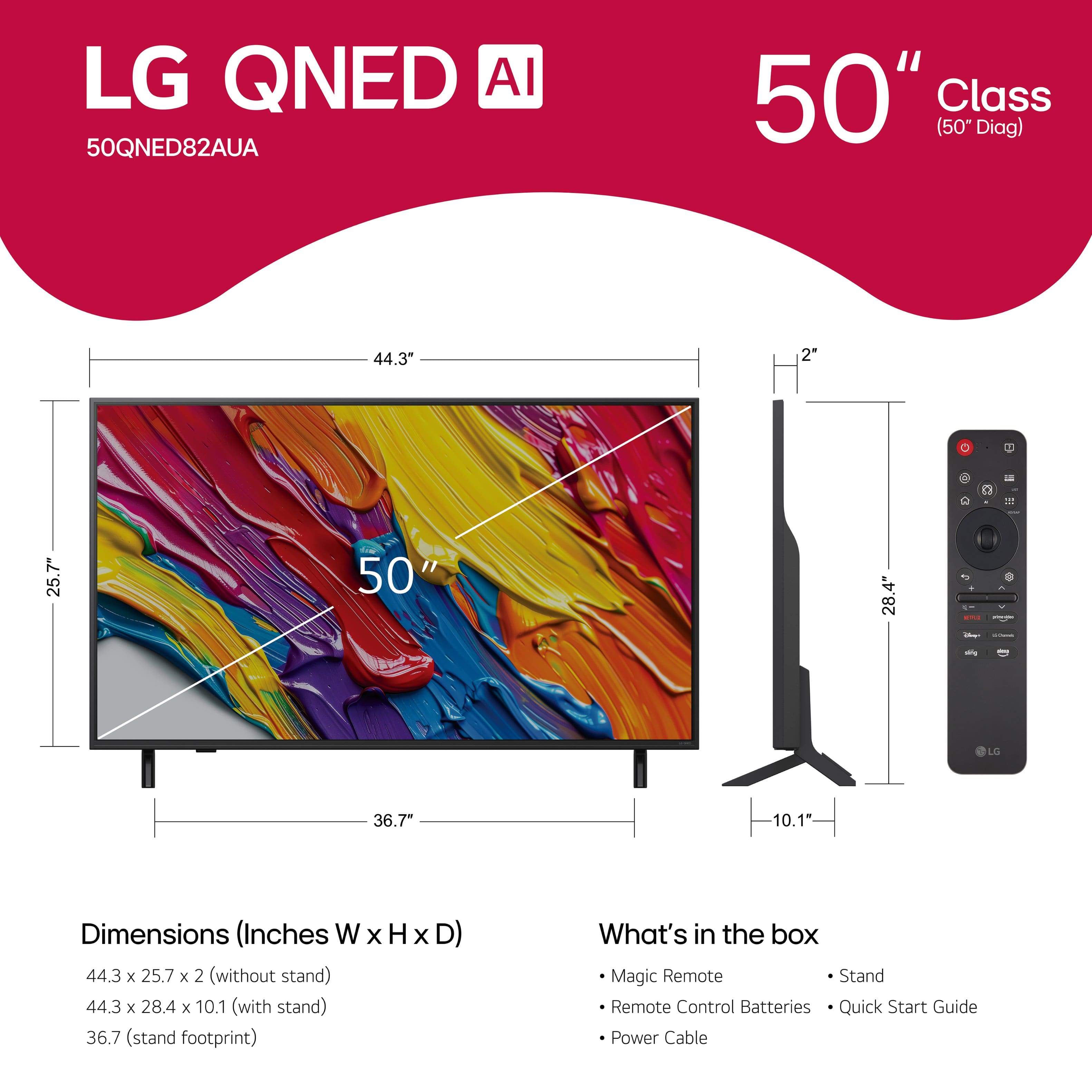
- 50QNED82AUA
- SKU:
- 10214372
Rating by feature
- Picture Quality
Rating 4.6 out of 5 stars
- Sound Quality
Rating 4.3 out of 5 stars
- Brightness
Rating 4.6 out of 5 stars
Good Buy
||Posted . Owned for 2 months when reviewed.This reviewer received promo considerations or sweepstakes entry for writing a review.Great TV for the price, have in the 75 also. Very happy with movies and games
I would recommend this to a friendNew tv
||Posted .This reviewer received promo considerations or sweepstakes entry for writing a review.Best Buy sent the package very quickly! I’m very happy with the service. Also, the TV is exceptional.
I would recommend this to a friendAI television
||Posted . Owned for 1 week when reviewed.This reviewer received promo considerations or sweepstakes entry for writing a review.Great television, I tried another brand but the quality wasn’t so great.
I would recommend this to a friendLINS TV
||Posted . Owned for 3 weeks when reviewed.This reviewer received promo considerations or sweepstakes entry for writing a review.I love my LG tv and its the best i have ever had. It even helps diagnose if there's a problem and how to solve it.
I would recommend this to a friendNot the smartest TV
||Posted . Owned for 1 month when reviewed.This reviewer received promo considerations or sweepstakes entry for writing a review.If you're looking for a very large tablet or laptop, this might be the right device for you. However, if your main goal is to watch TV, it is not suitable. For instance, whenever you turn it on, you must navigate through multiple steps to return to the content you were watching when you last turned it off. The Guide features a small font with poor contrast, displayed in a small portion of the screen, requiring you to stand close to the TV to read it. The documentation is poorly executed, resulting in wasted hours spent trying to set it up as I want. As a Smart TV, I expected the AI to resolve the documentation issue. However, after asking a straightforward question about operating the TV set, it searches the global internet and returns completely unrelated topics. Once you at last get the content that you seek, the picture is great. Not so much for the audio. The control is weird, sometimes I need to crank it up to 100 just to hear the sound. Muting is crazy. I view this device as a junior IT person's toy creation, with controls designed to be "cute".
No, I would not recommend this to a friendBrand response from LG Digital Customer Care
Posted .Hi there. We understand your inquiry regarding your LG 50QNED82AUA TV, and the issues you've experienced with navigation, the guide font, and audio control. Your feedback is important, and we'd like to look into this further. Please send us a private message on Social Media @LGUSSupport and our team will be more than happy to explore possible solutions.
https://www.bestbuy.com/site/lg-50-class-82a-series-qned-ai-4k-uhd-smart-webos-tv-2025/6621682.p?skuId=6621682
We appreciate your patience. —Renzo
All around a good purchase
||Posted .This reviewer received promo considerations or sweepstakes entry for writing a review.Good picture and sound. Buying process was easy. Pickup was easy.
I would recommend this to a friendA lanai TV
||Posted . Owned for 1 month when reviewed.This reviewer received promo considerations or sweepstakes entry for writing a review.Love the tv. It was installed in my lanai. No glare.
I would recommend this to a friendGood tv
||Posted . Owned for 1 week when reviewed.This reviewer received promo considerations or sweepstakes entry for writing a review.It’s a good tv to watch shows , and the colors are brilliant
I would recommend this to a friendLG QNED AI
||Posted .This reviewer received promo considerations or sweepstakes entry for writing a review.Beautiful Colors, processor is just perfect, there no doubt I wouldn’t change it for any other TV! LG makes the best TVs!
I would recommend this to a friendFine TV. Bad Best Buy experience.
||Posted .This reviewer received promo considerations or sweepstakes entry for writing a review.The TV itself is perfectly fine. The picture looks great for gaming, it made a solid budget Christmas gift for a kid, and under normal circumstances I’d be saying “job well done.” Unfortunately, the real story here isn’t the TV. It’s Best Buy. First, the TV was delivered to an outdated address. That part is partially on me for not clearing it out. The real circus started on Christmas morning when we opened the box and discovered… no remote. A TV without a remote feels less like electronics and more like a really shiny rectangle. I reached out to Best Buy, and instead of simply mailing a remote like reasonable humans, they insisted on replacing the entire TV. I reluctantly agreed, even though the time and cost inefficiency of that decision felt absurd. And then, just to add comedic tragedy to the situation, they attempted to schedule the pickup to the same old address I had already updated and explicitly corrected with customer service. After that, radio silence. So now I’ve just bought a remote from Amazon and moved on. As for Best Buy? Let’s just say they’ve made it very difficult to want to shop with them again. What an avoidable disappointment.
I would recommend this to a friendBrand response from LG Digital Customer Care
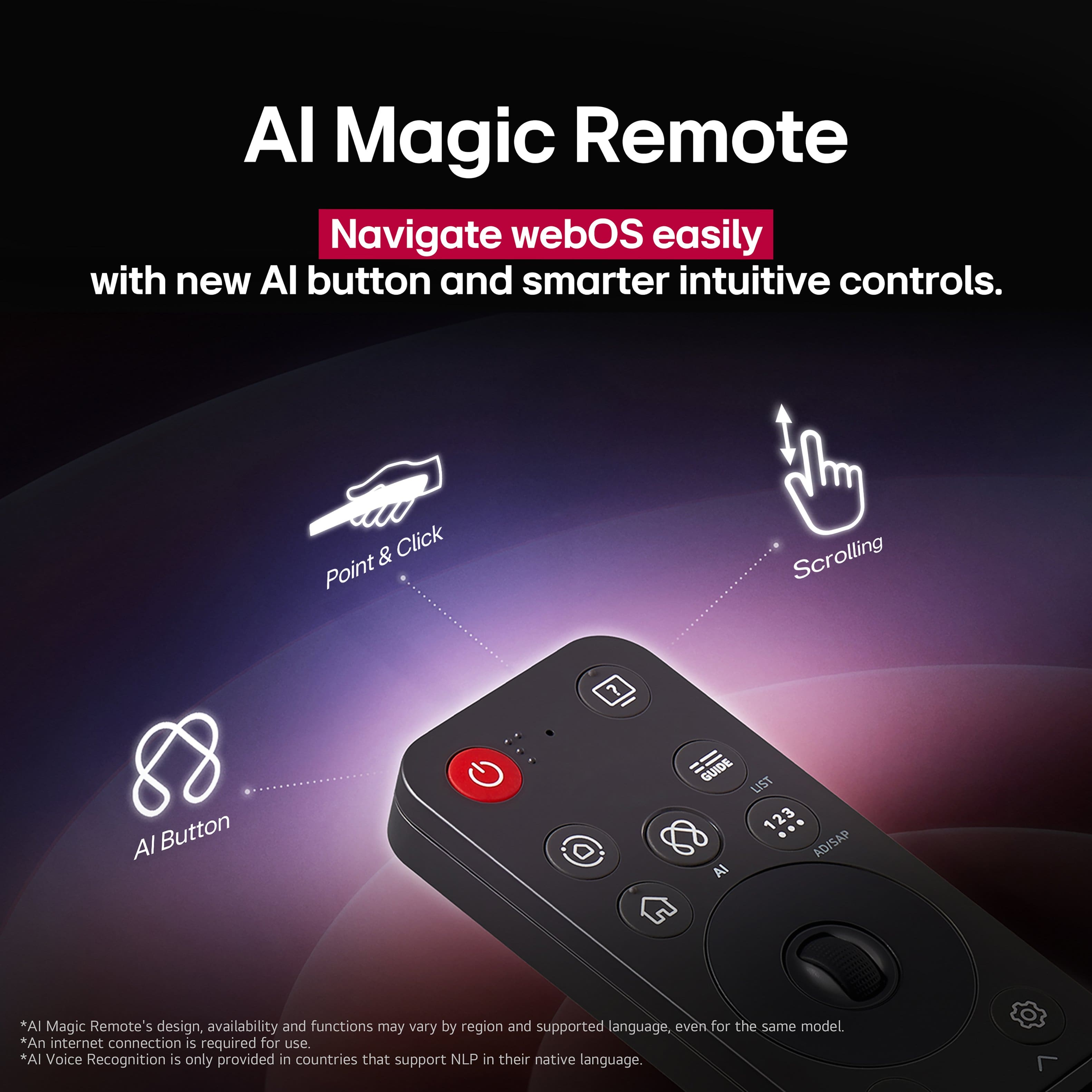
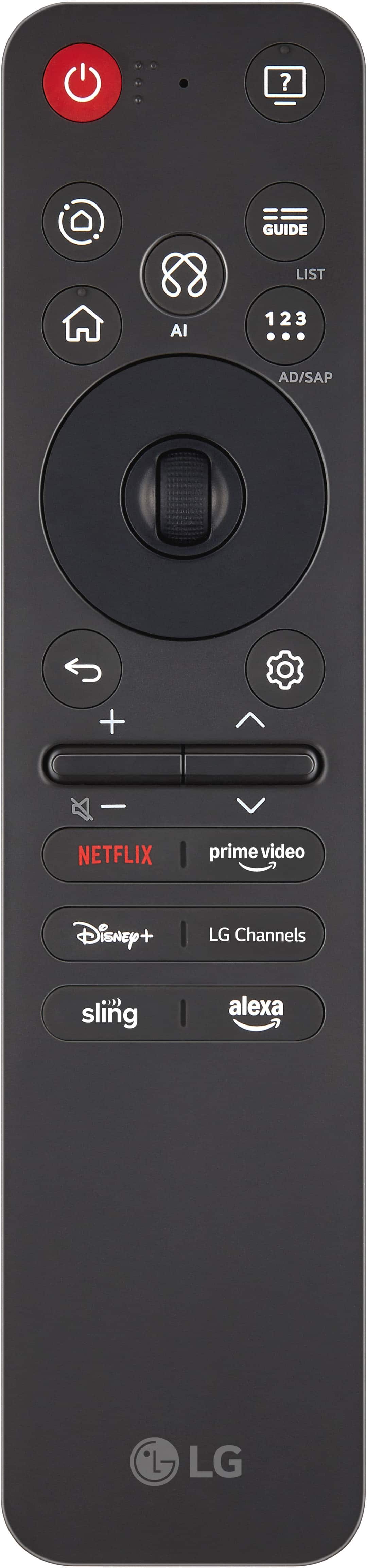
Posted .Hi, there. Thank you for sharing your experience with us, and we understand the importance of having your LG TV (50QNED82AUA) model ready to use right out of the box—especially when it’s meant to be a Christmas gift. Regarding the missing remote, we appreciate you taking the initiative to get one so the TV could be enjoyed right away. For future reference, your LG TV also supports the LG ThinQ app, which can function as a remote control using your smartphone. For more guidance, visit https://www.lg.com/us/support/help-library/lg-tv-the-lg-tv-plus-remote-app-is-now-thinq--1421266950271. To re-pair or set up a replacement remote, press and hold the Home and Settings buttons on the Magic Remote until the pairing message appears on the screen. This ensures proper connection to your TV. We’d be glad to assist you further and take a closer look at anything else you may need. Please feel free to send us an email at [email protected] so our team can support you directly. ^Juvy
Great TV, needs a dedicated mute button
||Posted .This reviewer received promo considerations or sweepstakes entry for writing a review.It works well and looks great. I have no problems with anything except the mute button on the remote is not a separate button and requires a long hold on the down volume button. I prefer for mute to be instant. Also, my roku remote no longer controls volume.
I would recommend this to a friendLG TV
||Posted .This reviewer received promo considerations or sweepstakes entry for writing a review.Best TV in IT world i ever used. Best for theater.
I would recommend this to a friendGreat Purchase
||Posted . Owned for 1 month when reviewed.This reviewer received promo considerations or sweepstakes entry for writing a review.Excellent value. Picture and sound are great. Set up was easy.
I would recommend this to a friendGreat quality
||Posted . Owned for 1 week when reviewed.This reviewer received promo considerations or sweepstakes entry for writing a review.Bought as a gift for my sister. She loves the clarity of the picture. Cant stop thanking me
I would recommend this to a friendMs. Chin
||Posted .This reviewer received promo considerations or sweepstakes entry for writing a review.For an inexpensive television the pictures are great!!
I would recommend this to a friendLG-50
||Posted . Owned for 1 week when reviewed.This reviewer received promo considerations or sweepstakes entry for writing a review.Picture is not clear and color is washed out. The remote is very hard to use. No user manual is included. We paid for delivery and set up and got delivery no set up. Given remote and told to follow prompts. NO HELP!
No, I would not recommend this to a friendBrand response from LG Digital Customer Care
Posted .Hi, Pete. Thanks for sharing your experience with your LG TV (50QNED82AUA) model. We understand the importance of having a TV that delivers a clear picture, easy navigation, and proper setup support—especially after investing in delivery and installation. For the picture quality, one helpful step is to switch the TV to Cinema or Filmmaker Mode, then increase Color and Sharpness slightly under Picture Settings. This often improves washed‑out images on QNED models. For more help, visit https://www.lg.com/us/support/help-library/lg-tv-picture-quality-and-optimization--20152175493545. You can also access the full user guide here: https://www.lg.com/us/support/product/lg-50QNED82AUA. To assist you further with the setup experience and remote usability, please send us an email at [email protected] with your details so our team can take a closer look. ^Juvy
greatbTV
||Posted .This reviewer received promo considerations or sweepstakes entry for writing a review.tv turned out to be better than i thought. would definitly recommend
I would recommend this to a friendLG QNED 4K tv
||Posted . Owned for 1 week when reviewed.This reviewer received promo considerations or sweepstakes entry for writing a review.Great tv for the price. Looks nice sounds nice great deal.
I would recommend this to a friendGreat for the price.
||Posted . Owned for 3 weeks when reviewed.This reviewer received promo considerations or sweepstakes entry for writing a review.Great tv for the price, good brightness in a bright room and great color. Sound could be better but overall not too bad.
I would recommend this to a friendPicture quality!
||Posted .This reviewer received promo considerations or sweepstakes entry for writing a review.This television offers exceptional picture quality and advanced smart TV functionalities, all at a competitive price point.
I would recommend this to a friend