Customer Ratings & Reviews
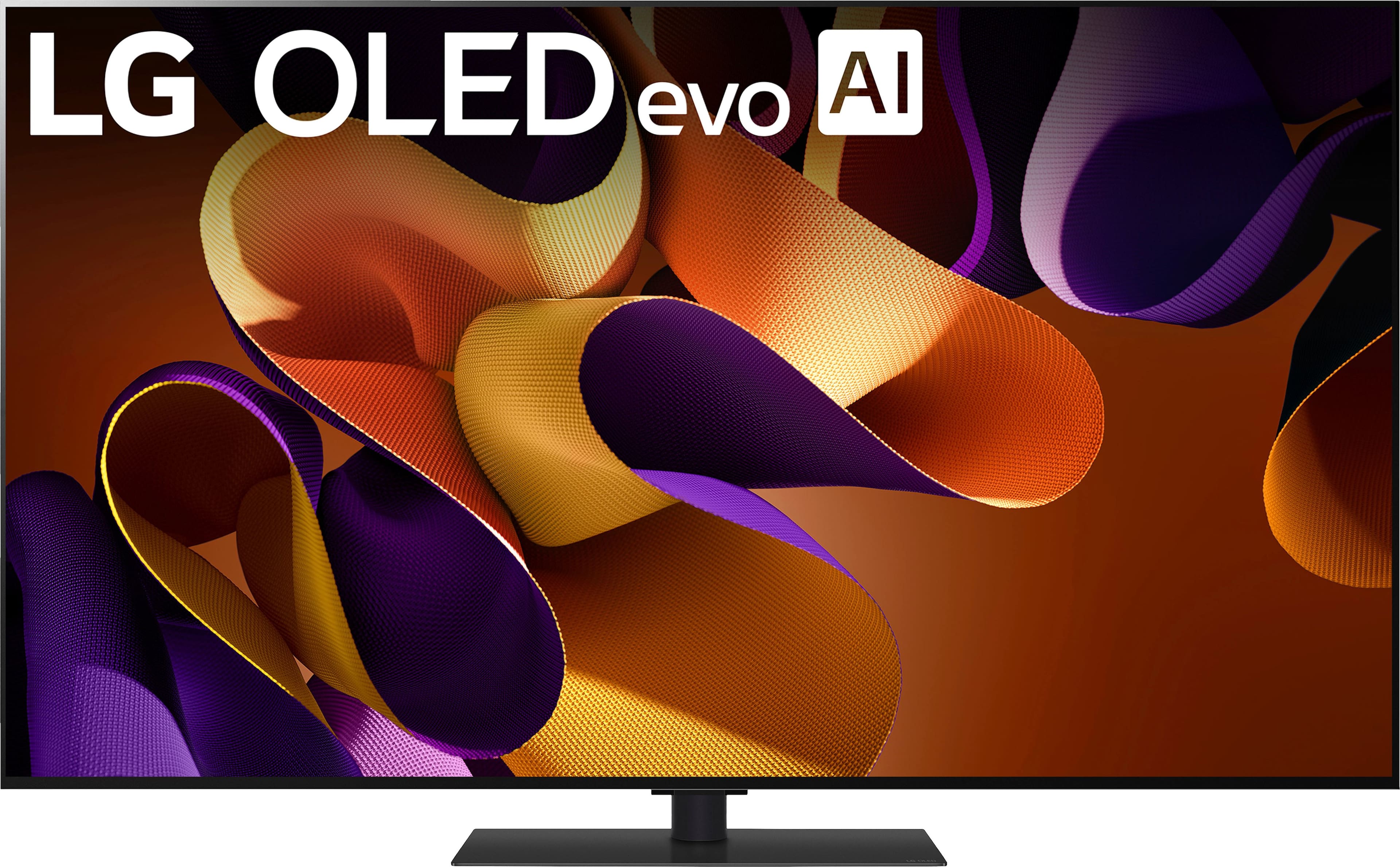
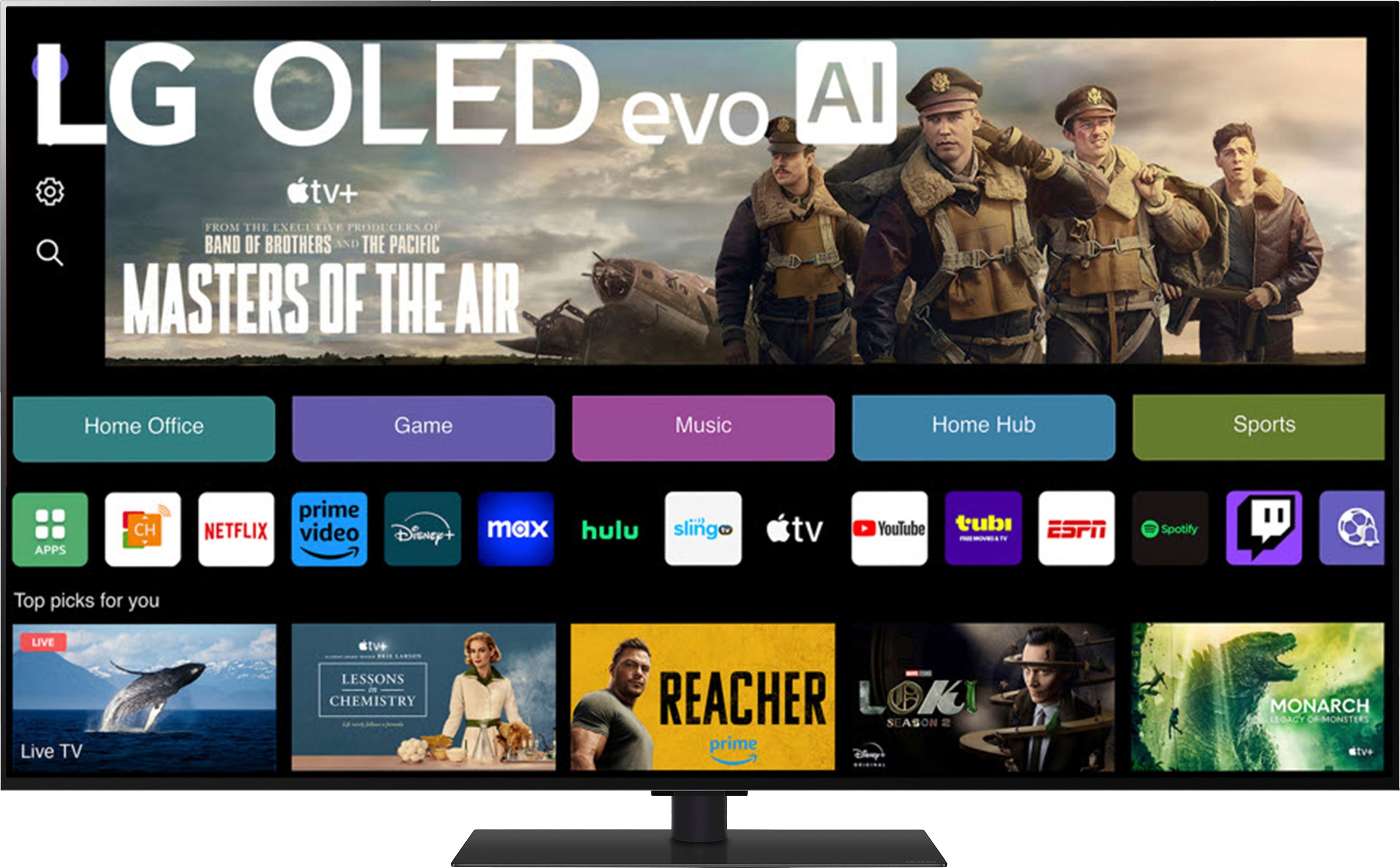
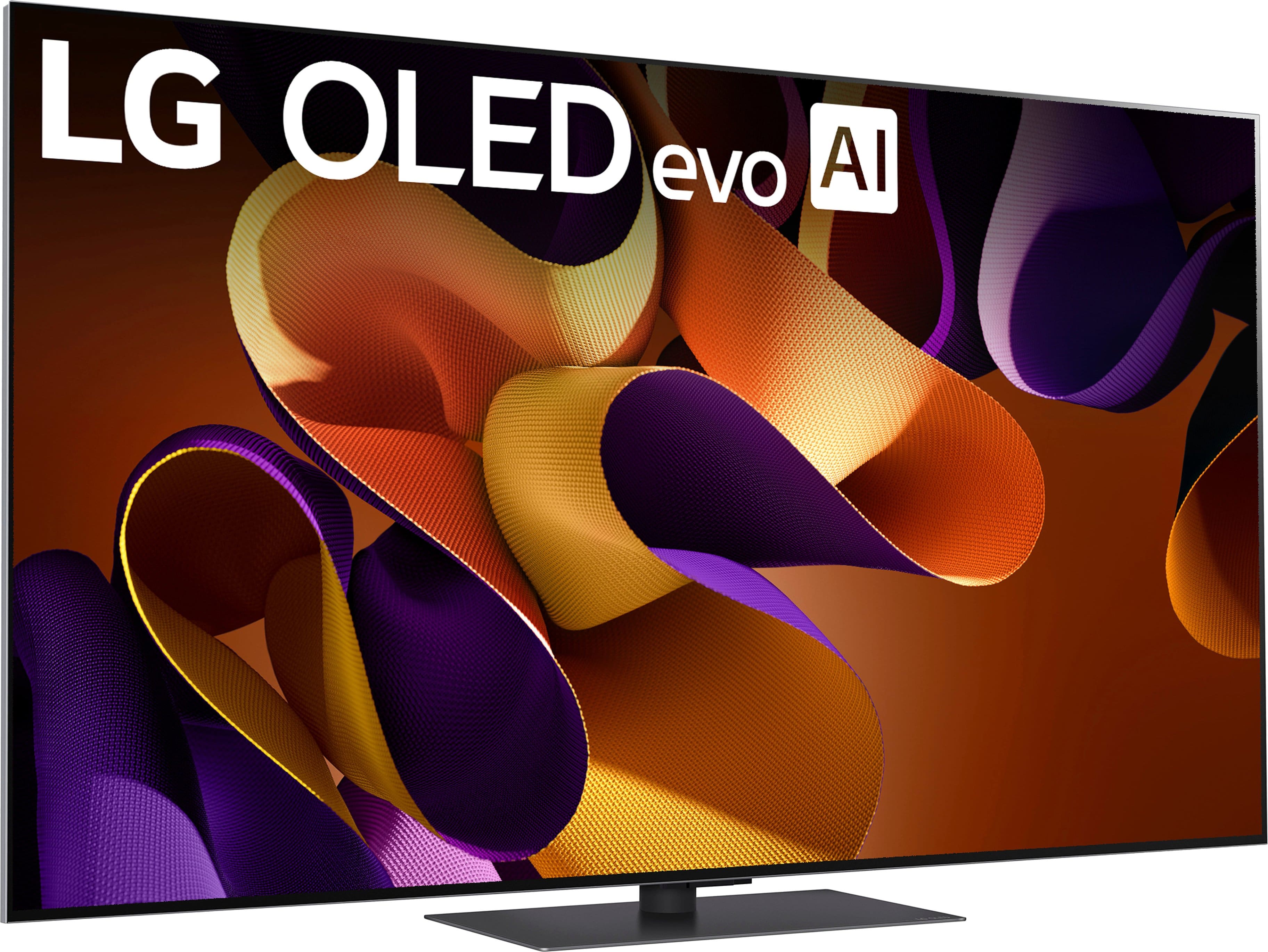
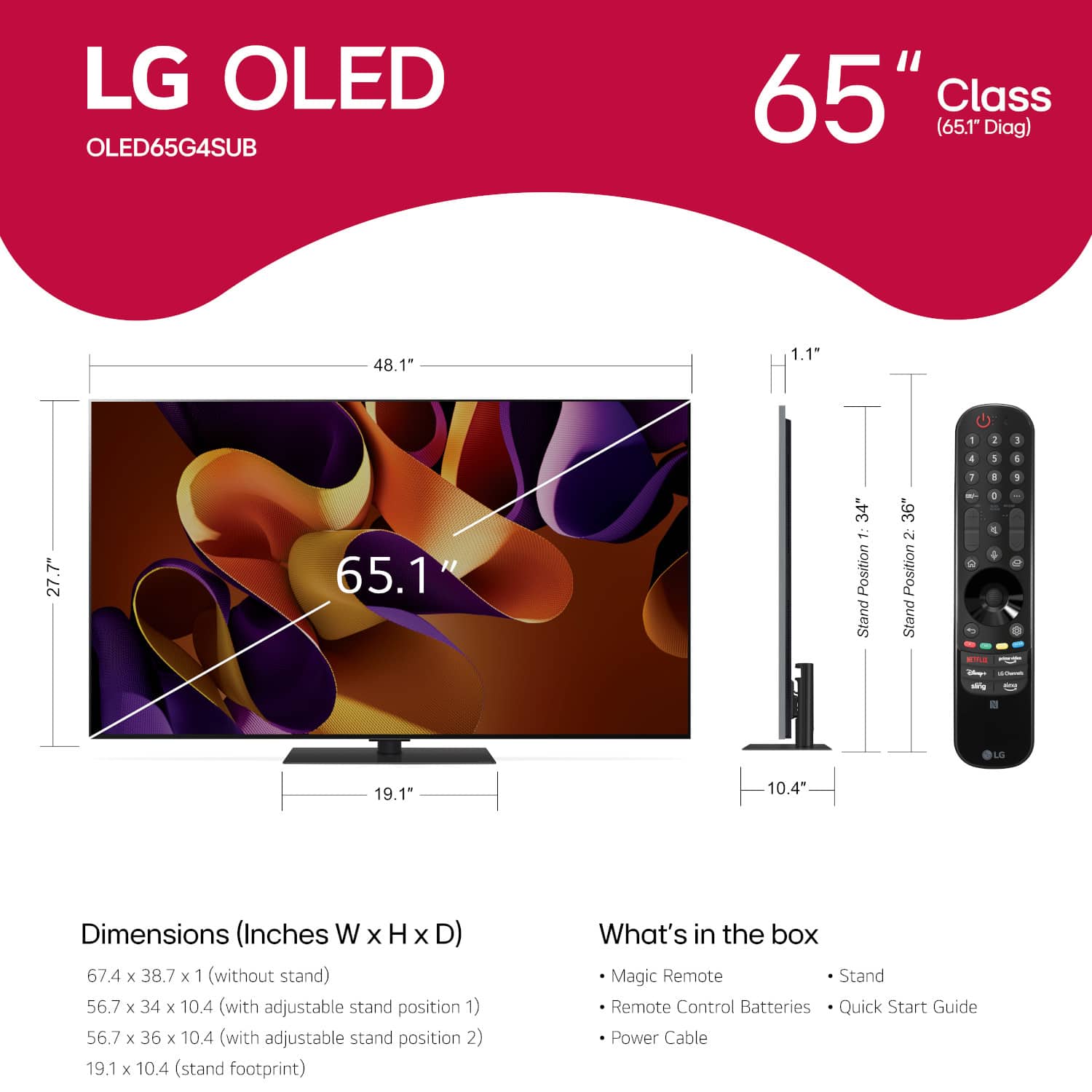
.](https://pisces.bbystatic.com/image2/BestBuy_US/images/products/a2c81e15-ccb1-41b4-b702-c6bedffe82e5.png)












- Model:
- OLED65G4SUB
- SKU:
- 11402347
Rating by feature
- Picture Quality
Rating 4.9 out of 5 stars
- Sound Quality
Rating 4.5 out of 5 stars
- Brightness
Rating 4.9 out of 5 stars
Don't get AI tv feature
||Posted . Owned for 1 month when reviewed.This reviewer received promo considerations or sweepstakes entry for writing a review.Do not like the AI feature, it's annoying, I just wanted a normal tv
No, I would not recommend this to a friendBrand response from LG Digital Customer Care
Posted .Hi there, FranciscoC. Thank you for sharing your experience with us. We understand your inquiry regarding the AI features on your OLED65G4SUB TV. Your feedback is important, and we'd like to assist you further.
You can often adjust or disable various AI features in your TV's settings. Look for options like "AI Picture Pro," "AI Sound Pro," or "AI Service" within the "General" or "Picture" settings menu to customize your viewing experience.
https://www.bestbuy.com/site/lg-65-class-g4-series-oled-evo-4k-uhd-smart-webos-tv-2024/6578150.p?skuId=6578150
Please send us a private message on Social Media @LGUSSupport and our team will be more than happy to explore possible solutions. We appreciate your patience. —Renzo
Horrible experience
||Posted . Owned for 1 month when reviewed.This reviewer received promo considerations or sweepstakes entry for writing a review.Where do I begin. The whole process from start to finish was a nightmare. I don’t have the time and energy to write all the issues I had with this purchase.
No, I would not recommend this to a friendBrand response from LG Digital Customer Care
Posted .Hi, there. Thank you for reaching out regarding your experience with the LG TV (OLED65G4SUB) model. We understand how important it is to have a television that functions flawlessly. We strive to provide high-quality products and ensure a smooth and seamless viewing experience. To address all the issues you've faced, please send us a private message on social media @LGUSSupport. Our team will be able to gather detailed information about your situation and provide personalized support to resolve any problems. Whether it’s related to the purchase process, product performance, or anything else, we’ll ensure that we address each of your concerns thoroughly. Our goal is to make things right and improve your experience with LG. ^Juvy
Best TV For The Money For 2024
Posted .This reviewer received promo considerations or sweepstakes entry for writing a review.Just purchased the 77" LG G4 and believe me it is the second-best OLED on the market, as the Sony 77" class BRAVIA XR A95L is the top-of-the-line OLED and is just a little better. But the Sony is not $1800 dollars better, yes it has a better built in sound system and the processor is a little better but that is it. I looked a both the Sony and the LG TVs at Best Buy in a side-by-side comparison, but since the top-of-the-line TVs were so close in picture quality I could not justify spending the extra money. Anyone who buys these TVs will already have a separate sound system, either a sound bar and the Atmos speakers that go with them or a custom high-end home theater system for them.
I would recommend this to a friendCouldnt pass up
Posted .This reviewer received promo considerations or sweepstakes entry for writing a review.My projector was just not cutting it for me anymore. Spent about 1.5 months researching and driving to different BB’s to see models in person. Ceiling was around $1200 for me. Saw a 65” G4 open box for $1200ish qnd literally couldnt say no. The set up screen confirmed i made a good choice. I hear OLED’s arent the best brightness, this thing was nearly offensively bright. The black bars above and below the video show the raw power of contrast.
I would recommend this to a friend55"picture better than the 65" picture
Posted .This reviewer received promo considerations or sweepstakes entry for writing a review.Writing this review grieves me bc I am a huge fan of LG televisions. Two years ago I purchased an LG 55" G2 television for my den and it was delivered by Bestbuy and installed with the expertise of two members of the Geek Squad. As soon as it was installed, I thought it was too small but the picture was way beyond my expectations, so I decided to enjoy it until I could save up for the LG 65" G4. Then I did, and I couldn't wait to see it in my den and blow me away. My 55" I gave to my daughter and once again, Bestbuy installed it and I was thrilled by the additional picture size. The picture seemed fine to me in the beginning, but I noticed that the picture was not as crisp and clear as my 55". I played around with every combination of picture settings but none of them were as crystal clear as the TV I gave away. My Daughter came over to watch the Super Bowl and after a while she said what I had been thinking, (without any my provoking) - "Dad, I think my TV gets a better picture than yours!" I went back to BB simply to request a visit from the Geek Squad to adjust it, but their customer service dept decided to send me a new TV. I couldn't believe it, then they did! The second TV's picture is exactly the same as the first, and to the novice eye, the picture looks good, and to some, perhaps great. But to me, my expectations were dampened and disappointed bc I can still remember that absolutely, precision quality picture of my two-year-old LG 55" G2! BTW, Consumer Reports has rated the LG 65" G4 the best 65" in 2024. That fact astounds me bc to me, I can't quite get used to the fact that I know this picture should be better. I must add that I feel that BestBuy has gone way out of their way to make me happy.
I would recommend this to a friendAmazing TV, love it.
Posted .This reviewer received promo considerations or sweepstakes entry for writing a review.Best picture quality, perfect out of the box. 5 year of software upgrades is awesome and 5 year panel warranty is awesome too. Paired with the LG S95TR and it takes the sound to a whole new level.
I would recommend this to a friendLG 65” TV
Posted .This reviewer received promo considerations or sweepstakes entry for writing a review.Love my new LG 65”TV … The picture is so crystal clear it’s beautiful. It has so many options. I’m still learning how to use it with the web, streaming & different programs.
I would recommend this to a friendLG OLED Purchase
Posted .This reviewer received promo considerations or sweepstakes entry for writing a review.Fantastic purchase, added surround sound as well to make for an even better sound. Geek Squad team did a great job on the installation/instruction.
I would recommend this to a friendLG TV
Posted .This reviewer received promo considerations or sweepstakes entry for writing a review.LG has been great tv’s for our family. We own 3 of Them.
I would recommend this to a friendNice
Posted .This reviewer received promo considerations or sweepstakes entry for writing a review.Cool tv pretty good picture 3000 is a little expensive
I would recommend this to a friendGreat picture but not as user friendly as Samsung
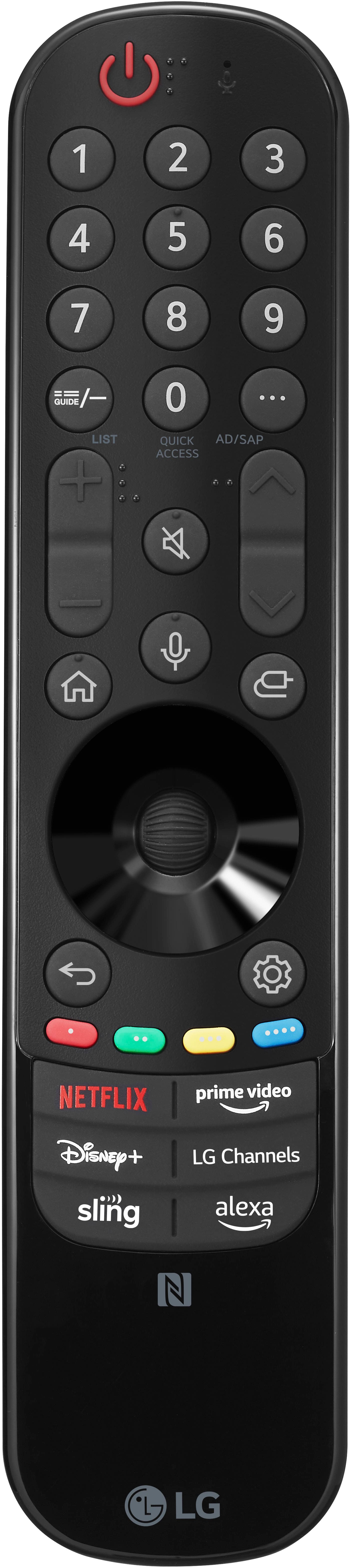
Posted .This reviewer received promo considerations or sweepstakes entry for writing a review.Great picture, but remote needs upgraded and if you have a newer Vizio TV becarful they are on the same IR band so both TV's were operating with LG remote at same time
I would recommend this to a friendBrand response from LG Digital Customer Care
Posted .Hello there, DianaS. Thank you for sharing your experience with us. We understand your inquiry regarding the remote interference between your LG 65" Class G4 Series OLED evo 4K UHD Smart webOS TV and your other unit. We want to ensure you have a seamless experience while navigating your entertainment. To prevent the remotes from affecting both televisions, you may try pairing your Magic Remote specifically to your LG TV via Bluetooth, which helps reduce IR interference for most functions. You can do this by pressing and holding the Home and Settings buttons simultaneously for 5 seconds until the light blinks.
https://www.bestbuy.com/product/lg-65-class-g4-series-oled-evo-4k-uhd-smart-webos-tv-2024/JJ8VPZQ5KW
For further assistance and any specific concerns you may have, please contact us on [email protected]. We appreciate your patience. —Renzo
BUYER BEWARE!!!
Posted .This reviewer received promo considerations or sweepstakes entry for writing a review.We bought this TV as it was top rated by CR. Within 60 days of purchase (Aug. 8, 2023) from Best Buy it quit working. It was beautiful when it worked.... Tuesday, 8 October: Was watching the television and the screen went black, and the LED at the bottom of the screen started blinking 4 times, paused, blinked 4 times, and continued the same - blinking - and no picture. Followed instructions found online to troubleshoot, as follows: 1. Power cycle didn’t fix it 2. Disconnected power, pressed manual power button for 60 seconds, waited 60 seconds and reconnected power, didn’t fix it. 3. Disconnected all HDMI and other cables for several minutes. Reconnected power and other cables and tried to power up, but screen still black, LED still blinking. 4. Changed batteries in the TV controller, didn’t fix it. Read online that an LED blinking 4 times usually indicates a power issue. Went online with LG Support. We reviewed all of the above measures to troubleshoot the issue and the agent agreed that a service call is required. Thursday 10 October: Called Best Buy and they said we could return it w/in 15 days of purchase, but all they could do without their extended warranty service agreement in place was refer us to the Geek Squad, which would charge a service fee. Same day, called LG Support again and they said that it could take up to 10 days to find a local service provider, that they would be calling, texting or emailing us to set up an appointment. 11 October: No contact by a service provider to date. Will keep this post updated until resolved. In the meantime, BUYER BEWARE.
No, I would not recommend this to a friendBrand response from LG Digital Customer Care
Posted .Hello there, Sherry. Thank you for sharing your detailed experience with the OLED65G4SUB TV. We understand the issues you've encountered, especially so soon after your purchase. It’s understandable to feel concern after trying various troubleshooting steps and still facing difficulties. The blinking LED indicating a power issue is concerning, and we appreciate your patience as we work to resolve this matter. You may access this link related to your concern: https://www.lg.com/us/support/help-library/lg-tv-why-does-my-tv-have-no-power--1441914332865
To expedite the service process, we recommend reaching out to our support team directly through social media @LGUSSupport, where they can assist you further and possibly provide more immediate solutions. Your satisfaction is important to us, and we want to ensure you receive the support you need. Thank you for your understanding, and we hope to get this resolved for you soon! —Avril
Audio drops intermittently when using soundbar
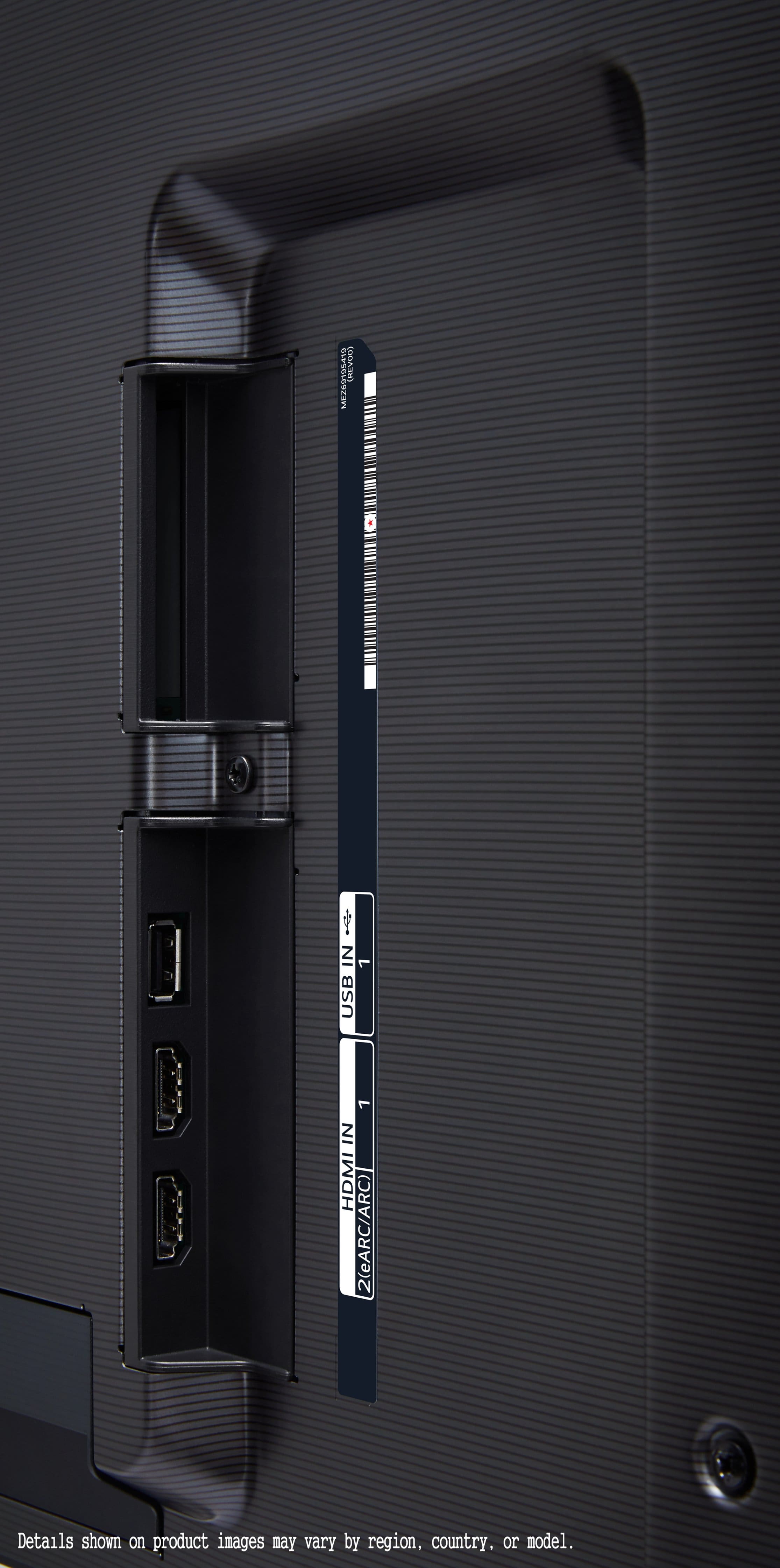
Posted .This reviewer received promo considerations or sweepstakes entry for writing a review.My new G4 has a problem with the ARC/ HDMI 2 connection. Using a soundbar without subwoofer, the connection drops intermittently. You will want a soundbar because the built in audio isn’t great. Researching this issue on AVS Forums suggests this is a problem with the G4. One theory is that the TV keeps looking for a subwoofer for surround sound and when it can’t find it, drops the signal. I have a G3 with the same soundbar and had no problems. Trying to get LG to understand and fix this problem has been something of a nightmare. I’ve bought FIVE LG OLED TVs over the years (which should tell you something) but have never had the kind of problem I’m having with this G4. DO NOT BUY THIS TV IF YOU PLAN TO USE A SOU DBAR until LG gets this fixed.
No, I would not recommend this to a friendBrand response from LG Digital Customer Care
Posted .Hi, there. Thank you for sharing your experience with us. We understand your concern about dealing with intermittent signal drops on your LG TV (OLED65G4SUB) model, especially after purchasing multiple LG OLED TVs over the years. We strive to provide reliable, high-quality products that exceed our customer's needs and expectations.
Based on your description, it sounds like the issue with the HDMI ARC connection may indeed be related to a specific setting or compatibility with your soundbar. As a troubleshooting step, we suggest checking for any available firmware updates for your TV, as these can sometimes resolve connectivity issues. For guidance, you may visit https://www.lg.com/us/support/help-library/lg-tv-how-to-update-an-lg-smart-tv--1430510575535. You may also want to try disabling surround sound settings to see if that prevents the signal from dropping.
If the issue persists, please send us a private message on social media @LGUSSupport with your details. We’re here to help and will work with you to get this issue resolved.
We appreciate your patience and the opportunity to assist you. ^Juvy
LGG4 65” Great, But has Randomly Shuts Down
Posted .This reviewer received promo considerations or sweepstakes entry for writing a review.Agree with all the great comments about picture quality. But, LGOLEDG4 65” bought 34 days ago started randomly turning off. happens when connected to PS4 or FiOS cable. It would turn off and we power on and happens again. All sources connected to HDMI via Anthem receiver, but happens when watching via wifi. Same problem reported on Reddit.
No, I would not recommend this to a friendBrand response from LG Digital Customer Care
Posted .Hi, there. Thank you for sharing your experience with the OLED65G4SUB TV. We’re delighted to hear you’re pleased with the picture quality, but we understand how disruptive it must be to experience random power-offs, especially when using various sources like a PS4 or FiOS cable. We strive to provide reliable, high-quality products and ensure a smooth and seamless viewing experience. For help, perform a power cycle by unplugging the TV from the wall for about 60 seconds and then plugging it back in. This can help reset any temporary issues affecting the TV’s performance. For additional help, visit https://www.youtube.com/watch?v=SoryLH8wcXw. If you need further assistance, you can reach out to us on social media @LGUSSupport. We're here to help and will work with you to find a solution to the power-off problem. ^Juvy
Do not buy open box!
Posted .This reviewer received promo considerations or sweepstakes entry for writing a review.Drove a few hours to a store to pick up what was advertised as an “excellent condition customer return” TV with all the packaging/accessories included. Showed up for pick up and they wheeled out just the TV panel under only a layer of bubble wrap. The associate said “this is just how open box items are” and proceeded to load the TV screen facing down in my vehicle despite me asking “which side was up.” I got all the way home to figure out they actually sold me the store display TV (still in store mode!) with 7,470 hours of screen on time. That’s especially frustrating knowing if the TV would have been damaged in transit due to their lack of concern (and packaging!), they would tell me it’s my fault and I’d be out all of my money when they refused a return! This TV came out only a year ago. That’s already 312 days of 24/7 max brightness screen on time that Best Buy sold to me, again, in “excellent condition from a customer return.” That’s just outright false advertisement. Haven’t felt scammed by a big brand retailer like this before. I definitely won’t ever buy another “open box” item if this is the risk involved.
No, I would not recommend this to a friendBrand response from LG Digital Customer Care
Posted .Hi there, Jason. We understand your inquiry and appreciate you sharing your experience regarding the LG OLED65G4SUB. While we don’t directly handle open box transactions, we always want to ensure that your LG product performs at its best once it’s in your home but we highly suggest contacting BestBuy for this.
For the OLED65G4SUB, if the unit is still in Store Mode, you can easily switch it to Home Mode for optimal picture settings and access to all features. To do this, press the Settings (gear icon) on your LG remote > All Settings > General > System > Additional Settings, and set the mode to Home. This will enhance energy efficiency and adjust brightness levels automatically to help preserve your screen long-term.
As for the screen time concerns, OLED panels like the G4 are equipped with built-in pixel refresh and screen shift technologies to help maintain panel health over time. If you'd like to manually run a Pixel Refresher, go to Settings > Support > OLED Care > OLED Panel Care > Pixel Cleaning.
https://www.bestbuy.com/site/lg-65-class-g4-series-oled-evo-4k-uhd-smart-webos-tv-2024/6578150.p?skuId=6578150
We’d love to assist you further to ensure your TV is set up properly and functioning as it should. Please send us a private message on social media @LGUSSupport, and our team will be happy to help. We value your time and your feedback.
—Renzo
Stick to the good brands
Posted .This reviewer received promo considerations or sweepstakes entry for writing a review.Just a heads up to anyone about to purchase an LG flagship level tv like this: LG wont help repair this tv when it dies in a few years like mine did. $2100 LG C1 worked fine for about 3 years then the panel dies out of nowhere and LG is no help. I certainly wouldn’t be willing to risk that their newer models will last longer or they’d be more helpful with a repair. I’ll stick to Samsung or any from now on since I’ve had tvs from those brands last triple+ the time the LG tv did.
No, I would not recommend this to a friendBrand response from LG Digital Customer Care
Posted .Hi, there. We appreciate you sharing your experience with us regarding LG TV (OLED65G4SUB) model. We understand your concern about having your previous LG TV stop working after just a few years and to feel unsupported in getting it repaired. Our model is designed with advanced technology for long-lasting performance, and we'd like to help ensure you get the most out of your LG TV. If you're experiencing any issues, try performing a power cycle by unplugging the TV for a few minutes and plugging it back in. If the panel is unresponsive, we’d love to explore possible repair options with you. For additional help, you may visit https://www.lg.com/us/support/help-library/lg-tv-why-does-my-tv-have-no-power--1441914332865. Please send us a private message on social media @LGUSSupport, and our team will be happy to assist. ^Juvy
Beware: Number of issues with the G3
Posted .This reviewer received promo considerations or sweepstakes entry for writing a review.Just a cautionary tale as you compare LG to other brands (and a purchase thru BB). I purchased the predecessor LG G3 in Feb 2024 and almost immediately had significant issues with display quality and more broadly. Best Buy pointed to the LG Warranty to side step any accountability. LG has since commissioned a local service company to try various fixes with replacement parts over the past year but we still have various issues including the TV randomly turning off and not rebooting for extended periods of time. We’ve also spent periods of time without any functioning TV in our living room during the periods of attempted repairs which has been a significant inconvenience. I’ve offered to pay a restocking fee to get a new set altogether or partial refund to no avail. Very disappointing after spending ~$2.5k and then ending up with a TV that hardly works. I am a long time Best Buy customer including significant appliance + AV purchases when we’ve moved into new places over the years but we’ve been left high and dry by both Best Buy and LG.
No, I would not recommend this to a friendBrand response from LG Digital Customer Care
Posted .Hi, Matthew. Thank you for sharing your experience with us. We understand your concern about facing ongoing issues with your LG TV (OLED65G4SUB) model and its predecessor, the LG G3. While it’s disappointing that your experience has been less than ideal, we’re here to assist. We strive to provide high-quality products and ensure a smooth viewing experience. For the issue of the TV randomly turning off and failing to reboot, we recommend performing a soft reset by unplugging the TV for about 10 minutes and then plugging it back in. Additionally, ensure the software is up to date by navigating to Settings > All Settings > Support > Software Update on your TV. For guidance, you may visit https://www.lg.com/us/support/help-library/lg-tv-how-to-update-an-lg-smart-tv--1430510575535.
We’d like to investigate further and work with you directly to explore possible solutions. Please send us a private message on social media @LGUSSupport, and our team will be more than happy to assist you. ^Juvy