Customer Ratings & Reviews

- Model:
- PF510Q
- SKU:
- 6528508
to a friend
Customers are saying
Customers admire the CineBeam PF510Q's Bluetooth connectivity, citing ease of pairing with external speakers for enhanced audio and its portability. The projector's image quality also receives praise, with users noting its vivid and sharp picture, particularly at 1080p resolution. The positive feedback highlights the projector's strong performance in both audio and visual aspects. No significant drawbacks were reported by customers.
This summary was generated by AI based on customer reviews.

Portable Projector
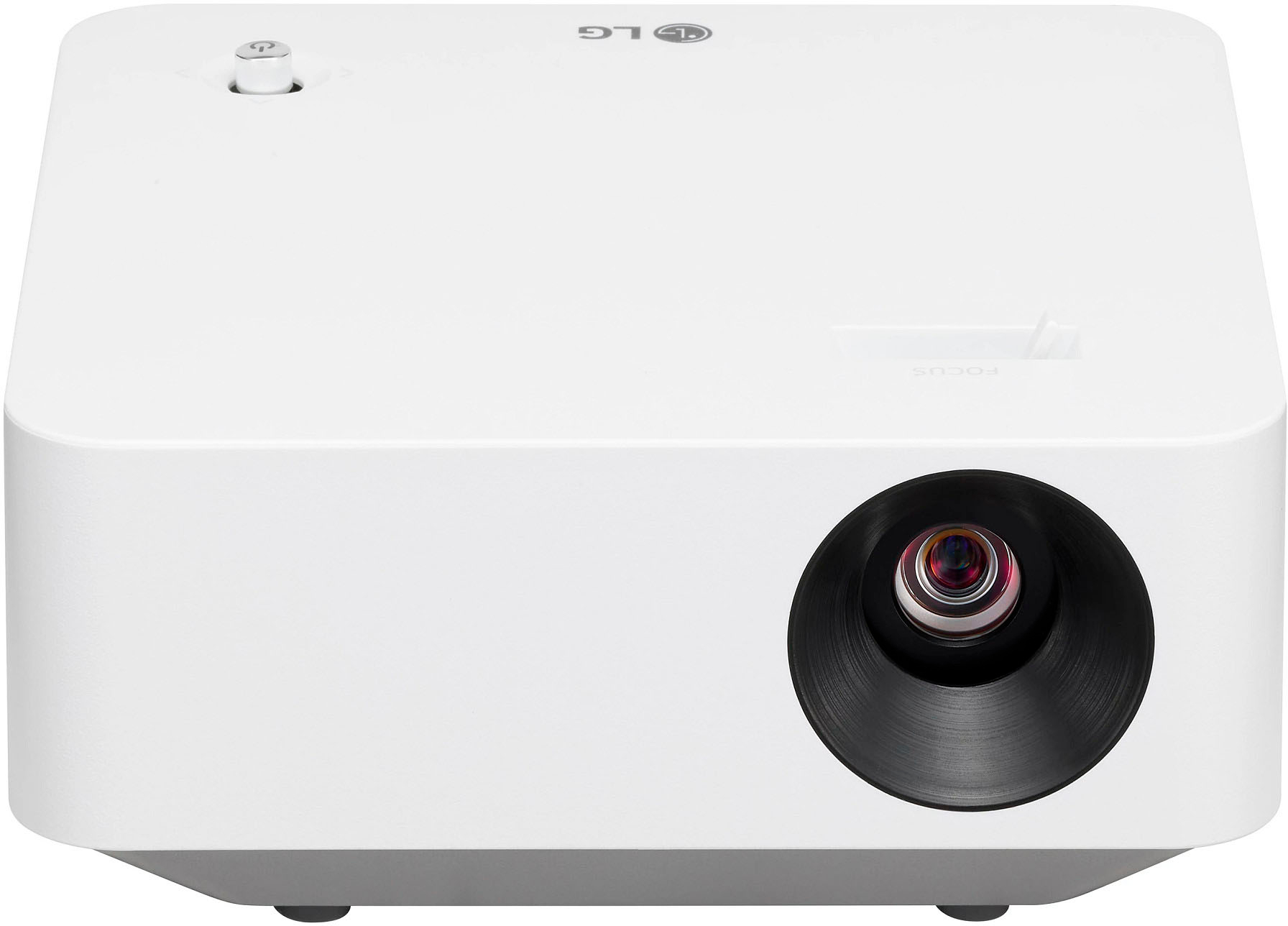
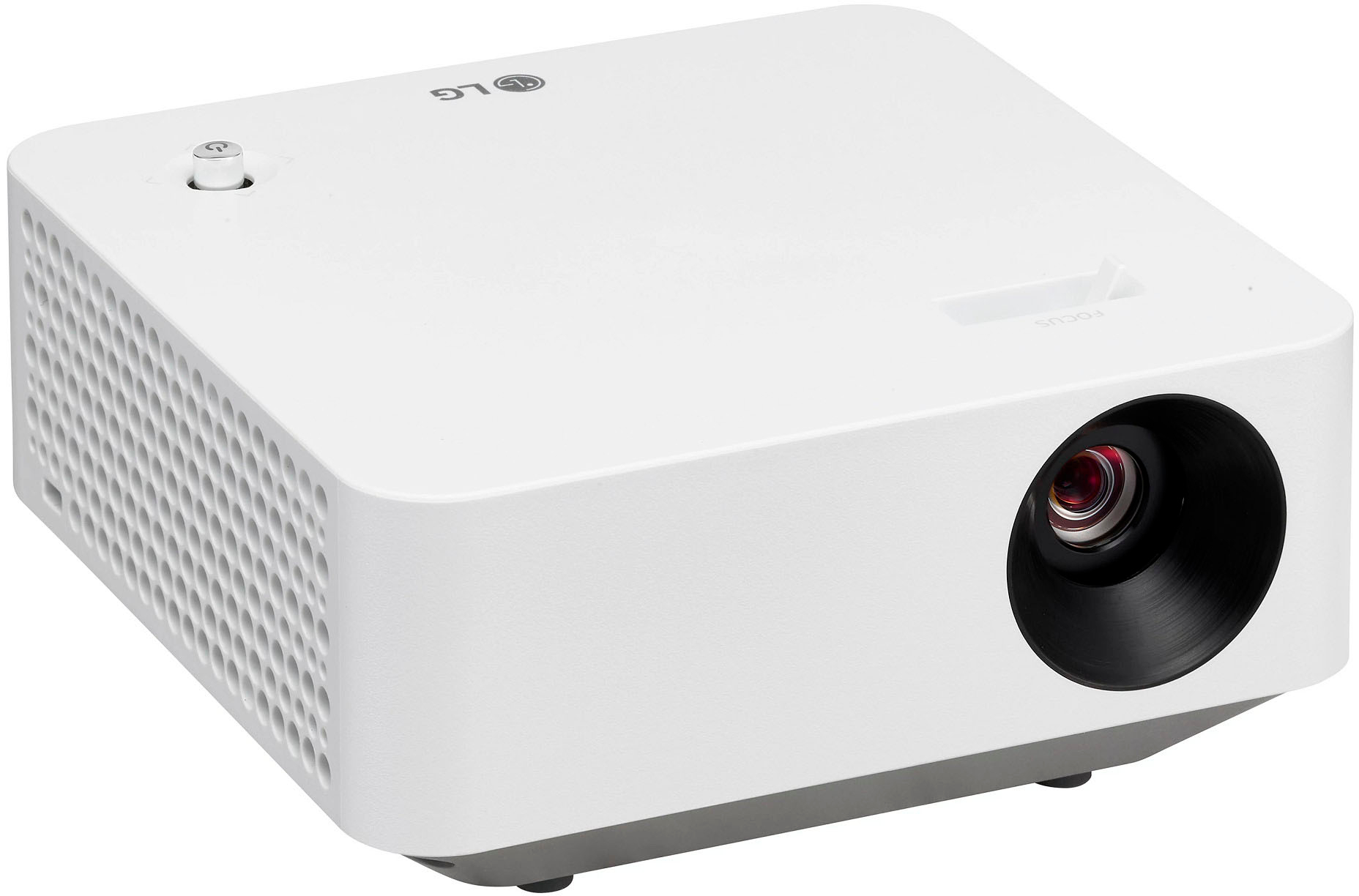
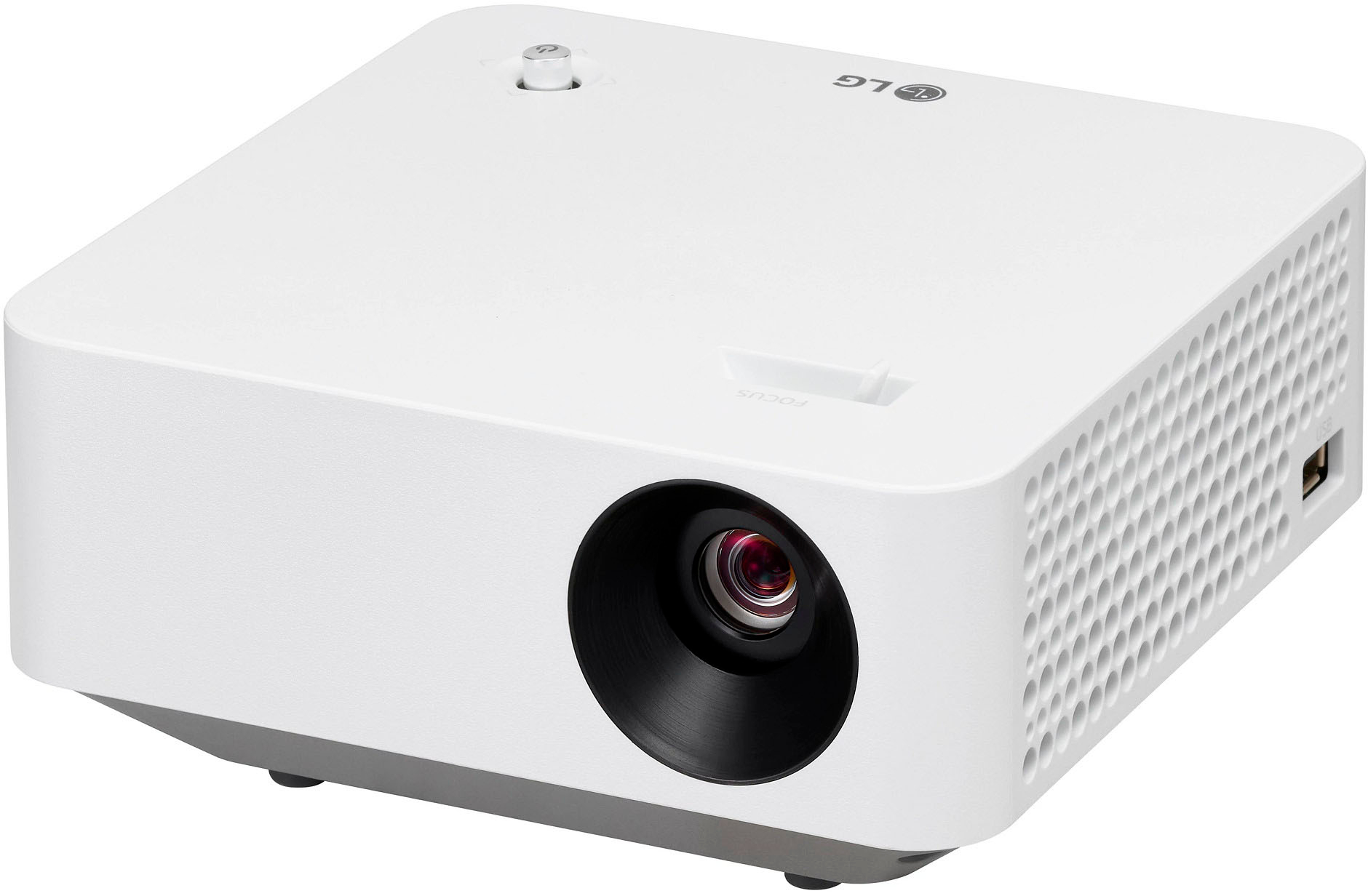
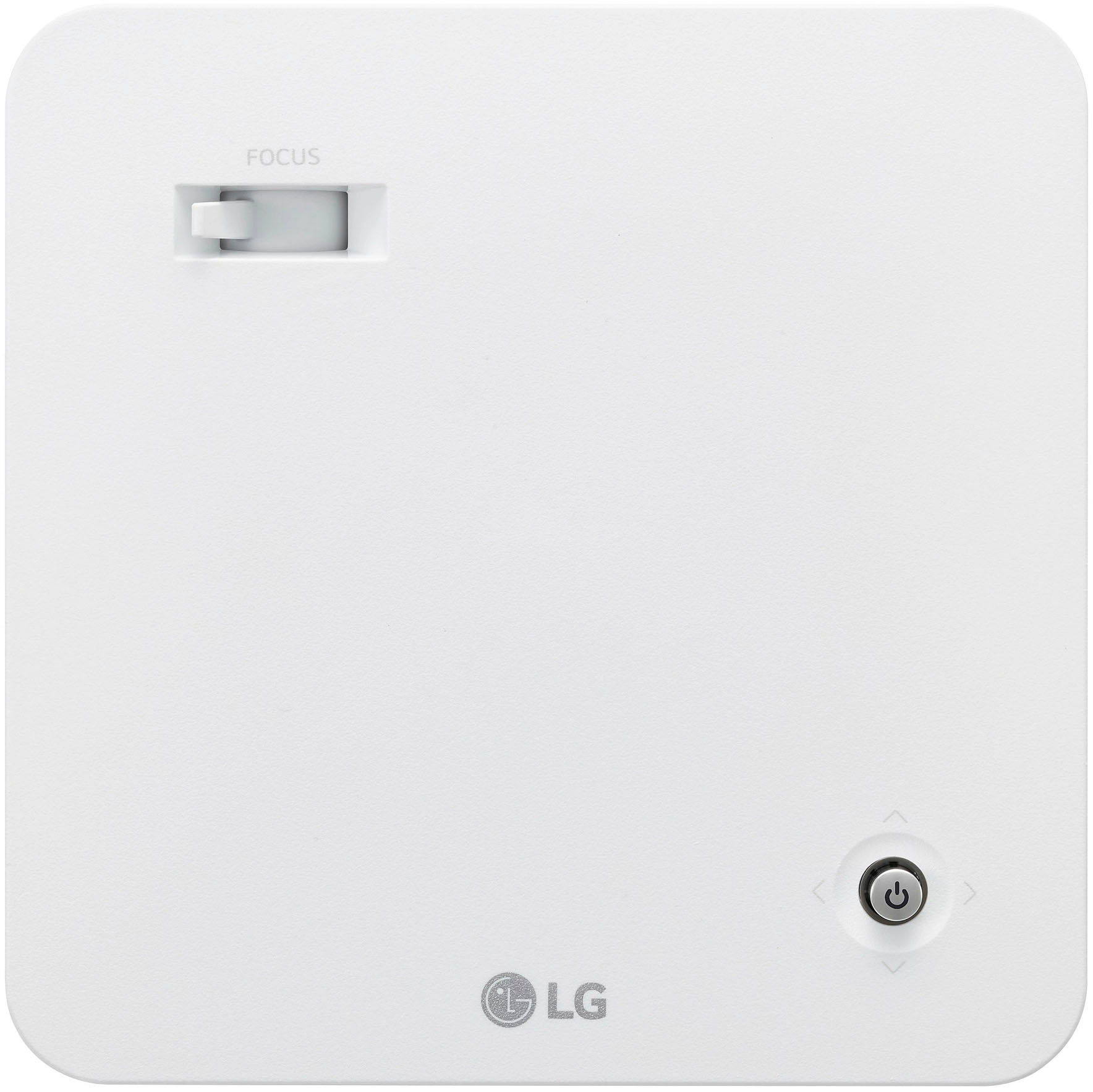
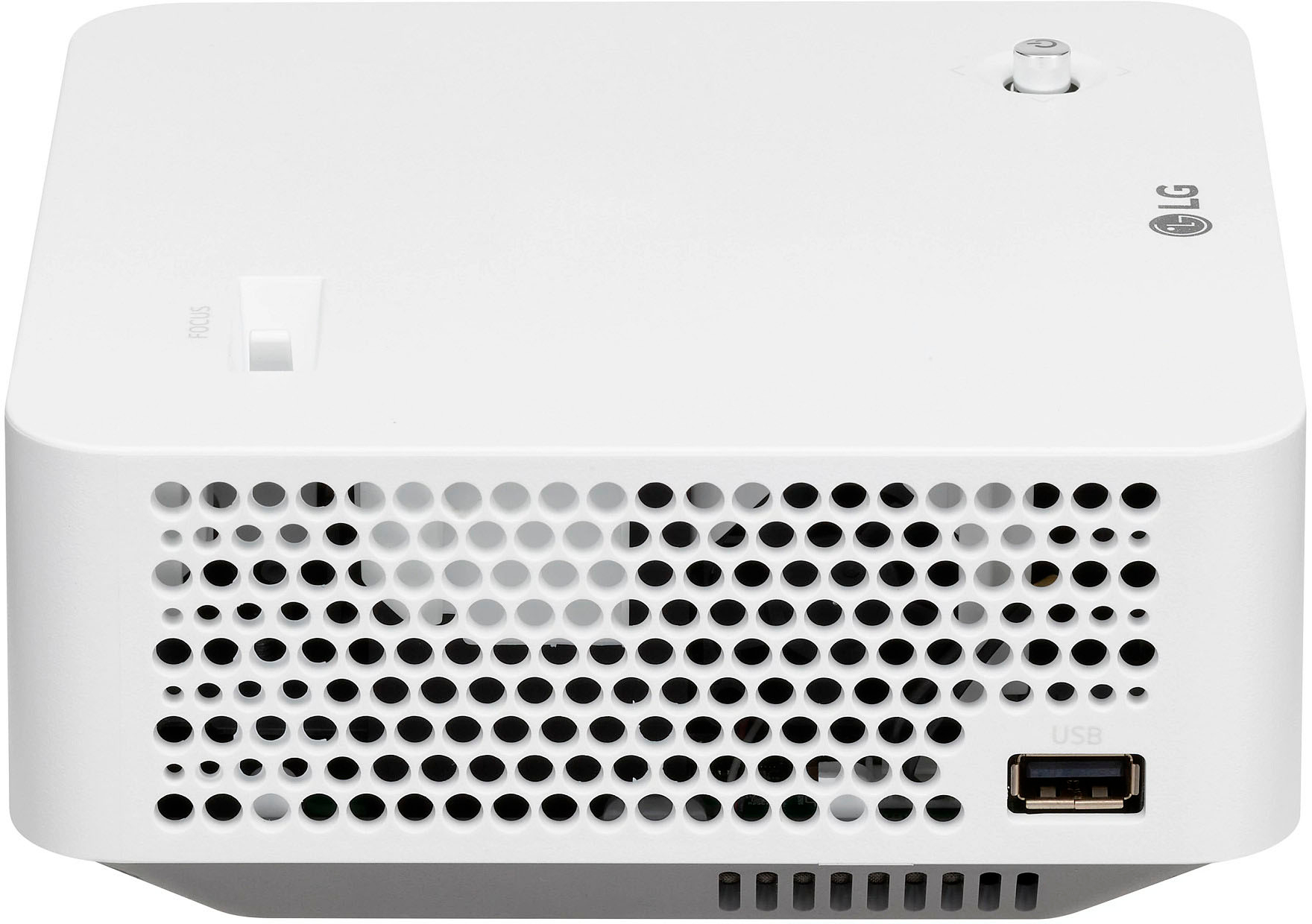
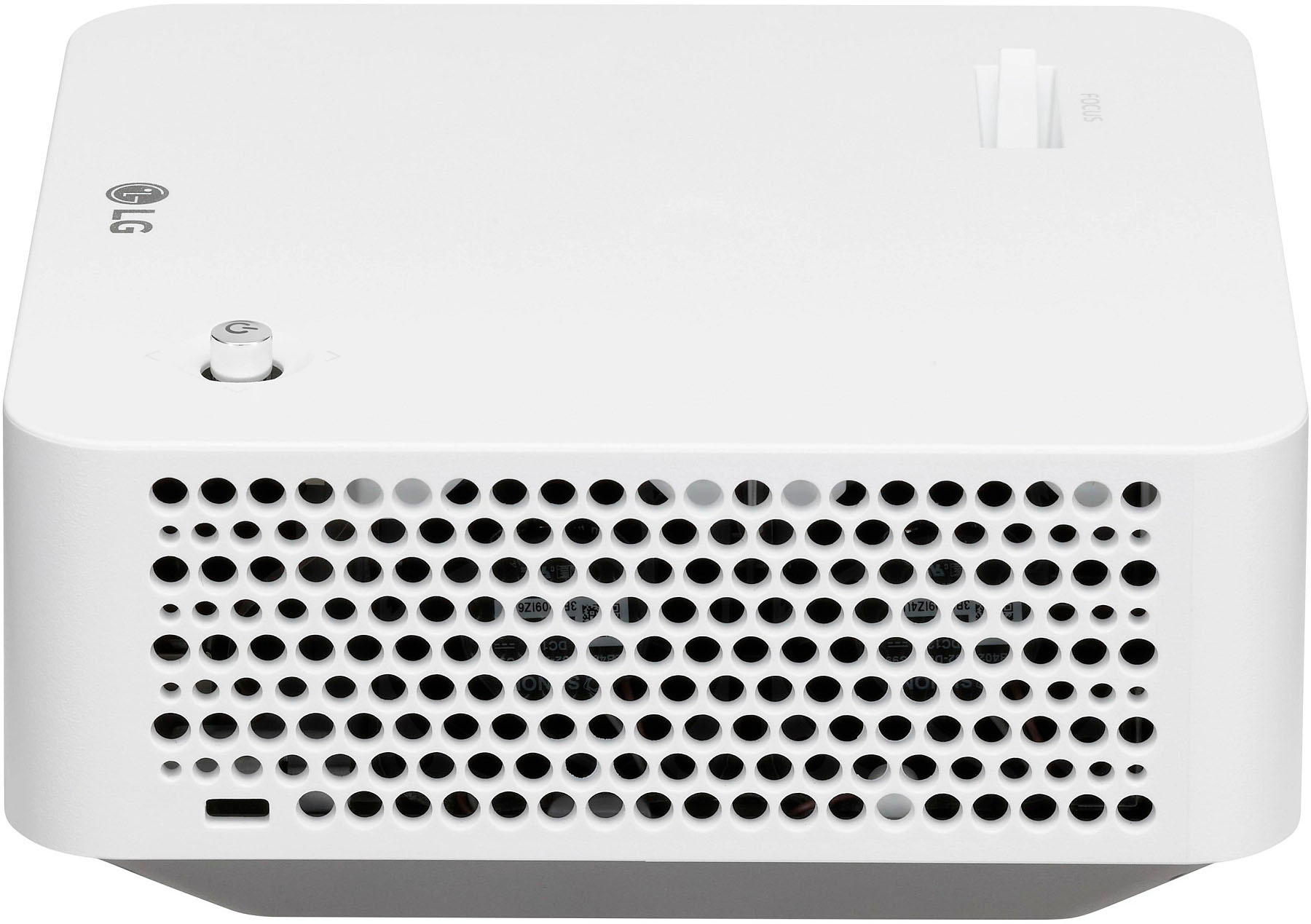
|Posted .This reviewer received promo considerations or sweepstakes entry for writing a review.The first thing you notice about the LG CineBeam Projector PF51Q is its compact size. A far cry from the first computer projectors that I worked with; you’d need a suitcase to haul those around. This is a very manageable size. It has enough heft to be sturdy but portable. You could put this in a backpack or computer bag. (I wish it came with a storage bag, but that’s a minor gripe of mine.) It comes with a remote that is easy to handle. Your hookups, though, are limited to USB, RCA, or HDMI. It does not pair with a phone or tablet via Bluetooth; you have to find a cable to use. There is a diagram in the manual showing what you can use to connect a portable device with the projector. I was disappointed that my device of choice could not link with the projector wirelessly, but it is what it is. For my review, I used an Acer Spin 714 Chromebook. The Chromebook had an HDMI port, so I used an HDMI cable to connect it to the projector. The audio did not play through the Chromebook, though, so I was able to connect the CineBeam via Bluetooth to my Samsung soundbar. Tip: While the projector will run seamlessly on your computer, you may need to adjust the settings on your device. At first, I only saw my home screen being projected – no apps or anything, just my background. I had to go into the Display settings to adjust the settings so that it was mirroring my laptop screen. Nothing tells you to do this. I have a large blank wall in my living that I used for the screen. The room was well lit, as it was daytime. The curtains we have allow light to pass through. The projector can be installed in the ceiling, used on another surface, or mounted on a tripod. I didn’t have a tripod that would work with it, so I tried to use a small stool (about the height of an average end table). It was not quite tall enough, so I had to extend the legs on the unit to try to clear the sightline of my couch. When you begin set up, you will need to create an LG account, if you don’t already have one. The set-up process was relatively painless. You can download your common apps (such as Disney+ and Amazon Video) to use through the LG interface. There are a LOT of apps; I’m not sure if there are a lot of useful ones (at least, for me) but you do have options. I am a NASCAR fan, and it was Sunday, so I decided to watch the race. I needed to watch the race via my cable provider’s app. However, the Spectrum TV was NOT available on the LG interface, which was a disappointment. I used the Spectrum app on my Chromebook to get the race on my screen. One thing to note here. The focus lever. It was so easy for me to accidentally hit while I was setting up. I had to keep adjusting it. Annoying. Once I got the video and audio working (I initially had an issue with the audio being delayed, but I worked it out), I wasn’t terribly impressed with the quality of the picture. Yes, it was daytime, but I thought it should be crisper than it was. The wall is a neutral, platinum color, so that shouldn’t have been much of a factor. I toggled through the various picture settings with very little difference. I used “Expert Bright Space, Daytime” setting the most. I did try the “Sports” setting as well, but the Bright Space seemed to be a better fit. The manuals that came with the unit were useless. I downloaded the full manual from the LG website. It goes into deeper detail of all the settings you can play around with to really home in the experience. It is a nice projector overall. I think I need more time to figure out how to best use it in our household because there are so many things you can do with it. I wasn’t crazy about the quality of the image, but I may need to get a screen and/or wait and use it in a darker setting than I used for my test.
I would recommend this to a friend- Pros mentioned:Image quality
Very happy
||Posted . Owned for 10 months when reviewed.This reviewer received promo considerations or sweepstakes entry for writing a review.Excellent picture, beautiful clairity, easy to focus, easy to set up everything. Speaker is just ok, definitely need own bluetooth/ external speakers
I would recommend this to a friend - Pros mentioned:Bluetooth, Image quality
Power comes in small sizes
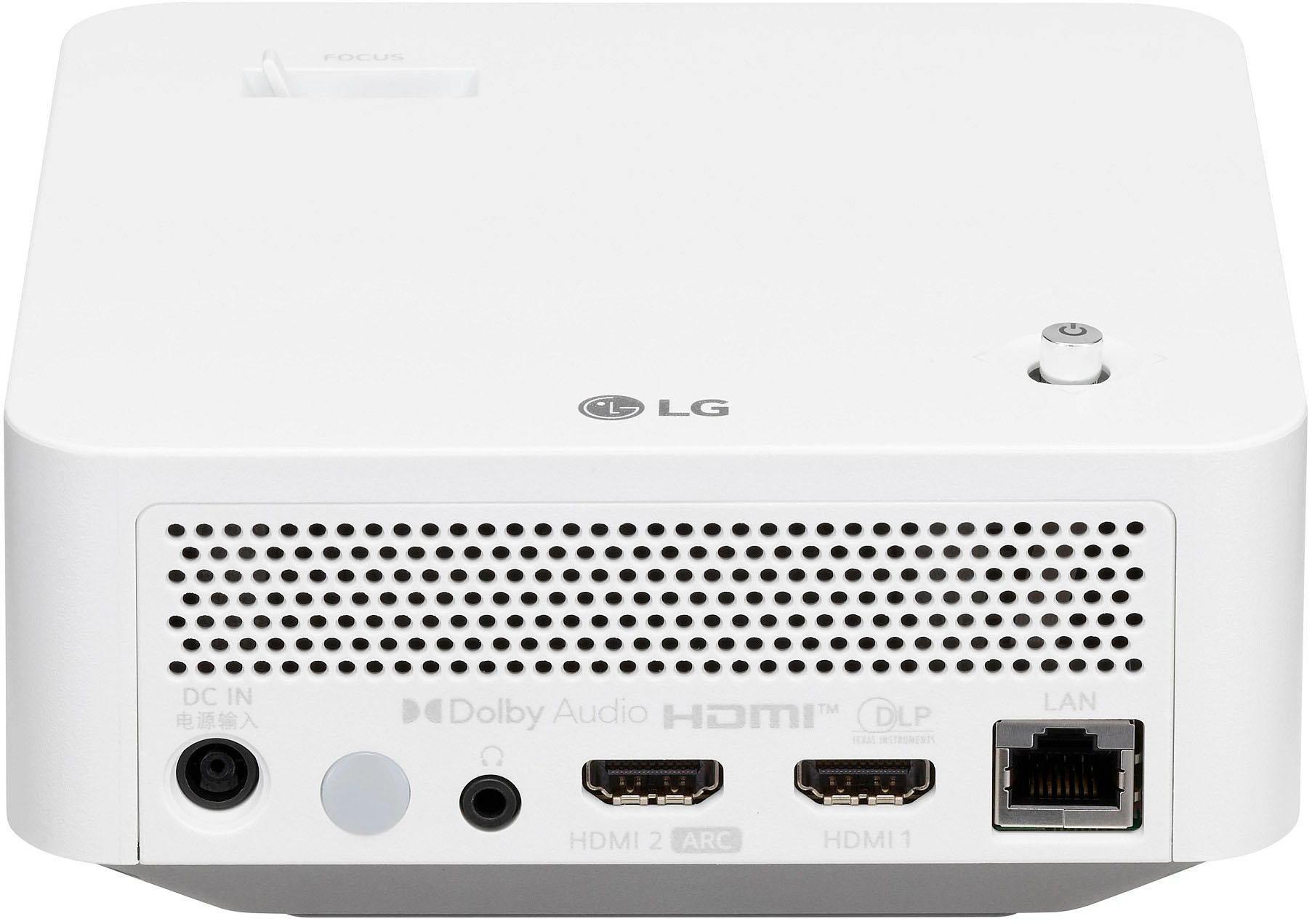
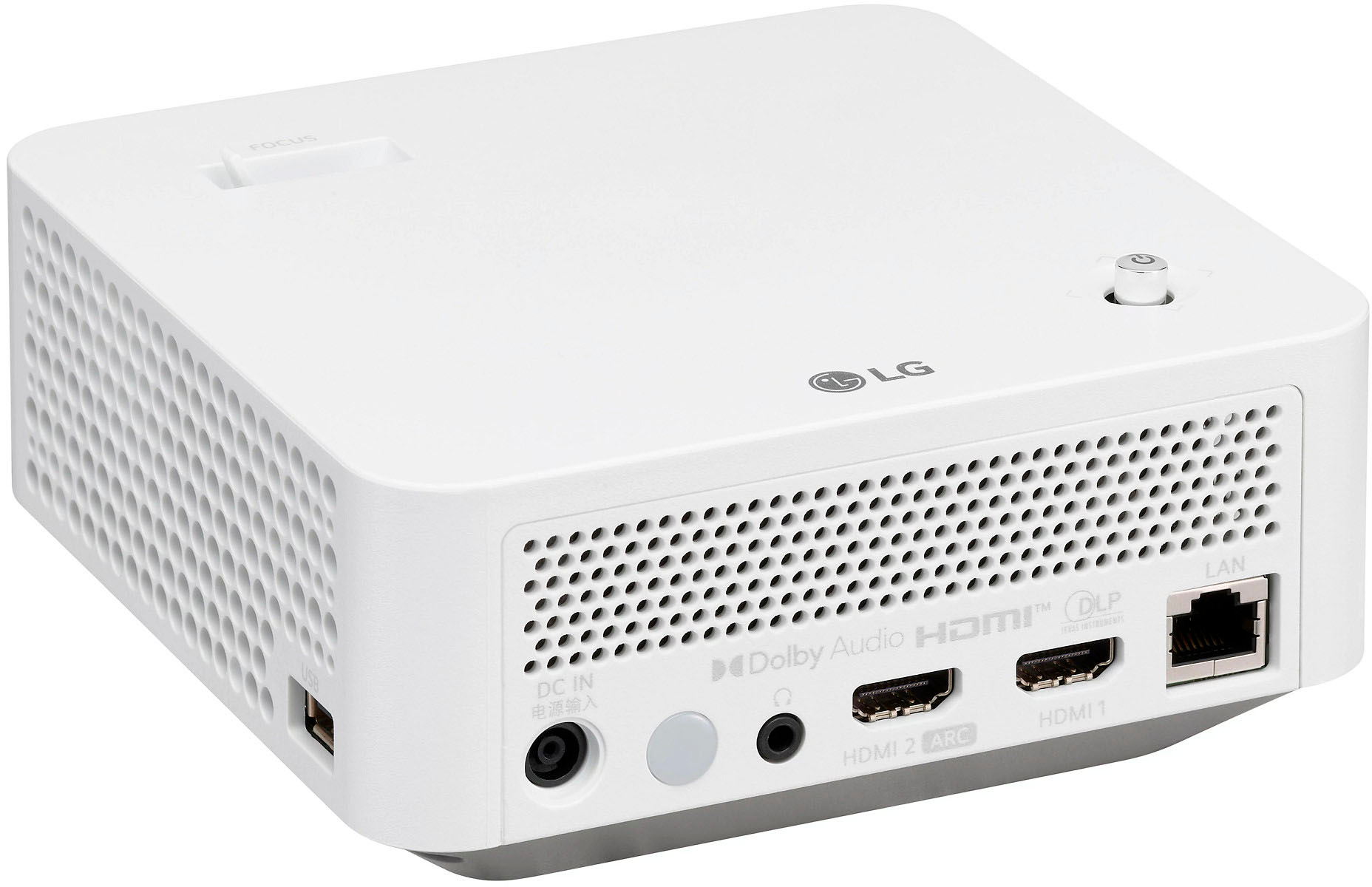
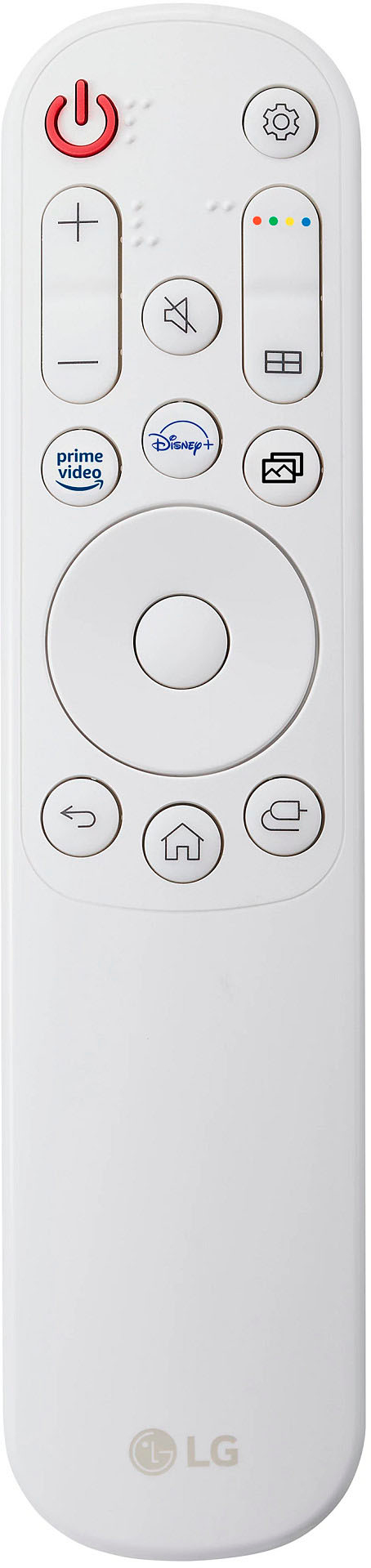
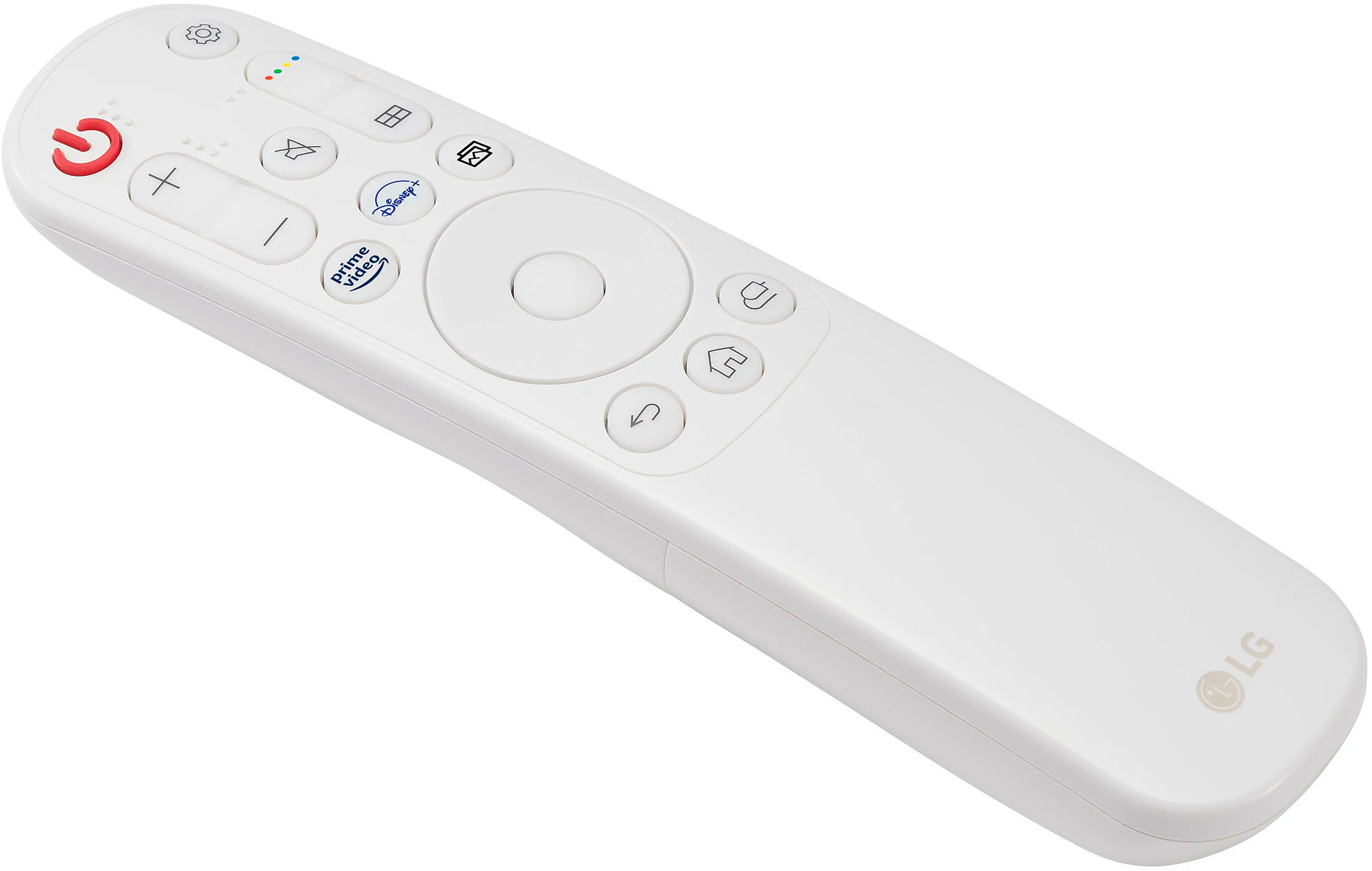
|Posted .This reviewer received promo considerations or sweepstakes entry for writing a review.The Good? The size of this projector is space saving and makes it very easy or portable to carry around. Even the setup wizard easy and straight forward that a non-computer person can do setup. The projector speaker is good if you don't have speakers lying around. This projector supports Bluetooth speakers and HDR with 2 HDMI ports for connecting devices. This would be great for a game console and PC configuration. The Airplay, media player, and mobile connect features are a plus in my book as well. Lastly, the remote is easy to use and has Amazon Prime and Disney Plus shortcut buttons. The best thing about this projector is the built-in home dashboard that allows you to install apps making this a smart projector (that means you can run this projector like a TV without connecting any devices to the projector). I did not test the accessibility features. The Improvements? I think putting in the zip code for during the setup wizard is confusing and the setup does not explain to the user why it is needed, so that was confusing. The web browser interface is not easy to use without a mouse and there isn't much benefit browsing the internet from a projector but that's just me. I would connect my PC to the project 2nd HDMI port for Internet browsing. Final Verdict? This LG projector amazes me because I have a few projectors before this one. From a scale of 1 to 10 (10 for best), I would give this projector an 8 out of 10 because it would get a 9 if it supported 4K and I don't give out 10s at all. I would recommend this projector to my friends and family who are on a budget.
I would recommend this to a friend - Pros mentioned:Bluetooth, Image quality
Neat compact projector that packs a punch
|Posted .This reviewer received promo considerations or sweepstakes entry for writing a review.The first thing that you would notice about this is how small the box is. On opening further, you would notice how compact the projector itself is. It's incredible how compact and light weight this is. The package contains the projector, remote w/ batteries and a power adapter. Everything including the projector, remote and adapter has a very modern design to it. I think it should fit in any place. Connecting the projector with power adapter and starting it up is straight forward. After some basic initial setup, I was up and running and less than 5 mins. The first thing that I noticed when the projector turned on was how vivid and sharp the picture looked. We have truly come a long way in the last 10-15 years that is when I looked at a projector closely. The projector emits a little bit of fan noise which is not too noticeable. The speakers are puny though and leave a lot to be desired. On the other side, pairing the projector with an external Bluetooth speaker was easy and considerably improved the viewing experience. One may also hookup external speakers through audio out port at the back or through HDMI 2 port which supports ARC. The projector comes up with its own app manager and I found all the popular video streaming apps available there. Other than that, the user has the option to connect external input source(s) through HDMI 1 or HDMI 2 port or both. If one is hooking up soundbar through HDMI 2 ARC, they will be left with just 1 HDMI port. The projector also provides a USB port for connecting peripherals like mouse/keyboard and USB storage device. In my experience I found the support for external USB devices finicky. Not all old videos present in the USB drive were supported by the projector. The projector emits hot air while it's on. However, it's not too much. Maybe a bit more than a laptop. The projector is rated to consume a max of about 65W of power. The remote is very sleek thought I had some trouble using it since the icons shown were not super intuitive to me. However, I think the learning curve for the remote won't be too bad. I had some problem with it's sensitivity as well. Note that the IR receiver is located the back of the projector so one needs to make sure that the remote is facing the right direction (which might be behind you) to make sure it works properly. I hope that would switch to a RF remote in the future. Overall I am very pleased with the package and would highly recommend it to someone in the market for a projector.
I would recommend this to a friend - Pros mentioned:Bluetooth, Image quality
Solid Portable projector
|Posted .This reviewer received promo considerations or sweepstakes entry for writing a review.The LG cinebeam is a good portable projector that is perfect for family get togethers and to travel with. I used the cinebeam at the beach, in the living room, and in my family’s backyard with no issues. The cinebeam has streaming apps built in that are very convenient and you can also stream content from your phone easily enough. Set up is easy but the only issue is adjusting the angle/height of the projector. Other projectors have a built in monopod type system that lets you easily adjust the height, not so with this projector. I can easily connect Bluetooth peripherals but the height adjustment is the most annoying aspect. This is not a super HD projector, but it is very good at 1080P due to the portability and the simplicity of the cinebeam. At the end of the day, I can take this projector with me, the image is good, wireless capabilities are good. The only thing that would have made this better would have been a battery so I can use it completely wirelessly but the small package and all the nice features are worth the lack of battery.
I would recommend this to a friend Almost perfect travel projector
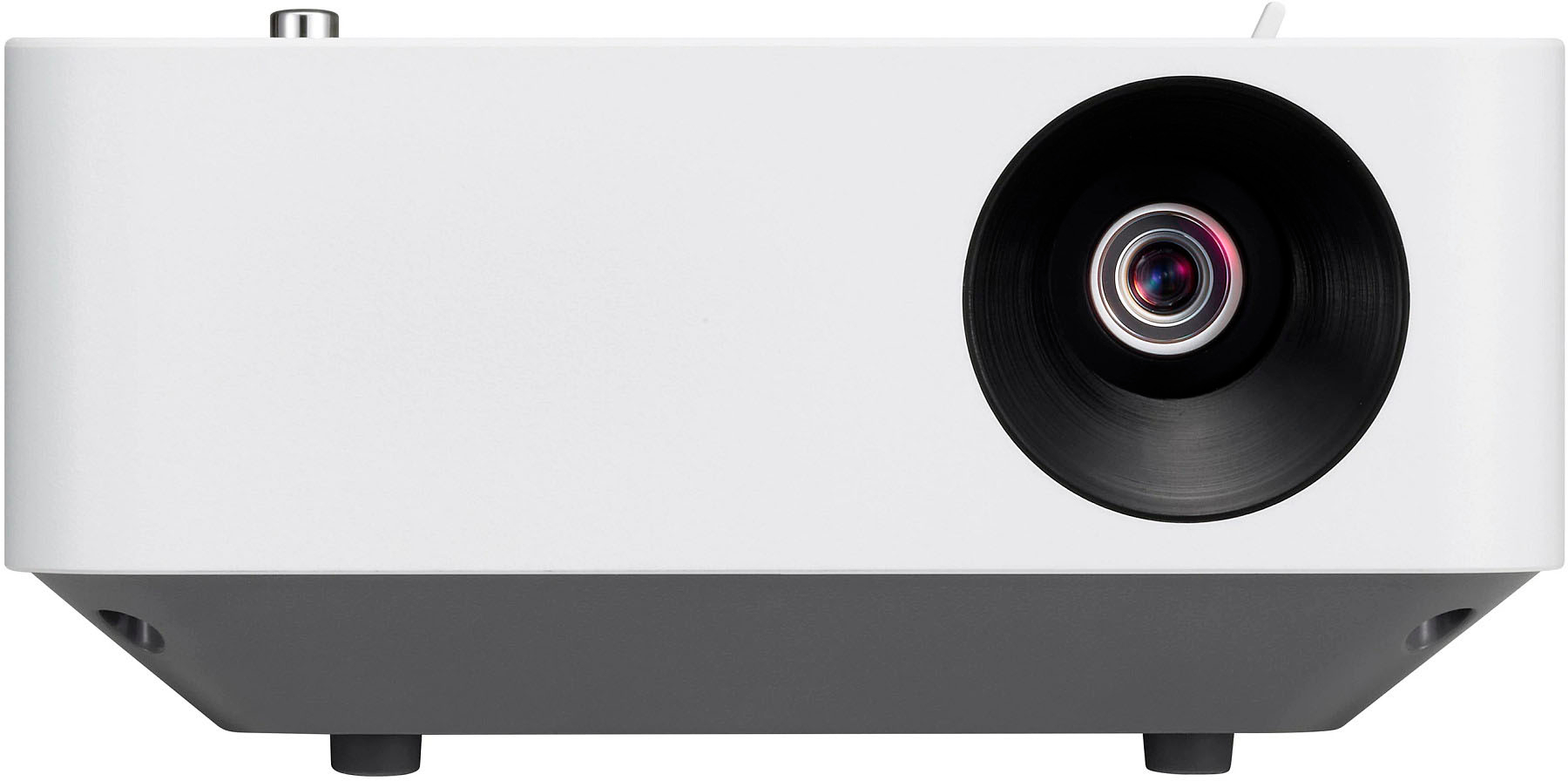
|Posted .This reviewer received promo considerations or sweepstakes entry for writing a review.Cons: - No zoom - No legs - 1080 no 4k - 600 dollars retail - Low brightness peak - No brightness adjustment, just “contrast” - Forced to add zipcode to setup and LG account to use apps - Most functions are only available via remote Pros: - ARC channel HDMI - 2 hdmi poirts (One ARC) - Bluetooth connection - Streaming apps - Small/portable size Overall this projector is a fine projector. It puts up a sharp picture with good contrast and is small enough to take on camping trips, outdoor movie night, or any quick setup projector needs. Is it the centerpiece of your home theater setup? No, not even close. But those projectors will run you a lot more money and bring a lot more options, brightness, and resolution. I still think this projector is over priced compared to what you can get on the market these days and I’d be more ok with the price if they had included more basic features. The BAD: First of all, it’s advertised as being small and portable, making it a great option for setting up away from home. The issues you’ll come across anytime you are using a “travel projector” is that every setup will be different. Some may be a small room, bright room, large room, dark room, etc etc. So you would want your equipment to be just as versatile. Unfortunately, this projector is missing two key features for that: zoom and adjustable legs. Having a zoom option is pretty self explanatory why it would be useful. If you set up in a small room or you don’t have a long HDMI or power outlet nearby, you may be forced to put the projector closer to the screen than you would want. This will result in a very small picture. Imagine unpacking your 100 inch screen and projecting a 45 inch picture on it; a bit underwhelming. If it had an optical zoom, you could enlarge the picture, even in a tight spot. Now I know that adds cost and is a reasonable corner to cut on a budget projector, but even a small digital zoom would be nice in a pinch. The adjustable legs are the feature I’m most annoyed by missing. Almost all projectors have a basic adjustable leg(s) on the front to add tilt and level out your projector. Now, I know this unit has a tripod mount on it, but now you have to add a tripod to your travel case vs having two small feet that could do the same thing. I see a lot of setups in my future using random books, remotes, whatever I can grab to try to angle the projector up correctly and level. Two plastic feet. That’s all you need to avoid ALL of those hassles. As for the picture quality, for being 1080, the quality is quite good. The picture is sharp and I’ll get more into that later, but not having 4K on a 600 dollar projector does seem a little weak. 4K has quickly become standard for most video qualities and is only becoming more so. I think LG felt adding HDR would help compensate this, and to be fair it does, but it doesn’t change the fact that it’s a hard sell at 1080. Personally, this doesn’t bother me as much as other because I think a projector, (especially budget friendly) doesn’t really make a huge difference from 1080 to 4k but HDR does. If I was given a choice between HDR or 4K I’d take the HDR for sure. But I know everyone is different, so I thought it’s worth noting. Again, more on picture in the “good” section. But one negative about the picture quality is the brightness levels. You’re just not going to get high brightness from a small, budget level projector. It is fine for a dark room but don’t expect to see crystal clear high contrast picture in a lit room. By default the “brightness” is cranked, leaving no room to boost it. You can up the black levels some at the loss of contrast, but there’s not much gained there. I’m not sure why the projector doesn’t have a brightness adjustment (that I could find yet). When you go into picture settings and select brightness you are taken to the contrast setting, which as I mentioned, is set to 100 by default. Lowering the contrast really only lowers the brightness, I’m not sure why they combined the two settings. Overall you just don’t have a lot of control over the picture quality, something that is fine for a lot of users, but for those of us who like to tweak and adjust the picture, there’s not a whole lot you can do. Oddly there is a fine tune white balance option and some other color adjustments but don’t expect to be able to dial this puppy in with a color bars slide and get your sweet spot. One last note on the cons side, being forced to input your zip code and other information just to finish setup is an eye roll at best. Unfortunately it’s becoming more and more common to be forced to agree to giving up some form of personal information in exchange for using an electronic device. In this case, you literally can’t use the product without giving a 5 digit number that may or may not be your zip code. After that, if you want to use any of the smart apps and streaming options, you’ll have to make and log into a LG account. Again, this seems like it’s only there to collect information on you. Agreeing to terms is one thing, but forcing an account login is getting annoying. That said, literally every product is doing this, so don’t think you can buy something else to avoid it. It’s just the way it is now. The GOOD: Ok, so what about the good stuff? Like I said earlier, the picture quality is quite good considering the price range and lack of 4K. I haven’t been able to fully test every aspect yet, but after testing some basic 1080 and HDR 1080 in a few different genres, I was happy with the results. Again, if you’re using this as a quick setup, travel projector to do movie night camping or outside etc, it’s more than capable of putting out a great picture quality. Most likely in those situations you won’t be expecting high end results anyway. You’ll probably toss up a cheap screen and have light pollution etc, but this projector will give you the best shot at getting an enjoyable experience. The one thing to watch out for is making sure you are in as dark a room as you can get. Having the ARC channel and dual HDMI helps a lot too. This allows you to hook up to a soundbar with ARC if you have it available and avoid the, as expected, horrible built in speaker. But I think in a lot of those travel popup movie theater situations you’ll be using this for, the bluetooth audio option would be great. With a little bit of time setting up correctly, you could use bluetooth headphones and not bother neighbors at a campsite or backyard at anytime of night. You could also hook up a small bluetooth speaker and place it near your audience as another option. Lastly, you could run an aux cable out the headphone jack to any speaker that has an aux in line as well. This is the versatile options I would like to see in the physical build like adjustable feet etc that I mentioned earlier. But at least they have options for video and audio. Having the option to use smart apps like netflix, disney, etc is also really handy. This way you don’t need to actually hook up any video device (assuming you have an internet connection and an LG account). Personally, I run a plex server at home and being able to download the plex app and watch our movies that way without hooking up a laptop or blu-ray player is a real time saver, especially when we are setting up somewhere away from home. OVERALL: Since the projector is relatively small and portable, having a lot of options for video and audio sources is really nice. I would have liked to see that versatility continue into the physical build but I guess we can’t have everything. The button/joystick on the device is mostly useless and most of the operations are only allowed via remote. This could be a big problem if you’re keen to losing remotes or simply the portability factor leading to a lost remote somewhere along the way. So like I said, it’s a few things short of being perfect, but overall it’s going to do a great job and will be a fantastic travel projector and outdoor movie night projector. I will adapt and make adjustments for the shortcomings and should be able to make this work and enjoy a ton of movie nights with friends and family at home and away!
I would recommend this to a friend