Customer Ratings & Reviews
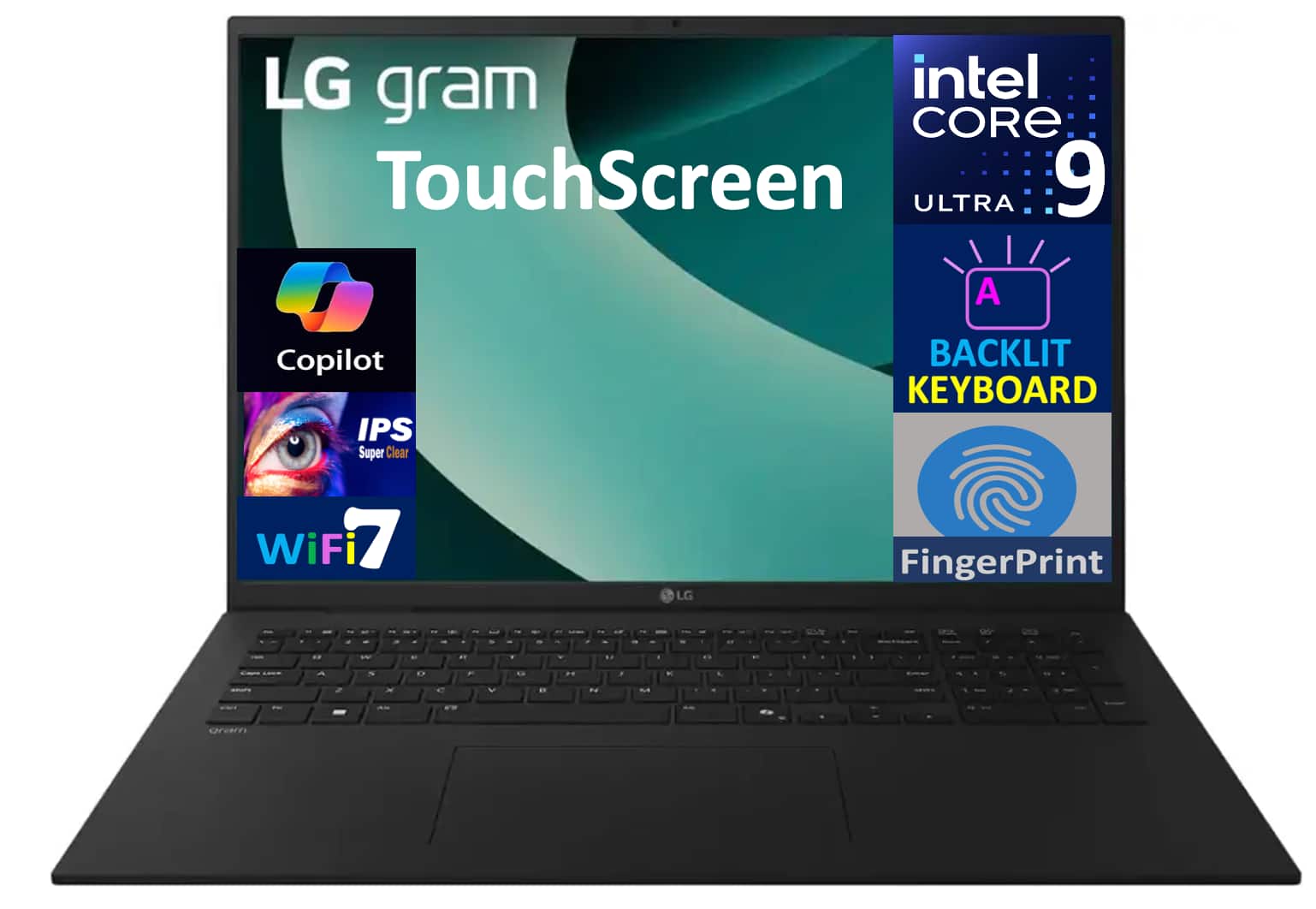
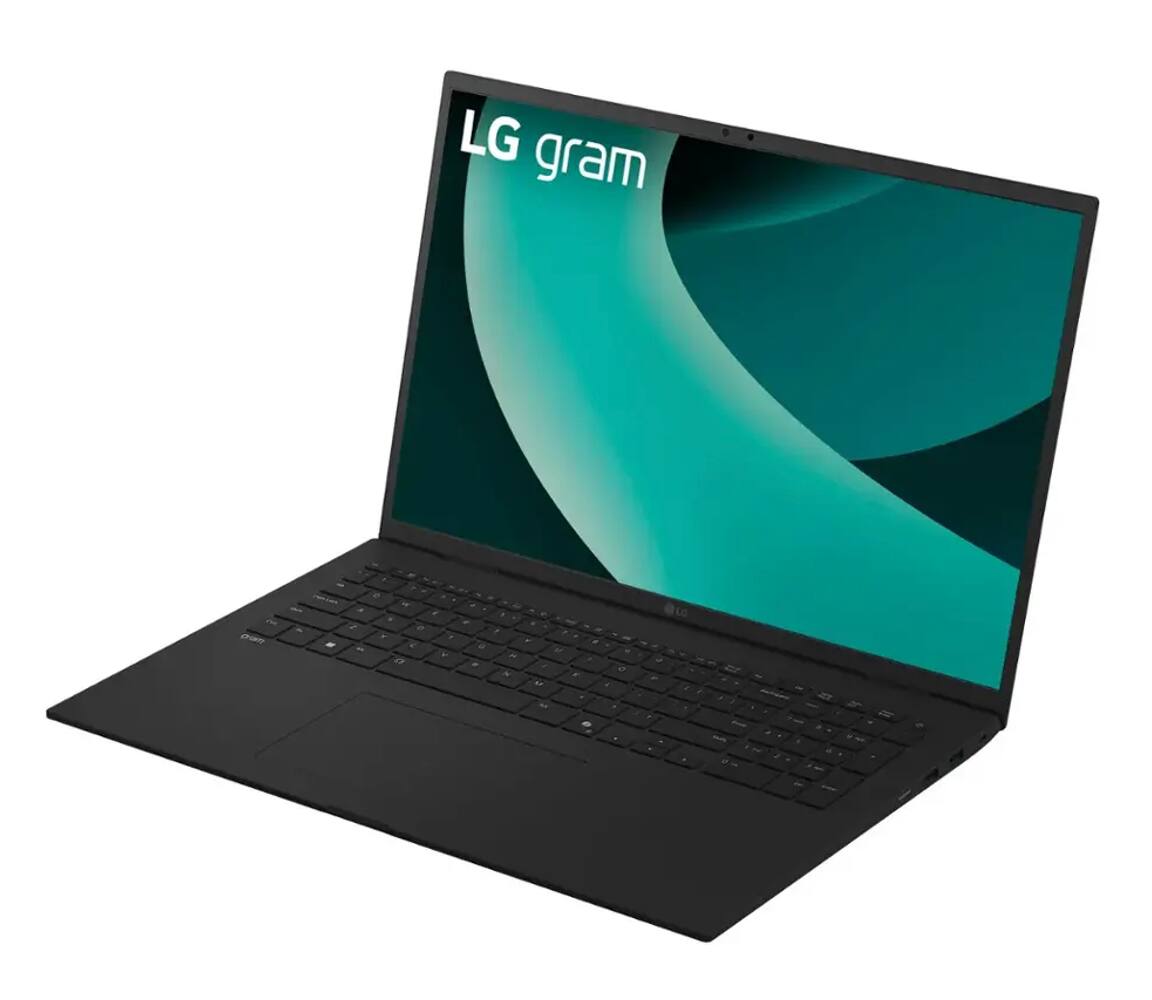
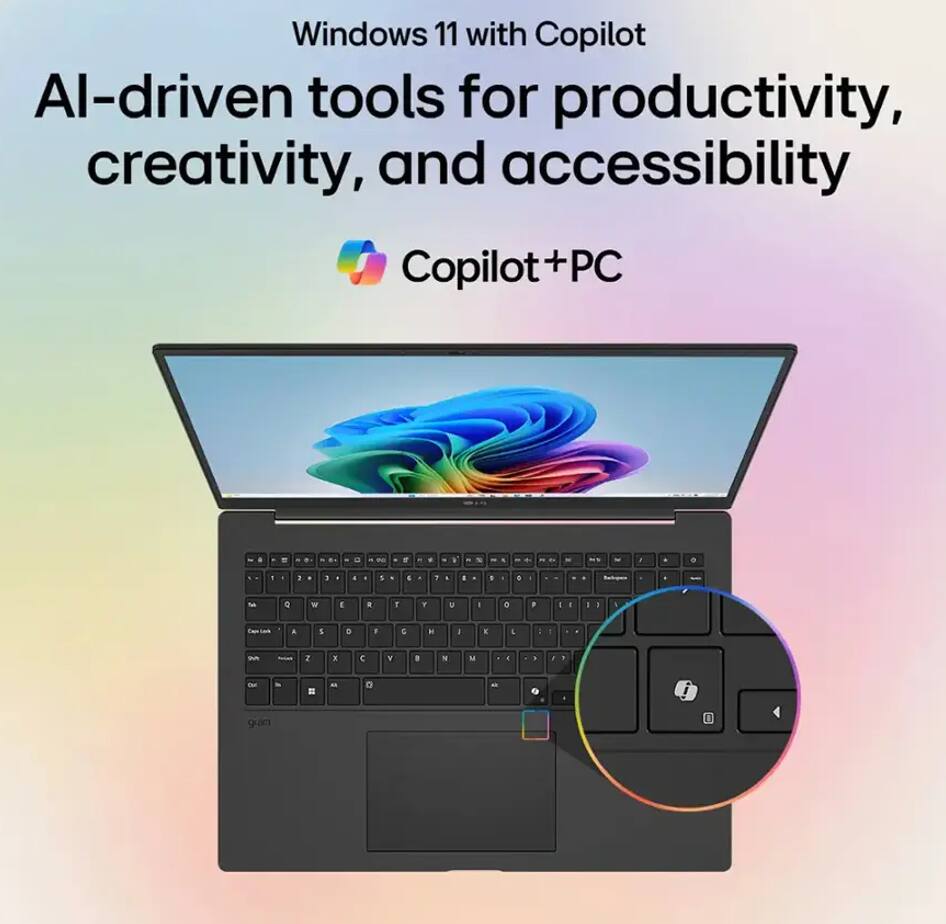

- Model:
- 17Z90TL-H.AUB8U3
- SKU:
- 11003343
to a friend
Horrible
||Posted .This reviewer received promo considerations or sweepstakes entry for writing a review.Touch screen does not work. Cannot return because it is past the 15 days
No, I would not recommend this to a friendBrand response from LG Digital Customer Care
Posted .Hi, Brandie. Thank you for reaching out about your LG Laptop (17Z90TL-H) model. We understand how important it is for the touchscreen to function properly, especially when return windows have passed.
One step you can try is to recalibrate the touchscreen in Windows settings: go to Control Panel > Hardware and Sound > Tablet PC Settings > Calibrate the screen for pen or touch input. Also, ensure you have the latest drivers and firmware updates installed through LG Update Center or Windows Update, as outdated drivers can cause the touchscreen to stop responding. You can find more guidance here: https://www.lg.com/us/support/help-library/lg-laptop-troubleshooting-touchpad-not-working--20154785639614. If the issue continues, please send us an email at [email protected] so our team can assist you further. ^Juvy
Laptop
||Posted .This reviewer received promo considerations or sweepstakes entry for writing a review.Like this item. Professional laptop ever had. Definitely recommend.
I would recommend this to a friend