Customer Ratings & Reviews
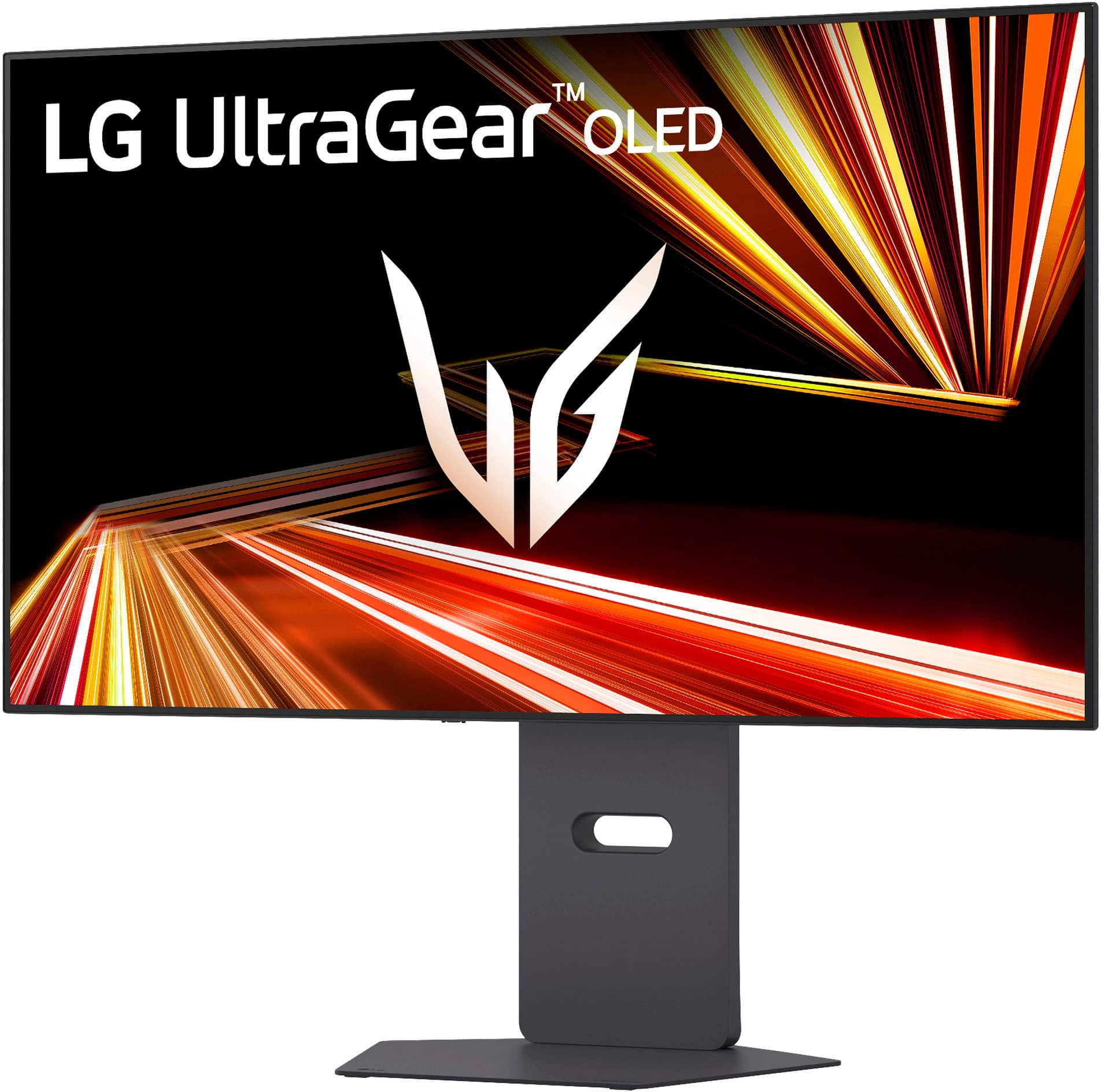
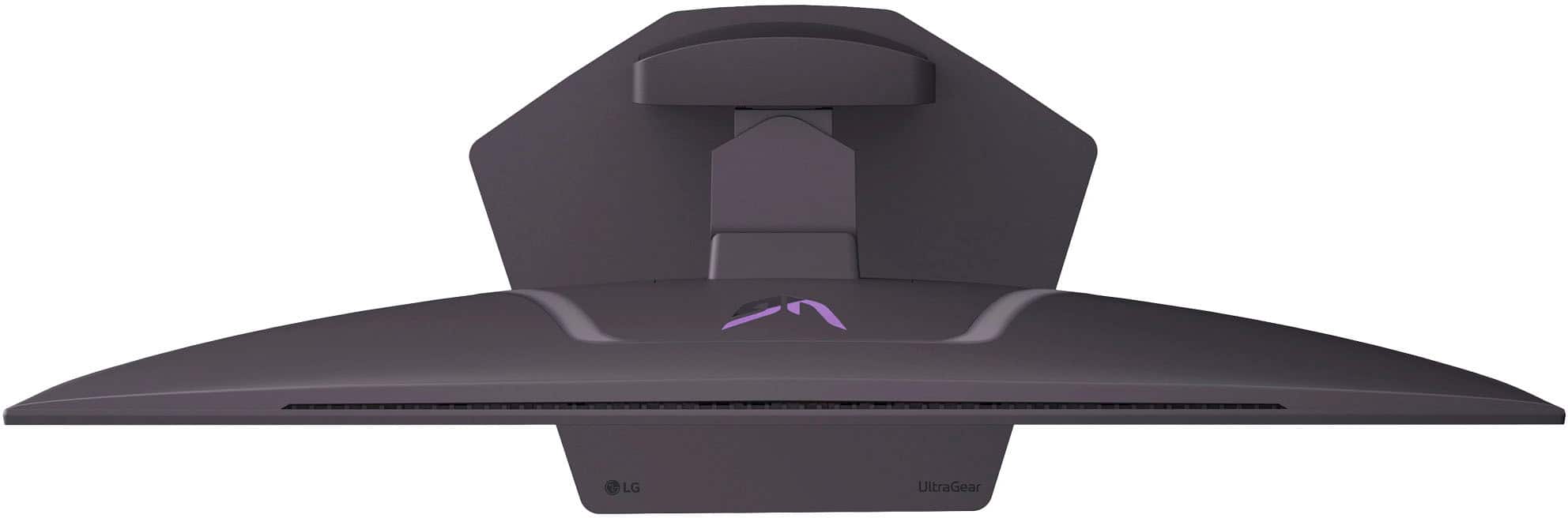
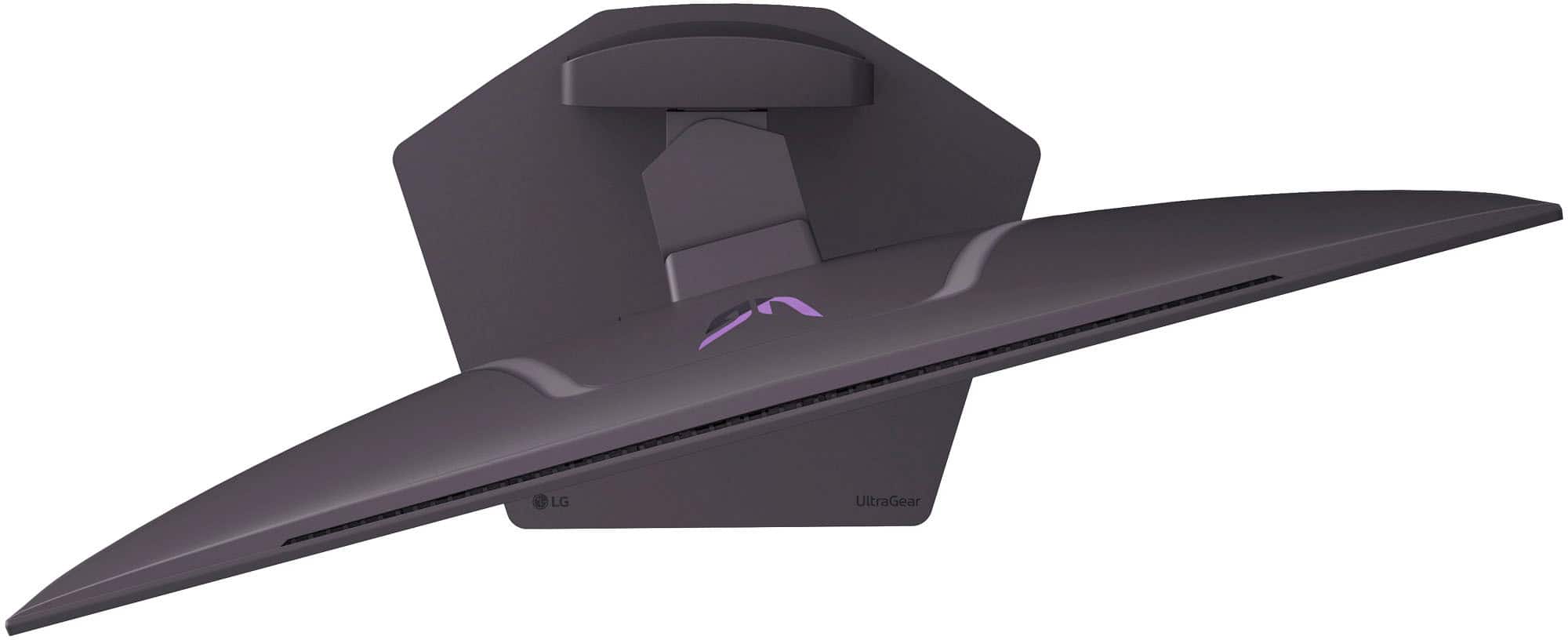
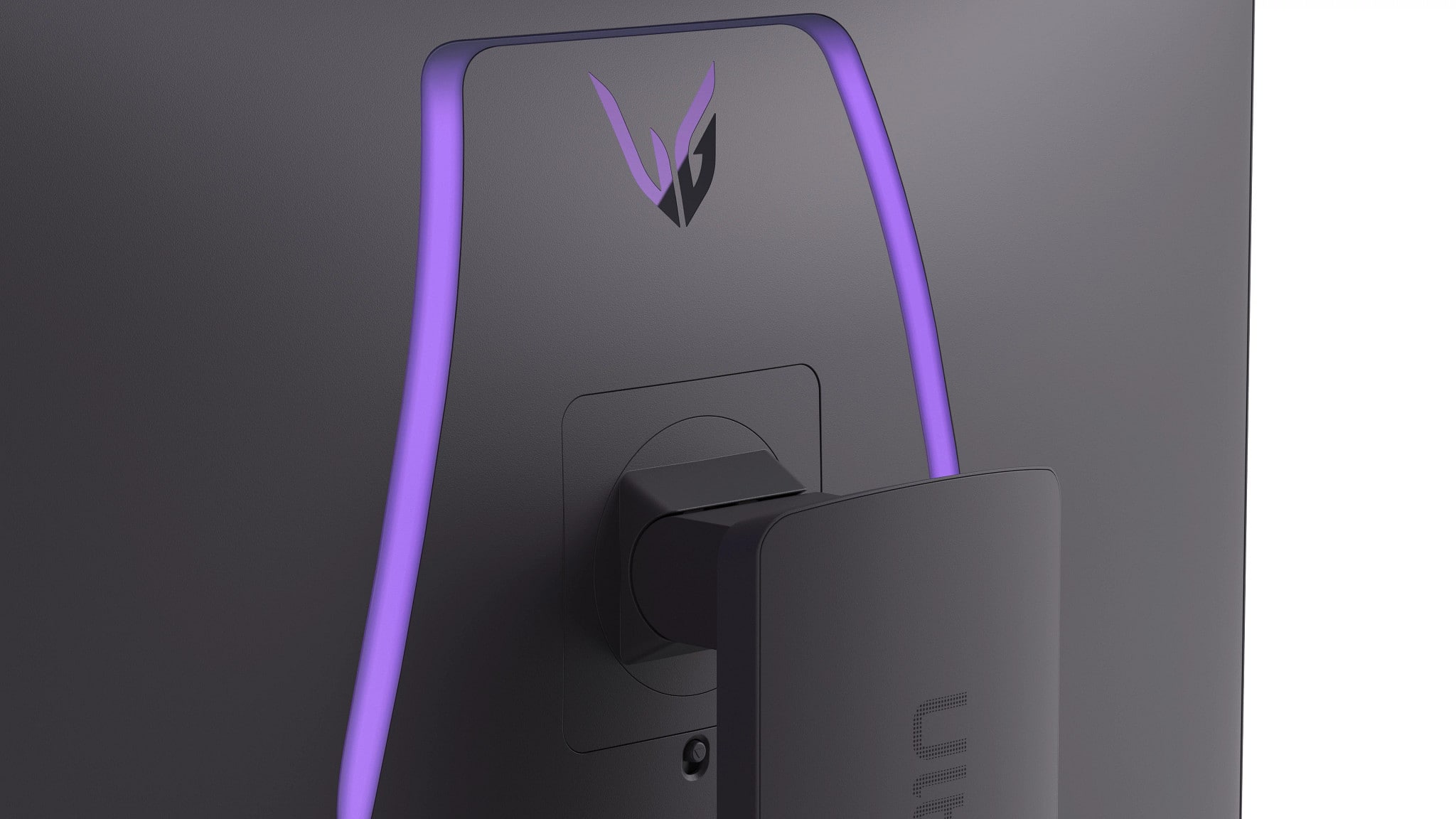
- Model:
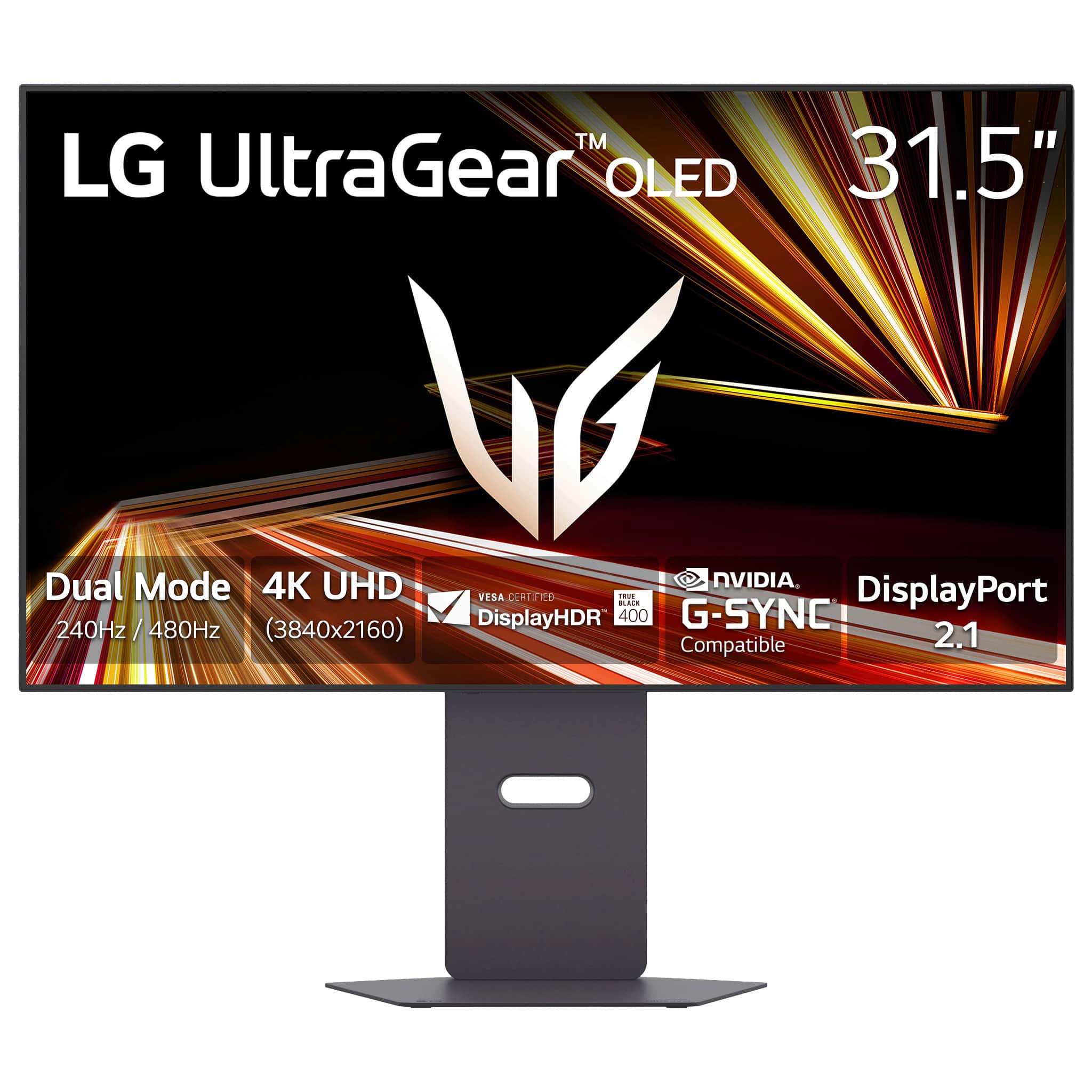
- 32GX870A-B
- SKU:
- 12220922
Rating by feature
- Display Quality
Rating 4.9 out of 5 stars
- Ease of Use
Rating 4.7 out of 5 stars
- Features
Rating 4.8 out of 5 stars
Perfect
||Posted .This reviewer received promo considerations or sweepstakes entry for writing a review.Amazing! Easy setup, best bang for the buck and very clean.
I would recommend this to a friendStunner
||Posted . Owned for 1 month when reviewed.This reviewer received promo considerations or sweepstakes entry for writing a review.Incredible image quality and motion clarity. Minor downsides of matte coating and no hgig
I would recommend this to a friendVery nice
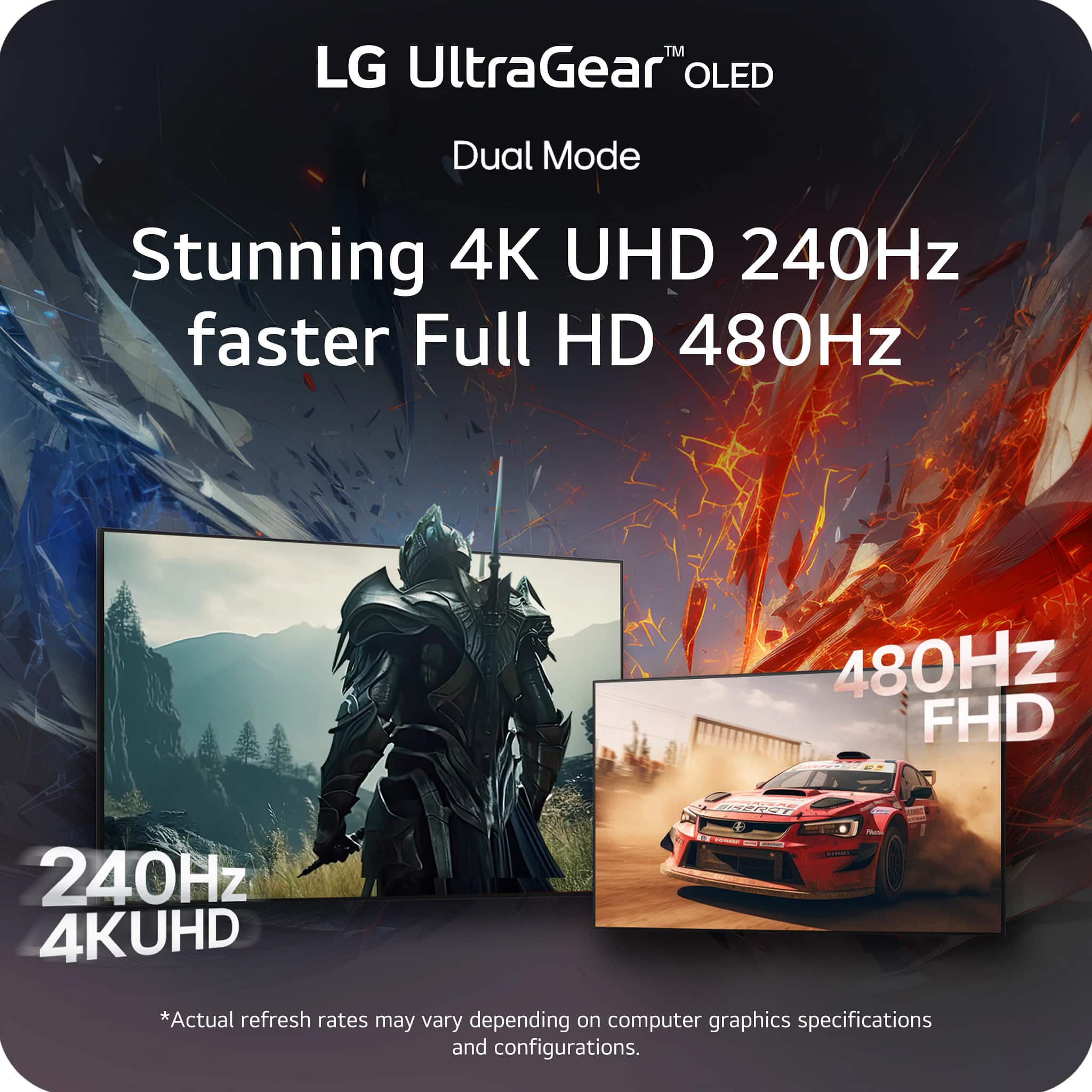
||Posted . Owned for 1 month when reviewed.This reviewer received promo considerations or sweepstakes entry for writing a review.Only problem i have is switching between the 4k to the 1080p 480 just isnt as smooth as i would like it to be creates some very little problems while trying to game nothing crazy just little headaches but would recommend this monitor but not much experience with many other monitors
I would recommend this to a friendGreat display
||Posted . Owned for 1 month when reviewed.This reviewer received promo considerations or sweepstakes entry for writing a review.High end LG display does it again. Great clarity, color accuracy and response times.
I would recommend this to a friendWorth it
||Posted . Owned for 2 weeks when reviewed.This reviewer received promo considerations or sweepstakes entry for writing a review.Amazing. Got it for my for my bf gaming and he says he loves the red dot and it has improved his accuracy
I would recommend this to a friendGreat, but slightly too lage
||Posted .This reviewer received promo considerations or sweepstakes entry for writing a review.Great if you like the larger 32 in screen size. Text does look clear with good pixel density, but I do prefer 27 inch screen for gaming.
I would recommend this to a friendWOLED band
||Posted . Owned for 2 weeks when reviewed.This reviewer received promo considerations or sweepstakes entry for writing a review.Color is brilliant. But WOLED color band is kinda annoying that I need to do pixel cleaning pretty often, making me return the item. I switched to the ROG QDOLED one which imo is much better choice.
No, I would not recommend this to a friendBrand response from LG Digital Customer Care
Posted .Hi there. Thank you for sharing your experience with us regarding your LG UltraGear 32" OLED Dual Mode Gaming Monitor. We understand your inquiry regarding the image quality and the frequency of pixel cleaning on your unit. To ensure your display remains clear, we recommend checking that your monitor’s firmware is updated to the latest version, which can help optimize the automatic pixel cleaning cycles. We understand that having a seamless visual experience is essential for your gaming setup, and we want to ensure your monitor performs at its best.
https://www.bestbuy.com/product/lg-ultragear-32-oled-dual-mode-4k-uhd-240hz-fhd-480hz-0-03ms-g-sync-compatible-amd-freesync-premium-pro-gaming-monitor-black/JJ8VPZWLPW
For further assistance and any specific concerns you may have, please contact us on [email protected]. —Renzo
Perfect monitor
||Posted .This reviewer received promo considerations or sweepstakes entry for writing a review.Good item ,exelent cuality and good prices $$$ Loved
I would recommend this to a friendGreat!
||Posted . Owned for 1 month when reviewed.This reviewer received promo considerations or sweepstakes entry for writing a review.Bought it as an upgrade from aw3423dwf -‘d it’s leagues better and the visual quality is great!
I would recommend this to a friend
4k good 1080 bad
|Posted . Owned for 2 weeks when reviewed.This reviewer received promo considerations or sweepstakes entry for writing a review.Very good monitor for 4k, the dual mode isn't very useful as 1080p on 32" monitor looks pretty bad
No, I would not recommend this to a friendGood Monitor if on Dale
||Posted .This reviewer received promo considerations or sweepstakes entry for writing a review.If you find it on sale then it's a good buy. Wouldn't buy it at MSRP.
I would recommend this to a friendGreat gaming monitor, but to pricey
||Posted .This reviewer received promo considerations or sweepstakes entry for writing a review.I like it, i think changing the settings should have been easier. Should have came with a remote maybe. The price point is to high.
No, I would not recommend this to a friendGreat product
||Posted . Owned for 1 week when reviewed.This reviewer received promo considerations or sweepstakes entry for writing a review.Definitely worth the price great colors and it’s got built in speakers or you can plug in
I would recommend this to a friendNice picture
||Posted . Owned for less than 1 week when reviewed.This reviewer received promo considerations or sweepstakes entry for writing a review.Decent monitor dual mode could use some better firmware
I would recommend this to a friendBest screen
||Posted . Owned for 3 weeks when reviewed.This reviewer received promo considerations or sweepstakes entry for writing a review.Great image awesome for 4k gaming not to over bulky
I would recommend this to a friendIts matte
||Posted .This reviewer received promo considerations or sweepstakes entry for writing a review.Its matte, qdoled its better. But its lg, its a good monitor.
I would recommend this to a friendMonitor
||Posted . Owned for 1 week when reviewed.This reviewer received promo considerations or sweepstakes entry for writing a review.Could not get it to work properly. Had a hard time turning it on. Not as easy as bestbuy geek said.
No, I would not recommend this to a friendBrand response from LG Digital Customer Care
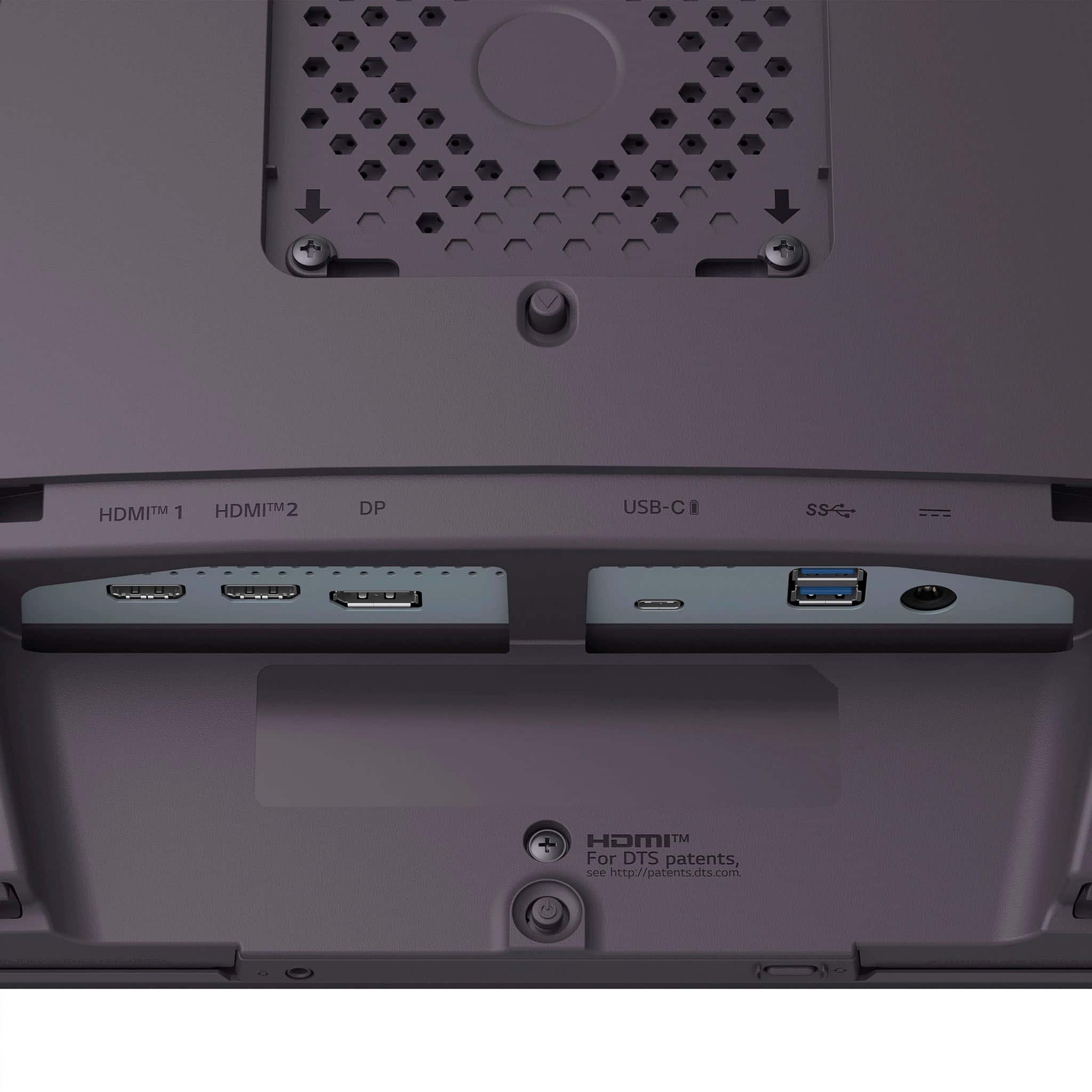
Posted .Hi there. Thank you for sharing your experience with the LG UltraGear 32" OLED Dual Mode Gaming Monitor (32GS95UE-B). We understand your inquiry regarding the power issues and the setup process you encountered. To ensure the monitor powers on correctly, we recommend verifying that the power adapter is firmly connected to both the wall outlet and the DC-IN port on the back of the monitor.
https://www.bestbuy.com/product/lg-ultragear-32-oled-dual-mode-4k-uhd-240hz-fhd-480hz-0-03ms-g-sync-compatible-amd-freesync-premium-pro-gaming-monitor-black/JJ8VPZWLPW
For further assistance and any specific concerns you may have, please contact us on [email protected], and our team will be more than happy to assist you. —Renzo
- Pros mentioned:Color quality
Ehhh not worth it.
||Posted . Owned for 2 weeks when reviewed.This reviewer received promo considerations or sweepstakes entry for writing a review.Beautiful colors BUT screen flickers and I had to return.
No, I would not recommend this to a friendBrand response from LG Digital Customer Care
Posted .Hi, Kmizall. Thank you for reaching out, and we understand the importance of having your LG Monitor (32GX870A‑B) model perform consistently. If your monitor flickers, check the refresh rate and cable connection. Make sure the monitor's refresh rate is set correctly in your display settings and that the HDMI or DisplayPort cable is securely connected. Using a different cable or port may also resolve signal issues. For more guidance, visit https://www.lg.com/us/support/help-library/lg-monitor-troubleshooting-a-shaking-screen--20153192710854. We’d be glad to take a closer look into what happened with your unit. When you have a moment, please send us an email at [email protected]. We're here to help. ^Juvy
Defective, 2 out of 2
||Posted . Owned for 2 months when reviewed.This reviewer received promo considerations or sweepstakes entry for writing a review.Got 2 of these and both were defective, but in different ways. They each worked for about 2 weeks, one started flickering, the other's display turns off after about 30 mins of use. I think there is something wrong with the power supply or internal temperature regulation. I would absolutely not recommend.
No, I would not recommend this to a friendBrand response from LG Digital Customer Care
Posted .Hi, there. Thank you for reaching out about your LG Monitor (32GX870A‑B) model. We understand how important it is for a gaming monitor to be stable and reliable. As an overview step while you continue seeking support, you may try checking that the monitor’s power cable is firmly seated and connected directly to a wall outlet, since unstable power can sometimes trigger flickering or shutdowns. For more guidance, visit https://www.lg.com/us/support/help-library/lg-monitor-troubleshooting-a-shaking-screen--20153192710854 and https://www.lg.com/us/support/help-library/lg-monitor-screen-is-off--20154629827079. If you’d like us to take a closer look or assist further, please send us an email at [email protected]. We're here to help. ^Juvy
ok not worth asking price
||Posted . Owned for 1 month when reviewed.This reviewer received promo considerations or sweepstakes entry for writing a review.not as good as Asus products. not big on the matte coating.
No, I would not recommend this to a friendBrand response from LG Digital Customer Care
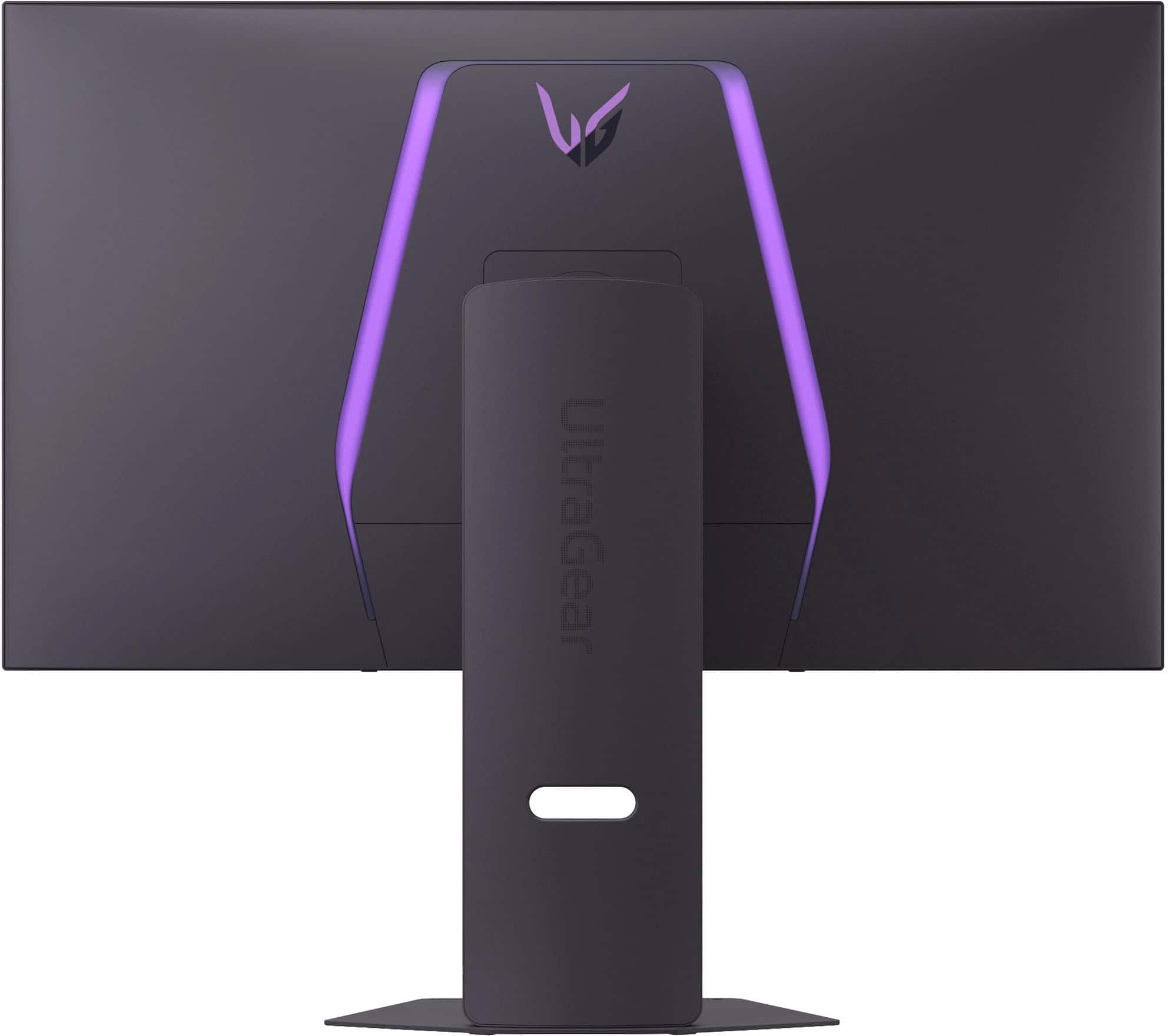
Posted .Hi there, thanks for sharing your thoughts with us. We understand that screen finish can really shape your viewing experience, and preferences vary depending on how you use your monitor. LG’s matte coating is designed to reduce glare and reflections, especially in bright environments—but we know it’s not everyone’s favorite.
We’d love to learn more about your setup and what you're looking for in a display. Feel free to send us a DM at @LGUSSupport, so we can explore options that might better suit your needs.
You can also check out our monitor lineup here: https://www.lg.com/us/monitors
Thanks again for your feedback—it helps us keep improving.
~Ken