Customer Ratings & Reviews
- Model:
- 910-005638
- SKU:
- 10735530
Rating by feature
- Value
Rating 4.5 out of 5 stars
- Quality
Rating 4.7 out of 5 stars
- Ease of Use
Rating 4.8 out of 5 stars
GOOD GAMING MOUSE
||Posted . Owned for 3 weeks when reviewed.This reviewer received promo considerations or sweepstakes entry for writing a review.nice mouse very light weight nd nice software from logitech customize RGB nd DPI settings
I would recommend this to a friendFavorite Mouse
||Posted . Owned for 2 months when reviewed.This reviewer received promo considerations or sweepstakes entry for writing a review.I use this everyday. I absolutely love this mouse, so much so I got it again for my sister!
I would recommend this to a friendLove this mouse. It’s like my favorite
||Posted . Owned for 3 months when reviewed.This reviewer received promo considerations or sweepstakes entry for writing a review.I would marry this mouse if she was a woman. She is an old friend of mine that knows my hands well
I would recommend this to a friendBrand response from Logitech
Posted .We're absolutely delighted to hear you love your G703 LIGHTSPEED so much! It's fantastic that it feels like an old friend that knows your hands well. We appreciate your enthusiastic and humorous feedback. Thank you for sharing your love for our product!

G703 lightspeed
||Posted . Owned for 4 months when reviewed.This reviewer received promo considerations or sweepstakes entry for writing a review.Very fast is superlight easy to use for your hands
I would recommend this to a friendLogitech mouse
||Posted . Owned for 2 weeks when reviewed.This reviewer received promo considerations or sweepstakes entry for writing a review.Lightweight fast precise mouse. my son plays games and does school work with it and he loves it !!
I would recommend this to a friendGreat mouse!
||Posted . Owned for 3 weeks when reviewed.This reviewer received promo considerations or sweepstakes entry for writing a review.Great mouse, wanted to buy it since 2022 and finally got it! Incredible quality and gaming experience!
I would recommend this to a friendBrand response from Logitech
Posted .Thank you for your kind words about the Logitech - G703 LIGHTSPEED! We're thrilled to hear that you're finally enjoying this exceptional gaming mouse. We appreciate your continued trust in us.
Logitech G703 review
||Posted . Owned for 1 week when reviewed.This reviewer received promo considerations or sweepstakes entry for writing a review.Mouse looks nice, works easily, and is comfortable to hold. Dpi settings are easy to change and customize, and the RGB looks good without being obnoxious. No complaints with the mouse overall.
I would recommend this to a friendGreat Gaming Mouse
||Posted . Owned for 7 months when reviewed.This reviewer received promo considerations or sweepstakes entry for writing a review.This mouse is excellent. Feels great in hand and I love the customizability in the Logitech G Hub. Never thought I'd get a wireless mouse, but I LOVE this thing. Much better than my old G502.
I would recommend this to a friendGreat mouse!!
||Posted . Owned for 2 weeks when reviewed.This reviewer received promo considerations or sweepstakes entry for writing a review.So far really good, I used to get bad hand cramps when gaming so after looking for a new mouse to help. I’ve had minimum issues, I can’t help but recommend!
I would recommend this to a friendLogitech
||Posted . Owned for 3 weeks when reviewed.This reviewer received promo considerations or sweepstakes entry for writing a review.Very very good mice ✅ It is very comfortable and practical. It does not tire you when using it
I would recommend this to a friendBrand response from Logitech
Posted .We're thrilled to hear you love your G703 LIGHTSPEED! It's fantastic that it's comfortable and practical. Thanks for sharing your positive experience!
Thee mouse
||Posted . Owned for 3 weeks when reviewed.This reviewer received promo considerations or sweepstakes entry for writing a review.Really smooth and quick, so comfy would recommend to anyone looking for something good.
I would recommend this to a friendFirst impression
||Posted . Owned for 1 week when reviewed.This reviewer received promo considerations or sweepstakes entry for writing a review.Now my setup is finished. Besides micro usb built in, this mouse is great.
I would recommend this to a friendLogitech G703
||Posted .This reviewer received promo considerations or sweepstakes entry for writing a review.Mouse feels great and works well. Haven’t had any troubles with it.
I would recommend this to a friendAll the bang for all the bucks
||Posted . Owned for 1 week when reviewed.This reviewer received promo considerations or sweepstakes entry for writing a review.Insain mouth like butter just feels good it's like the feeling you get when u go from 60hrz to 144hrz? It just feels soooooo good
I would recommend this to a friendLogitech G703
||Posted . Owned for less than 1 week when reviewed.This reviewer received promo considerations or sweepstakes entry for writing a review.I ain't gonna lie I absolutley love it as a starter mouse feels like a pro one as well
I would recommend this to a friendGreat
||Posted . Owned for 1 month when reviewed.This reviewer received promo considerations or sweepstakes entry for writing a review.Great, a little big at first but it's great now. Recommended.
I would recommend this to a friend
Great entry level gaming mouse
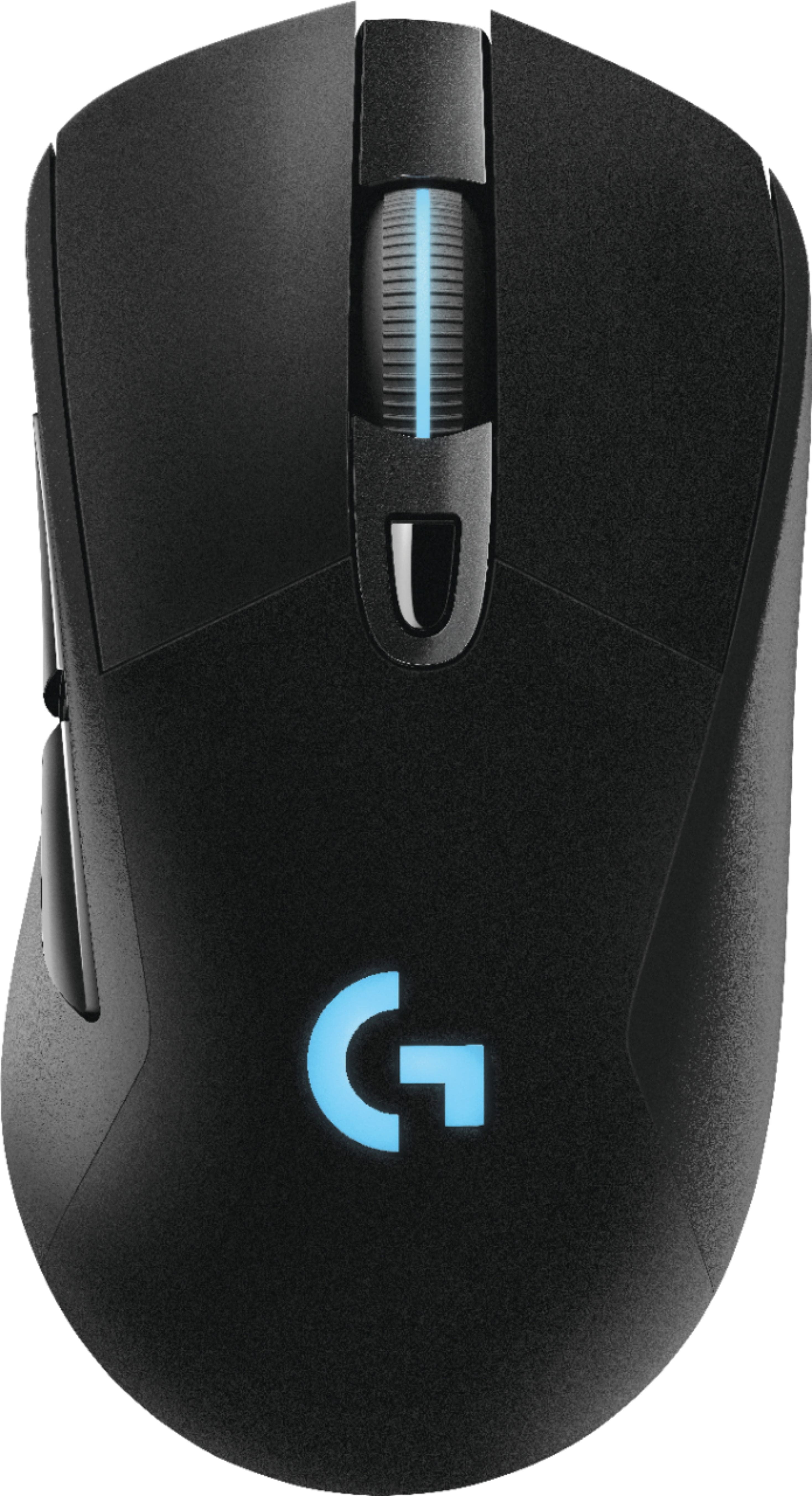
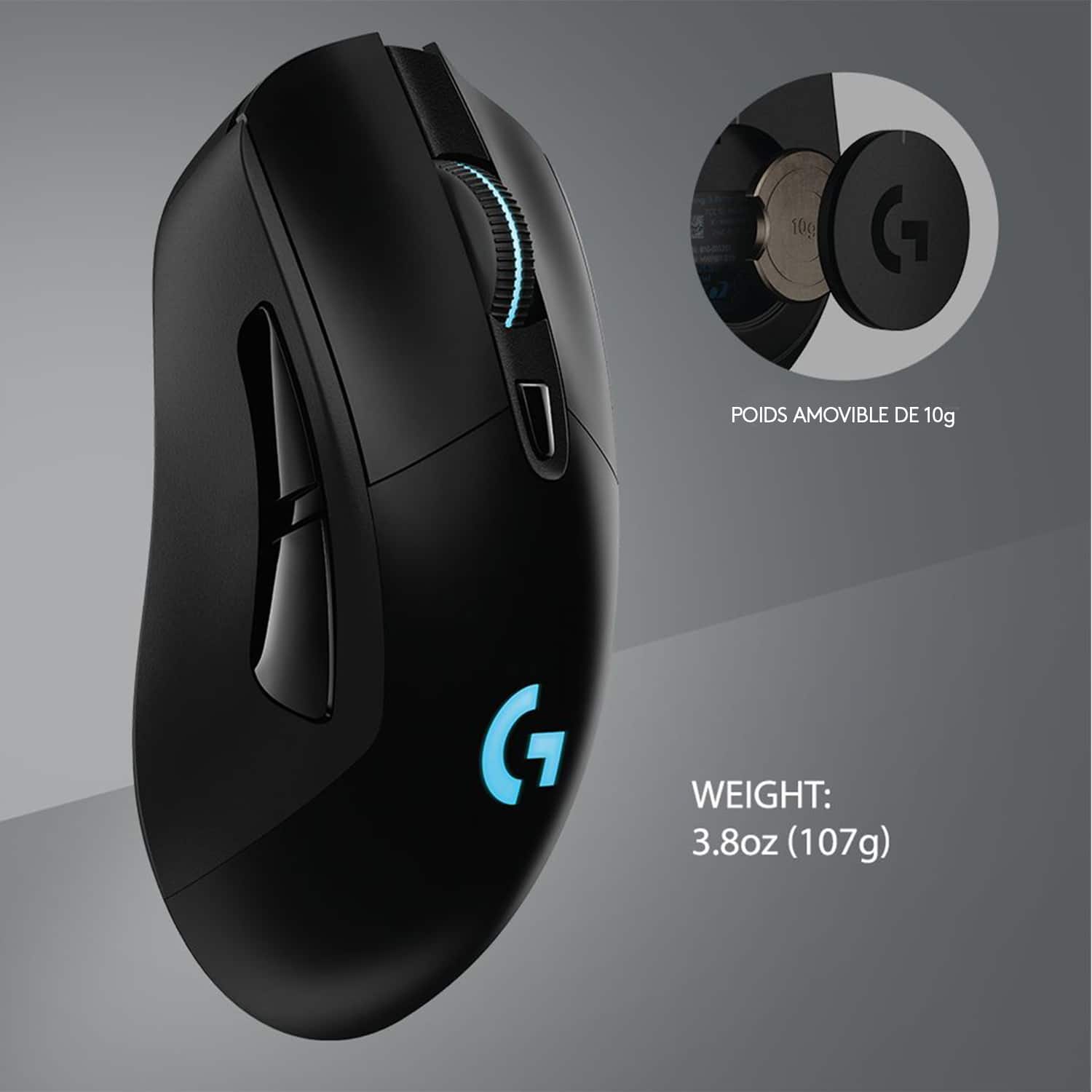
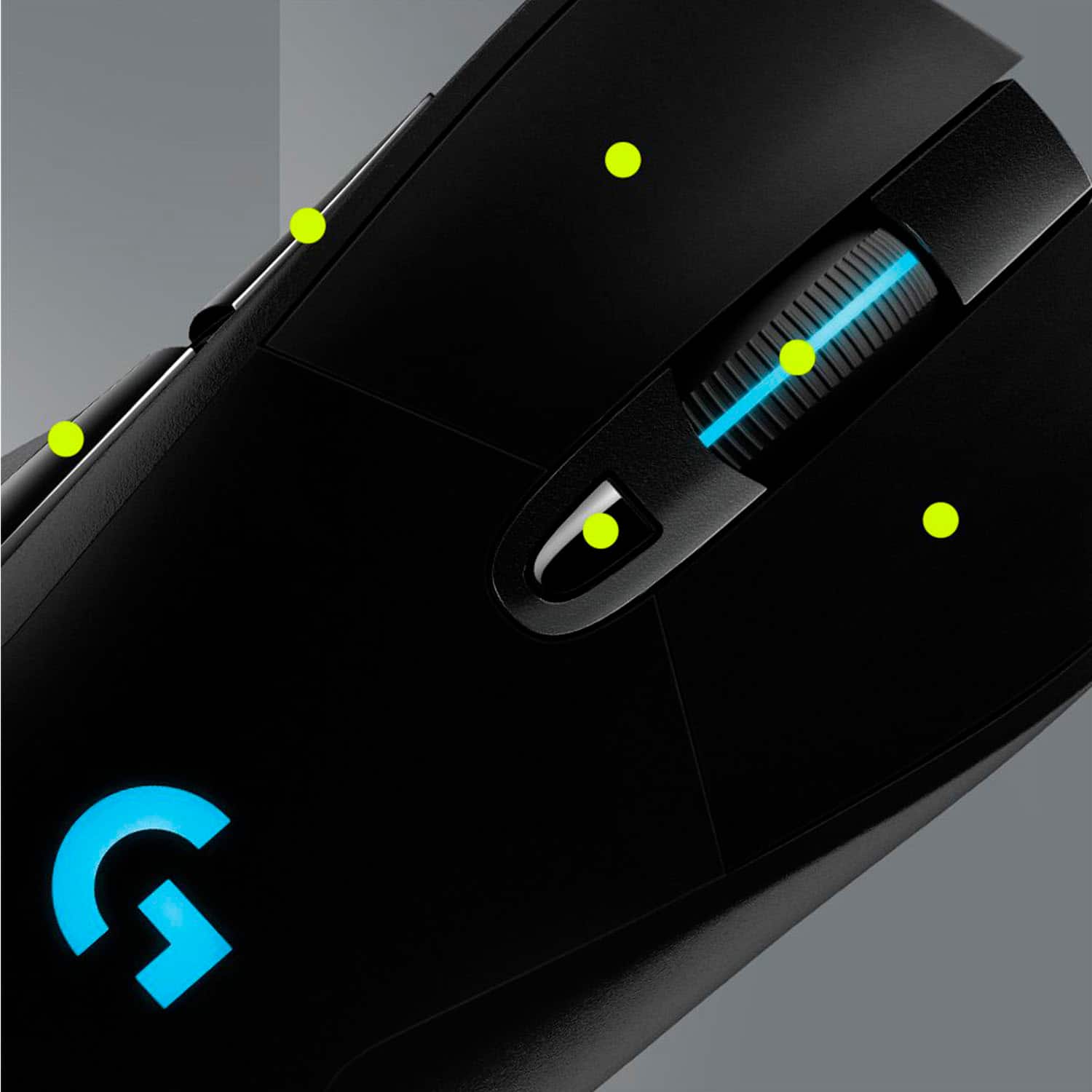
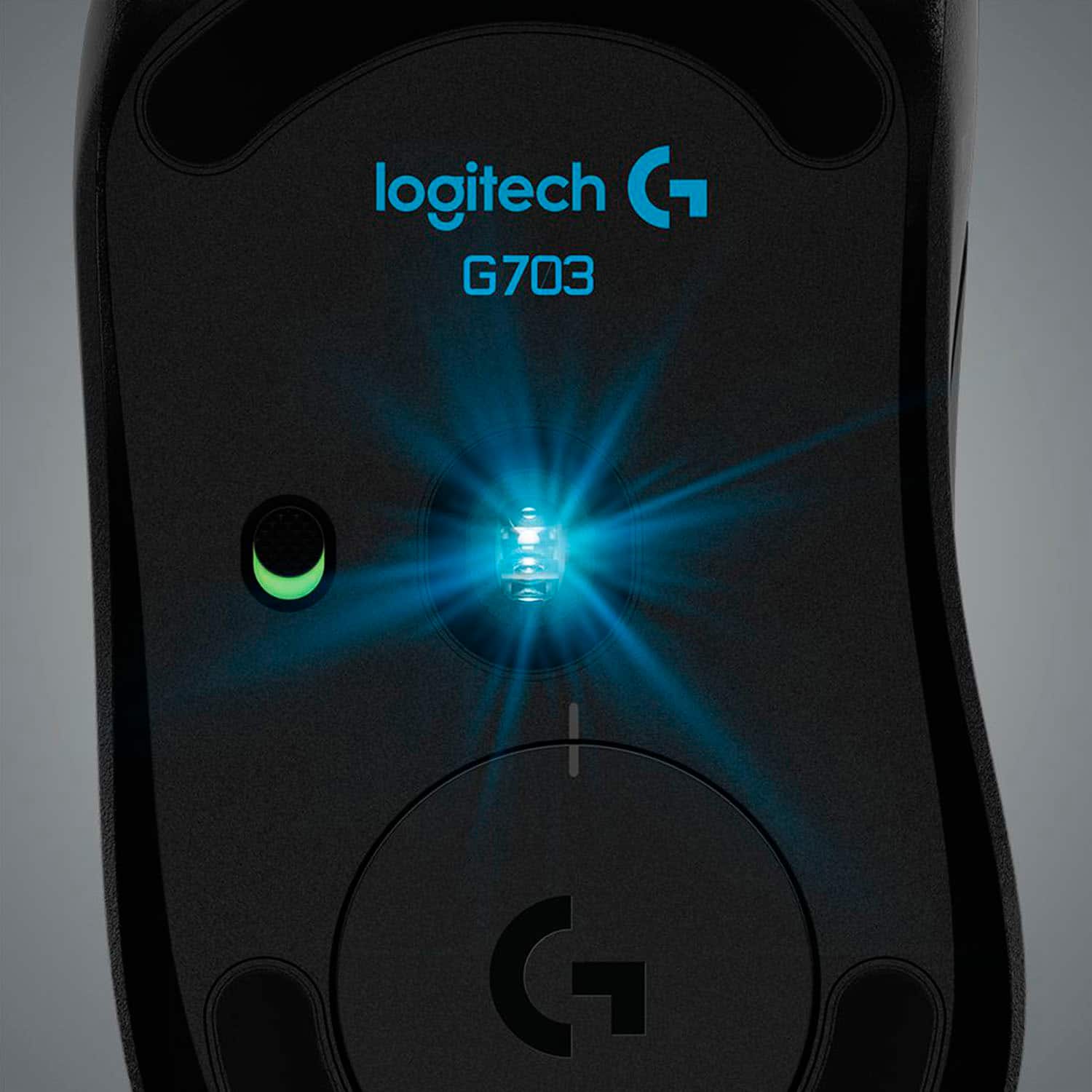
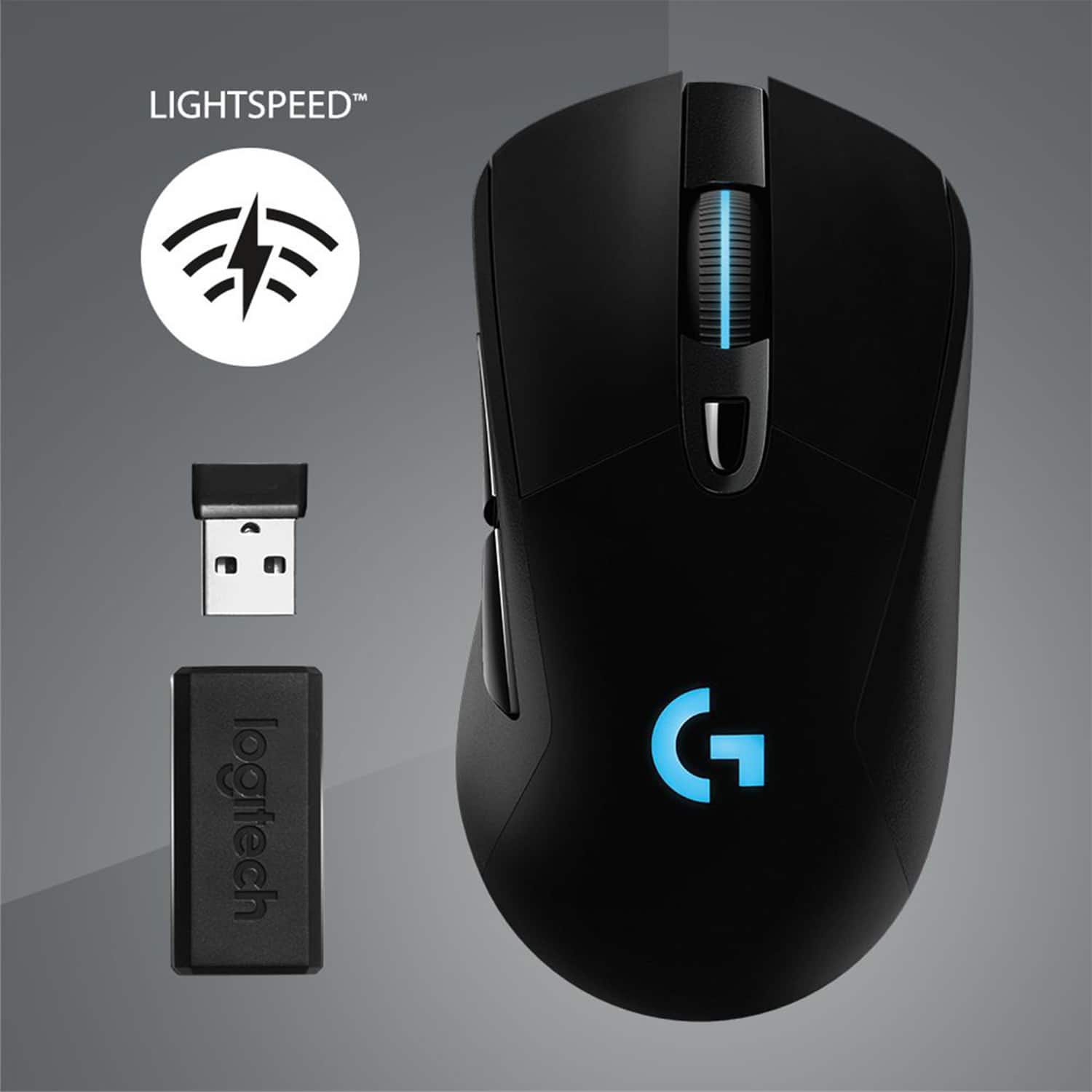
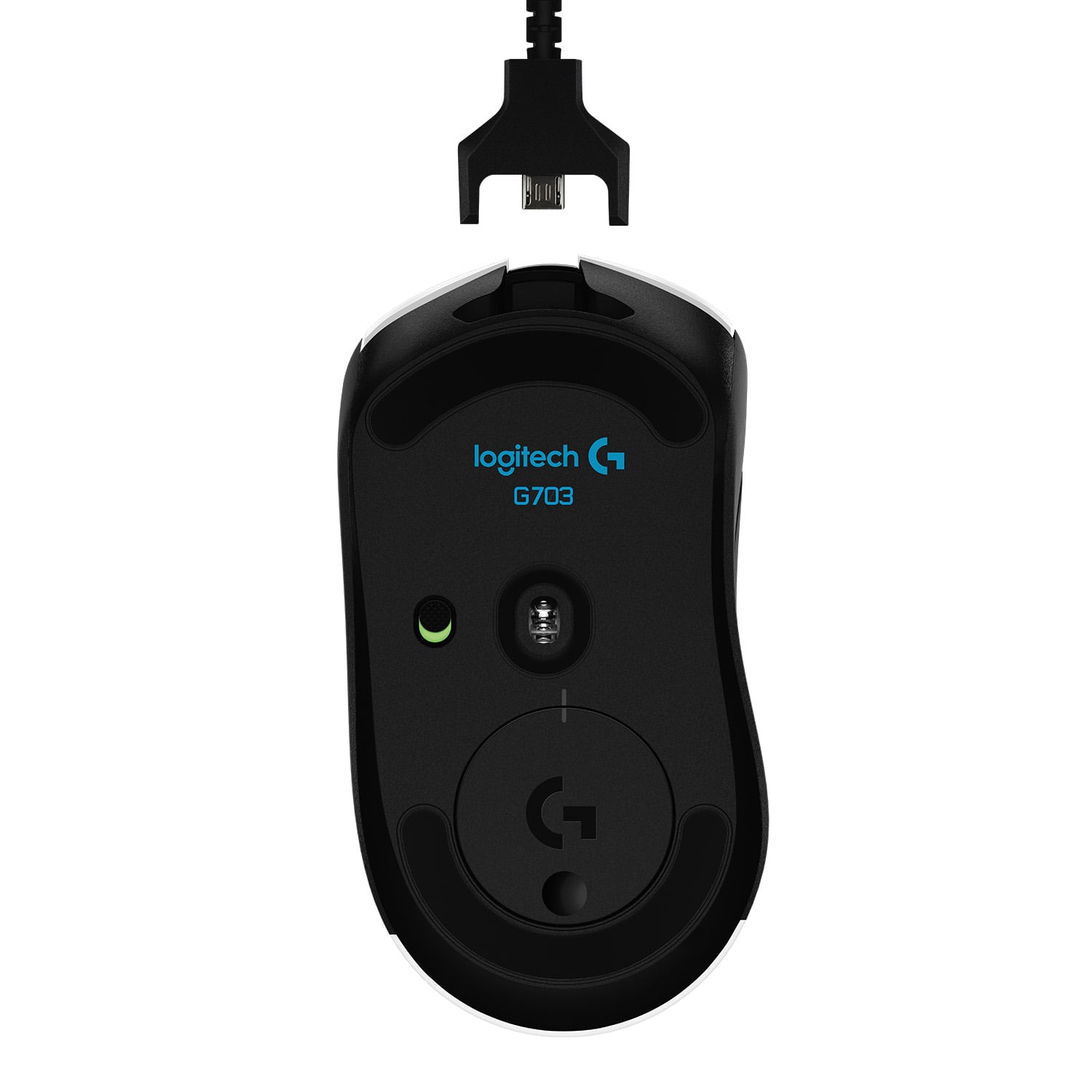
|Posted .This reviewer received promo considerations or sweepstakes entry for writing a review.The Logitech G series has always been a good line in the way of PC gaming. The G703 offers a way to keep your battle station crisp and clean via a wireless mouse all without losing any of that input time. With added addition of lightspeed Logitech is claiming a 1ms input lag. Hopefully this review will help to clear the air as to rather or not this may be the right set up for you. First off let me talk about what you can expect to see right out of the box. You will receive the wireless mouse, usb adapter, wireless receiver, 10g weight and the braided micro usb cable which is necessary for lightspeed mode to be engaged. First impressions of the mouse is that it appears like a ordinary mouse. Its very simplistic but at the same time very clean looking. It comes with 6 programmable buttons and adjustable RGB lighting for the logo and scroll wheel. Logitech provides a free app to download to your PC which allows for pretty decent customization. I won't go in to full detail of the apps function but expect to see such functions as RGB controls, button mapping, DPI customization, Macro set up and much more. There are a few gaming pre-sets built in to the app such as League of Legions mapping. The top button button on the mouse near the scroll wheel can be customized but comes set as your DPI adjustment. There are four preset adjustments which are as follows 400,800,1600 and for the quick response 3200. DPI settings can be changed through the app to fit your play style so don't think that these settings are fixed as they are not. For those new to gaming DPI in a simple form is basically mouse senstivity or speed. The higher the number the faster or more response your mouse will be. Logitech also provided a 10 gram weight which can be added to the mouse to give it a more weighted feel as well. Lets talk about its main purpose which is gaming and its wireless function and stability. The two main games that i like playing are mmo's and loot shooters. In the way of mmo's mouse speed is very critical to me as im constantly switching between targets and my utilities. The added side button mapping helps take the load of having unmapped utilies that i can now use in conjunction with the ability to adjust my DPI on the fly given my current situation. For example if im grinding for materials then i turn my DPI down as its not really necessary for such quick response however when its time for me to run a raid i'll crank my DPI up to max and utilize my mouse button mapping to access my utility skills. When it comes to loot shooters such as The Division 2 i expect very quick response times with quick access to my utilities such as flash bangs and grenades. Being a wireless mouse my biggest concern has always been response time and the bluetooth being interrupted by all my other wireless sets up that i have. I have to say im greatly impressed and never once experienced any issues or lag. Even with lightspeed engage i honestly did not notice any difference between input lag. If it did improve anything, it wasn't enough for me to even notice. The scroll wheel feels very nice and responsive to the touch. What i really like was each scroll of the wheel felt firm but yet smooth and each indentation gave it a better feel and pinpoint accuracy in my opinion. It helped to eliminate any over or under scrolling for whatever function you may have set up for it. Here's the bottom line. This set up is perfect for anyone looking to save some money or get in to key and mouse PC gaming. The fact that you only have 6 keys to map means that the mouse will not become too overwhelming to set up for new gamers. More experienced gamers may want to opt out for the 9 series for the added button mapping available to the mouse. For me this is actually a perfect fit for me as l like to switch between mouse and keys to a Astro gaming wireless controller. The buttons are smooth and very responsive and the added app that is provided allows for some pretty good deep customization. The mouse is light weight and is built to be ergonomic to fit comfortably in your hand. Unless your looking for more button mapping this mouse is sure to please just about everyone out there.
I would recommend this to a friendSuper enjoyable to use!
||Posted .This reviewer received promo considerations or sweepstakes entry for writing a review.I’ve only used it for a few days, so I can’t speak on the durability of this mouse, but so far I’m loving using it! I upgraded from a 2013 DeathAdder, and man, the switch to wireless has been wonderful. I never realized how often the cord would get in the way with my old mouse, and I’ve even found myself subconsciously trying to straighten out the cord on the G703, only to realize I don’t have to do that anymore :) Performance has been excellent—super responsive and no noticeable difference from a wired mouse. It took minor adjustments to the new shape, but I actually think I’m learning to prefer it. It’s slightly taller than the DeathAdder, which initially felt strange but I’m getting more used to it now, and it definitely fits my hybrid-palm-claw grip well. Battery life has been no issue so far. I use it for several hours a day and turn it off at night, and I haven’t had to charge it yet. If you charge it every night while you sleep, I’m sure you’d never run into any problems there. The Logitech gaming software is definitely and upgrade over the version of Razer Synapse I was using, but I’m not sure if that’s because it was outdated. Plenty of lighting and sensitivity features and customizability options. The mouse feels solid yet light in my hand, and the buttons all feel good. It comes with a 10g weight if you want it a little heavier, but I prefer a lighter mouse. The rubber on the side is smooth and soft, and the materials all feel high quality. There’s also a DPI button with four customizable settings, which is handy for quick adjustments in FPS games for sniping and stuff like that. Overall I’m happy with my purchase, and I’d definitely recommend it to anyone looking for a good value and high performance gaming mouse that doesn’t look like alien technology (which I find super ugly).
I would recommend this to a friendBrand response from Logitech
Posted .Hi John,
Thank you for your five-star review! It is greatly appreciated. Continue to enjoy your device. If you ever need assistance, please contact Logitech Support on the website.
LaShonda from Logitech
Worth The Price
||Posted .This reviewer received promo considerations or sweepstakes entry for writing a review.Works great. Customizable DPI means I can set the DPI to exactly what I want it to be. Can even be used wired if the battery is running low. Also the weighted disc it came with makes the mouse feel more solid which I like. Versatile and customizable.
I would recommend this to a friendBrand response from Logitech
Posted .We're glad to hear you're enjoying your Logitech G703 LIGHTSPEED Wireless Optical Gaming Mouse. Thank you for your feedback, and we value your business.
Comfortable and Reliable
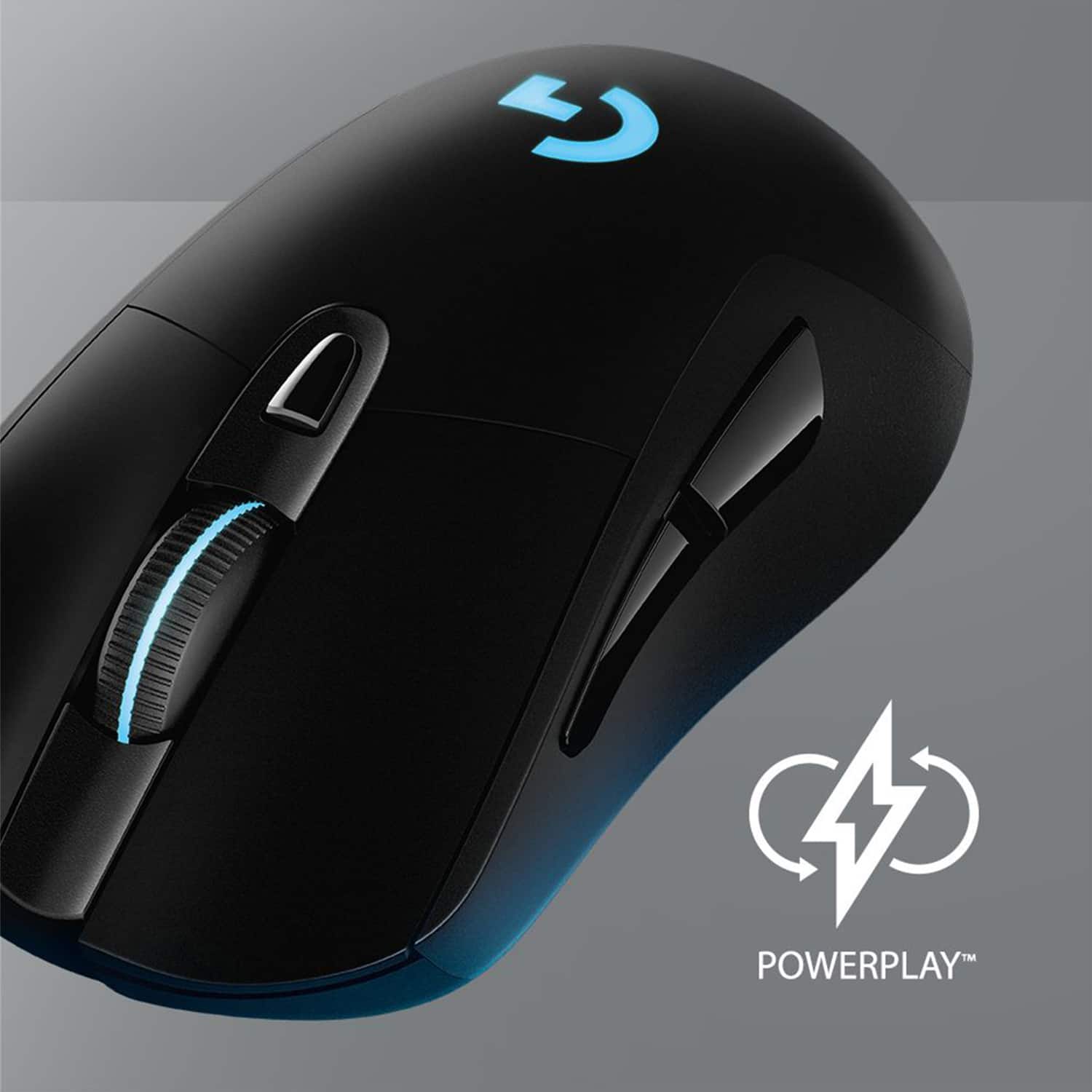
|Posted .This reviewer received promo considerations or sweepstakes entry for writing a review.Logitech has always been a go-to for me for mice, but I haven’t used one of their gaming mice until this one and I’m impressed. I love how simple this mouse is; it has just the right amount of buttons and doesn’t make you do any gymnastics with your fingers to get to them. The shape is really comfortable and fits my hand perfectly. Thanks to the sensor moving the mouse feels like an extension of my own hand and the wireless connection has been rock solid. The buttons have just the right amount of click to them and I especially like how smooth and quiet the scroll wheel is. Battery life has also been excellent and so far my usage is going to get me a week or more without needing to charge. The software is well put together and offers a lot of options for reconfiguring the button and sensitivity settings - definitely an improvement over the software I was previously using for my Corsair mouse. The lighting options are neat and Lightsync will synchronize the lighting for certain games, though it’s not very noticeable as my hand covers the lighting most of the time. Miscellaneous Items: -The mouse comes with a removable weight that fits into the bottom of the mouse. I didn’t notice much difference either way using it, but I left mine in because I like the extra heft. -Logitech makes a mat called the PowerPlay that will charge the mouse even as you use it. It also houses a wireless receiver for the mouse so you don’t need to plug the receiver in. I’m strongly considering getting that, though I haven’t made the jump just yet. -I can definitely see the Lightsync options being more useful when incorporating a keyboard that has it as well, but they mostly seem to be there to make the mouse look cool.
I would recommend this to a friend