Customer Ratings & Reviews

- Model:
- 915-000321
- SKU:
- 6323168
to a friend
Customers are saying
Customers recognize the Harmony Express Remote's voice control and ease of use as significant strengths, with many praising its simple setup and convenient size. Positive feedback also highlights the remote's rechargeable battery and sleek design. However, some users experienced compatibility issues with certain devices and limitations with Alexa integration and the lack of a dedicated power button.
This summary was generated by AI based on customer reviews.
- Pros mentioned:Battery life, Setup, Voice controlCons mentioned:Compatibility

Alexa is in Control
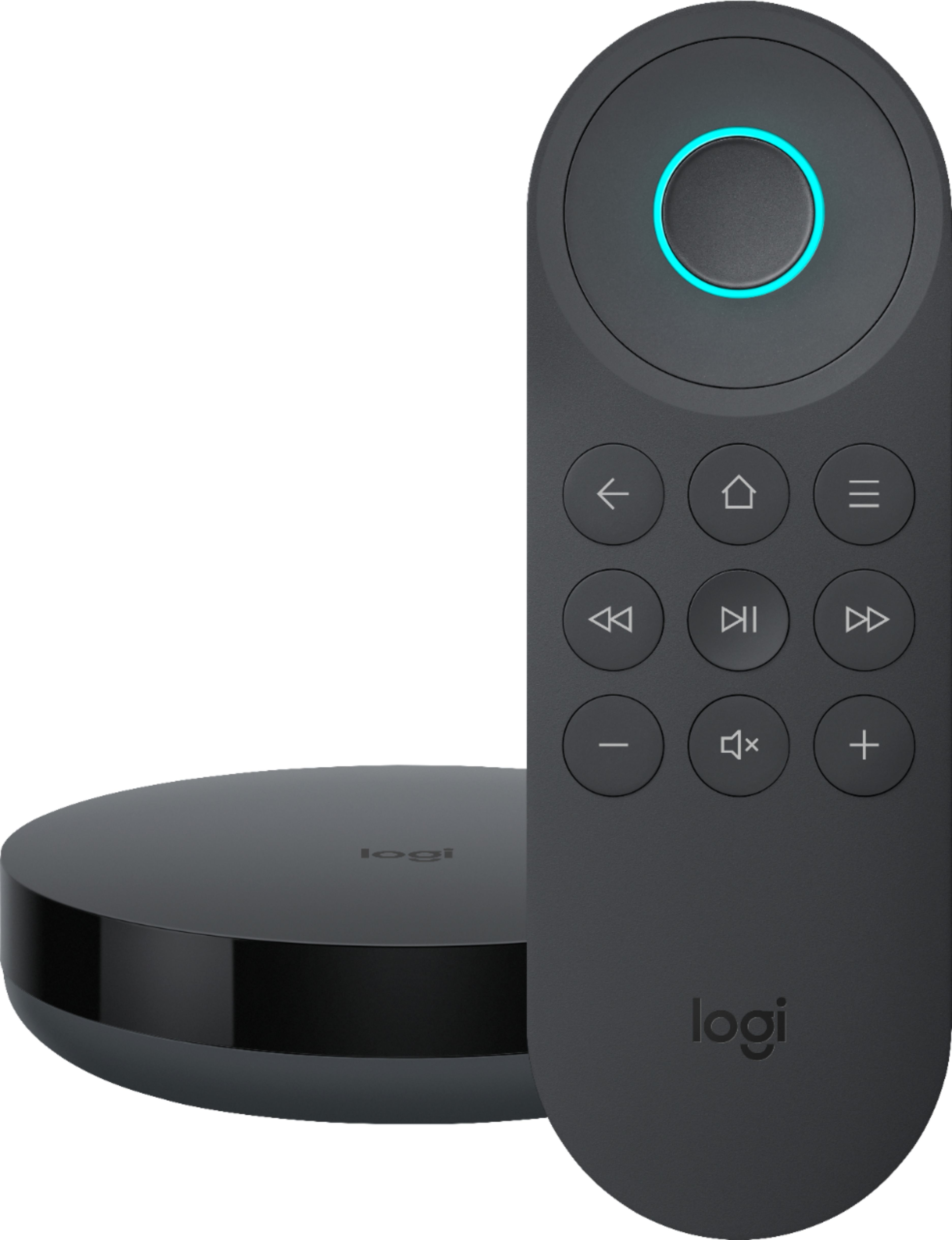
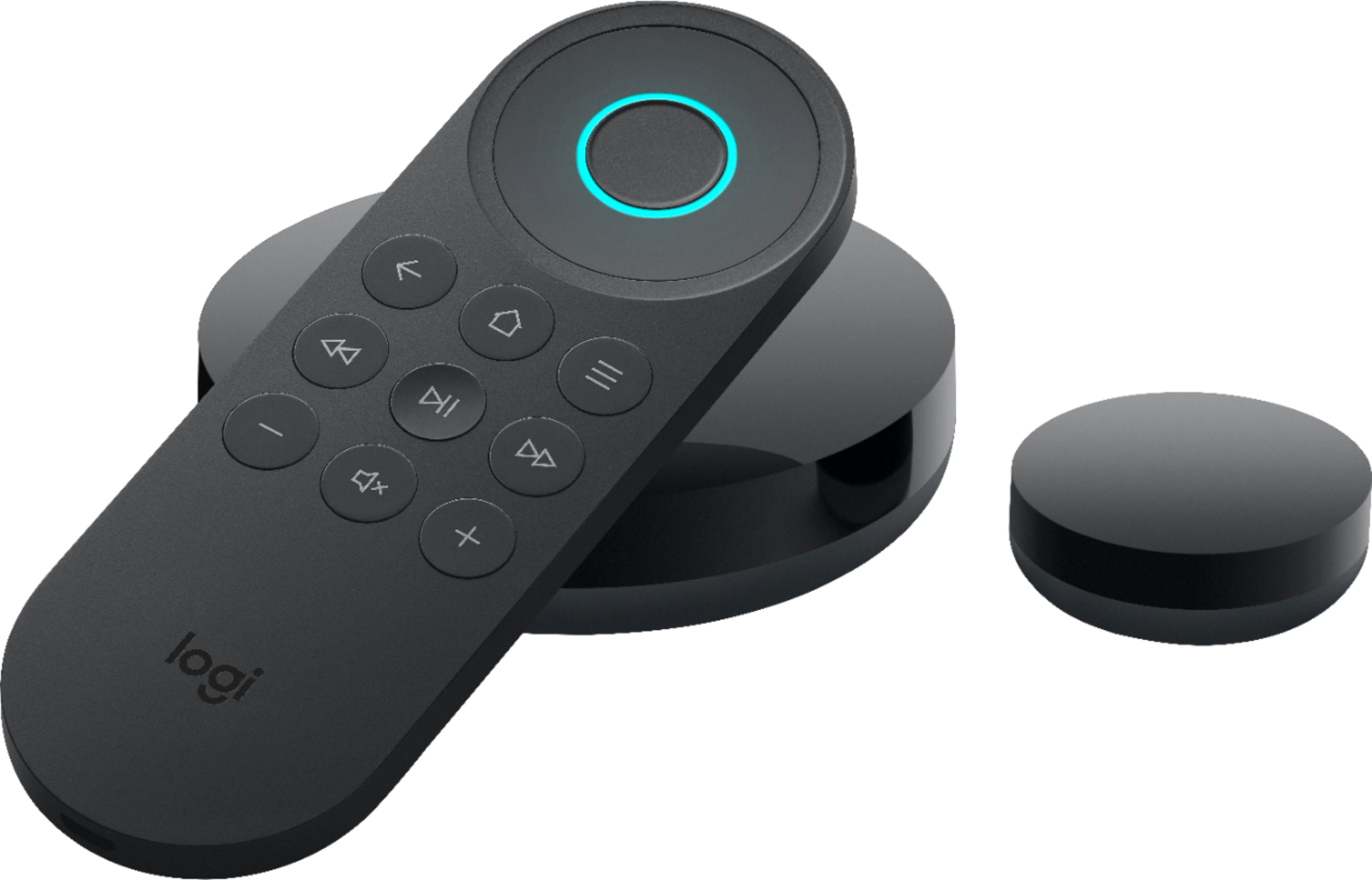
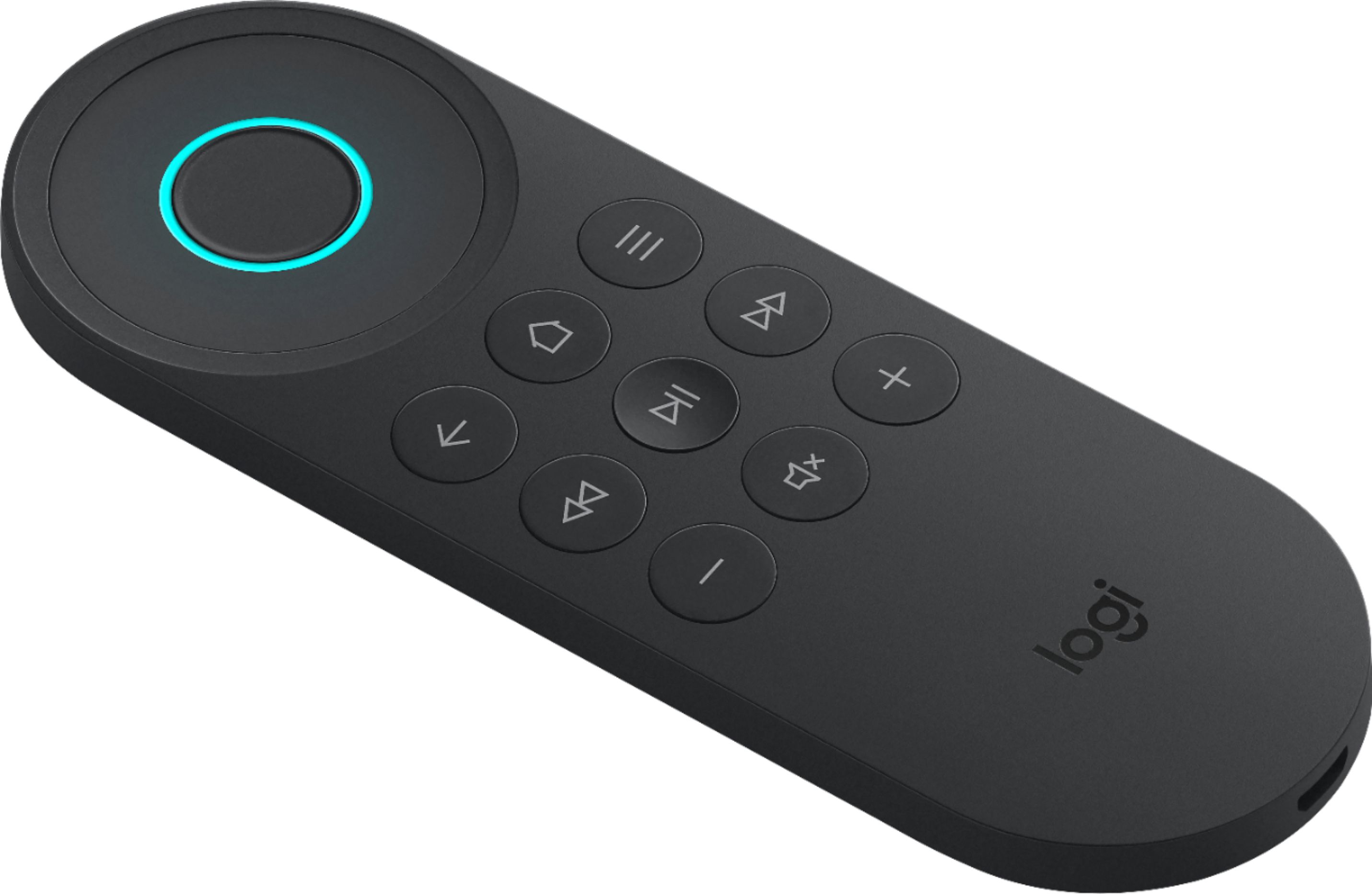
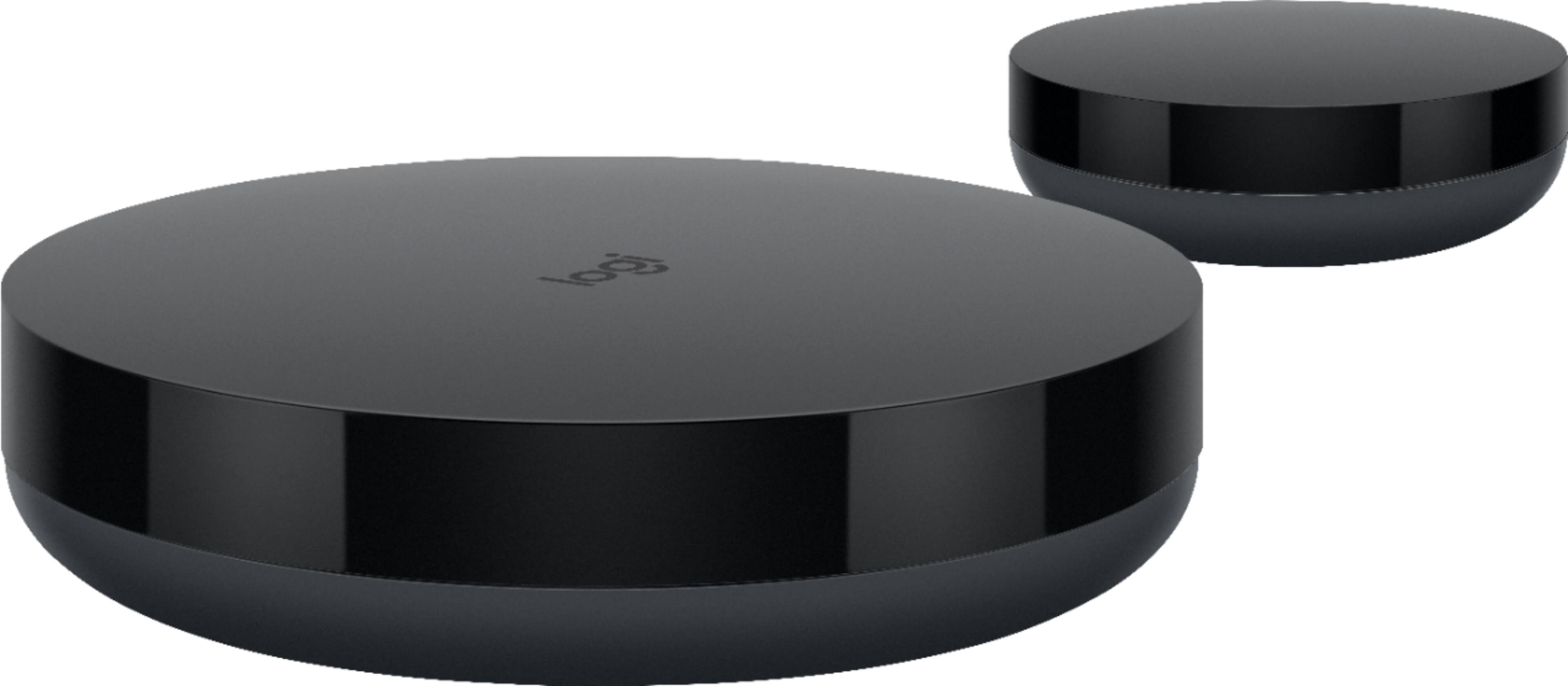
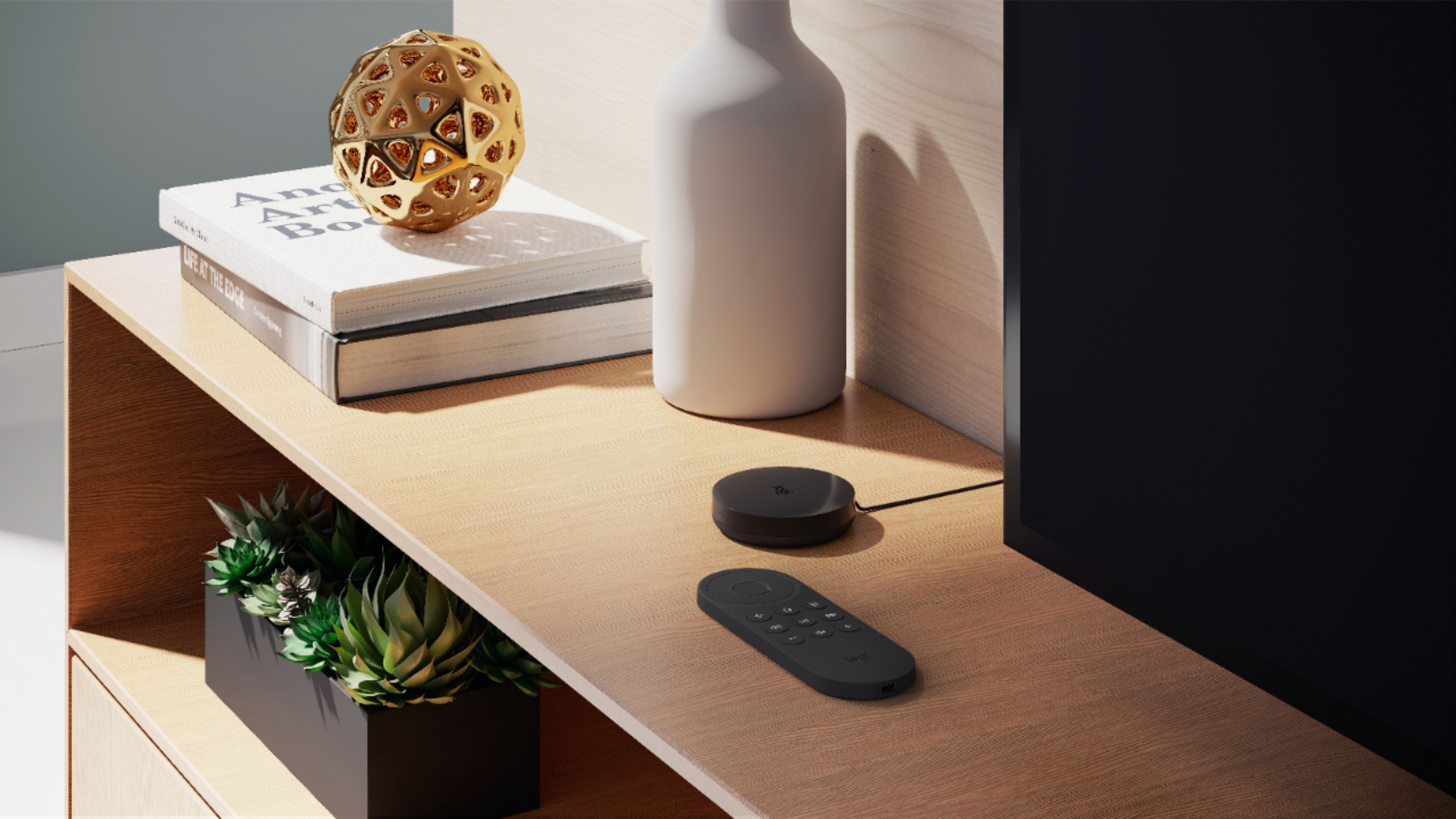
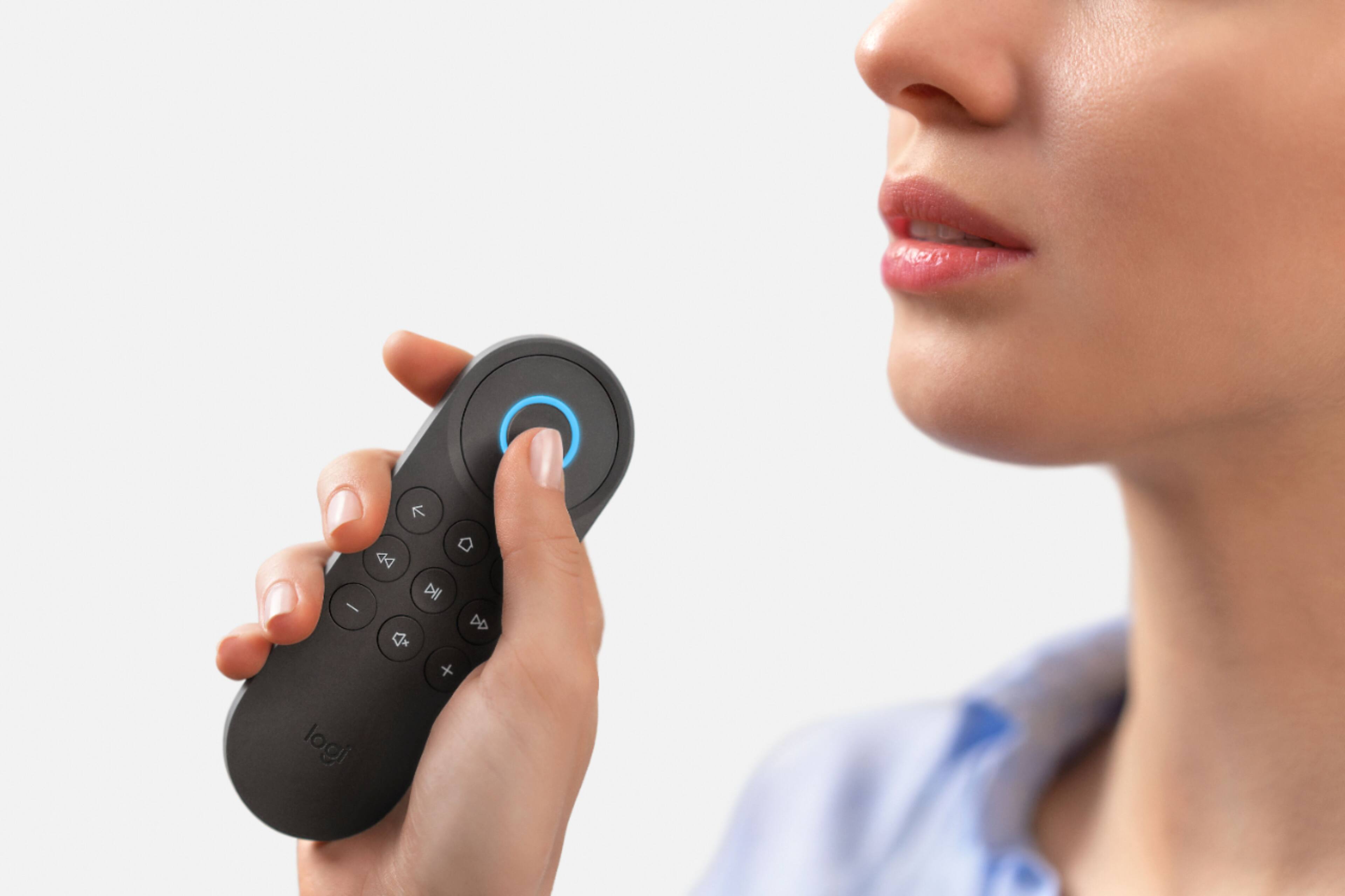
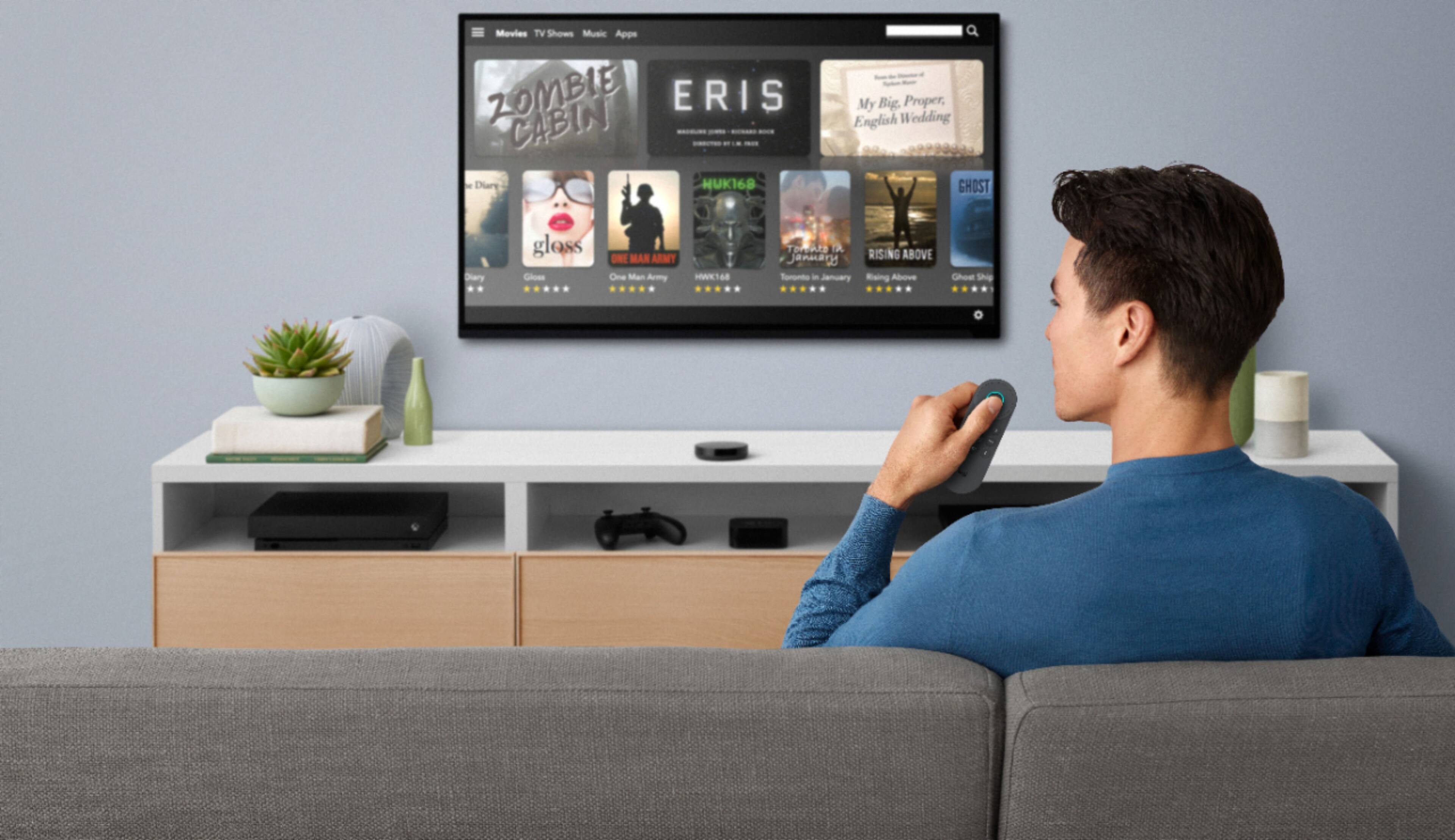
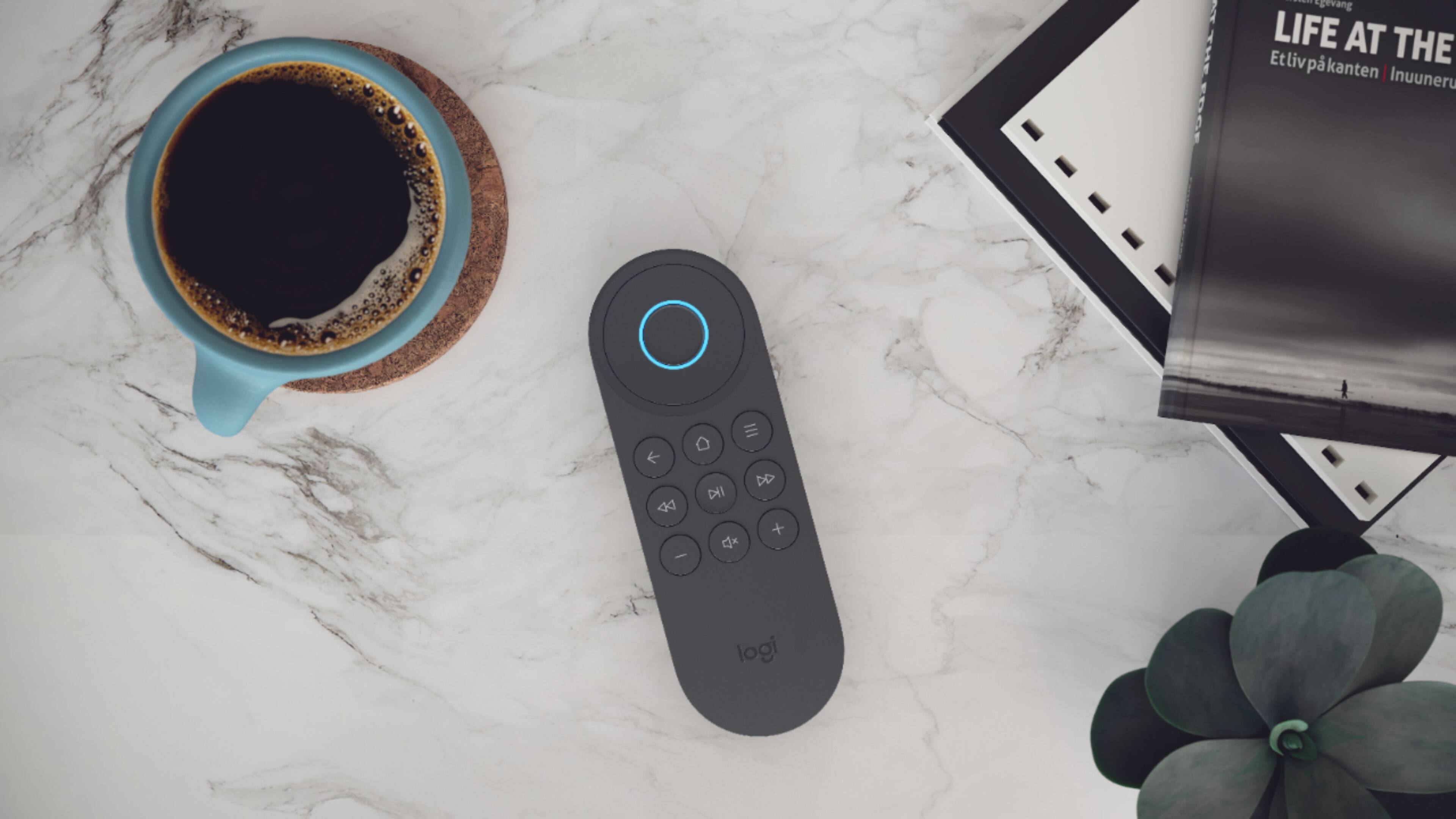
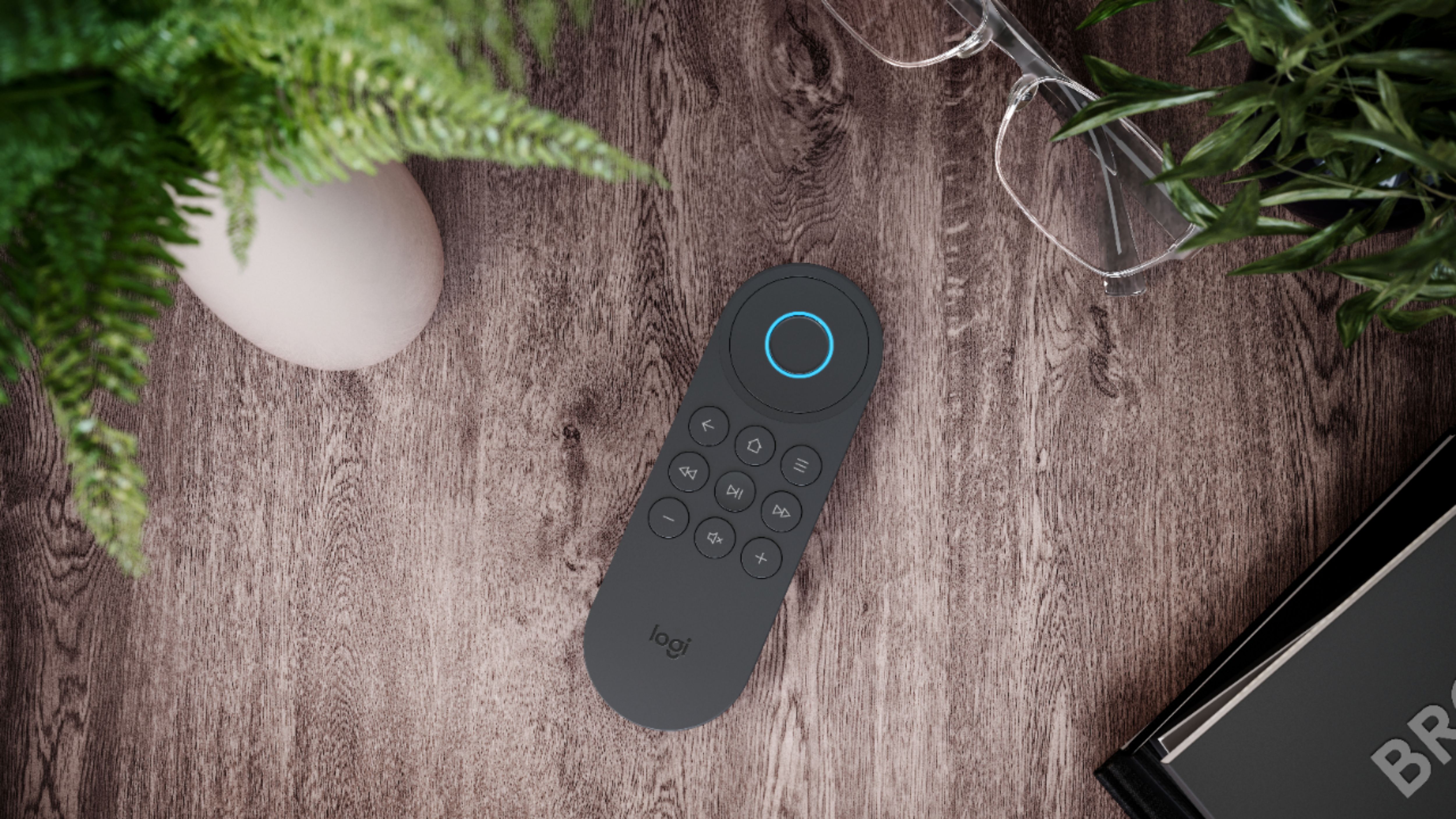
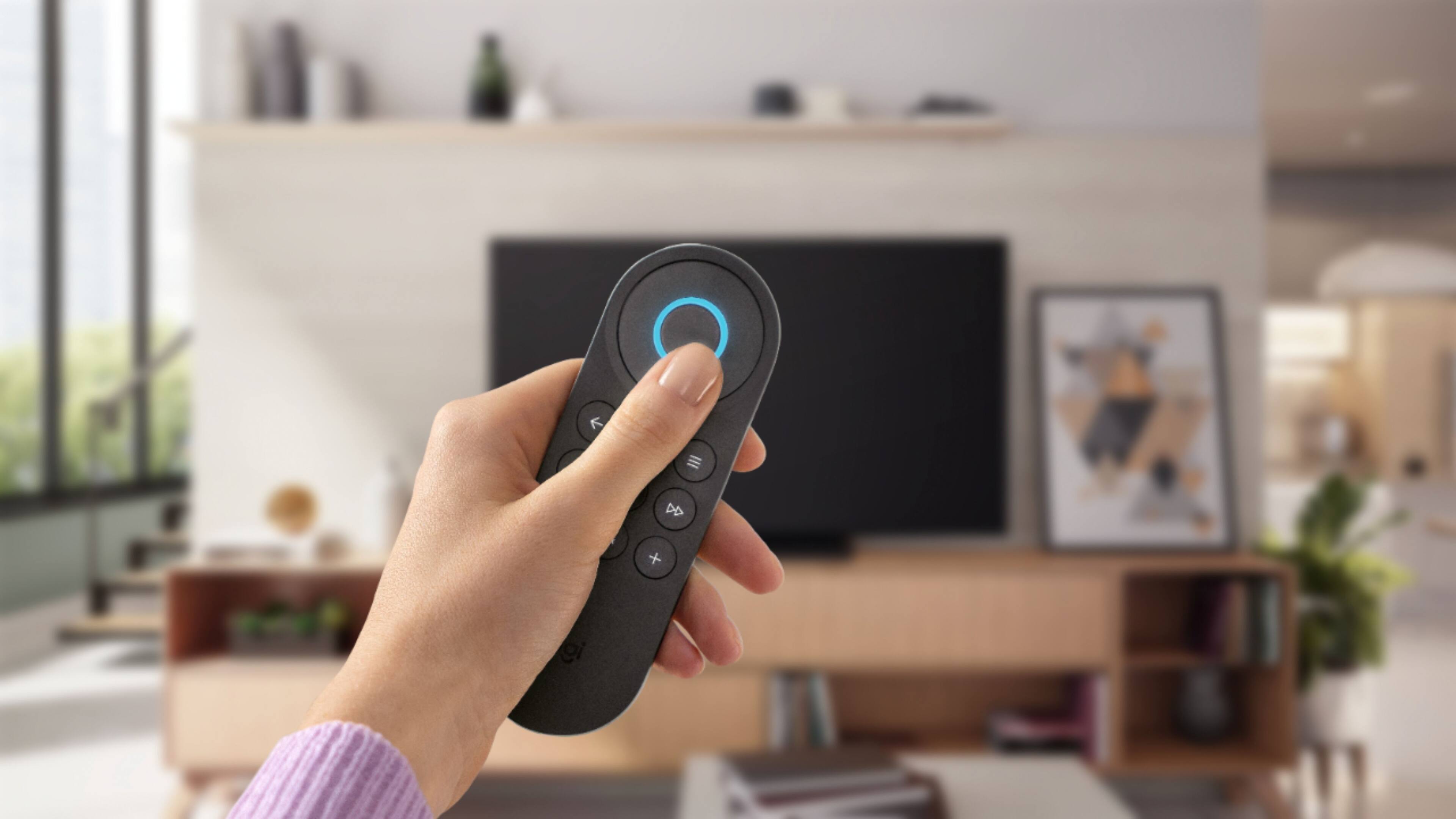
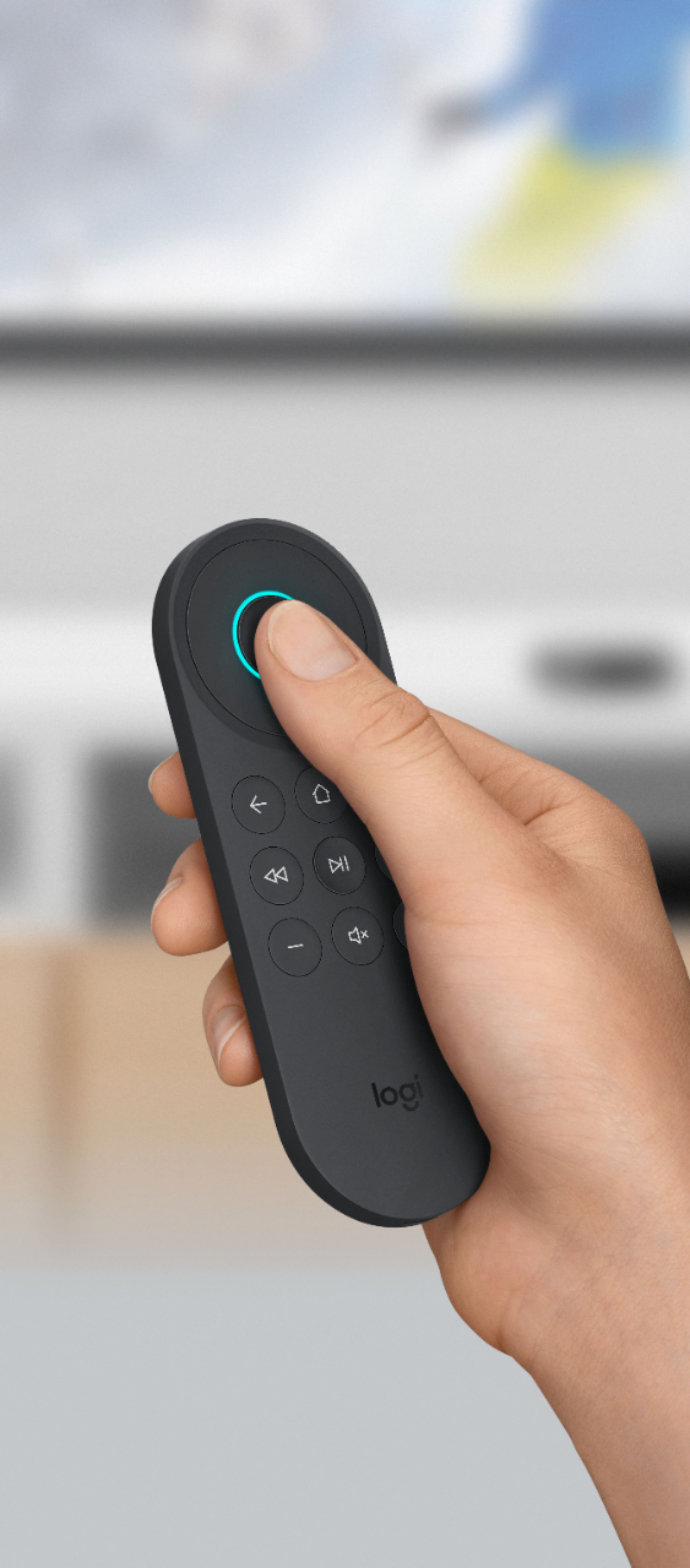
|Posted .This reviewer received promo considerations or sweepstakes entry for writing a review.You don't even have to call her name when you use this voice remote, but make no mistake, Alexa is doing all the work. And using this device is dead simple. The remote is a diminutive lighted little beauty. My pictures show it in my hand, and also show the remote next to its hub, the larger Harmony Hub, and the Harmony Elite remote. The size is incredibly small for all the Harmony Express does. First, you must install the Harmony Express software on your iPhone or Android device. Plug the hub's power supply into the wall, and the USB connector from the power supply into the hub. There is a separate emitter for attachment in the event the hub cannot have a clear a line of sight to your devices. The software finds the hub, searches Wi-Fi connections for availability, let's you connect, and then downloads and applies any firmware updates that may be available. The hub searches for all the devices connected to your network. In my case, I use an Onkyo AVR to which all my entertainment devices are connected. It acts as an HDMI 4K switcher becuase my monitor only does 4K from one HDMI input. Not all devices were found, but those that were not could be manually added. Each device was then assigned to one of the inputs on the AVR, by dragging and dropping on the software. That easy. You don't have to name or define any tasks like you would with the conventional Harmony Hub remotes. The set-up process is even more simple than this description can convey. Simple and intuitive. The rest is nothing short of magic. And realizing that this device could wind up interfering with all the other Alexa-enabled devices already in place, the designers made sure you did not have to invoke Alexa's name to speak a command. Picture this. I told you what I did to set up the software. All my devices were off. I picked up the remote, pressed and held the OK button, and spoke into it, "Go to NBC". In a moment, the monitor, the AVR, and my TiVo, switched on. The input on the AVR was set to the TiVo. A moment later, the TiVo changed to my local NBC station. "Go to channel 3.1" The TiVo changed to that channel. "Turn on Roku" the AVR and monitor stayed on, the AVR input was switched to my Roku device which turned on. There is a list of commands that the literature with the device lists and which Alexa will understand. Everyone that I tried worked to perfection. "Go to Netflix". The Roku changed to its Netflix app. "Go to Fire TV" The AVR switched to my Fire TV device. "Go to Blu-Ray" The AVR switched to my Blu-Ray player and turned it on. You generally cannot improvise though. If you do not speak the exact phrase that Alexa is programmed to understand, you'll be advised by her that she does not know how to perform the task you have spoken. And, of course, if there is extraneous noise, or you did not speak clearly, she may not understand you. Those kinds of problems were minimal for me. The analogy that I make is to the Harmony Hub activities, if you have ever programmed those devices. Your voice command becomes the activity. Because of the way the devices have been recognized and identified to the software, it knows what needs to be done when you want to do something like "Watch CBS". It turns on all the devices and sets the inputs on the command, whether you are switching from one activity to another or turning everything off. "Turn off the TV" and everything turns off. You do not use your voice at all to control non-switching activities like turning the volume up or down or using the rocker switch to navigate on the device being controlled. The rocker is the lighted circle and the OK button is the middle of the circle. Your voice and those first-named buttons will be doing 99 percent of the work. But the OK, rocker, volume, pause/play, return, and skip search buttons are about all you need. A third function button serves different purposes for different devices, depending on how you have set the remote up. And some of the function buttons can be programmed to serve contrasting functions depending on whether you use a short press or a long press. Again, all the buttons on the remote are lighted. At this juncture, you cannot use the Harmony Express microphone to search within an app, like Netflix. The implication is that a search function may come later. There are no batteries. The remote is charged with a USB cable attached to your computer. I have been playing with this device for a couple of days and I really love it. I love the way it feels in my hand and the way it works. Will it replace my Harmony Elite remote? I can't say that it will do all the things my Elite can do. It can't, and the Express costs just as much if not more unless you can find the Elite on sale. My Elite controls more devices, but it was way more complex to get set up and must be periodically fiddled with to keep it in tip top shape. What the Express does is arguably simpler work, but the tasks are generally performed flawlessly and without any intervention. It is addictive. I promise. I think that for most home theater users, the Express could become their remote of choice. I would be truly amazed if many users of this device would let it go after putting it through the paces. There were a couple of hiccups. My AVR has five identified HDMI inputs and a sixth one that can be assigned. The Express did not find, and I therefore could not use the assigned HDMI input, which I wanted to use for another of my streaming devices. I could still use it by running the device's HDMI to a second input on my monitor, instead of routing it through the AVR. The software saw that route and made it available. And you cannot use the Express in a room where you are already using a Harmony Hub device. Since Alexa can also work with the Harmony Hub remotes, this restriction is totally understandable. In my Livingroom where the Harmony Hub Elite had been used, it was disabled so that the Express functions could be enabled. The magic does have its limitations. If you are in the market for a universal remote, you ought to consider this one. It's perfect for what it was designed to do. Another thing. Even though you don't have to call Alexa's name to summon her, you can still ask her to do anything she's otherwise programmed to do by speaking into the remote, just like you could on any other Alexa- enabled device. What's the temperature? She'll tell you just like she always has. Amazing. Now Logitech has trained Alexa. What in the world could be next?
I would recommend this to a friend - Pros mentioned:Battery life, Design, Ease of use
Control home entertainment devices using Alexa!
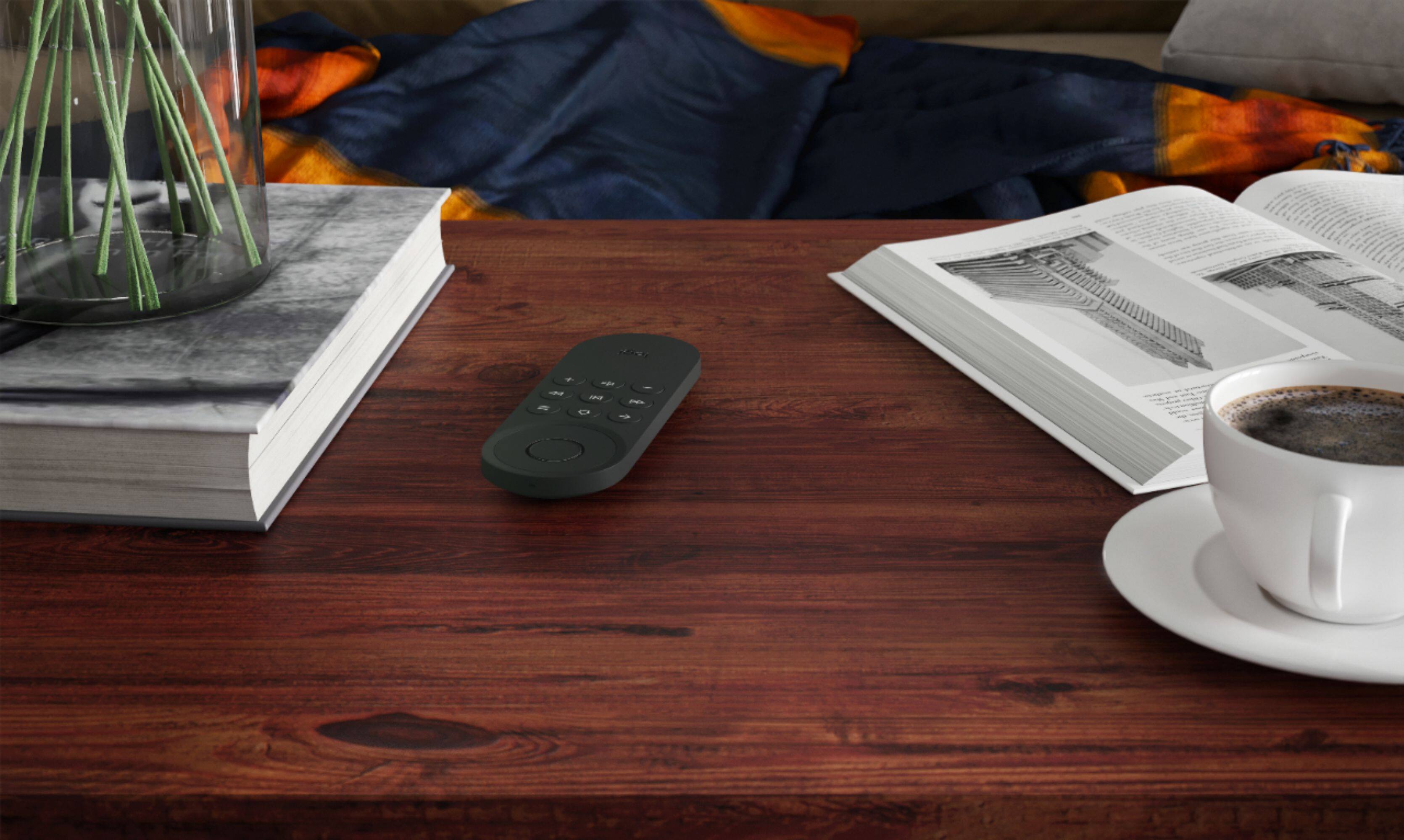
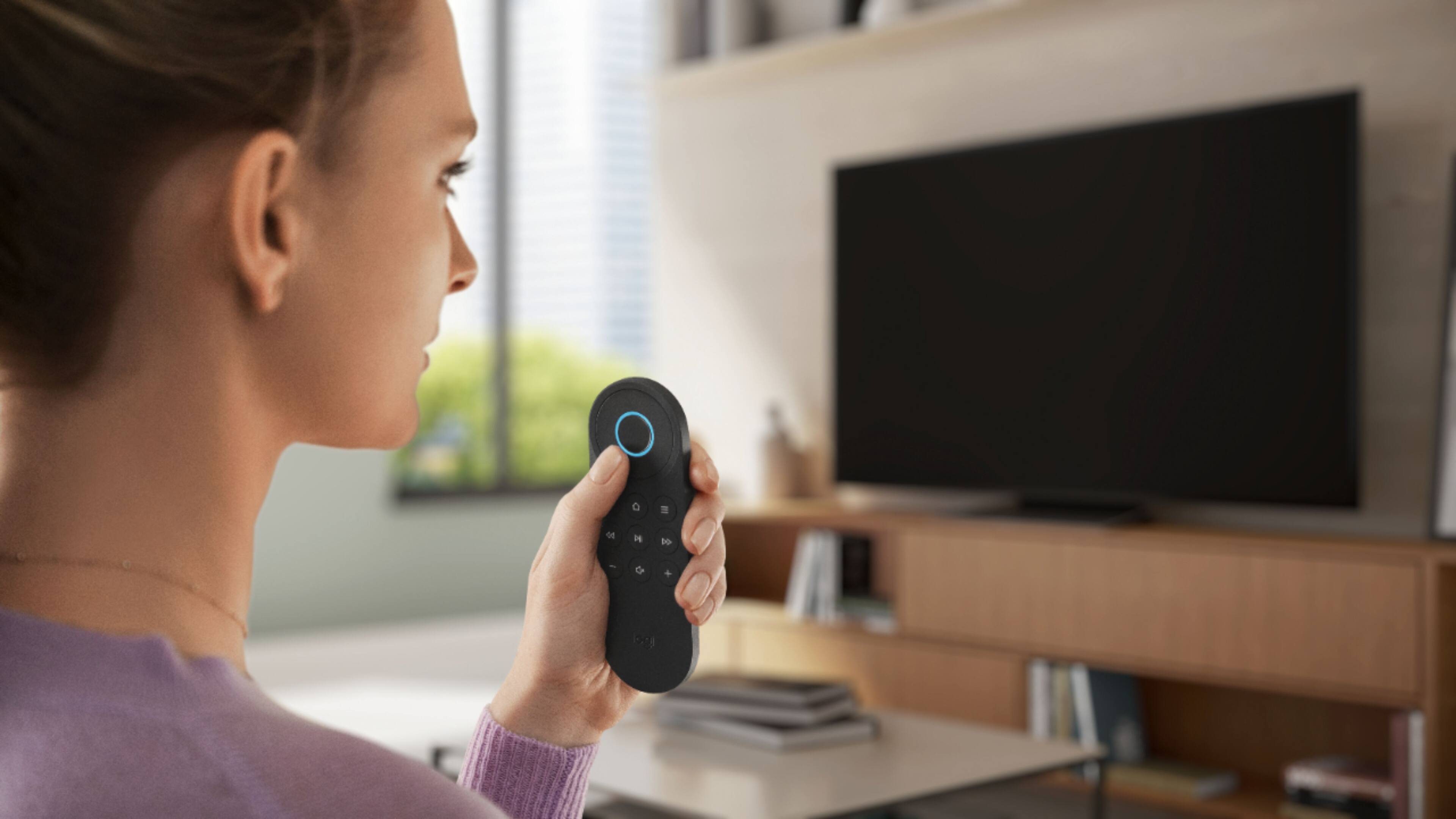
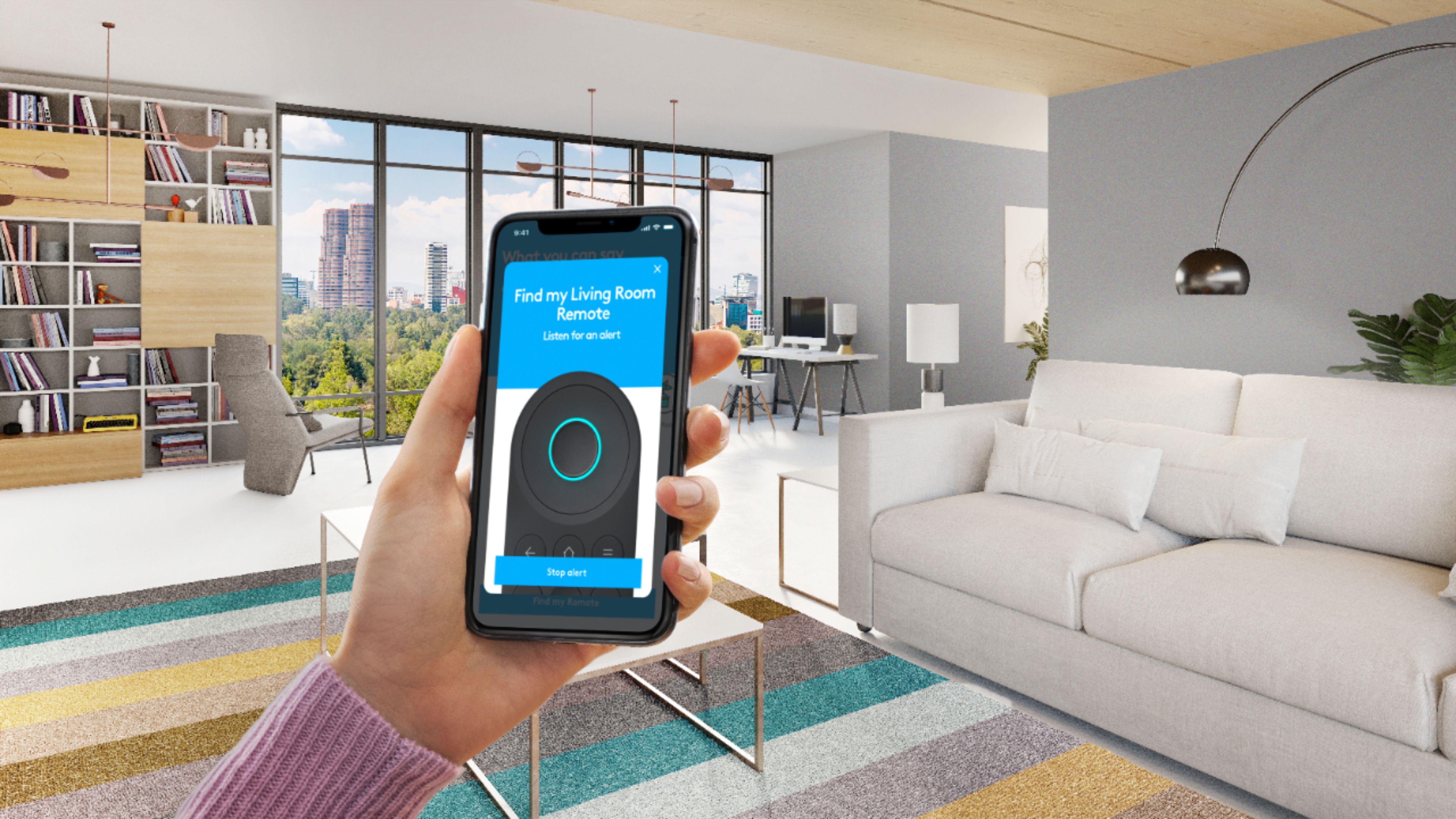
|Posted .This reviewer received promo considerations or sweepstakes entry for writing a review.Setup is quick and easy for Logitech Harmony Express. It came with Remote control (with rechargeable battery), Blaster, IR Mini-blaster, USB Cable, AC adapter and User documentation. I have downloaded iOS Harmony express app from App store and followed the instructions step by step to configure all my home theater devices in less than 10 mins. I have configured Alexa integration as well. The remote is very sleek and unique design and Alexa can be activated by simply pressing the voice button. Using Alexa, all devices can be turned on / off without searching for remotes. Using voice command, many apps can be launched like Netflix or go to the favorite channel. With included Blaster and IR Mini-blaster, harmony express can controls Wi-Fi, Bluetooth and traditional home theater devices even if the devices inside the closed cabinets. Remote finder is a cool option to find the remote quickly. Harmony express can control up to 15 devices. Please note that existing harmony devices and harmony express are completely different products and you have to configure as new setup for all devices instead of migrating from existing setup. Remote is very continent to hold and very light weight as well. The buttons will automatically backlit and sound quality is great for a small remote. Music can be played in remote too. The remote came with rechargeable battery and no need to replace the batteries. I am using this remote more frequently than other remotes as it will turn on all required devices based on one voice command like "Turn on Apple TV". I am using the same remote to control apple tv, receiver and TV. If you are looking for universal remote to control using voice commands, Logitech Harmony express is one of the best option.
I would recommend this to a friend Extremely buggy and lacks practical buttons
||Posted . Owned for 3 months when reviewed.This reviewer received promo considerations or sweepstakes entry for writing a review.System is extremely buggy where it constantly doesn’t complete simple sequences. I’m also very skeptical that with Amazon connected this thing is constantly listening to your discussions even when the button is not pressed. I tested this 2 ways. 1. The battery dies very quickly even when remote is not even being used. 2. I deliberately discuss certain items and I see the ads pop up the next time I log into Amazon in a computer. You pay $250 in order to destroy your privacy and have Amazon basically run your life, forget the remote actually sucks and barely follows proper commands. The concept sounds nice but you naturally want to use buttons when using a remote and constantly speaking to your remote is not seamless.
No, I would not recommend this to a friend- Pros mentioned:Ease of use, Voice control
Needs a little more work with directions
|Posted .This reviewer received promo considerations or sweepstakes entry for writing a review.Long time fan of the Harmony Remote Series, this one took a little more effort than normal to setup. NOTE: connecting to the FireStick was the issue, between the actual directions and process. Navigate like you are supposed to during setup on the Fire Stick, and then before hitting OK, tell the Harmony app to continue, this way it's in paring mode, then connect using the Fire Stick, not order it's telling you to do it. If it pairs on the Fire Stick and doesn't move forward. Unpair from the FireStick and reconnect to the Harmony and it will go forward. There was an update for the remote software once it was all setup. Overall, the app like all other Harmony Remotes is very well thought out and customizable. While it takes about 15 mins to set up, there still some issues that I am having that I have to look into regarding volume with Bose products as this seems that it is not working although the unit recognized it. Note you have to put in the actual Bose Model number form the unit in order for it to pick up the series of Bose correctly. Perhaps this may be why? More homework, but dedicated about 45 mins to the setup as the FireStick was the biggest issue, now the Bose. Please note, Bose has always been unfriendly with Harmony and other universal remote products available. The issue is not Logitech or Bose, just specific design series/aspects as both products are always amazing. I would recommend this to individuals that want to eliminate all the remotes to one and use voice. Once it's up, it's great and very fun to use, especially if you like talking to yourself...ie...Alexa.
I would recommend this to a friend - Pros mentioned:Voice control
Has potential, but seem late to the game
|Posted .This reviewer received promo considerations or sweepstakes entry for writing a review.The Logitech - Harmony Express Remote - Graphite is a smart universal remote with includes features such as voice control and Amazon’s Alexa smart controls. This universal remote can run a variety of home audio and video equipment in a single remote. I found the setup to be cumbersome and time consuming. The remote never quite worked correct with any of my equipment, however I already have voice command with my Satellite equipment and Alexa with my Soundbar. My TV has voice control as well. This remote seems redundant for my needs even though having “one remove to control them all” would be nice but the setup challenges doesn’t make me want to take the time to worry about it. PROS - Has potential to bring older equipment up to date with voice control - Adds Alexa Smart features - Cost-Effective - Small size is nice compared to other universal remote options CONS - Setup was challenging and cumbersome - Seems late to the game and pointless for most modern technology and equipment which has what this remove offers
No, I would not recommend this to a friend - Pros mentioned:Battery life, Ease of use
Capable Universal Remote with Useful Features
|Posted .This reviewer received promo considerations or sweepstakes entry for writing a review.Having used previous Harmony remotes, the functional advantages of using a universal remote are well known. Setting up the Logitech Harmony Express was simple and straightforward, with the device easily able to control/command my media components. The rechargeable battery is a nice feature given I am used to the previous traditional battery remotes. I do not subscribe to cable TV so the voice controls for me where of minimal use.
I would recommend this to a friend Great Universal Remote, Esp for Apple TV
|Posted .This reviewer received promo considerations or sweepstakes entry for writing a review.Setup is super simple. Plug the receiver into the USB charger. Plug the IR extender into the receiver and position in hard to reach areas (like above a glass shelf). Download the Express App from the App store and follow the directions. The app walks you through everything from identifying all of your devices to setting up each TV input, to where sound comes out (soundbar, TV, receiver, etc.). My setup is simple. TV, soundbar, AppleTV I programmed the remote to turn everything on by pressing the center button and saying "Turn on the TV" or "Turn TV on" and all 3 components come on. The remote closely resembled the Apple TV remote, but has a few better options and is larger and easier to hold. Saying something like "watch Netflix" actually launches the ATV and Netflix App. It does the same with some other apps such as Hulu, but not others like DirectvNOW, or HBOGO, etc... I use the physical buttons more than talking to Alexa. I really only use Alexa to turn off or on the TV, everything else is manual. I tend to not want Alexa to record everything I say. Being privacy focused, i love that Alexa can only listen when the center button is pressed, otherwise she is completely turned off. This adds both Alexa convenience with none of the privacy concerns of an always listening device. The remote stays charged FOREVER. I haven't charged it once and I've been using it for almost a month now. It was only about 60% full when I unboxed the device. You can check battery life and other settings from the smart phone app, which is excellent. Overall if you want a simple easy to use remote, this is a fantastic option. I HIGHLY recommend this if you own an Apple TV and want more control over the one that ships with the ATV.
I would recommend this to a friendVoice command your electronics with ease!
|Posted .This reviewer received promo considerations or sweepstakes entry for writing a review.Logitech - Harmony Express Remote - Graphite Summary: Stow those remotes! Alexa has arrived with Harmony. Control room setups with up to 15 devices with the sound of your voice. Pros: I've been wanting a Harmony Remote for several years. However, with the advent of newer and cooler ways to control things, I wasn't sure I wanted a remote, remote. I started rolling out smart home technology throughout my house and figured that I needed to wait until Harmony (or competitent competitor) rolled out something with smart home technology featuring voice control. I'm glad I waited! The Harmony Express remote is rather sparse in terms of button compliment. It takes on the simplicity of the Apple TV remote in this respect. But it also takes on the feel of the Microsoft XBOX Media remote in its form. The controller sits nicely in the hand. It isn't just a flat object. The material is a soft matte rubber that feels good in hand and the command and navigation buttons provide resistance and acknowledge your commands as they bounce back. Do I miss the touch-pad of the Apple TV remote? Sure, a little. But the hard presses of actual navigation buttons are preferred by my family overall. Voice control? The voice control button is kind of awkward. You have to keep it pressed, like many other voice controlled devices. I would rather it remain listening for a second after pressing. But, the voice control does work well. Still, once you complete setup and connect your Harmony to Amazon's services, you can use any of your Echo devices to control the Harmony Express. You don't even need to specify the Harmony as a prefix, as you do many other commands. Consider the following examples (I use "computer" as my Wake Word): (prefix examples) Dyson Air Purifier: 1) "Computer, ask Dyson to set Purifier to automatic." (no prefix example with Harmony Express) Harmony Express: 1) "Computer, open Netflix app." 2) "Computer, turn on PlayStation." 3) "Computer, switch to Apple TV." These phrases tell Harmony to perform a series of actions. Using the previous examples, the steps would be (you can view this sequence in the app under the device being controlled): 1) Harmony turns on TV, then switches input to HDMI-2, then turns on Apple TV, then turns on sound bar, then opens Netflix app. In this case, the Netflix app is opened on the Apple TV. If you have a smart TV (I do, but don't prefer to use its apps), then you can configure Harmony to open the app on the TV, directly. 2) Harmony turns on TV, then switches input to HDMI-1, then turns on PlayStation 4, then turns on sound bar. 3) Same as steps for 1, except it doesn't open Netflix. You can use the physical remote as needed, but you can also mute the TV and pause using your Amazon Echo device (I haven't learned how to resume playback, however; it always starts Apple Music, or some other something previously played on Echo device). The remote finder is pretty cool and useful! Twice has this thing fallen in between the sections of my sectional. Twice has the blerting location noise help me find it! Cons: Response time for some commands can be a little slow for some people? If you're running around the house preparing for a show, screaming out the command and running to complete other stuff will make this less of an issue. In a video demo I record, the Echo activation sequence too about 18 seconds to bring up Netflix on my Apple TV on my TV (from everything being powered off state). I don't think that is bad given that I would otherwise have to manually do all of that stuff and likely be distracted with stuff in between steps. Speaking of activation sequences... I do wish I could say something like, "start the show Krypton." Wouldn't it be neat if it could open the app and have the show you want to watch at the ready? I get it, that is a software thing - this is a hardware thing. But still. The OK button on the remote used to activate voice control must be pressed while saying the whole command. This might be a little annoying for people that expect it to listen actively on it's own for a second or two after pressing (and releasing) the button. In this way, it is similar to Apple TV Remote, but not like other voice activated devices that wait for a command after activation. It's The price point might be a tad too steep. When you look at the remote and the bases station - you might be wondering where your money went. Well, it went into making the device svelt and inconspicuous! I think it is totally worth it as it completes another gap in my smart home coverage: living room entertainment/ electronics. I wish they provided an exhaustive list of available commands for your devices in the app. All of them, not just a recommended few. Figuring out how to un-pause a video app like Vudu, Hulu, shouldn't require much effort. So, while you can say, "Computer, pause" and it figures out that you must mean "the video playing on the TV" it doesn't understand that "Computer, resume" should mean, "then video playing on the TV [that was just paused]." These are minor concerns that I'm sure will be adjusted in software and/or pricing over time. I could deduct a star for these things, but I feel like the overall implementation was thoughtful and super functional. Only time will tell! Use: Thanks to this device, I have now stored the following remotes into the TV console drawers: LG TV remote, Apple TV remote, PlayStation 4 Media remote, LG Sound Bar remote. Yey! I have the Harmony configured with the following devices: - LG 75" Class - LED - Nano 8 Series - 2160p - Smart - 4K UHD TV with HDR - LG 5.1.2-Channel Hi-Res Audio Sound Bar with Wireless Subwoofer and Dolby Atmos Technology - Sony PlayStation 4 Pro - XBOX One X (not shown) - Apple TV 4K
I would recommend this to a friendOne Remote to Rule Them All :)
|Posted .This reviewer received promo considerations or sweepstakes entry for writing a review.This is the remote that we have been looking for. I have not tried other universal remote controls in the past so I won't be able to compare it against other alternatives available in the market. The setup was easy. I turned ON all my devices (TV, Sound bar, Home theater system, roku, xbox, chromecast) and launched the setup program via express app on my phone. It was able to recognize all the devices. For my home theater system, I had to provide the exact make and model number as it is an old one and for some reason it was not able to pick it up. It then asked about the configuration (for example which HDMI port on my TV is connected to which device) of all devices with multiple HDMI inputs. I think in around 15 minutes, I was done with the setup. After that I was able to use the remote with my voice as described in the help (for example, "Turn On XYZ" to turn on the device, "Go To XYZ" to turn on all the required devices and go to application). I watch netflix on my roku and my roku player is connected to home theater systems HDMI input. So, when I say "Go To Netflix", it turns on my TV, home theater system and then switches to home theater system's appropriate HDMI input and opens up Netflix app on Roku. This is like magic to me :) Before this I used to carry 4 remotes with me (TV, Soundbar, Roku, HTS) and was getting really frustrated. Now, all I need is this small guy which is there to rule them all :) As the remote is really small and houses only few buttons, it is possible that it might not support all the functions that your main remote of the device supports. But you can use the express app on your phone to customize which button on the remote does what and can also use the functions which are not supported via buttons by clicking from your smartphone. Overall, I am very happy with this remote and strongly recommend it.
I would recommend this to a friendNot bad, just doesnt work 100% for my setup.
|Posted .This reviewer received promo considerations or sweepstakes entry for writing a review.Ive owned many logitech harmony remotes over the years, this is my least favorite of the 5 Ive owned! Not ideal for my setup, this remote has no IR eye only a mic and micro usb port. My setup is in my mbr with a 55" tv, bluray player, shield tv. If the express remote had a ir sensor, I would give it 5 stars. My gear is in my walk in closet, where the hub is installed, so nothing is sending a signal to my wall mounted tv. The hubs need line of site to all gear, as the remote wont turn on ir devices by itself. Back to my old reliable harmony 890 and emitter hub I go.
No, I would not recommend this to a friend- Pros mentioned:Ease of useCons mentioned:Compatibility
Not for me
||Posted . Owned for 2 months when reviewed.This reviewer received promo considerations or sweepstakes entry for writing a review.This works well, but I couldn’t get it to connect with my tv. I wanted to get it to use with sound bar and tv, but I bought a cheap sound bar and it wouldn’t connect as it is not an HDMI hook up, only optical. I returned it and I’m just using two different remotes. The remote on the phone for the tv is great, but the sound bar doesn’t have that capability. To save money I just use two remotes. It may be easy to use once connected, but I use YouTube TV and it wanted to connect to cable or satellite tv. It has voice capability, bu5 I didn’t get to try it as I couldn’t get it to work.
No, I would not recommend this to a friend - Pros mentioned:Battery life, SetupCons mentioned:Power button
I wanted to love it...
|Posted .This reviewer received promo considerations or sweepstakes entry for writing a review.This remote has so much unrealized potential. I was excited to receive it, but after three days, I reinstalled my Harmony Smart Control and deleted the Harmony Express from my account. Hits: 1- Alexa integration works very well. 2- The size and weight of the control are excellent. 3- The app-based setup is super simple, getting you up and running in minutes. Misses: 1- There aren't enough buttons for TV surfing. No guide button, page up/page down, or last channel. 2- No dedicated power button. 3- Alexa needs to be able to search for content more thoroughly. Logitech should have taken a long, hard look at the voice search capability of a Roku remote for inspiration. 4- The same app which makes setup such a breeze doesn't allow you to create custom activities. I have an Echo Input connected to my AVR so I can include the AVR in my "Everywhere" music group. With my Smart Control, I say, "Alexa, turn on the stereo" followed by, "Alexa, play XXXX on Everywhere," and my AVR turns on and music pours forth from the AVR and other speakers throughout the house. I can then adjust the volume with the buttons on my Smart Control. No such functionality with the Express. This would also be an issue with a turntable or any other device with which you want to set the AVR input, then control volume/mute via the buttons on the remote. 5- While the remote contains a rechargeable battery, it must be plugged into a USB cable for charging, and no brick to power the USB cable is included. Logitech claims that charging will only be required about once a month, but I'd prefer a dock. Short of a dock, at least give me everything I need to plug it into an outlet. I did contact Harmony support for assistance with item #4 from my misses above. They set up a few activities on my account like, "auxiliary music"(AUX input), "FM radio", radio(FM input), "am radio"(AM input), "USB music"(USB input), "Bluetooth music"(BT audio input), "tuner"(Tuner input). These worked as advertised except the "AM radio" and "FM radio." And with the radio options, the remote would not allow selection of stations. Cyrus at Logitech was very responsive, courteous, and helpful, but he was limited by the design of the device. Final analysis? If you watch nothing but Netflix and Amazon Prime Video, and you do so using the simplest of systems, this might be the remote for you. If you are a sports fan who jumps back and forth between games, or if you like to peruse the program guide before deciding what to watch, you may want to wait for the next generation or buy a Smart Control for half the price and integrate it with the Harmony Alexa skills. If you have a complex system utilizing an AVR with multiple sources and types of inputs, this remote will be an enormous frustration. I fall into the last two groups, so this remote is definitely not for me.
No, I would not recommend this to a friend - Pros mentioned:Ease of use, Voice control
Easy to setup and use
||Posted . Owned for 1 month when reviewed.This reviewer received promo considerations or sweepstakes entry for writing a review.Very easy to setup. Love ability to just speak commands into remote to turn on and off. Alexa integration is very cool.
I would recommend this to a friend - Pros mentioned:Ease of use, Setup, Voice control
Harmony, the home theater whisperer
|Posted .This reviewer received promo considerations or sweepstakes entry for writing a review.I’d bet that there are families who have found harmony (a sense of unity and peace) because they purchased a Harmony remote to control their home’s increasingly complex media center. HARMONY remotes are wonderfully easy to use and can clear your side/coffee table of the collection of remotes that have become unavoidable necessities for TV, movie and music lovers. Depending what room you enter in my house, you’ll find a Harmony One+ (master bedroom and family room), or a Harmony Smart Control (theater). The Harmony Express is my experiment with total voice control over my most complex family room setup. Turns out, it was a bit too complex. I was forced to move this EXPRESS REMOTE to an easier system. See below for details. SETUP: Despite already owning several Harmony remotes, I’m in unfamiliar territory. The EXPRESS does not use the MyHarmony desktop App that’s been around for years because it’s the first Harmony Remote to rely on a mobile App. This is different and it has positives and negatives for current Harmony owners. Negatives. 1- We can’t cheat and simply migrate our existing Harmony setups over to this new remote. You’re starting over with the mobile App. 2- As I discovered in my complex family room setup, the EXPRESS does NOT accommodate unusual connections. (Example: My Harmony One + accepts and controls my system perfectly even though I split my audio from several source components and send it to my Yamaha AVR. I send my video from those same components to my LG TV. No amount of finagling or Logitech Support help could make this work using the EXPRESS. The EXPRESS allows switching by the TV, or the Yamaha, but not a mix of the two. Positives. On the other hand, the setup is really easy for most typical setups where one device manages all the switching. So, I moved from my family room into my bedroom where I have a Panasonic TV, a soundbar, a Sony BluRay player, Amazon Fire and DirecTv box. The SONY Soundbar does the switching, and the EXPRESS controls it all with voice commands. I started my bedroom setup from scratch after RESETTING the EXPRESS. Here’s what follows. 1- Setup up EXPRESS Infrared blasters near equipment 2- Download App onto my phone 3- Log onto my Wi-Fi network 4- Using the App, identify the input and output assignments of my equipment. 5- Answer a few questions about my setup. 5- Start testing whether EXPRESS is controlling devices properly. I was now fully functional with a voice controlled bedroom theater. I was now able to start up my system and tune to channels on my DirectV or my Amazon Fire streaming device. This second attempt at installing the EXPRESS was a complete success, at least after a few retries. A voice command to “start Netflix” turned on the correct devices and resulted in the opening screen for Netflix on my TV, ready for me to select a show. I was mostly successful achieving the same results for other APPS, although in some cases I needed to select them from the HOME screen of the Amazon Fire. A similar command to “tune to NBC” correctly switched my DirecTv on, and tuned to my regional NBC channel. Using a channel number was just as effective. EXPRESS knew what devices to turn on, what inputs to switch to, and what devices could be turned off. [I needed to cycle through the setup a couple of times to have the APP recognize that my SONY Soundbar had 3 HDMI inputs. I didn’t do anything special, and the missing input magically appeared. You can decide whether that is reassuring or too weird.] SUMMARY: The Harmony EXPRESS is a bit of a paradox. It provides voice control over relatively straightforward media setups, at a steep price. After it’s been debugged using the mobile App, it seems pretty reliable. It makes using my media or theater setup very easy, even fun. It really does seem magical the way it knows how to prepare my system for our enjoyment. Yet, the Harmony EXPRESS balks at complicated, or non-standard, setups which previous Harmony remotes handle with complete ease. Earlier generation (and presumably other current models) of Harmony Remotes offer the wonderful “HELP” button on the remote which guides you through any error of operation and corrects them on the fly. This newer EXPRESS pretty much leaves you digging for the mobile setup and punching various buttons to find and correct the error. I like it, but this is the first Harmony where adding some caveats seems only fair.
I would recommend this to a friend - Pros mentioned:SetupCons mentioned:Alexa integration, Power button
A Neat Novelty That Falls Apart Much Too Quickly
|Posted .This reviewer received promo considerations or sweepstakes entry for writing a review.I love home automation - Alexas, Harmony Hubs, Smart Plugs; in the past year, I’ve automated a surprising amount of my apartment. That’s why this device stood out to me. The power of Alexa in your hand combined with some special magic sauce from Logitech sounds like a great mix. Sadly this smart remote was quick to disappoint, especially given its price tag. At face value, it looks like Logitech learned a few lessons from the Harmony Hub. The remote is now rechargeable and backlit - two features that seemed to be weirdly missing from the last generation. In addition, Logitech has one-upped the previous design by adding one feature that has been missing for decades of remote design: the ability to cause the remote to make a sound when it is buried between couch cushions. In the category of ‘obvious’, the remote has also done away with a number of buttons that I’ve never really used with my Roku-based setup - a (mostly) welcome change for sure. Speaking of setup, Logitech has made strides to make the initial device setup easier. Pass the model number of your TV to the app and turn everything on. If it is on the same network as the base station, the app will do its best to automatically configure the device to just work with the remote. Once set up, the remote behaves much as any other aside from the built-in Alexa functions. Pressing the middle button for a second allows you to talk to Alexa. As I used the remote, I was unable to distinguish a major difference between the remote and any other Amazon-branded Alexa device. It seems as though Logitech has become a first-class citizen in the Amazon world as now commands don’t require a “tell Harmony” indicator and are _usually_ pretty accurate, targeting the device without question. For those cases that it did fail though, Logitech seems to be iterating very quickly with updates. On first set up, switching target devices (Steam Link to Roku) would result in the remote ‘activating’ the other device (starting Netflix on the Roku) and leaving the TV input on the starting device (the Steam Link). Not two days later, the behavior was as expected where changing devices actually changes TV inputs. The Logitech Express seems to live up to its name to control all your devices, quickly and with relatively little pain. Yet, this “Express” experience starts to become brittle the longer you use the device. The new design removed several buttons from the remote, to include one critical one - a power on button. No combination you can use will cause your entertainment setup to turn on aside from asking Alexa to do it. It’s clear there was a design choice made here as the mute button functions as an “all off” button when you long press it. Your midnight viewing session might have just gotten a little louder than planned for. Speaking of control failures, the app is still very much in its infancy. Several of the commands suggested on the “What to say” page of the app sound like they’ve not been implemented yet (“play” was perhaps the most notable) and the functionality to use your phone as a remote is also curiously absent. In the category of “nit-picking”, the set up has tons of animations that you can’t skip. It’s neat the first time, but after resetting the device a few times for the purposes of this review, it seems like someone spent time designing them, now you must enjoy them. The thing that kills the deal for me is how the device/app handles if you have devices that are not remote controlled - older game consoles in my case. There’s no way (as of this review) to pick an arbitrary input unless there is a device associated. And all devices must have a remote control in some regard; there’s also no bail-out device that can be used to say “this input is used but doesn’t have a controllable device on it.” The current implementation of the app will even go so far as to say “this device is not supported” for certain devices like the Sony PlayStation or the Sega Genesis. For those devices that are supported, there is very little in terms of customization one can do today. The Harmony Hub offers the ability to make your own flow, transition between states, even press random buttons in the middle of a state transition as a built-in feature. For example, I had the “Power Off” button _always_ press the exit button on my Roku, even if it wasn’t active. The most input that can be done right now with Express is adding a delay between button presses. Overall, the concept is neat. A voice controlled remote that can do a lot of what you want. But in execution, there are simply too many gaps for this remote to be considered better than its predecessor, even excluding the cost difference. It may be fair to say that this product is still iterating or that this might be a great remote for a simple setup (TV, one media box, and soundbar), but as is, it doesn’t seem ready to be a full replacement to it’s older brother.
No, I would not recommend this to a friend Don’t Buy This Harmony
||Posted .This reviewer received promo considerations or sweepstakes entry for writing a review.I own two Harmony Touch remotes and they perform very well. The Express with it’s voice commands tied into Alexa seemed like a perfect match. However the only feature I find that works is changing channels by asking for the numbers or station name. It will not accept a command for a specific movie name or sports event. But the very reason I purchased the Express was to use it in my bedroom. Since we go to sleep watching our shows we wanted a device that could set the sleep timer without fumbling for the proper buttons. It doesn’t do this simple feature so I thought maybe Harmony’s customer support could find a fix but I was told it doesn’t have that function. Totally feel scammed on this purchase.
No, I would not recommend this to a friend- Pros mentioned:Ease of use
Ok
||Posted .This reviewer received promo considerations or sweepstakes entry for writing a review.It’s a nice device. Small and easy to use. Good product.
No, I would not recommend this to a friend Problem Solved!
||Posted .This reviewer received promo considerations or sweepstakes entry for writing a review.I purchased this for my 85 year old mother with vision problems. She switched to AT&T from Comcast Xfinity, and could not use AT&Ts "Dumb" remote. This Harmony Remote works excellent. Well worth the $300 to be able to use voice comands to change channels again. Although I had Geek Squad install it, I could have done it myself, but the satisfaction of not having to worry about hooking up was well worth it, and the installers were patient with mom showing her how to use it as well. You do have to learn a few commands and it is not "intuitive" like Google home, but still easy to learn. It will also connect to Amazon Alexa and she can use it to control her Nest thermostat as well. Thus I don't have to make trips to change channels any more!
I would recommend this to a friendAlexa can't hear me now!
||Posted .This reviewer received promo considerations or sweepstakes entry for writing a review.I bought this remote, so that the only time Alexa can hear me is when I press the button on the remote. No more accidental listening in from Alexa. The remote works fine!
I would recommend this to a friend- Pros mentioned:Ease of use, Voice controlCons mentioned:Alexa integration
My first Logitech dissapointment
|Posted .This reviewer received promo considerations or sweepstakes entry for writing a review.I was very excited to receive this product. I always love Logitech remotes and have been using them for years. So when I found out there was a new one that was simple and uses Alexa I was super stoked. I was quickly disappointed. The first thing you do when you get the remote is setup via the app. It is actually very user friendly. It is like setting up a regular Logitech Harmony using your component model numbers. The app walks you through it and I did not have any difficulty. Then once setup you can hold the button and tell it to turn on your devices and can customize it to do different functions. This is where the problems start. Once I opened up my "watch TV" function I was enjoying TV. Then i wanted to turn on my receiver to switch the audio over to my Pioneer amp. Nope. No matter what I said it would not turn it on via the Alexa function. You have to manually go into the app to turn on individual devices. The I programmed it to turn on the receiver by saying "turn on Pioneer" and it shut off the TV and turned on the amp. I am sure there is something I could have changed in the settings to prevent this but it is seriously a lot of work. To make matters worse, my AV equipment is located in my living room. The app asks you where your stuff is located and one of the options is living room. No big deal right? Wrong. I also have 2 lamps operated by TP Link that are Alexa enabled and they are called "living room lamps". So when I tell Alexa to turn on my lamps, she asks "which lamps?" Then I say living room and she says "OK". She then turns on my lamps and turns off all of my AV devices. What?? I don't even know why they both can't be on but for some reason it turns on my lamps and shuts off my TV and AV devices. To make matters worse, there is no power button on the remote. So the only way to turn devices on or off is my talking to the remote. I wish it had a power button remote that you could use to turn on devices you choose. It also does not turn off the PS3. I think you may be able to do it via the app, but I am not crazy about doing everything in the app as it defeats the purpose of having a physical remote. The one positive thing I can say it does is locate the remote if you lost it. It has a built in speaker and plays a sound so you can find it. Very cool. It is also easy to setup and does communicate with the devices well. This is why I gave it 3 stars. Overall I just do not like the remote and think it is far from a finished product when integrating with a smart home.
No, I would not recommend this to a friend