Customer Ratings & Reviews
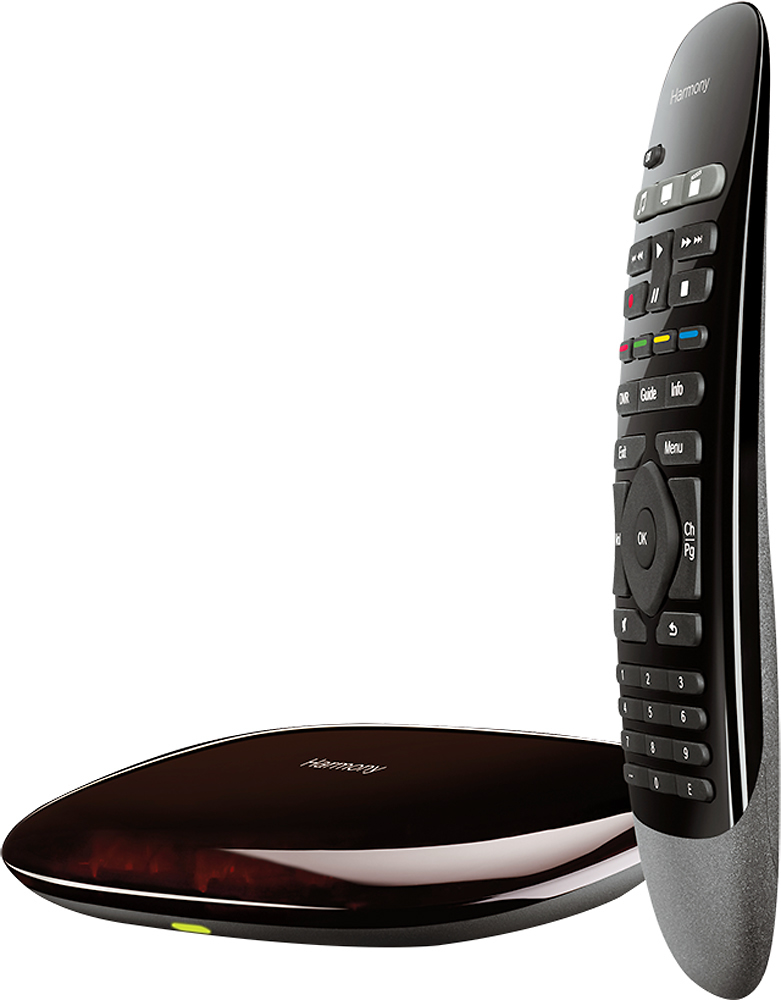
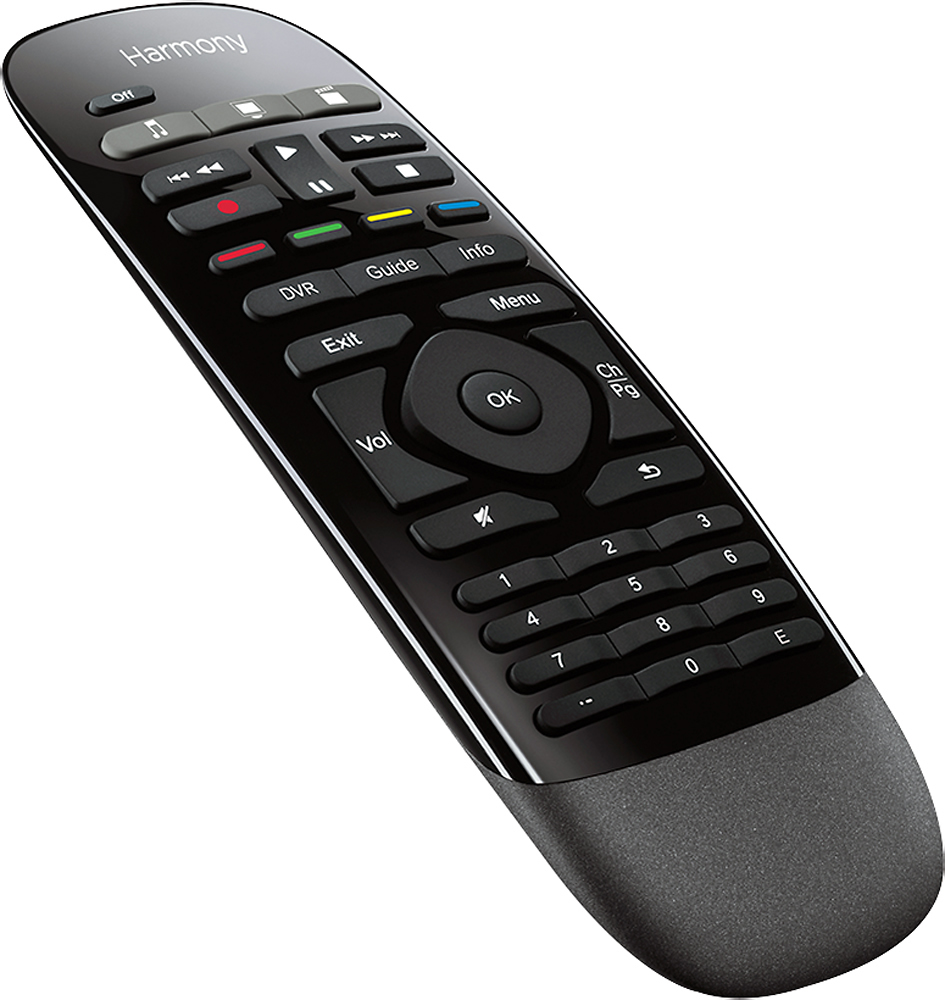
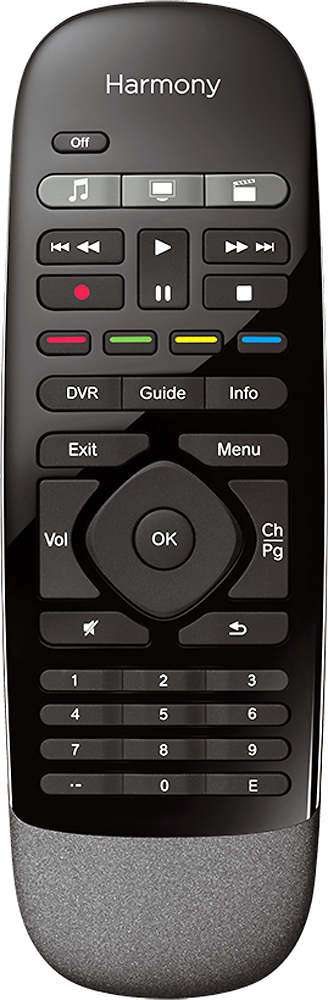
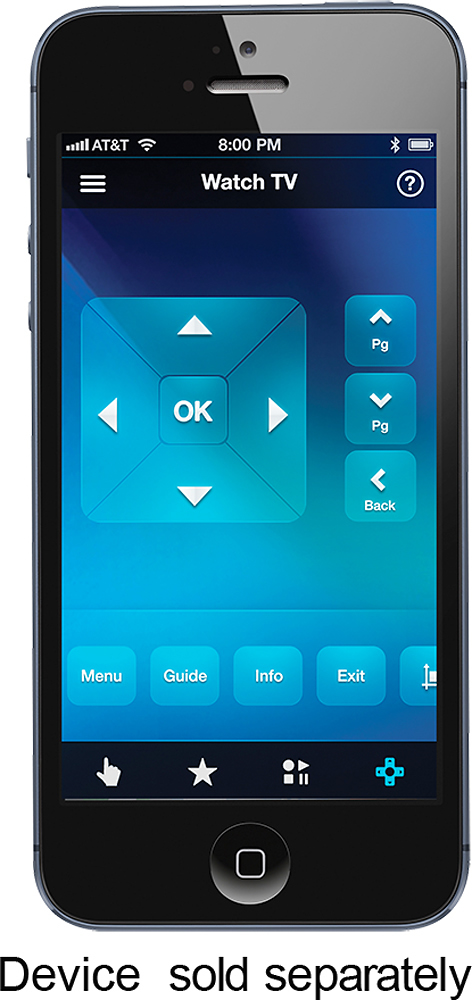


- Model:
- 915-000194
- |
- SKU:
- 8574049
Customer reviews
Rating 4.3 out of 5 stars with 3437 reviews
(3,437 customer reviews)Rating by feature
- Value4.3
Rating 4.3 out of 5 stars
- Quality4.4
Rating 4.4 out of 5 stars
- Ease of Use3.9
Rating 3.9 out of 5 stars
Customers are saying
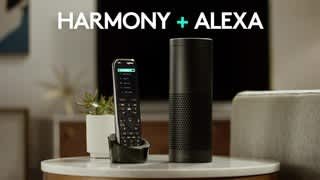
Customers love the Harmony Smart Control's ease of use, intuitive remote, and extensive compatibility with various devices. Many appreciate its straightforward setup and seamless Alexa integration, while some users mention challenges with battery life and occasional connectivity issues. The app's functionality is a point of contention for some customers.
This summary was generated by AI based on customer reviews.
- Pros mentioned:Compatibility, Setup
Rated 5 out of 5 stars
My wife was like, "Whatever!"
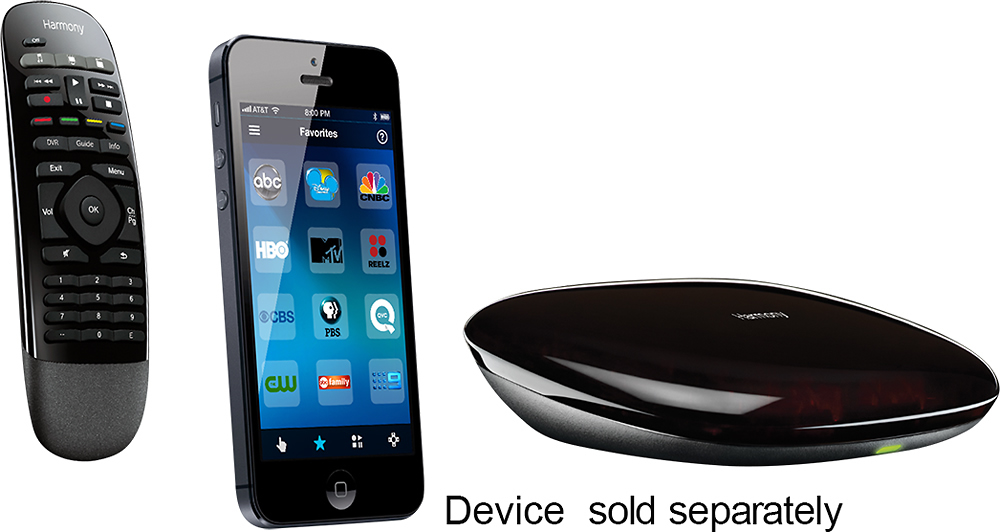
||Posted . Owned for 1 month when reviewed.This reviewer received promo considerations or sweepstakes entry for writing a review.I do this for a living, so my projects don't always get as much priority as my paying customers' projects, but this product added the final touches to completely hiding our media components. This remote system controls my TV, which is hung above our fireplace with care, and it controls our stereo receiver, Over-The-Air ChannelMaster DVR, & Fire TV Stick, which are all enclosed in our media closet. I ordered this Harmony Smart Control Remote, not taking into consideration that the Fire TV Stick remote used Bluetooth versus radio frequency or super-traditional iR (infrared) technology. I was pooping, only because I could hear my wife's voice saying, "that was kinda ridiculous..". I quickly looked-up the specifications, and was relieved to see that the Harmony included Bluetooth technology, which allows me to control everything!!! :) When I received it, I set it up in minutes. I had to situate the included additional iR blaster outside the media closet to point at the TV, but that didn't take too long. All I have left is to cleanup the wires in the closet. I'm super-surprised how well the iR blasters work. I've installed countless iR repeaters, and they typically need to be aimed just right to the iR receivers on your components. I would definitely recommend this to anyone looking for a clean installation with hidden components. Look at specifications for a complete list of compatible devices.
I would recommend this to a friend - Pros mentioned:Compatibility, Ease of use, Remote control
Rated 5 out of 5 stars
Love It
||Posted .This reviewer received promo considerations or sweepstakes entry for writing a review.I love the hub much more for voice control my home entertainment. The hub work with almost all IR and bluetooth stuff. I think the setup process is easy enough. Logitech already upgrade it directly work with Amazon Echo. For Google Home, I can still use IFTTT to turn on my LG TV, Acer projector, Shield TV, Apple TV and Xbox 360, even control the Hue lights. For me, the one that I cannot turn on is PS4, but I think it is because Sony did not allow others to connect it via bluetooth as you still cannot use a bluetooth headphone to play PS4 in 2016. Shame on Sony!
I would recommend this to a friend - Pros mentioned:Ease of use
Rated 5 out of 5 stars
Great remote control for a beginner
||Posted .This reviewer received promo considerations or sweepstakes entry for writing a review.I like my harmony remote control very much. When I failed to get a television picture when using the remote, the remote control walk me through a few simple steps to correct the problem
I would recommend this to a friend - Pros mentioned:Ease of use
Rated 4 out of 5 stars
Great Product
||Posted .This reviewer received promo considerations or sweepstakes entry for writing a review.This is a great addition to my room. I now only use 1 remote instead of 3. The only issue I find is that it does not have a backlit feature that was in the product specification. All in all this is a great remote and I would recommend it.
I would recommend this to a friend - Pros mentioned:Remote control
Rated 5 out of 5 stars
Great with Harmony Ultimate One
||Posted . Owned for 1 month when reviewed.This reviewer received promo considerations or sweepstakes entry for writing a review.I already had an Ultimate One remote before this purchase. The Ultimate One was mediocre by itself. I paired it with the hub from this package and it's soooooo much better to use. I can make changes to my setup from the Harmony app instead of connecting my remote to my laptop via micro USB cable. You can also use Google Home and Google Assistant to trigger commands. I put my hub on a shelf so nothing would get in the way of the IR blaster. I would definitely recommend pairing the hub with a Harmony Elite or Ultimate One. The experience is just better overall.
I would recommend this to a friend Rated 5 out of 5 stars
Great item!
||Posted .This reviewer received promo considerations or sweepstakes entry for writing a review.It was recommended by a BestBuy electronics employee. Great remote, if you want to "hide" your components, and keep your room, or home theater free of added dust collectors, and/or clutter.
I would recommend this to a friendRated 5 out of 5 stars
Great Device
||Posted .This reviewer received promo considerations or sweepstakes entry for writing a review.This is the best universal connection that I have used to date. I have a 7.1 surround receiver with my TV, PS3, Xbox, Apple TV, and Directv box connected to it. I have also installed led lights around my bar and 3way light switch in the room. This device controls them all as well as I use it with my original iPad as my controller. It is really a great device.
I would recommend this to a friend- Pros mentioned:Ease of useCons mentioned:Response time
Rated 4 out of 5 stars
So much easier than my previous setup...
||Posted .This reviewer received promo considerations or sweepstakes entry for writing a review....but not perfect. I went from a TV remote, a PS3 controller, an Apple TV remote, and a receiver remote to a single Harmony remote. It works fairly well. Being able to turn on (and off) the TV, PS3, and receiver with the push of one button is awesome, as is not having to open the cabinet doors that house my equipment (except to let out heat). However, if one piece fails to power on with the press of that button, they will no longer be synced. Some devices will turn off while others turn on and vice versa. You either have to pull out the original remotes, the phone app, or the "on device" buttons to manage equipment individually and get everything re-synced. Being able to program individual buttons on the remote is nice, too. (For instance, I programmed the "E" button to eject a disc and the record button to be the "circle" button on the PS3.) If the remote sends signals to your device faster than the device can respond, you can increase the wait time between sending signals in an activity. I have an older Sharp TV and it takes forever for it to come on before it will receive a signal to change inputs, so I told the remote to wait a few extra seconds between turning on the TV and changing inputs as part of the activities when the TV has to change inputs. We do not have satellite or cable, so we don't have the need for any DVR controls or cable box controls, so I can't comment very much on that aspect. It seems you might be hard pressed to get all the controls you need with the number of buttons on the remote, though. Overall, I am satisfied with the harmony hub/remote combo. It seems to go on sale enough that you don't need to pay full price. Wait for it to go below a hundred dollars. If you find it for less than eighty (like I saw on a deal of the day), and you're looking for a simple universal remote, give this one strong consideration.
I would recommend this to a friend - Pros mentioned:Ease of use
Rated 5 out of 5 stars
Does Just About Everything!
||Posted .This reviewer received promo considerations or sweepstakes entry for writing a review.I had my doubts that this basic looking remote system would out perform my URC MX900 and MRF-350, but it blew it away! Not quite as customizable as the URC, but very close. Where it shines is in the RF and infrared performance. The hub, which converts the Smart remote's RF signals to infrared for your devices, is amazing. I have it sitting under my Sharp LED TV, aiming away from all my devices. I have a Roku player sitting a shelf down, out of the line of sight of the hub, and all my other devices sitting on two racks to the right of the hub. The hub literally has to send infrared signals at 180 degrees to reach most of my devices. It never fails to activate any of them! The URC is dismal in comparison. The MRF-350 is aiming directly at my devices, and often "misfires" sending out partial commands. The beauty of the Harmony Hub system is that literally, one button will turn on your TV, and switch inputs, turn on a soundbar, turn on your amplifier and select the right input. Press another button for a new activity, and it will turn on your CD or DVD player, your amplifier, switch the inputs, and be ready to go. The URC doesn't come close; I have to press at least 2-3 buttons to accomplish the same thing. This is thanks to URC's refusal to let the customers have the current software to update their devices, in an effort to protect their installer/dealers. Logitech automatically updates their inventory of devices and supplies it to the customer for free! The only complaint I have is the need to use WiFi to program the hub. Also, sometimes, for no reason, the hub locks up, and needs to be reset. Simply unplugging it and plugging it back in usually solves the problem. But for the price, roughly three times less than my URC system, it is an amazing deal. I will caution those who aren't remote programming savvy, the learning curve is a little steep; it took me 4 days to figure out the logic behind setting it up. Once you get it, it's pretty easy to navigate. I resisted it at first, but the best and easiest way to setup the hub is by using the Smartphone app, either in Android or Apple OS.
I would recommend this to a friend - Pros mentioned:Compatibility, Ease of useCons mentioned:Backlight, Battery life
Rated 4 out of 5 stars
Very good overall
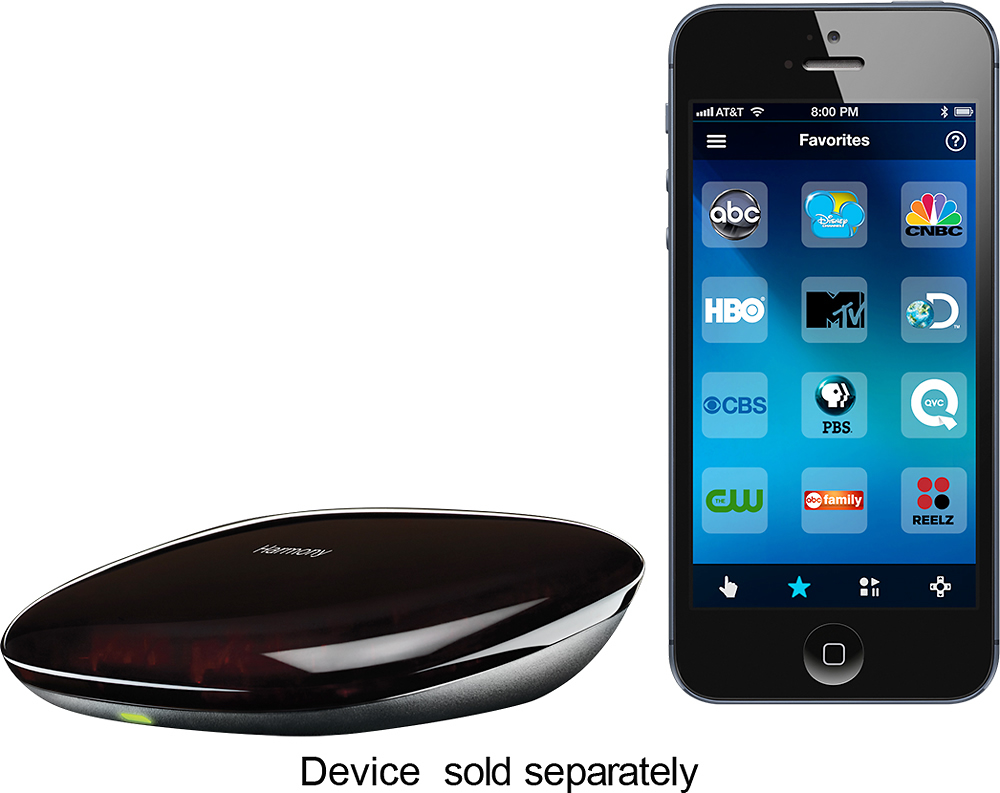
||Posted .This reviewer received promo considerations or sweepstakes entry for writing a review.I already have a Harmony remote so I was able to import my settings from the old remote. It does help to have some technical expertise to get everything setup properly. The device was quickly detected on my network, but it did take some trial and error to get everything working. The supplied remote is well build and feels very comfortable to hold. The buttons are extremely customizable and can have multiple functions depending on a short or long push. My only complaint about the remote is that it doesn't have a backlight or at least glow-in-the-dark buttons. I also use an iPad Mini and Galaxy S3 phone as controls and they work nicely. You can program screen gestures to perform different tasks. My only complaint is that it takes a few seconds for the device to find and connect the smart control from a screen-off state. The screen will remain active while using the remote but that does have battery ramifications. One final thing that I have noticed is that my devices turn on and off much faster which is a welcome improvement.
I would recommend this to a friend - Pros mentioned:Alexa integration
Rated 5 out of 5 stars
Amazing little device!!!
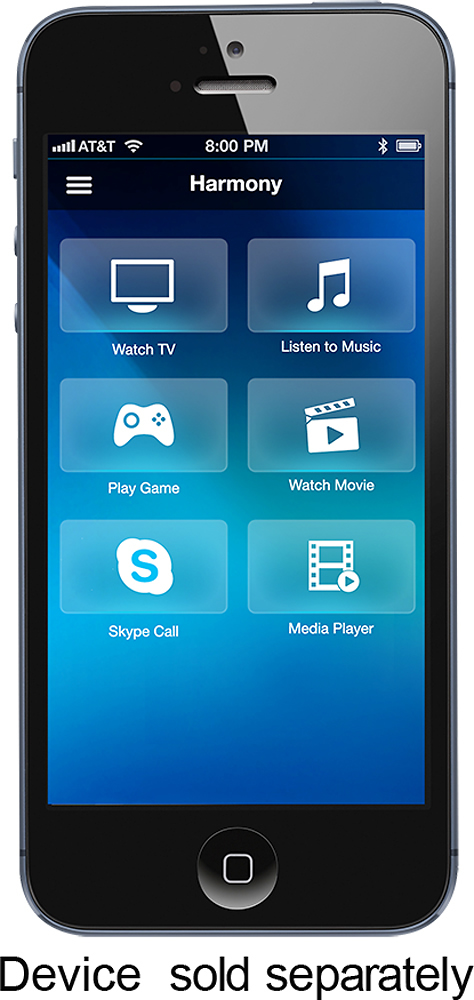
Posted .This reviewer received promo considerations or sweepstakes entry for writing a review.If you see a negative review here, trust me, the writer was the problem. I've never had much luck with universal remotes mostly due to having very complicated systems. It never failed, no matter how expensive the remote was there was always one or two remotes I needed to keep handy for one function or another. Not so with this one. I need to purchase a few more but I set this one up on my dedicated theater because if it can run this, it will run anything (see attached pictures of what it's controlling). I have equipment in three different locations: 1) AV rack 2) Projector enclosure 3) Behind the screen. I choose to mount the hub in my projector enclosure because it's central to the other two areas and I put a repeater in each area. This only comes with one IR repeater (blaster) so if you need to fire at equipment in more than 2 places you will need to pick up another online. I loaded up the software on my PC, plugged in the hub to my pc with the included cable and added all my equipment to the hub. The software was super easy to navigate and it had no problem finding my make/model numbers including my HVAC system. In 30 minutes it was up and running. I did need to make a couple of tweaks including adding a delay (My H&K AVR takes some time to power up before it will accept a input change) which the phone app was unable to do so I had to reconnect the hub to my PC to fix it. While it should be an option to do on the phone, I'm just happy it was an option at all and I was able to correct it. The app is clunky and your not able to do much about it as far as I can tell but that's why I bought the remote package. For me, I wanted a simple RF remote. I don't need a screen or the battery/charging problems that come with it. The remote included with this is simple but is well designed. Well built, good weight, feels good in the hand and has a nice coating on the back that makes it easy to hold on to. Now that would have equaled a 4 star review, here's what adds the last star; the wife factor. My wife will have no problem with this remote. She'll never use the app, in fact I won't even have her load it. Everything she needs is on 4 dedicated buttons: Watch Movie, Watch TV, Listen to Music and off. Press it and the Harmony does the rest flawlessly. It's reliable which is key. It's also fast, VERY fast. No delay which can be very annoying especially when commanding Xfinity's X1 DVR. This is just as fast as the X1's own RF remote and it gives you access to everything but voice control. We also have Amazon Alexa and a home automation system so that picks up the slack because it also integrates with Harmony. Overall I'm beyond thrilled with this setup and wish I tried it a long time ago.
I would recommend this to a friend - Pros mentioned:Ease of useCons mentioned:Response time
Rated 4 out of 5 stars
Low price alternative to the elite or ultimate...
||Posted .This reviewer received promo considerations or sweepstakes entry for writing a review.My step father has the ultimate with the screen on it but I did like the functions that it has. This set basically does all that with an easy to use remote without the screen but it's ok as you basically use your phone for the missing screen portion or you can just use your phone to control everything without the remote. So basically no need for the high end version with the screen on the controller. Set up can take a while since you need to register the products with the software for it to find the products, set the sequence for the activity and then make sure it works correctly, but all of it isn't too hard to do. If your item is old though then it may not be completely compatible, I have Sony 5 disc player that won't turn on by using the hub but once it is turned on manually it can be controlled through the hub. Another thing to keep in mind is that people need to be patient when using the device, when you turn on or off an activity or device you have to wait for the whole sequence to finish and then move to another activity, it isn't all instant fast. I have used it with Alexa but just to turn it off when I walked of to another room or just for convenience, haven't use with tie Alexa completely. For any Wii users do not connect it to the game system because the system will see it as an actual controller, in my case it took up the spot as player #1, so I just un synced it form turning on the system. Last tip is play with what you can manipulate the controller to do, for ex the activities button you can set to do something different if you have a long hold press vs the one click press, and then the different buttons do different things when held longer ie: stop button when pressed longer will eject the dvd from the movie player.
I would recommend this to a friend - Pros mentioned:Ease of useCons mentioned:Backlight
Rated 5 out of 5 stars
It just works
||Posted .This reviewer received promo considerations or sweepstakes entry for writing a review.It was between this and the Harmony 650, and I probably would have been happy with either one. The physical remote for the smart control felt better in my hand and I liked the fact that you don't have to keep it pointed at your devices while it executes its series of commands. I also like the fact that it's not some big crazy looking remote. It's the Teddy Roosevelt remote; it speaks softly, but carries a big stick. The in/on cabinet blaster works incredibly well. Set up was mostly intuitive, but I still need to spend some time customizing and fine tuning. I doubt I'll use the iPhone control app much. I've found the individual remote apps for my stereo (DENON) and TV (Sony) to be much more complete. I really relied on the cnet reviews for my remote selection. I found it interesting that the basic home control remote was their top pick, while the smart control remote was just middle of the pack. The only difference between the two that I can tell are whether or not they include home control capabilities - which at this point I'm not interested in. This remote is not backlit. I wish it was, but I haven't missed that feature thus far. One bonus tidbit, my wife (who couldn't care less about techie gadgets) loves it. She was able to use it without any instruction - that is to say it is intuitive. Mission accomplished.
I would recommend this to a friend - Pros mentioned:Ease of use, Remote control
Rated 5 out of 5 stars
Great Remote, Especially for 3 Activities or Less
||Posted .This reviewer received promo considerations or sweepstakes entry for writing a review.After putting my old Logitech Harmony 520 through its fair share of abuse for over 10 years, it was finally time to replace it with something new. I wanted something reliable and easy to use, but didn't want to spend more than I had to for my needs. Personally, I have four devices in my living room . . . TV, sound bar, Blu-Ray player, and Apple TV. Furthermore, I really only use three activities on any regular basis . . . watch TV, watch a movie, or use my Apple TV box. With that being said, I was still nervous about leaving behind the touch screen on my old 520 and moving to this new configuration. But, I am very glad I did. The Logitech Harmony Smart Control physical remote is WAY more responsive and comfortable to hold. The three dedicated activity buttons meet my needs, and the few things lost without the touch screen can be compensated for by assigning functions to the RGYB buttons or using the smart phone app. Now, I will say that if I had more than 3 (or definitely if I had more than 6) activities that I wanted to use on a regular basis, I probably would have looked at the Logitech Harmony Touch remote, but for the cost savings that I received by buying this at its $70 sale price, this was definitely the way to go for me.
I would recommend this to a friend - Pros mentioned:Ease of use
Rated 5 out of 5 stars
nice universal remote
||Posted .This reviewer received promo considerations or sweepstakes entry for writing a review.I've had this remote for 2 days now, so far I'm liking it, it's small, compact, thin, light, and has a non-slick back that won't slide off the arm rest of the recliner, it's simple, doesn't have 100 buttons or so like traditional universal remotes, I can reach all of the buttons with my thumb while watching shows on my dvr, when you first set it up, using the app for inputing your devices and setting the activity function was super easy, you can totally customize the remote making any button on the remote to be what ever you want, i definitly don't reccomend using the app for customizing the remote, I couldn't figure out how to do it on the app, I ended up using my laptop and downloaded the my harmony program, it was super easy to program the remote with the program on my laptop, just to let you know, after you program the remote, you must click on the sync button on the top right of the screen to program the hub of your changes, so for set up when you first get it, use the app for your devices and activity, then use the my harmony program on your laptop for customizing the remote, this is the best easiest way
I would recommend this to a friend Rated 4 out of 5 stars
Great hardware, so-so software and arduous setup
||Posted .This reviewer received promo considerations or sweepstakes entry for writing a review.My requirement for this purchase was that it would truly eliminate the need to have multiple remotes out, even my AppleTV with the Siri remote. And that my wife wouldn't have to struggle with specific and involved instructions, just press one button and you're off. Happy to say that after a bit of headache I think i've finally have that working. So yes, it was worth it. The list of devices that Logitech Harmony devices supports out-of-the-box is astounding, to add a device you can either start my coming from an existing remote, or start by typing the make + model of the device. It worked with all of mine, but then again my setup isn't crazy by any means. This one even found the compatible wi-fi devices on my network automagically, in my case this was my LIFX light bulbs and AppleTV. I can now add the lights to "activities" which is cool. As far as placement, The Hub itself emits the IR signals as well as through the IR blaster thats included in the box (Hub also has a port for an extra IR blaster, sold separately) After a bit of finagling I think i've got it all placed in a way that works with my half-open half-enclosed entertainment cabinet and wall mounted TV. I've also read of people using splitters for their IR blasters, but haven't tried it myself. I was also able to get it to link to my Amazon Echo Dot, but that was definitely much more involved since it required an update to the Harmony. Now there are supposedly two methods for triggering an update, either via their mobile app (iOS or Android) but no matter how many times I tried these steps it just would not update. So that left method two, via a computer and their desktop software (this is where the experience just grinds to a halt.) The desktop software required an update to Silverlight, i think the last time I used that was when Netflix used it in its early days, but I digress. I figured if I was doing a firmware update it'd be best to be on the latest + greatest. Long story short, it was a horrible experience, while connected via USB to my laptop the Harmony would fail to recognize my wi-fi even though I was maybe 10 ft from my router. When it finally recognized the connection it would lose it half-way through the update. At one point the "sync" and/or update said it finished, but when I hooked it back up in its designated place in my entertainment center the light would stay solid red not the normal green, so I gave up and took a break when it appeared that I had bricked it. I guess that short time of letting it sit unconnected to power must have done the trick since I plugged it in to the computer again and did another sync and it was working again. Huge sigh of relief. More on the desktop software side of it, I was hoping that it would offer more of an "advanced" approach to setting up my Harmony. But i was severely let down. For instance: I was trying to set up a "Watch Night TV" activity that would include setting my LIFX bulbs easy right? This is where it gets interesting, I wanted it so that when I eventually pressed the "OFF" button there would be a delay before turning off the bulbs to allow me time to leave the room before going dark. I found where I was able to add in a delay, so "perfect" I thought, but I was wrong. Trying to manually type in a number (since the time interval is in seconds) I could only type it in the single digits, e.g.: "60" or "10" wouldn't work, so I was left clicking (or holding thankfully) the up/down arrow keys to set. Once I had it added I then found out that I couldn't move the order of the delay, so essentially it would be delay only at the beginning which I guess would work as well, but not quite what I was after. I was also hoping to be able to "clone" or make a copy of my first "Watch TV" activity since I manually went through the trouble of mapping every key like I wanted it so that it worked with my AppleTV, but this was not possible. The mobile app works ok, for adding devices and setting activities. Although I learned the hard way that it was not possible to add a device to an activity after the fact, or at least it wasn't obvious. Essentially patience is key. So take some time to plan out your set up and placement of the hub and the IR blaster, also make sure to add all your devices up front, but only after you've done any software/firmware updates just in case. Now that it is all mostly setup I've gotta say that I love it. My previous Harmony remote was the white one designed to work with Xbox 360, and I can now retire that little guy.
I would recommend this to a friend- Pros mentioned:SetupCons mentioned:Backlight
Rated 5 out of 5 stars
Possibly the Greatest Universal Remote
||Posted .This reviewer received promo considerations or sweepstakes entry for writing a review.I previously owned the Logitech 650 remote. Had it for a couple of years until one of the buttons stopped working. So I needed to get a new remote. I checked out the reviews for the Harmony Smart Control and decided to purchase it. I was a bit reluctant to spend the money as it was more then what I paid for the 650, but I am very glad that I did. This remote works much better than the 650 and being RF instead of IR is a big plus. It took a bit to set it up. I used the setup feature using the app from my iPhone. But not any more complicated than setting up the 650. I like being able to use my iPhone as the remote control, also. My devices that I have setup with it are Roku 3, AppleTV, Sony BlueRay player, Denon Receiver, Dish Network and Apple Mac Mini computer. But the biggest feature, and what really makes me happy, is that my wife can use it with no problems or asking me for help. With the 650, she was always asking me for help. It is much simpler to use than the 650. Also, the battery last way longer than the 650. The only thing that I wish it had was a backlight as it is hard to see in the dark. Logitech, please take notice! But over all this is possibly the best universal remote.
I would recommend this to a friend - Pros mentioned:Remote controlCons mentioned:Connectivity
Rated 4 out of 5 stars
Can make life simpler
||Posted .This reviewer received promo considerations or sweepstakes entry for writing a review.The universal remote makes life more convenient and eliminates the need to use multiple remotes, but it is not 100% perfect. The Harmony app offers more control than the provided remote, but I have had some connectivity issues from time to time between my smartphone and the Harmony hub. The provided remote allows you to control about 90-95% of the functionality of all your devices connected to the Harmony hub, but the buttons are small and it is not completely intuitive as opposed to the Harmony app. If you use one of your device remotes, it may cause issues controlling your devices through the Harmony remote; you would then have to shut down your entertainment center and turn it on again to reset it. For me, the convenience it provides far outweighs the occasional annoyance.
I would recommend this to a friend - Pros mentioned:Remote control, Setup
Rated 5 out of 5 stars
Impressive universal remote
||Posted .This reviewer received promo considerations or sweepstakes entry for writing a review.I previously had the Logitech Harmony 650, but would often find that one of my components in in system would not turn on/change input/etc. due to a blocked line of sight. I bought the Harmony Smart Control and have been really impressed with its performance so far, and have had none of the previous connection issues I had with the 650. Setup was straight forawrd and took about 30 minutes including customizing all the buttons. I love the fact that if I am doing something and realize a button is programmed incorrectly (e.g. for my DVR), I can quickly go into the iPhone app and make the necessary changes. This is 100 times better than previously having a wired sync through the laptop. The app is also great for providing more advanced control, channel selection and some other settings. Overall, it has using my multi-component home system much more streamlined and efficient.
I would recommend this to a friend - Pros mentioned:Alexa integration, Remote control
Rated 4 out of 5 stars
Powerful remote and works with Alexa
||Posted .This reviewer received promo considerations or sweepstakes entry for writing a review.I got this remote with the hub because Logitech had opened it up to work with Alexa. The integration is pretty good with some setup. Now I can tell my Alexa to turn on TV and the Logitech hub will turn on my TV and speakers. You can have Alexa trigger pretty much any setup you create within the Logitech app and it will even change channels to the ones you mark as favorites. The remote is ergonomically pleasing and has a number pad on it unlike a few of their other remotes. The lack of a screen doesn't bother me at all. If anything, some of the remotes rely too much on the screen at the expense of basics like the number pad. The blaster hub is pretty powerful as is the wired blaster, although it only comes with one. A second blaster would have been good. The hub itself emits IR signals and it strong enough that it will bounce off walls and back to your components depending on your setup, eye lines, etc. The wired secondary blaster is pretty strong as well although having only one means you may have to put it in an unsightly place to make sure it hits all of your components. This is tricky if you have to IR blast your TV and anything else that is not in a component rack. It can work but it may require putting the blaster further away from your components. There is no IR blaster on the remote control itself so that is not a backup option.
I would recommend this to a friend