Customer Ratings & Reviews

- Model:
- EKZ-00001
- SKU:
- 5906800
Rating by feature
- Value
Rating 4.0 out of 5 stars
- Quality
Rating 4.6 out of 5 stars
- Ease of Use
Rating 4.5 out of 5 stars
Customers are saying
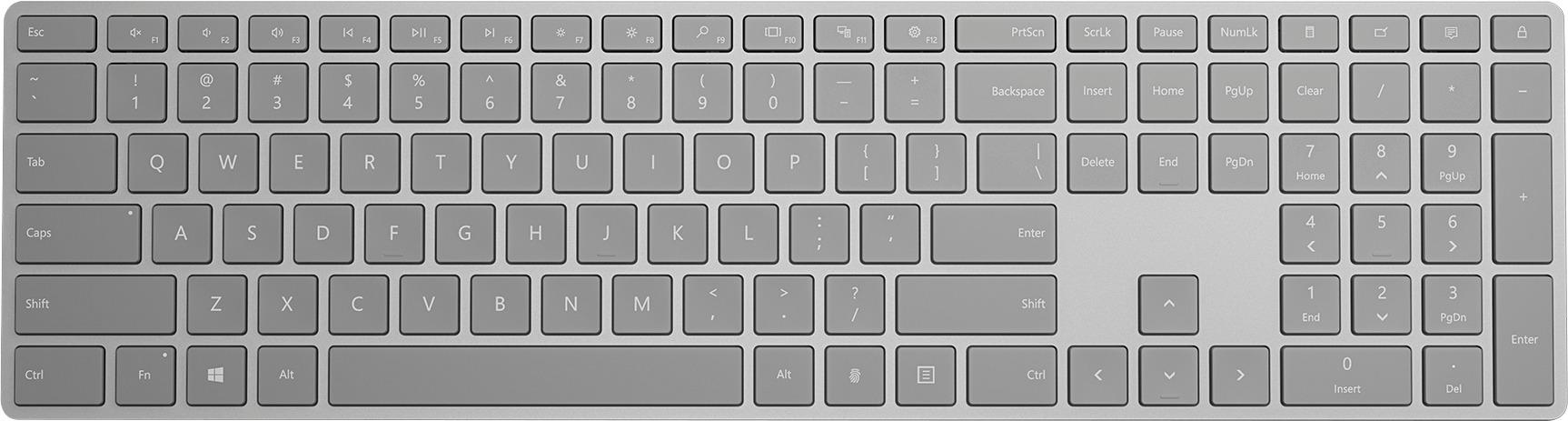
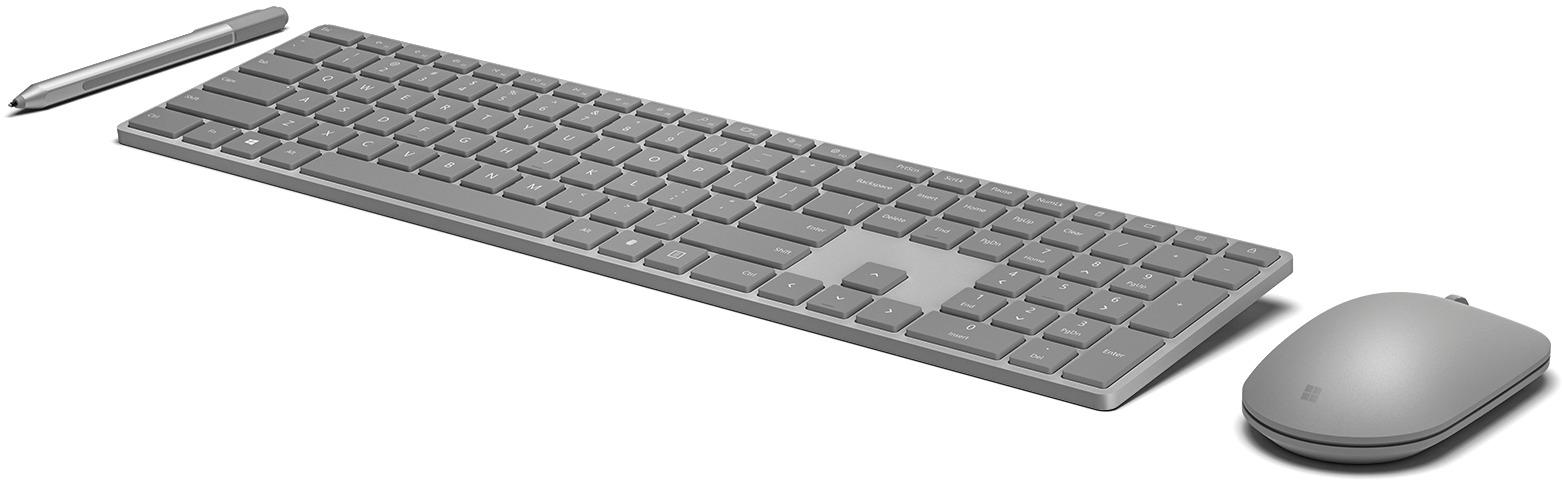
Customers have good things to say about the keyboard quality, fingerprint reader, and long battery life of the Modern Keyboard with Fingerprint ID Wireless. Many appreciate the ease of use and the comfortable key feel, describing the keys as crisp and responsive. While some users experienced minor connectivity issues, the positive feedback on the fingerprint ID feature and overall design outweighs these concerns.
This summary was generated by AI based on customer reviews.
good but not great
||Posted . Owned for 1 month when reviewed.This reviewer received promo considerations or sweepstakes entry for writing a review.slow response..but still a good one...we dont have a choice.
No, I would not recommend this to a friend- Pros mentioned:Keyboard quality
Awesome Keyboard But Pricey
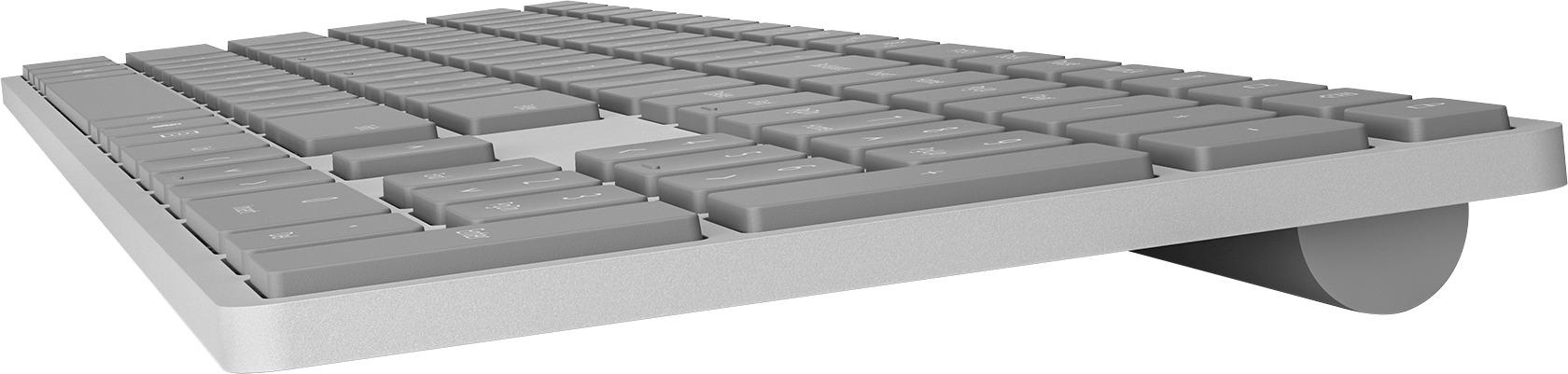
Posted .This reviewer received promo considerations or sweepstakes entry for writing a review.I hesitated because of the price but bought it anyway because of the reviews. I have to say I'm glad I bought it. Its made of metal and the keys just feel very comfortable and a lot quieter than the Logitech keyboard I was using prior. Its size is perfect in my opinion and since its wireless it can be all over your desk. I did have some trouble connecting it to my desktop (via Bluetooth) but finally got it connected. The reason for the 4 stars is I wish the fingerprint reader could provide more than just logging into windows. I hope an app or something is released that would allow logins for websites, etc.
I would recommend this to a friendBrand response from MicrosoftOutreachTeam
Posted .Hi there,
We're happy to hear that our quiet and comfortable design has been a great fit for you. We're proud to offer wireless devices such as this one that are able to move around freely for your convenience. Thanks for the great review, we can tell a lot of thought went into this, and we appreciate the insights.
Kind regards,
Jessica
Microsoft Customer Care
- Pros mentioned:Keyboard quality
You had one job!
Posted .This reviewer received promo considerations or sweepstakes entry for writing a review.This keyboard had one job: Stay connected to the computer. All other functions are secondary, as no connection means it is totally useless. Thanks to the wonders of BlueTooth, the worlds crappiest wireless technology, connecting (and re-connecting) your keyboard is likely to be a pain. Microsoft has chosen to do things differently than every other BT device ever invented, by doing away with a pairing mode. Is it ready to pair? Who knows! In another stunning move, they decided that knowing the battery level of your battery-powered device wasn't an important feature. You don't even get a 'low power' warning. The keyboard simply stops working when it is time to charge it. Speaking of charging it, the lack of battery level means you get to play another fun guessing game I like to call "Is it actually charged yet?" After leaving mine plugged in overnight, the answer today was 'no!' 14 hours isn't long enough. I got half a day of function, only to return from a trip to find that the keyboard was unresponsive. The flashy feature on this keyboard is the fingerprint reader, and it's neat until it quits working without explanation. The funny thing is, when it did work, it always took longer to use than just typing in a PIN. First, you have to hit a random key several times to 'wake' the keyboard from its battery-saving slumber. Then you get to press the fingerprint button in the hopes that the keyboard is actually awake and ready. And speaking of sleep, this keyboard conks out after a few minutes, at which point you need to press a key repeatedly to wake it again. But wait, there's more! It often wakes with a modifier key 'stuck.' You learn all kinds of cool things that happen when your shift key is secretly being held down. Loads of fun! Pros: -Looks slick! -Keys feel and type just fine -Lock key, cool! -Clear key on keypad, cool! -Dedicated calculator key, cool! Cons: -Dificult to connect sometimes. -Totally random battery life (works for days at a time, then can't seem to hold a charge for half a day) -No battery life indication in software or hardware that I can find. -No back-lighting. Kinda stupid for a keyboard this expensive to skip on that. -Sleep/wake problems that really slow your workflow down.
No, I would not recommend this to a friendBrand response from MicrosoftOutreachTeam
Posted .Hi Kyle,
We are so sorry to see that this is the experience you had with one of our products. We're happy you took the time to fill us in on everything and give us an honest look at what your experience was. We would love to continue this conversation with you. Please reach out to us at [email protected], with your review in the text, and we can talk about this more in-depth.
Kindly,
Victoria
Microsoft Customer Care
- Pros mentioned:Battery life
Great quality, excellent key travel
Posted .This reviewer received promo considerations or sweepstakes entry for writing a review.Love this keyboard, good battery, all the computer settings key. Occasionally a delay in letters being typed due to keyboard going to sleep with pause in use...but it’s not bothersome and battery so far is excellent. Goes well with the precision surface mouse that was purchased as well.
I would recommend this to a friend - Pros mentioned:Keyboard quality
Good concept but not much use
Posted .This reviewer received promo considerations or sweepstakes entry for writing a review.I bought this thinking that I would be able to lock apps in windows and unlock it with fingerprinting button but no. This is only good for Windows Logon. Once you're logged in then this is worthless. The feel of the keyboard is awesome BTW. It looks good with black monitor or white (of course). The buttons feel great. Button feel like rubber but its not rubber. It just feels wonderful. I don't remember using a keyboard that looked and feel as good as this keyboard.
I would recommend this to a friendBrand response from MicrosoftOutreachTeam
Posted .Hi there,
We're glad you're liking the feel of your keyboard, and apologize that you hadn't realized that you cannot use the fingerprint scanner to lock apps, at this time. We think this is great feedback and will be passing it along to our team.
Thank you,
Victoria
Microsoft Customer Care
Removed the second most useful key for no reason.
Posted .This reviewer received promo considerations or sweepstakes entry for writing a review.They decided to replace the extremely useful right-hand Windows key, even though there was plenty of room for a fingerprint sensor elsewhere. I don't know what they were thinking. Terrible choice.
No, I would not recommend this to a friendWould Not Pair
Posted .This reviewer received promo considerations or sweepstakes entry for writing a review.Would not pair with computer. Followed MS advise to get the keyboard to pair and would never pair. Returning the keyboard to go back to Logitech. FYI. This keyboard only supports Bluetooth 4.0 or higher
No, I would not recommend this to a friendFinger print key is not working
Posted .This reviewer received promo considerations or sweepstakes entry for writing a review.I have a new dell xps15 connected to PnP monitor. So I bought this keyboard to complete the setup. I bought this specifically for finger print feature for easy login. But its not detecting the fingerprint at all. Fingerprint in the laptop is working fine. Tried the microsoft support and waited for two hours. They were neither able to solve it nor explain it the issue. I'm not sure if the fingerprint will not work with a modern laptops that already have inbuilt fingerprint feature. Without the fingerprint feature I get apple magic keyboard for $30 less in Amazon.
No, I would not recommend this to a friendConnected once...
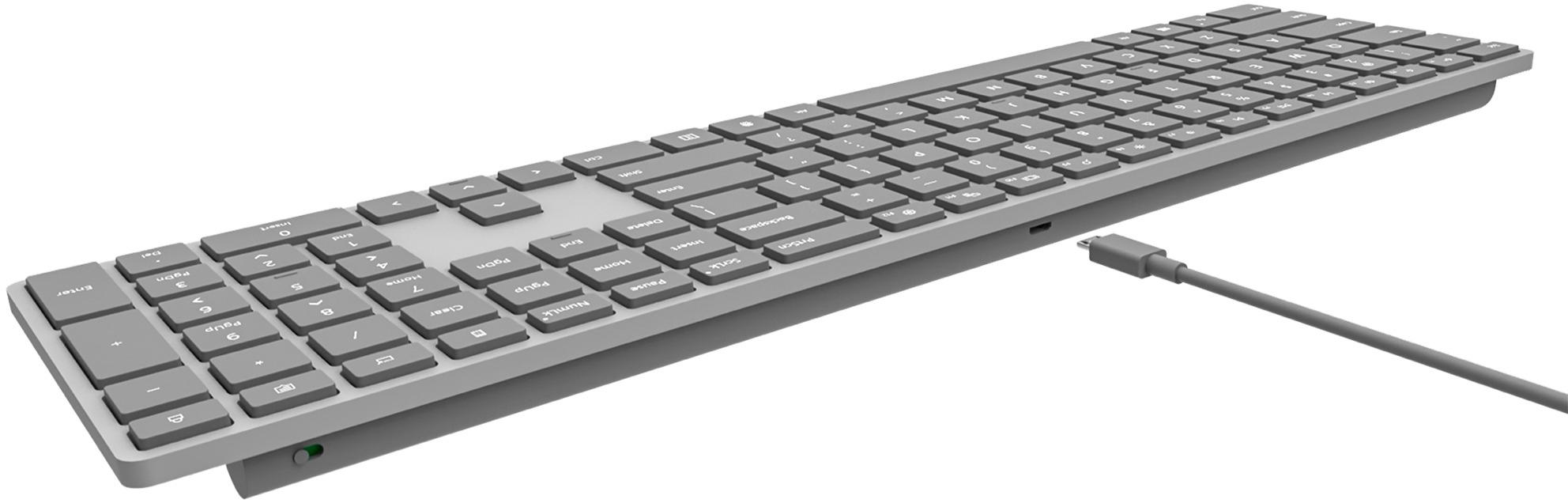
Posted .This reviewer received promo considerations or sweepstakes entry for writing a review.Being a die-hard mac user, I recently bought a New Dell XPS laptop running Windows 10with all current updates... and the correct Bluetooth needed for this keyboard to connect wirelessly. Well technically it did connect once, but hasn't since. Yes, it works when connected via the USB cable provided, but why would I spend $130 for a wireless keyboard that must be tethered, or I need to reinstall and pair it with ever use. Microsoft still hasn't figured this stuff out to work flawlessly. Taking it back.
No, I would not recommend this to a friendBrand response from MicrosoftOutreachTeam
Posted .Hi there,
We appreciate you taking the time to reach out about your Modern Keyboard with Fingerprint ID. We're remiss to hear things aren't going smoothly for you, and we'd like to help. We have a great guide on pairing your keyboard with your computer here: https://support.microsoft.com/en-us/help/4034778.
If you find that you need additional assistance, our support team is always available to help, and can be reached here: https://aka.ms/AA4rbq6.
We sincerely hope this helps.
Best,
Heather
Microsoft Customer Care
Nice idea, but failed prematurely
Posted .This reviewer received promo considerations or sweepstakes entry for writing a review.We bought this keyboard thinking it would be decent. It appeared decent and all. But it lasted only six months. We were lucky and bought the Best Buy insurance when we bought it, so I picked out the high end Logitech keyboard, which we feel is the best keyboard we've ever owned.
No, I would not recommend this to a friend