Customer Ratings & Reviews



- Model:
- SLK-00001
- SKU:
- 11578541
Rating by feature
- Battery Life
Rating 4.3 out of 5 stars
- Speed
Rating 4.3 out of 5 stars
- Display
Rating 4.4 out of 5 stars
Great Computer
||Posted . Owned for 1 week when reviewed.This reviewer received promo considerations or sweepstakes entry for writing a review.This is a great computer. The installation went smoothly
I would recommend this to a friendGood for a college student recommended for ingenir
||Posted . Owned for 1 week when reviewed.This reviewer received promo considerations or sweepstakes entry for writing a review.Enough space excellent screen my son is happy with it
I would recommend this to a friendLove it
||Posted . Owned for less than 1 week when reviewed.This reviewer received promo considerations or sweepstakes entry for writing a review.What else could you want other than costing less...
I would recommend this to a friendOverheats
||Posted . Owned for 3 weeks when reviewed.This reviewer received promo considerations or sweepstakes entry for writing a review.Unfortunately this PC always overheats. I bought this to replace my Dell. I assumed Microsoft would have a workhorse product but it fails to be as good as cheaper solutions.
No, I would not recommend this to a friendBrand response from MicrosoftOutreachTeam
Posted .Hello Austin,
We're sorry that there's an issue with overheating with your Surface Book 3. First, we recommend updating its software and firmware to the most recent version. If that doesn't help, we suggest running the Surface Diagnostic Toolkit to help diagnose and fix any problems. For more information, go here: https://support.microsoft.com/en-us/help/4037239/surface-fix-common-surface-problems-using-surface-diagnostic-toolkit
If that doesn't help, we recommend contacting Microsoft Support for assistance here: https://support.microsoft.com/en-us/contactus/
Hope that helps,
Chuck
Surface Customer Care

A lightweight option that's great for photo work
|Posted .This reviewer received promo considerations or sweepstakes entry for writing a review.#sponsored Reviewers in this invitation-only program are provided products for the purpose of writing honest, unbiased reviews. I have to say I'm impressed with this laptop. Using mostly Apple products for photo editing, I've steered away from Microsoft in the past, but this has really brought up the bar in terms of working power. The battery lasts all day which is especially important when you have the product out in the field and no way to charge it. Aside from that, it also processes incoming photo files in a snap. Everything sent from the camera to the laptop was instant and it handled massive amounts of data with ease. Photoshop, Lightroom, Bridge, etc all work at lightning fast speeds with no lag inbetween systems. A bonus is how light it is so when carrying it around it doesn't feel like a brick. I'm super happy with this product, and can with all honesty say that this will be my main photo editing computer going forward.
I would recommend this to a friendThis product stinks! Buy something else!
||Posted . Owned for 4 months when reviewed.This reviewer received promo considerations or sweepstakes entry for writing a review.If I could give it zero stars, I would. The machine has been nothing but trouble since we got it. There's not enough room here to list all of the problems we've had, from thick lines through the screen to the system freezing intermittently to kicking us out of zoom sessions and plenty more. And the support from Microsoft has left a lot to be desired. Do yourself a favor - pick another machine.
No, I would not recommend this to a friendGet a ROG Flow Z13 instead
||Posted . Owned for 1.5 years when reviewed.This reviewer received promo considerations or sweepstakes entry for writing a review.Clumsy and awkward - difficult to connect and disconnect; GPU finicky
No, I would not recommend this to a friendMy Powerhouse Favorite
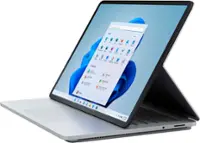
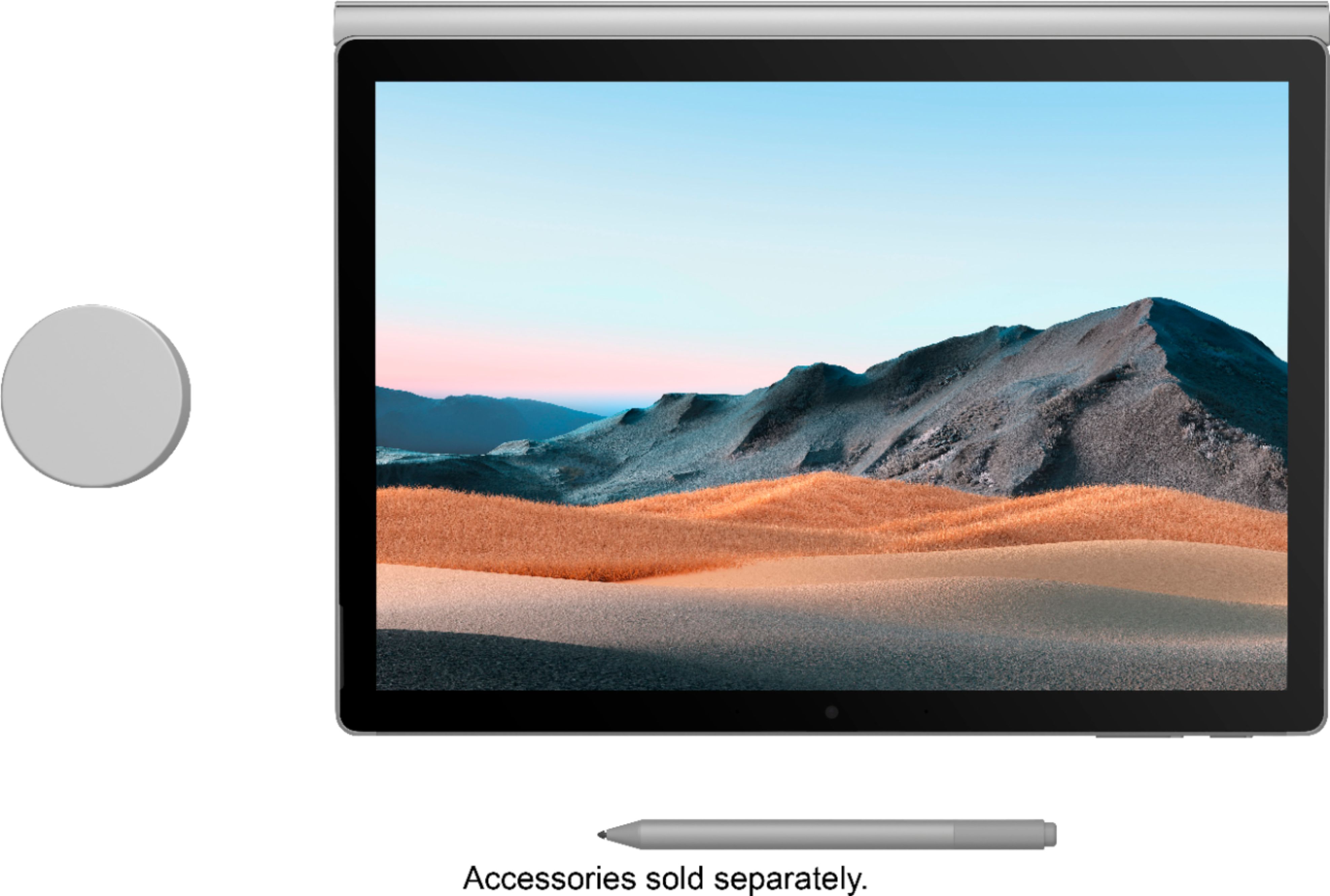
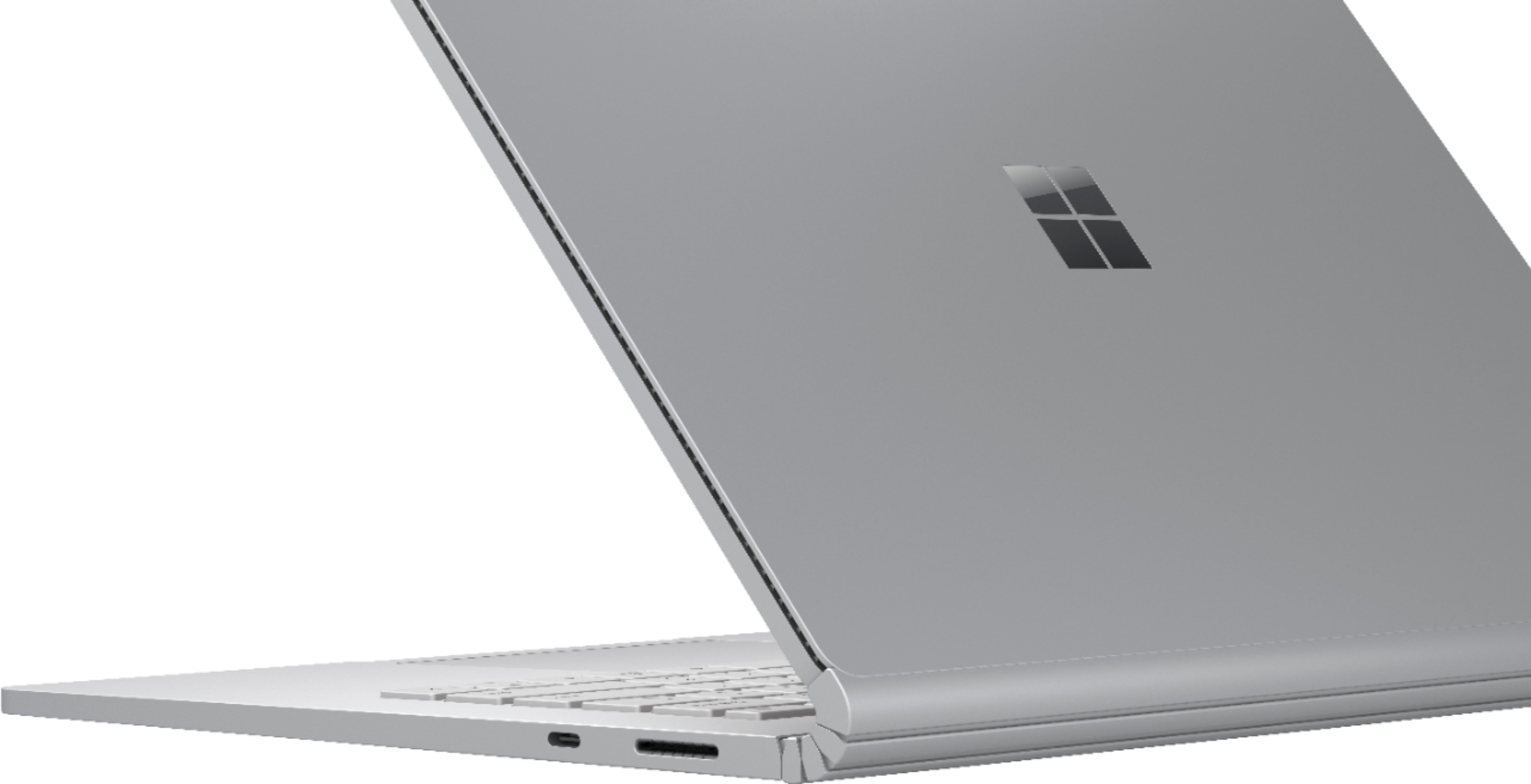
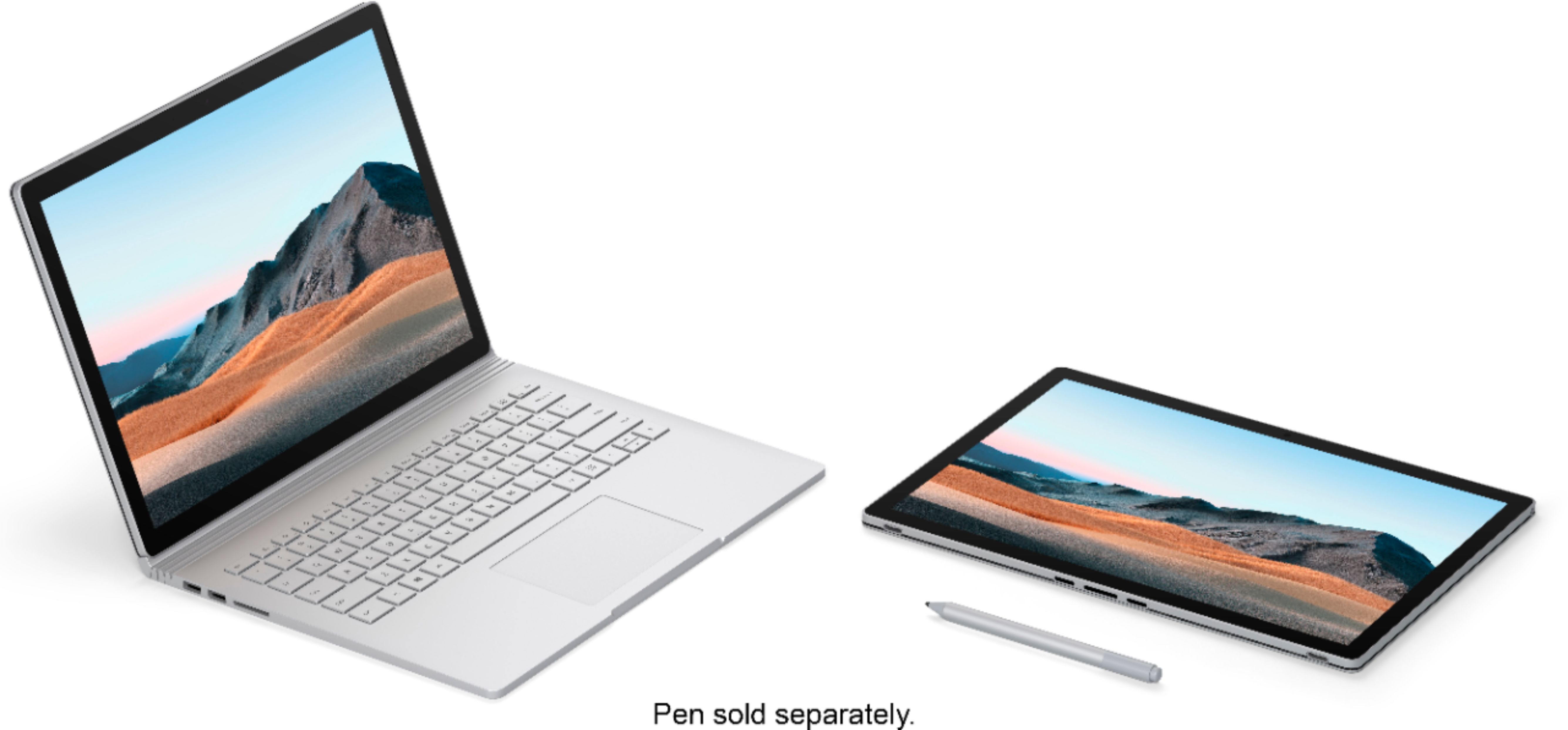
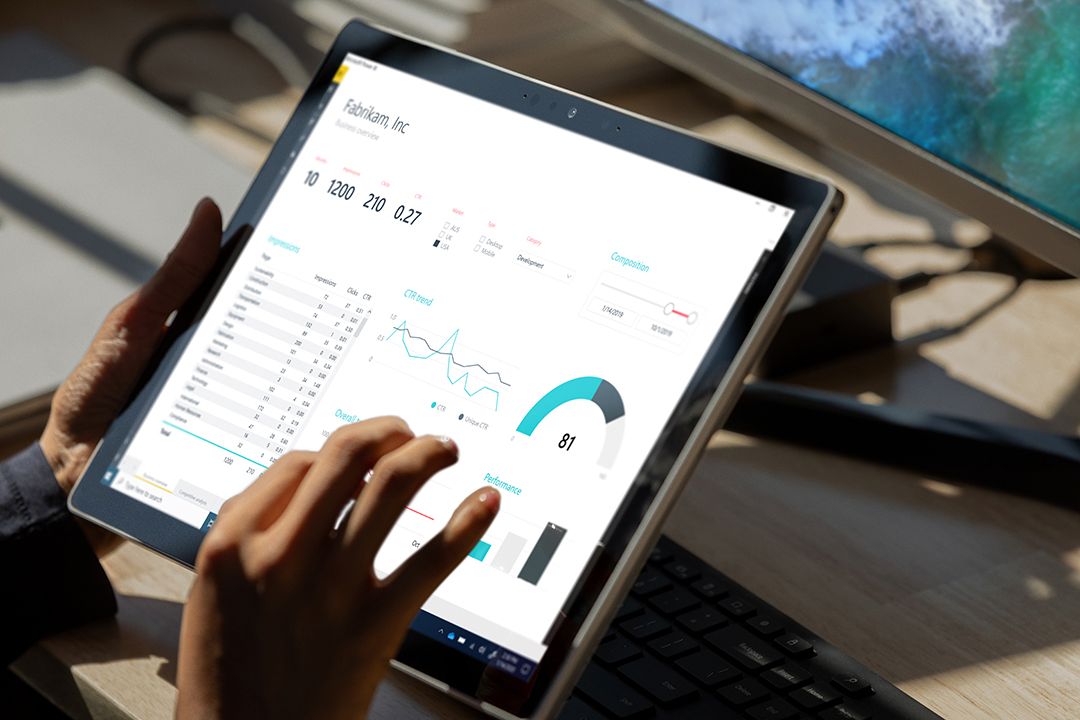
|Posted .This reviewer received promo considerations or sweepstakes entry for writing a review.Reviewers in this invitation-only program are provided products for the purpose of writing honest, unbiased reviews. This is my third Microsoft Surface and I have been impressed with all three of them. Microsoft seems to have a specific user base in mind with each of their product offerings. I started with a Surface Pro 6, which was a great general-purpose laptop/tablet that was powerful enough for most applications. I then received a Surface Pro X, which provides LTE connectivity for those who are on the road and need a powerful platform for business, emails, browsing and web-based applications. This Surface Book 3 with the 32 GB of RAM and 512 GB SSD drive was designed for power users. I am a computer professional and I have run database platforms on servers with less computing power than what this laptop/tablet offers. When evaluating a powerhouse with the specifications like this device, I look at several aspects of performance. Most applications would not need this kind of power, but photo editing, video editing, computer aided drafting and development platforms can take advantage of the CPU, dedicated/discrete graphics and memory provided with this laptop/tablet combination. I will start with photo editing. I have used this laptop with Photoshop, Lightroom classic and the Adobe Cloud version of Lightroom. I used a Canon 32-megapixel camera so that I was able to take pictures with extremely high resolution. I shot with automatic and manual exposure so that I could take advantage of most of the edits offered. When using the editing software, I focused on how quickly the edits rendered. When using the sliders, the photographic images rendered immediately with the ongoing changes. There was no lag and I was impressed at how quickly I could determine how much of each effect I wanted to apply. The colors were vibrant, and the images were crisp. The applications also responded very quickly when moving around the various filters and modes. Loading and exporting to cloud were fast, but this can vary depending upon one’s internet speed. While a Surface pen is not included with this configuration, I highly recommend adding one. It works great with Adobe products and will add some flexibility to editing pictures and documents. I wanted to truly push the limits of this Surface Book 3, so I also loaded a development edition of Microsoft SQL Server with Integration Services and Analysis Services, SQL Server Management Studio and Visual Studio 2019. I installed the sample databases and ran some queries to test performance. My work laptop takes quite some time to load my database tools, but this laptop loaded very quickly. I was able to connect to my database server quickly and my queries returned in no time. Granted, I did not have a great workload when running this, but the results were fast. Keep in mind that I had Visual Studio, SQL Server with all services running, Photoshop, Lightroom Cloud, Lightroom Classic, Email, and Microsoft Word running simultaneously and I barley touched the CPU or memory capacity of this device. This is the right computer for anyone needing to run multiple applications that are memory intensive and CPU intensive. The computer boots up quickly and applies patches quickly. As with any new laptop, you will want to check for updates to maximize the performance and features. The laptop comes with one USB C port, a memory card port and two USB 3 rated ports. The power block provides an additional USB port, which is handy because it is not attached to the body of the laptop. This laptop/tablet is different from the Surface Pro models with how the keyboard attaches and detaches. This is much sturdier and is attached magnetically with an electronic release button. This Surface Book 3 is heavier than the Surface Pros, but it is considerably more powerful. The screen still serves as an excellent and powerful tablet with the keyboard detached. The keyboard is nice, and the keys have a quality feel to them. There is a backlit function for using it in darker settings. The mouse is responsive and has a very high-quality feel. The screen resolution is beautiful, as one would expect from this class of laptop. The discrete graphics make it fast and vibrant. The photo density is amazing, as is the video quality when playing videos. I have not experienced any lag with this laptop. The speakers are good for a laptop as well. Finally, the battery life is outstanding. It is rated at 15.5 hours and it shows two batteries when looking at the battery life expectancy. I also connected a USB C dock and I was able to use the ethernet connection and drive my 4K 28” monitor with full resolution.
I would recommend this to a friendMalfunction product.
||Posted . Owned for 1 month when reviewed.This reviewer received promo considerations or sweepstakes entry for writing a review.I purchased the surface book 2 a few years back and it started malfunctioning on me. I had insurance so I ended up getting this surface 3. It was only 4 months of owning it that I started having the same issues with this laptop. The screen would flicker and turn black. I ended up swapping this laptop for a PC.
No, I would not recommend this to a friendOverpriced and under-performing
||Posted . Owned for 3 weeks when reviewed.This reviewer received promo considerations or sweepstakes entry for writing a review.Decent laptop but somewhat awkward design; extremely overpriced for outdated hardware
No, I would not recommend this to a friendVery good 4.5 out of 5 stars
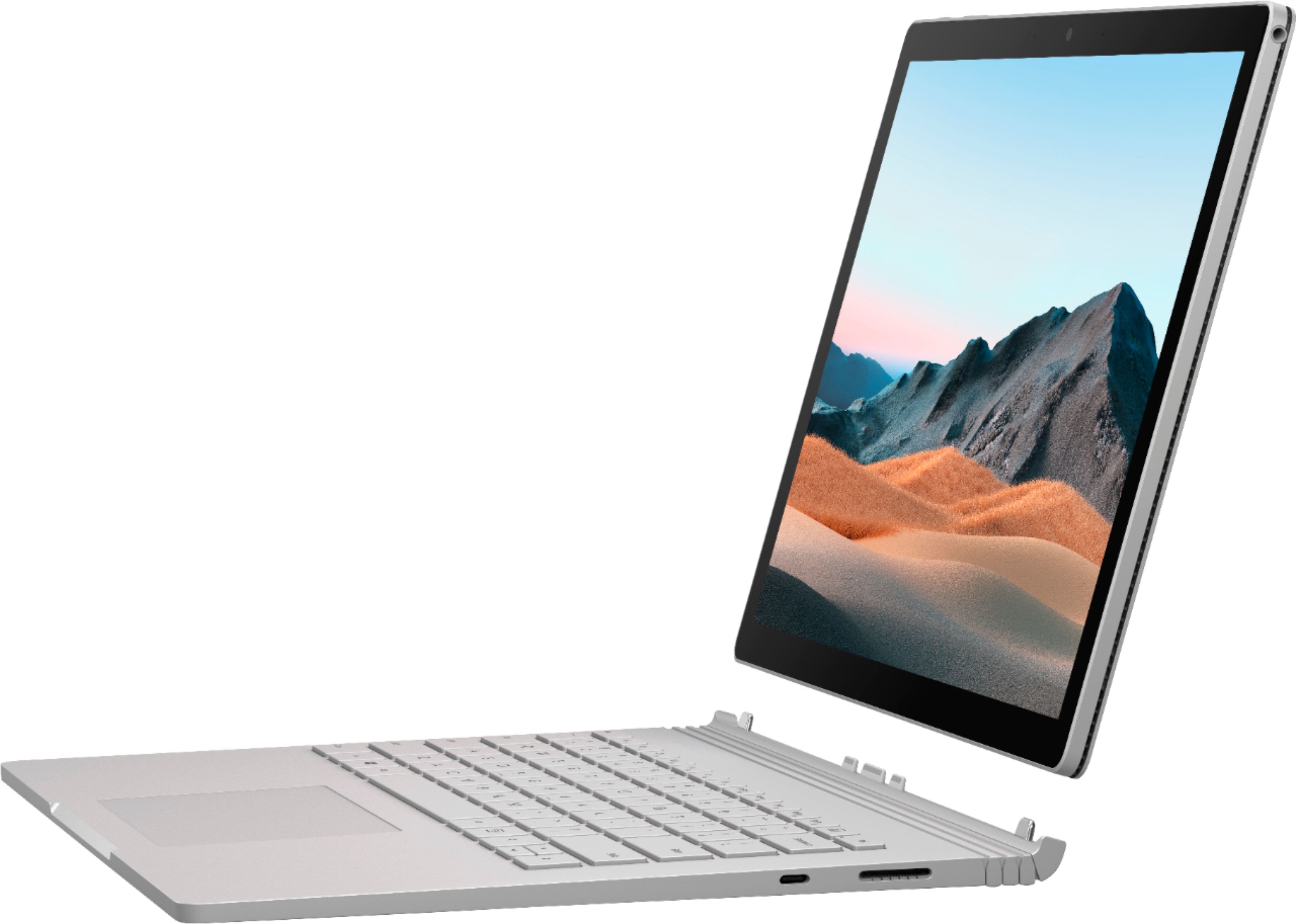
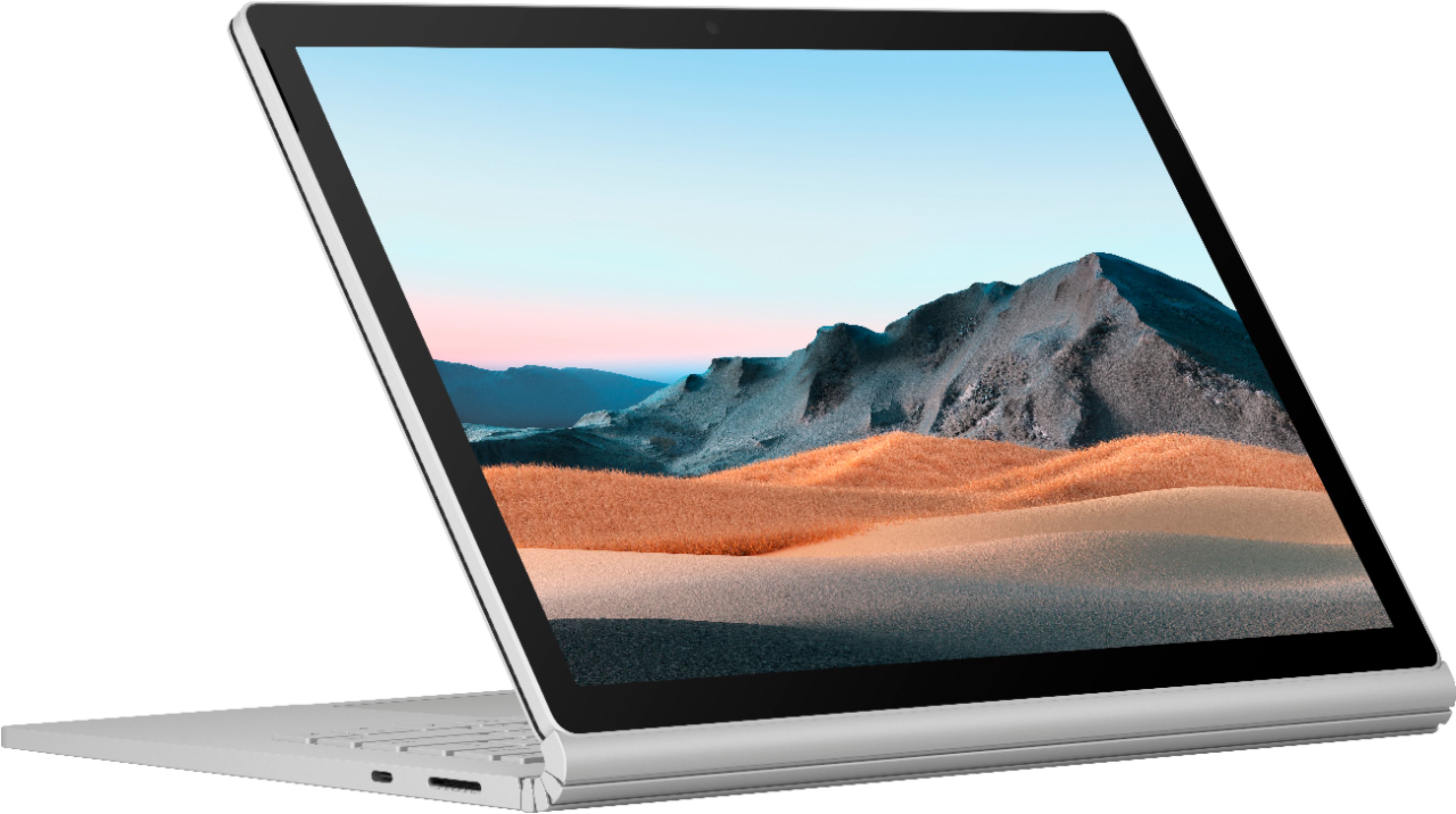
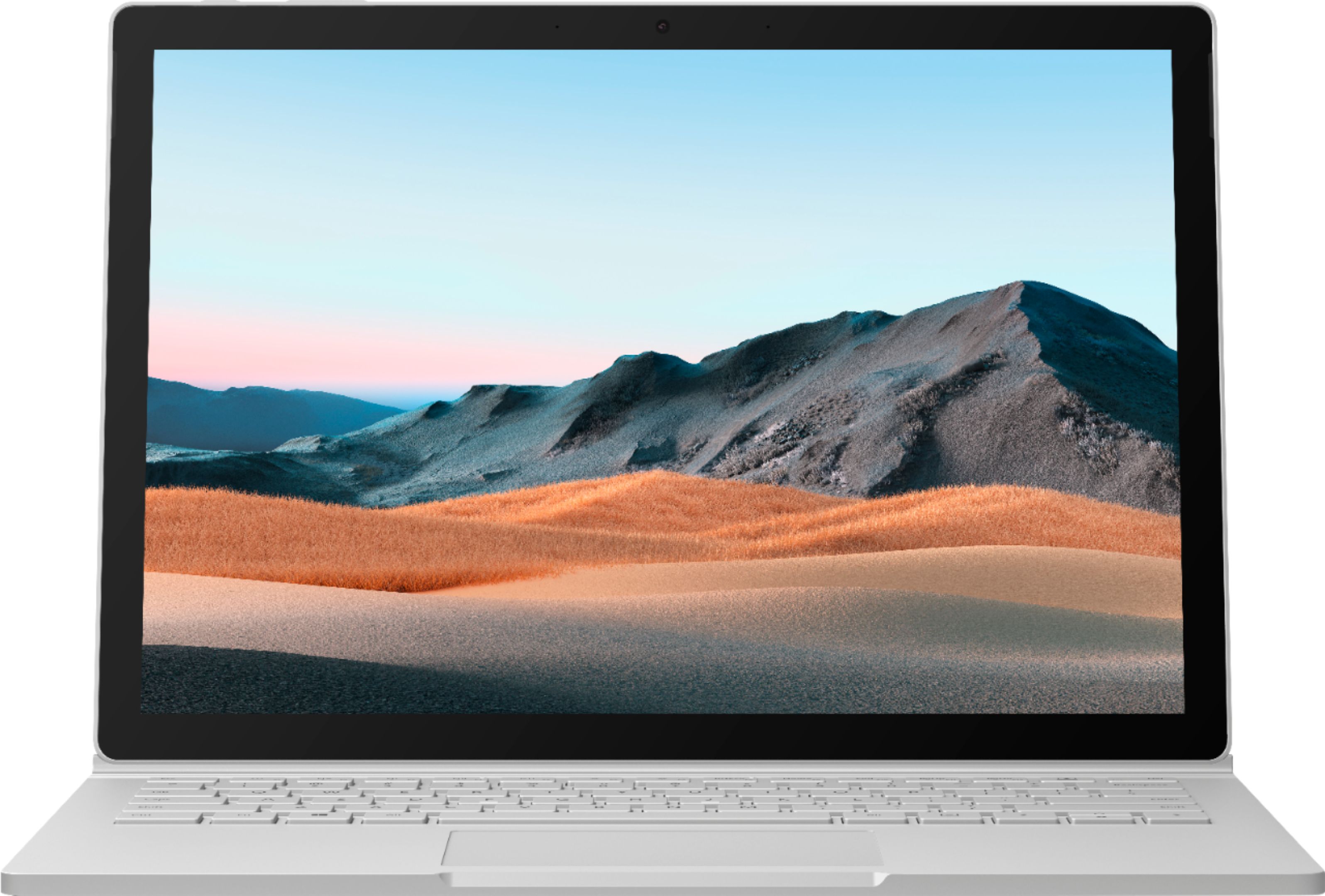
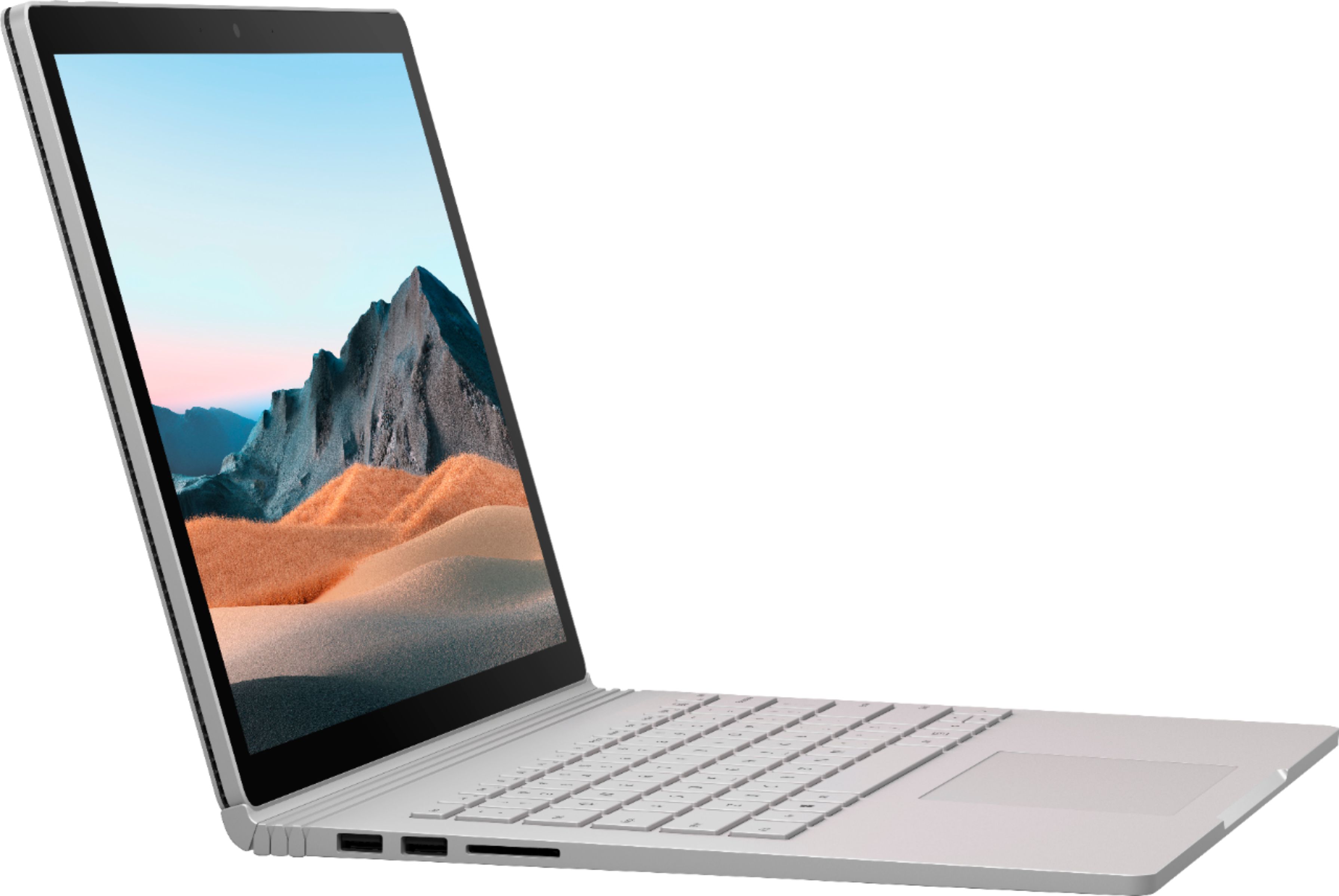
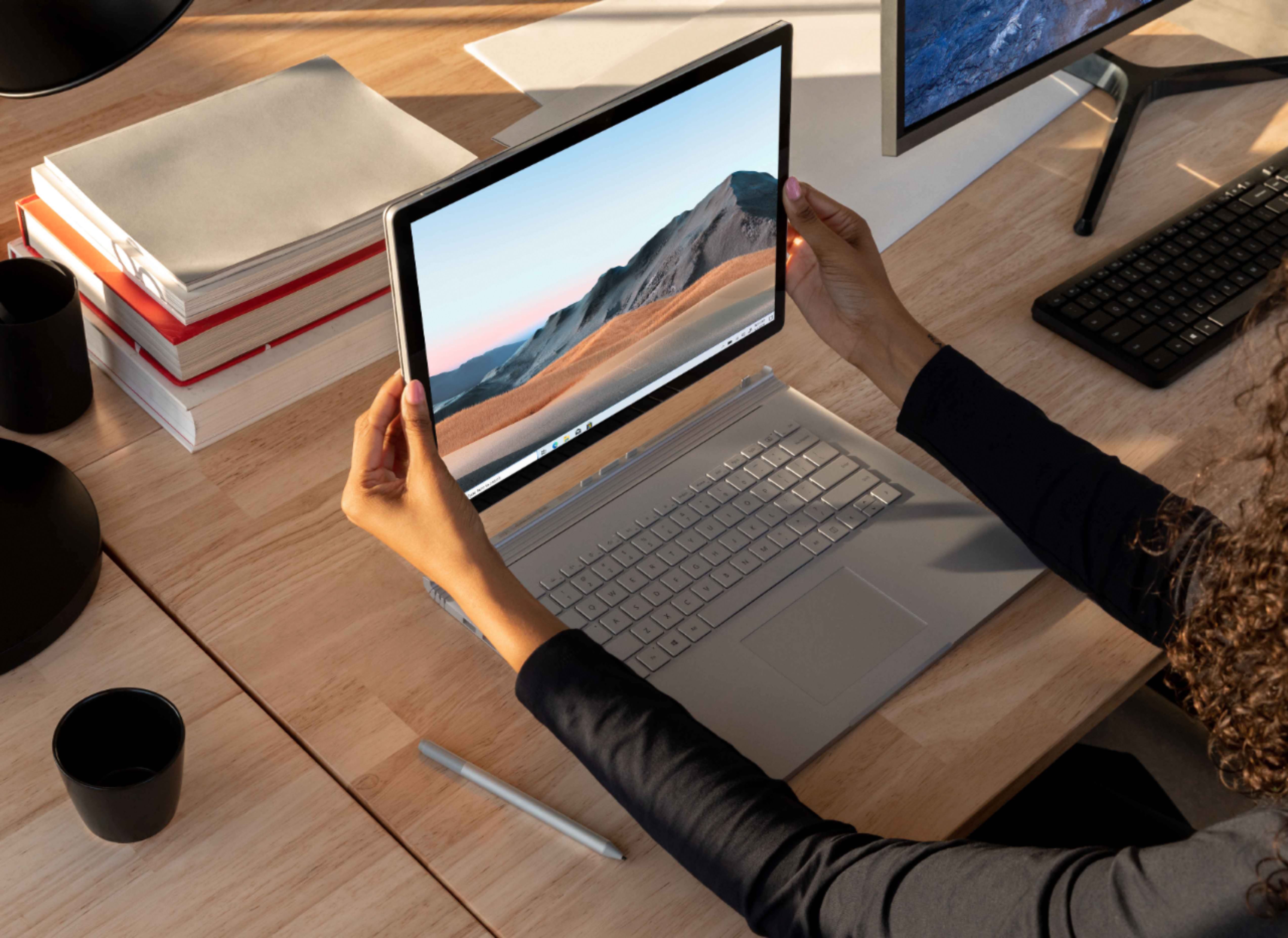
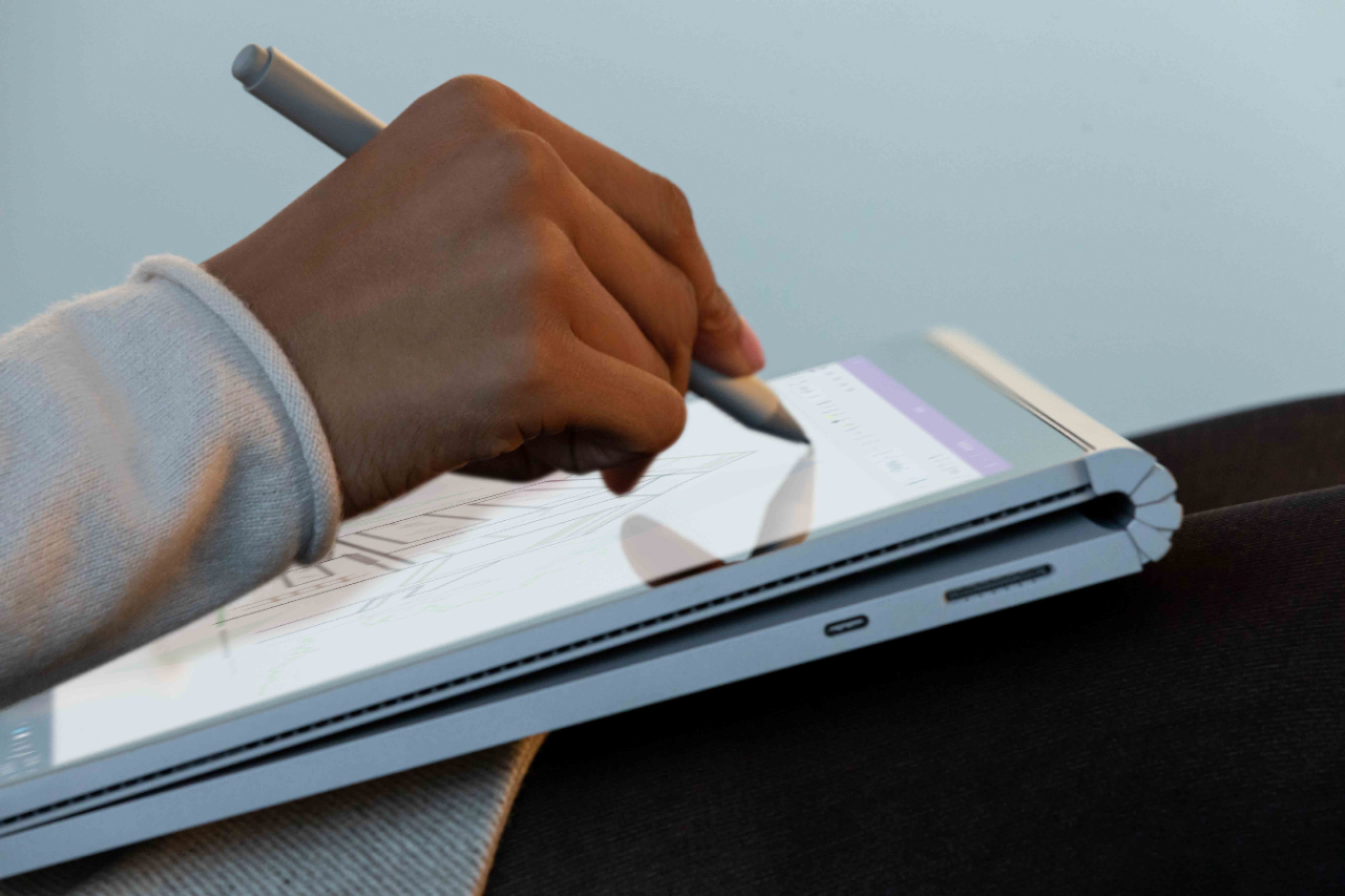
|Posted .This reviewer received promo considerations or sweepstakes entry for writing a review.Disclaimer- Reviewers in this invitation-only program are provided products for the purpose of writing honest, unbiased reviews. I was very excited to have the opportunity to get this Surface Book 3. I have had my eye on a Surface product for several months. I received the Surface Book 3 13.5" with Windows 10 Home version. My particular product came with the following specs, 10th Gen Intel Core i7 Processor 512 GB SSD hard drive 32 BG RAM NVIDIA GeForce GTX 1650 GPU I use Capture One 20 and Photoshop Elements to process and edit my photos and my previous PC was starting to struggle with using Capture One 20. I downloaded both programs with no issues at all. Using Capture One on this device was like night and day. Files downloaded fast and edits were quick with no hiccups. I process a lot of RAW files and this does a fantastic job. I don't do video so I cannot attest how it would handle rendering Video, but for photo editing, this is a dream. You should have no issues handling the large RAW files many of todays cameras produce. As for the device itself, It is very nice. The Surface Book 3 comes packaged very nicely in a heavy duty box and includes the Surface Book, some documentation, magnetic charging cable and a charging block. One nice addition to the charging block is a USB port for additional charging needs, nice touch. On the base there are two USB ports, one SD card slot a USB-C port and the magnetic charger port. This is a slim and elegant device with a very nice profile. It is a platinum color and a Magnesium Alloy construction, it feels very solid and also feels as though it will withstand the rigors of everyday use. The keyboard and trackpad have a very nice feel, and the keys on the keyboard are precise and nice to use. The device has a detachable screen, I push of a button on the keyboard or an icon on the taskbar gives you a message that the screen is ready to detach. You can hear it when the screen detaches and it come off easily and smoothly. The screen and the base have two separate batteries which the screen also has a charging port so it can be charged independently when detached. I was a little dissapointed with the battery time on the screen alone, I only got about 2.5 hours of use. In the laptop configuration, I am getting about 8-10 hours of use depending on the type of use. One thing that also was disappointing at first was the screen does not fold all the way back to use just the screen portion as a tablet. But, I did find out with some research that the screen can be detached and turned around allowing to close the Surface Book and it can be used as a tablet that way. This is good, as you have use of both the base and screen batteries, giving you much more usage time. Overall I absolutely love the Surface Book. I do have two issues, which, if it was possible, I would have docked a half a star on the rating. #1 for a unit that heavily plays up the ability to write on the screen, it does not include a Surface Pen, I had to purchase one separately. I'm glad I did, because it makes the Surface so much more productive for me. #2 there is no protective cover included. Why? These may seem like small items, but with my HP Spectre included both a pen and a cover. For a device that is $2500, this I strongly feel should be included. Other that the two complaints above, I love the Surface Book 3 and would give it my highest recommendation.
I would recommend this to a friendNot really good
||Posted . Owned for 3 months when reviewed.This reviewer received promo considerations or sweepstakes entry for writing a review.Not the best. Big. Heavy not as powerful as it should
I would recommend this to a friendDon't waste your money!
||Posted . Owned for 4 months when reviewed.This reviewer received promo considerations or sweepstakes entry for writing a review.I decided to make a switch from a MacBook to a Surface Book and was excited about the change until only 3 1/2 months after I purchased it, it would not turn on. I sent the unit in to Microsoft for repair, and was sent a replacement (refurbished) computer. I received the replacement and it will not charge. Now I will have to send the unit in for repair again. When you spend $2,500 on a computer you expect it to work longer than three months. If I'm having major issues shortly after purchase, how much use will it be in a year or two? I guess I should have purchased another MacBook, since my eight year old MacBook is working much better than my brand new Surface.
No, I would not recommend this to a friendNice
||Posted . Owned for 1 week when reviewed.This reviewer received promo considerations or sweepstakes entry for writing a review.Good system for artists on the go. Great for photoshop
I would recommend this to a friendNot functional out of the box, nor 9 months later
||Posted . Owned for 9 months when reviewed.This reviewer received promo considerations or sweepstakes entry for writing a review.I bought this laptop with 2 new monitors and its own Surface Dock 2. Most of the time one monitor will work, sometimes neither will work, and incredibly rarely both will turn on. The Nvidia GPU never seems to know when it is needed and the computer will regularly try to run games with just the Iris Plus. Attach and detach features usually require a restart to get them to work. I wish I had never bought this computer
No, I would not recommend this to a friendBrand response from MicrosoftOutreachTeam
Posted .Hi Tom – We're sorry that there's an issue with your Surface Book 3. First, we recommend updating its software and firmware to the most recent version. If that doesn't help, please run the Surface Diagnostic Toolkit to diagnose and fix any problems. For more information on the Surface Diagnostic Toolkit, please go here: https://aka.ms/AA4r432 If that doesn't take care of the problem, we recommend that you contact Microsoft Support for assistance here: https://aka.ms/AA4rbq6 Hope that helps, Erica Surface Customer Care
ABSOLUTE BEAST
|Posted .This reviewer received promo considerations or sweepstakes entry for writing a review.I am a member of the Best Buy Tech Insider Network. Reviewers in this invitation-only program are provided products for the purpose of writing honest, unbiased reviews. It is almost impossible to describe how awesome this machine is. The 32gb of ram is an absolute powerhouse for multi-tasking which is perfect for those like me who keep many programs running simultaneously. The processing power is more than enough to handle video editing and I can even work on some video game map design in unity. All of the above doesn't even take into account the amazing design and functionallity of the detachable keyboard. The screen is beautiful, the battery life is surprisngly good, the buld quality is top notch, and the facial regontion unlock is ultra-convienent for those who have multiple users. I can't reccomend this highly enough!
I would recommend this to a friendHesitantly Giving This To My Daughter....
|Posted .This reviewer received promo considerations or sweepstakes entry for writing a review.DISCLAIMER: I AM PART OF THE TECH INSIDER NETWORK. REVIEWERS IN THIS INVITATION-ONLY PROGRAM ARE PROVIDED PRODUCTS FOR THE PURPOSE OF WRITING HONEST, UNBIASED REVIEWS. Why am I hesitant? Because I want to keep it! I had planned on keeping the Surface Book for myself to replace my aging laptop with something that cannot only do what it can, but significantly more! I typically work on pictures, audio and video files and I knew that’s what this machine was made for, but with my daughter’s love for drawing, artistry and technology, I cannot allow this machine to simply sit, doing only a portion of its capabilities. This doesn’t mean I won’t steal it back every so often :-), but I know she will work this machine to its fullest extent. Even when opening the box, you get a sense that there was the utmost thought put into everything. Nice and easy startup instructions. I was a little worried about the power cord being proprietary until I found that the USB-C port can be used for charging as well! Nice job Microsoft! I am a big proponent of screen protectors and had to do a double take when ordering the proper size. It’s hard to believe that this screen is only 13.5”. It just looks bigger. Speaking of the screen, the quality is out of this world. From editing, to typing, to streaming movies, this screen can do it and more! There was no lag, no shadowing, no nothing! It’s very pleasing to the eye. All of the buttons and ports feel like they’re in the right spot. Nothing seems out of place. There are two cameras on board. One front facing and one on the back. Love it! So many times I’ve needed a rear camera on an office call or just a video call with my family. And face recognition security using the camera makes it a cinch to login! Again, this machine is polished! Being a 2-in-1 I was a little worried that the connection of the screen to the keyboard might seem flimsy. Before I disclose my ignorance with this little anecdote I want you to know I have never owned a 2-in-1 machine. I was impressed at how “laptop-like” the hinging of the screen and keyboard were. Forgetting to have read the instructions I tried to tug on the screen, not knowing there was a button on the keyboard. It would not budge! There was no give, no play! Once I did the smart thing and read the instructions, a simple touch of the button yielded a slight “click” noise with a message on the screen that the screen was ready to be removed. It removed with ease and was replaced just as quickly and assuredly. Another cool feature is the charging cable can be hooked directly to the screen. The charging cable is held on by magnets rather than tension. So if you accidentally don’t unplug it and walk away it will pop off and be very unlikely to cause damage. I opted to separately purchase the Microsoft Pen and mouse that go with the Surface series. The pen is an absolute must!!! Microsoft got it right with the pen and screen combination. It’s the closest thing I’ve come to feeling like writing on pen and paper. It’s smooth and sensitive without being overly sensitive. It doesn’t pick up my hand pressed against the screen, so I can write and draw with a normal hand position. It is perfect for CAD and sketching programs! A bonus! Microsoft has placed magnetic points on the side of the screen and keyboard for the pen to attach. Both devices set up in less than a minute of opening the package. The mouse, although less of a necessity, feels comfortable in the hand, responsive and since it folds flat, is great for travel. Both work seamlessly as expected! In terms of processing power and speed, the Surface Book has it to spare! It was able to handle everything I threw at it without even a whimper! Streaming video (Netflix AND Hulu at the same time), processing a video and listening to an audio clip, all while cruising the web at the same time. There wasn’t even a hiccup in the process. I’ve reviewed my fair share of products and none of them…. NONE OF THEM… hold a candle to the finish and refinement of this device! I cannot recommend this device enough! 6 stars if it were possible! It’s going to be tough parting with it, but I know my daughter will be able to flourish with such a capable machine!
I would recommend this to a friendIts ok
||Posted . Owned for 1 month when reviewed.This reviewer received promo considerations or sweepstakes entry for writing a review.Expensive - Windows 10 seems to be slow especially on these specs
No, I would not recommend this to a friendOverall great multi use laptop
|Posted .This reviewer received promo considerations or sweepstakes entry for writing a review.First let me say I got this from BestBuy as part of the BESTBUY Tech Insider network in return for an unbiased review of the Microsoft Surface 3 13” with 32gb memory and a 512gb SSD and Intel 10th generation i7 processor model i7-1065G7 with integrated graphics chip and an NVIDIA GeoForce GTX 1650 Ti Max-Q graphics chip. Overall rating is a solid 4.5 stars with possibility of 5 stars if on a very good sale or if Microsoft includes a pen, which they should have done given the price point. The hinge design grows on you, the solid aluminum or magnesium (not sure, but feels great) build is a work of art, the screen clarity, color reproduction and SUPER brightness all rock, the fast Windows startup load time, the face recognition is off the chart, touch screen sensitivity also off the chart, the very very fast and silky smooth SSD and the wireless connection is well above solid. The keyboard has a wonderful tactile feedback and nice key movement. The backlight in the keyboard is beautiful and the adjustment in the brightness levels is very useful for battery life. The mouse pad is just the right size and perfect sensitivity. The entire closed laptop feels nice and solid in your hands and weight wise, just feels solid and “right.” The tablet when released from the dock is light but a bit unwieldy due to the size but still grows on you to become fairly comfortable to use. The cameras both front and rear are crystal clear, very, very good and video and still image clarity were all much better than I expected, a real pleasant surprise. Game graphics is very good in docked mode with decent frame rates but not a real gaming machine but adequate for most older games and some of the more current ones but you will have to reduce your settings to get good, fluid gameplay. The SSD is a real standout in that it makes video game loading, cad load rendering and graphic editing loading times smooth and speedy but limited by the cpu processing lags either due to heat or power. Using video editing software, mine is a trial version of adobe creative cloud and my own older photoshop premiere I found that actual video editing taxed both the cpu and cooling system to the point of causing it to freeze or throttle down till it cooled down. Editing still photos and images was less taxing and more speedy. Lite Video editing using less filters or shorter clips was both easier on the processing power and faster but still intensive video editing best left for a machine with a more powerful higher wattage cpu with more processing cores. But I think overall it does a very good job especially if you are going to be outside and not near your desktop machine, this little beast will more than suffice but will take longer doing your required task. The true beauty is that unlike a more powerful laptop, you get a light weight multi functional laptop that is easy to travel with that is still very capable and doing almost all the things in that heavier more bulky powerful laptop albeit a bit slower. Below is more detailed review and mostly my major issues which does not detract from the beautiful functionality of this solid and speedy laptop. This is my first surface notebook primarily because I have never been a fan of the hinged clamshell and the gap due to the design for tiny debris to get into the the space when fully “closed.” Included ports are 2 USB-A 3.1, 1 USB-C, SDXC card reader, headphone jack and surface connect ports. The ports are not labeled, I am not sure why not, as room for labels placement is available. I can not recall any of my laptops or two in one laptops not having port labels and I even have several very older mini two in one laptops that have port labels. Minor quibble but I find it an odd omission. The only ports on the tablet section is a headphone jack and a magnetic charging port identical to the one on the dock but not as magnetically as strong for some reason. I also tried to charge the entire unit using my iPad Pro 18 watt usb-c charger but get message to use the included charger and cable. The Microsoft specs supposedly indicate you can charge using the port, maybe I need to use a specific charger that meets a particular charging spec, will research at a later time. Power consumption for the tablet only while undocked is not very good. At 15% brightness and starting at 100% power and performing just light screen work, word documents, web browsing and tweaking settings..within 20 minutes was down to 85%...so extrapolating I should get about two hours or less, less depending on heavier cpu intensive task or video playbacks with sound...I then ran security scan installed norton, no games and after a little over an hour, was down to 50% battery while undocked. I then played 4 music videos about 3-5 minutes each and tablet battery was all but done. Sound is fair but not great, I expected a whole lot more given the price point...does not matter if docked or undocked, speakers are in the tablet section only. The Sound is just barely acceptable but feels very tiny in comparison to sound output from my 12.9 and 11 inch 2018 iPad pros, even my older 10.5 and 9.7 inch iPad pros sound more rich and louder with a lot more depth and bass. The sound is not a deal breaker since you are probably likely to use Bluetooth headphones/speakers or wired headphones if watching a movie, YouTube video or playing video games. But does mean you will find yourself wanting to reach for cumbersome headgear each time you play a movie or song so it would have been nice if they sounded both better and louder without need for extra paraphernalia. I suspect that this is not an issue since Bluetooth speakers are the better option to avoid cumbersome head gear. NVIDIA graphics chip is in the dock only, so game play is fair to poor in undocked mode as is any intensive graphics oriented program. In tablet mode, the built in graphic chip in the cpu is pretty good for everyday task that are less graphic intensive. In addition, the cpu by necessity is located in the tablet section which has a smaller battery and so the cpu is a lower wattage version and hence multi core processing is much reduced unfortunately. To undock the tablet you can do it with a button in windows software system tray or a physical button on the keyboard even when powered off. When you undock, you hear a nice solid clicking sound but alas when reconnecting no such sound is heard so a bit scary not knowing if you lined up properly but that is just me I think. Additionally when using in docked mode in either direction, it is easy to forget that you can not just flatten the screen in either direction, just one direction...yikes. The tent mode option is nice to have given the overall weight of the unit when docked and gives you better battery life as it is still connected to the dock and has fantastic viewing angles. The laptop is really a beautiful design, the screen is beautiful, the keyboard is a pleasure to use as is the trackpad but overall the Surface tries to do many things and ends up just being OK at each but not a standout in any but a standout overall in how much it can do and be. I really do love it after a week of usage.
I would recommend this to a friendCustomer service is very bad!
||Posted . Owned for 1 month when reviewed.This reviewer received promo considerations or sweepstakes entry for writing a review.Terrible customer service!!!! I only used for about one month and pay for $200 to fix my computer!!! However, the computer turn to worse than before! Got a pretty old system and does fit with my computer!!!
No, I would not recommend this to a friendBrand response from MicrosoftOutreachTeam
Posted .Hello Mary,
We're sorry that your new Surface Book 3 isn't meeting expectations. First, we recommend updating its software and firmware to the most recent version. If that doesn't help, please run the Surface Diagnostic Toolkit to diagnose and fix any problems. For more information on the Surface Diagnostic Toolkit, please go here: https://support.microsoft.com/en-us/help/4037239/surface-fix-common-surface-problems-using-surface-diagnostic-toolkit
If that doesn't take care of the problem, we recommend that you contact Microsoft Support for assistance here: https://support.microsoft.com/en-us/contactus/
Hope that helps,
Chuck
Surface Customer Care