Customer Ratings & Reviews




- Model:
- STQ-00001
- SKU:
- 6408475
Rating by feature
- Battery Life
Rating 4.4 out of 5 stars
- Durability
Rating 4.5 out of 5 stars
- Display
Rating 4.7 out of 5 stars
Customers are saying
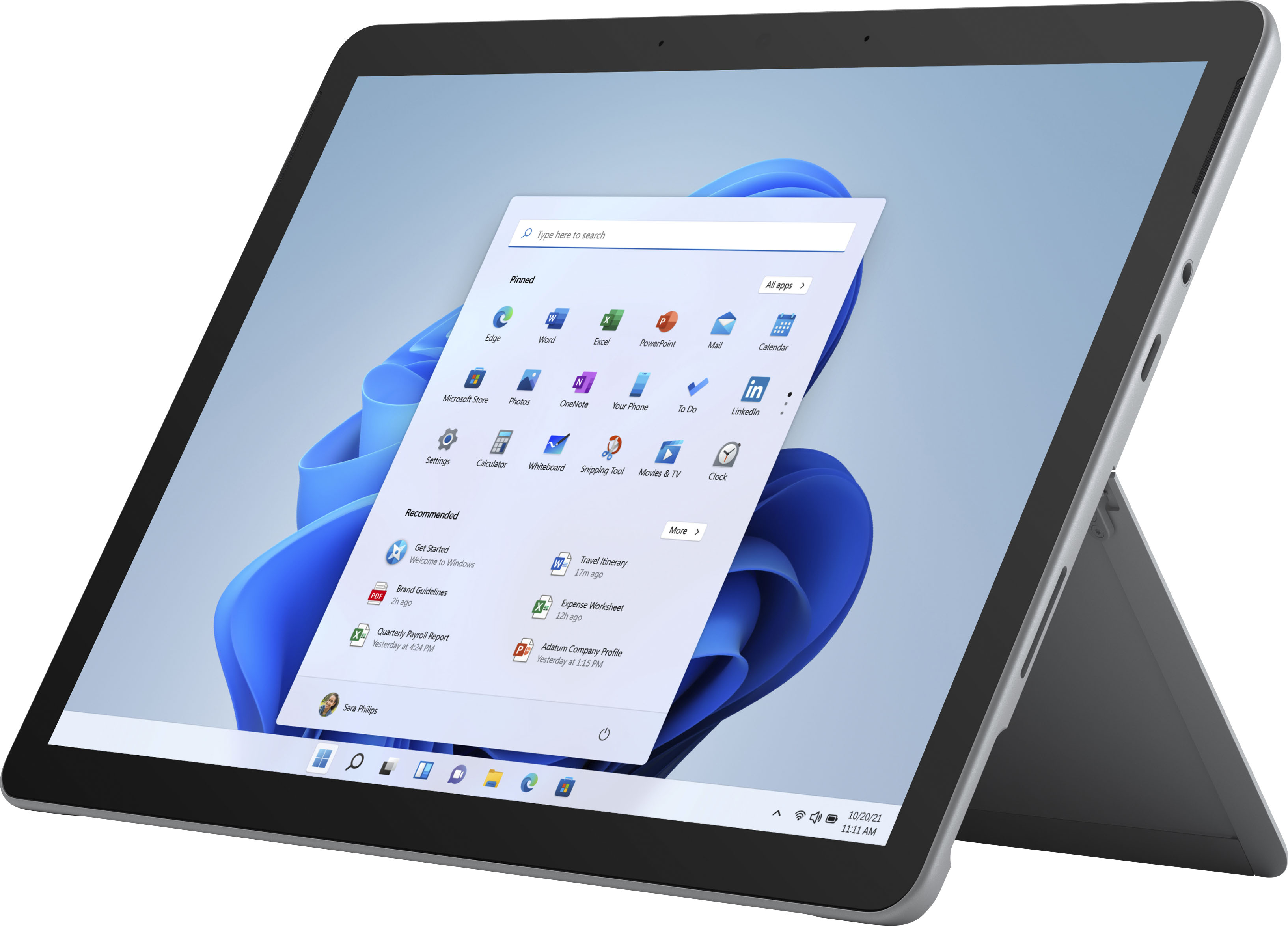
Customers praise the Surface Go 2's portability, size, and weight, making it ideal for travel. Many appreciate its performance improvements over the previous model and the responsive touchscreen. Positive feedback also highlights the battery life and the value for the price. However, some users express concerns about the operating system's limitations and the relatively small storage capacity.
This summary was generated by AI based on customer reviews.
- Pros mentioned:Size

Very useful small computer
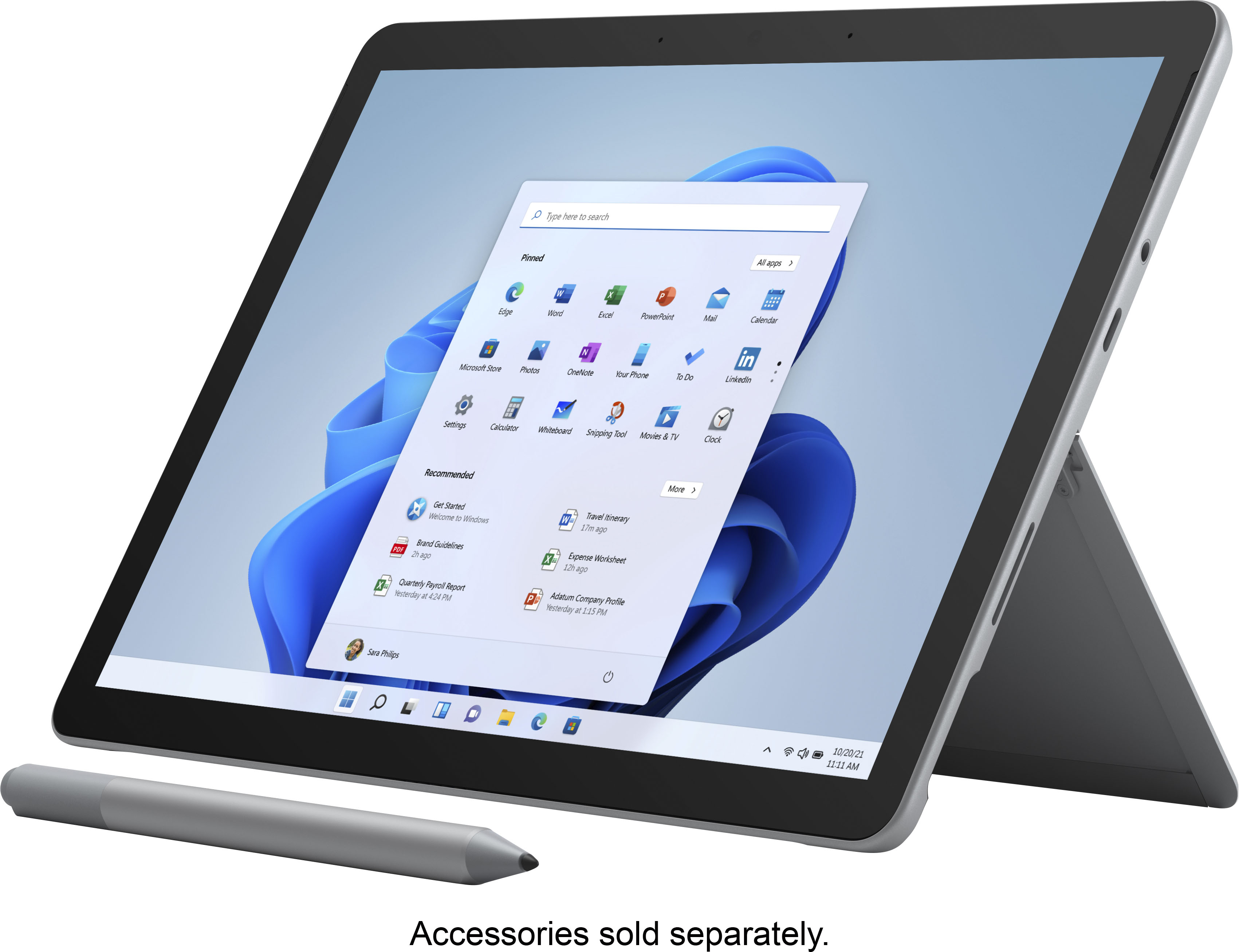
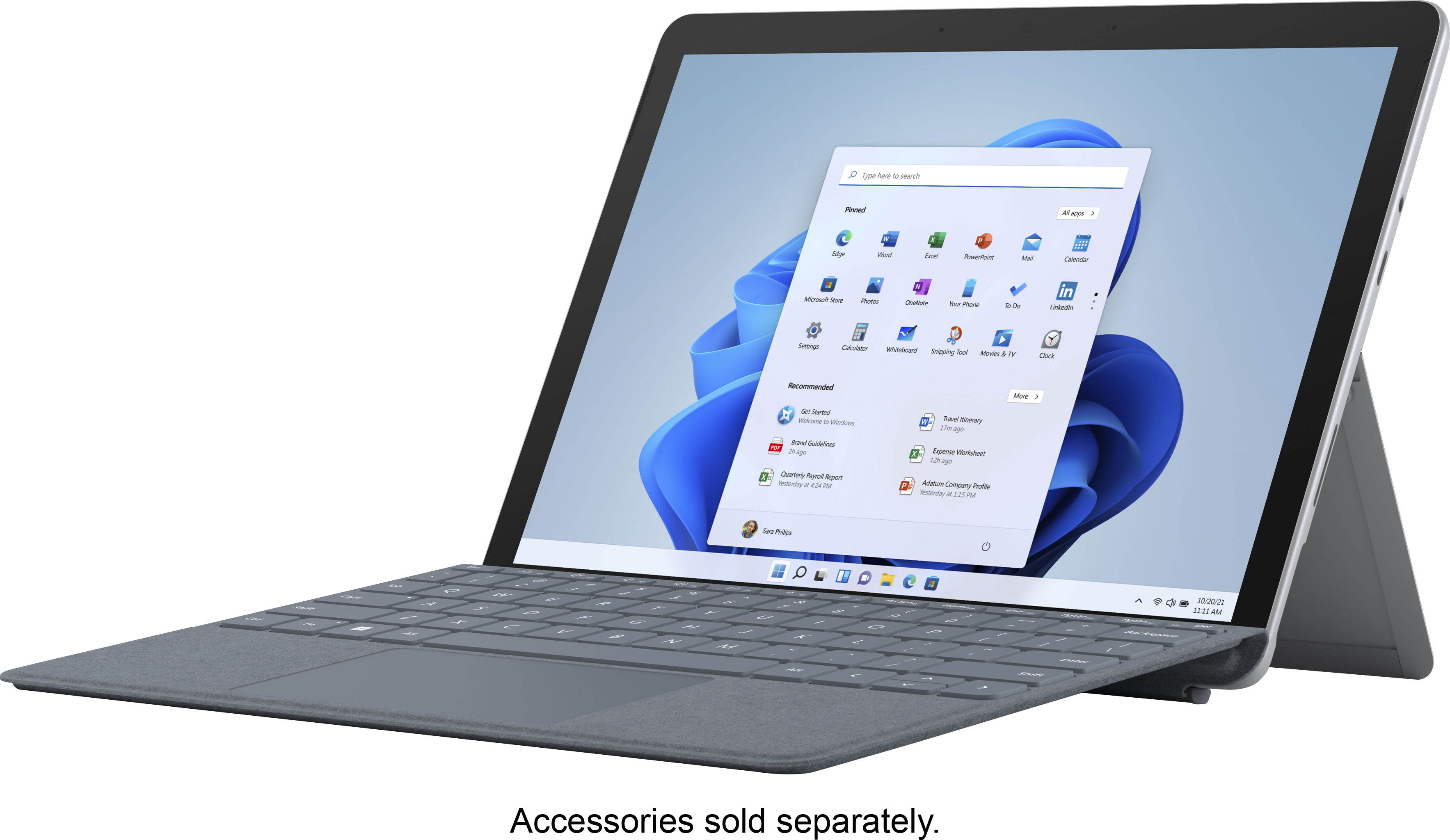
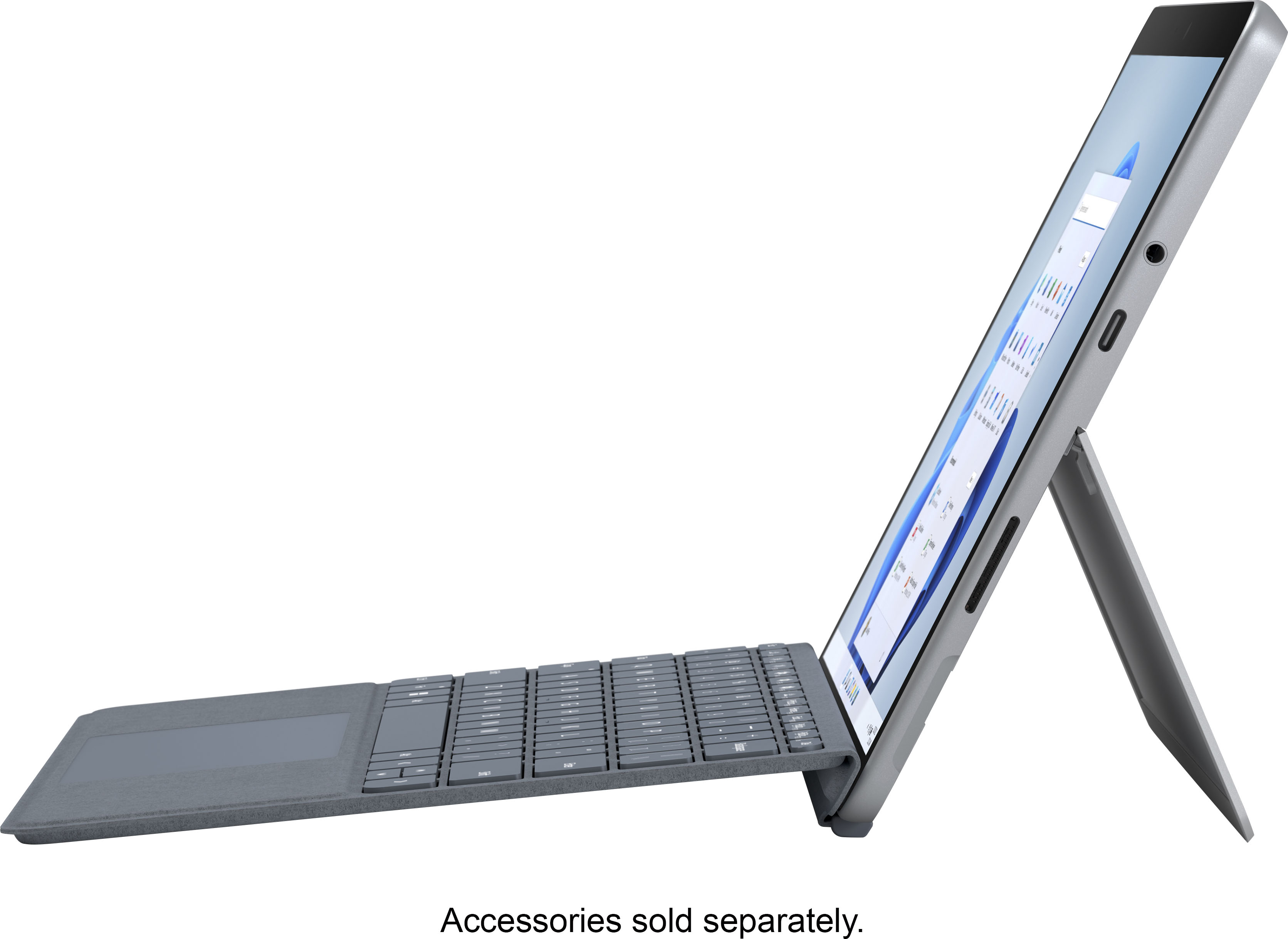
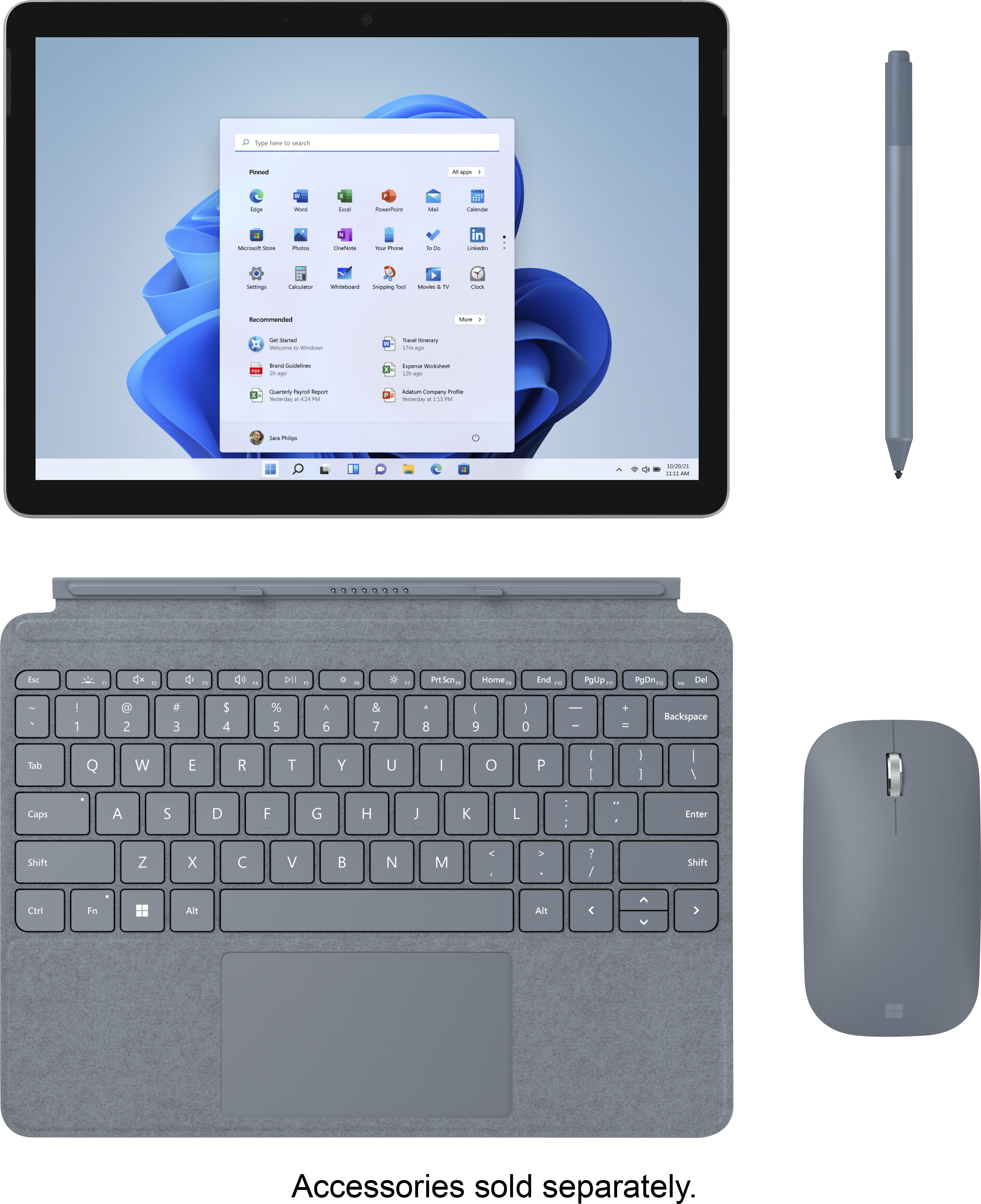
|Posted .This reviewer received promo considerations or sweepstakes entry for writing a review.Initial disclaimer. I am a member of the invitation-only, Best Buy Tech Insider Network (TIN). This product, the Microsoft Surface Go 2, was provided to me free of charge in exchange for an honest, unbiased review, which I provide below. To this point in my computing life, I have used desktop and laptop computers, tablets, smartphones, e-readers, and “x-in-ones” with x typically being equal to three. But, to now, I have never used something of the size of the Surface Go 2. Is it a tablet? No, but you could use it that way. But that would be overkill. Is it a laptop? It’s closer to this than it is to a tablet, but it’s not a real laptop. For one thing, it does not have a built-in keyboard. Second, the screen is 10.5 inches diagonally. This makes it smaller than the laptop I use most often (16.5-inch screen) and larger than the tablet I do all my e-reading on (8-inch screen). It has a touch-screen, which is common on tablets and less so on laptops. On balance, I would call it a portable computer, but only if you add the pretty-much-mandatory (in my opinion) Signature Type Cover (also provided to me at no cost through the Best Buy TIN), which gives it a full keyboard. If you don’t use the Signature Type Cover, a keyboard pops up on the screen whenever you need one just like it does on your phone, and while this is fine for occasional text input like you do on a phone, this won’t work at all (at least for me) if you want to do anything that requires serious keyboarding, like composing or editing a document with a word-processor. This still leaves the issue of a mouse as I have never been comfortable trying to use a touchpad in place of a mouse. The only port on the Surface Go is a USB-C port, so, to connect a mouse, you’ll need a USB-to-USB-C adapter or a mouse that comes with a USB-C connector or a USB-C dongle to allow connection of a wireless mouse. All I had on hand was a regular, wired USB mouse, so I connected it through a USB-C hub, which I also had on hand. The computer warned me that such a device might not be able to draw enough power through the USB-C port to allow connected peripherals to work, but my mouse worked just fine. Setup is easy and pretty much the same as it is with any new computer you buy nowadays. Turn it on, and it goes through a Microsoft setup process where you set your preferences, connect to a network, and log in to your Microsoft account or create one if you don’t have one. It has both front-facing and rear-facing cameras, and, during the setup process, it will ask if you want to have the camera take a photo of you and then use that photo (like a fingerprint) as your login when you log into the computer when turning it on. This avoids having to type in a password or a PIN. I gave it permission to do this, and it works quite well. When finished with the setup process, you have a full-fledged computer that falls in size between a laptop and a tablet. The other big feature of this computer is that it arrives in Windows “C” mode. This means that it is meant to work only with apps that come from the Microsoft Store. The idea here is to increase security by allowing only Microsoft-approved apps to be installed on the computer. You can probably make this work if you’re happy with the new Edge browser and the Microsoft Office suite of programs (Word, Excel, etc.). But if you want to install Firefox or Chrome, the machine warns you that doing so is permissible, but Windows will permanently exit “C” mode and revert to regular Windows, and, most importantly, there is no going back. Anyway, I think it’s possible to live within the Microsoft universe on this computer if you don’t need to do too much of the same things you might do on your “regular” computer, such as use different browsers or any of many other non-Microsoft programs. I intend to try it this way for a while, but I’m guessing that most people will make that one-way switch out of “S” mode if for no other reason than they like to have several browsers installed on their computers because different browsers work with different websites differently, and not a few websites state on their home page that they work best with this or that browser. I think the real value of this computer is in its smallness. The Signature Type Cover is a very useful addition that snaps into place magnetically and doesn’t change the size nor weight of the computer to any significant degree. It is meant to be left attached to the computer at all times, and these two together, the Surface Go 2 and the Type Cover, make a very useful small computer. I use my laptop almost exclusively when traveling, and the smaller the laptop, the more convenient it is to use if you’re trying to use it on an airplane’s fold-down tray or on your lap in an airport departure lounge. It’s also more convenient to pack and carry. This is the greatest strength of Surface Go 2. It’s about as small a computer as you can have and still have it be a full-fledged computer. It’s very well suited to traveling, and it makes a handy, small computer at home if you want something light and portable and you like to set up wherever you happen to be sitting at the moment.
I would recommend this to a friend Good price quality this time!!!
||Posted . Owned for 1 month when reviewed.This reviewer received promo considerations or sweepstakes entry for writing a review.I tried many times to buy a Microsoft Surface but it was a little bit expensive But finally Best Buy gace me the chance to buy it at a much reasonable price for mi pocket, considering that at my 80 years I have many computers and tablets to add something pricey capriciously...
I would recommend this to a friend- Pros mentioned:Size
Works just like I had hoped.
||Posted . Owned for 1 month when reviewed.This reviewer received promo considerations or sweepstakes entry for writing a review.Small and compact but still plenty of bang for your buck.
I would recommend this to a friend Great tablet PC, if you can get it on sale.
||Posted . Owned for 3 weeks when reviewed.This reviewer received promo considerations or sweepstakes entry for writing a review.This product is excellent. Is it worth the full retail price? Probably not, but keep your eyes open for a sale and you will be very happy to the value/performance ratio. Very well made and feels like it will last for years to come.
I would recommend this to a friendSatisfied Customer
||Posted . Owned for 1 month when reviewed.This reviewer received promo considerations or sweepstakes entry for writing a review.I absolutely LOVE my new surface pro and Best Buy did an amazing job in getting my package delivered straight to my door on time. I was also able to track my package and received notifications EVERY time my package moved.
I would recommend this to a friendSurface Go 2 128GB
||Posted . Owned for 1 month when reviewed.This reviewer received promo considerations or sweepstakes entry for writing a review.Relatively good product. Works well so far. Do not expect iPad speeds, but being a Windows 2 in 1, it is not too bad. Typing on the keyboard is not very comfortable, but ok enough. All and all if you can grab an open box version for say half price, you won’t be much disappointed.
I would recommend this to a friendAwesome Servicec
||Posted . Owned for 3 weeks when reviewed.This reviewer received promo considerations or sweepstakes entry for writing a review.Service and purchasing at Best buy was excellent, I didn't like product Microsoft which was too slow as compare to Apple. I always buy from best buy and have 2 laptops from best buy working awesome. No question best service
I would recommend this to a friendBe wary of open-box option.
||Posted . Owned for less than 1 week when reviewed.This reviewer received promo considerations or sweepstakes entry for writing a review.I purchased an open-box version of the Surface Go 2. Upon starting it, it was unable to find any wifi networks. Once the computer was set up, I checked to see what the issue with the wifi was... it was missing the wifi and Bluetooth drivers (couldn't connect my mouse). I had to use another computer to get the necessary drivers onto the computer (using a USB-C to USB adapter), then it started functioning normally. I like the computer, but just be careful and know that it may come with some issues if you purchase an open-box one. It may not be plug and play.
I would recommend this to a friendVery fast start-up!
||Posted . Owned for 1 month when reviewed.This reviewer received promo considerations or sweepstakes entry for writing a review.Took a chance and bought this "open box" and was not disappointed. The Windows setup screen came up after a reboot and everything went smoothly. Upgraded to Windows Home, no problem. Turns on and boots to Windows almost instantly!
I would recommend this to a friendGreat little machine!
||Posted . Owned for 11 months when reviewed.This reviewer received promo considerations or sweepstakes entry for writing a review.This is a great little machine for people without heavy duty computing tasks. It's compact and travels well while the bright screen is easy to read. It's not the fastest machine around but it's fun to use.
I would recommend this to a friendEasy to use. Portable
||Posted .This reviewer received promo considerations or sweepstakes entry for writing a review.I really like this tablet. I did remove the S limitation as it limited functionality I need. I would like to see more Windows 10 apps such as Kindle so I could use the tablet as well. I guess Microsoft needs to work with Amazon. On the whole a nice little gadget
I would recommend this to a friendPresentation Partner
||Posted . Owned for 1 week when reviewed.This reviewer received promo considerations or sweepstakes entry for writing a review.Microsoft makes a Superior Product to start with. This device is just what I need when I travel and do presentations. Not bulky like a full size laptop. Screen quality is good for it's size.
I would recommend this to a friendLenovo Laptop Excellent Purchase
||Posted . Owned for 1 month when reviewed.This reviewer received promo considerations or sweepstakes entry for writing a review.I had a HP Laptop prior which crashed. Went into Best Buy to look for a new laptop to purchase. I received excellentu customer service and an an excellent purchase.
I would recommend this to a friendExcellent
||Posted . Owned for 1 month when reviewed.This reviewer received promo considerations or sweepstakes entry for writing a review.Very nice. Had great help getting the last one iin stock. Cant remember the name of my helper. Nice bearded guy in the computer dept. At best buy west green bay.
I would recommend this to a friendGood tablet for basic function
||Posted . Owned for 2 weeks when reviewed.This reviewer received promo considerations or sweepstakes entry for writing a review.I bought this as a OneNote and email tablet. It does great at both of these things. If you need actual computing power for excel or Word I'd suggest going up a model to the M3 processor.
I would recommend this to a friendSo far so good
||Posted . Owned for 1 week when reviewed.This reviewer received promo considerations or sweepstakes entry for writing a review.Just received it today and so far it works great. Does everything it says it should. The only issue I have is i thought it had a USB port and it doesn't. Easy fix just have to order a USB-C adapter.
I would recommend this to a friendGreat for light laptop users
||Posted . Owned for 1 week when reviewed.This reviewer received promo considerations or sweepstakes entry for writing a review.As someone who is a light laptop user, this is perfect for what I need. It didn't have a wifi adapter installed when I received it so I had to manually install it, but after that the wifi works great. Battery life is okay, but could be better.
I would recommend this to a friend- Pros mentioned:Processor speed, Size
A Full PC Experience on the GO!
|Posted .This reviewer received promo considerations or sweepstakes entry for writing a review.Reviewers in this invitation-only program are provided products for the purpose of writing honest, unbiased reviews. Microsoft was kind enough to provide me with this Surface Go 2 for the purposes of reviewing the product. I will be sharing my honest opinion with you. The Surface line of products from Microsoft has been evolving for some time now, but it has always aimed to provide a full windows experience with the convenience and portability of a tablet. They eventually offered a more budget friendly option with the introduction of the Surface GO. The Surface GO 2 is the latest evolution of this line. Can this more budget friendly tablet still provide you with that full windows experience on the go? Read on. I have had some experience with the Surface line of products. I owned the Surface Pro 4, and was absolutely thrilled with it. Many of my opinions on the Surface GO 2 are based on my previous experience with that product. I will start off by saying that I use this as a “laptop”, and my opinions about the Surface GO 2 are reflective of its ability to provide that experience. As such I find the optional Signature Type Cover, and Surface Pen essential to the experience. If you just want a capable tablet some of my observations may not be applicable to your situation. The overall size of the Surface GO 2 is the same as the Surface GO 1, but the bezels are smaller resulting in more screen real estate at 10.5”. This is great as you not only get a larger screen, but you also have a lot of options for cases, screen protectors, etc that were made for the original Surface GO. To answer the question I posed earlier yes the Surface GO 2 does indeed provide a full Windows 10 experience. The caveat is that it comes in S Mode which will only allow apps to be downloaded from the Microsoft Store. This means no downloading programs off the internet. I understand why they present this option as it would provide a much safer experience, but it is not for me. Luckily turning off S Mode is very easy, and you are then given the same Windows 10 experience you would get on any laptop or desktop PC. This little tablet has handled everything I can throw at it. Multitasking including video streaming, and internet browsing was handled no problem. I have thoroughly enjoyed using Autodesk Sketchbook for drawing with the optional Surface Pen. All in all performance has been great, and I really don’t feel like the experience is compromised in any way due to the size of the tablet. The model I am reviewing has the Intel Pentium Gold processor, 8GB of RAM, and 128GB hard drive. I love how I can just toss it in my backpack, and I have access to a fully featured PC anywhere, and anytime I need it. In comparison to the Surface Pro 4 I have used the screen is obviously smaller. It still provides a good experience though. Text is easy to read. I have never felt like my fingers are too fat for the touch interface like I sometimes do on my phone. The only thing I noticed is that the wifi antenna seems to be a little bit weaker in the Surface GO 2 compared to the Surface Pro 4. This is just an observation as I certainly have no complaints about its connectivity. It provides a great experience. Build quality is great. The built in kickstand really takes things to another level with its ability to hold the tablet at any angle you need it to. Overall I am extremely pleased with the Surface GO 2. Microsoft has found an amazing compromise between performance, and price with this product. If you are in the market for a great tablet or an extremely portable computer you really should give it your consideration. Thanks Microsoft!
I would recommend this to a friend Small but mighty
||Posted . Owned for 1 month when reviewed.This reviewer received promo considerations or sweepstakes entry for writing a review.I started with a lesser model and quickly switched to this one thanks to Geek squad. It will be helpful while on a trip to Asia replacing a larger laptop, NOOK, iPad, etc.
I would recommend this to a friendgreat product
||Posted . Owned for 1 month when reviewed.This reviewer received promo considerations or sweepstakes entry for writing a review.it does what it says and got windows 11 and it installed with no problems. If you read the the reviews between the go 2 and 3 your better off getting the 2
I would recommend this to a friend