Customer Ratings & Reviews
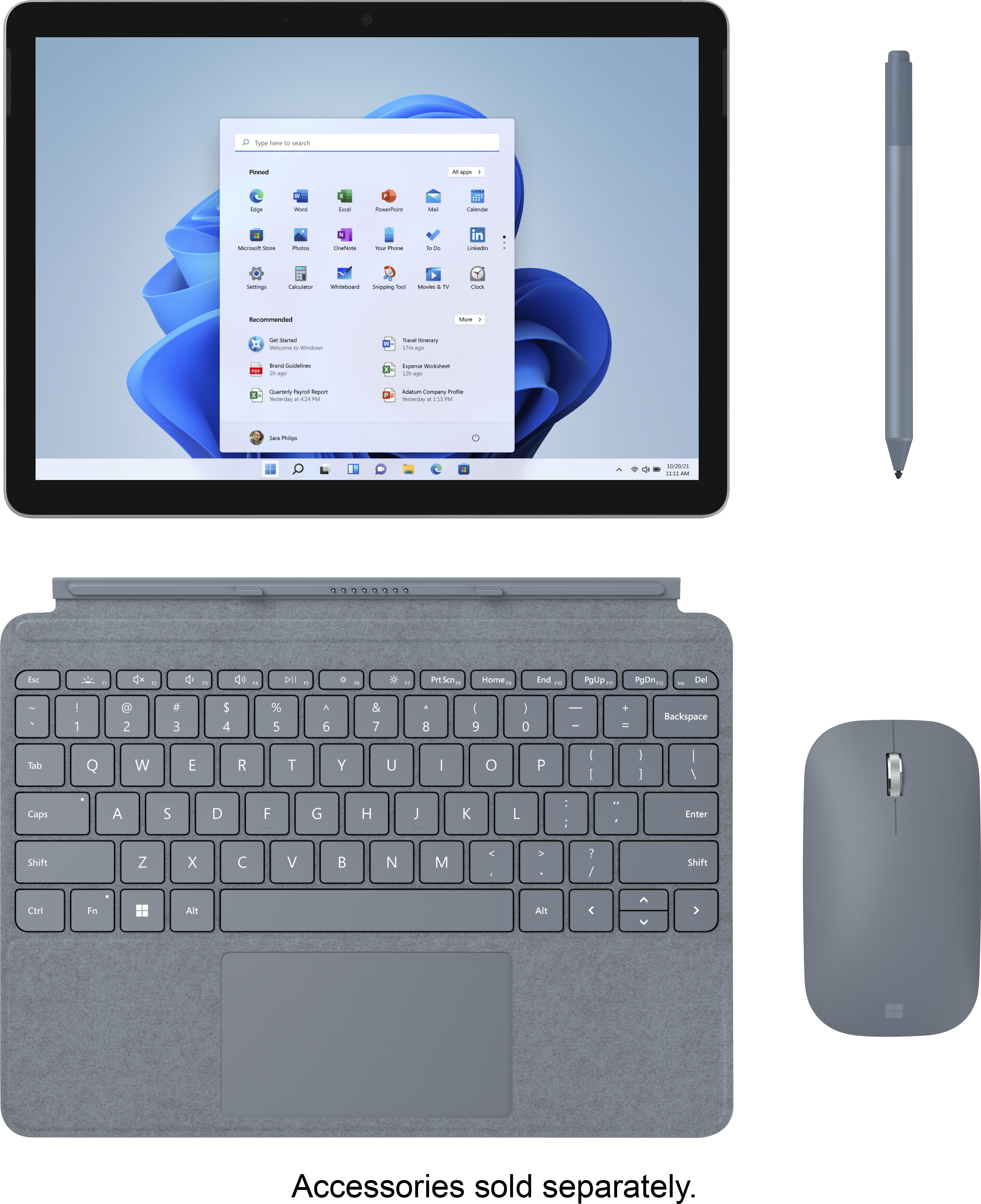
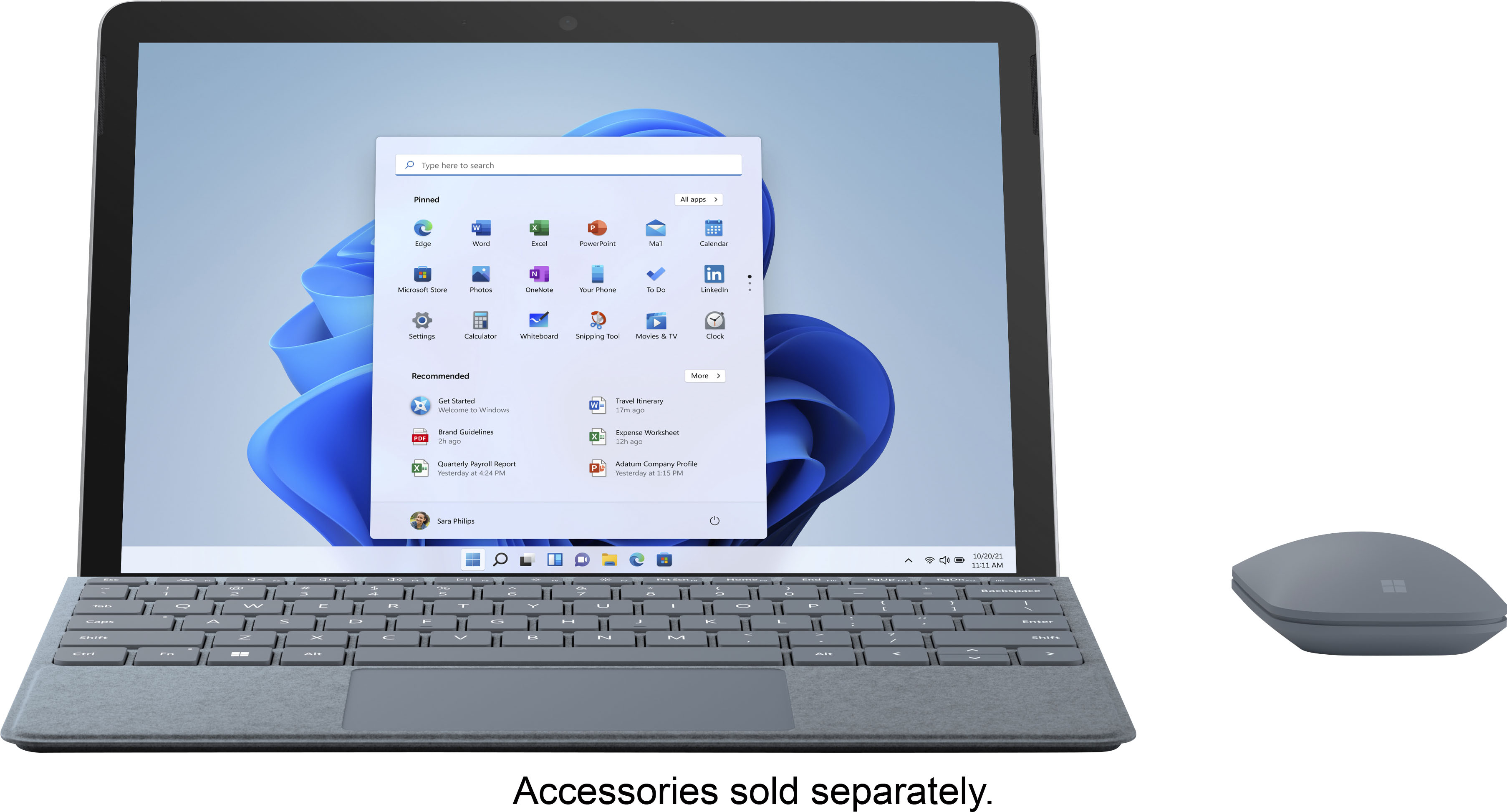
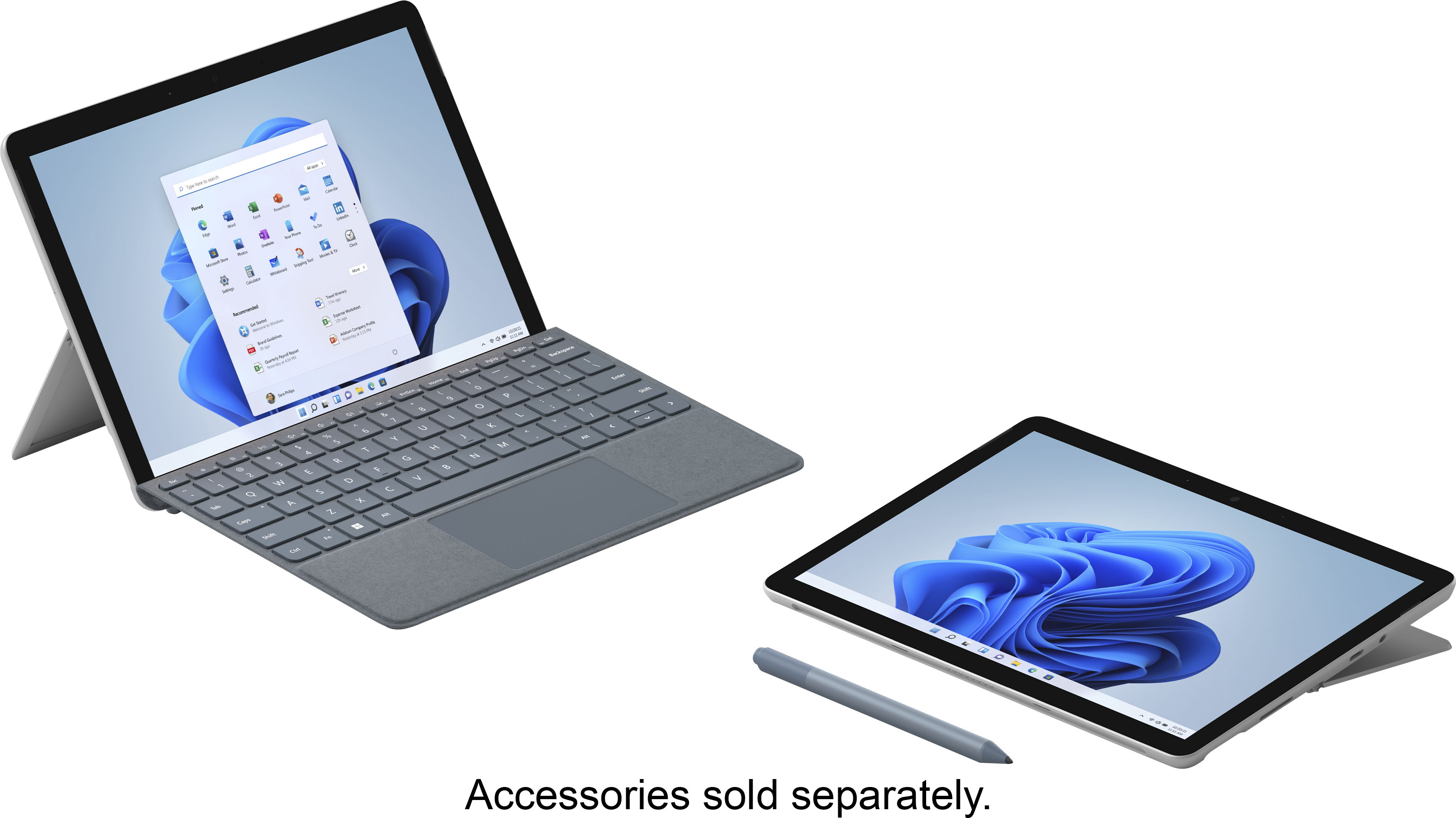
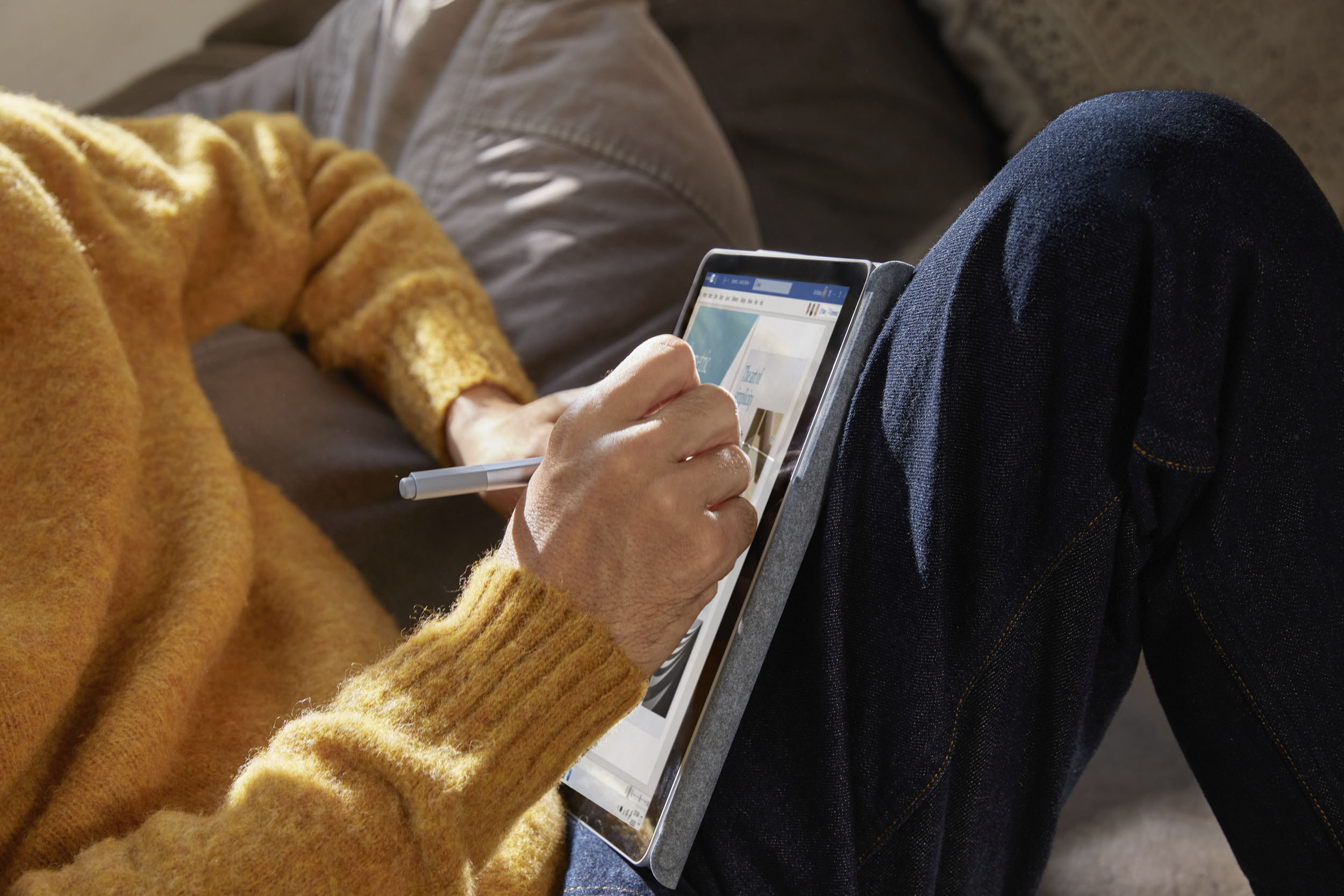




- Model:
- STQ-00001
- SKU:
- 6408475
Rating by feature
- Battery Life
Rating 4.4 out of 5 stars
- Durability
Rating 4.5 out of 5 stars
- Display
Rating 4.7 out of 5 stars
Customers are saying
Customers praise the Surface Go 2's portability, size, and weight, making it ideal for travel. Many appreciate its performance improvements over the previous model and the responsive touchscreen. Positive feedback also highlights the battery life and the value for the price. However, some users express concerns about the operating system's limitations and the relatively small storage capacity.
This summary was generated by AI based on customer reviews.
- Pros mentioned:Processor speedCons mentioned:Storage

Light and portable
|Posted .This reviewer received promo considerations or sweepstakes entry for writing a review.[Reviewers in this invitation-only program are provided products for the purpose of writing honest, unbiased reviews.] This product has the functionality of a laptop computer (start menu and all) with the portability of a tablet. (It's small enough to fit in any bag.) I like the kickstand feature to prop up and watch videos or play games. There's not a lot of memory in the device, which is understandable, but there's enough to download any essential apps. (Don't go crazy on the games.) Speaking of apps, I had an issue with the default "S" Mode that activates on startup. It's a security program built-in that limits your download activity to Microsoft specific apps only. You can easily opt out, but it's a one-way operation. Scares me to even consider it. New out of the box of course the processor is fast and I can be sure it will continue to stay fast throughout its lifecycle. Great product. Would absolutely recommend.
I would recommend this to a friend Had to buy a Mac book less than 6 months later
||Posted . Owned for 9 months when reviewed.This reviewer received promo considerations or sweepstakes entry for writing a review.basic basic basic. Barely usable. Small for backpacks yes but teachers poo pooed it because technically a tablet.
No, I would not recommend this to a friendMicrosoft Go 2.
||Posted . Owned for 1 month when reviewed.This reviewer received promo considerations or sweepstakes entry for writing a review.It has great graphics. Camera is not so great. The power cord is very short.
No, I would not recommend this to a friend- Pros mentioned:Portability
New Microsoft Surface Go2 is my new go-to!
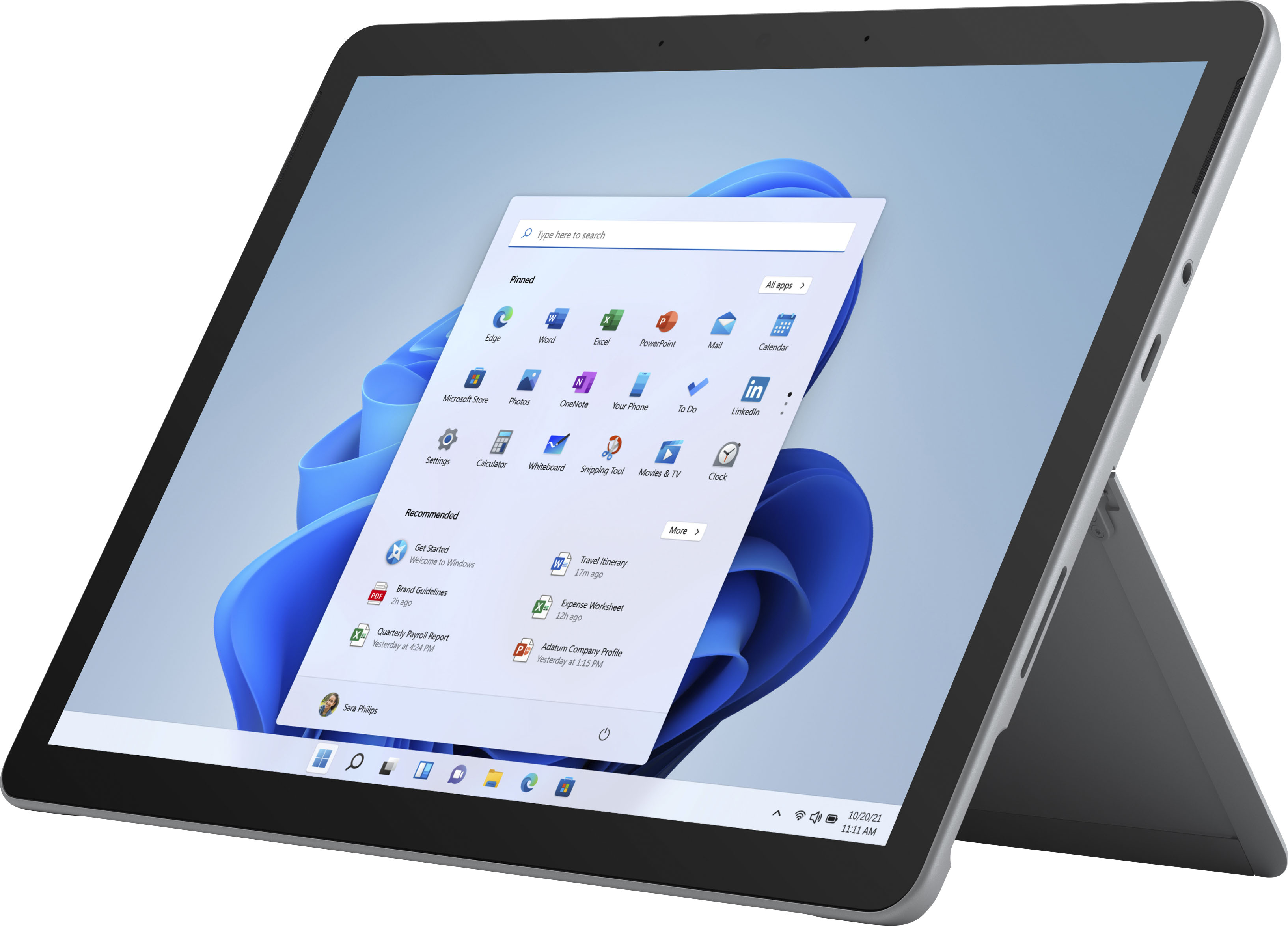
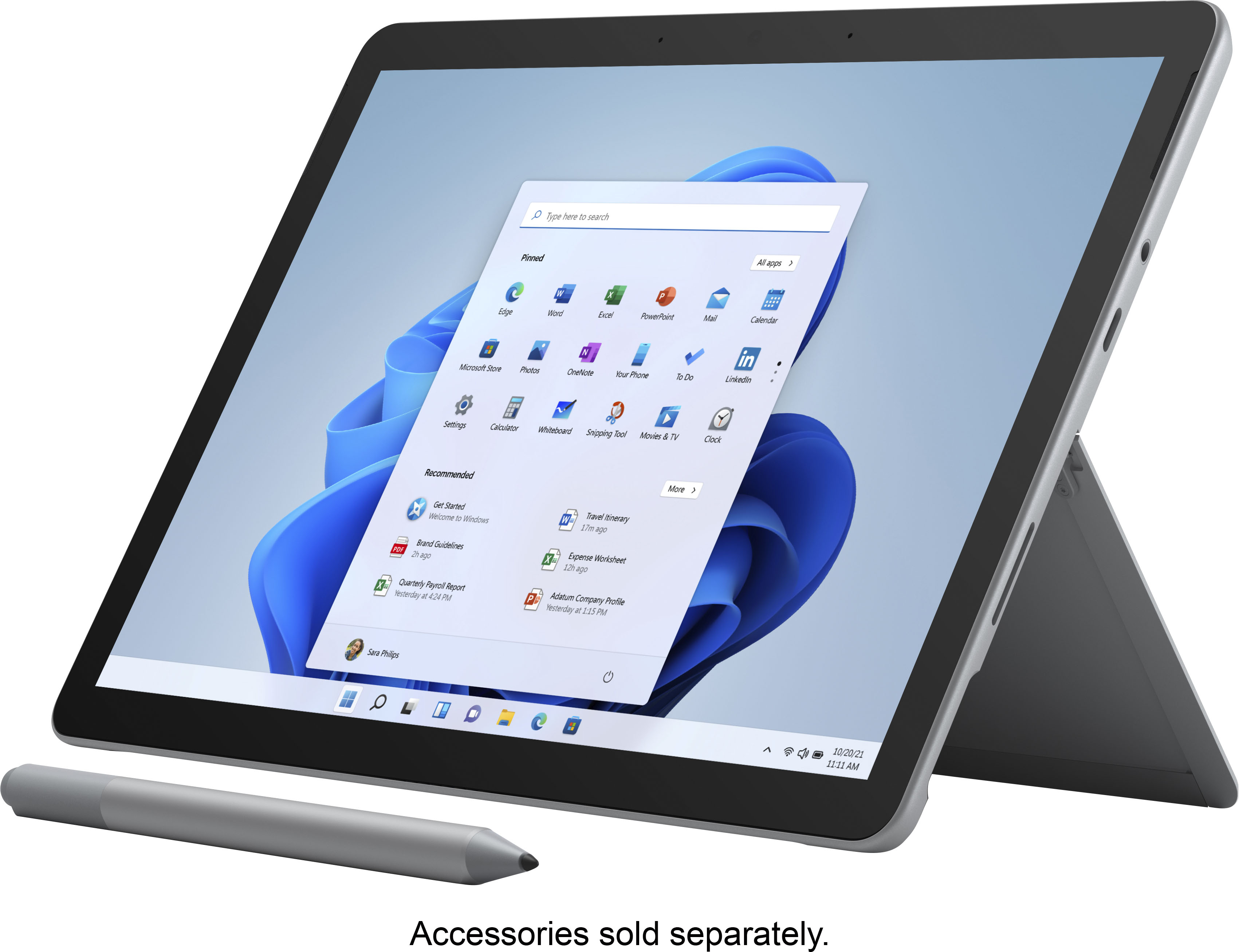
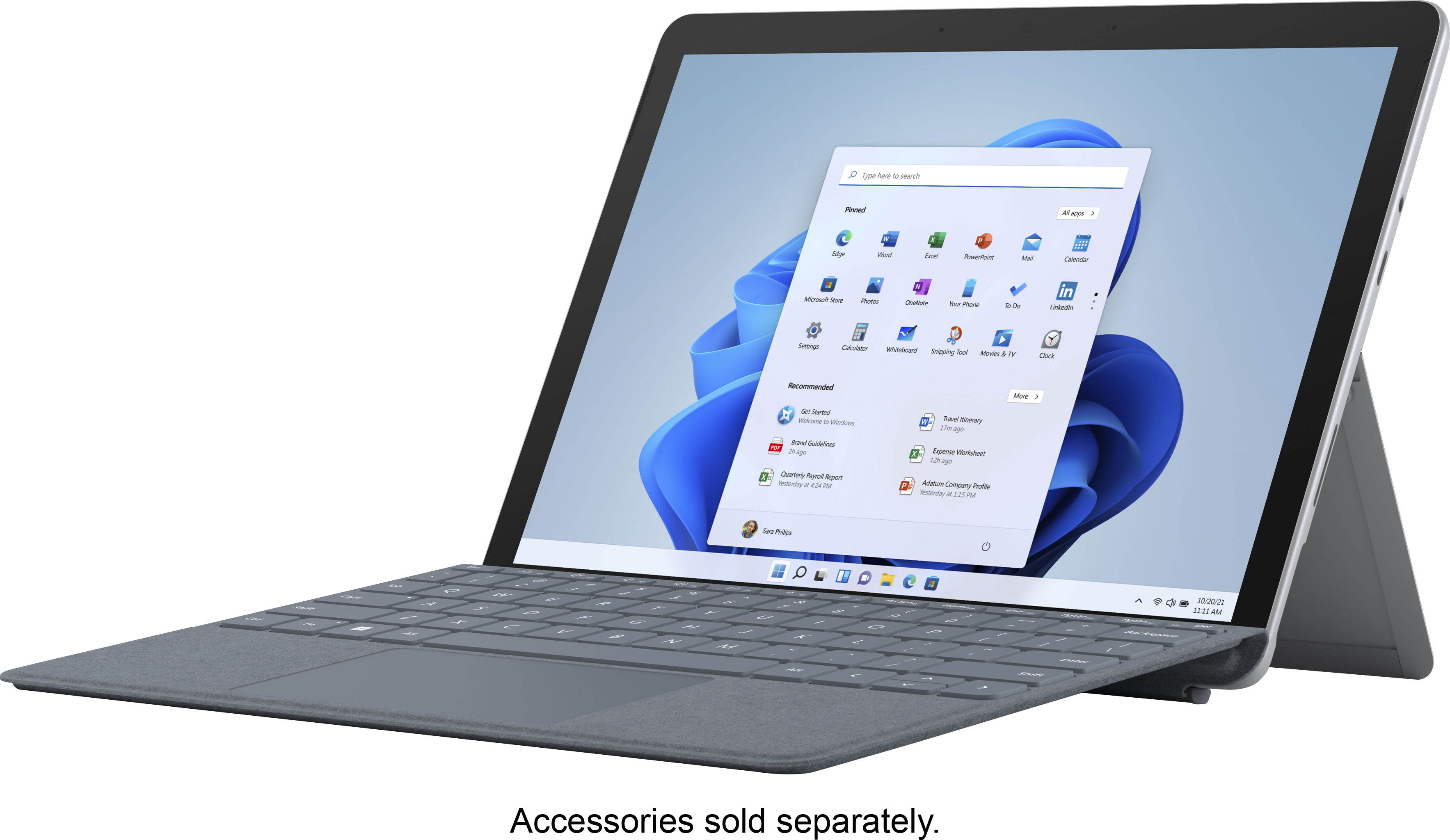
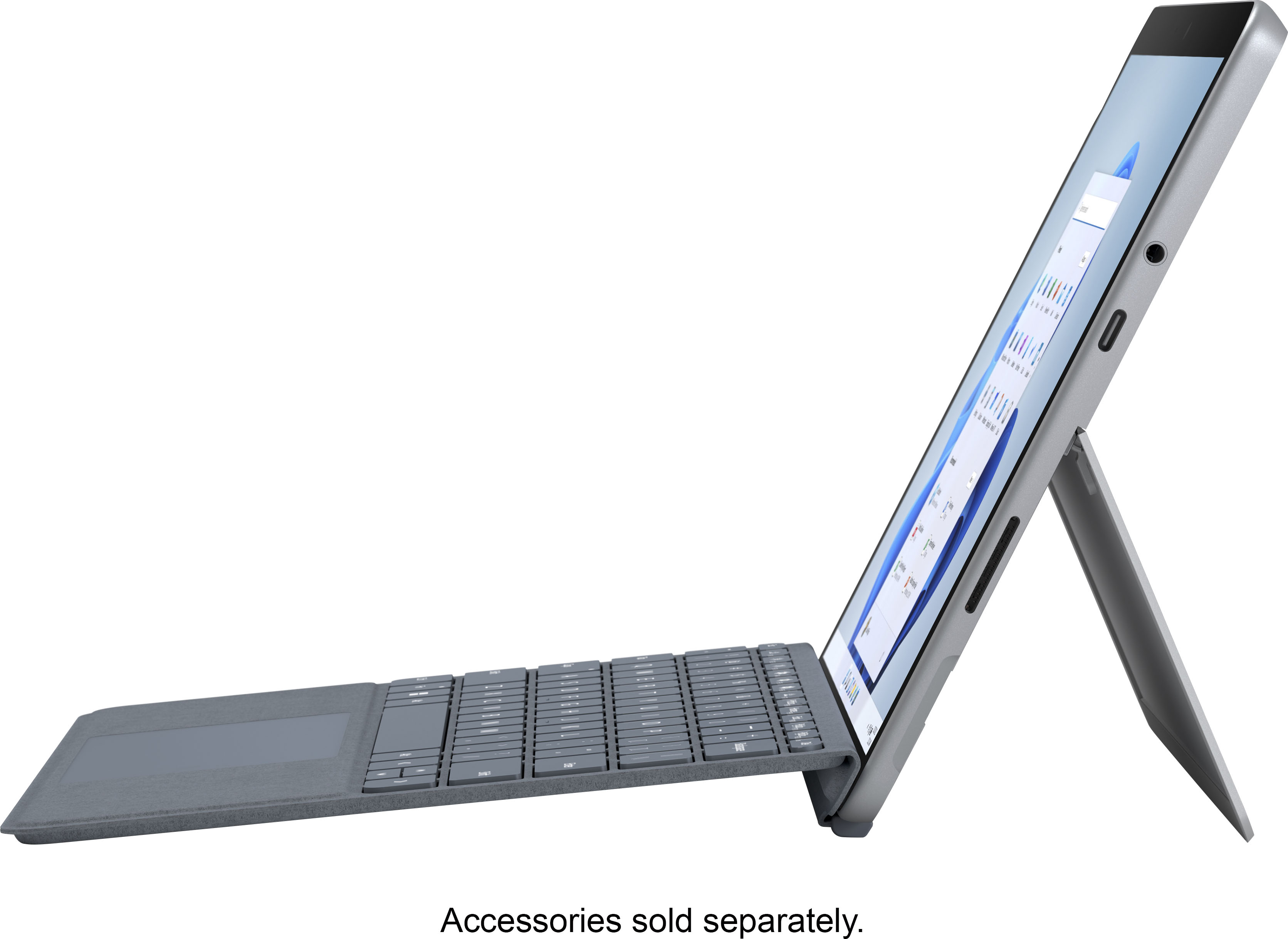
|Posted .This reviewer received promo considerations or sweepstakes entry for writing a review.The Surface Go 2 comes beautifully and thoughtfully packaged - brought to mind the “other” common tablet. Wow! First thought, WOW. Sleek and sharp looking, lightweight yet extremely sturdy feel. First big plus, the tiny power plug attaches magnetically with a solid click to the tablet either upside down or right side up. How convenient!!! Set-up was quick and easy to follow with the help of Cortana - the Windows version of Siri. Cortana can help with pretty much anything. Open control panel, how do I set up a printer, find anything on the computer or the web. Just speak to her and she responds. Power button on top next to up/down volume. It has a usb-c port and 2 slits for speakers on the right and left sides. The touchscreen is very sensitive - not too sensitive, just what I like to be responsive. The display is something to behold - Just gorgeous! With the adjustable stand on the back it can be placed at any angle for easy viewing while at school, work or lounging about streaming a movie! Be aware it comes with Windows 10 in "S" mode which is supposed to be more secure and used only with apps from the Microsoft store in Windows mode. You can switch out of S mode if you want to - but it is a one way switch. Once you're out of "S" you can't go back. In my opinion being out of S gives you many more options. I also got the Microsoft Surface Go Signature Type Cover that easily attaches magnetically with a secure click in place. It has an amazing chicklet keyboard that has the perfect feel and allows me to type very quickly! It has a responsive large track pad too, and the soft feel of the Platinum cover is awesome - it is so soft. It gives me a better grip and gives it a sophisticated look. The keys can be backlit - your choice, and 3 levels of brightness. You can do anything on this tablet/PC with speed, power and Windows 10. The combination gives you everything you would want but with or without the type cover, it's an extremely portable, small (but w/10-1/2" screen!), lightweight device. You could easily slide the Microsoft Surface Go 2 into any backpack and it would take hardly any space at all. I love that about it - I can take it anywhere I go! It doesn't come with a sleeve, but that's ok. I can purchase the one that's right for me. Use it as a tablet or a PC, it is a definite "recommend." “Reviewers in this invitation-only program are provided products for the purpose of writing honest, unbiased reviews.”
I would recommend this to a friend Sensitive.
||Posted . Owned for 2 months when reviewed.This reviewer received promo considerations or sweepstakes entry for writing a review.Screen, and I know its a "touch screen", is to sensitive, Slightest touch and work is lost never to see the sight of day.
No, I would not recommend this to a friendDifficult to set up
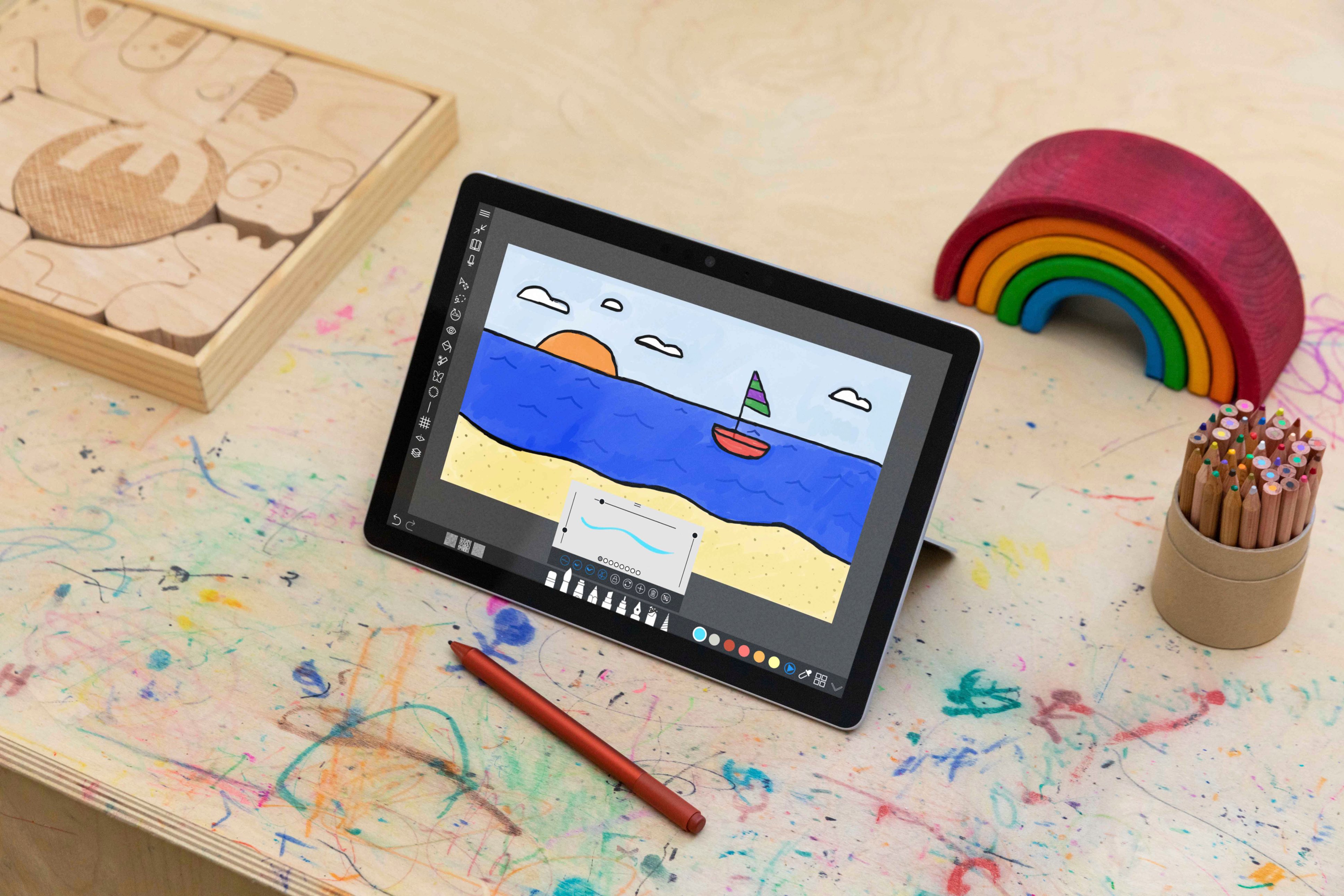
||Posted . Owned for 3 weeks when reviewed.This reviewer received promo considerations or sweepstakes entry for writing a review.difficult to draw on screen because any time that my hand touches the screen, it moves the page.
No, I would not recommend this to a friendDid not work
||Posted . Owned for 3 weeks when reviewed.This reviewer received promo considerations or sweepstakes entry for writing a review.This device came to me and it was immediately clear that it was not working correctly. Could not handle having multiple tabs open at once (like 3) and would freeze and then completely reboot.
No, I would not recommend this to a friendSuckssss
||Posted . Owned for 1 month when reviewed.This reviewer received promo considerations or sweepstakes entry for writing a review.Battery life sucked bought 2 there was a manufacturer defect my original from 3 years ago was better
No, I would not recommend this to a friendStopped working and not user friendly
||Posted . Owned for less than 1 week when reviewed.This reviewer received promo considerations or sweepstakes entry for writing a review.Stopped working the second day of using it, and is not very user friendly. Someone who is more experienced with things like this should use it
No, I would not recommend this to a friendBrand response from MicrosoftOutreachTeam
Posted .Hi Caden – We're sorry that there's an issue with your Surface Go 2. First, we recommend updating its software and firmware to the most recent version. If that doesn't help, please run the Surface Diagnostic Toolkit to diagnose and fix any problems. For more information on the Surface Diagnostic Toolkit, please go here: https://aka.ms/AA4r432 If that doesn't take care of the problem, we recommend that you contact Microsoft Support for assistance here: https://aka.ms/AA4rbq6 Hope that helps, Erica Surface Customer Care

- Pros mentioned:Size
Great piece
Posted .This reviewer received promo considerations or sweepstakes entry for writing a review.I have hat this product for the last couple of years and I love it. I am a teacher and it is really easy for me to take to work and back home due to its size. I have had no problems with it and it has worked great so far. I would definitely recommend this for someone that carries their computers with them a lot and or college students!
I would recommend this to a friend Spend your $$ on iPad instead
||Posted . Owned for 1 month when reviewed.This reviewer received promo considerations or sweepstakes entry for writing a review.Primary use as secondary screen to laptop. Tablet lags, poor Bluetooth connectivity, and overall processing power is weak. iPad is still superior.
No, I would not recommend this to a friendBrand response from MicrosoftOutreachTeam
Posted .Hello,
Thanks for reaching out. We're sorry to hear you've been having some difficulties with your Surface Go 2. Our support team would love the opportunity to assist you with your Surface and can be reached here: https://aka.ms/AA4rbq6, at your earliest convenience.
Cheers,
Heather
Surface Customer Care
- Pros mentioned:Performance
it's fine for what it is
Posted .This reviewer received promo considerations or sweepstakes entry for writing a review.I was using an Android tablet previously that had quickly turned obsolete (slow as heck, which was absolutely frustrating). That tablet was primarily used for loading PDFs with character sheets I use while playing Dungeons & Dragons in lieu of printing the sheets out every time I would level up. I eventually upgraded to the Surface Go 2 and... it was fine. Performance was much better than my crappy old Android tablet, but ultimately there were better alternatives out there when I had originally purchased this. The processor isn't anything to write home about and the RAM is basically just the bare minimum, but for what I ultimately use it for, it's fine. You can theoretically play games on this though I wouldn't recommend doing so, unless you're playing something relatively simple like Minecraft and don't mind the tablet overheating. I don't really use tablets for streaming but this device should be powerful enough to handle streaming video without any issues. Does not come with the keyboard included, because Microsoft actively loathes its end users.
No, I would not recommend this to a friend worst if the worst
||Posted . Owned for 1 month when reviewed.This reviewer received promo considerations or sweepstakes entry for writing a review.performs like an acer netbook from 2010. totally useless.
No, I would not recommend this to a friendPerfect for teleworker on the go
|Posted .This reviewer received promo considerations or sweepstakes entry for writing a review.I have been using the Surface Go 2 for a couple of weeks and have set it up basically as a mirror of my work computer so I can use it while traveling and teleworking without having the bulk of a traditional laptop. I had tried this with my tablet from another manufacturer but it didn't play nice with my IT department's requirements for some reason. The Surface Go 2 has worked flawlessly. (Note that this is a Wi-Fi only unit so if you need LTE, you'll have to step up in price point to get that functionality. I hotspot off my phone and have no issues.) After the initial setup, which includes a face recognition sign-in option, the interface looked almost identical to my Windows 10 PC so there really was no learning curve at all as far as the OS went. Do note, if you want to use any browser other than Edge or download apps from outside the official Microsoft app store, you have to do a one-way switch from "S mode" to Windows 10 Home or Pro. Browser selection wasn't a major issue for me and, since I'm using this machine mainly for work purposes, I haven't had the need to step outside the walled garden and thus haven't made the switch. The screen is bright and vibrant although the resolution is slightly lower than the competition. In real-world situations however, the vast majority of users will never notice the very slight difference. If you can tell the difference, you're probably not looking for a tablet like this anyway because your needs are likely greater than the Pentium Gold and 8GB of RAM can handle. Touchscreen inputs work flawlessly. I would highly recommend adding on the Signature Type Cover if you need to do a decent amount or more of typing. It is well worth the additional cost. In my use, I tend to get about 9 hours of battery life, which is less than the 10 Microsoft advertises, but I keep the screen brightness almost all the way up and am typically working in several programs at once. Different users could probably eek out a bit more life. As for charging, while I like the magnetic connection, that means one more proprietary cord I have to pack around to keep my devices charged. If you lose or break that, you're out of luck until you can buy another one since they aren't as ubiquitous as other charging solutions. Not a major deal, but something to consider. I love the built-in kickstand on the back which adjusts from flat against the body to something like 160 degrees. Makes it much easier to participate in video conferences and, when coupled with the type cover, makes it feel more like a laptop rather than a tablet. Overall, I've been very impressed with the capabilities of the Surface Go 2. It has met, if not exceeded, my needs for working remotely. I would definitely recommend. I am a member of Best Buy's Tech Insider Network. Reviewers in this invitation-only program are provided products for the purpose of writing honest, unbiased reviews.
I would recommend this to a friendBrand response from MicrosoftOutreachTeam
Posted .Hey there,
Wow, thank you for leaving a fantastic review for Surface Go! We're thrilled to hear your Surface Go 2 has impressed you with its unique 2-in-1 capabilities! We have no doubt that others in the community will benefit greatly from your feedback and we hope you continue to enjoy your new Surface.
Cheers,
Heather
Surface Customer Care
AVOID BUYING FOR A ADULT
||Posted . Owned for 3 weeks when reviewed.This reviewer received promo considerations or sweepstakes entry for writing a review.ITS A CHILDS TABLET THAT IS OVER PRICED SLOWER THEN ANYTHING I HAVE EVER OWNED
No, I would not recommend this to a friendProduct review
||Posted . Owned for 3 weeks when reviewed.This reviewer received promo considerations or sweepstakes entry for writing a review.1st time turning on and it froze...Returned for refund.
No, I would not recommend this to a friendVery compact, elegant, powerful, and portable
|Posted .This reviewer received promo considerations or sweepstakes entry for writing a review.The Microsoft Surface Go 2 is very compact and feels fragile but is constructed very well. It comes with two very decent front facing speakers, a 3.5mm input jack, USB-C input, charging/power input, a micro SD slot, volume rocker button, power button, and a kick stand on the back. The surrounding bezel is acceptable in size and compliments the overall aesthetics. The Surface Go 2 is the perfect on the go companion for just about anything you can think of doing on a intermediate kind of interface. It is powerful enough for any streaming platform, word processing, web browsing, and basic graphic design or gaming. Mind you it is not a full out laptop but more powerful than an average tablet. That being said, I would recommend getting the add-on keyboard to get the full compliment of portability of this Surface Go 2. I was able to use it admirably as just a tablet, but having the quick connect keyboard that doubles as a cover made it just that much nicer. The kickstand was almost a downside for me because it feels extremely thin and fragile to me personally. When I extended it, I felt as if I was going to snap it right off and thought I extended it to its full range which was at a very uncomfortable angle for me. As I continued to use it, I decided to try and adjust the angle more and realized that the range of the kickstand was much more than where I had it. You just have to be careful when first using it as it may need some break-in time to adjust more freely but it is a very sturdy stand. The Surface Go 2 comes installed with Windows 10 which works very well with this platform given the 2-1 laptop/tablet design. Like I said before it is powerful enough to get your basic operations done when you need something quick and on the go. My only want for this Surface Go 2 to make it perfect for me would be a USB slot. That is personal preference but I am sure that a USB-C adapter will suffice. The battery life is also questionable as it seems kind of short for my liking. The notification bar displays the battery life as only 3-4 hours on a full charge. That may be because I’m using the quick connect keyboard along with it, but I usually use the power adapter long before the battery depletes anyway so no huge turn off for me. I have used the Surface GO 2 for heavy video streaming, web browsing, and word documents so far on the go primarily and it works perfect. It is small, light weight, and very portable which works perfect for a person always on the go. I love the Surface Go 2 and would not regret purchasing this or recommending it to others. A very worthy purchase. “I received this product as part of an invitation-only program for the purpose of writing an honest, unbiased review.”
I would recommend this to a friend- Pros mentioned:Portability
Laptop for college students
Posted .This reviewer received promo considerations or sweepstakes entry for writing a review.easy to organize, perfect for school. I used all through dental hygiene school and even for classes before that and is still running great
I would recommend this to a friend - Pros mentioned:Processor speed, Size
Don't waste your money for this. Go for the 8gb i3
Posted .This reviewer received promo considerations or sweepstakes entry for writing a review.I am a big Microsoft Surface Pro fan. I started with the first Surface Pro when it was released and continue to upgrade my Surface tablet/computers. I was always hoping for a smaller tablet and when they Surface Go was released, I gave it a shot. Started with the first Surface Go 4gb. Loved the size and quality build but it was an underperformer. I upgraded to the 8gb Pent. gold and found it also to be an underperformer. I immediately exchanged it for the 8gb i3 processor. What a difference. 8gb i3 processor is the only way to go. much more powerful. You won't be disappointed.
No, I would not recommend this to a friend Long lasting and versatile
Posted .This reviewer received promo considerations or sweepstakes entry for writing a review.I've had this for a few years now, only minor issues. My fiancé and I use it daily and my only complaint is sometimes its slower with more things open, which makes sense considering the amount of ram and memory.
I would recommend this to a friend