Customer Ratings & Reviews
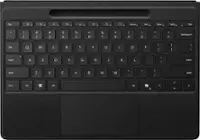
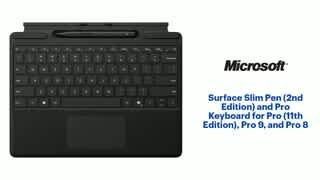
![Tablet_Keyboards:
Esc 11 12 F3 4 FS F6 17 Home 15 End 10 PgUp 11 PgDn 12 ins Del - - ! 1 @ 2 # 3 $ 4 % 5 A 6 & 7 8 ( 9 ) 0 + = Backspace Tab Q W E R T Y U | O P { I } ] | / Caps A S D F G H J K L : : " a Enter Shift Z X C V N M < 1 > . ? / Shift Ctrl Fn Alt Alt](https://pisces.bbystatic.com/image2/BestBuy_US/images/products/6583/6583060_sd.jpg)

- Model:
- 8X6-00145
- SKU:
- 10148453
Rating by feature
- Value
Rating 4.4 out of 5 stars
- Quality
Rating 4.6 out of 5 stars
- Ease of Use
Rating 4.7 out of 5 stars
the ultimate Mic tablet productivity Trio
||Posted . Owned for 1 week when reviewed.This reviewer received promo considerations or sweepstakes entry for writing a review.I couldnt be happier with the Microsoft tablet setup - especially the addition of the slim pen and keyboard. The Trio has completely transformed how I work, create and stay organized on the go. The pen is a great addition. it feels natural and precise, whether I'm using it to jot down notes, sketching ideas of marking up documents. the pressure sensitivity and low lag makes it feel almost like writing on paper, which has been amaxing for brainstorming and creative work. Adding the pro keyboard turns the tablet into a true productivity machine. the keys are comfortable and tactile, making long typing sessions enjoyable rather than tiring. I love how seamlessly everything works together. switching btw touch, pen and keyboard feels intuitive adn efficient. Overall theis setup delivers an exceptional blind of performance, versatility and style. this combo is well worth the investment.
I would recommend this to a friendKeyboard with pen
||Posted .This reviewer received promo considerations or sweepstakes entry for writing a review.A must have! This keyboard has a magnet it clips right on surface pro 11. Soft fabric around mouse is a nice touch. Pen is a must have and it charges right on the keyboard no extra plugs needed
I would recommend this to a friendMust have accessories
||Posted . Owned for 2 weeks when reviewed.This reviewer received promo considerations or sweepstakes entry for writing a review.Must have accessories for the surface tablet. Quality and feel are great. Pen and keyboard work flawlessly with the surface tablet. If you buy an aftermarket potective case it can sometimes cause the magnetic attachments to misalign, but that is a case problem not a keyboard problem.
I would recommend this to a friendSurvivor!
||Posted . Owned for 11 months when reviewed.This reviewer received promo considerations or sweepstakes entry for writing a review.Love this product. Super easy to use and To attach. Great quality product. My children have used this thing for a few years now. And it is still in great operating condition. And I have 6 young children that this product has survived
I would recommend this to a friendPerfect Combo for Productivity!
||Posted . Owned for 1 week when reviewed.This reviewer received promo considerations or sweepstakes entry for writing a review.The Surface Slim Pen 2 and Pro Keyboard are a must-have for anyone using the Surface Pro 8, 9, or 11th Edition. The pen feels natural and responsive—especially with haptic feedback—and the keyboard is incredibly comfortable to type on, with a premium build and smooth magnetic attachment. This combo transformed my Surface into a full productivity powerhouse. Highly recommend for students, professionals, and creatives alike!
I would recommend this to a friendFantastic
||Posted .This reviewer received promo considerations or sweepstakes entry for writing a review.Arrived in great condition and works great no issues at all
I would recommend this to a friendPerfect
||Posted . Owned for 1 month when reviewed.This reviewer received promo considerations or sweepstakes entry for writing a review.Superb product , working great using with 11 pro soft and backlit buttons very smooth operation
I would recommend this to a friendSurface Pro keyboard black
||Posted . Owned for 2 weeks when reviewed.This reviewer received promo considerations or sweepstakes entry for writing a review.The typing experience is awesome and it has a very premium touch and feel with adjustable backlight and soft keys
I would recommend this to a friendGood but Could Feel More Premium for the Price
||Posted . Owned for 5 months when reviewed.This reviewer received promo considerations or sweepstakes entry for writing a review.If you’re like me and prefer having all original accessories for your devices, then I definitely recommend it. However, the material quality feels a bit below what I expected for the price. Also, adding backlit keys would be an excellent feature — it’s something this keyboard is really missing. I believe brands like Dell or other Apple competitors could do it better.
No, I would not recommend this to a friendExcellent
||Posted . Owned for 2 weeks when reviewed.This reviewer received promo considerations or sweepstakes entry for writing a review.Good product. Works well as expected. Light and easy to travel with.
I would recommend this to a friendNeutral lovers
||Posted .This reviewer received promo considerations or sweepstakes entry for writing a review.I love this cover SOOO much. Neutral has always been my thing and this was perfect to compliment my PC.
I would recommend this to a friendNeedthis
||Posted . Owned for 1 week when reviewed.This reviewer received promo considerations or sweepstakes entry for writing a review.This is my first laptop. And im excited to learn it.
I would recommend this to a friendMicrosoft keyboard
||Posted . Owned for 1 month when reviewed.This reviewer received promo considerations or sweepstakes entry for writing a review.Very great key board and vey light so easy for portable situations
I would recommend this to a friendNot Bluetooth Capable
||Posted . Owned for 2 weeks when reviewed.This reviewer received promo considerations or sweepstakes entry for writing a review.NOT bluetooth capable, good quality, excellent condition
No, I would not recommend this to a friendI thought I was buying from BB not a 3rd party
||Posted .This reviewer received promo considerations or sweepstakes entry for writing a review.The product box inside the package was damaged and looked like it was left outside. The keyboard magnet does not work great.
No, I would not recommend this to a friend
Surface Slim Pen (2nd Gen) & Pro Keyboard
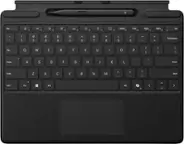
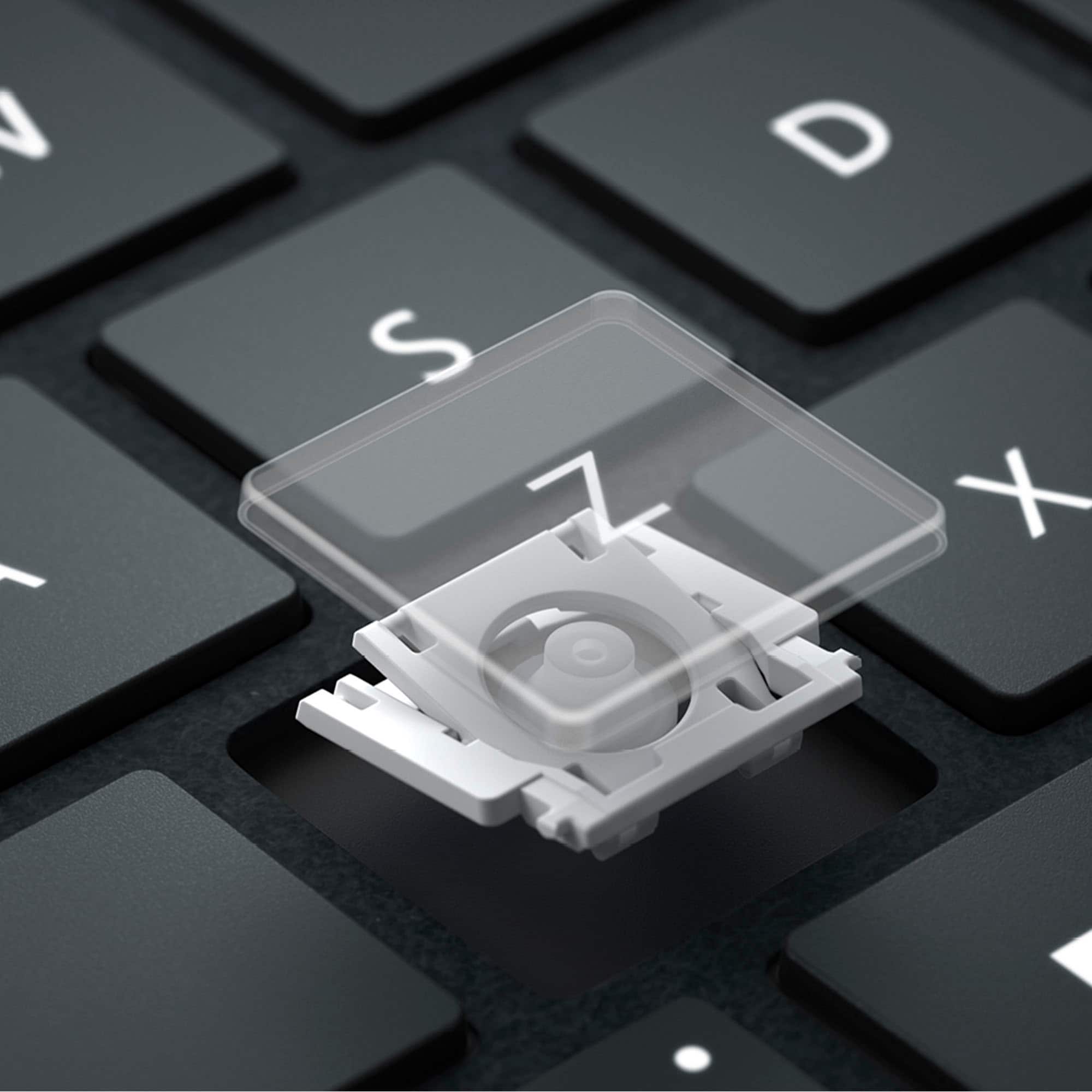
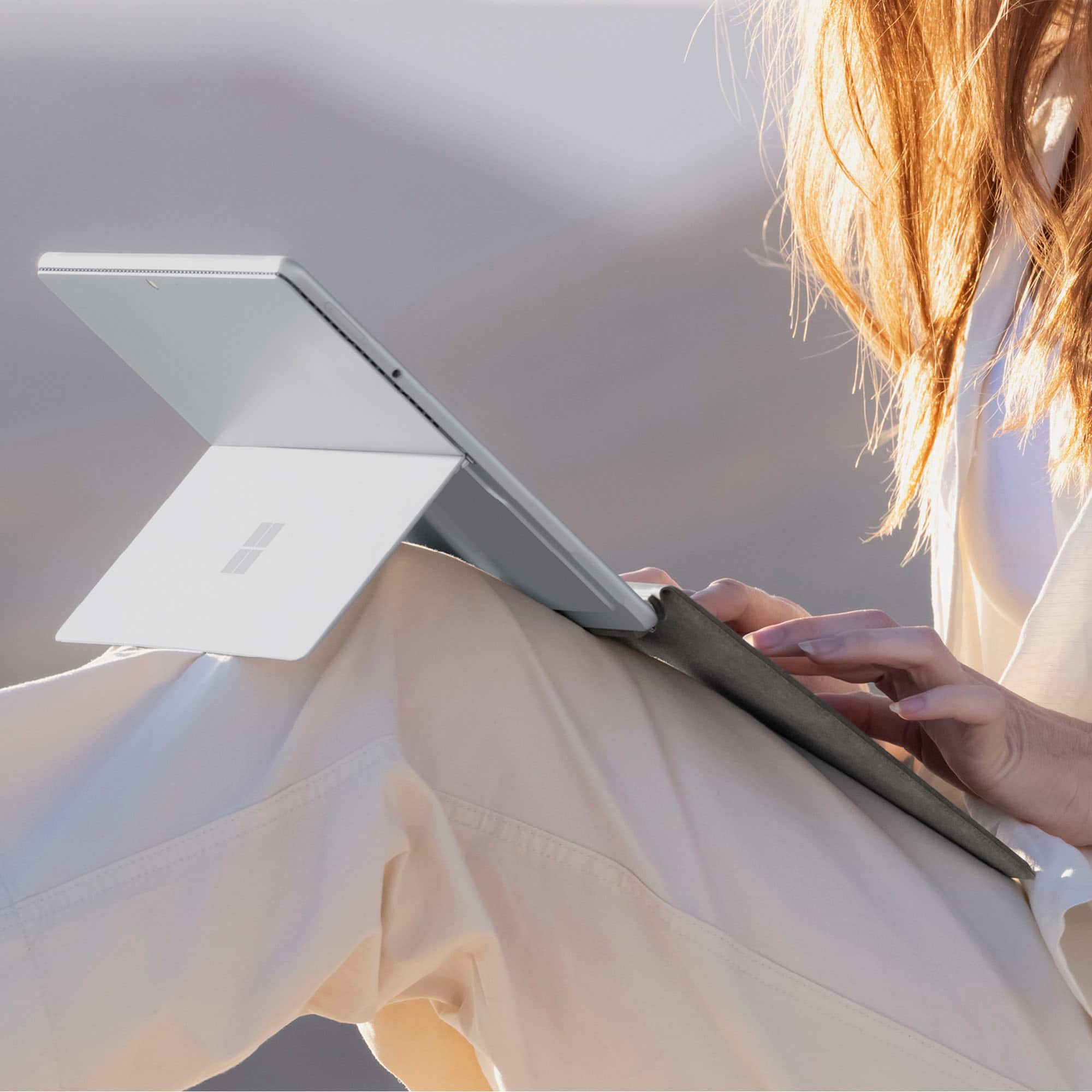
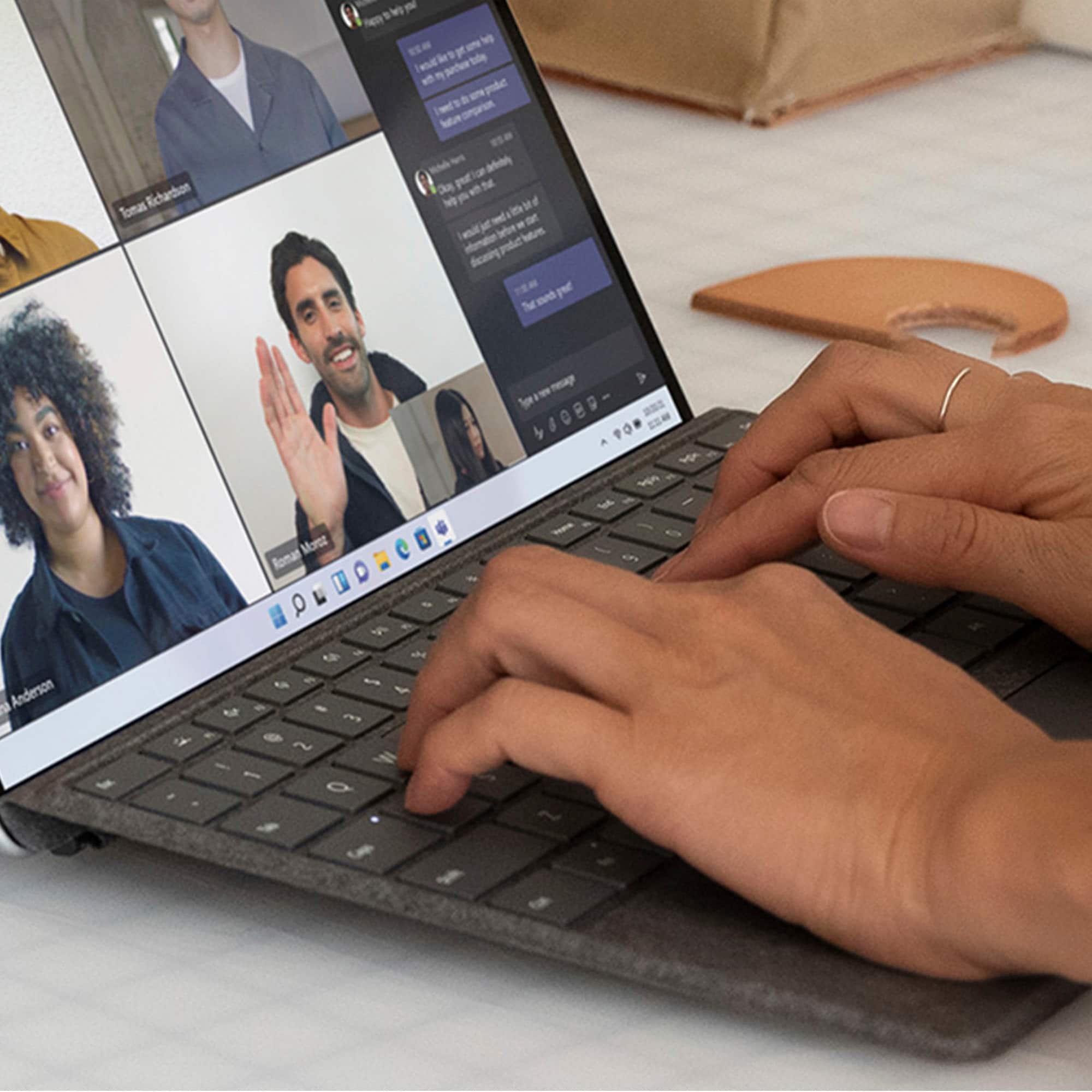
|Posted .This reviewer received promo considerations or sweepstakes entry for writing a review.The Microsoft Surface Slim Pen (2nd Gen) and Pro Keyboard is the mid range option being sold along with the new Surface Pro 11 Copilot+ PC. If you're familiar with previous Surface Pro keyboards, this one won't be unfamiliar to you. The Microsoft Surface Slim Pen (2nd Gen) and Pro Keyboard connects magnetically to the underbody of the Surface Pro. It has a strong magnet and "snaps" into place when in close proximity. It's fairly error proof and once connect, begins working right away. If you have you Surface Pro set to tablet mode when a keyboard is not attached, connecting this keyboard disabled that feature. There is no battery or bluetooth connection on this specific model. If you need that feature, look for the Surface Flex keyboard. They look identical, so mistaking the two seems to be fairly common. Overall typing experience is good. The keys have a rubbery feel which I found nice. The key travel is short and snappy without much movement from side to side, or "bending" feeling. I found it just large enough to not be cramped, and I was able to naturally type almost immediately. They keys also have a backlighting, which brightness can be adjusts. It's picks up on lighting in the room and enables or disabled based on those condition. I found it to do an accurate job of this. You can also manually enable backlighting not automatically detected when needed. There is a Copilot key that triggers Copilot along with other Windows specific shortcuts along the function key row. This makes quickly utilizing built in Windows functions quicker and simpler. The keyboard is wrapped in Alcantara which I found soft and pleasant. It's capable of picking up dirt. I keep a can of Alcanara cleaner at my desk and use it to clean these types of keyboard with frequency. Doing so has kept long term usage signs of ware at bay and my keyboards looking like new. I recommend everyone to do the same, otherwise you will notice dirt and grim building up along with discoloration. The touch pad is pretty awful and probably the worst part about this model. It's not reliable when tapping to click, and mouse movement is simply "ok". It's a "diveboard" style click, and you must position fingers in the right spot to properly depress and register a click. It's also extremely small and does not leave much room for finger travel. There is a nice area at the top to store the Surface Pen 2nd Edition. It clicks right in and there is no fear of it falling out. The pen is slim enough to allow it to remain in the holder with the keyboard elevated and connected to the Surface Pro display. The keyboard needs to be unconnected from that elevated position and lay flat to remove it. I found in elevated position when the keyboard first connected to cover the screen a little bit. Over time, as it broke in, it's now at proper height. Don't be alarmed by this initially, it will settle quickly and fit appropriate. The Surface Pen 2nd Edition is a must have companion along with this keyboard. It connects right away to the Surface without any manual pairing. Writing on the screen feels natural and I didn't notice any lag. Using the back end of the pen acts as an eraser in most apps. Clicking the eraser or the side button can be programmed to open specific apps of your choosing. The button on the side also acts as a mouse click if using the pen as a mouse. They keyboard charges the pen when not in use, so it's always ready to go when you are. The flat design keeps the pen from rolling on the desk, and allows it to securely remain in the keyboard cubby when not in use. Overall, while this is not the best Surface Pro Keyboard Microsoft makes for the Surface Pro, it is a solid choice, costs less than the best, and should be considered when making a Surface Pro purchase. Some extremely minor touch pad design flaws could be fixed to improve the experience, but I would still recommend it to more cost conscious Surface Pro users.
I would recommend this to a friendAn Absolute Must Have Item!!!!
|Posted .This reviewer received promo considerations or sweepstakes entry for writing a review.So owning a Surface pro Copilot + PC without owning the Surface slim pen and Pro Keyboard…would be like having an airplane with out wings or a car without tires. I mean I guess you could but you would be really limiting your self. The tablet is amazing by itself for sure but with the sleek, lightweight and visually appealing look of the keyboard really makes this a laptop replacing powerhouse. I also really love how they incorporated the pen case into the keyboard itself. The magnet are strong and secure for both the main connection to the tablet and for the pen. The pen also clamps on to the keyboard itself near the touch pad so you can set it and come back to it quickly. The only nit picky thing I can think of is … the pen…I hate to seven say this… is a little tricky to pull out. Just a little. I wish they would have had an indention on the sides so my index and thumb finger could easily pull it from it magnetic cradle in the keyboard…. NIT PICKY. The material they used for the keyboard is very tactile…like a velvet. What an interesting choice that really lets it stand out. It feels so organic rather than plasticky and industrial. Really cutting edge and frankly a gamble that really pays off and adds to the Surface Pro experience. The pen is slim and feels amazing in the hand. It just feels so natural. It is by far the best pen I have used. Light, sleek and very functional. Ready to go when needed. I also love how responsive it is when writing on the Surface Pro + Copilot. I would have liked it to be the same color as the keyboard or an accent like to the “dune” color…more nitpicky. Overall, I love this and makes for a 365 complete experience when it all comes together!
I would recommend this to a friendMust Have Surface Pro Accessories!
|Posted .This reviewer received promo considerations or sweepstakes entry for writing a review.The Surface Pro is truly an excellent 2-1 device but anyone with a tablet that has the power of some of the best computers knows that they are truly fully formed when you have a keyboard accessory. And the official Microsoft Surface Slim Pen and Pro Keyboard is far and away the best choice to be made! PROS: - Opening this up, it looks fantastic. It’s light, it’s super slim, it’s portable, and it just has a premium feel to it. And setup is you just snap it to the Surface Pro and you are ready to go! - The keyboard itself is really great. It provides and excellent typing experience as it types smoothly and with nice quick response. The spacing on the keys is well done and all in all I really like it! - The trackpad is also a necessary and excellent feature! Optimal size with easy controls and smooth operating as well. - I will also add that I like how the keyboard can lay completely flat and be typed on or be up at a 20% angle or so to type. Gives it nice versatility along with being a cover for the screen itself when you have it closed all together. - The Pen is excellently made, really well done craftsmanship on it. It feels great in the hand, has precision on the screen, and nice built in touch controls as well. It stores safely into the keyboard itself and makes it much more secure than being attached to the outside somewhere instead. CONS: - Really none I can think of! All in all a great experience. BOTTOM LINE: - If you buy the Surface Pro, this is simply the best accessory you can have and the one you should have. It’s a perfect keyboard, provides even more versatility, the pen brings it to the next level, and it all comes in a sleek package. This keyboard is a no brainer!
I would recommend this to a friendLight weight & works great
|Posted .This reviewer received promo considerations or sweepstakes entry for writing a review.The Microsoft Surface Slim Pen 2nd Edition and Pro Keyboard pair perfectly with my new Surface Pro 11. Although thin and light, it feels sturdy. The magnetic connection to the tablet is strong and never feels like it will fall off. The keys have a much better feel to them than I would have expected from such a thin keyboard. This is a full function keyboard (minus the numbers pad) and even has backlighting for the keys (wasn't expecting that). The trackpad works beautifully although it is a bit small (to be expected with this form factor). The magnetic charging stall for the pen is perfectly located to keep it handy, charged and secure. As for the pen, it has plenty of customization available and works very well. It glides with ease across the screen. Using it for writing, note taking and creative uses works perfectly. Back to the keyboard, I have it in the sage (gold) color that matches my Surface Pro 11. I'm not sure I'm sold of the fabric-like material of the keyboard. Can't help but think it will get dirty easily. But, that's a wait and see thing and a minor issue if it happens at all. If you have a compatible Surface Pro, this keyboard and pen combo is a must have.
I would recommend this to a friendGreat keyboard for my Surface Pro Copilot+ PC
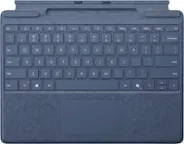
|Posted .This reviewer received promo considerations or sweepstakes entry for writing a review.I recently acquired the Surface Pro – Copilot+ PC along with the Surface Slim Pen and Pro Keyboard. . The Dune-colored keyboard is a nice departure from the usual black and gray standards I've always had. It effortlessly attaches and detaches from the tablet thanks to its magnetic connector, offering flexible positioning—either at a tilted angle for comfortable typing or laid flat to reveal the neatly stored Slim Pen in its storage/charging tray (see attached pictures). The Alcantara material covering the keyboard, reminiscent of high-quality felt, not only feels soft but also provides stability and eliminates slippage on any surface I’ve tried it on. A backlit keyboard is a must-have for me, so I appreciate that this one comes with adjustable brightness levels, enhancing usability across different environments. Having been a laptop/mouse user forever, using the Slim Pen for the first time has been quite eye-opening. After a few days of using the keyboard and pen, I've found the experience refreshingly positive in general day-to-day computer usage. I have also edited several videos just using the keyboard/pen vs. a mouse and have found that some functions are quicker using the pen, but trimming/editing clips is more difficult to me, maybe I’m doing something wrong or just need more practice. In my case I think a mouse is still necessary, at least at this point, while I continue to learn using the pen. The track pad is very responsive as are the keys on the keyboard, they have a nice feel and click to both. The Slim Pen stays securely in place within the magnetic storage tray and charges while it's stored. However, I've noticed that it can be challenging to remove from the tray at times. While the magnetic hold is strong and secure, it can be tricky to extract the pen. Adding a finger-sized indentation or something like that to aid in removing it would be beneficial. Currently, I find myself kind of prying it up by the front tip to release it from the tray, hope this doesn’t hurt it in the long run. Overall, I really like this keyboard/pen, just think it could be a little easier to remove it from the storage tray.
I would recommend this to a friend