Customer Ratings & Reviews
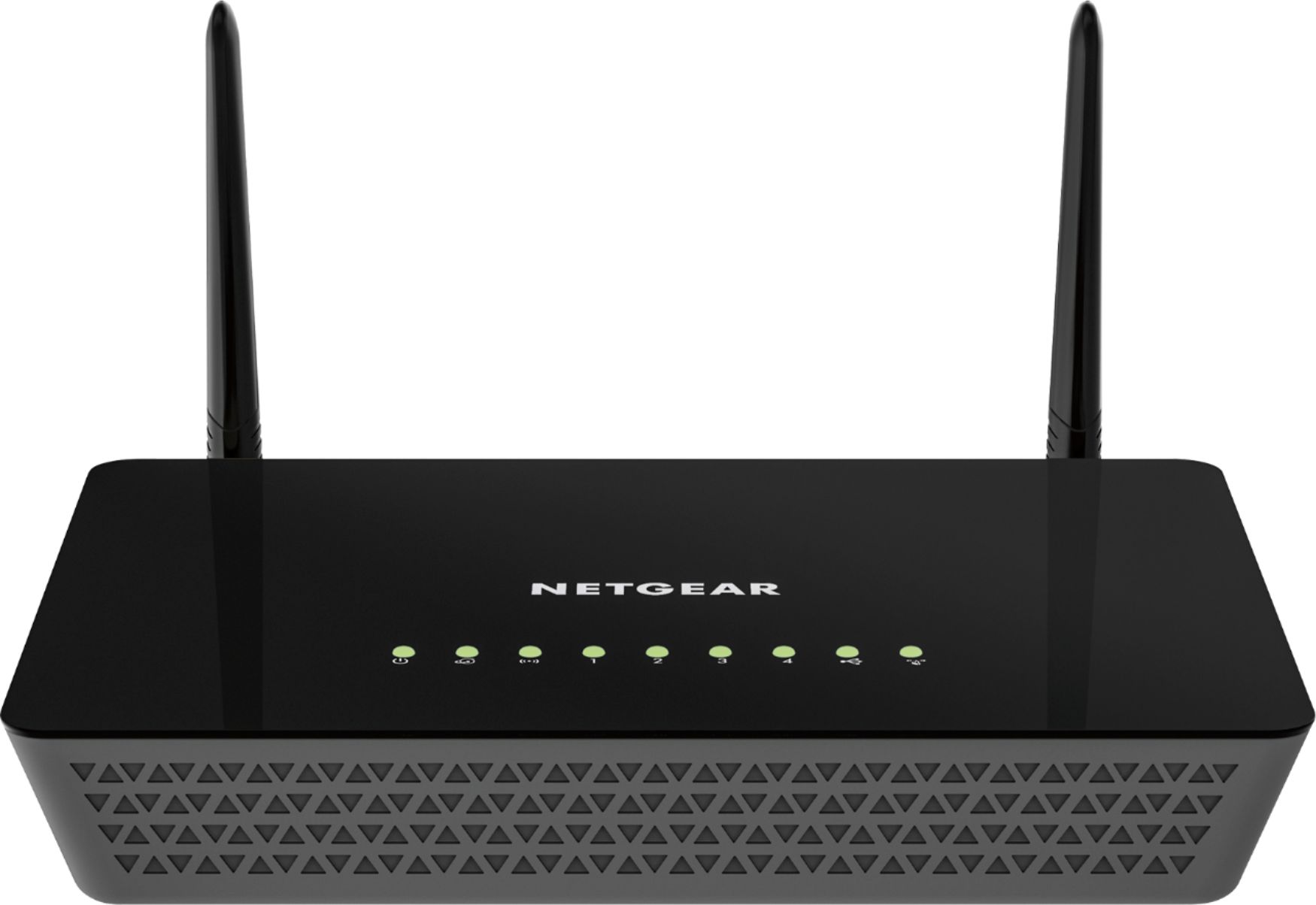



- Model:
- R6220-100NAS
- |
- SKU:
- 8827854
Customer reviews
Rating 4.5 out of 5 stars with 4430 reviews
(4,430 customer reviews)Rating by feature
- Setup4.7
Rating 4.7 out of 5 stars
- Range4.9
Rating 4.9 out of 5 stars
- Signal Strength4.9
Rating 4.9 out of 5 stars
Customers are saying
Customers love the AC1200 Dual-Band Wi-Fi 5 Router for its ease of use, performance, and range. Many appreciate the value for the price and the strong signal it provides, making setup simple and quick. While some experienced issues with Wi-Fi reliability and size, the positive feedback on performance and ease of use outweighs these concerns. Overall, customers find it provides great coverage.
This summary was generated by AI based on customer reviews.
Rated 3 out of 5 stars
Box States USB 2.0 not USB 3.0
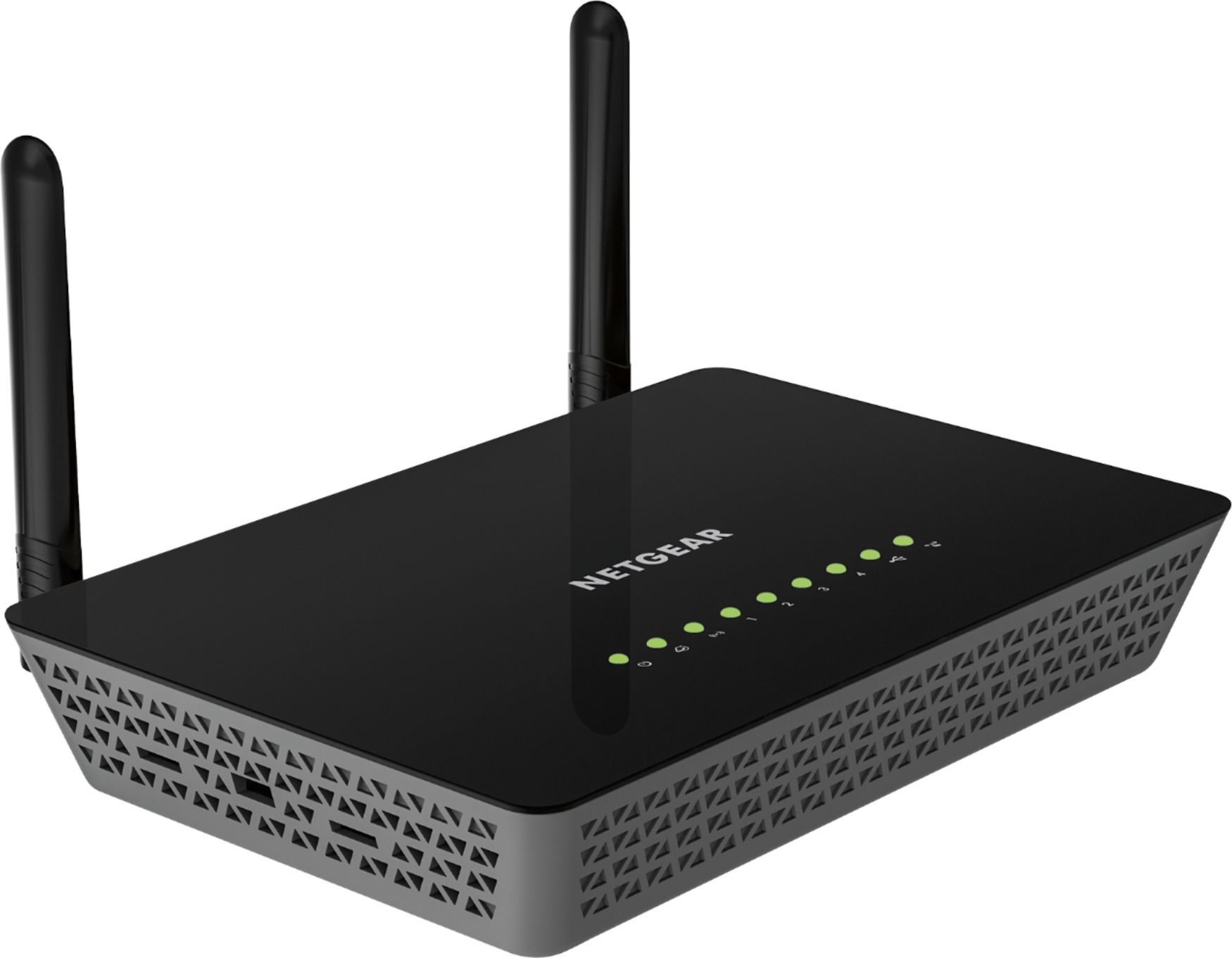
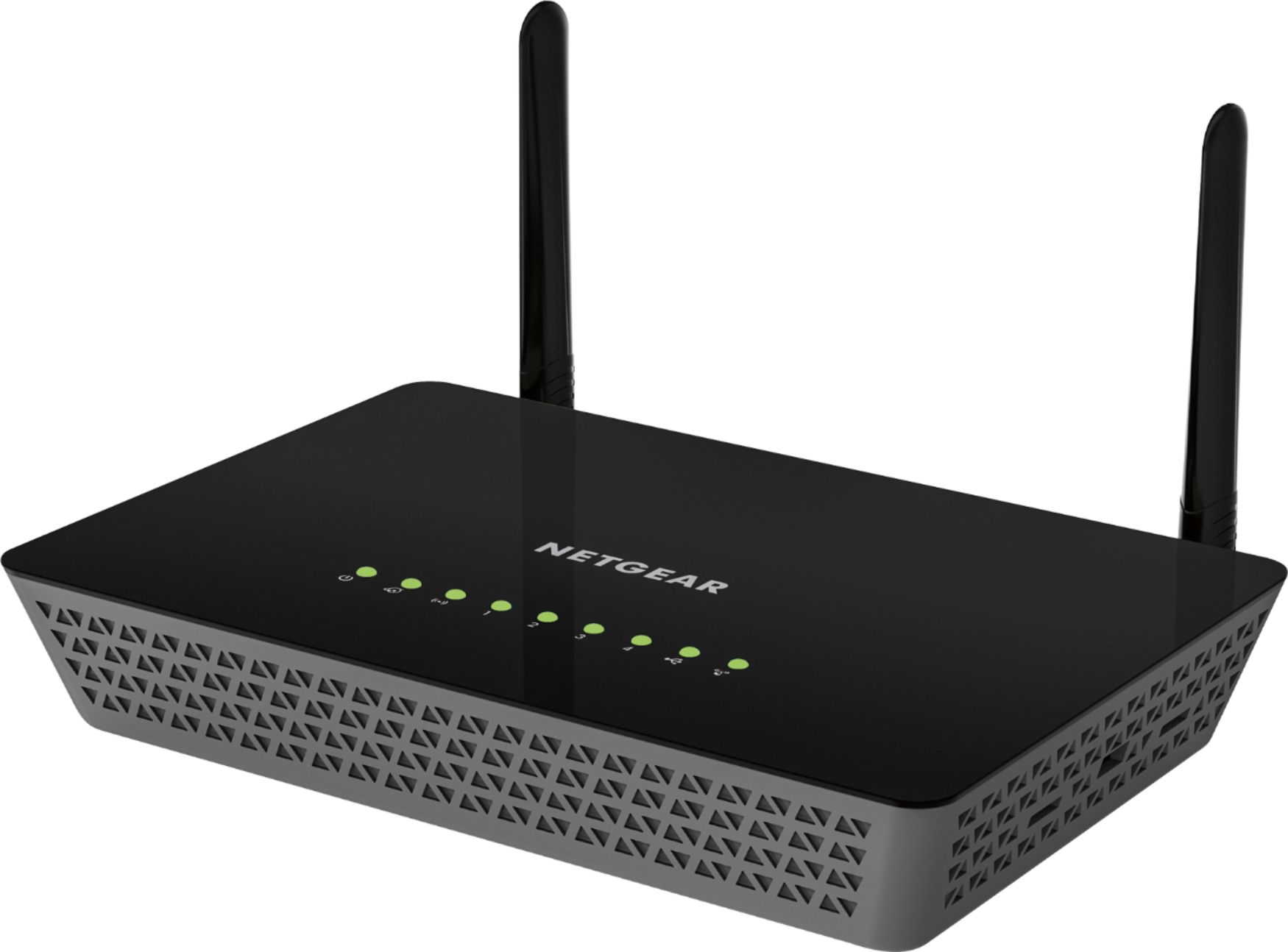
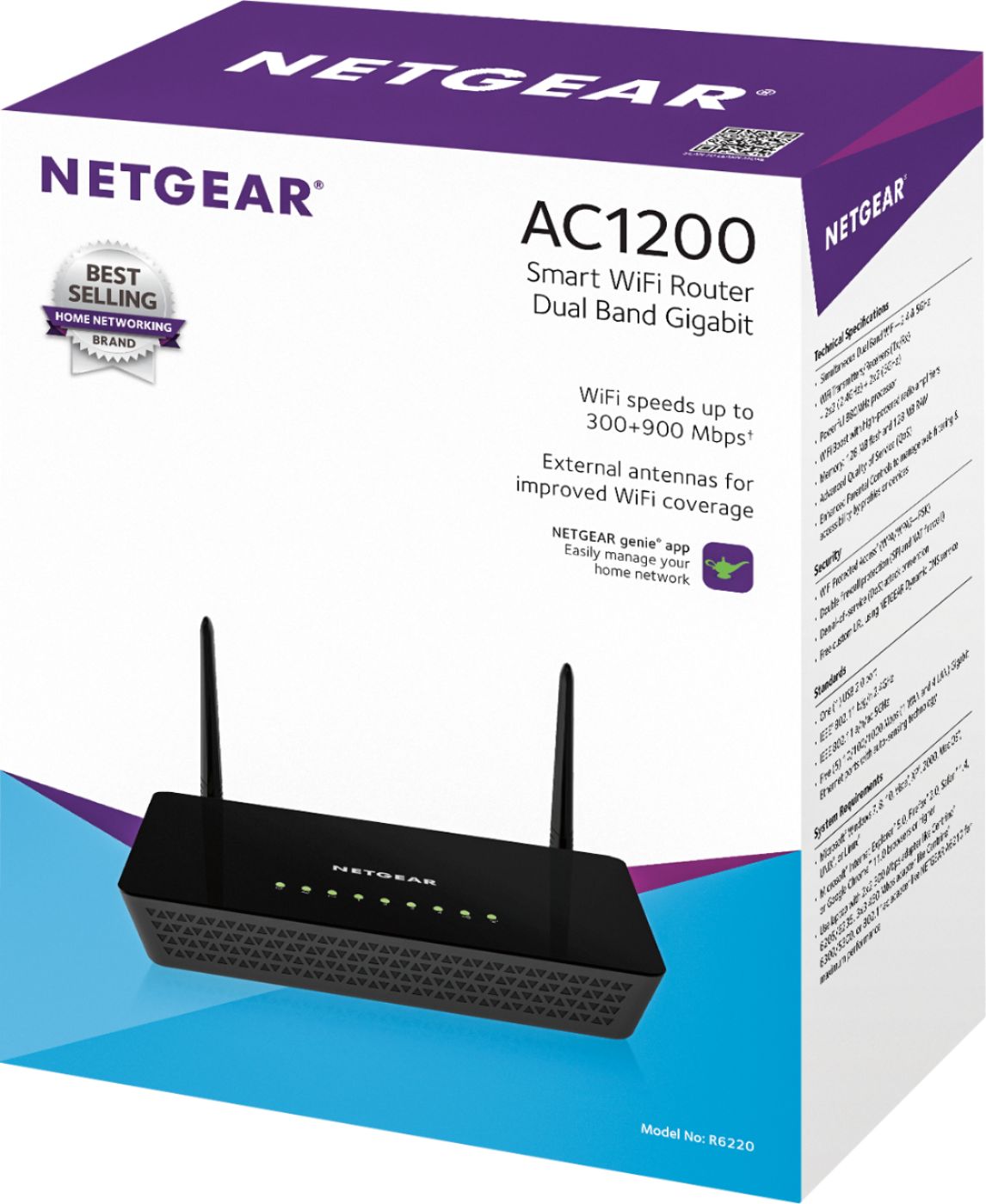
Posted .This reviewer received promo considerations or sweepstakes entry for writing a review.The product's packaging states that this router has a USB 2.0 port, not a USB 3.0 as stated in BB's description (at the time of this review). The router does feature Gigabit Ethernet ports (which is not stated in BB's description). Also, there is no mention of Beamforming+ technology anywhere on the product's box. I never installed the router, so I cannot comment on its performance. If you want USB 3.0 + Gigabit Ethernet + 802.11 AC, you will need to look elsewhere. I ended-up purchasing the Linksys AC1600 instead.
No, I would not recommend this to a friendRated 5 out of 5 stars
Works well
Posted .This reviewer received promo considerations or sweepstakes entry for writing a review.We used two items at the same time (ipad and laptop) and this works well. Router is in basement, and we are on first floor. No gaming or watching movies on line
I would recommend this to a friendRated 4 out of 5 stars
works good. -net gear company not so much
Posted .This reviewer received promo considerations or sweepstakes entry for writing a review.router works good. dealing with net gear over the phone with questions is a big disappointment. they do not want to talk to customers.
I would recommend this to a friendRated 5 out of 5 stars
New Router to Match Carrier Upgrade
Posted .This reviewer received promo considerations or sweepstakes entry for writing a review.TWC's internet just got upgraded in our area so I decided to get a new router for my home. So far its working wonderfully.
I would recommend this to a friendRated 2 out of 5 stars
Failed Claims
Posted .This reviewer received promo considerations or sweepstakes entry for writing a review.I purchased this unit to cancel cable to depend upon streaming services. Initial installation was in basement office. This placement was about 24 feet from a television in another room in the basement and about the same distance from another television one floor up. We experienced troubles with a consistent stream. So moved by modem and router next to the basement tv and directly below the upstairs television--maybe 8 to 10 feet away. Much better with only occasional problems. So I moved unit to tv stand upstairs six inches from tv. No more streaming problems there. I have not been able to devoted enough time watching the tv in the basement to see if it will now experience streaming delays on a regular basis, However, I did tonight try to stream the national championship game through the ESPN app on my Roku. The stream began to reload every 30 seconds. I had to go upstairs to watch. A better choice for customers might be to pony up $100 plus for a more powerful router to receiver more consistent streaming.
No, I would not recommend this to a friendRated 5 out of 5 stars
Using it on Comcast
Posted .This reviewer received promo considerations or sweepstakes entry for writing a review.Using it on comcast with SB6141 modem, Good So far
I would recommend this to a friendRated 5 out of 5 stars
Router
Posted .This reviewer received promo considerations or sweepstakes entry for writing a review.I bought this router with the help of an associate an this is the one he recommended to me
I would recommend this to a friendRated 4 out of 5 stars
Great!
Posted .This reviewer received promo considerations or sweepstakes entry for writing a review.I have wifi throughout the entire house and even outside
I would recommend this to a friendRated 4 out of 5 stars
easy to set up
Posted .This reviewer received promo considerations or sweepstakes entry for writing a review.it was easy to set up. no problems. love best buy.
I would recommend this to a friend- Pros mentioned:Speed
Rated 1 out of 5 stars
No good for me
Posted .This reviewer received promo considerations or sweepstakes entry for writing a review.I bought this router to up date the one I had which was a linksys e2500 and I was pushing 802.11n. I got it in 2012 or 13....I I could not get pass admin with this netgear router and I call the customer service and they were rude and had very bad English and gave me the hassle of saying I needed proof of purchase since this router was dated back from 2017...which that was not my problem cause I bought it that day. So it didn't work I took it back and got a linksys it was easy to hook up and very fast this netgear sucked
No, I would not recommend this to a friend Rated 1 out of 5 stars
5 GHz band doesn't work
Posted .This reviewer received promo considerations or sweepstakes entry for writing a review.I bought this router to replace a 3 year old Netgear N600 because I wanted the A/C standard for higher speeds. Given the external antennas and all, I also expected my wifi range to improve a bit. The result: - The 5Ghz band simply doesn't work. It stays up for a couple of minutes, and then it disappears; I can't connect with any of my devices (laptop/android phone/ipad/google home). - Range didn't improve substantially, but that might be related with the design of my apartment. I probably chose to buy this router over the competition because of reviews I found on the web. I should have browsed Netgear forums instead; this issue of 5 GHz instability is extensively mentioned there. E.g.: https://community.netgear.com/t5/Nighthawk-WiFi-Routers/Wifi-networks-drop-too-often/td-p/505188 I have of course tried all the standard suggested steps by technical support: firmware upgrade, disconnect, wait a couple of minutes, reconnect, power off, wait, power on, factory reset, yadda yadda yadda. Obviously nothing works.
No, I would not recommend this to a friend- Cons mentioned:Wi-fi
Rated 2 out of 5 stars
NOT FOR ONLINE GAMING
Posted .This reviewer received promo considerations or sweepstakes entry for writing a review.You lose connection while playing any online game. It's great for surfing the web and streaming videos. I would only recommend it for the latter. I used it for 1 month and 6 days.
I would recommend this to a friend Rated 3 out of 5 stars
Good enough if you’re dumb
Posted .This reviewer received promo considerations or sweepstakes entry for writing a review.Very limited functionality for someone looking for advanced uses. No VLAN management, no VPN configuration, no MAC filtering.
I would recommend this to a friendRated 2 out of 5 stars
Good basics, outdated details
Posted .This reviewer received promo considerations or sweepstakes entry for writing a review.If you are looking for a wireless router with basic functionality like delivering internet to your PC and tablet, go for it. If you need a little bit more like VPN or bridge mode look for something else. The router only supports OpenVPN. I was looking for a bridge mode router and was pretty disappointed when I found out it will only support the outdated WDS system at 54MBit and WEP. That was state of the art in 2000 and should not be used anymore since it has been hacked. Although it was a good deal at BB on Black Friday I will return it for the flaws. Some people already noted it only has a USB 2.0 not USB 3.0.
No, I would not recommend this to a friend- Cons mentioned:Wi-fi
Rated 1 out of 5 stars
Wired connections lag
Posted .This reviewer received promo considerations or sweepstakes entry for writing a review.I bought this on black Friday for cheap and got it set up, with a wired connection to my home theater PC. It was working great for a couple of days, then started to lag when streaming music or movies. After resetting the network adapter, it worked again, only for the cycle to repeat itself over a week. Netgear support told me it was a hardware issue, so I returned it to best buy and got another router. Same issues with the second router. Very disappointed with this purchase.
No, I would not recommend this to a friend Rated 1 out of 5 stars
SAD!!!
Posted .This reviewer received promo considerations or sweepstakes entry for writing a review.Decided on this router based on the reviews. Got home, unpacked this thing and was astonished at how light this thing is. Must weigh about 2 ounces. Also, the "rubber" feet do not help keep this router in place at all. The green LED indicator lights are barely visible and remind me of something I would find on cheap toy from the 1980's, not an $80 dollar router. I figured I would give it a chance even given the poor build quality. Hooked everything up, and this thing could not connect to the internet, regardless of how many times I reset the router or my PC. My old router worked fine, and when the ethernet was plugged into my computer, I had perfect internet, so it wasn't on my ISP's end. Where things get interesting, is when I called Netgear Tech Support. I was lucky enough to get an Indian call center, with what sounded to be hundreds of other call center employees in the background. Every once in a while a bell would go off, and everyone would scream and cheer. . . Not sure what that was about. It literally took me 15 minutes of loud enunciation on my end "D, AS IN DOG!, A, AS IN APPLE!. . . " for the call center employee to get my name and email correct. This is the point I decided to hang up, and return it to the store. I figured if I had to endure possibly one of the worst call center experiences of my life, this item wasn't worth the time and aggravation. I decided to spend about double and pick up the ASUS AC-1900. Plugged it in and had it setup in under half-an-hour. Much better build quality, and haven't had to resort to dealing with customer service on the first day of ownership.
No, I would not recommend this to a friend- Cons mentioned:Wi-fi
Rated 1 out of 5 stars
Biggest piece of junk I've ever purchased
Posted .This reviewer received promo considerations or sweepstakes entry for writing a review.Installed properly - would not work - called tech - waited for 2 1/2 hours for a tech - she fixed the problem quickly - but then the router kept cutting out about 10 times over the next day and a half. After well over 6 hours total on the phone with tech I returned it and bought a different brand that worked instantly when installed. Others tell me the same story - Netgreat piece of junk!!!!!
No, I would not recommend this to a friend Rated 2 out of 5 stars
OK when it works - loses internet all the time
Posted .This reviewer received promo considerations or sweepstakes entry for writing a review.When it works it's OK...But Intermittently drops the internet several times a day - I have to reboot my modem and router at least two to three times a day. Tech Support says the router software is up-to-date... No update is available. My driver is up-to date...still drops the internet. I plan to contact tech support to return it to Netgear. I would not recommend this router to anyone.
No, I would not recommend this to a friendRated 3 out of 5 stars
Basic router
Posted .This reviewer received promo considerations or sweepstakes entry for writing a review.This router is OK if your just working online, but if you have multiple gamers and streamers in the household this is not for you!!
No, I would not recommend this to a friendRated 2 out of 5 stars
Couldn't handle being a central router with 2 APs
Posted .This reviewer received promo considerations or sweepstakes entry for writing a review.Tried to use it as a central router with 2 access points below it but it kept dropping wifi for the access points. Demoted it to an AP and it functions well. Never had this problem with a router before but prior routers were higher end models. Support from Netgear is short and limited and of no value for the problem I was experiencing.
No, I would not recommend this to a friend