Customer Ratings & Reviews
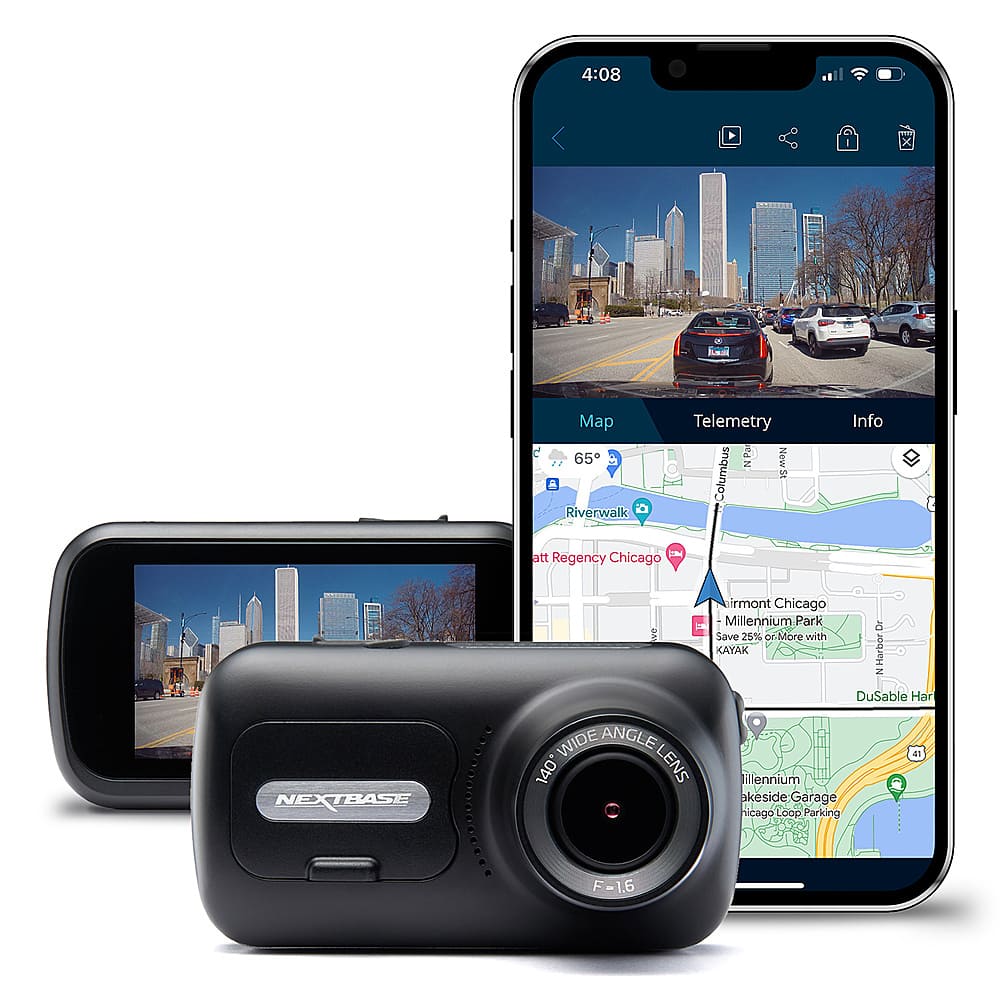

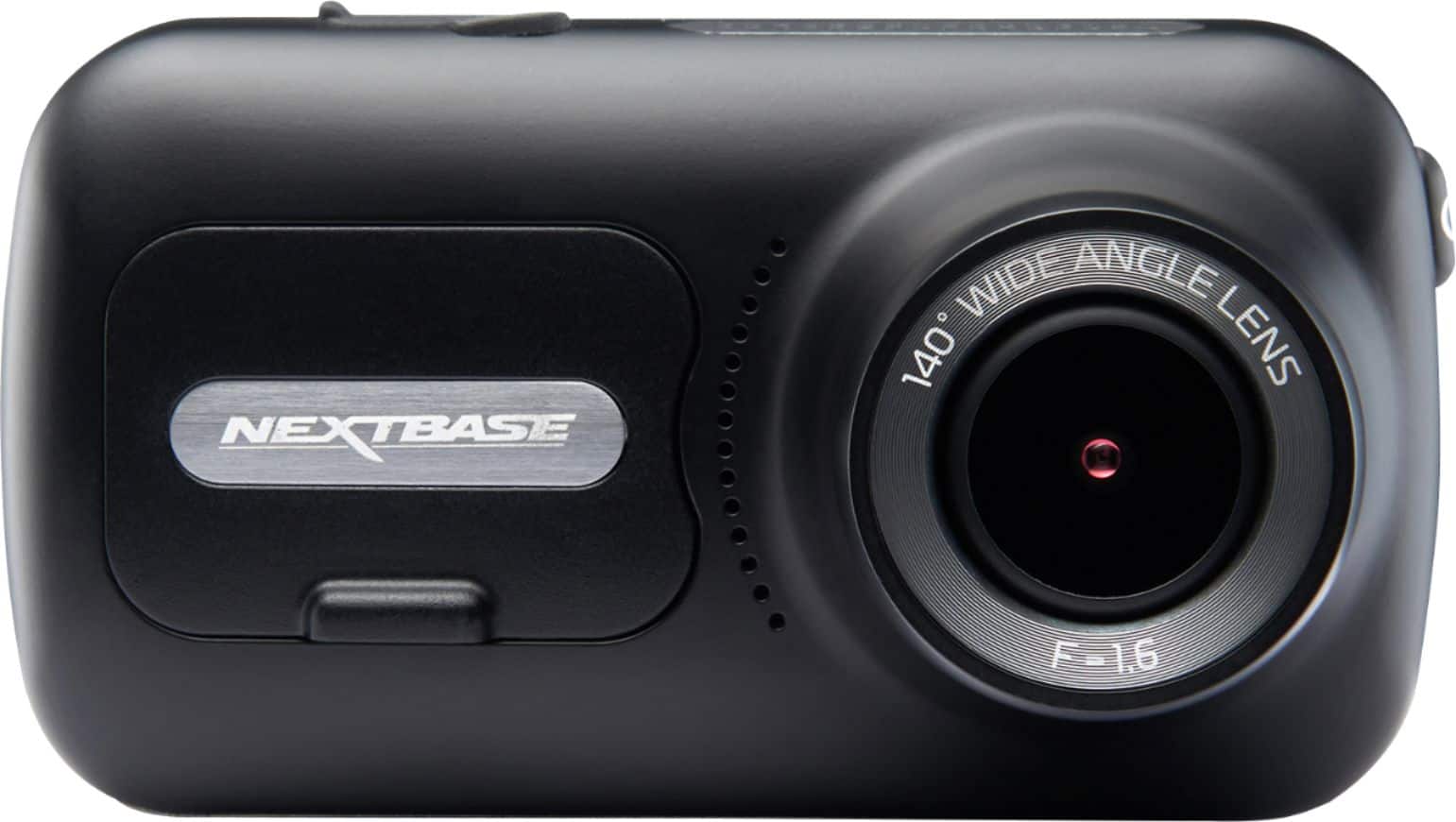
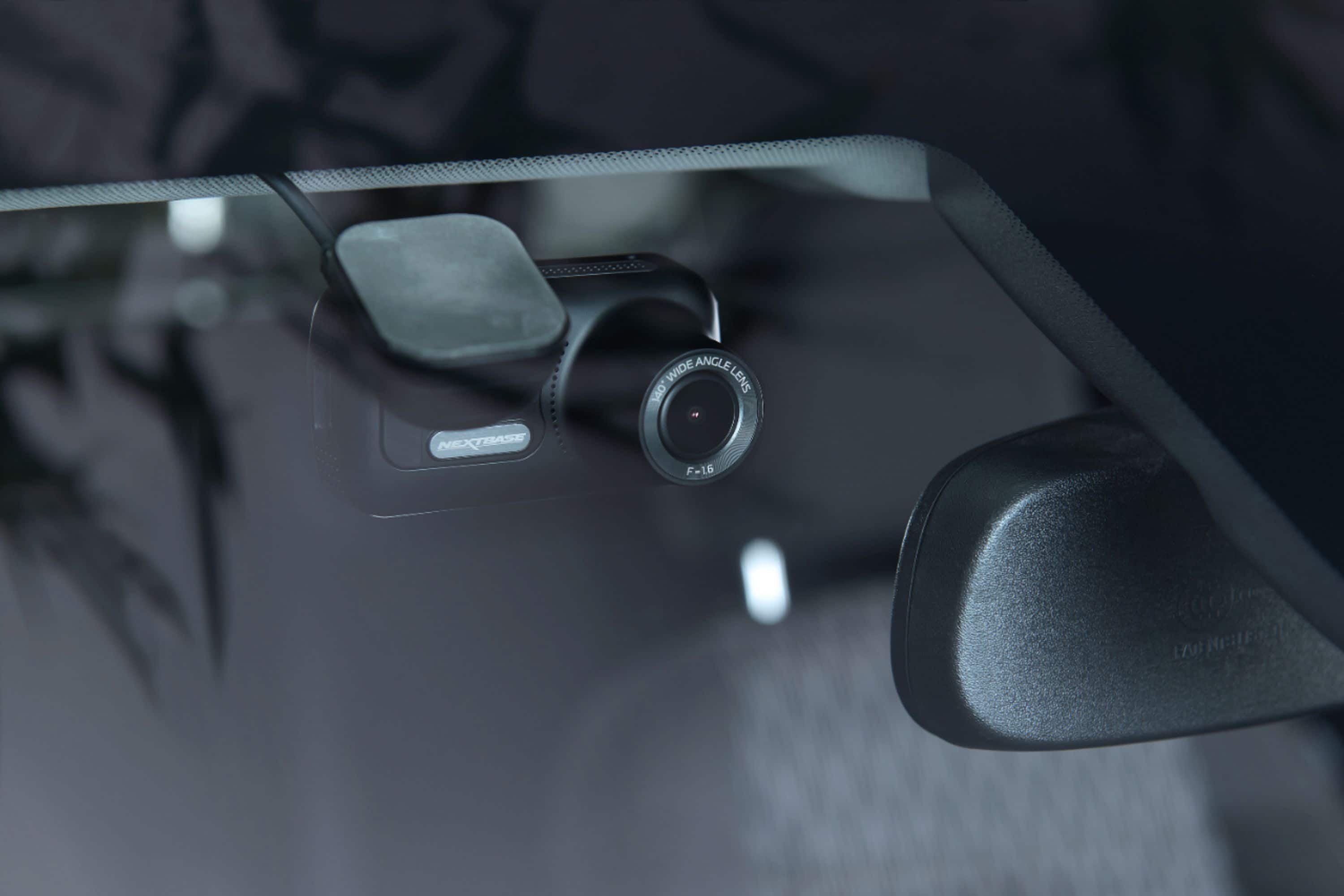

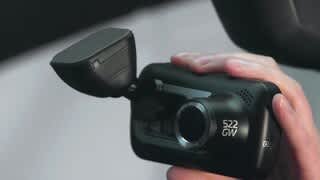
- Model:
- NBDVR322GW
- SKU:
- 10735483
Rating by feature
- Value
Rating 3.7 out of 5 stars
- Quality
Rating 3.9 out of 5 stars
- Ease of Use
Rating 3.9 out of 5 stars
The hardest Firmware Update I ever met
||Posted . Owned for 1 month when reviewed.This reviewer received promo considerations or sweepstakes entry for writing a review.I had this installed Best Buy did a great job installing. The disconnect was getting the the firmware to update. I contacted NextBase they sent an email what needed to happen. I made several attempts; Best Buy would not assist, I returned the dash cam since the firmware was next to impossible to update.
No, I would not recommend this to a friendBrand response from Nextbase
Posted .Hello,
You can easily update the firmware using the mobile app or your computer.
1. Insert the USB cable from the top of the camera into your computer.
2. Select 'FIRMWARE UPDATE' on the camera's screen.
3. On your computer you should see a drive pop up. Open this.
4. You should see DCIM and some links. Stay in this location.
5. Download the firmware file for your camera from website Support:
https://www.nextbase.com/en-gb/help-and-support/
6. Move the .BIN file/s onto the SD card location that you have open.
7. Safely remove the camera from the computer.
8. Power the camera through the mount, or through a mains adaptor. Turn the camera on.
9. The camera should automatically update the firmware.
10. Once complete, your camera will restart twice. Then return to a normal recording screen. Your update has finished.

Awesome Dash Cam. Fantastic Features!
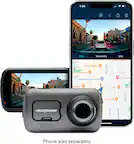
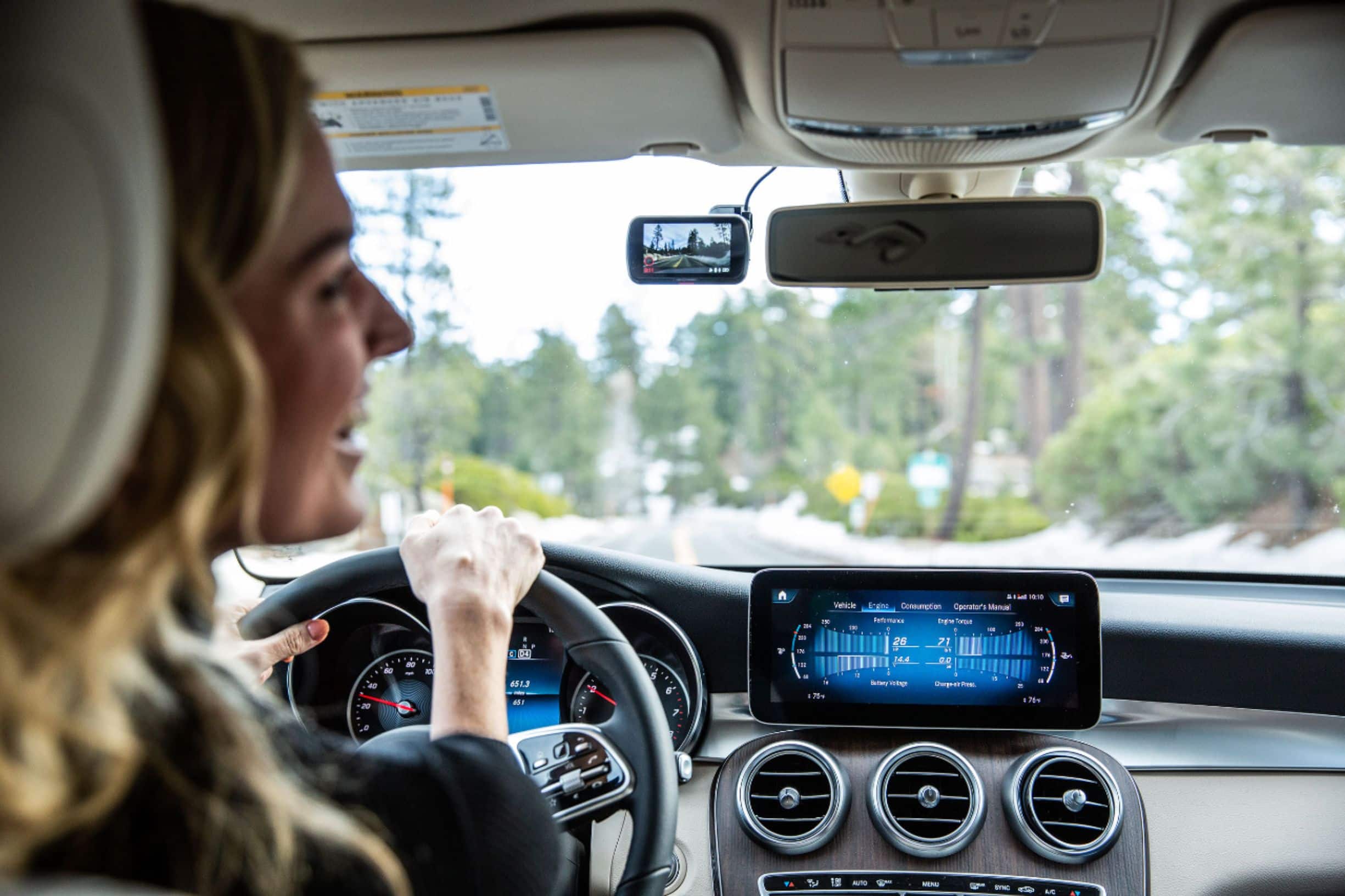
|Posted .This reviewer received promo considerations or sweepstakes entry for writing a review.Wow. What a superb Dash Cam. Setting up this Dash Cam took several minutes. Most of my time was spent figuring out mounting options as I didn't want to affix this product permanently to my windshield, and my preference was to utilize the suction cup. The Dash Cam is compact, easily positioned onto your windshield, and has a solid feel. The actual suction cup that holds the Dash Cam to the windshield is really strong and super secure and I every confidence that it will stay put and not loosen. I found that positioning my Dash Cam just about anywhere on my Honda Accords windshield (camera has a 140° viewing angle) allowed me to obtain great video clips. The 2.5 inch touch screen works well, and was highly responsive to touch. You have a choice of connecting this device via Bluetooth and works with IOS phones as well as Android devices. My device was paired with an iPhone XS and I had no trouble with the process. The Dash Cam can be adjusted to capture 1 - 3 minutes video clips. I personally set mine at 1 minute interval as it allows for faster video transfer times. The video records GPS data (such as vehicle speed, route taken and your vehicles speed). You should also be aware that the device also records sound, such as your conversations (so be careful). The 322GW Dash Cam has a couple of awesome features. It will record if the your vehicle gets bumped or hit or when parked. If you're in a crash, it will alert emergency services (SOS feature) to your location (so if you're unconscious, info will still be sent automatically). Another great feature is the G Sensor, which will auto-preserve video clips pertaining to a crash. Both day and night-time videos were good full HD quality, smooth, and show great details. I was able to make out license plates, vehicle makes and models, etc. Colors were true to life. Pros: Choice of windshield mounting Accurate GPS Wide Angle view with polarizing filter Loop Recording G Sensor SOS Feature Park Mode Cons : The product does not come standard with an SD memory card Downloading videos was somewhat slow The video screen is on the small side Start up guide is not very detailed No Lens cap cover for the Dash Cam. Buggy NextBase Application One of my pet peeves was the Quick Start Guide, especially Step number 10. There are two illustrations indicated under this step which were vague to me. All of the other steps in the guide indicated some sort of written information (accompanied with illustrated pictures), however this step neglected to indicate anything written. Since I was unclear of exactly what was going on, I went directly to the manufacturers web site so that I could further research what was being communicated. Per website, Step 10 depicts two differing mounting methods and how to attach the mounts. I opted for the less permanent mount, so I personally use the suction cup. One important note, your Dash Cam has to have a Micro SD card inserted before you can update the device. So remember to insert your Micro SD card prior to updating. Is this product on my recommended list? Most certainly YES! The device has some quality safety features which will make commuting and your overall driving experience safer, and having quality HD videos is a must. Having this product will make you feel a lot safer knowing that it can save your life in those life threatening situations.
I would recommend this to a friendNot recommended Nextbase 322GW
||Posted . Owned for 11 months when reviewed.This reviewer received promo considerations or sweepstakes entry for writing a review.I purchased this nextbase dashcam a year ago and just stopped working. the screen froze and keeps making a ringing noise even after it was unplugged. Also was never easy to review downloaded footage on my phone.
No, I would not recommend this to a friendBrand response from Nextbase
Posted .Hello Romeo,
Please remove the SD card, then press the reset button on the underside of the Dash Cam. Then, without the SD card inserted, please turn on the Camera. Does it now start normally? If so, this indicates an SD card failure.
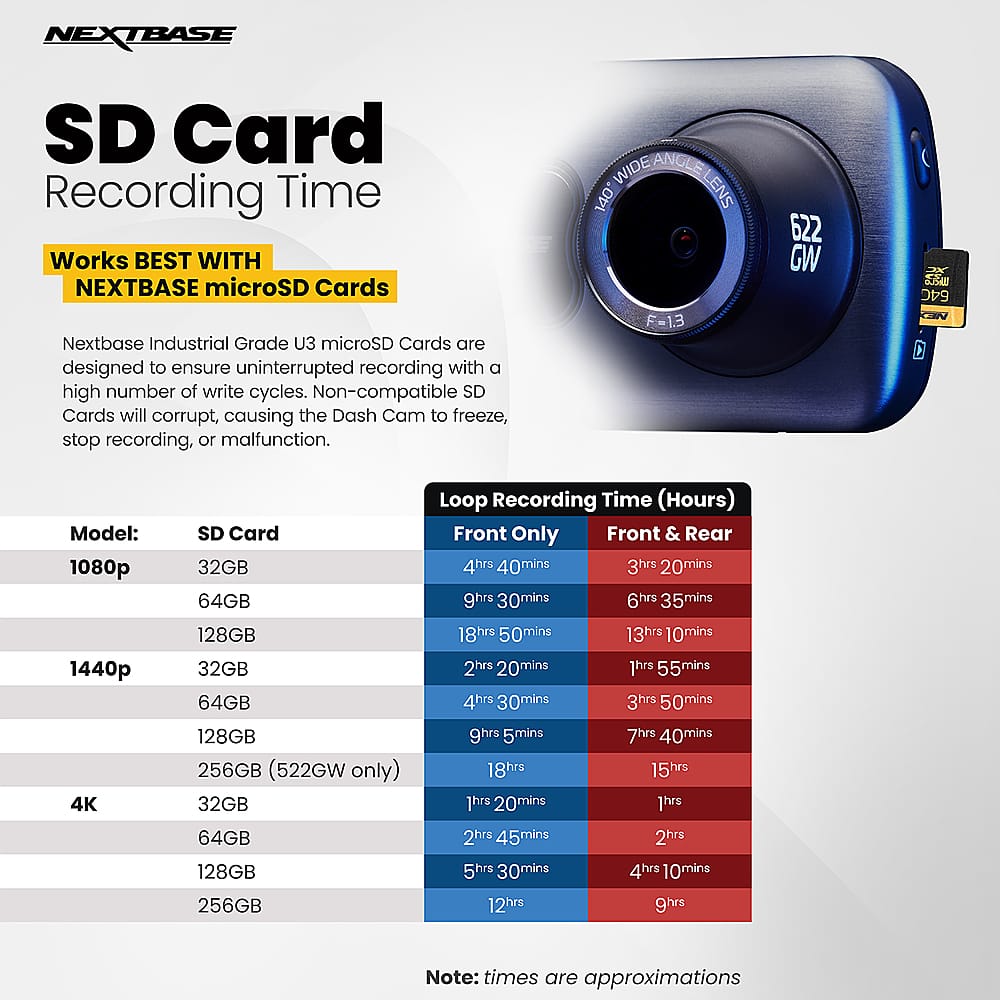
SD cards only have limited lifespans. In our manuals we recommend formatting every 2-3 weeks to prolong the life of the card. Without this regular formatting, or if the card is non-compatible or damaged, the card could corrupt which would cause a failure of data writing.
Symptoms of SD card failure are: an audible 'alarm' tone, non-functional buttons, freezing, corrupted files on playback, image missing from files, lack of file recording etc.
You can format the card via the dashcam by:
a) Turn on the Dash Cam
b) Stop it recording
c) Open Settings
d) Go into Setup
e) Click 'Format'
f) Follow the instructions.
Please be aware that formatting the SD card will delete all the data on the card, so if you wish to keep any footage, please copy this across to a computer before you start the formatting process.
It's crucial to format the SD card every two weeks to avoid any SD card failures.
I would also recommend checking that you are using a compatible SD card.
If you need any further assistance, please contact our Support Team at [email protected].
Didn’t work well
||Posted .This reviewer received promo considerations or sweepstakes entry for writing a review.I was amazed about it’s shipping speed. I received it at the day I purchased. I thought this was the big deal and would work for my car but it didn’t. Poor quality of image, slowly speed, stuck sometimes. Not worth to buy this.
No, I would not recommend this to a friendBrand response from Nextbase
Posted .Hello,
SD cards only have limited lifespans. In our manuals we recommend formatting every 2-3 weeks to prolong the life of the card. Without this regular formatting, or if the card is non-compatible or damaged, the card could corrupt which would cause a failure of data writing.
Symptoms of SD card failure are: an audible 'alarm' tone, non-functional buttons, freezing, corrupted files on playback, image missing from files, lack of file recording etc.
Please ensure you are using a Nextbase SD card to allow the camera to function correctly.
Works great
||Posted . Owned for 1 month when reviewed.This reviewer received promo considerations or sweepstakes entry for writing a review.Excellent product. Came with everything needed except for the memory card. Seems to be working great.
I would recommend this to a friendMs
||Posted .This reviewer received promo considerations or sweepstakes entry for writing a review.Love the dash cam and got excellent service on the installation. Friendly and informative geek squad guy.
I would recommend this to a friendDon’t recommend
||Posted . Owned for 1 week when reviewed.This reviewer received promo considerations or sweepstakes entry for writing a review.Very bad experience with this dash camera. The LCD screen is way too small than I expected. The battery problem is another key issue. Last, the dash camera is never stays on my windshields. Will return to the store.
No, I would not recommend this to a friendBrand response from Nextbase
Posted .Hello West,
I'm sorry to hear that the LCD panel was too small for you. We do clearly state the sizing of our cameras on the listing.
The Series 2 Cameras have an internal lithium ion battery for emergency uses, such as the loss of power during an incident. This will allow the camera to continue recording to the end of the clip before switching off. This internal battery has around 15 minutes of battery life. The cameras are designed to be used with the Cigarette Lighter Cable or Hard Wire Kit in the car.
Finally, the camera comes with an adhesive mount in the box. This is durable and less likely to come off the windscreen. Please use this mount instead.
Added peace of mind
||Posted . Owned for 3 months when reviewed.This reviewer received promo considerations or sweepstakes entry for writing a review.Great investment, gives me peace of mind that I will have footage in the event of an accident.
I would recommend this to a friendPerfect for insurance purposes
||Posted . Owned for 2 months when reviewed.This reviewer received promo considerations or sweepstakes entry for writing a review.Bought this for my truck, connects to phone, saves files for evidence say after a crash.
I would recommend this to a friendBattery exploded in heat, destroyed. Warning!!
||Posted . Owned for 5 months when reviewed.This reviewer received promo considerations or sweepstakes entry for writing a review.The camera battery exploded and popped the camera open. Absolutely no use now. It was sitting in the window of our vehicle and when we came out after work one day it was in pieces hanging from the cord.
No, I would not recommend this to a friendFront and rear dash cams
||Posted . Owned for 1 week when reviewed.This reviewer received promo considerations or sweepstakes entry for writing a review.Very nice front and rear cameras… installation was nice and clean.
I would recommend this to a friendGreat dash cam
||Posted . Owned for 6 months when reviewed.This reviewer received promo considerations or sweepstakes entry for writing a review.Love this dash cam. If you do not have one you need one.
I would recommend this to a friendJunk, don't buy
||Posted . Owned for 10 months when reviewed.This reviewer received promo considerations or sweepstakes entry for writing a review.Battery in it died within 6 months and had it hardwired to the batter for constant recording and that has killed 2 batteries in my truck. The wifi feature is junk, it takes forever to upload a single video!
No, I would not recommend this to a friendWorks Great
||Posted .This reviewer received promo considerations or sweepstakes entry for writing a review.Bought this as a present for my dad, he loves it so far, no complaints.
I would recommend this to a friendcamera
||Posted . Owned for 11 months when reviewed.This reviewer received promo considerations or sweepstakes entry for writing a review.excellent the sound amazing love them I brought two more
I would recommend this to a friendVideo camara
||Posted . Owned for 2 months when reviewed.This reviewer received promo considerations or sweepstakes entry for writing a review.This video camera is perfect for the car good vision
I would recommend this to a friendThis camera is useless.
||Posted . Owned for 2 weeks when reviewed.This reviewer received promo considerations or sweepstakes entry for writing a review.It is not easy to set up and it has to turn off manually. I have tried everyhing to got it to work but camera simply refused. It was defective product that waste my time and money.
No, I would not recommend this to a friendBrand response from Nextbase
Posted .Hello,
Please remove the SD card, then press the reset button on the underside of the Dash Cam. Then, without the SD card inserted, please turn on the Camera. Does it now start and turn off normally? If so, then your SD card is not compatible and I'd recommend using a Nextbase card instead.
SD cards only have limited lifespans. In our manuals we recommend formatting every 2-3 weeks to prolong the life of the card. Without this regular formatting, or if the card is non-compatible or damaged, the card could corrupt which would cause a failure of data writing.
Symptoms of SD card failure are: an audible 'alarm' tone, non-functional buttons, freezing, corrupted files on playback, image missing from files, lack of file recording etc.
Defective, bad quality control
||Posted .This reviewer received promo considerations or sweepstakes entry for writing a review.Tried this in 2 different cars. Never got disk to correctly fit.Does not charge. Doesn't turn on or turn off with vehicle. 100% not satisfied. Worst purchase off Best buy for me!
No, I would not recommend this to a friendBrand response from Nextbase
Posted .Hello Aaron,
SD cards only have limited lifespans. In our manuals we recommend formatting every 2-3 weeks to prolong the life of the card. Without this regular formatting, or if the card is non-compatible or damaged, the card could corrupt which would cause a failure of data writing. Symptoms of SD card failure are: an audible 'alarm' tone, non-functional buttons, freezing, corrupted files on playback, image missing from files, lack of file recording etc.
Are you using a Nextbase SD card? Has the card been formatted regularly throughout use? Have you tried inserting the SD card fully?
If you need any help with the above, please contact our Nextbase Support Team at [email protected]. We can send instructions on how to correctly insert the SD card into the camera.
I like it you can dance to it. I like to you can d
||Posted . Owned for 9 months when reviewed.This reviewer received promo considerations or sweepstakes entry for writing a review.I like it you can dance to it. I like to you can dance to it.
I would recommend this to a friendCamera Will Not Charge
||Posted . Owned for less than 1 week when reviewed.This reviewer received promo considerations or sweepstakes entry for writing a review.This is not a bad camera but the reason I gave it one star is because it will not charge. I first bought one on September 11 and it charged for one week, then it stopped charging. I exchanged it for another cam thinking it was just defective, and the second one wouldn't even charge out of the box. Without the backup battery the parking mode is useless. Very, very disappointed because I really liked the camera. Will be returning for a second time and going with something else.
No, I would not recommend this to a friendBrand response from Nextbase
Posted .Hello,
I am very sorry to hear that your 322GWs would not charge. As this was not isolated to a single dash cam, it was unlikely to be a problem with the cam itself, but the cable or power source. Please ensure you are using the included USB cable to charge the cam in your home, with it connected to a mains power source that has an output of 5V/2amp. If the adaptor or port that you are using is less than 5V/2amp, then this would only be enough to turn the dash cam on but not charge the battery. You can usually tell this by a flickering blue LED on the cam.
Once charged suitably, the 322GW will have a 10-15 minutes back up battery life suitable for emergency uses, such as the loss of power during an incident. This will allow the camera to continue recording to the end of the clip before switching off.
If there's anything else that we can help with, please contact our Support Team at [email protected] or +1 800 2805 178.