Customer Ratings & Reviews
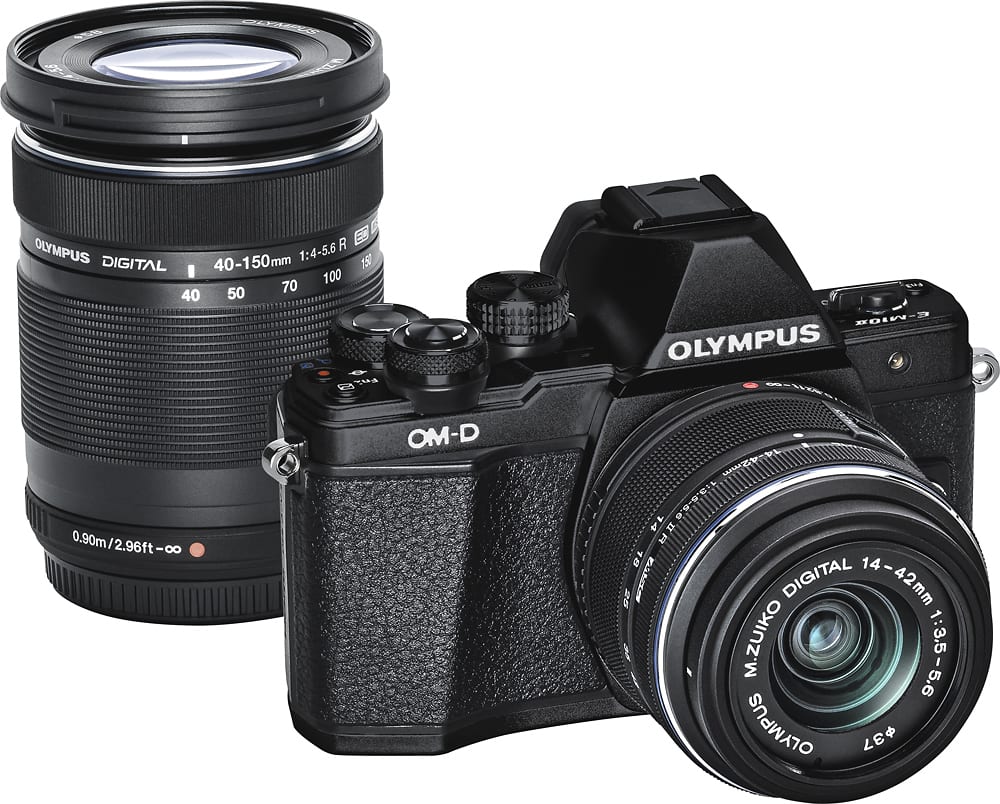
- Model:
- V207051BU010
- |
- SKU:
- 5038203
Customer reviews
Rating 4.7 out of 5 stars with 22 reviews
(22 customer reviews)to a friend
Customers are saying
Customers regard the OM-D E-M10 Mark II Mirrorless Camera as producing excellent picture quality, with many praising the ease of use and lightweight design. The camera's simple settings and user-friendly interface are frequently highlighted as positive aspects. Many users found it easy to learn and convenient to carry.
This summary was generated by AI based on customer reviews.
- Pros mentioned:Picture quality
Rated 5 out of 5 stars
Great camera
Posted .This reviewer received promo considerations or sweepstakes entry for writing a review.I am not a professional photographer but I wanted something smaller than a DSLR that could produce high quality images. I tried high end point and shoots ($300-$400) and was disappointed. So I decided to spend a bit more and go this route. While I miss the compactness of the point and shoots, this is still pretty small (much more convenient than the DSLRs), it has changeable lenses, and picture quality is FAR superior to most (if not all) point and shoots. I didn't need 4K video so I saved some $$ over the new model with this one. I've used mainly canon and olympus cameras. I like both but IMO, I like the olympus picture quality better. This camera also takes pretty nice video and I see some reviews say the mirrorless cameras may even do a better job at video than DSLRs. It would not surprise me. Battery life lives up to what you see in the specs--I'd say pretty good. I also like that the batteries are charged in a separate charger which means you can have a few charged spares and simply swap them instantly. No waiting to charge the camera. Finally I love that I can touch the screen exactly where I want the focus to zero in on--that is awesome and I don't get pics with the subject blurry and a coke can in the background in sharp view. Since it is has been replaced by the mark III model, I don't know how much longer this option will be around so if you are interested, I would get it soon. With this available, the mark III just didn't seem worth the extra $$ for my needs. Absolutely love it!
I would recommend this to a friend Rated 5 out of 5 stars
One Touch access to functions while using EVF
Posted .This reviewer received promo considerations or sweepstakes entry for writing a review.I do all pre-exposure and post exposure viewing through the electronic viewfinder(EVF) on the bright sunny days when the back display is not viewable, like the Grand Canyon. I can try a few exposure techniques in the bright sunlight with direct access to the functions I need, without fishing or two step process. I start with auto mode. I can look thru the EVF and still touch the LCD panel and drag the focus box. Sony A6000 has no touch panel. Take a pic. Then I go to aperture priority , tweek the exposure compensation on the front wheel (default setting). Still no menu fishing. Magnify is reasigned to BTN1 magnify in the multi function instead of the stand alone magnify. Manual focus is reassigned to BTN 2 to further verify focus along with Magnify. Hit the shutter. Then I go to HDR reassigned to REC. The exposure comp on the front wheel will work along with HDR. SO, with my buttons reassigned with new functions, I can try a few exposure techniques in the bright sunlight with direct access to the functions I need, without menu fishing or two step process. For more help look up Rob Trek on YouTube
I would recommend this to a friend