Customer Ratings & Reviews
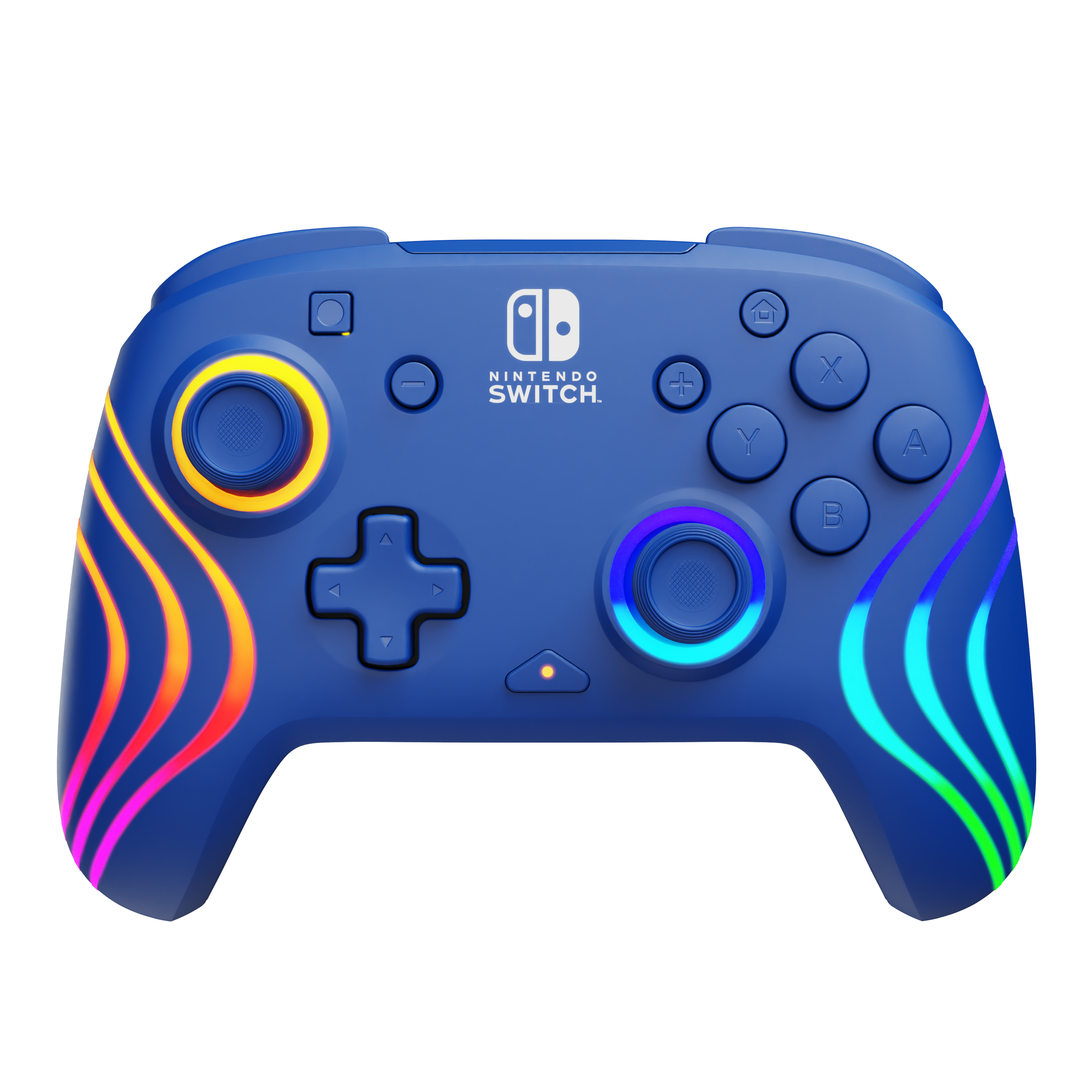
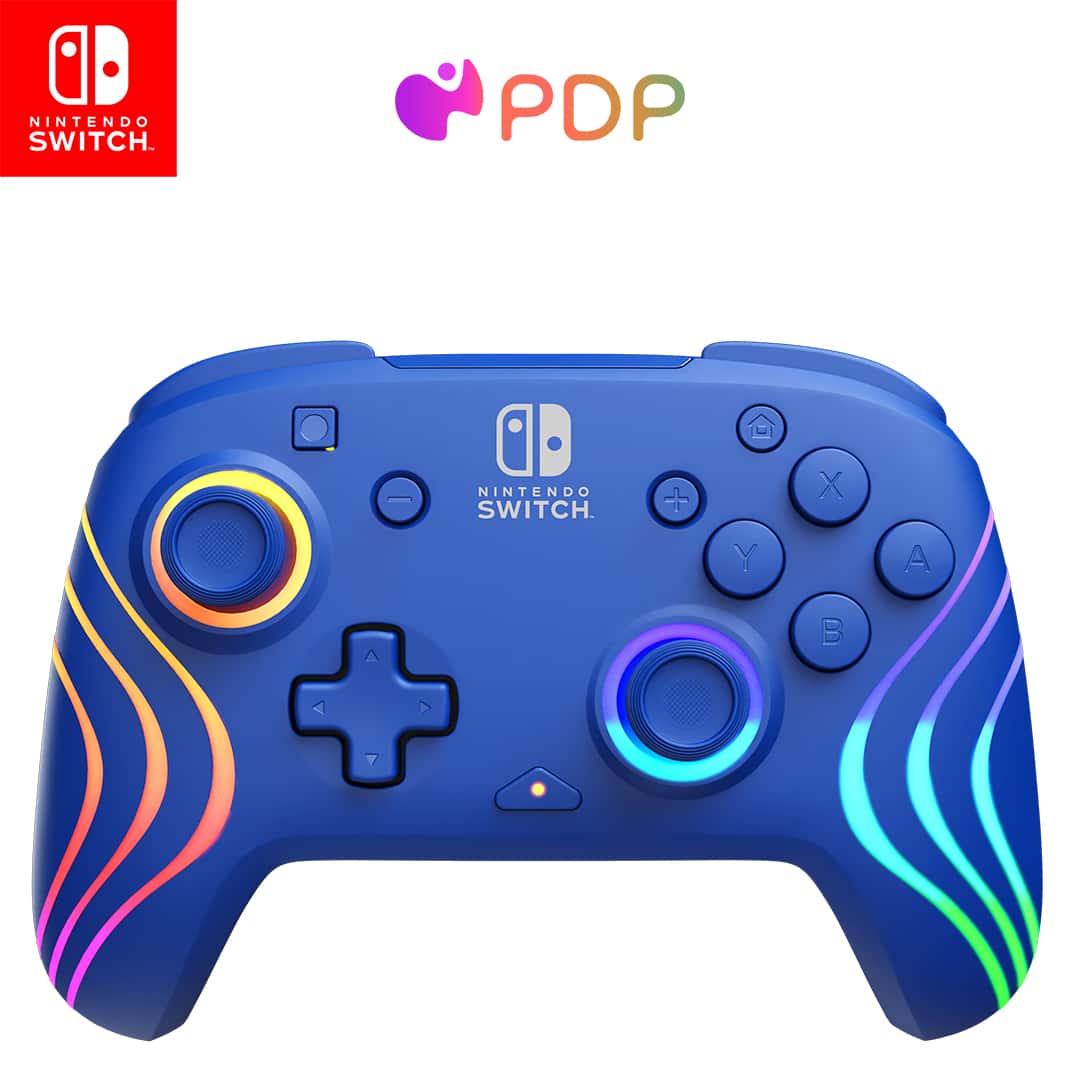
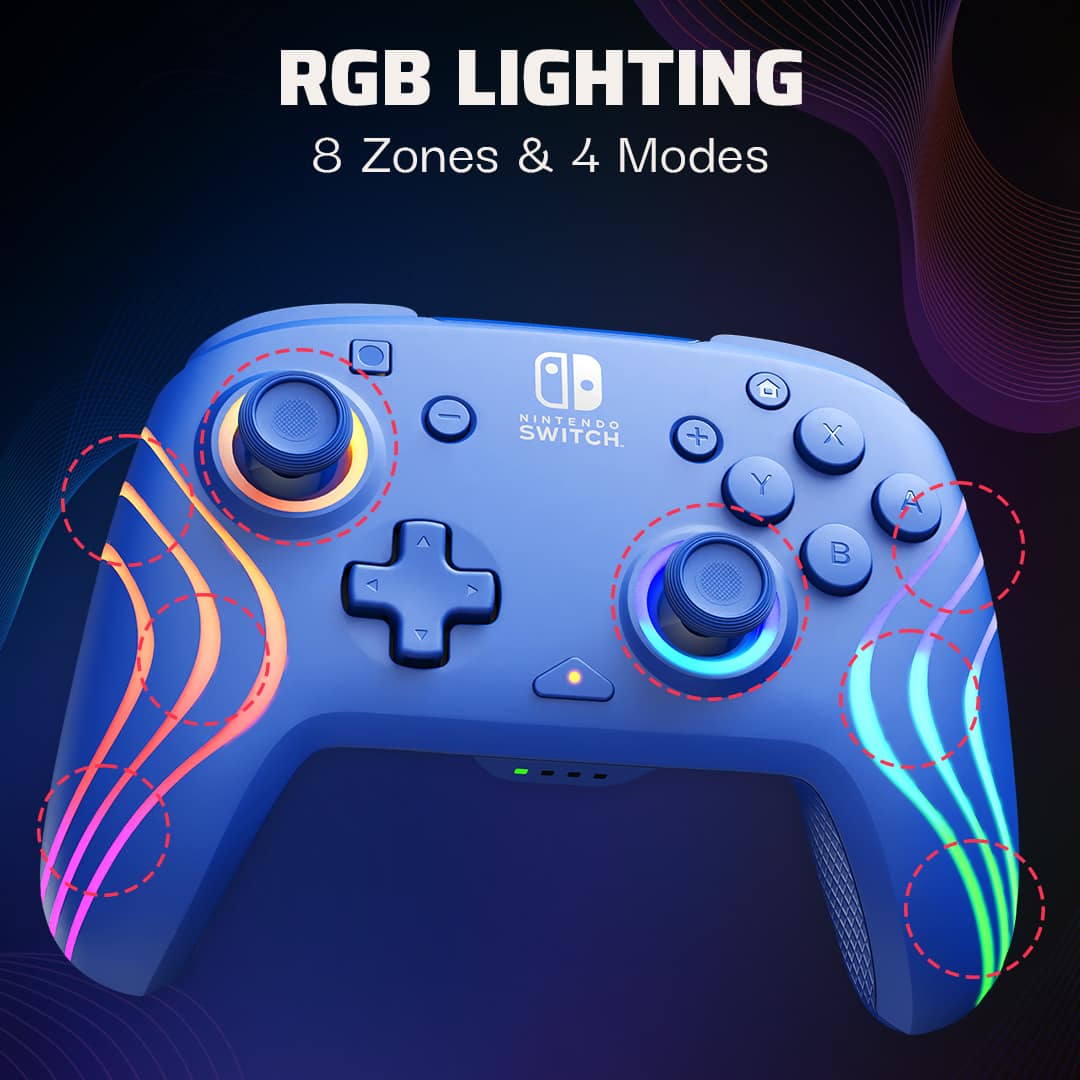
- Model:
- 500-252-BL
- SKU:
- 10917236
Rating by feature
- Value
Rating 4.7 out of 5 stars
- Quality
Rating 4.7 out of 5 stars
- Ease of Use
Rating 4.8 out of 5 stars
Controller
||Posted . Owned for 1 month when reviewed.This reviewer received promo considerations or sweepstakes entry for writing a review.It is comfortable to use and I loved the colors, quality is good
I would recommend this to a friendVery cool controller
||Posted . Owned for 1 month when reviewed.This reviewer received promo considerations or sweepstakes entry for writing a review.Very cool that it can change color. Very nice feel in the remote
I would recommend this to a friendGood for competitive gamers
||Posted . Owned for 1 month when reviewed.This reviewer received promo considerations or sweepstakes entry for writing a review.A great controller that’s comfortable and easy to use, plus you can customize what color it glows.
I would recommend this to a friend
Lights over rumble
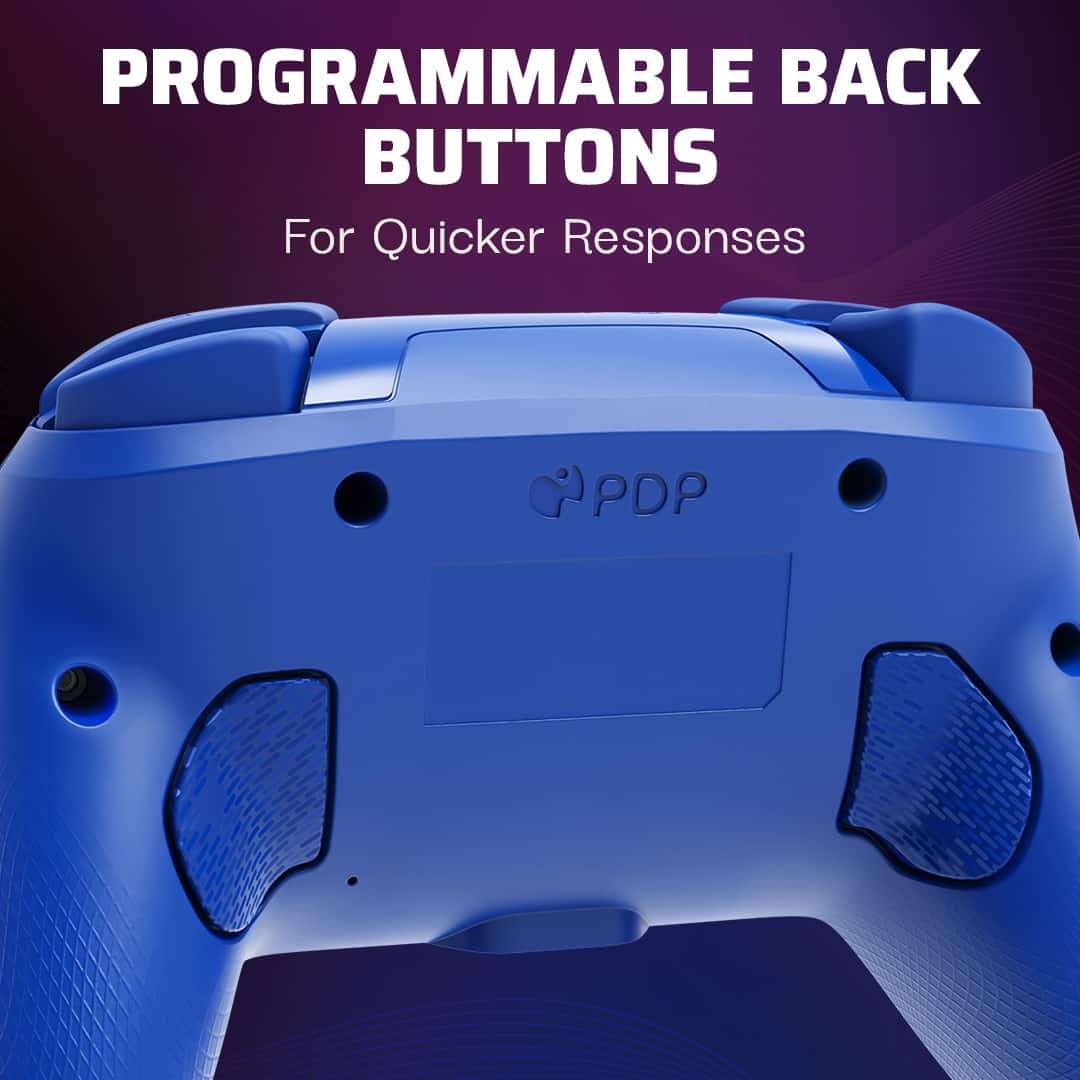
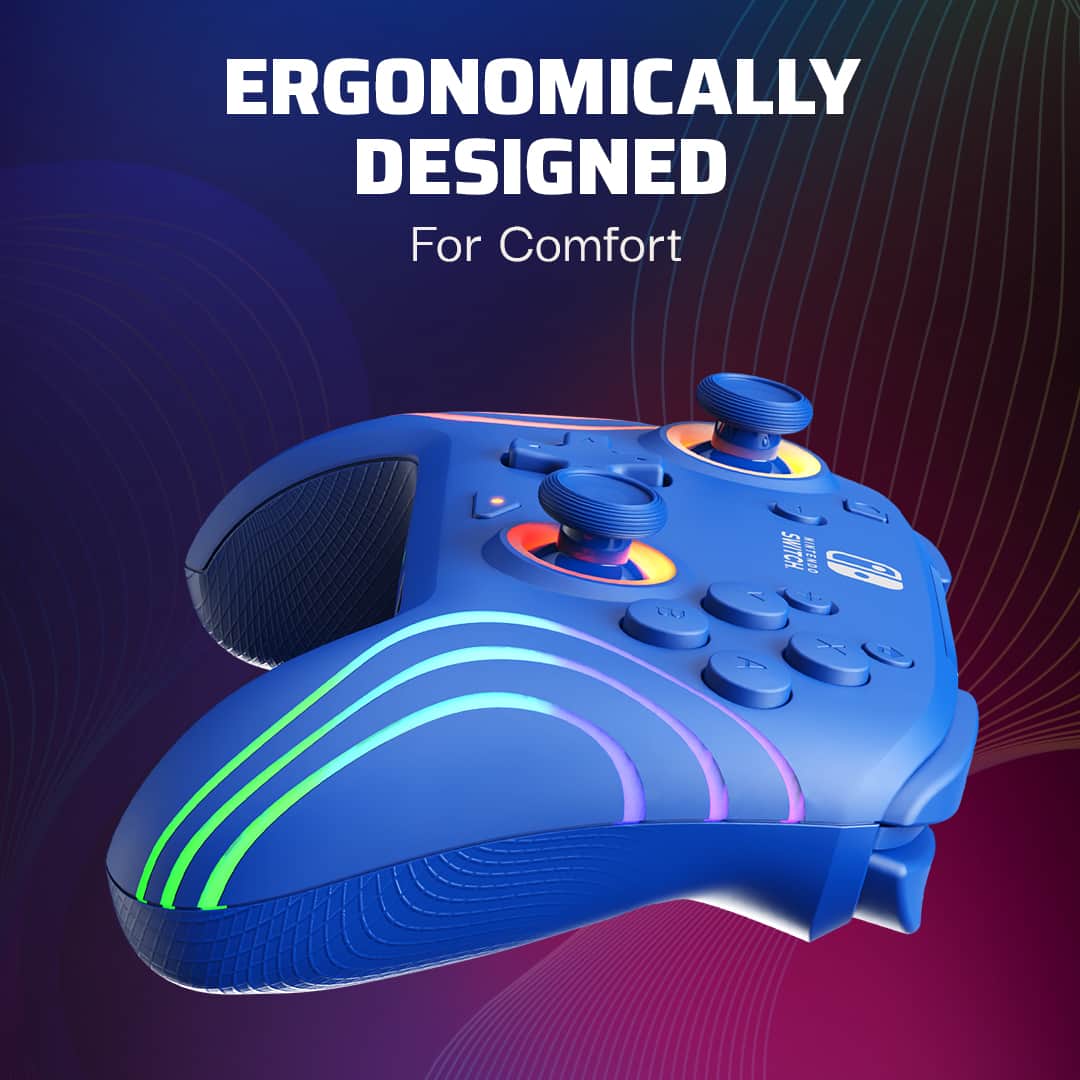
|Posted .This reviewer received promo considerations or sweepstakes entry for writing a review.This is a great substitute for the switch pro controller. This does almost everything the pro controller does except for the rumble, but you do get the lights. Setup is easy and it comes with a charge right out of the box. The switch easily paired to it and actually connects faster than the joycons at the L+R controller page. So this is the same size as the pro controller but is tad lighter-- probably because of the lack of rumble mechanism. But the grip though, for some reason is better than the pro. It couldn't be because it is newer-- the lights area do not have ridges but do have a change of texture so maybe that helps with the grip. The back buttons are easy to reach and it really feels more comfortable to hold. Same size, more comfy-- can't pinpoint why. The build is great and looks durable and solid. Looks like it can take a beating. Now the lights, which I think is a plus. Is so easy to setup. Color, brightness level, light behavior all easy to figure out even without the manual. I only have one of these but they actually help after a quick break. Usually when I play with the kids, each one has an assigned joycon color. But in smash Bros, everyone reaches for the pro controllers because it reduces button spamming fatigue. Since we only have two pro controllers, the two kids who have the pros either have to remember what player number they are and look under the controller, or they usually end up switching controllers once we resume. The RGB will help with letting us know who has what controller. For now, we only have one of these afterglows but I will get 2 more because lighting is more useful than the rumble. For the programmable buttons, it is a nice to have for me because I could not make it work YET. The challenge is, playing Zelda TOTK, when you shield surf, it requires a certain timing. I was trying to program the right back button for the shield surf and the left button for the flip dodge. But I can't program while playing to see if my timing is correct. Maybe I have to play for a longer time to get the finger muscle memory before I program. But that my only gripe: I need to see my programming in action because the action set I want it for is pretty critical and it needs precise timing. I love the black and not a fan of other colors and the lights have the option to make it look less boring when the kids have it. Overall it is a very good controller. No connectivity or delay issues. It's very comfortable and battery life is great after 5 sessions so far. I think, it is a great alternative to the pro controller. I recommend!
I would recommend this to a friendA Stylish Pro Controller Alternative
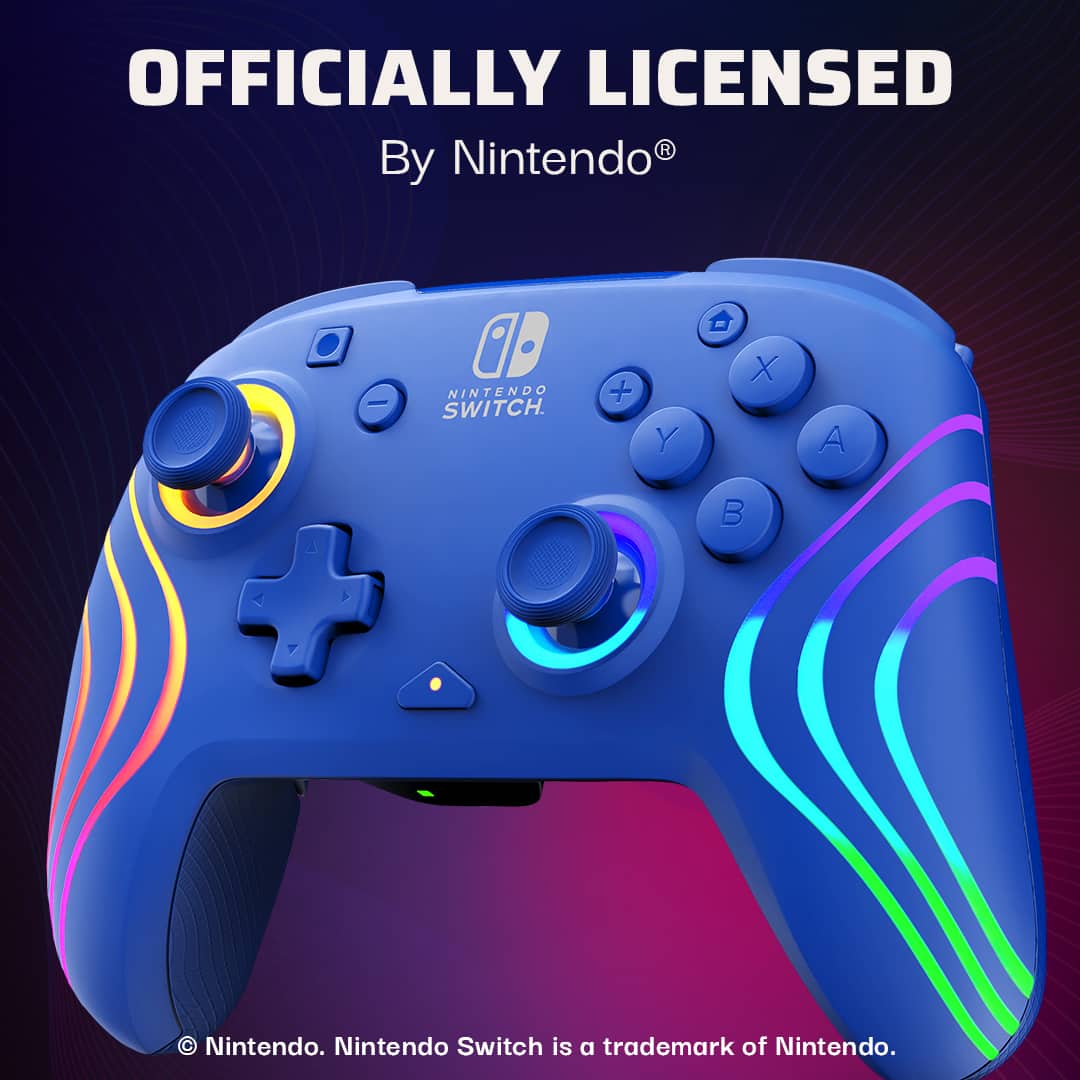
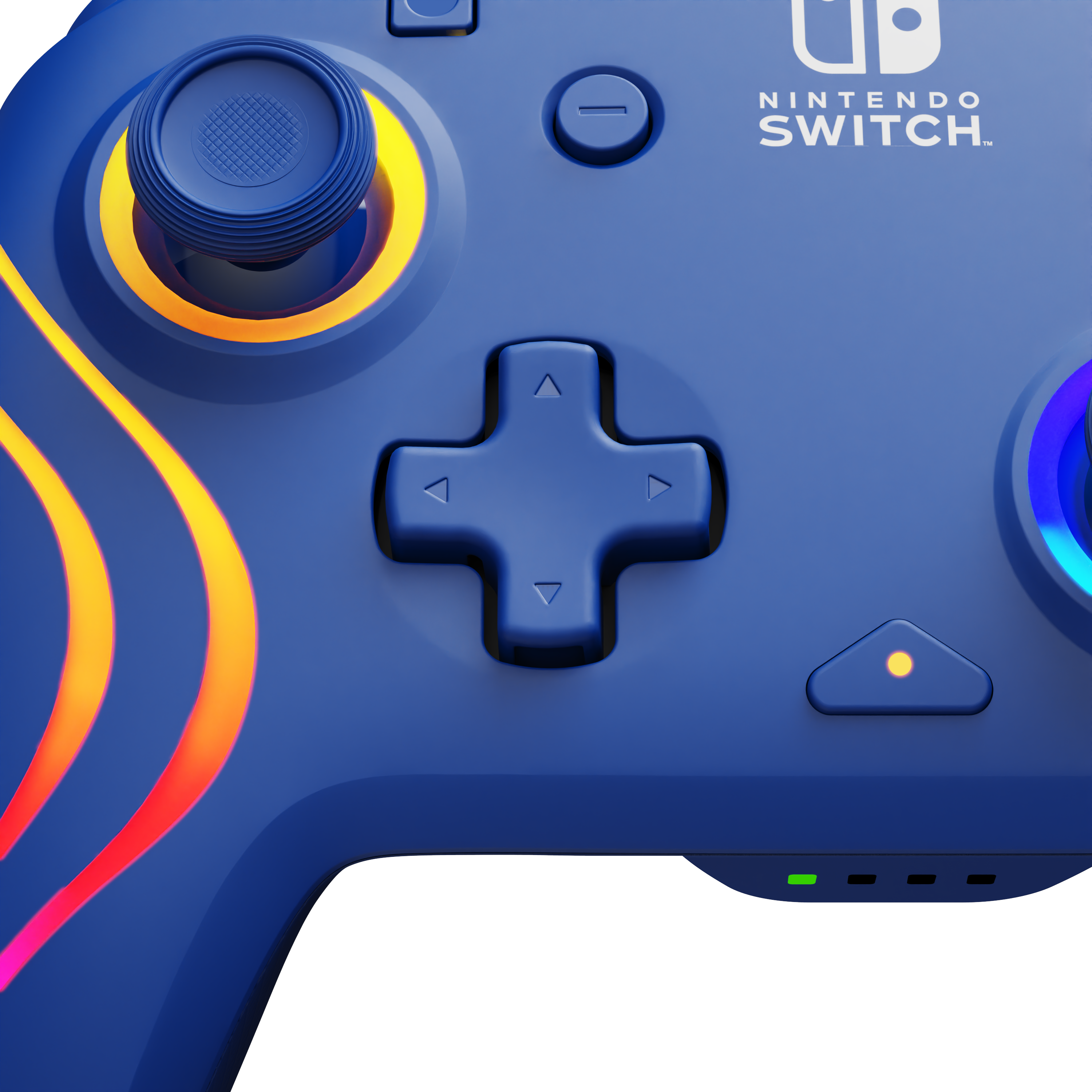
|Posted .This reviewer received promo considerations or sweepstakes entry for writing a review.The PDP Afterglow Wave Wireless Pro Controller is an officially licensed Nintendo Switch controller compatible with both the original and OLED models. While it lacks the HD rumble functionality of the Nintendo Switch Pro Controller, its customizable RGB lighting adds a fun and unique aesthetic that sets it apart. The build quality is excellent—the controller feels durable and solidly constructed. It closely matches the size and feel of the official Pro Controller but is slightly lighter (likely due to the absence of the rumble mechanism). The buttons and analog sticks are responsive, with wireless range and latency on par with the official Pro Controller. It also fits onto my Pro Controller charging dock just like the official version. In addition to its solid core functionality, the Afterglow Wave introduces two features that distinguish it from the standard Pro Controller: the function button and two customizable back buttons. The function button serves multiple purposes. It indicates battery status (flashing red when low), adjusts the RGB lighting effects, and initiates the programming of the back buttons. The lighting effects are easy to cycle through allowing for quick customization of colors and patterns. The back buttons are a great addition, providing customizable controls that can be mapped to mimic any other button on the controller by following the instructions in the User Guide. Overall, the PDP Afterglow Wave Wireless Pro Controller is a great value for its price. While the absence of HD Rumble may be a downside for some, the addition of RGB LED customization and mappable back buttons more than make up for it.
I would recommend this to a friendSnazzy styling matched with solid performance
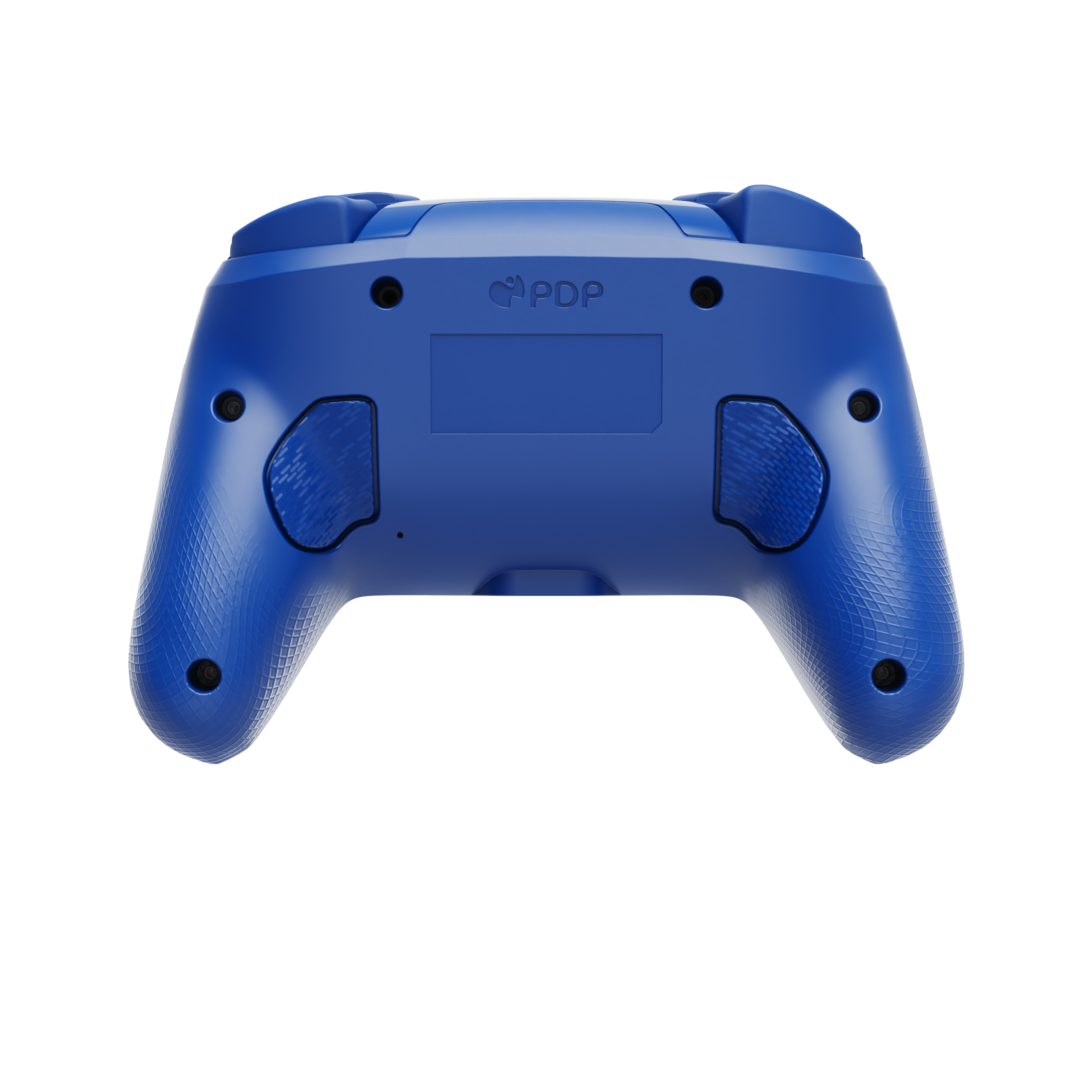
|Posted .This reviewer received promo considerations or sweepstakes entry for writing a review.I prefer larger controllers like this when gaming with the Switch on a full-sized television because the Joy-Con feels lacking to me on the big screen. This Turtle Beach PDP controller form factor is similar to the Nintendo Pro and my larger console controllers. The controller ships with a USB charging cable that can connect to and charge through the Switch dock. After charging, I paired it to my (non-OLED) Switch by holding down the sync button momentarily. It paired easily and the connection has been stable so far, even across the room. I decided to try Mario Kart 8 first since it is the game I most frequently play on large screen with others. It plays quite well, although the controller has a slightly different feel from Nintendo’s Pro. This is particularly due to the two back buttons on the grips. They’re convenient if needed, but I don’t use them yet until I get more accustomed to them. The default back button mappings feel reversed, but they can be disabled or re-mapped through the controller. After a couple of rage inducing attempts to triple-star the Moon Cup, I began to feel more comfortable with the controller’s feel and layout and eventually pulled it off. I’m pleased with this controller. It’s comfortable to use, has good battery life, solid performance and stable connectivity with no noticeable latency. The response from all buttons and joysticks is solid. The RGB lighting around the front of the controller grips and under the joysticks is a nice ornamental touch. There are several lighting presets and the lights tend to change in response to the current running application. Lighting can also be customized through the controller. I tried the controller on my PC out of curiosity, but it didn’t work. Can’t fault a guy for trying but this is definitely for the Switch only.
I would recommend this to a friendGreat controller for the price
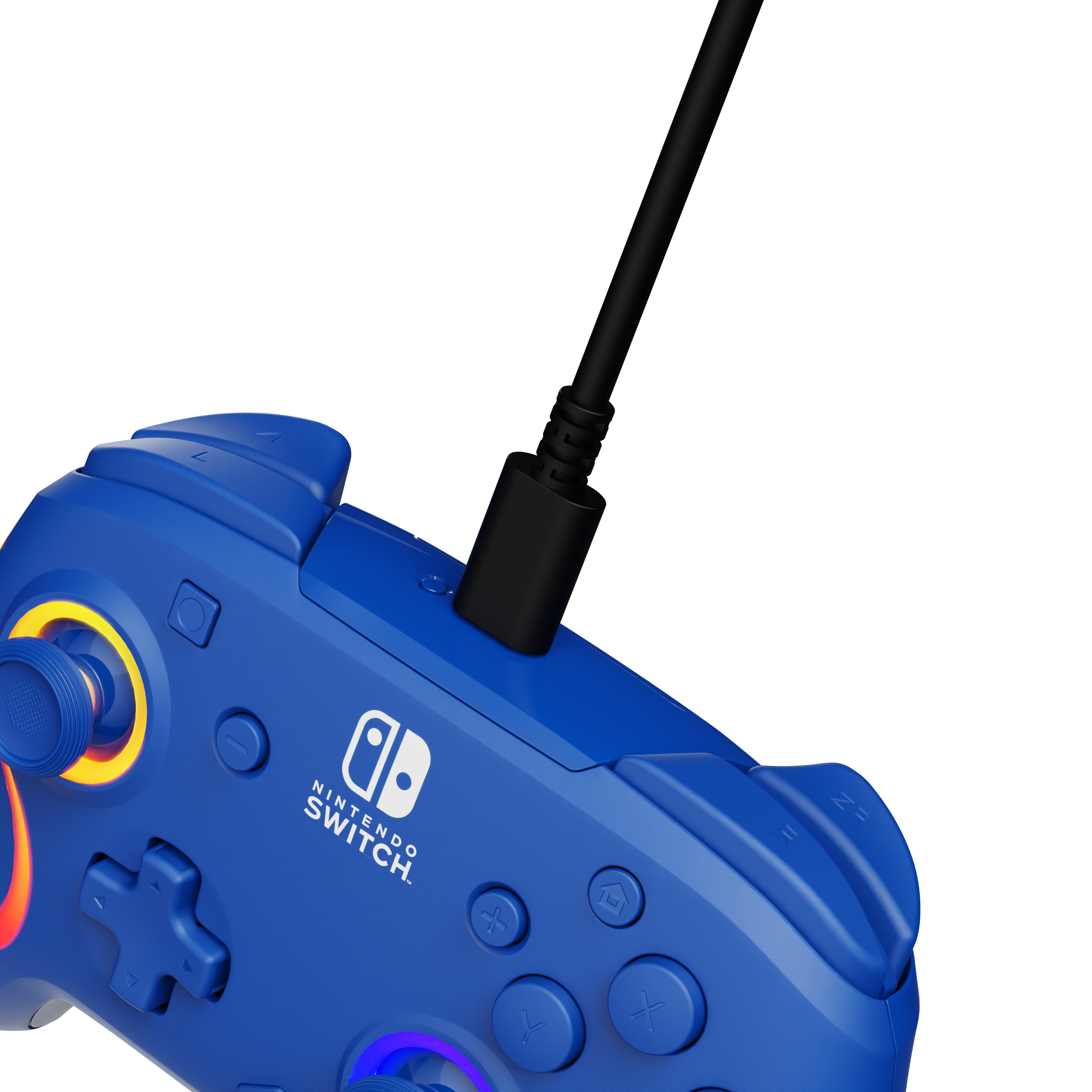
|Posted .This reviewer received promo considerations or sweepstakes entry for writing a review.Introduction The PDP Wave is an officially licensed Nintendo controller. Going in I had never heard of the company PDP. All I know was that it was a subsidiary of Turtle Beach. I haven’t had the best of luck with Turtle Beach headsets, but I was hoping a controller would be better. What comes in the box? Out of the box you get the Afterglow Wave Wireless controller, a USB-A to USB-C charging cable, and a quick start guide. Minor wins The RGB is indeed nice. There are four patterns to choose from, but from my point of view, it only looks like three… I don’t see the wave pattern at all. Major wins I really do like the two extra buttons on the back of the controller. I like it even better that you can map them. The controller has a great build quality, and is very comfortable to hold. Usage Pairing the controller isn’t as easy as just pressing the pairing button on the top of the controller. You have to turn on the Switch, go to settings, and go to grip. From there you can press the L+R buttons and you’re paired. The quick start says that if you press any button, the controller should pair automatically. That was not the case. The hall effect joysticks are awesome, and not a single button feels soft and mushy. That buttons click well, and are very responsive. I tested out a couple of Switch games that I’m very familiar with, and all of them played well with the controller. Mario Kart would be the best test, and there was no input lag, or disconnection at any point. The controller has good weight to it without it being heavy if that makes any sense. You use the function button to do most of the user setting changes. It also lets you know when the battery is running low. Charging it is as simple as plugging the charging cable to any USB-A port on pretty much any device. I really do enjoy using the Afterglow and it’s MUCH cheaper than some of the controllers out there. Minor issues Mapping the two back buttons works, but it’s cumbersome. Primarily for Someone who is in need of an extra controller but for a good price. Probably not for If you have lots of extra joycons or already have Nintendo’s pro controller, then you don’t need one… unless you really like the RGB lighting. All in all This is a great controller, it works well, and has good battery life. I would definitely recommend it.
I would recommend this to a friendSeamless BT Connection and Beautiful RGB Design
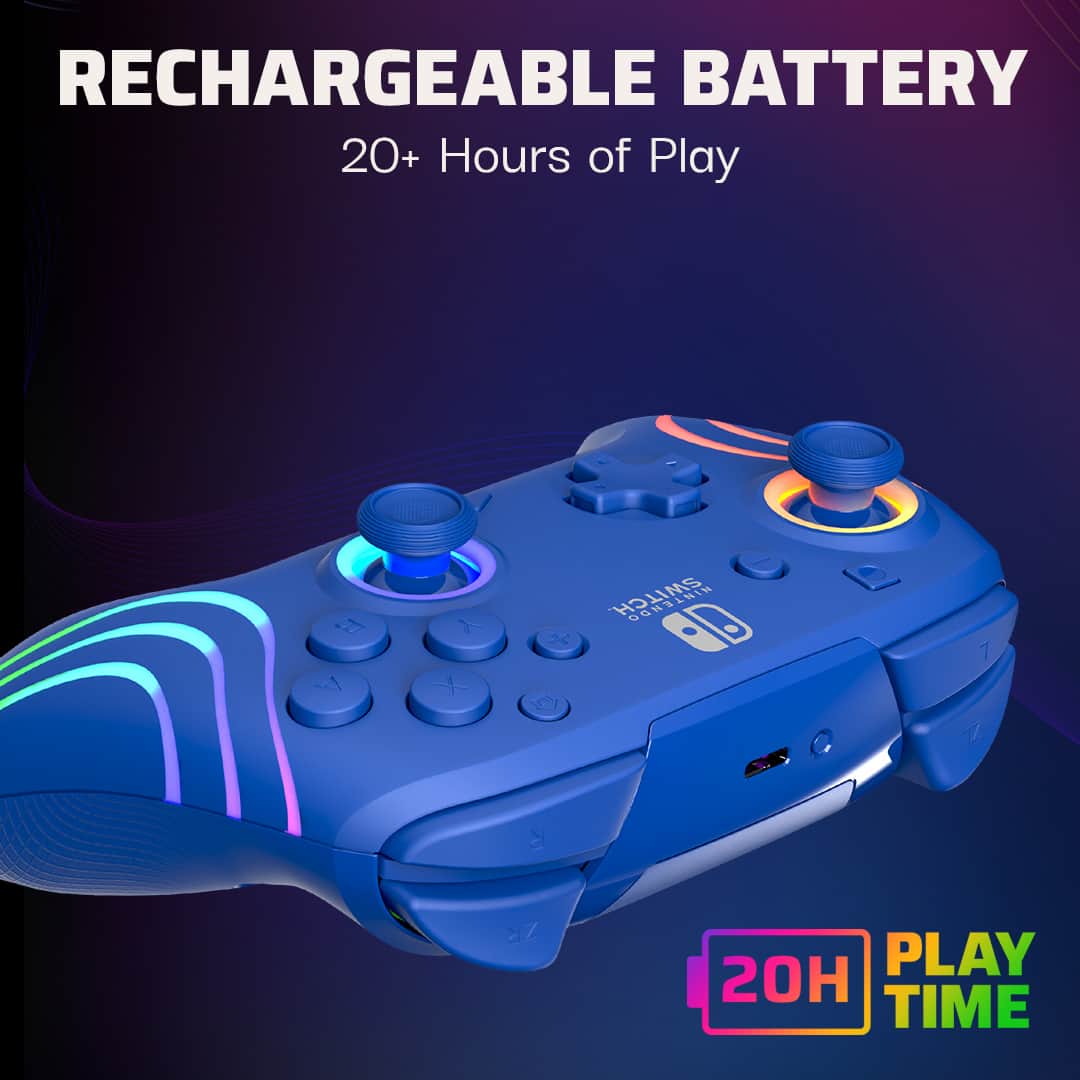
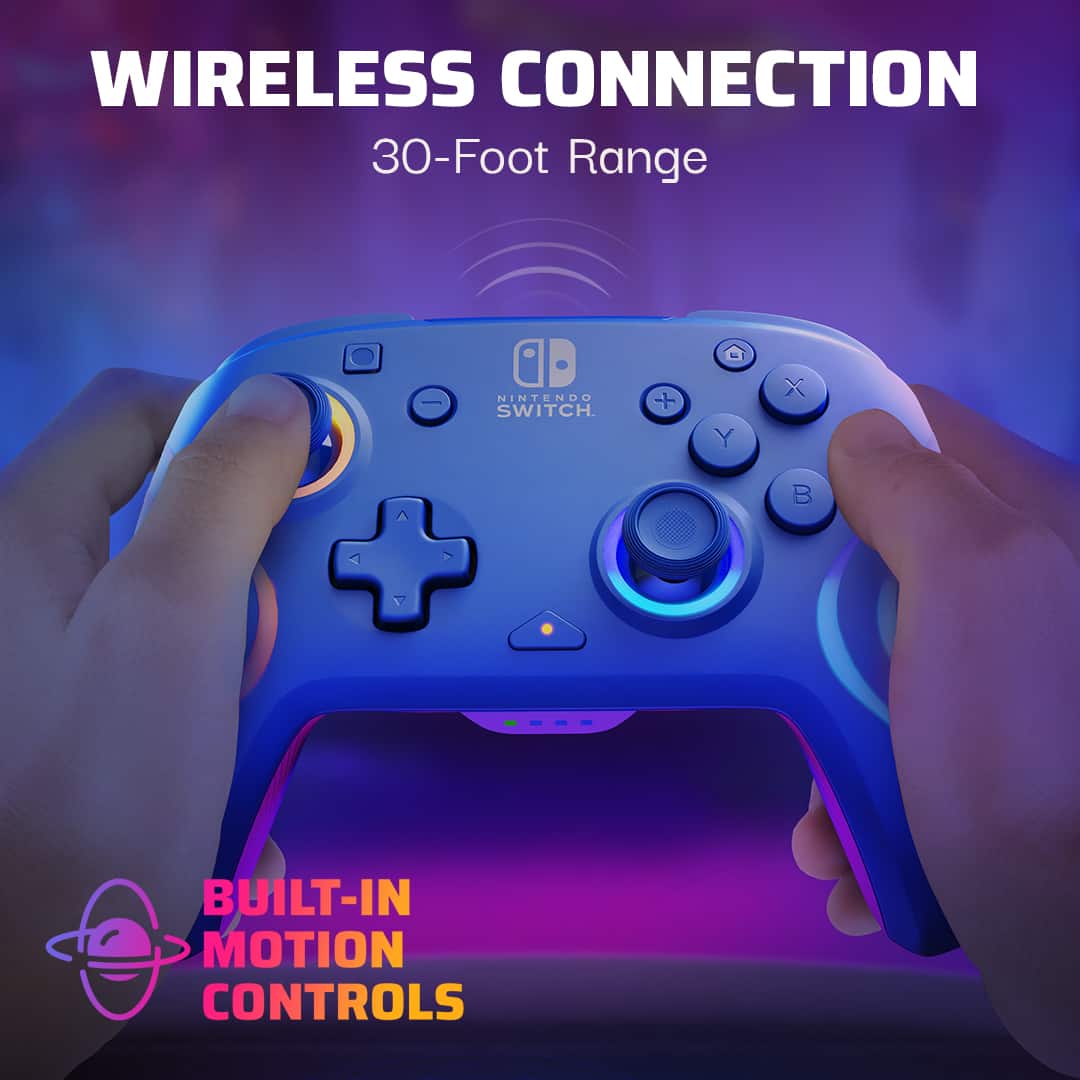
|Posted .This reviewer received promo considerations or sweepstakes entry for writing a review.I’ve had a Nintendo Switch for years, but this is the first time I have tried a wireless controller with it that is not a joystick and I am loving it! Bluetooth connectivity is seamless with the console, even when it is in handheld mode, allowing us the advantage of the controller without the need for a tv or monitor. It turns on and connects automatically right away, and goes to sleep quickly if it is not in use. I did find that it did not want to connect with a JustDance 2020 I have, perhaps it is not compatible with certain older games. So far, the battery life seems to hold to its promise of 20 hours. We have been using it daily and have not needed to charge it yet. The controller registers exceptionally and has a great response time. The back buttons take some time getting used to, but they are incredibly useful in fast paced games like Fortnite and Smash Bros. The back of the controller has a slightly roughened texture that provides a good grip while playing. It is also quite lightweight, with most of the weight concentrated at the center. The mappable back buttons are customizable with the controller itself but not with the console. It is so easy and quick to remap them using the triangle button, which is awesome because it is shared and we all like different settings. The RBG lights are fantastic, adding to the fun of the gaming experience. My kids especially love this feature. The RGB can be customized by lighting effect, color, and brightness. There are two possible downsides to point out. One, unlike the joysticks, this controller does not have dual-actuation on the ZL and ZR buttons. This means that in certain actions, for example driving, there is no going slow, it’s full speed or nothing. Secondly, there is no vibration. I personally don’t care as I also use a Switch Lite and already got used to playing without it, but it might be missed by some. Overall, I see this as a great addition to our Nintendo Switch accessories. The only thing missing is a case to take it on-the-go along with the console.
I would recommend this to a friendNo rumble but you get LED
|Posted .This reviewer received promo considerations or sweepstakes entry for writing a review.The PDP Afterglow pro controller is a wireless controller for the Nintendo Switch. It comes with a USB-A to USB-C cable and can be recharged. The LED lights are bright. When charging, the color will be red. It changes color when it is fully charged. I don’t pair controllers often with my Switch console so I had to look it up. You will need to go to Home, Controllers, select Change Grip/Order, then hold the sync button. It paired without any issues. The controller feels good. I did not notice any lag. I prefer to play with a controller with some games rather than hold the console. I played Luigi’s Mansion and the analog sticks feel good. One thing I want to mention is there are buttons underneath the controller. I tend to accidentally press them when I pick up the controller. Unless you map them, they do not do anything except wake up the controller. It should not affect battery life. The controller sleeps fairly fast when not detecting input. No rumble but you do get the lights. I like the controller. It is not too heavy. It feels good in the hands.
I would recommend this to a friendGreat Controller!
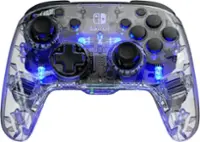
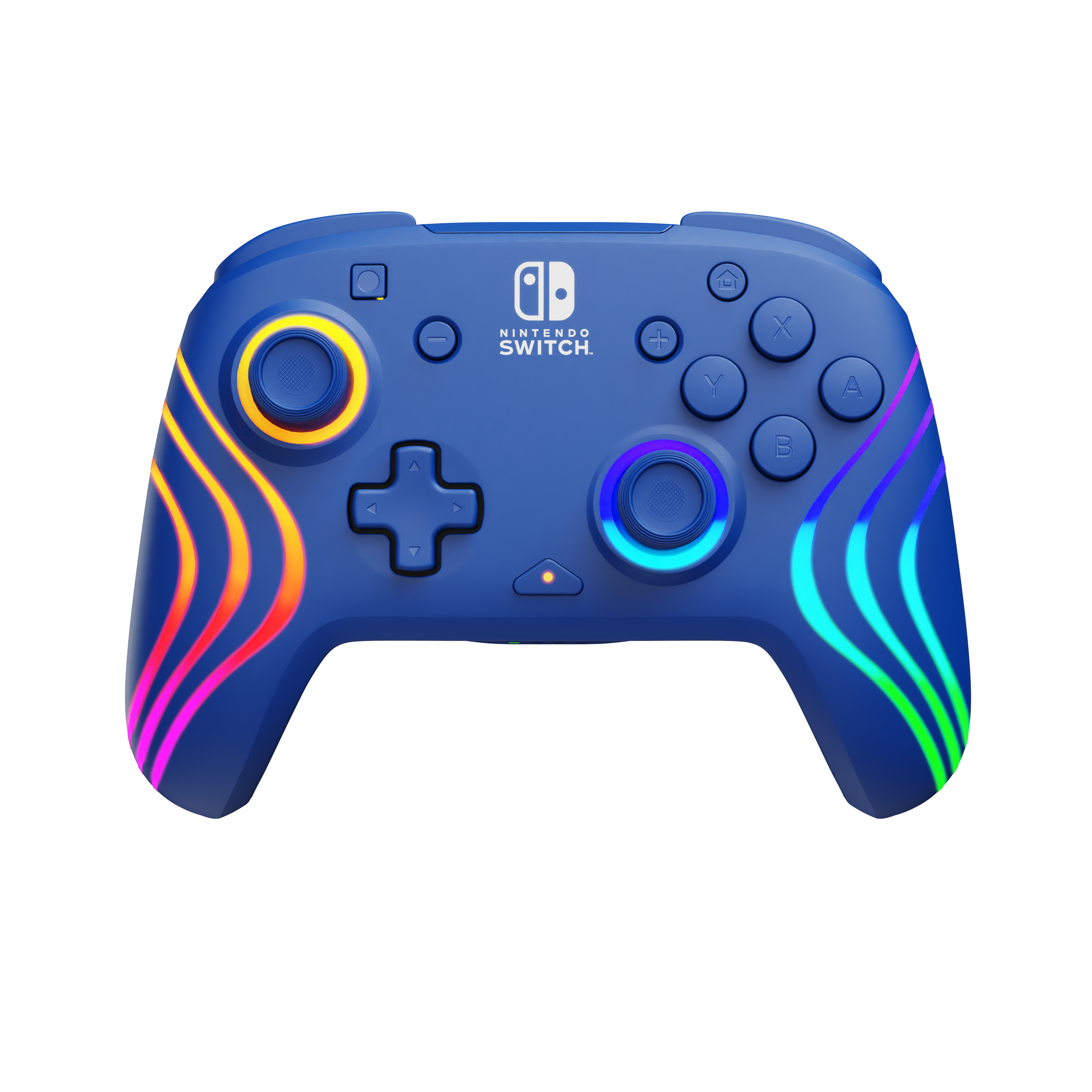
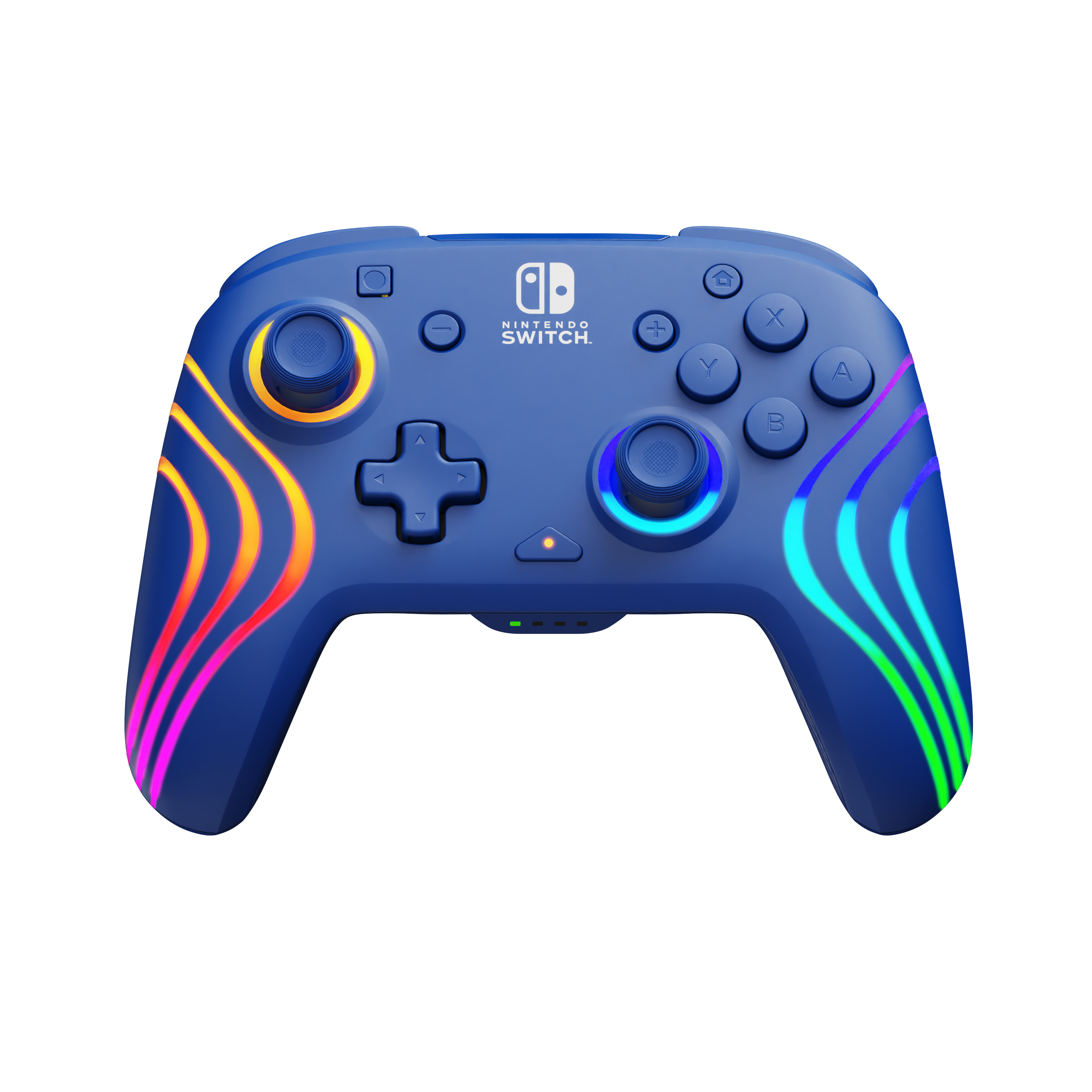
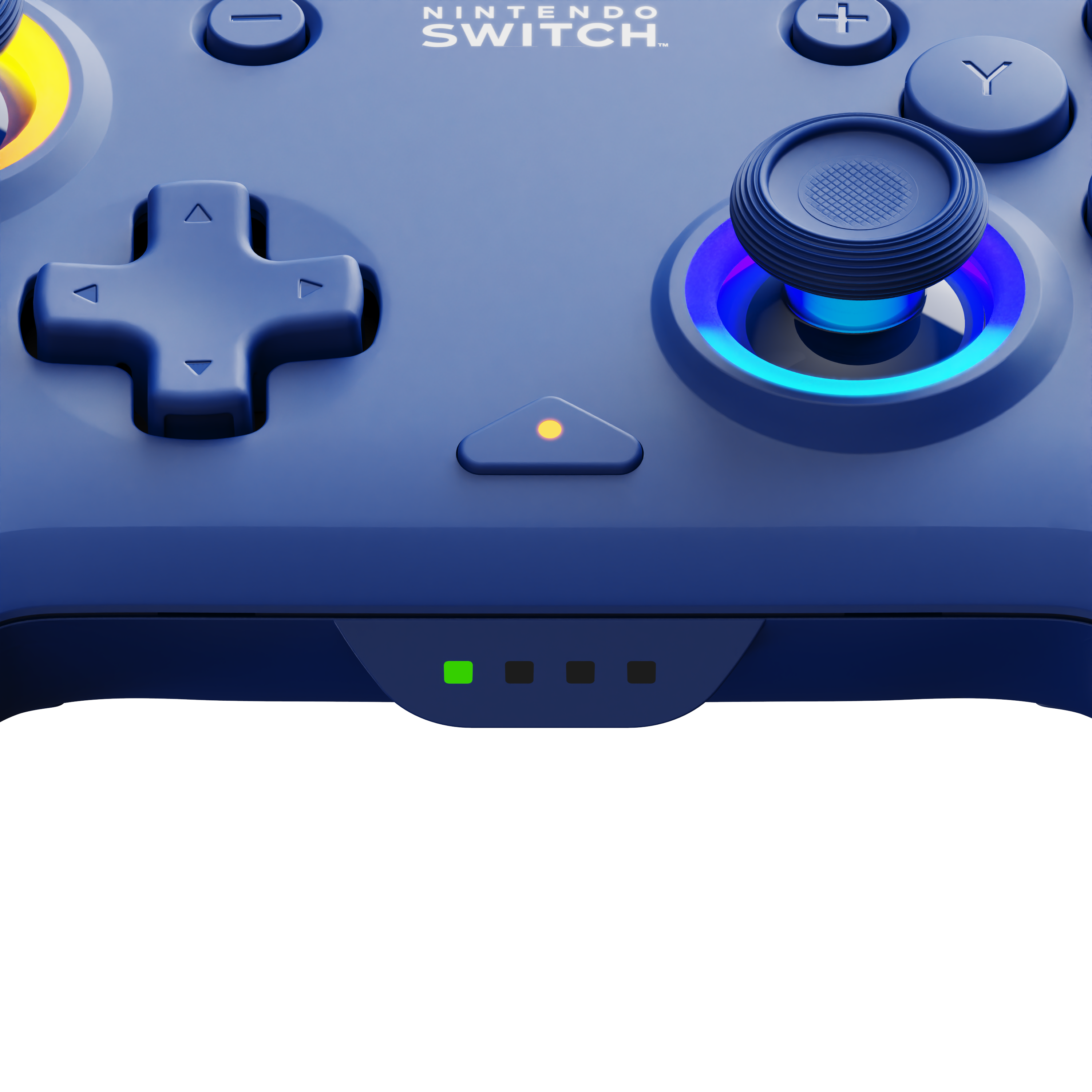
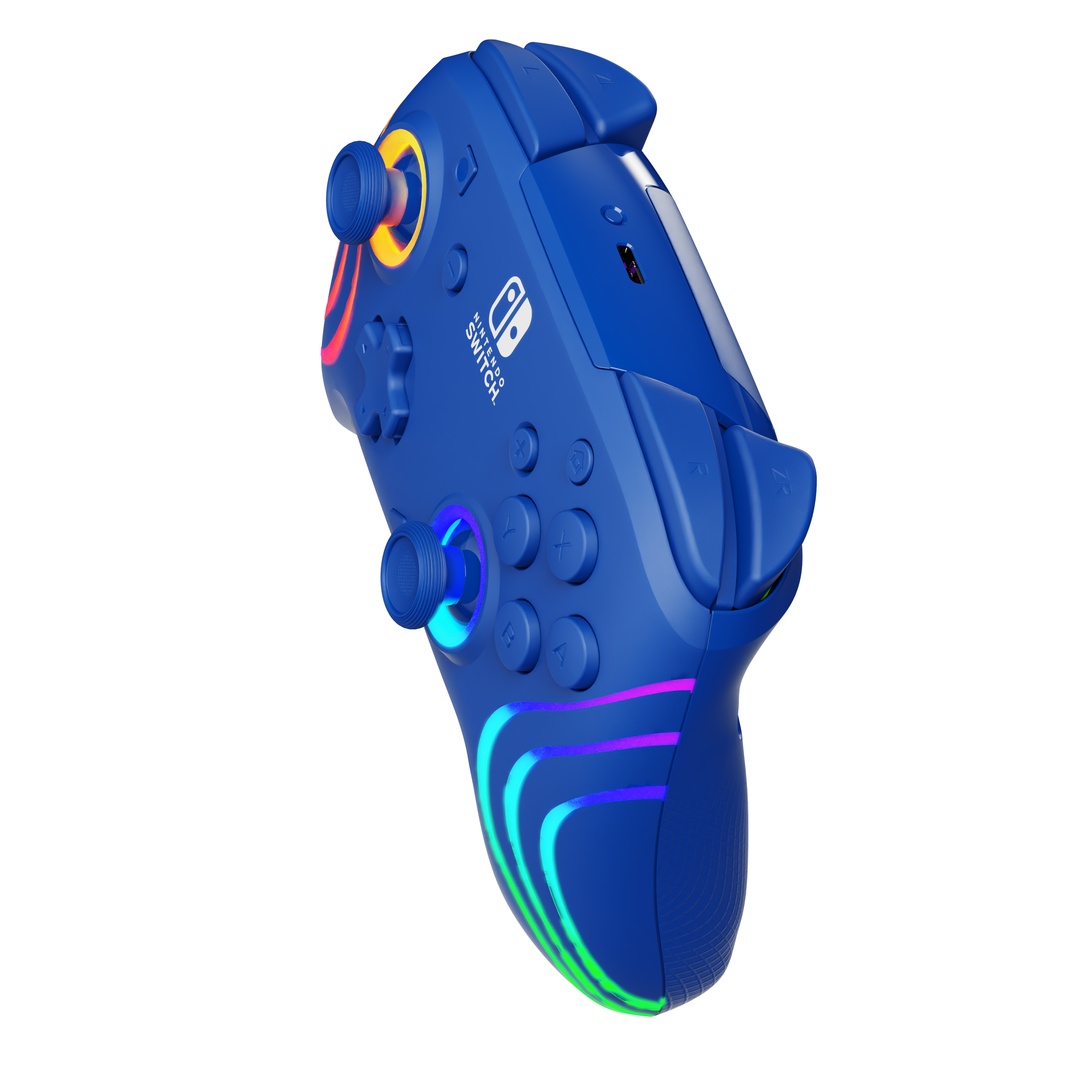
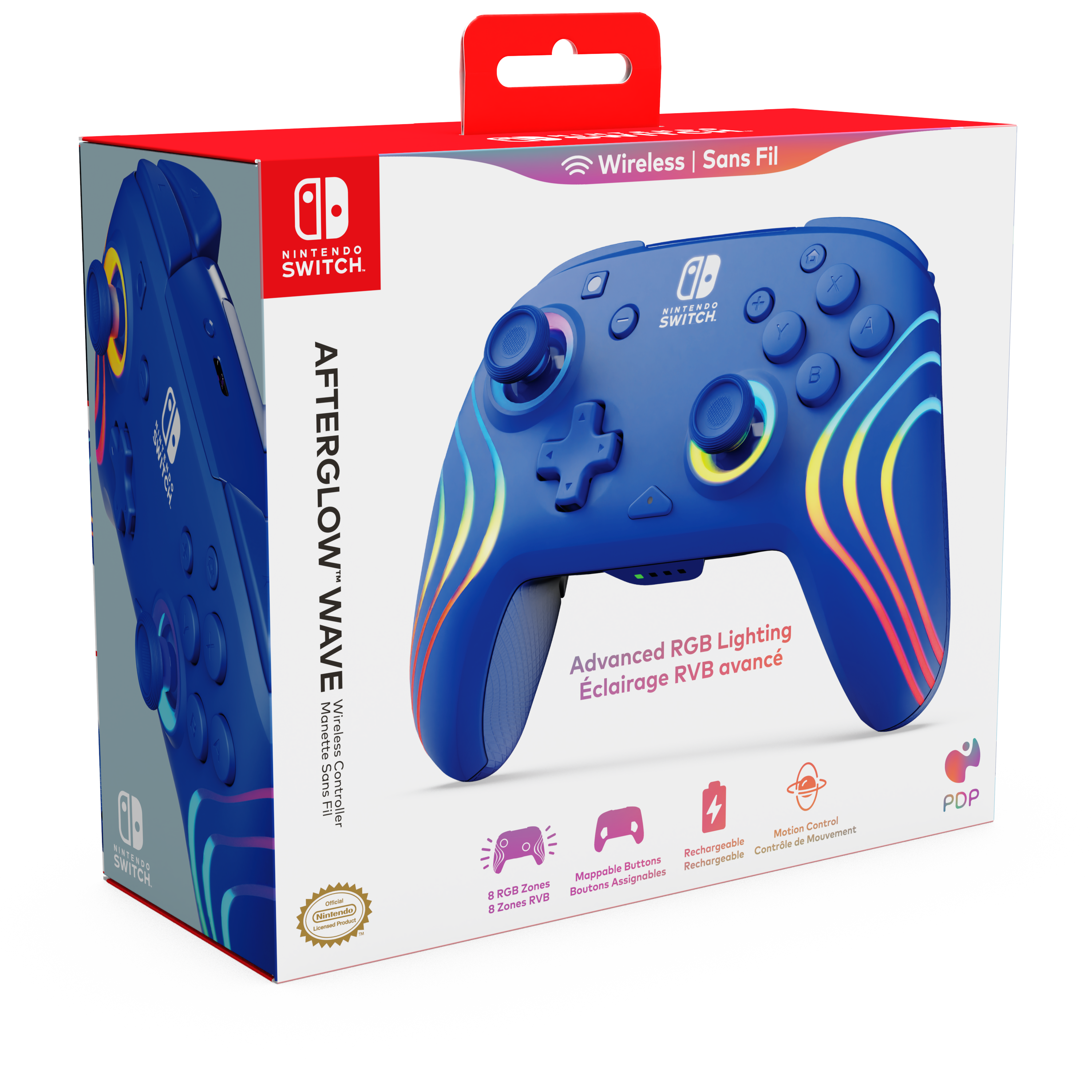
|Posted .This reviewer received promo considerations or sweepstakes entry for writing a review.This controller is great!, starting with the look. The colors are very vibrant and make the controller more attractive. The lighting effects can be changed by simply holding down the function button and pressing the trigger buttons. The control has four lighting effects pre-programed. The wave displays a rainbow of lights in a continuous motion. Breathing, the light color fades in and out. Static, the lights will remain on depending on the color chosen. Stick, the colors will react to the movement of the analog sticks. My favorite one is the wave. You can easily change the color by holding down the function button and pressing left or right on the D pad. The controller also features two back buttons under the controller that can be programed. The setup was easy, my switch picked it up fast. The feel of the buttons were solid and felt comfortable. The controller is wireless and should last up to 20 hrs. per charge. Overall, this controller is a great addition to my gaming setup. This would make a great gift.
I would recommend this to a friendA Great Alternative For Your Nintendo Switch!
|Posted .This reviewer received promo considerations or sweepstakes entry for writing a review.This PDP Afterglow Wave Wireless Pro controller is a fantastic accessory for your Nintendo Switch. It has all the features of more expensive controllers and even a few extra ones, plus lights! I had a great time using this controller and switching between different colors while using it. Back buttons are a welcome addition, as you can remap to those buttons if need be. Here are my pros and cons and my overall thoughts. Pros: Affordable Lights that are customizable to a certain extent Comfortable to hold Great battery life (20 Hours) Good build quality Motion controls seem to work fine Cons: Lighting is limited, but still a welcome addition No HD rumble support Overall, the PDP - Afterglow™ Wave Wireless Pro Controller with Motion gets a solid recommendation from me, without any real reservations. It was easy to connect, has great battery life and onboard lighting options that will be sure to garner a lot of attention. If you’re looking for an additional controller or a new primary for your Switch, you really should consider this.
I would recommend this to a friendGreat controller for Switch 2
||Posted . Owned for 1 month when reviewed.This reviewer received promo considerations or sweepstakes entry for writing a review.Great controller overall! My kid absolutely loves it... the design is fun and eye-catching, and it’s been a hit right out of the box. The buttons feel responsive, and the controls are smooth and accurate during gameplay. It connects easily and has been reliable so far with no issues. Comfort-wise, it fits well in smaller hands but still feels solid enough for longer play sessions. Definitely a great option if you’re looking for something that performs well and keeps kids excited to play.
I would recommend this to a friendPDP Controllers Better than Joy-Cons & PowerA
||Posted .This reviewer received promo considerations or sweepstakes entry for writing a review.This is the controller you want to buy if you're looking for an alternative to Joy-Cons. I'm not a gamer, I'm a dad that plays every now and then with the kiddos. The weight and size of this controller is perfect for adult hands and my kids prefer using the PDP controller over the Joy-Cons and the PowerA controller we have. The battery life gives us hours of gaming. The waves are a bit bright but you only notice them if you're not holding onto the controller. I would highly recommend the PDP controller over the Joy-Cons and PowerA, however, some games, like Mario Party, require users to use Joy-Cons. You may pay a little more for this controller but it's worth it. When you find a deal, don't hesitate and buy the PDP controller.
I would recommend this to a friendCool controller
|Posted .This reviewer received promo considerations or sweepstakes entry for writing a review.The PDP Afterglow is a cool and colorful controller for the Switch. Though the RGB lighting isn’t something that adds anything to your gameplay, it’s a feature that makes the controller unique. I play a lot of console games and some pc, but have been an avid Switch fan since I got one. My girlfriend’s son and I will play a lot of Mario Kart and he personally likes using a controller and he likes this one a lot with the back buttons. When playing Mario Kart he also likes that the controller has motion controls he can use. You must turn this on in the game as it not turned on by default. The back buttons are customizable and can be remapped to what ever button you’d like either one to have. The lighting effects can be customized also from four different presets, wave,breathing, static and stick which changes with stick movement. Battery life is said to be up to 20 hours and charging is via a USB-C which is included. If you like to use a console style controller with your Switch sometimes, the Afterglow is a cool option with even cooler lights!
I would recommend this to a friendBrand response from PDP Team
Posted .Hello, thank you for taking the time to leave a review for our product! We appreciate your awesome feedback, and hope the controller can continue to provide great gaming sessions!

Let it glow, let it glow, let it glow
|Posted .This reviewer received promo considerations or sweepstakes entry for writing a review.As someone who loves the Switch Pro controllers, I was excited to see how this officially licensed controller from PDP/Turtle Beach compared. Turns out, if you don’t need the rumble you get with the official Nintendo controllers (Joy-cons and the Pro controller), then you may be better off saving yourself some cash and picking up one of these Afterglow controllers. In the box you’ll get the controller and a USB-A to USB-C cable to charge the controller. There is no user manual in the box, rather there’s a small QR code on the back of the controller that is supposed to link you to a user manual, however I didn’t have luck reaching the site when I tried scanning it. I ended up pulling up the manual with a quick google search. I charged the Afterglow completely before its first use. The controller’s lights will illuminate from red (low charge), to green (medium charge), to white indicating a full charge. Once charged up I connected it to my switch and immediately changed the LEDs to a nice cool shade of blue. You can set it to any color you’d like, or have it flow through them all. Then it was time to fire up some Donkey Kong Country, followed up by some Mario Kart, and a little bit of Super Mario Odyssey. Overall, I had not a single issue with this controller. It performed essentially as well as the Pro controller I’m used to. One thing I did notice off the bat is that the Afterglow feels lighter to me than the Pro controller, so do with that info what you will. Also, a feature the Afterglow has that the Pro controller does not is mappable buttons on the back of the controller. I haven’t set these up yet, but I like that I have the option.
I would recommend this to a friendFun Features but Disappointing Stick Drift
||Posted .This reviewer received promo considerations or sweepstakes entry for writing a review.Initial Inquiry & Decision: As a Nintendo fan, I was excited to upgrade my gaming experience with an officially licensed controller compatible with Nintendo Switch, Switch Lite, OLED, and even Nintendo Switch 2 (minus the C Button). Custom RGB lighting, long battery life, and motion controls seemed perfect for my setup. Unboxing, Build Quality, & Testing: The controller looked fantastic, featuring eight RGB zones and a comfortable, ergonomic grip that felt great for long play sessions. Wireless connectivity was solid, and the rechargeable battery provided plenty of playtime. Motion controls and the quick-action mappable buttons added a lot to games like Mario Kart and Mario Party, making gameplay more immersive and personalized. The vibrant lighting really made my gaming space pop. However, I quickly ran into a major issue—stick drift. After just a few sessions, the analog stick started registering movement even when untouched, making precise control nearly impossible. This was disappointing, especially from an officially licensed product. Ultimately, the stick drift became too distracting and frustrating, forcing me to return the controller despite its many appealing features. Overall Impressions and Recommendation: While this controller offers fantastic lighting, comfort, and versatile features, the annoying stick drift seriously undermines its usability. Returning the controller was disappointing, and I wouldn’t recommend it unless build quality issues are resolved. Gamers should look elsewhere for a reliable controller experience.
No, I would not recommend this to a friendFun, colorful, and works great
||Posted . Owned for 5 months when reviewed.This reviewer received promo considerations or sweepstakes entry for writing a review.Love this controller! The RGB lights look awesome and give it a unique vibe compared to the standard Switch controllers. It connects wirelessly with no issues, feels solid in the hands, and the buttons are responsive. Battery life has been good so far, and the purple color really pops. Great option if you want a reliable controller with some style.
I would recommend this to a friendGreat purchase!
||Posted .This reviewer received promo considerations or sweepstakes entry for writing a review.Lightweight but durable. It lights up when in use and also when charging. It shows red when charging and green when it has full battery. Overall pretty good purchase.
I would recommend this to a friendAmazing!!!
Posted .This reviewer received promo considerations or sweepstakes entry for writing a review.This control is so aesthetically pleasing, I love the rgb lights. Also, it doesn’t have drift and is very easy to use!
I would recommend this to a friendCool-looking and Customizable
|Posted .This reviewer received promo considerations or sweepstakes entry for writing a review.This was my first controller of this type that I've used with my Nintendo Switch and I was looking forward to seeing how it compared to my other controllers. Pros: - The set-up for this controller is made to be very simple. There is a QR code on the back of the controller itself that takes you to set-up instructions that are very helpful. The instructions provide great detail for getting the controller connected, customizing the lighting features, and programming the controller buttons. - The controller is rechargeable so you don't have to keep replacing batteries. You just charge it up every so often via USB-C. - Being able to customize the controller buttons is always a great feature for gamers that like to personalize their game play, or even gain an advantage in multiplayer games. Cons: - The controller didn't feel as comfortable in my hands as other controllers with this design type. - The extra buttons on the underside of the grip constantly get clicked accidentally. While I am able to disable them from doing anything, it's still annoying to be clicking buttons non-stop with my middle/ring fingers on both hands during regular gameplay. Overall, I liked the precision of the joysticks and responsiveness of the controllers buttons. The only thing I was not a fan of was the placement of the extra buttons and the overall grip feel, partly due to those buttons. Despite these concerns, it's still an excellent game controller.
I would recommend this to a friend