Customer Ratings & Reviews
- Model:
- 500-252-BL
- SKU:
- 10917236
Rating by feature
- Value
Rating 4.7 out of 5 stars
- Quality
Rating 4.7 out of 5 stars
- Ease of Use
Rating 4.8 out of 5 stars
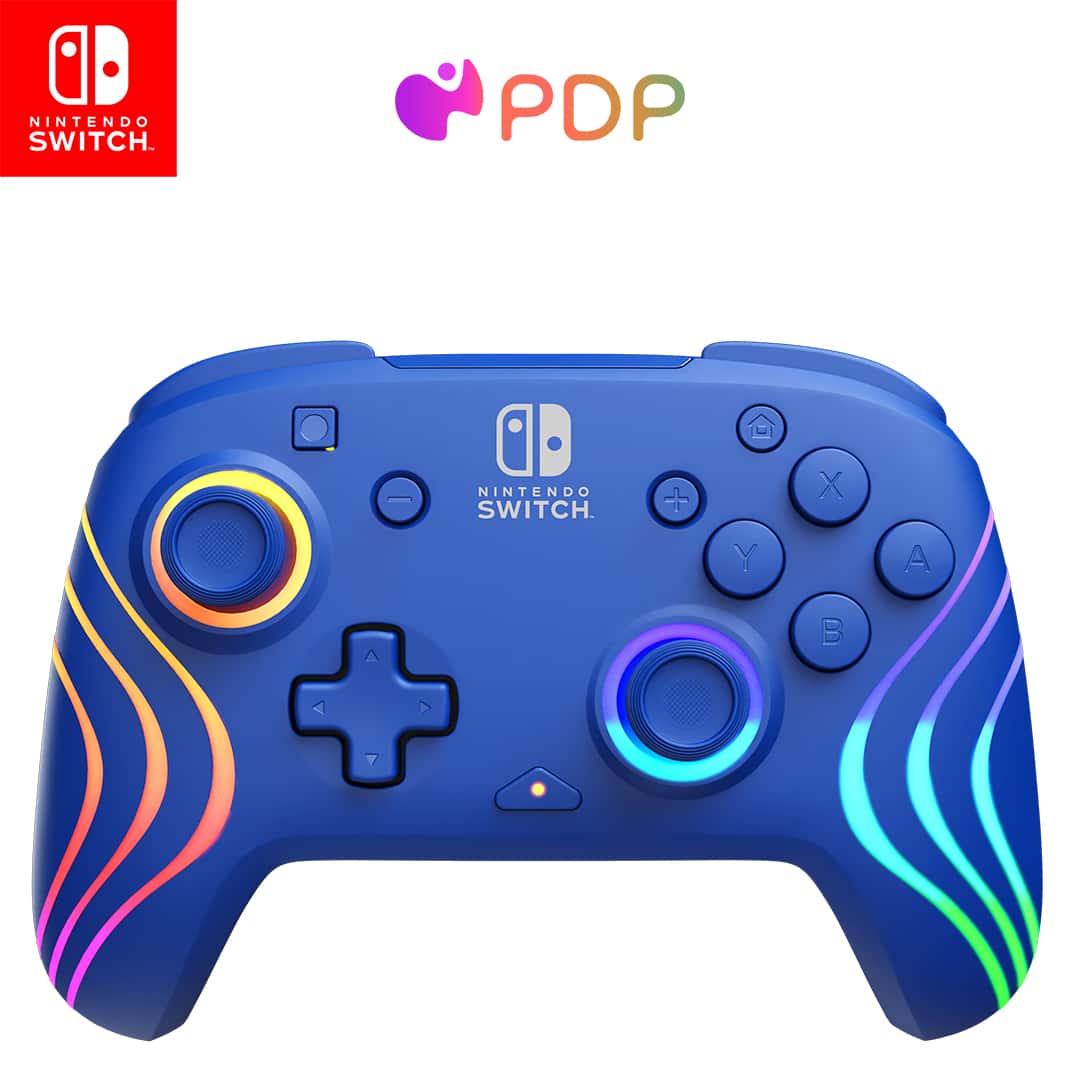
Art in your hand.
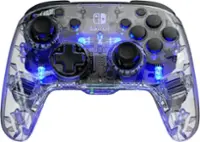
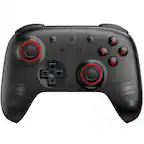
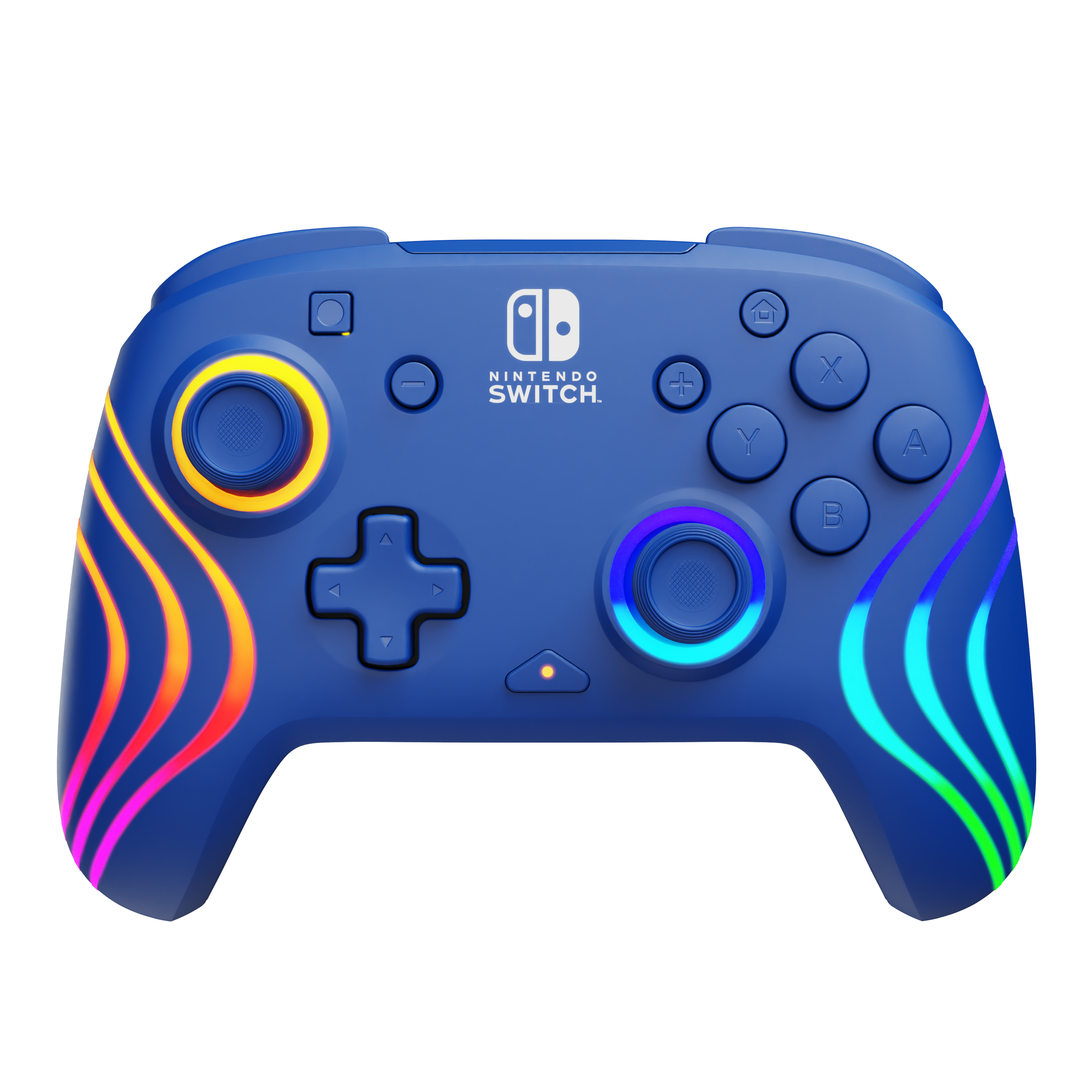
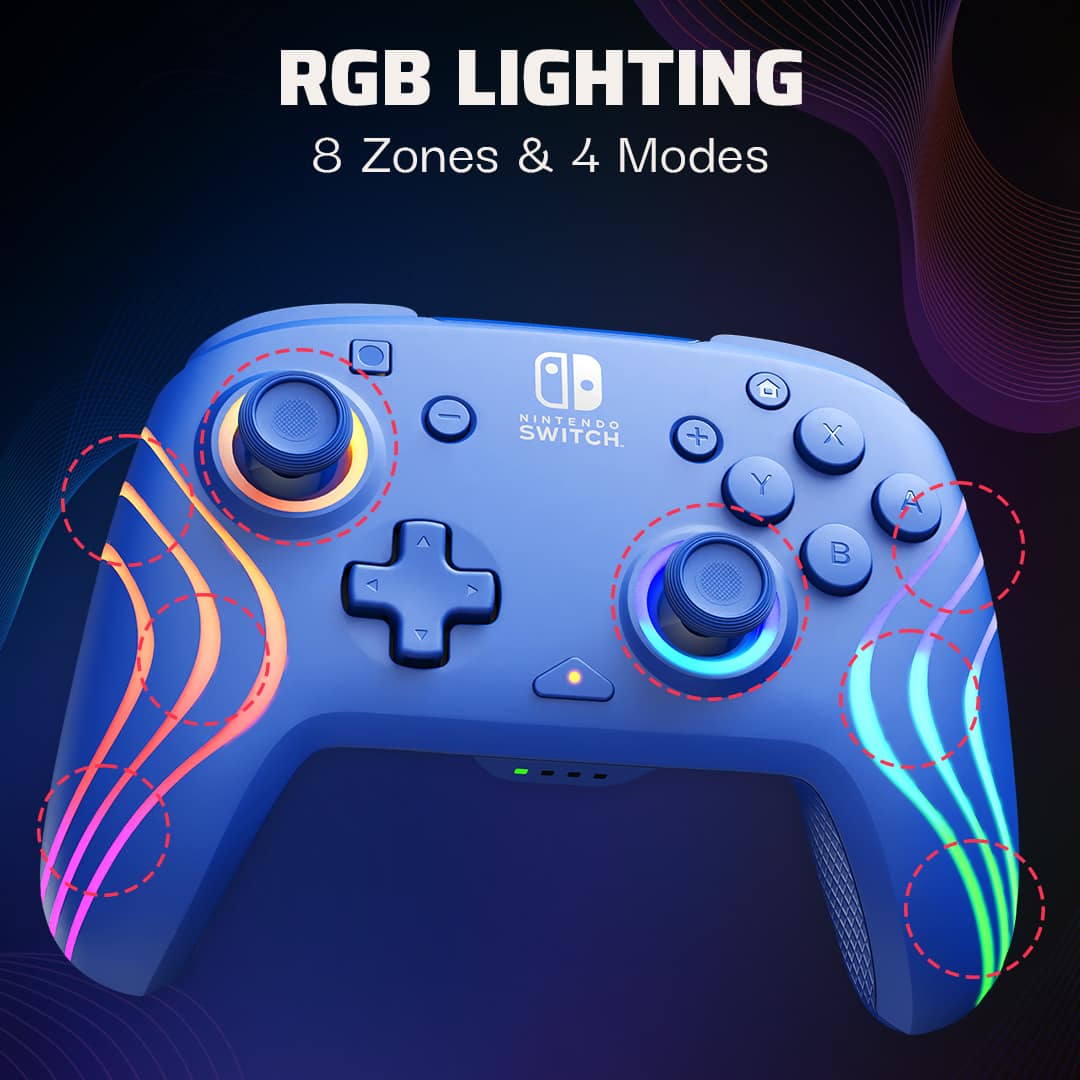
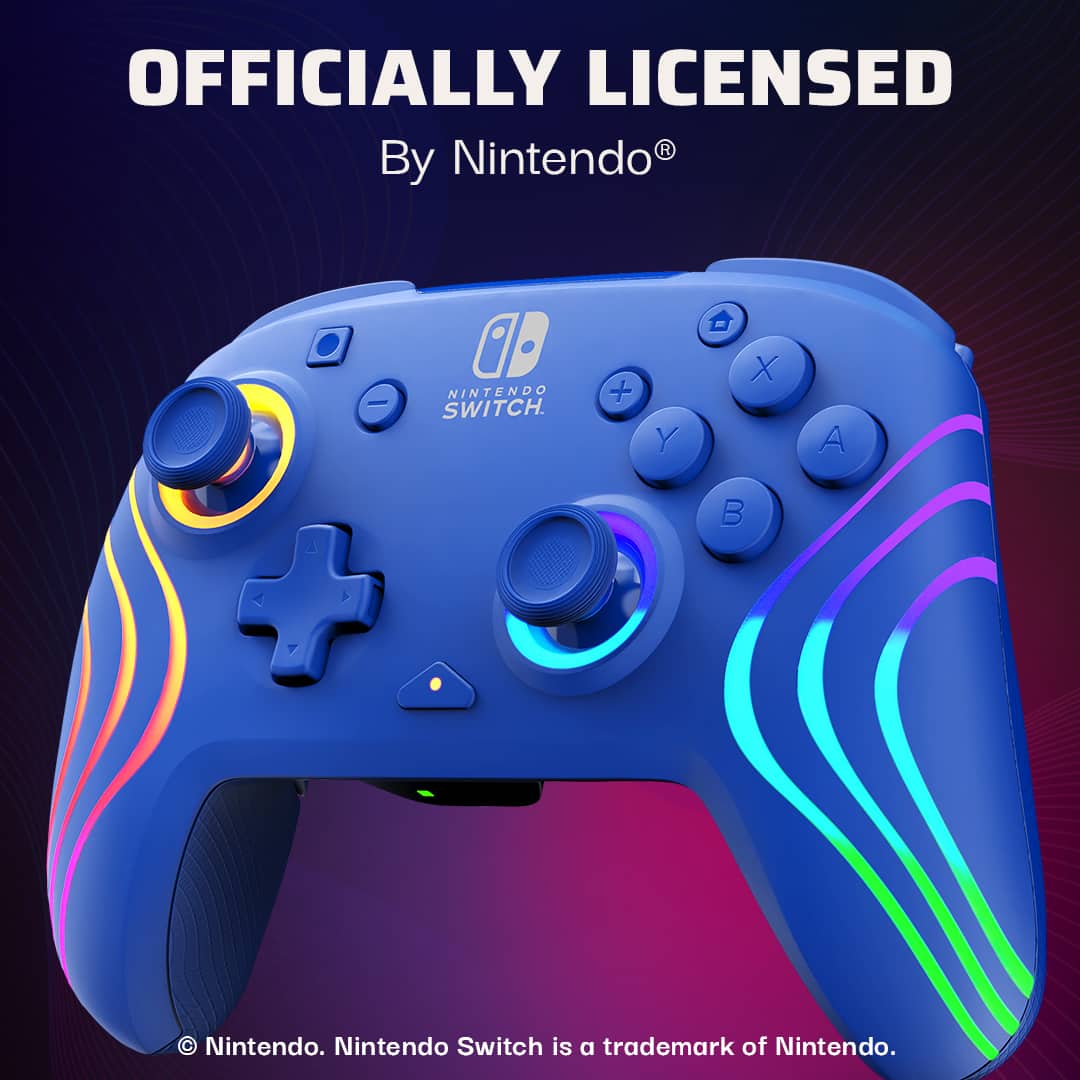
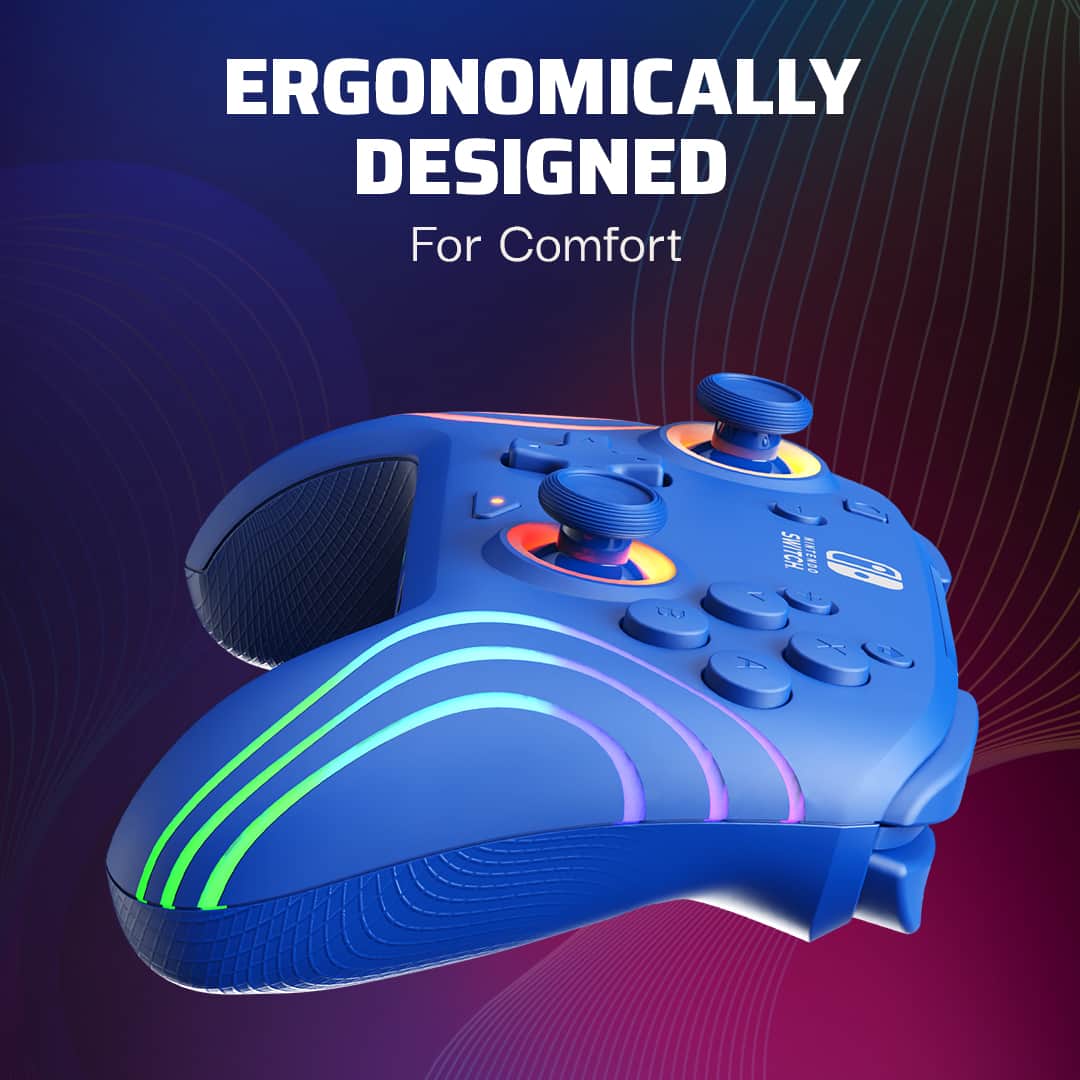
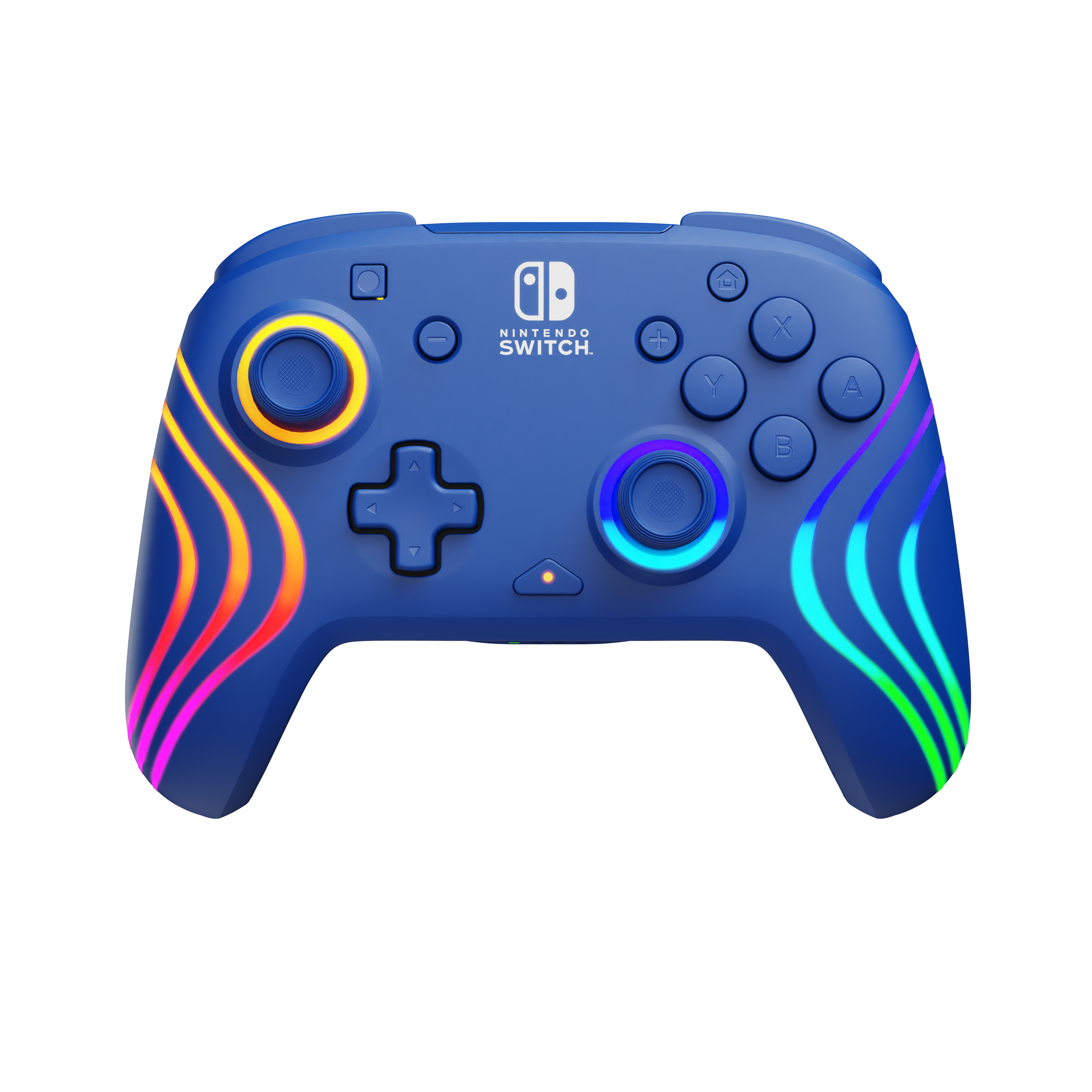
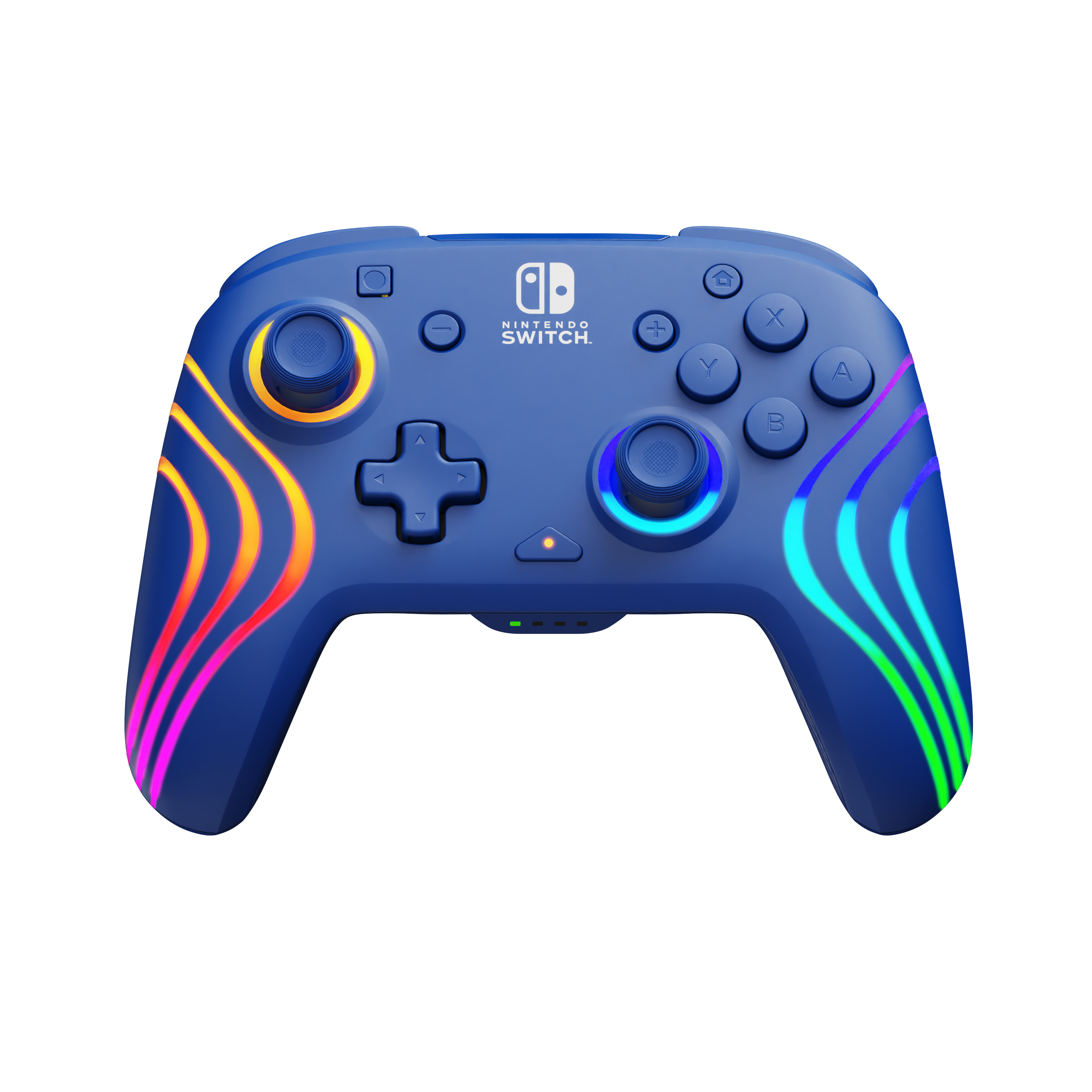
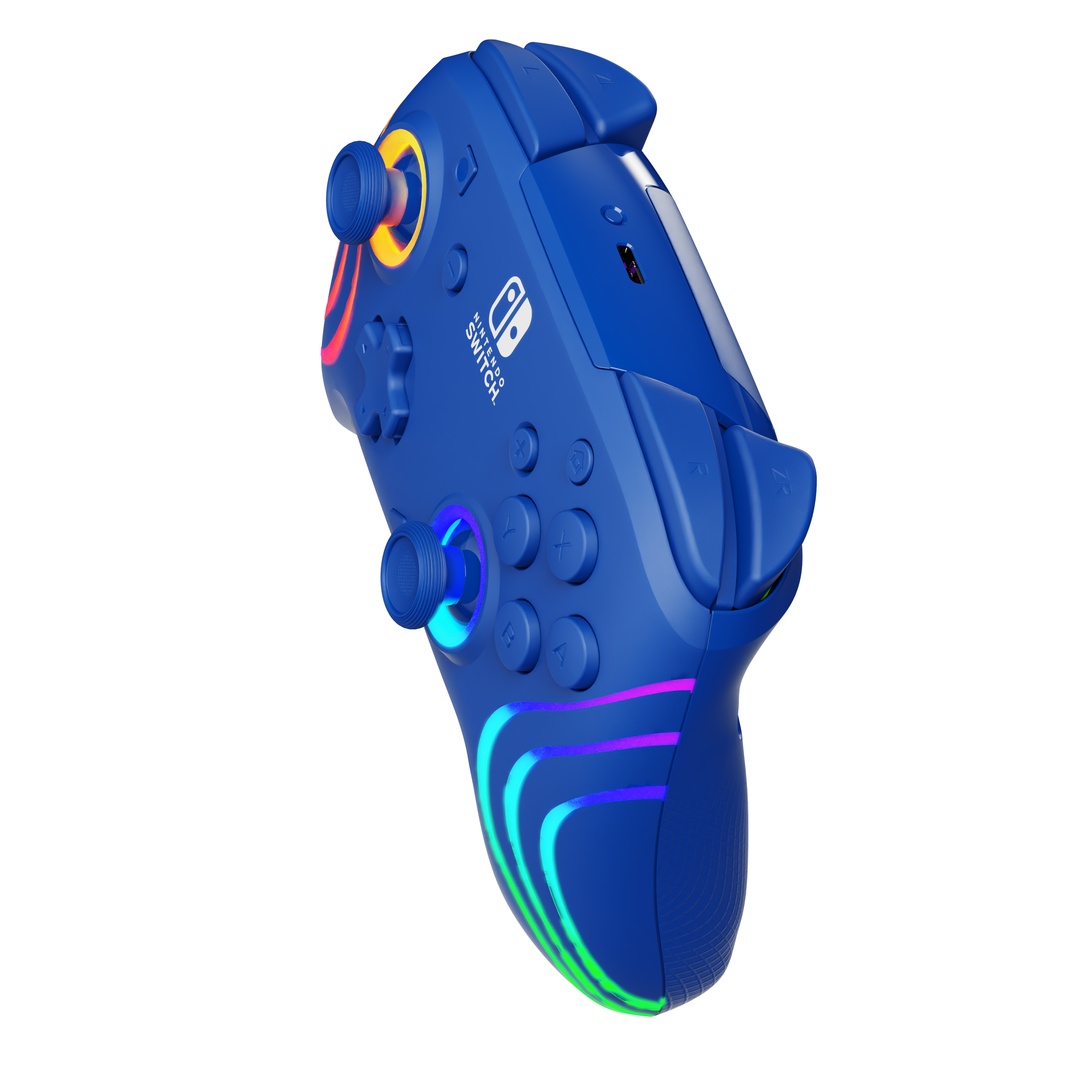
||Posted . Owned for 3 weeks when reviewed.This reviewer received promo considerations or sweepstakes entry for writing a review.Super cool and sleek design. It fits great in your hand, so gameplay lasts longer. I don't get hand fatigued like I used to. The lights are super cool and changeable, which makes sitting in your living room in the dark playing a game a little extra.
I would recommend this to a friendThe lights were an instant hit!
||Posted .This reviewer received promo considerations or sweepstakes entry for writing a review.Purchased as a Christmas gift and it was a huge hit. Love the lights, it works great, and my son is thrilled to finally have his own controller. Pairing was easy, and it came partially charged so he could play right away. Definitely recommend!
I would recommend this to a friend
It Glows
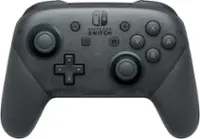
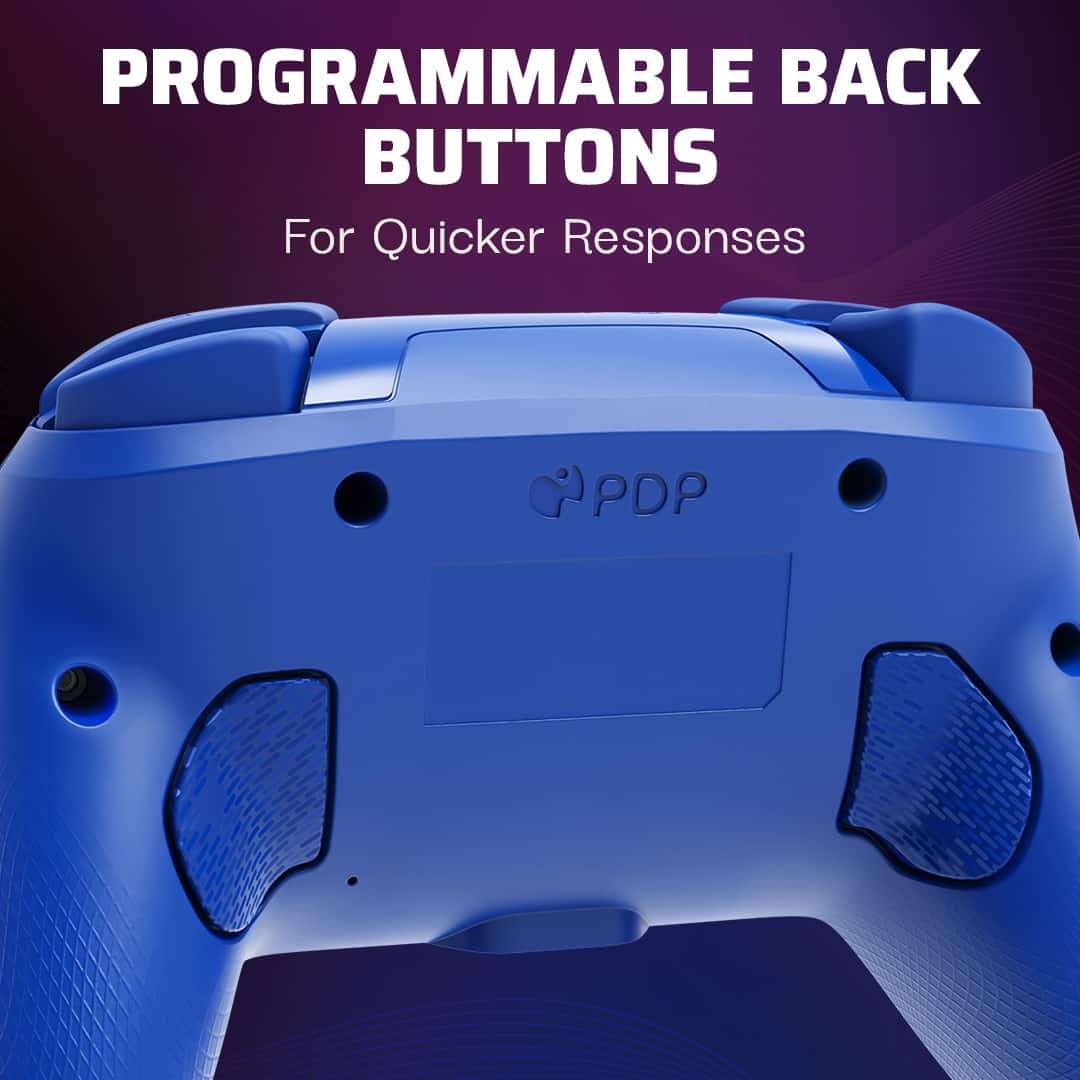
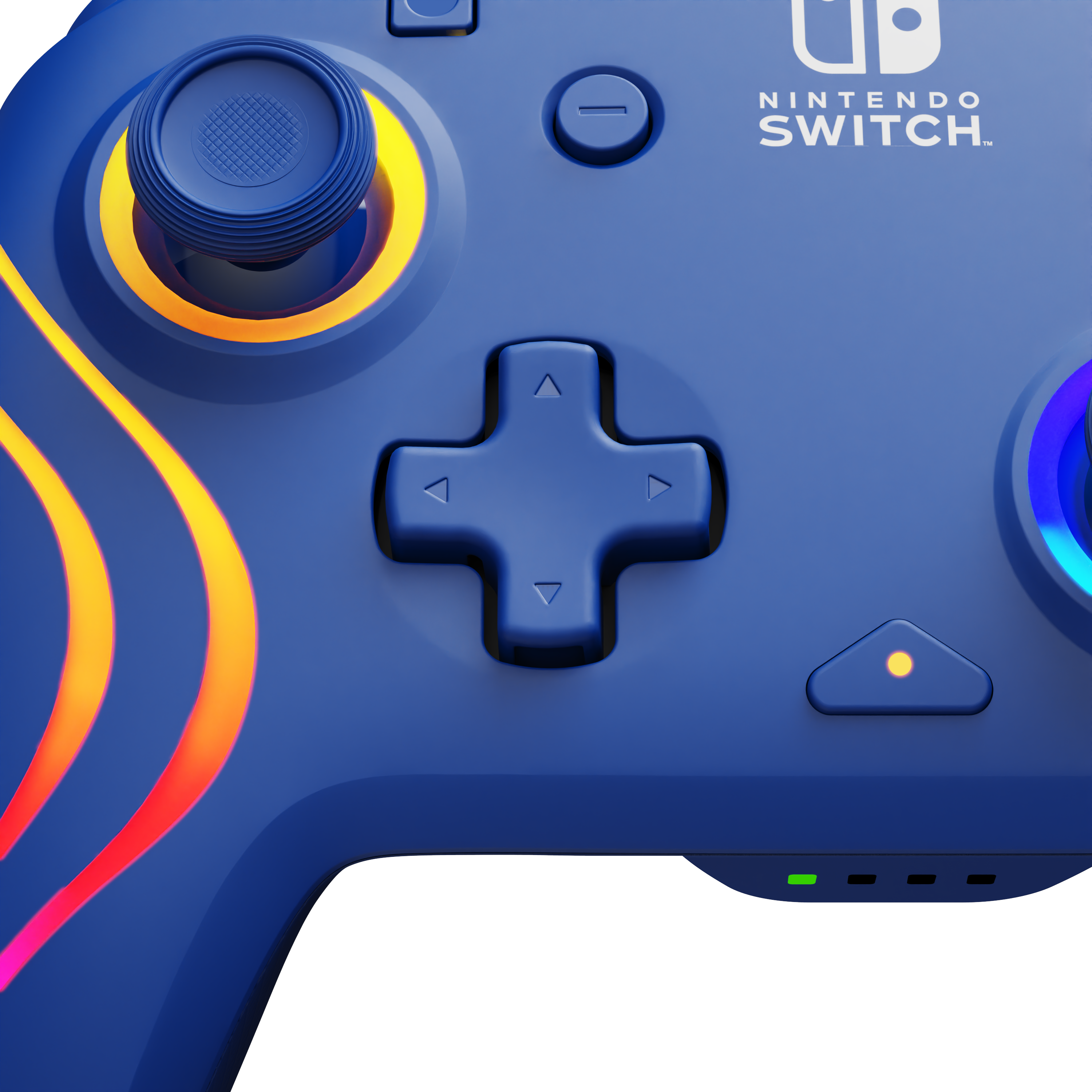
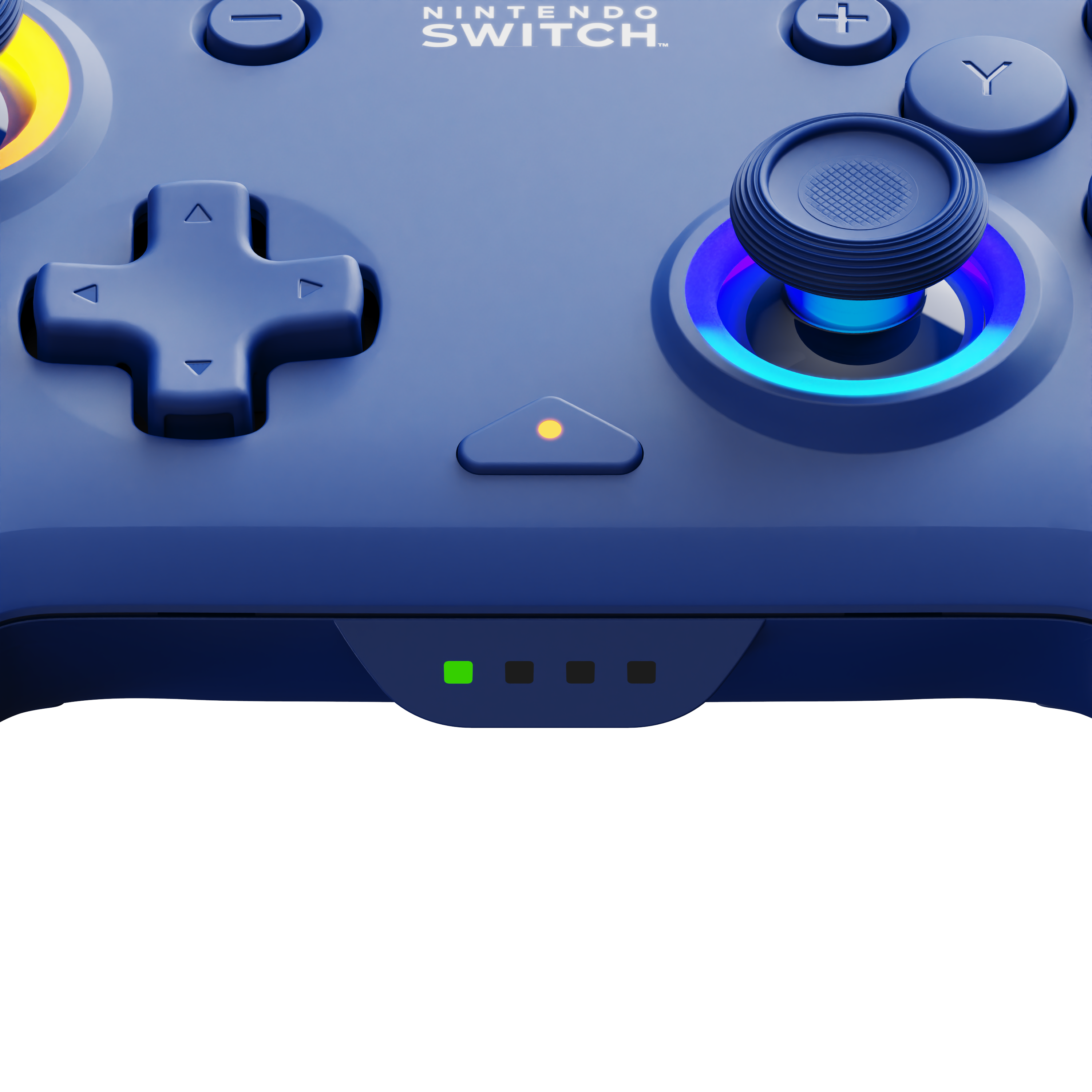
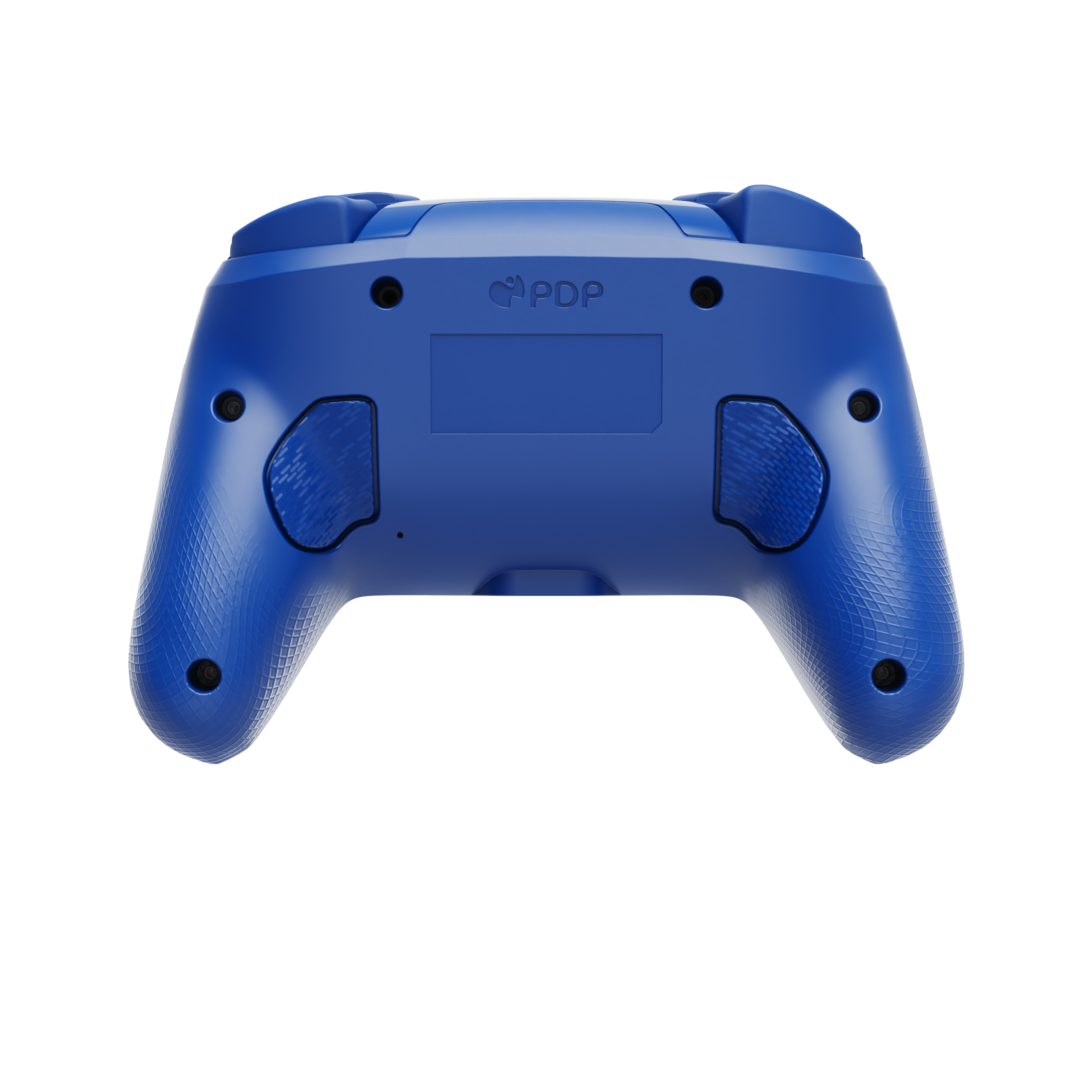
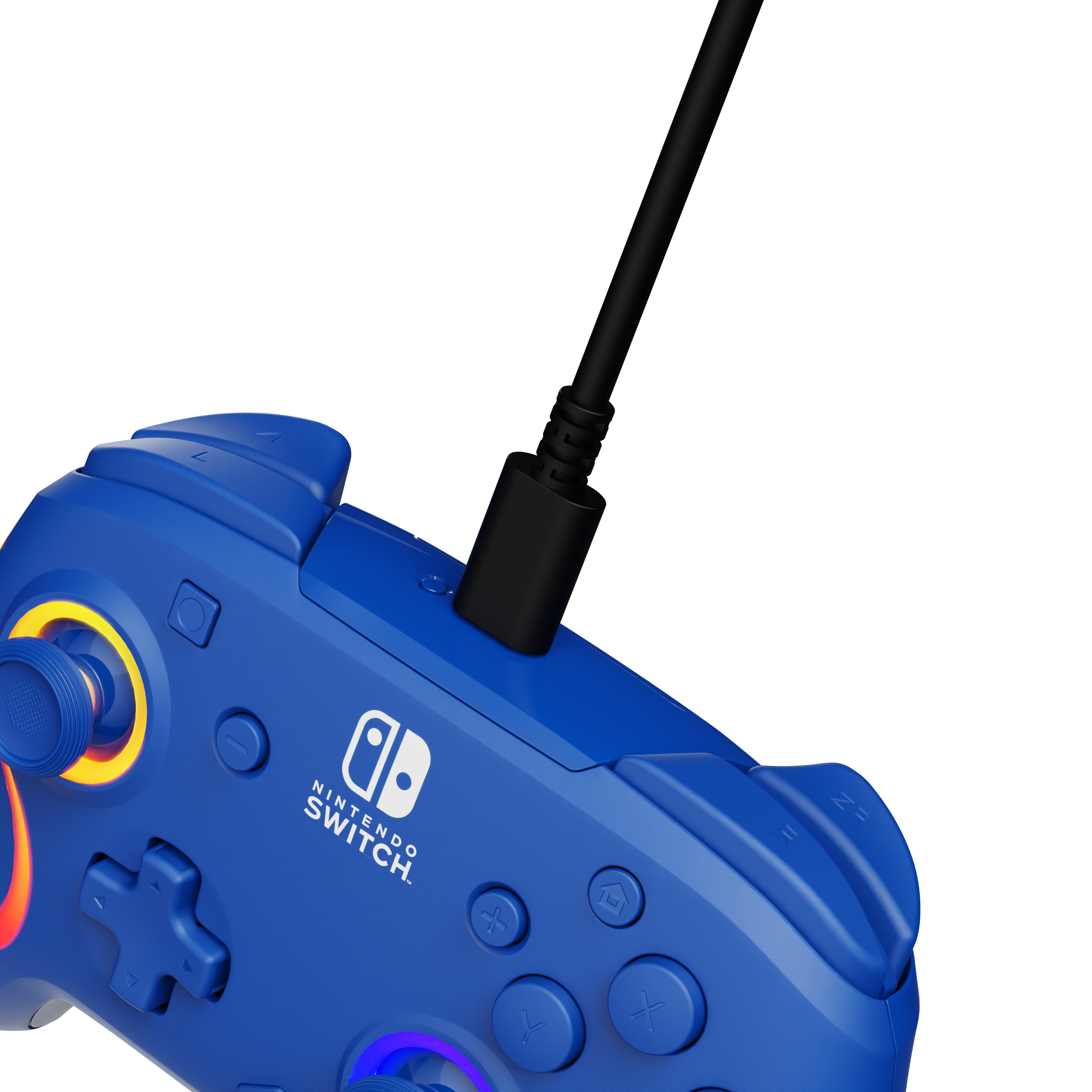
|Posted .This reviewer received promo considerations or sweepstakes entry for writing a review.The PDP Afterglow Wave Wireless Pro Controller with Motion is… okay. I cannot say that it will ever be my favorite controller. It works….mostly. The glow effect is pretty. The additional buttons on the back of the controller got in my way and I eventually turned them off. But, hey, if you need an extra controller for a game night and the price is right, it does work. However, this will never replace the original Pro as my controller of choice. Setup: Inside the box, you get the controller and a short USB-C to USB-A cable for charging. You will not be able to reach the cable from your console to your controller very easily if you want to charge and play. When you plug the controller in to charge, the controller will glow red while charging and the lights will glow green once charging is complete. Experience: It took me a bit to get used to the controller. Buttons are a bit mushier than I expected. The directional sticks are rougher and feel a bit higher than I am used to. D-Pad works well. The home, screenshot, start, and select buttons are flipped a bit from the standard controller. I thought I noticed a bit of drift on idle, but I could not replicate it enough to say for certain there was a problem. I am assuming there is no Amiibo support as I could not get Amiibos to work. The big selling point is the lights and the buttons on the back. I did not care for the buttons in the back as they just got in the way. The ability to map those buttons to macros might have been more useful, but the function button customization is so clunky it took me forever just to get the buttons turned off. Using the function button and the d-pad to adjust the lighting effects was a much simpler process. I wish there were an application or game in the Nintendo store that allowed one easier access to lighting customization. There is no battery indicator for the controller from within the Switch interface that I could see. Official Nintendo controllers have battery indicators, but I guess you must hope for the best with the Afterglow Wave Wireless. Also, there is no rumble feature with the controller. Motion / Gyro controls work well enough. I was able to use the controls with Zelda: BotW and Immortals Fenyx Rising. Conclusion: It is impossible to talk about the PDP Afterglow Wave Wireless Pro without referencing the controller that the PDP Afterglow Wave is attempting to replicate. The Nintendo Pro is the better option. The PDP Afterglow Wave works as an additional controller to have around, but it will never be my go-to controller for the Switch. Maybe if PDP had forgone the buttons on the back and included Amiibo support, rumble functionality, and integrated software battery indicator, the controller would be an easier sell. As is, the controller is just “okay.” And hey, maybe that is good enough. I cannot say the experience is broken, but it just feels incomplete. 2.5/5
No, I would not recommend this to a friendCool lights!!
||Posted .This reviewer received promo considerations or sweepstakes entry for writing a review.This controller is great. Lights up different colors and perfect to hold
I would recommend this to a friendVery good controller
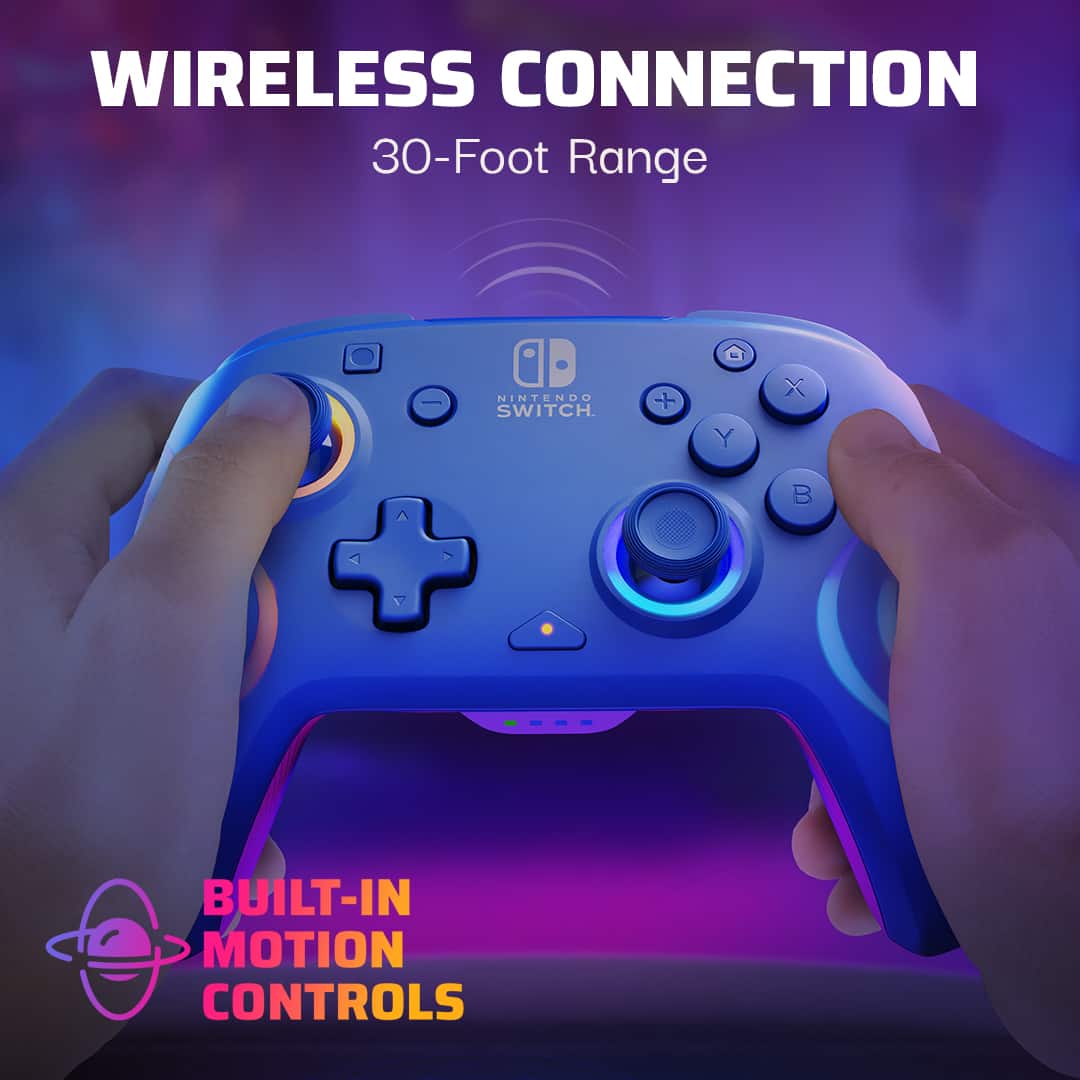
||Posted . Owned for 2 weeks when reviewed.This reviewer received promo considerations or sweepstakes entry for writing a review.Got this because I don't like the small controls on the switch. Very easy to connect and ergonomics are very good one this controller
I would recommend this to a friendSwitch controller
||Posted . Owned for 1 month when reviewed.This reviewer received promo considerations or sweepstakes entry for writing a review.Nice controller, a little bit getting used to with the colors. But it holds a nice charge, and was easy to connect to my switch.
I would recommend this to a friendSwitch
||Posted . Owned for 3 weeks when reviewed.This reviewer received promo considerations or sweepstakes entry for writing a review.Love it . The controller looks cute and it’s easier to use. Got another one but in purple .
I would recommend this to a friendAlready bought a second one.
||Posted . Owned for 9 months when reviewed.This reviewer received promo considerations or sweepstakes entry for writing a review.Bought this as a gift for my wife. She loves using it! Says it fit her hamds very well, is easier to hold than the individual joycons, and tshe loves the color and lights. Our kids like the led lights so much we ultimately bought a second to avoid arguments.
I would recommend this to a friendExcellent overall
||Posted . Owned for 2 weeks when reviewed.This reviewer received promo considerations or sweepstakes entry for writing a review.Feels solid. Good illumination. Good button feel, fair weight.
I would recommend this to a friendKids approved!
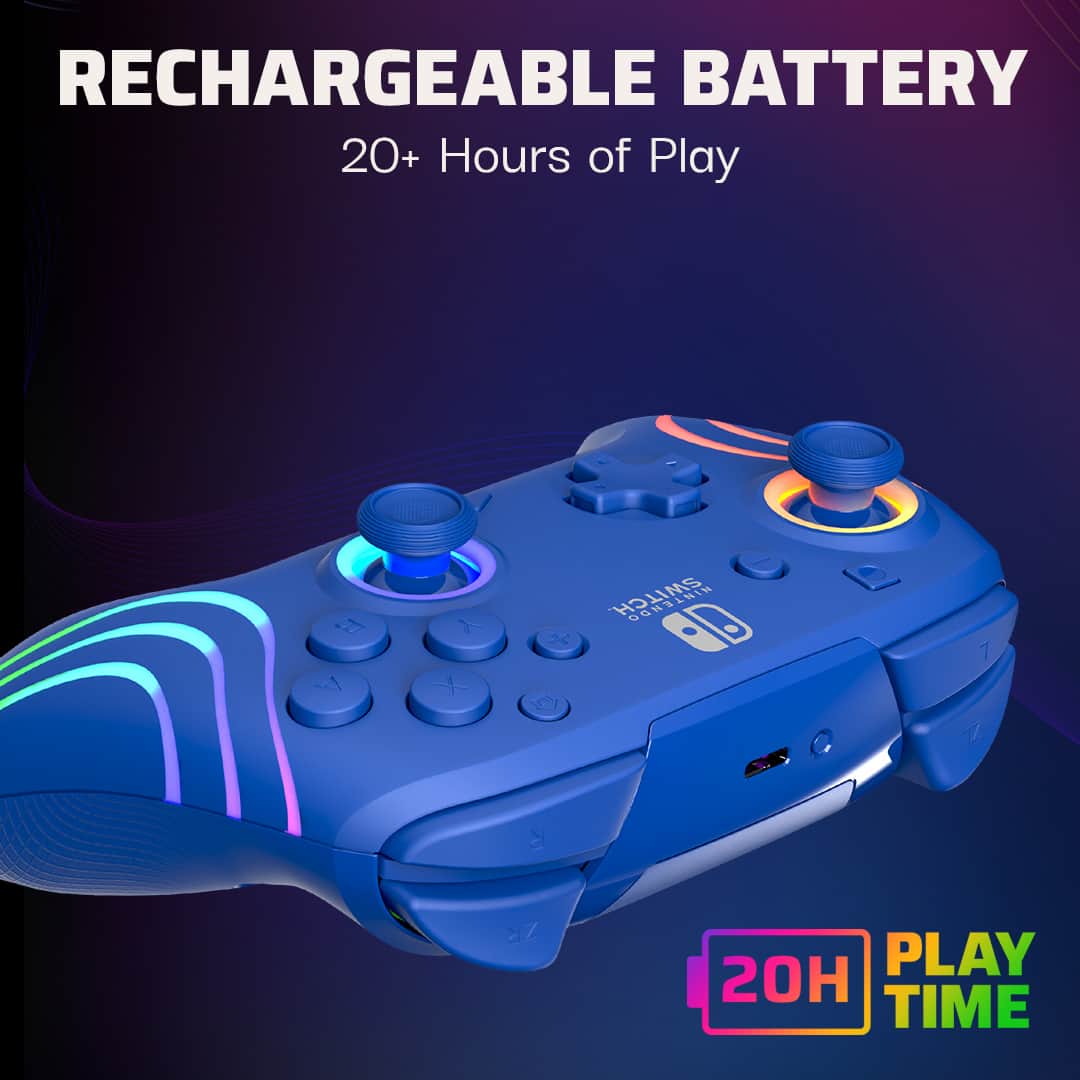
||Posted .This reviewer received promo considerations or sweepstakes entry for writing a review.My kids loved it! The integrated lights and long lasting battery.
I would recommend this to a friendNice Cintroller
||Posted . Owned for 3 weeks when reviewed.This reviewer received promo considerations or sweepstakes entry for writing a review.The controller is a great mix of style and performance. The design with customizable RGB lighting looks amazing, and the ergonomic build is super comfortable for long gaming sessions. It pairs easily with my Nintendo Switch, offering responsive buttons and lag-free wireless connectivity. The customization options through the PDP Control Hub app are a nice bonus, letting you map buttons and tweak the lighting to your liking. Battery life is decent but could be better for extended play. Overall, it’s a solid controller that combines aesthetics and functionality. Highly recommend it!
I would recommend this to a friendMario Controller
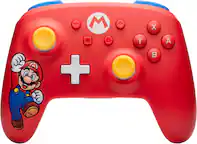
Posted .This reviewer received promo considerations or sweepstakes entry for writing a review.Decided to switch to a Mario controller. Good work!
I would recommend this to a friendController
||Posted . Owned for 3 weeks when reviewed.This reviewer received promo considerations or sweepstakes entry for writing a review.Wife and child love this controllers sleek look and rgb led
I would recommend this to a friendSwitch Controller - Good for Switch and Only Switc
||Posted . Owned for 3 weeks when reviewed.This reviewer received promo considerations or sweepstakes entry for writing a review.Its a really beautiful controller that feels really well in your hands; however, it really only works best with Switch. When you try to connect it to Steam, you get some stick issues where the system cant read that youve pushed the sticks all the way forward so you end up walking around everywhere.
I would recommend this to a friendGreat Controller
||Posted .This reviewer received promo considerations or sweepstakes entry for writing a review.The lights are beautiful and the controller works great with my Switch 2.
I would recommend this to a friendGreat Controller
||Posted .This reviewer received promo considerations or sweepstakes entry for writing a review.Great battery, good feel. Kids love it and hold it well.
I would recommend this to a friendswitch controller
||Posted . Owned for 1 month when reviewed.This reviewer received promo considerations or sweepstakes entry for writing a review.Comfortable to hold and easy to connect to nintendo switch
I would recommend this to a friendGreat deal
||Posted .This reviewer received promo considerations or sweepstakes entry for writing a review.Great price holds a good charge and it lights up pretty cool controller.
I would recommend this to a friendSwitch controller
||Posted . Owned for 1 month when reviewed.This reviewer received promo considerations or sweepstakes entry for writing a review.Very nice item, super easy to connect, battery works days
I would recommend this to a friendPerfect!
||Posted .This reviewer received promo considerations or sweepstakes entry for writing a review.Perfect all around. Buying another one! Connects easily. Looks great.
I would recommend this to a friend