Customer Ratings & Reviews
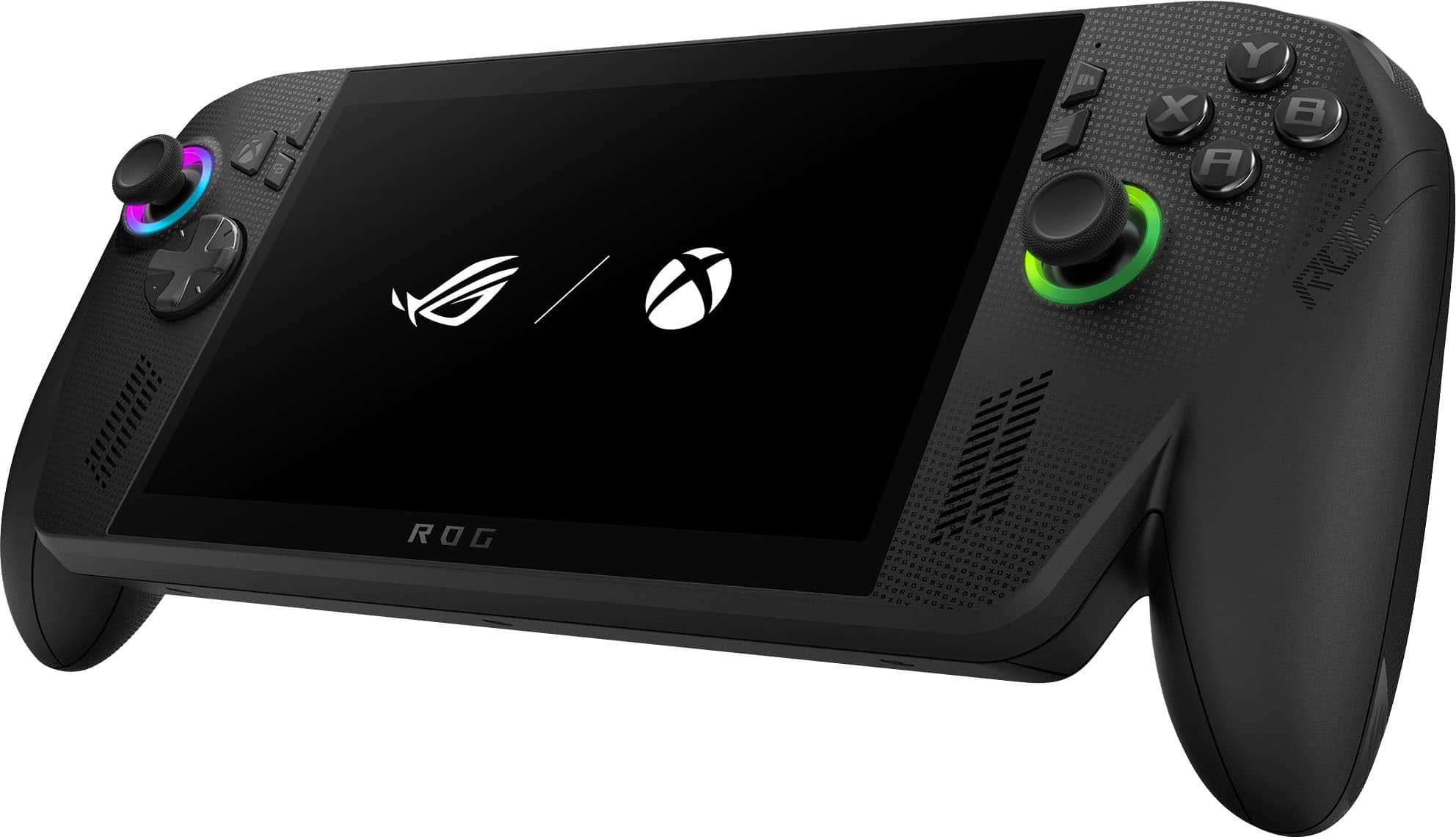
- Model:
- RC73XA-XB_ALLYX.Z2E.24
- |
- SKU:
- 6642253
Customer reviews
Rating 4.5 out of 5 stars with 622 reviews
(622 customer reviews)Rating by feature
- Performance4.7
Rating 4.7 out of 5 stars
- Storage Capacity4.5
Rating 4.5 out of 5 stars
- Controller4.7
Rating 4.7 out of 5 stars
Customers are saying
Customers recognize the ROG Xbox Ally X as a high-performing gaming handheld. Users find the device very comfortable to hold and play with. Initial impressions suggest the battery life is acceptable.
This summary was generated by AI based on customer reviews.
Rated 5 out of 5 stars
Heaven
||Posted .This reviewer received promo considerations or sweepstakes entry for writing a review.Amazing handheld I love this thing so so so much it's great
I would recommend this to a friendRated 5 out of 5 stars
Love my purchase
||Posted . Owned for 3 weeks when reviewed.This reviewer received promo considerations or sweepstakes entry for writing a review.Great buy also best buy delivered sooner than expected really happy i orderd from best buy
I would recommend this to a friendRated 5 out of 5 stars
Rog Ally Xbox Case
||Posted .This reviewer received promo considerations or sweepstakes entry for writing a review.This is a great case for the Rog Ally X.It is a hard case giving great protection for this device.
I would recommend this to a friendRated 5 out of 5 stars
Handheld
||Posted .This reviewer received promo considerations or sweepstakes entry for writing a review.It’s a pretty good handheld, has some glitches but overall a solid machine
I would recommend this to a friendRated 4 out of 5 stars
Play anywhere
||Posted .This reviewer received promo considerations or sweepstakes entry for writing a review.It’s. a good product I like the portability; I can play anywhere.
I would recommend this to a friend- Pros mentioned:Battery life, Overall performance, Screen quality
Rated 4 out of 5 stars
It's Not Really An Xbox, But It's Still Great
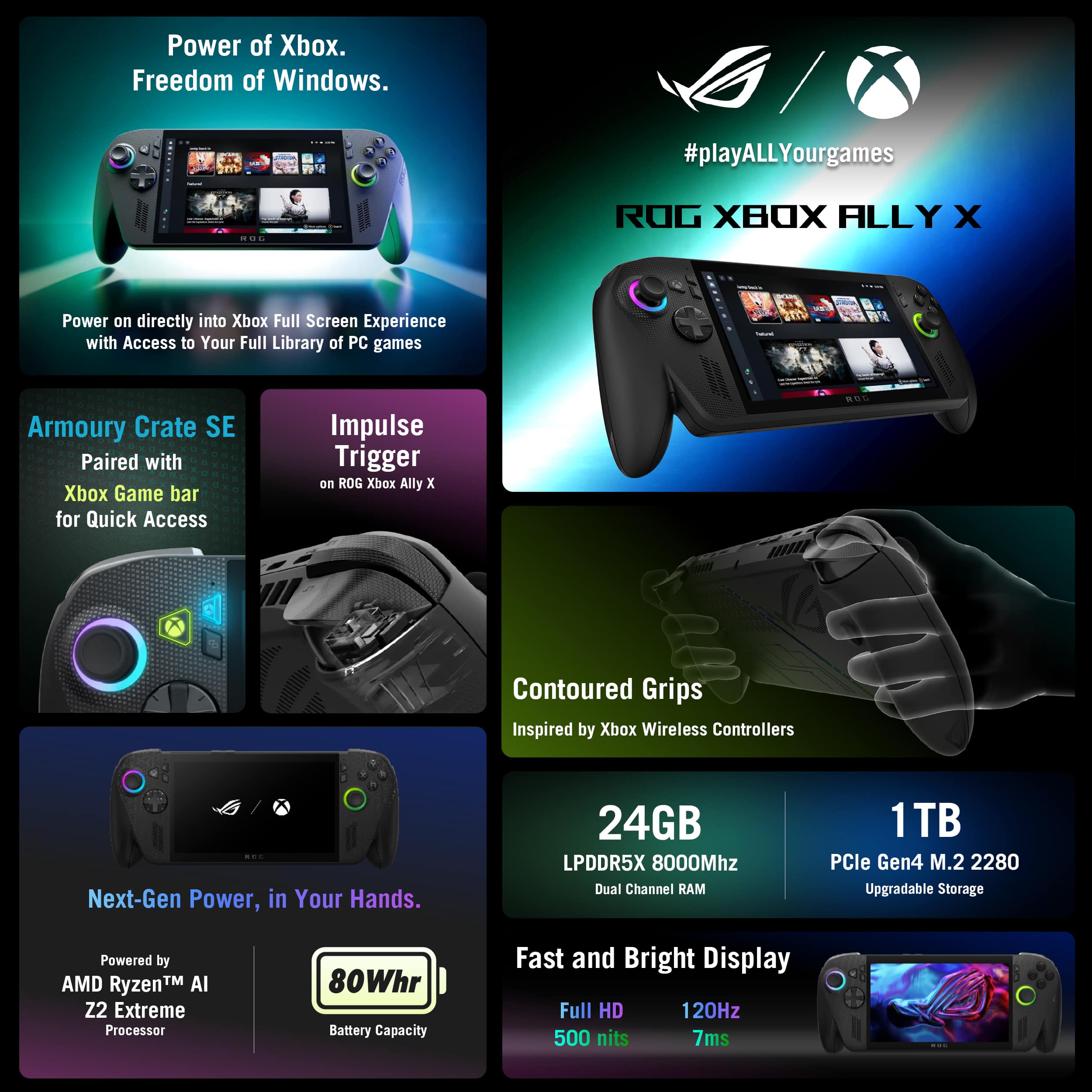
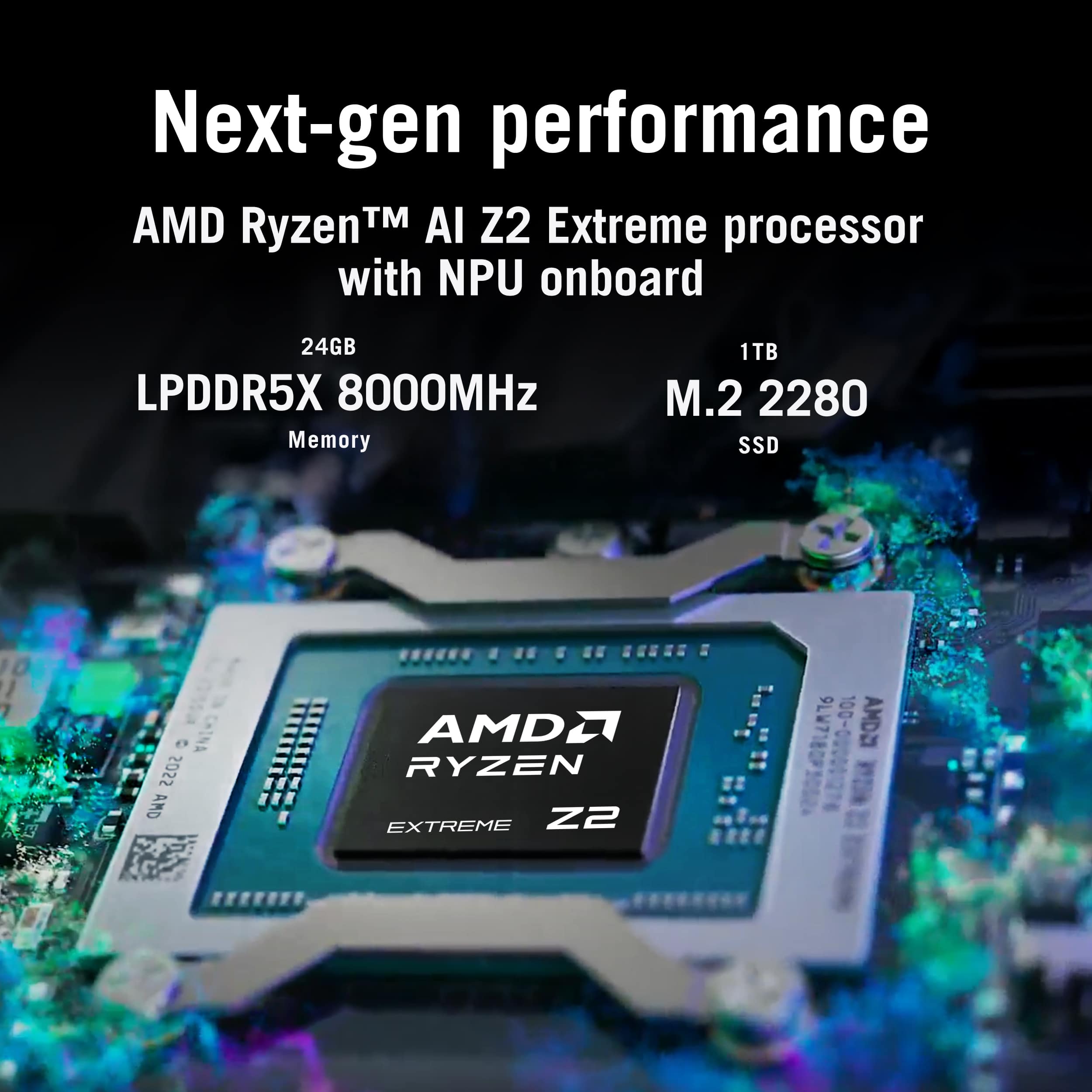
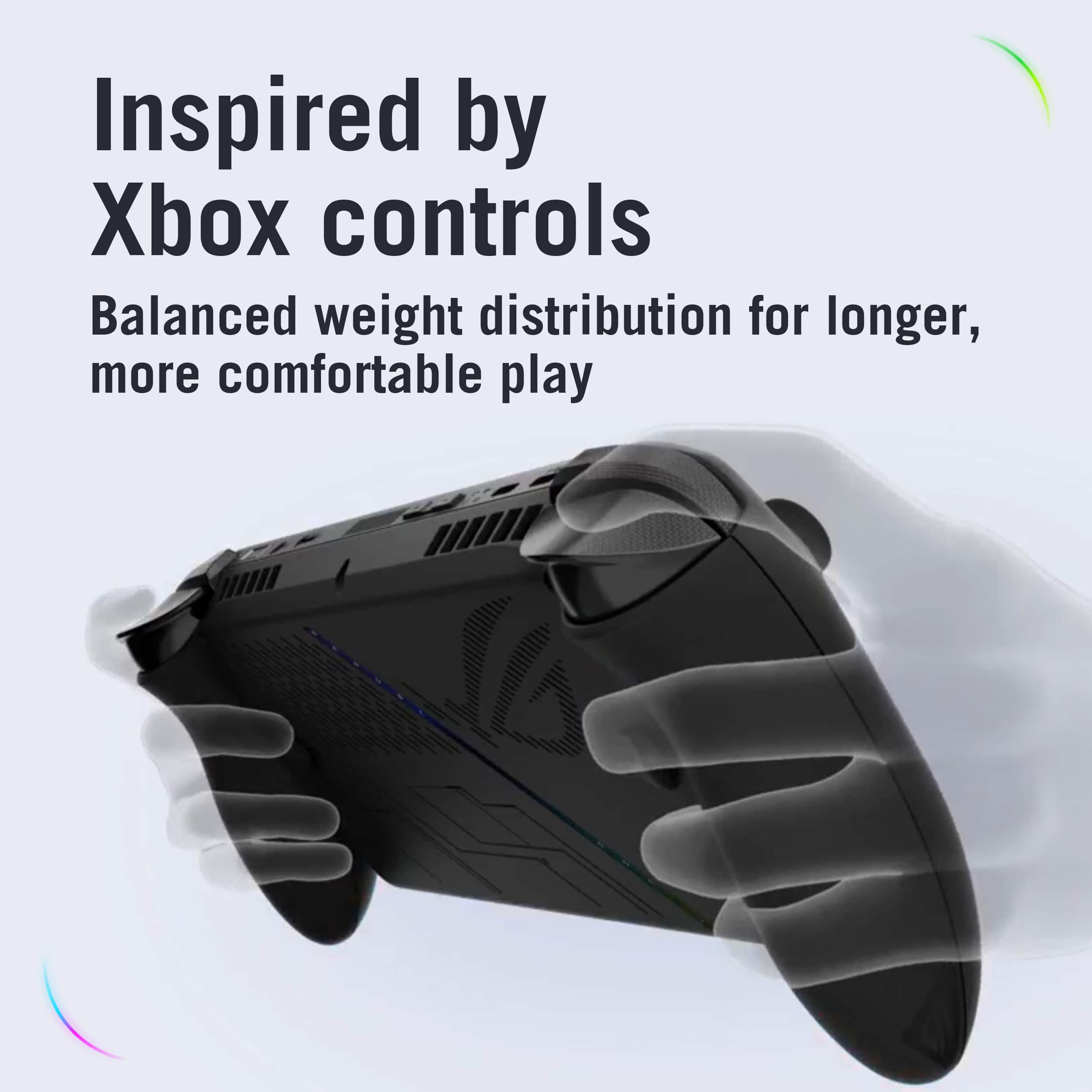
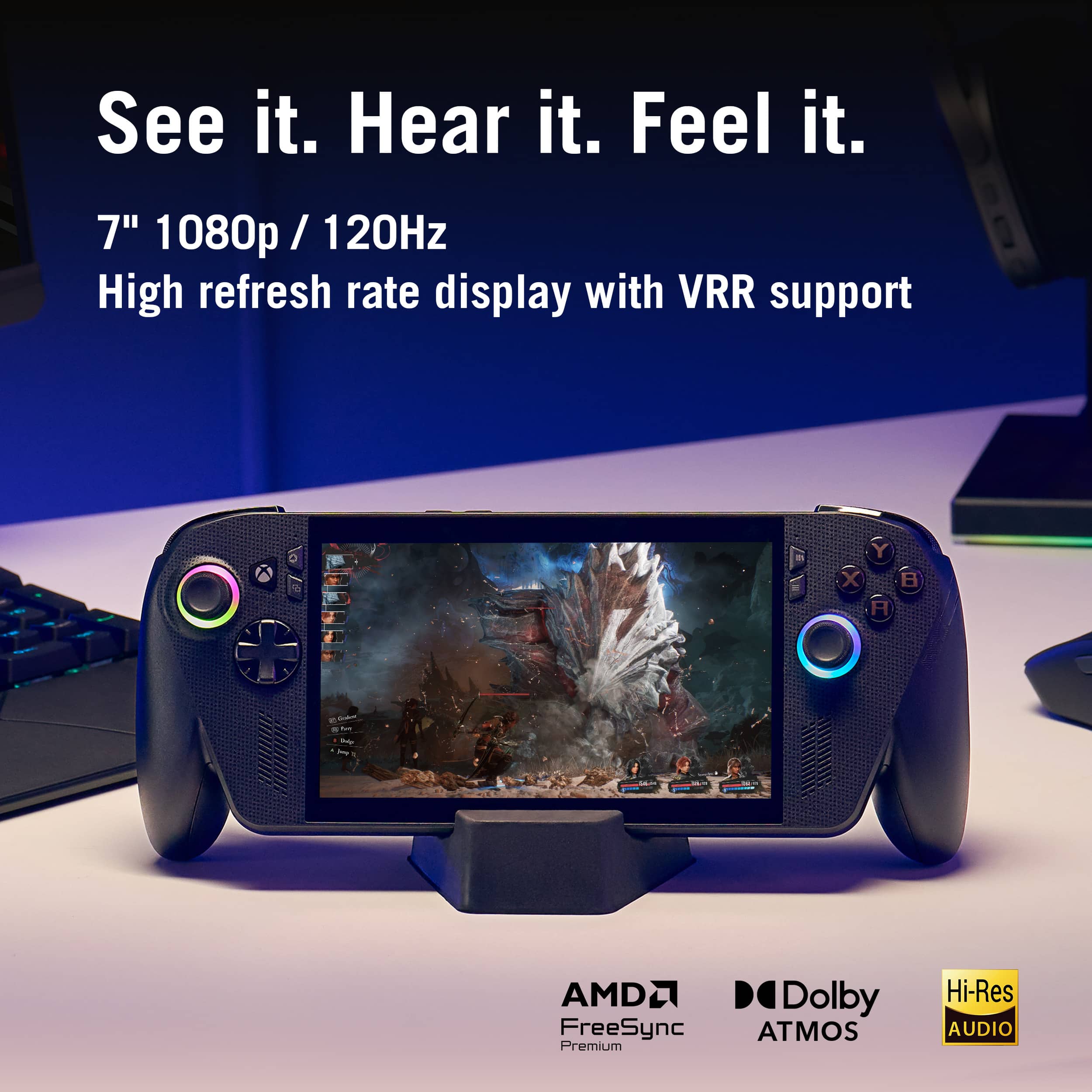
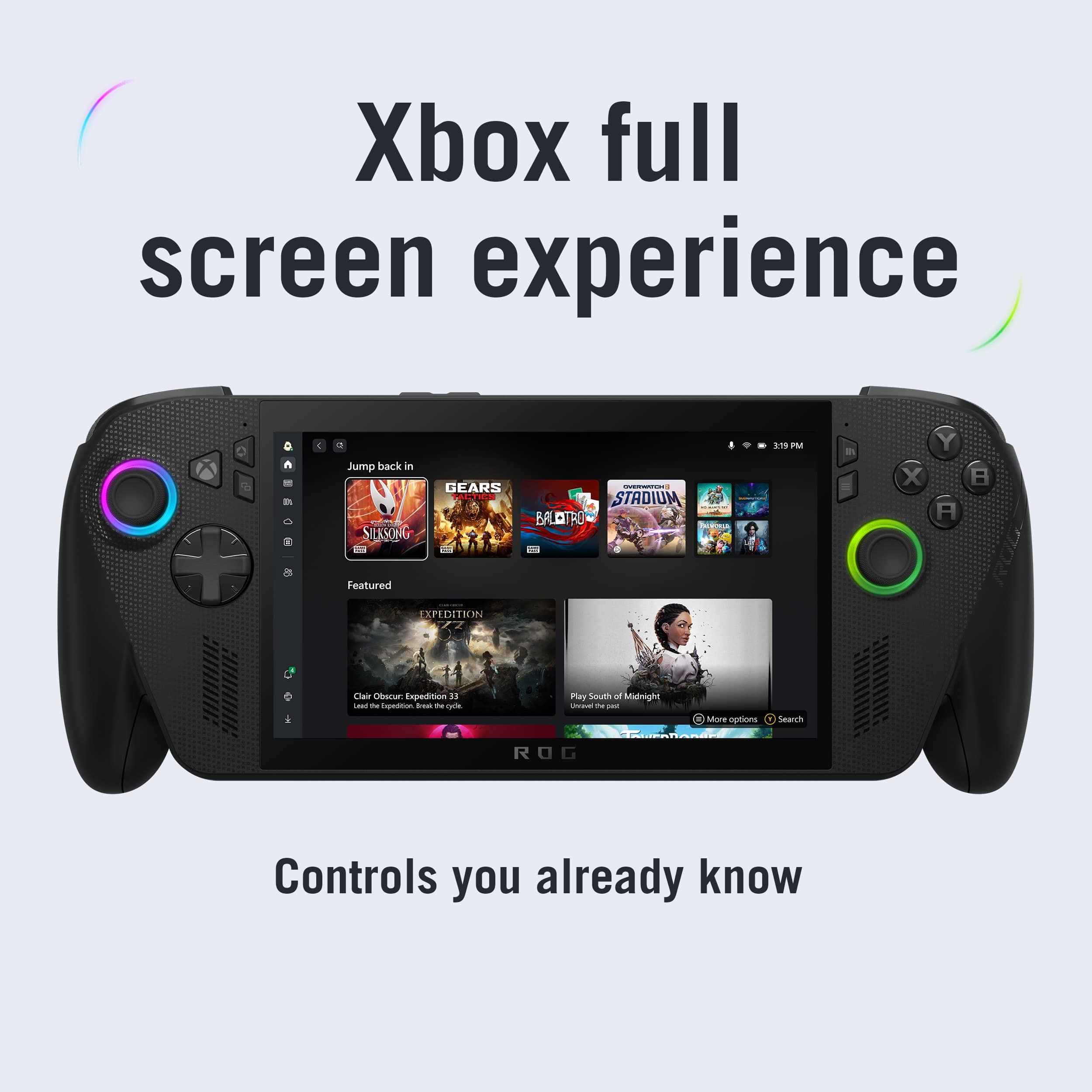
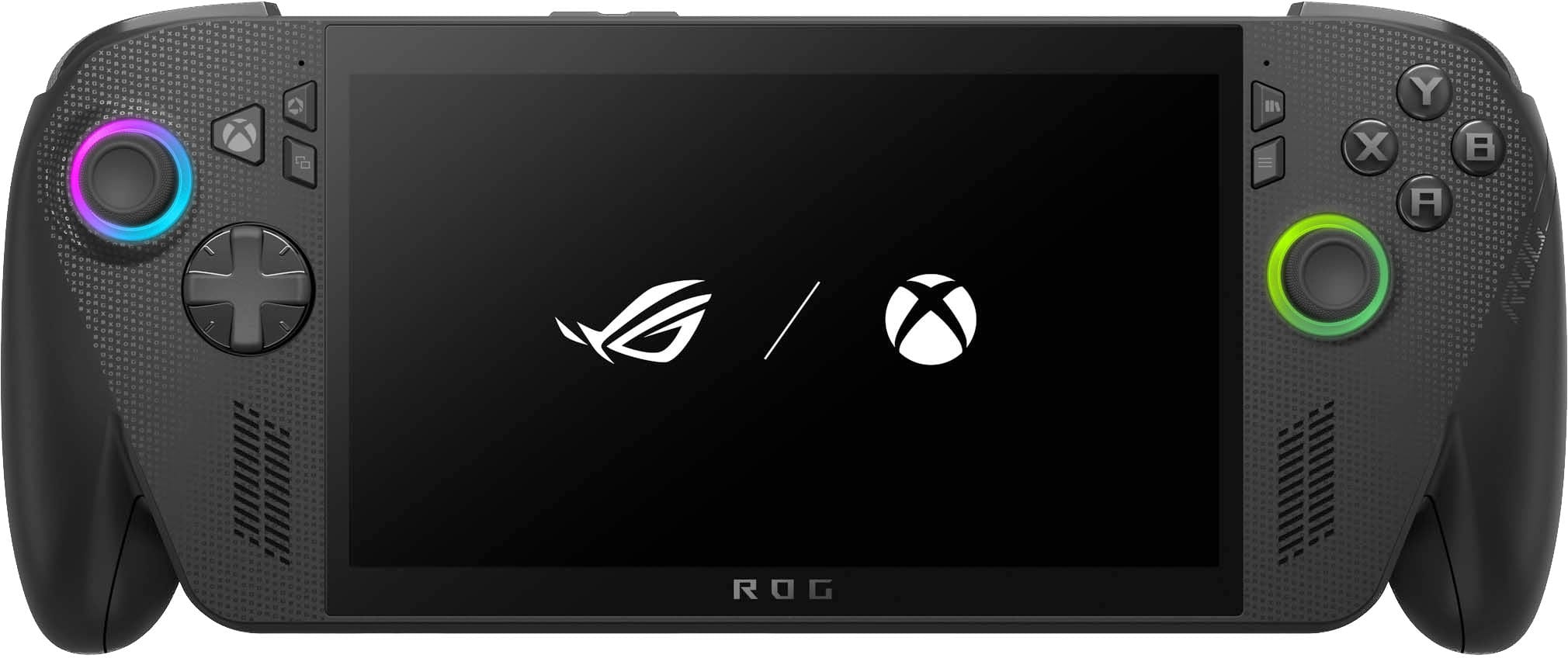
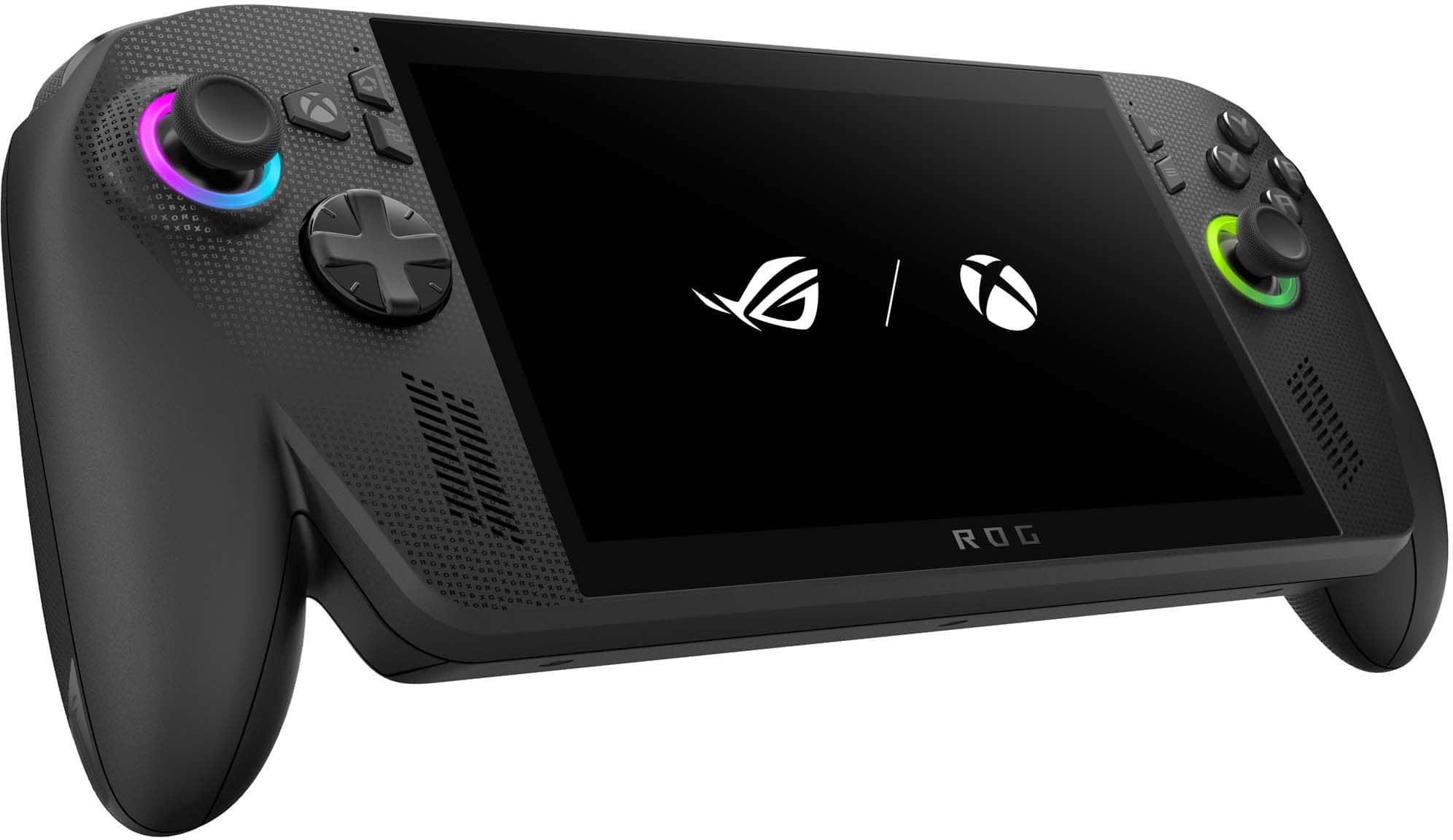
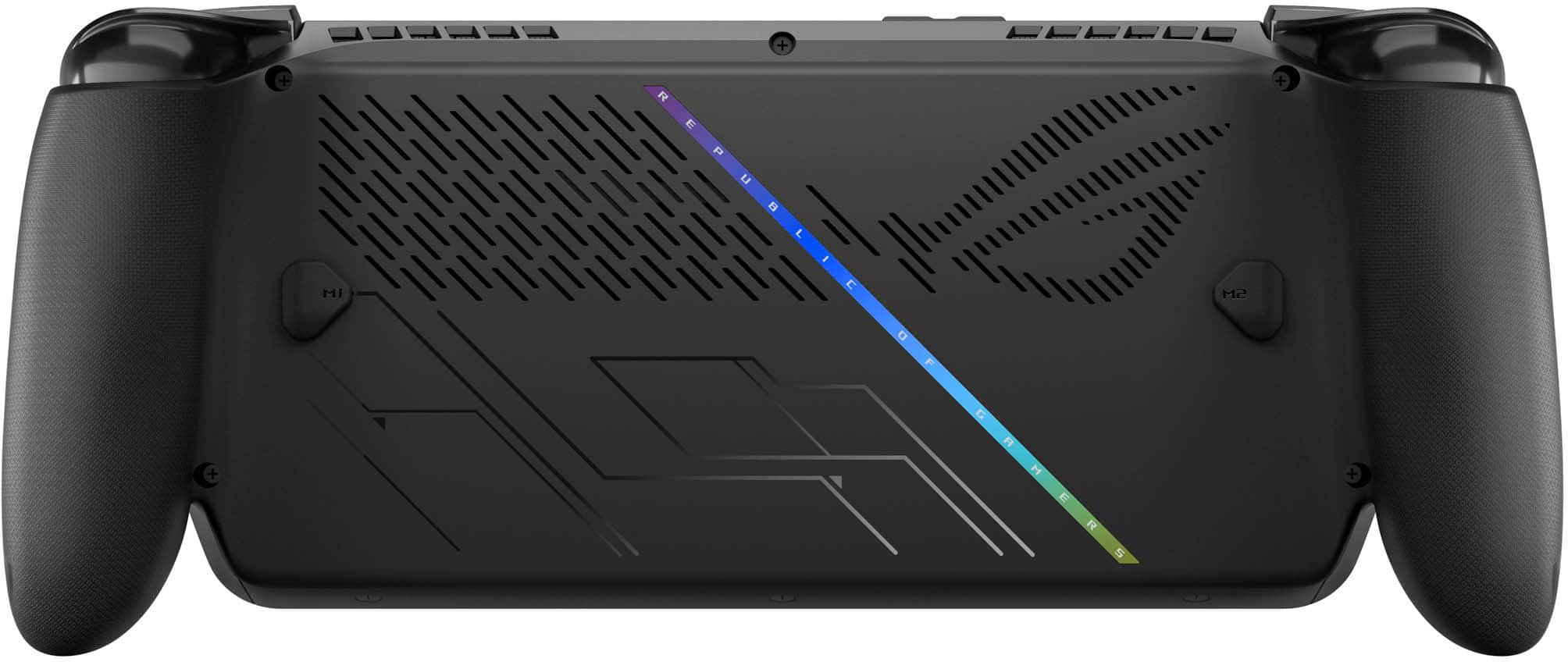
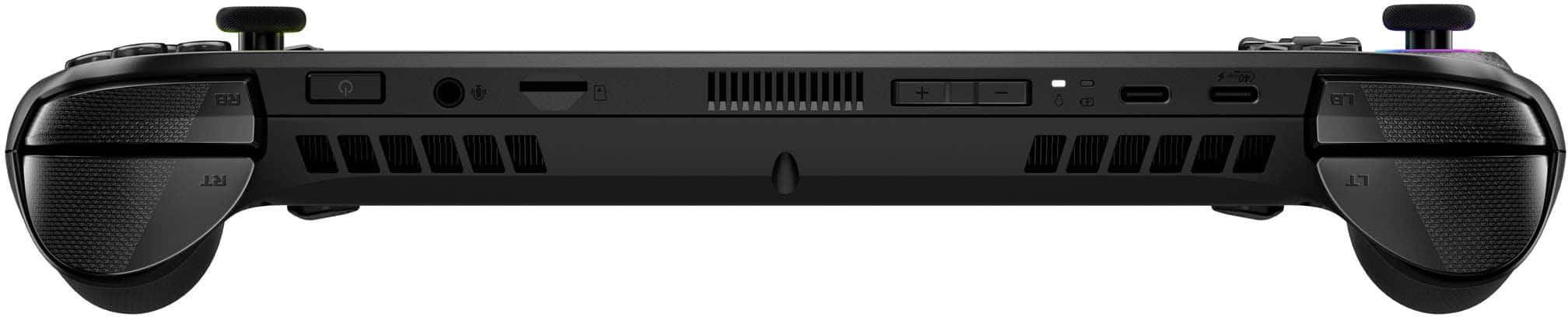
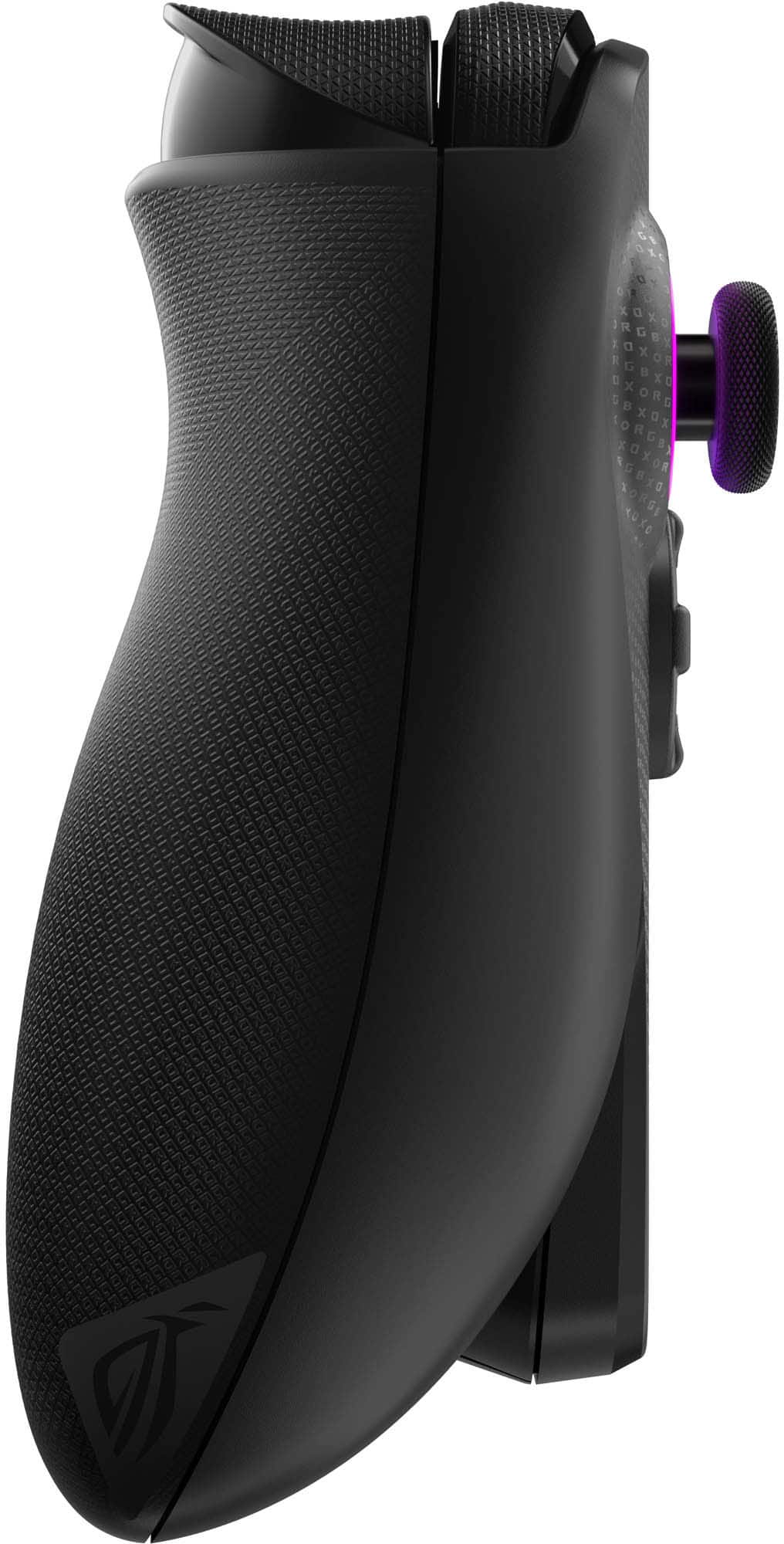
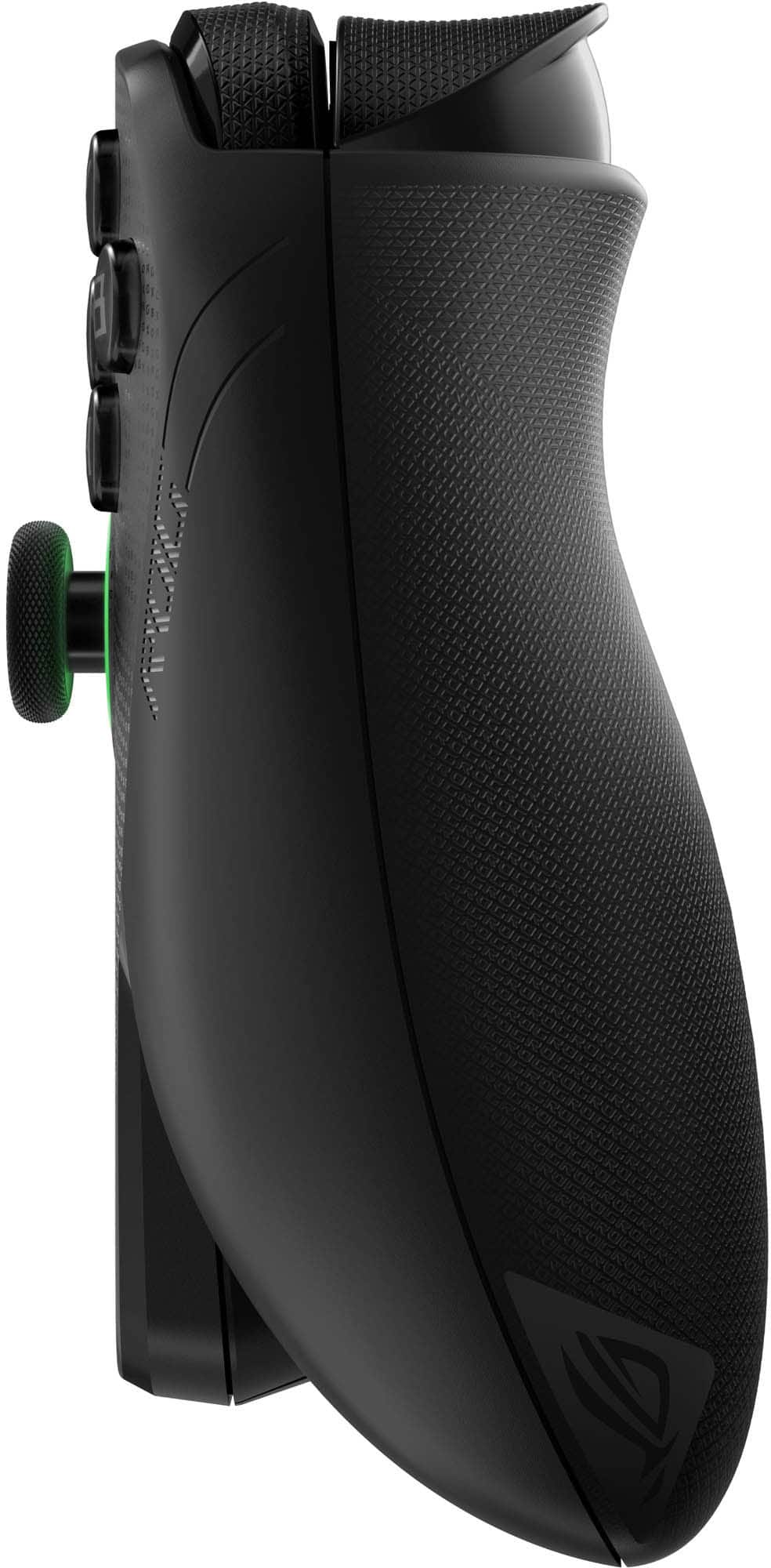
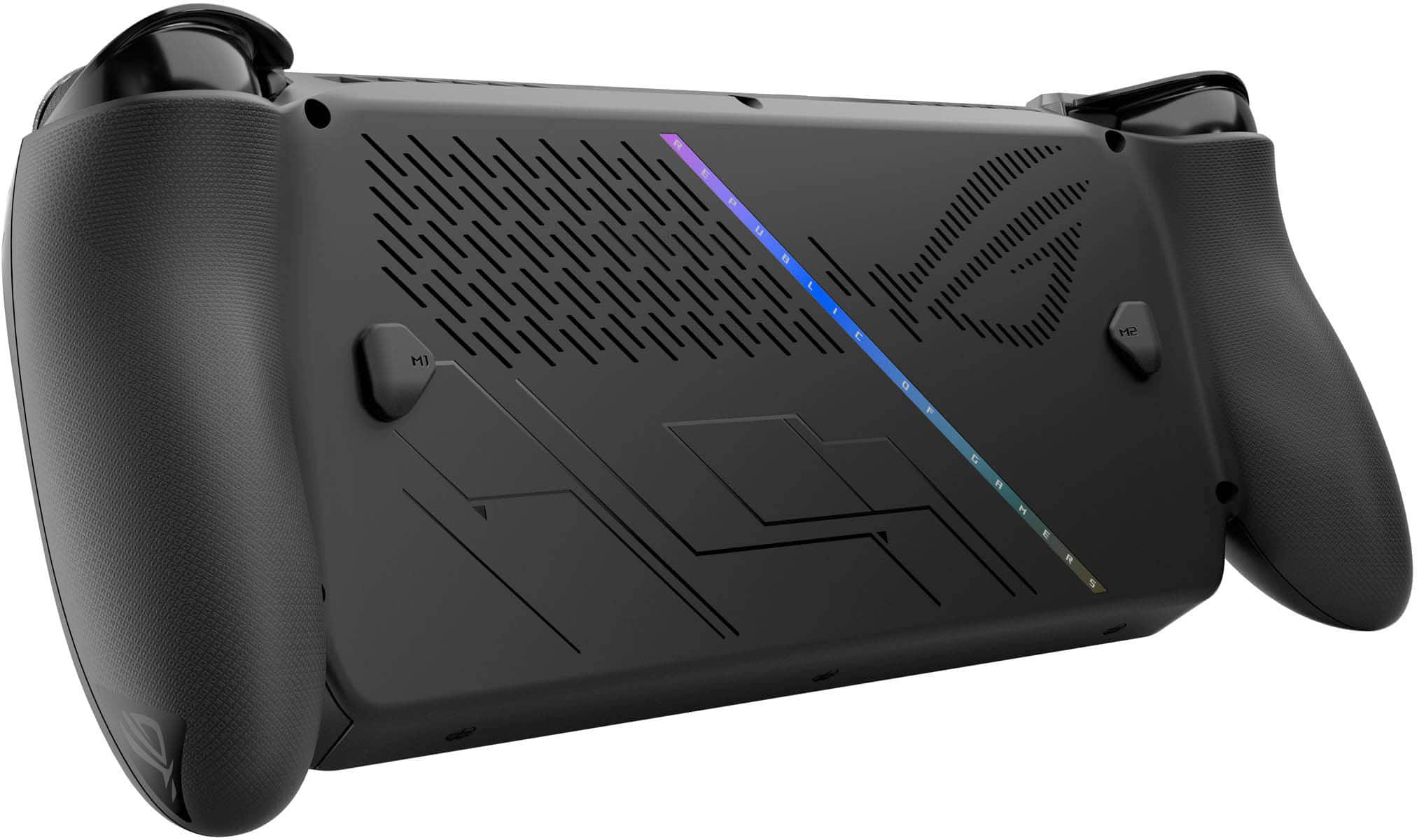
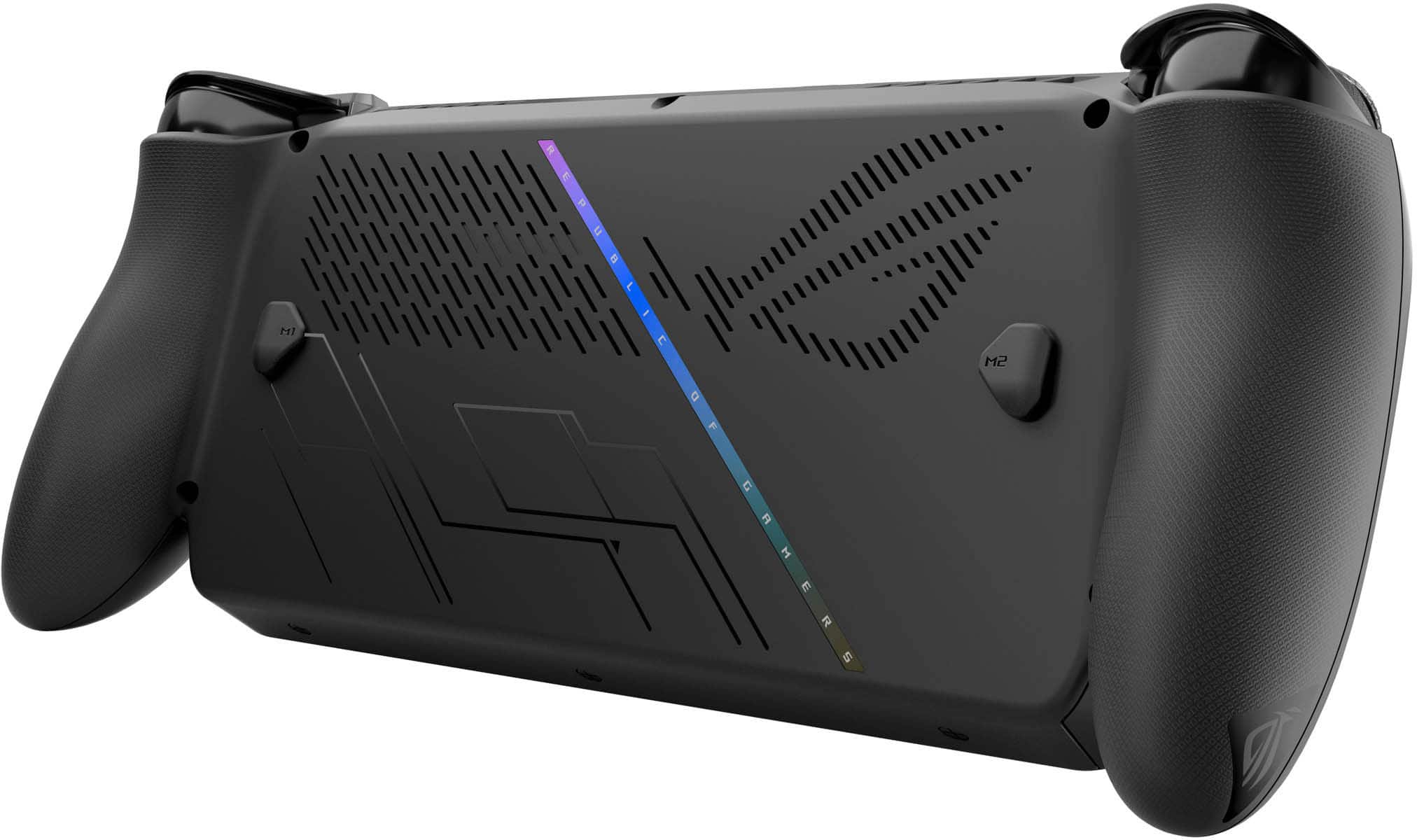
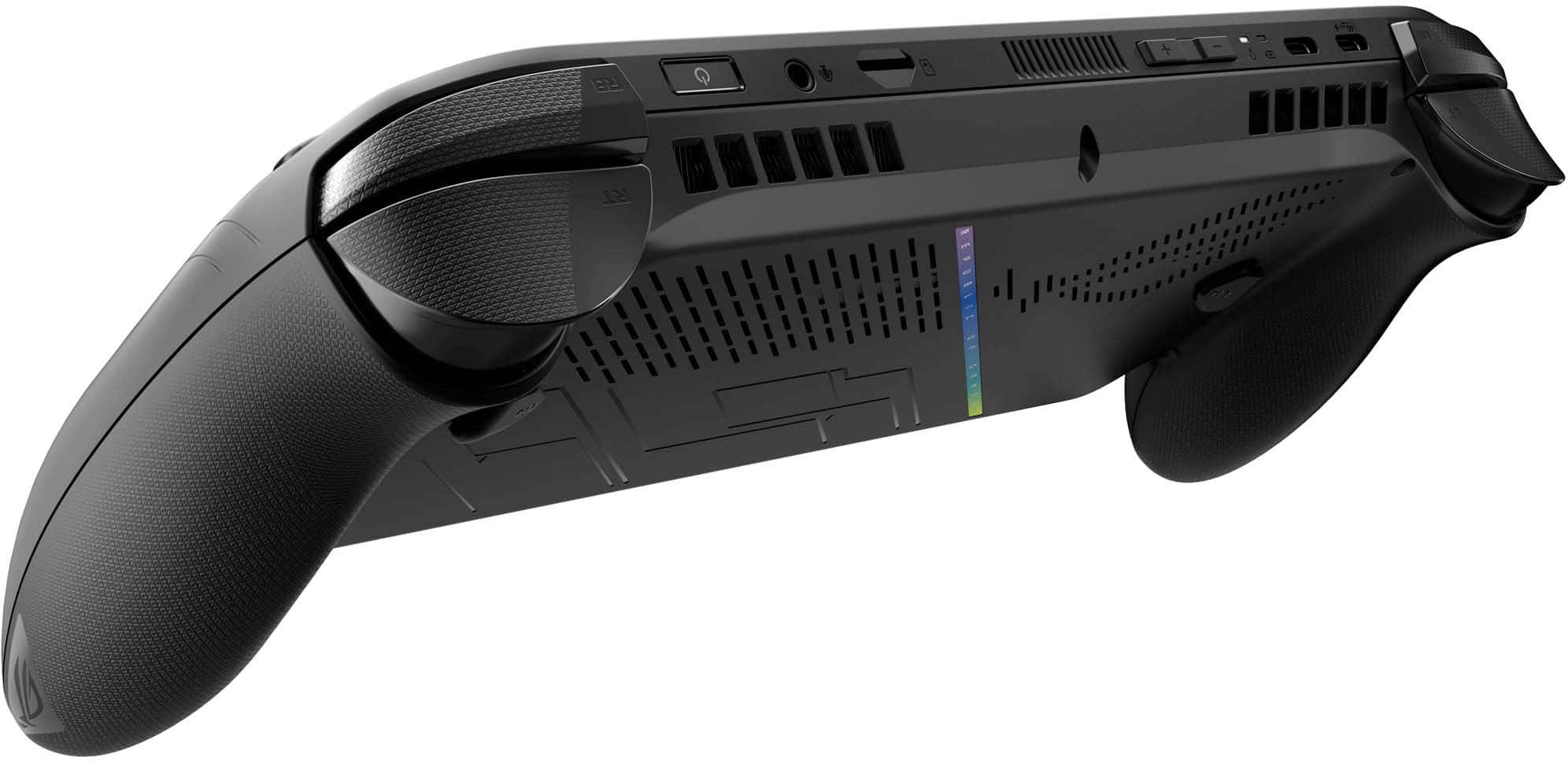
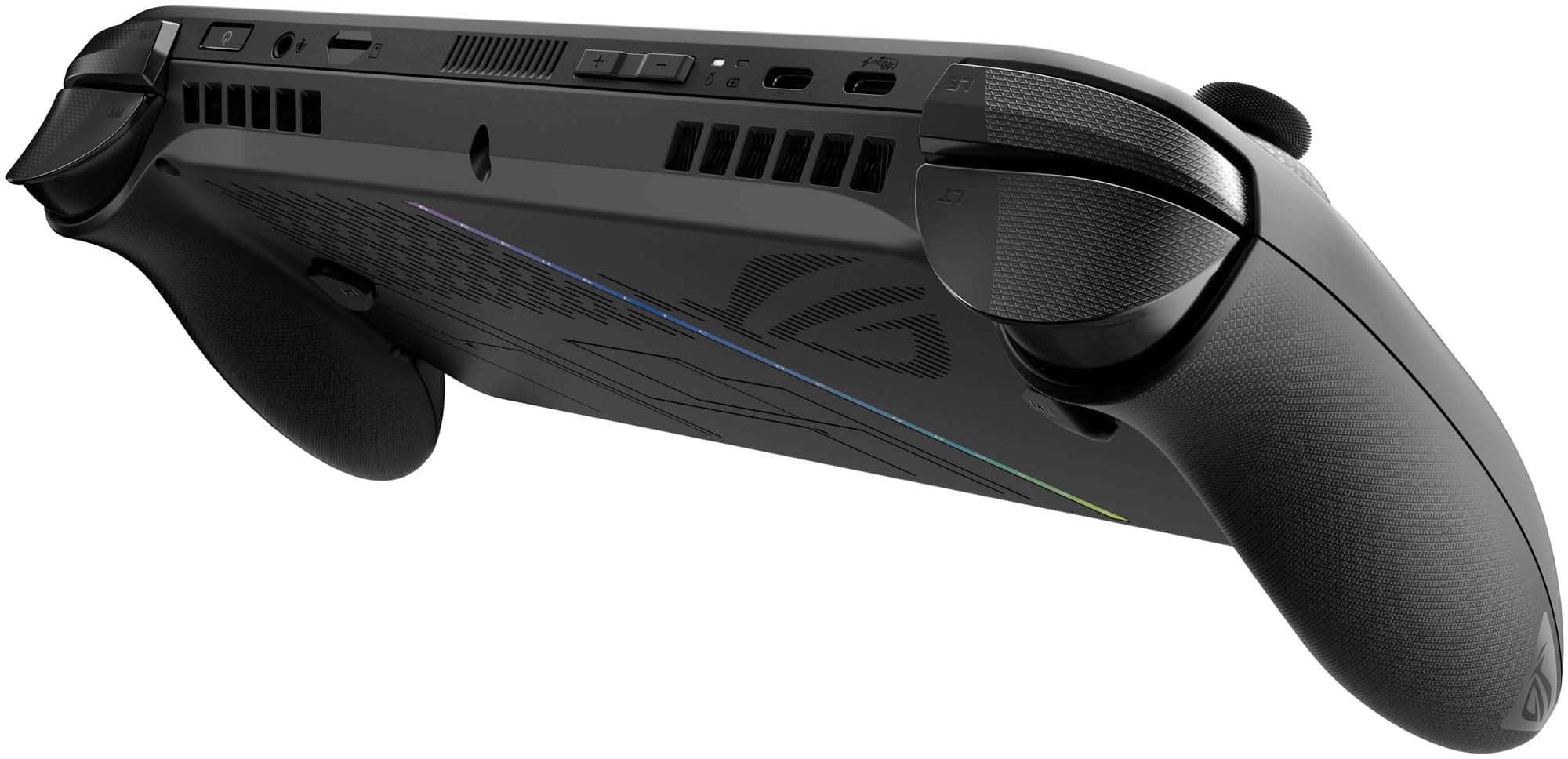
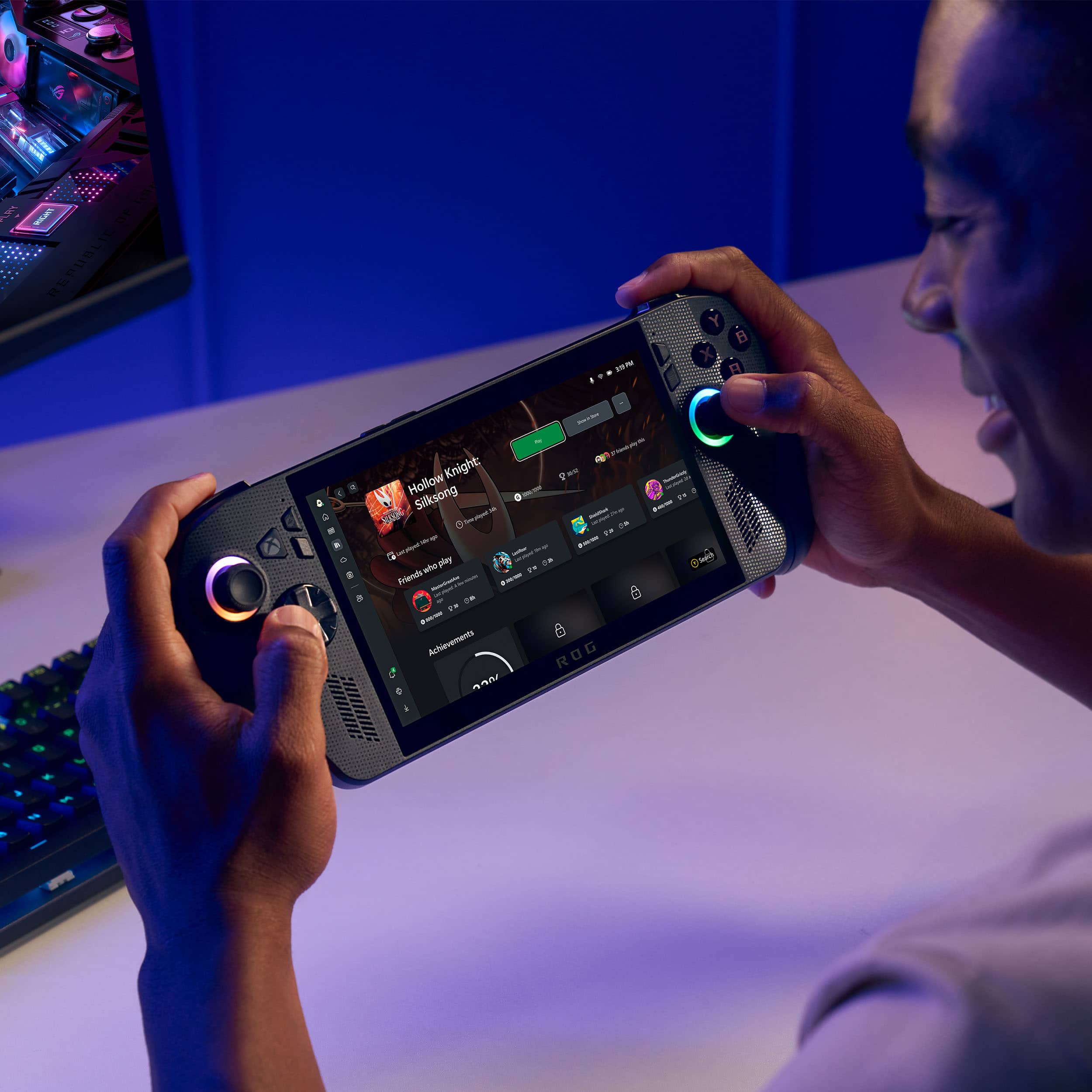
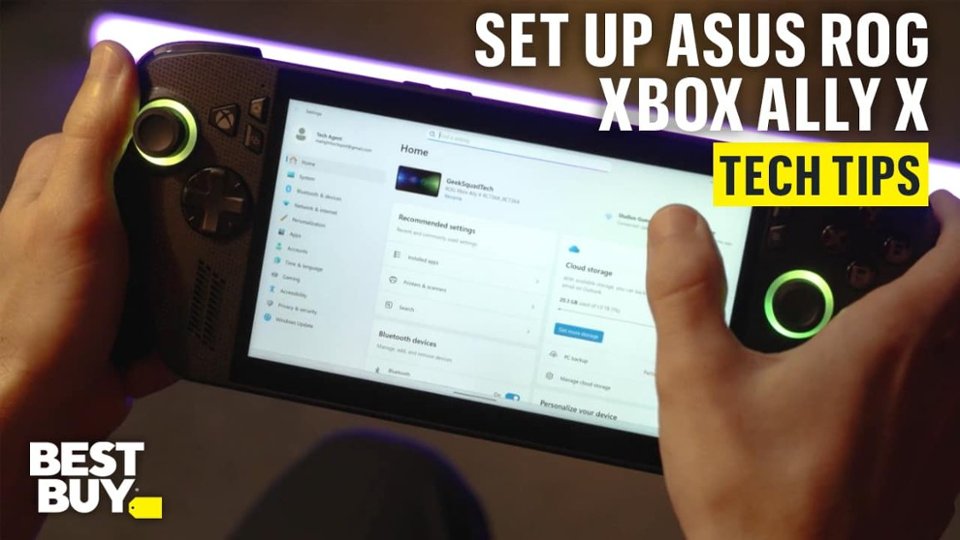
|Posted .This reviewer received promo considerations or sweepstakes entry for writing a review.The Asus ROG Xbox Ally X is a powerful and versatile Xbox-branded gaming handheld built by Asus that offers a customizable experience for gamers with a bit of patience. With its 7-inch 1080p 120Hz IPS display, AMD Ryzen Z2 Extreme processor, and comfortable Xbox-style grips, the Xbox Ally X is an excellent choice for gamers seeking a portable device that can run their entire PC library on the go. Design The Xbox Ally X has a clean, stylish design that feels premium in your hand. It’s mostly black, with reflective blackish-gray Xbox patterns on the front and RGB rings around the analog sticks. Build quality is solid, with no noticeable creaking or flexing. The new Xbox-style grips are a welcome addition for users with larger hands, though I didn’t find them significantly more comfortable than the previous model. The offset analog sticks are a plus, and all buttons offer satisfying tactile feedback. Triggers and bumpers feel great, though the front-facing buttons are noticeably loud. Exclusive to the Xbox Ally X are Impulse Triggers, which add subtle vibration during gameplay. It’s a neat feature, but not essential. Overall, holding the device feels like gripping a wide Xbox controller, complete with rear mappable buttons for games that support them. Display and Sound The 7-inch screen is one of the Xbox Ally X’s standout features. It’s bright (500 nits), vivid, and sharp at 1080p. The 120Hz AMD FreeSync Premium display makes gameplay feel fluid and helps smooth out frame rate dips. Touch responsiveness is excellent, with no ghosting or smearing. While it’s not OLED, it’s arguably the best non-OLED screen on any handheld gaming device today. The speakers seem to have been upgraded as well. They sound incredible for such a small device, and you can actually feel a bit of bass through the unit. Dolby Atmos does a great job widening the soundstage. The speakers also get quite loud, so I don’t think anyone will be disappointed with the sound. Connectivity You’ll get Bluetooth 5.2 connectivity and Wi-Fi 6E for fast wireless performance. You’ll also get a classic 3.5 mm audio jack for wired headphones if you’d rather avoid any potential Bluetooth latency. For data and video connectivity, you’ll have one USB-C 3.2 Gen 2 port that supports both power delivery and DisplayPort for an external display, and another USB-C 4.0 port that supports nearly everything including DisplayPort 1.4 with FreeSync and Power Delivery 3.0. If you’d prefer a simple way to expand your storage, the UHS-II microSD card slot makes it easy to add more space. Gaming Performance Powered by the AMD Ryzen Z2 Extreme, the Xbox Ally X delivers impressive performance for a handheld. It also includes 24 GB of LPDDR5X RAM and 1 TB of PCIe 4.0 NVMe storage, which should be plenty for even the biggest games and can be upgraded if needed. I tested a wide range of games, and most ran smoothly at medium to high settings. Titles like Doom: The Dark Ages hit 60+ FPS and are optimized for the device when downloaded from the Xbox Store. Xbox pledges to optimize more games for the handheld in the future. Smaller indie titles are where the Xbox Ally X truly shines. Games like Ball x Pit, Slots and Daggers, Halls of Torment, and others from Steam or Xbox Game Pass run flawlessly. With a few tweaks to graphical settings, nearly any current game is playable at 1080p. FSR 3 and soon FSR 4 support help boost performance, and RSR is a useful fallback for games that struggle to maintain consistent frame rates. While the Z2 Extreme’s AI cores aren’t widely utilized yet, future updates may unlock more potential. Here’s the full list of games I tested on the Xbox Ally X, all running at or above 60 FPS with minimal tweaking: Brotato Yet Another Zombie Survivors Vampire Survivors Ball x Pit Greedland Slots and Daggers Doom: The Dark Ages Octopath Traveler II Forza Horizon 5 Farm Together 2 Diablo IV Path of Exile II Little Nightmares III South of Midnight Outerworlds 2 Arc Raiders PowerWash Simulator 2 When plugged in, you can enable 30W Turbo mode for a performance boost at the cost of increased fan noise and heat. It’s a great option for more graphically intensive games when docked or charging. Battery Life, Charging and Thermals The Xbox Ally X packs a massive 80Wh battery. You’ll get nearly 3 hours of playtime with demanding AAA titles, and even more with lighter games. Battery life will depend on screen brightness, volume level, and other variables, so these are just estimates. Charging is quick and straightforward with the included adapter. Thermals are well-managed. While the back of the unit gets warm under heavy load, the grips and controls stay cool. Fan noise ramps up in Performance or Turbo mode, and there’s a faint coil whine at certain times, but it’s subtle and unlikely to bother most users. Interface and Functionality This is where the Xbox Ally X both shines and stumbles, and why I wouldn’t recommend it to everyone. Xbox integration includes a dedicated button and a custom Xbox Full Screen Experience (FSE), which launches the Xbox app at startup instead of the full Windows 11 desktop. This saves resources and aggregates games from Steam, Epic, and other stores. You can launch most titles directly from the Xbox FSE, though their respective launchers still run in the background. The Xbox button opens a menu for switching windows, launching games, and adjusting settings. Asus’s Armory Crate complements this with hardware, display, and input customization. However, setup still requires diving into multiple apps, far from a console-like experience. Even with the Xbox FSE, onboarding a new user is tedious. You’ll need to manually install your game launchers, enter passwords and 2FA codes using the small onscreen keyboard unless QR login is available, and update drivers, Windows 11, and Armory Crate. Expect a few hours of setup before you’re fully operational. Once configured, you’ll have access to your full PC gaming library, unlike other handhelds that are locked to a single storefront. But this flexibility comes at the cost of simplicity. The Xbox Ally X is not a plug-and-play device. Overall Verdict The Asus ROG Xbox Ally X is a fantastic handheld gaming device, with caveats. At its core, it’s a Windows 11 PC, and that means dealing with all the quirks and setup overhead that come with it. Xbox really wants you to love this device and settle into their ecosystem, so they’ve included 3 months of Xbox Game Pass Premium that will stack onto any existing subscription in case you’re already a member. Xbox branding suggests a console-like experience, but that’s only partially true. While you get access to Xbox party chat, achievements, and Play Anywhere titles, you can’t play your full Xbox console library. Only around 1,200 games currently support Play Anywhere, though Xbox is working to expand that list. This could be misleading for buyers expecting full Xbox compatibility, and I take some issue with that. If you’re comfortable with these limitations and enjoy a bit of tinkering, the Xbox Ally X is a powerful and flexible gaming companion, perfect for couch play or travel. However, for more casual players who want a device for cozy games or simple access to their Steam library, there are other options I’d recommend over the ROG Xbox Ally X, many of which are available for half the price.
I would recommend this to a friend Rated 4 out of 5 stars
Good Device
||Posted .This reviewer received promo considerations or sweepstakes entry for writing a review.Very small screen for the price! I wish they would reduce this price .
I would recommend this to a friend- Pros mentioned:Battery life, Overall performance, Portability
Rated 5 out of 5 stars
True "play games how you like" handheld gaming.
|Posted .This reviewer received promo considerations or sweepstakes entry for writing a review.ROG Xbox Ally X 7" FHD 120Hz Gaming Handheld - AMD Ryzen AI Z2 Extreme Processor Summary: An awesome power packed hand-held gaming device. Use: I'm a PC gamer. I have to sit at my desk or at a table with my laptop to play games. After a long day at work, sometimes I want to play games - but I'm so tired of the chair I just can't do it. So I don't get to enjoy games as often as a result. I've been contemplating a console for quite some time, but I haven't purchased one because it is still something I can really only play in one spot. Enter the ROG XBox Ally X. This device is so cool. It is a gaming PC in the palm of your hands. Console controllers on each corresponding side. Asus did stand-up job ensuring the feel of the handles and the unit feel like an XBox controller - with one not-so-small 7" difference. The display is superb. It is crisp and bright and is also a super responsive touch screen. I installed some of my favorite go-to games. Games I would have to sit at my desk or use my laptop to play. So I downloaded Steam and downloaded Doom Eternal, Hogwarts Legacies, to start. I was in for such a treat as I sat in my living room playing Doom Eternal next to my family (watching Halloween Wars). The game controls were seemless, smooth, and responsive. The display bright and quite easy to see. The sound... the sound is markedly much better than something I'd expect from a handheld. There were times I thought the sound was coming from my surround sound system in my living room. Marketing materials do say it supports Atmos. I'm so excited to be able to play some of my games where ever I please. One thing I had not tried was streaming games from my desktop - something Steam reminded me of when downloading Destiny 2. Raw specs: * 24 GB of memory * 1 TB of storage (for OS and games) * 80 Whr battery * Ryzen AI Z2 Extreme processor w/Radeon GPU * 7" 500 nit 1080P 120Hz 7ms display Pros: * Form Factor. It's awesome. I can separate myself from my work/gaming laptop/computer whenever I need. I can go play outside, at the park, or at a cafe (if I wanted to - not that it makes sense). * Battery. I played a few games for a few hours in full experience mode and the battery was still well over 50%. This means that a full charge should get me more than enough gaming time with the 80Whr battery. * 2x USB-C 4.0. Charge and hook-up an external display such as your TV/projector. * Dedicated UH-2 MicroSD card slot for additional game storage. This is the first device of this form factor dedicated to gaming - for me. So it's a bit difficult for me to offer up some cons. The Windows, mobile, and XBox OS convergence Microsoft has been orchestrating for the past decade allows the truest form of gaming portability we've seen to date. Literally, "game how you please." Cons: *Occasionally some of the nuissance Windows things peep through when playing games not optimized for hand held experience. Windows flashing or having trouble resizing when going in and out of full experience mode. Not really an issue - most of this was probably just me getting used to the interface.
I would recommend this to a friend Rated 5 out of 5 stars
Rog ally x and best buy service
||Posted .This reviewer received promo considerations or sweepstakes entry for writing a review.Service was awesome every time I go to this best buy they treat me great.
I would recommend this to a friend- Pros mentioned:Battery life, Overall performance, Screen quality
Rated 5 out of 5 stars
Big Improvement over Z1. Love the Controllers!
|Posted .This reviewer received promo considerations or sweepstakes entry for writing a review.’ve been using the new ROG Xbox Ally X for about a week now, and overall, it’s pretty impressive. The build feels solid and premium right out of the box, but I will say… it’s big. Like, noticeably big. It took a few minutes to get used to holding it while gaming. The controller layout feels familiar — kind of like an Xbox controller — but my arms were like, “wait a second,” because they were spread way farther apart than normal. Muscle memory had to adjust a bit. The screen is definitely the hero. It’s bright, sharp, and games like Call of Duty and Madden looked smooth and crisp. Colors are vibrant, and the motion stayed clean even during fast action. The speakers really surprised me too — super loud and clear. When I hooked it up to my Samsung M8 monitor for a larger screen, I actually preferred the sound coming from the Ally itself. That says a lot. Once I got used to the form factor, I had no trouble playing for long stretches. It’s not exactly lightweight, but it’s balanced well, so it never felt heavy — just a little awkward at first. The triggers are responsive, and overall button placement is familiar and easy to get comfortable with. Battery life has been solid. I got several hours of real gameplay before needing to recharge, and when I did plug in, the fast charging kicked in quickly over USB-C. That’s a big plus when you’re out and about or traveling — charging won’t be a hassle. There are a few things I wish were different, though. The joysticks aren’t user-replaceable (at least easily), which makes me nervous about durability over time. They work great right now, but if one starts drifting a year from now, it’d be nice to have a fix that doesn’t involve sending the whole unit in. Honestly, I still don’t get why handhelds like this don’t use detachable controllers. We had a perfect design back in 2017 — not sure why we’re still locked into built-ins. When you boot it up, it starts in a console-style Xbox interface — which is cool, makes it feel like you've got basically a portable XBOX — but it’s still very much a Windows machine underneath. That means you’ll run into typical Windows stuff like updates, popups, driver tweaks, and all that. I actually spent about six hours doing updates and downloads before I could play my first COD session. Maybe it wouldn’t take that long with other games, but yeah — not the smoothest experience out of the box. Still, if you’re looking for a handheld that can actually run full PC games — not watered-down mobile ports — the Ally X with the Z2 Extreme chip is the real deal. It’s already my go-to device when I want play from the couch but can't fire up a whole setup because my daughter wants to watch cartoons.
I would recommend this to a friend Rated 5 out of 5 stars
EASY TO USE
||Posted .This reviewer received promo considerations or sweepstakes entry for writing a review.GREAT DEVICE JUST GIVE IT TIME ‼️ MORE UPDATES AND PATCHES ON THE WAY
I would recommend this to a friendRated 1 out of 5 stars
LCD, creaky build, laggy UI — this isn’t it
||Posted .This reviewer received promo considerations or sweepstakes entry for writing a review.I’ve been using this handheld since launch day, and after nearly two weeks, here’s my honest take. If Asus had made this handheld without Xbox’s involvement, I’m convinced we would’ve seen an OLED and a bigger screen this year. Instead, the focus shifted toward Xbox ergonomics and the Xbox Full Screen Experience, which became the main selling point of this generation. I think Asus is saving the OLED upgrade as a selling feature for the next generation, and honestly, that feels intentional. I’m starting to regret buying the Xbox Ally X, and it’s mostly because of the display. I’m used to OLED screens—my phone and 4K monitor both have them—so switching to this LCD panel has been rough. The colors look washed out, and even with AMD variable brightness turned off, the screen still feels dull and uneven. The bezels are massive, and during gameplay, it almost feels like I’m watching a movie in letterbox format instead of playing a game. The small text in many games is hard to read and causes real eye strain. It’s just not enjoyable to play on for long sessions, only because of the screen because the ergonomics are great The build quality is also disappointing. The plastic creaks when I grip it firmly, and I’m not alone—other users on Reddit and Twitter/X are reporting the same issue. The Xbox Full Screen Experience honestly feels more like an advertisement than a launcher. Every page is pushing new games or subscription offers instead of focusing on the games I already own. When I power on the device, it doesn’t take me straight to my library—it shows me banners for newly released titles or Game Pass promotions. It feels like the UI’s main purpose is to sell rather than serve. For someone who mostly plays on Steam, it’s frustrating to constantly be redirected toward Microsoft’s ecosystem. The experience feels intrusive, cluttered, and disconnected from what a handheld gaming device should prioritize: quick access to your own games. VRR doesn’t seem to work properly either. It’s enabled in my AMD settings, but I’m still getting screen tearing in about 7 out of 10 games. The ABXY buttons are extremely clicky and noisy. Every press makes a sharp sound, and it doesn’t feel satisfying or premium. It’s distracting during gameplay and adds to the cheap feel of the overall build. Lastly, the Xbox UI performance is poor. It doesn’t feel like it’s running at 120Hz—the animations stutter, pages lag, and the interface feels more like 30Hz at times. Overall, this device feels rushed and overhyped. For this price, I expected a higher-quality screen, tighter build, and smoother software experience.
No, I would not recommend this to a friendBrand response from ASUS Answers
Posted .Dear Phil,
Thank you for taking the time to share your detailed experience with the ROG Xbox Ally X. We sincerely apologize that the device has not met your expectations in several key areas, particularly regarding the display quality, build, and software performance. We understand how important screen quality and seamless user experience are, especially for extended gaming sessions and we regret that the LCD panel and UI responsiveness have not delivered the level of performance you anticipated. The feedback will be passed to our product and software development teams for further review and consideration in future updates and product planning.
Regarding the lag and UI performance issues you mentioned, we recommend the following troubleshooting steps in the FAQ below to help improve responsiveness. If the issue continues, please contact our support team at https://www.asus.com/us/support/CallUs so we can assist you further.
We stand behind our products and continuously strive to improve our products and processes to achieve customer service excellence. For more information, email us at customerloyalty@asus.com and include the case number "N2510021587-0002" as a reference. We will do our best to resolve your case quickly. Your feedback is very important to us and enables us to improve our support channels. Thank you for choosing ASUS.
Best Regards,
Chantae
ASUS Customer Loyalty US Support
[Windows 11/10] Troubleshooting - System is running slowly -  https://www.asus.com/support/faq/1042398/
Rated 2 out of 5 stars
It's not an xbox, screen too small.
||Posted .This reviewer received promo considerations or sweepstakes entry for writing a review.First off, its not an xbox, you cannot play any of the game you played on xbox unless there's a PC version. This is a Windows 11 computer, full stop. Controls feel great, loved the triggers, not sure about the face buttons, they were just okay. Powerful system but the thing that killed it for me was the screen, its just 7" and 16:9 and LCD, while my yrs old steamdeck is bigger 16:10 and OLED...staying with this ROG would've been a downgrade. Hold out till there's a Z2 Extreme option at 8".
No, I would not recommend this to a friendBrand response from ASUS Answers
Posted .Dear johnnyarks,
We certainly understand your disappointment with the product. We certainly value your feedback on this matter, and I will be letting the related department know about the issues you are experiencing for continuous improvements to the product line. If you need any assistance, feel free to contact me at customerloyalty@asus.com. We'll be happy to provide a quick resolution to your case, and I will help you to the best of my abilities. I am here to assist our customers with our products and am dedicated to bringing resolution to all issues that they may come across. Your case for reference is [N2407034246-0028] for us to better assist you. Thank you for choosing ASUS!
Best Regards,
Schottky.S
ASUS Customer Loyalty US Support
Rated 5 out of 5 stars
How the screen looks
||Posted . Owned for 2 weeks when reviewed.This reviewer received promo considerations or sweepstakes entry for writing a review.Is a little pricey but over all I would recommend it...
I would recommend this to a friend- Pros mentioned:Battery life, Overall performance
Rated 5 out of 5 stars
First Handheld Very Impressed
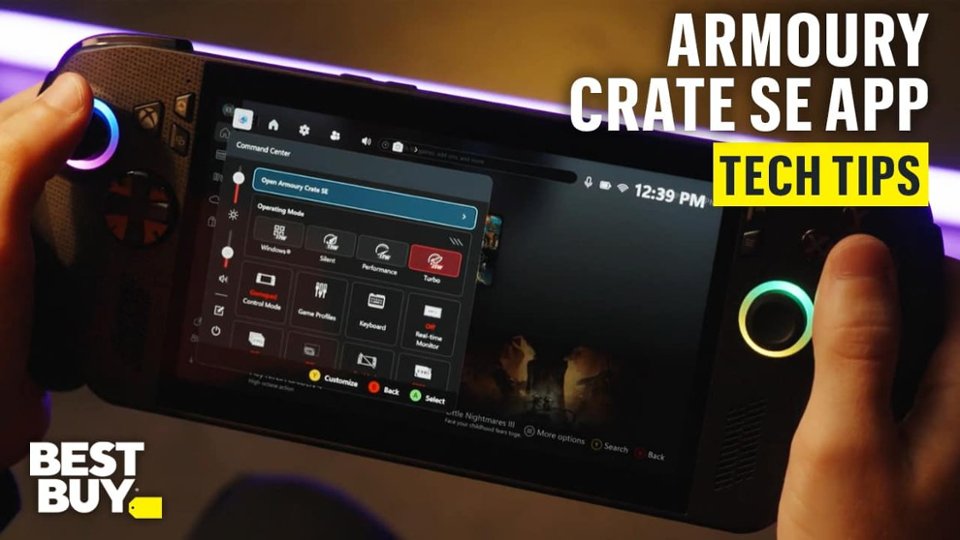
|Posted .This reviewer received promo considerations or sweepstakes entry for writing a review.The ROG Xbox Ally X is an impressive handheld gaming device. On the surface it’s another handheld to compete with the rest, but when you start looking at the details, teaming up with the Xbox team added some nuances that set it apart including the Xbox UI and a stripped down version of windows. --==Performance==-- You can look at synthetic benchmarks if you want to compare numbers, but actual usage is impressive. After running updates, I spent some time getting familiar with the buttons and menus. I found navigating through the menus need more work to make it more intuitive. However, I will say, there’s a lot you can do within the Xbox interface as well as the fact it’s basically a handheld PC. The UI is snappy, but I did run into a few occasions where it would hang up and the controller wouldn't respond, then I had to use the touch screen. I spent some time playing Battlefield 2042, downloaded Hollow Knight through Xbox gamepass, and fired up the Marvel’s Spider-Man Remastered to test out playing on the different platforms. Hallow Knight has been a ton of fun to play. The game loads quickly and I haven’t noticed any performance issues. Battlefield has been mostly great. It performed well and I didn’t have any issues with actual game play, but I do not think the game was designed for such a small screen. Spiderman was a lot of fun. It took me a little bit to remember all the buttons but again, performance was great and no issues swinging around the map. It’s worth noting I played almost exclusively on battery so performance was not running at the highest wattage, but this is how I expect most people will use this. You can go into the menu and adjust settings to be more performative for smoother gameplay or lower wattage for battery saving. I also used an HDMI to USB C cable to play on the TV, using a separate Xbox Controller I had on hand. I had to adjust some of the settings while playing Battlefield, but I was getting a consistent 30 FPS, which is bare minimum for playability these days, but considering this is coming from a handheld, I was happy with the results. --==Software and Design==-- One thing they did right with the design was the Xbox feel to the controller grips. It’s very Xbox-esque and very natural feeling if you use an Xbox controller for steam or Xbox is your console of choice. The RGB on the thumbsticks is a nice touch and there’s enough stippling to the grip to feel nice in the hand without feeling grip fatigue. The screen isn’t anything special but gets plenty bright and the touch screen is responsive. The fingerprint reader built into the power button is a nice touch for easy login. Two USB C ports are nice to see with a dedicated volume button on top and an SD card reader for easily adding extra storage. UI Design I think needs a bit more love. For me there’s just a lot that Xbox and ASUS allow you to do, which is great, but can be overwhelming and maybe confusing for some. The Armory Crate button is for most of your settings such as brightness, volume, performance settings, powering off or putting to sleep, changing resolution, and many other settings you can add to the quick access menu. You press the Xbox button and you actually just move over in the UI to the Home screen where you can quickly launch games or access your game and app library, including Steam, and access even more settings, some of which are the same as what’s found in the armory crate menu. You can also download and launch apps such as Steam or Edge Browser, which appear to act and function like the full PC apps. Speaking of PC apps, the Xbox software does run on a stripped-down version of windows 11, which you can use just like you would use a PC. I think one of the better things that comes from this is the use of co-pilot, Microsoft’s AI. When you’re playing a game you can hold down the button just to the right of the screen at the top, looks like 3 books with one falling over, it will invoke co-pilot and you can ask questions to help your way through the game such as how to defeat an enemy. --==Battery==-- Battery life is good, especially considering the performance. I can sit and play Hollow Knight for a few hours and still have plenty of battery left. I also launched Edge and loaded up youtube to watch videos. Spent an hour or so just watching videos and again, wasn't worried about plugging it in. --==Other Thoughts==-- I’m glad that it came with a charger, so many things do not these days and I’m not really here for it. I would have liked to have seen an easier way to upgrade the internal storage, while I can appreciate an SD card, throwing in a 2TB or even a 4TB HDD would be a worthy upgrade. The speakers are fantastic. They sound great and really push out some volume. If you have a USB C to HDMI cable, you can easily connect to a TV. I had one laying around and I was able to test this out and it worked great. No notable input lag to be found. It also easily connects to an xbox controller if you want a full playing on TV experience. I’d say one thing to note is there isn’t one, “update all” button to keep drivers and applications up-to-date. If Window’s updates, you’ll need to go there to grab those, if Armory crate has updates, grab them from there. I’m not sure if I had to, but I also made sure to use Steam to update my steam games, and I’m assuming you’ll use the Xbox app / home screen to update xbox games. Finally, just the overall experience as someone who comes from PC gaming. I have tried cloud gaming on a spec’d out Mac, and wasn’t impressed. I’ve used Steam’s “cloud play” and didn’t like how some games weren’t compatible. A portable handheld is the way to play your favorite games on the go, especially when you have a desktop or just don’t have the room to pack around a laptop. I grabbed a carrying case I could throw the charger and my USB C to HDMI cable in for easy mobile gaming. You can use the device as a large controller or even throw an xbox controller in a go bag with you and you can practically play anywhere you want to go. I gave a lot of grief on the software but honestly, you can get over this quickly if you’re willing to spend some time getting familiar with the menu’s, what button does what, and how to navigate best. For me it’s a mix between controller and touch screen inputs for the quickest input and navigation. You do get some lag from time to time, but I think this will get better over time as things are optimized. It's easy for me to recommend the ROG Xbox Ally X. The performance and battery I think are easy wins but also the feel of the controller and the versatility of integrated Xbox app all running on a stripped down windows so there’s familiarity with what you can do with PC gaming, especially with something like game pass or a robust steam library. PC gaming on the go is getting pretty good.
I would recommend this to a friend - Pros mentioned:Battery life, Screen quality
Rated 4 out of 5 stars
Good PC Handheld, Xbox FSE a good start
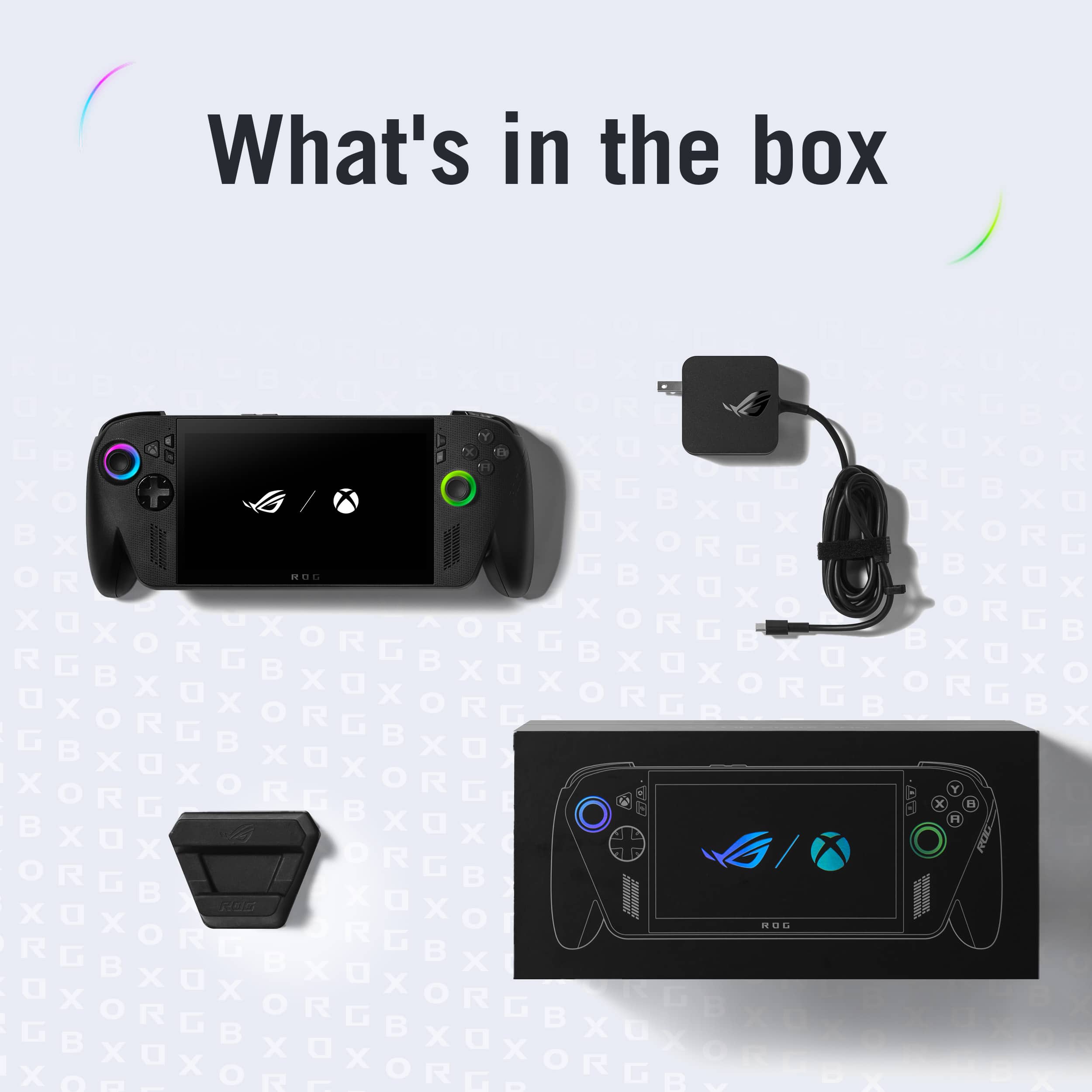
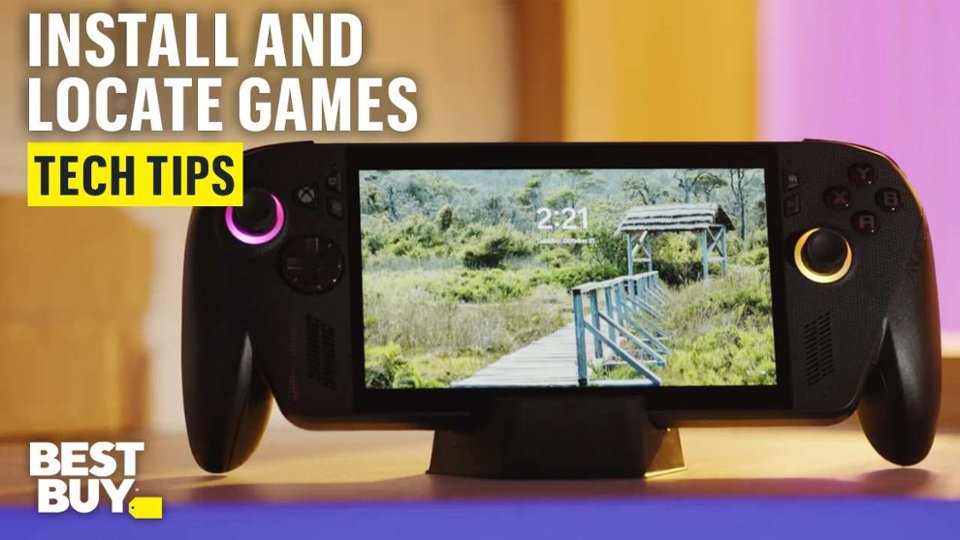
|Posted .This reviewer received promo considerations or sweepstakes entry for writing a review.I love the compact and sleek packaging. The box contains the Xbox Ally X (wrapped in plastic), a power supply, cardboard stand, and paper work. I do wish that the stand was plastic or some other material, but I would have rather had a case or a pouch. Device The ROG Xbox Ally X is a very sleek device, there’s a light texture on the body of the device along with small print along the front of the body. The device itself has some weight to it, it’s hefty but not obscenely hefty. The handles to me feel like they are of lower quality compared to the rest of the device. The grips feel hollow and a bit cheap, it reminds me of the xbox one’s windows controller. The grips are not bad, but not great, they could have been made better. It's almost as if the handles were an after thought/last minute addition. They feel out of place compared to the rest of the device. The grips took a bit for me to get used to, it was a bit odd holding them at first. After I get drawn into the game I forget about them. However I’d rather the handles had not been there just for case/transportation purposes, would have rather had them not stick out so much and be that could be added on when I am in the house or not taking it on the go. The grips make finding a case a bit difficult, it fits in my sling bag but takes up extra space. I have not had an issue with wrist pain or hand cramps while playing, which is due to the grips themselves. However when laying the device down on a table, the grips and angle of the screen causes the device not to lie flat which is a bit of a nuisance. While playing and focusing on the screen, the screen's angle has not caused an issue. I initially powered the device on with the power supply attached, it powered on right away and went straight into system set up, then right into an update. After the initial windows update and set up I went to desktop mode and checked for more updates. The ROG Xbox Ally X had a few updates to install. After the windows updates completed I went into Armory Crate which had several updates to complete, then I installed the Microsoft store update and finally went to MyAsus to do the registration of the device and updates there. The updates took me around 2 hours to complete. One thing to note: when I initially signed into the Microsoft account on set up, I used an account I use for all of my devices. However the Xbox Ally X came with three free months of Xbox premium. I use a different account for my Xbox account. So my free three months were set up and attached to the Microsoft account I initially signed in with. After setting up the device, you have an option to sign into your xbox app account. It's my own fault that I have too many accounts. I would suggest signing to the account you use for your Xbox account when setting up the device so you don't run into the same issue I did, If you want the free game pass linked to your existing Xbox account. Game launcher installs were in the xbox big picture mode as well as armoury crate. I chose to open all other launchers via the my apps in the xbox full screen experience (FSE) or via armoury crate rather than through the xbox full screen quick launcher options. Trying to do it through the Xbox short cut, steam would not always open. Steam would launch via the browser rather than the big picture mode. I went in and set the settings to try and get it to open in big picture mode but it would not consistently do this. Steam also would display improper aspect ratio and had the bottom tool bar cut off. The easiest fix to fix the aspect ratio was to go to armoury crate, quick settings with resolution, and cycle through the resolution options. This has corrected the issue each time. Game download speed via WiFi is slow. I would suggest if you have a dock with Ethernet use it for updates and game downloads. Smaller game download speeds were reasonable but larger games took a bit. I decided to let the games download overnight while on the charger. The next morning, the Xbox Ally X did not wake up after several power button pushes. I tried holding the power button for 5-10 seconds. The device finally woke up on the second attempt. I normally have had to have the device restart to get it to power on. Another option is to just power off after use instead of letting it sleep. When checking the game downloads, the Xbox app games downloaded but the Steam app crashed sometime during the night and did not finish the game download. Generally the game launchers opened right away. There were a few issues with Steam not launching the game or showing a loading screen, sometimes it would be stuck on a black screen or stuck in the games menu. After a day or two the games have been launching fine, there were a few updates that have come through from armoury crate. Steam still does not stay open overnight, each time I go to play the next day I have to relaunch steam. I tend to like to pick up and play in small intervals and this has not been possible with steam closing, and the device not always waking up from sleep. Games have run smoothly after tinkering with the operating mode. I created a manual mode at 20w, but most games have been running smoothly with the 13w or 17w setting. When connecting to power the turbo option is available at 35w. I tend to play handheld off power. Forza Horizon 5 has been the one that needed the most tinkering for me. Initially the game suggested high settings and was on the 17w option. It looked amazing but I kept experiencing lagging during some races or missions. I lowered the graphics to medium settings and it has been running much smoother with around 54 - 60 fps. HI Fi rush and Nickelodeon All Star Brawl 2 ran great at high and 17w no issues steady fps. I installed the Digimon time stranger demo. I'm trying to see if i want to get the full game and play it on the handheld, it's been running at 20w with no hiccups and bounces between 54 - 60w no issues. The print is super small though on the screen and can be a bit of a pain to see but i think that would happen on a regular monitor too. I have to mess with it to see if i can adjust the text size, but the game plays awesome one the handheld. Depending on what games I am playing ive gotten around 2 - 2 ½ hours so far of battery life. The sound on the device is great, it's loud and sounds open. I generally play with wired earbuds not wanting to disturb those around me. The Fan can get loud, just as loud as a laptop that sounds like it's about to take off but it hasn’t come on that frequently. The Xbox button and the armoury crate button are redundant to me, and add an extra non necessary button to the device, and could have been combined but I think that was a compromise that was probably made to get the xbox logo on the device. I generally just use it as an alt tab. Summary The device is sleek, runs the games I want it to, and has options for different launchers and games. The grips are something I can get used to. Xbox FSE is a good start, they are moving in the right direction but have a ways to go. But I am happy that they are at least making an effort to fix the bloat and constant marketing pitch. I would like to see them streamline the experience and fix the game pass home page/navigation/search, I prefer armoury crate. Updating the software for people who are new to handhelds should also be streamlined, making it simpler and easier to navigate. Experienced pc/handheld users are used to having to jump around so not a big deal. One last nib, for this price point the device really should come with a pouch/slim case. They sell a separate one for 70 bucks which is overpriced to me. All in all, It’s a nice collaboration for Asus and a test run for Xbox. The Rog Xbox Ally X is a nice device, it gives you a great gaming experience once in game.
I would recommend this to a friend - Pros mentioned:Overall performance, Portability, Screen quality
Rated 4 out of 5 stars
Pretty solid device but not quite there yet.
|Posted .This reviewer received promo considerations or sweepstakes entry for writing a review.This is my first high-end PC gaming handheld and I have a lot to say about it. I was initially worried from some of the reviews of this device and wasn’t sure how well it would work for my purposes but overall I am pleasantly surprised by how much power, performance, and fun this little device can be. I only play on Xbox not PC and wanted to see what this was all about since it’s advertised as an Xbox. It’s nice to know if I wanted to play a PC game one day I have that ability. When I first opened the box I was very surprised at how big it is and yet so light weight and with the hand grips and ergonomics they built into this device it really helps feel great in my hands although the grips while decent could be grippier. I usually use an Xbox Elite series 2 controller and thought it was kind of nice they have two buttons on the back of the device to map buttons to but I felt the back buttons were a bit harder to reach compared to the paddles on the Elite controller but they still work fine. The triggers would have been better if they had built in trigger locks. Before I even turned the device on I updated the SSD which was pretty easy to do with the right tools and so I had to do the Asus Cloud Recovery which took some extra time and it took me almost a whole day to set up this device and go through all the different settings and Windows 11 features plus updates it has to do in multiple location like MyAsus, Armoury Crate, Microsoft Store and Windows Updater. It probably could have taken an hour for most people who are familiar with PC’s but once it’s setup it’s really easy to just pick up and play. I like the Xbox Full Screen Experience (FSE) it’s pretty familiar coming from what I’m used to navigating in the Xbox UI but it does have some glitching, lag, and some bugs I feel and sometimes I have to restart the device to get it to act right again but it’s not too often it happens. It’s able to play almost all my games and can play Game Pass games streaming them from the cloud which is nice and the one game I had a problem with that’s native to my console is Destiny 2, I was able to remote play it from the device but it was very bad graphics and sluggish to play, so bad that I ended up being basically forced to download the one main game I play on Xbox from the Microsoft Store and purchase all the DLC all over again but now I’m able to play anywhere when I’m home on the Xbox and away like at work with the Rog Xbox Ally X. There is still so much left to learn about this device and little shortcuts and button mapping system settings etc. that really isn’t in the manual but it’s been kind of fun figuring it all out. I downloaded a couple other personally owned games to the device and all of those games worked as expected and played just wonderfully with no issues. I really only had some performance issues like lag and FPS drops in Destiny 2 during intense action moments but I need to better understand the graphics settings options since there is so much customization you can do and every game is different. Everything felt so smooth and just like it would if it was a console so really fun to play. The screen controls and touchscreen are pretty easy once you get to know them and what they all do. I enjoy using the fingerprint sensor it makes it so easy to log in. I like the Armoury crate button (Command Center) and how easy it is to be able to adjust performance settings on the fly, or to set up RGB lighting with Aura Sync which has a lot of options like static, breathing, strobing, color cycle, rainbow, starry night, music, smart, or dark (off). There are so many ways to customize the lighting but it’s a fun process. The best button is the new Xbox button which shows the Xbox game bar where you can find friends and chat settings search for new games or jump back into games recently played. You also can long press some buttons and they have different functions. I like that it’s a touch screen too and wasn’t sure if it was at all and thought I needed a keyboard to type with or play PC games with but none of that was necessary. It’s a perfect little powerhouse of a mini PC and with the right setup could even replace a PC when used with a Dock connected to a TV you can plug in a keyboard and mouse if you wanted to and I set mine up on the big screen to see how it would work and it’s basically just like my Xbox I’m used to. When it’s docked I use my normal controller I was using and it is was a bit finicky at first trying to get the display to work right like the Windows projection mode choices like leaving the device screen on or only displaying the TV screen so once I figured it all out it worked just fine and it’s nice to also have the functions of a PC in the background if you wanted to or needed to use it as a PC. Going into desktop mode was easy and I don’t really need any of the desktop stuff but It was cool to go in there and tweak some things or uninstall all the Windows bloatware that it comes with and just keep the necessary apps I use. The one part I don’t really like is how you have to restart the device when you want to go back into the Xbox FSE but it boots really fast so it’s not that bad just kind of annoying if you needed to do anything in the desktop and then jump back into the game and while you can jump back in without restarting it’s just suggested to in order to improve performance and it basically shuts down all the windows stuff and focuses on the gaming which is what this is really all about. Some complaints I have with this device and nothing I can really do about it is I wish they would have put a better actual 100W charging block and cable included and not just the bare minimum 65W plug they give which is kind of big and doesn’t have retractable prongs. The small “dock” they provide too just felt cheap and I also wish it came with some kind of travel case. The battery life really isn’t that great and yes it lasts a few hours for gaming and it’s quite enough time to use it if needed I just wish it could be more with how some other laptops get about a days worth of battery but this is a gaming PC so it does use a lot of power and it’s meant to just be plugged in at all times. I don’t like that the screen isn’t an OLED screen and the bezels are pretty big but it is still a beautiful display but for the cost I think they should have done that upgrade as well as put in some anti-drift TMR joysticks like their new controller coming out soon or something that will last since you can’t easily take off the handles like some devices or replace the sticks as easy and we will see how well it holds up and if stick drift becomes an issue. For me, I just mostly use my Xbox controller and leave the device alone unless I absolutely need to use it somewhere that I can’t dock it. The D-pad could also have been made a little better or with metal components like with magnetic changeability like the Elite 2 controller or even the sticks being able to remove and clean just the thumb parts is nice or change the length. Overall, I feel this device is very niche and unless you travel or need this or want a mini PC to play with if you don’t already own a PC or Xbox and have limited room and are able to dock this you don’t really need this and it can be improved so much still maybe even wait for an OLED version and longer battery life but it’s a solid device and it’s fun to play but just crazy expensive as it’s almost like you can just buy an Xbox Series X or even a gaming PC since you can play Xbox games on a PC with Game Pass, cloud gaming and all that and have even better graphics and power at almost the same price. Really this is made for traveling and quick sessions during a lunch break at work or if you just can’t use your TV at home. This device does have a lot of great features and power and I can see why it does cost so much for what it is but when you add on all the accessories like a travel case or to make this work for docking like the dock, the new Rog Raikiri II controller, 100W charging block, a USB-C cable, the optional updated SSD choices you could spend another $700 and even more if you choose to add on an E-GPU, so definitely almost better to buy a gaming PC or gaming laptop but then you can’t upgrade it or just wait for the next-gen Xbox console which hopefully has both a console and PC built in because this truly feels like a public beta test of what’s to come in the future for Xbox.
I would recommend this to a friend Rated 2 out of 5 stars
Misleading Product
||Posted . Owned for 2 weeks when reviewed.This reviewer received promo considerations or sweepstakes entry for writing a review.I along with many others were under the impression this was a handheld xbox or at least could olay digital xbox games i own, it does not. It only plays xbox play anywhere titles which are just pc games.
I would recommend this to a friendBrand response from ASUS Answers
Posted .Dear Valued Customer,
Thank you for sharing your experience with the ROG Xbox Ally X. We understand the frustration around the expectations for native Xbox game compatibility, and we sincerely apologize for any confusion this may have caused. While the device is designed as a Windows-based handheld gaming PC, it currently supports Xbox Play Anywhere titles which are PC-compatible games available across both platforms but does not natively run digital Xbox console games.
Your feedback is important and will be shared in full with our product development team for further review.
We stand behind our products and continuously strive to improve our products and processes to achieve customer service excellence. If you require any further assistance, please email us at customerloyalty@asus.com and include the case number "N2510034406-0004" as a reference. We will do our best to resolve your case quickly. Your feedback is very important to us, and it enables us to improve our support channels. Thank you for choosing ASUS.
Best Regards,
Chantae
ASUS Customer Loyalty US Support
- Pros mentioned:Battery life, Overall performance, Portability
Rated 5 out of 5 stars
Finally, a handheld I actually want to travel with
|Posted .This reviewer received promo considerations or sweepstakes entry for writing a review.As someone who travels for work, I rarely bring along my gaming laptop due to its size. The Ally X will change that for me. I found it to be powerful enough to play my favorite games, yet portable enough for me to take along. Gaming on the Ally X was an enjoyable experience for me. The games I tested all ran smooth (no lag), even on battery. Graphics were well defined, vibrant colors and brightness, even in bright lighting. I found the audio to be surprisingly immersive and vocals clear and the fan noise to be minimal, even at the highest graphic, and power settings. The RGB lighting around the analog sticks, seemed distracting at first but after playing for a bit, I barely notice them. Armory Crate comes preinstalled so you can adjust to your preference. The display on the Ally X is impressive, to say the least. I tested it through a full range of lighting conditions, dark room to daylight, and even while sitting in my car. In all cases the graphics were clear, colors accurate, and sufficiently bright… much better than some of the other handheld systems I’ve tried. The controls feel like a premium Xbox controller. Everything is easily reachable, and responsive. The buttons are a bit louder than I prefer, but not enough to be intrusive. The whole device is comfortable to hold, but is a bit heavier than I had expected and found myself resting it on my lap during longer play sessions. I found the Ally X to be a very versatile system and capable of more than gaming. It has excellent battery life, roughly 2 hours for demanding apps, and at least double with lighter use. Throughout my testing I’ve used it for streaming, performing a few minor updates to work projects, and joined a couple of Teams meetings while on the road. I wouldn’t suggest using it as a portable workstation, but in a pinch it really does come in handy! Lastly, I did experience an odd vibration issue that caused an annoying clicking sound to be played through the speakers. Thankfully, it was resolved by restarting the system and I’m happy to say I haven’t experienced it since. Overall, I found using the Ally X to be very enjoyable to use and fits my lifestyle better than other handheld gaming systems and the first to actually make me want to travel with!!
I would recommend this to a friend - Pros mentioned:Screen quality
Rated 4 out of 5 stars
Little XBOX PC
|Posted .This reviewer received promo considerations or sweepstakes entry for writing a review.I'm a BIG XBOX FAN i have been waiting for a long time for XBOX to come out with a handheld device and now it's here. The only thing is this is a mini computer not a XBOX console like you would get with another company. This can and will do a lot more than other handhelds. So first thing you must do i download the updates and there are some big one's. But don't worry with this you get a full 1TB of storage that is impressive so such a small device. You can go online and see what else you need to download as in steam or epic games so you can have a bigger game library. The screen on this is so awesome crystal clear you can see all of the details just as if you were watching this on your TV at home. The screen is 7inch 1080p it is a touch screen so a little extra not just for a display. The screen is gorilla glass so don't need to worry about little scratches or something rubbing on it your safe. For this being the X model it isn't that heavy at all kind of light weight the controls are just like the controller of the XBOX and same button config. It has the triggers and bumpers and 2 buttons under the unit. They did this justice the feel of this this in my hand is very comfortable. The speakers a clear and have a great sound to them i had it in party chat and could hear everyone so clear and the game sound at the sometime. You can connect Bluetooth headphones or earbuds to this. So overall this has a great screen clean and clear The speakers are clear and don't get distortion like some little speakers do. The unit is light weight and controls are comfortable The only downside to this is some games that you own on your XBOX can't be played on this the game must be Play anywhere title. You can play games on the cloud. Now i did hear that next year they are going to fix this issue with an update i don't want to buy a game twice to play it away from home.
I would recommend this to a friend