Customer Ratings & Reviews
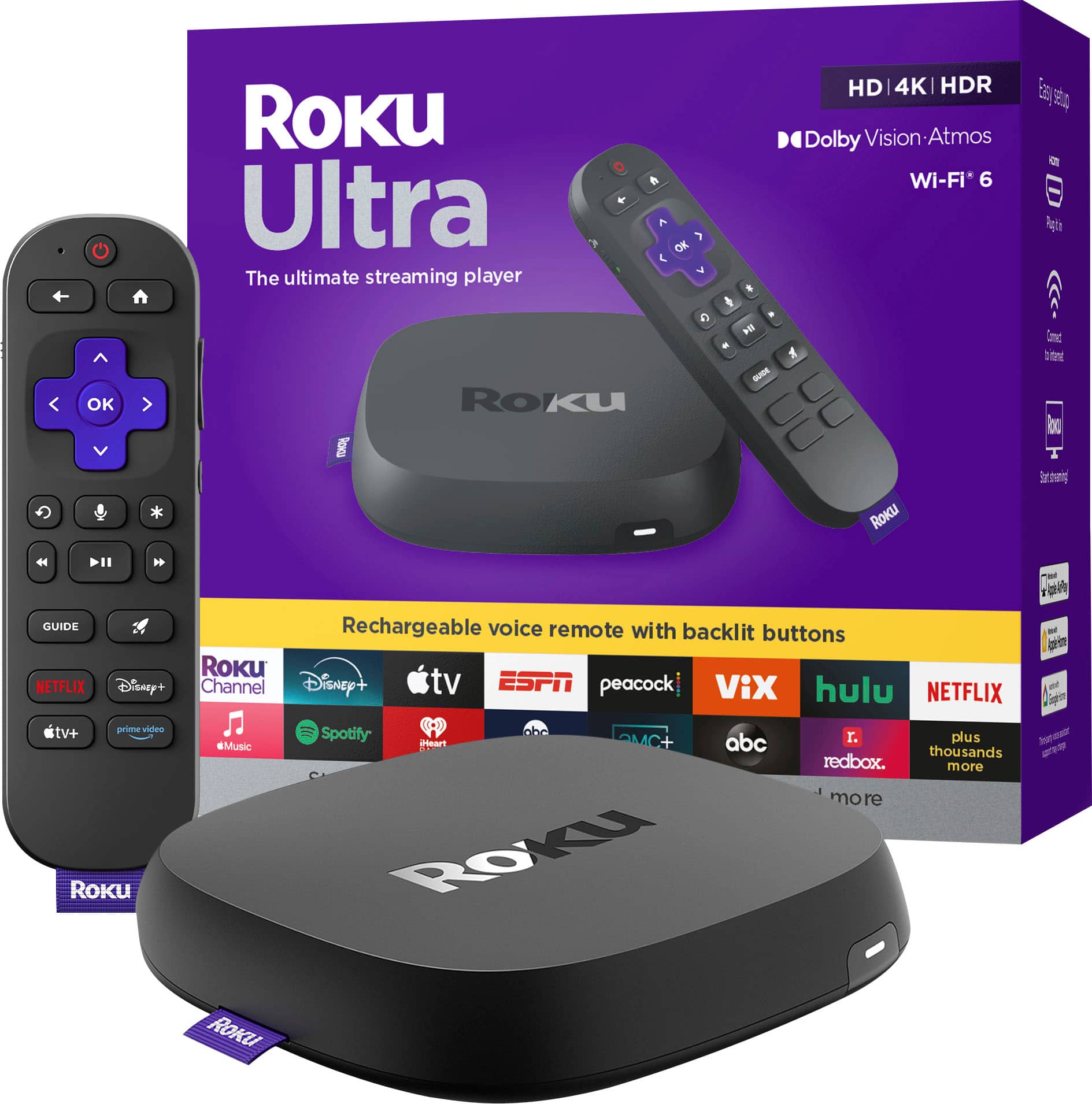



- Model:
- 4850R
- SKU:
- 10145355
Rating by feature
- Value
Rating 4.7 out of 5 stars
- Quality
Rating 4.7 out of 5 stars
- Ease of Use
Rating 4.8 out of 5 stars
Toku
||Posted . Owned for 3 weeks when reviewed.This reviewer received promo considerations or sweepstakes entry for writing a review.Love Roku and have 4 of ulta roku. Travel with it in a sprinter and 2nd home
I would recommend this to a friendOnly buy with Best Buy’s protection plan
||Posted .This reviewer received promo considerations or sweepstakes entry for writing a review.From the beginning it would occasionally freeze but I could always get it going by disconnecting the power and re-powering it after 30 seconds. Then finally it wouldn’t un-freeze even after a factory reset. The only path to customer support I could find was chat. I got through the chat bot to a live agent, after pleasantries the chat was ended after only 20 seconds while I was typing the problems I was having. 2nd try I again got though to a live agent again and frantically typed: don’t disconnect! I explained the problem and told that agent what I had already tried but the steps I was given were the same as what I had already done. Then I was directed to a page on their site that didn’t apply. I went back to the chat next I was sent ads for Roku products and then the chat ended. The next day I received an evaluation email from Roku asking about my support experience. I detailed my complete experience with their support and, of course I’ve not received any reply from them. When it worked it was great but now I have a 6 month old Roku that’s going to the electronics recycling center. I bought an Apple TV with AppleCare.
No, I would not recommend this to a friendBrand response from Roku Team
Posted .Hello! Thank you for your patience and understanding. It's clear that this isn't the standard we aim for. We see you're in touch with our support team. Expect an email from us diving deeper into the issue. Just in case you did not receive the email, please contact us at support.roku.com/contactus. Your feedback is highly valued, and we appreciate the time you dedicated to troubleshooting this matter.
We're always here to help and hope to provide a smoother experience in the future.
Thank you again, and Happy Streaming!
Elmer, Roku Customer Advocate
No cable
||Posted . Owned for 1 month when reviewed.This reviewer received promo considerations or sweepstakes entry for writing a review.This unit makes it possible to enjoy cable less tv ! We love ours
I would recommend this to a friendRoku
||Posted . Owned for 1 month when reviewed.This reviewer received promo considerations or sweepstakes entry for writing a review.Love all ROKU products! When looking for a streaming device roku is ny go to!
I would recommend this to a friendUpgrade
||Posted . Owned for 2 weeks when reviewed.This reviewer received promo considerations or sweepstakes entry for writing a review.I have 4 Rokus, a 2022 ultra but gets hot this 2024 does not even get warm.
I would recommend this to a friendRoku 4K
||Posted . Owned for 3 weeks when reviewed.This reviewer received promo considerations or sweepstakes entry for writing a review.Fast delivery and easy install and set up. Works beautifully.
I would recommend this to a friendLove me a Roku!
||Posted . Owned for 1 month when reviewed.This reviewer received promo considerations or sweepstakes entry for writing a review.Roku makes it really easy to navigate through the apps!
I would recommend this to a friendGreat product
||Posted . Owned for 2 months when reviewed.This reviewer received promo considerations or sweepstakes entry for writing a review.Eady setup with wide variety of built in services.
I would recommend this to a friendInsanely idiotic tech support from Roku
||Posted . Owned for less than 1 week when reviewed.This reviewer received promo considerations or sweepstakes entry for writing a review.I bought the Roku Ultra so movies can be streamed in Dolby Atmos but for the life of me could not get my AVR to pick up the Dolby atmos signal. Gave their tech support a call and I could not believe how insanely idiotic this person was, she had no clue this device was even capable of doing such a thing or even what Atmos was. She says this Roku Ultra device was not capable then she goes on to tell me that my AVR is not compatible lol although the peeps at their tech support has got to be the dumbest standing up right human beings to ever walk the planet they gave me a good laugh I haven't had in a while lol Oddly enough Amazon Prime tech support gave me advice and it fixed the Roku problem.
No, I would not recommend this to a friendlove roku
||Posted . Owned for 1 week when reviewed.This reviewer received promo considerations or sweepstakes entry for writing a review.you can't go wrong with Roku and this is their flagship device
I would recommend this to a friendGreat value
||Posted . Owned for 1 month when reviewed.This reviewer received promo considerations or sweepstakes entry for writing a review.This Roku is very good a great value. Will buy again.
I would recommend this to a friendNice
||Posted . Owned for 1 month when reviewed.This reviewer received promo considerations or sweepstakes entry for writing a review.Love it it was worth getting this for some apps I wouldn’t be able to otherwise.
I would recommend this to a friendroku
||Posted . Owned for 1 month when reviewed.This reviewer received promo considerations or sweepstakes entry for writing a review.We bought this to replace our fire stick and LOVE it!!
I would recommend this to a friendGreat upgrade
||Posted . Owned for 2 months when reviewed.This reviewer received promo considerations or sweepstakes entry for writing a review.I wanted to upgrade my previous Roku from 2018, and im gladni did.
I would recommend this to a friendDon't Buy any Roku Products
||Posted . Owned for 3 weeks when reviewed.This reviewer received promo considerations or sweepstakes entry for writing a review.I recently purchased a Roku Ultra for a TV we don't use as much. I made some testing after buying and everything seemed in order so I stopped using it for a few days. I then decided to install it on my daughter's room, who streams Youtube and Netflix all the time and she immediately told me there was something wrong with the equipment, since the her Netflix show was constantly pausing on its own. We tried HBO and Disney+ and they seemed to be working fine, but the issue also seemed to be impacting Youtube. Unfortunately we realized this two weeks after the purchase, so cannot return it to best buy. I contacted Roku to see if they had a fix for it, and after spending an hour doing "troubleshooting" they finally confessed that it's an issue on the Roku software that affects the Youtube and Netflix apps. They knew troubleshooting wouldn't work, and yet they make you do it anyway to give you a false sense that someone's "helping you". Do yourself a favor and just buy another streaming product. Stay away from this brand. You can Google "Netflix freezes on Roku" and read all of the Roku support forum posts about this issue.
No, I would not recommend this to a friendBrand response from Roku Team
Posted .Hello, Alex. Thanks for letting us know about this issue. We appreciate your time and effort of troubleshooting the device. We will make sure to pass this issue to our respected team to resolve the problem. In the future, if you have issues or questions about your Roku device, please don't hesitate to contact us at support.roku.com/contacus. Happy Streaming! Bernie, Roku Customer Advocate
ROKU Ultra
||Posted . Owned for 1 month when reviewed.This reviewer received promo considerations or sweepstakes entry for writing a review.ROKU Ultra. Their best product of all of their devices. Worth the money.
I would recommend this to a friendAll the bells & whistles
||Posted . Owned for 1 month when reviewed.This reviewer received promo considerations or sweepstakes entry for writing a review.Roku ultra rocks, of course. Worth every penny. Would buy again.
I would recommend this to a friendTV Roku Product
||Posted . Owned for 2 weeks when reviewed.This reviewer received promo considerations or sweepstakes entry for writing a review.I think this is a bit expensive but like the product and east to use this.
I would recommend this to a friendBrand response from Roku Team
Posted .Hello! Thank you for choosing Roku and for sharing your feedback. Your input is important to us, and we will certainly pass it along to our product team. If there is anything we can assist you with in the future, please don't hesitate to reach out. Thanks again! Jessica, Roku Customer Advocate
Good upgrade from previous model
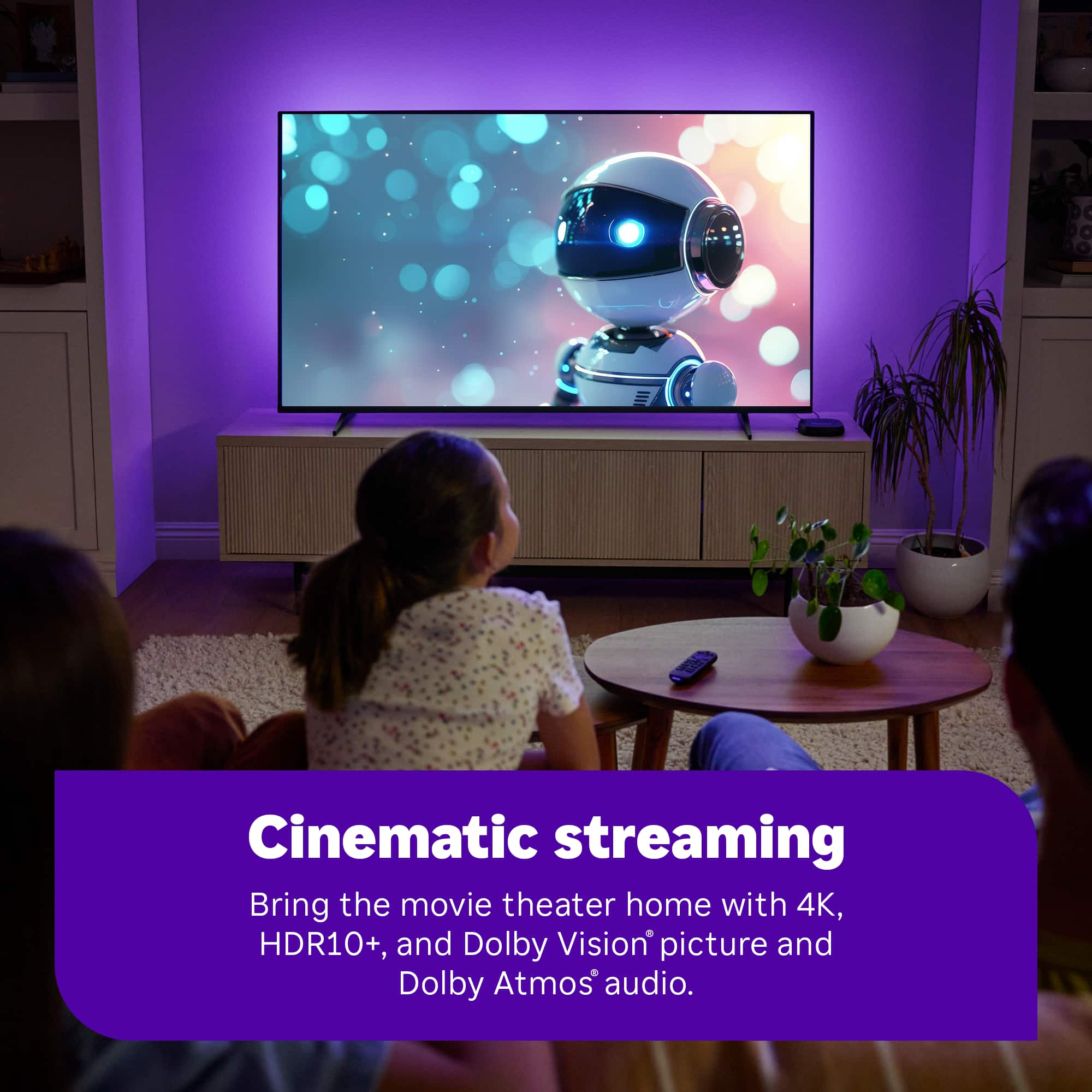
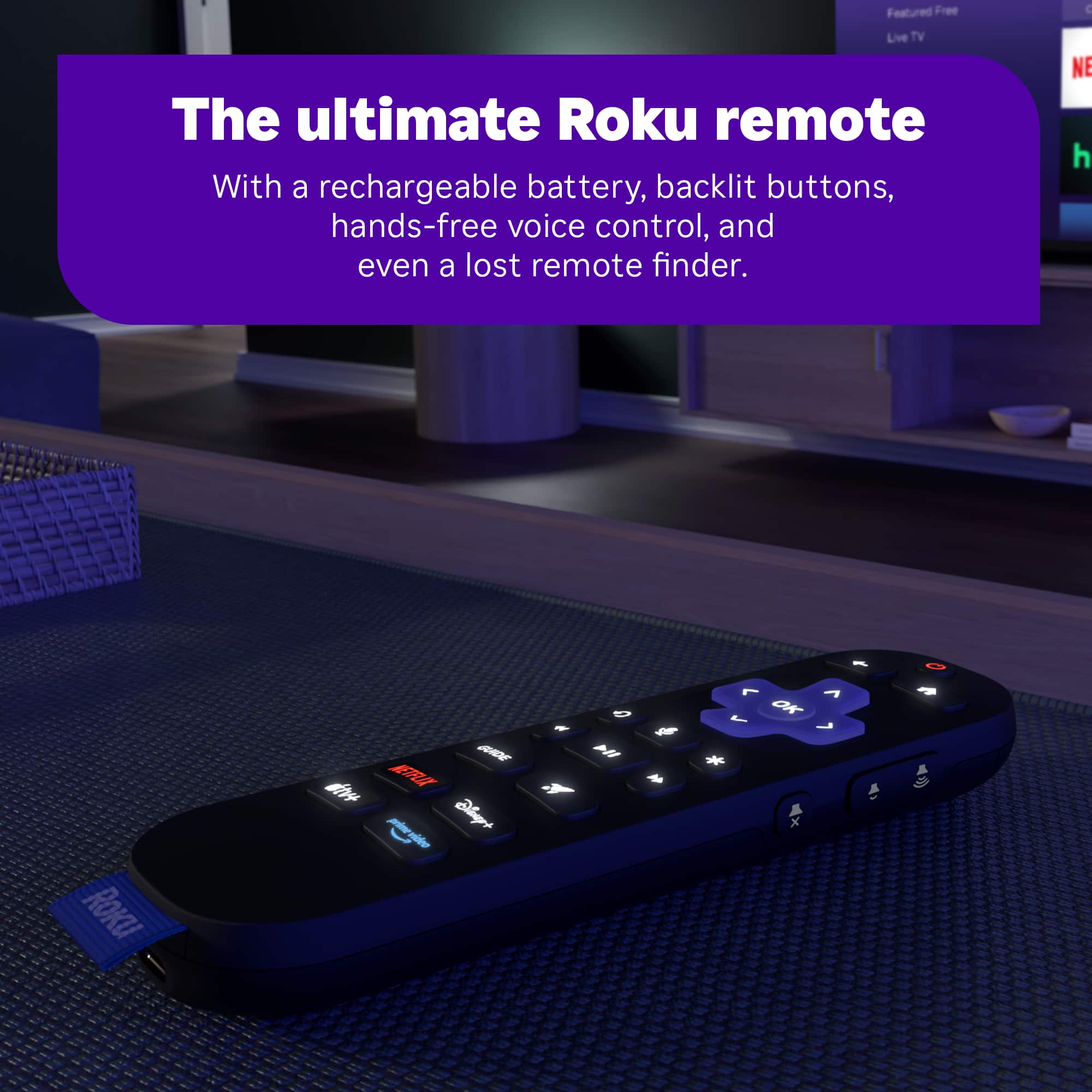
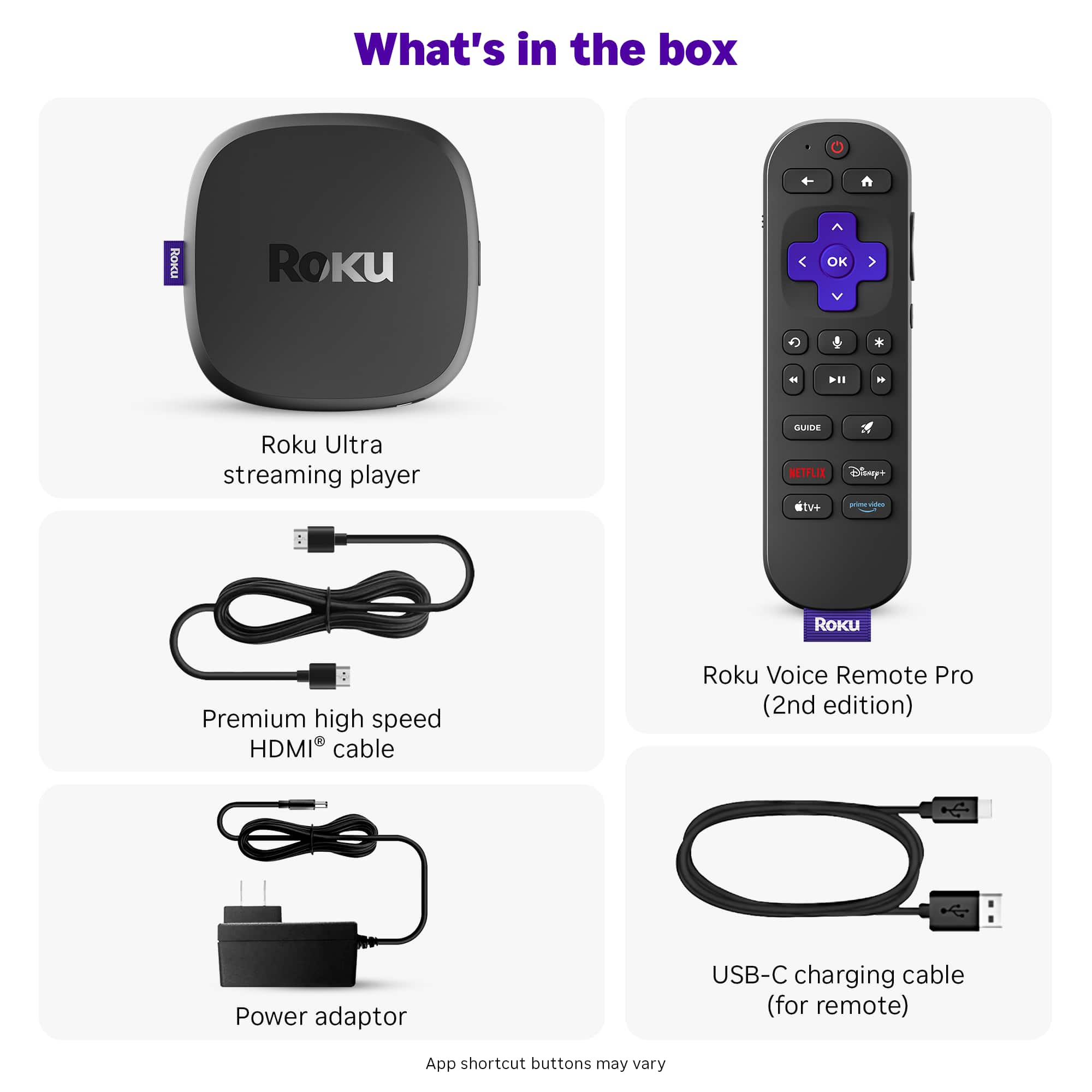
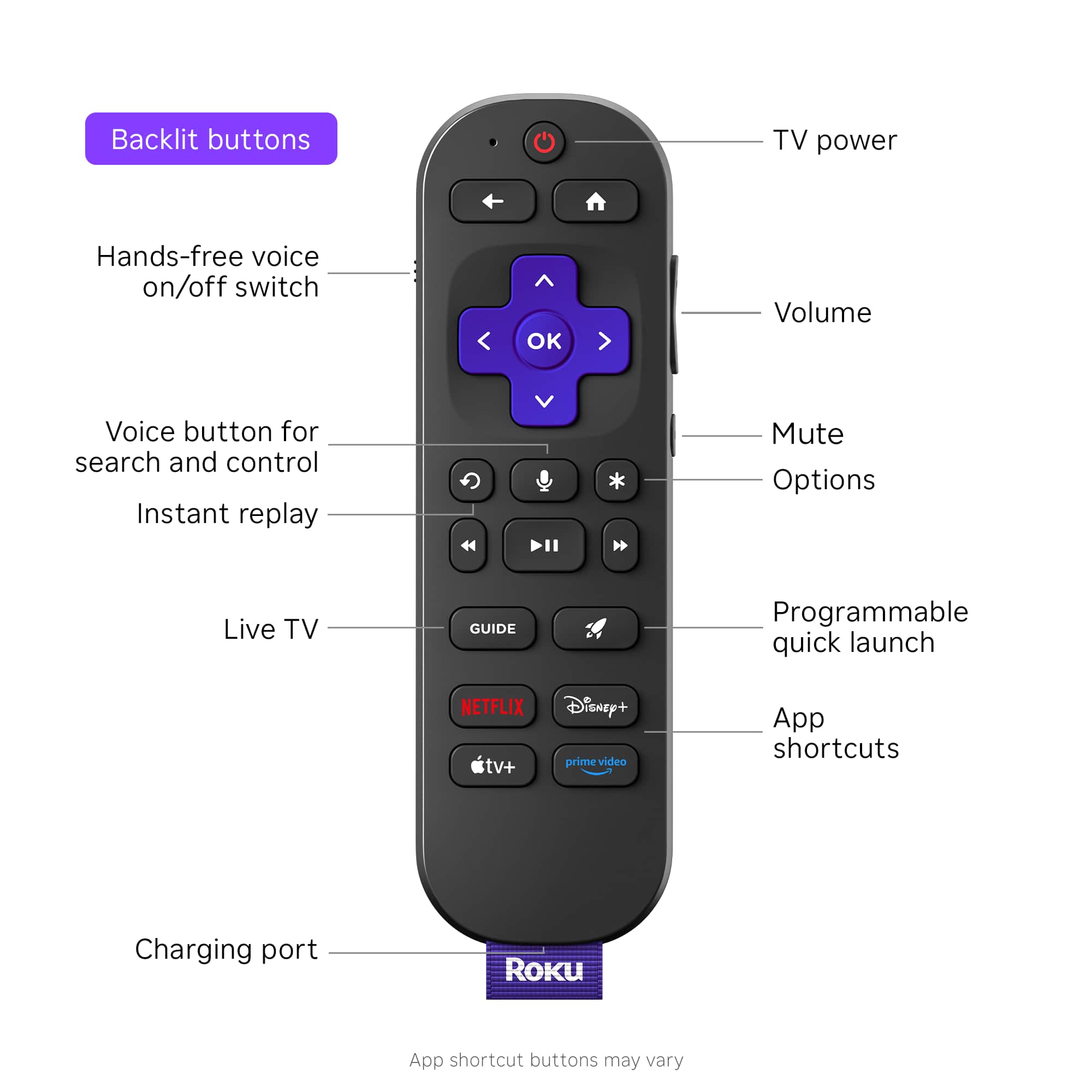
||Posted . Owned for 1 month when reviewed.This reviewer received promo considerations or sweepstakes entry for writing a review.Great product, exactly what we needed. The new remote is great due to the back lighting and universal settings to control our tv.
I would recommend this to a friendNeeds Improvments
||Posted . Owned for 1 month when reviewed.This reviewer received promo considerations or sweepstakes entry for writing a review.After set up and updates, It keeps messing up. after using it different times, It won't come on when I hit the power button. There is a spinning wheel on the TV, and eventually a no signal comes on the TV. I keep having to unplug and plug the power back in. I have checked for updates multiple times. Needs improvements.
No, I would not recommend this to a friendBrand response from Roku Team
Posted .Hi Earl, thanks for letting us know about your experience, and this is not considered normal behavior.
Have you tried using a different HDMI port? Have you set up your device with any other TVs? We asking these questions to help identify the root cause of the issue. Additionally, please ensure that the cable connecting your device to the TV is securely plugged in. If none of these suggestions work, please contact a member of our team at support.roku.com/contactus so that we can assist you directly.
Thank you!
Elmer, Roku Customer Advocate