Customer Ratings & Reviews



- Model:
- 4850R
- SKU:
- 10145355
Rating by feature
- Value
Rating 4.7 out of 5 stars
- Quality
Rating 4.7 out of 5 stars
- Ease of Use
Rating 4.8 out of 5 stars
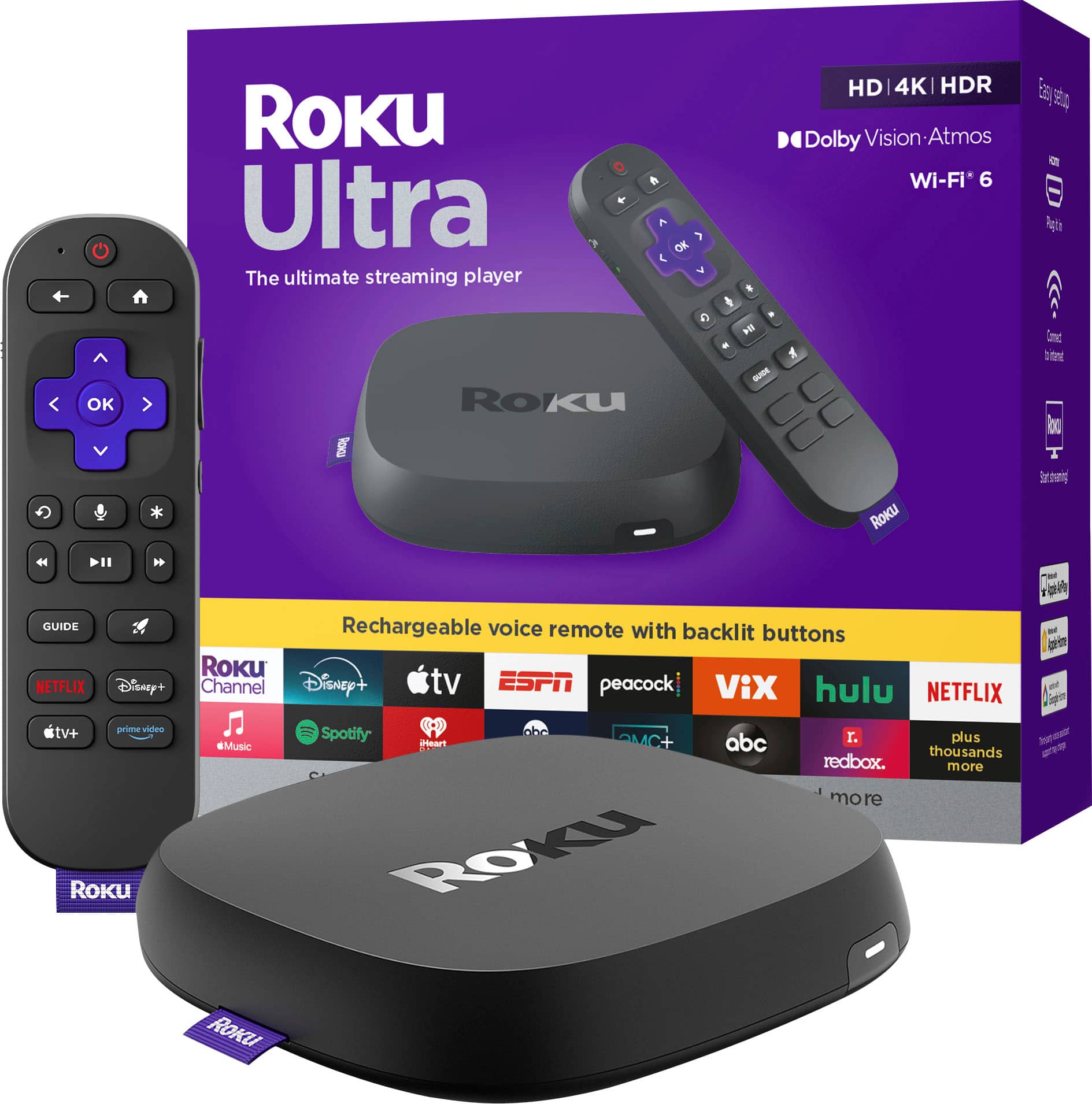
Roko ultra
Posted .This reviewer received promo considerations or sweepstakes entry for writing a review.I was looking for a steaming box, because Comcast was junk
I would recommend this to a friendBetter than the previous version.
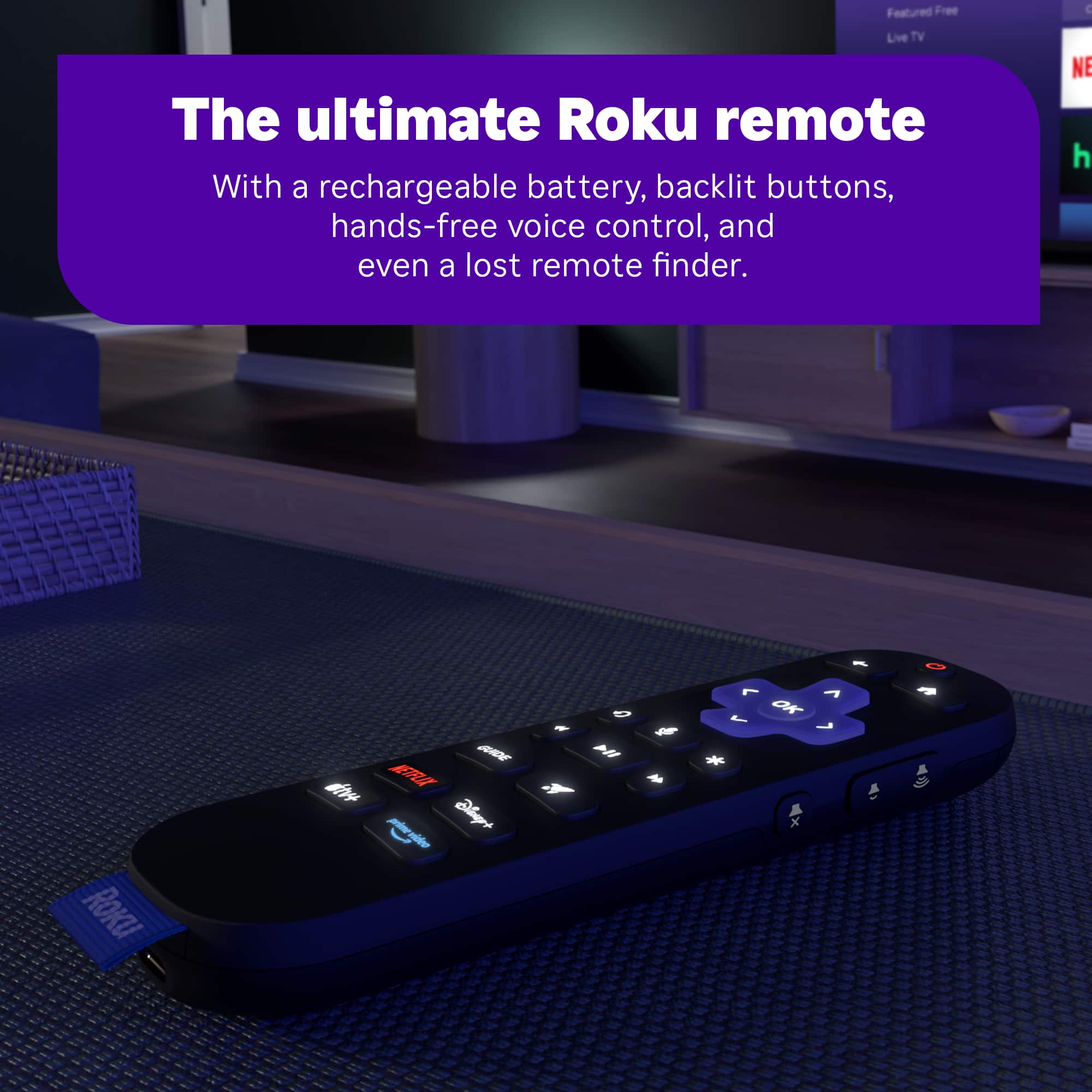
Posted .This reviewer received promo considerations or sweepstakes entry for writing a review.Have had many Roku ultras and the new model is faster and plays better with my hometheater system.. So far no freeze up or blank screen. The remote is great...light's up and very responsive.
I would recommend this to a friendRoku ultra is perfect for my office
Posted .This reviewer received promo considerations or sweepstakes entry for writing a review.I love the Roku ultra especially the backlit remote. I have an older Vizio television in my office and the Roku is excellent
I would recommend this to a friendLove the Roku
Posted .This reviewer received promo considerations or sweepstakes entry for writing a review.The clarity is way better than xfinity. The response and ease of use is excellent.
I would recommend this to a friendStream
Posted .This reviewer received promo considerations or sweepstakes entry for writing a review.This streaming device works very well and helps me get more channels.
I would recommend this to a friendScott’s rating
Posted .This reviewer received promo considerations or sweepstakes entry for writing a review.Easy to set up, super fast stream and rechargeable. It great to get what you want in one device!
I would recommend this to a friendRoku Ultra
Posted .This reviewer received promo considerations or sweepstakes entry for writing a review.Upgraded TV and wanted an updated Roku. Personally have 6 Roku Remotes
I would recommend this to a friendbest decision to cut the cable
Posted .This reviewer received promo considerations or sweepstakes entry for writing a review.easy to set up and use. many more channels to choose from
I would recommend this to a friendNot worth replacing an older working Ultra
Posted .This reviewer received promo considerations or sweepstakes entry for writing a review.Bought this to replace the 2022 Ultra since it was 30% faster than other Roku device. Don't know what they're comparing since apps do not load any faster, especially Netfix. Wireless/ethernet connection speeds were the same between the 4850 and 4800. Wasn't getting Dolby Atmos so opened a ticket with Roku support. Support is non-existent with constant promises of being contacted within 24 hours. Roku approved a replacement and still waiting for the replacement. They received my defective one 5 days ago. Going on 4 weeks now with over 4 hours wasted on chats and phone calls with Roku customer support. Would not recommend buying if you have an older model Ultra that works. Nothing but frustration with Roku support.
No, I would not recommend this to a friendBrand response from Roku Team
Posted .Hello! Thank you for sharing your feedback. We understand how important it is to get the most out of your Dolby Atmos setup, and we’d be happy to clarify. With the newest model, we’ve refined how the Dolby Atmos badge displays to ensure it accurately reflects when content is truly optimized for Atmos. Rest assured, your audio quality itself remains just as high as with your previous model!
Regarding your experience with Customer Support, this is clearly not the level of service that we wish to provide. Please know that your replacement device has already been shipped. Please refer to your email for tracking information and updates.
We hope this helps explain the change, and we’re here if you have any further questions.
Happy Streaming!
Roku Customer Advocate
What's not to love!
Posted .This reviewer received promo considerations or sweepstakes entry for writing a review.Reliable, fast streaming, and 4K. A small compact unit with Dolby Vision. I especially like the backlit remote.
I would recommend this to a friendNice upgrade
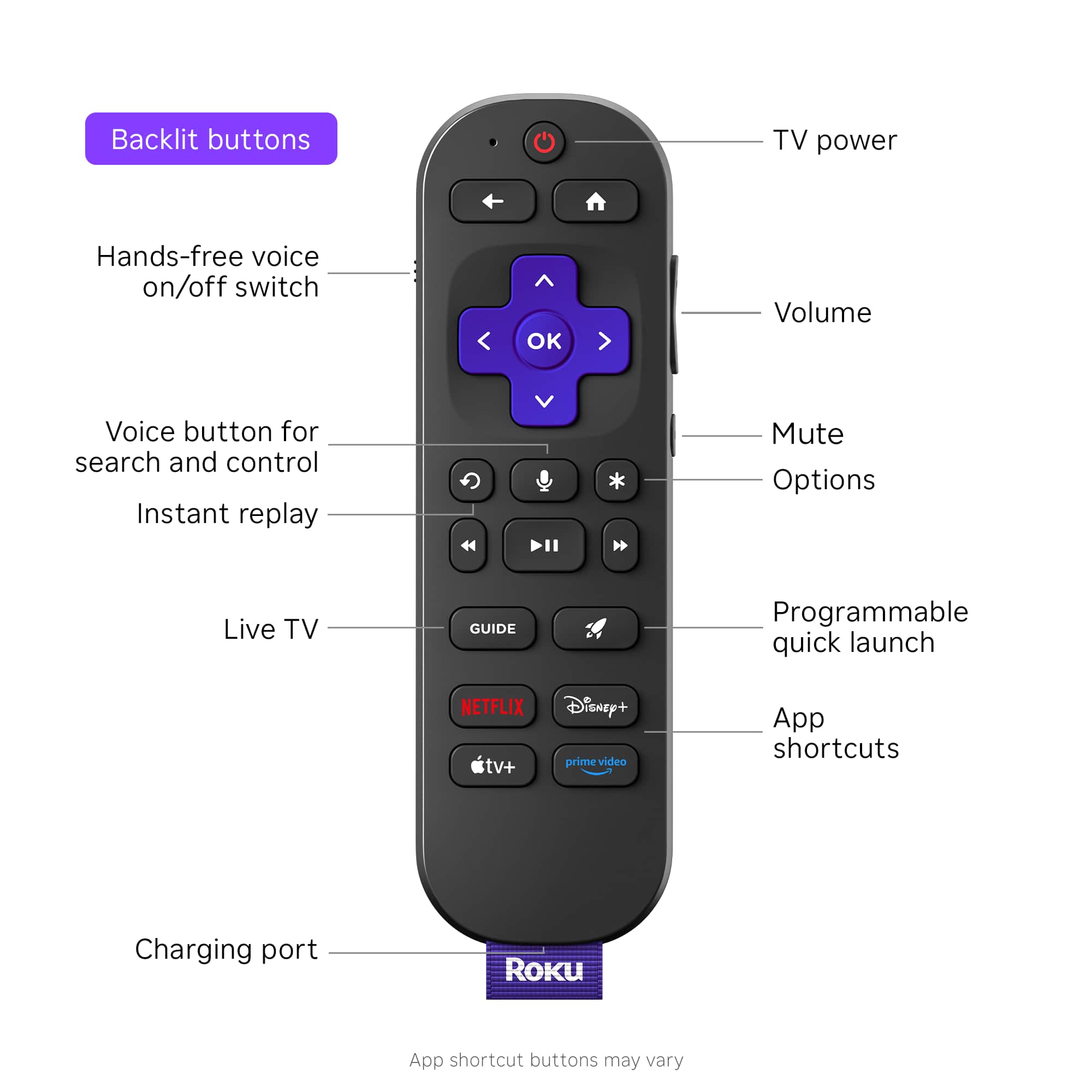
Posted .This reviewer received promo considerations or sweepstakes entry for writing a review.Love Roku and wanted to upgrade for the family room. Love that it has the find a remote feature
I would recommend this to a friendRoku rocks
Posted .This reviewer received promo considerations or sweepstakes entry for writing a review.excellent product. Easy to navigate and install. it was a great gift.
I would recommend this to a friendValue ,excellent speed and quality
Posted .This reviewer received promo considerations or sweepstakes entry for writing a review.Very fast plus the remote lights up and is rechargeable
I would recommend this to a friendRoku
Posted .This reviewer received promo considerations or sweepstakes entry for writing a review.It’s a great streaming device at a fair price. What more do you need??
I would recommend this to a friendNew roku ultra is a hit
Posted .This reviewer received promo considerations or sweepstakes entry for writing a review.Nice upgrade im enjoying it keep up the good products
I would recommend this to a friendIt was great, but now it has video ads
Posted .This reviewer received promo considerations or sweepstakes entry for writing a review.Great, responsive remote. Voice search is a big plus. Unfortunately Roku started adding video ads that automatically run as soon as you turn on your TV. If I knew at the time of purchase that I would have to wait for an ad to play through before I could select a streaming channel, I definitely wouldn’t have bought a Roku. This just started, and without my consent. It is no longer the device I bought.
No, I would not recommend this to a friendTwo year lifespan and 30 day warranty
Posted .This reviewer received promo considerations or sweepstakes entry for writing a review.Average cost of this unit works out to be just over $50 per year. I checked my Roku avvount and i had to replace it in August 2020 and again June 2022. This past week, it started acting ip with picture and audio blunking out. Calling their support is useles because they have a 30 day warranty on units purchased theough Roku.com. Thirty days, then youre out of luck. Im going with Apple TV now.
No, I would not recommend this to a friendBrand response from Roku Team
Posted .Hi there, thanks for taking a moment to share your experience with us. We have a few tips that may help! Your Roku TV system has multiple preset picture modes that adjust the image's appearance to suit your preferences and viewing environment. Please refer to this FAQ to improve the picture quality: https://support.roku.com/article/115007365648. Also, if audio issue happens when you watch content on the channels, try to open and watch the content by pressing Star button on the remote; you can see the option " sound settings." Need help? Please visit us online at support.roku.com/contactus to connect with an agent who can assist. Happy Streaming! Bernie, Roku Customer Advocate