Customer Ratings & Reviews
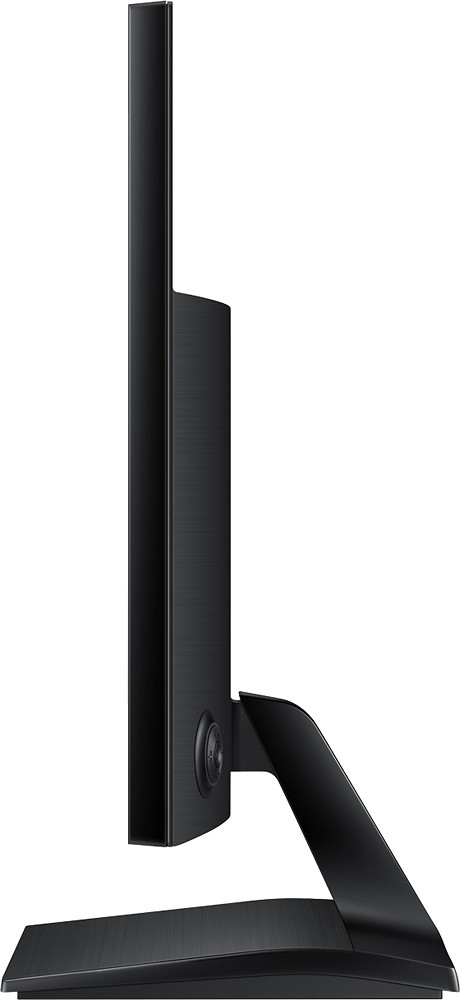
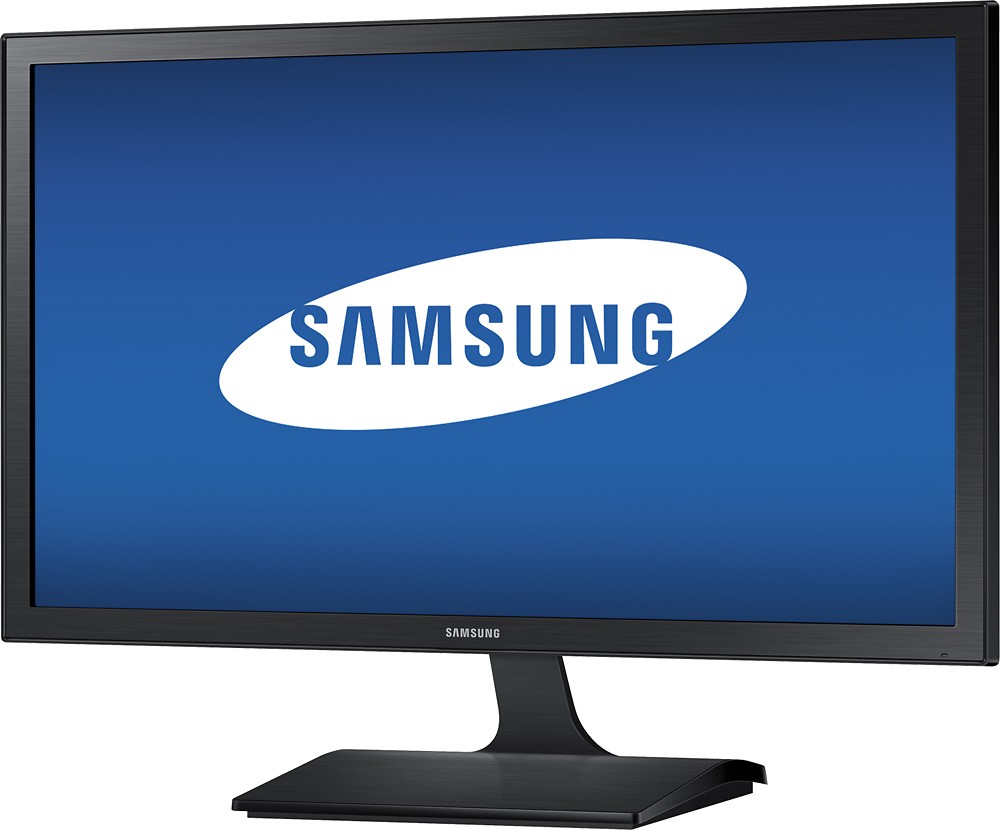
- Model:
- S22E310H
- |
- SKU:
- 3434015
Customer reviews
Rating 4.6 out of 5 stars with 1038 reviews
(1,038 customer reviews)to a friend
Customers are saying
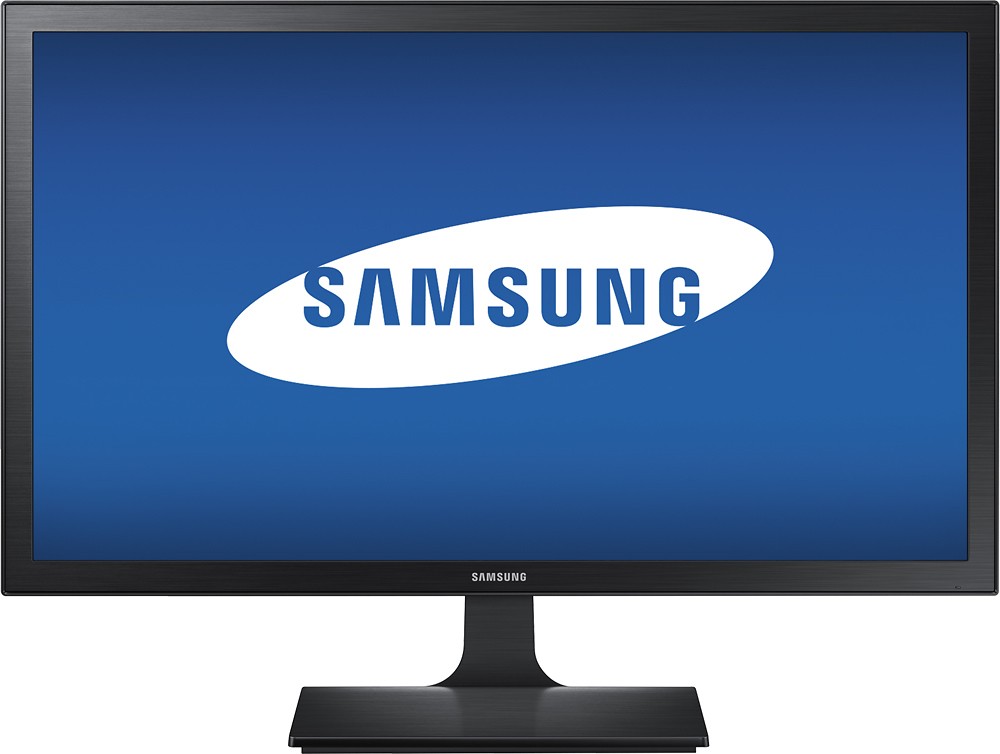
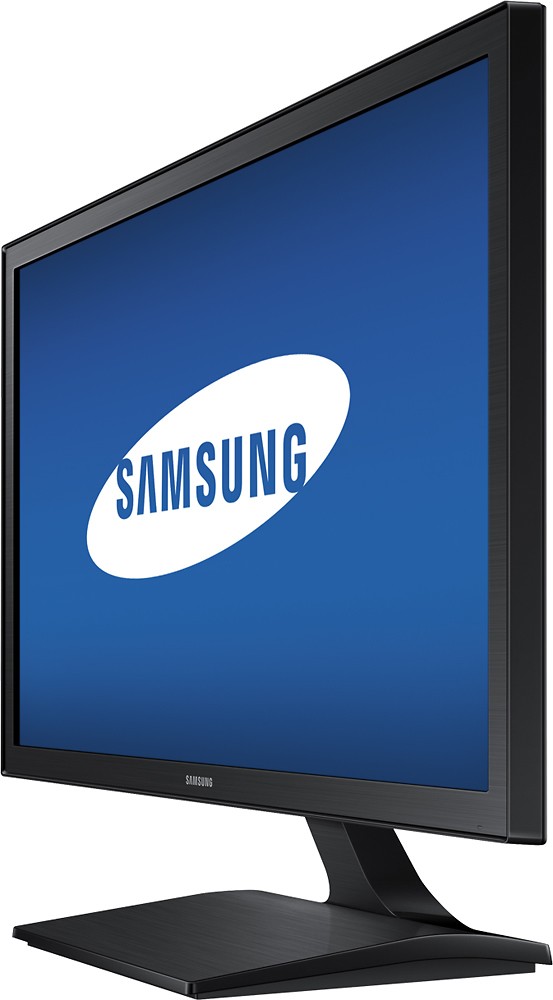
Customers are enthusiastic about the 21.5" LED HD Monitor's picture quality, ease of use, and value for the price. Many appreciate the inclusion of HDMI and the vibrant colors. While some users found the tilt and power button placement inconvenient, the monitor's non-glare screen was frequently praised.
This summary was generated by AI based on customer reviews.
- Cons mentioned:Power button
Rated 3 out of 5 stars
Great monitor - power button/input select tough
||Posted .This reviewer received promo considerations or sweepstakes entry for writing a review.I like the monitor but have a very hard time with the combo power button/input select.
I would recommend this to a friend - Pros mentioned:Hdmi, Picture quality, Price
Rated 4 out of 5 stars
Nice monitor and specs for the price
||Posted .This reviewer received promo considerations or sweepstakes entry for writing a review.I bought 2 of these monitors as I was setting up a home office. I purchased the monitors during the holidays for $99 and for the price they can't be beat. I have a smaller desk and the size of the monitor was perfect for getting 2 of them on my desk. 2 key features for me was a HDMI port and the ability for VESA mounting. Picture is great, but I am not using the monitors for watching videos or gaming. I'm purely using them in a business environment.
I would recommend this to a friend - Pros mentioned:Ease of use, Picture qualityCons mentioned:Power button
Rated 5 out of 5 stars
Definitely decent.
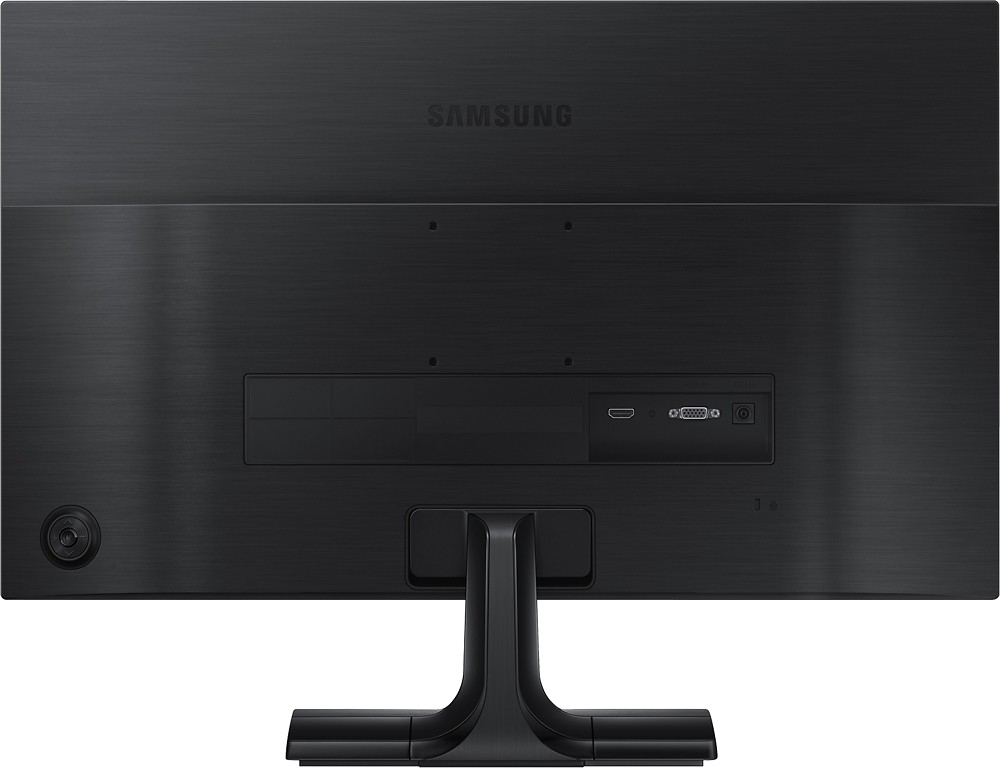
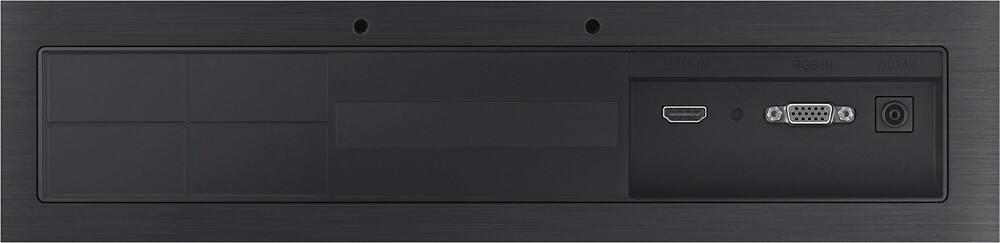
||Posted .This reviewer received promo considerations or sweepstakes entry for writing a review.For the price, this is really a very good monitor. The picture is nice and crisp, and the menus are fairly intuitive and easy to go through. One thing I especially like is that you can't just press the power button once to turn it off, plus it's situated on the back of the monitor - so you can't accidentally bump it and shut it off. I would keep in mind, however, that it only has output ports for VGA and HDMI, which is a bit of a hassle if you've only got DVI input.
I would recommend this to a friend - Pros mentioned:HdmiCons mentioned:Speakers
Rated 4 out of 5 stars
A good basic monitor
||Posted .This reviewer received promo considerations or sweepstakes entry for writing a review.This was the largest size that would fit inside the hutch on my desk and it is fine, even for an old guy who wears graduated glasses. I forgot to check whether it had built in speakers before I bought it and it doesn't, but I only use the PC that it is attached to for work and internet research so the lack of sound is not too much of a factor. It worked straight out of the box with an SVGA cable, but I have swapped it over to HDMI since althogh I haven't noticed much difference.
I would recommend this to a friend - Pros mentioned:Picture quality, Price
Rated 5 out of 5 stars
Great monitor for travelling
||Posted .This reviewer received promo considerations or sweepstakes entry for writing a review.I am a big fan of Samsung products. I am a commercial real estate attorney and love to travel, but I have to work some when I am out of the office. I do not like working from my MacAir. I recently went to Beaufort, SC and had to finalize a deal. I took my Mac Mini with me (I normally work from an iMac, but it is too cumbersome with which to travel). The size of this monitor is perfect. Large enough from which to work and small enough to travel. I proped it up without the stand and instantly had an office. The quality is great and the price is great. It might be a good size for a child, but not for regular office/home use. For travelling, it is amazing. Save your money on a lap top, buy a $500 Mac Mini and this affordable monitor.
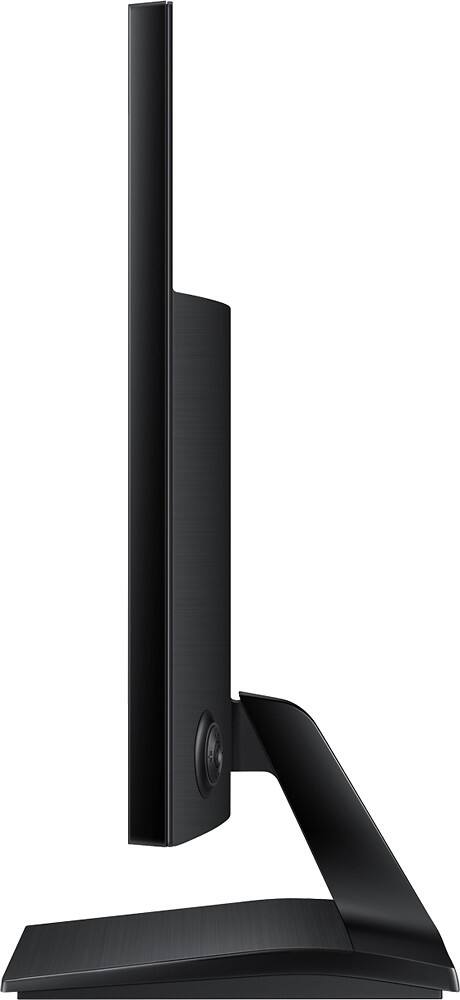
I would recommend this to a friend - Pros mentioned:Picture qualityCons mentioned:Tilt
Rated 5 out of 5 stars
Very nice monitor.
||Posted .This reviewer received promo considerations or sweepstakes entry for writing a review.I returned a Samsung 19'' monitor that was terrible. It had a very narrow viewing angle and could not be adjusted vertically. The 21.5'' monitor is obviously bigger, brighter, and just seams to be of better quality and function.
I would recommend this to a friend - Pros mentioned:Ease of use, Picture quality
Rated 5 out of 5 stars
Great Monitor for Daily Use
||Posted .This reviewer received promo considerations or sweepstakes entry for writing a review.This monitor is great. It was easy to set up & is pretty easy to use. It took me a bit to figure out how to shut it off completely (click the center button, press the "down" position with the power insignia - ie circle with a line thru it, "power off" will pop up, then click the center; a blue light will come on & stay on). It has an eye saver mode which works nicely so there is no glare. I have always found Samsung to have quality products (I also have one of their TV's). I was lucky enough to find it on sale at the time my old monitor was kicking the bucket. If you see one on sale grab it as they do not go on sale very often - mainly because they are such quality products.
I would recommend this to a friend - Pros mentioned:Ease of use, Hdmi
Rated 4 out of 5 stars
Samsung 22 Inch LED Monitor
||Posted .This reviewer received promo considerations or sweepstakes entry for writing a review.Low price easy to setup crystal clear monitor. I bought two for work and they are pretty nice. The screen resolution is crystal clear and the monitor is nice and bright. Very easy setup with a few hand tight screws to hold the base on and an HDMI cord or a VGA cord for signal. This monitor did not have a DVI port (white colored cord end) so I had to sacrifice a few cords from my TV but the resolution is worth it. This was the only reason why I did not give the monitor a full 5 starts.
I would recommend this to a friend - Pros mentioned:Color, Price
Rated 5 out of 5 stars
Standard choice
||Posted .This reviewer received promo considerations or sweepstakes entry for writing a review.This is what I get for all of my offices and computers, good size color and price you can't be deal
I would recommend this to a friend - Pros mentioned:Picture qualityCons mentioned:Speakers
Rated 4 out of 5 stars
inexpensive, sharp image, limited options
||Posted .This reviewer received promo considerations or sweepstakes entry for writing a review.price was right as was far better image quality than other screens in price range. response time for gaming reaches min 5ms. limited inputs and must purchase a digital audio converter if not using digitally equipped sound bar to expand the audio to outboard system. no onboard speakers. for this price - it was worth it.
I would recommend this to a friend - Pros mentioned:Picture quality, Price
Rated 5 out of 5 stars
Great picture!
||Posted .This reviewer received promo considerations or sweepstakes entry for writing a review.Really like how clear the picture is. Doesn't take up to much desk space. Very well priced.
I would recommend this to a friend - Pros mentioned:Ease of use, Picture qualityCons mentioned:Power button
Rated 5 out of 5 stars
Good monitor for the application
||Posted .This reviewer received promo considerations or sweepstakes entry for writing a review.I have a small space in a sever rack at my micro FM radio station that the monitor is recessed into and is hard mounted and the key board shelf is hard mounted to it also Had to re drill the mounting plate and cut a corner off it to clear the power cord The other monitor was 13 years old they have changed the pattern The set up was easy and it learns your settings after a few power cycles Took a bit to get used to the power button on the back that is the only thing I did not like right out of the box It is a good unit at a good price is very sharp and I like the wide screen the old one was not I could have gotten one a bit bigger but this works fine to read and cue up music into the programmable player Id put a photo up but my camera does not make a small enough sized pic . The staff at the Clarksville store has always been helpful there car audio guys too !!
I would recommend this to a friend - Pros mentioned:Hdmi, Picture quality
Rated 5 out of 5 stars
Great HDMI Monitor
||Posted .This reviewer received promo considerations or sweepstakes entry for writing a review.Best Buy and their computer department staff are the best! I bought it on sale for $99 during the holidays. The monitor has: great colors, very good quality screen, VESA mounting, HDMI, screen black narrow boarders and is light weight. I really like the on/setup button. The screen brightness is easy to adjust; it has a save your eyes auto setting. Thank you Samsung and Best Buy!
I would recommend this to a friend - Pros mentioned:Hdmi, Picture quality, Price
Rated 5 out of 5 stars
Good monitor
||Posted .This reviewer received promo considerations or sweepstakes entry for writing a review.So far so good. A good price basic monitor & good quality with HDMI option.
I would recommend this to a friend - Pros mentioned:Picture quality
Rated 4 out of 5 stars
I love the bigger screen
||Posted .This reviewer received promo considerations or sweepstakes entry for writing a review.Because my husband has vision difficulty we have always tried to have a bigger monitor than normal. This is our first flat screen monitor and I love how bigger it is than the old monitor types that was huge and took up all the desk. this monitor allows me to work on my business with two files open at a time and see them clearly. We have had some difficulty in two areas. One is the on/off button and all the things it controls. It would have been much better if they had been two different buttons. You can't see what you are doing and since the main button is surrounded in a circle by other buttons, you tend to turn one of them on or off while trying to turn on the monitor. We also have trouble getting the screen to even come on if we have turned the computer and monitor off. So by default, we leave it on all the time since I can't wait until my husband can help me get it going again, as I have not yet succeeded doing it yet. I don't know if it is just that dumb button or what but it is annoying thus the four stars.
I would recommend this to a friend - Pros mentioned:Ease of use, Picture quality
Rated 5 out of 5 stars
Great product, great price
||Posted .This reviewer received promo considerations or sweepstakes entry for writing a review.I sought a monitor for my 13" laptop. I have two Samsung TVs and think their picture quality is excellent. This monitor is easy to hook up and the quality of the picture is excellent.
I would recommend this to a friend - Pros mentioned:Picture quality, Price
Rated 5 out of 5 stars
Great buy
||Posted .This reviewer received promo considerations or sweepstakes entry for writing a review.This is a great entry to mid level monitor. The size and ratio are great. I bought 2 for a dual monitor setup. While there are better ones you can buy or order on the market these are very good for the money.
I would recommend this to a friend - Pros mentioned:Picture quality, Price
Rated 5 out of 5 stars
Yes you should buy.
||Posted .This reviewer received promo considerations or sweepstakes entry for writing a review.Pros 1. The price was right. 2. The size was right. 3. The brightness and accuracy of everything was right. Cons 1. Not truly a con, but something you should be aware of... I know there is a fix, but I have not researched it and I am not sure if it is worth my time to do so just yet. I was opting for a dual monitor setup. Before I continue, if you do not have a dual monitor in your home, you are missing out. I set this up and I am mad at myself for not doing it sooner. Productivity and efficiency are through the roof. Oh... the point...I have an older Dell 23 inch I think and this Samsung is essentially a 21.5/22 inch. The size was perfect for my desk, but the thing that take some getting used to is that the color temperatures are different. I thought it was simply a brightness issue, but nope the colors are just different. The Dell has a warmer tone and the Samsung has a brighter white tone like office fluorescent lights. I still like both and this may likely be easily corrected with either monitor calibration software or adjusting the settings to get them to match. I will say that it is sometimes a challenge to get my eyes to adjust from screen to screen. Oh... The one last thing... When you are in Best Buy, don't be fooled!!! The other monitors may appear to be plenty of bright and the Samsung might not appear to be competitive, buuuuuuut you are in for a treat when you get it home. The first thing that I had to do was to turn down the brightness! lol... Also, be aware of glossy vs matte finishes. The store rep was trying to explain the difference and which is better on your eyes. Well... I am happy with my Samsung and I think you will be happy with yours if you choose to buy. Go for a sale and you will be happy you did!!! Happy shopping....
I would recommend this to a friend - Pros mentioned:Picture quality, Price
Rated 5 out of 5 stars
Excellent Choice
||Posted .This reviewer received promo considerations or sweepstakes entry for writing a review.This screen is an excellent choice. It is large and has lots of options. Also when I purchased this item it was a great price and was cheaper than smaller screens. Best of all it is a Samsung.
I would recommend this to a friend - Pros mentioned:Hdmi, Picture quality
Rated 5 out of 5 stars
Excellent Monitor
||Posted .This reviewer received promo considerations or sweepstakes entry for writing a review.This monitor was exactly what I needed. I was looking for a 2nd monitor for when I work at home. The size is right and the monitor allows you to use either an HDMI or VGA. I had both.
I would recommend this to a friend