Customer Ratings & Reviews
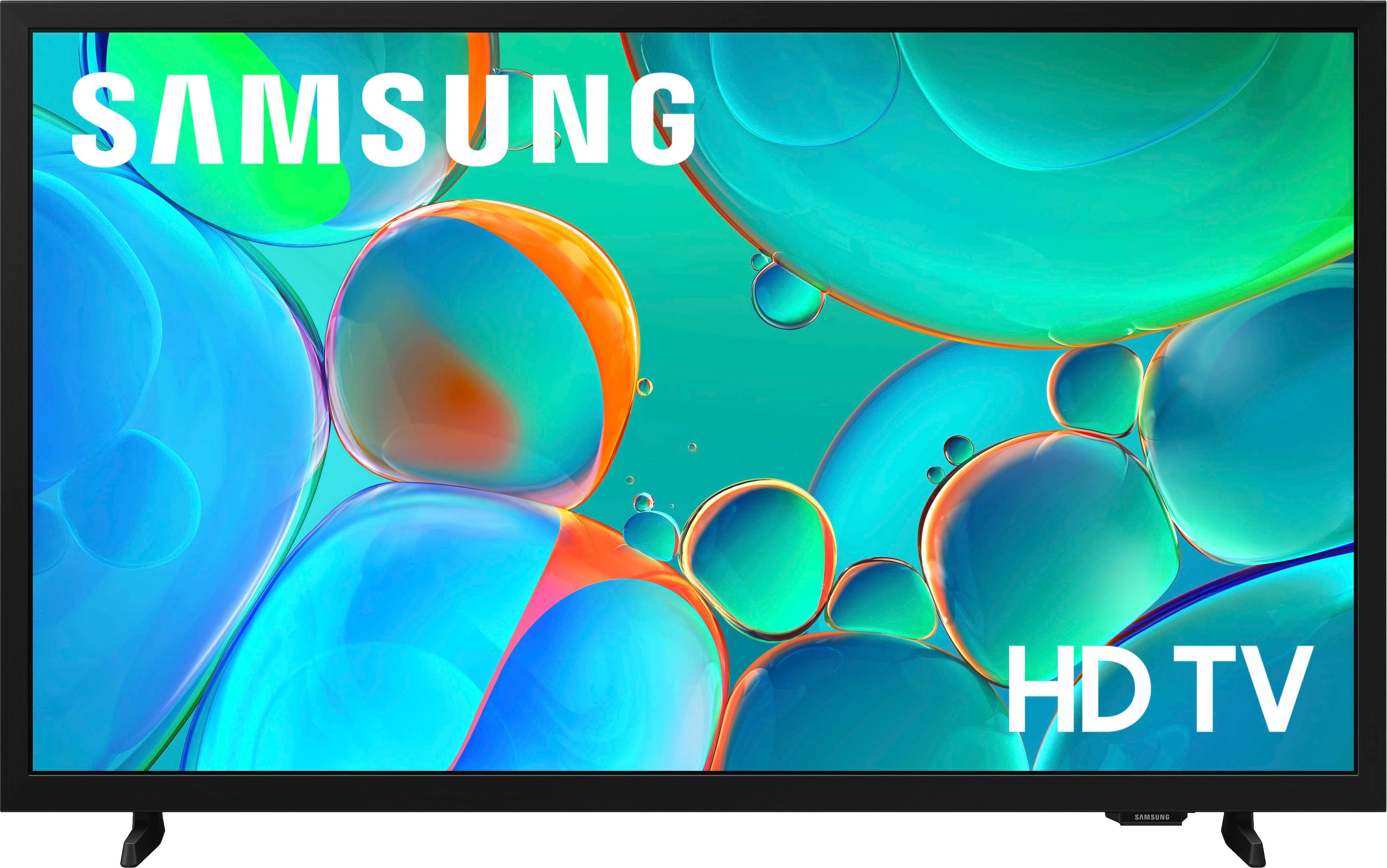
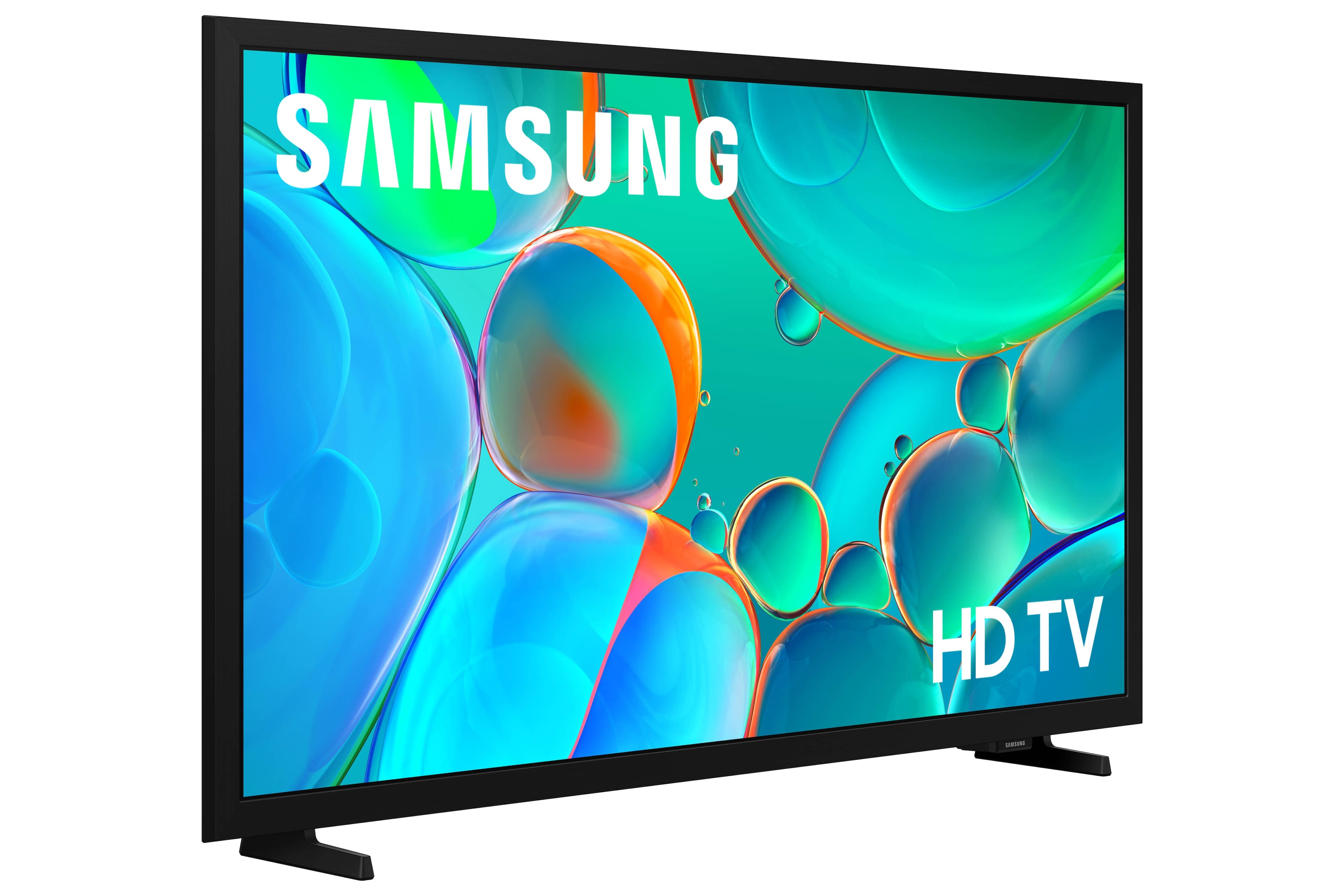
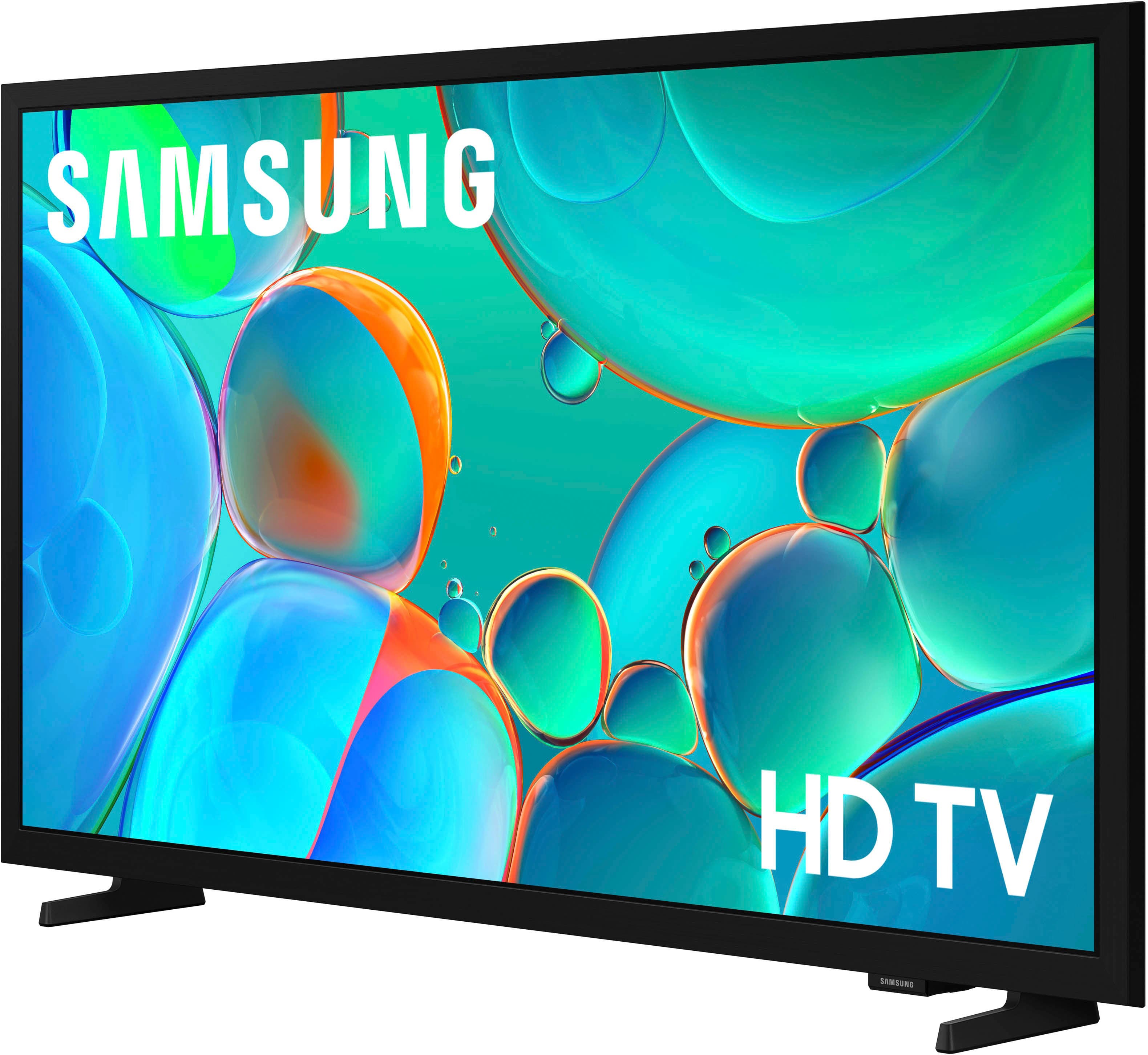



- Model:
- UN32H5000FFXZA
- SKU:
- 10517804
Rating by feature
- Picture Quality
Rating 4.8 out of 5 stars
- Sound Quality
Rating 4.6 out of 5 stars
- Brightness
Rating 4.7 out of 5 stars
Tv Samsung
||Posted . Owned for 1 week when reviewed.This reviewer received promo considerations or sweepstakes entry for writing a review.Its a good tv easy to set up its not that heavy i find its helpful clear image and plenty channel and other stuff , Im happy with my purchase .
I would recommend this to a friendSamsung HD TV
||Posted .This reviewer received promo considerations or sweepstakes entry for writing a review.It is very nice only problem is the settings that announce the volume is spoken out loud and I have been unable to change the setting. I am disappointed that there is no Alexa or other function like my previous television but the price was fantastic and the picture is very clear.
I would recommend this to a friendDisappointed and frustrated!
||Posted . Owned for 3 weeks when reviewed.This reviewer received promo considerations or sweepstakes entry for writing a review.I have given up trying to use this recently purchased Samsung TV because I can’t manage the remote. It is so difficult to find what I want to view. Can’t get to the sleep timer without losing the program. The picture is clear and beautiful, but I ended up removing the new tv to the guest room and bring another small Insignia tv to my room.
No, I would not recommend this to a friendBrand response from Samsung
Posted .JudieK,
We appreciate you sharing your experience. To help you get the most from your TV and remote functions, you can download the full e-Manual and more by visiting Samsung’s website then navigating to: Support > Manual & Software > TVs & Home Theater. From there, you can search for and select your H5000F TV model to view or download the available guides.
The e-Manual & Remote Control Guide are also conveniently built into your TV: Settings > Support > Open User guide.
For additional guidance, your TV also includes Accessibility features designed to assist with navigation and remote use.
• Learn Menu Screen provides audio guidance for on-screen menus by announcing the name and function of each item as you scroll – without making any changes. This is especially helpful for users who are visually impaired or new to Smart TV menus. Enable via: Settings > All Settings > General & Privacy > Accessibility > Learn Menu Screen. To exit, press the Return key twice.
• Learn TV Remote helps users become familiar with the layout and function of each button on the Samsung remote. Pressing a button (other than Power) will prompt the TV to announce its name and purpose, again without affecting TV operation. Enable via: Settings > All Settings > General & Privacy > Accessibility > Learn TV Remote. To exit, press the Return key twice.
If you’d like more assistance with these features, please reach Samsung Support at 1-800-SAMSUNG, available 8AM – 12AM EST, 7 days a week. LiveChat agents are also available through the ‘Support’ link on our website.
~ Samsung Specialist
A great TV
||Posted . Owned for 3 weeks when reviewed.This reviewer received promo considerations or sweepstakes entry for writing a review.Great picture and easy setup Would definitely recommend this item
I would recommend this to a friendThis is a great Smart TV
||Posted . Owned for 1 week when reviewed.This reviewer received promo considerations or sweepstakes entry for writing a review.I bought this for my mother in law as her tv sound had died. I just bought one as an extra in my house and when I heard my mother in law needed one for her bedroom i jumped right on it and ordered it for her. She absolutely loves it
I would recommend this to a friendGreat tv
||Posted . Owned for 1 month when reviewed.This reviewer received promo considerations or sweepstakes entry for writing a review.Clear picture, decent sound, perfect size and weigh for the space we needed it to, and works as it should. Purchased as a fathers day gift for an outdoor rv hatch space
I would recommend this to a friendRecommended
||Posted .This reviewer received promo considerations or sweepstakes entry for writing a review.Works great and was best size for bedroom for the price
I would recommend this to a friendLittle glitchy
||Posted .This reviewer received promo considerations or sweepstakes entry for writing a review.I have had multiple Samsung TV’s and had great experience with the technology and no issues. This one seems to be a bit glitchy. I am not sure if it is a remote issue or an issue with the TV. I can eventually get what I want and it is a second TV and not the primary so good enough for $100. Picture is good.
I would recommend this to a friendGreat picture quality
||Posted .This reviewer received promo considerations or sweepstakes entry for writing a review.This was a gift for my niece and she absolutely loves it. It has a great picture quality and a reasonable price. It is easy to use also.
I would recommend this to a friendSamsung TV
||Posted .This reviewer received promo considerations or sweepstakes entry for writing a review.Great price and easy to set up worked well with our streaming services and cable
I would recommend this to a friendWorking great as a computer monitor
||Posted .This reviewer received promo considerations or sweepstakes entry for writing a review.I bought it to use it for a 2nd computer monitor. It has worked great for that purpose. Good picture quality. It is soooo nice having two 32 in monitors for my computer and is much easier on my eyes.
I would recommend this to a friendGreat tv for the price
||Posted .This reviewer received promo considerations or sweepstakes entry for writing a review.Great tv, doesn’t lag. The smart tv has all features I’d need on the Home Screen. Great picture quality.
I would recommend this to a friendGreat TV
||Posted .This reviewer received promo considerations or sweepstakes entry for writing a review.Perfect TV, very good size, great picture, brightness excellent
I would recommend this to a friendFeggie
||Posted .This reviewer received promo considerations or sweepstakes entry for writing a review.Great TV! The color, fine tuning, everything about it is terrific. Love it! My other Tv was at Best Buy also & that is why I went an got another tv from them. You are known for great electronics & Tv’s
I would recommend this to a friendSometimes tv responsiveness is a little sluggish
||Posted . Owned for 3 weeks when reviewed.This reviewer received promo considerations or sweepstakes entry for writing a review.Sometimes the tv is a slow or sluggish when responding to commands from the remote. I have to wait a minute or two and let the tv "boot up" before I use the remote which lessens the issue, I guess it's a "smart tv thing" since the tv has to load all the different apps and stuff and connect to Wi-Fi, other than that the tv is excellent. It's a Samsung, so overall it's a great tv. Picture and sound are good.
I would recommend this to a friendgreat tv
||Posted .This reviewer received promo considerations or sweepstakes entry for writing a review.Beautiful picture and fit perfectly in cabinet where needed. Small frame allows for more picture.
I would recommend this to a friendSamsung tv
||Posted . Owned for 2 weeks when reviewed.This reviewer received promo considerations or sweepstakes entry for writing a review.Good quality, easy to setup and use. only wish it had a sleep timer.
I would recommend this to a friendNice tv.
||Posted . Owned for 3 weeks when reviewed.This reviewer received promo considerations or sweepstakes entry for writing a review.I like the clarify and the size. It was easy too install. Very pleased with it.
I would recommend this to a friendIt's a "yes"...
||Posted . Owned for 3 weeks when reviewed.This reviewer received promo considerations or sweepstakes entry for writing a review.It turns on. The sound goes up and down. The picture is great. The definition is just fine. The price is right. What more could you want?
I would recommend this to a friendTV Review
||Posted . Owned for 1 month when reviewed.This reviewer received promo considerations or sweepstakes entry for writing a review.Easy setup with quality picture and sound. Multiple channels on Samsung TV.
I would recommend this to a friend