Customer Ratings & Reviews
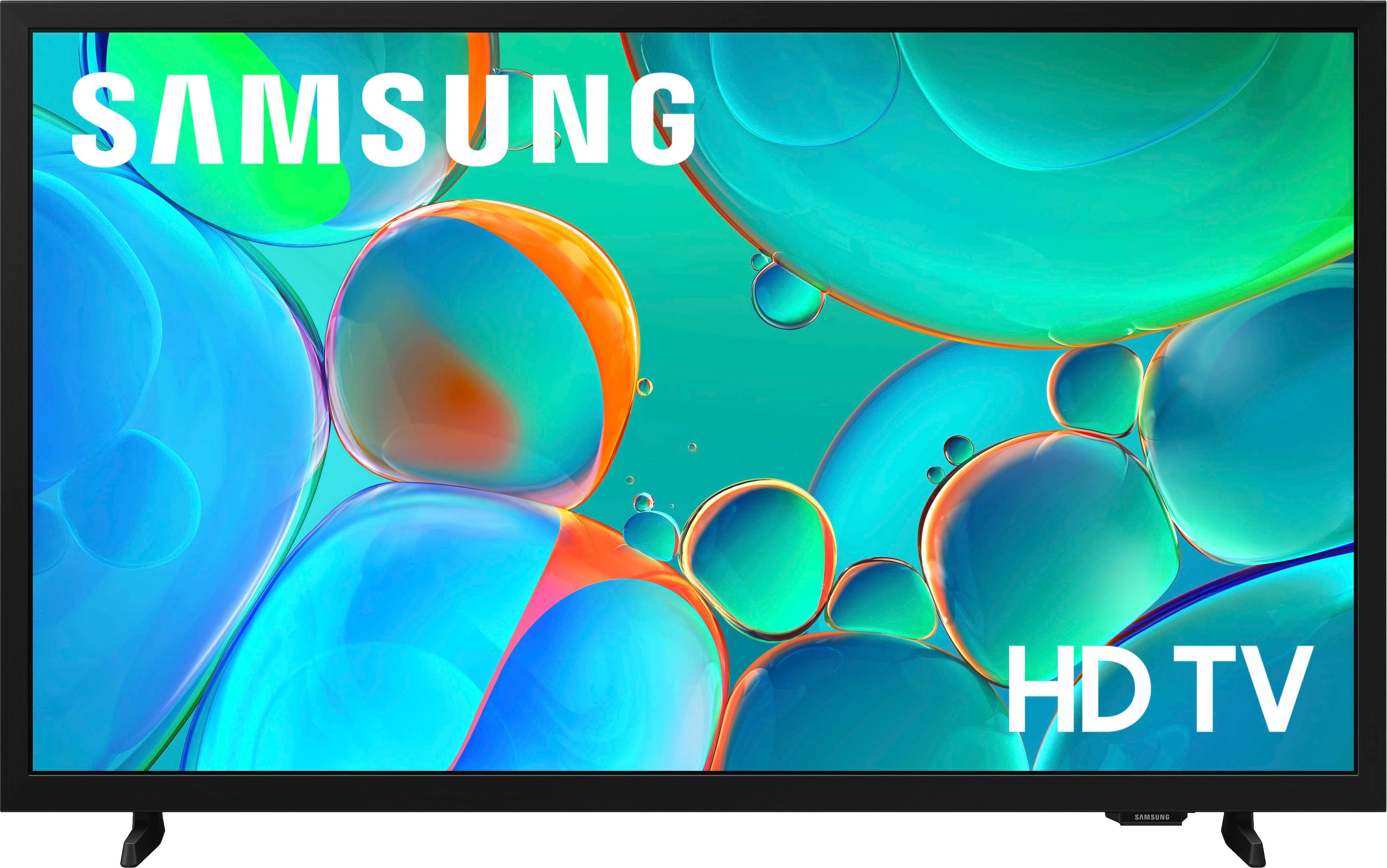
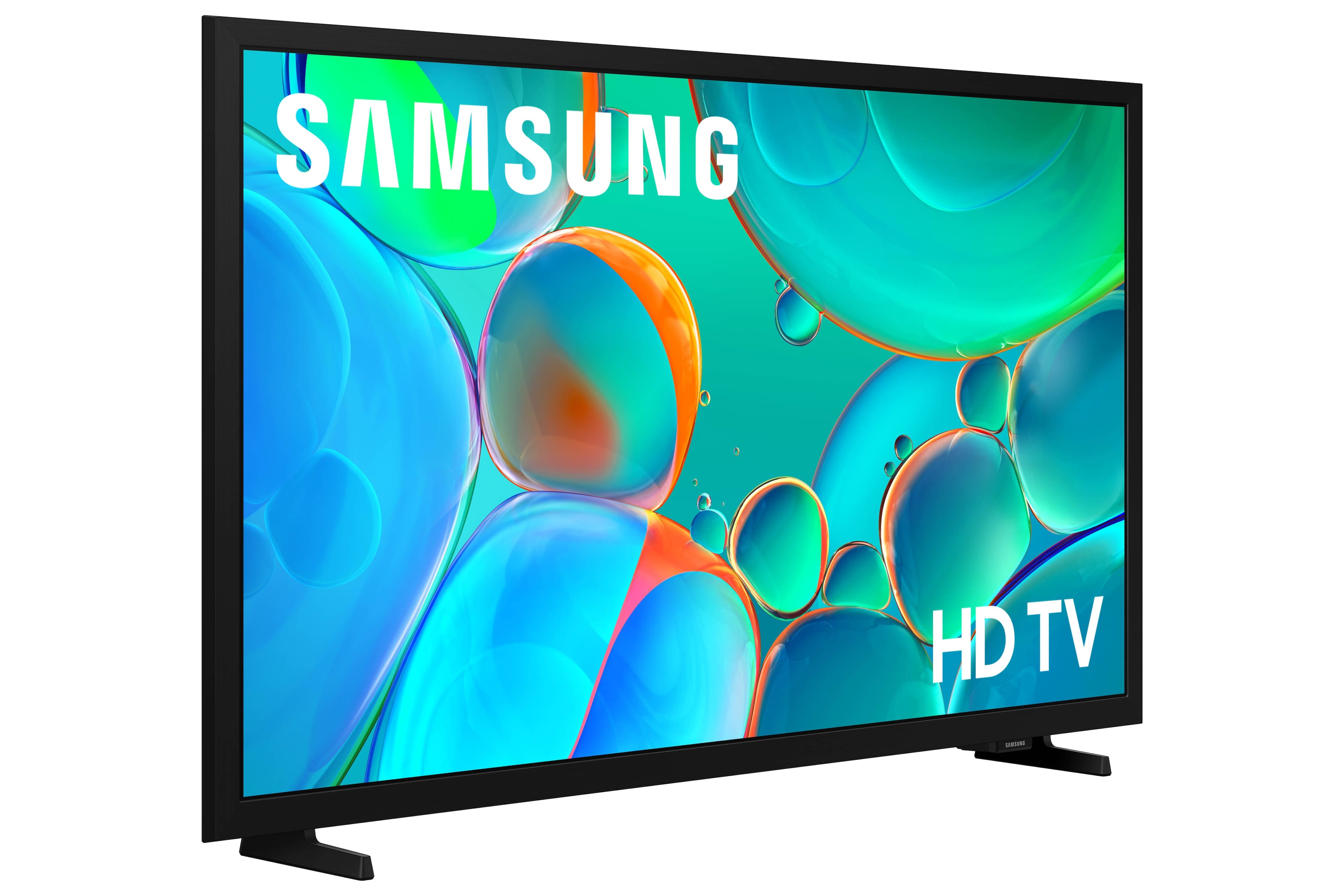



- Model:
- UN32H5000FFXZA
- SKU:
- 10818470
Rating by feature
- Picture Quality
Rating 4.7 out of 5 stars
- Sound Quality
Rating 4.6 out of 5 stars
- Brightness
Rating 4.7 out of 5 stars
Samsung TV
||Posted . Owned for 1 month when reviewed.This reviewer received promo considerations or sweepstakes entry for writing a review.Great picture & an even greater price. Easy to navigate.
I would recommend this to a friendSamsung TV
||Posted . Owned for 6 months when reviewed.This reviewer received promo considerations or sweepstakes entry for writing a review.Love the TV just the right size for my small bedroom. Great picture, true colors, great sound BEFORE I put on the stupid sound bar that I'm going to take off!
I would recommend this to a friendTelevision
||Posted .This reviewer received promo considerations or sweepstakes entry for writing a review.Great quality, easy to use and navigate. Love it..
I would recommend this to a friendGreat buy
||Posted .This reviewer received promo considerations or sweepstakes entry for writing a review.Great tv for a bedroom great picture and easy setup
I would recommend this to a friendTV in Tight space.
||Posted . Owned for 3 weeks when reviewed.This reviewer received promo considerations or sweepstakes entry for writing a review.The TV fits into the tight space that we have, was very easy to install to our cable. It has been providing us with quality service ever since.
I would recommend this to a friendSuper TV for office!
||Posted . Owned for 1 week when reviewed.This reviewer received promo considerations or sweepstakes entry for writing a review.My experience was so great at buying a 72” TV that I went back for a 32” for hubby’s office. He enjoys the vivid picture so very much! Another fantastic buying experience.
I would recommend this to a friendTv Samsung
||Posted . Owned for 1 week when reviewed.This reviewer received promo considerations or sweepstakes entry for writing a review.Its a good tv easy to set up its not that heavy i find its helpful clear image and plenty channel and other stuff , Im happy with my purchase .
I would recommend this to a friendGreat TV
||Posted . Owned for 1 month when reviewed.This reviewer received promo considerations or sweepstakes entry for writing a review.Great quality and size. I highly recommend it if looking for smaller size to fit a small area.
I would recommend this to a friendGood Choice
||Posted .This reviewer received promo considerations or sweepstakes entry for writing a review.Good screen size, clear picture, clear sound. Good value for the price.
I would recommend this to a friendA great TV
||Posted . Owned for 3 weeks when reviewed.This reviewer received promo considerations or sweepstakes entry for writing a review.Great picture and easy setup Would definitely recommend this item
I would recommend this to a friendDonna
||Posted . Owned for 3 weeks when reviewed.This reviewer received promo considerations or sweepstakes entry for writing a review.Really nice and very good looking piece of art. I like the way the colors are drawn and how the lighting makes them look even better than they did.
I would recommend this to a friendDisappointed and frustrated!
||Posted . Owned for 3 weeks when reviewed.This reviewer received promo considerations or sweepstakes entry for writing a review.I have given up trying to use this recently purchased Samsung TV because I can’t manage the remote. It is so difficult to find what I want to view. Can’t get to the sleep timer without losing the program. The picture is clear and beautiful, but I ended up removing the new tv to the guest room and bring another small Insignia tv to my room.
No, I would not recommend this to a friendBrand response from Samsung
Posted .JudieK,
We appreciate you sharing your experience. To help you get the most from your TV and remote functions, you can download the full e-Manual and more by visiting Samsung’s website then navigating to: Support > Manual & Software > TVs & Home Theater. From there, you can search for and select your H5000F TV model to view or download the available guides.
The e-Manual & Remote Control Guide are also conveniently built into your TV: Settings > Support > Open User guide.
For additional guidance, your TV also includes Accessibility features designed to assist with navigation and remote use.
• Learn Menu Screen provides audio guidance for on-screen menus by announcing the name and function of each item as you scroll – without making any changes. This is especially helpful for users who are visually impaired or new to Smart TV menus. Enable via: Settings > All Settings > General & Privacy > Accessibility > Learn Menu Screen. To exit, press the Return key twice.
• Learn TV Remote helps users become familiar with the layout and function of each button on the Samsung remote. Pressing a button (other than Power) will prompt the TV to announce its name and purpose, again without affecting TV operation. Enable via: Settings > All Settings > General & Privacy > Accessibility > Learn TV Remote. To exit, press the Return key twice.
If you’d like more assistance with these features, please reach Samsung Support at 1-800-SAMSUNG, available 8AM – 12AM EST, 7 days a week. LiveChat agents are also available through the ‘Support’ link on our website.
~ Samsung Specialist
Great tv
||Posted . Owned for 1 month when reviewed.This reviewer received promo considerations or sweepstakes entry for writing a review.Clear picture, decent sound, perfect size and weigh for the space we needed it to, and works as it should. Purchased as a fathers day gift for an outdoor rv hatch space
I would recommend this to a friendPerfect size
||Posted . Owned for 3 weeks when reviewed.This reviewer received promo considerations or sweepstakes entry for writing a review.Perfect size for my parent's small living room. The closed caption text works well for them to read and it was easy to install.
I would recommend this to a friendSamsung HD TV
||Posted .This reviewer received promo considerations or sweepstakes entry for writing a review.It is very nice only problem is the settings that announce the volume is spoken out loud and I have been unable to change the setting. I am disappointed that there is no Alexa or other function like my previous television but the price was fantastic and the picture is very clear.
I would recommend this to a friendThis is a great Smart TV
||Posted . Owned for 1 week when reviewed.This reviewer received promo considerations or sweepstakes entry for writing a review.I bought this for my mother in law as her tv sound had died. I just bought one as an extra in my house and when I heard my mother in law needed one for her bedroom i jumped right on it and ordered it for her. She absolutely loves it
I would recommend this to a friendGreat picture quality
||Posted .This reviewer received promo considerations or sweepstakes entry for writing a review.This was a gift for my niece and she absolutely loves it. It has a great picture quality and a reasonable price. It is easy to use also.
I would recommend this to a friendSamsung TV
||Posted .This reviewer received promo considerations or sweepstakes entry for writing a review.Great price and easy to set up worked well with our streaming services and cable
I would recommend this to a friendRecommended
||Posted .This reviewer received promo considerations or sweepstakes entry for writing a review.Works great and was best size for bedroom for the price
I would recommend this to a friendSometimes tv responsiveness is a little sluggish
||Posted . Owned for 3 weeks when reviewed.This reviewer received promo considerations or sweepstakes entry for writing a review.Sometimes the tv is a slow or sluggish when responding to commands from the remote. I have to wait a minute or two and let the tv "boot up" before I use the remote which lessens the issue, I guess it's a "smart tv thing" since the tv has to load all the different apps and stuff and connect to Wi-Fi, other than that the tv is excellent. It's a Samsung, so overall it's a great tv. Picture and sound are good.
I would recommend this to a friend