Customer Ratings & Reviews
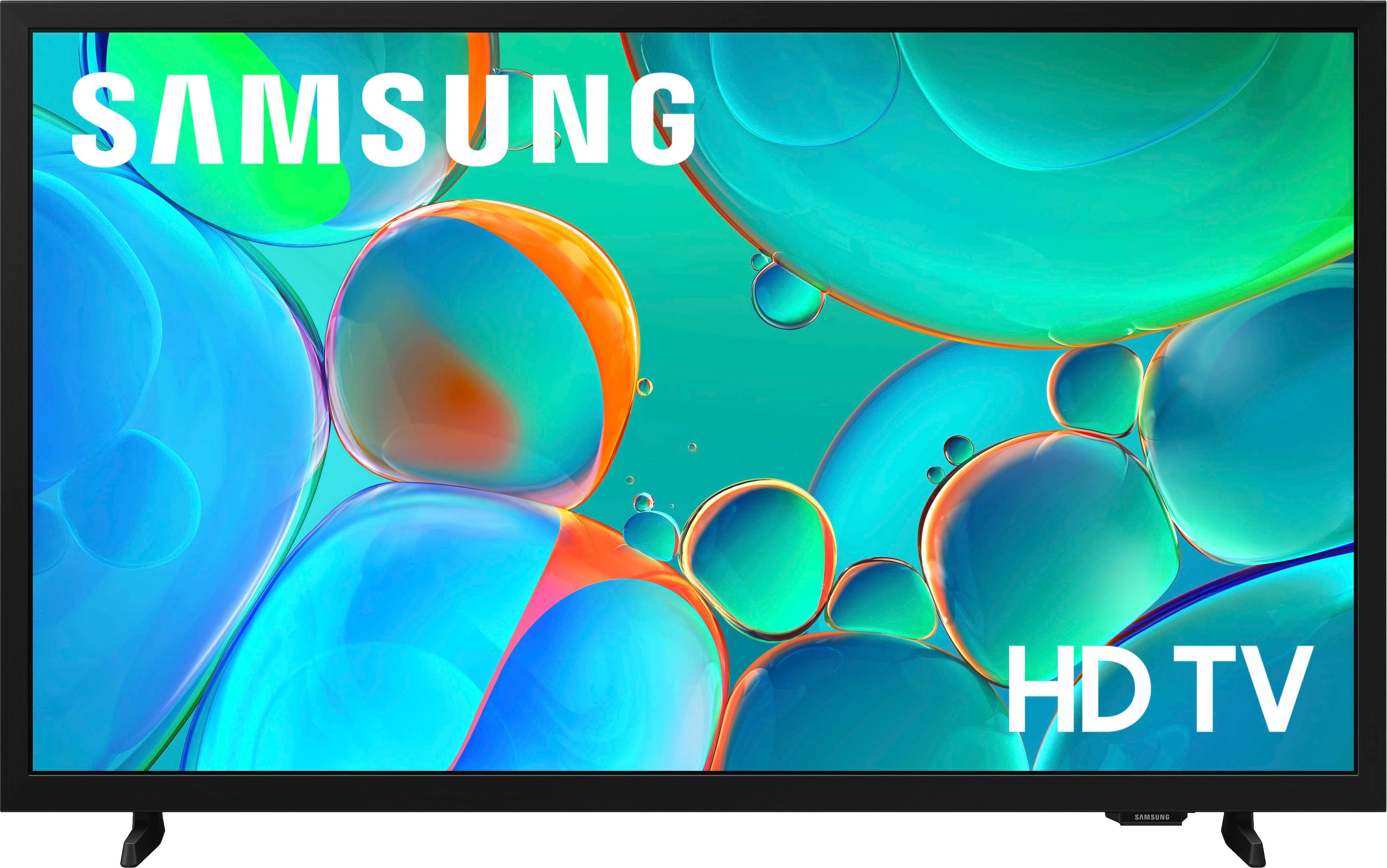
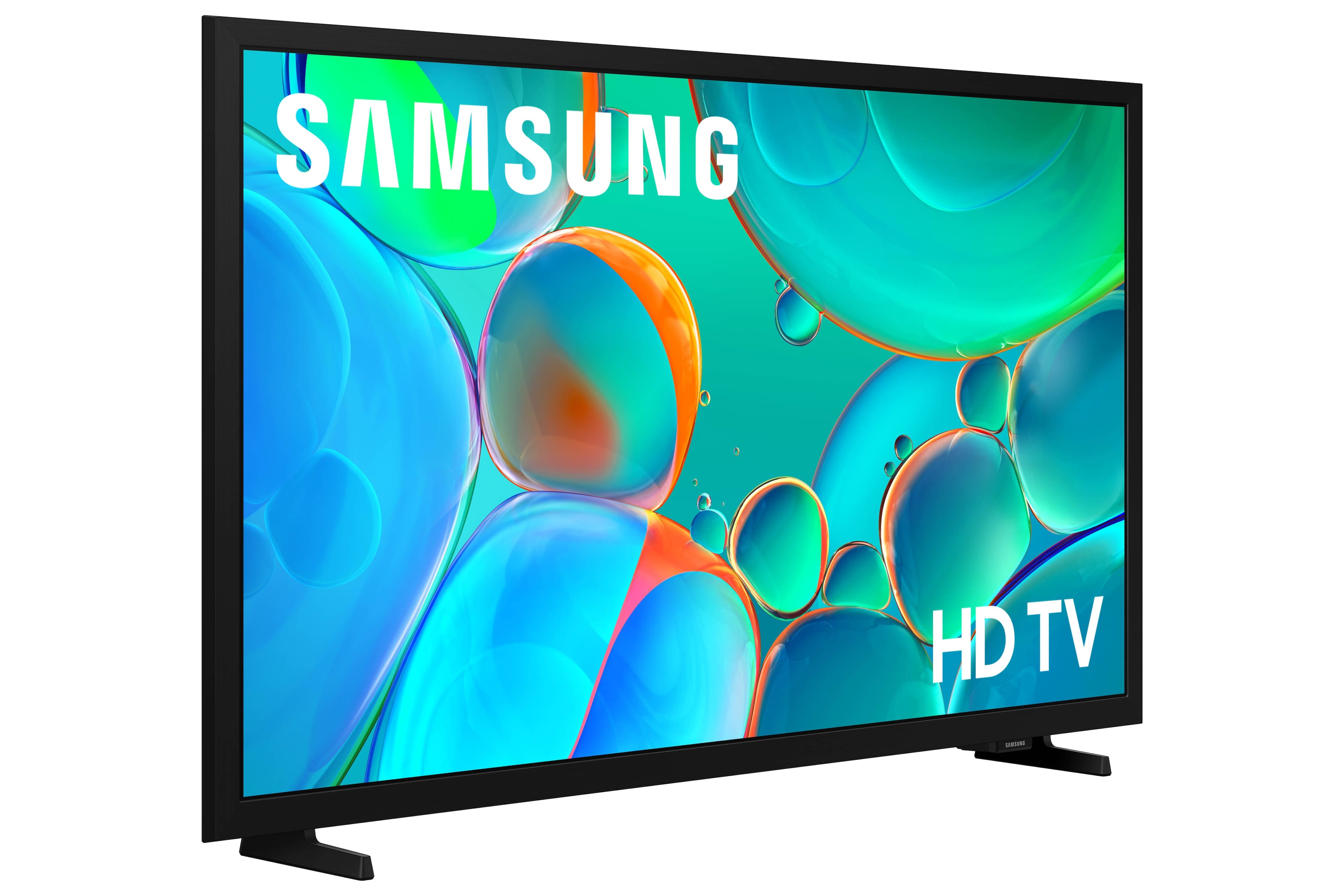
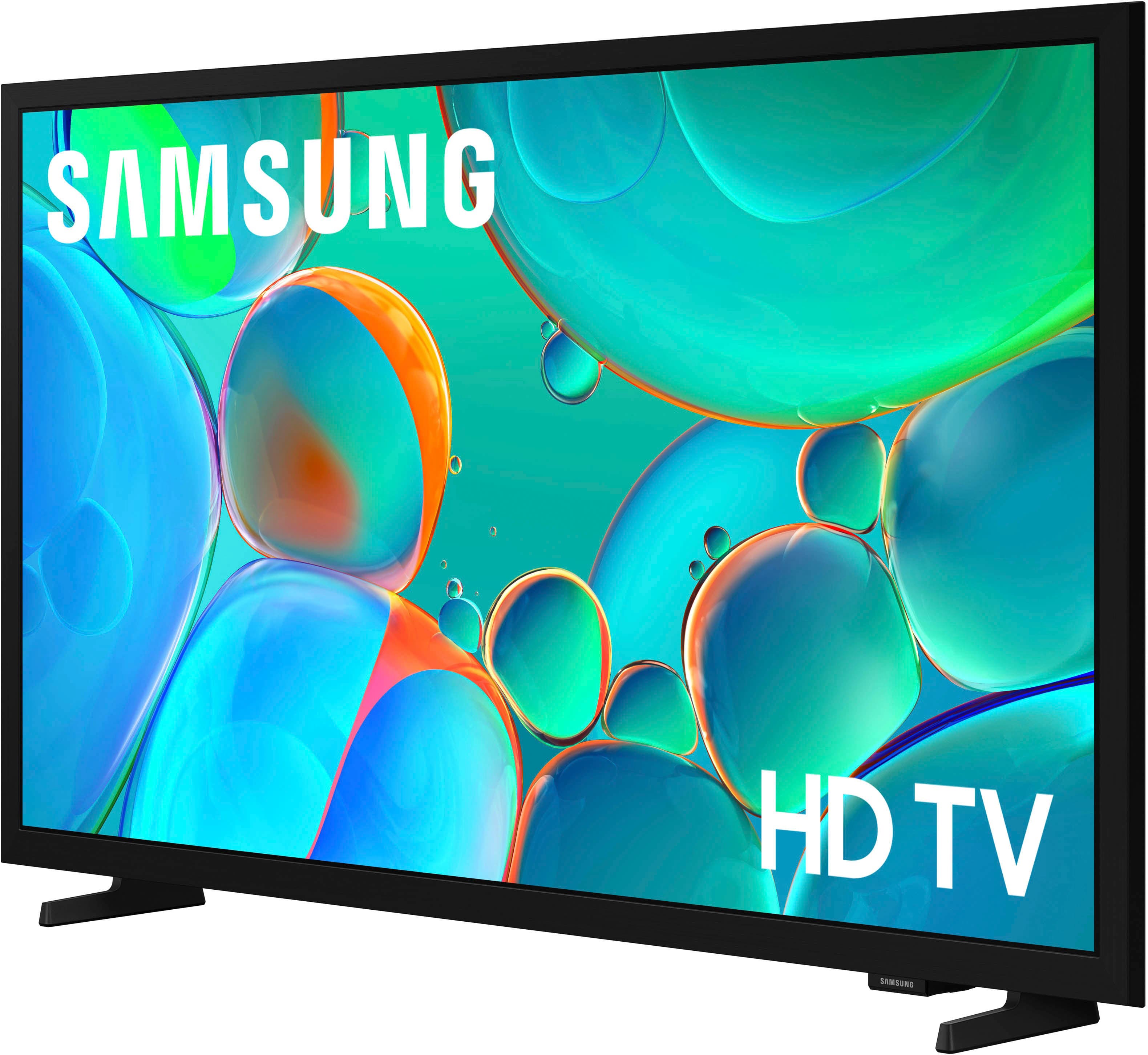
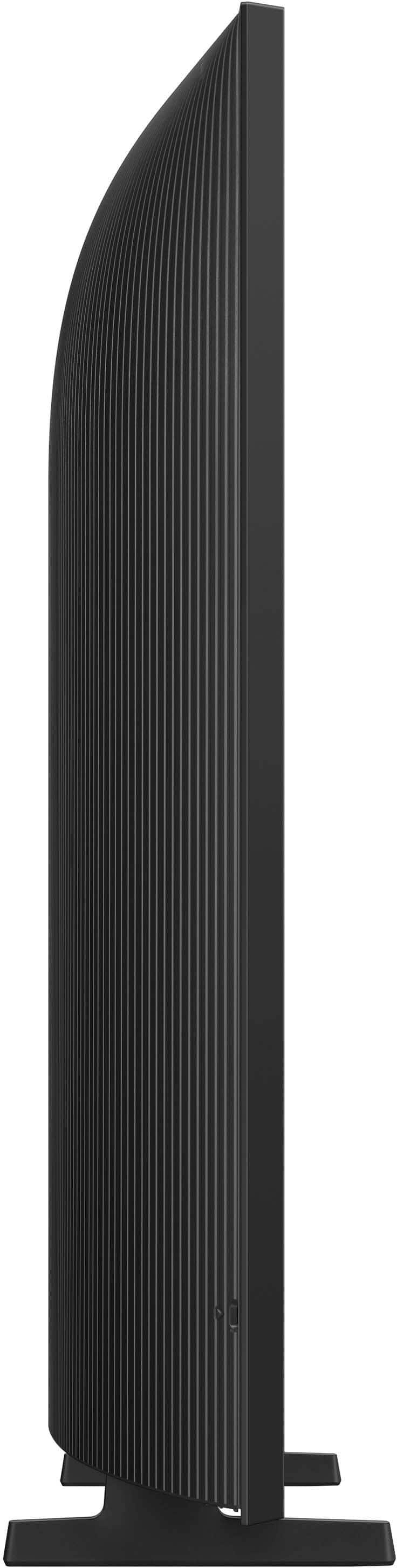

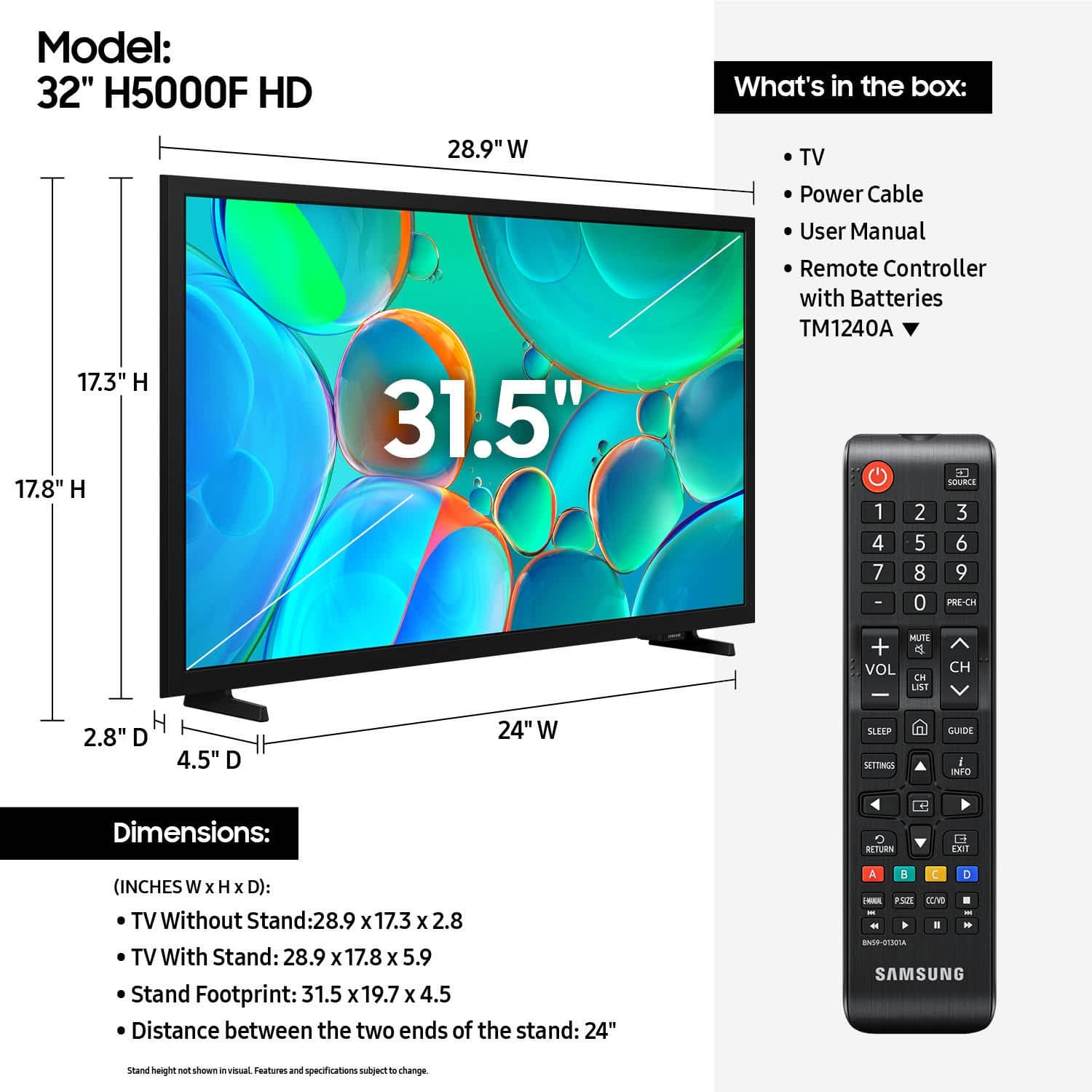
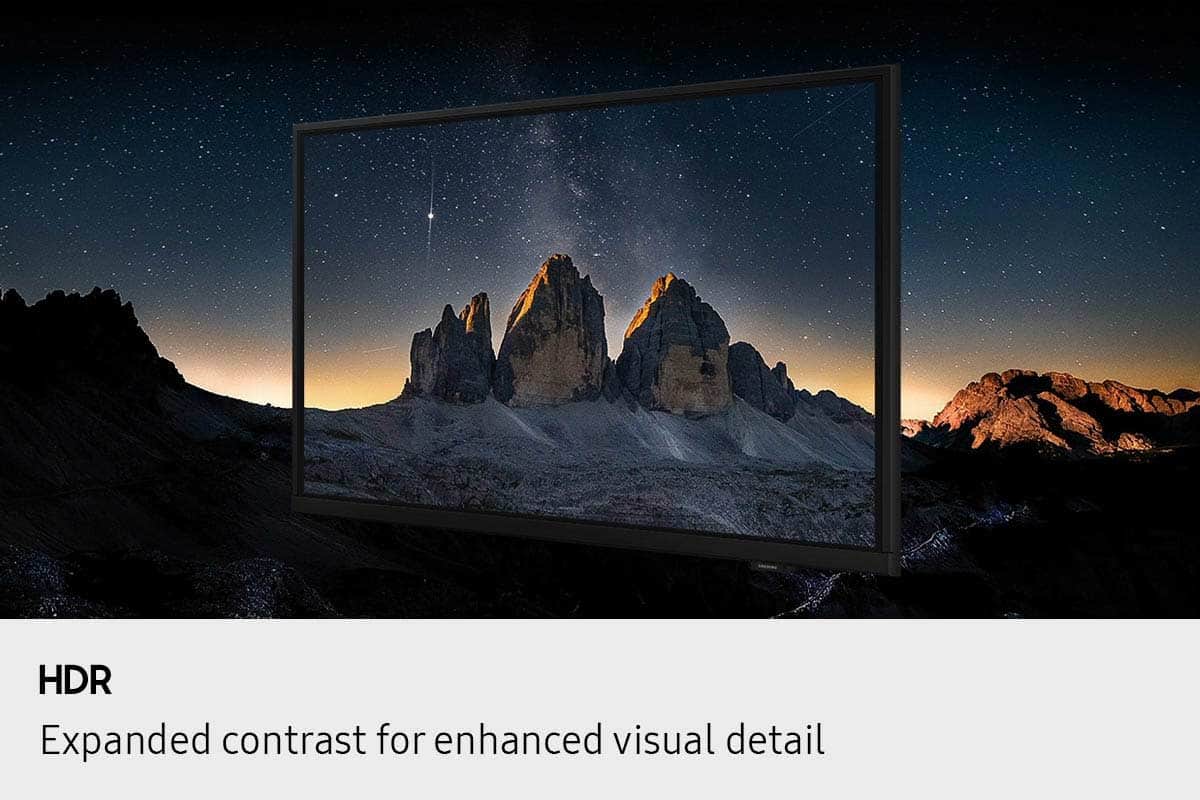


- Model:
- UN32H5000FFXZA
- SKU:
- 11232026
Rating by feature
- Picture Quality
Rating 4.7 out of 5 stars
- Sound Quality
Rating 4.6 out of 5 stars
- Brightness
Rating 4.7 out of 5 stars
Guest bedroom tv
||Posted . Owned for 1 month when reviewed.This reviewer received promo considerations or sweepstakes entry for writing a review.Great customer service at our Best Buy. Very helpful and knowledgeable associate. Easy set up of this new tv. Had the apps we wanted.
I would recommend this to a friend- Pros mentioned:Picture quality
2025 Samsung 32" TV
||Posted .This reviewer received promo considerations or sweepstakes entry for writing a review.Sound is a little funky,have to turn it way up to hear it,but everything else seems ok.
I would recommend this to a friend - Pros mentioned:Size
A trusted brand
||Posted . Owned for 3 weeks when reviewed.This reviewer received promo considerations or sweepstakes entry for writing a review.I preferred this TV because Samsung is a trusted brand. I was considering a 40” but I’m glad I went with the 32” as it’s the perfect for my small den. And Best Buy also had three other brands/options to choose from (two less expensive and one more) but this was the right choice!
I would recommend this to a friend - Cons mentioned:App performance
Not bad for the price
||Posted . Owned for 2 weeks when reviewed.This reviewer received promo considerations or sweepstakes entry for writing a review.It's a decent TV however it is a little slow with the apps. The price was was and for a little kids room not too bad
No, I would not recommend this to a friend - Pros mentioned:Picture quality
Smart tv
||Posted . Owned for 1 week when reviewed.This reviewer received promo considerations or sweepstakes entry for writing a review.Tv is great! Clear picture and great sound. Easy to use remote.
I would recommend this to a friend - Pros mentioned:Picture quality
Great Samsung
||Posted . Owned for 1 month when reviewed.This reviewer received promo considerations or sweepstakes entry for writing a review.This is a great TV. There are things I don't like about these new TVs but this one is easier to navigate. It has actual live TV, something not easily available on other brands. I really do need a class on how to operate it but for now, it's great.
I would recommend this to a friend - Pros mentioned:Picture quality
BEDROOM TV
||Posted . Owned for 2 weeks when reviewed.This reviewer received promo considerations or sweepstakes entry for writing a review.GREAT PICTURE and Quality for the price. Placed it in our guest bedroom and guests love it.
I would recommend this to a friend - Pros mentioned:Picture quality
Samsung 32" H5000 Series
||Posted . Owned for 3 weeks when reviewed.This reviewer received promo considerations or sweepstakes entry for writing a review.Just the right size for our small bedroom. Easy to setup. Picture is ok. Remote has too many functions for what I need to just watch tv, tho. Audio is ok but did install a soundbar. Yeah, a nice tv for the price.
I would recommend this to a friend - Pros mentioned:Picture quality
Samsung tv
||Posted . Owned for less than 1 week when reviewed.This reviewer received promo considerations or sweepstakes entry for writing a review.For the money the best tv out there the quality is unmatched
I would recommend this to a friend - Pros mentioned:Picture quality
Samsung TV
||Posted . Owned for 3 weeks when reviewed.This reviewer received promo considerations or sweepstakes entry for writing a review.AWESOME!!! Must see, Live HD TV. Being an OTR Professional Driver, I normally use before I fall asleep. Picture is EXCELLENT, sounds are out of this World
I would recommend this to a friend - Pros mentioned:Picture quality
Carlos Díaz likes
||Posted . Owned for 1 month when reviewed.This reviewer received promo considerations or sweepstakes entry for writing a review.Nice appearance overall. Quality is one of the most
I would recommend this to a friend - Pros mentioned:Picture quality
Beautiful
||Posted .This reviewer received promo considerations or sweepstakes entry for writing a review.Great product crystal clear watching movies and sports.
I would recommend this to a friend - Pros mentioned:Picture quality
Good quality tv.
||Posted .This reviewer received promo considerations or sweepstakes entry for writing a review.Good picture, easy set up, and got a really good deal.
I would recommend this to a friend - Pros mentioned:Picture quality
Love!!
||Posted .This reviewer received promo considerations or sweepstakes entry for writing a review.Been wanting a new tv for my bedroom love it so much!!
I would recommend this to a friend - Pros mentioned:Picture qualityCons mentioned:Connectivity
Not useable sometimes.
||Posted .This reviewer received promo considerations or sweepstakes entry for writing a review.The 5ghz only connection and software/hardware are barely usable sometimes. Constantly dropping connection and it’s extremely slow. I have other Samsung tvs that work great so it’s a very big disappointment. Otherwise picture is fine and sound is okayish for a cheap tv but the cheapness shows in performance.
No, I would not recommend this to a friendBrand response from Samsung
Posted .Hi NickP,
Thank you for sharing your experience. Buffering during streaming is typically related to internet speed or signal strength. This can happen when your connection isn’t able to deliver data quickly enough for smooth playback.
We recommend the following steps to help improve streaming performance:
1. Use a 5GHz Wi-Fi connection, if available
2. Try a wired LAN connection for more stability
3. Reposition your router to minimize obstacles between it and the TV
4. Make sure your TV is running the latest firmware (Settings > Support > Software Update)
5. Run Device Care to optimize performance: Home > left directional key > Settings > Support > Device Care > Start Device Care
If buffering continues, you may want to contact your internet service provider to check your current speed or explore upgrade options.
If we can assist further, please call us at 1-800-SAMSUNG, available daily from 8AM - 12AM EST. You can also visit the Samsung website and click on ‘Support’ for:
• Live Chat
• Manuals, Software, & Warranty Info
~ Samsung Advisor
- Pros mentioned:Picture quality
Nice little Samsung
||Posted . Owned for 3 weeks when reviewed.This reviewer received promo considerations or sweepstakes entry for writing a review.Perfect sized tv for a bedroom. Easy setup with internet. Great picture and sound.
I would recommend this to a friend - Pros mentioned:Picture quality
Owner
||Posted .This reviewer received promo considerations or sweepstakes entry for writing a review.Great picture and sound setup was easy very happy with our purchase
I would recommend this to a friend - Pros mentioned:Picture quality
Great buy
||Posted .This reviewer received promo considerations or sweepstakes entry for writing a review.Great tv for a bedroom great picture and easy setup
I would recommend this to a friend - Pros mentioned:Picture quality
Frick
||Posted .This reviewer received promo considerations or sweepstakes entry for writing a review.Nice 32” TV. Nice clear picture. Get price. Love it.
I would recommend this to a friend - Pros mentioned:Picture quality
Good Value
||Posted .This reviewer received promo considerations or sweepstakes entry for writing a review.This TV is easy to set up and has a great picture!
I would recommend this to a friend