Customer Ratings & Reviews
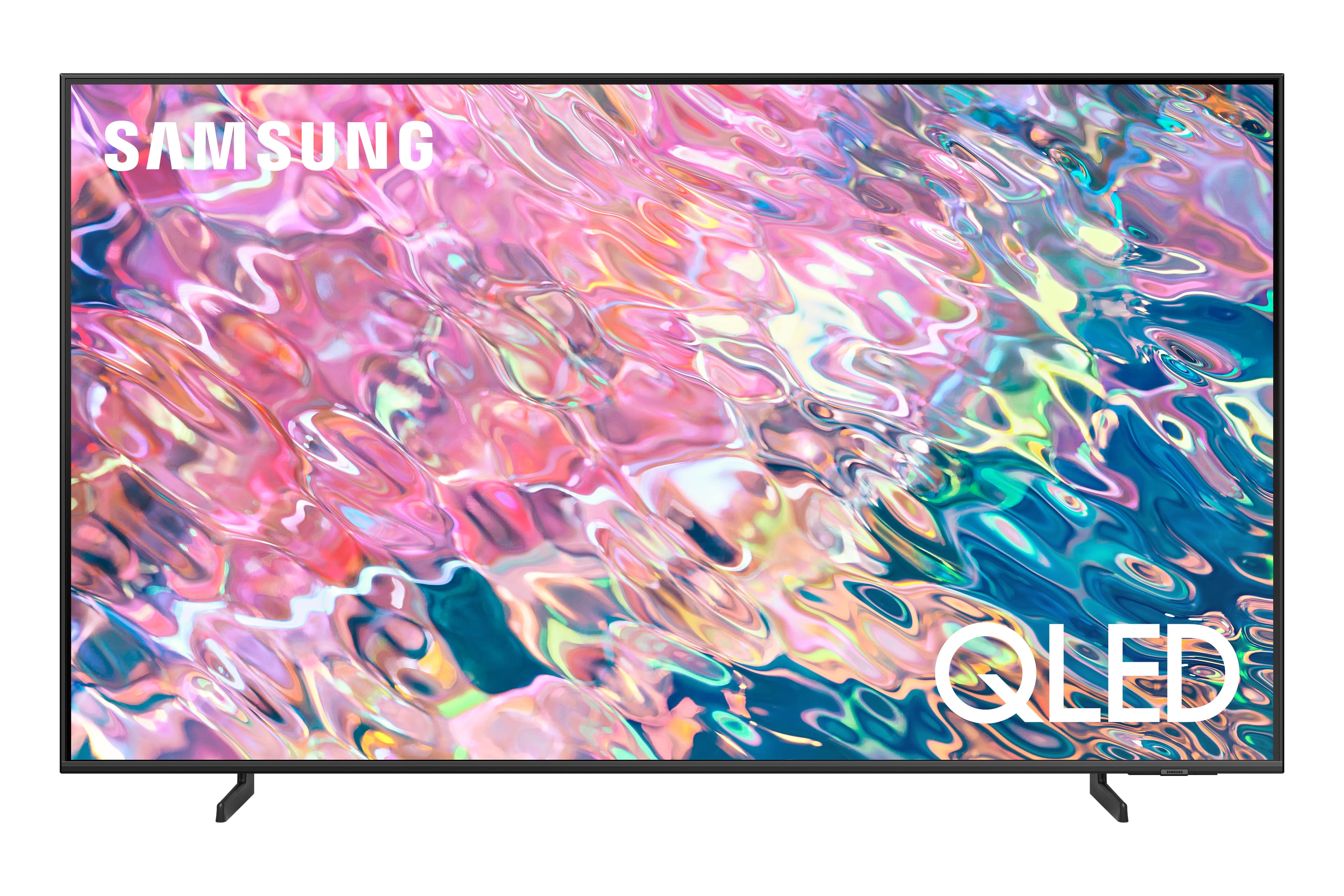
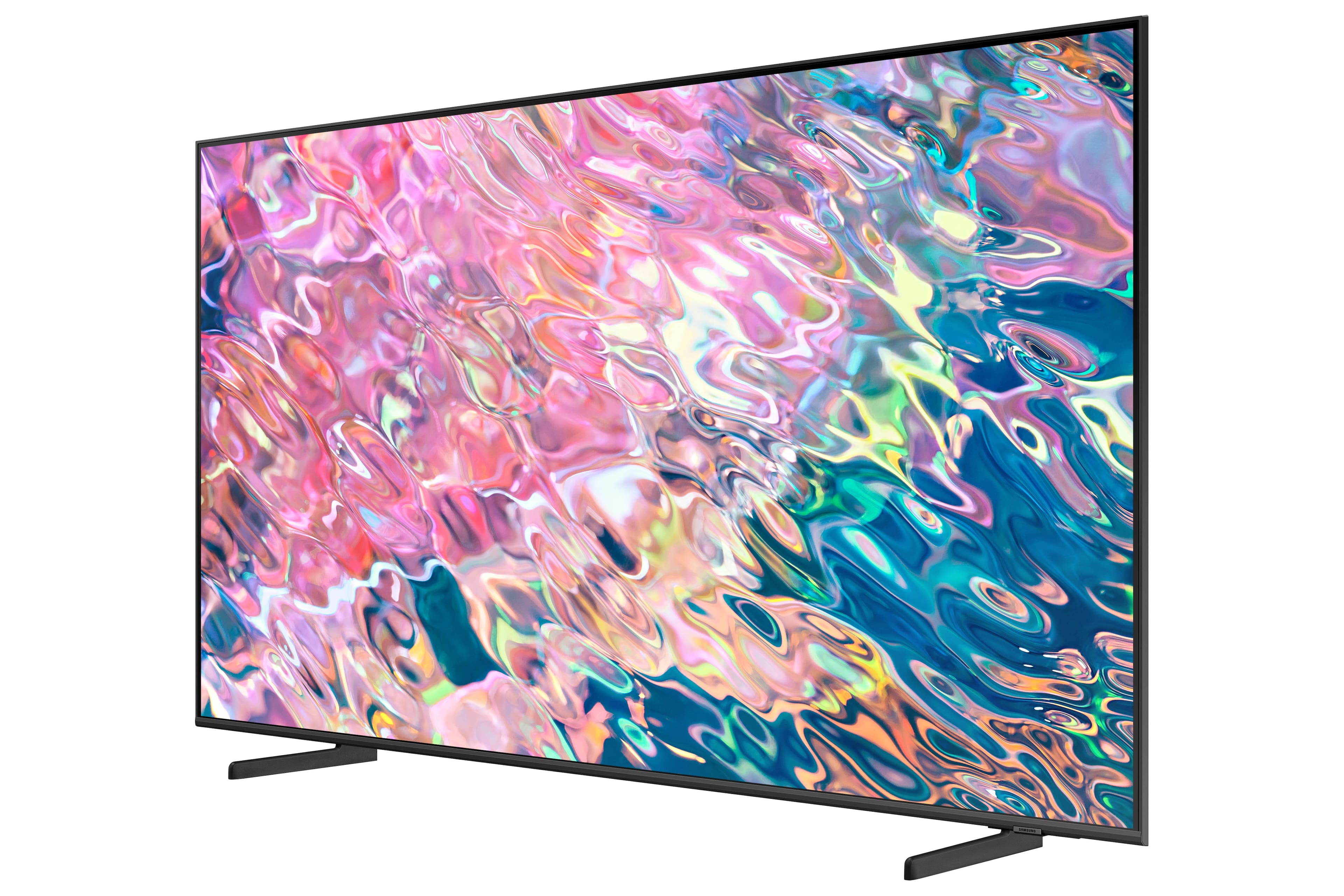
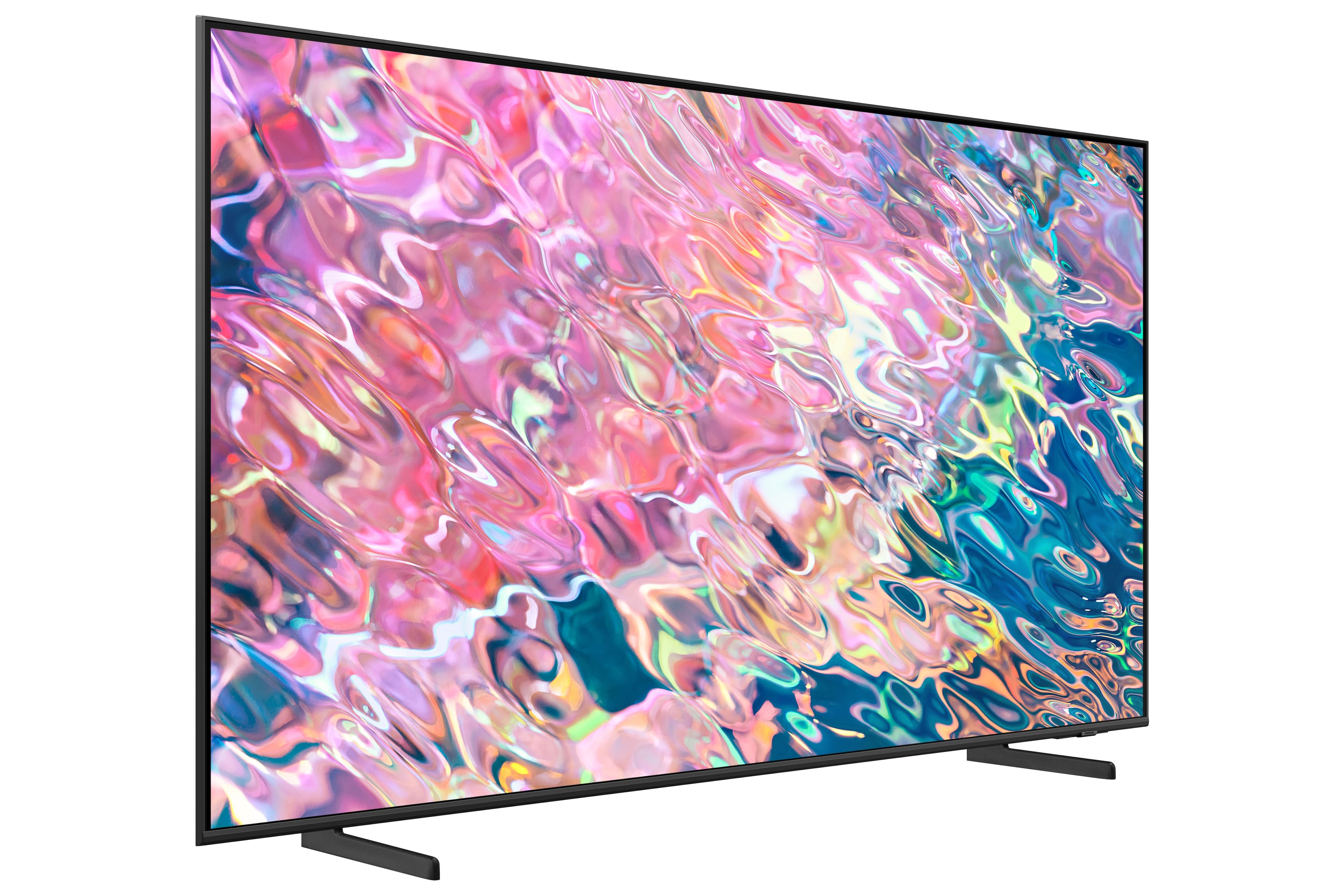
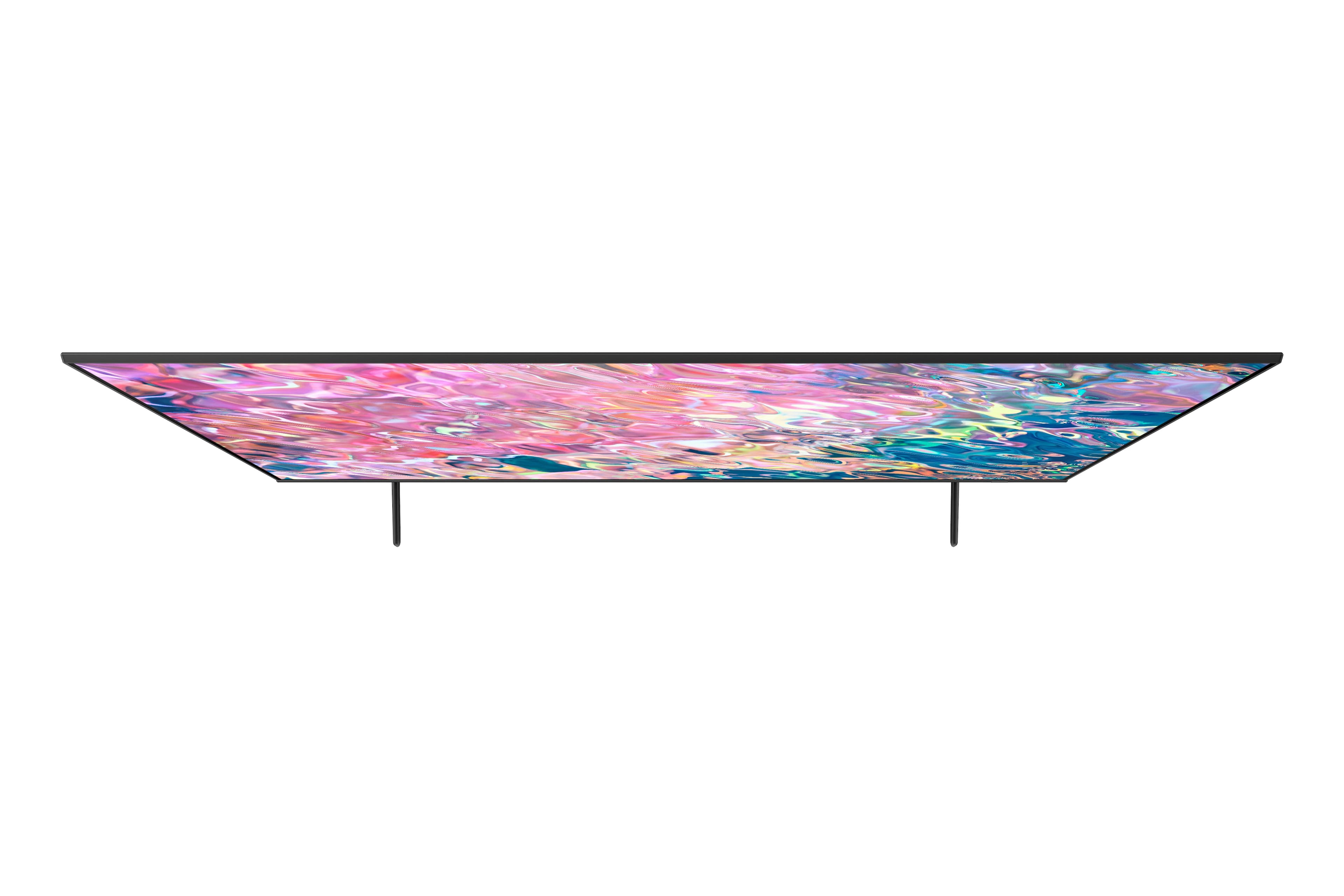

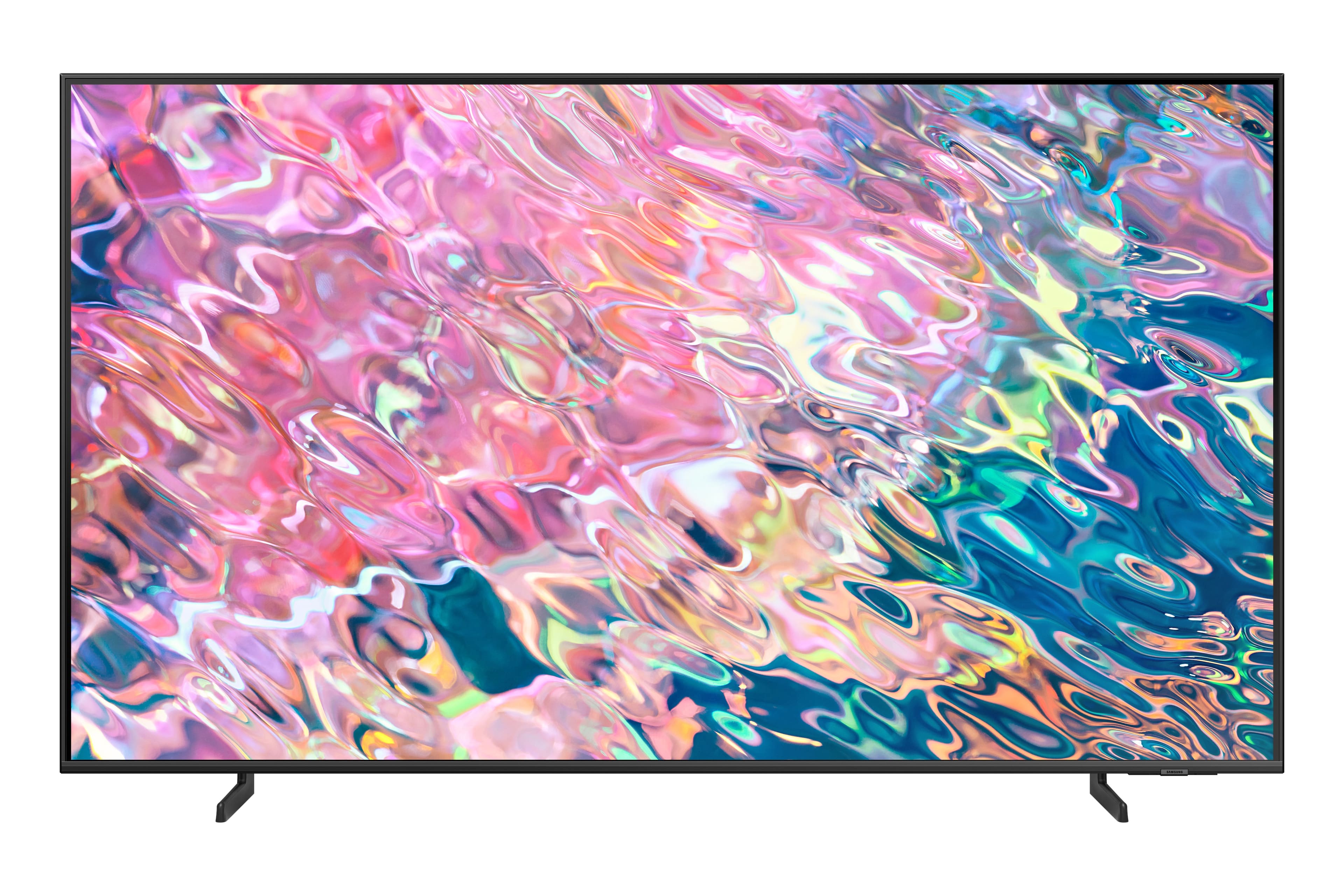
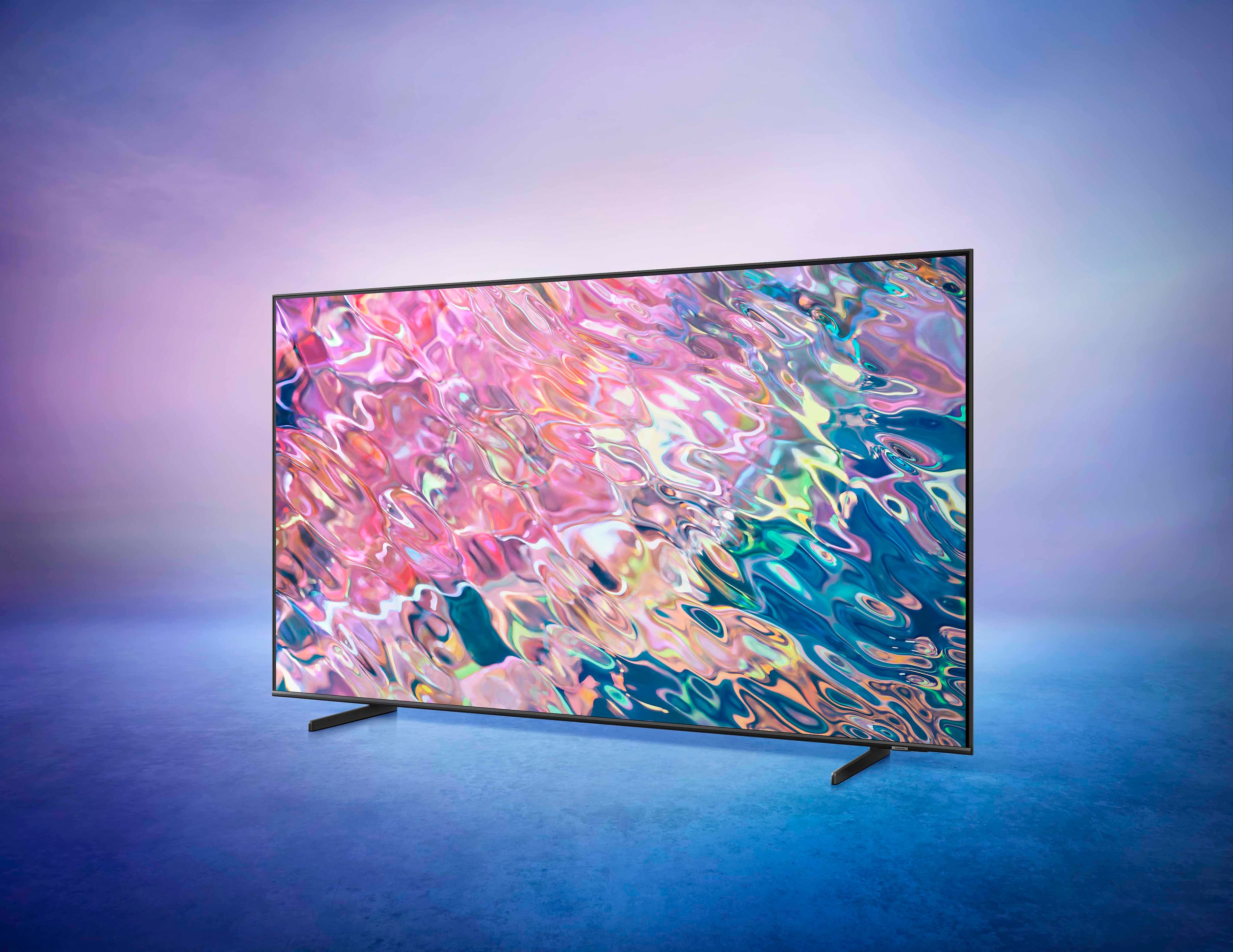



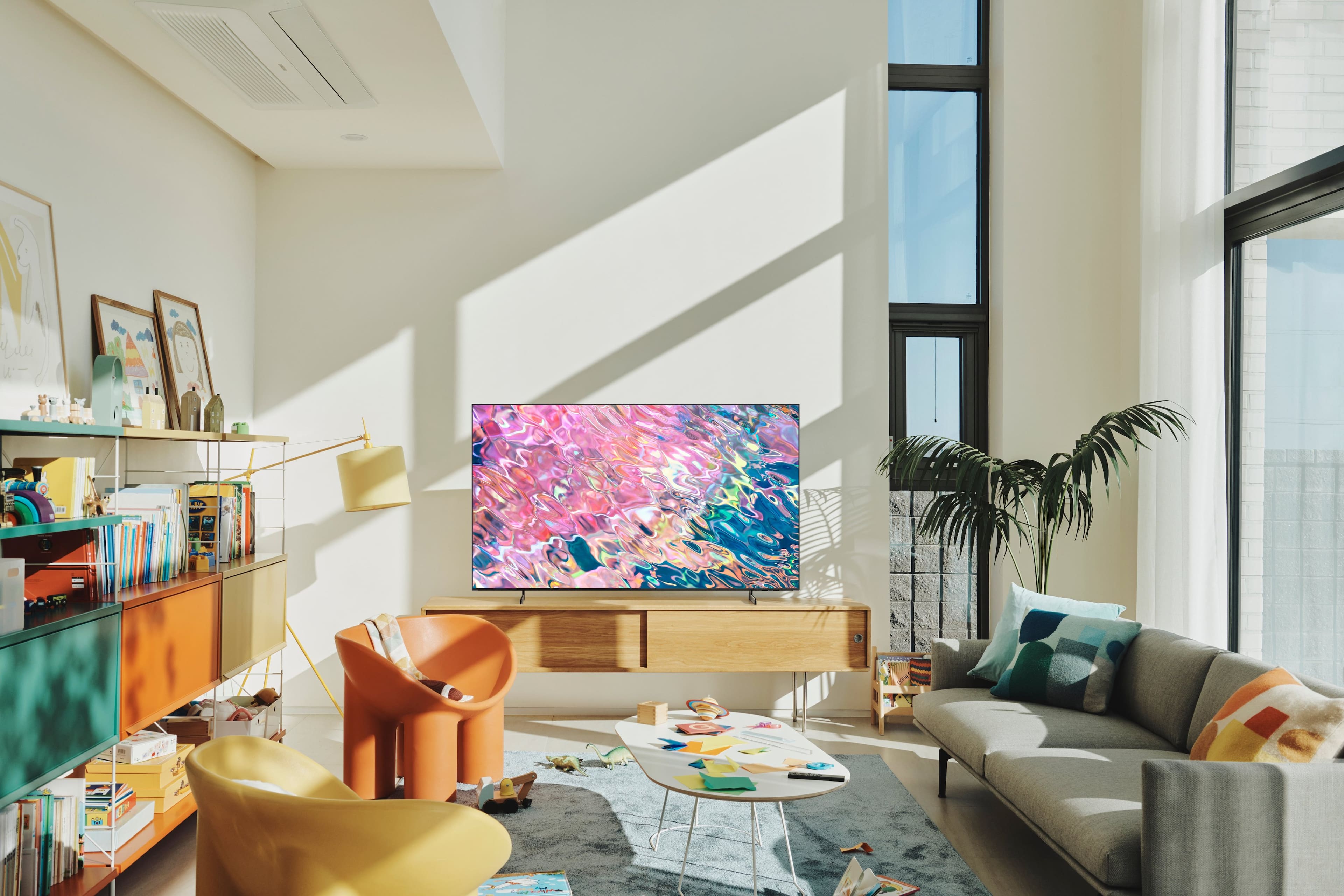









- Model:
- QN43Q60BAFXZA
- SKU:
- 6502237
Rating by feature
- Picture Quality
Rating 4.8 out of 5 stars
- Sound Quality
Rating 4.4 out of 5 stars
- Brightness
Rating 4.8 out of 5 stars
Customers are saying
Customers commend the 43” Class Q60B QLED 4K Smart Tizen TV for its exceptional picture quality, describing it as amazing, vibrant, and realistic. They also appreciate the easy setup process and the vibrant colors the TV produces. However, some customers have expressed concerns about the remote control, viewing angles, speakers, and slow performance when running certain applications.
This summary was generated by AI based on customer reviews.
Sam's Song
||Posted . Owned for 1 month when reviewed.This reviewer received promo considerations or sweepstakes entry for writing a review.A very nice t v with more bells and whistles than I kno what to do with!
I would recommend this to a friend- Pros mentioned:Picture quality
office
||Posted . Owned for 1 month when reviewed.This reviewer received promo considerations or sweepstakes entry for writing a review.its a good tv with clear, crisp picture - not the best ive seen but good
I would recommend this to a friend Nicky mouse tv
||Posted . Owned for 3 weeks when reviewed.This reviewer received promo considerations or sweepstakes entry for writing a review.Slow processor, no way to dial individual channels, locks up when you touch change to fast, stops responding, must turn off and on to respond, picture quality fair, overpriced, Alexa not very responsive, remote not like 7 other tv’s and awkward to relearn, it’s nice and light. Need more room to write.
No, I would not recommend this to a friend- Pros mentioned:Picture quality
samsung tv
||Posted . Owned for 3 weeks when reviewed.This reviewer received promo considerations or sweepstakes entry for writing a review.good picture and great sound nice looking in our bedroom
I would recommend this to a friend Samsung Tv
||Posted . Owned for 3 weeks when reviewed.This reviewer received promo considerations or sweepstakes entry for writing a review.So far so good. Haven’t owned it very long. Sometimes I notice the show or news report will stop for about 30 seconds. Then it resumes. Could be the cable company.
I would recommend this to a friend- Pros mentioned:Picture quality
Excellent Tv
||Posted . Owned for 3 weeks when reviewed.This reviewer received promo considerations or sweepstakes entry for writing a review.Picture great. A little taxing to set streaming up
I would recommend this to a friend - Pros mentioned:Picture quality
Tv.
||Posted . Owned for 3 weeks when reviewed.This reviewer received promo considerations or sweepstakes entry for writing a review.Perfect tv for my bedroom. The picture is perfect.
I would recommend this to a friend Great TV
||Posted . Owned for 3 weeks when reviewed.This reviewer received promo considerations or sweepstakes entry for writing a review.Works great.....We met a super sales guy who showed all possible TVs.....Checkout was prompt....Superior experience......HOWEVER GEEK SQUAD is screwing around with my bank account....They have Best Buy logo in their spam contacts...... joe
No, I would not recommend this to a friendIt’s new when it’s got too many features
||Posted . Owned for 1 month when reviewed.This reviewer received promo considerations or sweepstakes entry for writing a review.Needed a new television because the old one was 20+ years old. Time to update technology, being used to on/off, channel up/down and volume up/down had no idea what I was missing.
I would recommend this to a friend- Pros mentioned:Picture quality
Great for football
||Posted . Owned for 3 weeks when reviewed.This reviewer received promo considerations or sweepstakes entry for writing a review.Good clarity and sound and also attractive appearance.
I would recommend this to a friend - Pros mentioned:Picture quality
Samsung Q60B 53”
||Posted . Owned for 1 week when reviewed.This reviewer received promo considerations or sweepstakes entry for writing a review.Picture looks excellent, but the sounds isn’t the greatest.
I would recommend this to a friendBrand response from Samsung
Posted .Hi,
Thank you for purchasing the Q60B TV and for sharing your feedback regarding the sound quality. There are several sound settings you can adjust to suit your personal sound preferences.
Change the Sound Mode by going to: Settings > All Settings > Sound > Sound Mode
You can also customize sound by going to: Settings > All Settings > Sound > Expert Settings
To assist you with possible sound settings adjustments for a better audio experience, or choosing a Samsung Soundbar to complement your viewing enjoyment, please reach out to us at 1-800-SAMSUNG, 8AM - 12AM EST, 7 days a week. Our LiveChat agents are also available by clicking on the ‘Support’ link on our website.
~ Samsung Specialist
- Pros mentioned:Picture quality
Could have gone larger.
||Posted . Owned for 1 month when reviewed.This reviewer received promo considerations or sweepstakes entry for writing a review.Wish I had purchased next size up. Still a nice picture.
I would recommend this to a friend - Pros mentioned:Picture quality
Picture perfect
||Posted . Owned for 3 weeks when reviewed.This reviewer received promo considerations or sweepstakes entry for writing a review.Great picture for the $$. Anything newer is better.
I would recommend this to a friend - Pros mentioned:Picture quality
Good picture Poor remote
||Posted . Owned for 3 weeks when reviewed.This reviewer received promo considerations or sweepstakes entry for writing a review.Set up instructions could be better. Samsung remote wants to take you to apps instead of starting with TV. Can't get menu for DVR with Samsung remote. Need Comcast remote. Picture great.
I would recommend this to a friendBrand response from Samsung
Posted .Dgmd,
We appreciate you sharing your experience with your Q60B TV. To assist you in the learning the various features, functions, and settings of the remote, you can download the Solar Cell Remote Guide directly from Samsung’s website under ‘Support’ (top right corner) > Manuals & Software > TVs & Home Theater. From there, you can select the Q60B under QLED 4K TVs > B Model Lineup. Additionally, you can find other guides and manuals to further assist you with your TV’s features.
If you need more help, Samsung is here for you. Please call us at 1-800-SAMSUNG, 8AM - 12AM EST, 7 days a week. Our LiveChat agents are also available by clicking on the ‘Support’ link on our website.
~ Samsung Specialist
Fair TV..Nothing Great!
||Posted . Owned for 1 month when reviewed.This reviewer received promo considerations or sweepstakes entry for writing a review.Thought that it would be a nicer bright picture.Have did everyone possible.My son did.too.Apps don't move that fast. Wish that it had Hulu on the remote,just to push,that on the remote. Took a while to figure out how to shut activated voice off. A Fair TV.Not happy with this Samsung.
No, I would not recommend this to a friendBrand response from Samsung
Posted .MarshaM,
Thank you for sharing your thoughts on Samsung's Q60B TV. To ensure you’ve got the latest image quality and performance updates, please confirm that your TV is up to date with the latest firmware version. You can check by going to: Home > Menu > Settings > Support > Software Update.
You may also want to further optimize performance with the self-diagnostic tool, which checks memory, frees up unused cached memory, and closes background apps. Go to: Home > Menu > Settings > Support > Device Care > Start Device Care
If the picture you’re seeing is still not to your liking after updating firmware, there are several picture settings you may want to try adjusting.
Go to Home > Menu > Settings > All Settings > Picture > Picture Mode
...and select the mode that best fits your usage:
1) Standard: Is the default mode suitable for general viewing environments.
2) Movie: Is suitable for watching TV or movies in a dark room.
3) Dynamic: Makes the picture brighter and clearer in bright viewing environments.
4) Filmmaker Mode: You can watch the source content (e.g., movie) as it is. If the image is defined as Filmmaker Mode, it will automatically switch to Filmmaker Mode while watching.
You can also go to: Home > Menu > Settings > All Settings > Picture > Expert Settings to manually fine tune your image.
I hope these tips help you enjoy your new product.
You can always contact us for further help at 1-800-SAMSUNG, 8AM - 12AM EST, 7 days a week. Our LiveChat agents are also available by clicking on the ‘Support’ link on our website.
~ Samsung Specialist
happy with Samsung QLED tv
||Posted . Owned for 1 month when reviewed.This reviewer received promo considerations or sweepstakes entry for writing a review.We haven't had this tv very long, but we are very happy with it. We have owned Samsung tis for more than ten years and all have performed excellently.
I would recommend this to a friendQLED Picture Quality is Misleading
||Posted . Owned for 1 month when reviewed.This reviewer received promo considerations or sweepstakes entry for writing a review.I was very underwhelmed by this TV - purchased because picture quality is advertised as QLED. TV viewing is blurry/lacks brightness and also unwatchable from side angles - there are a few lower tiered TVs with better picture quality.
No, I would not recommend this to a friendMy newest TV
||Posted . Owned for 1 month when reviewed.This reviewer received promo considerations or sweepstakes entry for writing a review.This is the TV we have in our family room. The graphics and 3 Dimensional feature are the best parts. I will also say that the speakers are quite good and you really don’t need a soundbar
I would recommend this to a friendTV Rating
||Posted . Owned for 3 weeks when reviewed.This reviewer received promo considerations or sweepstakes entry for writing a review.Lacked complete instructions booklet. In order to view e-manual to make changes you must leave the Home Screen or streaming network to make those changes. There is not a quick sleep timer button on the remote. Other than that the tv is fine.
I would recommend this to a friendbig screen TV
||Posted . Owned for 1 month when reviewed.This reviewer received promo considerations or sweepstakes entry for writing a review.I have purchased many TVs for my home from Best Buy and I have been satisfied with the experience of being in store purchase as well as the quality of the product.
I would recommend this to a friend