Customer Ratings & Reviews
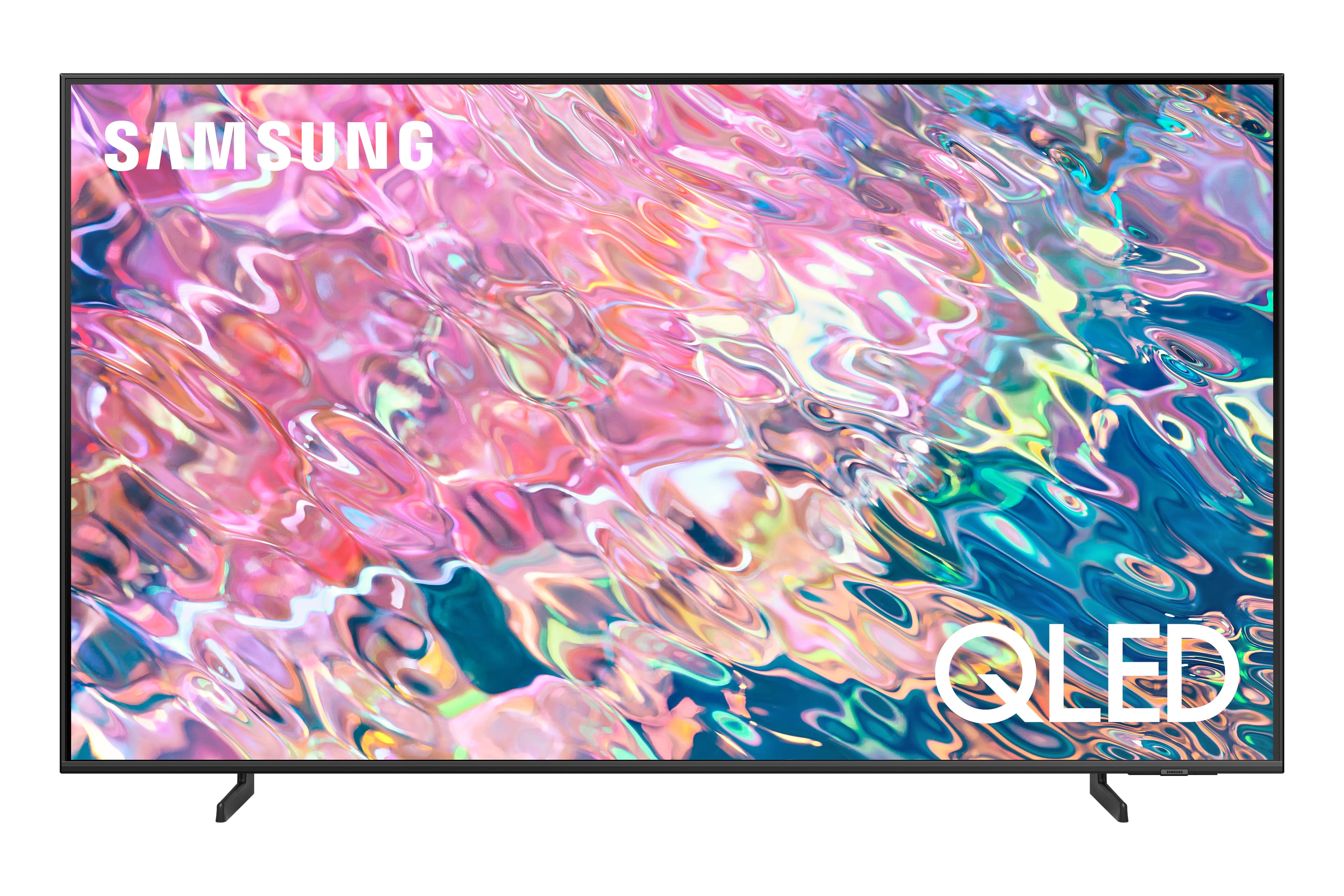
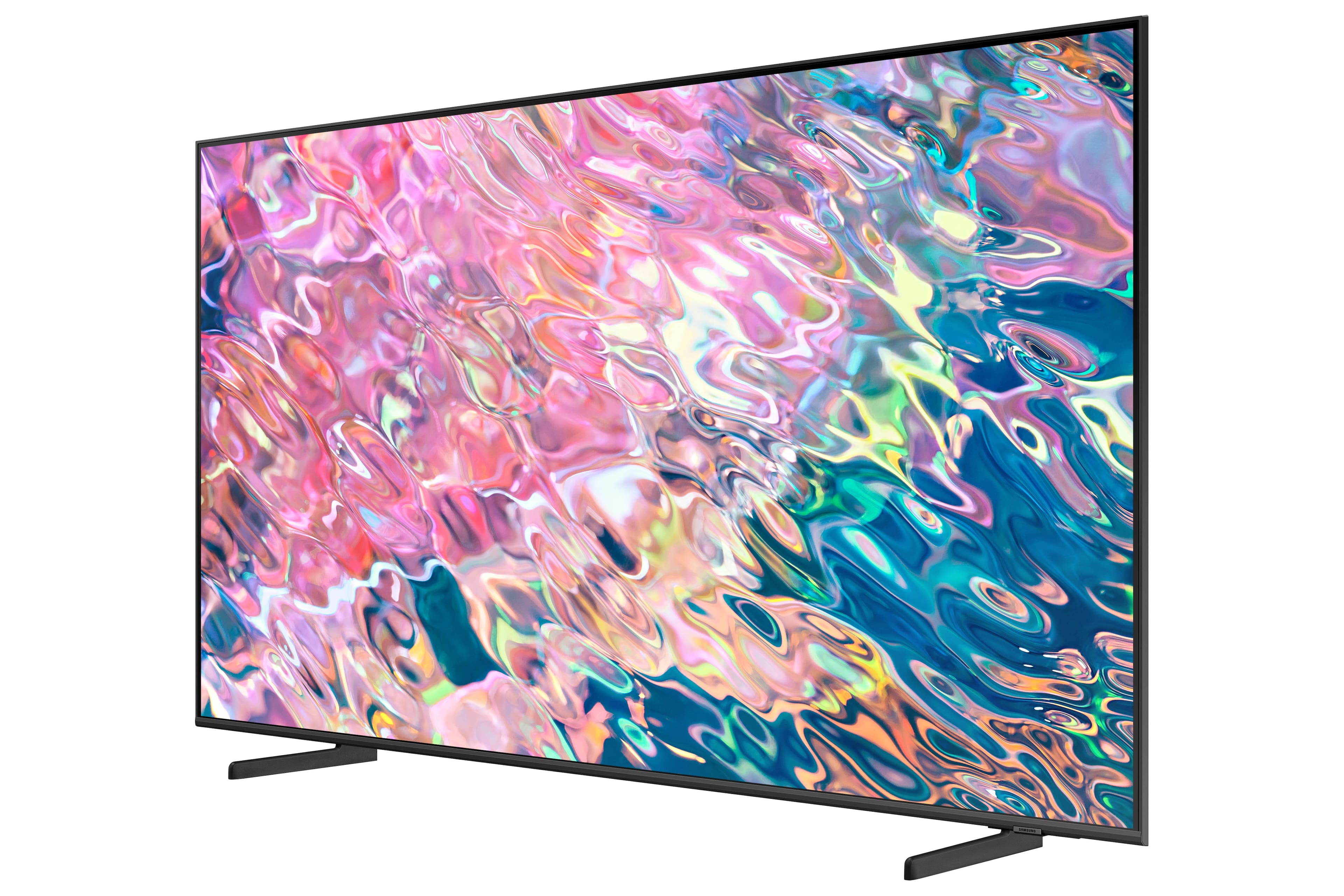
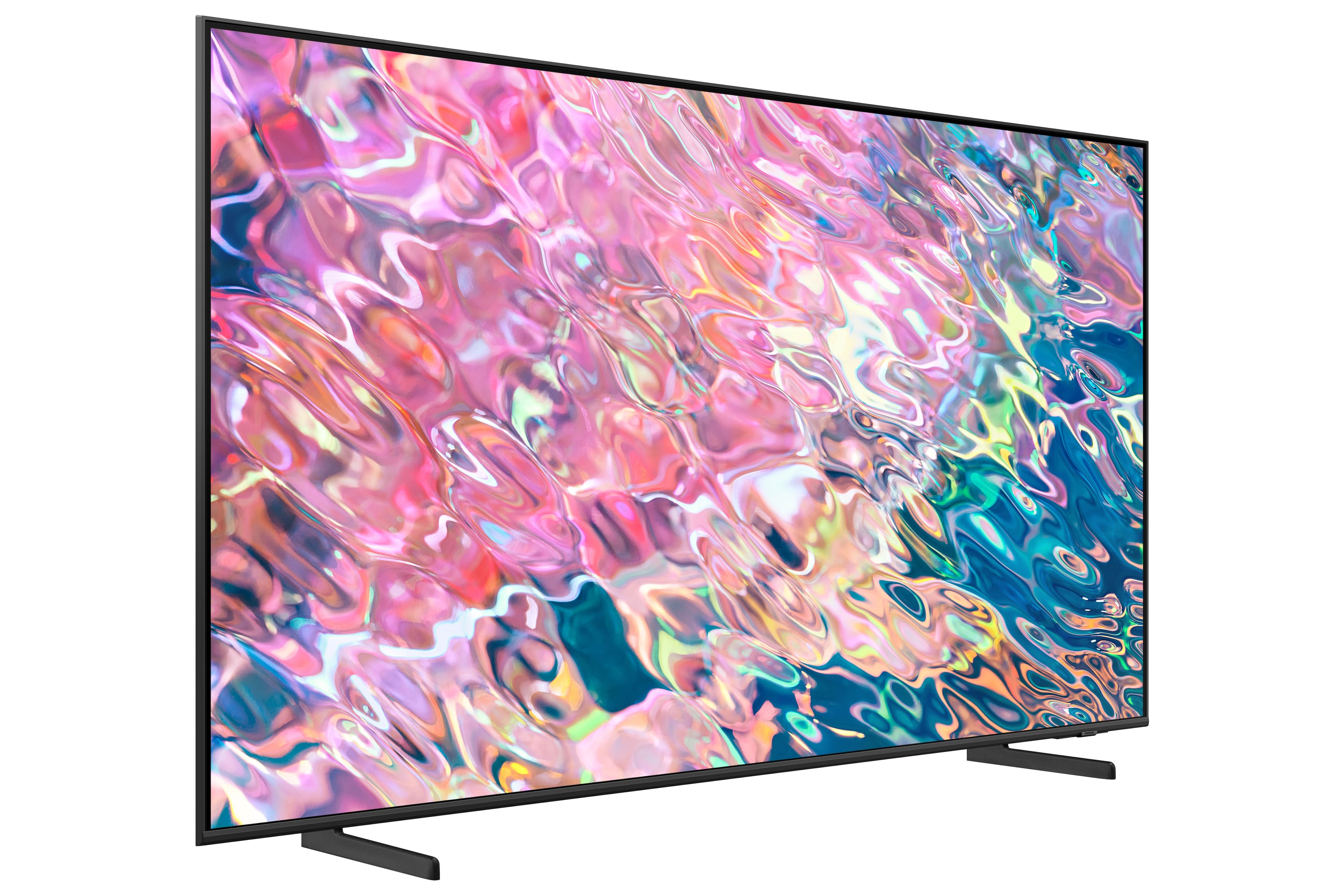
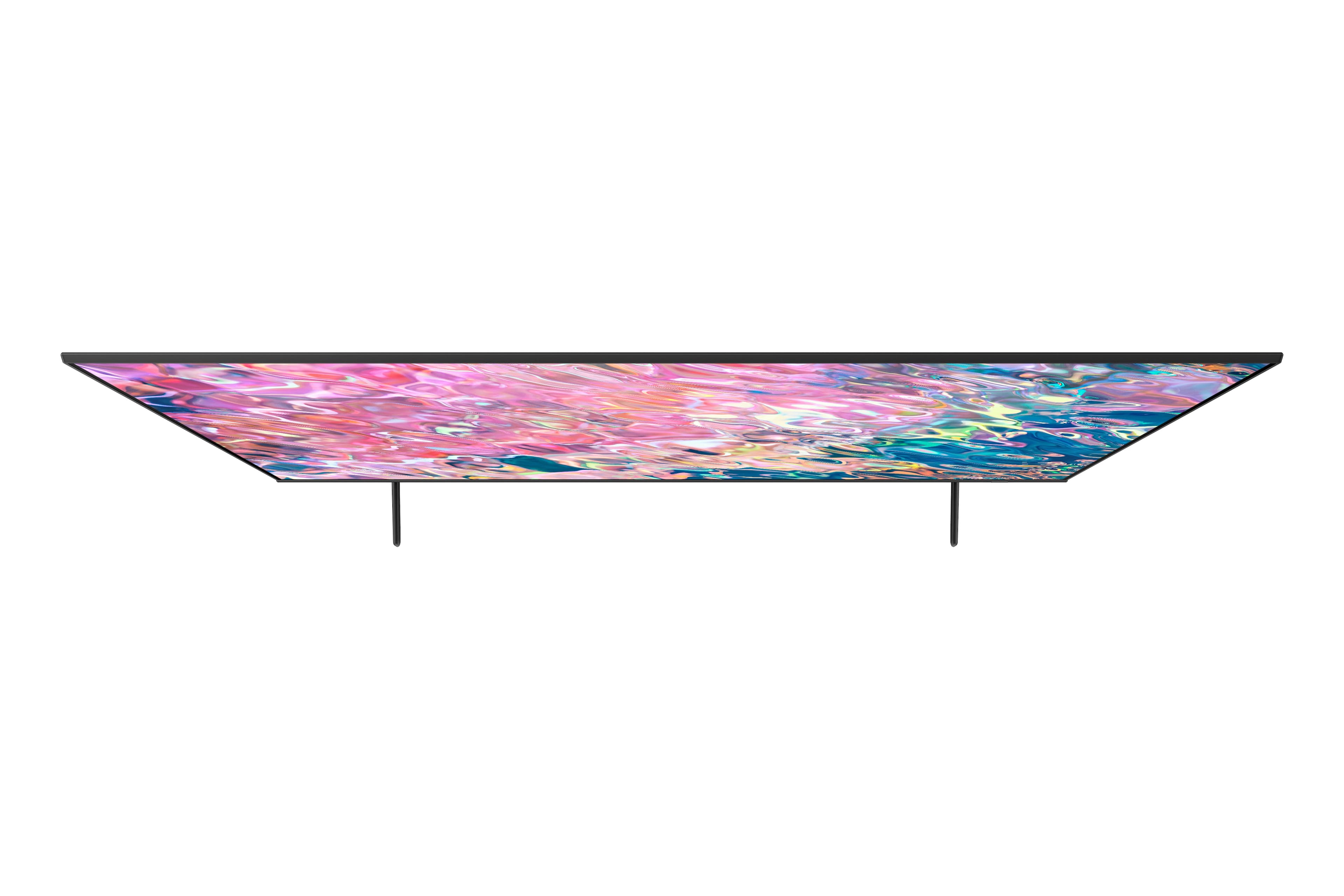
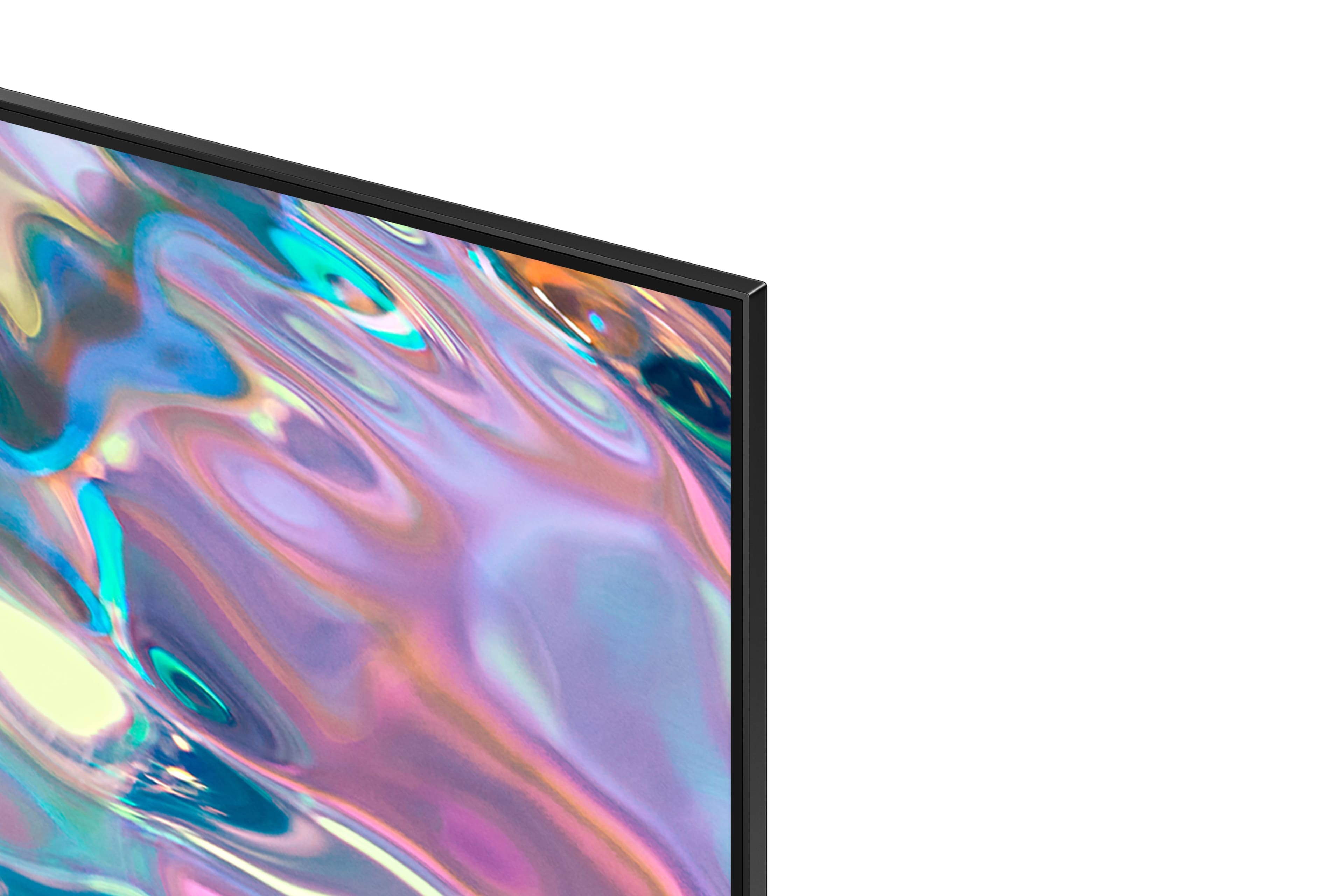
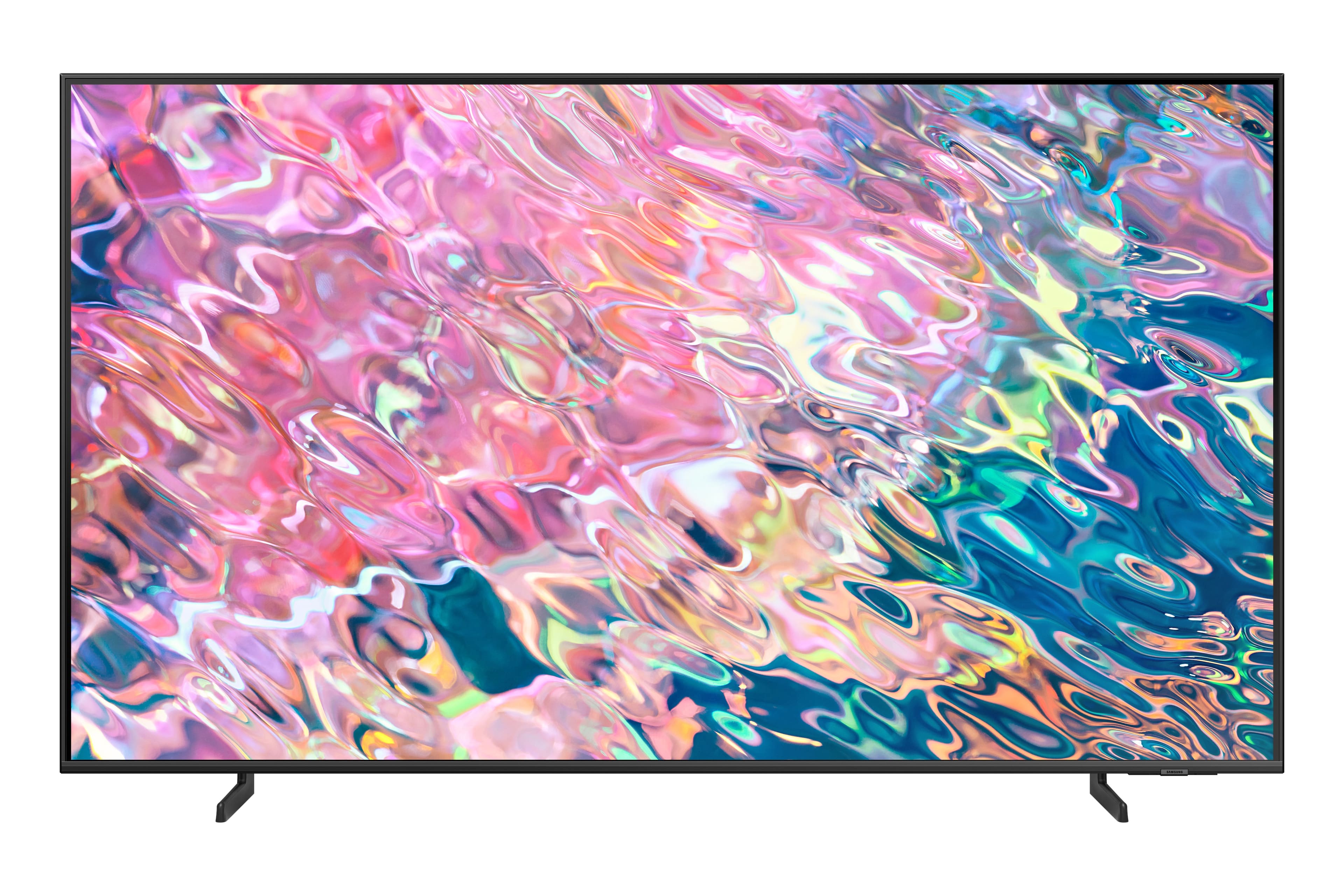
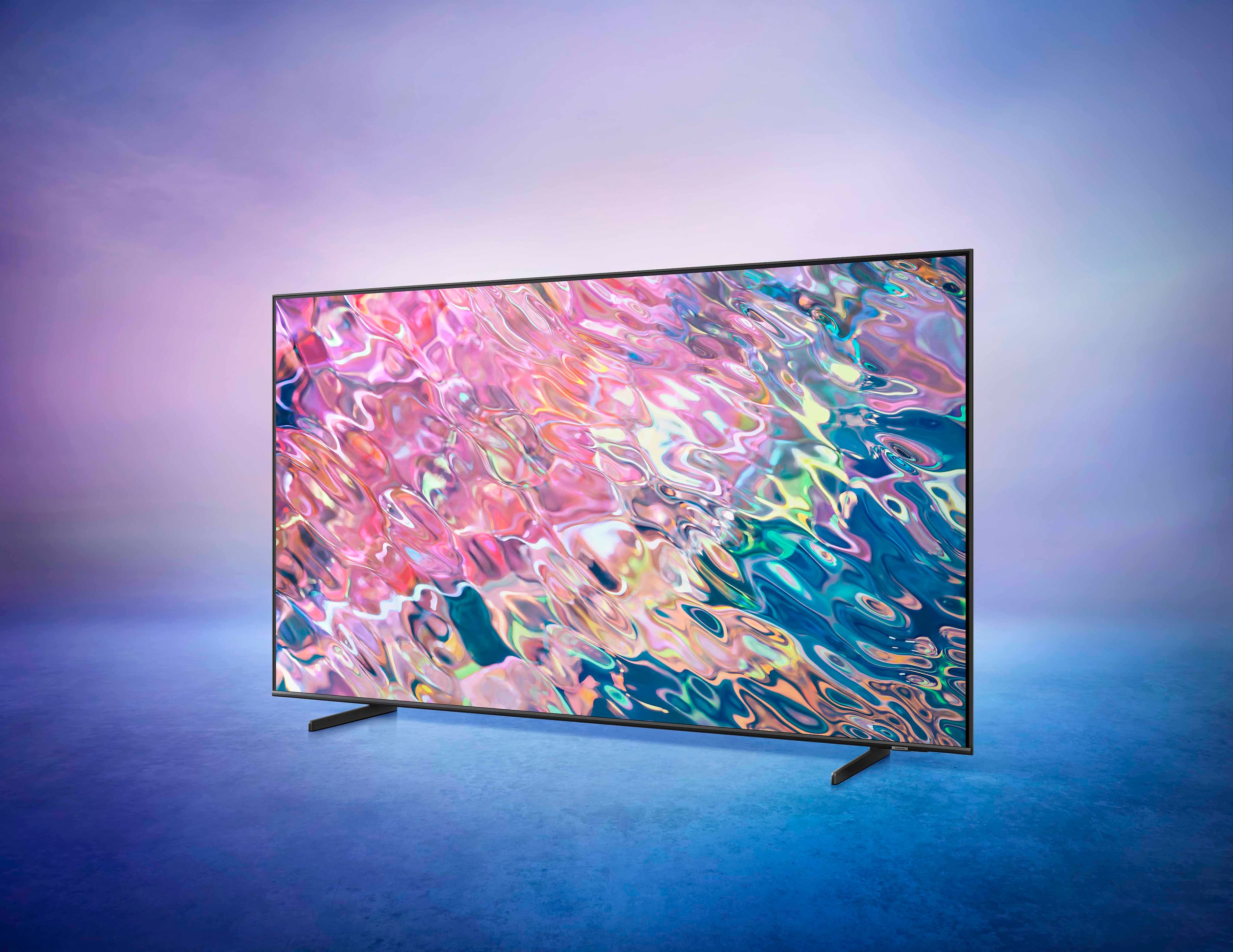
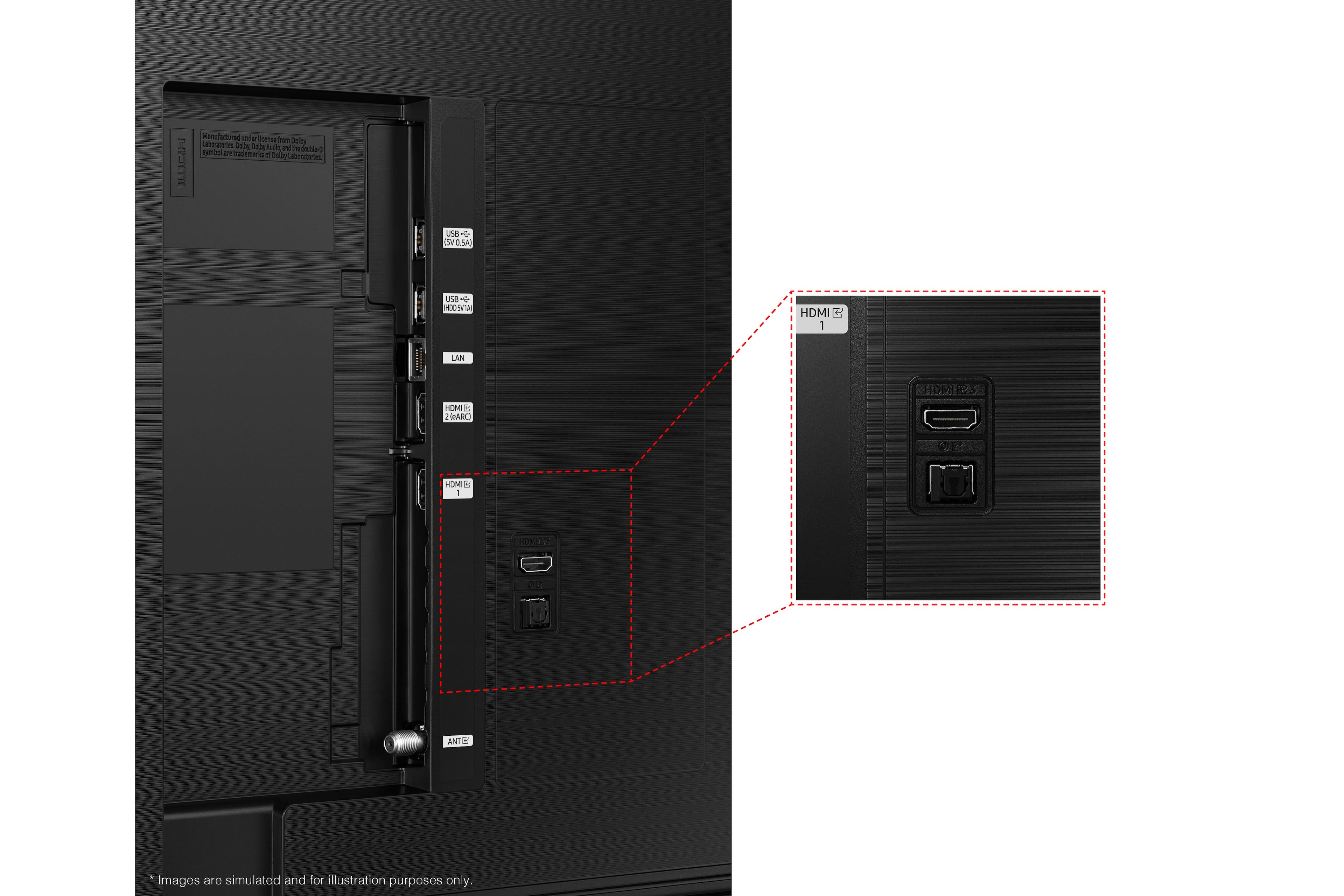


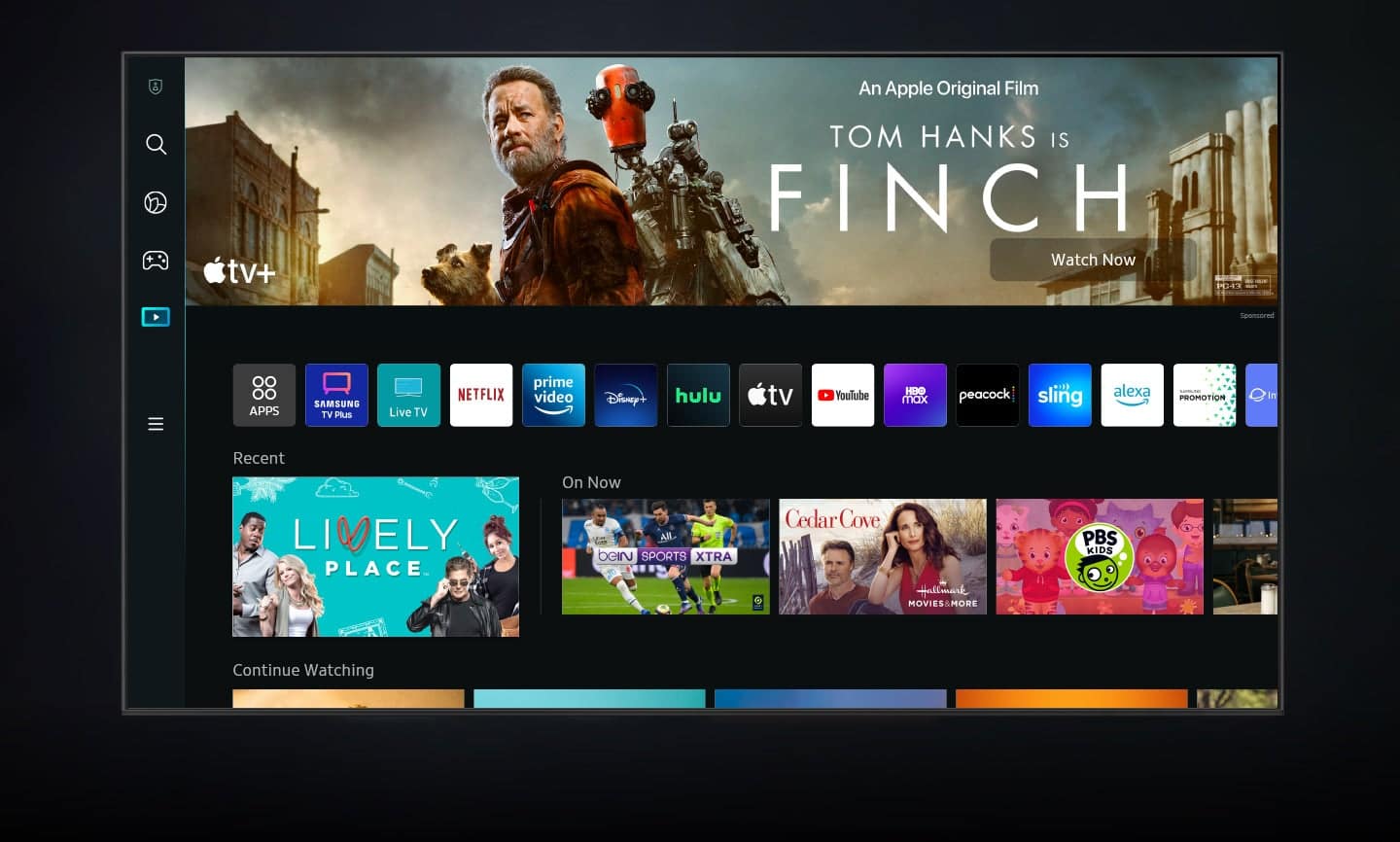










- Model:
- QN43Q60BAFXZA
- SKU:
- 6502237
Rating by feature
- Picture Quality
Rating 4.8 out of 5 stars
- Sound Quality
Rating 4.4 out of 5 stars
- Brightness
Rating 4.8 out of 5 stars
Customers are saying
Customers commend the 43” Class Q60B QLED 4K Smart Tizen TV for its exceptional picture quality, describing it as amazing, vibrant, and realistic. They also appreciate the easy setup process and the vibrant colors the TV produces. However, some customers have expressed concerns about the remote control, viewing angles, speakers, and slow performance when running certain applications.
This summary was generated by AI based on customer reviews.
TV
||Posted . Owned for 1 month when reviewed.This reviewer received promo considerations or sweepstakes entry for writing a review.Just ok. I would not recommend this TV. It doesn’t look like it did in the store.
No, I would not recommend this to a friendBrand response from Samsung
Posted .AngelaR,
Thank you for sharing your thoughts on the picture quality of your Q60B TV. To ensure you’ve got the latest image quality updates, please confirm that your TV is up to date with the latest firmware version. You can check by going to: Home > Menu > Settings > Support > Software Update.
If the picture you’re seeing is still not to your liking after updating firmware, there are several picture settings you may want to try adjusting.
Go to Home > Menu > Settings > All Settings > Picture > Picture Mode
...and select the mode that best fits your usage:
1) Standard: Is the default mode suitable for general viewing environments.
2) Movie: Is suitable for watching TV or movies in a dark room.
3) Dynamic: Makes the picture brighter and clearer in bright viewing environments.
4) Filmmaker Mode: You can watch the source content (e.g., movie) as it is. If the image is defined as Filmmaker Mode, it will automatically switch to Filmmaker Mode while watching.
You can also go to: Home > Menu > Settings > All Settings > Picture > Expert Settings to manually fine tune your image.
For further assistance with settings adjustments, please contact Samsung Customer Support at 1-800-SAMSUNG, 8AM - 12AM EST, 7 days a week. Or visit us on the Samsung website and click on the ‘Support’ link for:
• LiveChat
• Manuals, Software, & Warranty Info
~ Samsung Specialist
More than expected
||Posted . Owned for 1 month when reviewed.This reviewer received promo considerations or sweepstakes entry for writing a review.There’s much more than I expected from this television.
I would recommend this to a friendMeh
||Posted . Owned for 8 months when reviewed.This reviewer received promo considerations or sweepstakes entry for writing a review.TV is incredibly annoying. It will keep playing videos even when you turn the TV off. You have to pause a video or exit from an app manually for the tv to stop playing a video. It should close out apps when iy turns off but it does not.
No, I would not recommend this to a friendsamsung
||Posted . Owned for 3 weeks when reviewed.This reviewer received promo considerations or sweepstakes entry for writing a review.Samsung is the only brand of television that I use
I would recommend this to a friendNice and bright!
||Posted . Owned for 3 weeks when reviewed.This reviewer received promo considerations or sweepstakes entry for writing a review.Samsung never disappoints and this entry level Qled is perfect for my outside deck.
I would recommend this to a friendDon't buy
||Posted . Owned for 1 month when reviewed.This reviewer received promo considerations or sweepstakes entry for writing a review.This TV sucks, not worth 200$ and the remote is to small and way to sensitive. Turns off all the time if you grab the remote, buttons are so small you hit to at a time...I would take it back but I'm to lazy
No, I would not recommend this to a friendSamsung smart tv
||Posted . Owned for 3 weeks when reviewed.This reviewer received promo considerations or sweepstakes entry for writing a review.Took forever to figure out volume. Menu not as easy to navigate as my LG TV.
I would recommend this to a friendNew TV system
||Posted . Owned for 3 weeks when reviewed.This reviewer received promo considerations or sweepstakes entry for writing a review.It is a new system to learn and no manual to refer to for help.
I would recommend this to a friendBad recommendation from Best Buy setup Rep
||Posted . Owned for 1 month when reviewed.This reviewer received promo considerations or sweepstakes entry for writing a review.Disappointed with initial Samsung TV, so upgraded to this model. Best Buy setup Rep said to update Verizon FiOS to get better picture. This is not true. The picture quality is now much worse now and Verizon Rep came again and said it was the best he could do.
No, I would not recommend this to a friendDefective junk
||Posted . Owned for 1 month when reviewed.This reviewer received promo considerations or sweepstakes entry for writing a review.Yuck. Opened up and hooked it up and had a vertical line down the screen. THen a "blob" that looked like a giant blood spill on screen. Took it back for the 50 inch. Don't know about sound and brightness. Frustrated to have to box it up and return. But Best Buy was cool.
No, I would not recommend this to a friendBrand response from Samsung
Posted .biggschtick,
It’s unfortunate to hear that your experience with Samsung’s Q60B TV fell short of expectations. I also want to thank you for giving us a chance to make things right, and we greatly appreciate your patience in having deal with the inconvenience of an exchange.
Should you need help with your new unit, please contact Samsung Customer Support at 1-800-SAMSUNG, 8AM - 12AM EST, 7 days a week. Or visit us on the Samsung website and click on the ‘Support’ link for:
• LiveChat
• Manuals, Software, & Warranty Info
~ Samsung Specialist
Mrs
||Posted . Owned for 3 weeks when reviewed.This reviewer received promo considerations or sweepstakes entry for writing a review.Fine choice. Too bad I didn’t buy a larger one good value
I would recommend this to a friendSmart TV
||Posted . Owned for 3 weeks when reviewed.This reviewer received promo considerations or sweepstakes entry for writing a review.So far so good Always have bought Samsung. Trusted brand.
I would recommend this to a friendSound problems
||Posted . Owned for 1 month when reviewed.This reviewer received promo considerations or sweepstakes entry for writing a review.Several times the sound has stopped working while watching TV. I have called the manufacturer and they ask me to check for updates or restart the TV.
I would recommend this to a friendBrand response from Samsung
Posted .JoshW,
It’s unfortunate to hear you’re not receiving sound from your Q60B TV. There are a few troubleshooting steps you can try:
1) Please check the volume control of your TV, and then check the volume control of any external devices (cable box or satellite box, DVD, Blu-ray, etc.) connected to your TV. Also check the cable connection between any external device and the TV and then try cable connection again.
2) Set Sound Output to TV Speaker by going to: Settings > All Settings > Sound > Sound Output
3) Check whether Digital Output Audio Format is set to Pass-Through by going to Settings > All Settings > Sound > Expert Settings > Digital Output Audio Format > Auto
If there is sound but it is not clear, run a diagnostic test. On the remote control, press the Home button. Go to Settings > Support > Device Care > Self Diagnosis > Sound Test.
I hope this helps. Should your issue persist, please contact Samsung Customer Support at 1-800-SAMSUNG, 8AM - 12AM EST, 7 days a week. Or visit us on the Samsung website and click on the ‘Support’ link for:
• LiveChat
• Manuals, Software, & Warranty Info
~ Samsung Specialist
Samsung new remotes are junk
||Posted . Owned for 3 months when reviewed.This reviewer received promo considerations or sweepstakes entry for writing a review.Remote is garbage. Bought 3 Samsung TV’s on the same day in March. Now, cannot operate any of them because the remotes do not work. Can only turn on and off.
No, I would not recommend this to a friend43" Samsung TV
||Posted . Owned for 1 month when reviewed.This reviewer received promo considerations or sweepstakes entry for writing a review.The TV is quite adequate for what we were looking for.
I would recommend this to a friendPoor for movies, but great for tv shows
||Posted . Owned for less than 1 week when reviewed.This reviewer received promo considerations or sweepstakes entry for writing a review.Poor for watching movies, but great for tv shows. Rtings gave it a 7.1 for movies and 8.2 for tv shows and they are correct. Don’t buy if you watch a lot of movies. I watch tv shows on this tv, but not movies.
No, I would not recommend this to a friendBrand response from Samsung
Posted .TreeReed,
Thank you for sharing your review. The Q60B TV has several Picture Modes to choose from allowing you to enjoy content in optimal conditions. Go to Menu > Settings > All Settings > Picture > Picture Mode. When watching movies, you may want to try Dynamic or Filmmaker Modes.
You can also go to: Menu > Settings > All Settings > Picture > Expert Settings and configure the TV settings to your taste with functions such as Brightness, Contrast, Sharpness, Color, Tint (G/R), and many more.
Please also make sure you’re running the latest firmware. You can check to see what software version your TV is using and if there is an update available by going to: Home > Menu > Settings > Support > Software Update > Update Now.
If you’d like more help with settings, please know we’re here to help! Call us at 1-800-SAMSUNG, 8AM - 12AM EST, 7 days a week. Or visit us on the Samsung website and click on the ‘Support’ link for:
1) LiveChat
2) Manuals, Software, & Warranty Info
~ Samsung Specialist
Samsung 43" tv.
||Posted . Owned for 3 weeks when reviewed.This reviewer received promo considerations or sweepstakes entry for writing a review.The picture is a bit blurry. Not crystal clear like I expected it to be. Disappointed. I wish I would have gone for the neo qled on Amazon like I was going to.
No, I would not recommend this to a friendBrand response from Samsung
Posted .MichaelM,
I’m sorry to hear you’re not fully satisfied with the clarity of your Q60B TV. If you’re noticing blurring or juddering on the screen, try adjusting the Picture Clarity Settings to improve your image. Go to: Menu > Settings > All Settings > Picture > Expert Settings > Picture Clarity Settings
- Off: Picture Clarity Settings will always be off
- Auto: Picture Clarity Settings will automatically activate and deactivate based on the type of program being watched
- Custom: Allows custom adjustments and settings to be used. By selecting the Custom option, you can access these advanced settings for Judder Reduction, LED Clear Motion, and Noise Reduction.
If you’d like more assistance with settings, please know we’re here to help. Call us at 1-800-SAMSUNG, 8AM - 12AM EST, 7 days a week. Or visit us on the Samsung website and click on the ‘Support’ link for:
• LiveChat
• Manuals, Software, & Warranty Info
~ Samsung Specialist
Disappointed!
||Posted . Owned for 1 month when reviewed.This reviewer received promo considerations or sweepstakes entry for writing a review.I always buy Samsung - Ibought this to replace my prior Samsung 42" which I loved, but this was an extreme disappointment. The sound is terrible - I am forced to buy a Bose sound bar, and the TV started to talk - from the accessibility menu (for the blind), however, I never use the TV's remote (I use the Comcast remote) so I didn't accidentally activate it, and I can't figure out how to turn it off. I googled this and found out its happened to others - its maddening! I wish I could give this TV back.
No, I would not recommend this to a friendBrand response from Samsung
Posted .Hi Disappointed,
If your TV is announcing everything you do, Voice Guide is turned on. Voice Guide is an accessibility function to assist users who are visually impaired. It’s possible you’ve accidentally turned it on by holding down the volume button on your TV remote.
To turn off Voice Guide, navigate to: Home > Menu > Settings > All Settings > General & Privacy > Accessibility > Voice Guide Settings > Voice Guide.
To address the sound issues you're experiencing, please know your Q60B TV has several sound settings you can adjust to suit your personal sound preferences.
Change the Sound Mode by going to: Settings > All Settings > Sound > Sound Mode
You can also customize sound by going to: Settings > All Settings > Sound > Expert Settings
To assist you with possible sound settings adjustments for a better audio experience, or choosing a Samsung Soundbar to complement your viewing enjoyment, please reach out to us at 1-800-SAMSUNG, 8AM - 12AM EST, 7 days a week. Our LiveChat agents are also available by clicking on the ‘Support’ link on our website.
~ Samsung Specialist
Good and Bad about this Particular Samsung Model
||Posted . Owned for 2 weeks when reviewed.This reviewer received promo considerations or sweepstakes entry for writing a review.The legs on this replacement are shorter then the other TV and I have to look slightly down, which is bothering my neck that I have a disabilitly with. All legs on these TVs should be the same height!
No, I would not recommend this to a friendBrand response from Samsung
Posted .Angeldiva,
Thank you for your review of Samsung's Q60B TV stand. Your thoughts are appreciated and will be shared with our design team.
If there’s anything we can ever help with, please call us at 1-800-SAMSUNG, 8AM - 12AM EST, 7 days a week. Or visit us on the Samsung website and click on the ‘Support’ link for:
• LiveChat
• Manuals, Software, & Warranty Info
~ Samsung Specialist
Office TV
||Posted . Owned for 3 weeks when reviewed.This reviewer received promo considerations or sweepstakes entry for writing a review.Not satisfied! We have had 6 visits from Geek Squad & Cox and the issue is still not resolved. One says it's the TV, the other says it's the cable.
No, I would not recommend this to a friend