Customer Ratings & Reviews
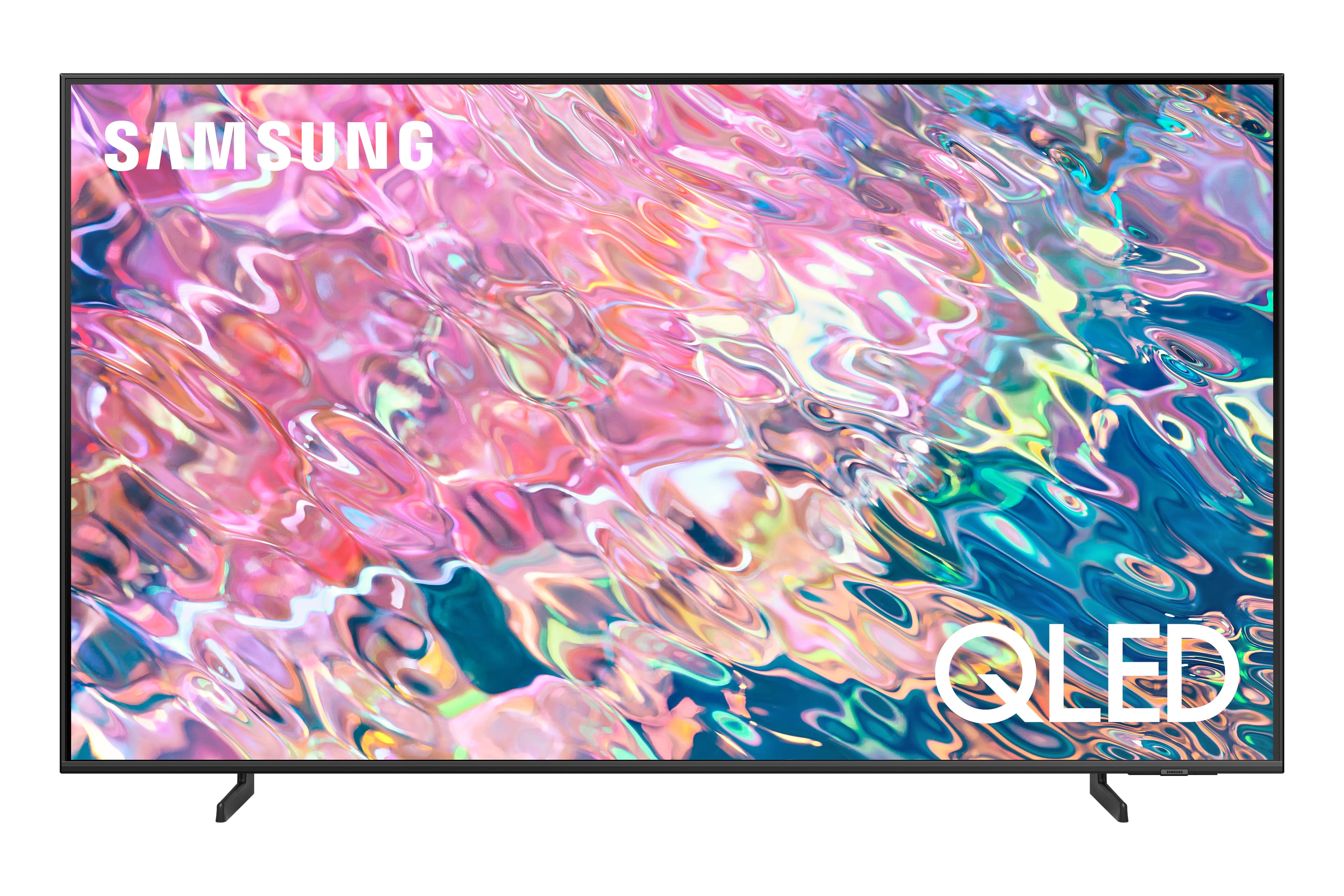
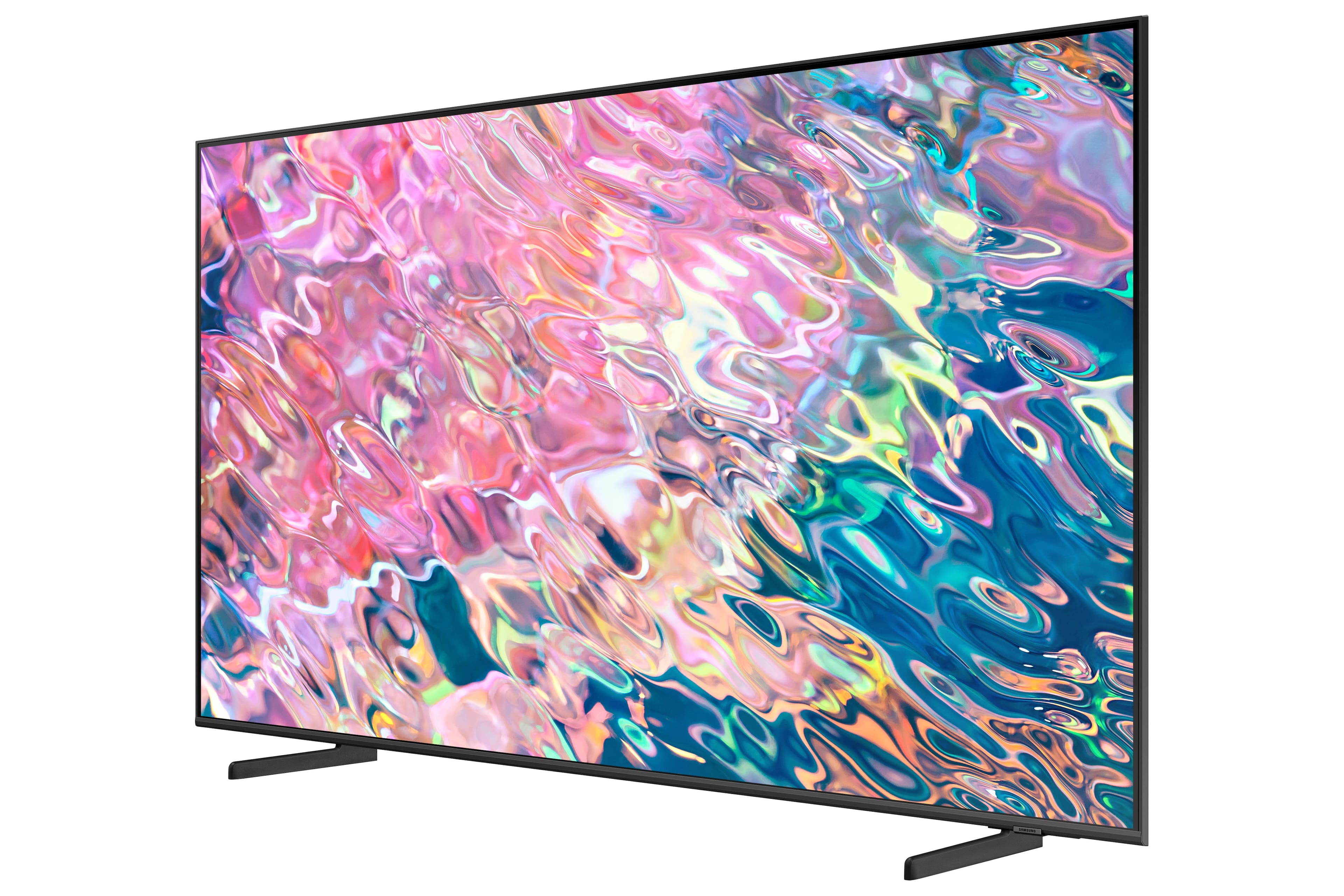
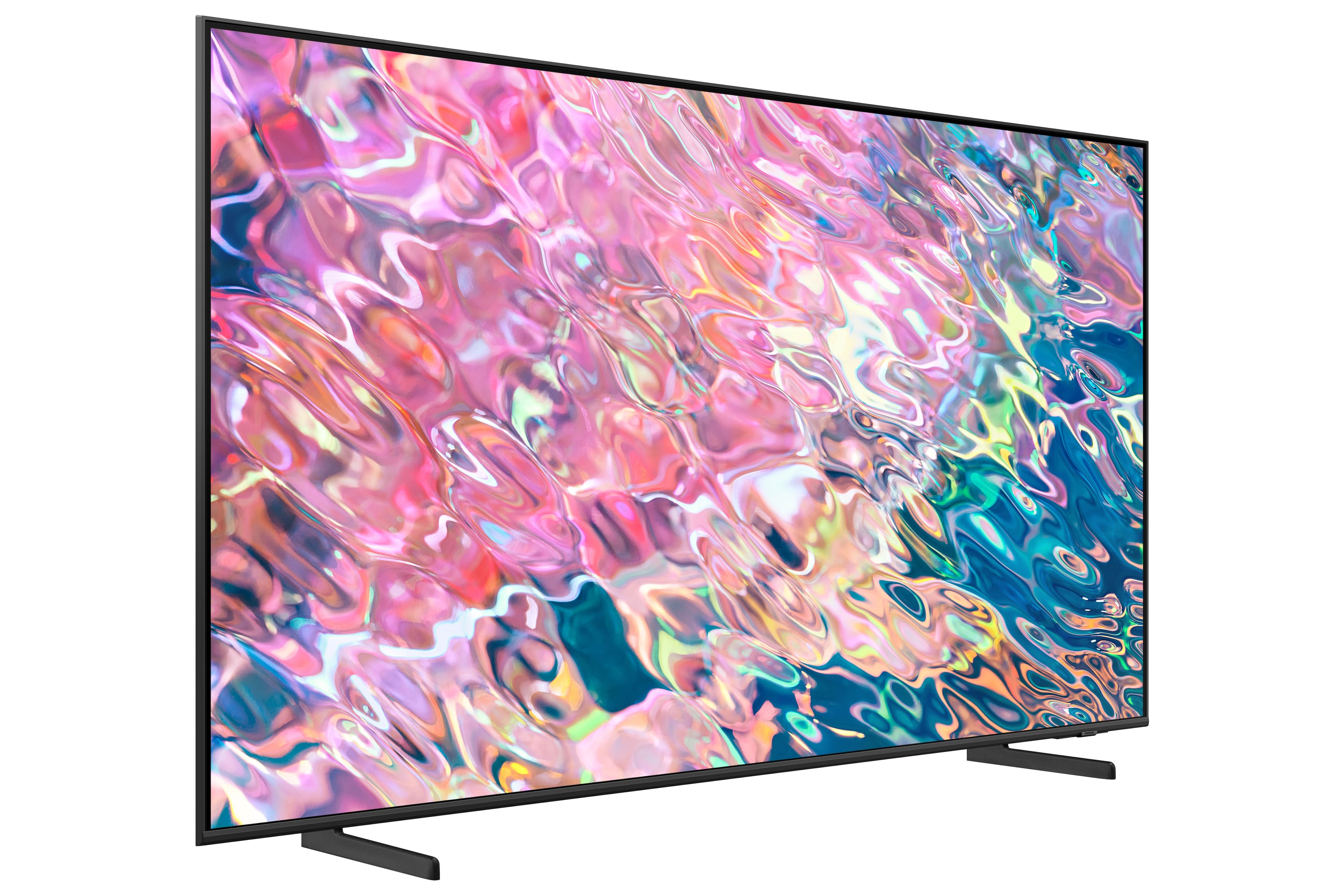
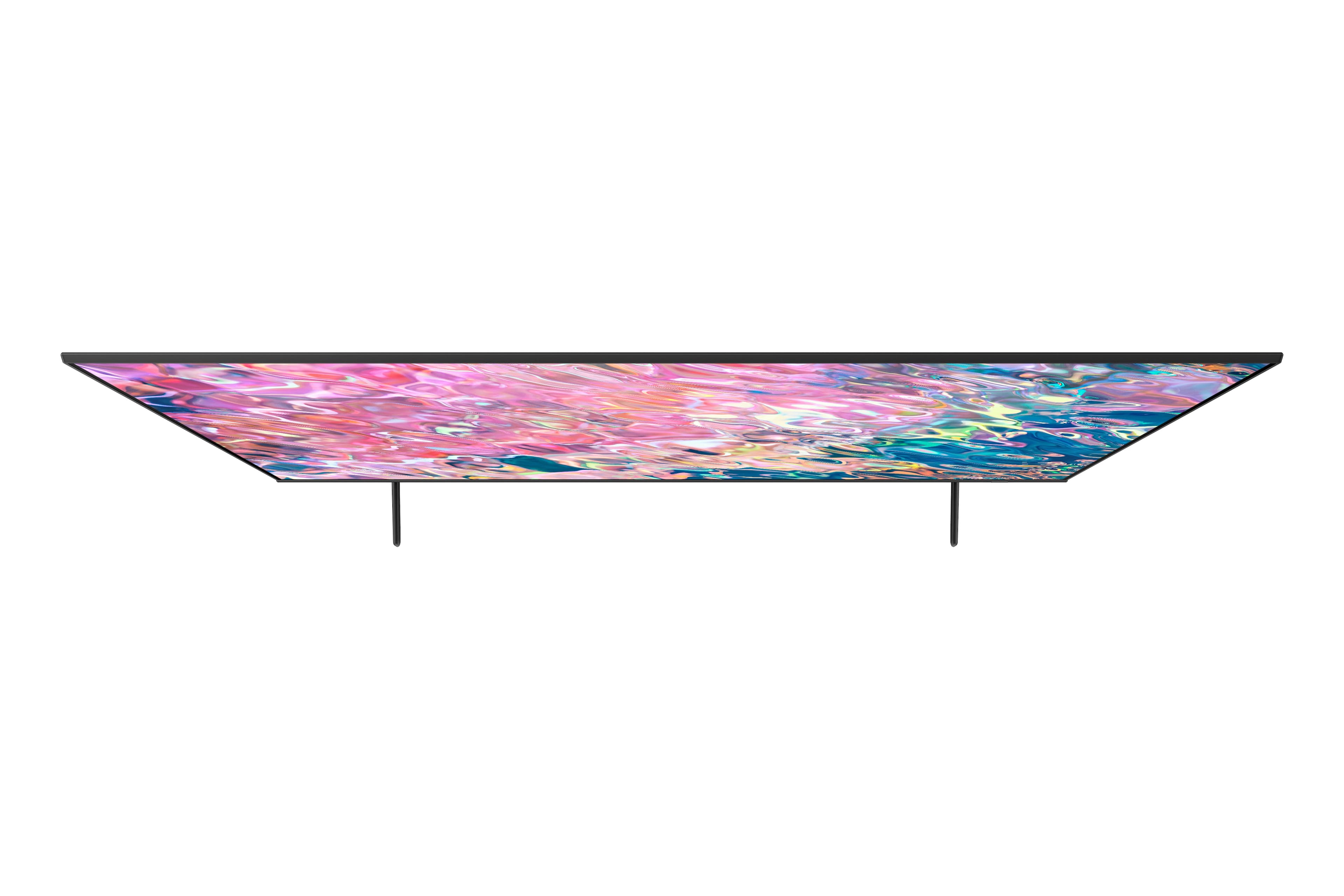
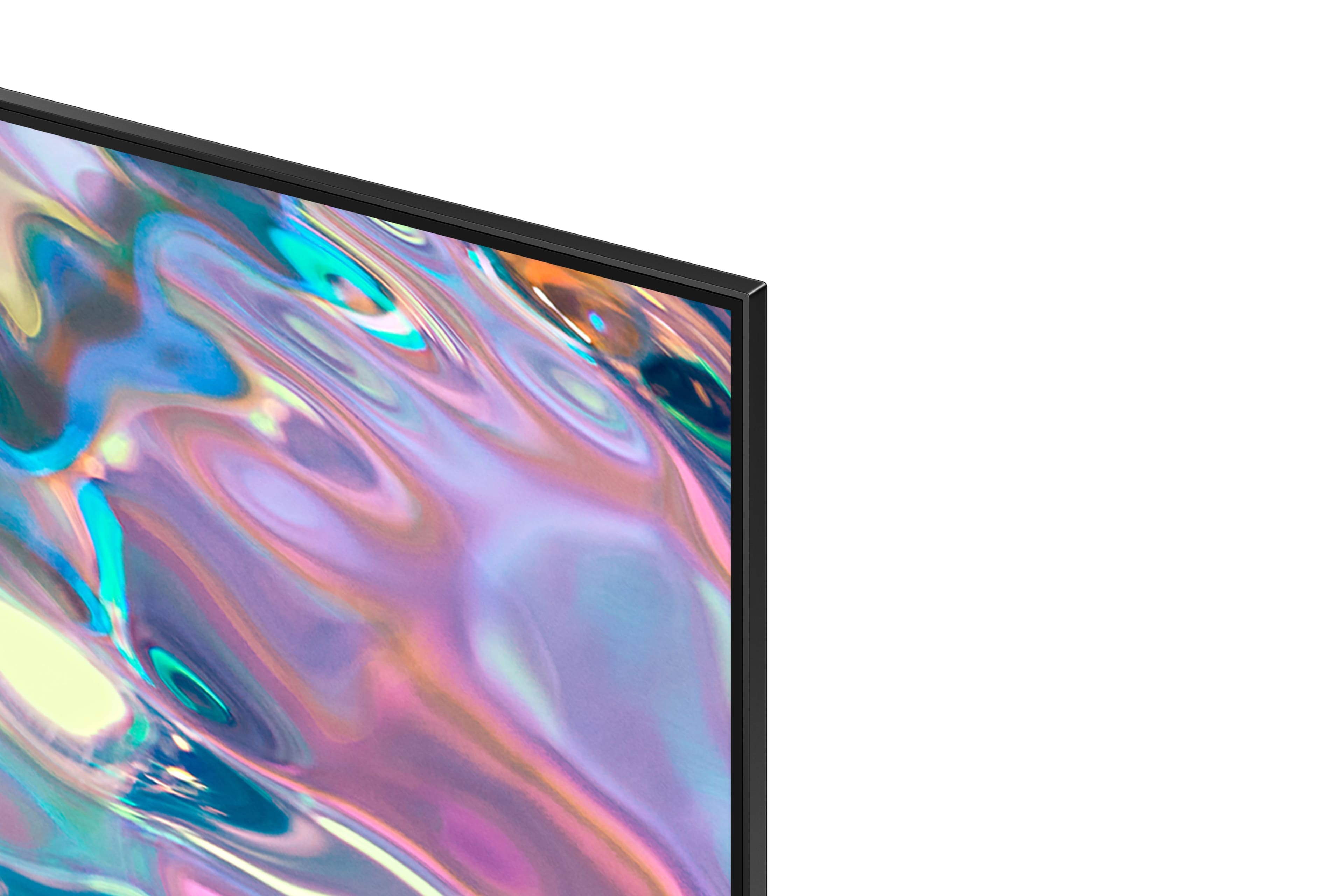
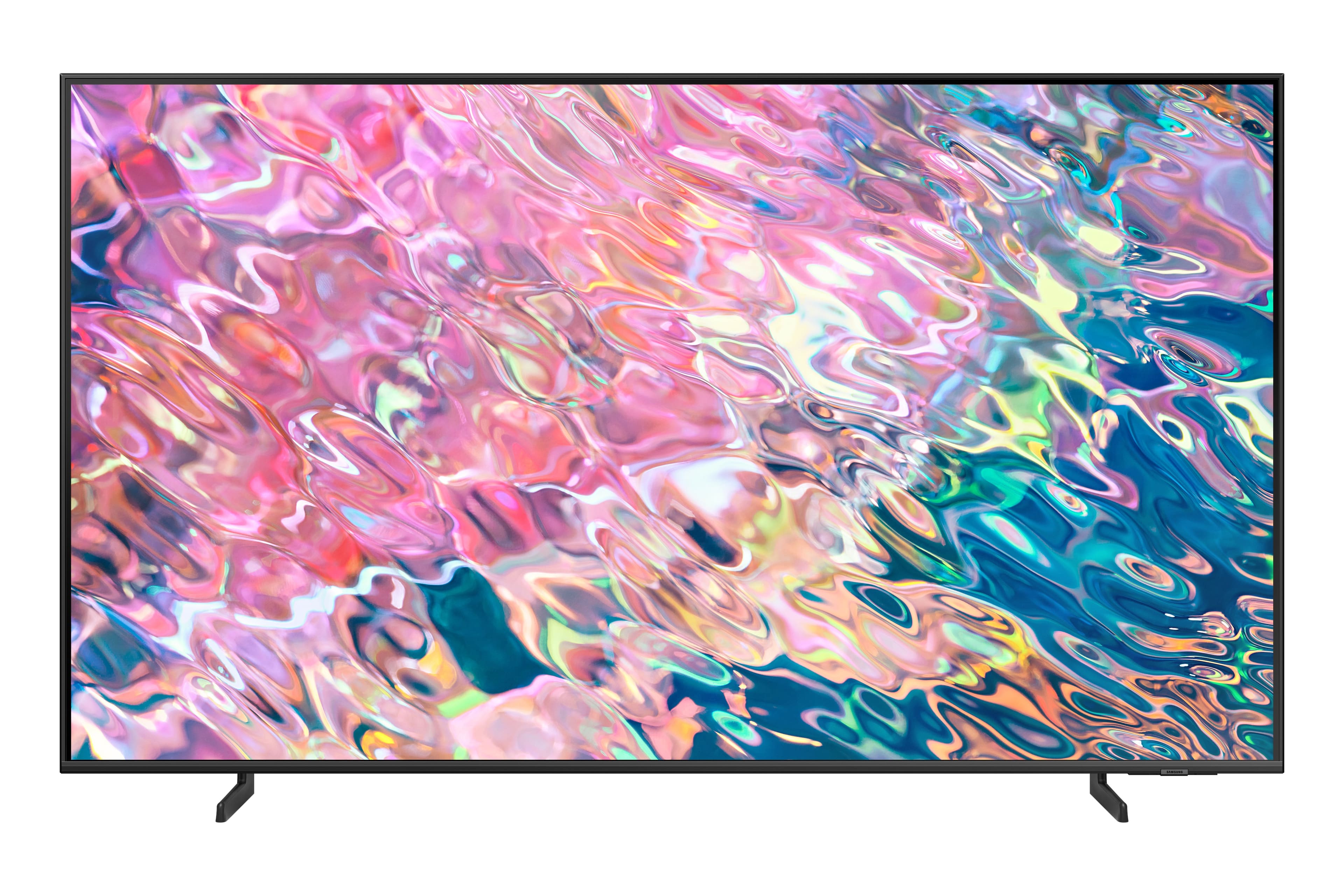












- Model:
- QN43Q60BAFXZA
- SKU:
- 6502237
Rating by feature
- Picture Quality
Rating 4.8 out of 5 stars
- Sound Quality
Rating 4.4 out of 5 stars
- Brightness
Rating 4.8 out of 5 stars
Customers are saying
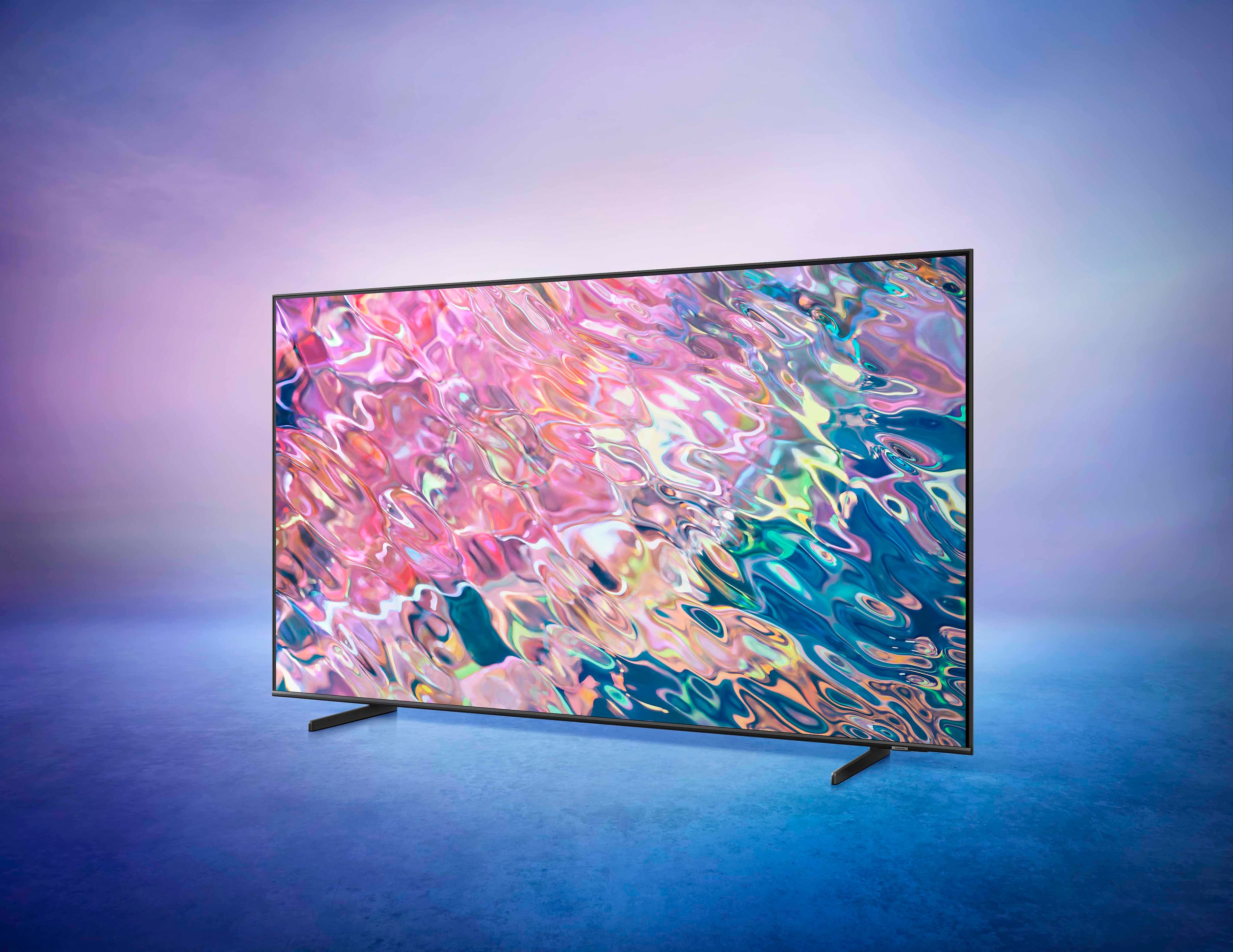
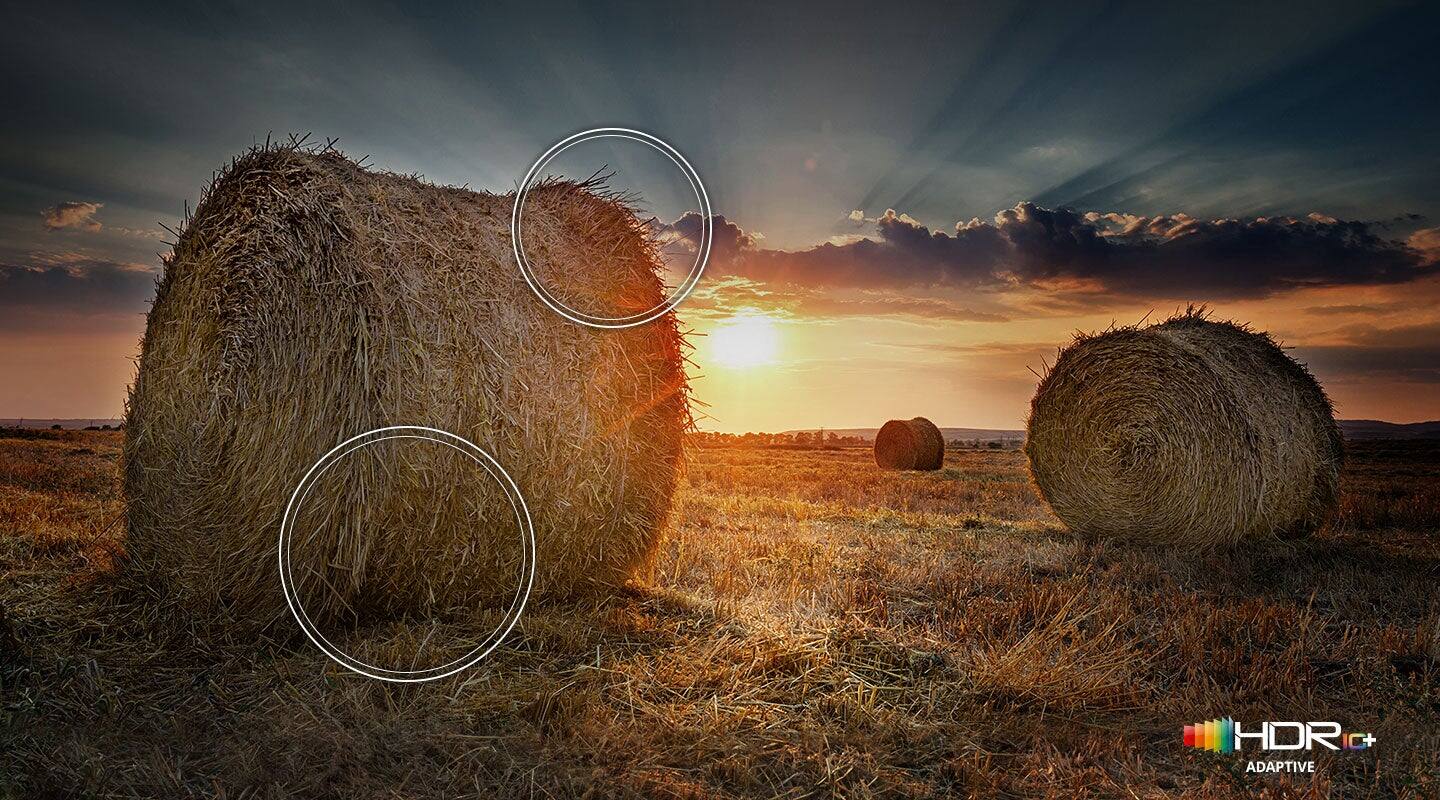
Customers commend the 43” Class Q60B QLED 4K Smart Tizen TV for its exceptional picture quality, describing it as amazing, vibrant, and realistic. They also appreciate the easy setup process and the vibrant colors the TV produces. However, some customers have expressed concerns about the remote control, viewing angles, speakers, and slow performance when running certain applications.
This summary was generated by AI based on customer reviews.
- Pros mentioned:Picture quality
Love it
Posted .This reviewer received promo considerations or sweepstakes entry for writing a review.Picture, sound quality is amazing! Easy setup love it
I would recommend this to a friend Like this tv
Posted .This reviewer received promo considerations or sweepstakes entry for writing a review.Lik,e this smart TV way better than our 10 year old Insignia Roku TV. Good resolution and color. Audio doesn't impress, but we use a sound bar. A good budget buy.
I would recommend this to a friendIn and out
Posted .This reviewer received promo considerations or sweepstakes entry for writing a review.Exellent help given to me by my sales person. I was in and out with new TV and sound bar.
I would recommend this to a friendA big change
Posted .This reviewer received promo considerations or sweepstakes entry for writing a review.WE replaced our 20 year old tv with this so, of course, we are absolutely delighted.
I would recommend this to a friendTv Review
Posted .This reviewer received promo considerations or sweepstakes entry for writing a review.Very good and affordable television. Will be buying from Best Buy again.
I would recommend this to a friend43"Q60B QLED 4K
Posted .This reviewer received promo considerations or sweepstakes entry for writing a review.I 've had it for about a month. It's a nice tv and it doesn't use 425 watts.
I would recommend this to a friendHey
Posted .This reviewer received promo considerations or sweepstakes entry for writing a review.i want to know this tv build with chromecast and miracast too
I would recommend this to a friendDisappointed Samsung Customer
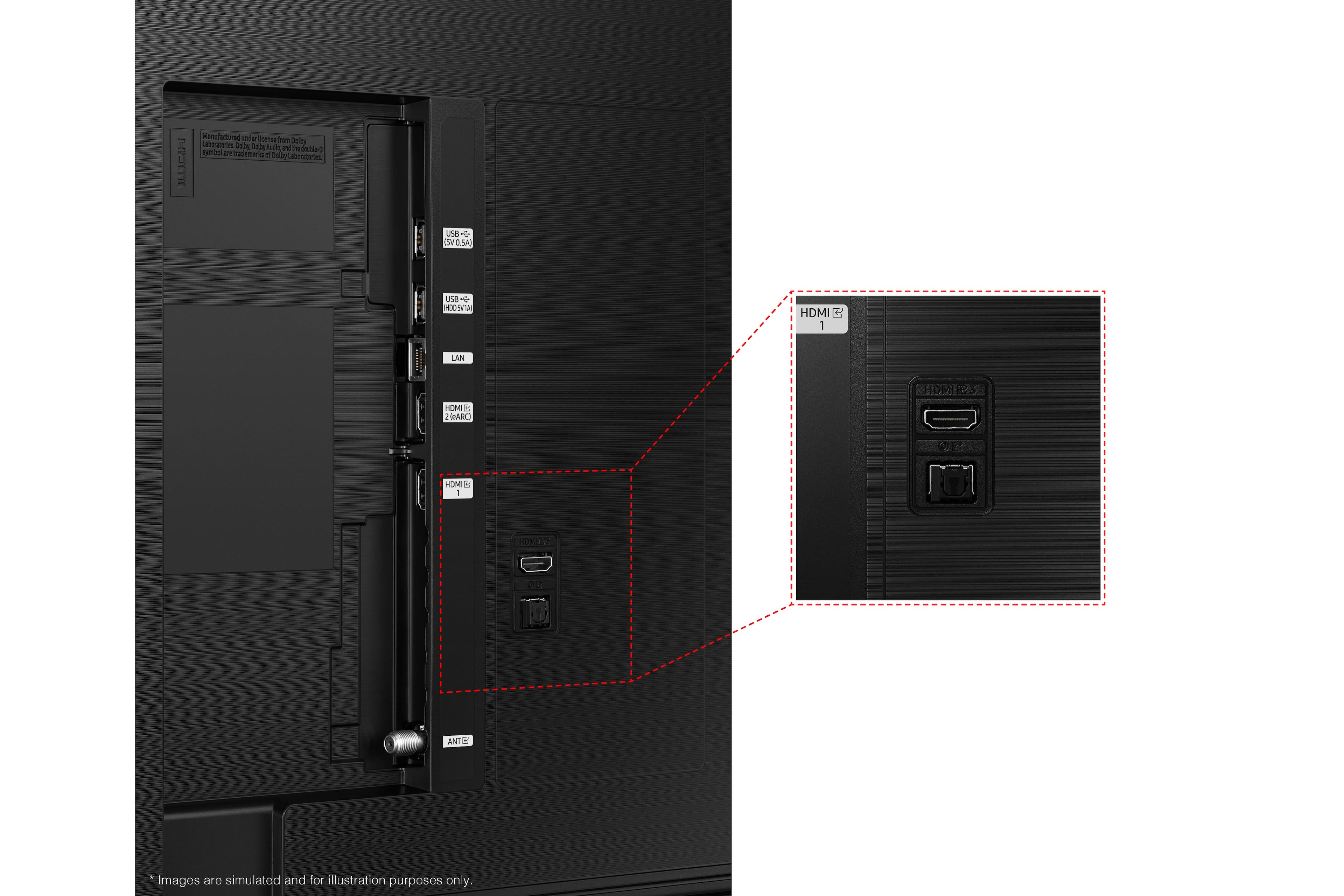
Posted .This reviewer received promo considerations or sweepstakes entry for writing a review.I became very unsatisfied with this Samsung Q60 tv about a month after my purchased in March 2022. The TV did a automatic software update a month after using it. Since then every time i turn on the tv, the black seems to bleed everywhere making the picture somewhat blurry. To correct it, i go to settings and select anyone of the picture options to clear the picture. i have to do this everytime i turn on the tv. Now about a week ago, the tv keeps disconnecting my Samsung theater system. the TV tells me that the receiver is connected to an HDMI that does not support HDMI-earc. Its been working since i had the tv in March, now November it does not support, All my TVs are Samsung and were replaced by Samsung, this is the first Samsung tv that i am very disappointed with that made me wanted to send a review of my dismay.
No, I would not recommend this to a friendBrand response from Samsung
Posted .Hi,
I'm sorry to hear of the image quality and HDMI connectivity issues you're experiencing with your Q60B TV. Please give us the opportunity to look into this for you so we can provide additional settings adjustments or troubleshooting assistance specific to your usage scenario.
You can reach Samsung Support at 1-800-SAMSUNG, 8AM - 12AM EST, 7 days a week. Our LiveChat agents are also available by clicking on the ‘Support’ link on our website.
We look forward to hearing from you.
~ Samsung Specialist
Very unsatisfied
Posted .This reviewer received promo considerations or sweepstakes entry for writing a review.I bought a Samsung 43" QLED TV in March. This is the worst TV I've ever owned. The picture and sound are horrible. The sales person knew nothing about it and they didn't even have one hooked up to sample. I'll never buy another TV from Best Buy and I will be replacing this TV soon.
No, I would not recommend this to a friendBrand response from Samsung
Posted .Russ,
I'm sorry to hear you're not fully satisfied with the picture and sound quality of Samsung's Q60B TV. To ensure your TV is fully optimized, please be sure you’re running the latest firmware. You can check to see what software version your TV is using and if there is an update available by going to: Home > Menu > Settings > Support > Software Update > Update Now.
Your TV features Object Tracking Sound which tracks the action with strategically placed dynamic speakers and Adaptive Sound which automatically adjusts audio to enhance everything from dialogue to music and sports.
You can select a sound mode that you prefer for a content type or your listening environment. Go to: Home > Menu > Settings > All Settings > Sound > Sound Mode
You can also customize balance and equalizer settings by going to: Home > Menu > Settings > All Settings > Sound > Expert Settings
Additionally, there are image adjustments you can make to optimize your picture to suit your preferences. Your TV has several Picture Modes to choose from allowing you to enjoy content in optimal conditions. Go to Home > Menu > Settings > All Settings > Picture > Picture Mode
You can also go to: Menu > Settings > Picture > Expert Settings > Contrast Enhancer to manually fine tune your image.
I hope these tips help. If we can further help with any other issues, please know we are here for you. Just call us at 1-800-SAMSUNG, 8AM - 12AM EST, 7 days a week. Or visit us on the Samsung website and click on the ‘Support’ link for:
1) LiveChat with an agent
2) Manuals, Software, & Warranty Info
~ Samsung Specialist