Customer Ratings & Reviews
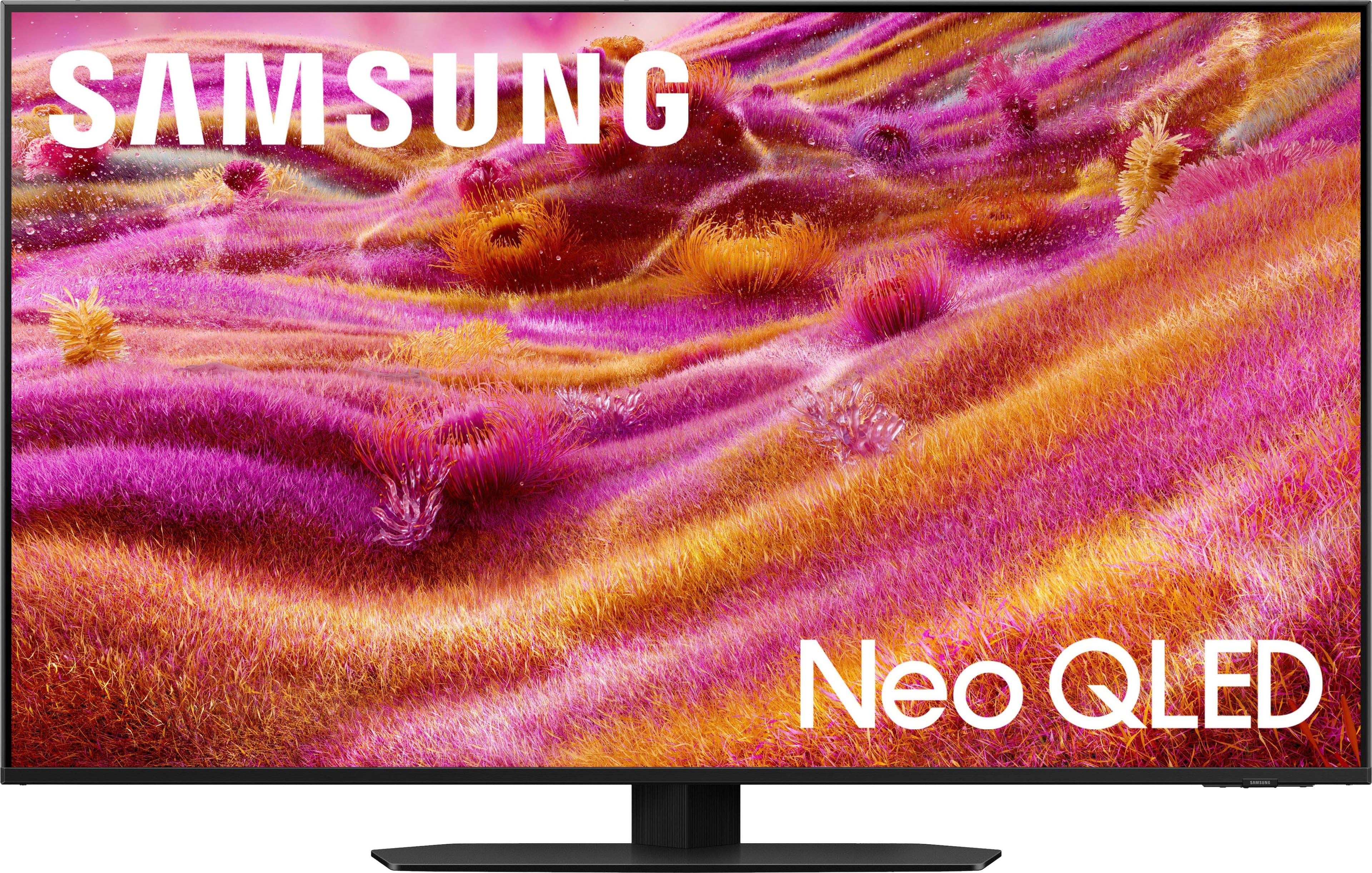
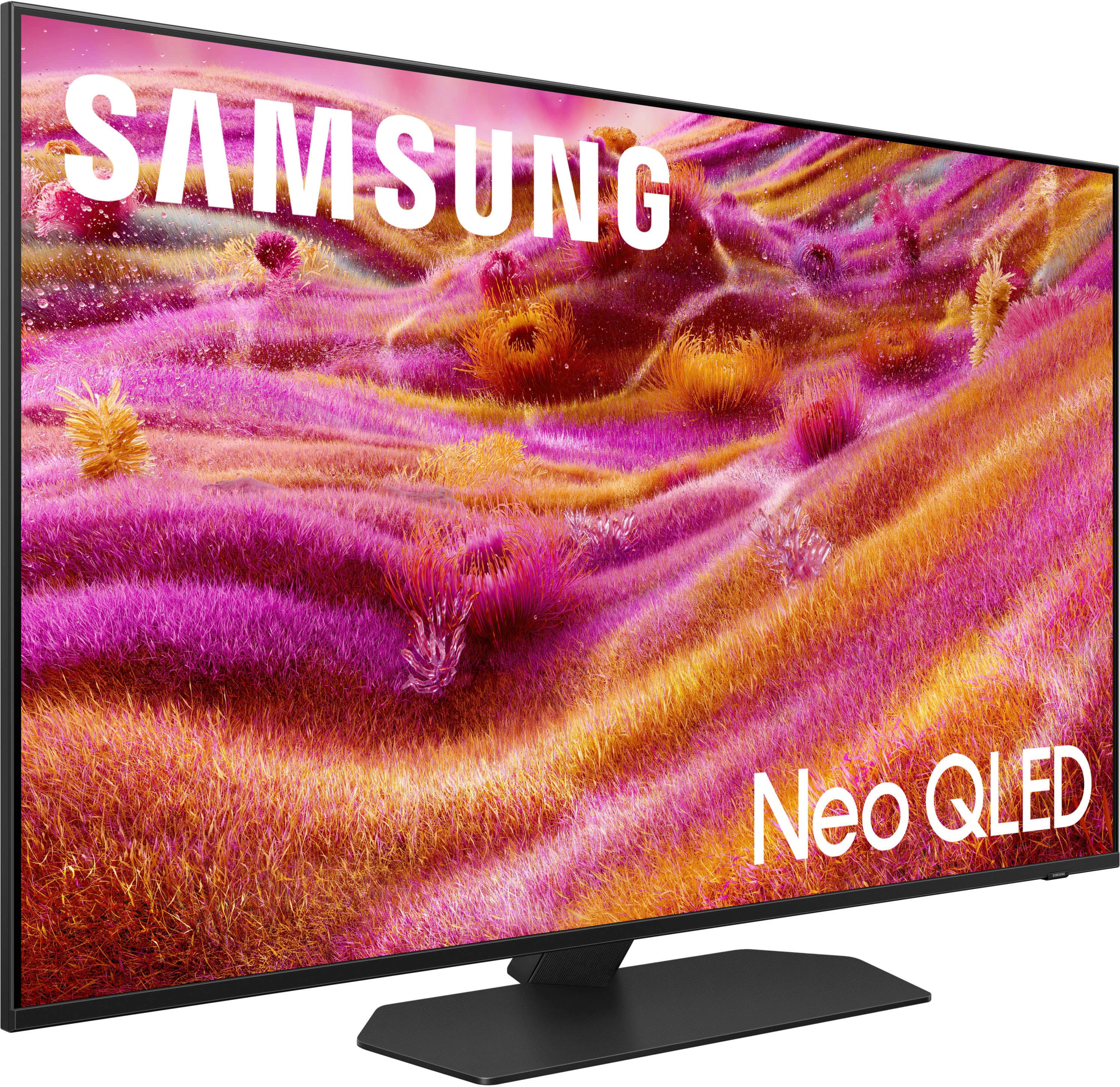
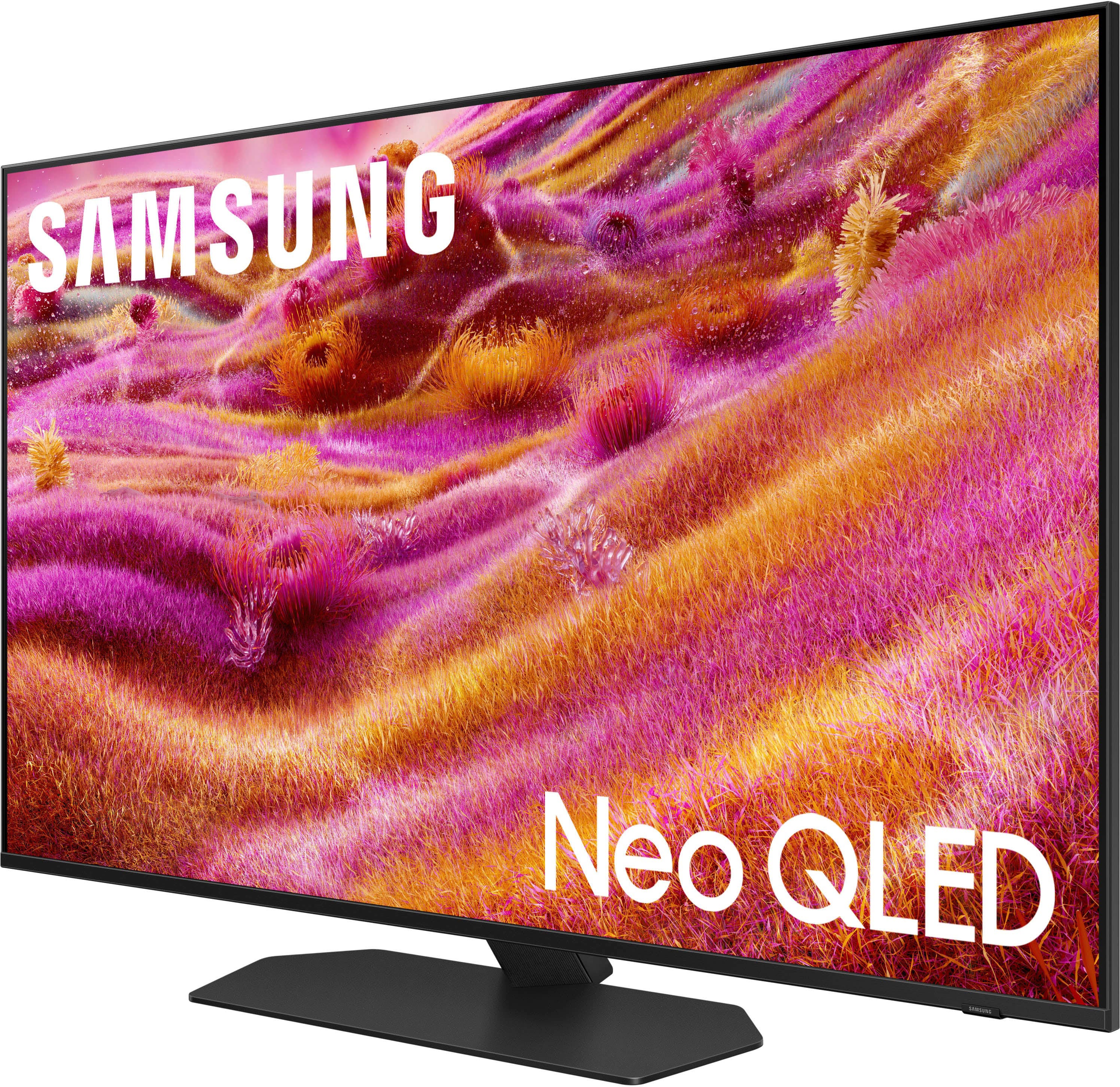






- Model:
- QN50QN90FAFXZA
- SKU:
- 10313313
Rating by feature
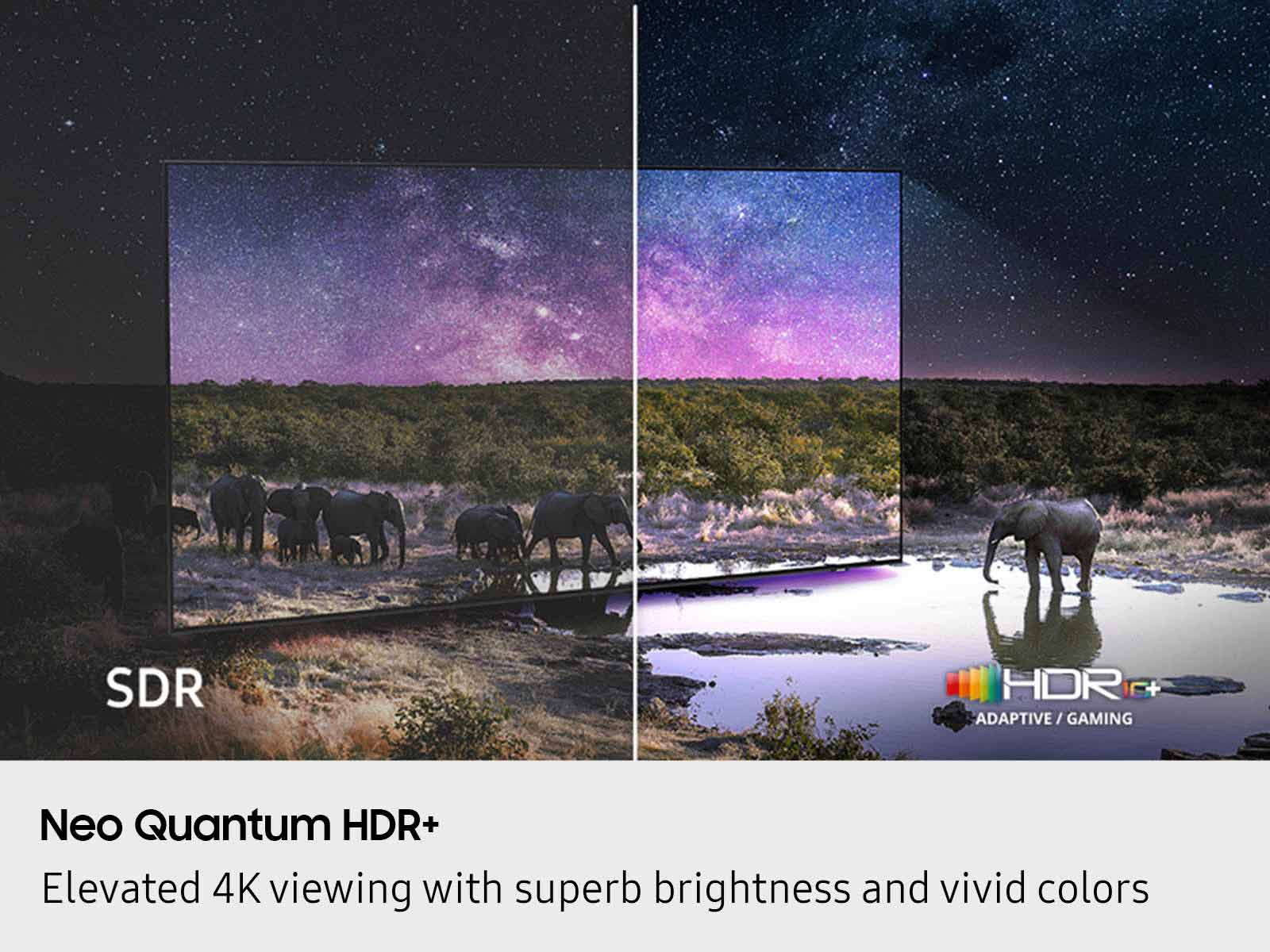
- Picture Quality
Rating 4.9 out of 5 stars
- Sound Quality
Rating 4.7 out of 5 stars
- Brightness
Rating 4.9 out of 5 stars
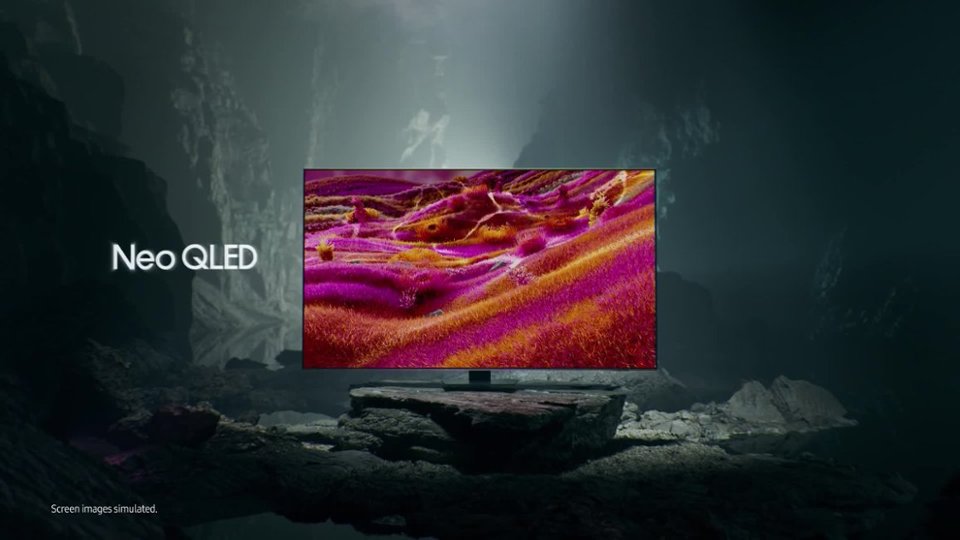
Samsung NEO QLED Mini LED
||Posted . Owned for 2 weeks when reviewed.This reviewer received promo considerations or sweepstakes entry for writing a review.Excellent television with great features. The picture quality is excellent. It was very easy to set up.
I would recommend this to a friendAll round good TV
||Posted .This reviewer received promo considerations or sweepstakes entry for writing a review.Samsung 50 inch QN90F, was the best choice for me. Tried the Oled, but this does computing, gaming and excellent color and black levels for movies. This was a major upgrade from 43 inch AU 8000 crystal UHD. TV.
I would recommend this to a friendGreat TV
||Posted . Owned for 3 weeks when reviewed.This reviewer received promo considerations or sweepstakes entry for writing a review.Excellent setup. Sound integration with the Samsung sound bar was flawless. Dramatically improved performance on loading apps and changing channels.
I would recommend this to a friendmy review after 7 weeks
||Posted . Owned for 3 weeks when reviewed.This reviewer received promo considerations or sweepstakes entry for writing a review.For me, I’m sorry I bought it. Not that its not a good tv. All of my issues is with the following: I the user interface is a royal mess. It does not use a normal remote control. All functions require searching thru menus to accomplish the desired action. There is so much stuff on the screen while trying to find the destination it is a nightmare. There is no usable documentation on the user interface. I did find an online PDF file and I’m slowly finding how to accomplish actions I desire but it is slow because it is too random. The screen is too bright, and you cannot change its level nor the contrast without turning off AL which I finally found. The guide online does not cover everything, for that use the pdf file. Under the guise if trying to make finding programs you wish to watch there is to much screen noise. One needs to skip over to find what the desired target. I really wish there was a tv with out the garbage user interface.
No, I would not recommend this to a friendBrand response from Samsung
Posted .DonaldJ,
We appreciate your input on the picture quality of Samsung’s QN90F TV. If the image isn’t meeting your expectations, there are several adjustments you can make to improve your viewing experience.
First, please ensure your TV is running the latest firmware, as updates may include important picture quality enhancements. Go to: Home > Left directional button > Settings > Support > Software Update > Update Now
Then, select a Picture Mode that best fits your environment: Home > Home > left directional key > Settings > All Settings > Picture > Picture Mode
1. Standard – Default mode for general viewing
2. Dynamic – Brighter and clearer in well-lit rooms
3. Eco – Optimized for energy saving
4. Movie – Best for watching in dark environments
5. Filmmaker Mode – Preserves content exactly as intended by creators
You can also enhance your experience by enabling AI Mode, which automatically adjusts picture and sound based on your surroundings and usage patterns: Settings > All Settings > Advanced Features > AI Mode Settings > AI Mode
To help you get the most from your TV, you can download the full e-Manual and more by visiting Samsung’s website then navigating to: Support > Manual & Software > TVs & Home Theater. From there, you can search for and select your QN90F TV model to view or download the available guides.
The e-Manual and Remote Control Guide are also conveniently built into your TV: Settings > Support > Tips and User Guides
If you need additional help, please contact Samsung Support at 1-800-SAMSUNG, 8AM – 12AM EST, 7 days a week. LiveChat agents are also available through the ‘Support’ link on our website.
~ Samsung Specialist
Love the non-glare feature!
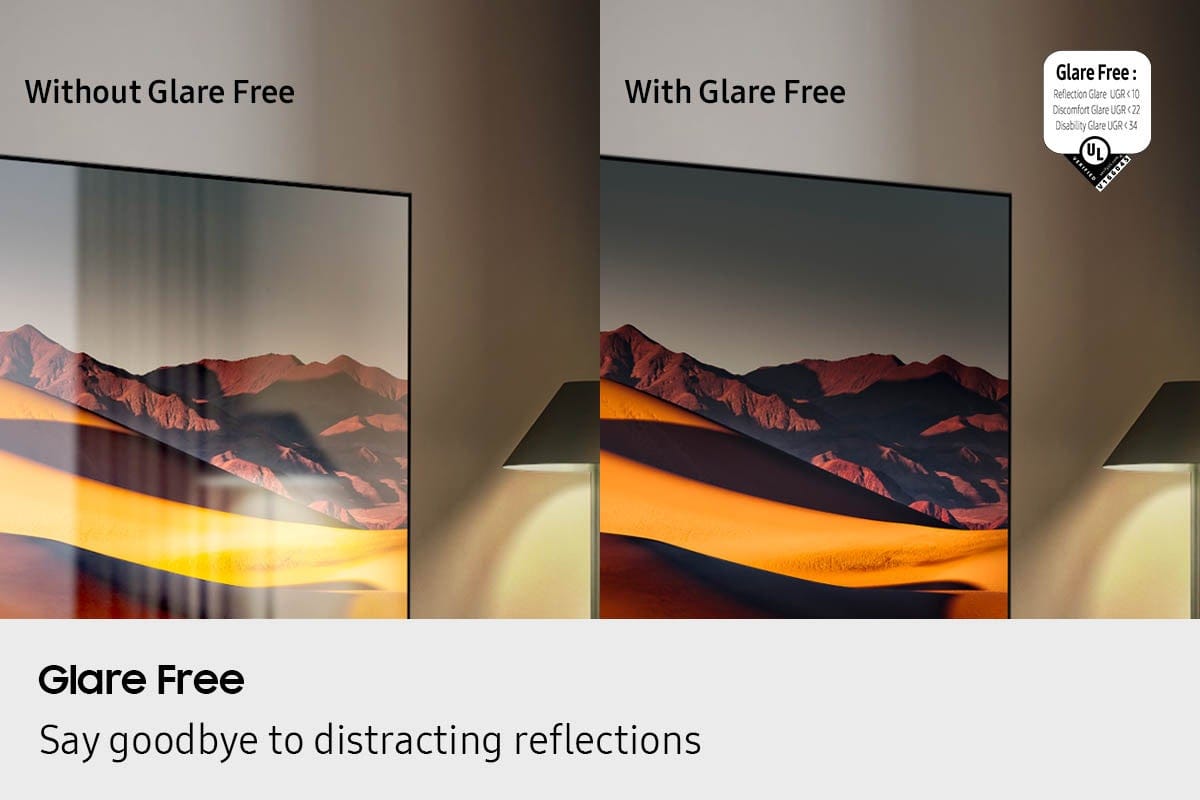
||Posted . Owned for 1 month when reviewed.This reviewer received promo considerations or sweepstakes entry for writing a review.Great picture! We have it in a living room with a Large picture window on one end and sliding glass door on the opposite end. This usually causes a lot of glare during the daytime hours however with this TV there is NONE and it really makes watching TV during the light of the day great.
I would recommend this to a friendNew Smart TV
||Posted . Owned for 1 month when reviewed.This reviewer received promo considerations or sweepstakes entry for writing a review.The TV is just what I needed in my entertainment center, Picture and sound are both great. Don't need a sound bar and the small remote is easy to use once I learned how to use it with the various apps and settings on the tv.
I would recommend this to a friendAmazing Picture
||Posted . Owned for 1 month when reviewed.This reviewer received promo considerations or sweepstakes entry for writing a review.Excellent, works great, picture is amazing, great pricing and service, purchased a Samsung Soundbar as well to pair with the TV
I would recommend this to a friendGreat TV
||Posted . Owned for 2 weeks when reviewed.This reviewer received promo considerations or sweepstakes entry for writing a review.Superb quality of picture sharpness and color. Would recommend.
I would recommend this to a friendGreat, easy to use TV
||Posted .This reviewer received promo considerations or sweepstakes entry for writing a review.I LOVE this TV! We are playing music through it all day and currently it displays a beautiful(winter) scene as the music plays. Super easy to use and install too. Great purchase.
I would recommend this to a friendLove the Picture Quality
||Posted . Owned for 1 month when reviewed.This reviewer received promo considerations or sweepstakes entry for writing a review.We love this TV- great picture quality, response time is fast, matte finish is awesome. It makes watching really enjoyable.
I would recommend this to a friendStrongly recommend!
||Posted . Owned for 1 month when reviewed.This reviewer received promo considerations or sweepstakes entry for writing a review.Great quality tv. Image looks amazing even when light reflection is heating on screen. Love all features and how easy it is to add any external device. Well worth investment.
I would recommend this to a friendNEO is great
||Posted . Owned for 1 month when reviewed.This reviewer received promo considerations or sweepstakes entry for writing a review.Samsung NEOQLED gives the best viewing ever. Picture quality is phenomenal from almost any angle. You also don't have to sit far away for the picture to be clear.
I would recommend this to a friendNice Samsung tv
||Posted .This reviewer received promo considerations or sweepstakes entry for writing a review.Samsung makes a very nice tv. Clear picture and good sound.
I would recommend this to a friendNice TV.
||Posted .This reviewer received promo considerations or sweepstakes entry for writing a review.Beautiful TV. Great picture. Remote is a little small. Fairly easy set up. Good price for what you get.
I would recommend this to a friendGreat television and BB service!!
||Posted . Owned for 3 weeks when reviewed.This reviewer received promo considerations or sweepstakes entry for writing a review.Great service and good information!! Will continue to buy at Best Buy!
I would recommend this to a friendVery Happy with this Samsung
||Posted . Owned for 2 weeks when reviewed.This reviewer received promo considerations or sweepstakes entry for writing a review.This TV was a much needed upgrade to our home. Connected to our home network using just an either net cable. Had to create a Samsung account (no charge). Have all your streaming services passwords at the ready to set up Netflix etc. Easy to install the physical TV with two people. Follow the directions and make use of the available videos produced by Best Buy.
I would recommend this to a friendSamsung 50" Neo QLED
||Posted .This reviewer received promo considerations or sweepstakes entry for writing a review.Very happy with this tv. It's the perfect size for my apartment and has great sound quality
I would recommend this to a friendGreat TV
||Posted . Owned for 1 month when reviewed.This reviewer received promo considerations or sweepstakes entry for writing a review.Beautiful picture and fast responding smart features. Very good upscaling.
I would recommend this to a friendGreat tv
||Posted . Owned for 1 month when reviewed.This reviewer received promo considerations or sweepstakes entry for writing a review.Great tv. Technician did a great job of removing old tv and installing new one
I would recommend this to a friendSamsung QLED 50" TV
||Posted . Owned for 2 weeks when reviewed.This reviewer received promo considerations or sweepstakes entry for writing a review.The TV works great, good picture quality. Would by again
I would recommend this to a friend