Customer Ratings & Reviews
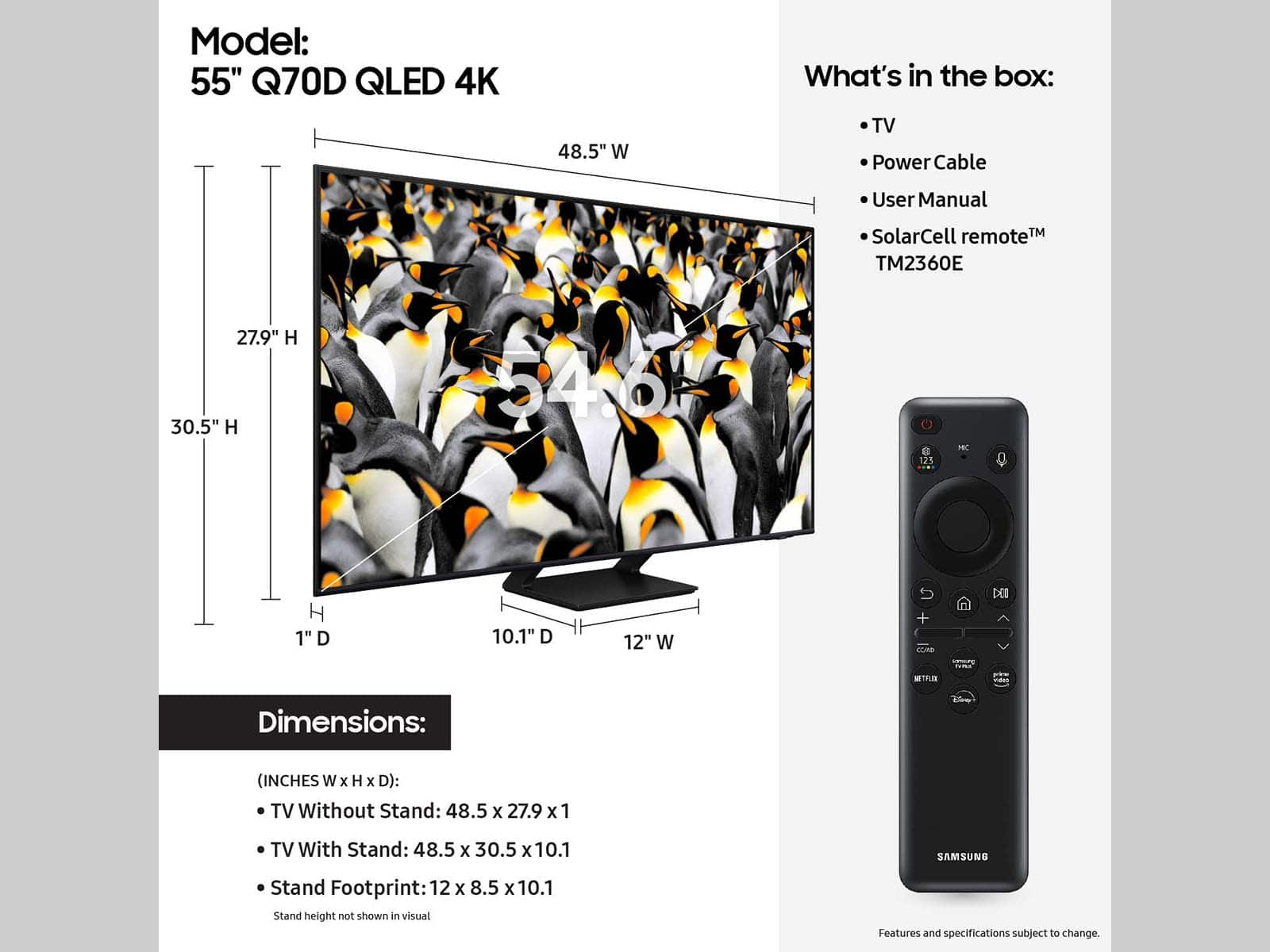




- Model:
- QN55Q70DAFXZA
- SKU:
- 6576592
Rating by feature
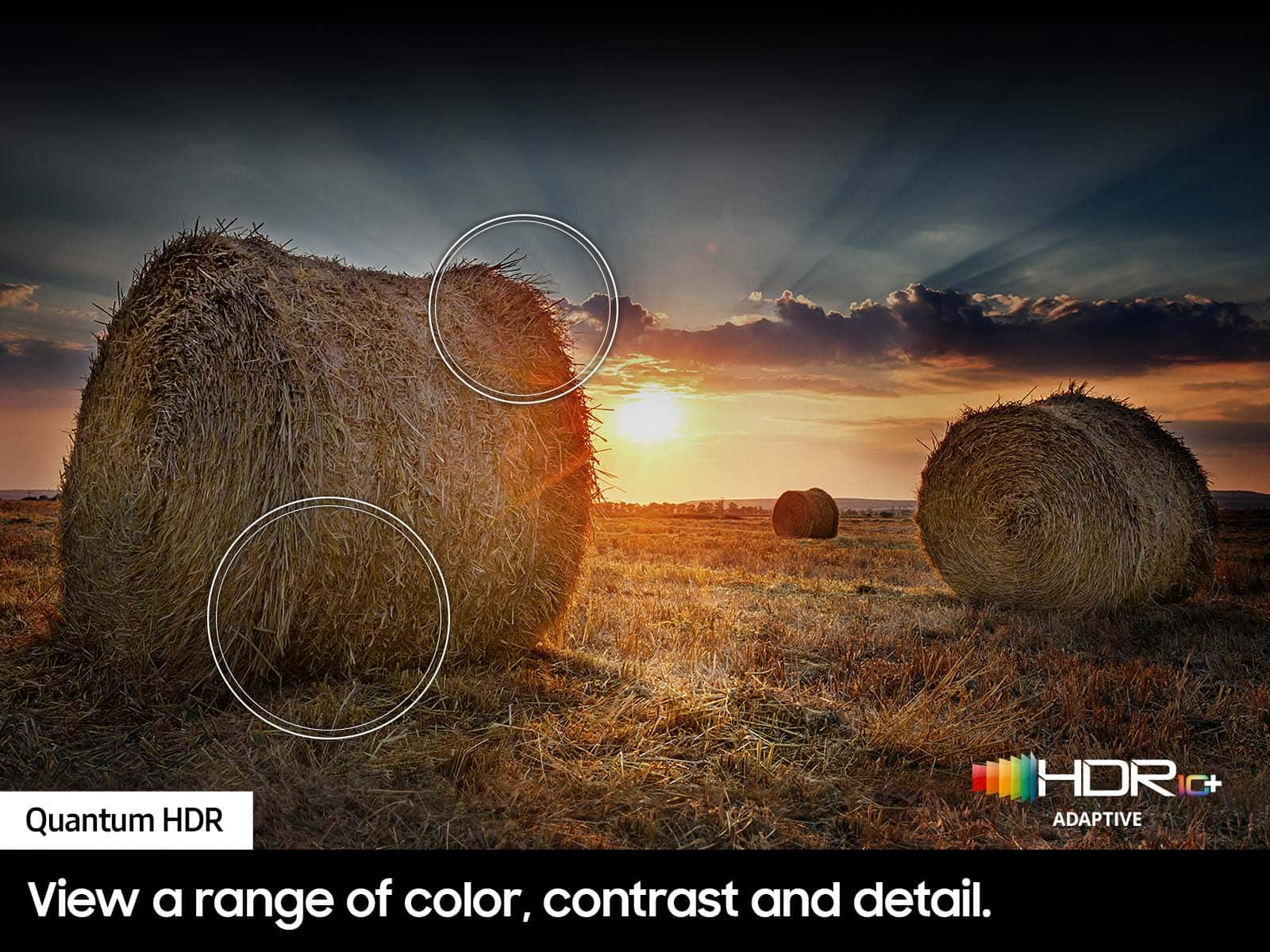
- Picture Quality
Rating 4.9 out of 5 stars
- Sound Quality
Rating 4.6 out of 5 stars
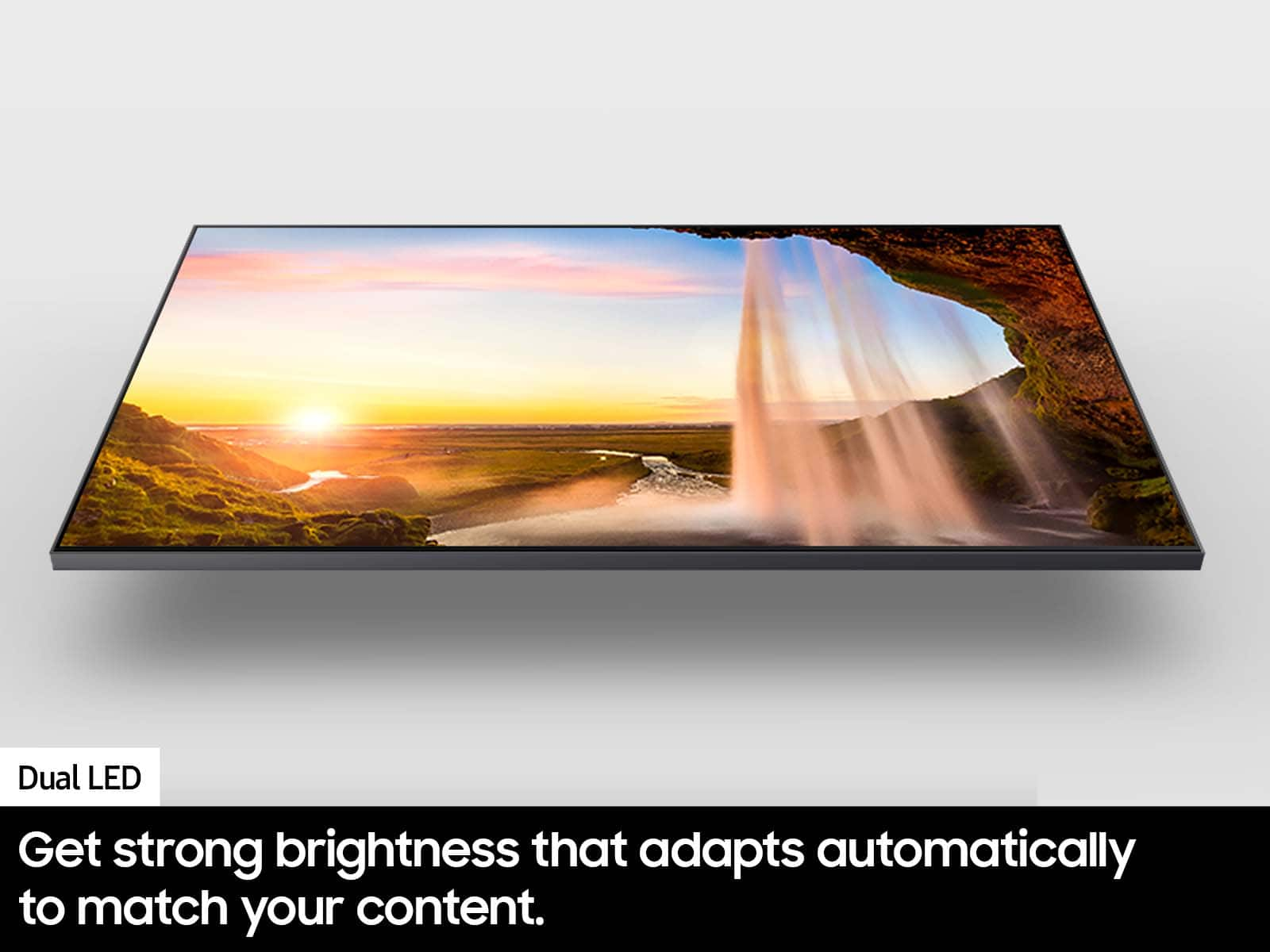
- Brightness
Rating 4.9 out of 5 stars
Customers are saying
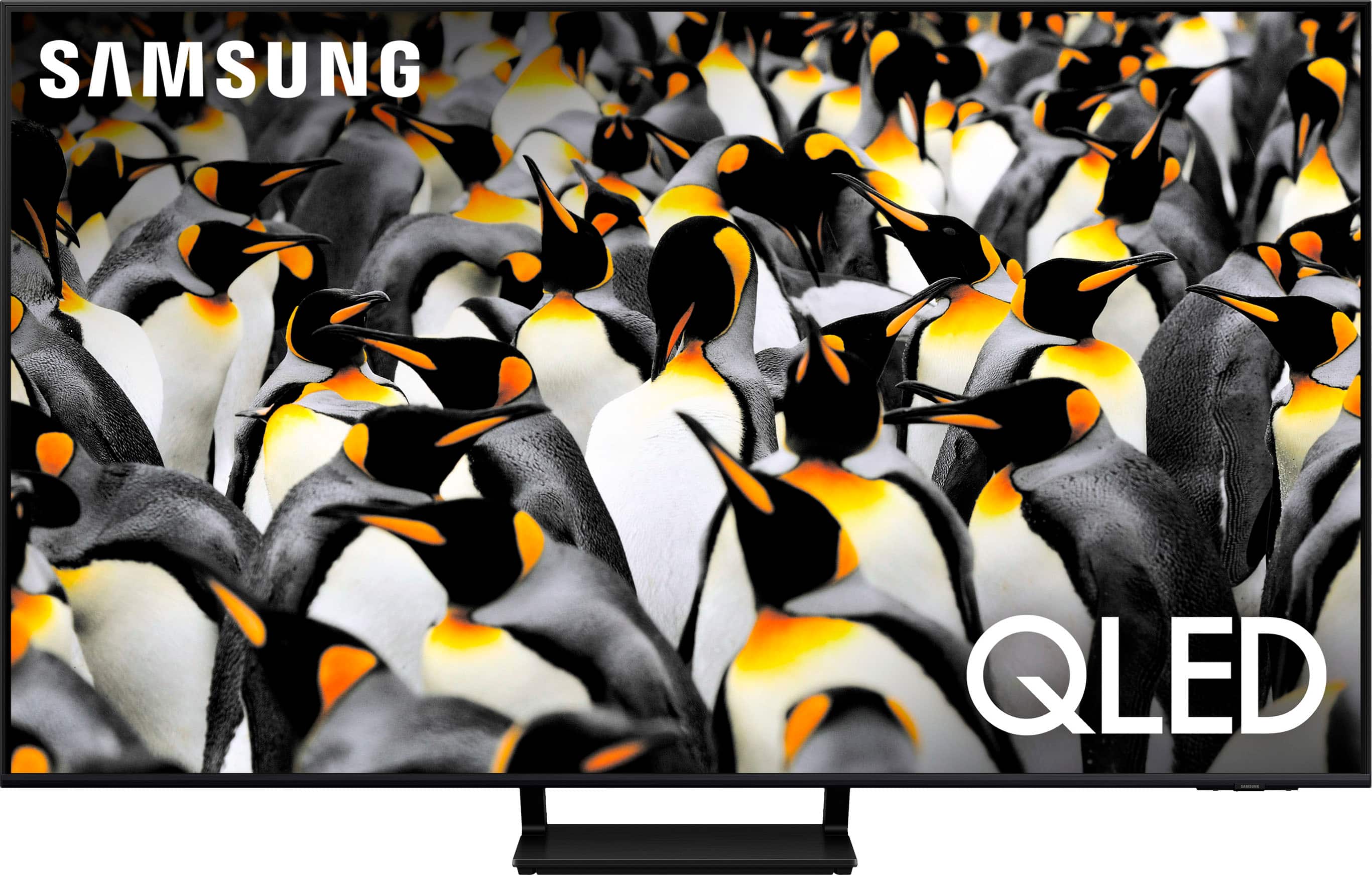
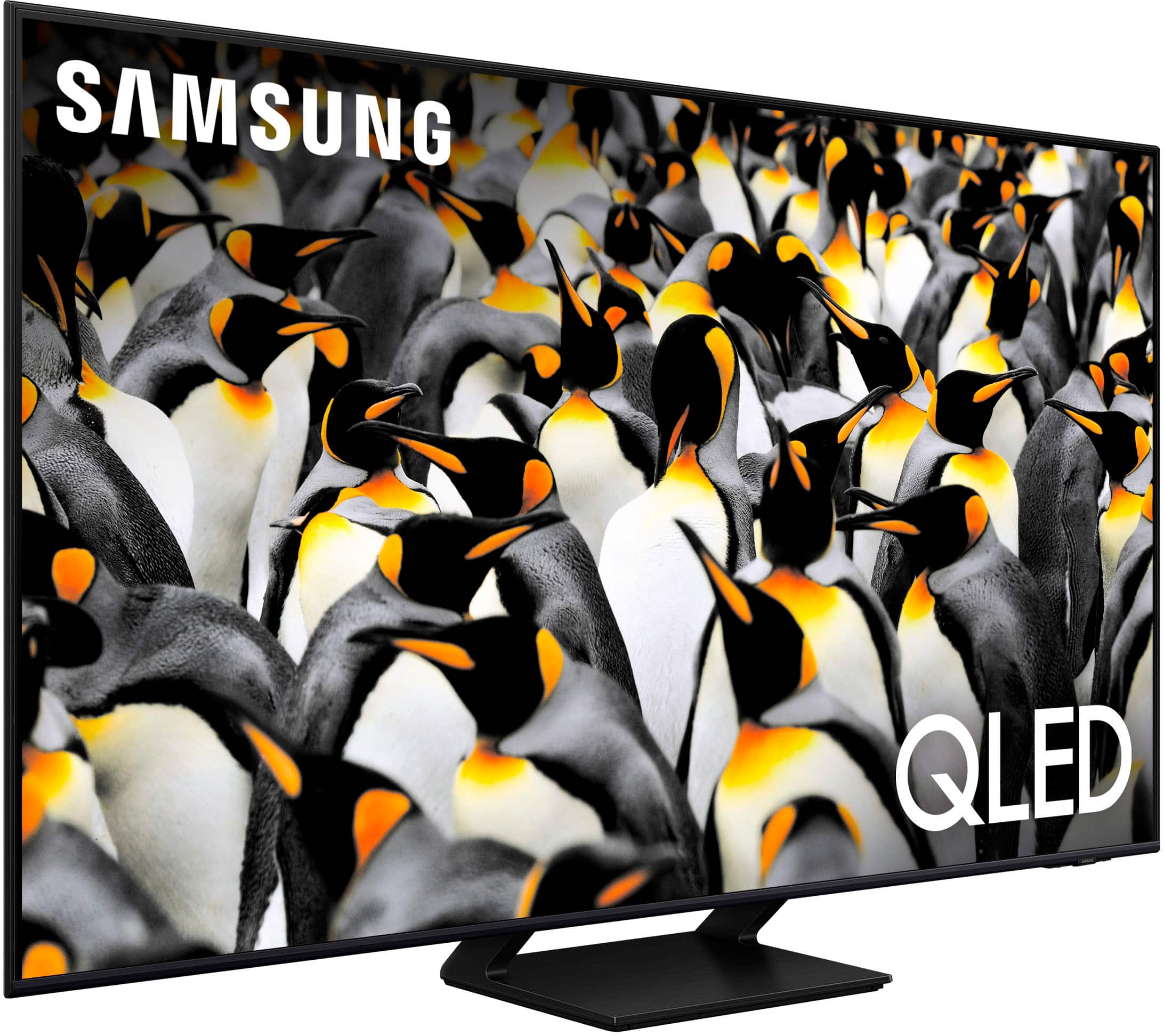
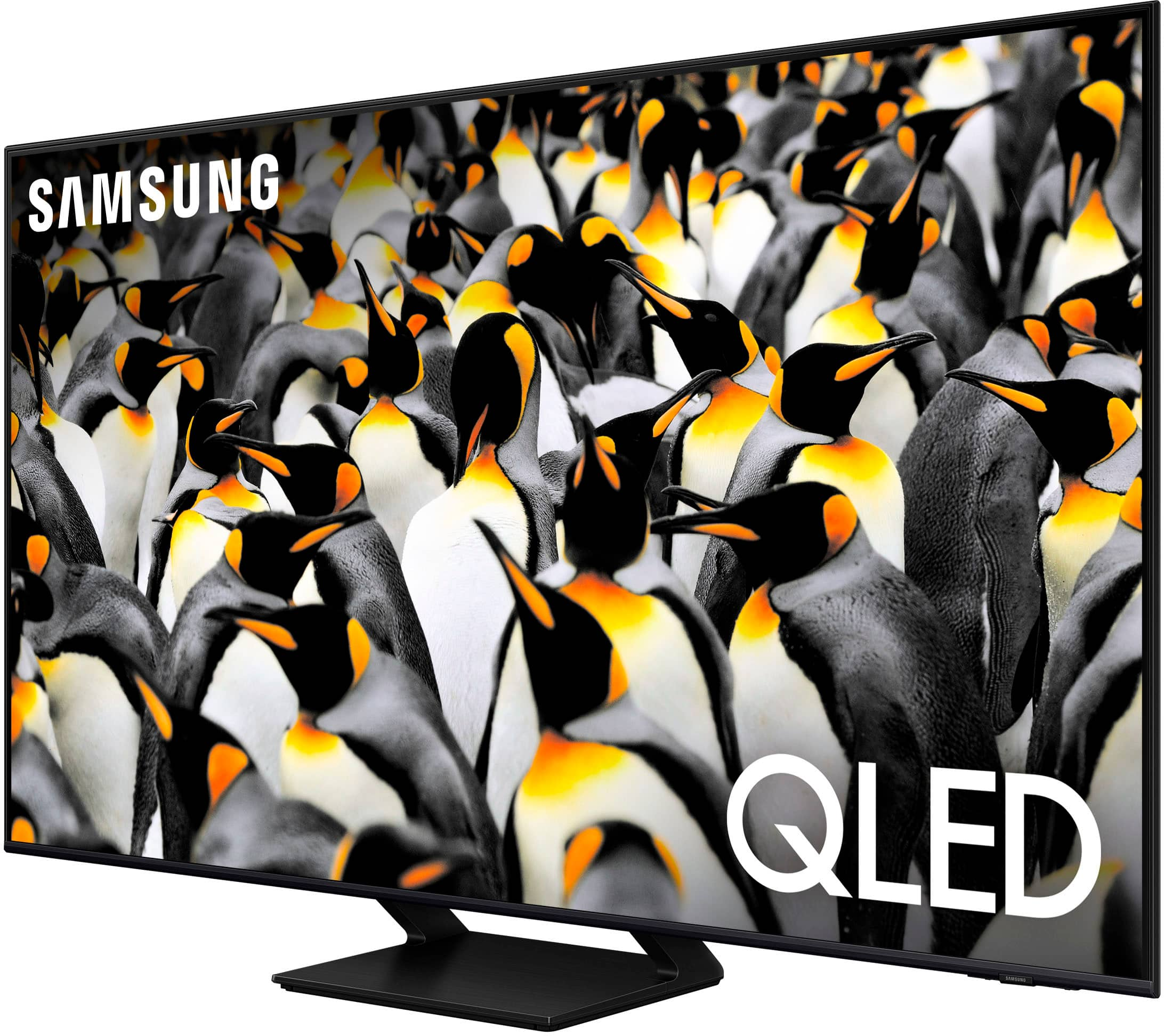
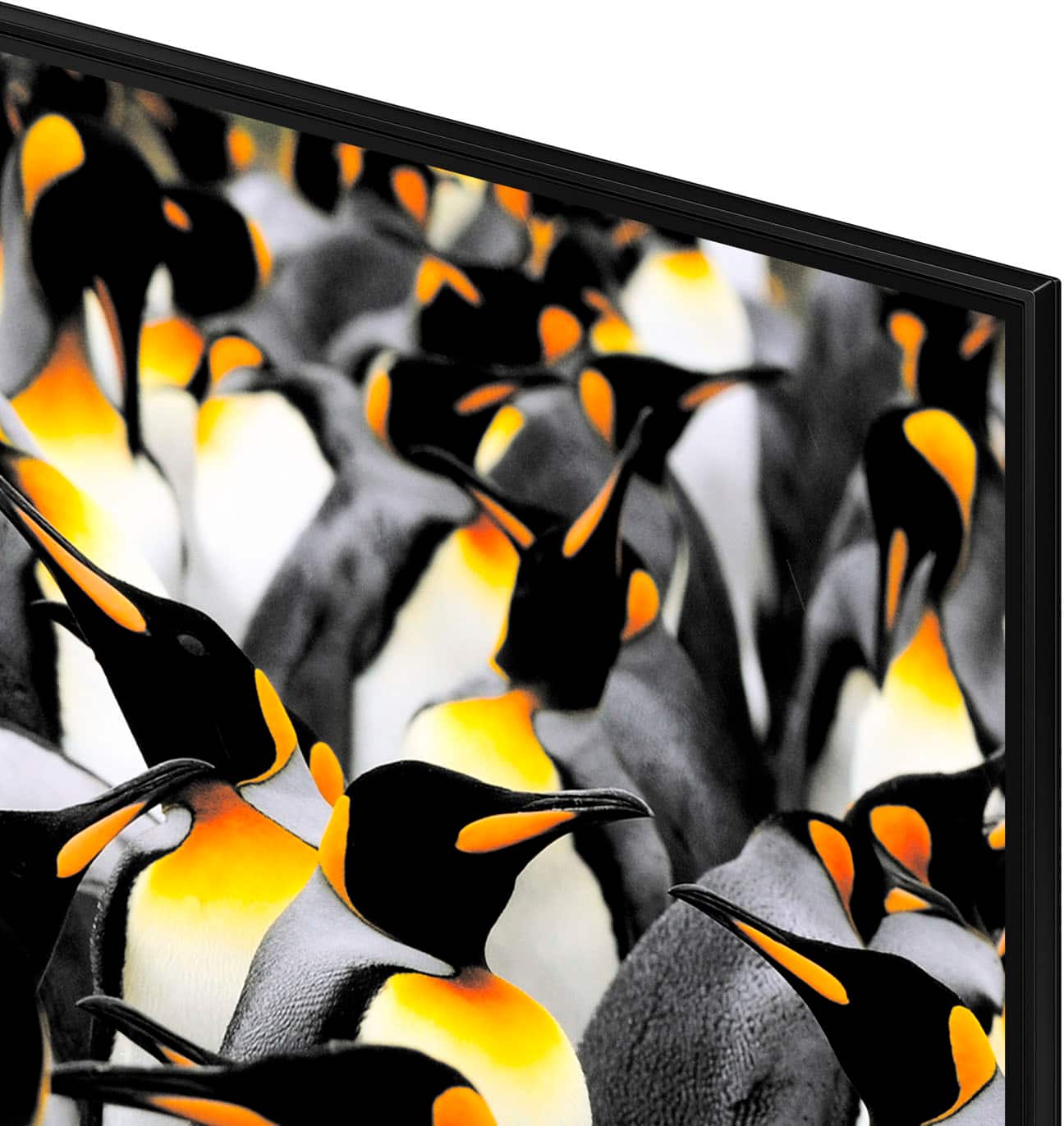
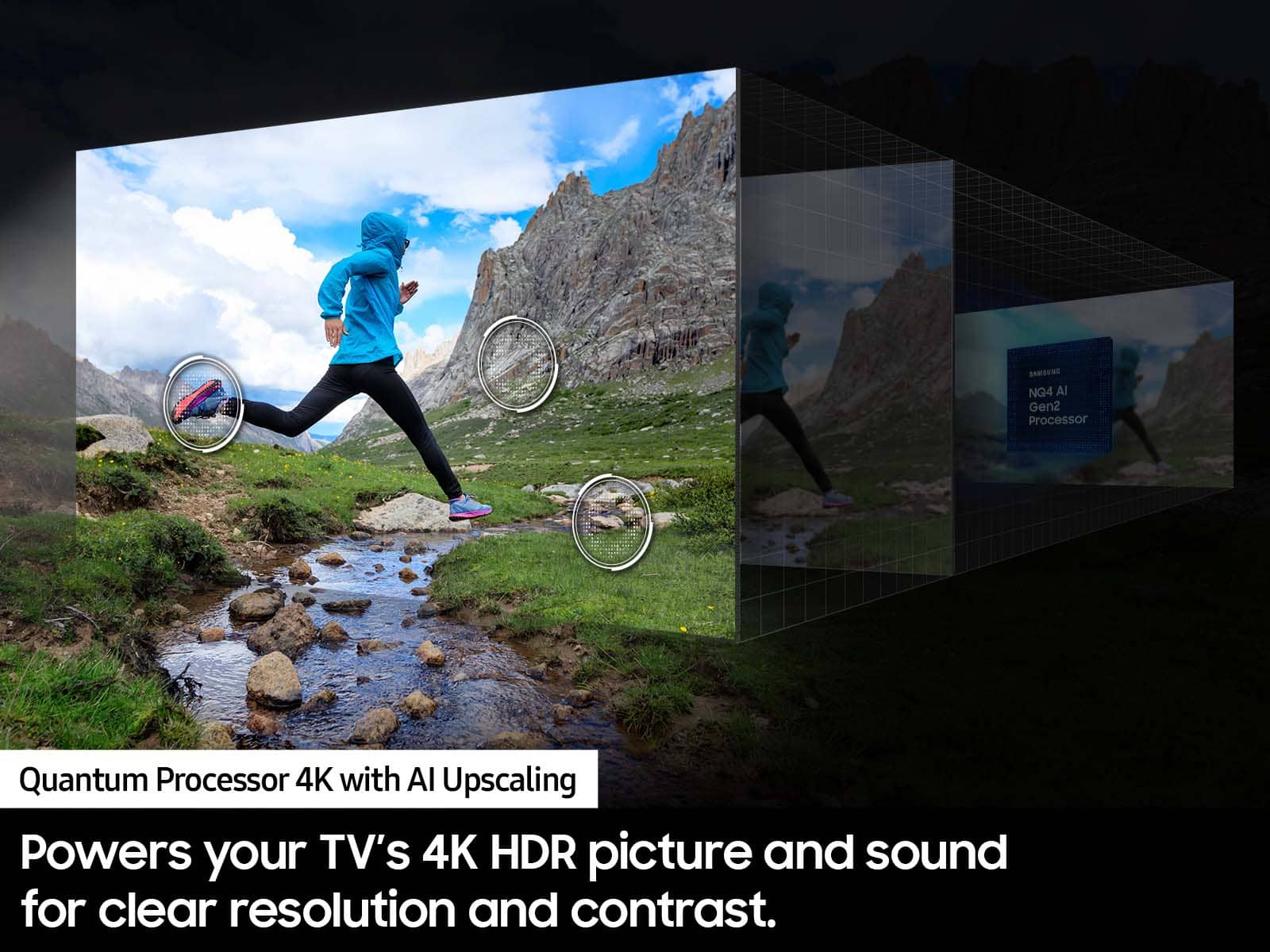
Customers are positive about the 55” Class Q70D Series QLED 4K Smart Tizen TV (2024)'s picture quality. Many users highlight that the picture quality is amazing.
This summary was generated by AI based on customer reviews.
- Pros mentioned:Picture quality
Enrique
||Posted . Owned for 1 month when reviewed.This reviewer received promo considerations or sweepstakes entry for writing a review.This tv is fantastic for games o watching tv simply to set up
I would recommend this to a friend - Pros mentioned:Picture quality
Great TV with sharp picture
||Posted . Owned for 3 weeks when reviewed.This reviewer received promo considerations or sweepstakes entry for writing a review.Excellent Tv and great value. Sharp picture easy to set up.
I would recommend this to a friend - Pros mentioned:Picture quality
Bob
||Posted . Owned for 3 weeks when reviewed.This reviewer received promo considerations or sweepstakes entry for writing a review.Great tv performance ! Bright and clear picture!!!
I would recommend this to a friend - Pros mentioned:Picture quality
a very good buy!!!
||Posted . Owned for 2 weeks when reviewed.This reviewer received promo considerations or sweepstakes entry for writing a review.very good picture quality-easy to turn to channels!!!
I would recommend this to a friend - Pros mentioned:Picture quality
Over all happy
||Posted . Owned for 3 weeks when reviewed.This reviewer received promo considerations or sweepstakes entry for writing a review.Works great with a good picture. But can’t add a few apps
I would recommend this to a friend - Pros mentioned:Picture quality
Samsung 55” TV
||Posted . Owned for 1 month when reviewed.This reviewer received promo considerations or sweepstakes entry for writing a review.I love the TV. Perfect size for my bedroom. Great picture quality.
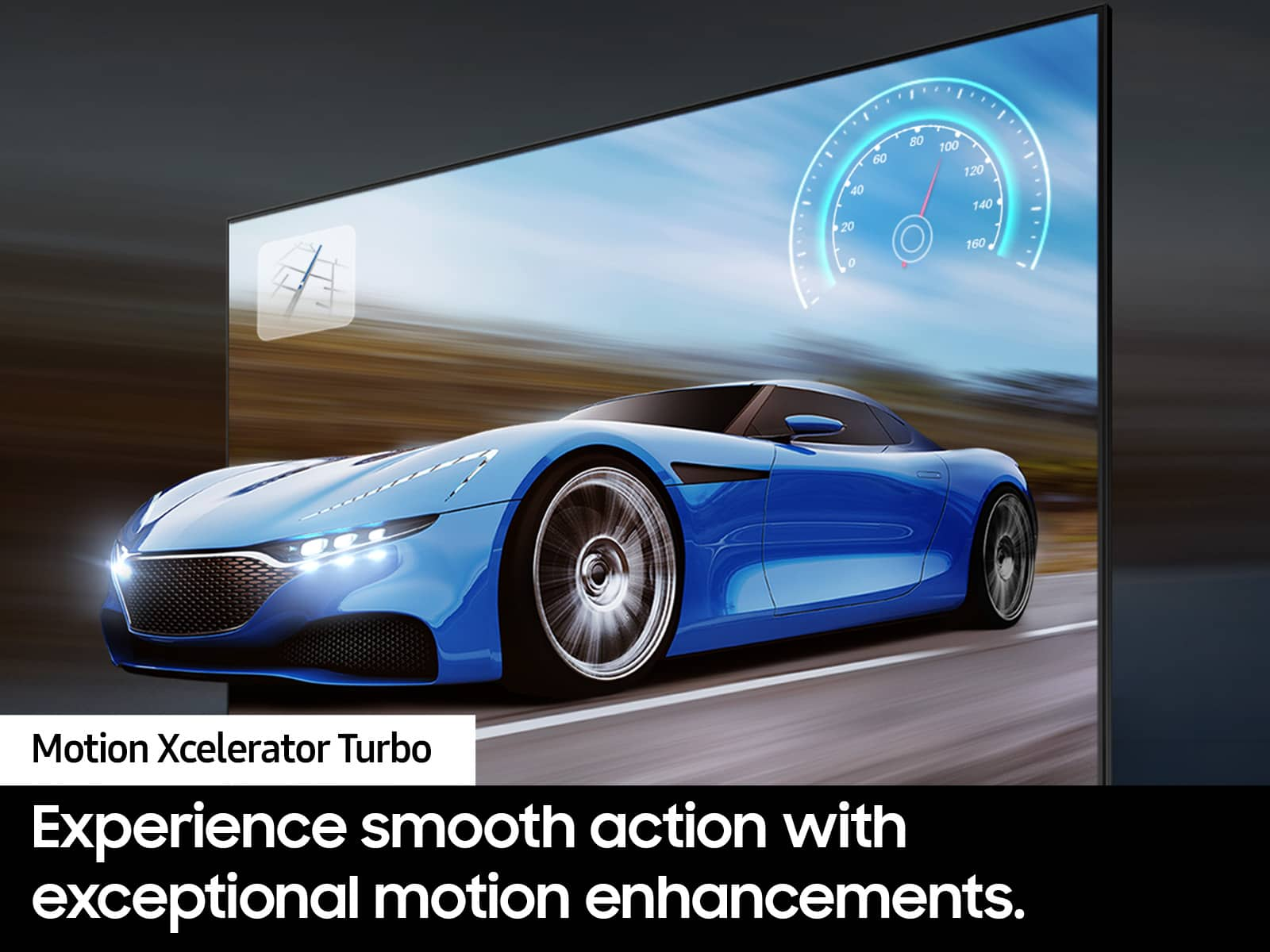
I would recommend this to a friend - Pros mentioned:Picture quality, Refresh rate
Great price
||Posted . Owned for 3 weeks when reviewed.This reviewer received promo considerations or sweepstakes entry for writing a review.Good tv even better price!! Replaced my old 4k 3d tv with this. Tv still actually worked great even at 22 yrs but I decided to move up to hdr 120hz
I would recommend this to a friendBrand response from Samsung
Posted .TechGuru,
Thanks for taking a moment to review Samsung’s Q70D TV. If you’re experiencing specific issues which caused you to give this a negative 3-star rating, please know Samsung Customer Support is here to help.
You can reach us at 1-800-SAMSUNG, 8AM - 12AM EST, 7 days a week. Our LiveChat agents are also available by clicking on the ‘Support’ link on our website.
~ Samsung Specialist
Qtv
||Posted . Owned for 1 month when reviewed.This reviewer received promo considerations or sweepstakes entry for writing a review.Very nice tv very easy setup remote works great package well
I would recommend this to a friend- Pros mentioned:Picture quality
Tv
||Posted . Owned for 1 month when reviewed.This reviewer received promo considerations or sweepstakes entry for writing a review.Love this Tv picture quality is excellent and sound
I would recommend this to a friend - Pros mentioned:Picture quality
New TV
||Posted . Owned for 2 weeks when reviewed.This reviewer received promo considerations or sweepstakes entry for writing a review.Great colors, perfect for my room, along with good sound!
I would recommend this to a friend Love it!
||Posted . Owned for 3 weeks when reviewed.This reviewer received promo considerations or sweepstakes entry for writing a review.Loving this tv so far- great size and features! Would definigelt recommend. If your updating from a much older tv (like I did), be sure to also upgrade your hdmi cable as well.
I would recommend this to a friendWhat a suprise!!
||Posted . Owned for 1 month when reviewed.This reviewer received promo considerations or sweepstakes entry for writing a review.The set up and making sure all the connections were working properly made our purchase worthwhile. The Geek squad made sure all the remote and i-phone connections were working properly and that we knew how to operate them for maximum efficiency
I would recommend this to a friend- Pros mentioned:Picture quality
tv2025
||Posted . Owned for 1 month when reviewed.This reviewer received promo considerations or sweepstakes entry for writing a review.Easy to set up, very clear picture and sound. Very happy with purchase.
I would recommend this to a friend bad viewing angle
||Posted . Owned for 3 weeks when reviewed.This reviewer received promo considerations or sweepstakes entry for writing a review.Must be directly in front for the picture to be good.
I would recommend this to a friendQLED
||Posted . Owned for 3 weeks when reviewed.This reviewer received promo considerations or sweepstakes entry for writing a review.Product and Installation were flawless. The QLED looks perfect above our fireplace mantle
I would recommend this to a friendMrs
||Posted . Owned for 1 month when reviewed.This reviewer received promo considerations or sweepstakes entry for writing a review.Excellent service, everything was explained in user friendly manner.
I would recommend this to a friendI love Samsung tv
||Posted . Owned for 3 weeks when reviewed.This reviewer received promo considerations or sweepstakes entry for writing a review.It’s excellent I love it thank Samsung and Best Buy
I would recommend this to a friendGreat TV
||Posted . Owned for 1 month when reviewed.This reviewer received promo considerations or sweepstakes entry for writing a review.So far we're very happy with it. It is very easy-to-use. Love it.
I would recommend this to a friend1620 TV
||Posted . Owned for 1 month when reviewed.This reviewer received promo considerations or sweepstakes entry for writing a review.Wonderful clarity and store service! Sales team were knowledgeable.
I would recommend this to a friendQLED TV.
||Posted . Owned for 3 weeks when reviewed.This reviewer received promo considerations or sweepstakes entry for writing a review.Excellent TV. Supersb resolution. Very easy to install and setup.
I would recommend this to a friend