Customer Ratings & Reviews
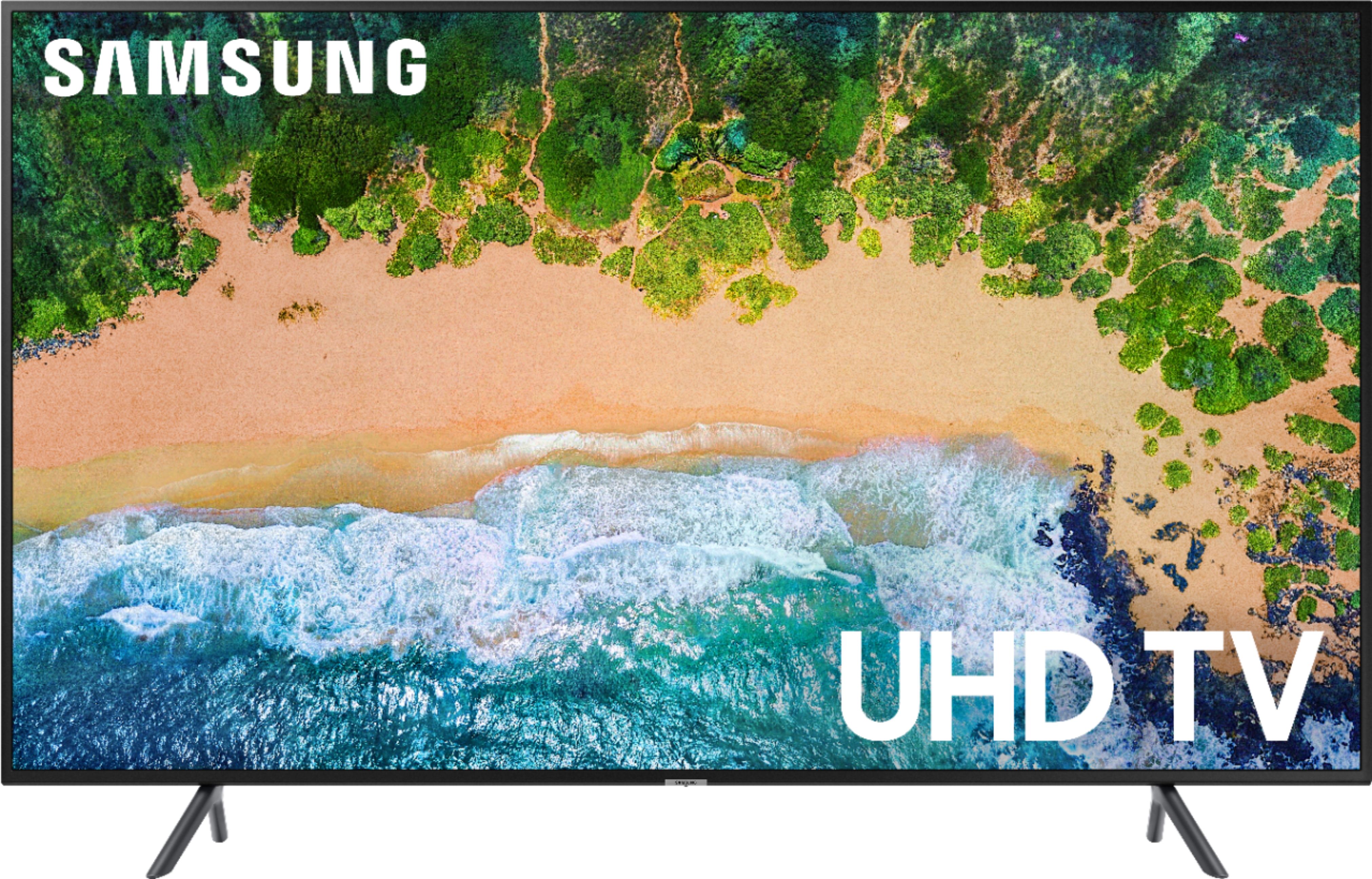
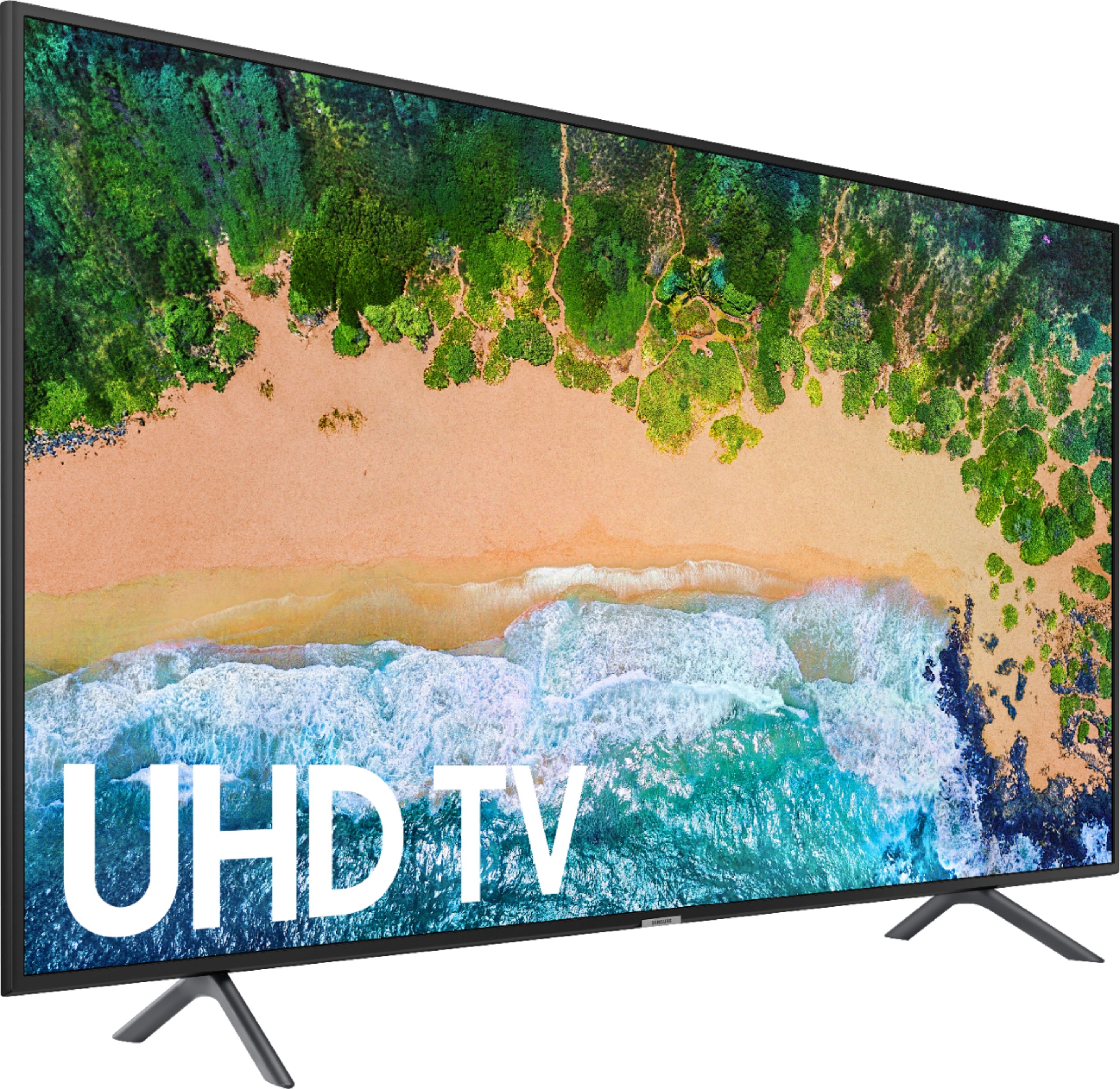
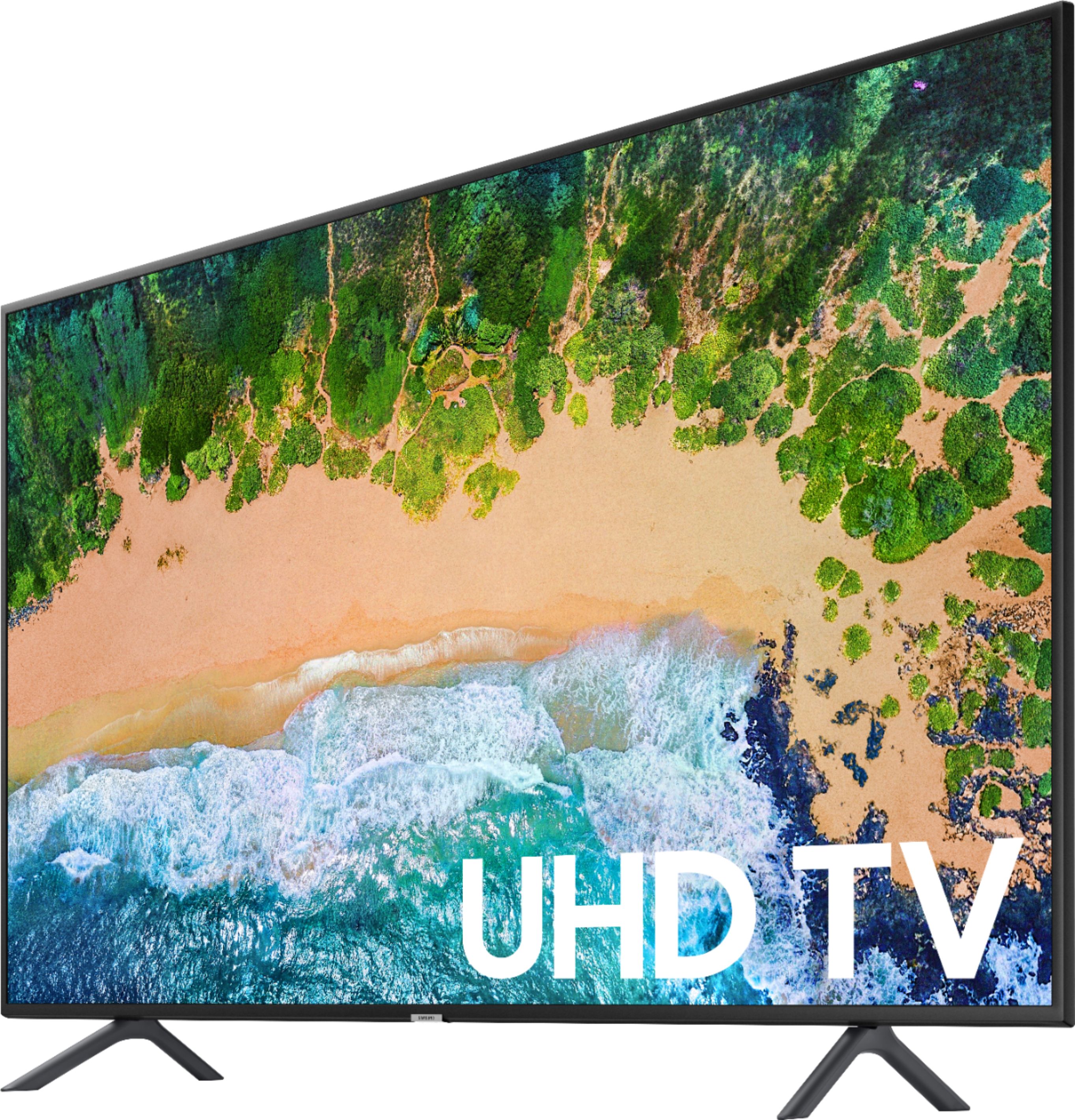
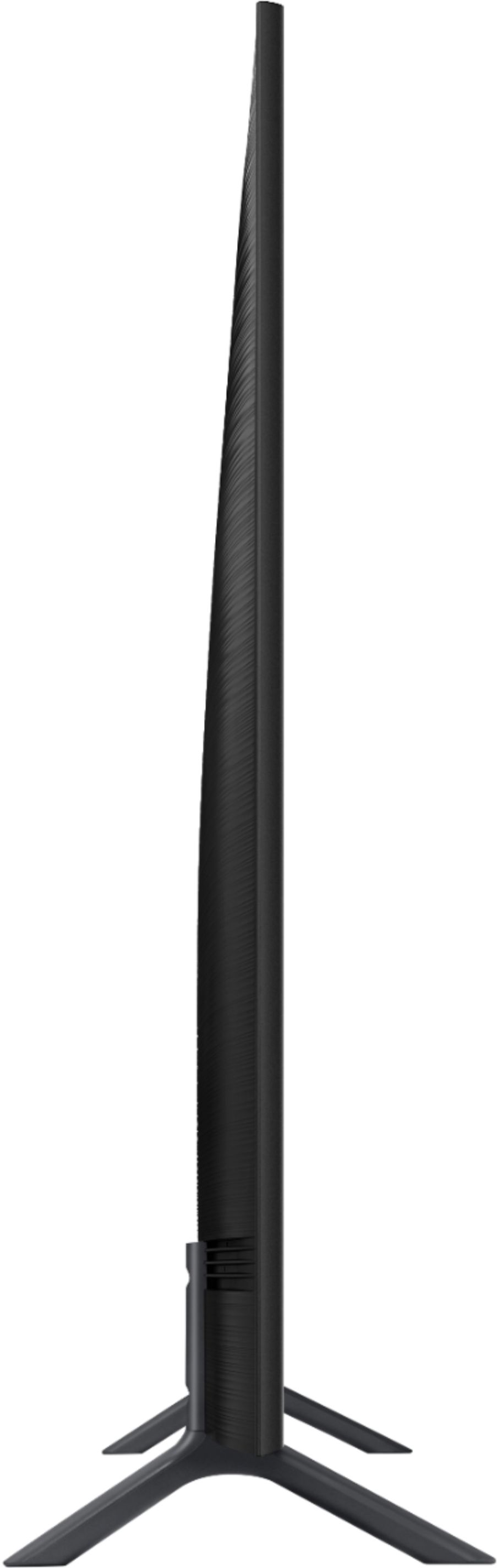
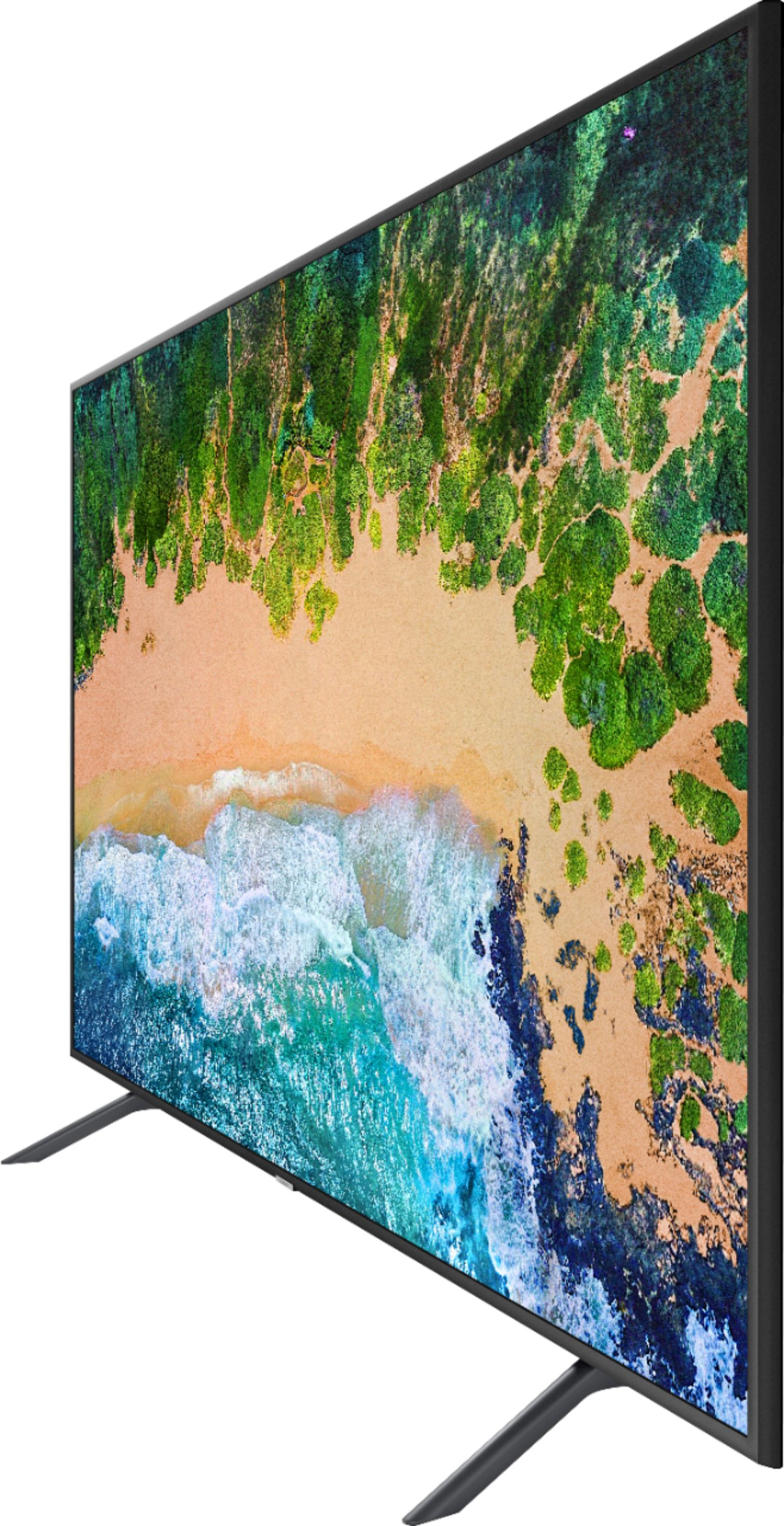




- Model:
- UN65NU7100FXZA
- SKU:
- 6200118
Rating by feature
- Picture Quality
Rating 4.3 out of 5 stars
- Sound Quality
Rating 4.1 out of 5 stars
- Brightness
Rating 4.4 out of 5 stars
Customers are saying
Customers find value in the 65" Class LED NU7100 Series 4K UHD TV for its excellent picture quality, user-friendly setup, and reasonable price. While some users have concerns about the lack of Bluetooth connectivity, remote control accessibility, refresh rate, durability, and color vibrancy, the overall positive feedback suggests that this TV meets the expectations of many customers.
This summary was generated by AI based on customer reviews.
- Pros mentioned:Picture quality
GREAT PICTURE
||Posted .This reviewer received promo considerations or sweepstakes entry for writing a review.BEST TV ON THE MARKET FOR THE PRICE. FANTASTIC PICTURE AND SOUND IS REALLY GOOD, EASY TO HOOK UP TO THE WALL MOUNT.
I would recommend this to a friend - Pros mentioned:Picture quality
Mrs.
||Posted .This reviewer received promo considerations or sweepstakes entry for writing a review.Awesome! The picture quality is great! The size is huge! I am enjoying this television!!
I would recommend this to a friend - Pros mentioned:Picture quality
Good Value!
||Posted .This reviewer received promo considerations or sweepstakes entry for writing a review.We purchased this smart tv for our new home and its working out great. Love all the features and good quality.
I would recommend this to a friend - Pros mentioned:Picture quality
Beautiful Picture
||Posted .This reviewer received promo considerations or sweepstakes entry for writing a review.I love this tv. The picture is great. I added a Bose sound bar and it is a fabulous addition. Would buy again for sure.
I would recommend this to a friend - Pros mentioned:Picture quality
Great picture
||Posted .This reviewer received promo considerations or sweepstakes entry for writing a review.Beautiful picture quality with some movies and shows it’s just like your right there in front of them. Very pleased
I would recommend this to a friend - Pros mentioned:Ease of use
Great TV
||Posted .This reviewer received promo considerations or sweepstakes entry for writing a review.Great TV! Love the features and ease of use! Sleek TV in a great looking package! AWESOME TV in our great room!
I would recommend this to a friend - Pros mentioned:Picture quality
TV looks great
||Posted .This reviewer received promo considerations or sweepstakes entry for writing a review.I bought this TV because I wanted a quality picture without paying too much, I'm very pleased with my purchase.
I would recommend this to a friend - Pros mentioned:Smart tv
Blurry HD picture, not great for Sports
||Posted .This reviewer received promo considerations or sweepstakes entry for writing a review.This TV was on sale so I can't say that I expected an amazing experience but for anything that we watched with a lot of motion, like Sports or an action packed movie the picture felt a little blurry during heavy movement/action. It's got a nice interface and smart tv capabilities but it doesn't perform very well and isn't great with a lot of light in the room.
No, I would not recommend this to a friendBrand response from Samsung
Posted .SuperJ,
Have you tried adjusting Auto Motion Plus on your NU7100 TV? It is a feature designed to eliminate blur and judder on an LED TV, specifically in fast moving images. It does so by taking a 30-fps signal and adding in additional frames to help smooth out any blur or judder between frames – this is called interpolation.
Here is the step-by-step guide to change Auto Motion Plus settings:
1) With the TV powered on, press the Home button on the Samsung remote to open the Home screen
2) Then select Settings > Picture > Expert Settings > Auto Motion Plus
Note: This option may not be visible initially. Continue scrolling through the Expert Settings Menu to locate Auto Motion Plus
3) Then Select Auto Motion Plus again, and you will see the following three options:
a) Off: Auto Motion Plus will always be off
b) Auto: Auto Motion Plus will automatically activate and deactivate based on the type of program being watched
c) Custom: Allows custom adjustments and settings to be used
4) By selecting the Custom option, you can further access these advanced settings:
a) Judder Reduction: Use the directional keys on the remote to adjust the Judder setting.
b) LED Clear Motion: Select to turn On/Off
I hope this helps to make watching Sports more enjoyable.
For further assistance, please contact Samsung Customer Support toll-free at 1-800-SAMSUNG and a representative will gladly help you. Or LiveChat with our product experts by copy -paste this link into your browser: http://www.samsung.com/us/support/contact
We are likewise reachable via Facebook Messenger at: http://m.me/samsungsupport
You can also find us on Twitter at: https://twitter.com/messages/compose?recipient_id=18768513
- Samsung Ambassador
- Pros mentioned:Picture quality
Picture is the best
||Posted .This reviewer received promo considerations or sweepstakes entry for writing a review.We tried 2 tv before getting this Samsung and it's the best choice it cost more but it is better then any of the others
I would recommend this to a friend - Pros mentioned:Picture quality
nice picture
||Posted .This reviewer received promo considerations or sweepstakes entry for writing a review.this tv replaced a 60 inch samsung tv that i gave to my son. this one is just as clear as the 60. eveyone is happy
I would recommend this to a friend - Pros mentioned:Smart tv
Love this TV!
||Posted .This reviewer received promo considerations or sweepstakes entry for writing a review.Very nice TV. Very happy with my purchase. Order a LG tv and was not pleased. I’m so glad I decided on Samsung.
I would recommend this to a friend - Pros mentioned:Ease of use
Easy to use
||Posted .This reviewer received promo considerations or sweepstakes entry for writing a review.Bought this last year and was somewhat easy to set up. It’s great for accessing most apps like Netflix and Hulu
I would recommend this to a friend - Pros mentioned:Picture quality
Great TV for Family Room
||Posted .This reviewer received promo considerations or sweepstakes entry for writing a review.Quality, picture sound and color are all excellent. Very happy with this product and would definitely recommend!
I would recommend this to a friend - Pros mentioned:Picture quality
It’s really awesome
||Posted .This reviewer received promo considerations or sweepstakes entry for writing a review.I really like it. It’s perfect in every way. Picture quality is excellent sound color n everything is perfect.
I would recommend this to a friend - Pros mentioned:Picture quality
Good t.v. This is my 3rd Samsung smart tv.
||Posted .This reviewer received promo considerations or sweepstakes entry for writing a review.Great picture, sleek design. The higher volume levels are too low, so I bought a Samsung soundbar. Now it's perfect.
I would recommend this to a friend - Pros mentioned:Ease of use
Beautiful Television
||Posted .This reviewer received promo considerations or sweepstakes entry for writing a review.This is an amazing TV. Beautiful colors. Easy guide and set up. Very user friendly with most common apps preinstalled.
I would recommend this to a friend - Pros mentioned:Ease of use
Great TV
||Posted .This reviewer received promo considerations or sweepstakes entry for writing a review.Samsung just seems to be my favorite TV and this model is a good choice. Fits a larger room and easy to setup
I would recommend this to a friend - Pros mentioned:Picture quality
We love our new 65"
||Posted .This reviewer received promo considerations or sweepstakes entry for writing a review.No complaints so far. It's been 2 months. Great quality for the price ! This is our second Samsung and we love it.
I would recommend this to a friend - Pros mentioned:Picture quality
Wonderful picture
||Posted .This reviewer received promo considerations or sweepstakes entry for writing a review.This tv is amazing...sometimes the image looks like 3D. Have only had it for under a week but we love it so far.
I would recommend this to a friend - Pros mentioned:Picture quality
Great picture.
||Posted .This reviewer received promo considerations or sweepstakes entry for writing a review.We had the TV for about a month. The picture is great. Best Buy Geek squad did a great job with the wall mounting.
I would recommend this to a friend