Customer Ratings & Reviews
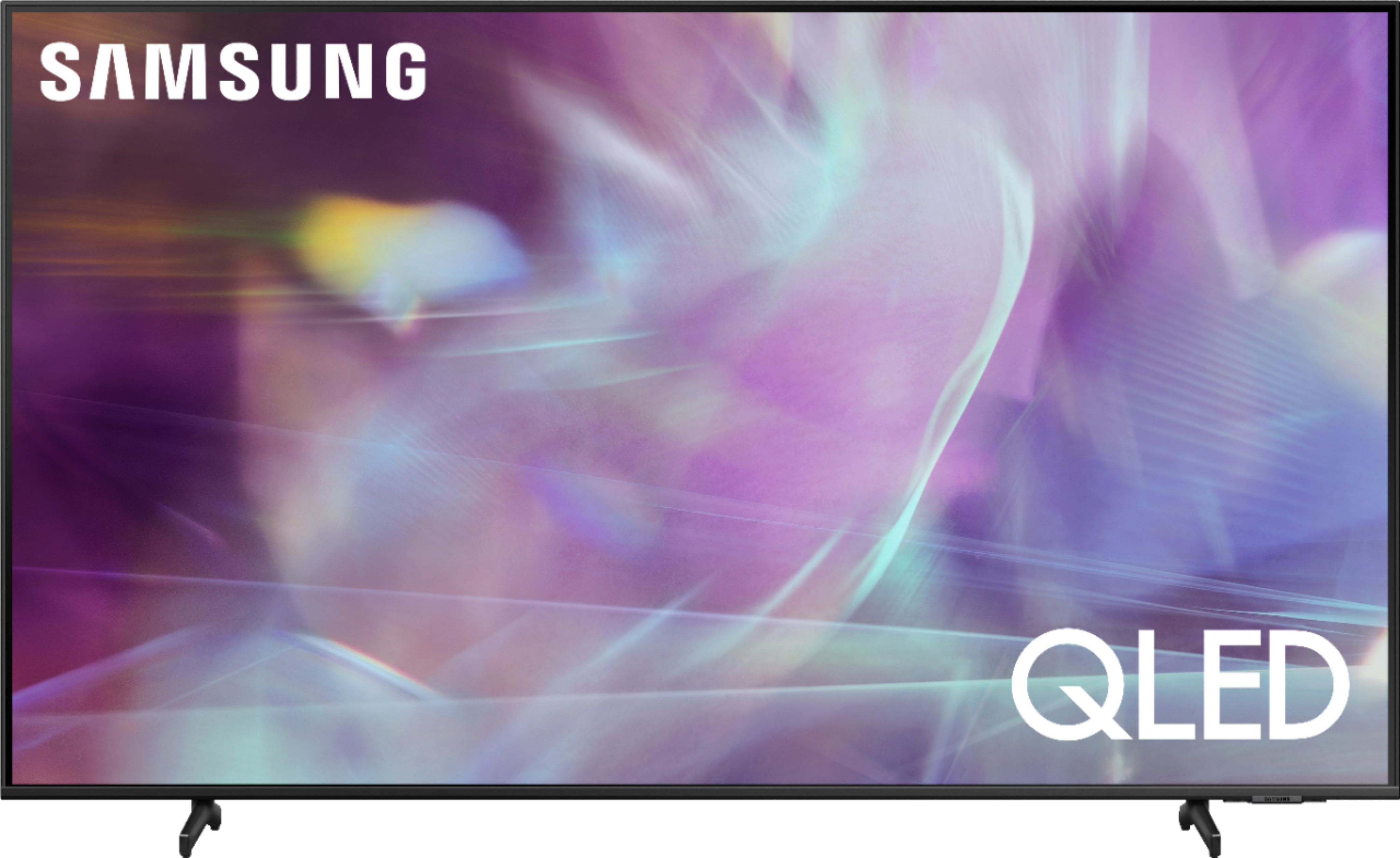
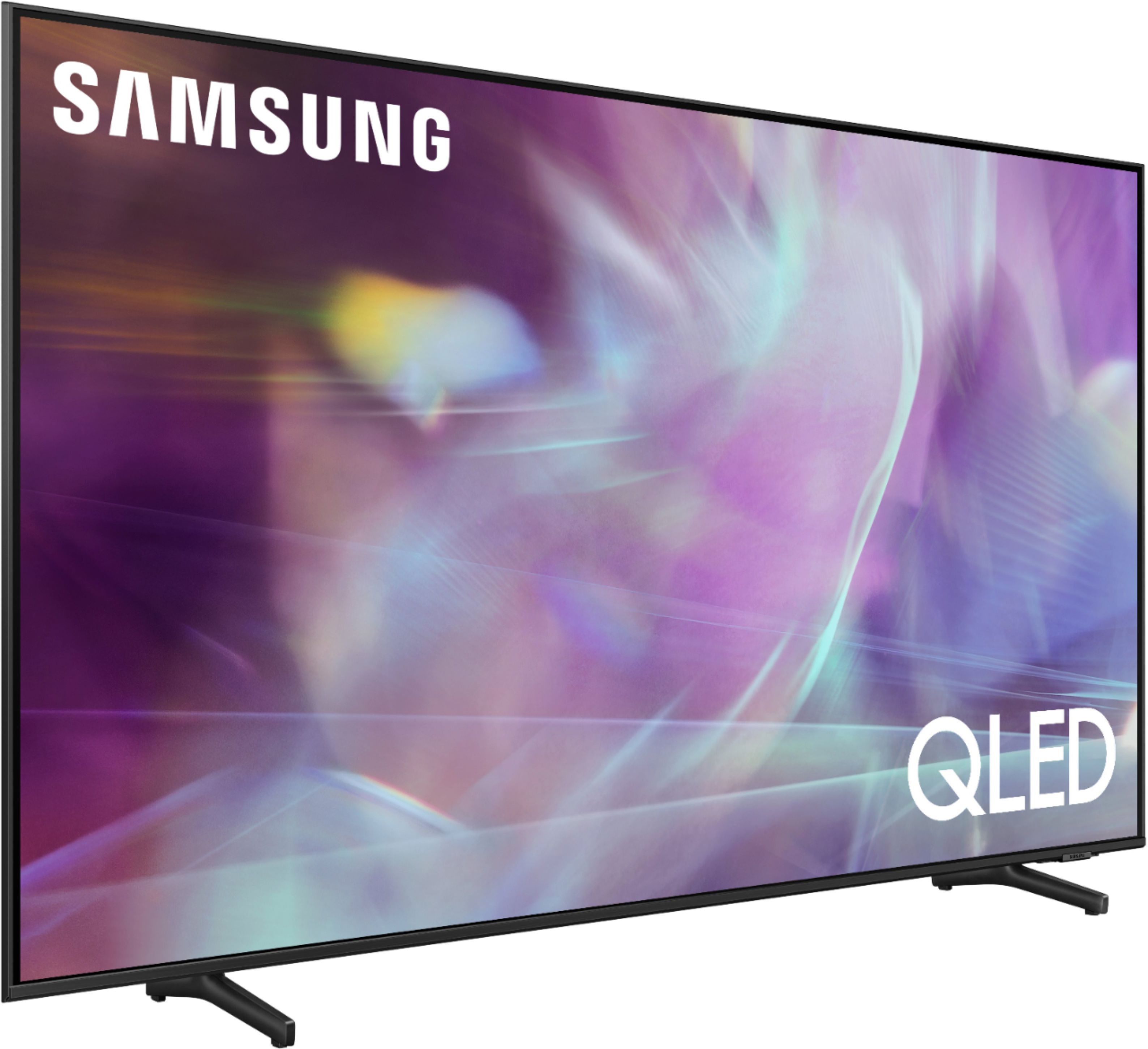
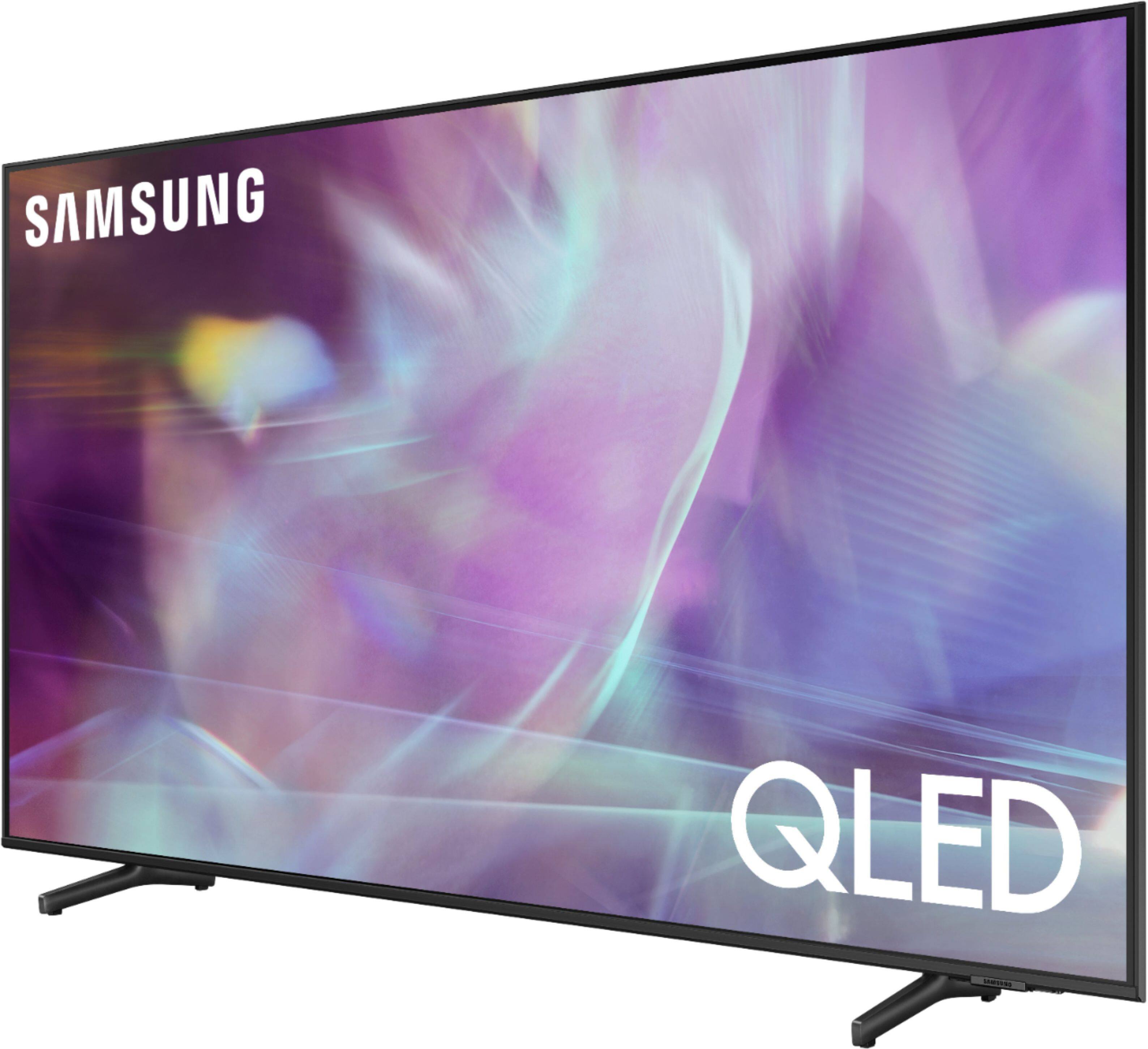
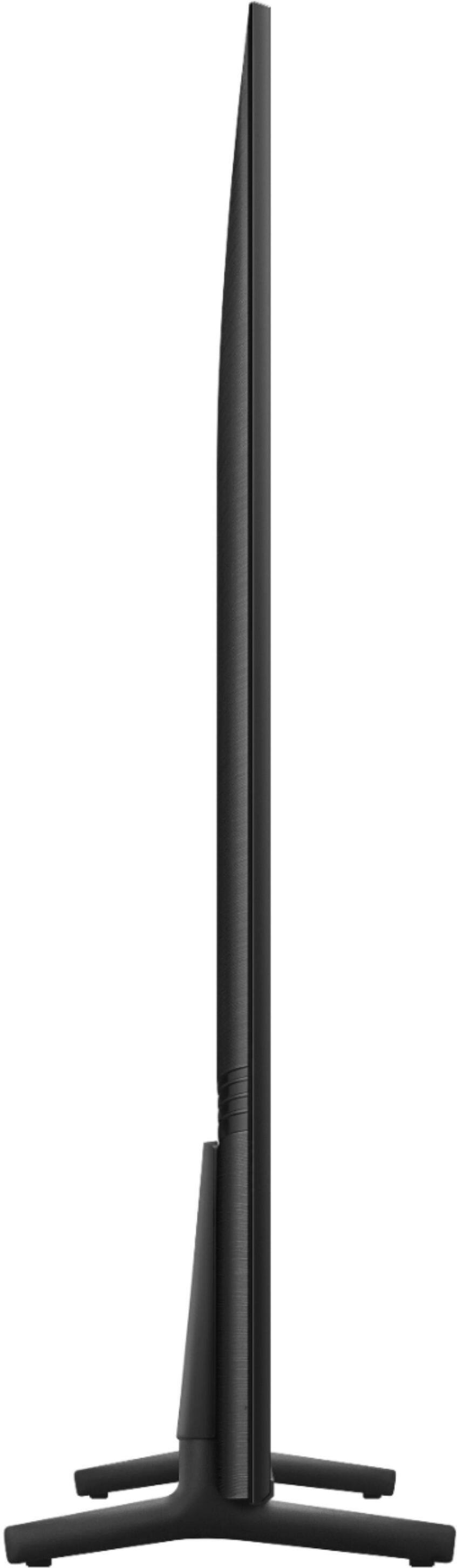

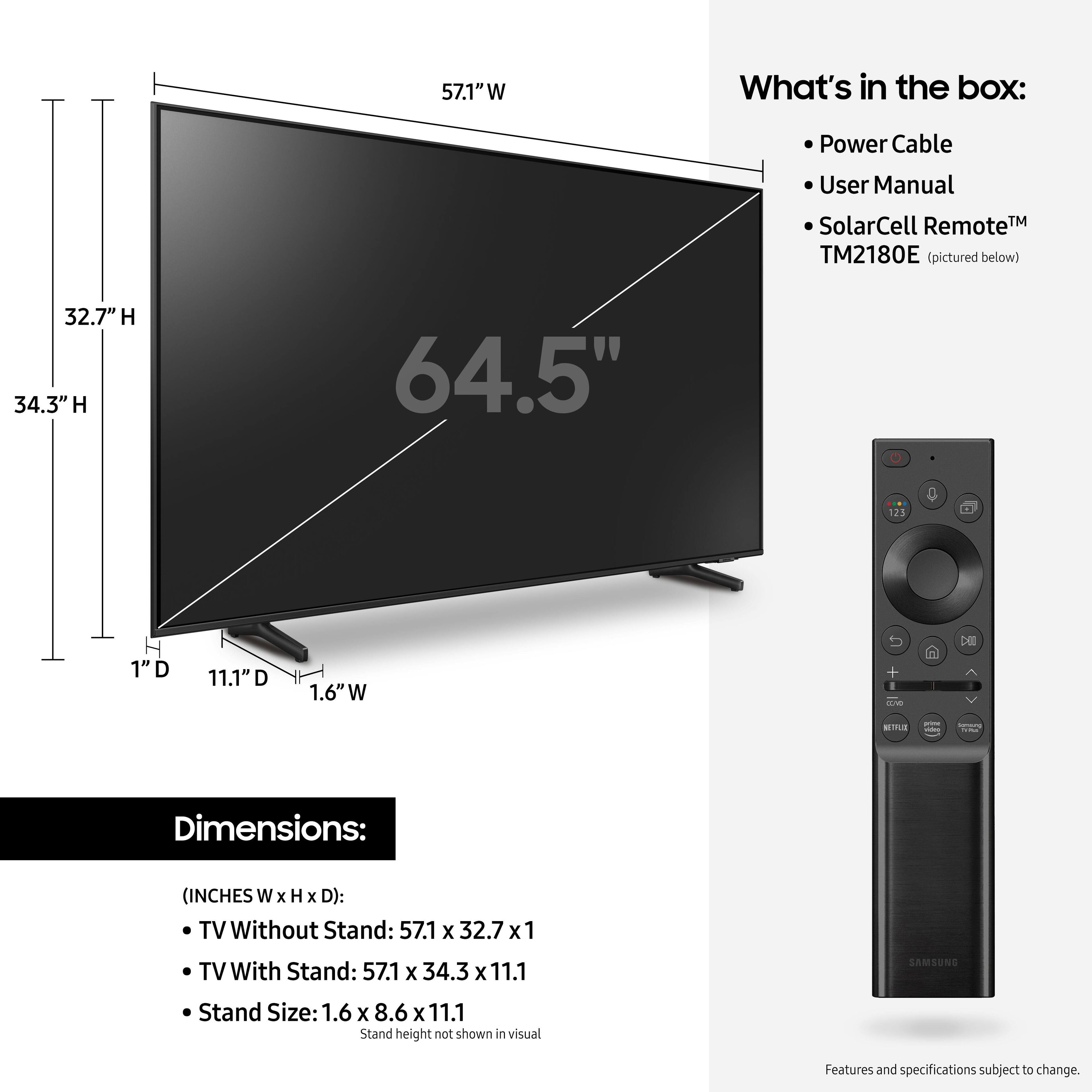
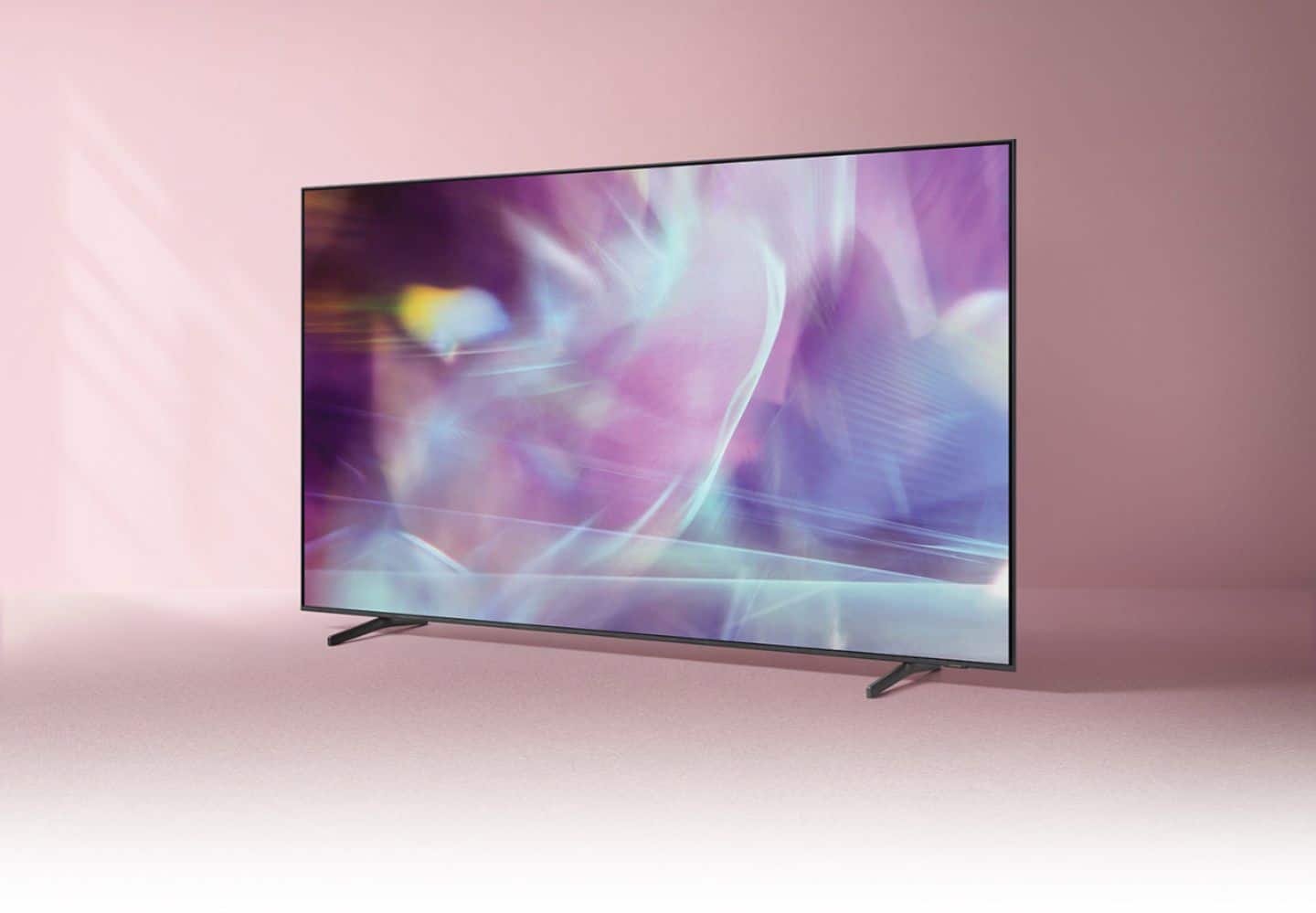
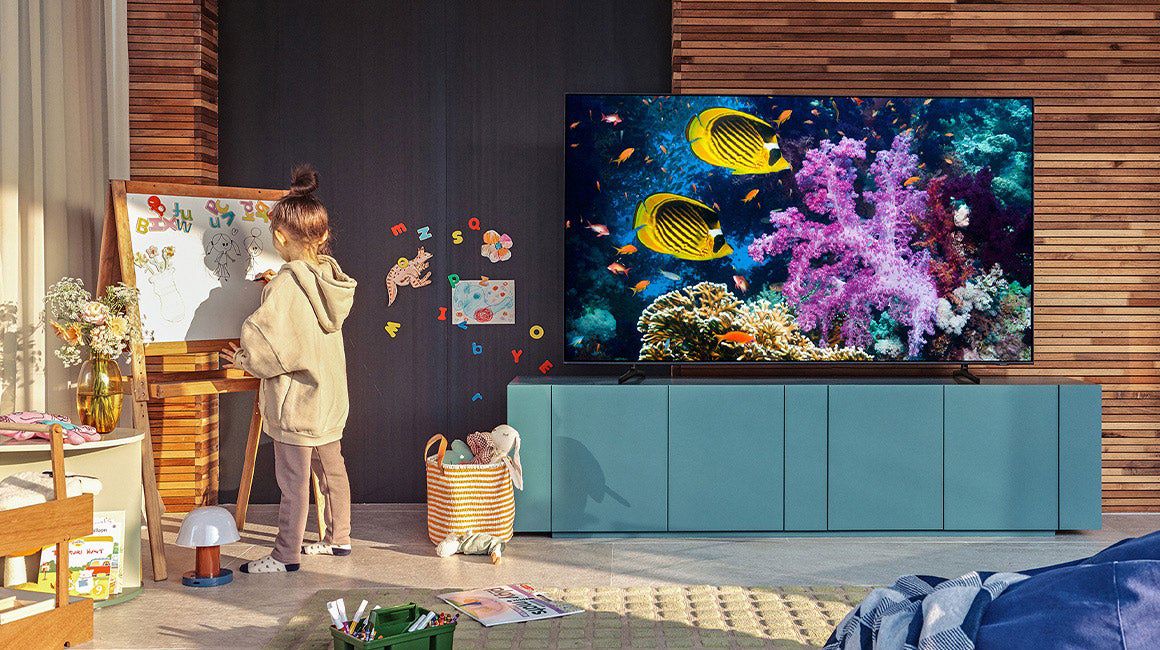
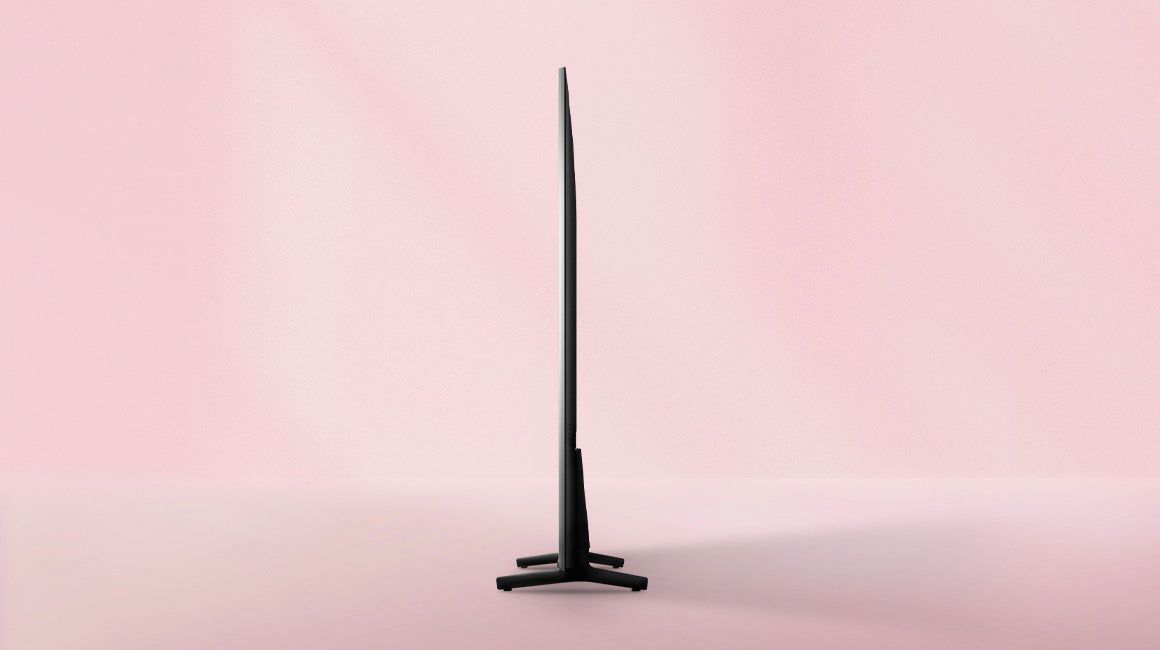
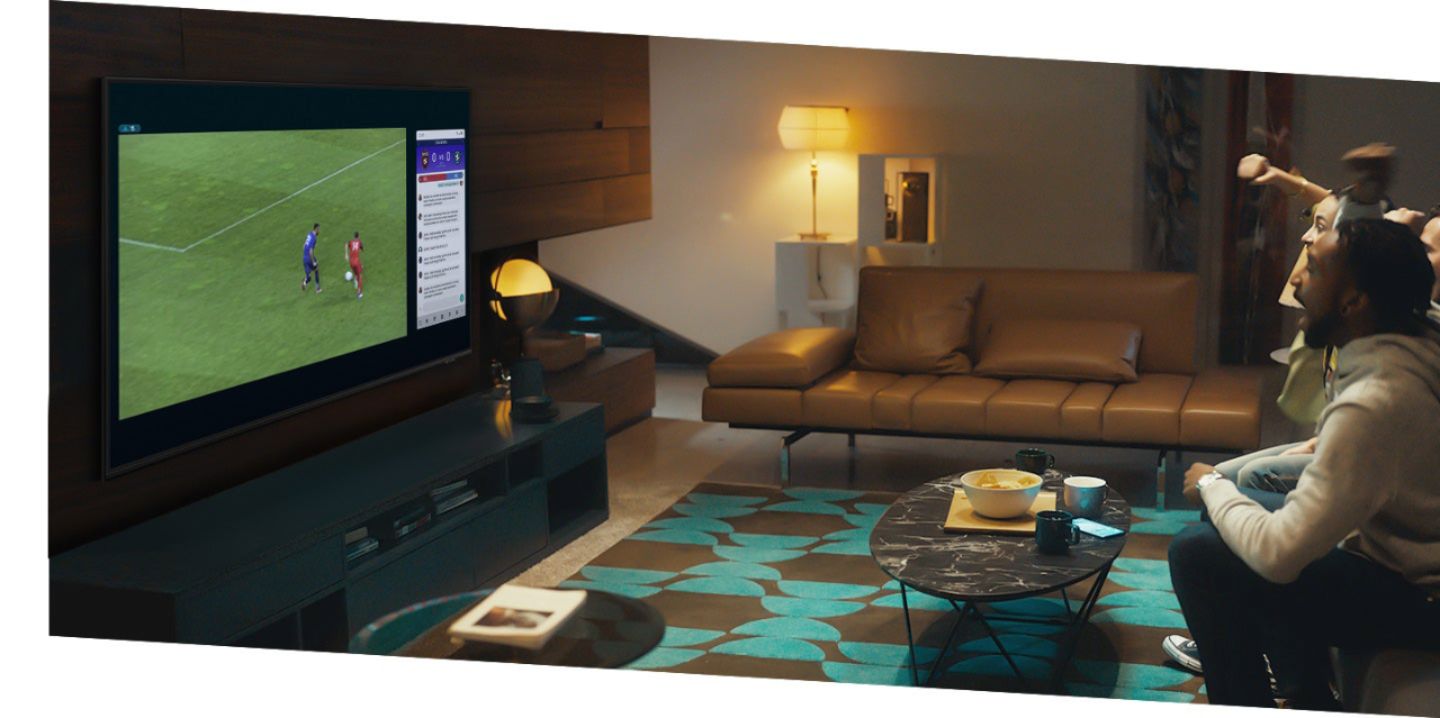
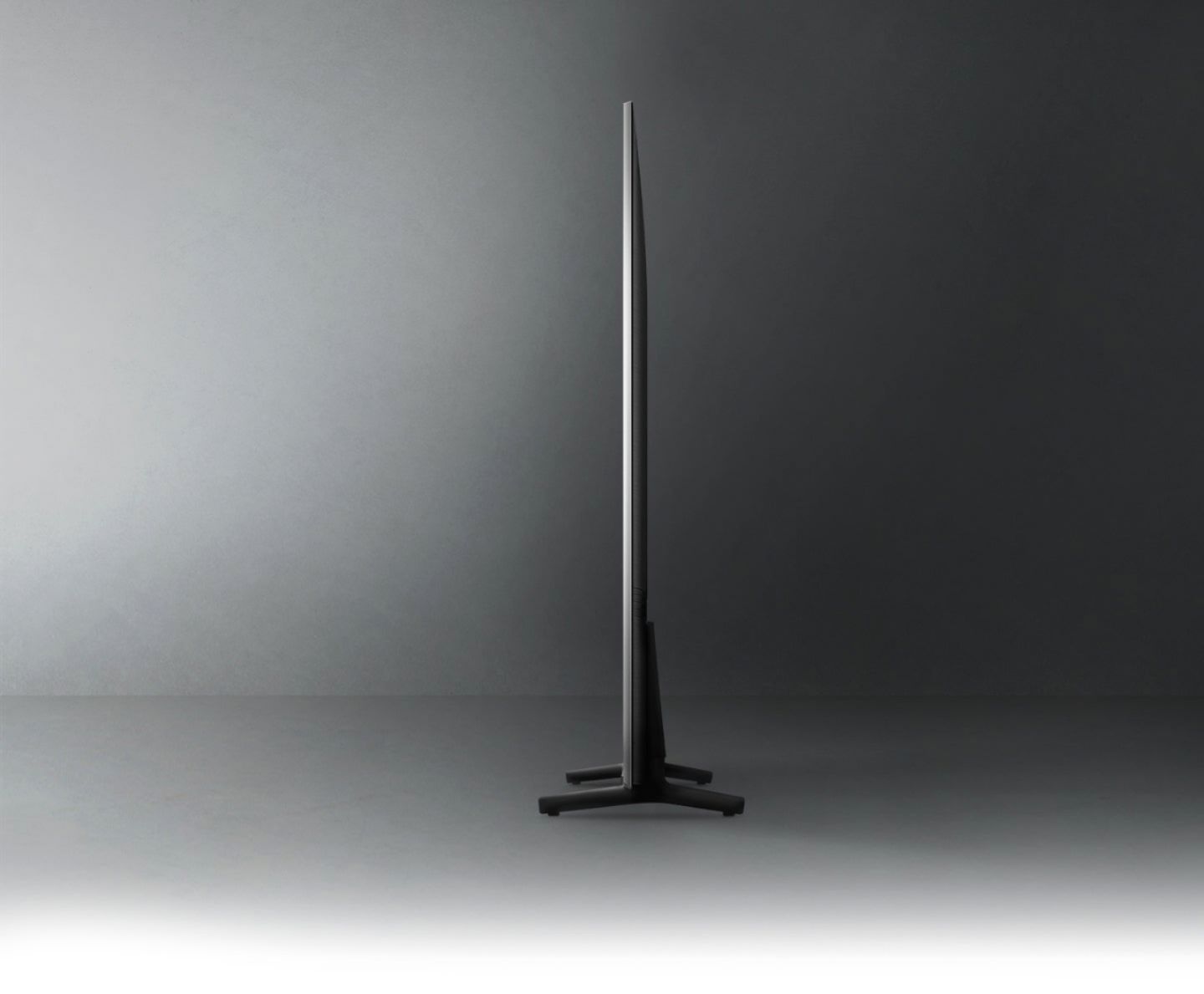

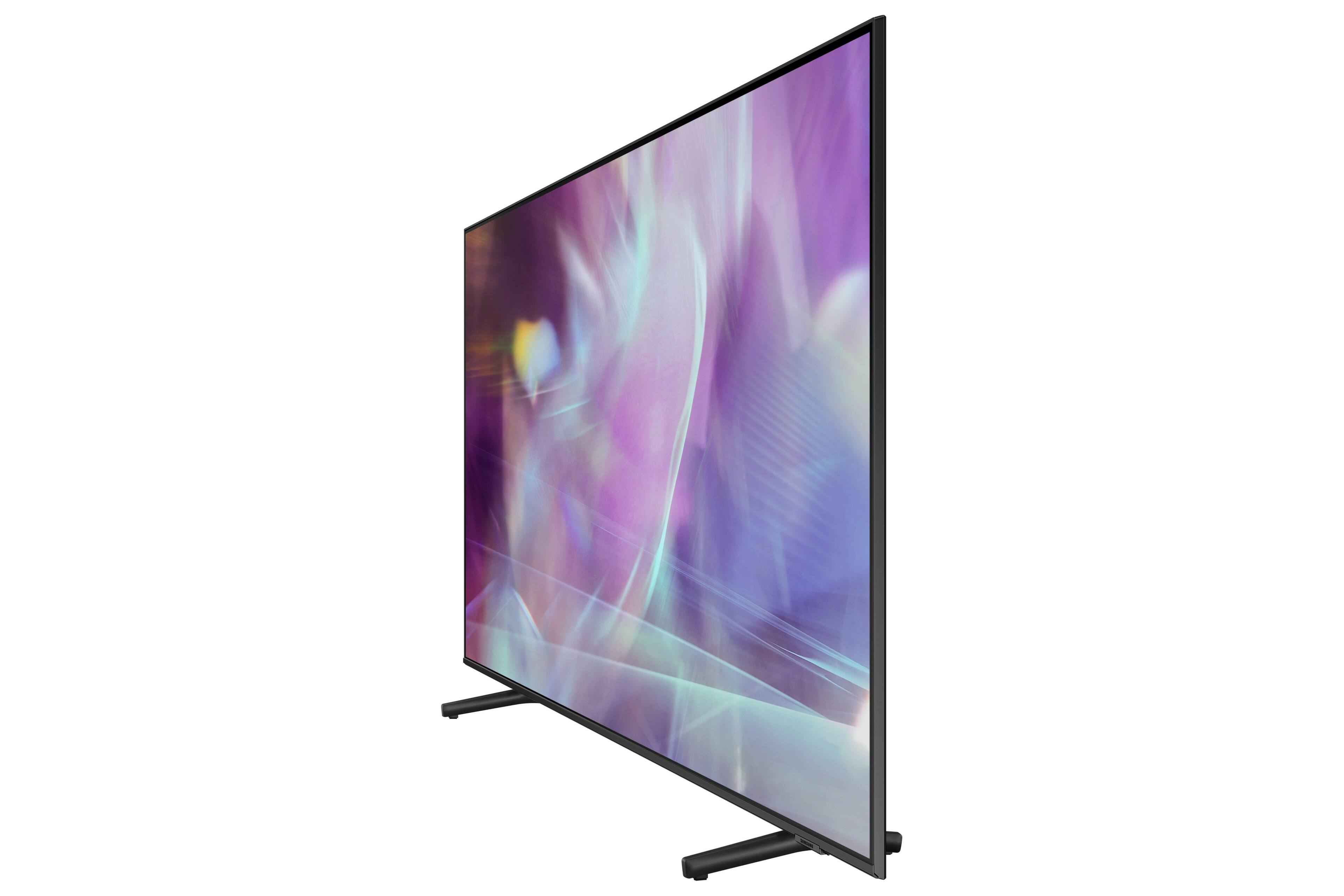






- Model:
- QN65Q60AAFXZA
- SKU:
- 6452371
Rating by feature
- Picture Quality
Rating 4.7 out of 5 stars
- Sound Quality
Rating 4.5 out of 5 stars
- Brightness
Rating 4.7 out of 5 stars
Customers are saying
Customers appreciate the 65" Class Q60A Series QLED 4K UHD Smart Tizen TV for its exceptional picture quality, with many praising its vibrant colors and sharp details. The easy setup process is also a highlight, making it a user-friendly choice. While some users have concerns about the remote control's inconvenience and occasional glare issues, the overall sentiment is positive, with customers expressing satisfaction with the TV's performance and value for money.
This summary was generated by AI based on customer reviews.
- Pros mentioned:Ease of use, Picture quality
Samsung 65” Q60A Series QLED 4K UHD Smart Tizen TV
Posted .This reviewer received promo considerations or sweepstakes entry for writing a review.The picture quality is absolutely stunning, with vibrant colors and sharp details that make everything look amazing. The Smart Tizen OS is super easy to use, and I love having quick access to all my favorite streaming apps. The slim design looks great in my living room, and the built-in voice assistants make it convenient to control the TV without having to use the remote. The adaptive picture and sound features really enhance the viewing experience, making it feel like I’m right in the middle of the action. Overall, I’m extremely satisfied with this TV, especially given the fantastic clearance price. Highly recommend it to anyone looking for a top-notch 4K TV!
I would recommend this to a friend Great TV, great value
||Posted .This reviewer received promo considerations or sweepstakes entry for writing a review.Great tv for the price. Hope to buy a few more when they go on sale again.
I would recommend this to a friendQLED 65 Television
||Posted . Owned for less than 1 week when reviewed.This reviewer received promo considerations or sweepstakes entry for writing a review.Beautiful Samsung TV. Love the Bluetooth for my Samsung sound bar.
I would recommend this to a friendSuper tv
||Posted . Owned for 3 weeks when reviewed.This reviewer received promo considerations or sweepstakes entry for writing a review.Excelent tv and resolution. Its juat what i need in my living room
I would recommend this to a friend- Pros mentioned:Picture quality, Remote control
Adaptive TV with Exceptional Picture Quality
Posted .This reviewer received promo considerations or sweepstakes entry for writing a review.How to start... this TV has may incredible features that I am still fully exploring so let me begin at the setup. The unboxing and the ease of popping on the adaptable height legs hinted that this TV would be exceptional. The box was created to make it easy to lift out and the legs slid to lock in place - again all very easy. Initial setup of the TV was very intuitive and user -friendly; even more so if you have pre-existing Samsung accounts along with any streaming services. Any attached peripherals are automatically found and synced to the TV's universal remote (can even use it for accessing the Xbox menu). Now the remote in itself deserves some shout out - no batteries needed! The remote utilizes solar charging or USB-C charging - essentially a modern remote fitting for such an advanced TV. Now onto the actual TV and its display. I must say the Quantum Dot technology coupled with the Dual LEDs makes for exceptional picture quality. Whether it is a nature documentary, default screensaver of backgrounds, videogames, or streaming a TV show - the picture is outstanding and hyper realistic (fortunately, not in an Uncanny Valley way). This technology is further advanced by the Quantum HDR leading to a vibrant picture quality that is poorly reflected in my phone's pictures. It is amazing that such picture quality can be achieved with such a slim casing as the TV is very slim (very little footprint) and the display is almost edgeless. For the most part, my TV has been used for streaming, familiarizing myself with the Samsung Plus channels/content, and setting up routines on Samsung Health (goodbye COVID 15 weight); however, I am still tweaking he picture setting and modes to figure out the best configuration to play videogames. So far, the gaming experience has been very smooth, fast, and lag free, but also a work in progress as certain modes alter pre-existing settings. The other aspect that I am fine tuning are the built in voice assistants which I am sill trying to pinpoint if this is a feature that I will be consistently using and if so, which one will be my go to/default. I also have yet to fully explore the PC and mobile device functionality but initial test runs were very easy, quick, and simple to sync. Overall a very adaptive TV fitting for all users whether one requiring a device ready for anything or even a more basic user ready to watch their favorite shows or movies.
I would recommend this to a friendBrand response from Samsung
Posted .melly13:
Thank you for sharing your initial impressions of your new Samsung Q60A QLED TV. I am happy to hear that you are enjoying exploring all the different features and settings your TV has to offer. Have you had a chance to try out the Super Ultrawide GameView & Game Bar? Both features are designed to optimize your gaming experience with an on-screen menu that lets you check input lag, FPS, HDR, wireless headset settings and more through an easy-to-access menu and expanding your view with multiple aspect ratios.
Should you have questions or need help with features, functions, settings, etc. you can reach us at 1-800-SAMSUNG (ask for TVs), available 8AM -12AM EST, 7 days a week. Or text HELP to 62913.
For additional support resources, visit us on the Samsung website and click on the ‘Support’ link in the upper right corner of the homepage for:
1) More ‘Contact Us’ options – LiveChat, Facebook, Twitter, Samsung Community, Samsung Members app
2) Manuals & Software
3) Warranty Info
4) Product Registration: For access to easy warranty support, convenient opt-in to special promos and offers, faster troubleshooting and service, and quick notification of system updates.
~ Samsung Solutions
No title
||Posted . Owned for 1 month when reviewed.This reviewer received promo considerations or sweepstakes entry for writing a review.This was an excellent choice for the family and myself.
I would recommend this to a friend- Pros mentioned:Picture quality
1 year later - do not buy
||Posted . Owned for 1 year when reviewed.This reviewer received promo considerations or sweepstakes entry for writing a review.We purchased this tv 1 year ago. It has a beautiful picture. But about 8 months after we bought it a large gray stripe on the left side of the screen appeared where the picture was darkened. A technician came out and replaced a part. A few weeks later the problem was back except worse because rather than gray it was black and a part of the screen was not visible. (About 20% on the left side). By the time we realized the second time that the replacement didn’t work it was less than a month over its 1 year manufacturers warranty and our only option was to get a repair person to come out at our expense. I have no confidence it can be fixed based on our previous experience. Truly terrible service and customer experience.
No, I would not recommend this to a friend No more Samsung for me
||Posted . Owned for 1 year when reviewed.This reviewer received promo considerations or sweepstakes entry for writing a review.Samsung used to be good. Quality is extremely low now. Dark screen or scenes show white lights on screen. Horrible. I’ll never buy another Samsung.
No, I would not recommend this to a friendFrustrated with picture distortion.
||Posted . Owned for 3 weeks when reviewed.This reviewer received promo considerations or sweepstakes entry for writing a review.Tv was pretty easy to set up but I’ve had problems with some channels not playing on full screen and there is horizontal distortion where people and faces look very narrow. I researched all of the possible solutions, adjusted the picture size setting to fit to screen, called Samsung support as well as support from my internet provider and no one has been of any help. This is very frustrating because the problem channels do play on full screen with another Samsung smart tv I have that’s connected to the same internet provider.
No, I would not recommend this to a friendMy Sharp TV was better.
||Posted . Owned for 3 weeks when reviewed.This reviewer received promo considerations or sweepstakes entry for writing a review.Not all that pleased with this TV. I knew I should not have bought a Samsung. First, the navigation on this TV is complicated for no reason. When I just want to watch regular TV, I have to go through a maze on the remote options to get to my regular programming. It plays Asian movies that are not in English, yet I'm just trying to watch Impractical Jokers on cable. The quality of picture is grainy as well, at least for me. Not sure what the reason is but my Sharp was much clearer than this.
No, I would not recommend this to a friendBrand response from Samsung
Posted .MeeCee,
Thank you for choosing Samsung’s Q60A TV and for your review. We appreciate your feedback regarding the remote included with your TV. To assist you in the learning the various features, functions, and settings of the remote, you can download the Solar Cell Remote Guide directly from Samsung’s website under ‘Support’ (top right corner) > Manuals & Software > TVs & Home Theater. From there, you can select the Q60A under QLED 4K TVs > A Model Lineup. Additionally, you can find other guides and manuals to further assist you with your TV’s features.
If the picture you are seeing out-of-the-box is not to your liking, there are several picture settings you may want to try adjusting.
You can select the Picture Mode that provides the best viewing experience. Go to Home > Settings > Picture > Picture Mode
1) Standard: Is the default mode suitable for general viewing environments.
2) Natural: Reduces eye strain for a comfortable viewing experience.
3) Movie: Is suitable for watching TV or movies in a dark room.
4) Dynamic: Makes the picture brighter and clearer in bright viewing environments.
5) Filmmaker Mode: You can watch the source content (e.g., movie) as it is. If the image is defined as Filmmaker Mode, it will automatically switch to Filmmaker Mode while watching.
You can also go to: Settings > Picture > Expert Settings > to manually fine tune your image.
For further assistance with settings adjustments, please contact Samsung Customer Support at 1-800-SAMSUNG (ask for TVs), available 8AM - 12AM EST, 7 days a week.
For additional support resources, visit us on the Samsung website and click on the ‘Support’ link in the upper right corner of the homepage for:
1) Chat with Us/Product Help: To begin a chat or find solutions, choose ‘TVs & Home Theater’ and select your model & topic.
2) Manuals, Software, & Warranty Info
~ Samsung Specialist
- Pros mentioned:Color
TV Replacement
||Posted . Owned for 3 weeks when reviewed.This reviewer received promo considerations or sweepstakes entry for writing a review.This new 65 inch Samsung has great color and clarity.TV Replacement, the old tv had a one inch wide black line down the he middle, I got a replacement that was an upgrade? Very pleased!!
I would recommend this to a friend Screen failure in < 30 days.
||Posted . Owned for 3 weeks when reviewed.This reviewer received promo considerations or sweepstakes entry for writing a review.Developed 2 foot long full screen height vertical patches stretching of discolored yellowed (while viewing on white) LEDs, within less than 30 days of responsible use. No variables to cause the issue. TV was fine for about 20 days and suddenly mid-watching a movie we suddenly noticed the yellowed / dimmed blocks. Returning the TV.
No, I would not recommend this to a friendBrand response from Samsung
Posted .Hi RealPersonReview,
Thank you for sharing your review of the Samsung Q60A TV. Samsung stands behind the quality and performance of our TVs with a limited 1-year manufacturer’s warranty when purchased brand-new from an authorized dealer.
Should you want to troubleshoot your issue first, please contact Samsung Customer Support at 1-800-SAMSUNG (ask for TVs), available 8AM -12AM EST M-F (9AM – 6PM EST Sat). Or text HELP to 62913.
For additional support resources, visit us on the Samsung website and click on the ‘Support’ link in the upper right corner of the homepage for:
1) More ‘Contact Us’ options – LiveChat, Facebook, Twitter, Samsung Community, Samsung Members app
2) Manuals & Software
3) Warranty Info
4) Product Registration: For access to easy warranty support, convenient opt-in to special promos and offers, faster troubleshooting and service, and quick notification of system updates.
We hope to hear from you.
~ Samsung Specialist
- Pros mentioned:Picture quality, Remote control
A Superior Samsung TV
Posted .This reviewer received promo considerations or sweepstakes entry for writing a review.I have had many Samsung televisions through out the years. This one takes the trophy. The latest is the greatest. It was easy to unpack, put the legs on and set up as it guided you right through the process. Didn't take that much time at all. The picture quality is definitely superior and amazing to look at and the design is very slim. Its compact and the picture fills up the whole screen. A very impressive television. The smart feature is definitely a necessity nowadays and Samsung has it all built it. It very easy to connect and stream apps. That is the way of the future and Samsung is on top of it. My go to apps are Netflix and Amazon Prime for sure. The remote control is out of this world, I just love that batteries are not needed. The remote can charge by solar or USB cable, it is a sleek and slim design which fits in your hand perfectly. Simple and easy to use buttons which makes using it an easy and fun task. My favorites are streaming amazon prime and definitely watching sporting events as well as sitcoms. Watching sporting events makes me feel like I'm actually there. Especially during March madness, I could not believe how clear the picture was. It's an overwhelming experience with a clean superior sound and super clear and detailed picture. The aspects of Qled, UHD and 4k make it the best tv out there in my opinion. I highly recommend this Television to others. You will not be disappointed. It embodies the future of TVs and has everything that you will need.
No, I would not recommend this to a friendBrand response from Samsung
Posted .Booker:
Great to hear that you found setup of your new 2021 Q60A QLED 4K TV to be quick and easy. Quantum Dots power over a billion brilliant shades of vivid and lifelike colors that stay true without fading, regardless of the scene's brightness. At only 1” thick, the sleek and slim AirSlim with minimalist details are designed to enhance your space.
Samsung Customer Support is here to help if you need assistance or have questions regarding features, functions, setup and more. You can reach us at 1-800-SAMSUNG (ask for TVs), available 8AM -12AM EST, 7 days a week. Or text HELP to 62913.
For additional support resources, visit us on the Samsung website and click on the ‘Support’ link in the upper right corner of the homepage for:
1) More ‘Contact Us’ options – LiveChat, Facebook, Twitter, Samsung Community, Samsung Members app
2) Manuals & Software
3) Warranty Info
4) Product Registration: For access to easy warranty support, convenient opt-in to special promos and offers, faster troubleshooting and service, and quick notification of system updates.
~ Samsung Solutions
- Pros mentioned:Ease of use, Picture quality, Remote control
The picture is beautiful
Posted .This reviewer received promo considerations or sweepstakes entry for writing a review.I love this new Q60A QLED 4K Samsung tv! It was easy to set up myself. The legs are also adjustable if you want to put a sound bar under your TV or keep it table height. I LOVE the remote which has a solar panel on it in addition to being able to be charged with a USB cable, no batteries needed ever! It is so easy to set up this TV since I already have another Samsung TV, the app already had all my settings for this new one. I love watching movies and series on Netflix and Hulu plus I watch a lot of YouTube videos as well. I even like to listen to music on my tv. The picture is absolutely beautiful and the sound quality is amazing! I love how I can connect my iphone or my computer to my tv screen. It is so cool that I can display my personal photos on my tv screen when I am not watching it, I like to keep a picture of a beautiful sunset on my screen so it looks like artwork. You can talk to Amazon Alexa through the remote as well. Overall, I am really happy with this tv I feel like I have a movie theater in my living room.
I would recommend this to a friend - Pros mentioned:Ease of use, Picture quality, Remote control
Large Clear Crisp Picture don't need glasses
Posted .This reviewer received promo considerations or sweepstakes entry for writing a review.This TV is great for watching. Don't need glasses. The picture is crystal clear. The closed captioning on it is large enough so at night I can read the words without disturbing other people. Its got a lot of features to learn. Being not as tech savvy as others I love it because the remote and volume are very simple to learn. Not lots of buttons. Compared to the other tv we were using before this is like 10 steps up. I'm just totally blown away how easy it really is to use from watching tv to switching to my amazon account on there and the buttons are easy to feel on the remote (again i keep saying it) but i don't neeed my glasses for this. Can't wait to replace all the TVs in the house with TV's like this.
I would recommend this to a friendBrand response from Samsung
Posted .MK4GTI:
Thank you for choosing the 2021 Q60A QLED TV. I’m happy to hear that you are enjoying the crisp clear picture brought to you by Quantum HDR, freeing you from your glasses. Have you tried out the great features like the Voice Assistants which allow you to control your TV with just your voice? Use built-in Samsung Bixby, Amazon Alexa and Google Assistant to easily change the channel, play music, control smart home devices and more — all you have to do is ask.
If you have any questions about features, settings, etc., Samsung Customer Support is here to help. You can reach us at 1-800-SAMSUNG (ask for TVs), available 8AM -12AM EST, 7 days a week. Or text HELP to 62913.
For additional support resources, visit us on the Samsung website and click on the ‘Support’ link in the upper right corner of the homepage for:
1) More ‘Contact Us’ options – LiveChat, Facebook, Twitter, Samsung Community, Samsung Members app
2) Manuals & Software
3) Warranty Info
4) Product Registration: For access to easy warranty support, convenient opt-in to special promos and offers, faster troubleshooting and service, and quick notification of system updates.
~ Samsung Solutions
- Pros mentioned:Ease of use, Picture quality, Remote control
Crisp Clear Picture - This will blow you away!!
Posted .This reviewer received promo considerations or sweepstakes entry for writing a review.This TV is great for watching. Don't need glasses. The picture is crystal clear. The closed captioning on it is large enough so at night I can read the words without disturbing other people. Its got a lot of features to learn. Being not as tech savvy as others I love it because the remote and volume are very simple to learn. Not lots of buttons. Compared to the other tv we were using before this is like 10 steps up. I'm just totally blown away how easy it really is to use from watching tv to switching to my amazon account on there and the buttons are easy to feel on the remote (again i keep saying it) but i don't neeed my glasses for this. Can't wait to replace all the TVs in the house with TV's like this.
I would recommend this to a friendBrand response from Samsung
Posted .MK4GTIMIKE:
Thank you for choosing the 2021 Q60A QLED TV. I’m happy to hear that you are enjoying the crisp clear picture brought to you by Quantum HDR, engineered to deliver the full effect of every image with dynamic tone mapping that draws from a wider range of color and brightness than standard HD. Deep blacks, vibrant imagery and detail always shine through.
If you have any questions about features, settings, etc., Samsung Customer Support is here to help. You can reach us at 1-800-SAMSUNG (ask for TVs), available 8AM -12AM EST, 7 days a week. Or text HELP to 62913.
For additional support resources, visit us on the Samsung website and click on the ‘Support’ link in the upper right corner of the homepage for:
1) More ‘Contact Us’ options – LiveChat, Facebook, Twitter, Samsung Community, Samsung Members app
2) Manuals & Software
3) Warranty Info
4) Product Registration: For access to easy warranty support, convenient opt-in to special promos and offers, faster troubleshooting and service, and quick notification of system updates.
~ Samsung Solutions
Livingroom
||Posted . Owned for 3 weeks when reviewed.This reviewer received promo considerations or sweepstakes entry for writing a review.I have an issue with the TV. It has a red line from top to bottom (see the image below). The TV will need to be replaced or repaired. How do I go about doing that?
No, I would not recommend this to a friendBrand response from Samsung
Posted .Livingroom,
Thank you for choosing Samsung's Q60A TV and for your review. Samsung is committed to providing the best possible product experience, quality, and value. We back this Samsung TV with a 1-year limited manufacturer's warranty, including authorized repair for manufacturer defect, if purchased brand-new directly from an authorized seller.
Please give us the opportunity to assist you by contacting Samsung Customer Support at 1-800-SAMSUNG (ask for TVs), available 8AM - 12AM EST, 7 days a week.
For additional support resources, visit us on the Samsung website and click on the ‘Support’ link in the upper right corner of the homepage for:
1) Chat with Us/Product Help: To begin a chat or find solutions, choose ‘TVs & Home Theater’ and select your model & topic.
2) Manuals, Software, & Warranty Info
We hope to hear from you.
~ Samsung Specialist
- Pros mentioned:Picture quality, Remote control
Blown Away By This Gorgeous QLED
Posted .This reviewer received promo considerations or sweepstakes entry for writing a review.I haven’t gotten a new TV in 5 years because I thought 4K is just 4K. Boy was I wrong! There’s a huge jump from a regular 4K TV to this Samsung QLED! Picture: absolutely stunning! There’s so many options and modes to choose from that you can make any show or game perfect! Sound: blown away by the sound! Movies sound like you’re in a theater and games are even more immersive! Interface: major upgrade from my 5 year old TV. Samsung has put a lot of work into making the UI intuitive and crazy fast! The rechargeable solar remote is also really cool. I’d recommend this TV to anyone that doubts 4K hasn’t changed in the past few years, it’s come a long way!
I would recommend this to a friendBrand response from Samsung
Posted .Kpow2630:
Thank you for your review of the 2021 Q60A QLED TV. I am happy to hear that you are enjoying the immersive sound brought to you by Object Tracking Sound Lite (OTS Lite) which gives you 3D surround sound with strategically places dynamic speakers that move the sound around you.
Samsung TV Support is available for assistance with settings adjustments or with any other questions. You can reach us at 1-800-SAMSUNG (ask for TVs), available 8AM -12AM EST, 7 days a week. Or text HELP to 62913.
For additional support resources, visit us on the Samsung website and click on the ‘Support’ link in the upper right corner of the homepage for:
1) More ‘Contact Us’ options – LiveChat, Facebook, Twitter, Samsung Community, Samsung Members app
2) Manuals & Software
3) Warranty Info
4) Product Registration: For access to easy warranty support, convenient opt-in to special promos and offers, faster troubleshooting and service, and quick notification of system updates.
~ Samsung Solutions
- Pros mentioned:Color, Picture quality
Luxury product that has a lot to offer!
Posted .This reviewer received promo considerations or sweepstakes entry for writing a review.To start off, unpacking the product was very pleasant. Instructions to unbox and install the product were given in a way that can be easily found and followed, and I love the fact that the package was designed to help reduce waste! Having access to information about such company’s value on a product packaging is very important to me because it tells me that the company is serious about Going Green, and I always love to support companies that cares about environment. To set up the TV, there was an option to set it up via Samsung App which I didn’t have on my existing TCL that has built-in Roku. Best thing about this TV is that I can connect it to my Amazon Alexa and Google Homes, and also the fact that I have direct access to a lot of Internet TV which displays on TV menu as if I have cable TV. Without having to log onto separate internet account, I could watch different shows already. Quality wise, color is very vivid and it gives me a feeling as if I am watching 3D TV although this model isn’t 3D TV (I ran a few 4K YouTube videos to test out the quality and this one is definitely different than my two year old 50 inch 4K Samsung TV). Considering the retail price, this model is definitely worth the money and I am very happy about the purchase:)
I would recommend this to a friend - Pros mentioned:Color, Ease of use, Picture quality
Love this TV!
||Posted . Owned for 1 year when reviewed.This reviewer received promo considerations or sweepstakes entry for writing a review.I bought this because a) for the size and b) I wanted to ensure that there was no view distortion when sitting to the side of the TV and I have not been distorted. Great colour and easy to use. Sound bar is definitely needed though.
I would recommend this to a friend