Customer Ratings & Reviews
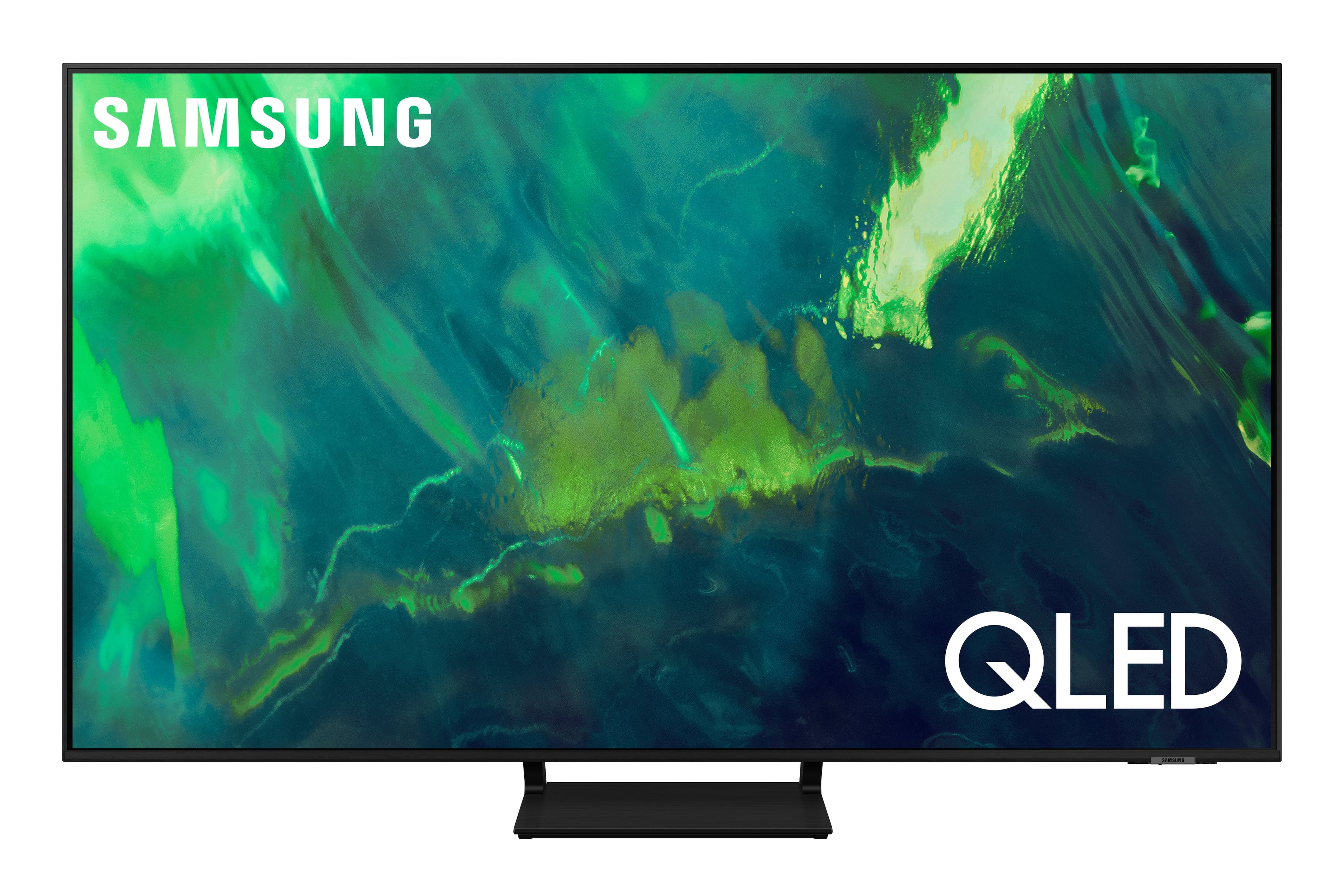
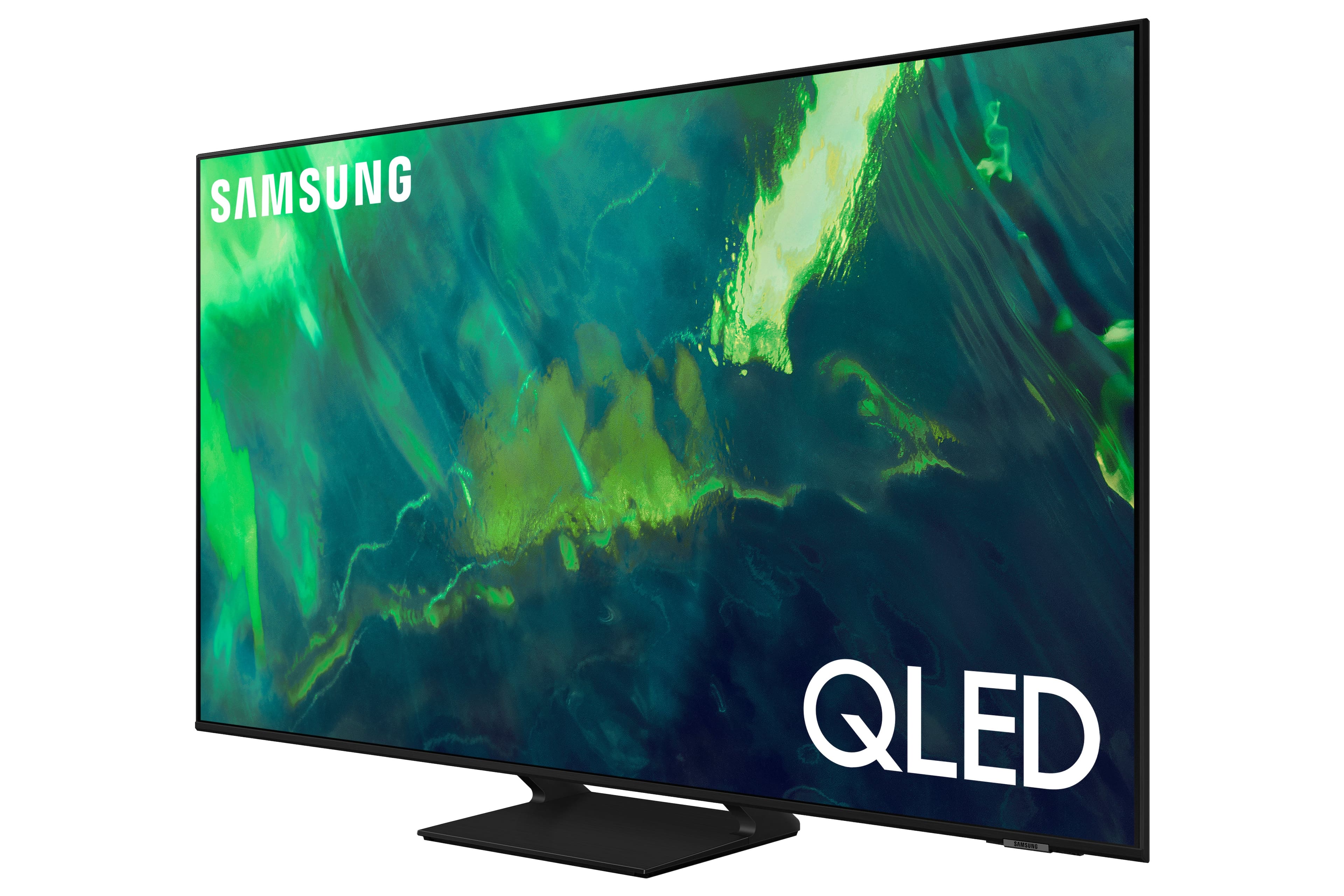


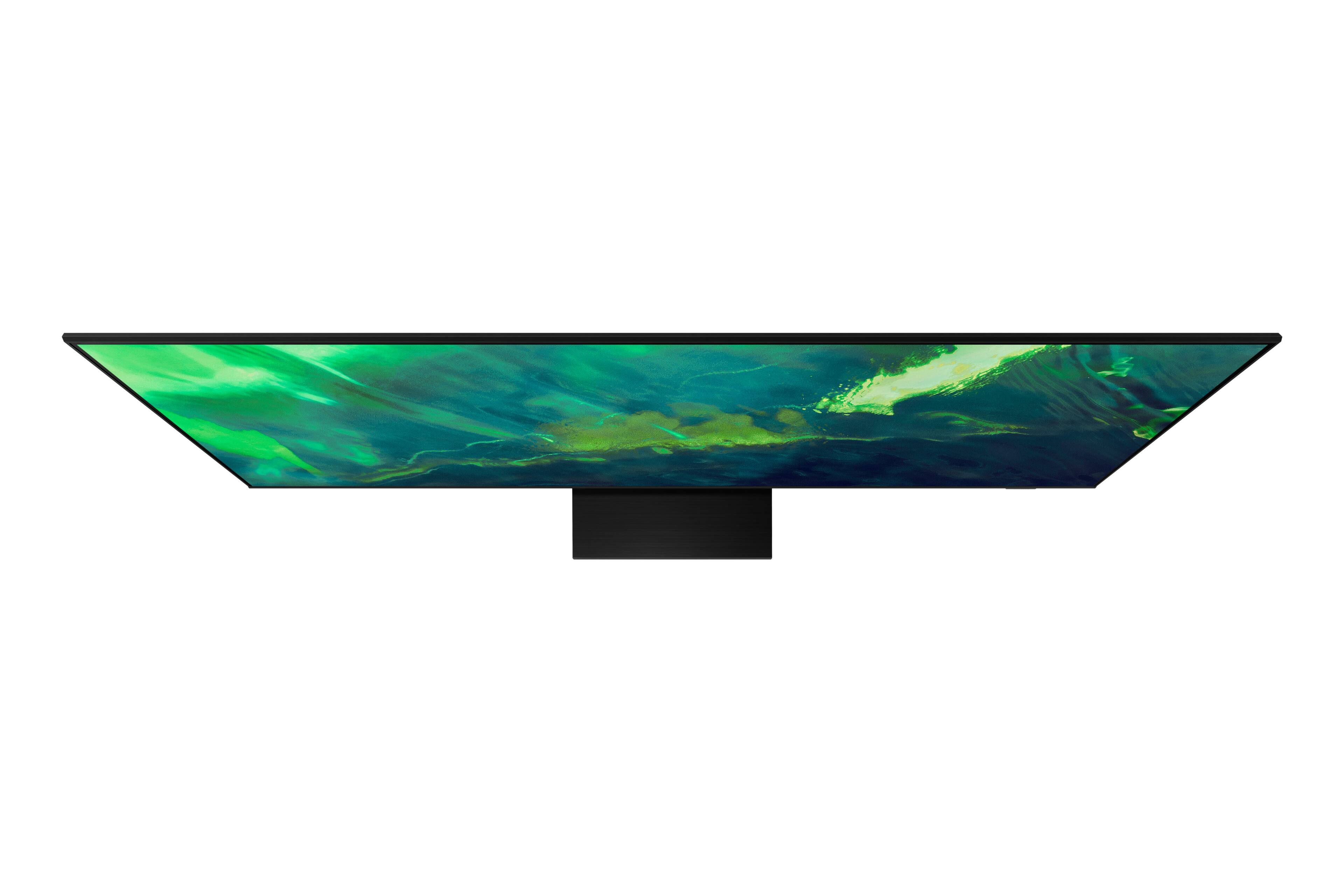
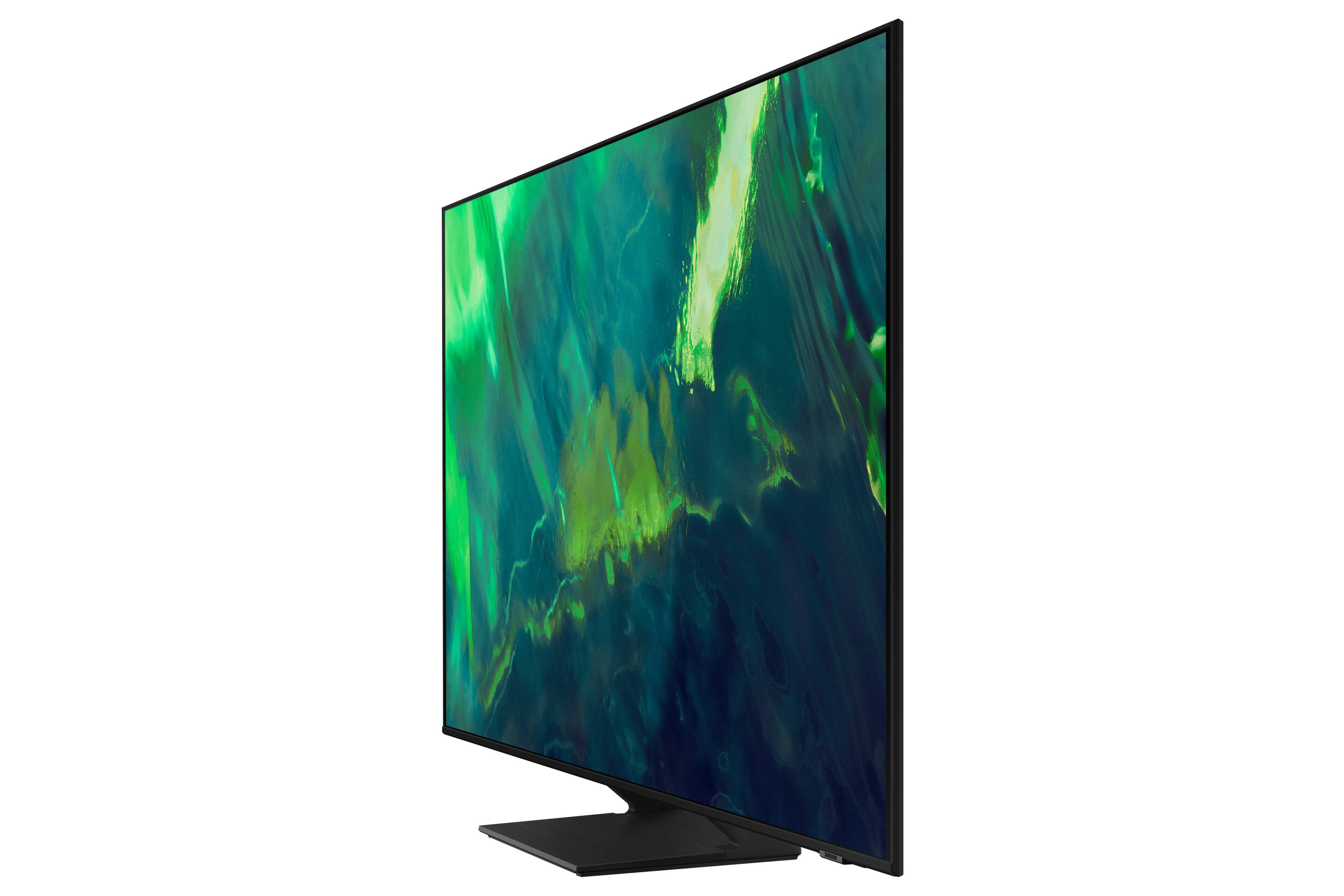
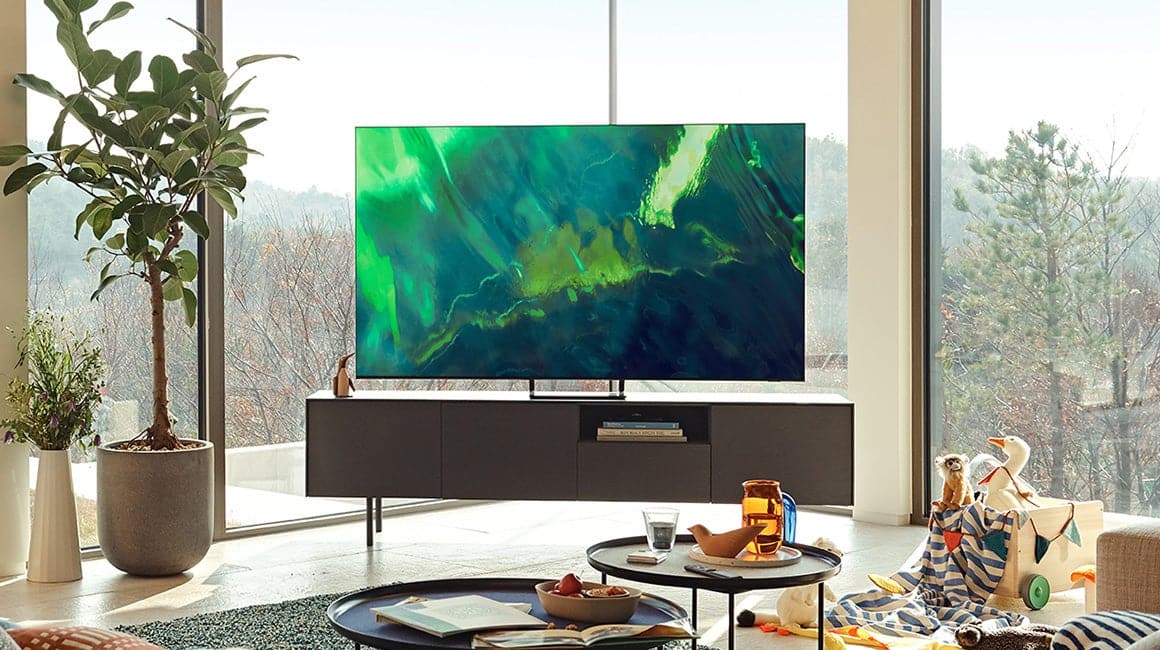
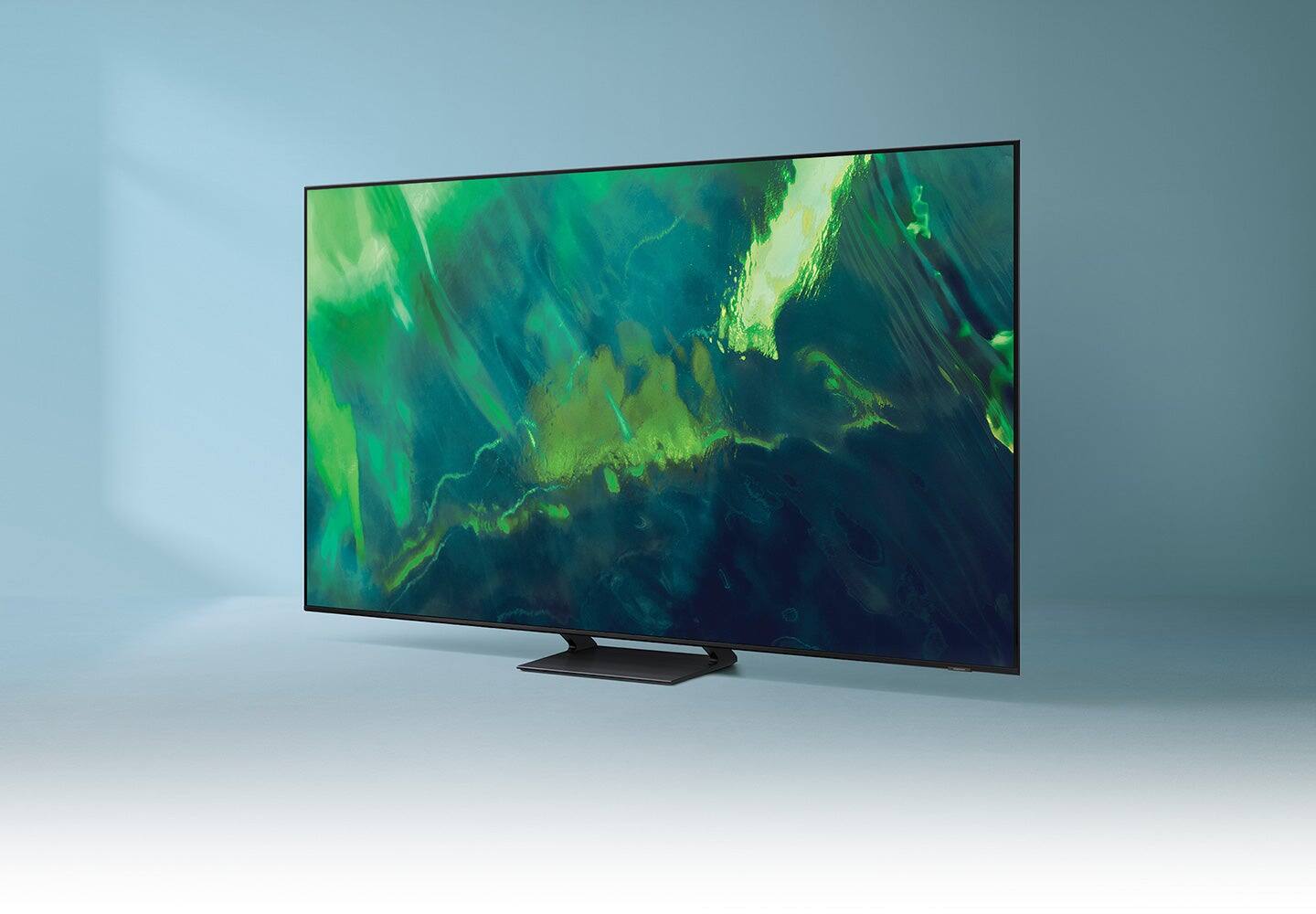











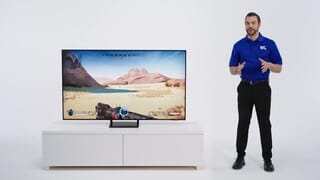





- Model:
- QN65Q70AAFXZA
- SKU:
- 6451476
Rating by feature
- Picture Quality
Rating 4.8 out of 5 stars
- Sound Quality
Rating 4.4 out of 5 stars
- Brightness
Rating 4.8 out of 5 stars
Customers are saying
Customers enjoy the excellent picture quality, easy setup, and affordable price of the 65" Class Q70A Series QLED 4K UHD Smart Tizen TV. They appreciate the vibrant colors and find it to be a great TV for gaming. While some users have experienced minor issues like screen lines and clouding, overall, customers are pleased with their purchase.
This summary was generated by AI based on customer reviews.
Great Service
||Posted . Owned for 2 months when reviewed.This reviewer received promo considerations or sweepstakes entry for writing a review.Great service @ the store while shopping for a television. Excellent delivery & installation. The television is perfect!
I would recommend this to a friendIncredible Picture
||Posted . Owned for 1 week when reviewed.This reviewer received promo considerations or sweepstakes entry for writing a review.This is my first QLED tv and based on the time I have had it I would say it is worth spending a little more to get the better technology
I would recommend this to a friendSamsung 65” TV
||Posted . Owned for 1 month when reviewed.This reviewer received promo considerations or sweepstakes entry for writing a review.Great 65” Samsung TV. The guys that delivered it were sooo friendly and helpful. I would recommend Best Buy to purchase anything
I would recommend this to a friendQLED vs OLED
||Posted . Owned for 1 month when reviewed.This reviewer received promo considerations or sweepstakes entry for writing a review.Purchased this tv as an upgrade in size. Liked the similar design to the OLED but picture falls short of the brightness & picture quality. Sound quality not the best but would still recommend until you can afford an OLED.
I would recommend this to a friendBrand response from Samsung
Posted .QLEDUpgrade,
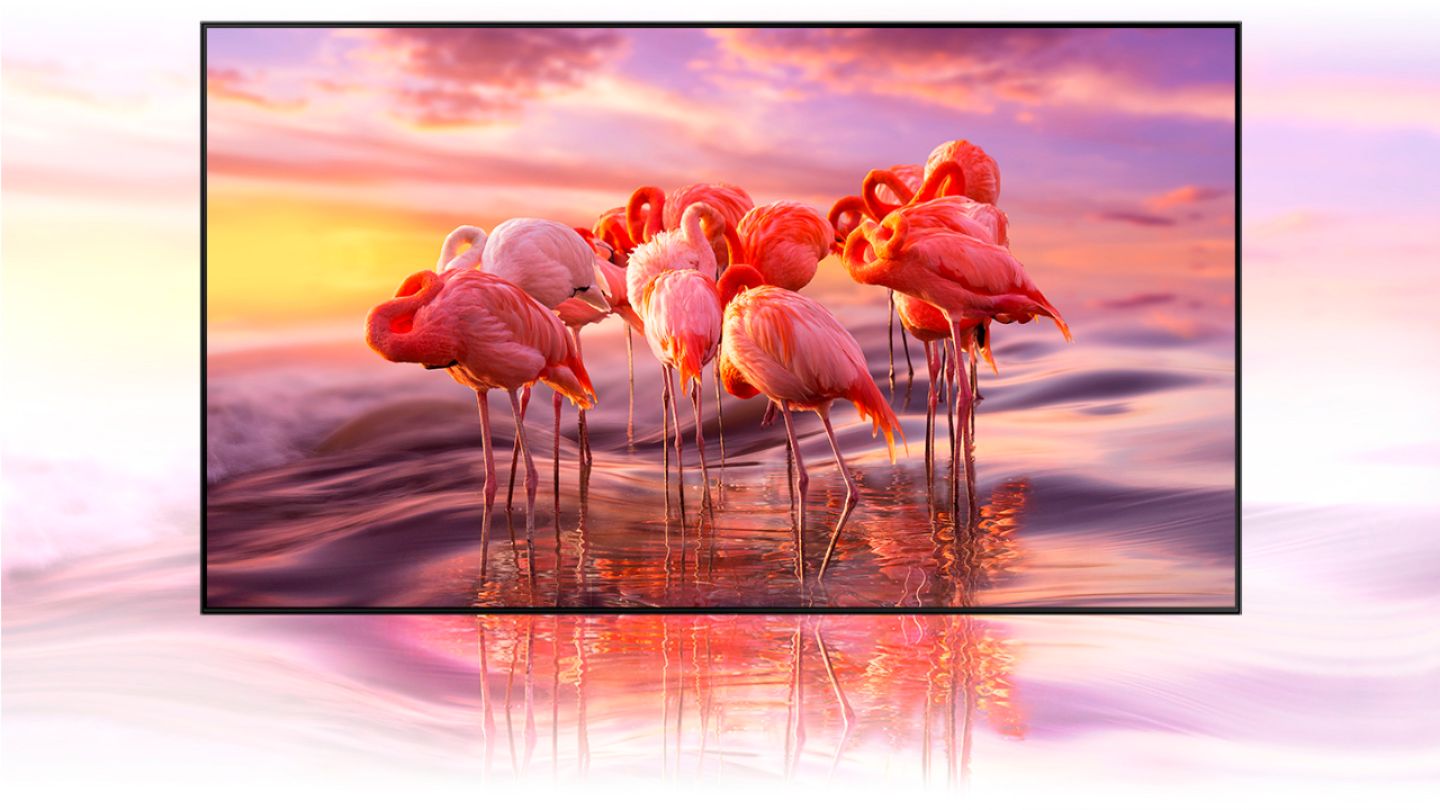
Thank you for your review of the Q70A QLED 4K TV with Quantum Dot Technology. Quantum Dots power over a billion brilliant shades of vivid and lifelike colors that stay true without fading, regardless of the scene's brightness.
You can choose from different Picture Modes to suit your preferences. Go to Home > Settings > Picture > Picture Mode to choose from (Standard, Natural, Movie, Dynamic, & Filmmaker Mode. If the image is defined as Filmmaker Mode, it will automatically switch to Filmmaker Mode while watching.)
Intelligent Mode enables the TV to recognize and analyze the surroundings, noise, content, and your usage patterns to provide the best viewing experience. You can enable Intelligent Mode by going to Home > Settings > General > Intelligent Mode Settings. Adaptive Picture, which is among the options, optimizes brightness and provides the best picture quality in real time, based on the lighting condition and your content.
If you would like further assistance with settings adjustments or have any questions, please contact Samsung Customer Support at 1-800-SAMSUNG (ask for TVs), available 8AM - 12AM EST, 7 days a week.
For additional support resources, visit us on the Samsung website and click on the ‘Support’ link in the upper right corner of the homepage for:
1) Chat with Us/Product Help: To begin a chat or find solutions, choose ‘TVs & Home Theater’ and select your model & topic.
2) Manuals, Software, & Warranty Info
~ Samsung Specialist
Tv turns off itself
||Posted .This reviewer received promo considerations or sweepstakes entry for writing a review.I love my q70a Samsung tv. But the problem that I have been experiencing is that the tv keeps turning off specially at night. Hopefully I can figure it out soon the reAson for this. But other than that I love it.
I would recommend this to a friendBrand response from Samsung
Posted .Allie,
It’s unfortunate to hear your Q70A TV is turning off by itself. Please try a few troubleshooting steps that may help solve the issue:
1. Unplug the TV from the wall outlet or surge protector and leave it unplugged for 30 seconds.
2. Check the power cord to see if there is any visible damage.
3. Plug the TV power cord back into the wall outlet. If you were using a surge protector, bypass it for now and use a wall outlet.
4. Try to update the software. In some cases, a software update can correct the problem. There is a risk, however. If the TV turns off during the software update, it could damage the TV. Updates can take up to 30 minutes depending on network speed, so if the TV is not turning off too frequently, try updating the software.
5. Check to see if Sleep Timer has been enabled. The Sleep Timer automatically turns the TV off after a specific period of time. Go to: Settings > General > System Manager > Time > Sleep Timer
6. If the Sleep Timer has not been enabled, see if Auto Power Off or Off Timer have been enabled and disable it.
- Settings > General > Power and Energy Saving > Auto Power Off
- Settings > General > System Manager > Time > Off Timer
If the TV continues to turn off by itself, please call us at 1-800-SAMSUNG (ask for TVs), available 8AM - 12AM EST, 7 days a week.
For additional support resources, visit us on the Samsung website and click on the ‘Support’ link in the upper right corner of the homepage for:
1) Chat with Us/Product Help: To begin a chat or find solutions, choose ‘TVs & Home Theater’ and select your model & topic.
2) Manuals, Software, & Warranty Info
~ Samsung Specialist
Great product! Amazing service!
||Posted . Owned for 3 weeks when reviewed.This reviewer received promo considerations or sweepstakes entry for writing a review.Love it! And install folks were amazing!!! They did an incredible job, and the were so careful and respectful.
I would recommend this to a friendTPA 65" Samsung TV
||Posted . Owned for 1 month when reviewed.This reviewer received promo considerations or sweepstakes entry for writing a review.Great TV. And we'd forgotten about its wireless option...plugged it in w/o the Internet cable and it still took off!
I would recommend this to a friendSecond Samsung
||Posted . Owned for 1 month when reviewed.This reviewer received promo considerations or sweepstakes entry for writing a review.This is our second Samsung tv The first one lasted 15 years The new ones with the updated tech is awesome!!
I would recommend this to a friendGreat tv!
||Posted . Owned for 2 weeks when reviewed.This reviewer received promo considerations or sweepstakes entry for writing a review.We love the TV! Although it’s a bit difficult to navigate with the remote, it’s a great find. And our rep was truly great as well!
I would recommend this to a friendGreat TV
||Posted . Owned for 11 months when reviewed.This reviewer received promo considerations or sweepstakes entry for writing a review.Great TV and great value for money, I recommend. Great TV and great value for money, I recommend.
I would recommend this to a friendGood TV
||Posted . Owned for 2 months when reviewed.This reviewer received promo considerations or sweepstakes entry for writing a review.nice TV. It occasionally drops network connection but run the debug and it resolves the problem.
I would recommend this to a friendTV
||Posted . Owned for 1 month when reviewed.This reviewer received promo considerations or sweepstakes entry for writing a review.very good service!! i would buy another one very good product i would highly recommend this TV again very good service!
I would recommend this to a friendBest TV around
||Posted . Owned for 3 weeks when reviewed.This reviewer received promo considerations or sweepstakes entry for writing a review.worth every cent, best tv ive ever had by far. Its fully capable for my series X and ive been using it daily.
I would recommend this to a friendSo helpful
||Posted . Owned for 3 weeks when reviewed.This reviewer received promo considerations or sweepstakes entry for writing a review.The geek squad came in and installed my new TV, and we so professional. They even helped me set my Netflix and Hulu.
I would recommend this to a friendVerry disappointing wish i didn't get samsung
||Posted . Owned for 1.5 years when reviewed.This reviewer received promo considerations or sweepstakes entry for writing a review.I got a Q70A November 2022 and nor july 1 2024 my tv just shot off on me turn black no sounds I brought this kind of tv ,because i thought its better but so disappointing not even 2 years and my tv gone . Wish samsung if advertise as good and better kind hope can make at least 5years or more
No, I would not recommend this to a friendmr
||Posted . Owned for 3 weeks when reviewed.This reviewer received promo considerations or sweepstakes entry for writing a review.purchased it for my wife--she loves it. The service by the Best Buy rep was very helpful as were the Geek Squad team.
I would recommend this to a friendGood Samsung 4k TV
||Posted . Owned for 3 weeks when reviewed.This reviewer received promo considerations or sweepstakes entry for writing a review.This TV does great. YouTube works and looks great. Remote adjusts my very old amplifier volume so I'm happy with that too.
I would recommend this to a friendExcellent HD TV
||Posted . Owned for 1 month when reviewed.This reviewer received promo considerations or sweepstakes entry for writing a review.An excellent HD TV with all the bells and whistles. I just wish there were more HDMI outlets and receptacles for plug in cables.
I would recommend this to a friendSamsung 65” QLED
||Posted . Owned for 3 weeks when reviewed.This reviewer received promo considerations or sweepstakes entry for writing a review.The perfect TV for my living room! Absolutely love the smart features! Now I can actually find 4K stuff!
I would recommend this to a friendMust buy!
||Posted . Owned for 3 weeks when reviewed.This reviewer received promo considerations or sweepstakes entry for writing a review.I love this television, the screen is very sharp and clear, I added the surround sound and I’m all set!
I would recommend this to a friend