Customer Ratings & Reviews
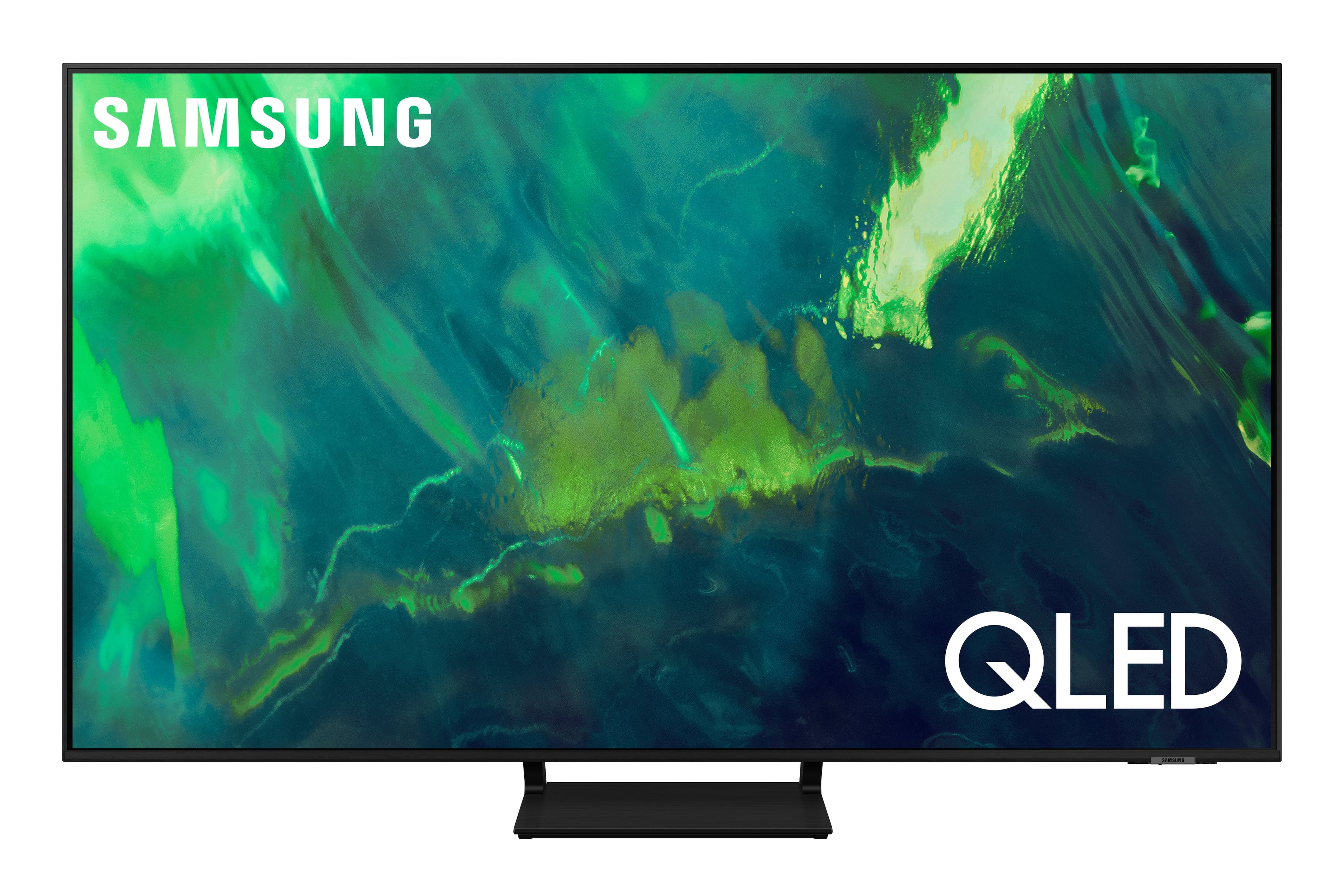
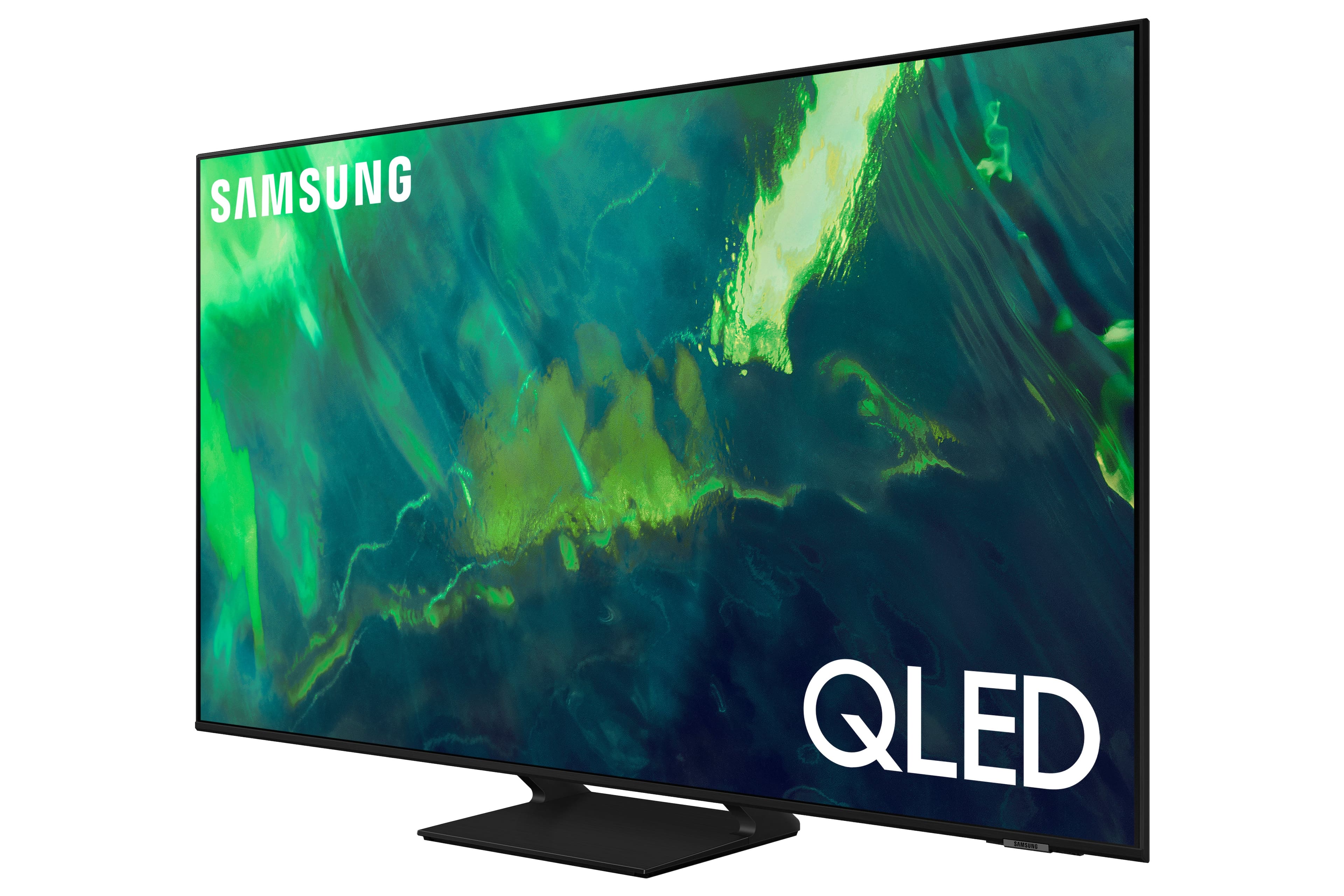


















- Model:
- QN65Q70AAFXZA
- SKU:
- 6451476
Rating by feature
- Picture Quality
Rating 4.8 out of 5 stars
- Sound Quality
Rating 4.4 out of 5 stars
- Brightness
Rating 4.8 out of 5 stars
Customers are saying
Customers enjoy the excellent picture quality, easy setup, and affordable price of the 65" Class Q70A Series QLED 4K UHD Smart Tizen TV. They appreciate the vibrant colors and find it to be a great TV for gaming. While some users have experienced minor issues like screen lines and clouding, overall, customers are pleased with their purchase.
This summary was generated by AI based on customer reviews.
Changing volume a problem
||Posted . Owned for 1 month when reviewed.This reviewer received promo considerations or sweepstakes entry for writing a review.Good tv with many functions i still need to familiarize myself with. Dont like the fact that controlling volume is a pain...no idea of the intensity you are changing to. Glad the Geek Squad told us that while adjusting there would be no volume and that it would take awhile to come back! Guess I am stuck with it.
No, I would not recommend this to a friendBrand response from Samsung
Posted .TVSmarterthanme,
Thank you for choosing Samsung's Q70A TV and for your review. So we can better understand the problems you are experiencing and provide you with troubleshooting assistance or warranty service, please contact Samsung Customer Support at 1-800-SAMSUNG (ask for TVs), available 8AM - 12AM EST, 7 days a week.
For additional support resources, visit us on the Samsung website and click on the ‘Support’ link in the upper right corner of the homepage for:
1) Chat with Us/Product Help: To begin a chat or find solutions, choose ‘TVs & Home Theater’ and select your model & topic.
2) Manuals, Software, & Warranty Info
We hope to hear from you.
~ Samsung Specialist
Good Buy
||Posted . Owned for 3 weeks when reviewed.This reviewer received promo considerations or sweepstakes entry for writing a review.Not a bad price. Enjoying it in our room. We love it.
I would recommend this to a friendgood for the value
||Posted . Owned for 6 months when reviewed.This reviewer received promo considerations or sweepstakes entry for writing a review.tha black background not as good like the sony for the price range.
I would recommend this to a friendBrand response from Samsung
Posted .Chiludo,
Thank you for sharing your thoughts on the picture quality of your Q70A TV. If the picture you are seeing out-of-the-box is not to your liking, there are several picture settings you may want to try adjusting.
You can select the Picture Mode that provides the best viewing experience. Go to Home > Settings > Picture > Picture Mode
1) Standard: Is the default mode suitable for general viewing environments.
2) Natural: Reduces eye strain for a comfortable viewing experience.
3) Movie: Is suitable for watching TV or movies in a dark room.
4) Dynamic: Makes the picture brighter and clearer in bright viewing environments.
5) Filmmaker Mode: You can watch the source content (e.g., movie) as it is. If the image is defined as Filmmaker Mode, it will automatically switch to Filmmaker Mode while watching.
You can also go to: Settings > Picture > Expert Settings > to manually fine tune your image.
For further assistance with settings adjustments, please contact Samsung Customer Support at 1-800-SAMSUNG, 8AM - 12AM EST, 7 days a week. Or visit us on the Samsung website and click on the ‘Support’ link for:
1) LiveChat
2) Manuals, Software, & Warranty Info
~ Samsung Specialist
Samsung - 65" Class Q70A
||Posted .This reviewer received promo considerations or sweepstakes entry for writing a review.Samsung - 65" Class Q70A Series QLED 4K UHD Smart Good
I would recommend this to a friendGood but not LG
||Posted . Owned for 1 month when reviewed.This reviewer received promo considerations or sweepstakes entry for writing a review.Its a decent tv if you dont want to spend the money on a superior LG oled.
I would recommend this to a friendGreat tv for what I needed
||Posted . Owned for 1 month when reviewed.This reviewer received promo considerations or sweepstakes entry for writing a review.I use it in my bedroom. Definitely a really nice tv. Never any issues with Samsung
I would recommend this to a friendTv
||Posted . Owned for 1 month when reviewed.This reviewer received promo considerations or sweepstakes entry for writing a review.Good TV. Fast app opening. Alexa works well. Measurements were spot on
I would recommend this to a friend- Pros mentioned:Picture quality
Bad customer service and poor build.
||Posted . Owned for 1 year when reviewed.This reviewer received promo considerations or sweepstakes entry for writing a review.The Picture quality at purchase was not an issue and I liked the tv. However, 10 days after the warranty was up I now have a green vertical line running down the center of the screen. Contacted Samsung and of course it’s out of warranty and they will not fix it for free. Ok that’s fair. They at first said they will find a repair place locally and get in touch with me after they found one. Then a week later informed me they would not and that they would no longer be helping me find a solution. Wow, thanks Samsung. I have 1k tv with a green line and no help from the manufacturer. Caution.
No, I would not recommend this to a friendBrand response from Samsung
Posted .Lowender,
Thank you for sharing your experience with Samsung’s Q70A TV. If your TV is out of the 1-year Manufacturer's Warranty, you can locate a service center in your area by following this link: https://www.samsung.com/us/support/service/locations/
If you need more help, Samsung is here for you. Please call us at 1-800-SAMSUNG, 8AM - 12AM EST, 7 days a week. Our LiveChat agents are also available by clicking on the ‘Support’ link on our website.
~ Samsung Specialist
Samsung tv
||Posted .This reviewer received promo considerations or sweepstakes entry for writing a review.So far we like our Samsung tv and sound bar a good product.
I would recommend this to a friendNeeds better picture.
||Posted . Owned for 4 months when reviewed.This reviewer received promo considerations or sweepstakes entry for writing a review.Very nice tv. Not setup for the best picture but still good.
No, I would not recommend this to a friendMy New TV
||Posted . Owned for 1 month when reviewed.This reviewer received promo considerations or sweepstakes entry for writing a review.This TV is perfect I love everything about the TV..I would recommend this TV..
I would recommend this to a friendSamsung tv
||Posted . Owned for 1 month when reviewed.This reviewer received promo considerations or sweepstakes entry for writing a review.Price a little higher than other stores. Salesperson was very helpful
I would recommend this to a friendTv samsung
||Posted .This reviewer received promo considerations or sweepstakes entry for writing a review.Its a good tv good quality and sharp video wuality
I would recommend this to a friendQLED
||Posted . Owned for 1 month when reviewed.This reviewer received promo considerations or sweepstakes entry for writing a review.Nice product bought from warehouse paid full price.
I would recommend this to a friendNO SERVICE SAMSUNG....
||Posted . Owned for 6 months when reviewed.This reviewer received promo considerations or sweepstakes entry for writing a review.The lights went out on 1/10/23. Best BUy won't fix/replace it cause I didn't buy EPP. Samsung is telling me I have no repair service in my area (NEWARK), Put in 2nd request. Never had a problem with any SAMSUNG till now.
No, I would not recommend this to a friendBrand response from Samsung
Posted .SamSAMSAM,
It’s unfortunate to hear of your experience with Samsung’s Q70A TV. Samsung is committed to providing the best possible product experience, quality, and value. We back this Samsung TV with a 1-year limited manufacturer's warranty, including authorized repair for manufacturer defect, if purchased brand-new directly from an authorized seller. You can see the full details of your warranty here: https://www.samsung.com/us/support/service/warranty/QN65Q70AAFXZA
Please give us the opportunity to assist you by contacting Samsung Customer Support at 1-800-SAMSUNG, 8AM - 12AM EST, 7 days a week. Our LiveChat agents are also available by clicking on the ‘Support’ link on our website.
~ Samsung Specialist
My tv
||Posted . Owned for 1 month when reviewed.This reviewer received promo considerations or sweepstakes entry for writing a review.Works well nice picture quality, I would recommend it.
I would recommend this to a friendToo many bells and whistles
||Posted .This reviewer received promo considerations or sweepstakes entry for writing a review.Too many things to learn when beginning to use this T V.
I would recommend this to a friendBrand response from Samsung
Posted .QuestionableBuy:
Thank you for your review of the 2021 Samsung Q70A TV. If you would like to try out some of the bells and whistles, you can view the embedded e-Manual that contains information about your TV's key features. You will also find step-by-step instructions on great features such as Multi View where you can watch what’s on your TV and your phone on the same screen at the same time and Tap View which allows you to mirror your phone on your TV with just a tap. The manual is available directly on your TV at: Settings > Support > Open e-Manual
It is also available online on the Samsung website in the Download Center.
Should you ever have questions or need help, you can reach us at 1-800-SAMSUNG (ask for TVs), available 8AM -12AM EST, 7 days a week. Or text HELP to 62913.
For additional support resources, visit us on the Samsung website and click on the ‘Support’ link in the upper right corner of the homepage for:
1) More ‘Contact Us’ options – LiveChat, Facebook, Twitter, Samsung Community, Samsung Members app
2) Manuals & Software
3) Warranty Info
4) Product Registration: For access to easy warranty support, convenient opt-in to special promos and offers, faster troubleshooting and service, and quick notification of system updates.
~ Samsung Solutions
- Pros mentioned:Picture quality
TV Clicks and Crackles (Poor Build Quality)
||Posted . Owned for 3 months when reviewed.This reviewer received promo considerations or sweepstakes entry for writing a review.The TV is beautiful. Great Picture. The one big problem I have with it is the clicking and crackling sound the TV makes from what I presume to be thermal expansion. It's extremely annoying and distracting
No, I would not recommend this to a friendBrand response from Samsung
Posted .ajklein45,
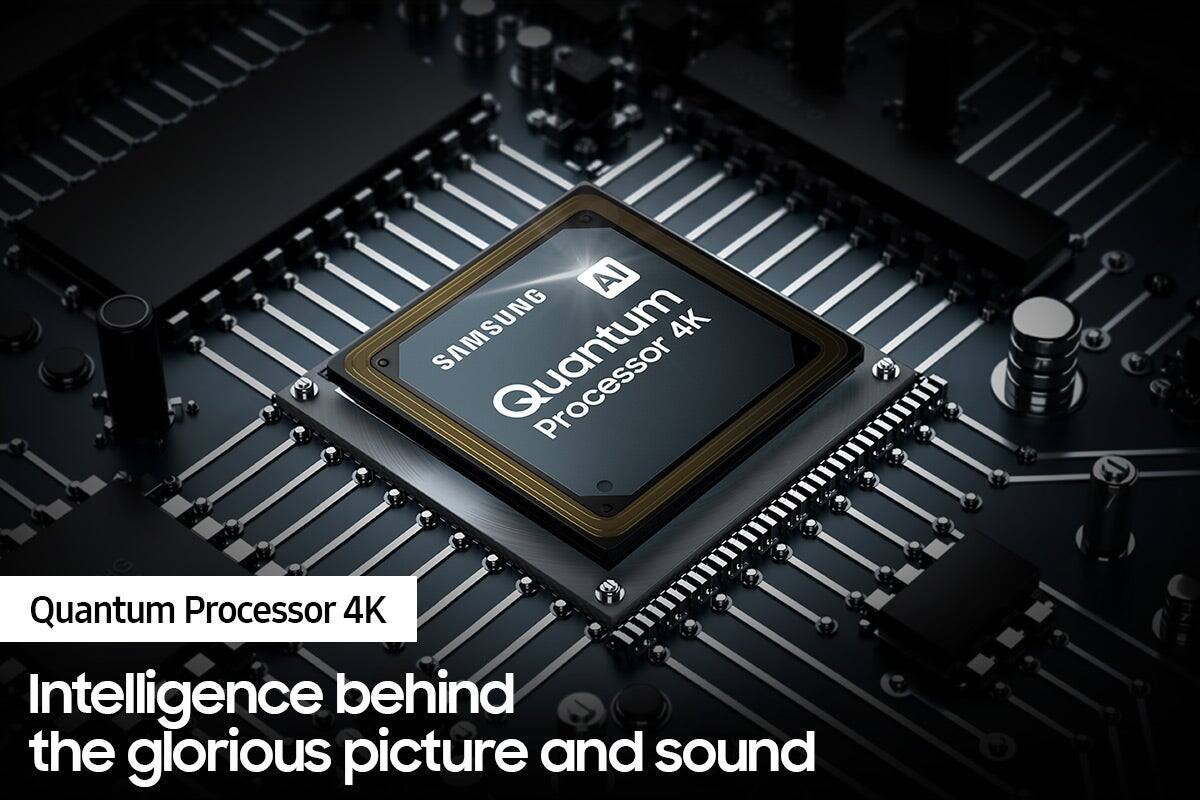
Thank you for purchasing the Samsung Q70A TV and for your review. Powered by machine learning, our most powerful 4K processor enhances picture from any source into crisp 4K action in each and every scene.
We appreciate your thoughts on the sounds you are hearing from your unit. Please know the expansion and contraction of the TV's outer casing may cause a popping noise. This does not indicate a product malfunction. The TV is safe to use.
Should you ever have questions or need help, please call us at 1-800-SAMSUNG (ask for TVs), available 8AM - 12AM EST, 7 days a week.
For additional support resources, visit us on the Samsung website and click on the ‘Support’ link in the upper right corner of the homepage for:
1) Contact Us: For additional Chat & Text options, choose ‘TVs & Home Theater’ and select your model & topic.
2) Manuals & Software
3) Warranty Info
4) Register a Product: For access to easy warranty support, convenient opt-in to special promos and offers, faster troubleshooting and service, and quick notification of system updates.
~ Samsung Specialist
Samsung 65"class Q70A
||Posted . Owned for 1 week when reviewed.This reviewer received promo considerations or sweepstakes entry for writing a review.The TV screen goes completely BLACK for 5-10 seconds. This is the 2nd of this model to do that. During the black screen you loose whatever program was playing. Very aggravating for a NEW $1000.00 TV.
No, I would not recommend this to a friendBrand response from Samsung
Posted .ovlr,
We appreciate you sharing your experience with Samsung's Q70A TV. If you've switched on your TV and the sound comes through fine, but you're not seeing any picture; there are 3 potential issues:
1. A connection issue; the most common problem. Where there is a bad connection, faulty cables or improper installation.
2. An issue with the device connected to the TV. There may be a video output setting on the device that you must set properly before it will output to the TV.
3. There's something wrong with the TV, which will require a technician to assess the TV and find a solution.
Please give us the opportunity to assist you by calling us at 1-800-SAMSUNG, 8AM - 12AM EST, 7 days a week. LiveChat with an agent as well as manuals, software, and warranty info can be found at the ‘Support’ link on our Samsung website.
We look forward to hearing from you!
~ Samsung Specialist
Samsung 70a is a flop.
||Posted . Owned for 3 weeks when reviewed.This reviewer received promo considerations or sweepstakes entry for writing a review.Screen appeared as if there were a film over it and the poor viewing angle info is correct. The colo was hatd to tune in with yellows hard to tone down. I returned this TV and will spend the extra for and LG C1 or a Sony A80j
No, I would not recommend this to a friendBrand response from Samsung
Posted .rtwtx,
I’m sorry to hear that the picture quality of Samsung’s Q70A TV was not on par with your expectations. We’re always here to help, and if given the chance, we could have assisted in providing image adjustments which may have improved your experience.
Should you ever decide to give Samsung TVs another try and have questions or need help with settings, setup, or features, please know we’re here to help. Call us at 1-800-SAMSUNG, 8AM - 12AM EST, 7 days a week.
LiveChat with an agent as well as manuals, software, and warranty info can be found at the ‘Support’ link on our Samsung website.
~ Samsung Specialist