Customer Ratings & Reviews

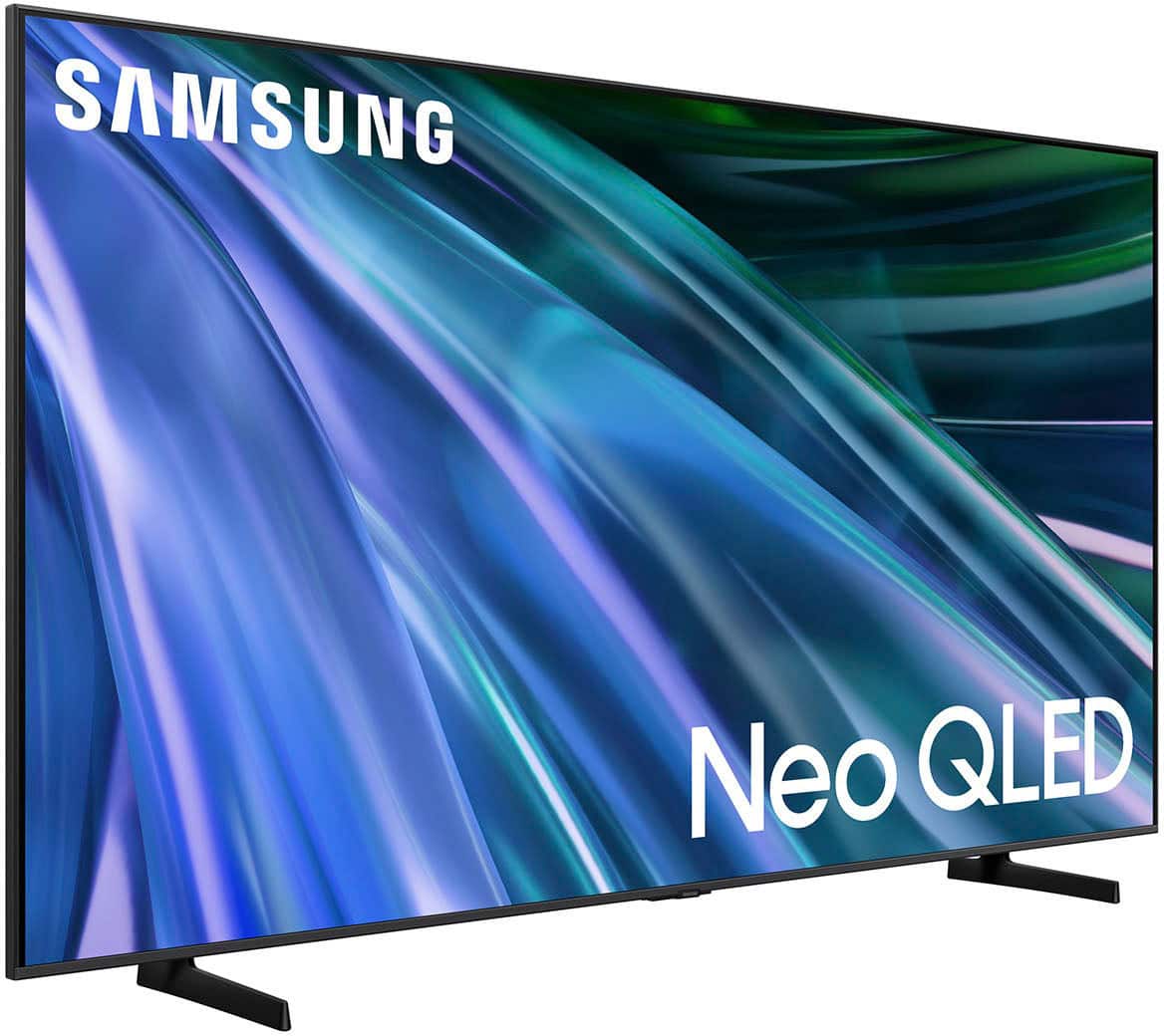
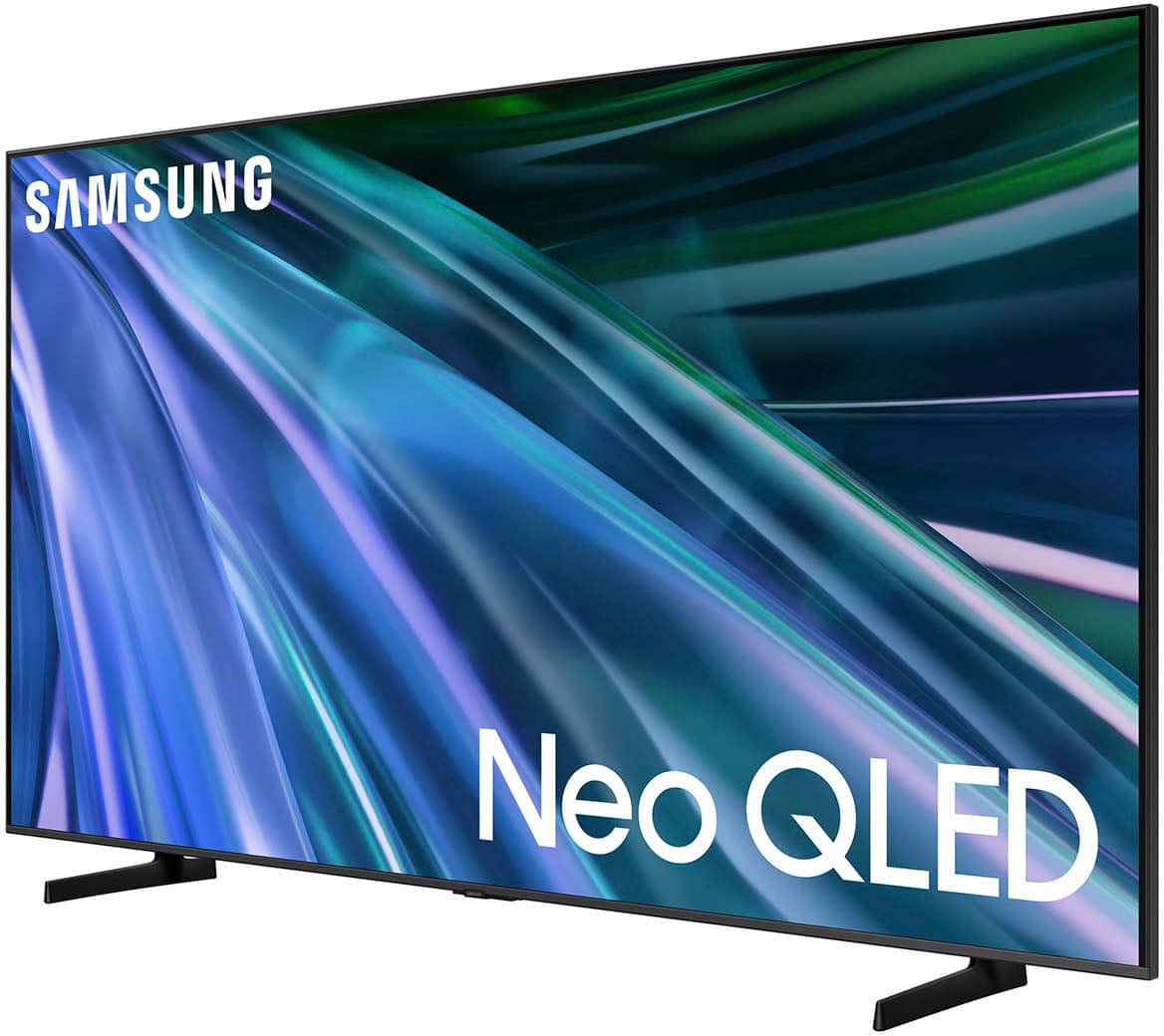
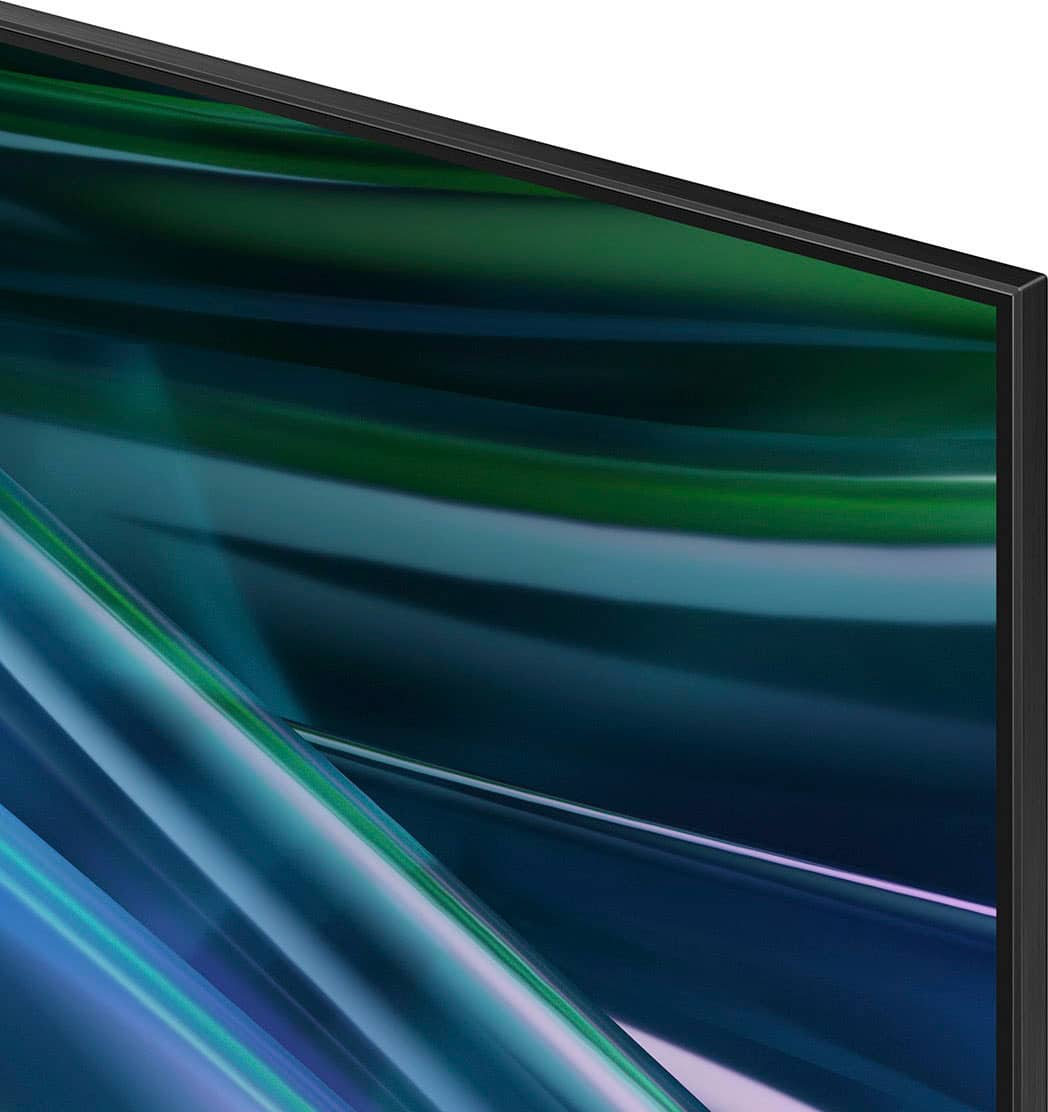



- Model:
- QN65QN80DBFXZA
- SKU:
- 6601436
Rating by feature
- Picture Quality
Rating 4.9 out of 5 stars
- Sound Quality
Rating 4.5 out of 5 stars
- Brightness
Rating 4.9 out of 5 stars
Customers are saying
Customers admire the excellent picture quality and color that this TV provides. They also appreciate how easy it is to use and set up, making it hassle-free to start enjoying. The amazing brightness and contrast, along with smooth frame rates, contribute to a great gaming experience. Overall, customers seem very satisfied with the TV's performance and user-friendliness.
This summary was generated by AI based on customer reviews.
Samsung
||Posted . Owned for 1 month when reviewed.This reviewer received promo considerations or sweepstakes entry for writing a review.Not as good as the old Samsung Q7f the old one had a better picture
I would recommend this to a friendpoor tv quality for the money
||Posted . Owned for 3 weeks when reviewed.This reviewer received promo considerations or sweepstakes entry for writing a review.I'm not satisfied with the quality for the money I paid. I plan to return this TV. The price is not equating with sharpness. I paid a thousand and I don't see the difference in a $500 tv. Will BB pick up and replace it?
No, I would not recommend this to a friendBrand response from Samsung
Posted .Brax,
We appreciate your thoughts on the picture quality of Samsung’s QN80D TV. If the image you’re seeing isn’t to your liking, there are several picture settings you may want to adjust.
Go to Home > left direction button > Settings > All Settings > Picture > Picture Mode
...and select the mode that best fits your usage:
1. Standard: Is the default mode suitable for general viewing environments
2. Dynamic: Makes the picture brighter and clearer in bright viewing environments
3. Eco: Provided to save energy
4. Movie: Suitable for watching TV or movies in a dark room
5. Filmmaker Mode: Provides source content just as the creators intended. If the image is defined as Filmmaker Mode, it’ll automatically switch to Filmmaker Mode while watching.
You can also fine-tune your picture with expert settings such as brightness, contrast, sharpness and more (All Settings > Picture > Expert Settings).
For further assistance with settings adjustments, please contact Samsung Customer Support at 1-800-SAMSUNG, 8AM - 12AM EST, 7 days a week. Or visit us on the Samsung website and click on the ‘Support’ link for:
• LiveChat
• Manuals, Software, & Warranty Info
~ Samsung Specialist
Sound problem from day one
||Posted . Owned for 1 month when reviewed.This reviewer received promo considerations or sweepstakes entry for writing a review.Poor sound quality from day of installation. There is now no sound at all. I need the geek squad!
No, I would not recommend this to a friendBrand response from Samsung
Posted .ReginaB,
We appreciate you taking the time to let us know about your experience with your QN80D TV. So that we can better troubleshoot this issue and provide steps towards a solution, please contact Samsung Support at 1-800-SAMSUNG, 8AM - 12AM EST, 7 days a week. Our LiveChat agents are also available by clicking on the ‘Support’ link on our website.
~ Samsung Specialist
- Pros mentioned:Gaming performance, Picture quality
Tv review after 2 years
Posted .This reviewer received promo considerations or sweepstakes entry for writing a review.Ive had this tv around 2 years now. Only downside is its super thin so you have to be really careful when hanging it. The box wasn't layed flat upon delivery so my original one was damaged out of the box. But other than having to be SUPER careful when setting it up, its absolutely amusing!!!! 110% worth the buy. Im big into motorsports and when watching anything racing i can literally see the seams in the track where they have sealed the asphalt together at some tracks. It also has a special gaming mode that turns on automatically that cranks the performance up on the tv. I paired this tv with the klipsch surround sound system and basically have a movie theater at home now.
I would recommend this to a friend - Pros mentioned:Brightness, Picture quality
Can't beat it for the price!
Posted .This reviewer received promo considerations or sweepstakes entry for writing a review.I looked for several weeks before deciding to purchase the Samsung Neo QLED. I'm assuming that the $1,099 is an actually "sale" price, but with Black Friday pricing, you never know. Regardless, for the price and quality of this picture, there's nothing that comes close. The brightness and contrast is amazing at this price point. I used my same bracket to mount it on and the screws for this TV are WAY shorter than my old TV. Insignia has a TV wall mount hardware kit that I'm going to go purchase to properly secure it. I couldn't be happier with this TV!
I would recommend this to a friend - Pros mentioned:Picture quality
Dazzling TV. Better Than OLED.
Posted .This reviewer received promo considerations or sweepstakes entry for writing a review.Had a Vizio full-array backlit LED TV for a LONG time and it was great, so I'm familiar with this type of TV. Tried an LG C3 OLED TV last year and it was awful! Sent it back. Turned me off of OLED TVs entirely. So when my trusty Vizio died, I bought this Samsung QN80D for a great price, and have been delighted! With a good streaming service like Hallmark+, this TV displays extremely sharp images with smooth motion and excellent contrast. Also plays large 4K video files from a thumb drive perfectly. It is the best TV I have ever seen and I am picky. Also have an 86" LG QNED mini-LED (at another house) and this Samsung is vastly superior. Honestly didn't see any difference between the QN80D, QN85D, and QN90D models. Sound is a little weak. Get a sound bar.
I would recommend this to a friend Moving on from Bestbuy
Posted .This reviewer received promo considerations or sweepstakes entry for writing a review.Unfortunatly, the TV had sound issues. When I called the local store number for support, instead, I got someone else after waiting on the phone awhile. That person was no help. I called the local store once more with the same result. This time, the person was very helpful and walked me through reset of the TV and the sound came back. After a couple of days, the same problem again and I did the reset process once more and it worked. Great, except I am not going to unplug this brand new TV every time it decides not to work. My next call to the local store, again took me somewhere else. This person did not want to listen to me. Told me to take the TV back for replacement. I asked if they could make a note on my account so I would not have to go through all this again at the store? They said to "just take it back," So there was stress that I could not coordinate with the local store I was coming. I had to pull the TV off the wall and load it up and hope the employee at the store would work with me on this. Fortunately, the return was easy, but because I could not even call the local store for support, I decided I don't want to do business with Bestbuy. I got my money back and shopped elsewhere.
No, I would not recommend this to a friendBrand response from Samsung
Posted .PaulC,
It’s unfortunate to hear of the issues that have caused you to return your TV. Your experience is very important to us and will be shared with our product team.
Should you ever decide to give Samsung TVs another try and have questions or need help with settings, setup, or features, please know we’re here to help. Call us at 1-800-SAMSUNG, 8AM - 12AM EST, 7 days a week.
LiveChat with an agent as well as manuals, software, and warranty info can be found at the ‘Support’ link on our Samsung website.
~ Samsung Specialist