Customer Ratings & Reviews

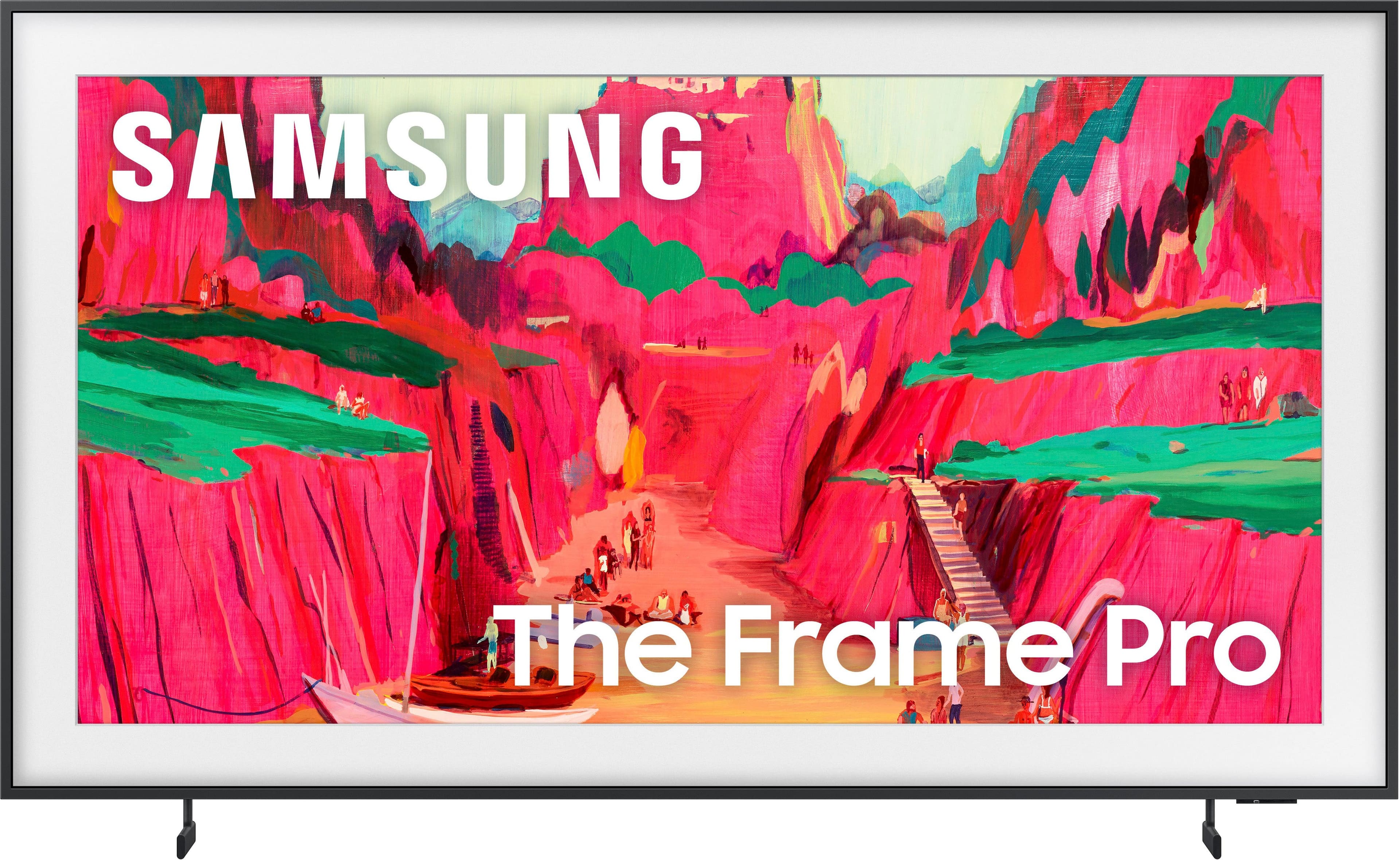
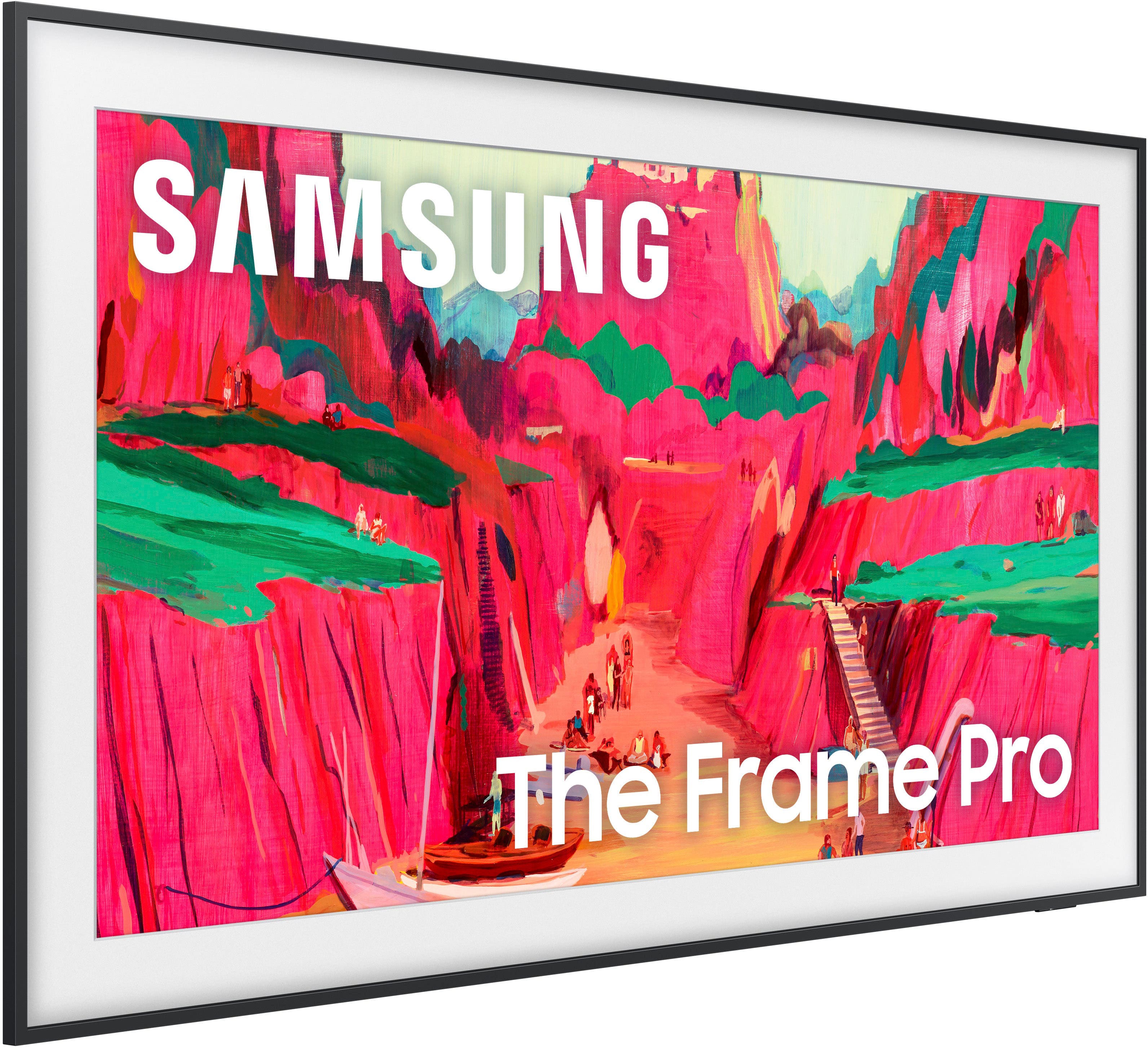
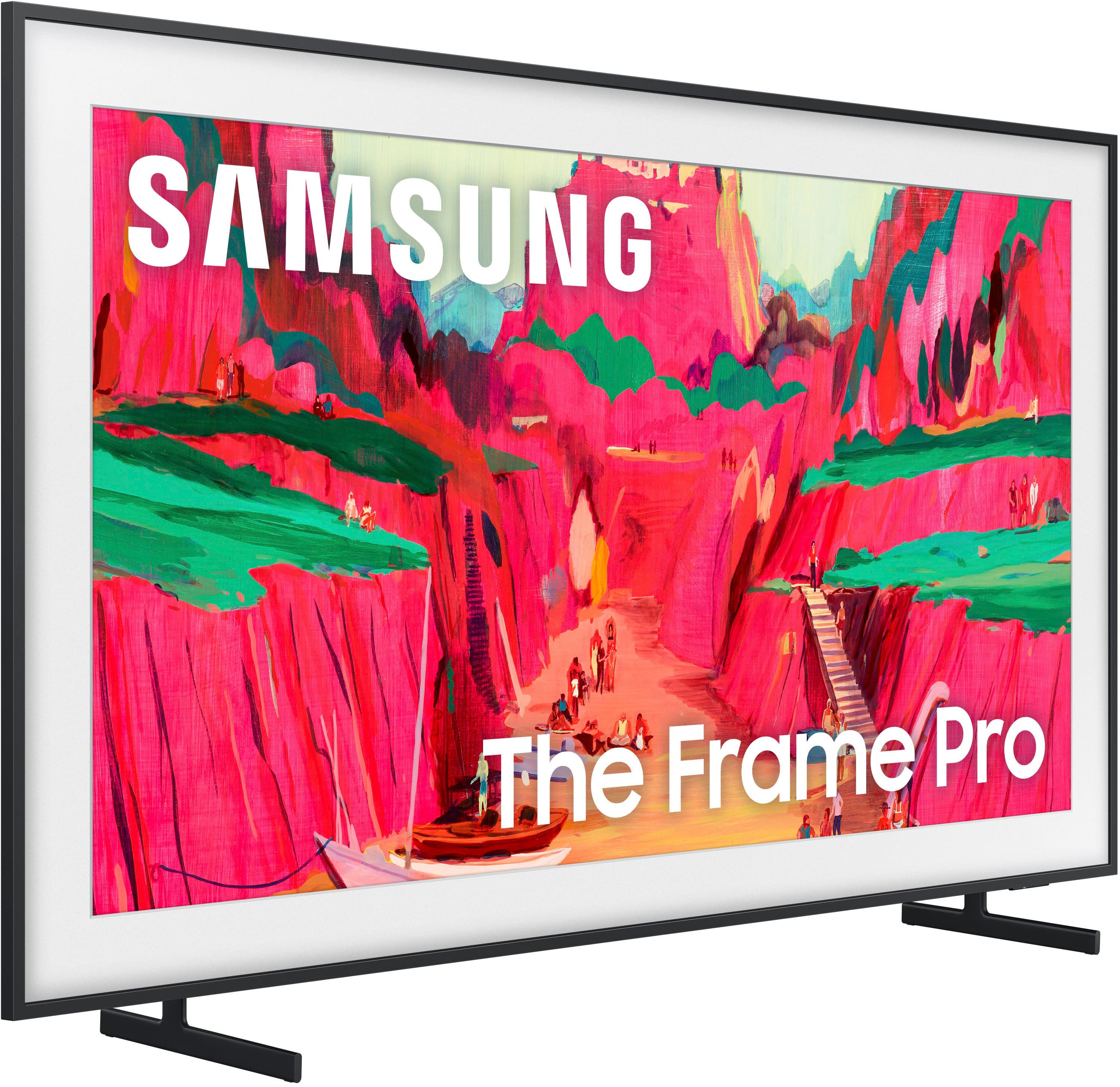
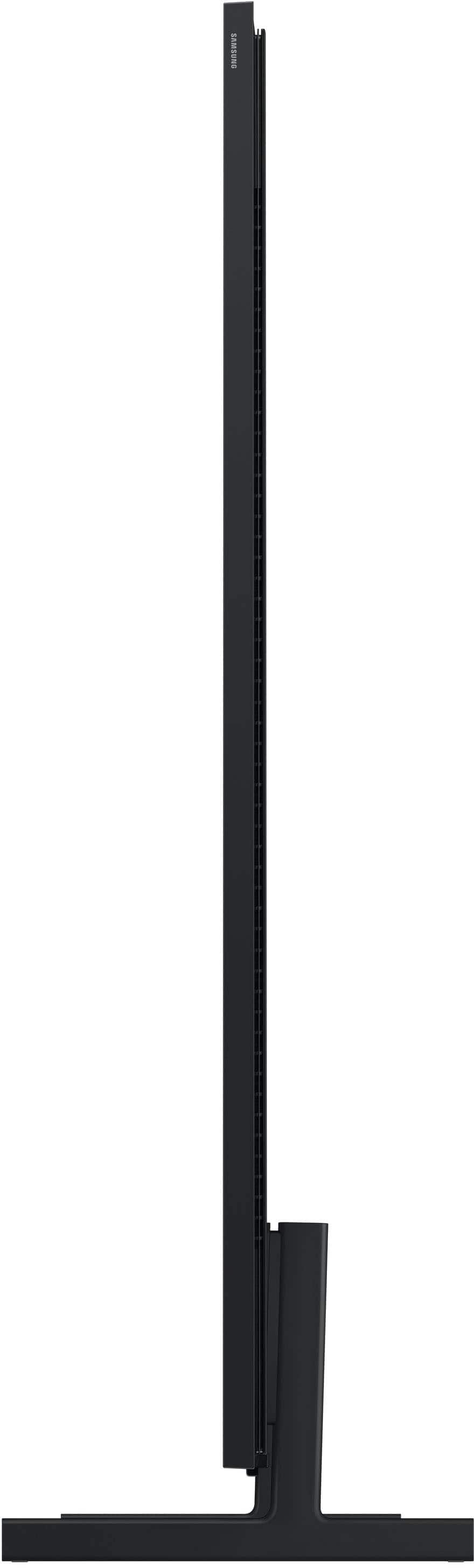








- Model:
- QN75LS03FWFXZA
- SKU:
- 10214308
Rating by feature
- Picture Quality
Rating 4.7 out of 5 stars
- Sound Quality
Rating 4.4 out of 5 stars
- Brightness
Rating 4.7 out of 5 stars
great buy
||Posted . Owned for 1 month when reviewed.This reviewer received promo considerations or sweepstakes entry for writing a review.great quality of picture and sounds. Looks beautiful.
I would recommend this to a friend100% Satisfied
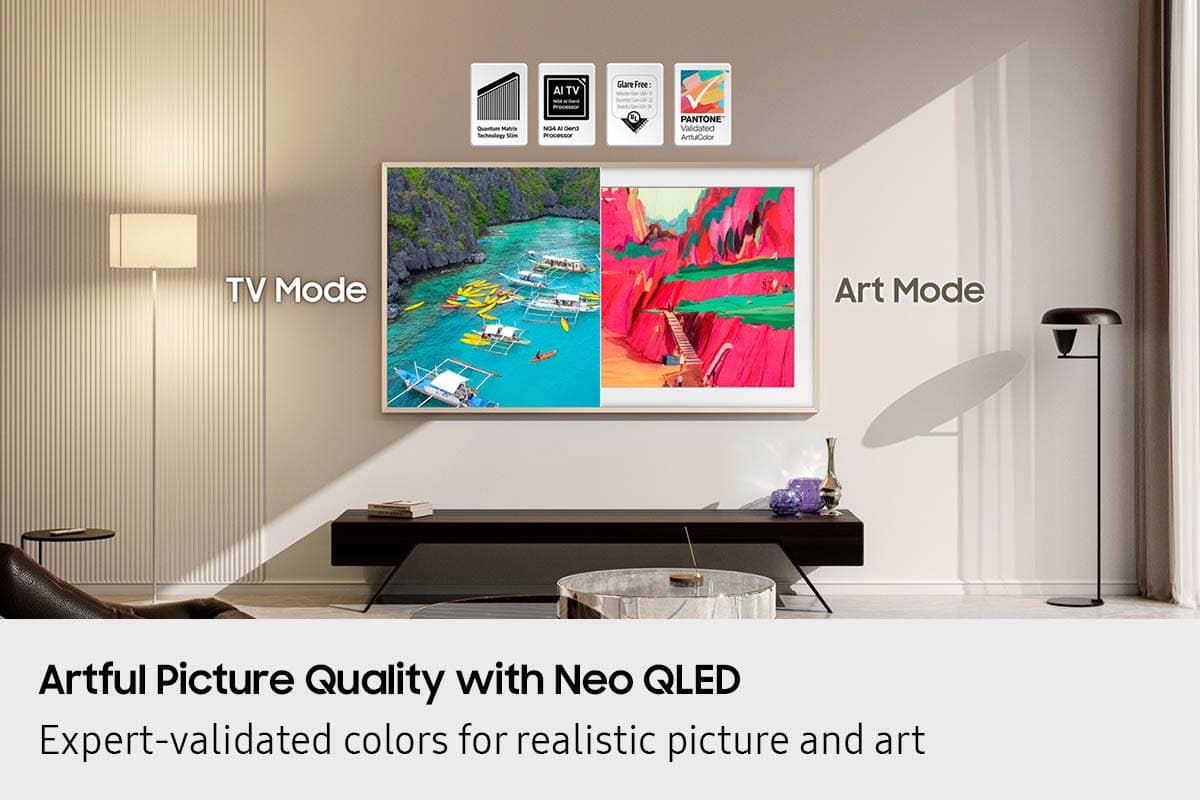
||Posted . Owned for 1 month when reviewed.This reviewer received promo considerations or sweepstakes entry for writing a review.Stunning 4K, art mode shines, sleek design. Strongly recommend
I would recommend this to a friendSamsung Frame Pro Thoughts
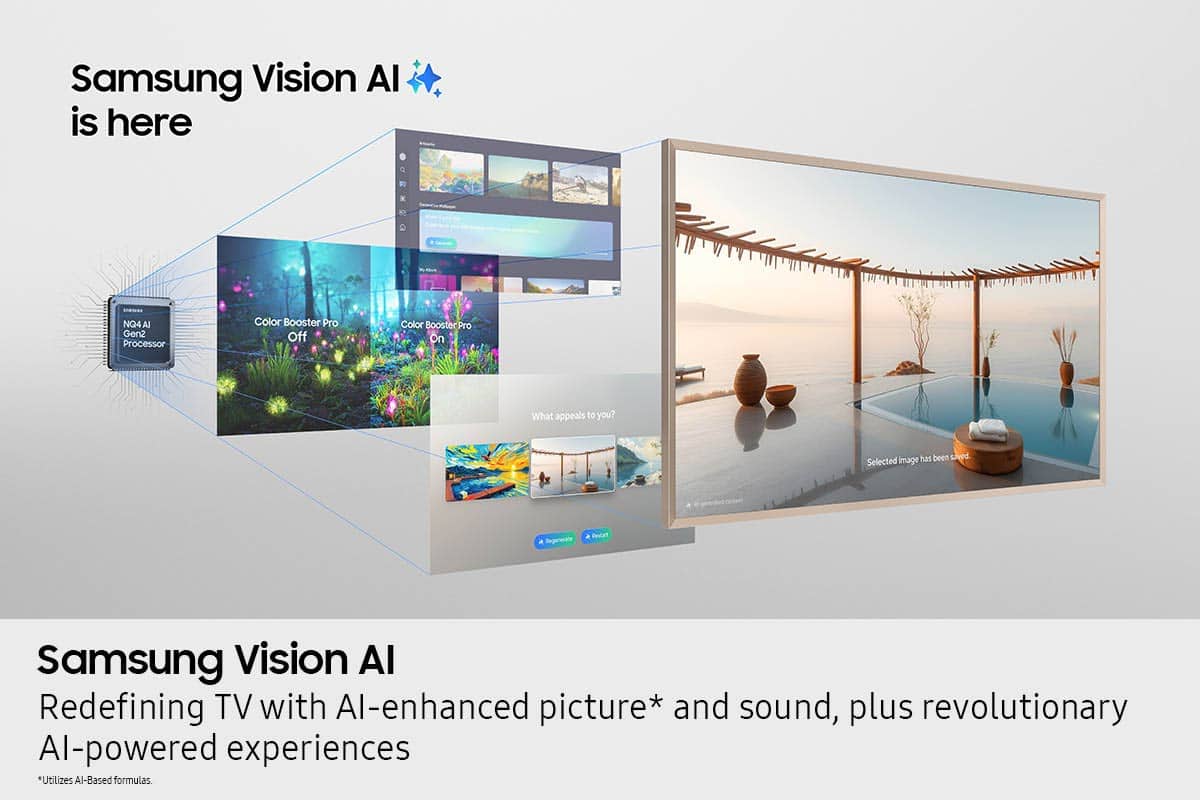
||Posted . Owned for 1 week when reviewed.This reviewer received promo considerations or sweepstakes entry for writing a review.After having the TV for about a week I can confidently say this is the best Tv I have owned in terms of picture quality and aesthetics.
I would recommend this to a friendFrame that is a TV
||Posted .This reviewer received promo considerations or sweepstakes entry for writing a review.I like it. It looks great on the wall if you’re able to get a professional electrician to install it. Otherwise it loses its purpose of being a frame. Resolution is ok. It’s not like the OLEDs but if you’re looking at this TV it should be because you want it to compliment your area as a fancy frame against the wall
I would recommend this to a friendNo-brainer!
||Posted . Owned for 1 week when reviewed.This reviewer received promo considerations or sweepstakes entry for writing a review.What a fantastic TV! No problems whatsoever after updating the OS to the latest version. Also, the non-reflecting display is impressive. Samsung gives a 3-month trial period for all the art. The art looks very very realistic... the only downside is the sound, you really need a sounder or something. In our opinion this is to be expected when the TV is this thin and of this quality!
I would recommend this to a friendTalk to me in 5 years.
||Posted . Owned for 1 month when reviewed.This reviewer received promo considerations or sweepstakes entry for writing a review.Satisfied thus far. Of course, the proof of the product can only be determined how long after 5 years that the product will last. Aesthetically, it looks better than any other tvs because other tvs don’t look like a framed painting on your wall.
I would recommend this to a friendstanbo
||Posted . Owned for 1 month when reviewed.This reviewer received promo considerations or sweepstakes entry for writing a review.crystal clear viewing!! looks perfect hanging on the wall. installation efficeint.
I would recommend this to a friendGreat picture
||Posted . Owned for 2 months when reviewed.This reviewer received promo considerations or sweepstakes entry for writing a review.Picture is clear and bright and live bebg anle tomadd personal photos.
I would recommend this to a friendFrame TV
||Posted . Owned for 1 month when reviewed.This reviewer received promo considerations or sweepstakes entry for writing a review.The tv is great. Unfortunately although sales told me that the Geek Squad would be able to hide the wires in the wall, the techs were not able to do so. We now have crazy amount of wires showing below the wall mounted tv.
No, I would not recommend this to a friendHome run.
||Posted . Owned for less than 1 week when reviewed.This reviewer received promo considerations or sweepstakes entry for writing a review.Would buy again in a heartbeat. Samsung possesses alien technology to counter glare while delivering superb images.
I would recommend this to a friendConnect One Box is terrible
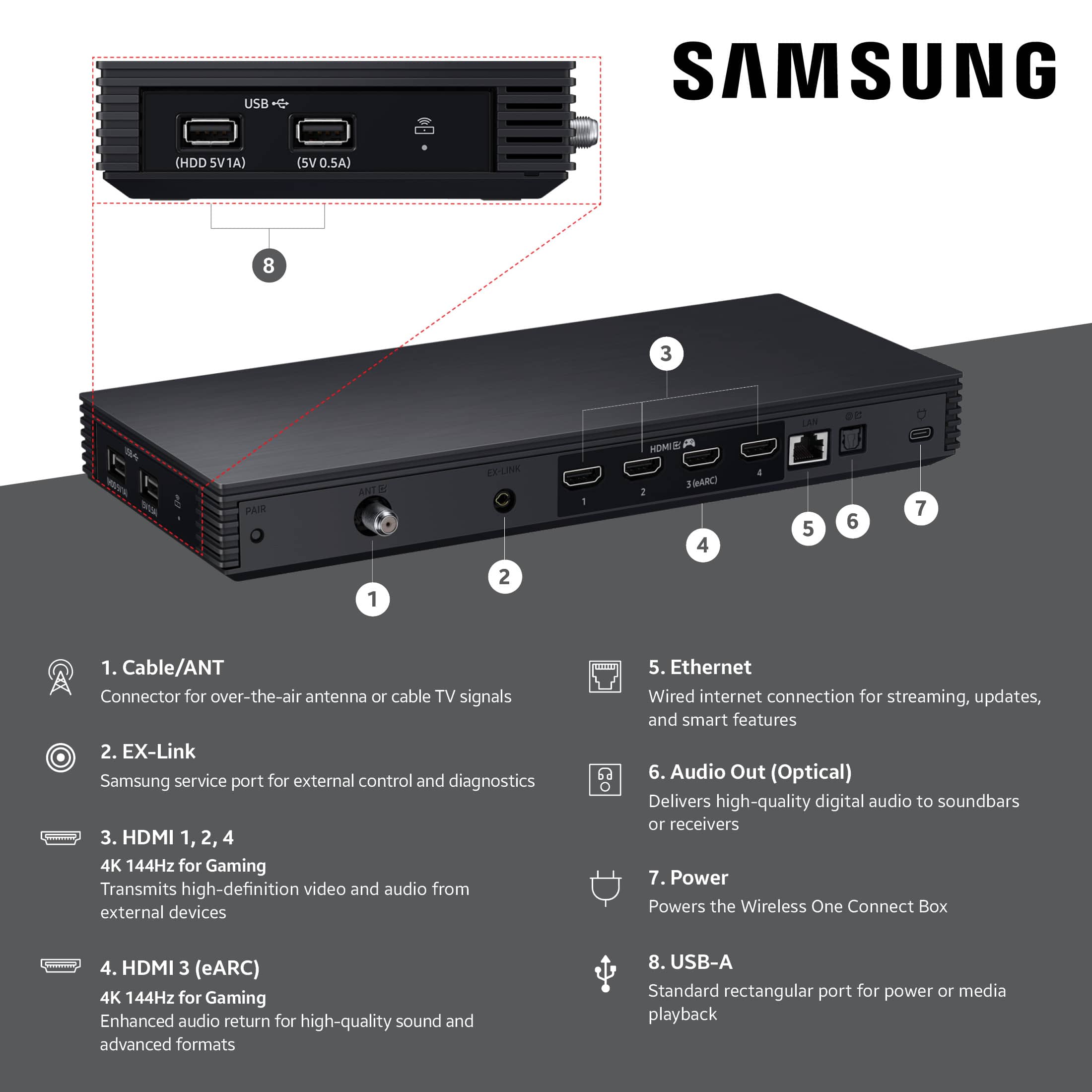
||Posted . Owned for 4 months when reviewed.This reviewer received promo considerations or sweepstakes entry for writing a review.Samsung's Frame TV Connect One "wireless" box is questionable at best. Brand new expensive Frame tv having issues connecting is not how you want to start with a new TV. My Connect one box is less than five feet from the tv itself. We could not put the wired box in again behind the tv like we did for our previous Samsung Frame tv so we opted for the wireless option with the pro for a new home/new location. The Connect one box failed to connect out of the gate. Samsung sent a replacement Connect one box and as it does connect, it constantly has weak connection, is laggy/freezing or simply put, it loses connection altogether. Very disappointed with this purchase and this is our third Samsung Frame TV. Clearly the pro series is not worth the money or hassle of daily reconnection that is occurring for me currently.
No, I would not recommend this to a friendBrand response from Samsung
Posted .HarrisonBP,
Thank you for bringing your concerns to our attention. We encourage you to reach out to us again so we can take a closer look, further diagnose the issue, and provide additional support.
At your earliest convenience, please call Samsung Support at 1-800-SAMSUNG, available 8AM – 12AM EST, 7 days a week. You can also reach us via LiveChat by visiting the ‘Support’ link on our website.
~ Samsung Specialist
75inch frame tv
||Posted . Owned for 2 weeks when reviewed.This reviewer received promo considerations or sweepstakes entry for writing a review.Looks great, but have had issues with certain type of shows coming in choppy-
I would recommend this to a friendThe Frame Pro 75" TV
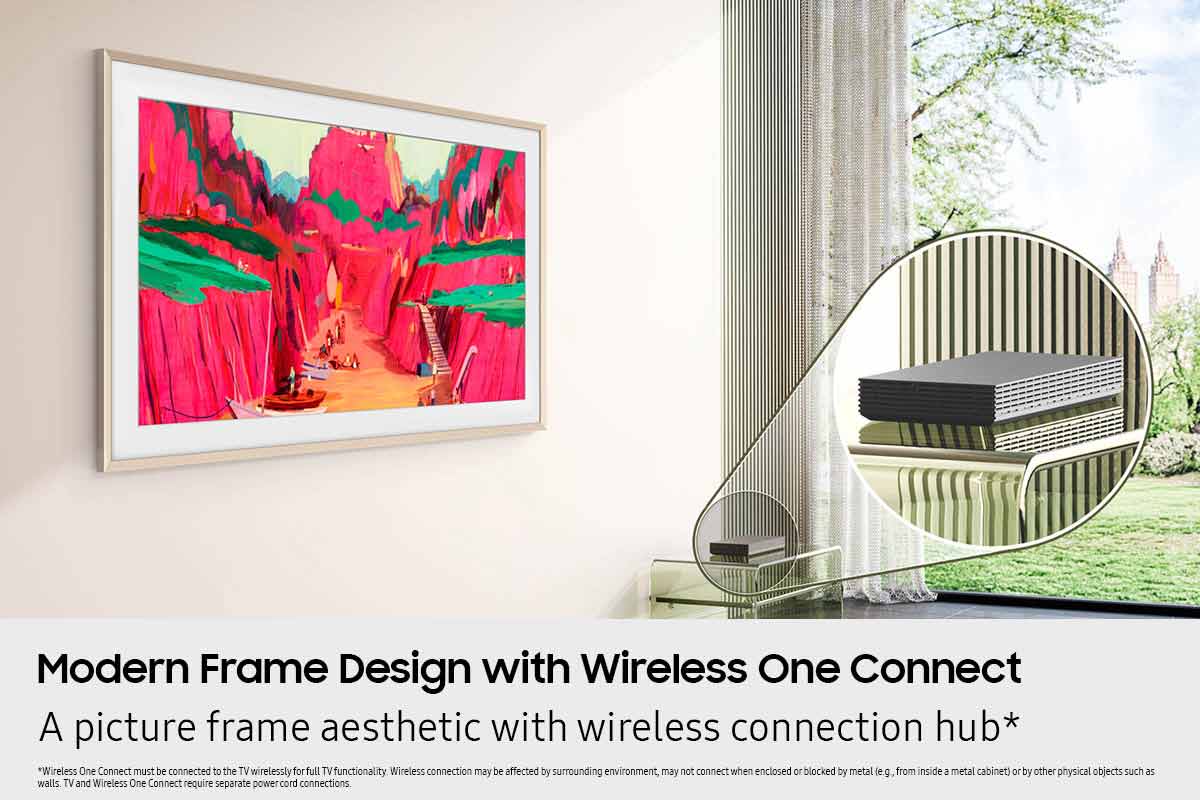
||Posted . Owned for 1 month when reviewed.This reviewer received promo considerations or sweepstakes entry for writing a review.Frame Pro 75" TV....so far (have had it only a few weeks) seems to be a very good tv. The anti-glare feature is critical for us as we have a lot of sunlight that comes in the room from different angles throughout the day. It works very well! Am concerned of the remote wireless streaming box that is detached from the tv to allow the flat install for a picture type view. We'll see if this is reliable in time. I have to have it as we have the Arc Ultra Soundbar.
I would recommend this to a friendTv Review
||Posted .This reviewer received promo considerations or sweepstakes entry for writing a review.Got our new Samsung 75” Frame Pro up and running. We really enjoy the picture quality and the capability to show photographs and art is awesome
I would recommend this to a friendArt Work on The Wall
||Posted . Owned for 3 weeks when reviewed.This reviewer received promo considerations or sweepstakes entry for writing a review.This is my third Frame TV and I really love how it changes the room to an art studio. Now this TV isn't a Sony 95 series however it is excellent for its purpose.
I would recommend this to a friendGame Changer
||Posted . Owned for 1 month when reviewed.This reviewer received promo considerations or sweepstakes entry for writing a review.This television is a game changer. Thee television sits flush and the amount of functions are incredible.
I would recommend this to a friendgreat picture tv
||Posted . Owned for 1 month when reviewed.This reviewer received promo considerations or sweepstakes entry for writing a review.great TV, look exactly like picture, fooled all my friends when they visited my house.
I would recommend this to a friendGreat Picture
||Posted . Owned for 1 month when reviewed.This reviewer received promo considerations or sweepstakes entry for writing a review.Great picture and Sound. Easy setup. Great for sports.
I would recommend this to a friendFrame tv from sam
||Posted . Owned for 3 months when reviewed.This reviewer received promo considerations or sweepstakes entry for writing a review.I love my tv great unit easy to use and the art wow fantastic
I would recommend this to a friendDebating the value
||Posted . Owned for 1 month when reviewed.This reviewer received promo considerations or sweepstakes entry for writing a review.Great picture quality. Have not figured out all the stuff related to the picture frame and uploading pics to it. Might not be worth the money for the extra features.
I would recommend this to a friend